Shapeoko 3XXL
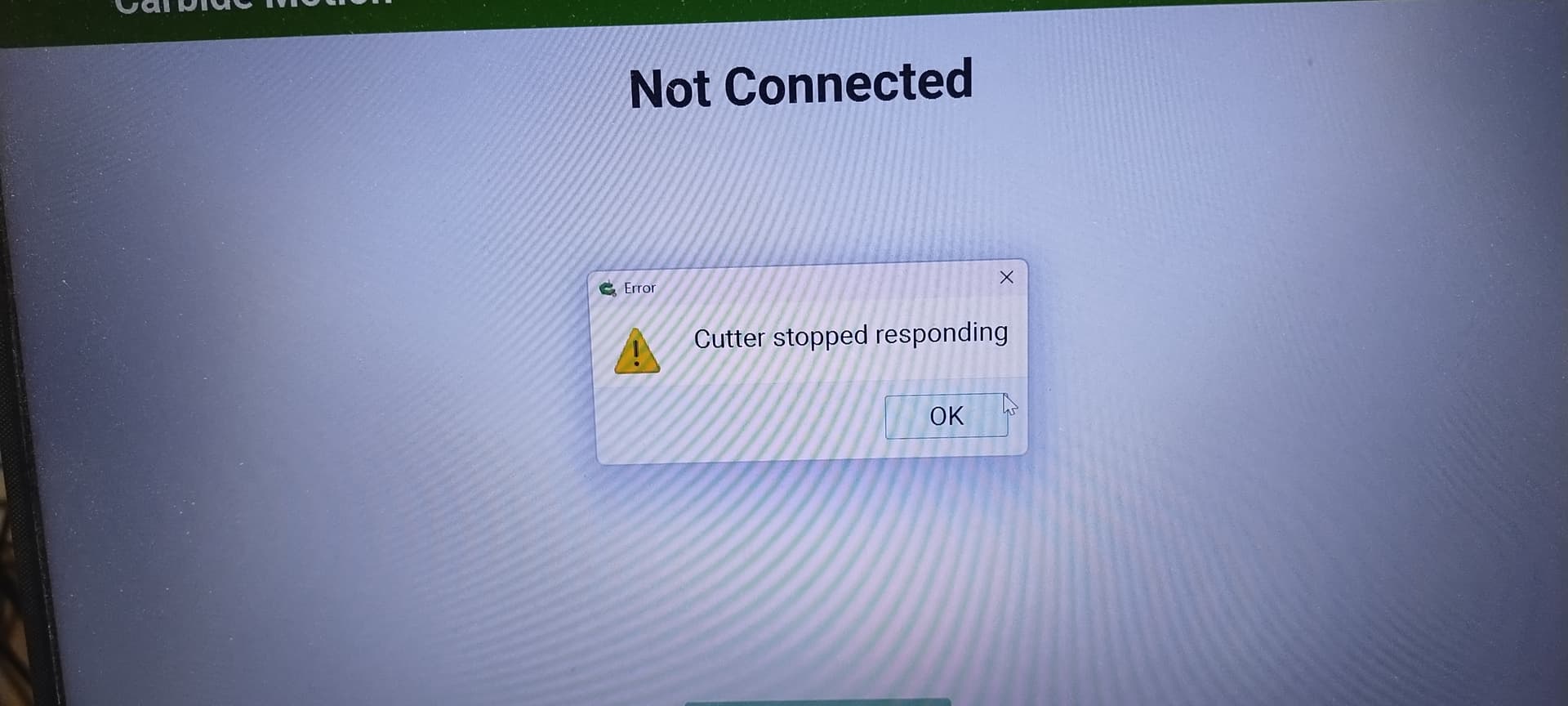
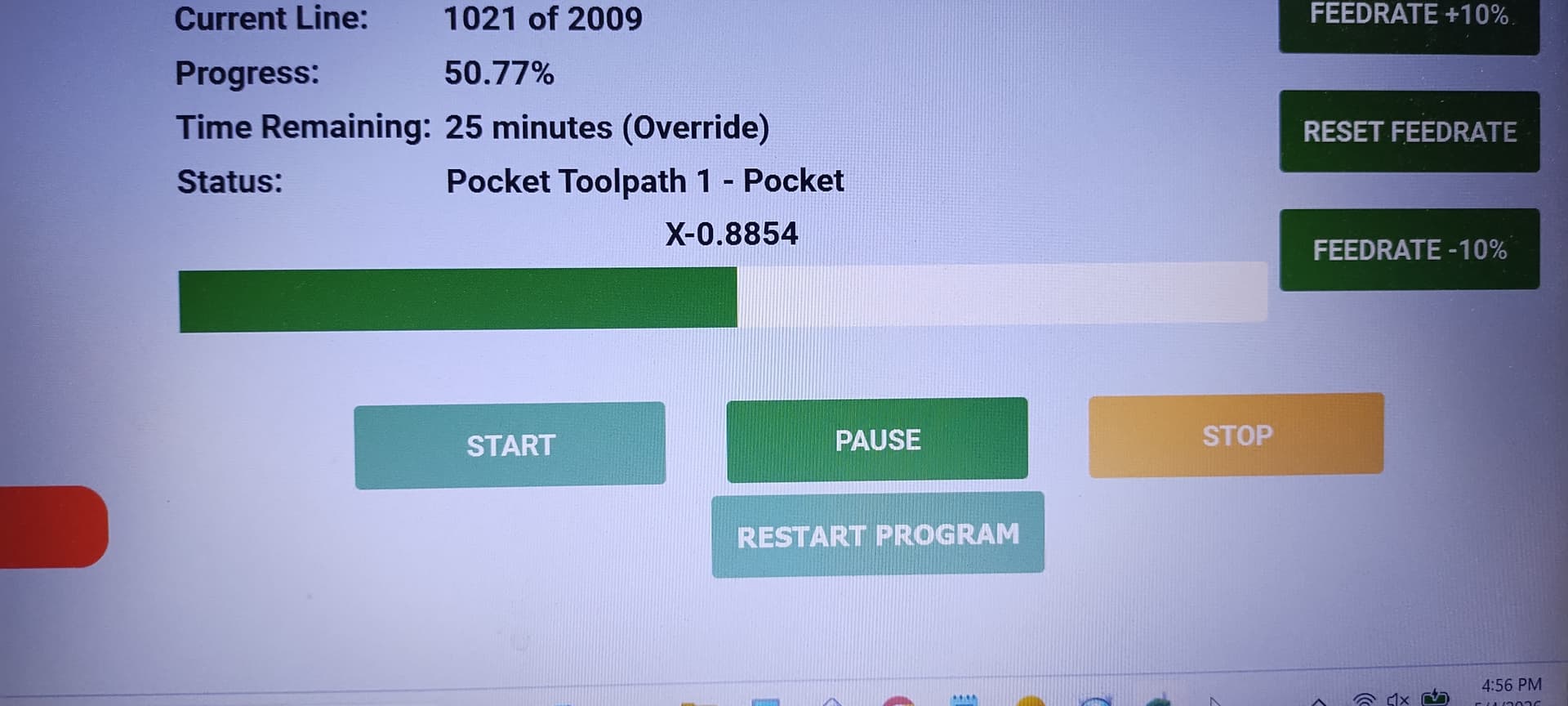
Anyone know why I am getting this message and if there is anyway to save the job it stopped on or pick up where it left off?
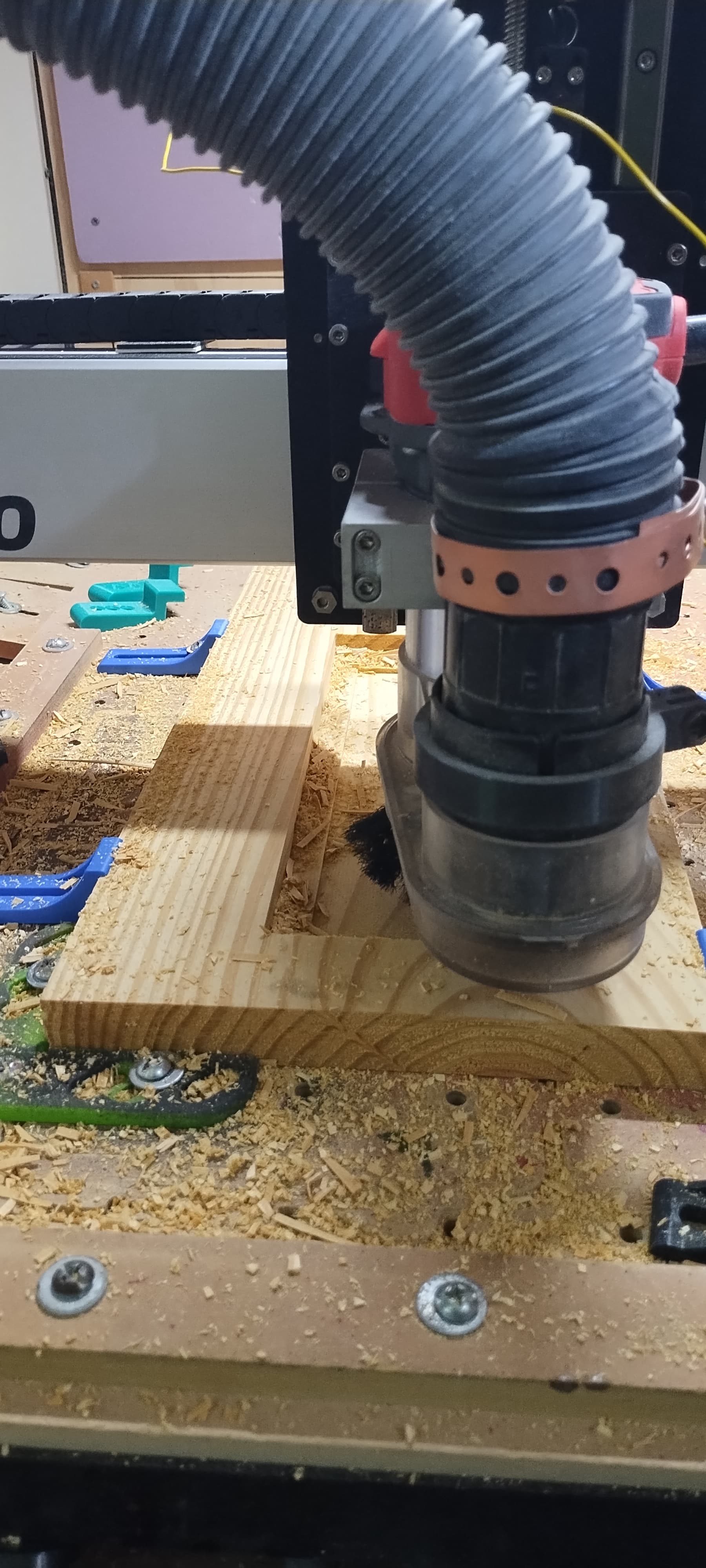
Damn man this is like the second time. Im thinking Static? It was running fine and after i emptied my saw dust bucket, turned the vac back on, ran for a minute or three then this message. Not the most important project in the world for me, but still…takes the damn air out of me ya know! Goodness!
I had this for 2 differents reason.
1- My USB cable was not of good quality
2- I was trying to do something else on my computer. (YouTube) It was not a powerfull computer. Not enough memory (4 mb). I change it for a Dell with 8MB. No more problem.
Mind elaborating on what you mean by this or how it works please sir? because in my mind, “restart” sounds like …yea, Ima have to Restart from the beginning and do all that cutting over?
Ok i see it “while” a job is running but if the “cutter stopped reaponding” message appears, i think that whole run page is gone, therefore I couldnt have hit it anyway
This is probably not helpful because of the expense involved but my static/EMI problems went away when I went from a router to the Carbide3D 65mm spindle. I tried grounding and anti-static vacuum hoses without success.
Hey I appreciate you all the same. As you may can see I “attempted” to do some kind of grounding, but when I turn on the vac and hold my arm at the hose, there’s still static, so I think it’s good to say, what I have whipped up is pretty much redundant lol. I gotta figure out “something” having that happen during an actual project would have probably upset me, but since it’s just something I’m testing out, I’m over it now. Last time I looked at a spindle, I think I almost had a slight heart attack lol. I will need to work with what I have first, bring in some revenue “then” I could probably justify a purchase like that. For now…I guess it is what it is, unless I can figure out some other hose setup
Teddy, grounding is tricky.
I zeroed my device some years ago. Anti-static hoses. Anti-static dust cyclone (on the label). Fine. Still once in a while one of these interruptions. The controller board is sensitive to static/EMI, one would wish that could be better, but it is as it is. AND: we do not know if any other device would be better.
Now I had to cut some poly resin pieces, still have. Had to restart several times per piece!
Lessons learned:
-grounding and zeroing are not the same. Less unimportant than one might think. Avoid grounding / zeroing loops
-Use a high ohm resistor to ground: if directly connected the sparkling high currents produce high magnetic fields what in turn induce high voltage in nearby boards. Hence a 1MOhm resistor of at least 1W highly recommended.
-do not trust the labels. Measure. I even experienced these microshocks when using the plain hose for vacuuming the stock (over the cyclone), and at the cyclone too. The Oneida was labeled as antistatic, clearly was not. Changed it to one made of black plastic, now for several days all goes fine with my plastic stuff.
I am neither a trained electrical specialist nor woodworker. I have to learn everything by trial and -more importantly- error. Sucks. Costs tools and fingertips. Luckily I take goggles always, so it did not cost me an eye. I use a saw stop table saw, saved me a finger already.
Youtube is excellent for learning: they all show you all the shiny wonderful projects they can make, and how to sharpen chisels, and how to use a manual planer. No one shows you how NOT! to sharpen a chisel, how NOT to use a planer, and what exactly went wrong with their project until it became the brilliant design! Once I found one video mentioning on the side that his thing, a tool organizer, needed 36 3d prints before it was useful. 36!, he showed some iterations on his way.
I bought a used Shapeoko Pro XXL, it has a Makita RT 07001C router. I saw it work before I bought it and brought it to my shop. I’m getting random disconnects. I read thru the fixes and suspected static. I changed the brushes on my router, and grounded my vacuum and cyclone separator system. I still get random disconnects that also clear the loaded program. The router stays running and only stops when I click Connect to Machine. At that point it sometimes connects and prompts for a new program load. If I click STOP to park it, it immediately disconnects. It will, however do an Initialize routine without disconnecting. The only way I can reliably reconnect is cycling the power using the power switch on the frame. I have tried various runs without the vacuum system, with the Makita turned off, with the vacuum connected and the router on. All provide the same result - random disconnects. I checked all the grounding connections I could find- all seem solid. I did not take the cover off the control board box yet, but that is where I suspect the problem is. I’m an electronics tech, so that is no big deal. Before I do tho, I’d like to know if anyone has had a similar problem and what the solution was.
Thanks
I found with my setup that having my laptop and my Pro XXL on separate electrical circuits helped a lot. I haven’t had a disconnect since I discovered that.
Update: I found the source of the interference - two bare strings of LED lights I was using in my display area. Even though the power supplies have ferrite bead suppressors on the power cords, it isn’t enough.