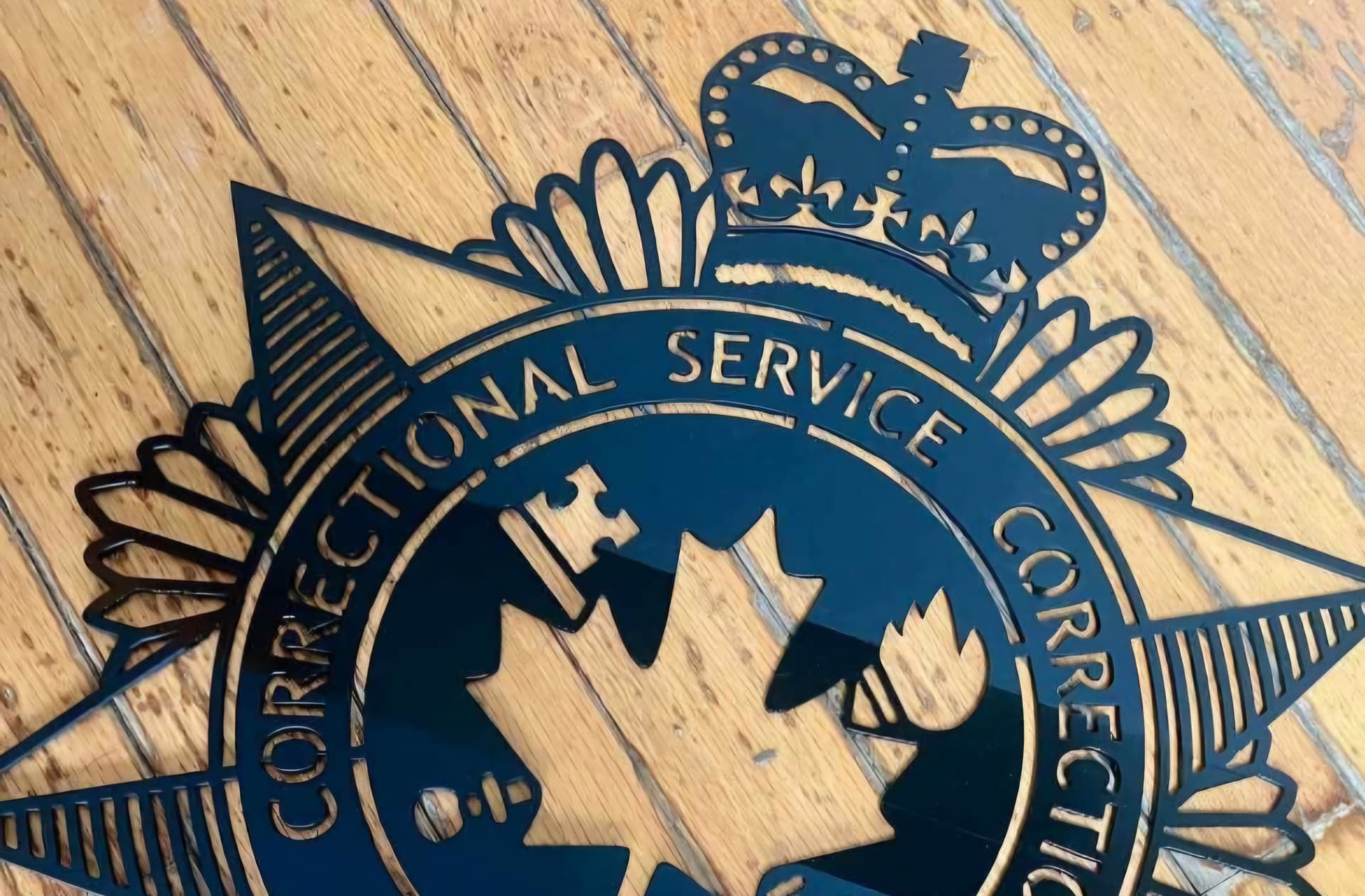
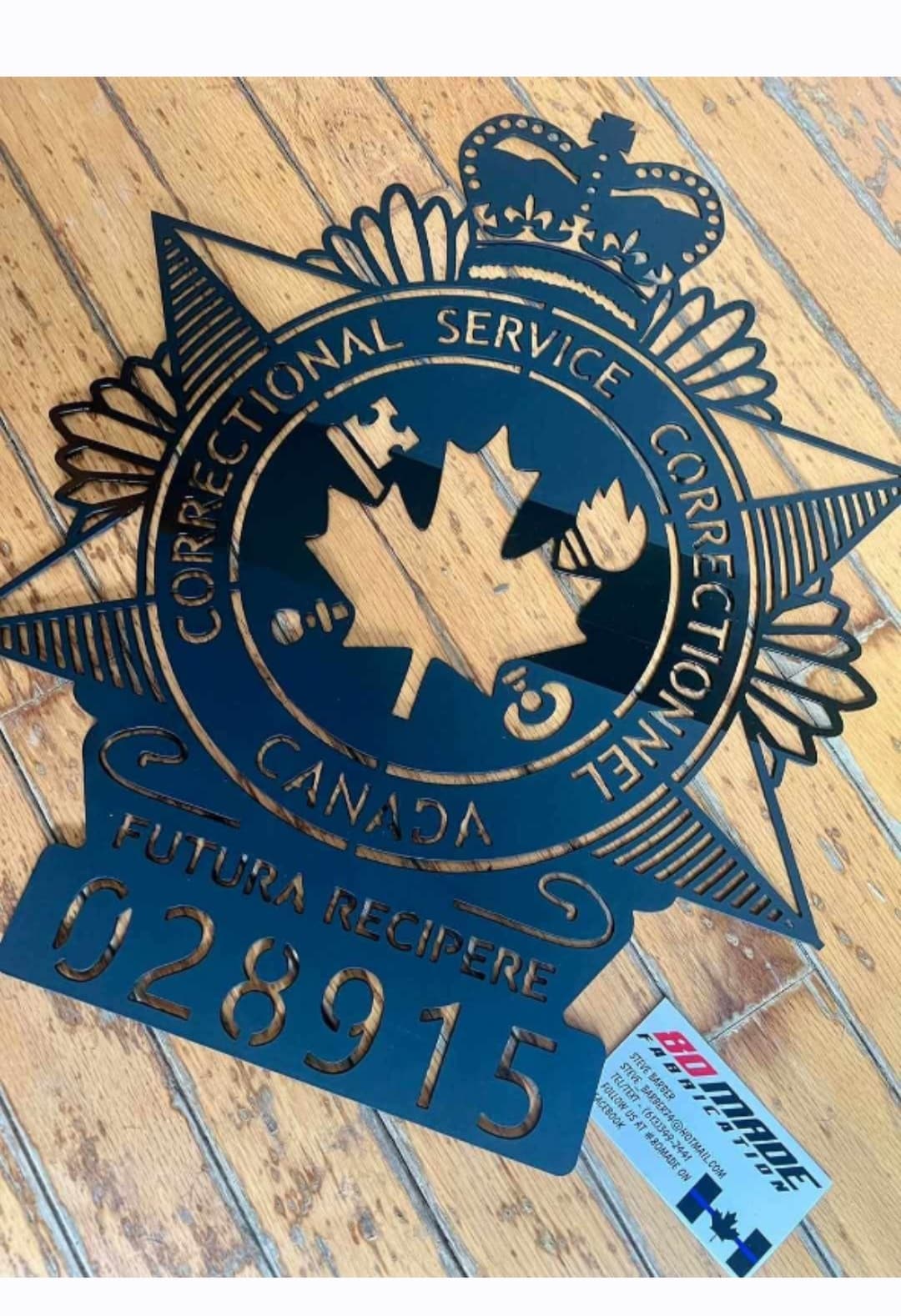
I dont see why i cannot. I have an S5 and knowledge on how to make it out of wood.
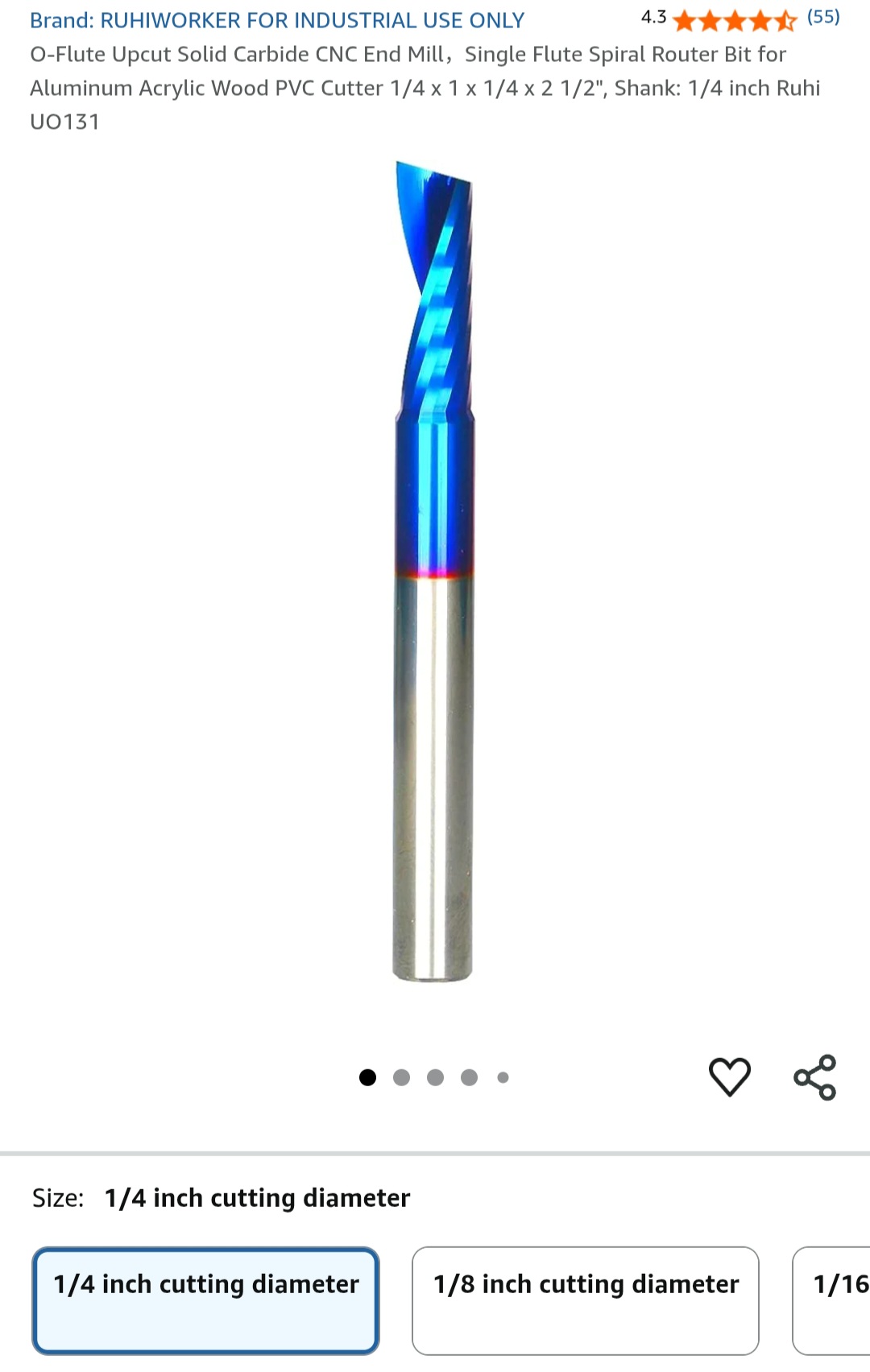
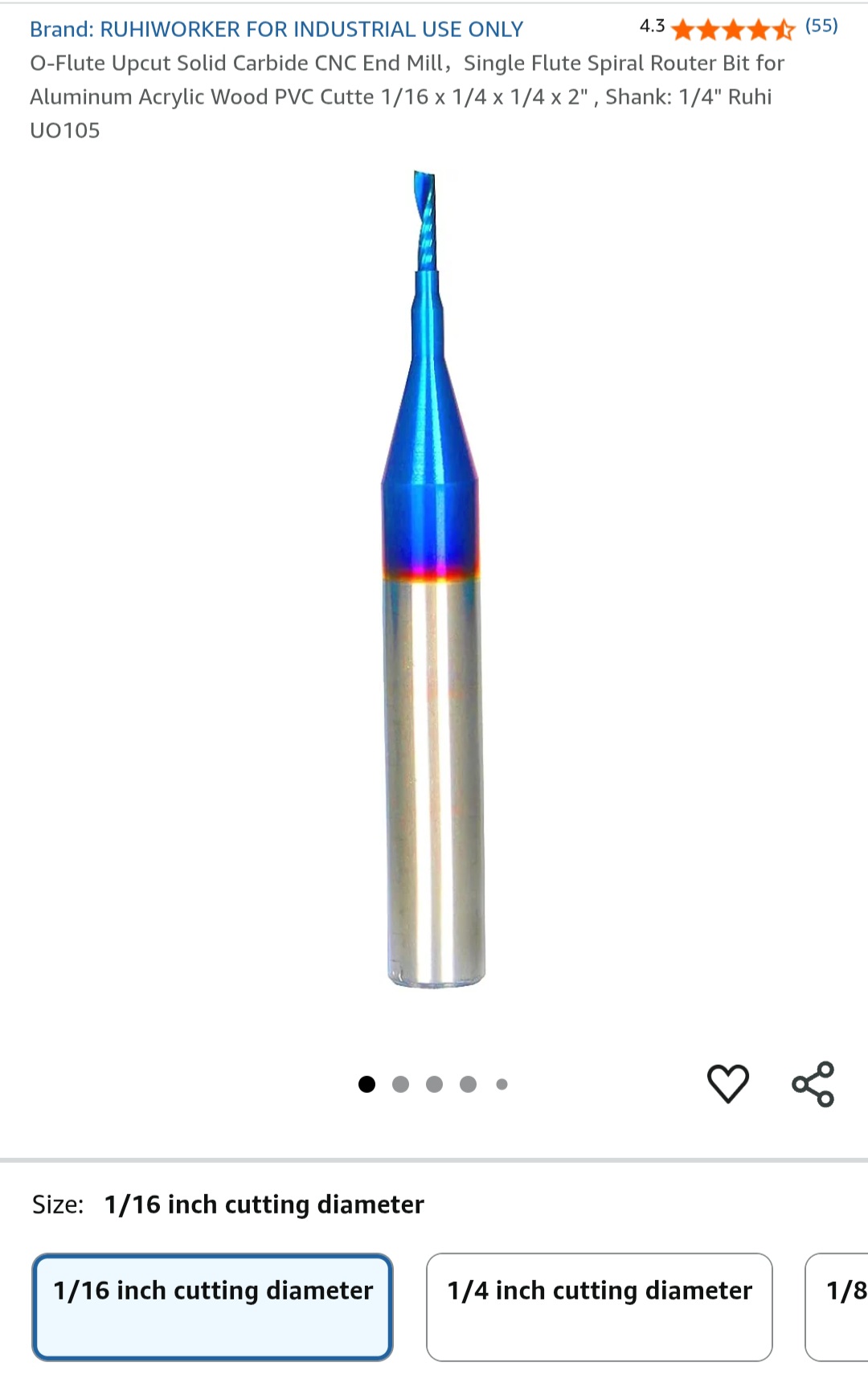
If anyone could tell me what flat metal i should use and what bits, id appreciate the help in my new attempt.
I have searched for videos but havent found the right one yet.
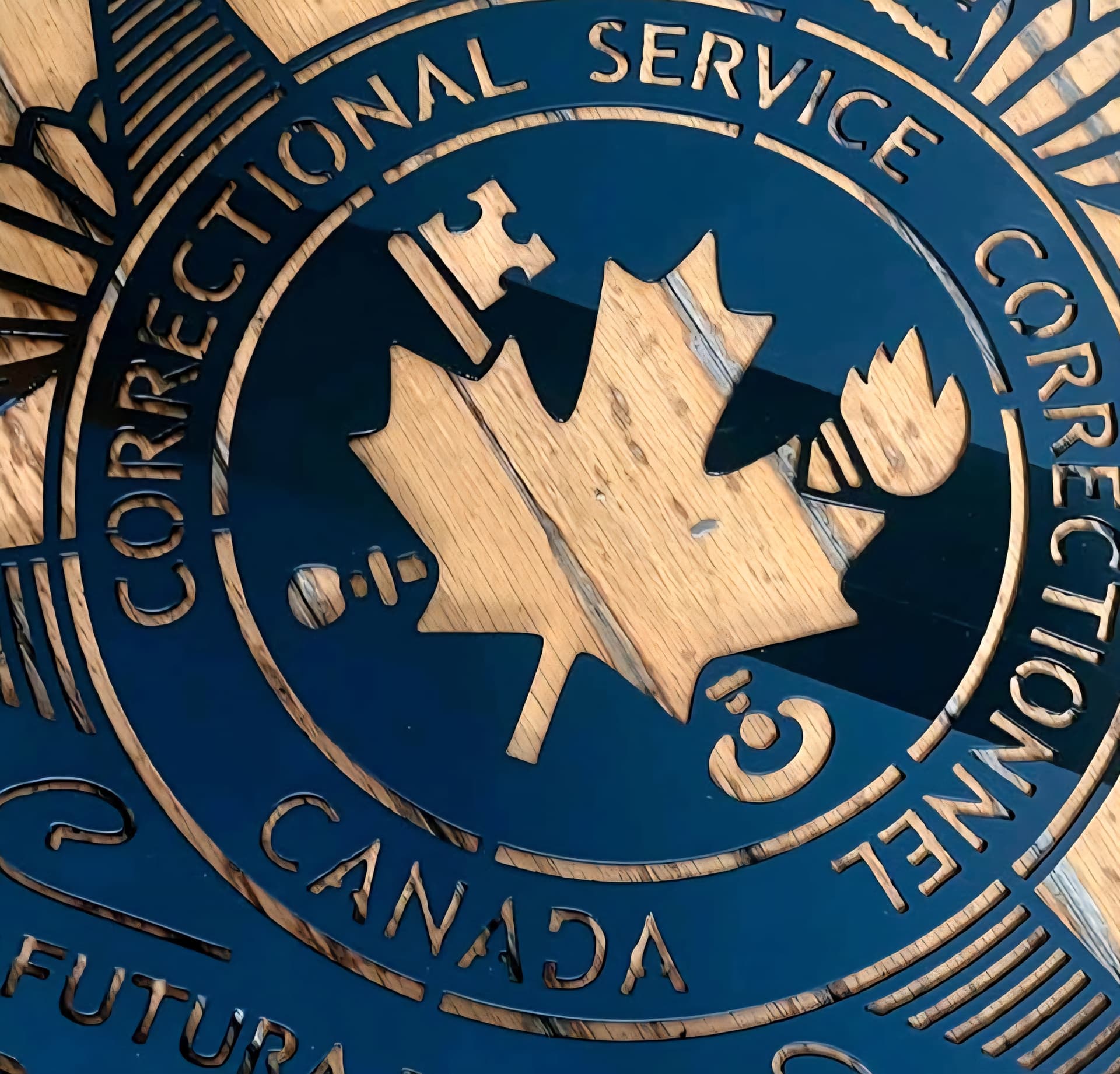
I imagine that is made with laser cut steel sheet which will be hard to replicate with an endmill.
There are two approaches with a cutter I can think of:
Contour the pattern, which will be the fastest method but you have to deal with the pieces that are left floating somehow. Maybe nitto tape along most of the backing?
Or turn it all into chips which means you do not have to deal with the pieces floating as you cut them out. That would take quite a while that because any metal is going to be slow going.
If I had to make this a a shapeoko, I’d probably do a combination where the larger design elements are contoured and the smaller slots and such are pocketed.
I’d also be worried about warping of the metal, both in terms of material stress and in terms of actually removing the finished piece from the spoil board after cutting.
Unfortunately I don’t have any recommendations, just a list of concerns
Hopefully some of the veteran metal workers will chime in
You also have to be cognizant of things like radius on internal corners and such which can be much smaller with other manufacturing methods.
I don’t think this will be particularly easy or straightforward.
With the considerate size of this sign and the type of metal cut, will determine the amount of actual cut time. Cooling will be your hardest issue with cutting steal. If you cut aluminum, it might be a bit more manageable. Warping won’t be such an issue as long as you can keep the heat made during cutting out of the material. One of your biggest issues would be the sharp corners of the letters and other such areas that a radius from the tools couldn’t clean up.
If you try to cut a design like this, just take your time with it with your machine. Make sure to have some type of cooling rather it is coolant, or air blast. You have to make sure to remove the metal chips out of the cuts. You could leave tabs in the cuts that would have material left, or you could use double sided tape for all areas that would have material coming apart form the main design. This way you don’t have material being ejected from the table, you don’t break tooling, or injure yourself by trying to remove the material while the machine is cutting and it cuts you instead. The double sided tape could become an issue if the material is too thin and you have to pry up from so many different points of contact. The tabs idea would probably be better.
As for depths of cut, think short and sweet cuts. Move with speeds that both remove the material cut fast enough to move the chips, but doesn’t heat up the material too much and cause the material to melt and build up on the cutter. If you use air assist, make sure it is in constant use during the whole machining process. Heat will be your enemy here. Cutting metal on your Shapeoko is doable.
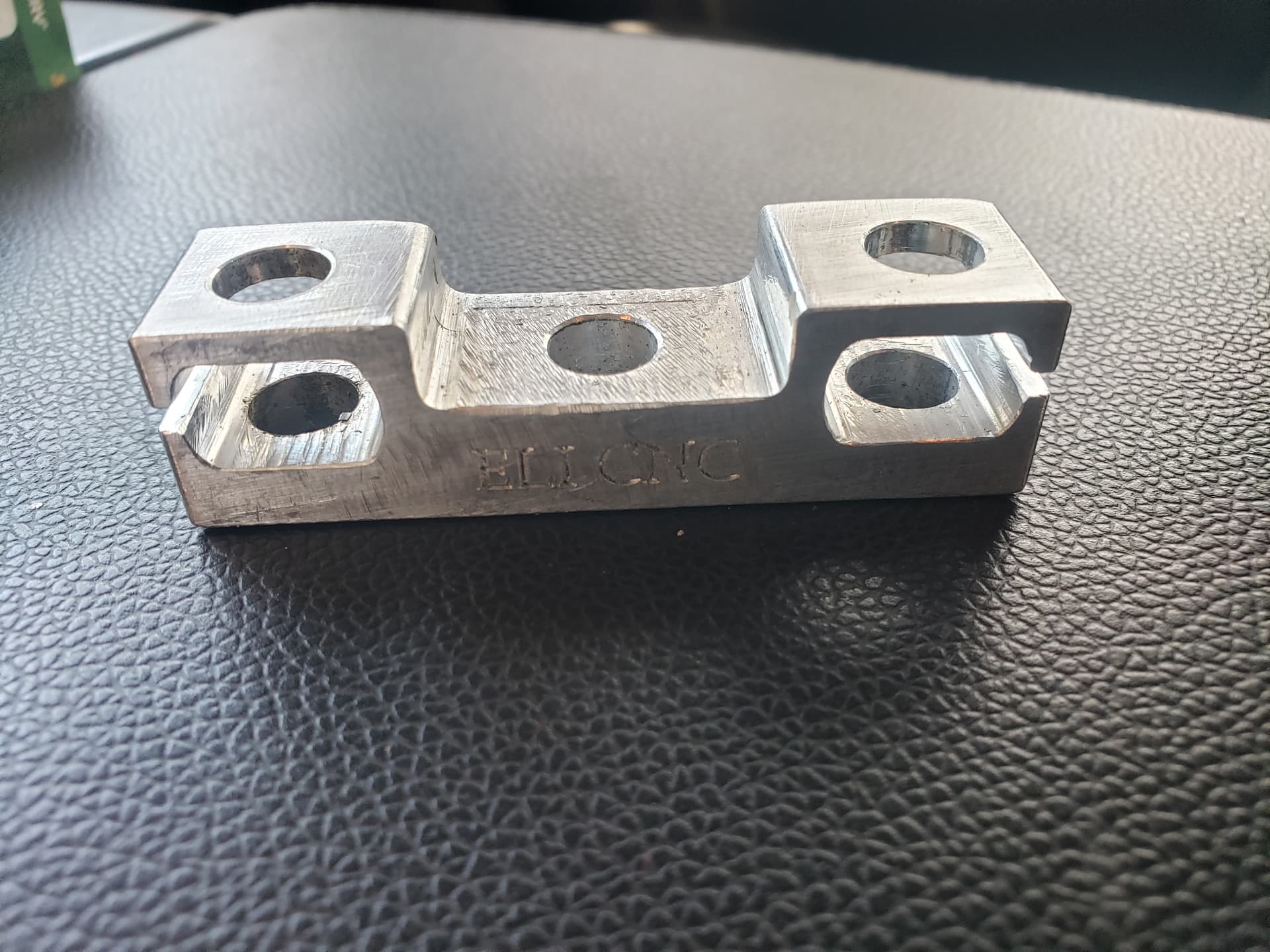
I cut this bracket out of an aluminum block. It was multi-sided cutting and I had to add an 1/16 endmill into the cutting to cut smaller radiuses for clearance. This bracket was made for a boat for the steering mount from the steering wheel of the boat to the steering arm of the motor. None of the machining on this part was done anywhere else other then my Shapeoko 5 Pro 4x4.
So, you can cut metal and it can do well. Just have to control your heat.
A laser cutter that was mentioned and what you would need is one like a fiber laser cutter. You couldn’t use a laser cutter like one that is used to burn the top of metals or woods. The machine would have to cut through the full thickness of a sheet of metal. Depending on the thickness of the material you will need would determine the type of machine needed. The original pic looks like it is 3/16" thick. Unless I am mistaken, you would need a machine like the fiber laser cutter and I have seen them around $1,500. Not worth the investment unless you plan on making many more projects out of metal with the laser that would earn you back your investment for the machine. But you do what you feel is best. Maybe you can find a machine cheaper that would do the same work. I don’t know about all the different types of laser cutters out there and there might be ones that could do this type of work cheaper then I am seeing.
Oh, sweet. Im understanding its best to pocket areas as well, that makes sence.
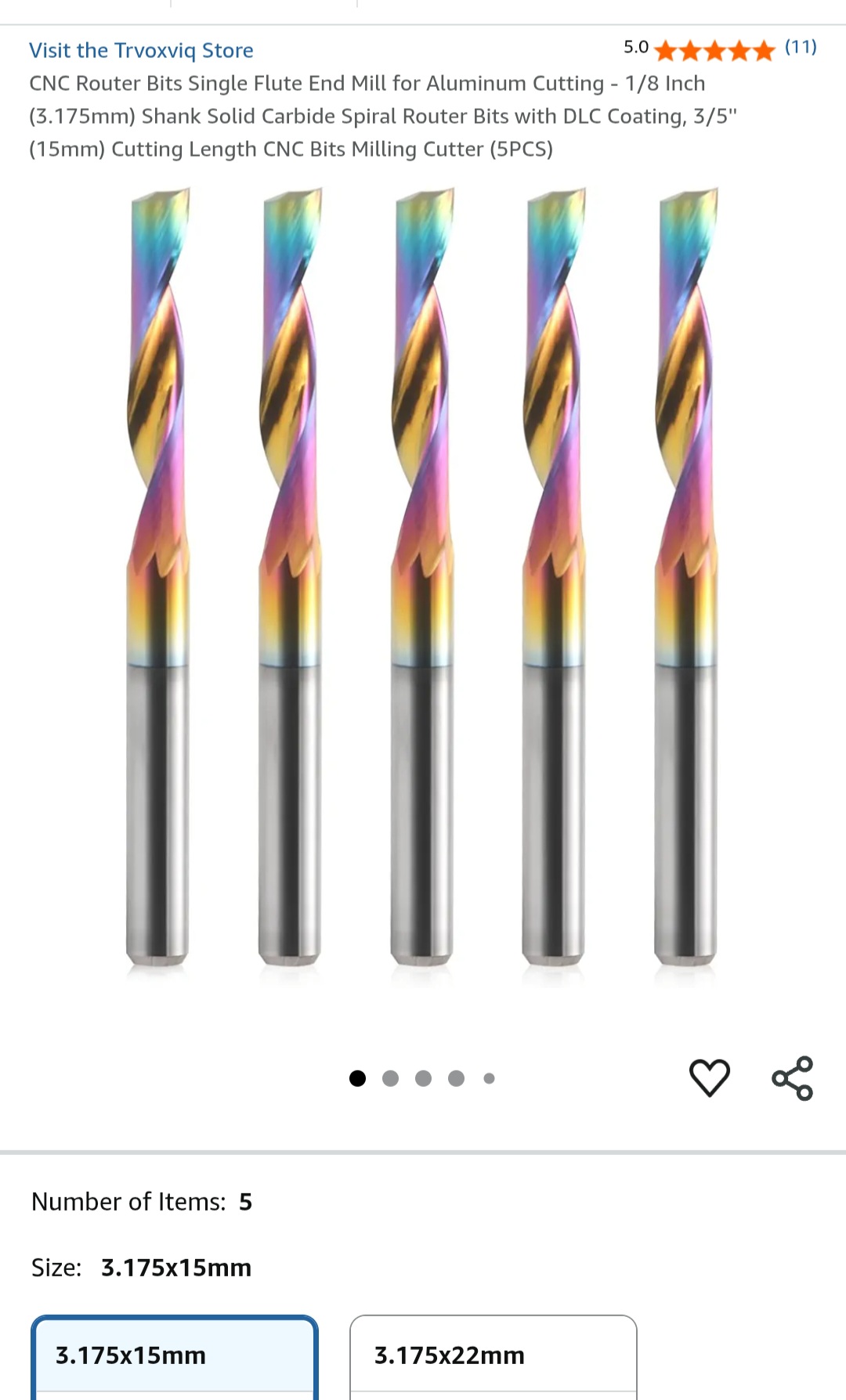
Best endmills?
I did see a Pac Man video on here, what was the best paint for the aluminum?
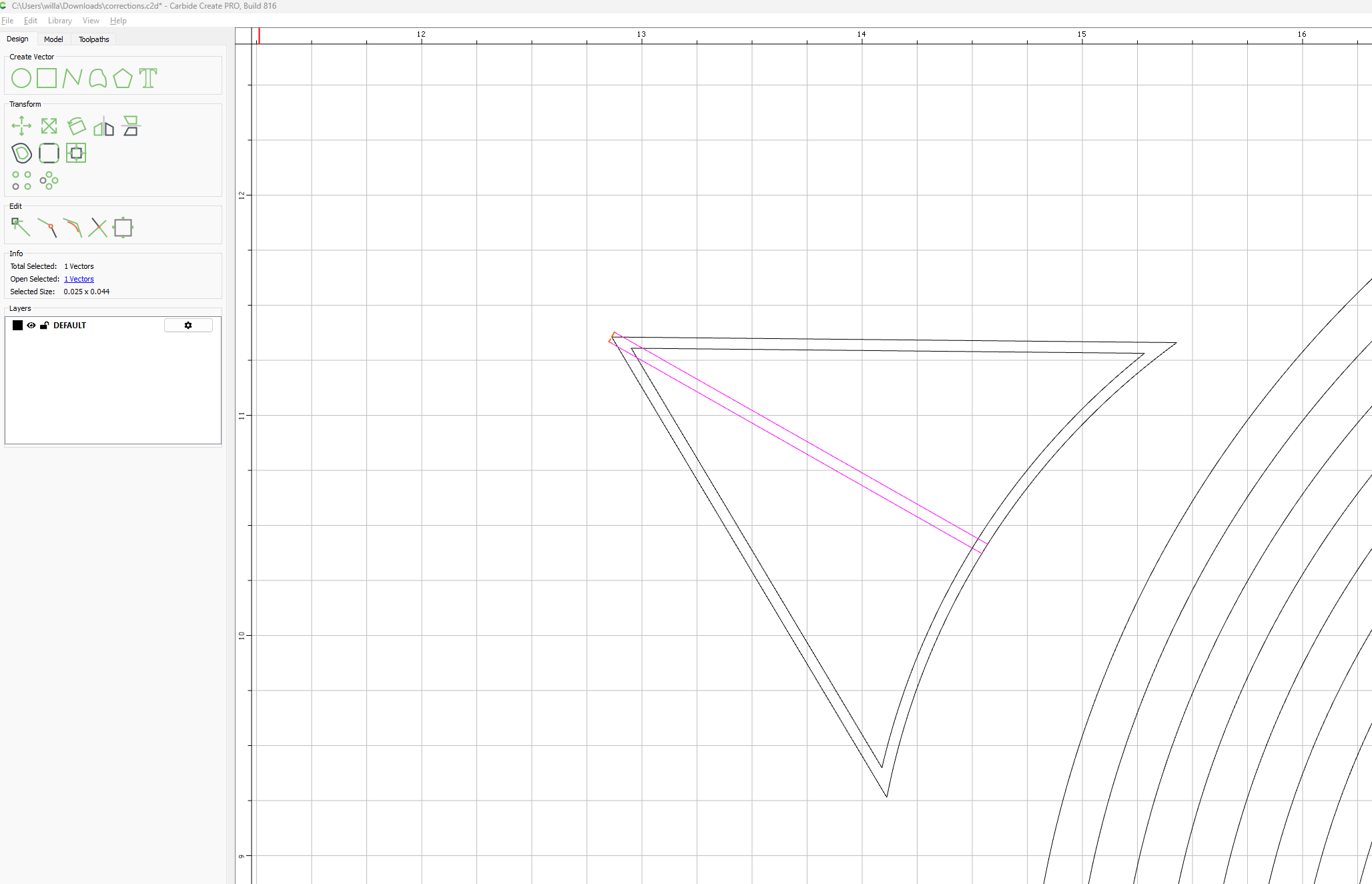
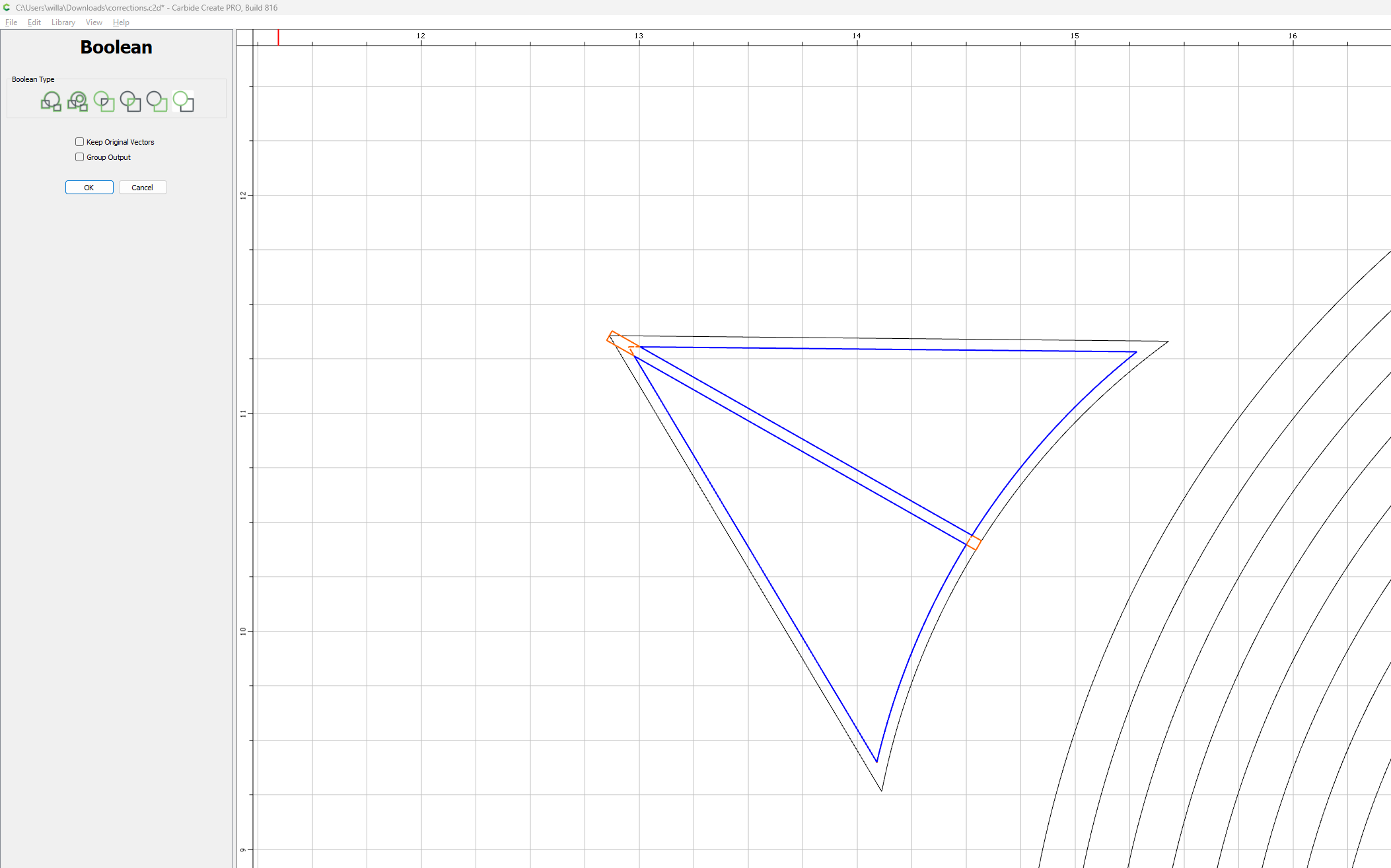
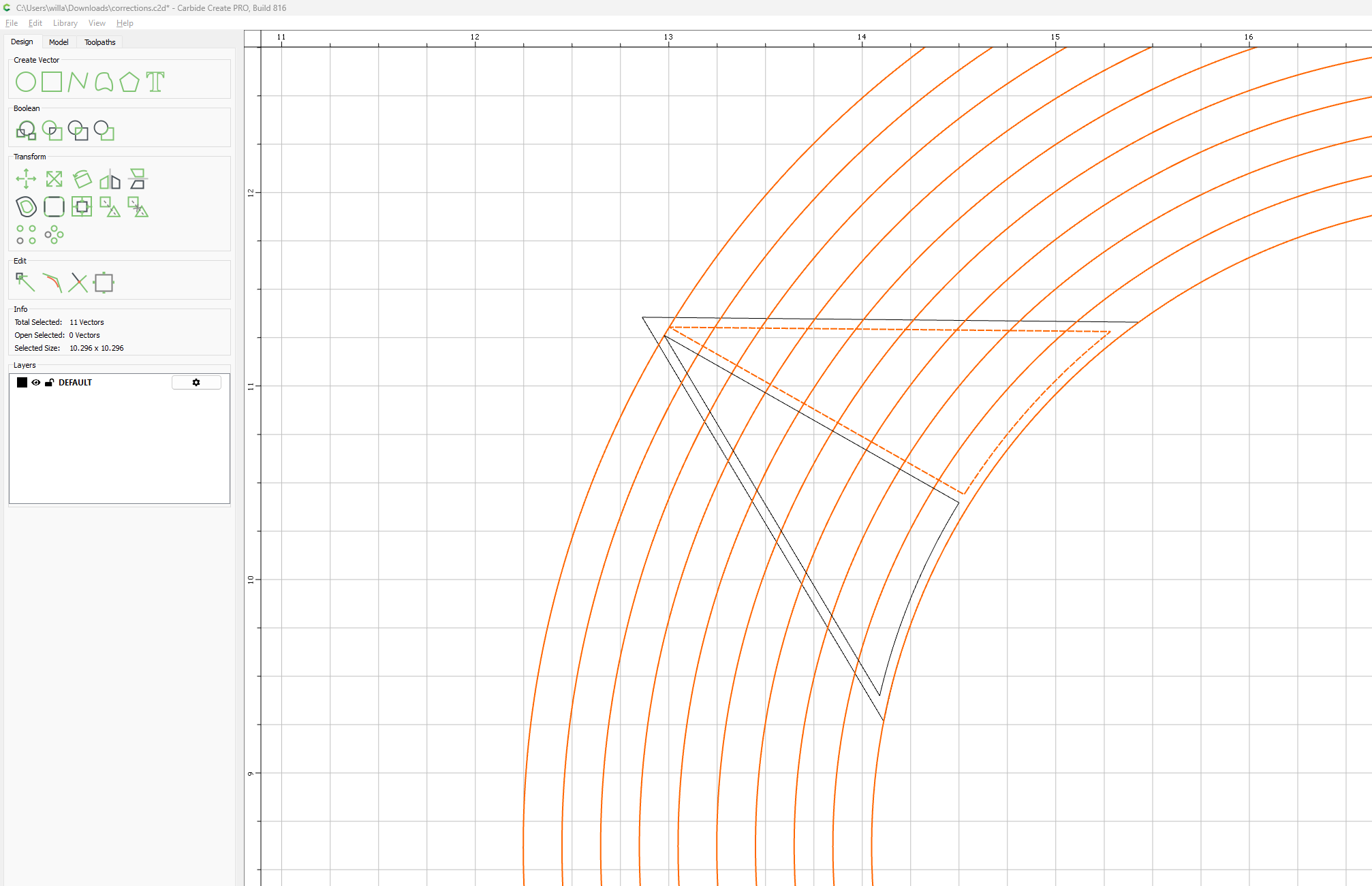
I have been working on a file and have been stumped on how to create the lines in the badge. I have made a bunch of cicle and tried boolean and i cant seem to get it to work.
Is there anyone who can help me figure out the process to make these lines?
I have spent some good time trying myself but i think i need some help.
TIA
I have Pro.
Its 6061 aluminum, either 1/16" or 1/8" thick
I couldnt find any good pictures. By the file i attached previously you can see all the diffrrent tracings ive done to try and make this. Most i have done by ‘hand’
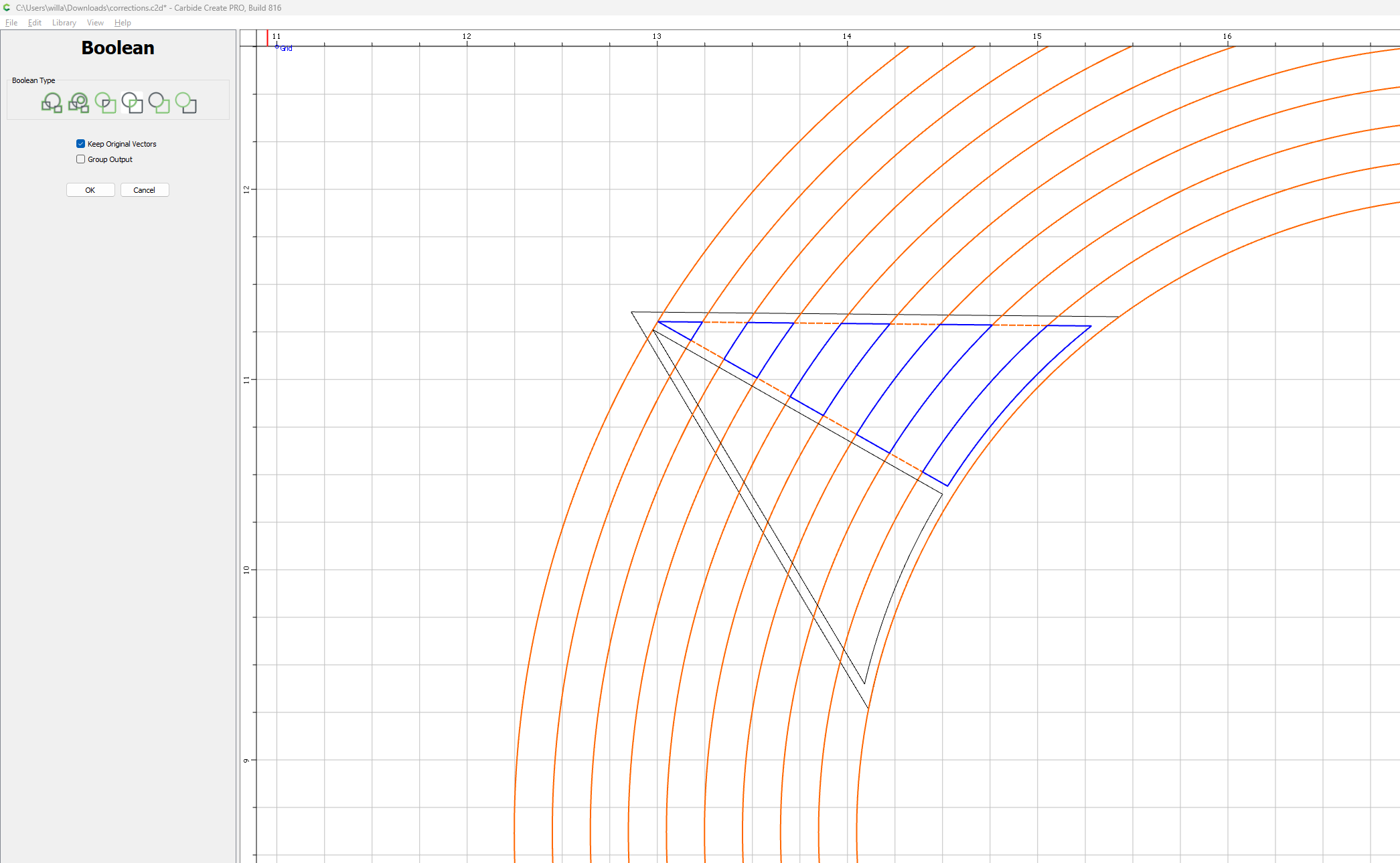
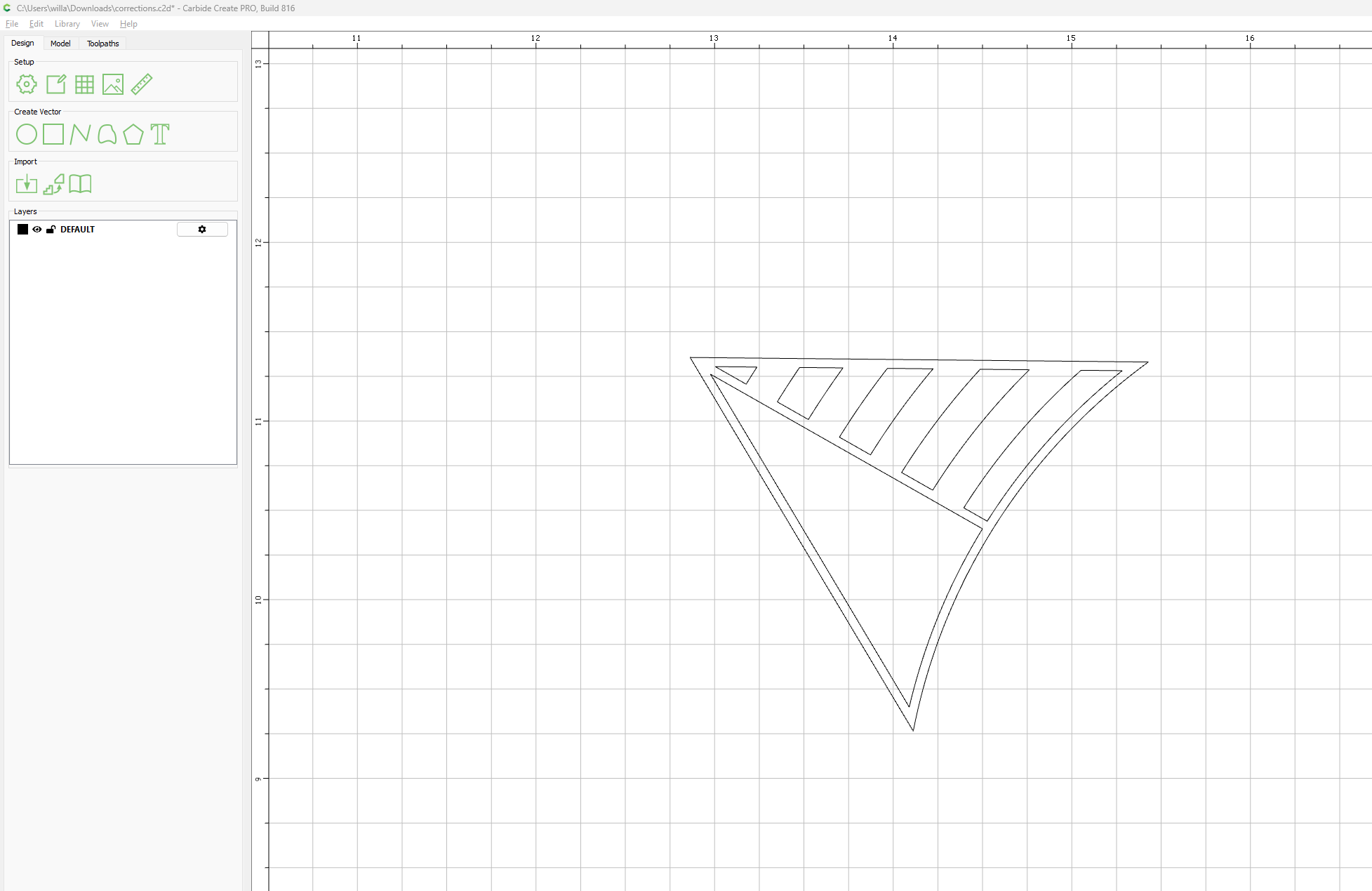
Once closed, highlight the rectangle and the inner triangle vectors, use the boolean tools to merge them together as needed, this should leave us with two triangles in the center:
Once combined, bring over those concentric circles, highlight all of the circles and the one triangle you wish to have slotted and boolean them together as you see fit:
This project is definitely a learning curve for me, especially being my first metals project.
My question is, Stencil is the only font im aware of that will leave pieces of material to hold letters together. I really dont like that font for what im doing. Is there a font similar to the one in the example i was given?
(Im carving aluminum with an endmill)
I really like the font used.
My only thought i have is use ‘Arial’ text and bollean the letters needed. Its some work but thats fine.
Any Ideas?
TIA