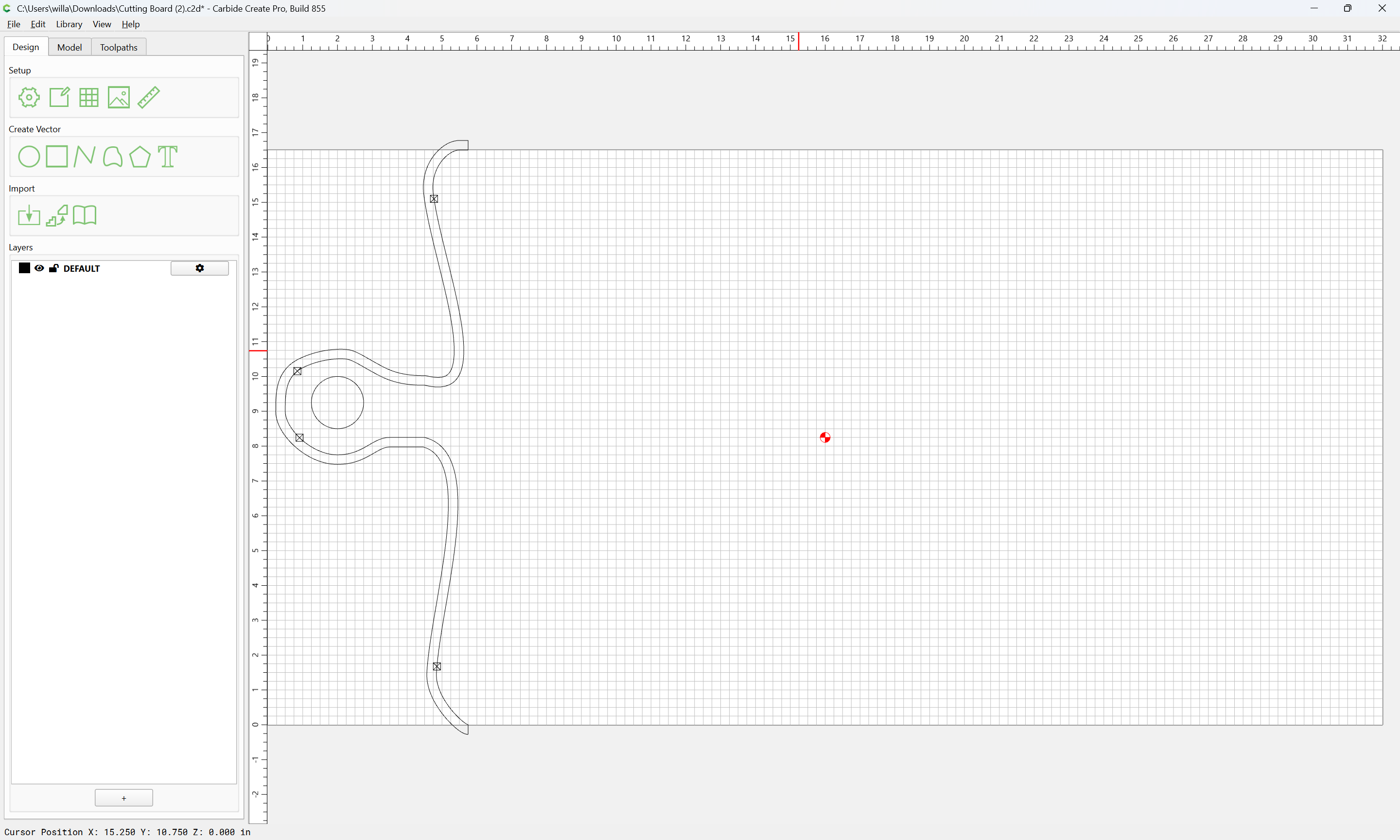
Cutting out only part of a part outline

as requested on support…

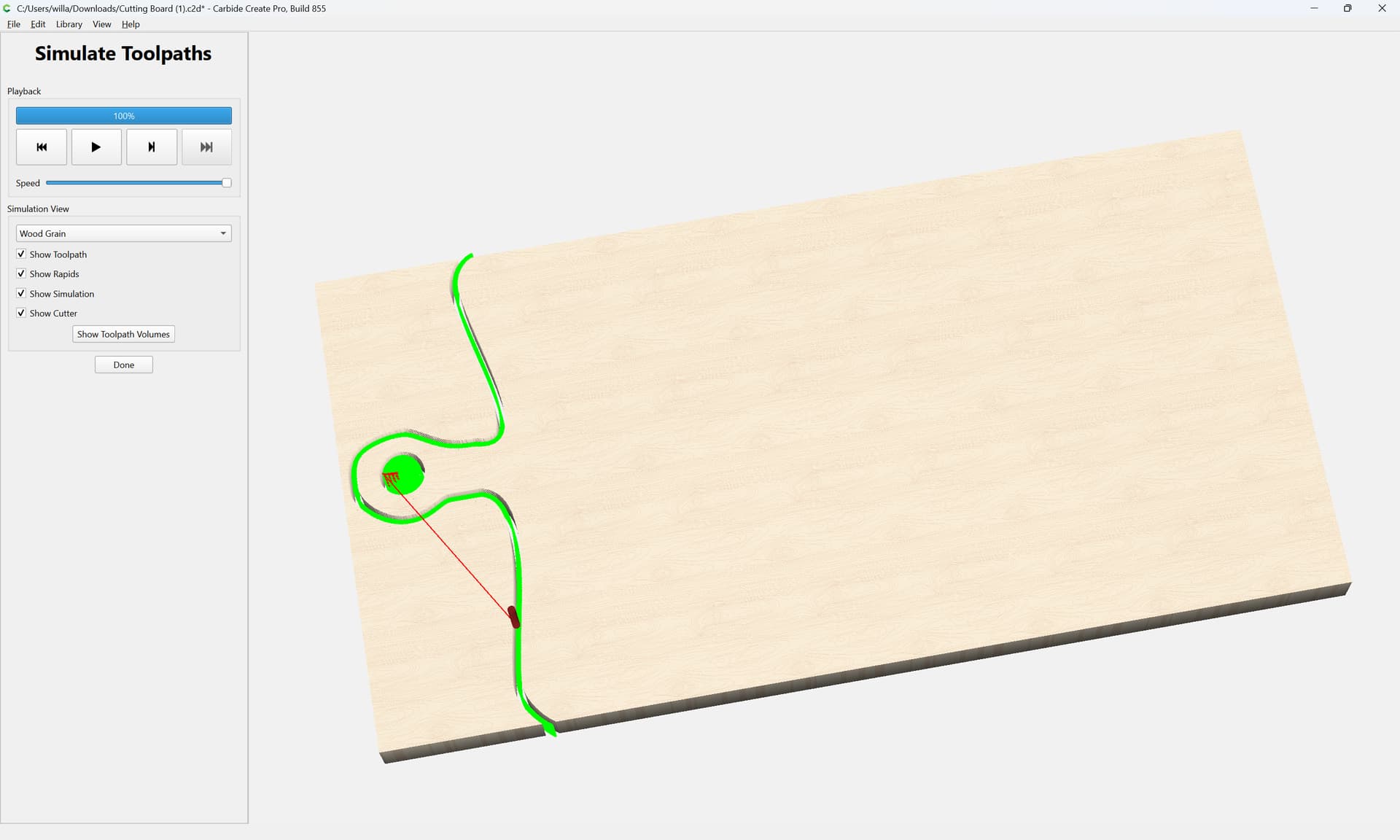
I’m trying to create a cutout for a live-edge cutting board, but I’m getting hung up on how to have only the handle cut out.

Where the file is:

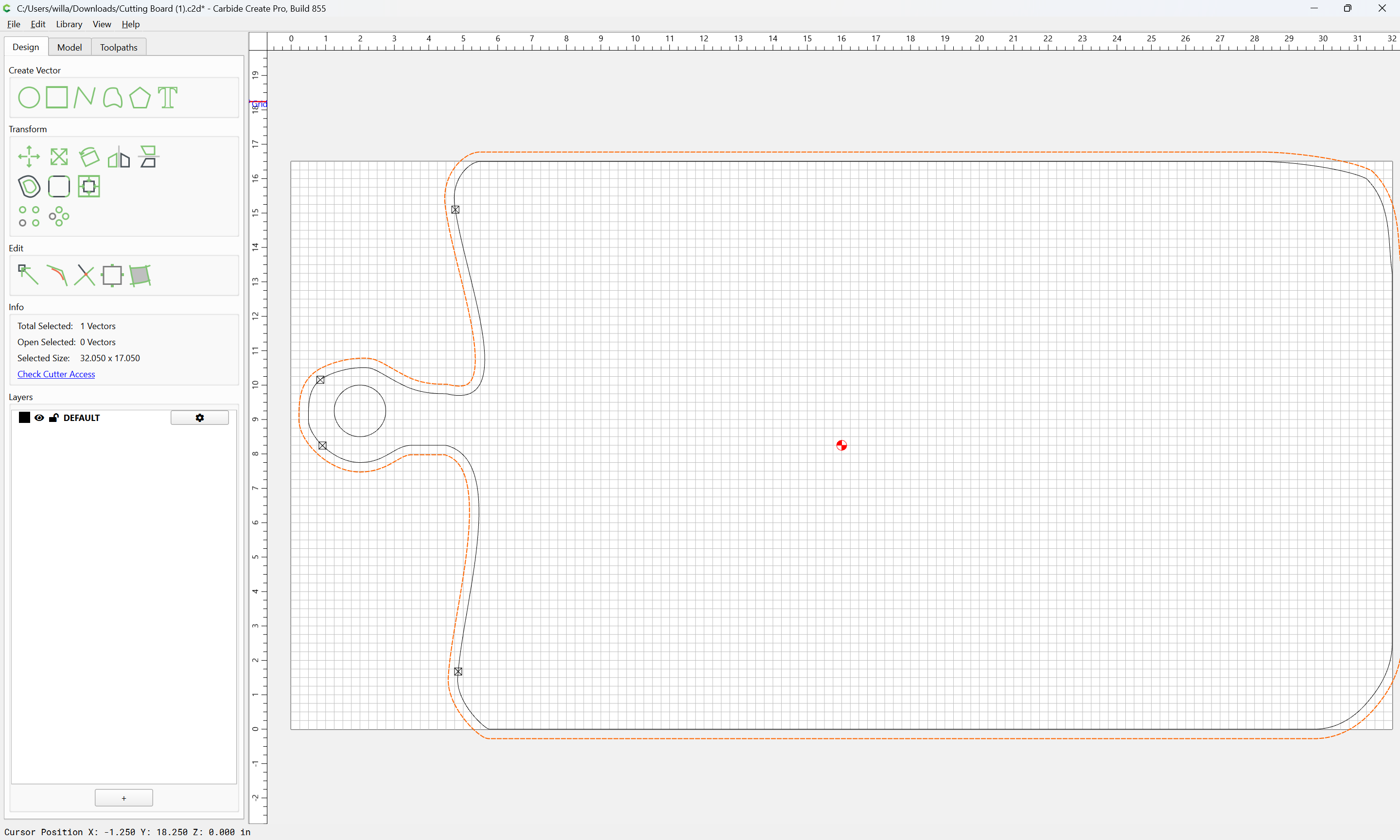
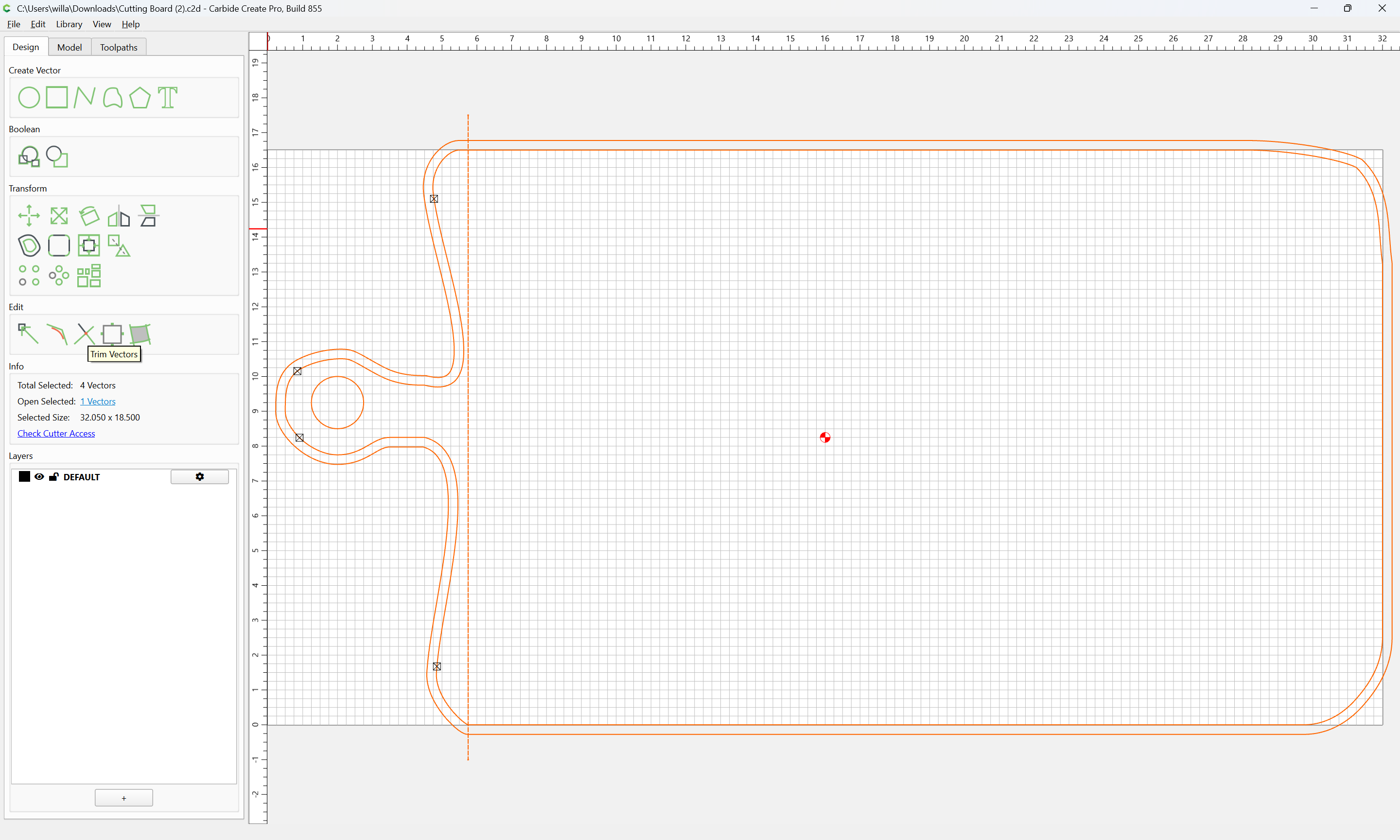
In the design tab, select the outline:

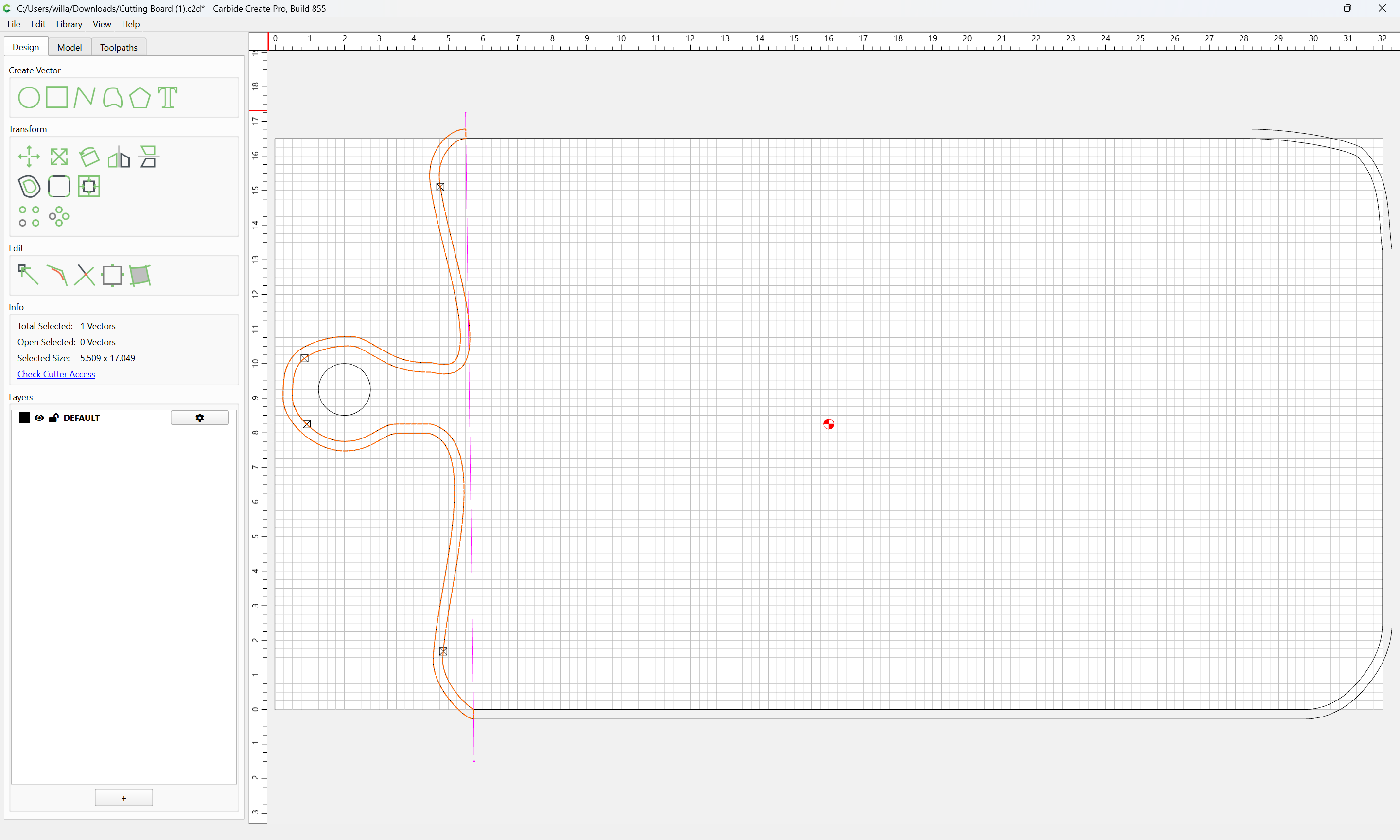
and offset to the outside by endmill diameter plus 10%:

Apply

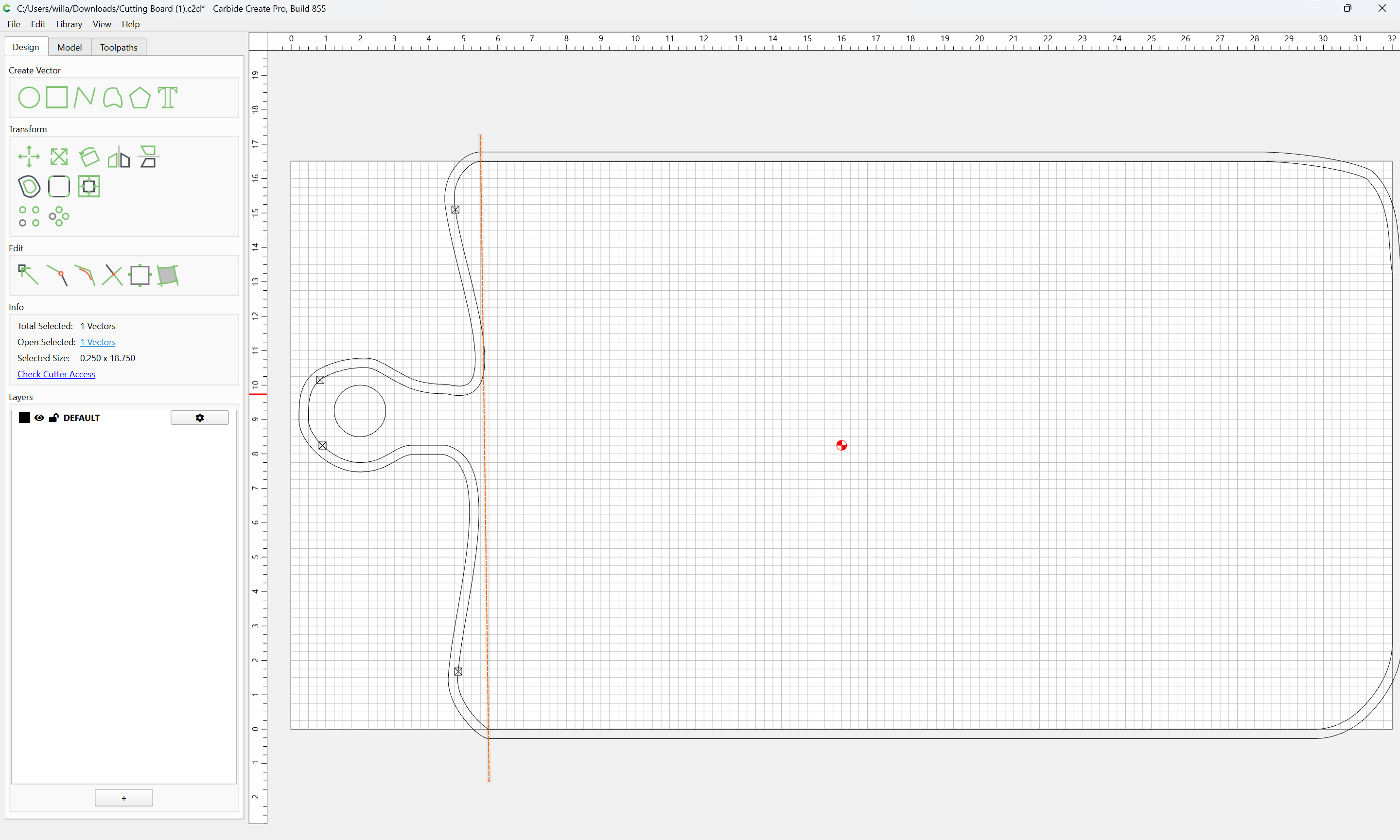
Then draw geometry to define where one wants the cut to begin/end:

Done

Select everything:

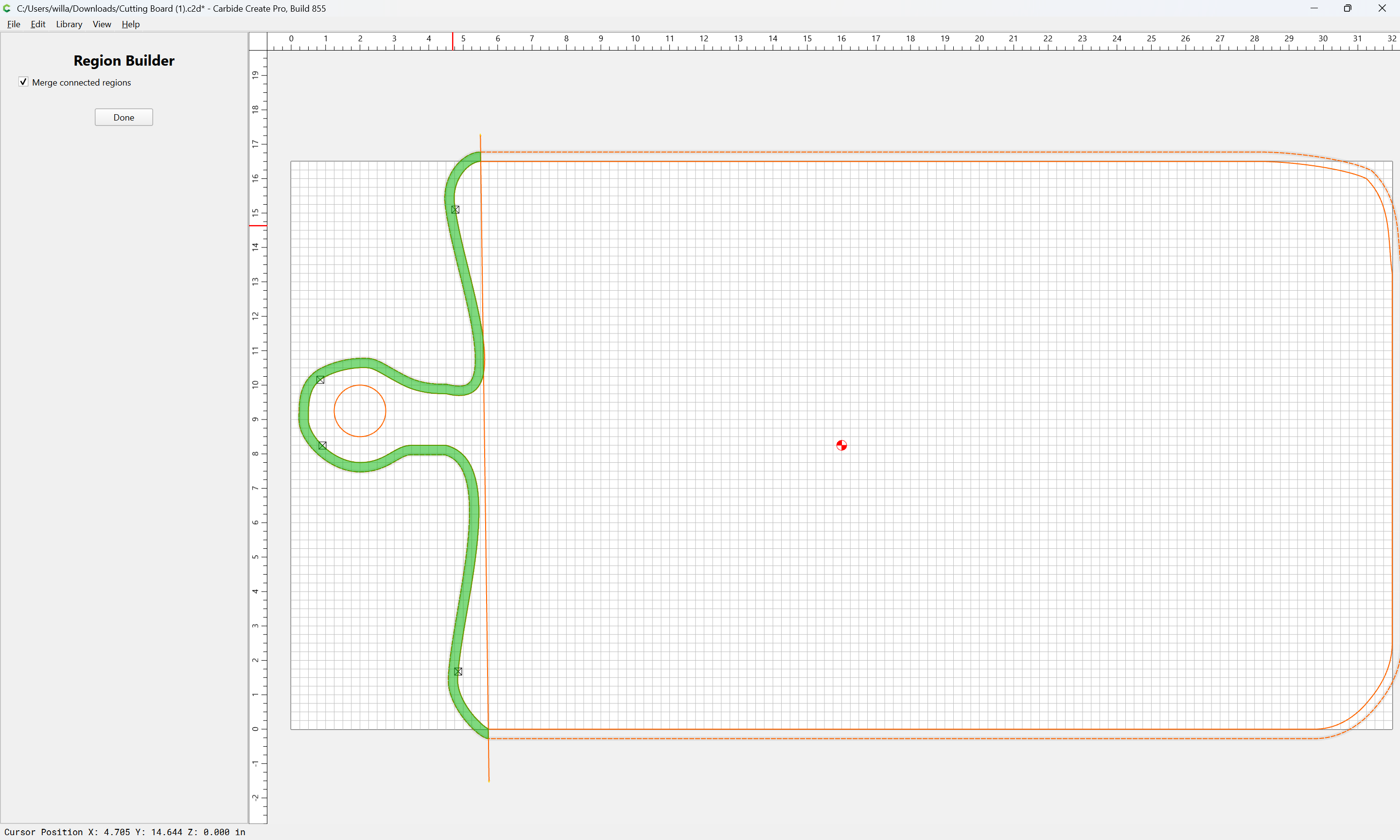
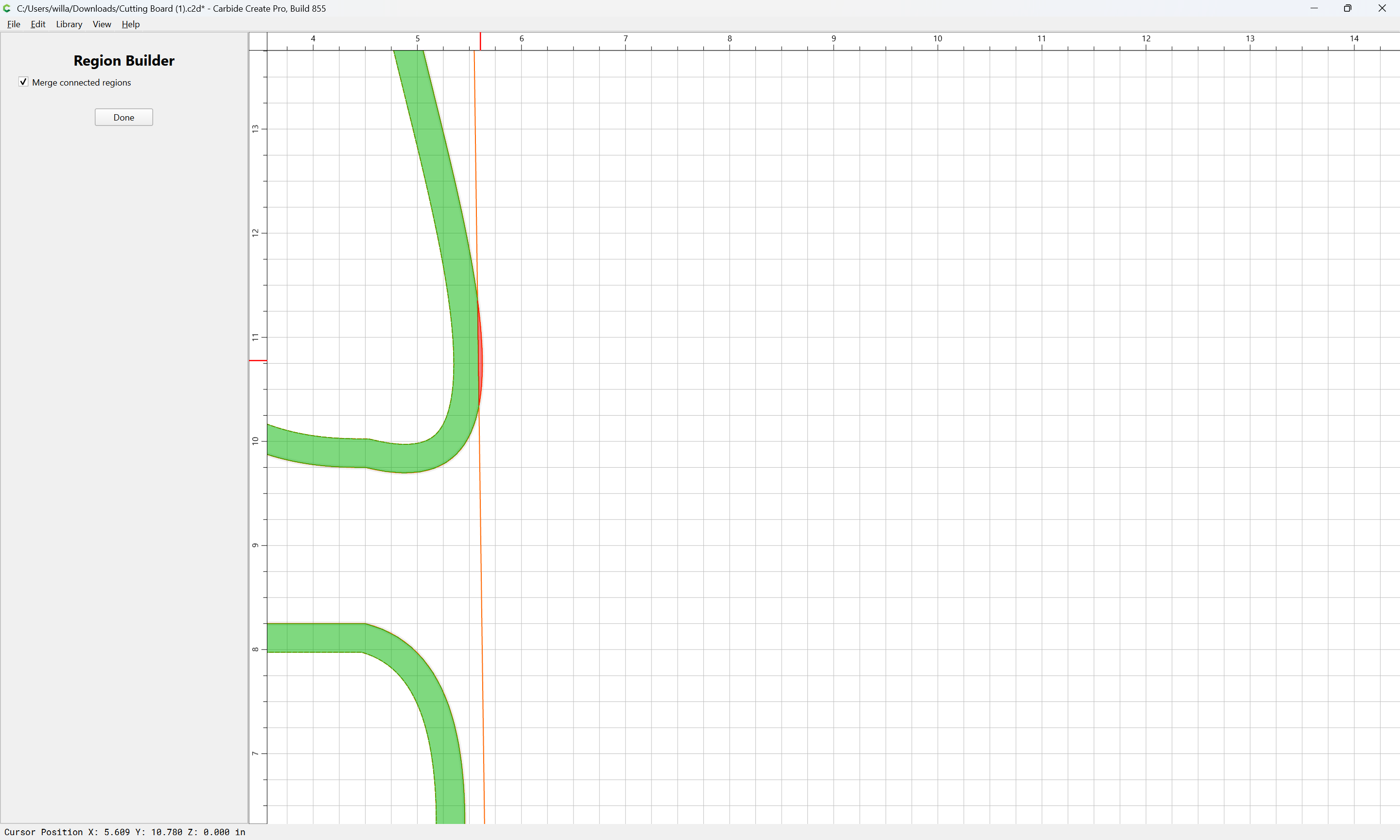
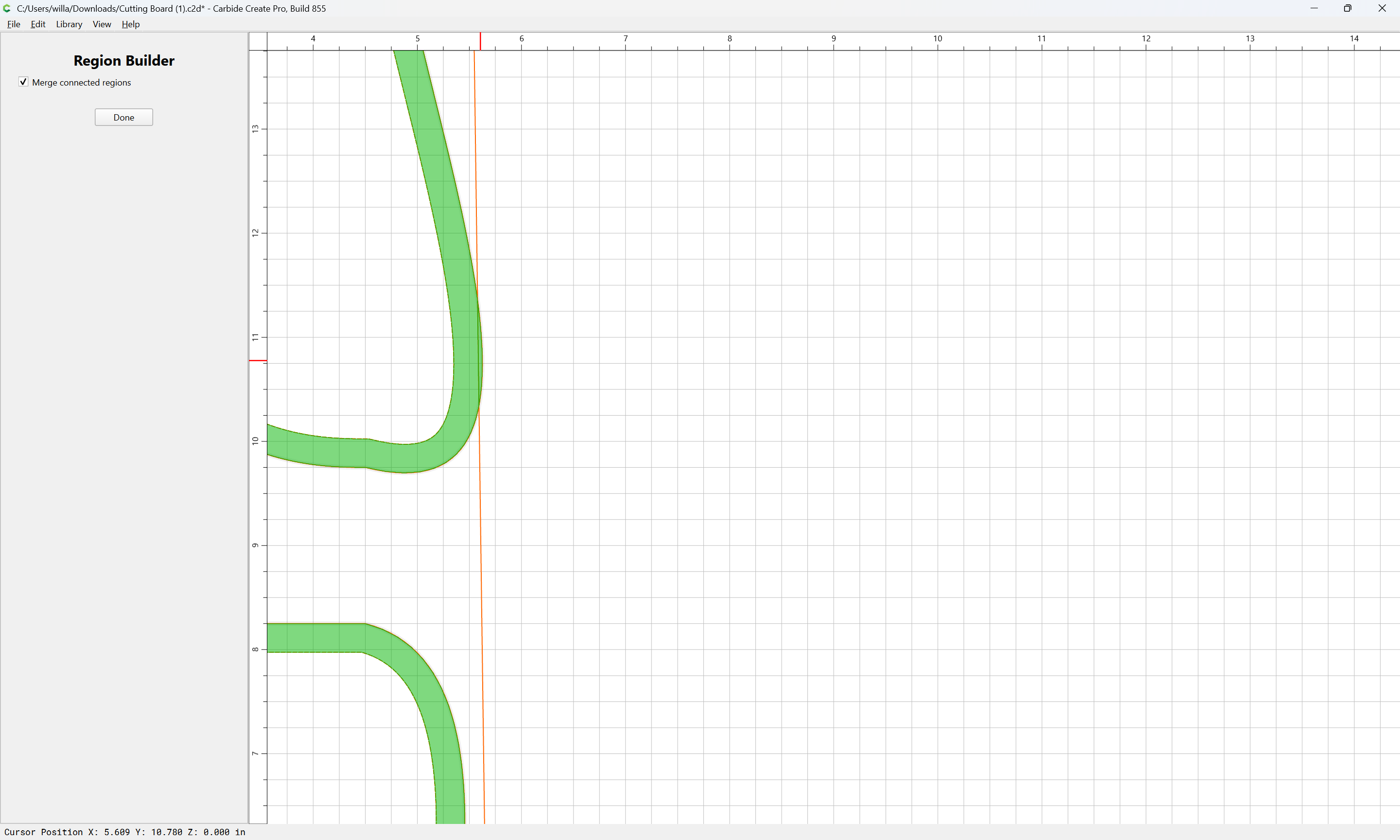
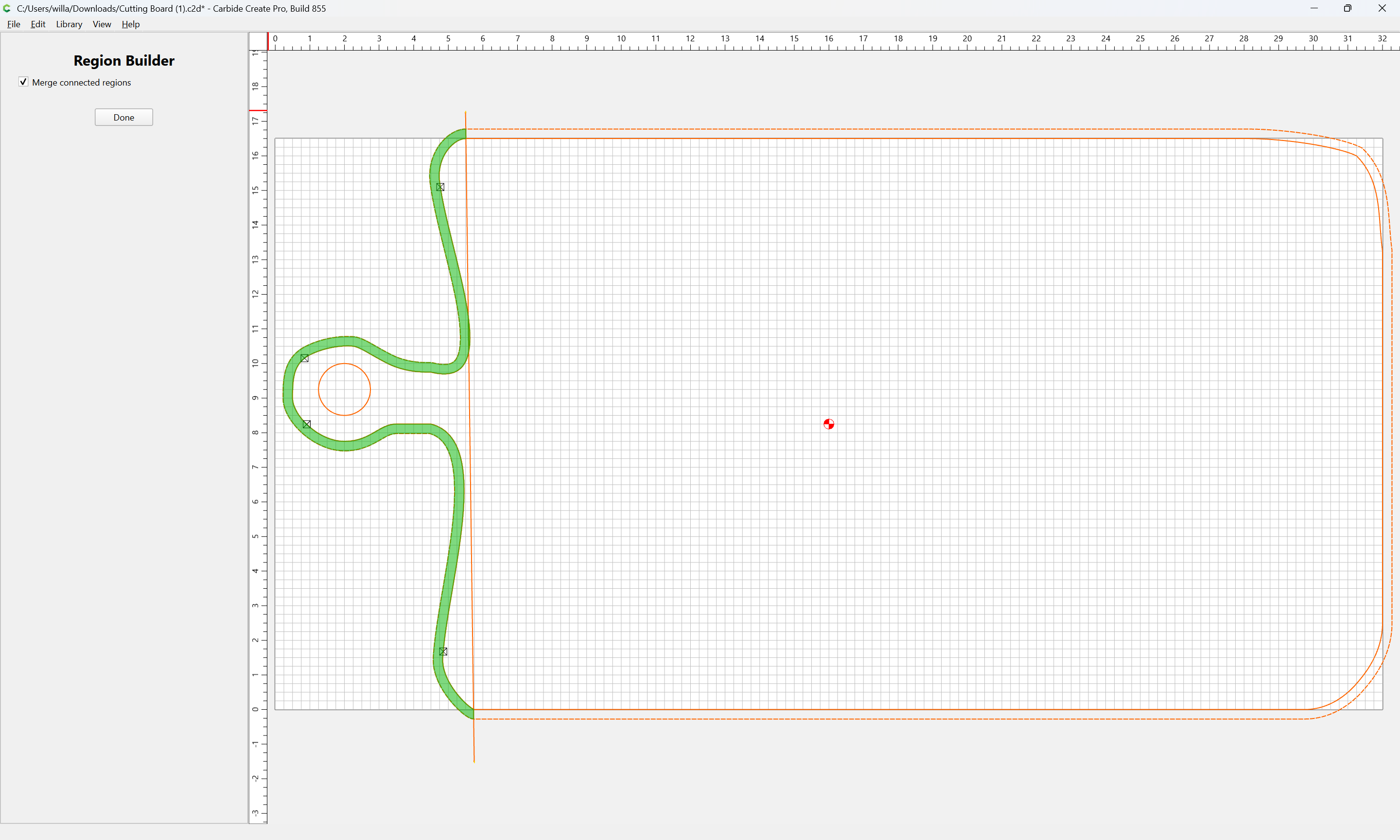
and use Region Builder

Yes

to build the cut are desired:

Done

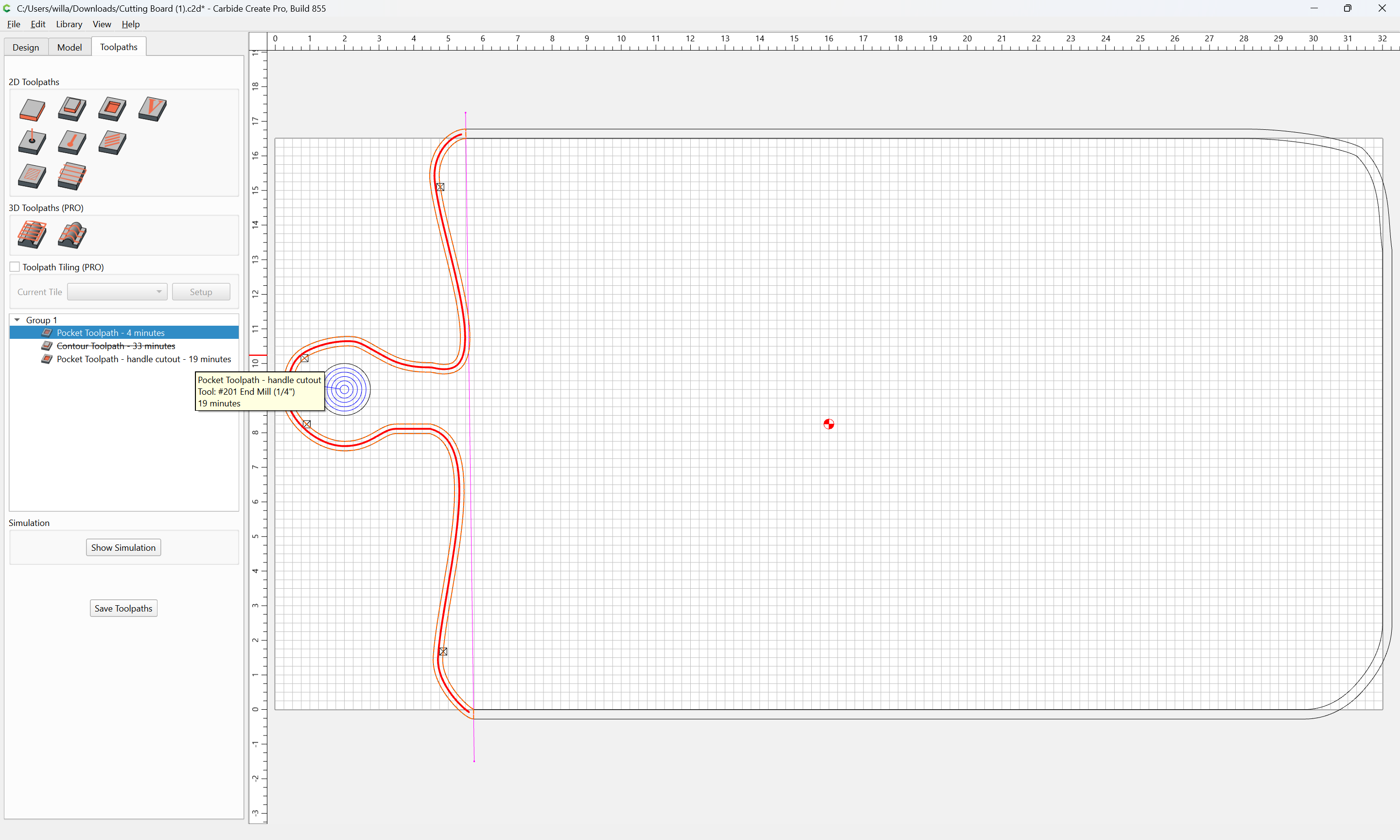
Assign a Pocket Toolpath:

1 Like

Very interesting. I had never even clicked on that “Region Builder” before.

C3D keeps adding features but sometimes I am not that curious because I keep using what I know how to do and what works for me.

C3D has improved the Boolean but I still have to click on all the options until I get the desired result. Sometimes I dont get the desired effect so I have to go back and change my selection sequence and keep clicking. That is a failing on my part but I just dont want to take the time to fully understand each option and how it works. Click Click Click, Oh wow it worked. :smile:

1 Like

Booleans are a compleatly logical operation.

If you have an example which you have difficulty with, please post it and we can walk through it with you, or see:

That said, the new Region Builder should greatly ameliorate the need for folks to use Boolean operations or Trim Vectors.

c.f.,

1 Like

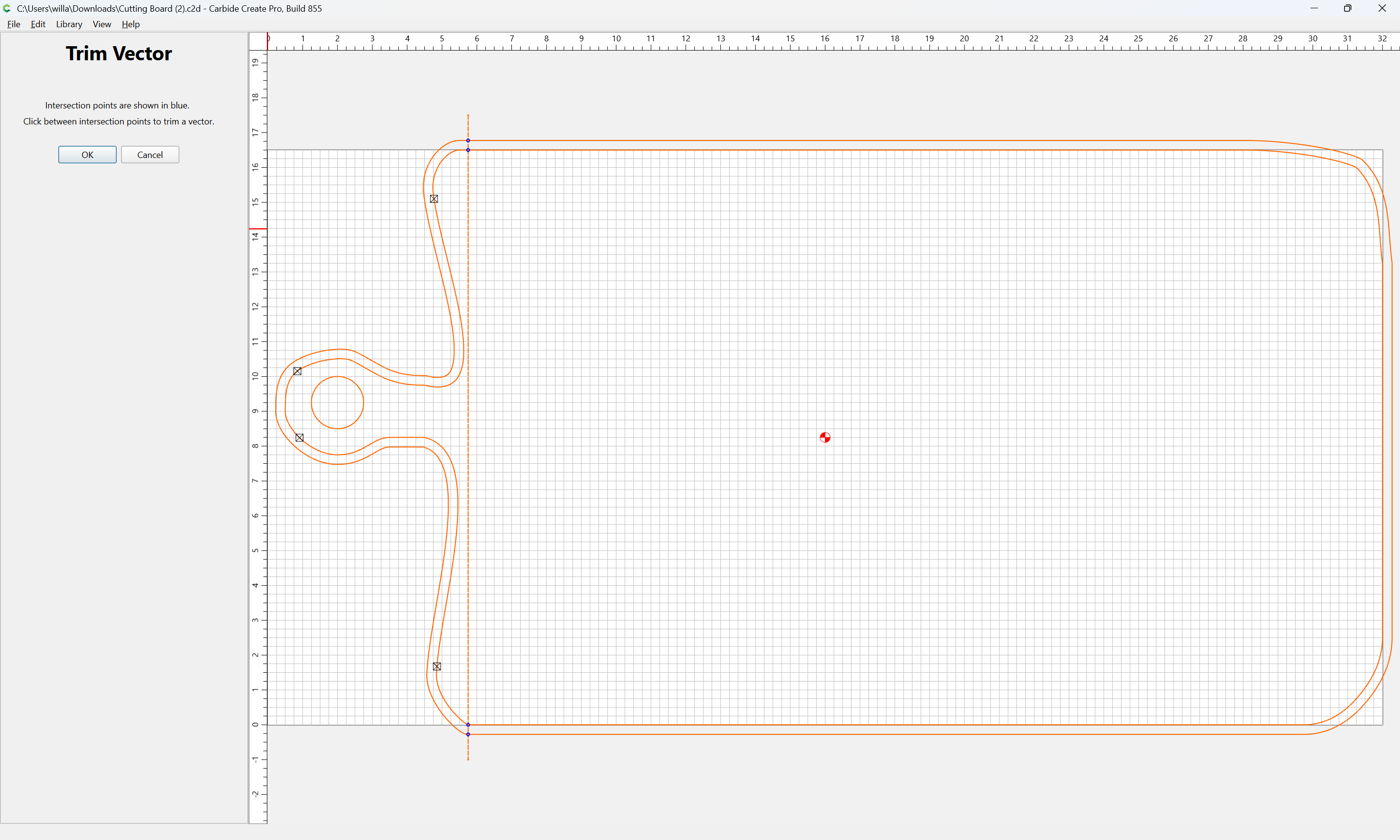
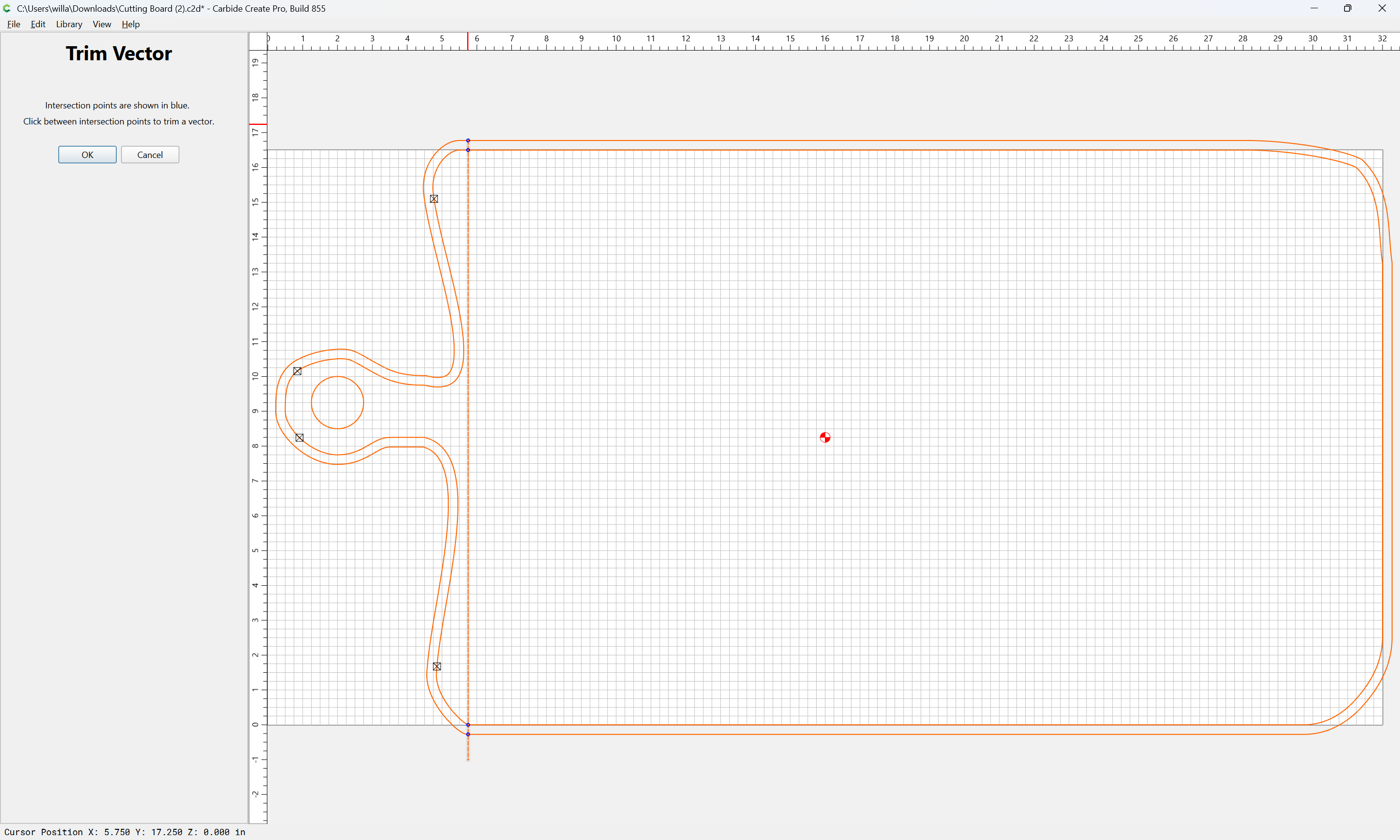
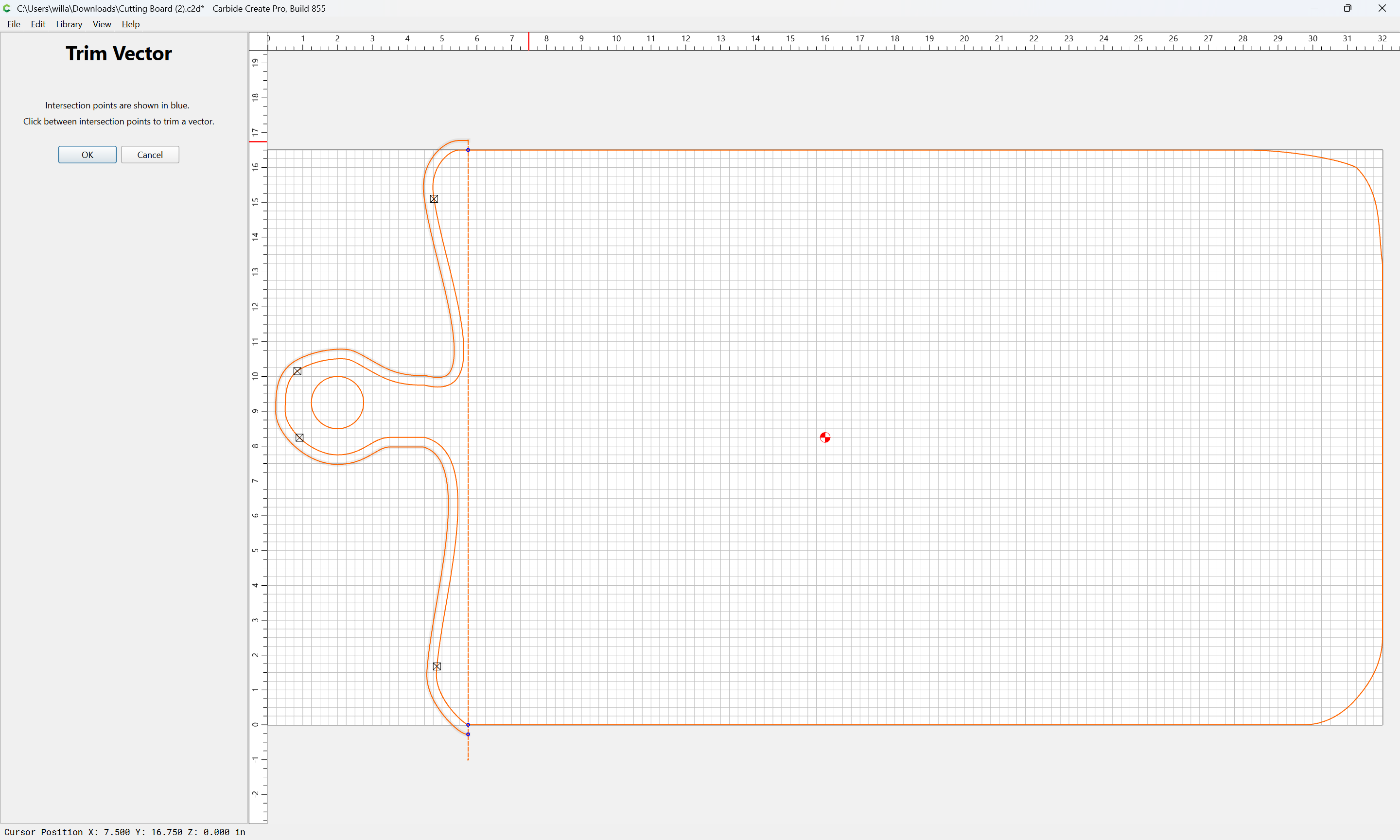
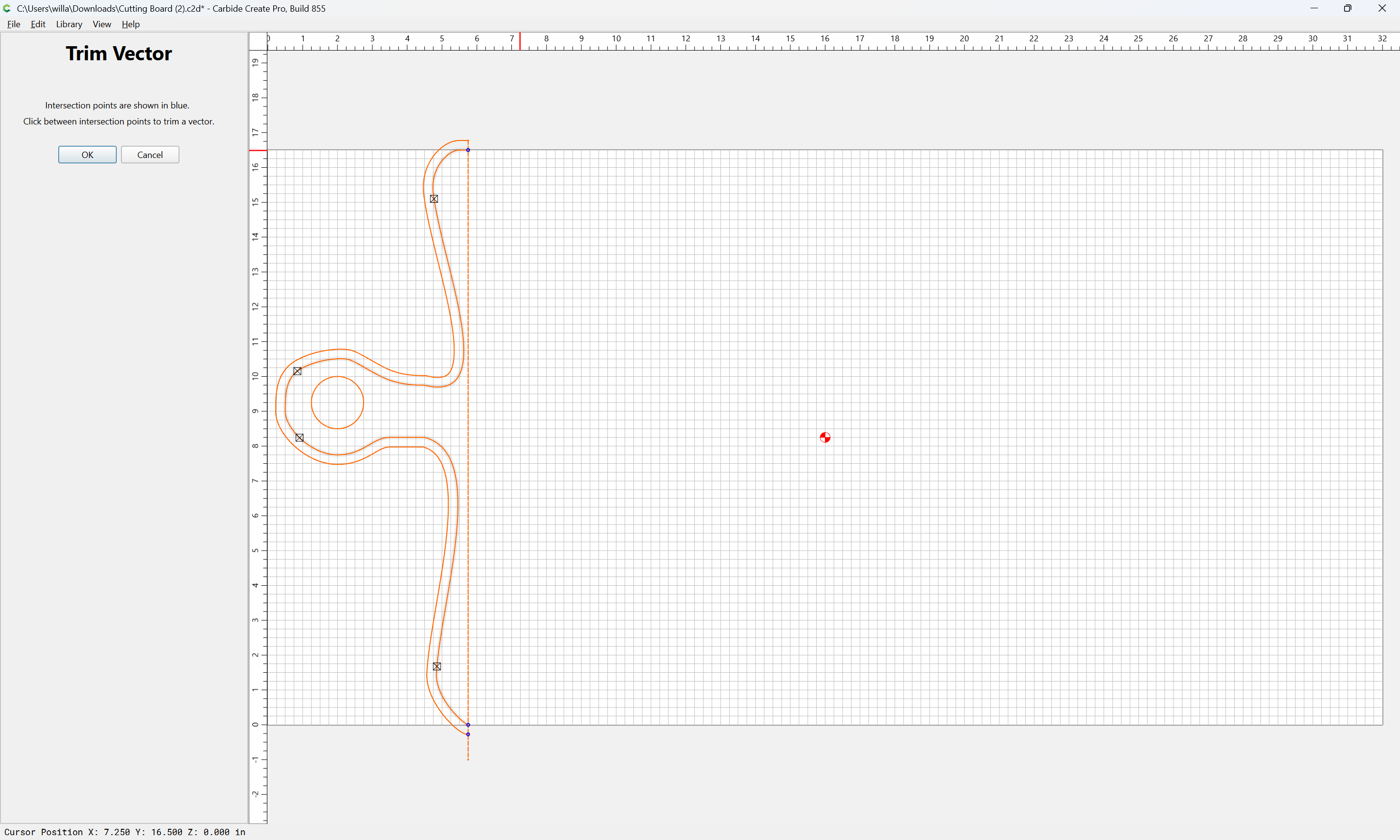
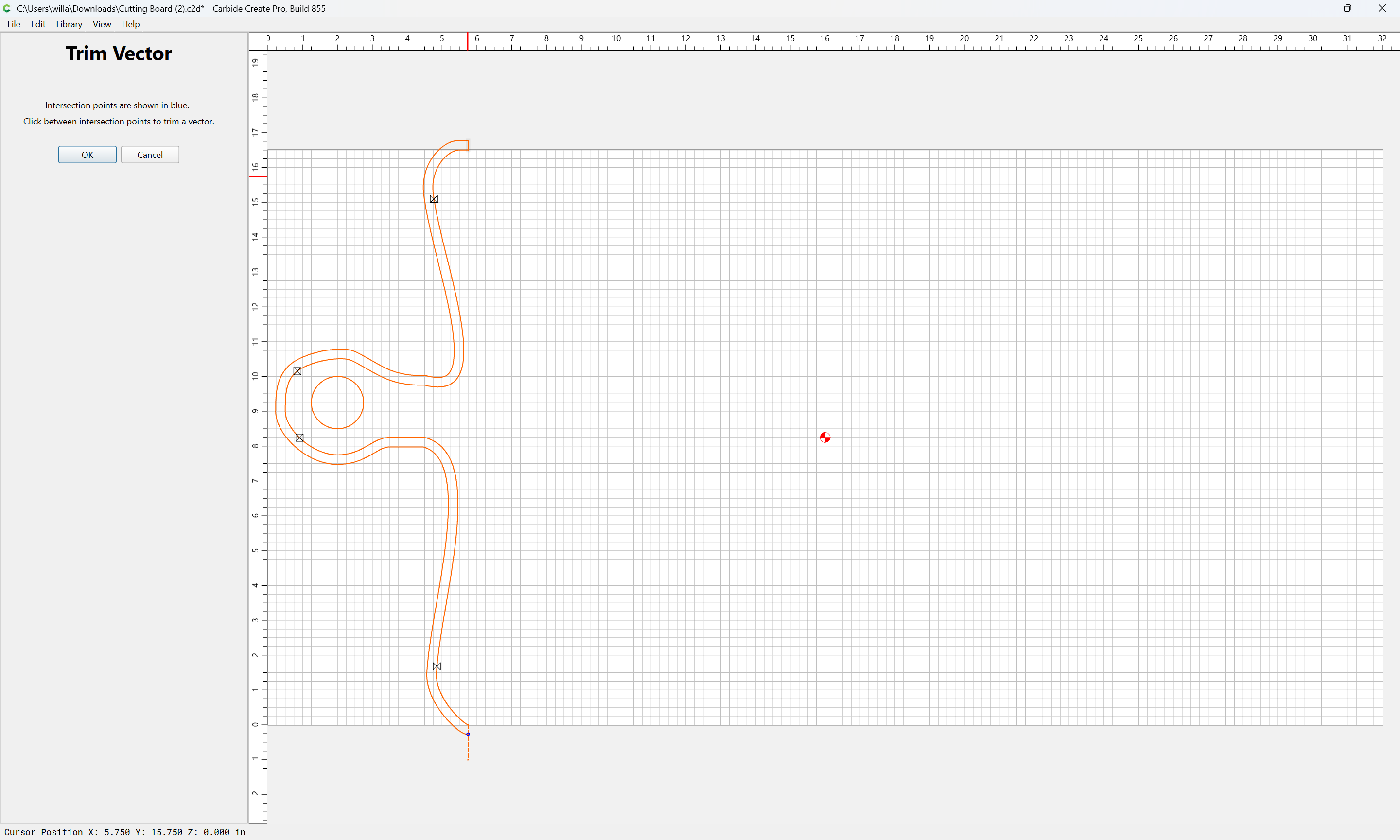
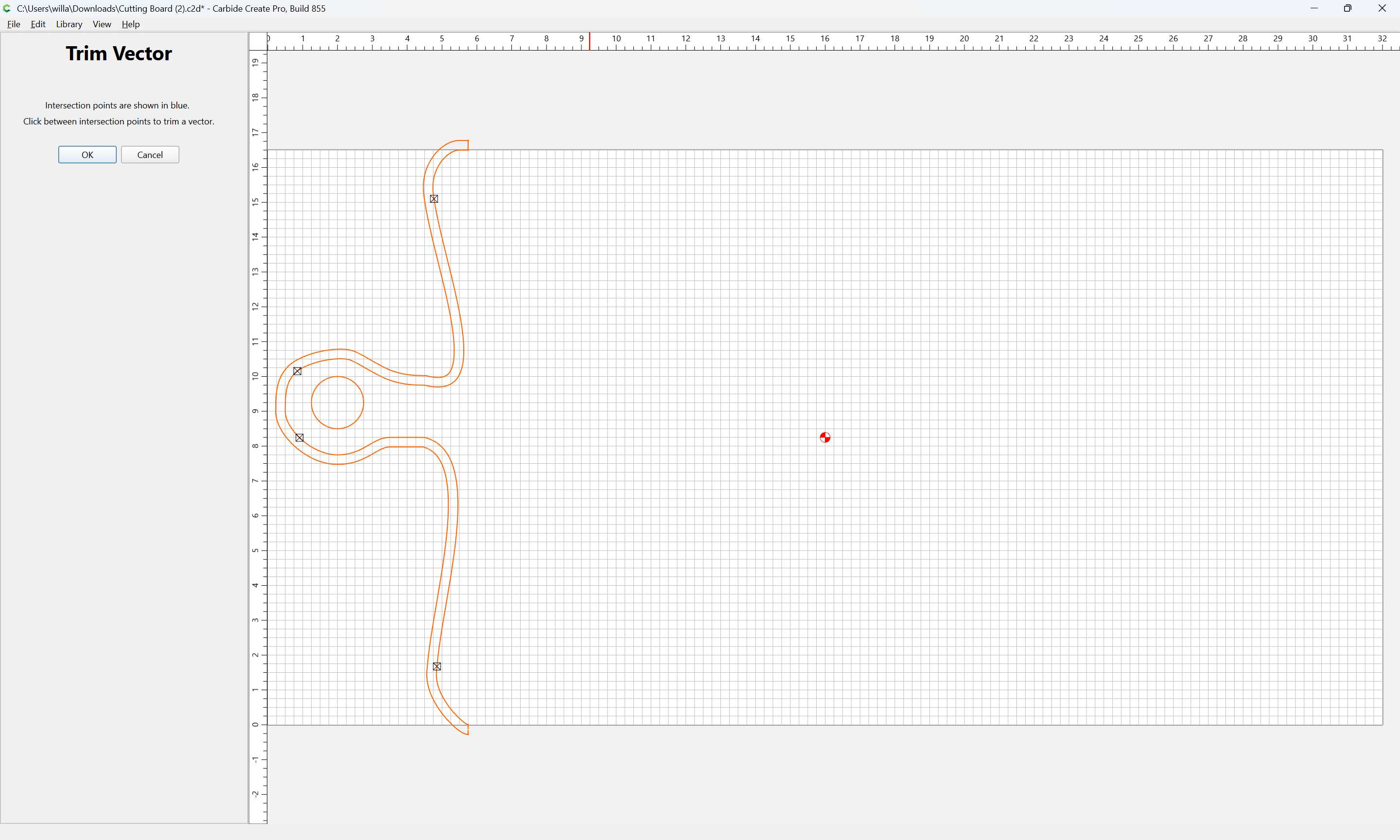
Or, do it using Trim Vectors:

OK

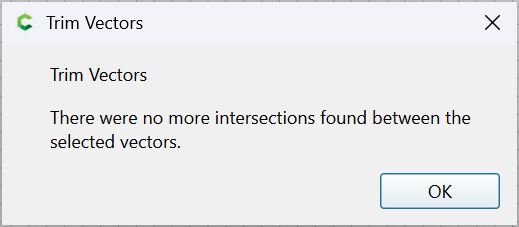
OK

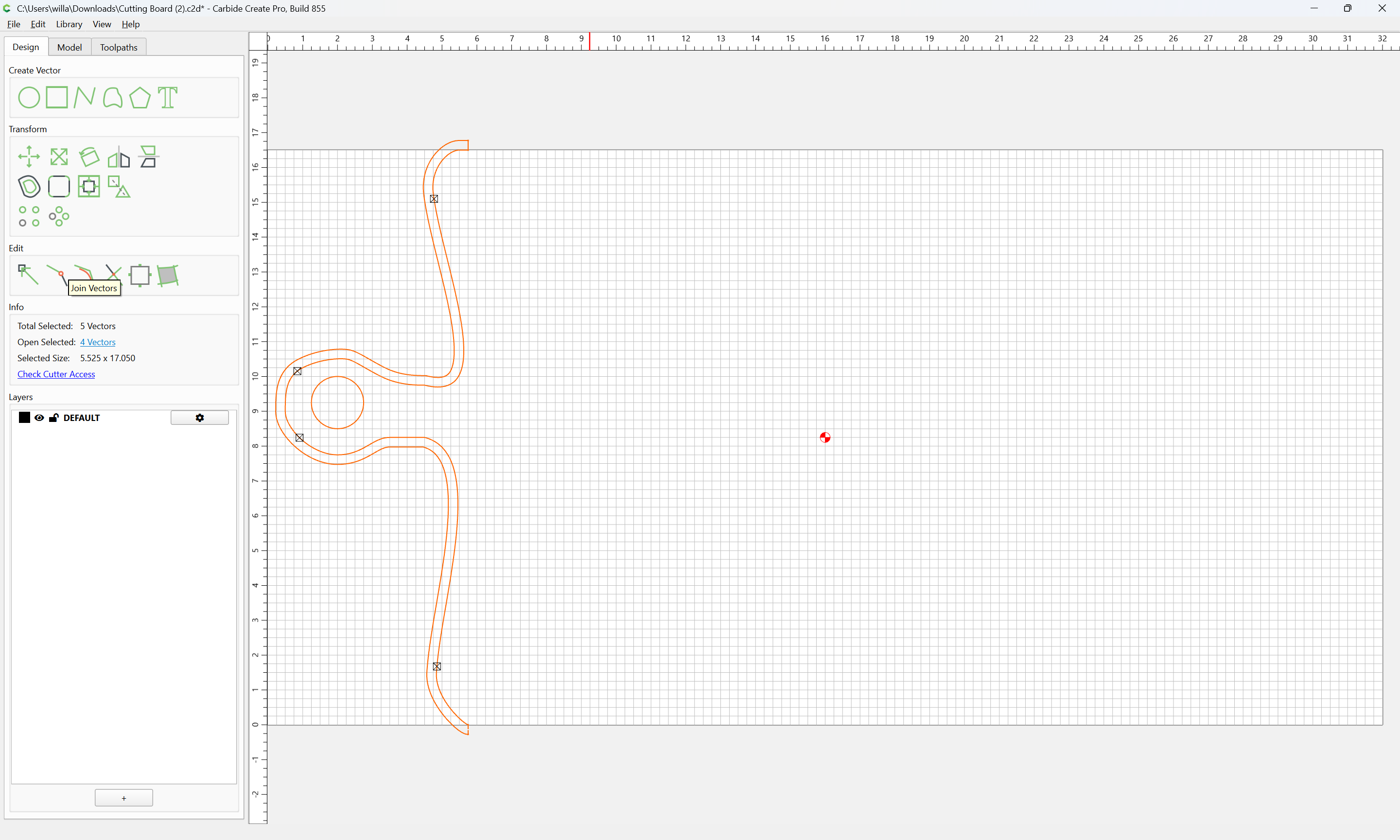
Join Vectors

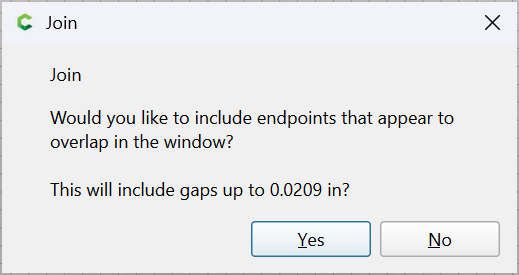
Yes

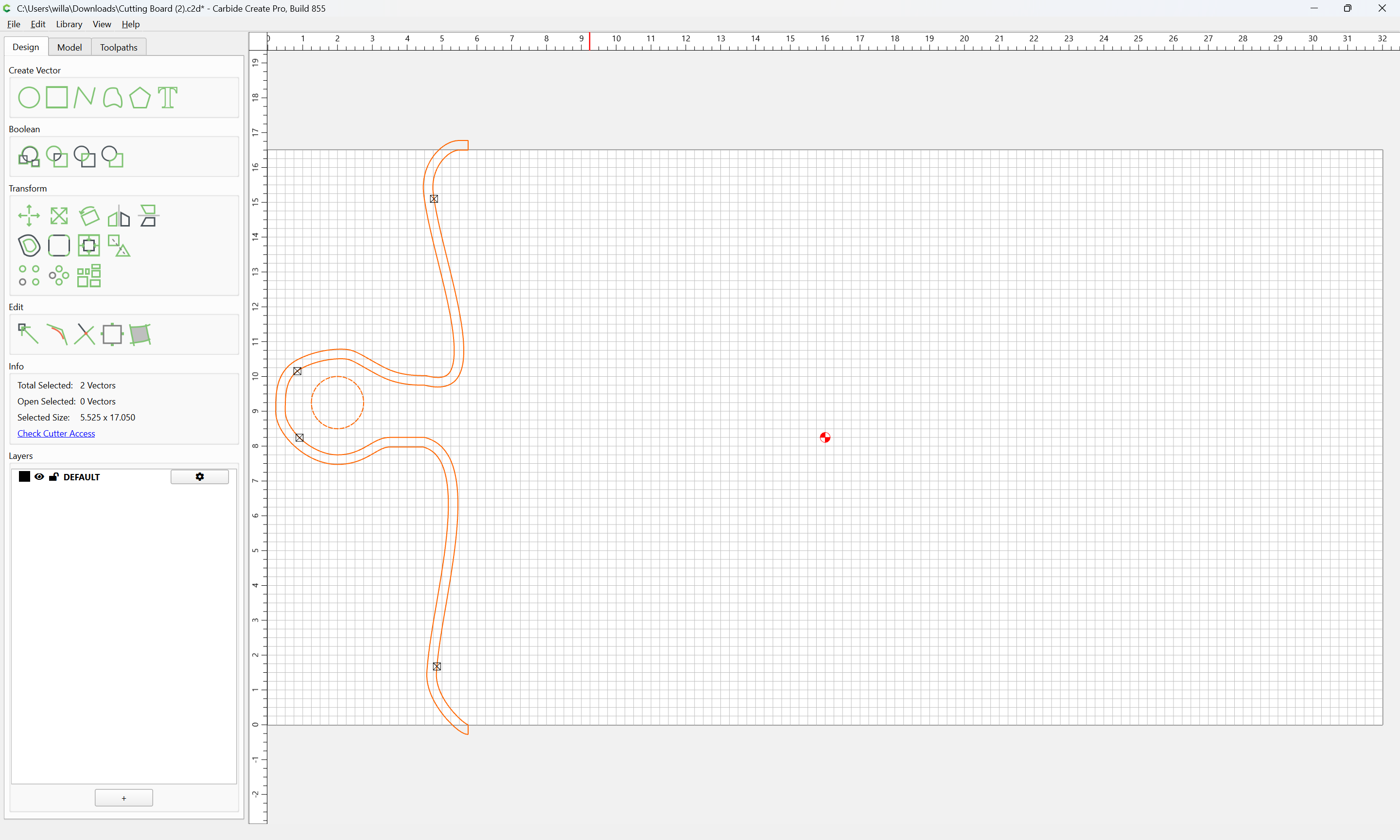
apply toolpaths as before.

1 Like