We just uploaded a new video about making a wavy wooden flag with Carbide Create Pro. The process is deceptively simple if you have some very basic computer image editing skills, and we show you the complete process of making this 3D file from scratch.
The Carbide Create Project files, if you want to follow along, are provided here: Wavy US Flag by wsmoy
Great to see y’all posting new videos and beginning to push a little into the 3D space more so than before. Unless I’ve missed it, (I had a heart attack on 9/24 and open heart on 10/1) some video assistance would be good to go over all that’s changed in the latest iterations of both software products.
What’s new with them and how do they save design time?
What’s gone now cos it was eating up so much of our design time?
Now, how do we use the new developments to go beyond where we are now?
Not a video, but I used a number of new features for fixing up the flag at the link above.
I also updated:
to match the current version (let me know if anything there needs to be updated or corrected or improved).
The current version is also used as new custom tutorials here are made:
many of which come from tech support tickets, but if there’s anything which you are having difficulty doing, let us know and we will see what we can work up.
To be fair, I had originally planned to have this video out like 3 weeks ago, so in that sense, yes I am late
@Wood_Shoppe_2pt0 Glad you’re doing okay now. I’ll keep that suggestion in mind the next time we have some updates to share.
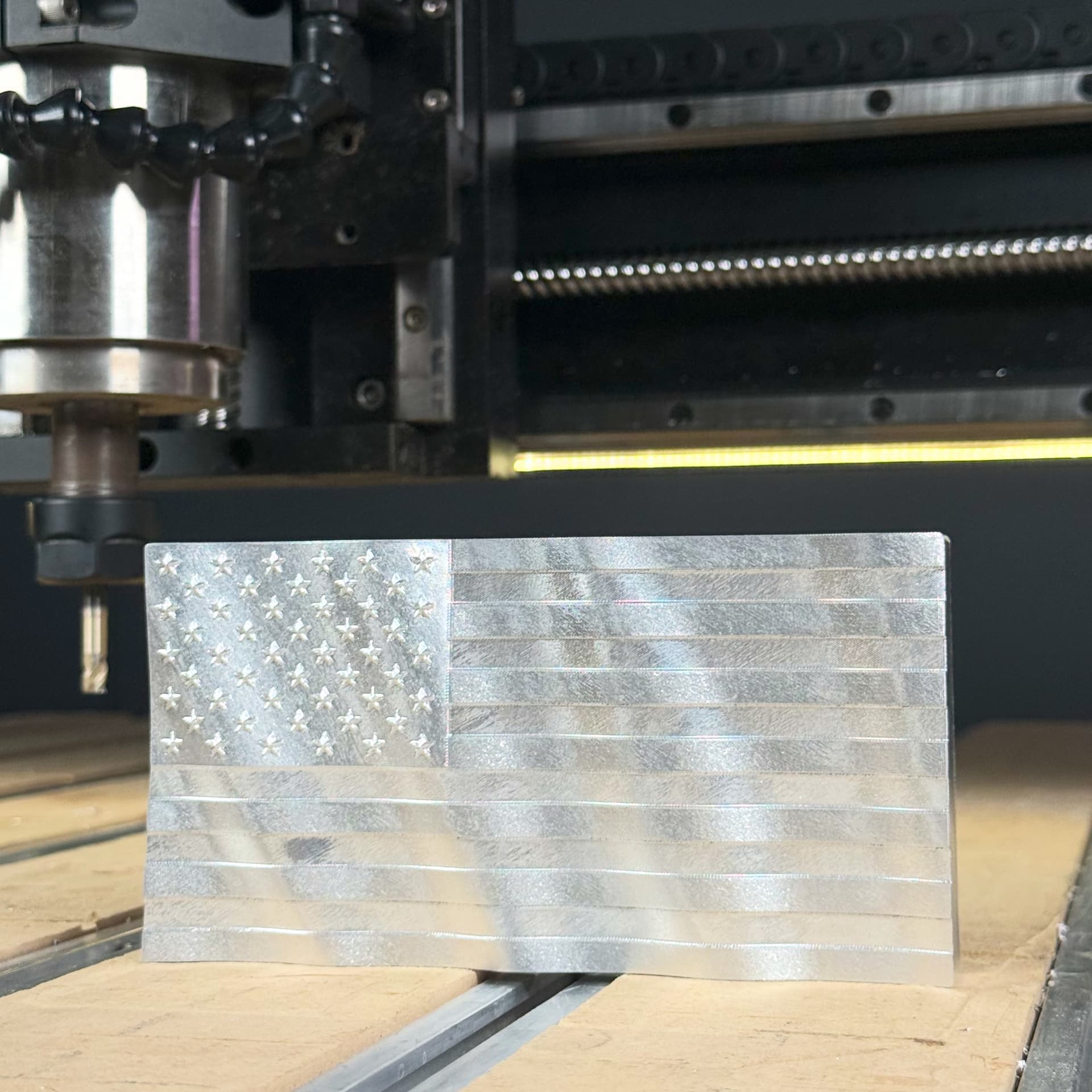
And for everyone else here’s a shot of the aluminum flag from the end of the video. Same techniques as with the wooden flag, but with much more conservative speeds and feeds…