This is a suggestion. If Carbide Motion disconnects mid-job, would there be a way you could save where it got to somewhere eg in a file?
If not is there a way to know where one should restart from?
Carbide Motion should do this and automatically manage a re-start:
If you have trouble with this, let us know and we will look into it with you.
Can you give a little more direction on this? I’ve rerun entire projects when I’ve lost connection. Somehow I missed this.
I have used this a couple of times. You have to know the approximate line number to restart at.
I use ncviewer to find a line number somewhere before the last cut. I use the z axis value as a guide.
The beta versions of CM ( 641 + ) have the restart capability.
You will have to re zero values if you had a panic stop.
2 Likes
Basically, Carbide Motion keeps track of where it is when cutting a file, and if the cut is interrupted, where it was at.
It then offers the user the chance to restart the file where the cut was interrupted.
Used to be we’d get a couple of e-mails or so per month on support asking how to re-start a project, but since this feature rolled out, that has pretty much ceased, which makes this the best sort of feature.
1 Like
So, how do I get CM beta version? 
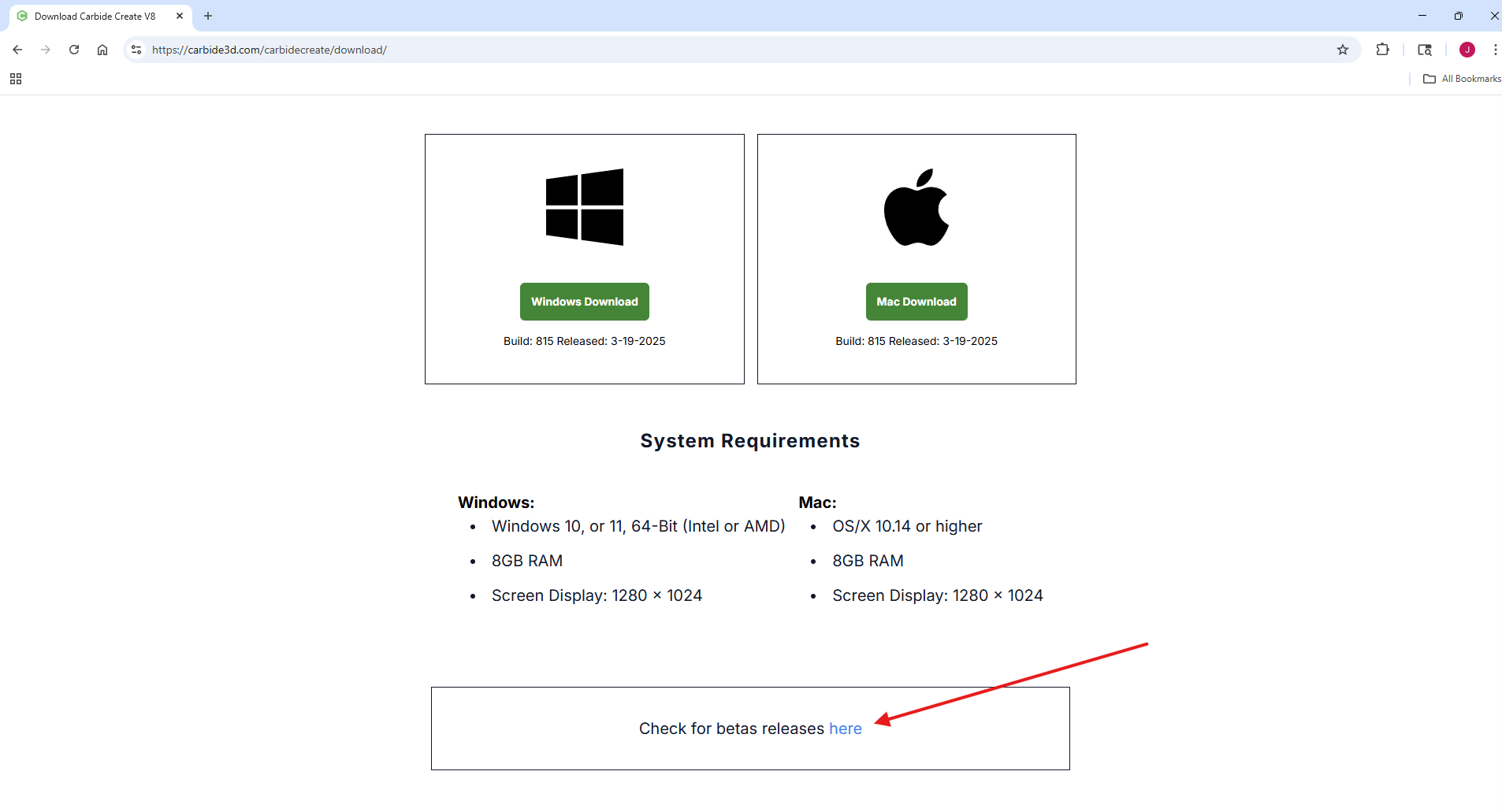
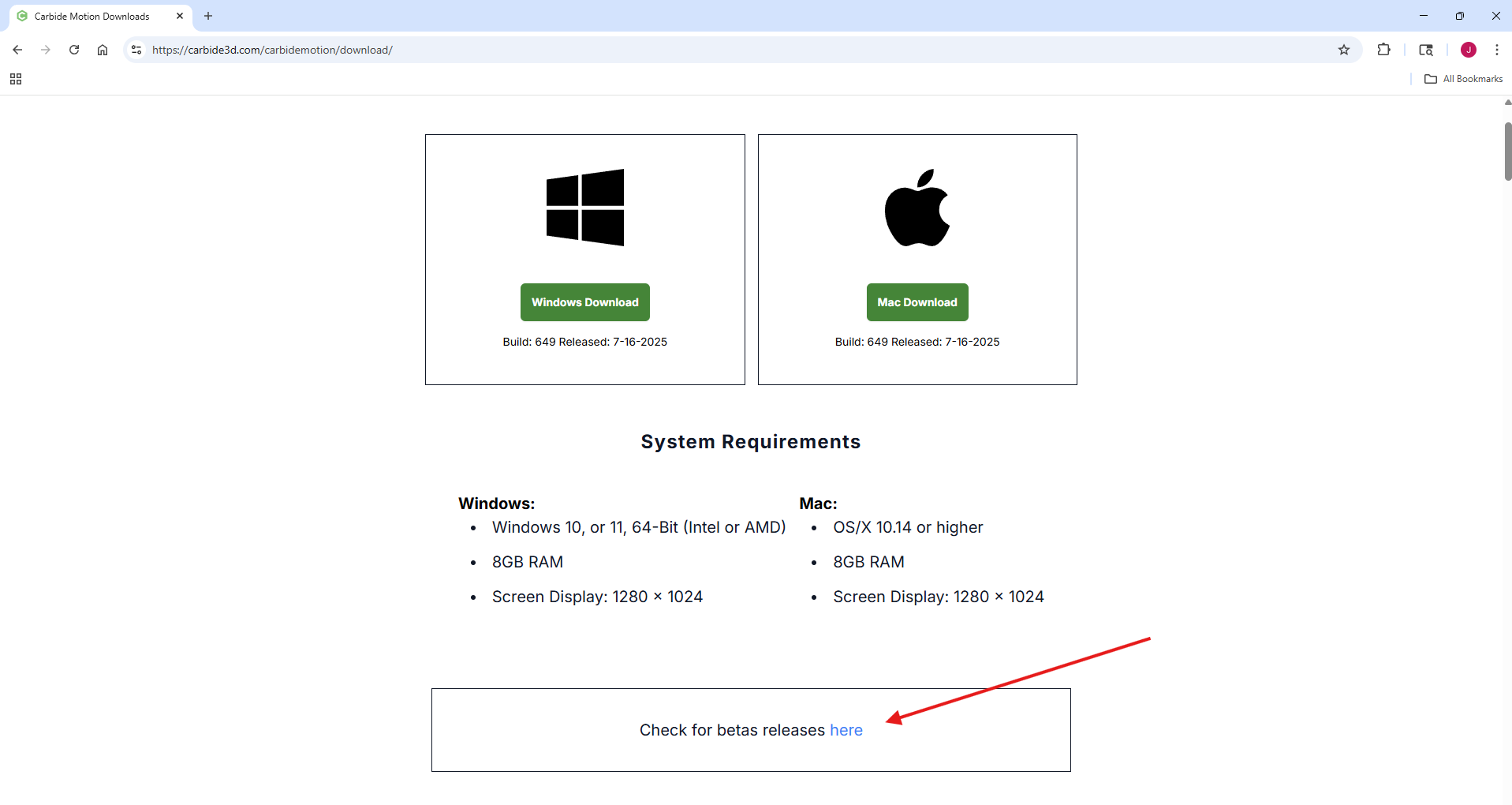
Beta versions can be accessed via the download page.
https://carbide3d.com/downloads/
One for Carbide Create.
One for Carbide Motion.
Also, a post about the Carbide Motion 644 beta.
2 Likes
After CM gets disconnected, I have to connect the Shapeoko load a file again. There is no restart button until I am running the job. So I first mke sure I am loading the same file as before, then it asks me which line to start from. HOw do I know which line unless CM records it somewhere at the time of disconnect.
w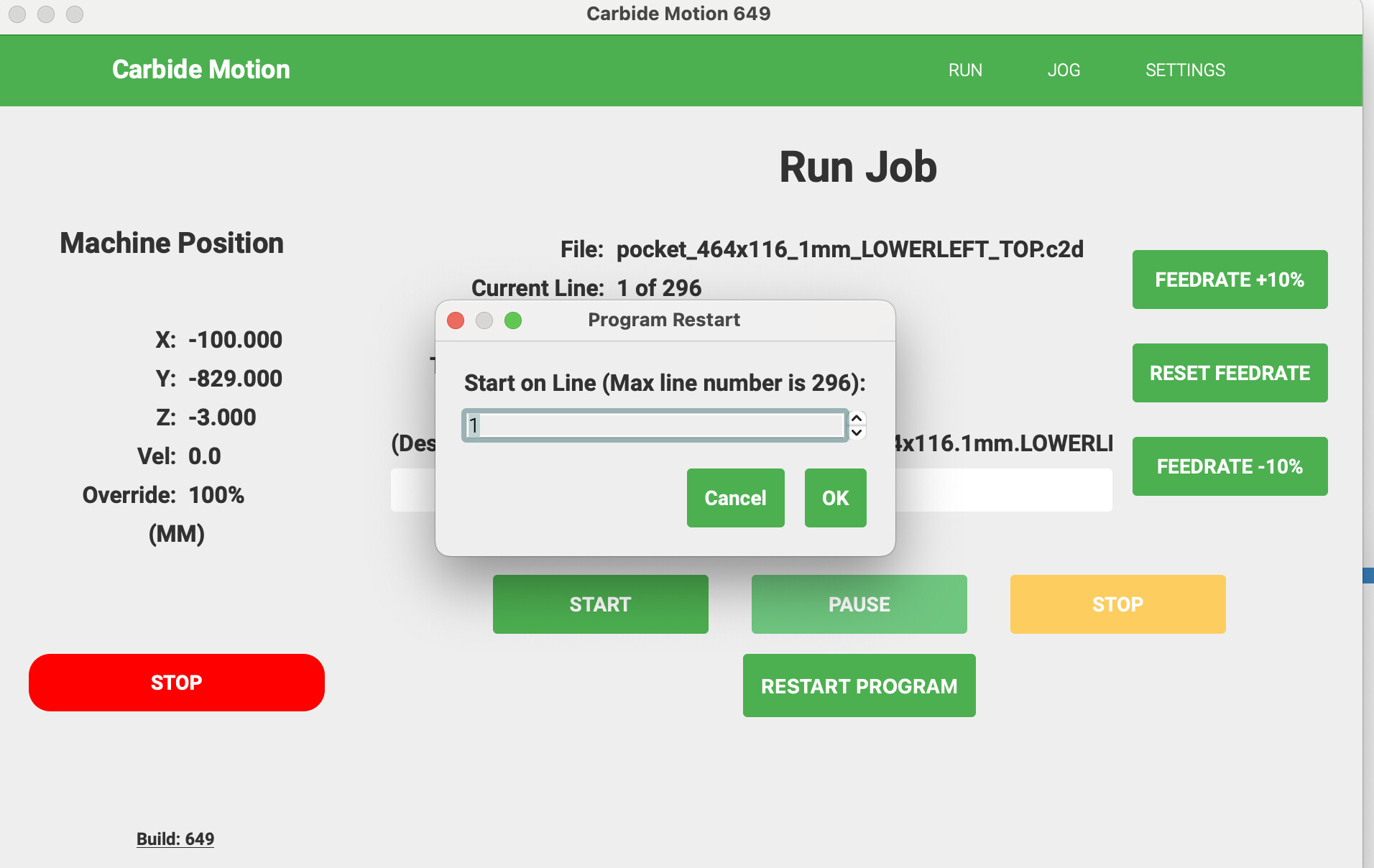
1 Like
This topic was automatically closed 30 days after the last reply. New replies are no longer allowed.