Start by checking the dimension of the taper and drawing the corner radius:

Draw a vertical straight line:
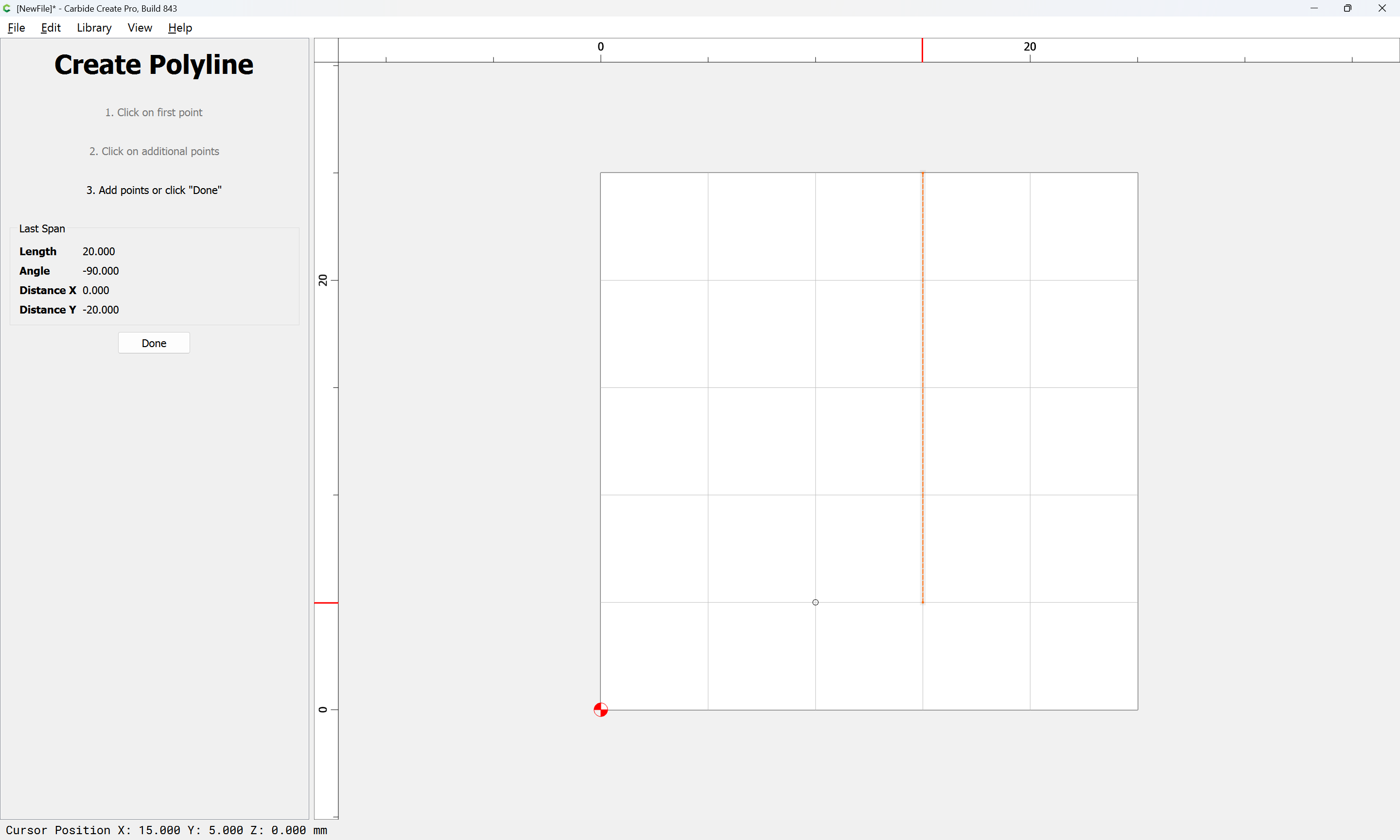
and drag it into register with the circle:
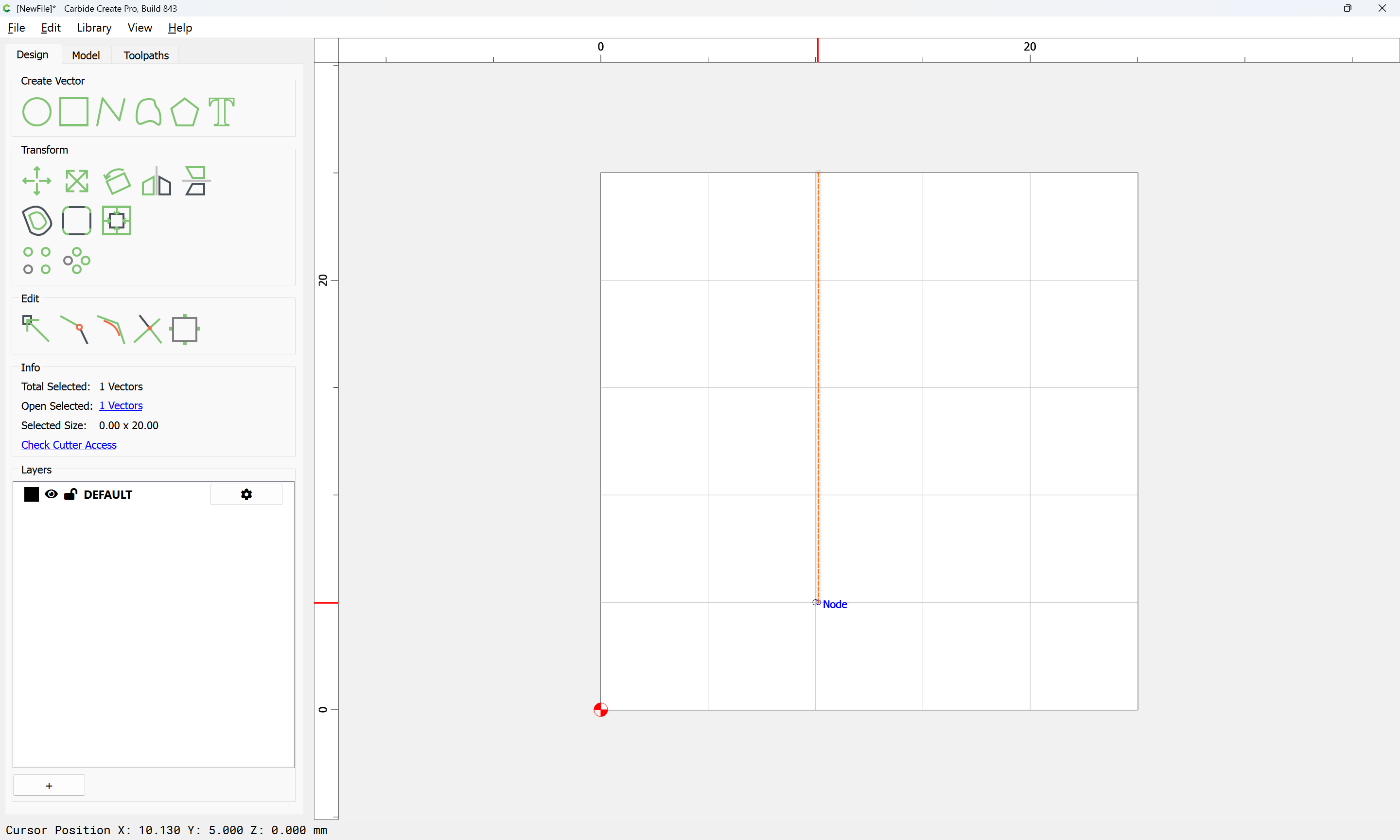
Select both
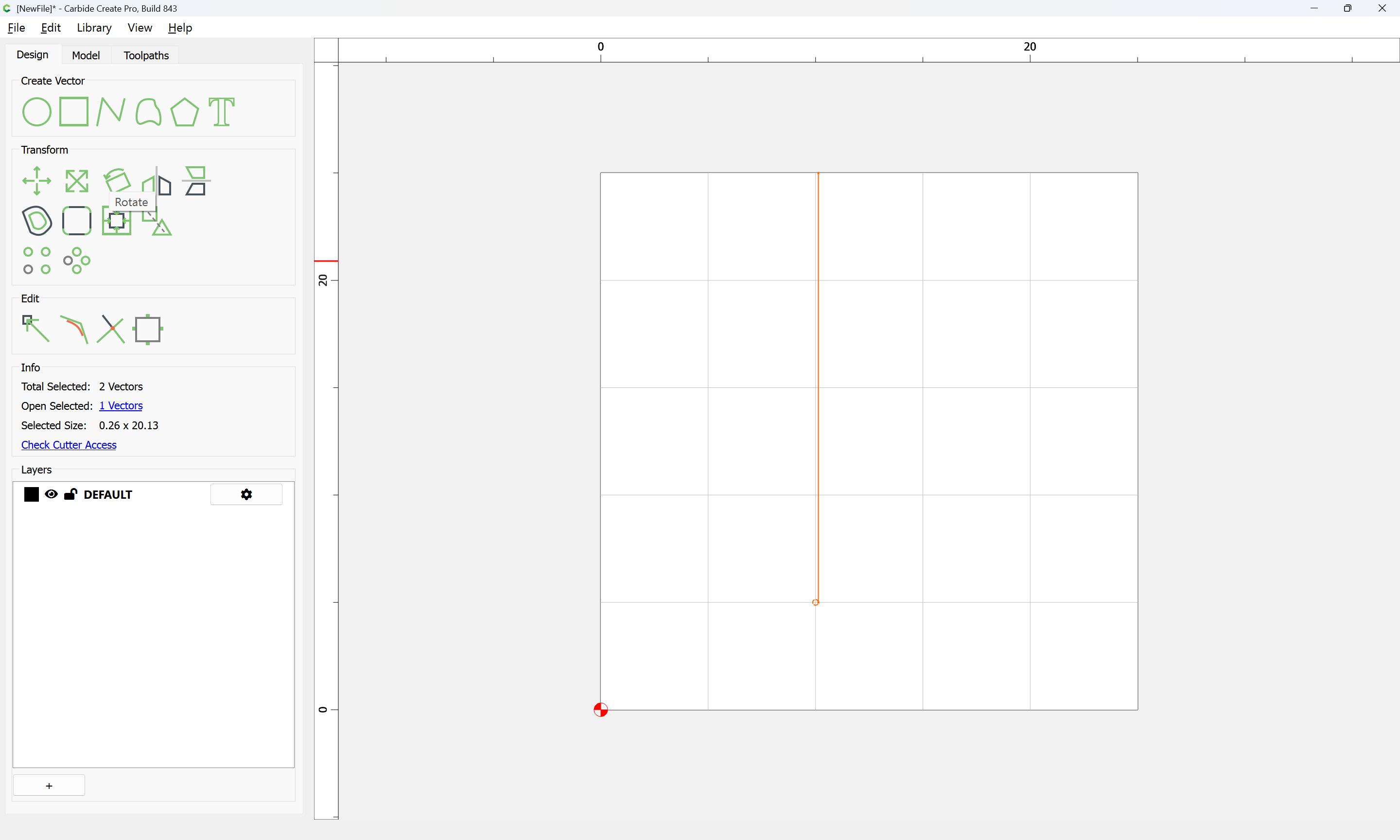
and rotate by the taper angle:
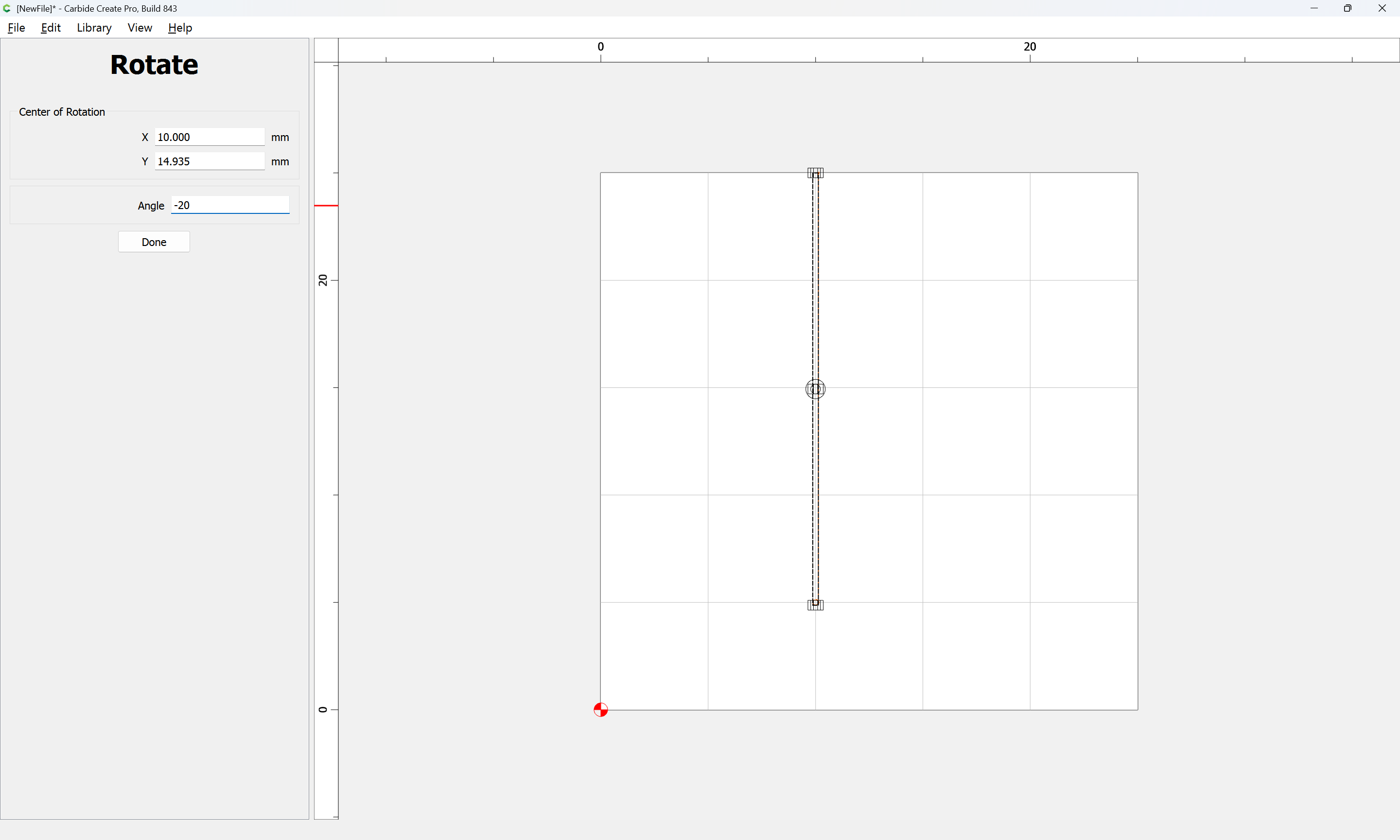

Duplicate:
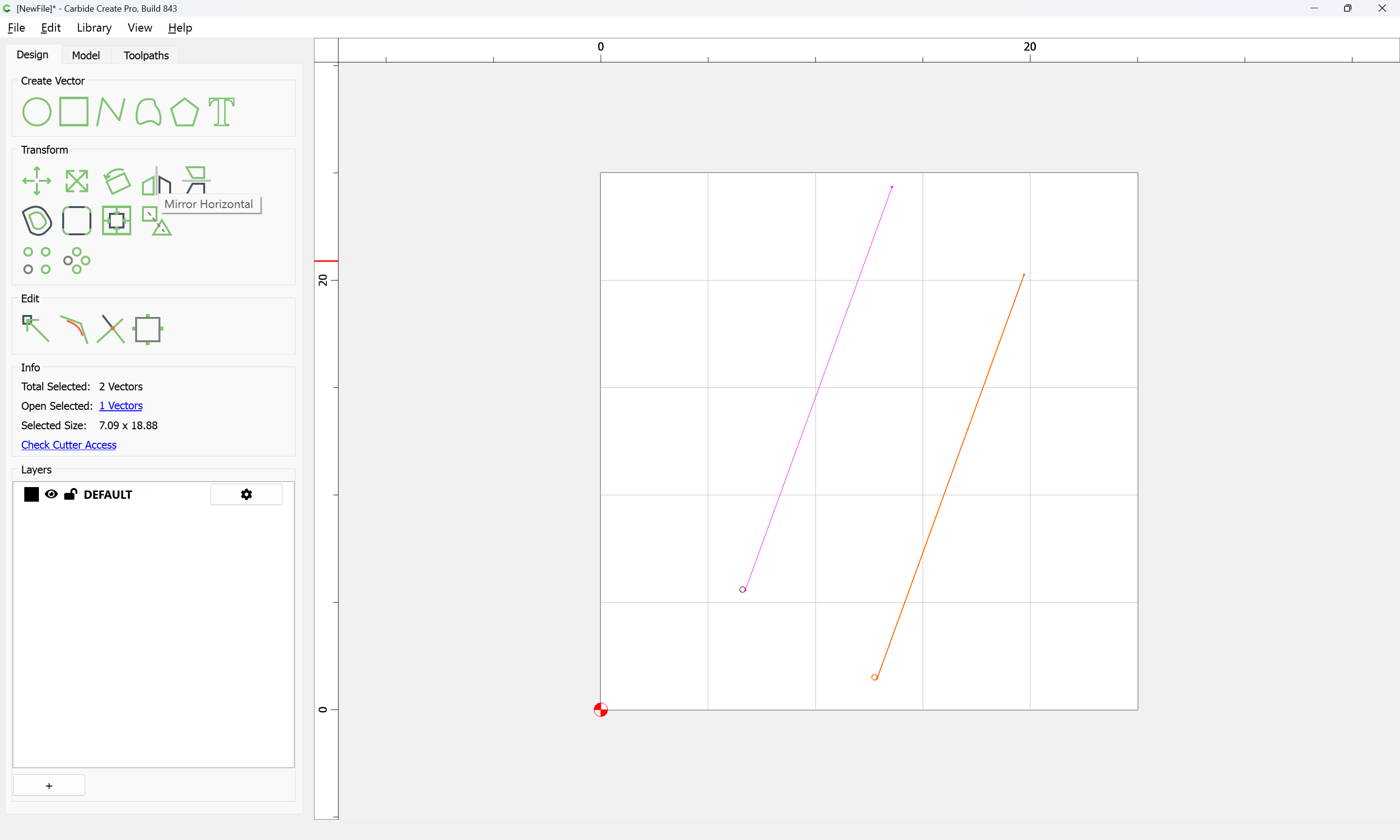
and Mirror Horizontal:
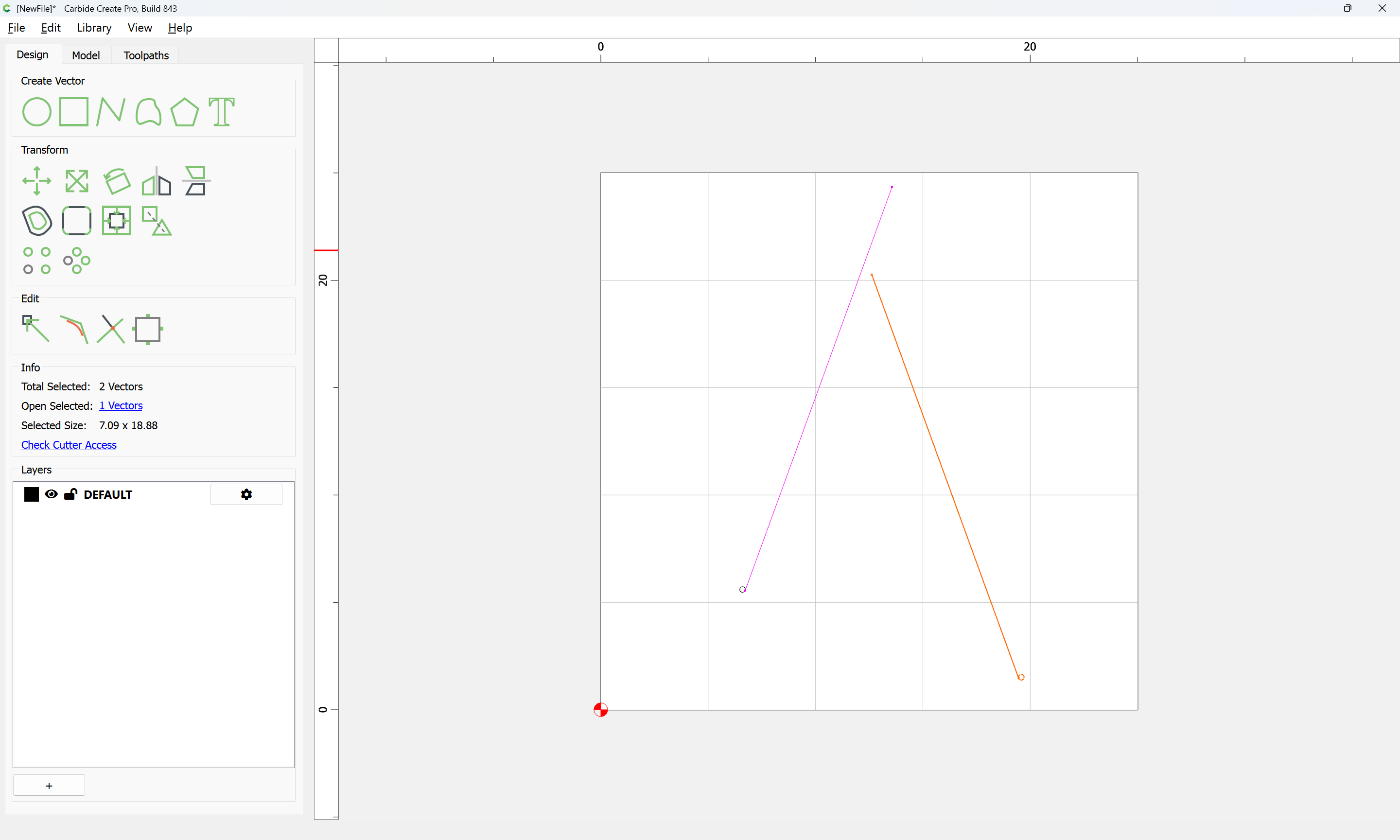
and drag into registration with the original:
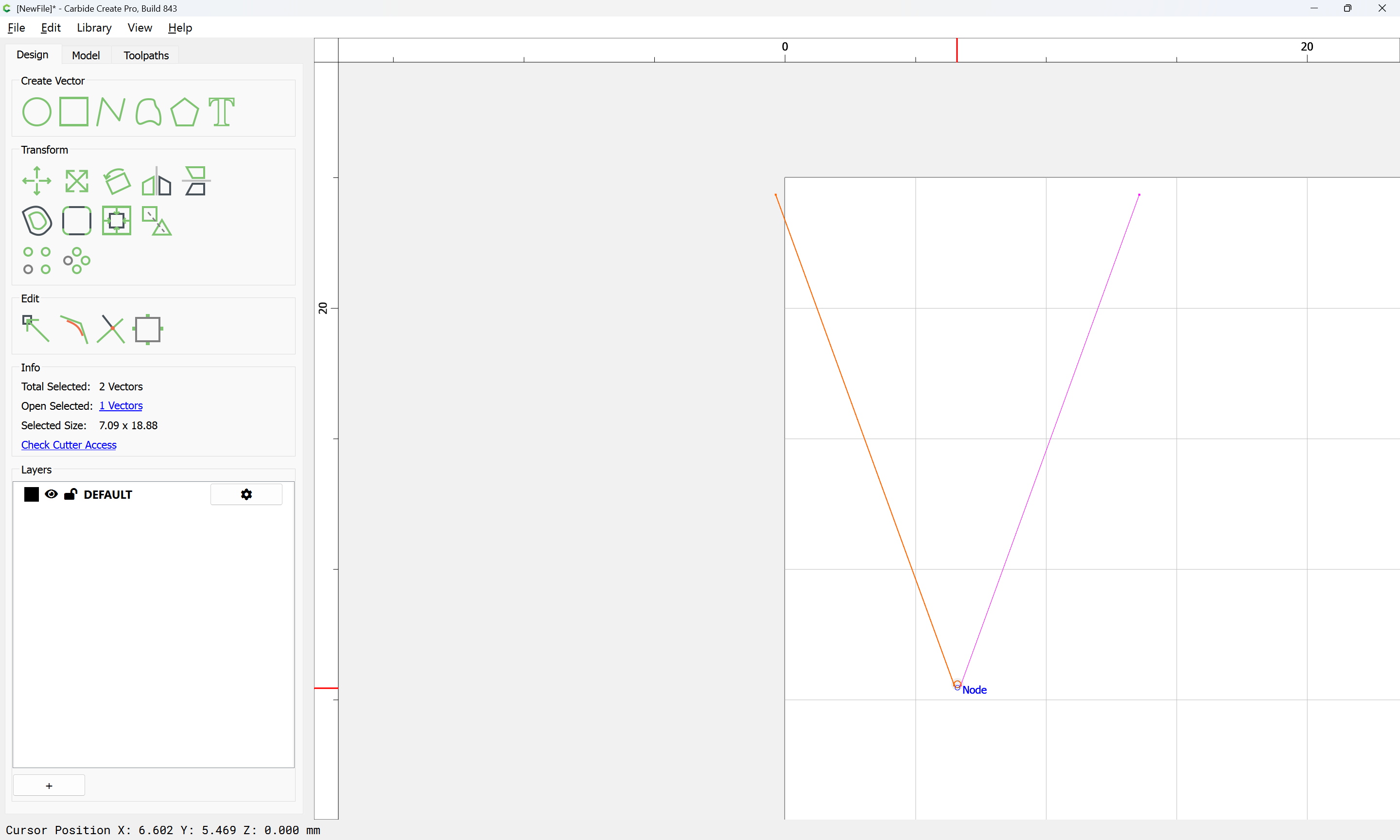
Delete a redundant circle
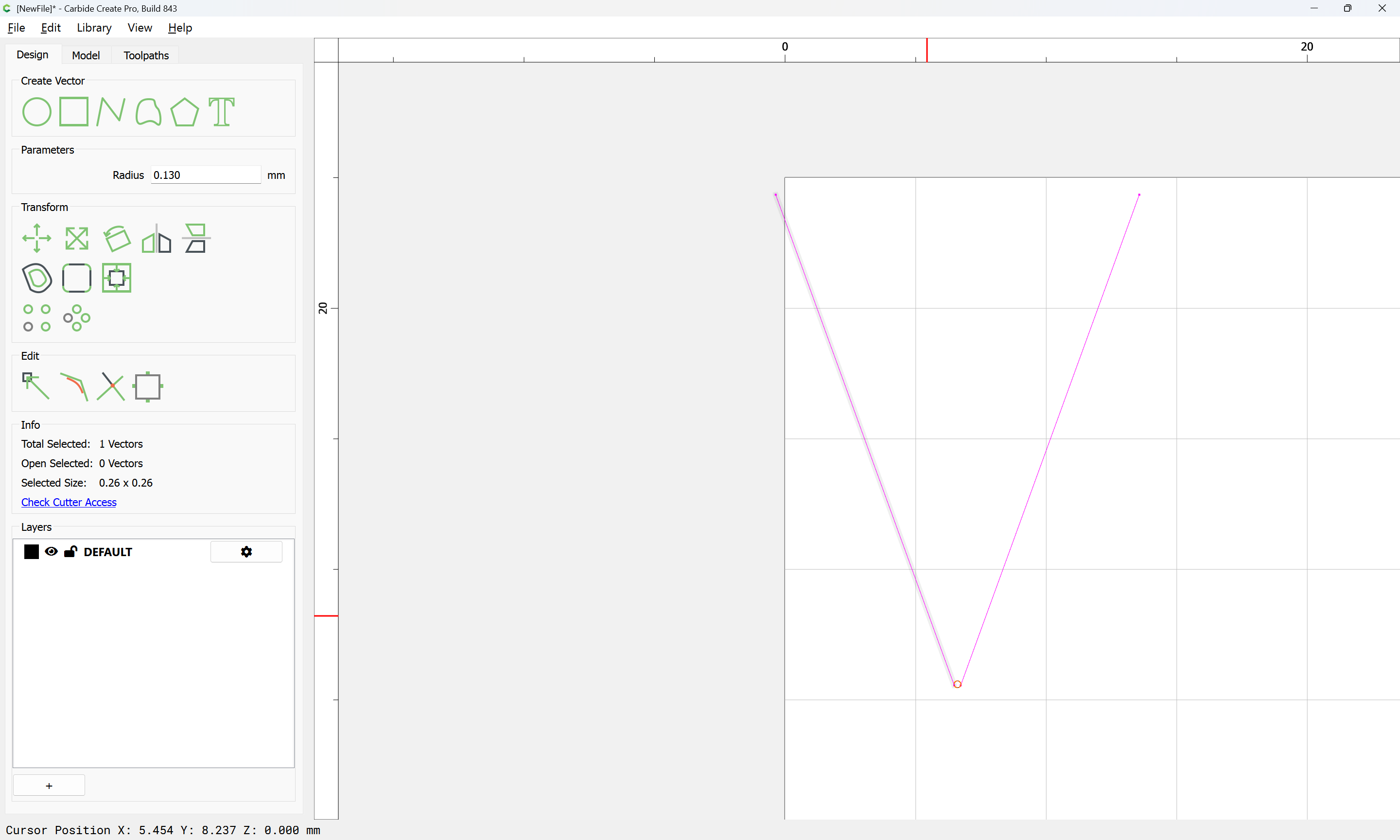
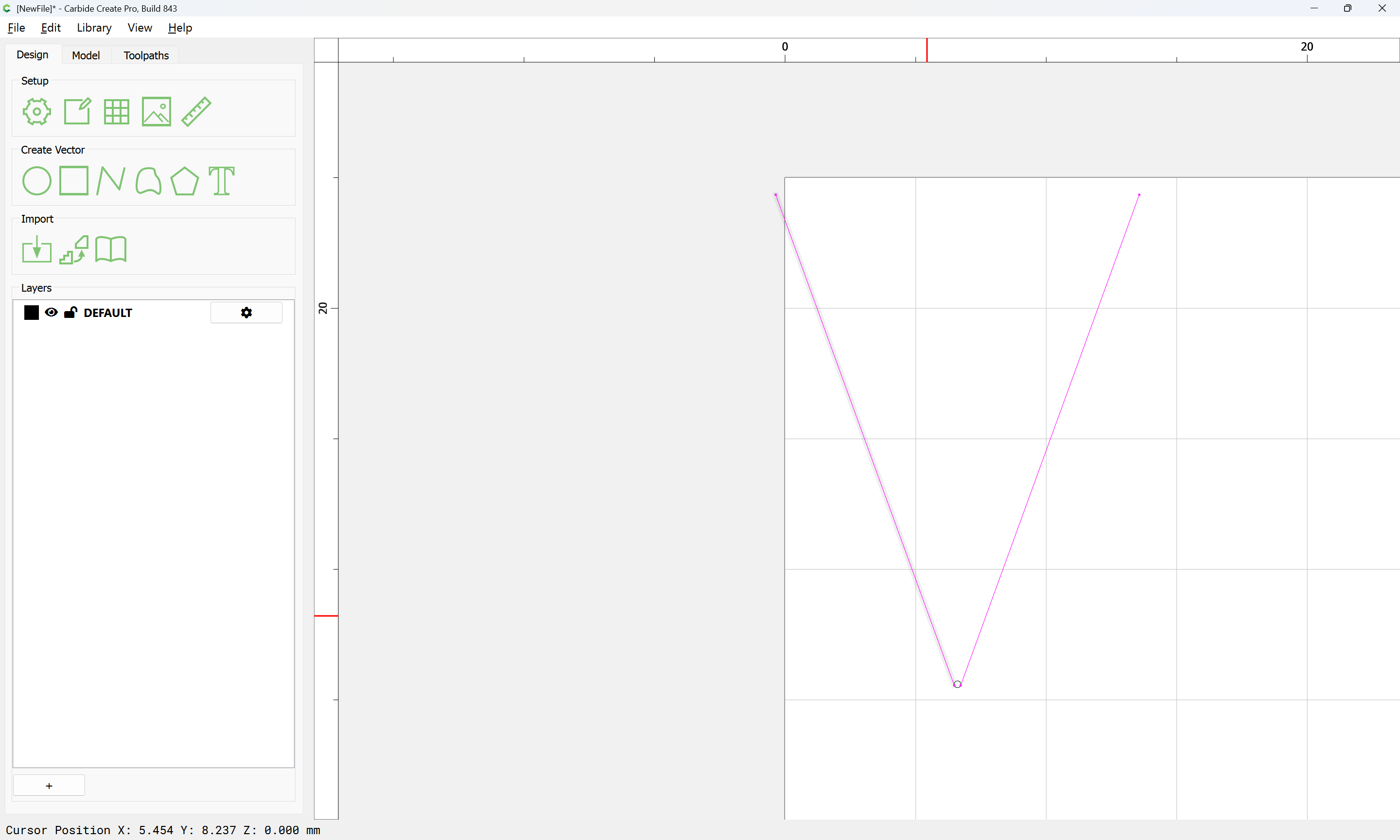
Then draw a line to define where the circle should be trimmed off:
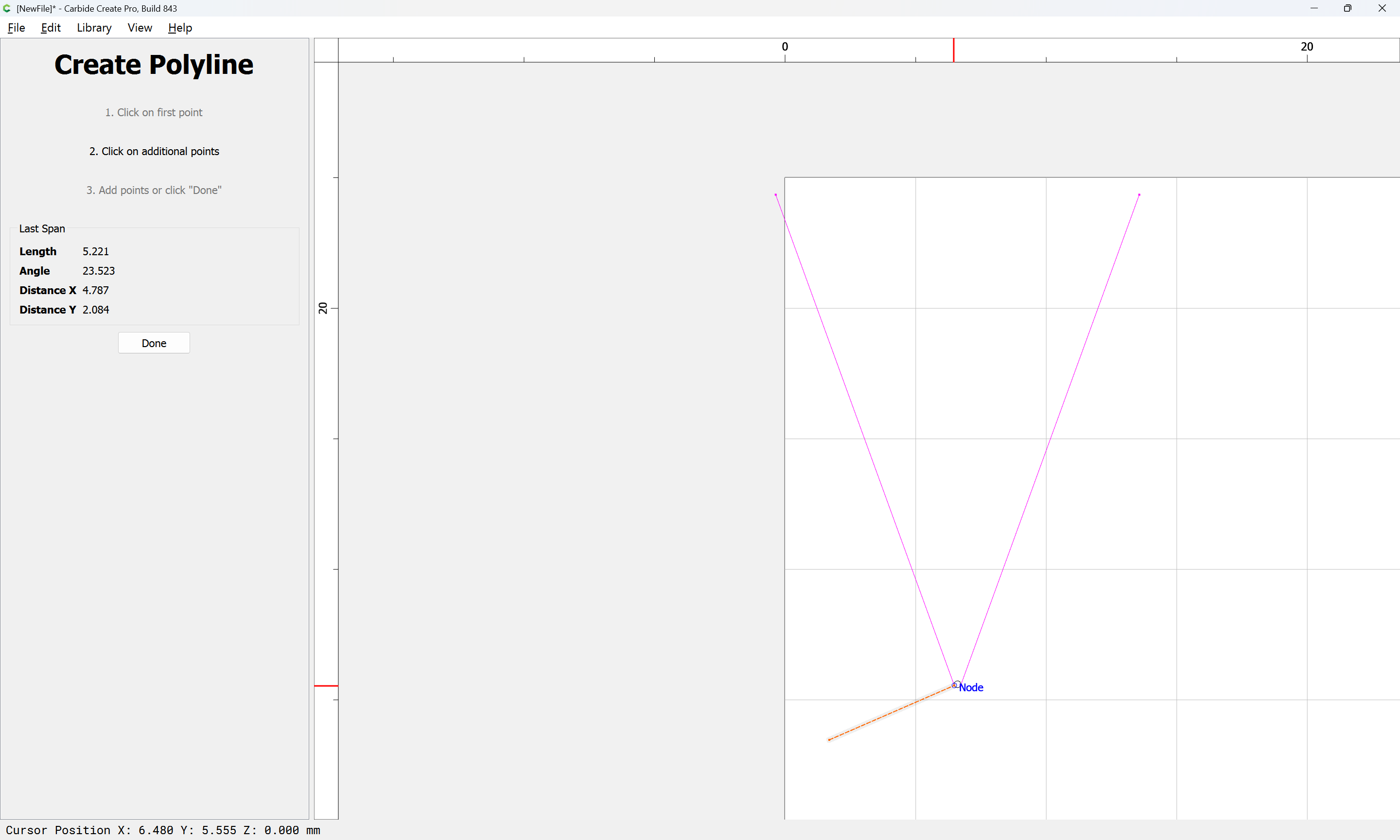
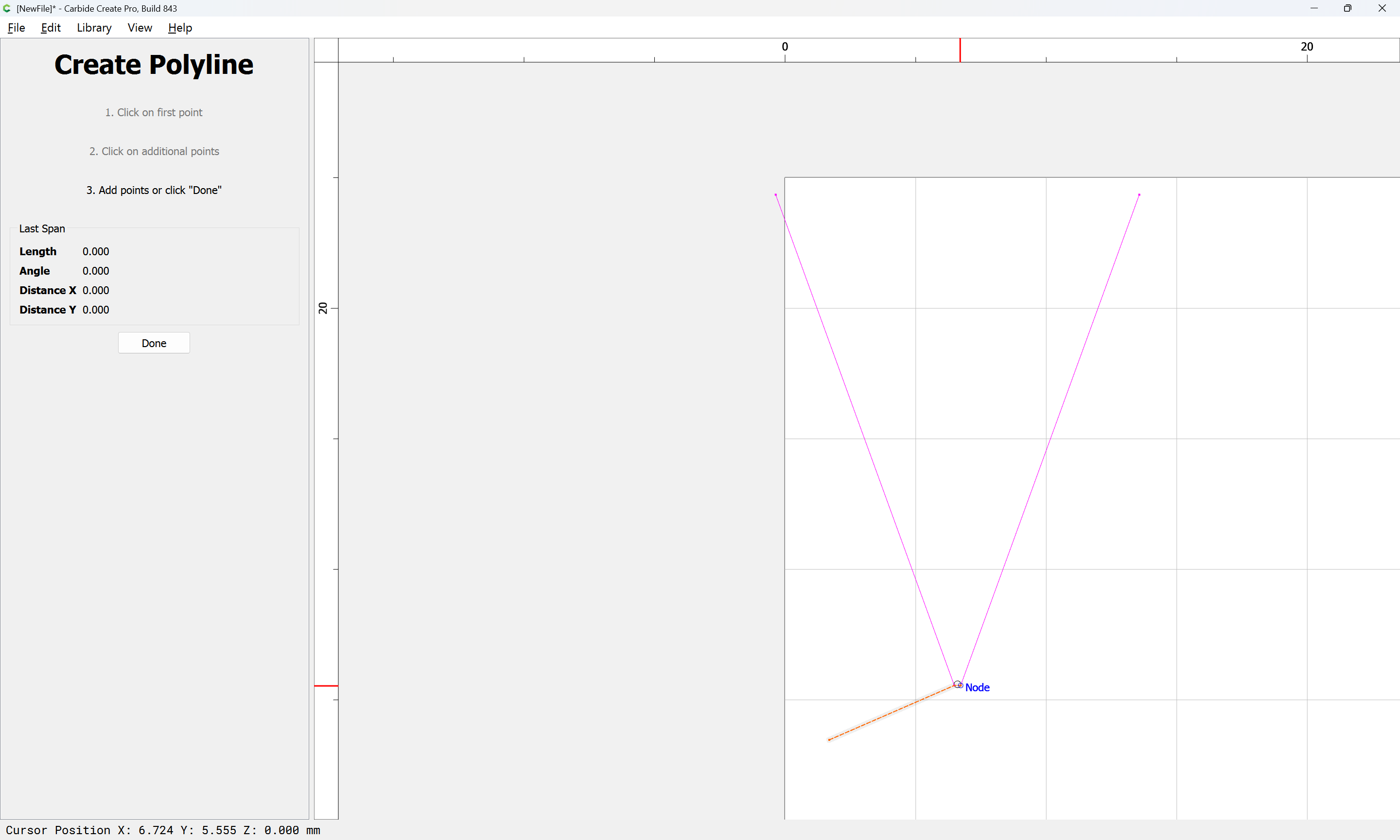
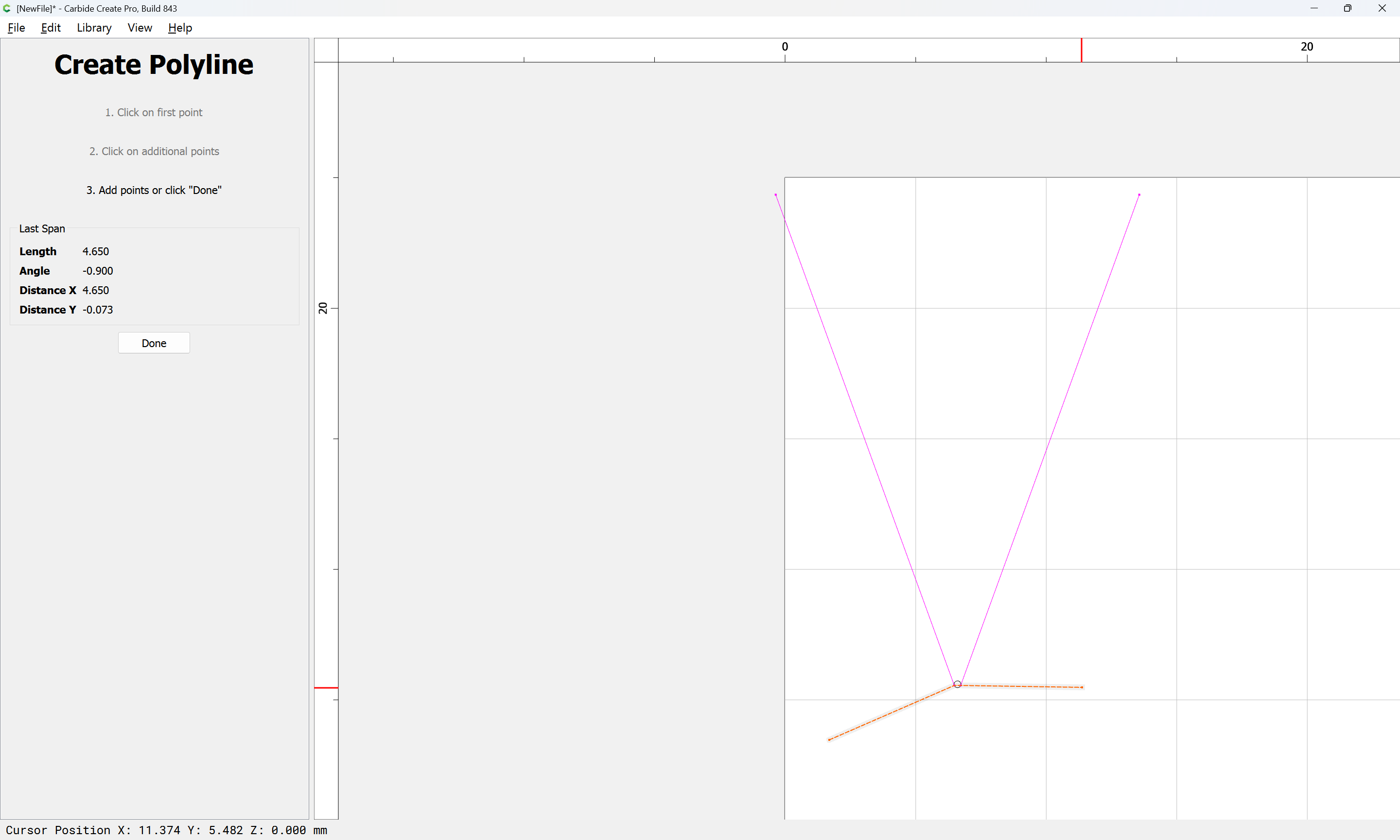
Done
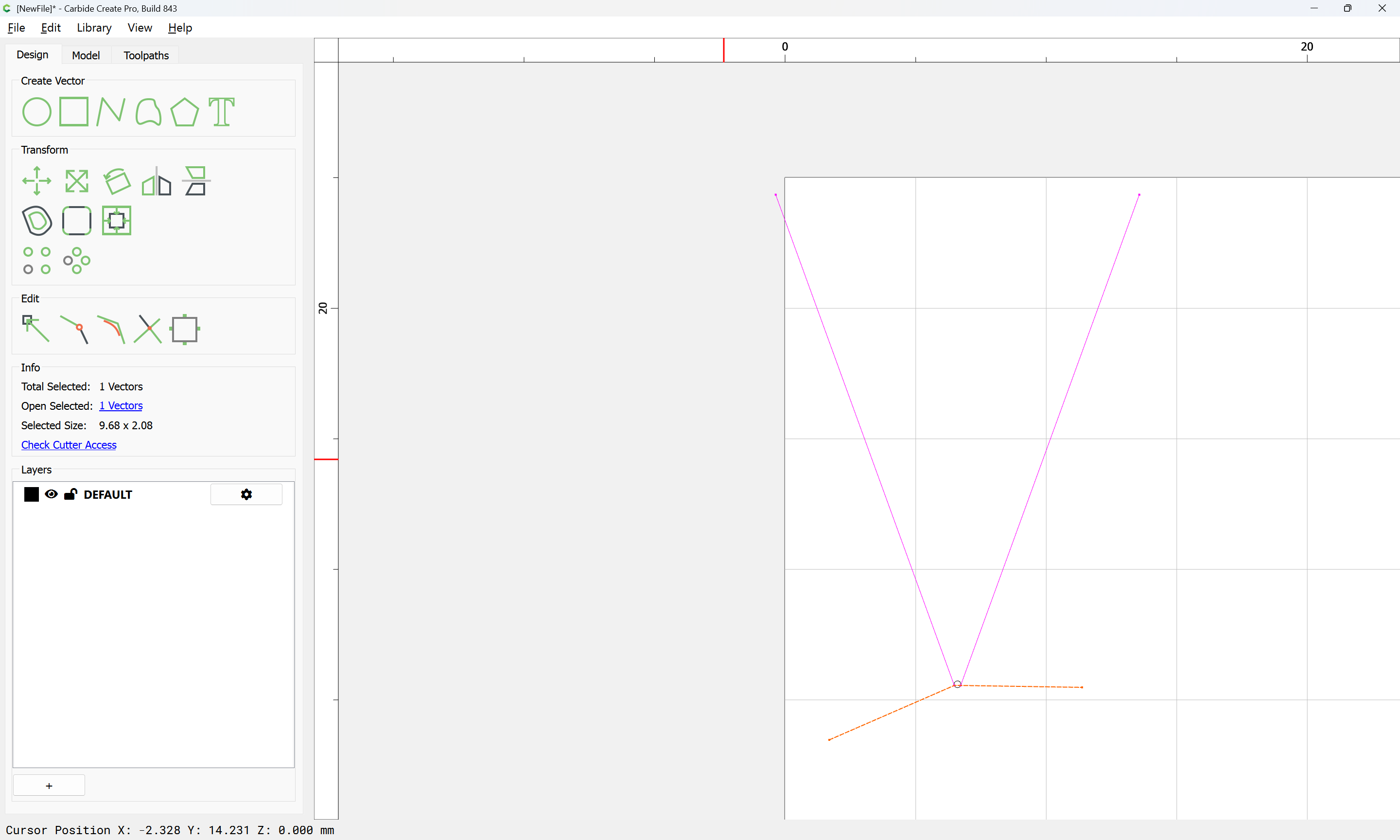

Then use Trim Vectors
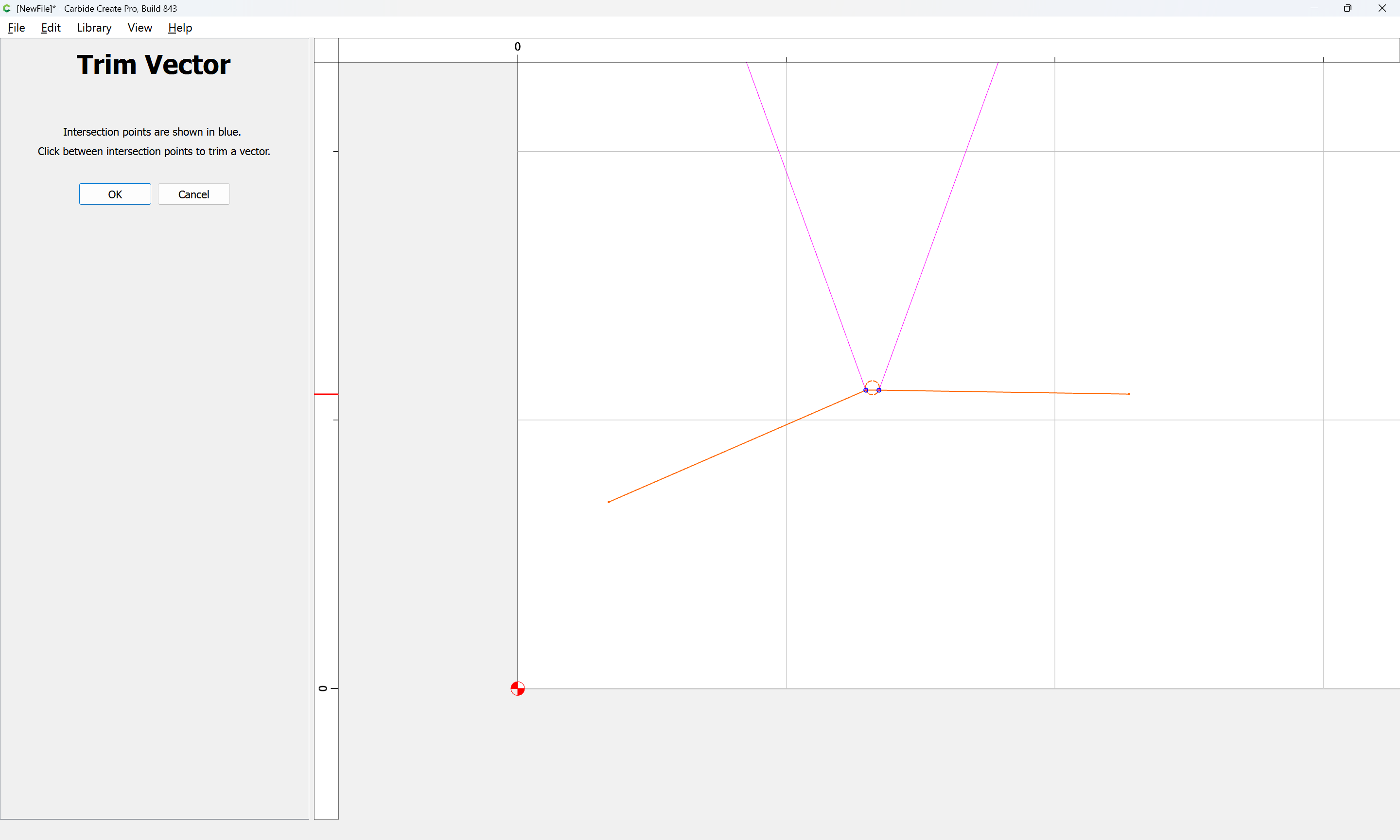
to remove what is not wanted:
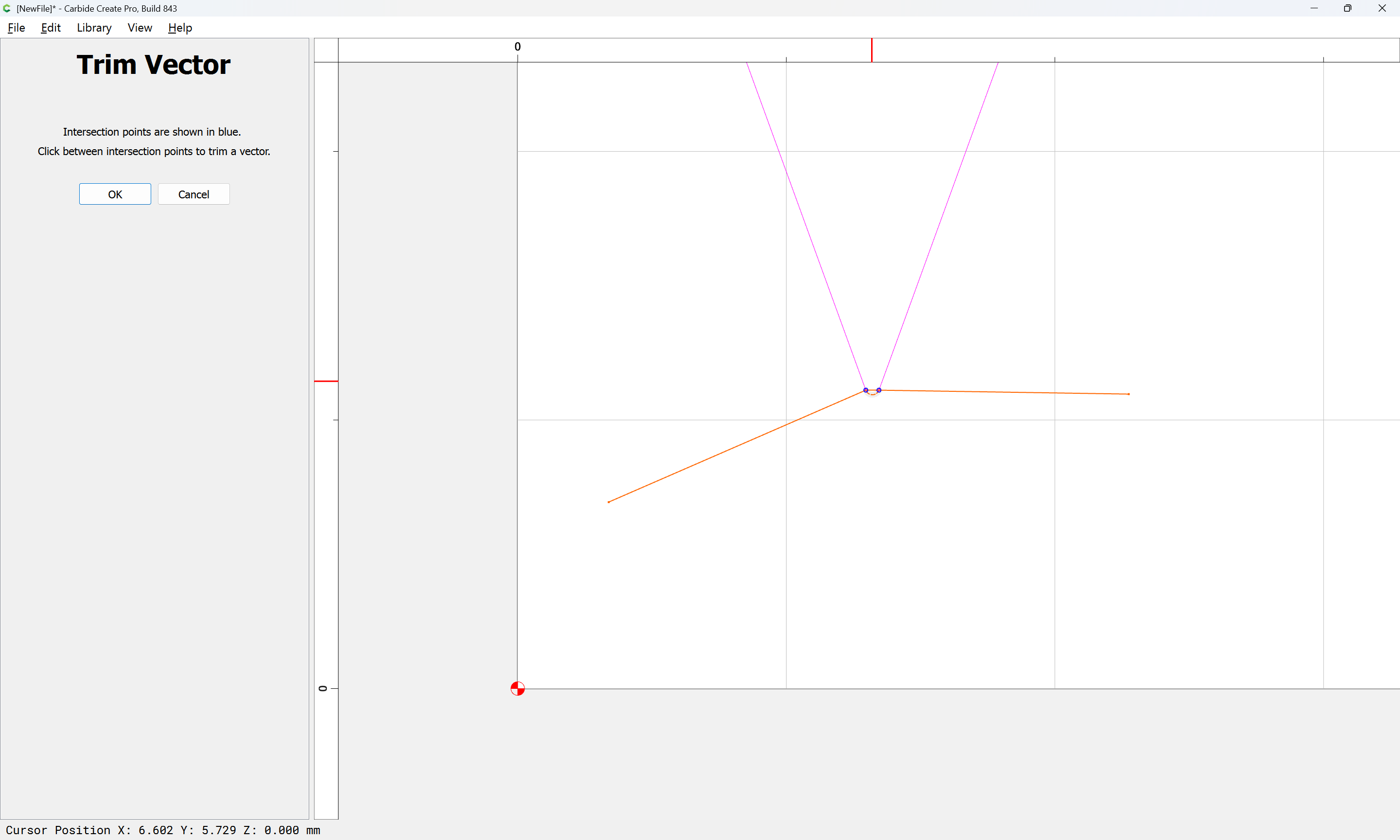
OK
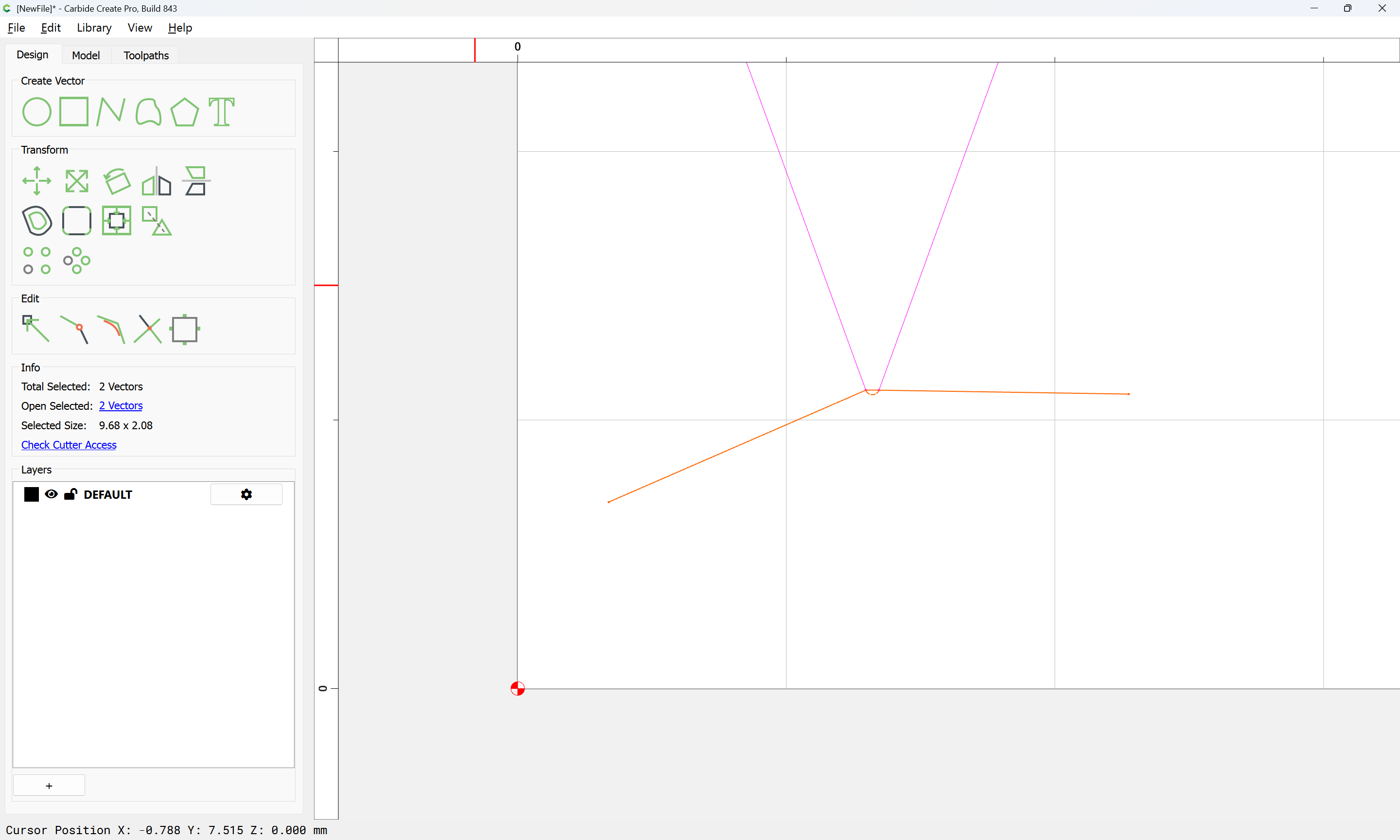
Delete the line:
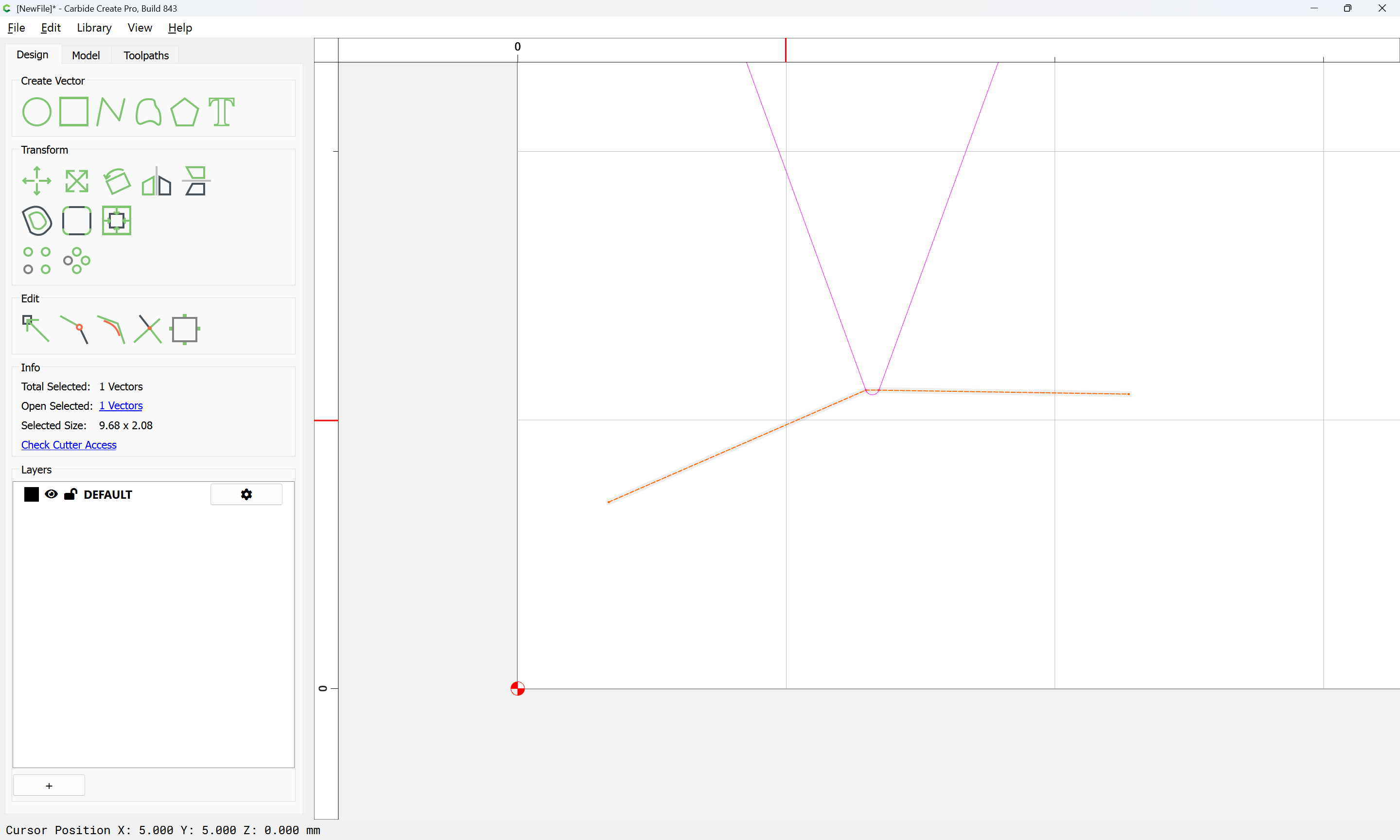
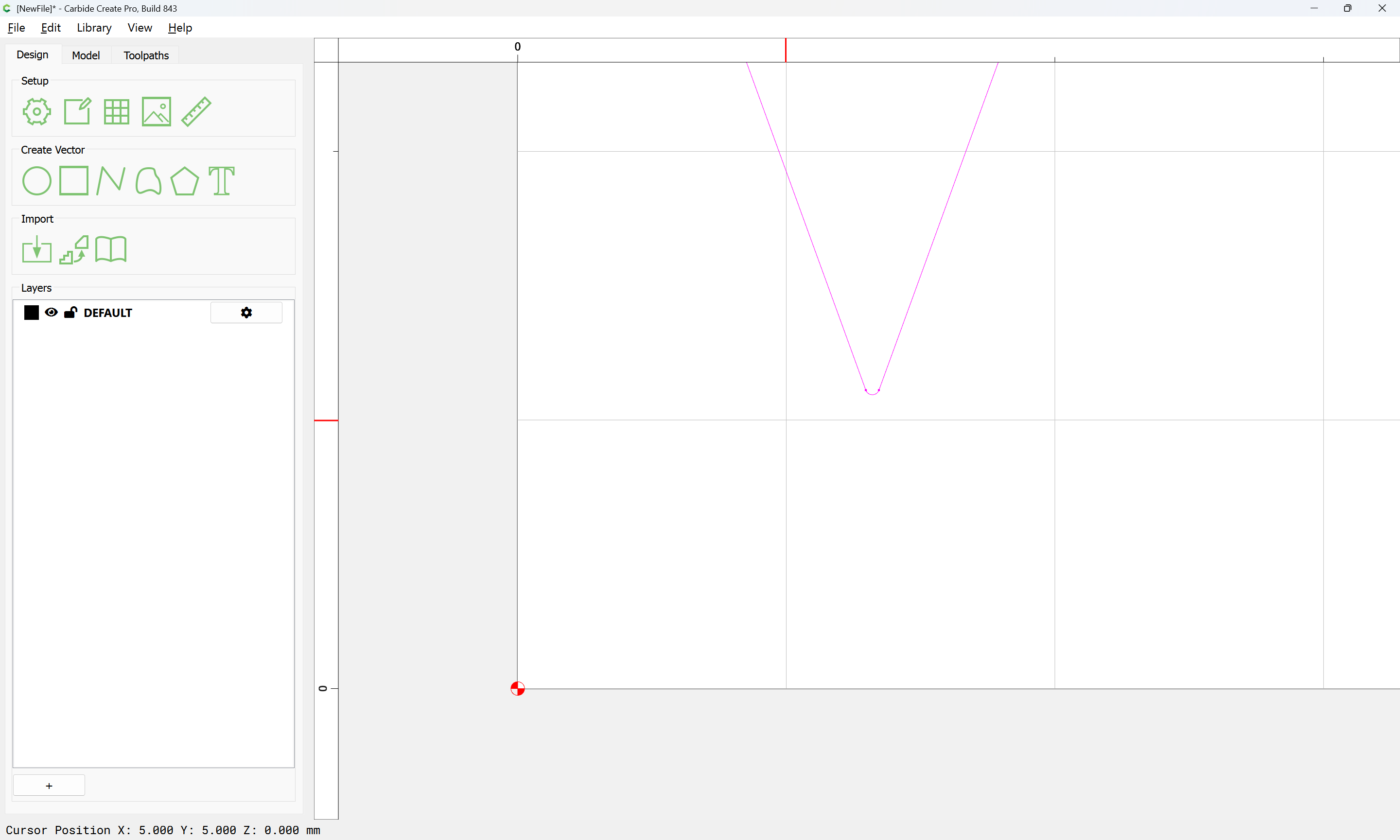
Select everything and Join Vectors:
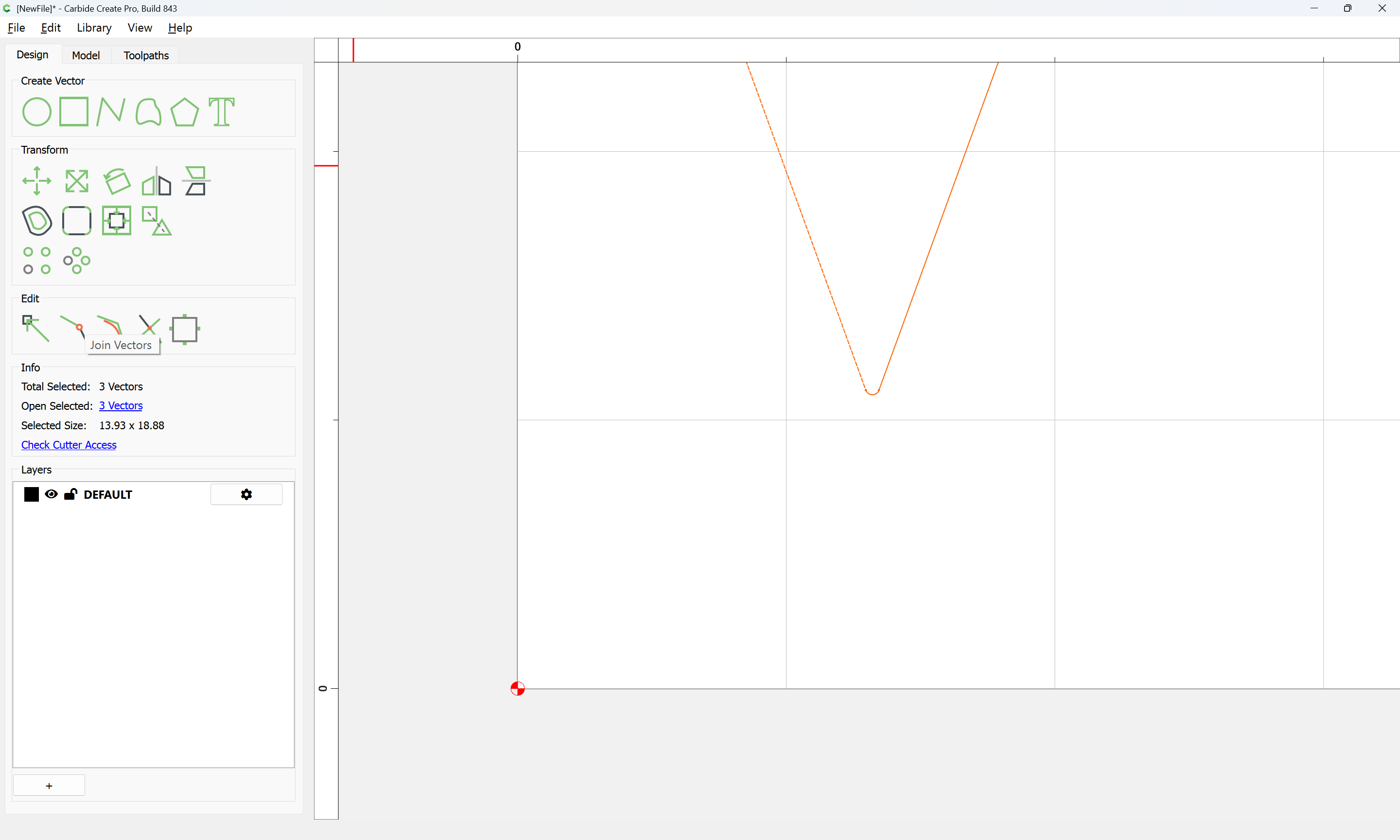
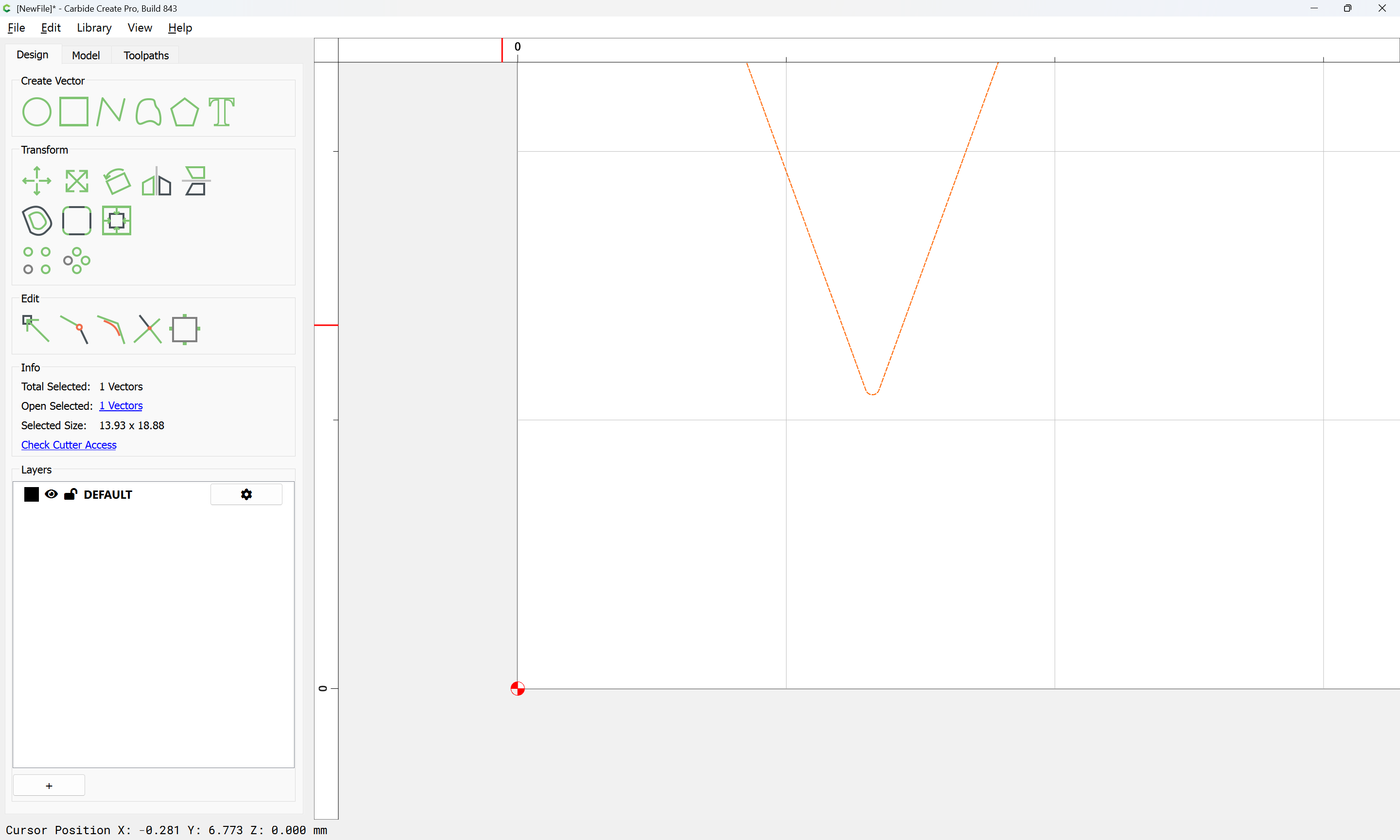
Draw a rectangle centered on the tip:
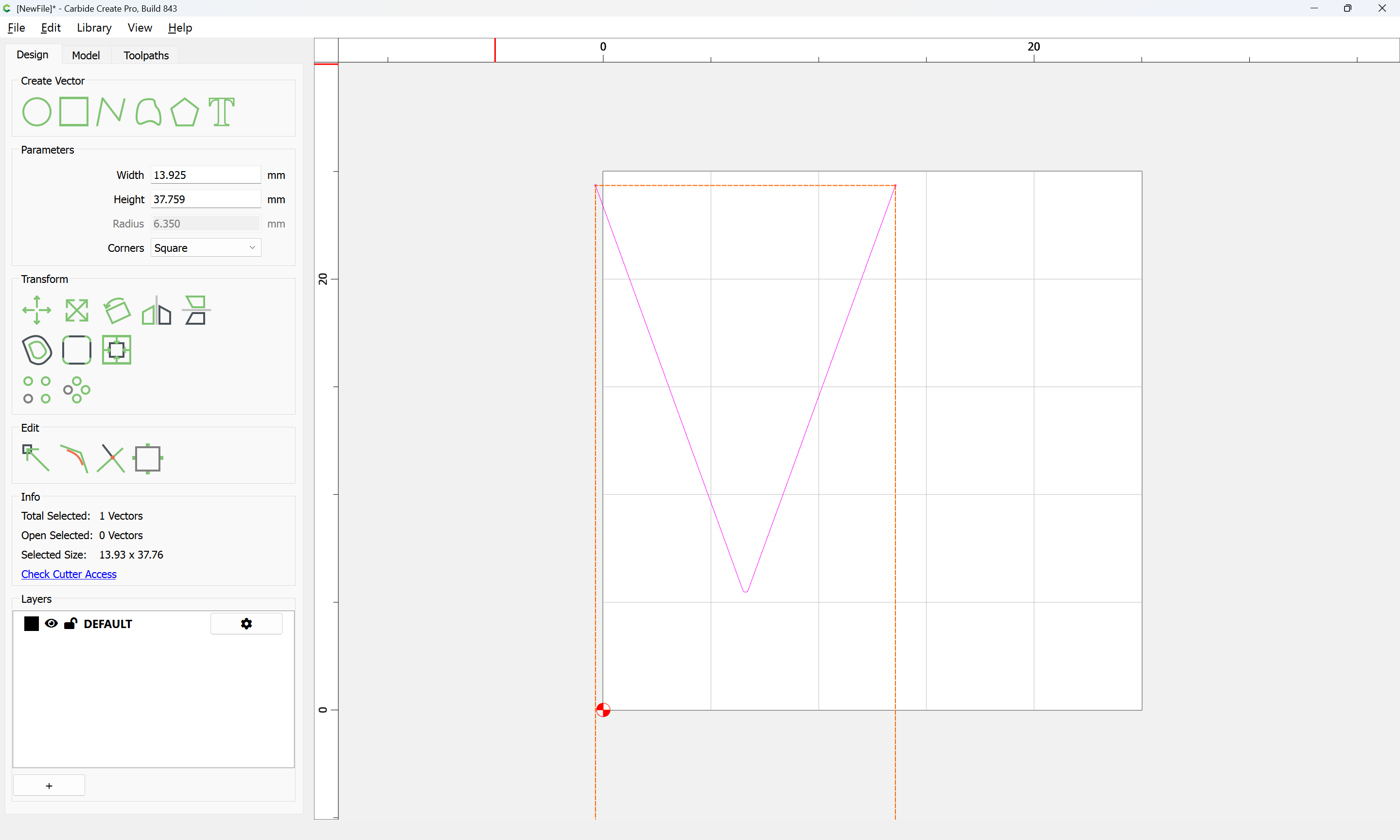
and set its width:
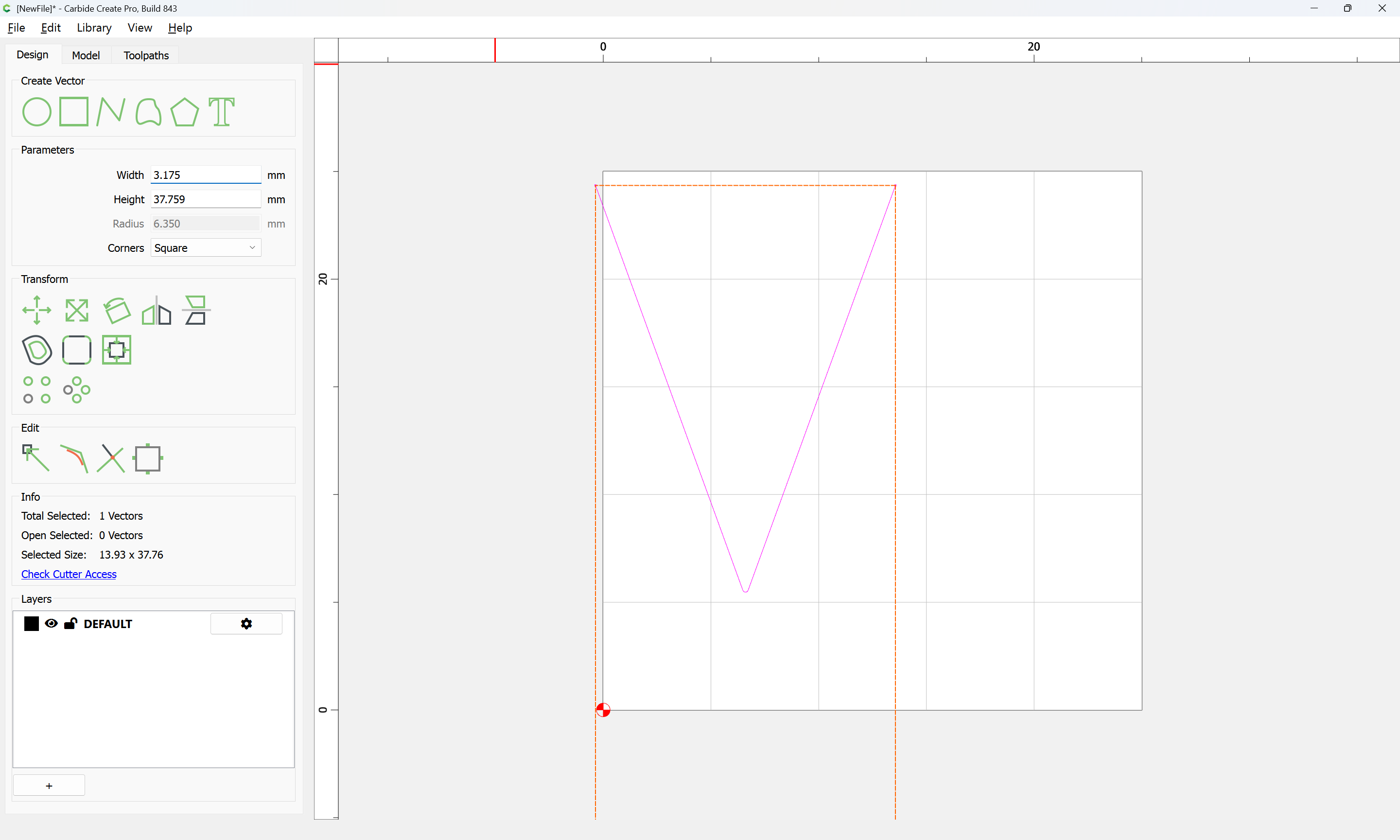
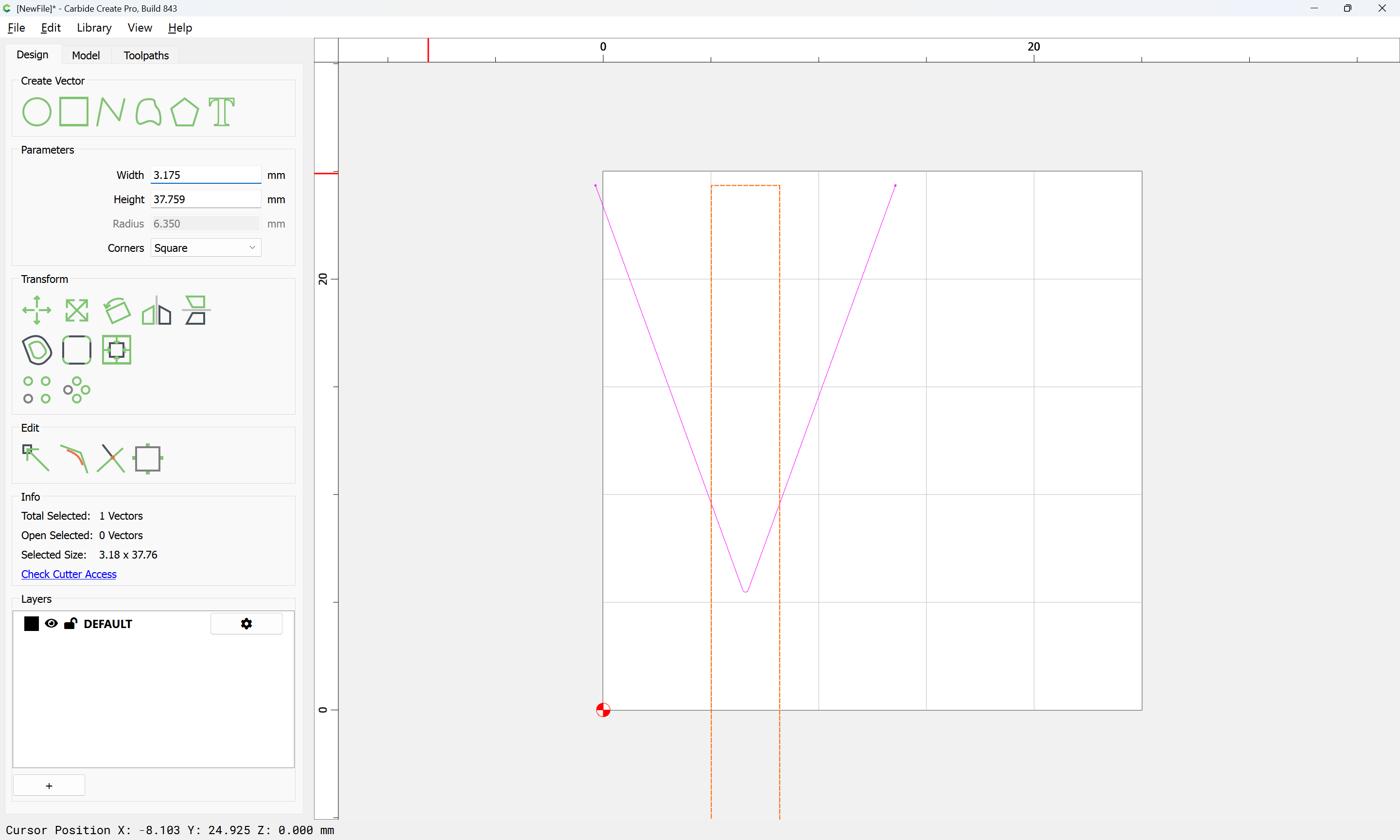
Then select everything and Trim Vectors again:

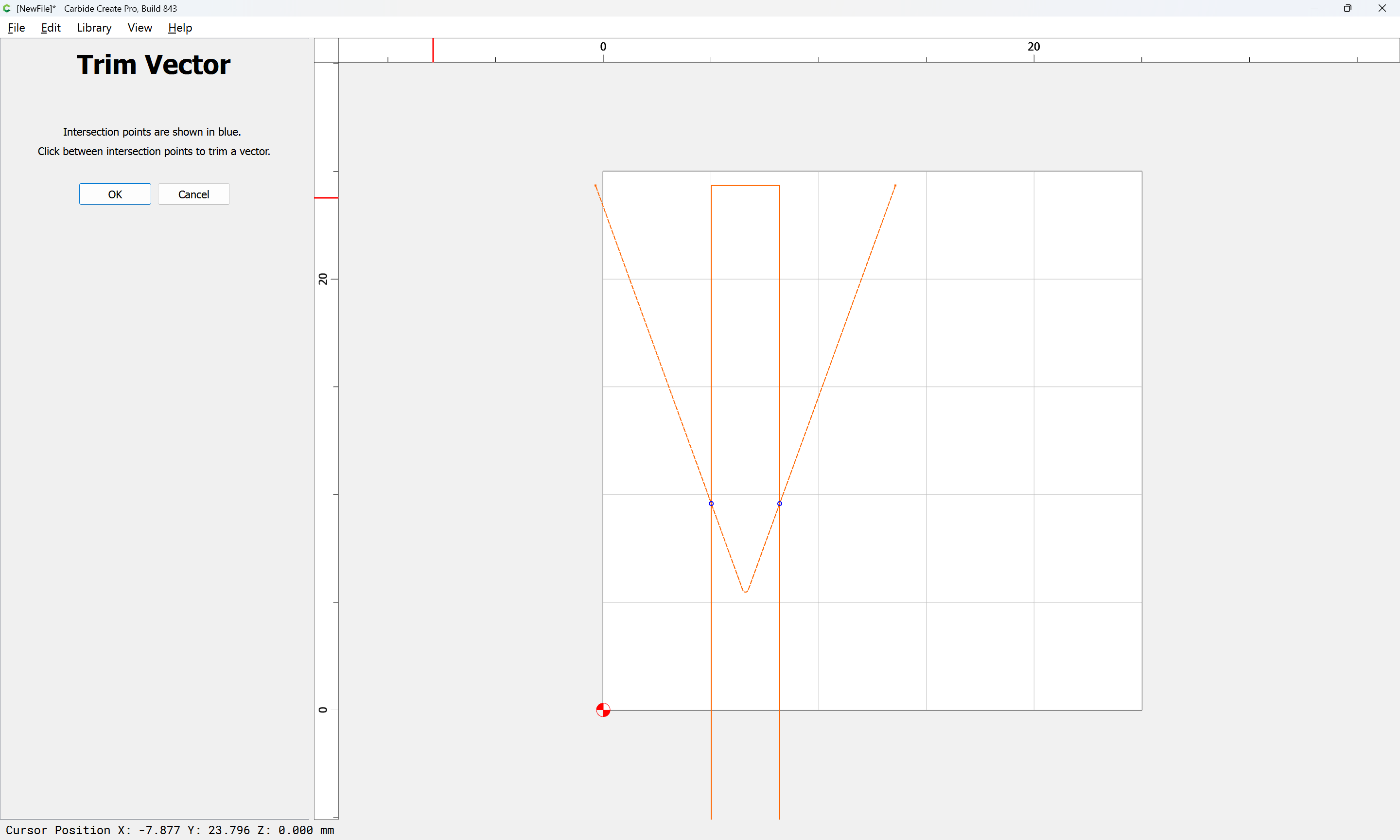
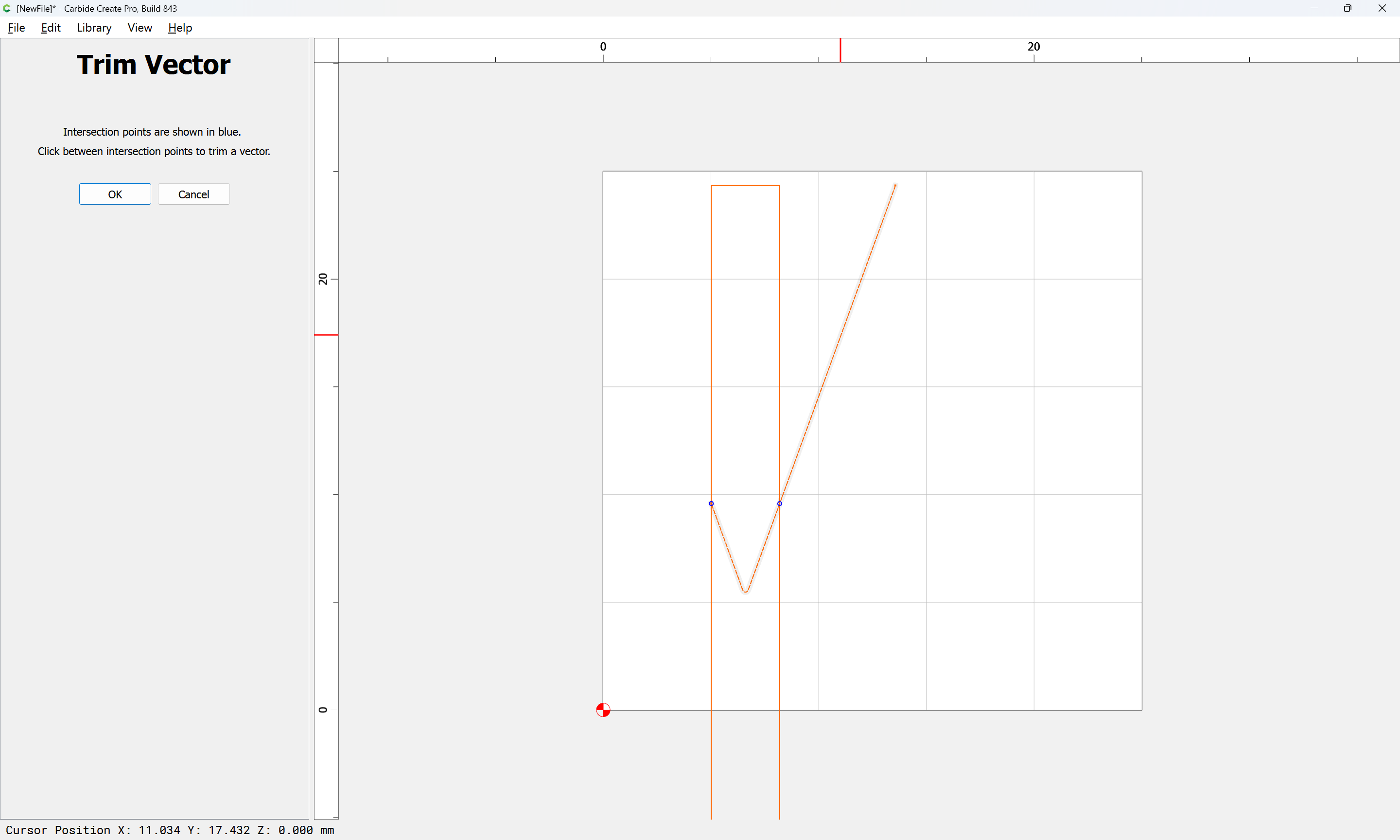
until one arrives at:
OK
J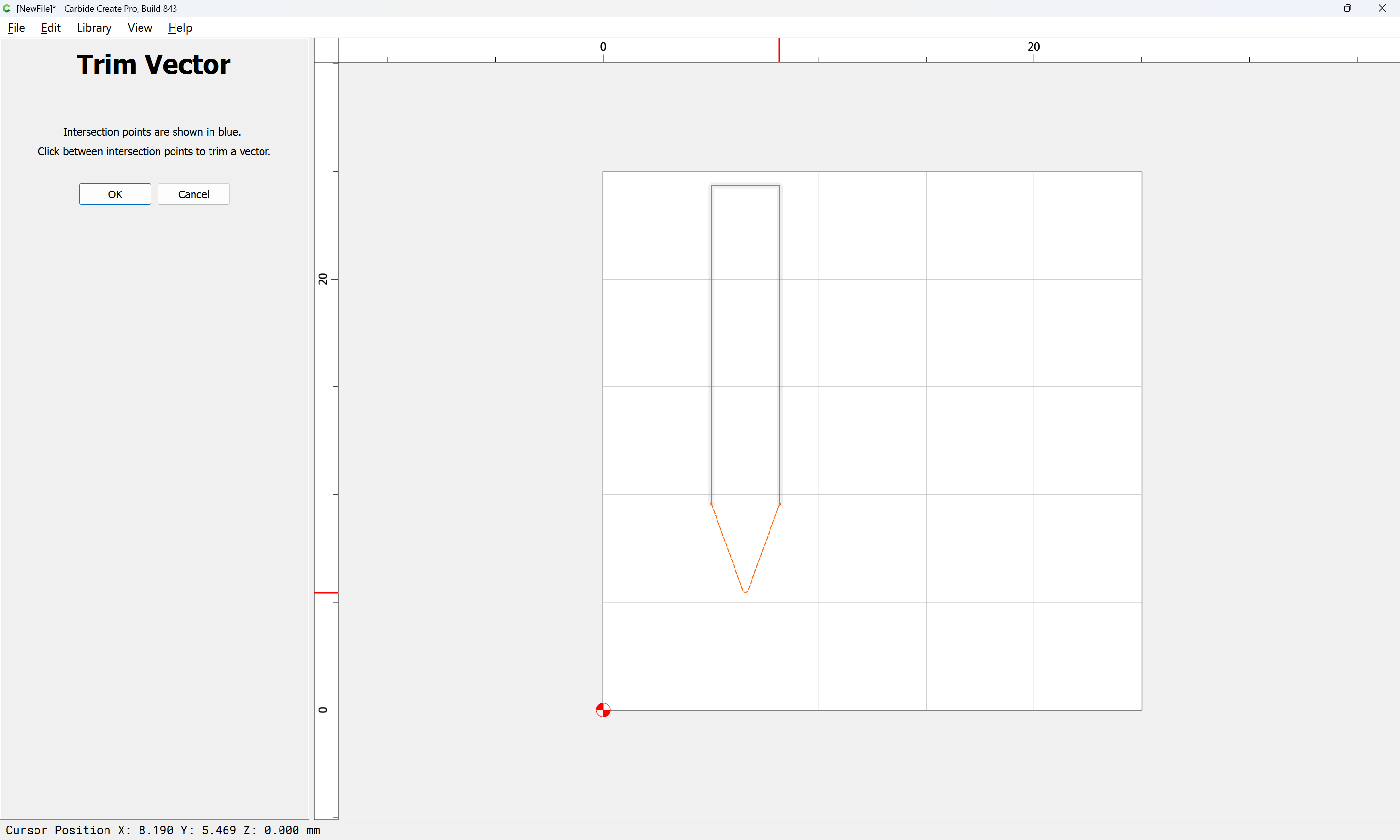
OK
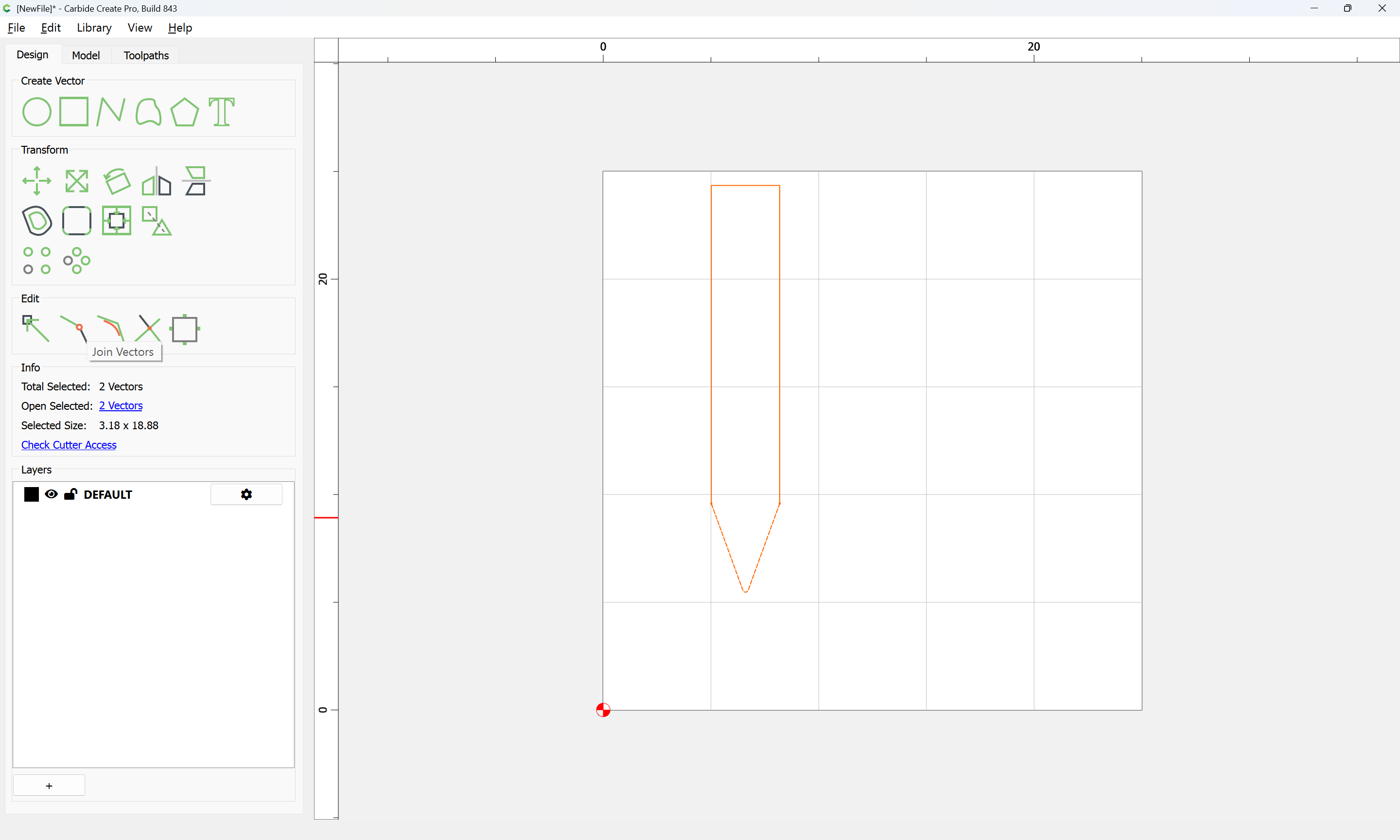
Join Vectors
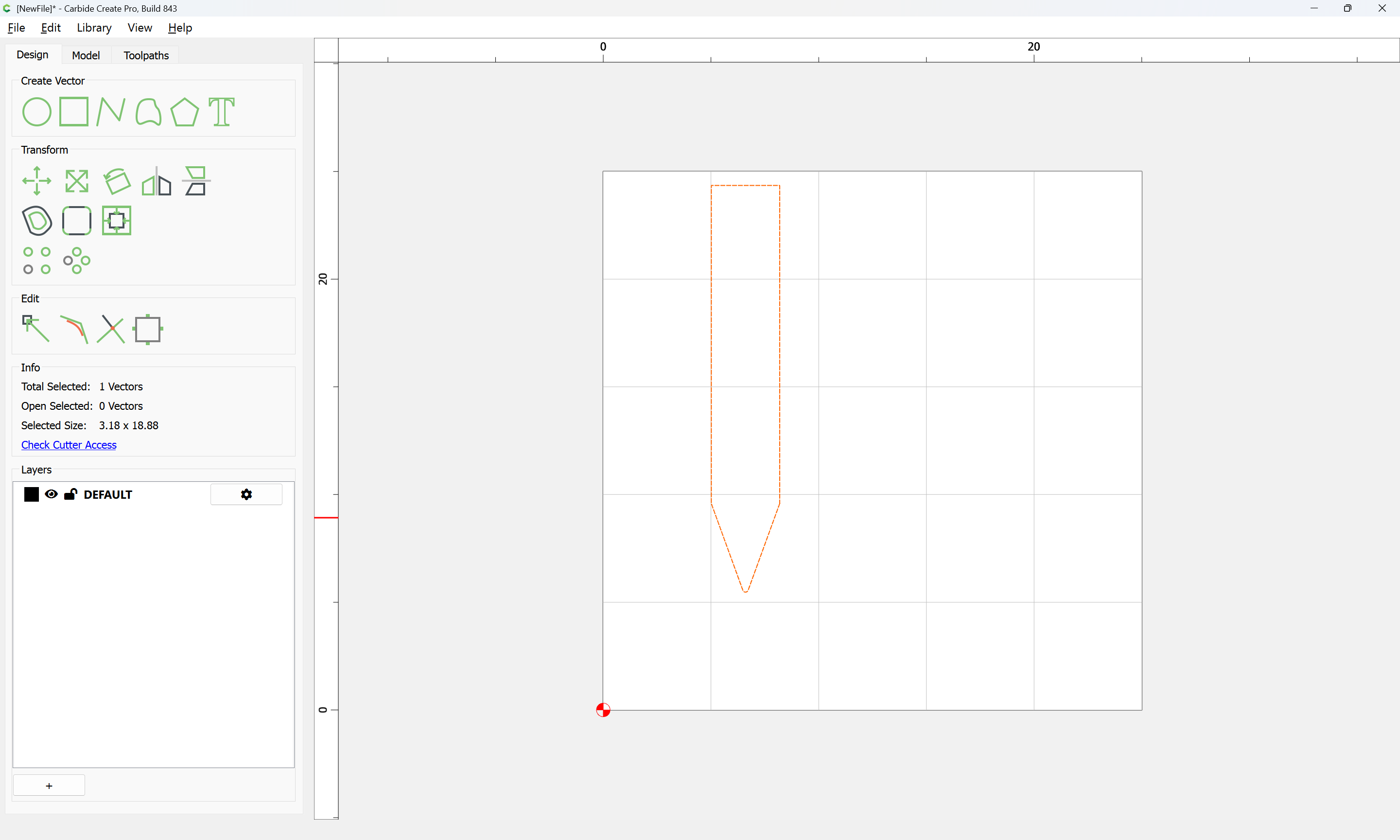
Draw another 1mm wide rectangle centered at the tip of the drawing:
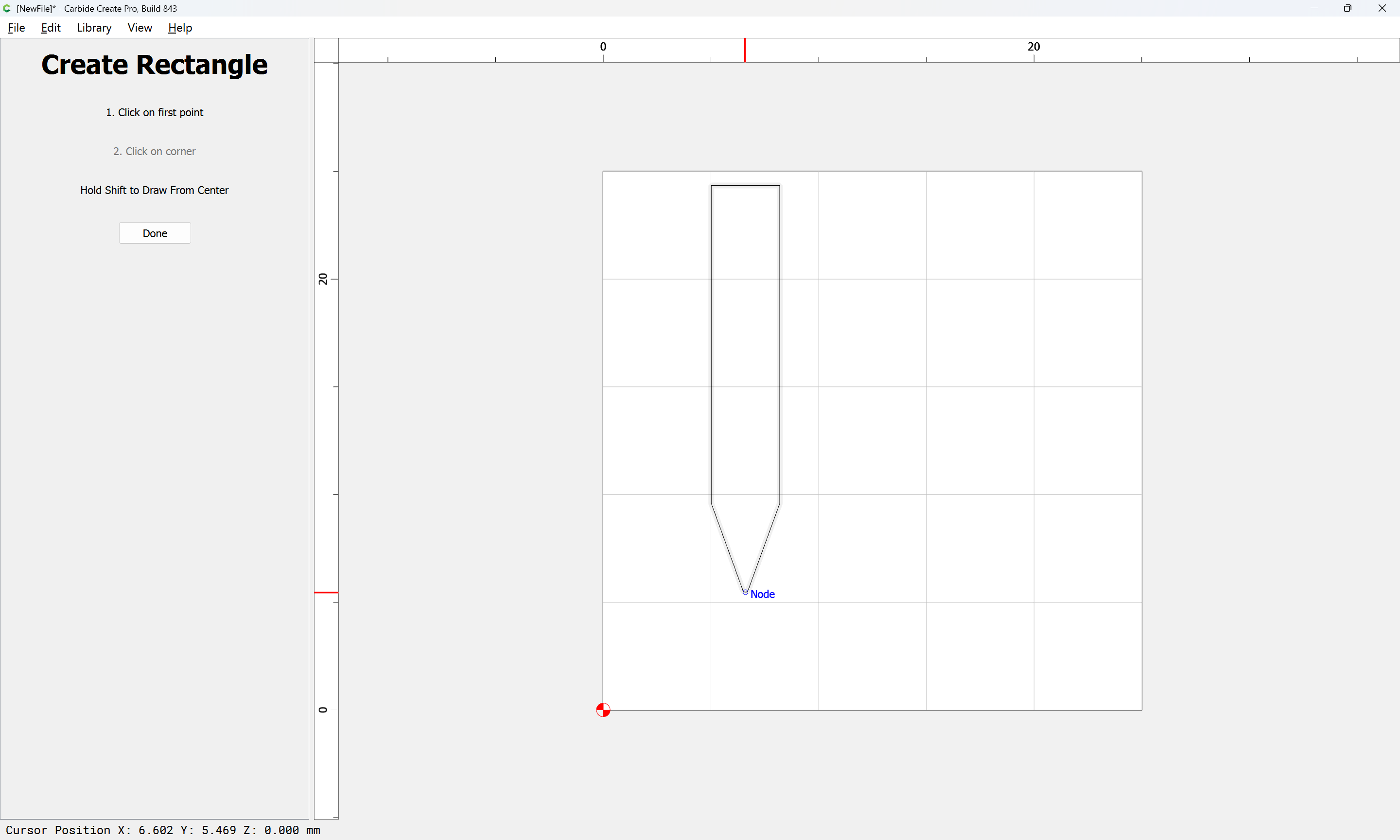
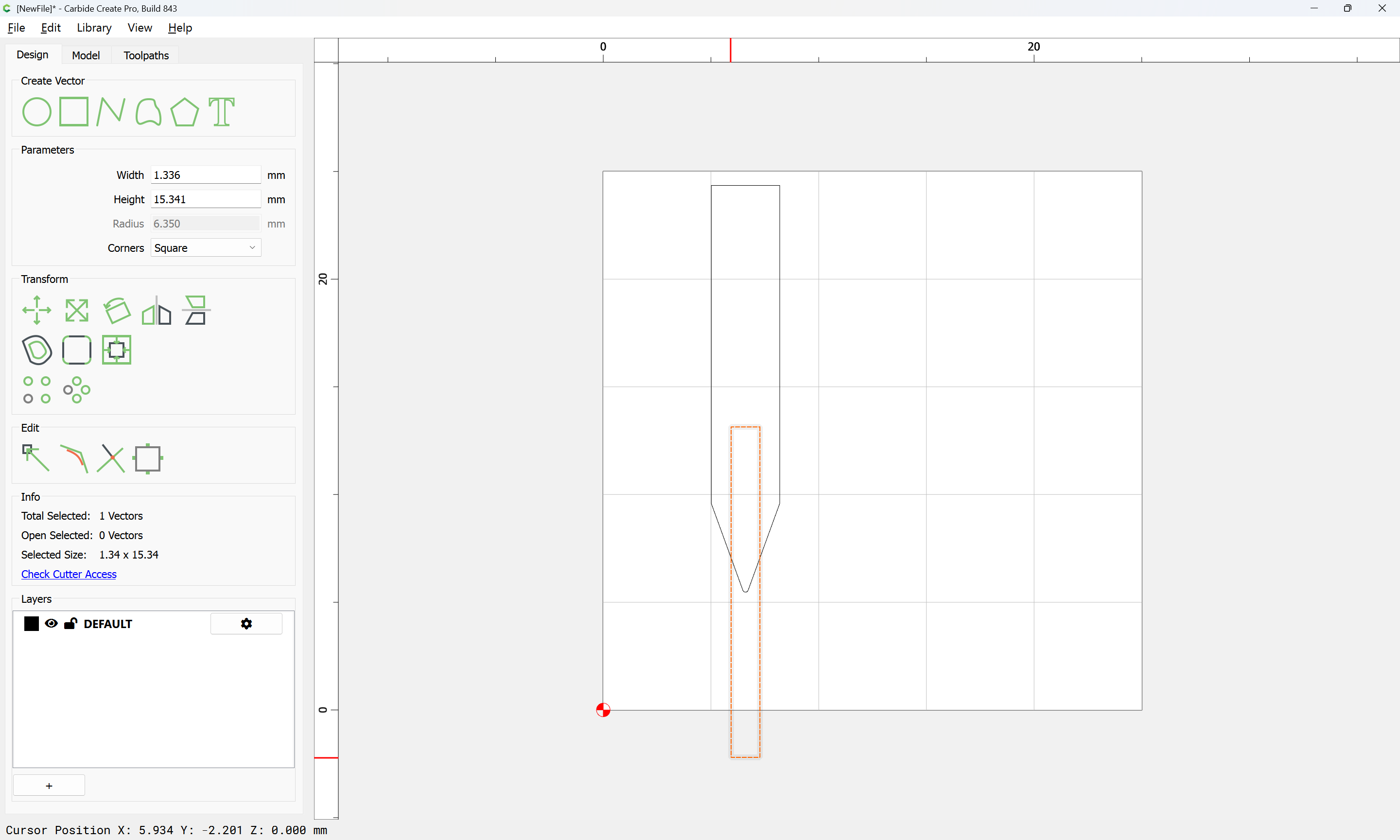
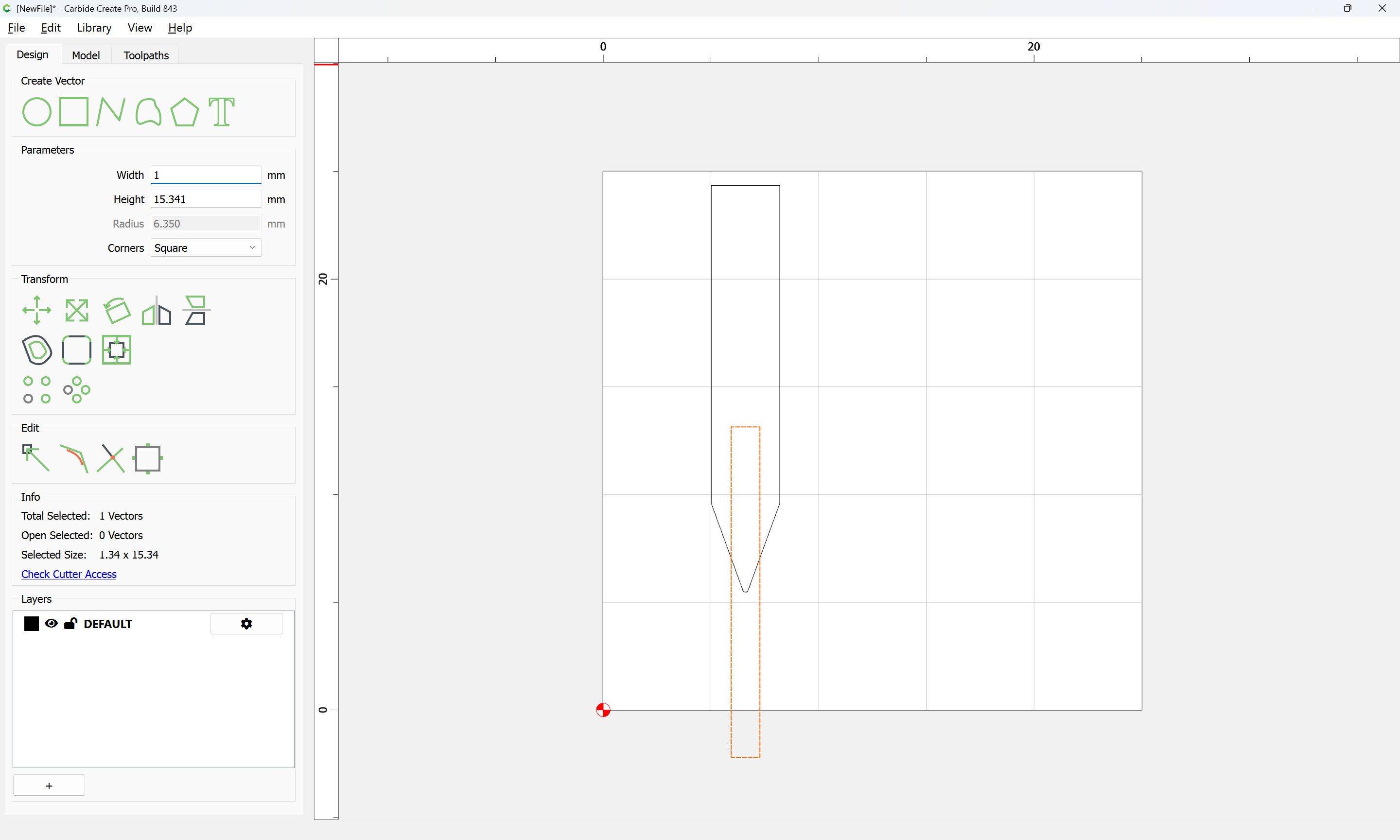

Select both:
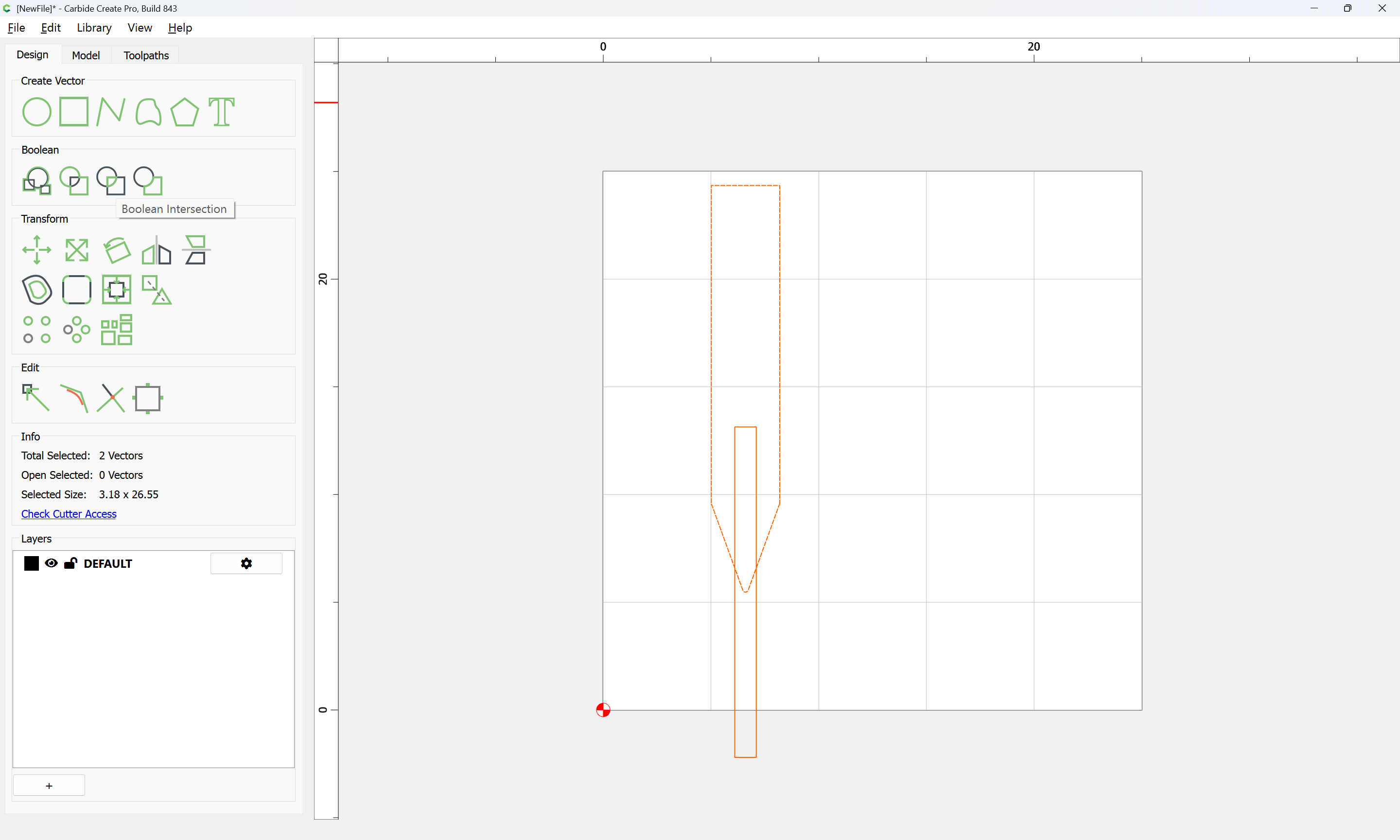
and use Boolean Intersection:
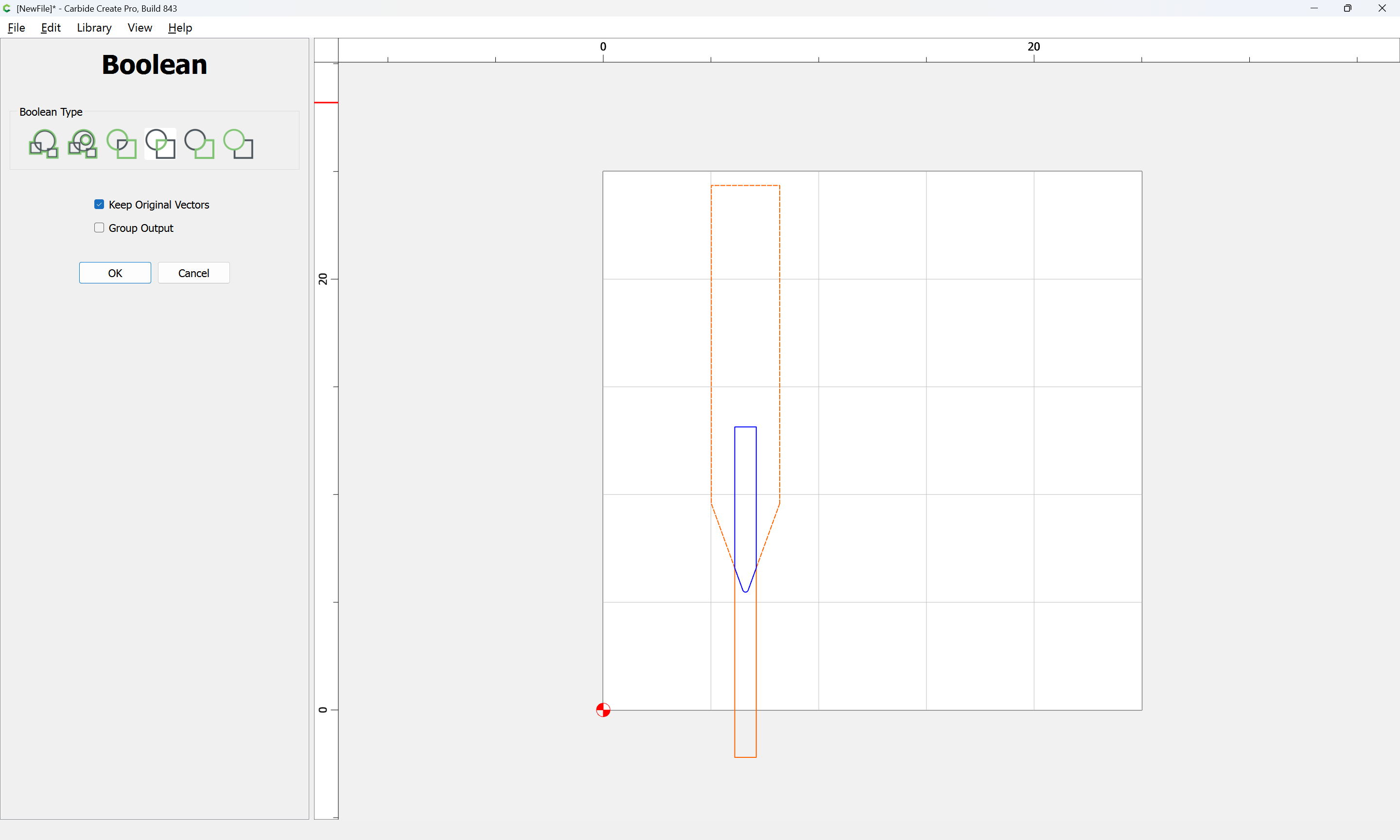
OK
keeping the original vectors:
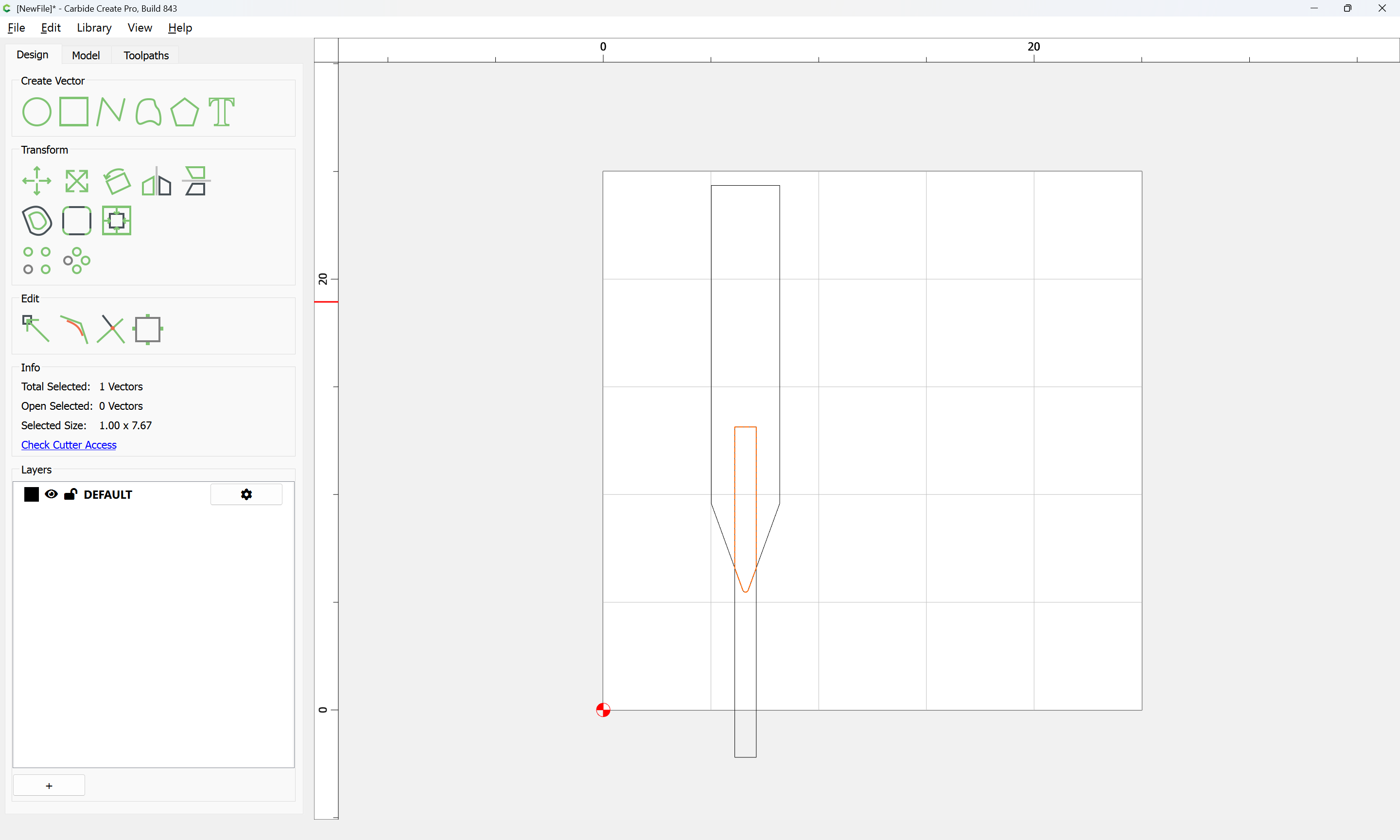
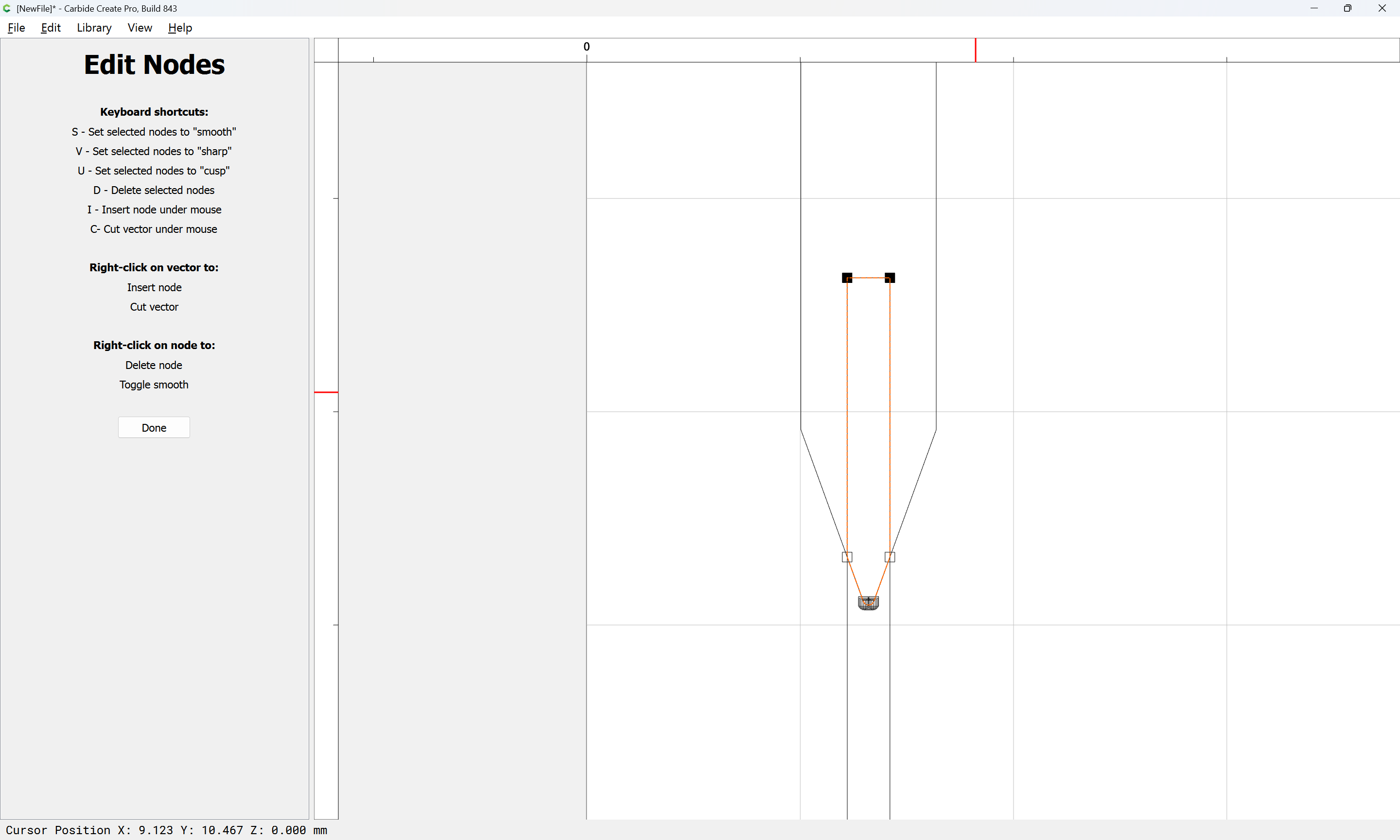
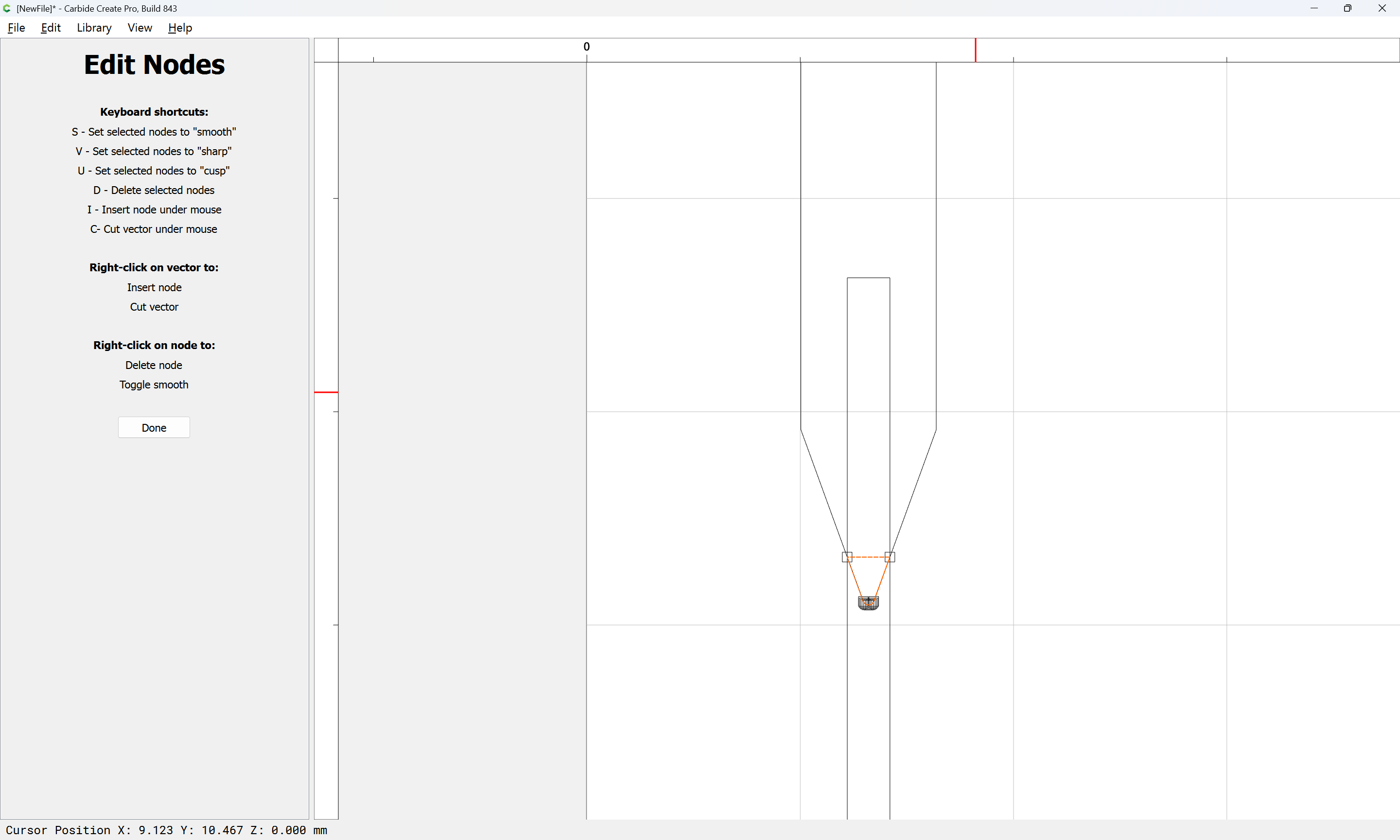
Use Node Editing:
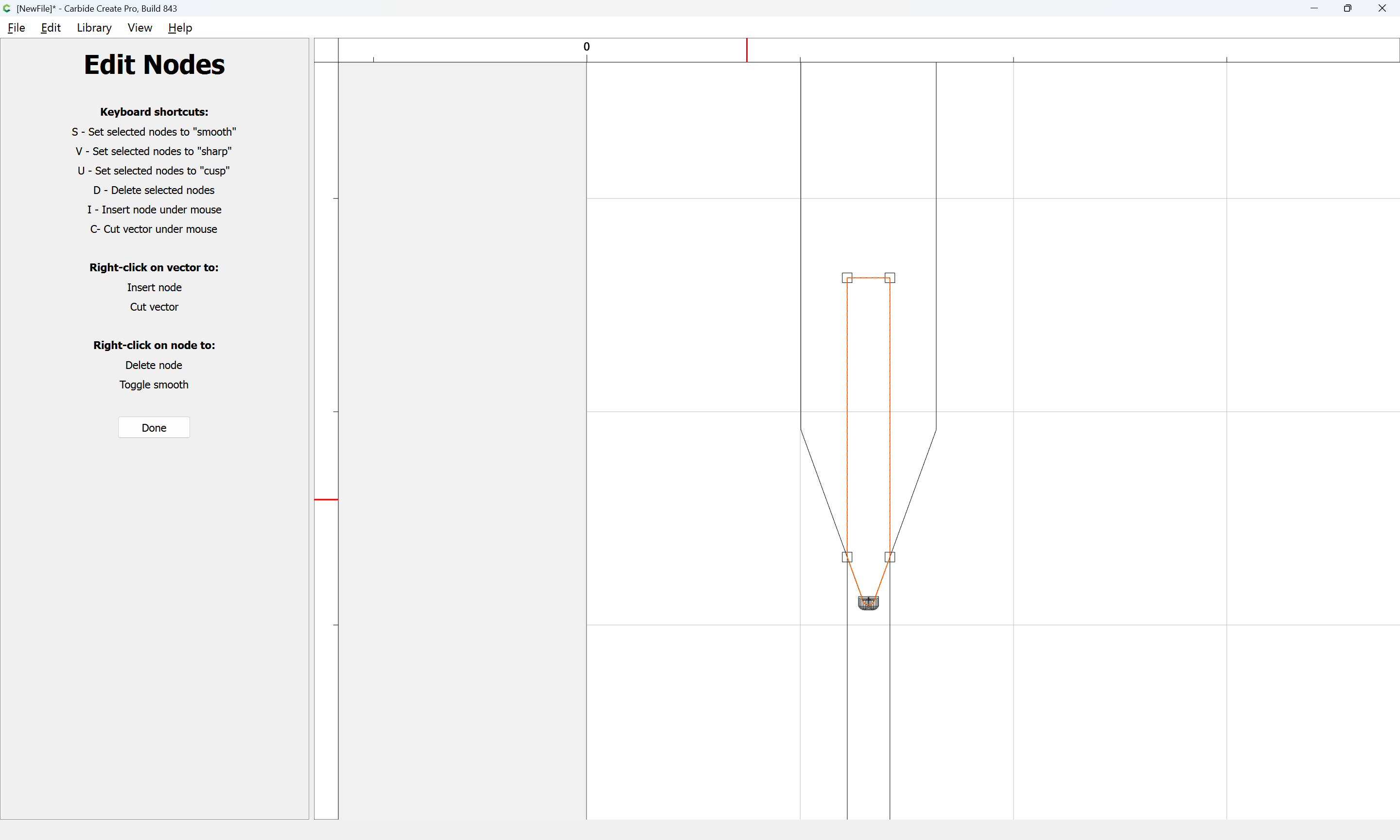
To remove what is not wanted:
d
Done
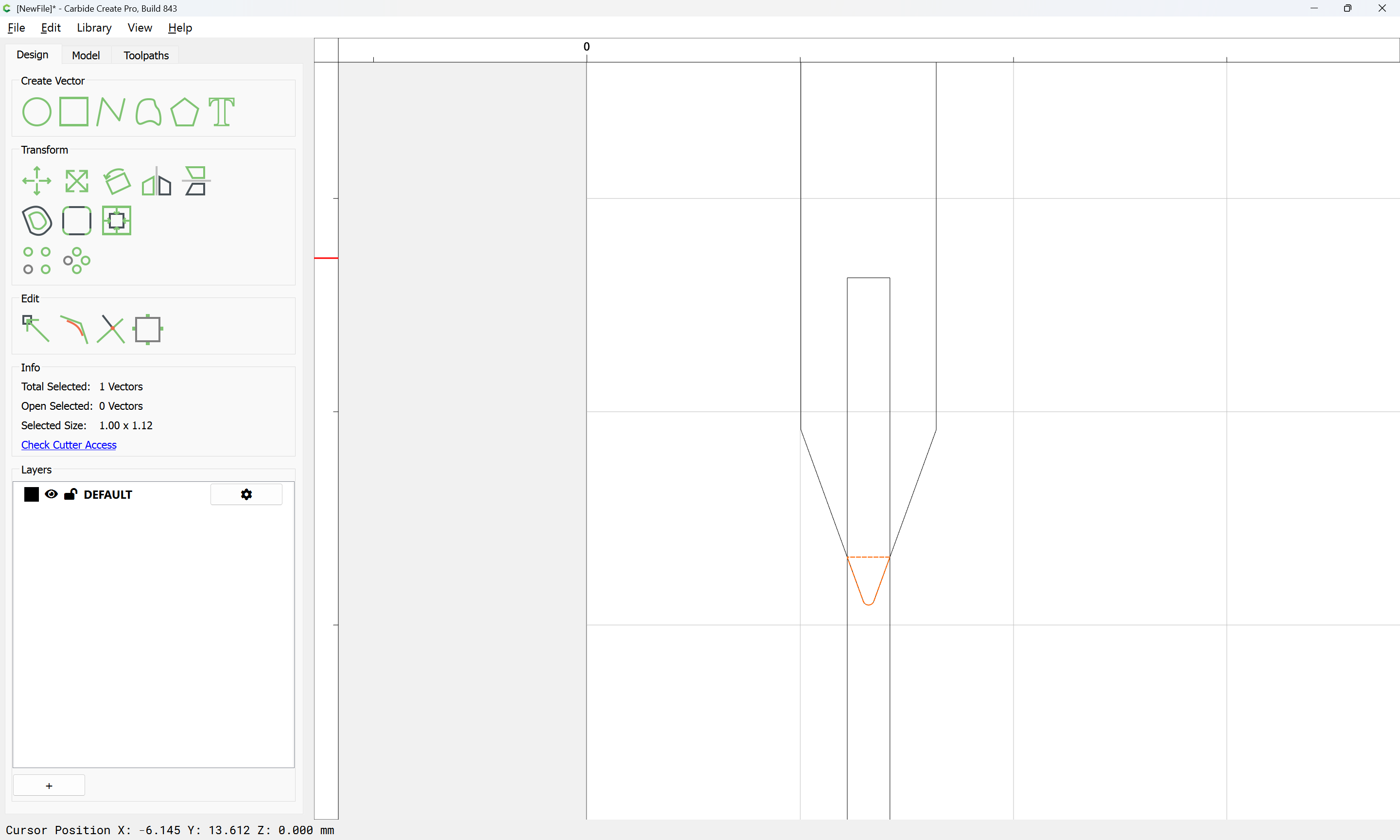
Checking the dimensions, we see that to arrive at a 1mm wide width with a 40 degree #502 it would be necessary to cut to a depth of 1.12mm if cutting a single line font, for which see:
The most expedient thing to do is to use as close to a monoline font as one can source and to then inset as shown above.
Resources for doing the math are listed in: