We hadn’t really considered that- I’m not sure.
That copy might end up being put on the product page.
We hadn’t really considered that- I’m not sure.
That copy might end up being put on the product page.
These look great. What does “You will need an extra USB port on your machine to use the Jog Pendant” mean? Does “machine” refer to my Shapeoko 5.1 Pro or my laptop running Carbide Motion? If the former, how does add a USB port? Thanks!
On the laptop/PC/tablet.
My boss is asking how durable it is. Apparently my history of breaking endmills has him concerned I will break the pendant.  The housing looks fairly solid, but not sure on the rotatory dial.
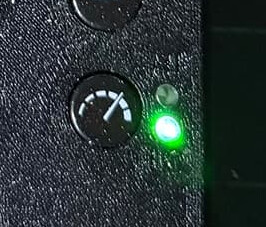
Given the proximity of the HI/LO jog speed LED’s, I’m tempted to think that the LO LED would be nice to be amber vs. the HI green…
Already thinking of changes and I don’t even have the thing in hand yet…  but always conscious of user (especially me who has non-optimum vision) interaction stuff…
is A intended for a 4th axis?
The wheel feels as nice as any industrial machine I’ve ran. (Mazak, HAAS, Bridgeport, Fanuc, etc)
Those that already have a pendant in hand, has anyone modeled up a hanger you can 3D print? I’ve been meaning to, but just never got around to it.
Alternatively, is this something we could add to the Carbide 3D print Library?
I’s on my to-do list as soon as I get my 5.1 upgrade kit and legs. That way I can make sure it works for as many situations as possible.
I just tested the jog pendant on the HDM at work. It does not function in the Run or Quick Actions pages. I think that is a safety feature. On the industrial centers I’ve ran, you could only use the jog pendant under certain conditions when the operator is expected to be using the pendant. While loading programs or running macros is not a mode that the operator is normally jogging. But that’s what I’m used to on industrial machines. If people have not had that experience, their desires may vary from mine. 
It does function in the main Jog screen as well as the zeroes screen. The zero screen is where I find myself while using the jog pendant most of the time as 75% of the time when I’m jogging, I’m setting zeroes. I’m second most often in the main jog menu to use the BitZero probing screen button.
I do agree that if possible pendant button combos for “set all zeroes” and “run BitZero corner probe” would be awesome.
I also inquired about the conspicuous “A” button when I got mine. I got a cheeky  from @robgrz or @Luke with no explanation. But in the industrial world “A” is the 4th axis and I seem to recall a good while back that Rob mentioned that a 4th axis might be a possibility. I’m keeping my fingers crossed.
My second thought was maybe it was to jog All the axes at once… 
That is a must have! Just ordered…
Extra information for anyone curious, we just added some documentation for the jog pendant here: Jog Pendant Quick Start
On order, thanks for the documentation !
Have you folks considered dynamic jogging based on encoder acceleration instead of just slow/fast constants?
I’m not sure how much value that would add but it feels like it could provide a very intuitive user experience. (With appropriate limitations, etc…)
Nope- the goal is to emulate an industrial machine since that’s a time-tested interface.
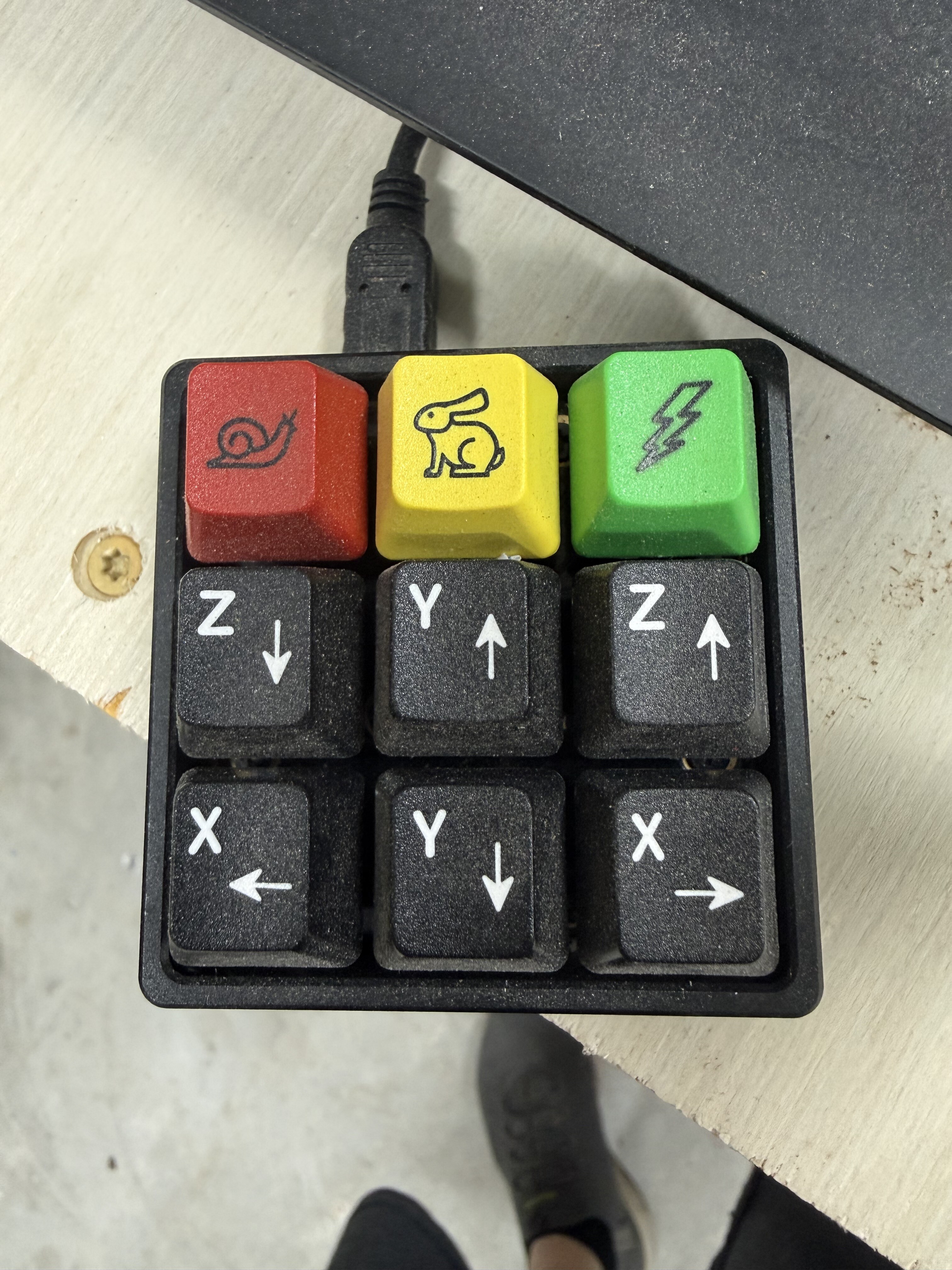
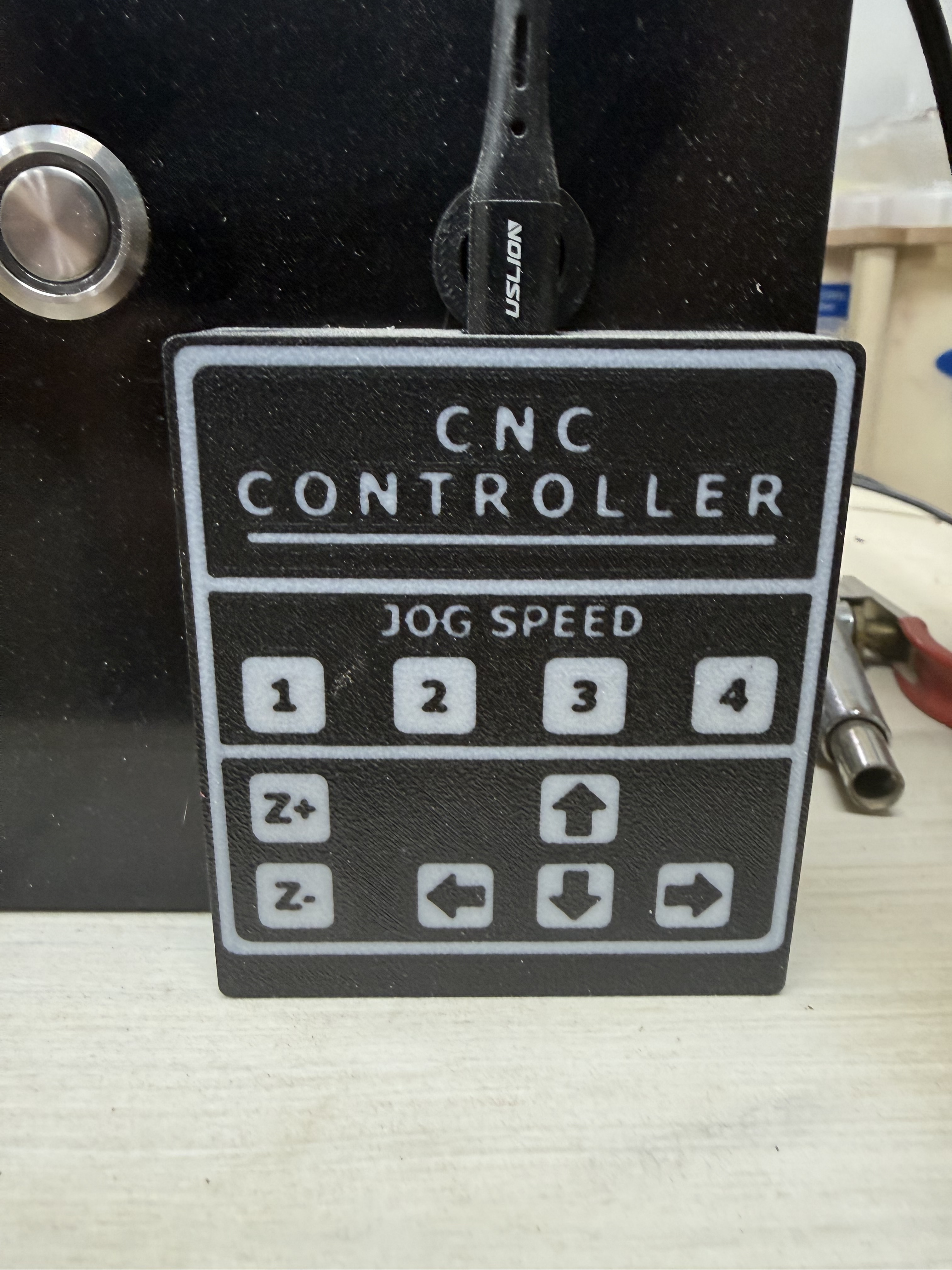
For those that have one, how much better is it than using a keyboard like device such as the Tech Keys solution:
Or this:
I have both now and use the latter more.
$150 is a good chunk of change and trying to determine if the value proposition is there over what I currently use.
I have not used a keypad type of jog pendant but I would imagine I would it would be a little more difficult to get used too, at least for me. If I were to hold the keypad in one hand and hit keys with my other hand I would think that I would likely take my eyes off the probe / tool to be certain I was taping the right key.
On the other hand, the C3D jogging pendant fits nicely in my right hand and the buttons are in easy reach of my thumb, purely a one handed operation. Only two rows of buttons to get familiar. The wheel is also in easy reach of my thumb. I find myself really only using 5 buttons where on a keypad I would have to learn six to seven.
6 posts were split to a new topic: Number combinations in popular culture
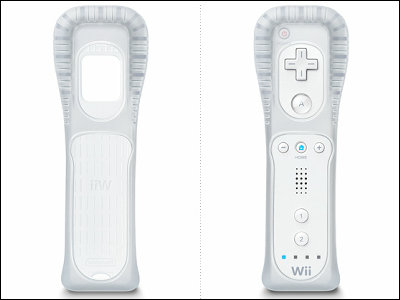
 Kind of like the Nintendo Wii remote covers.