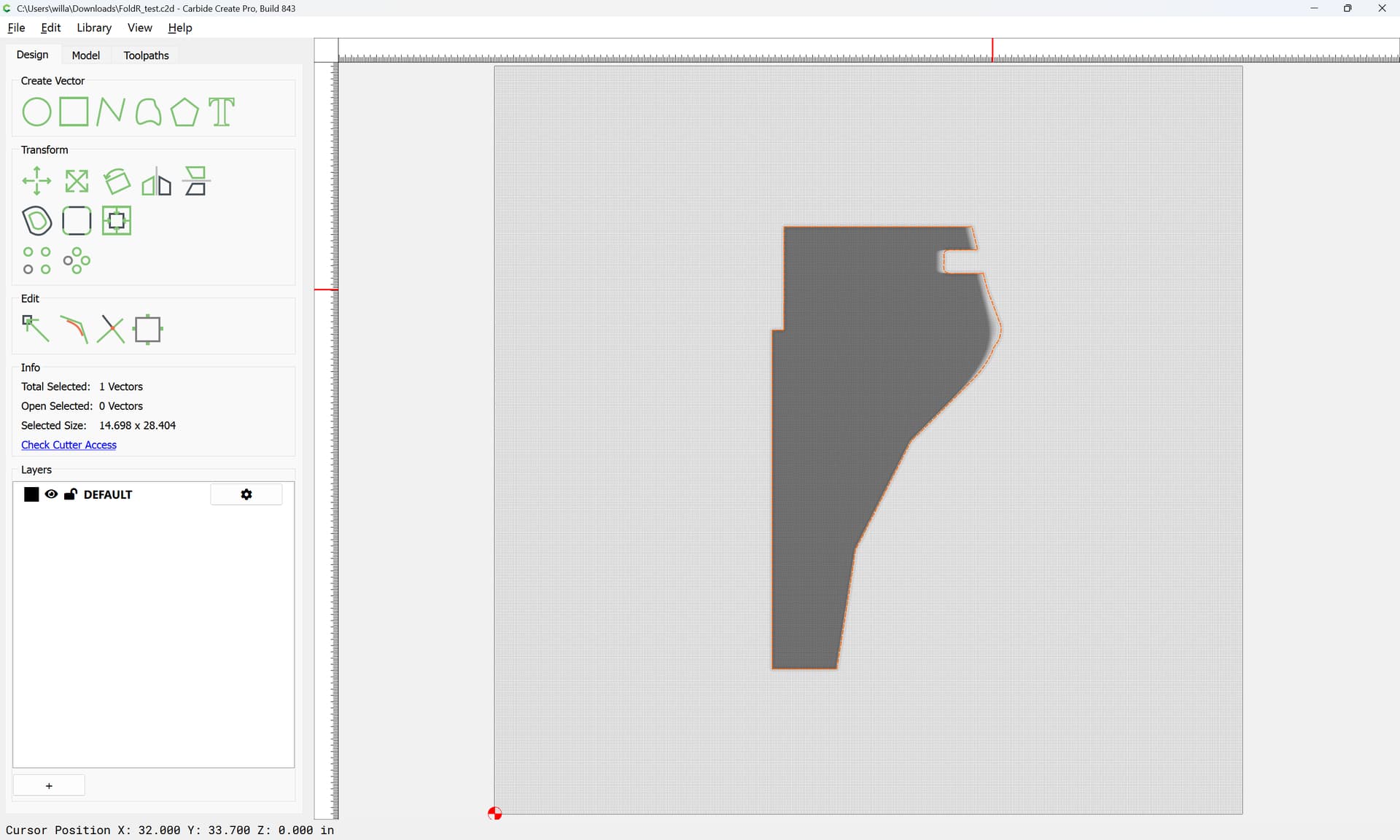
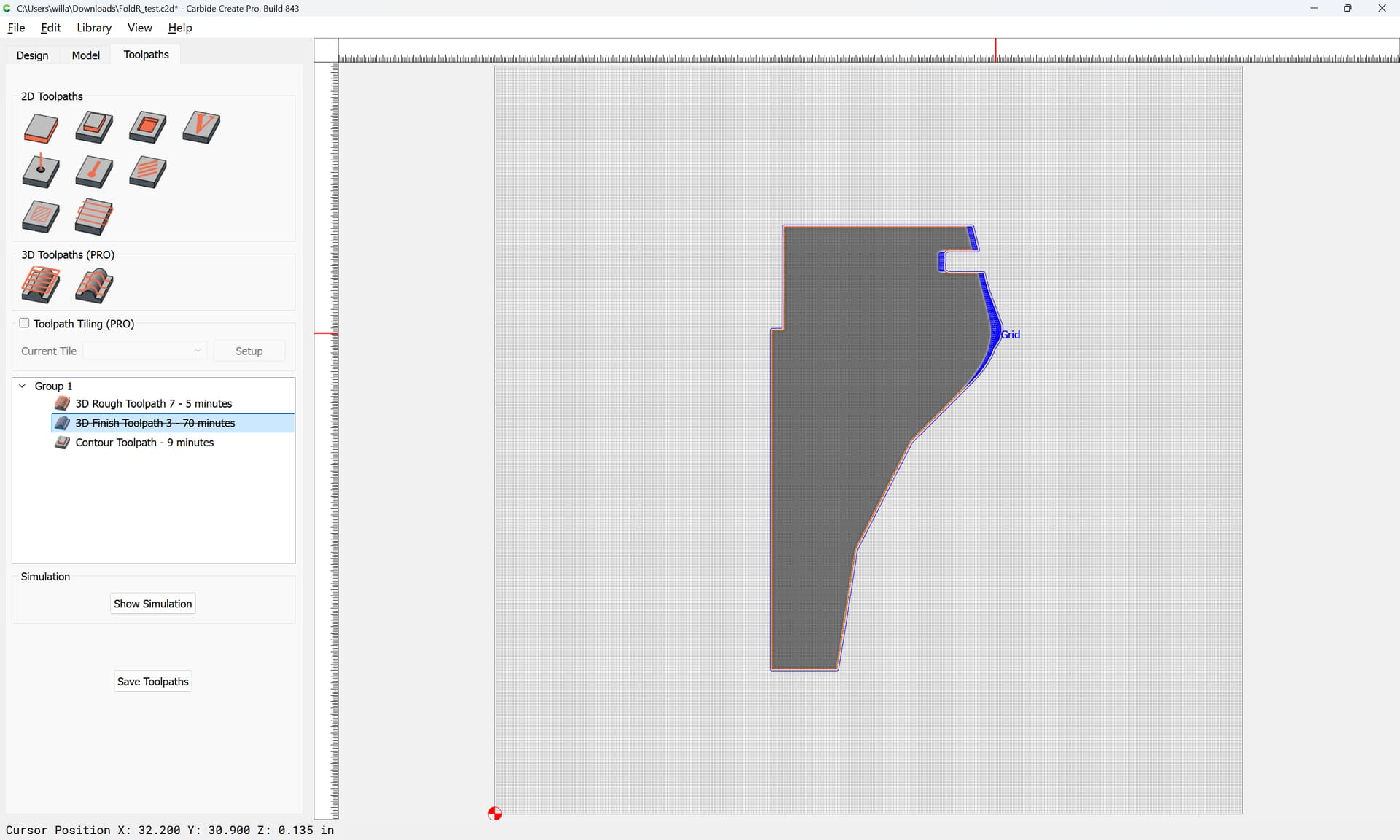
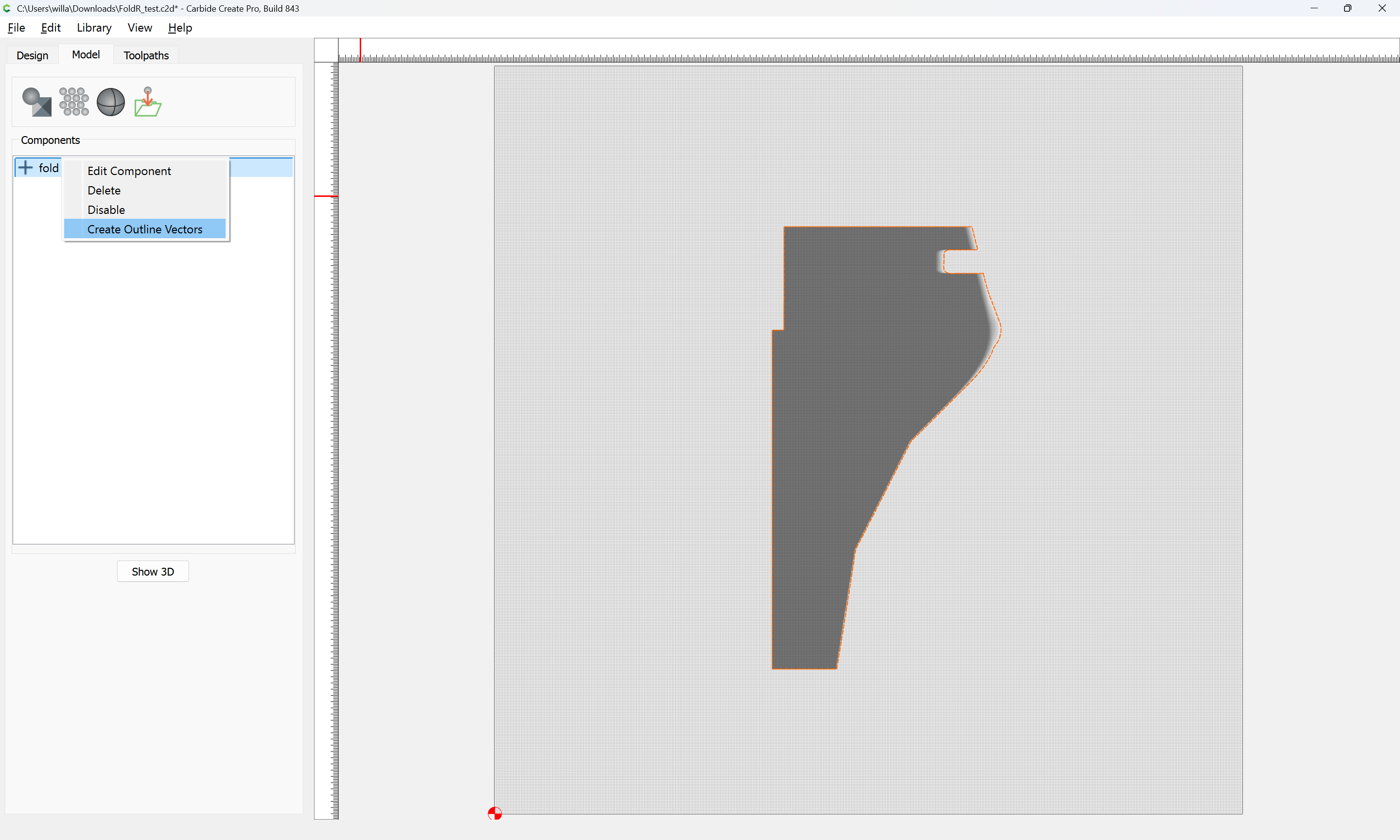
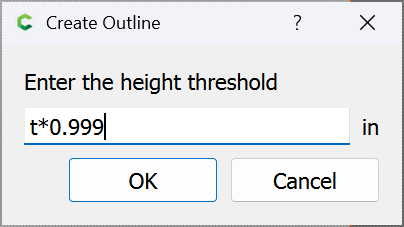
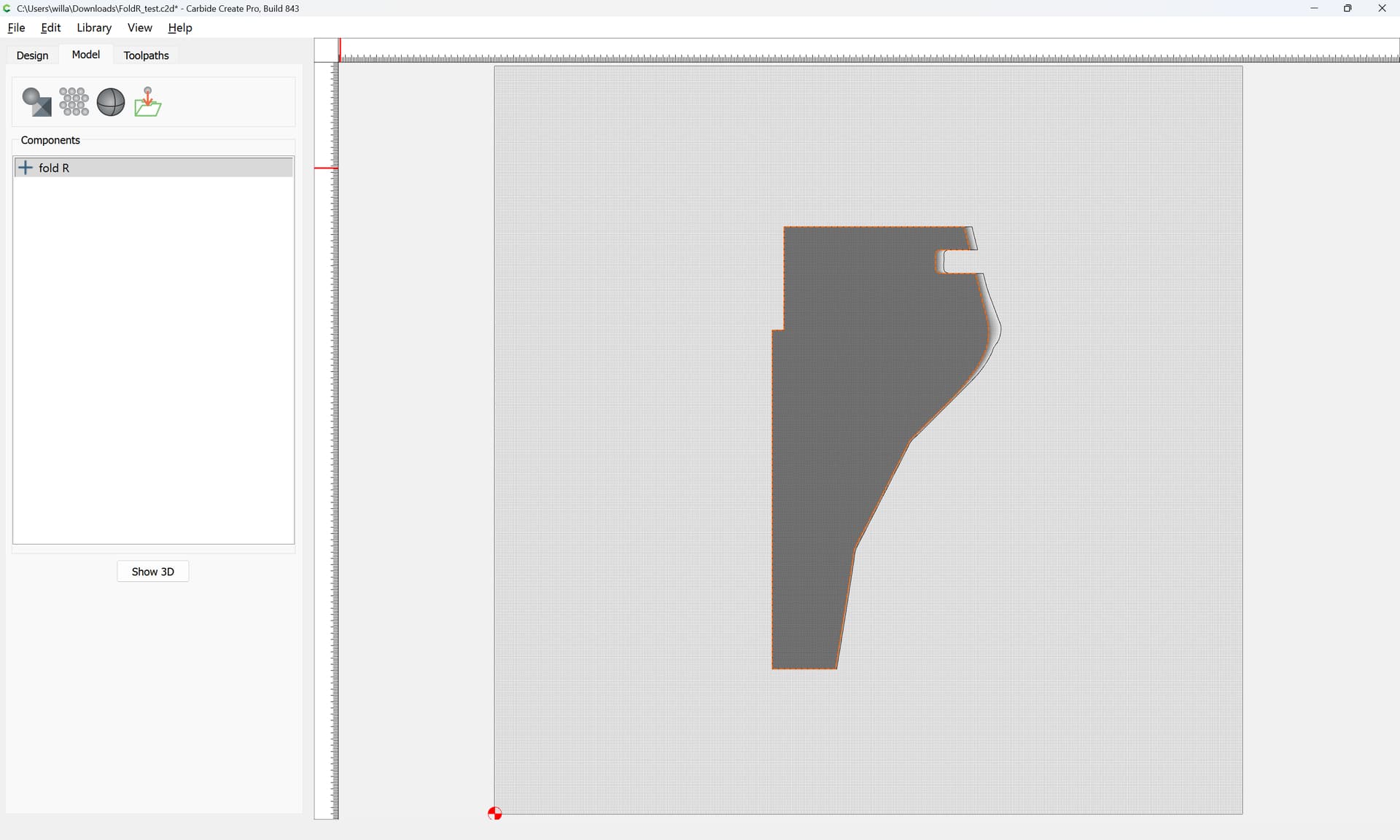
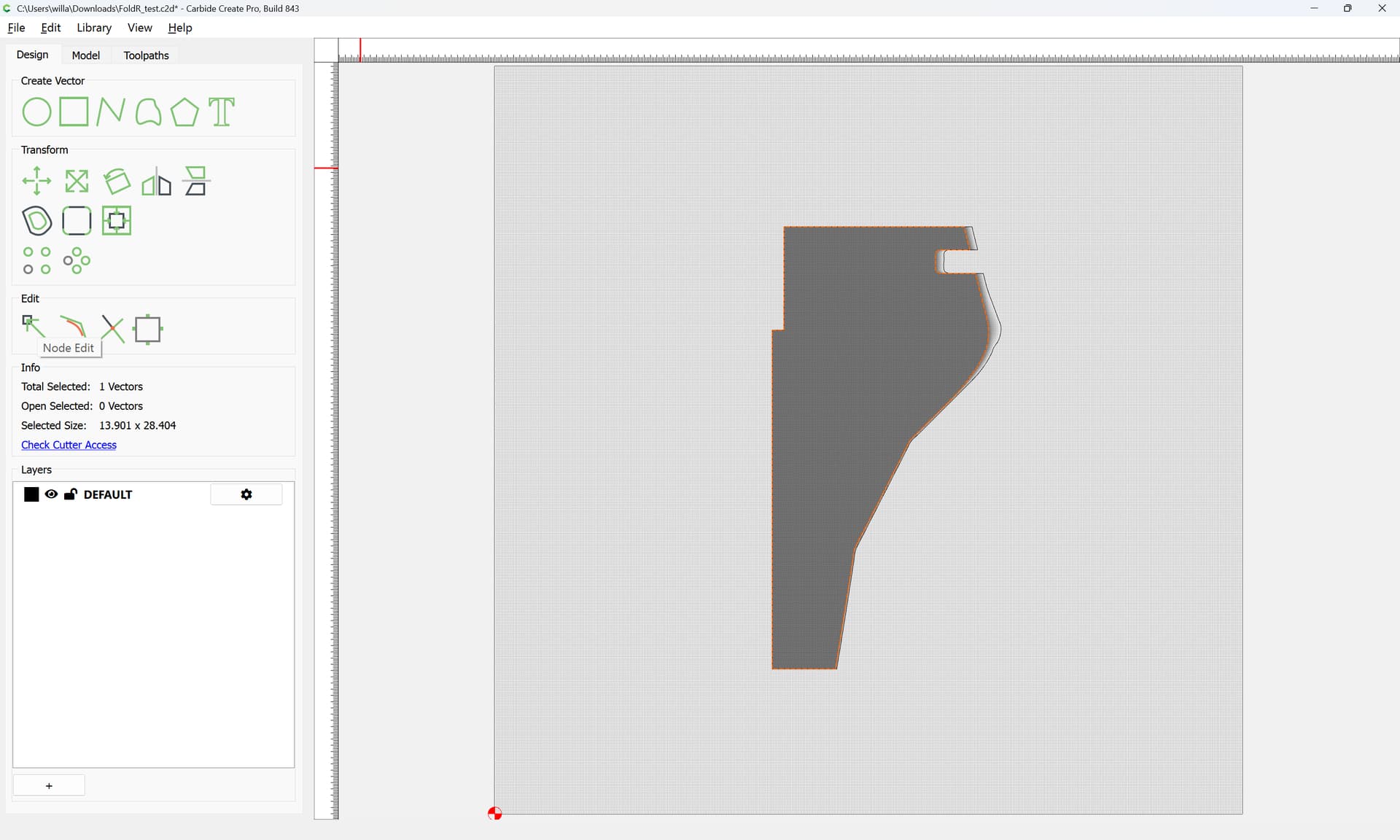
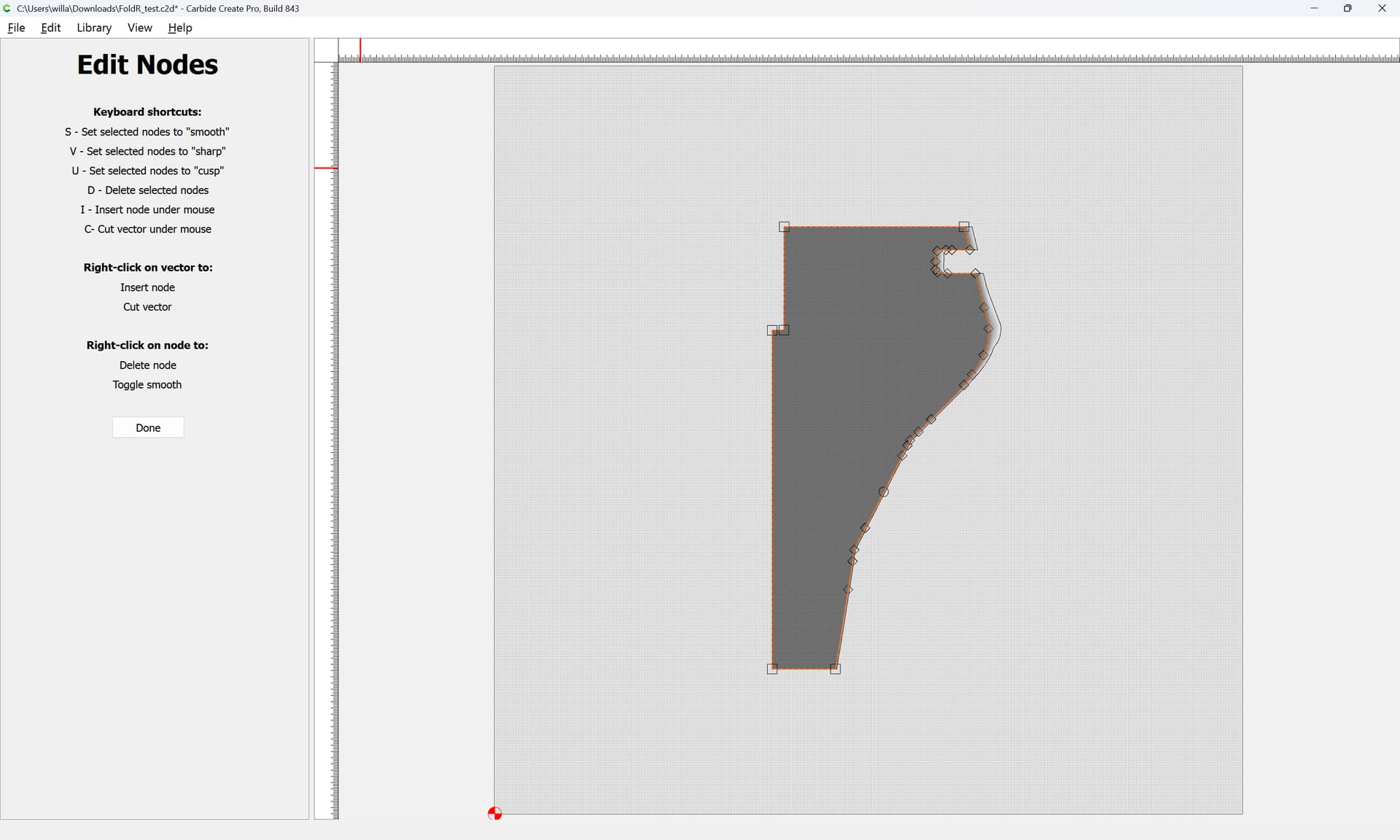
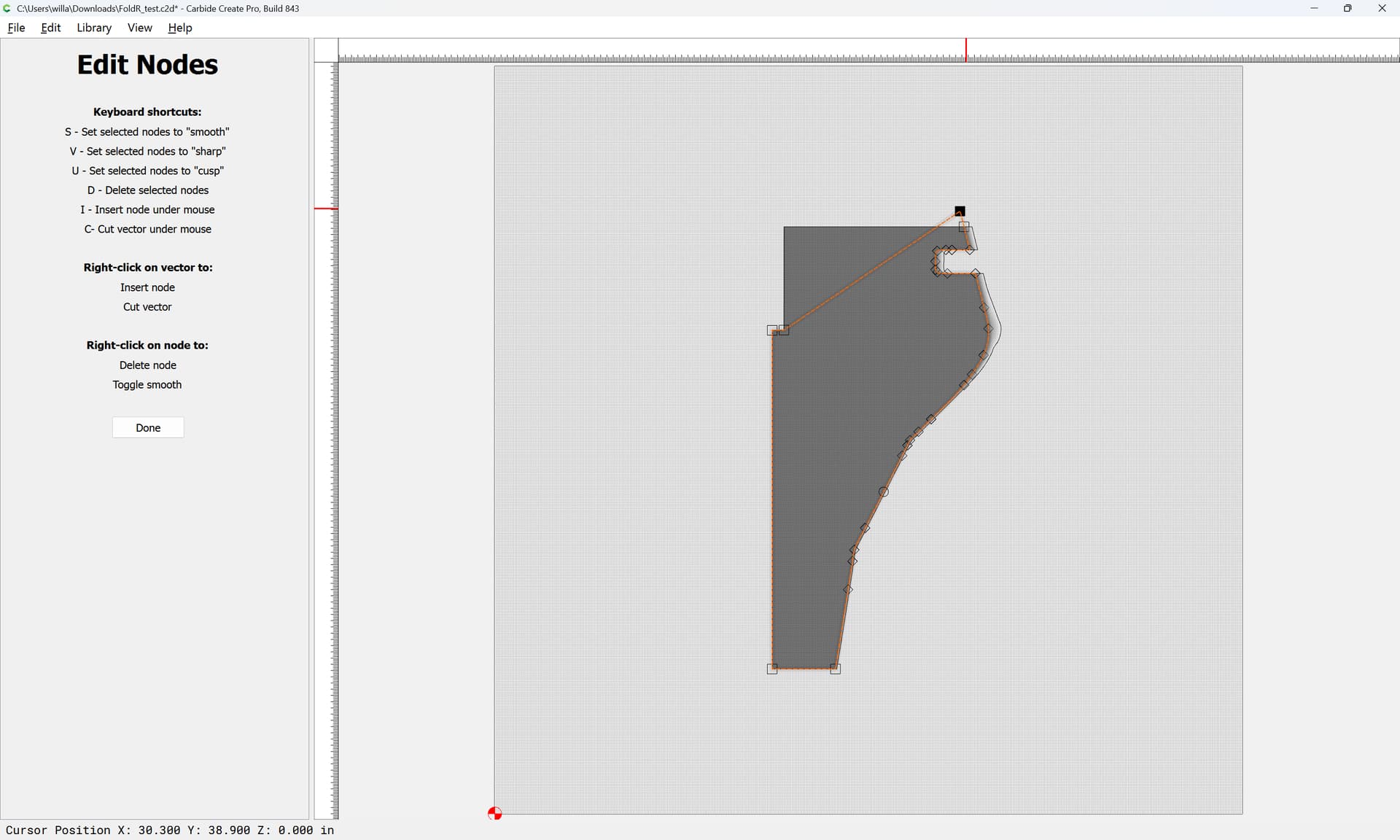
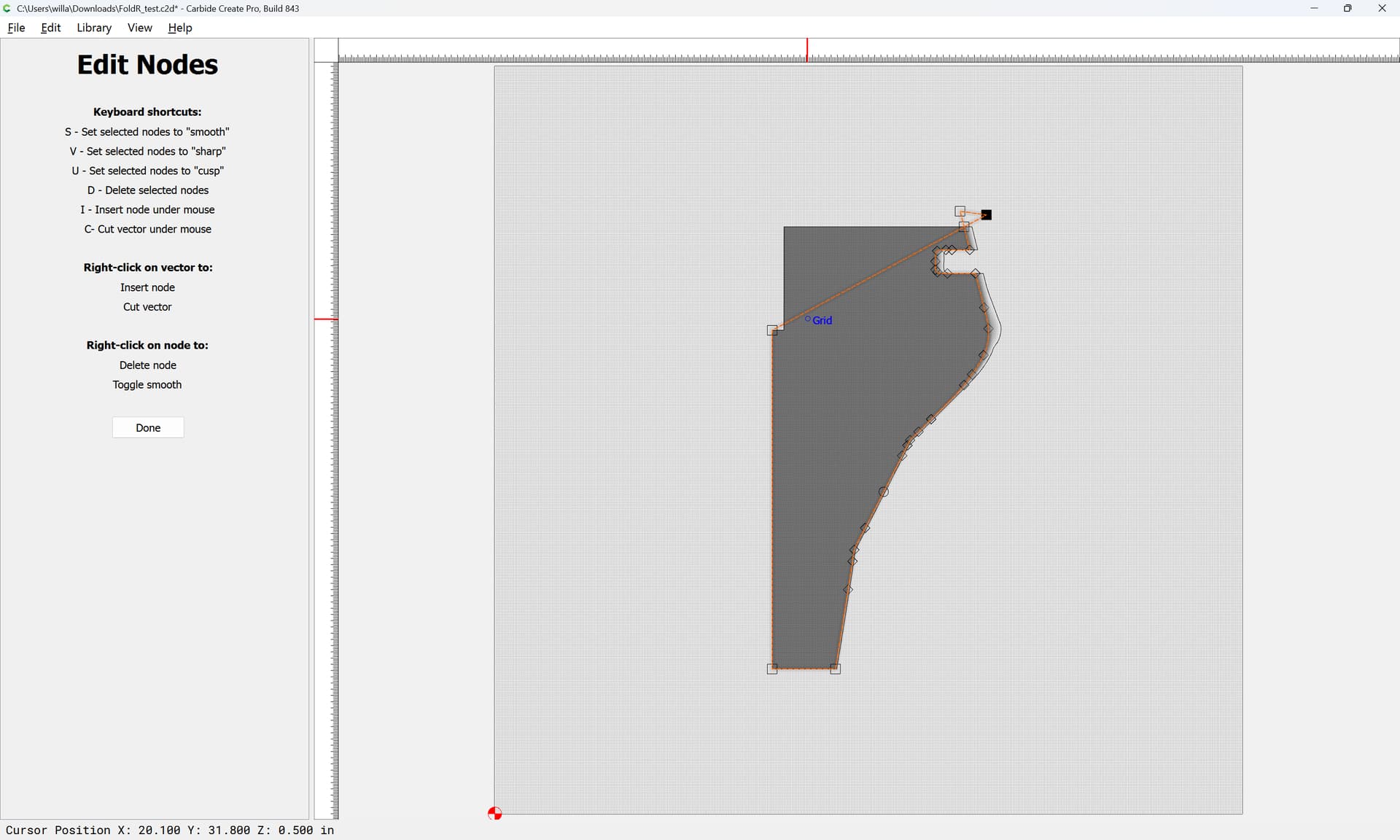
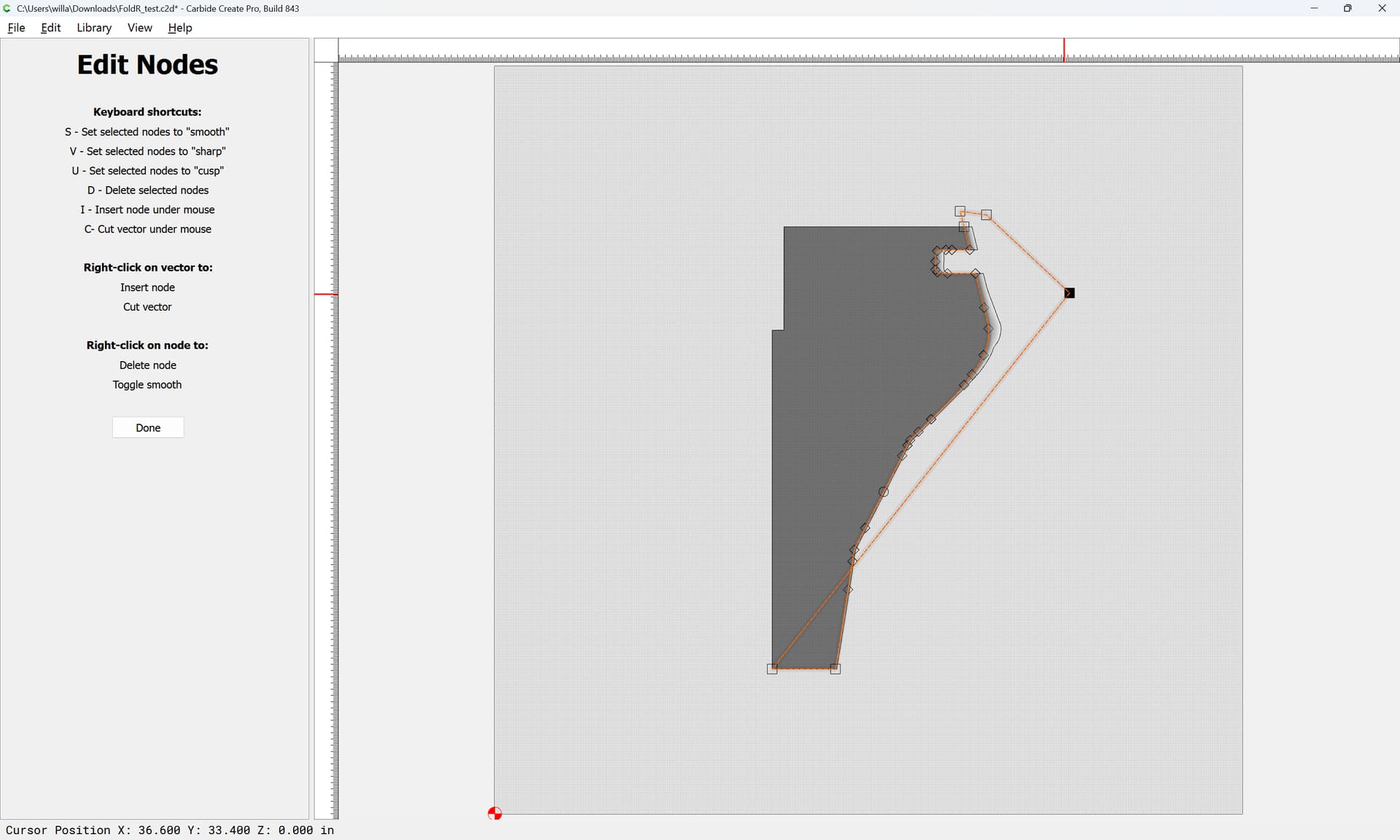
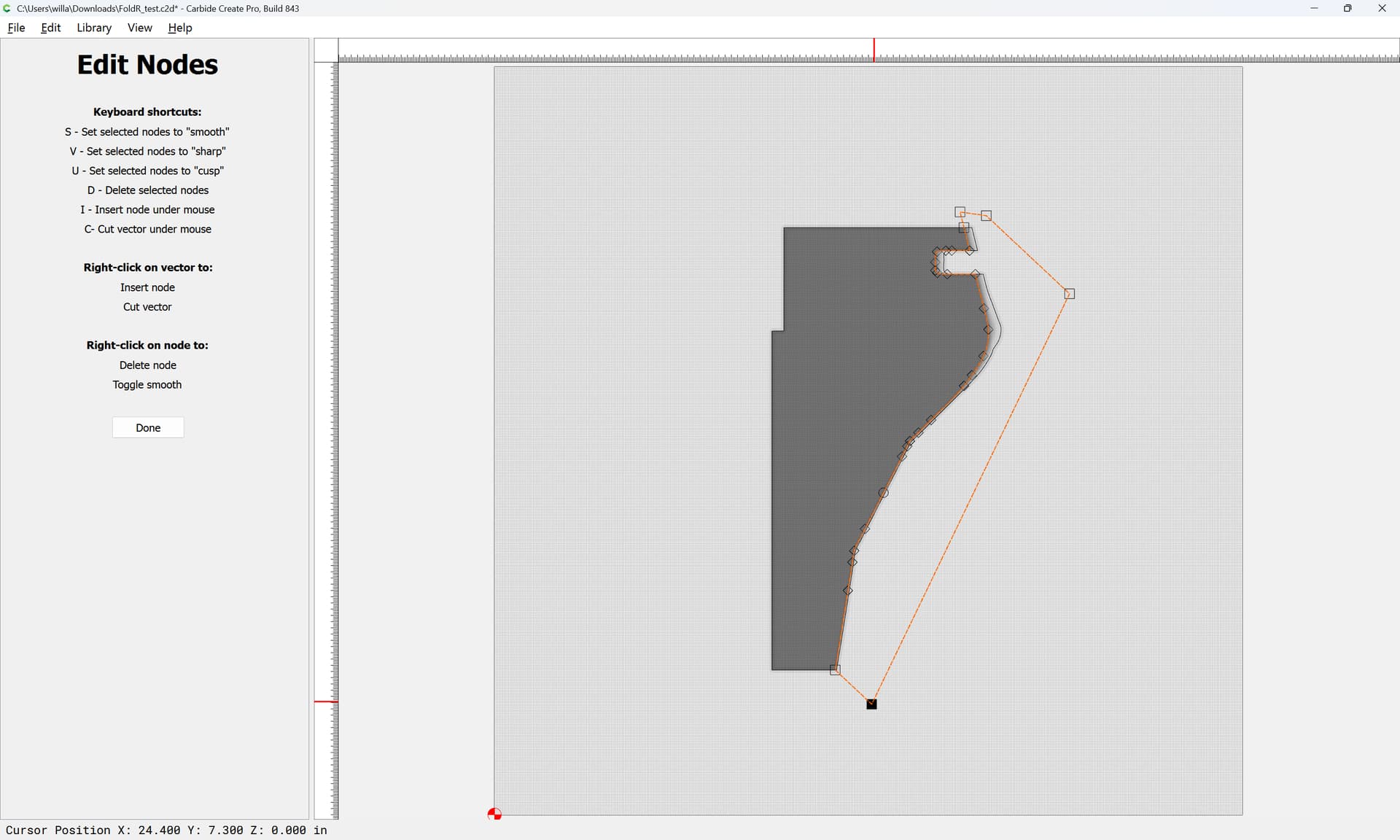
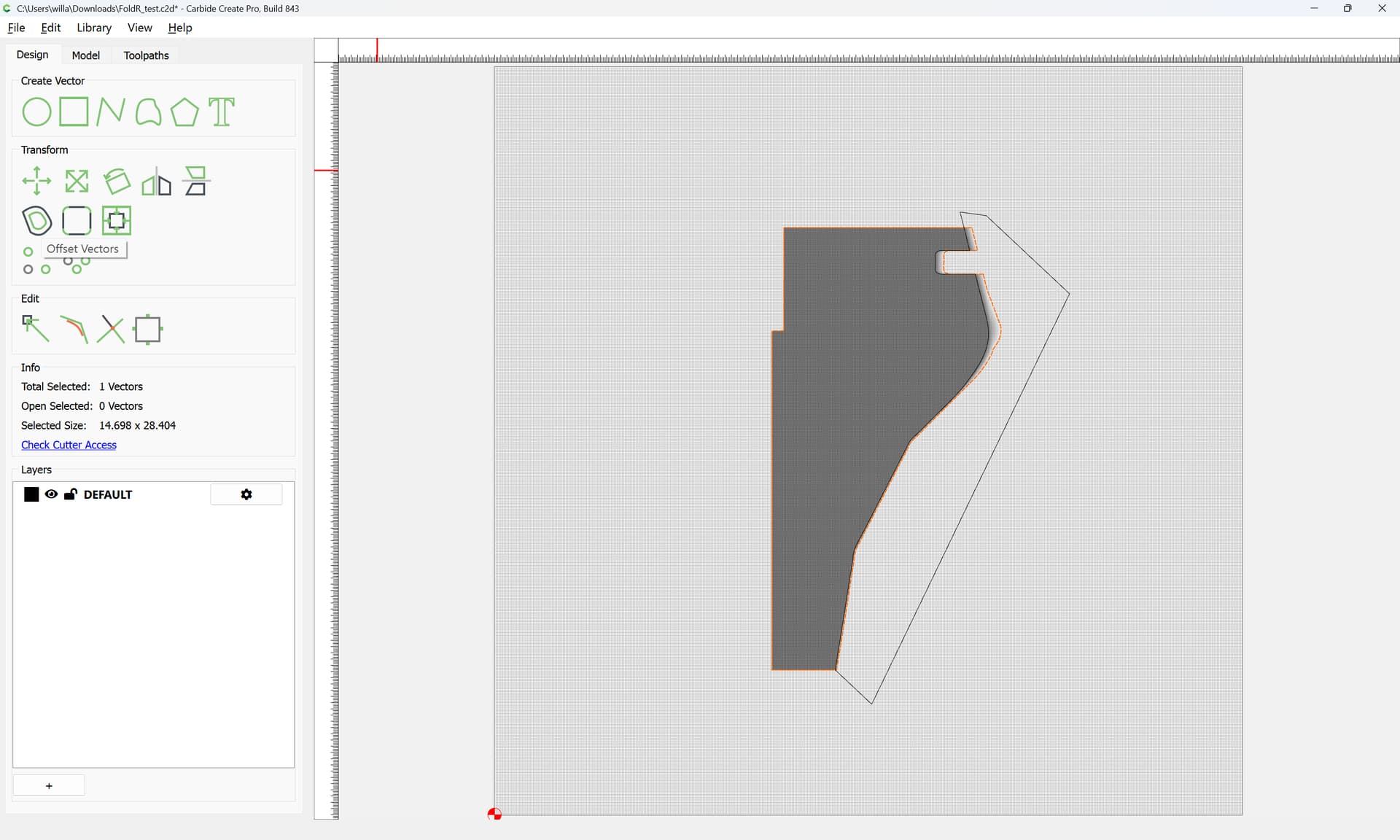
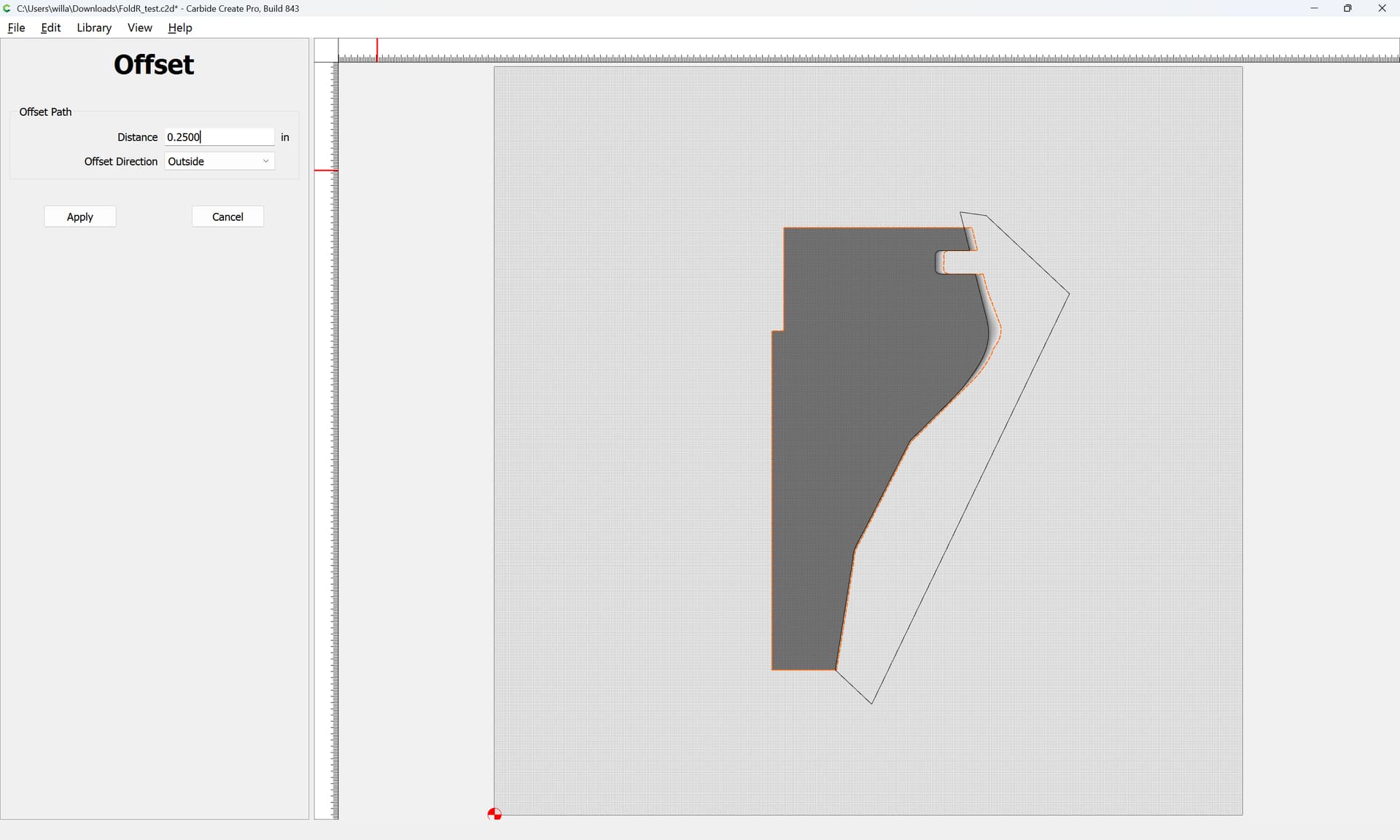
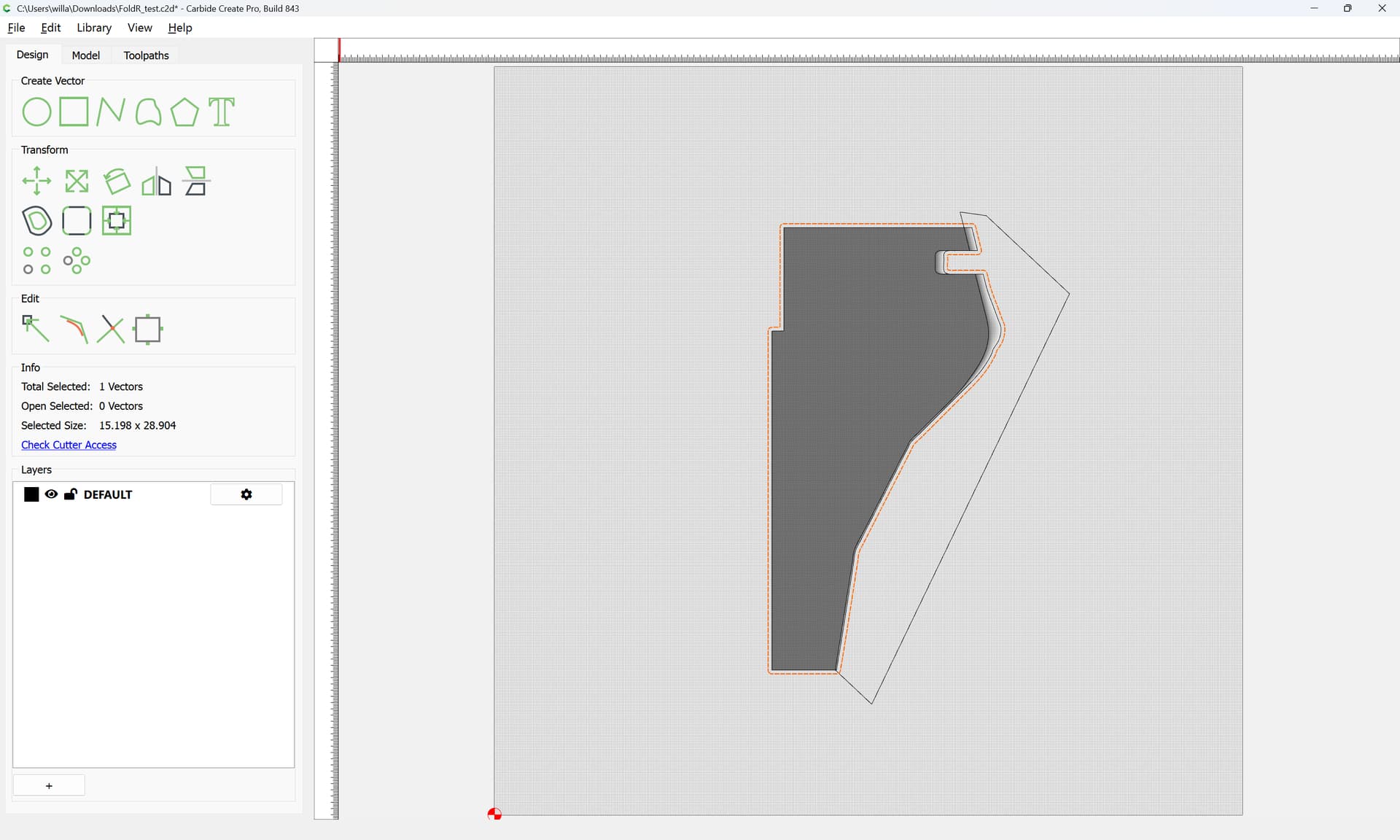
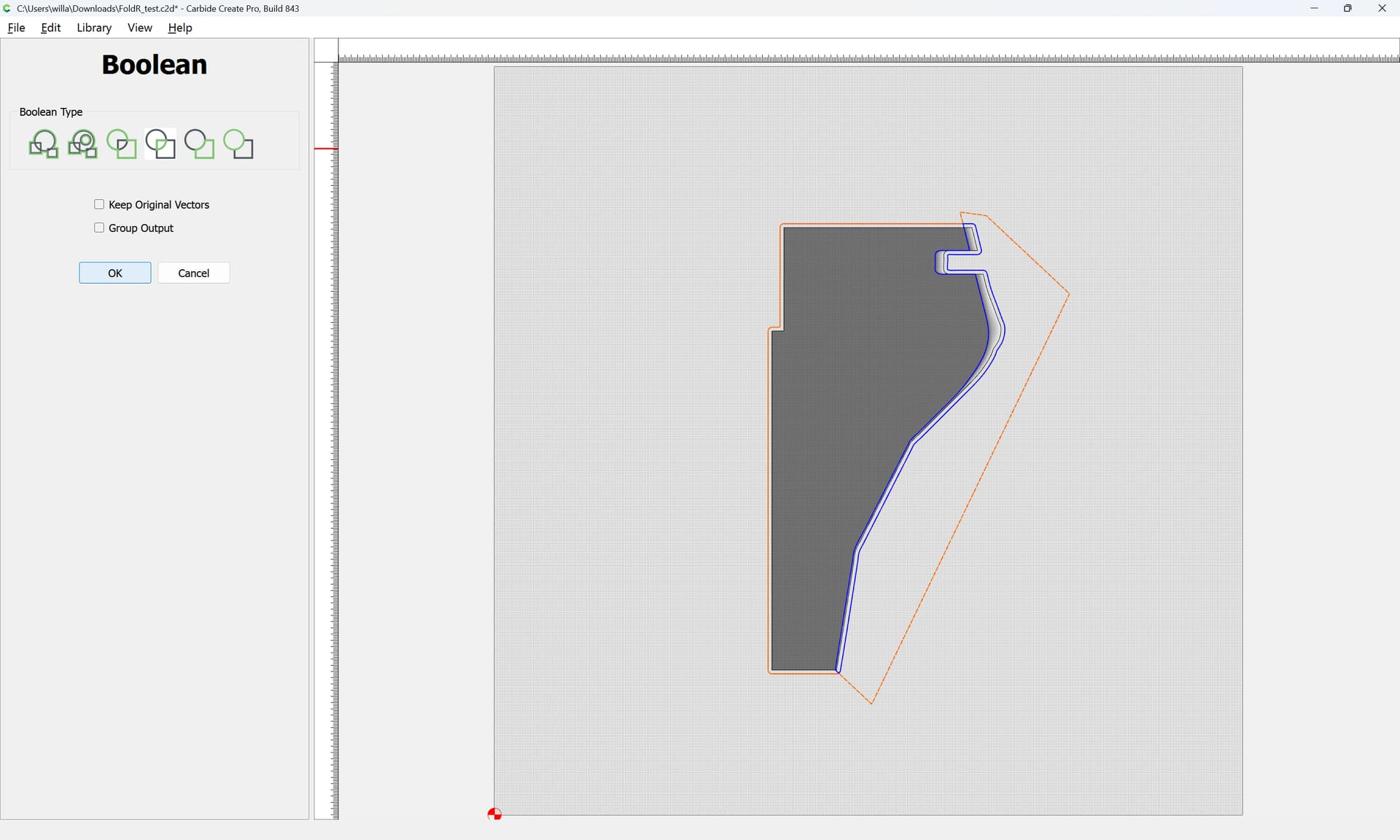
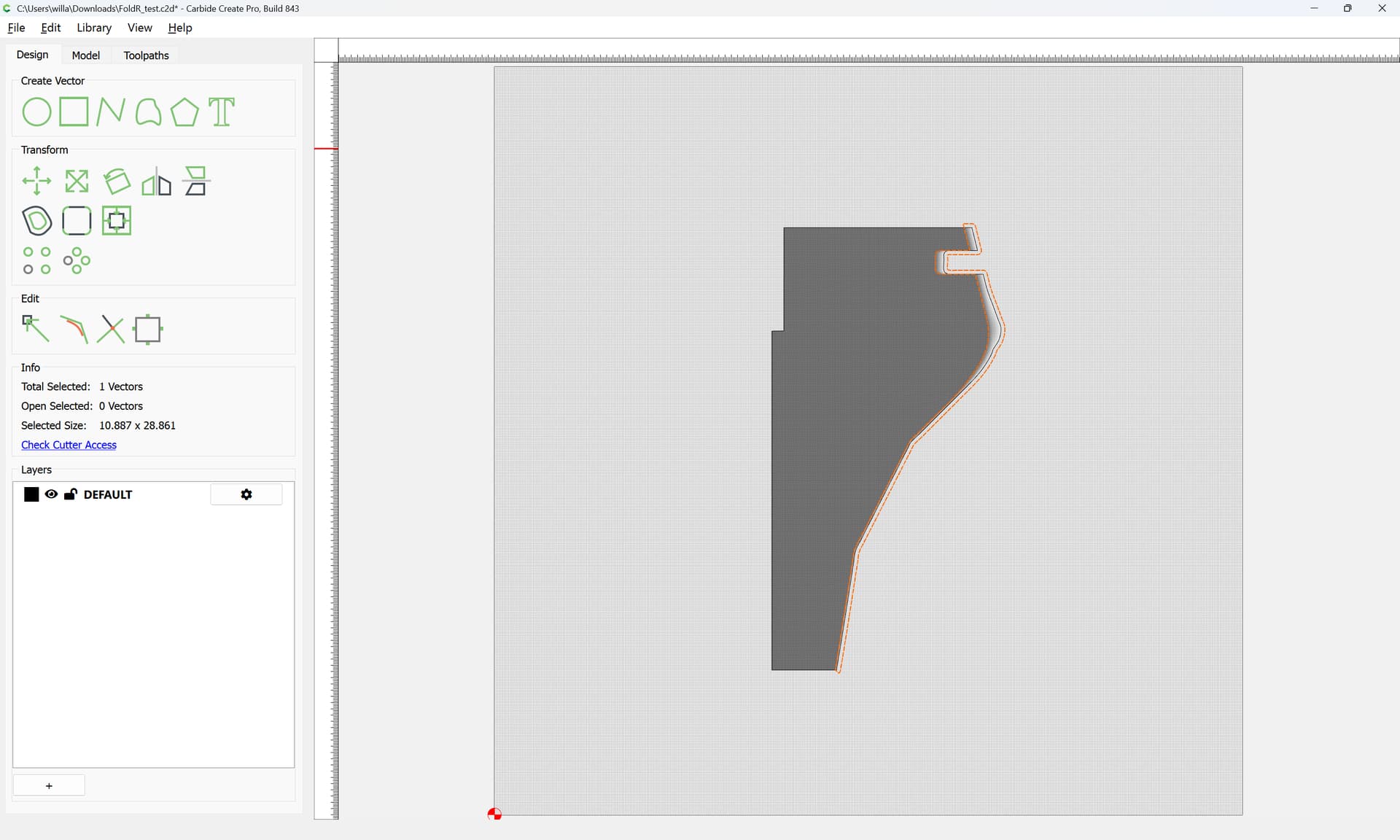
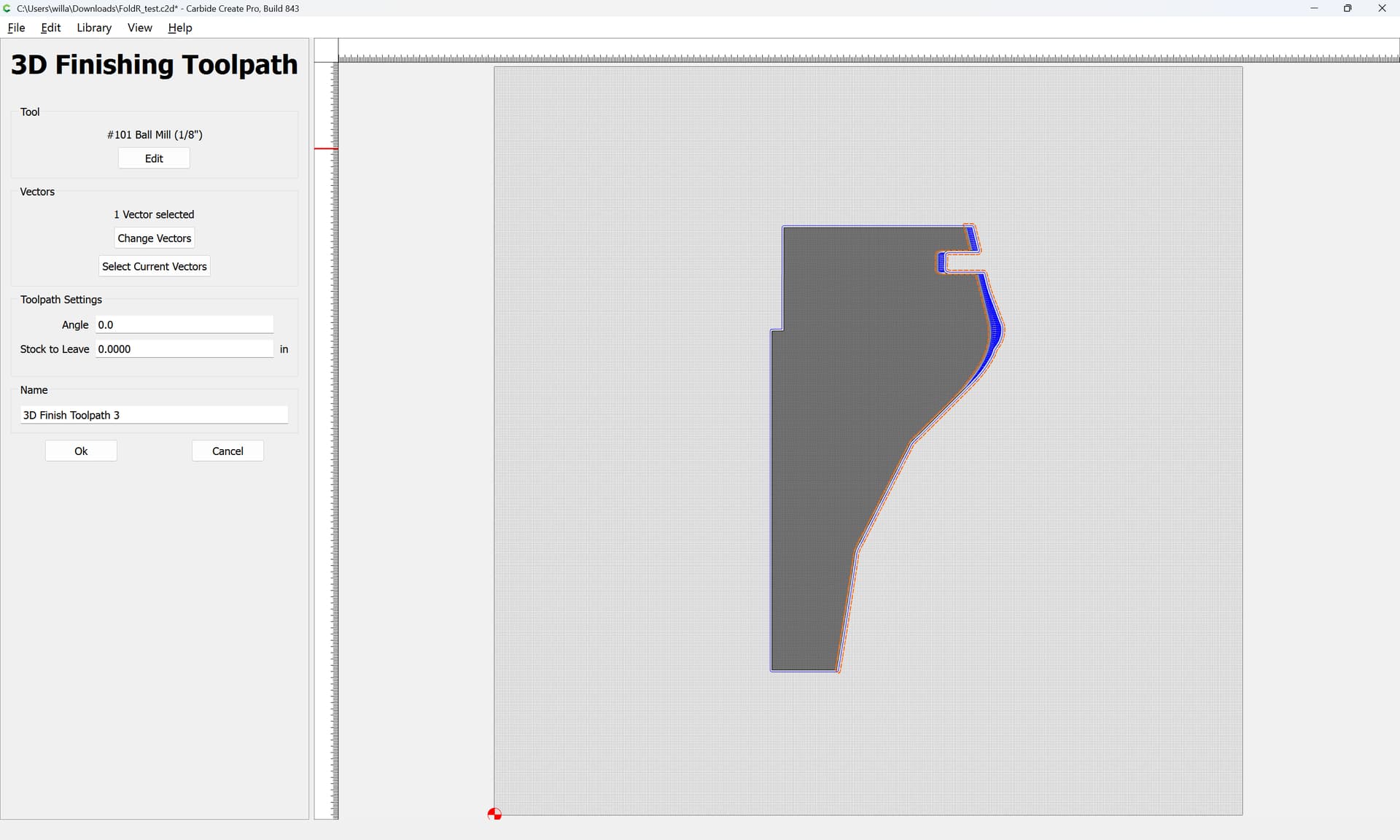
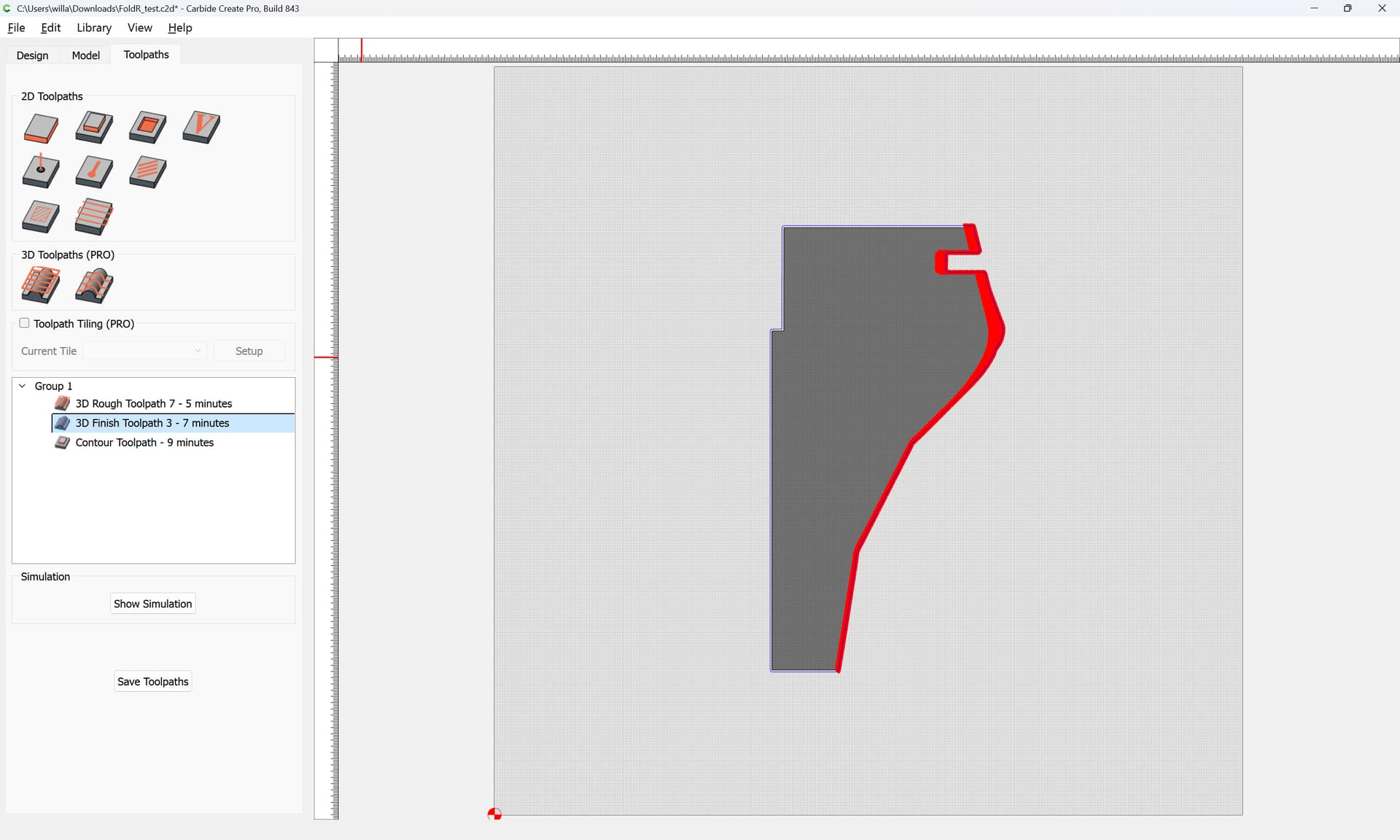
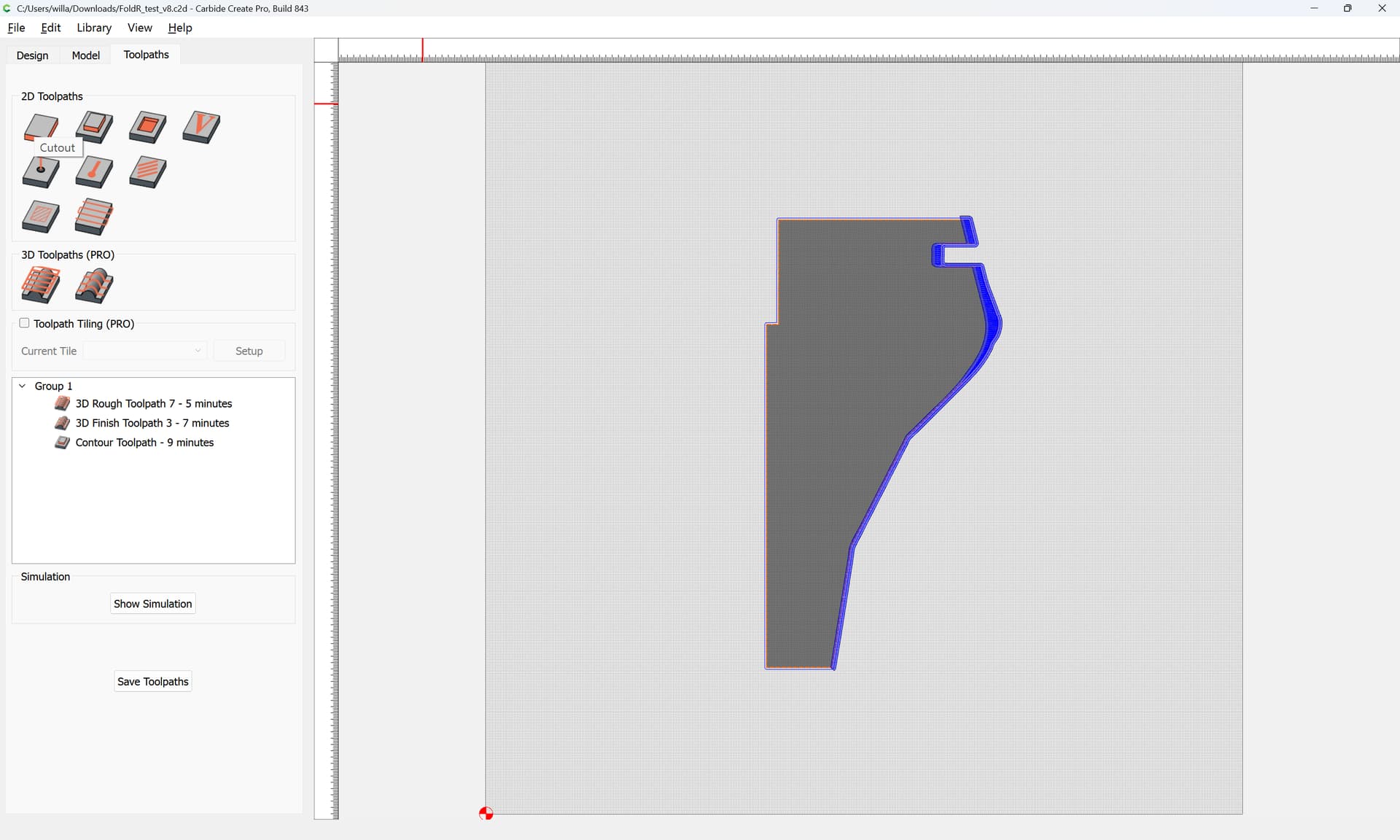
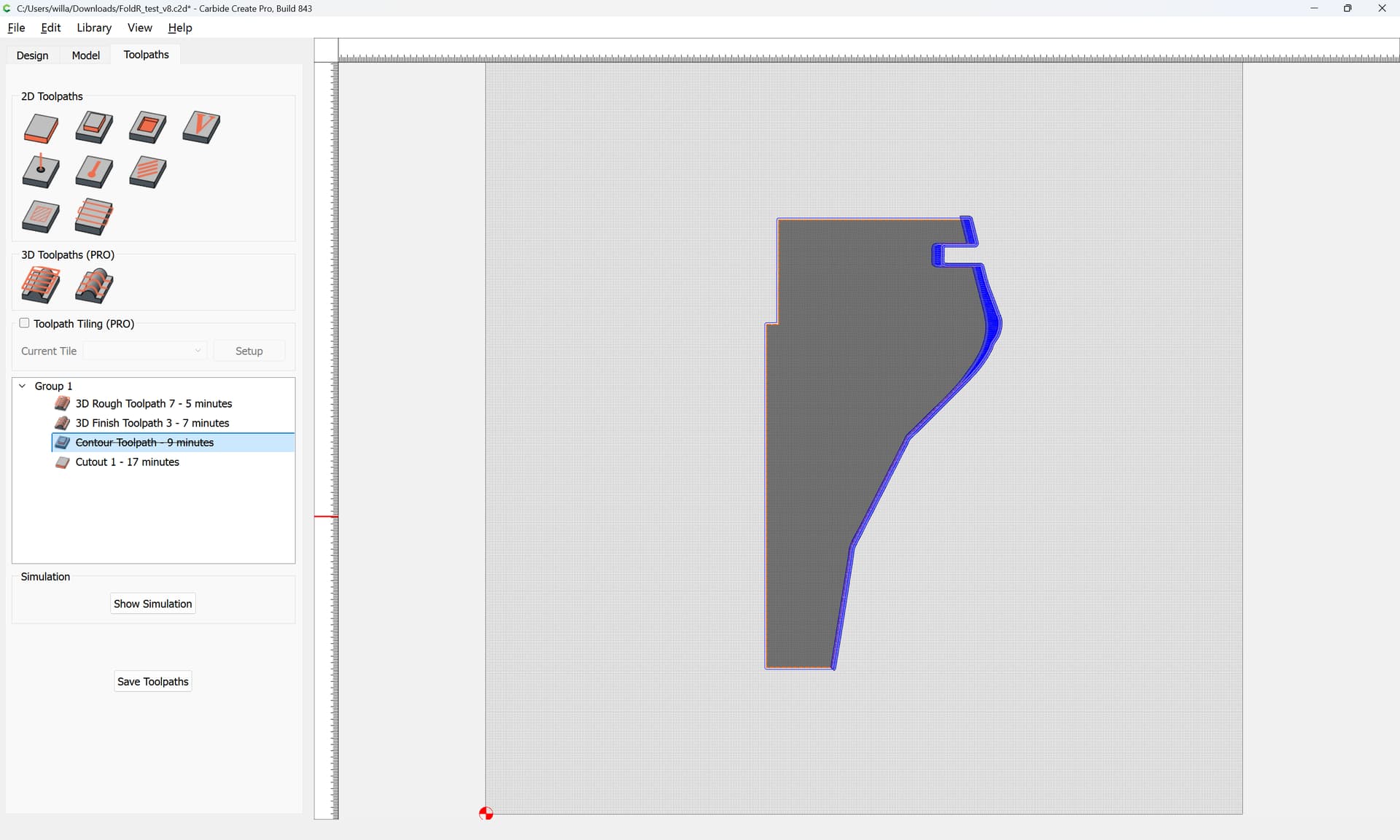
I’m trying to figure out how to set up my file in carbide create (Pro) to cut out an STL from a sheet of plywood. I’ve researched online and got my c2d file 90% there, but can’t figure out how to avoid having the finishing toolpath run across the whole surface of the piece. I want it just to clean up the area that is being cut in the roughing toolpath (i.e. leave the rest of the top surface alone).
Note that the Stock Thickness matches the Cutting Flute Length of the tool in question — you’ll want to be careful of rubbing the collet against the top surface.
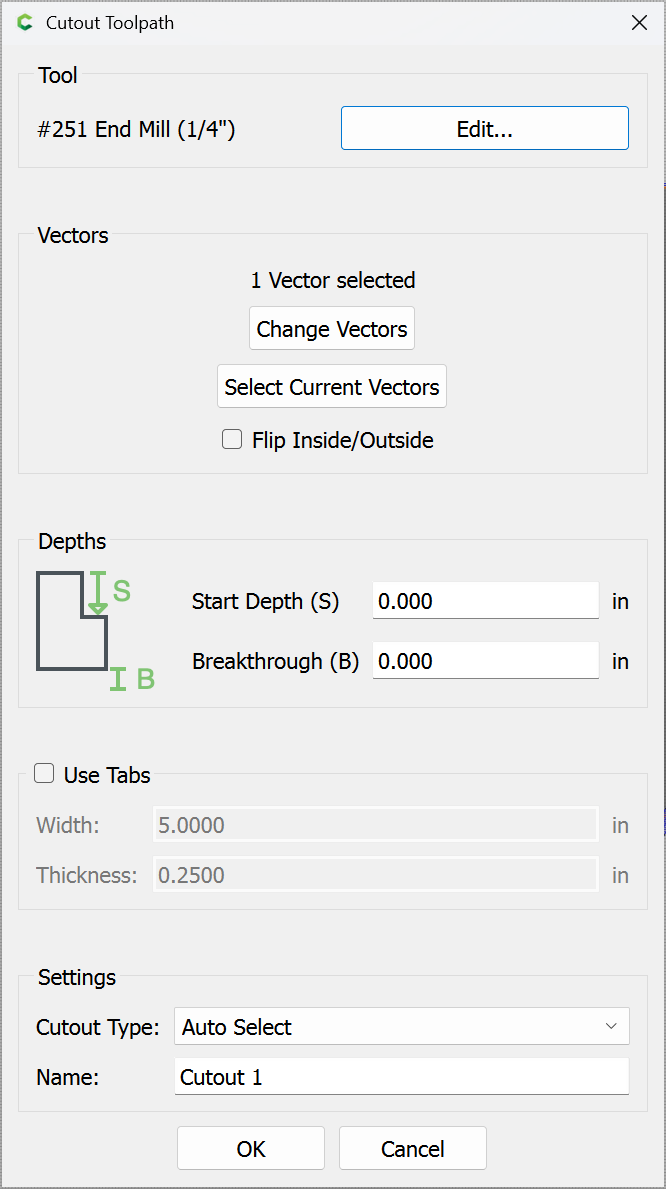
Further, I’d suggest using the new “Cutout” toolpath: