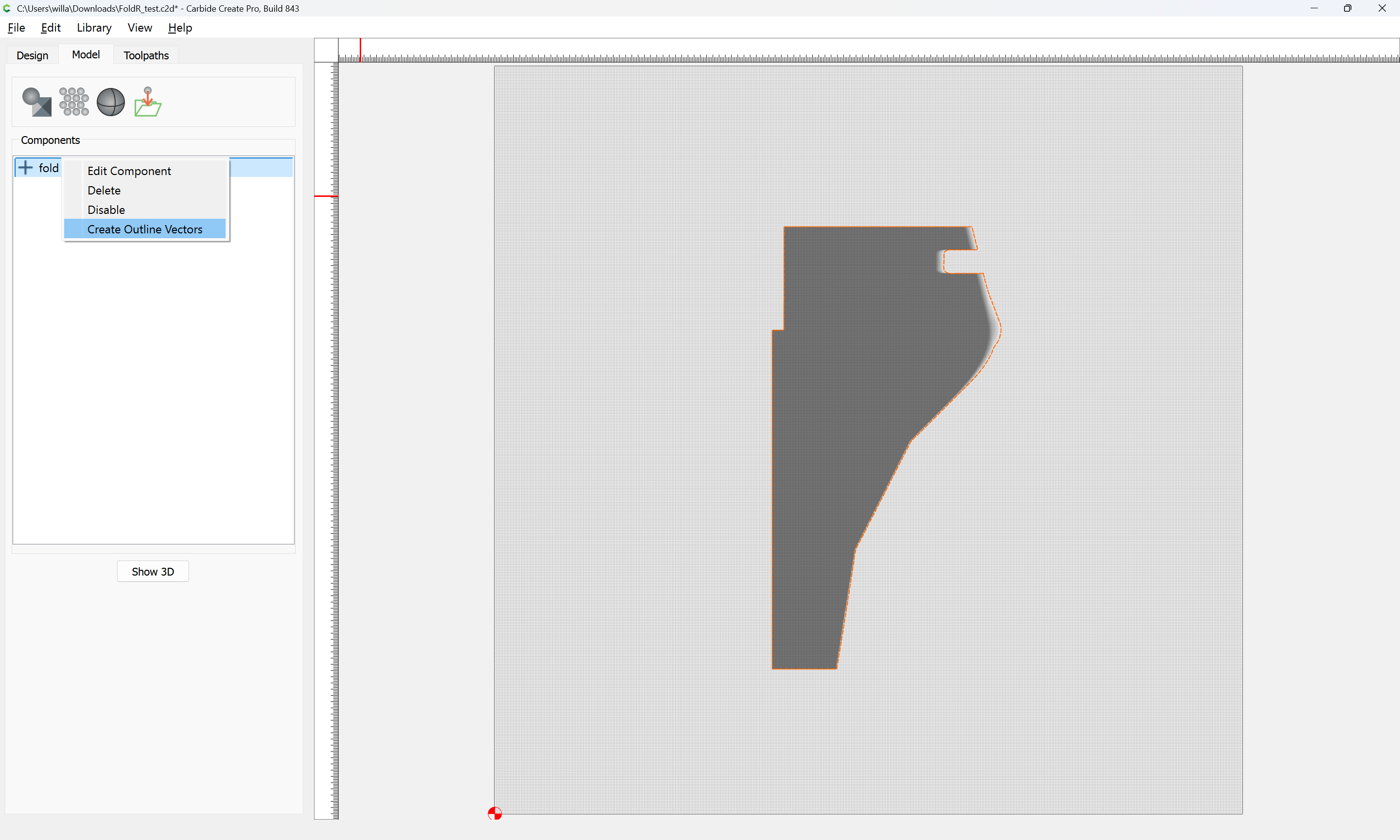
Carbide Create Pro has a facility for tracing a design which you seem to have used:
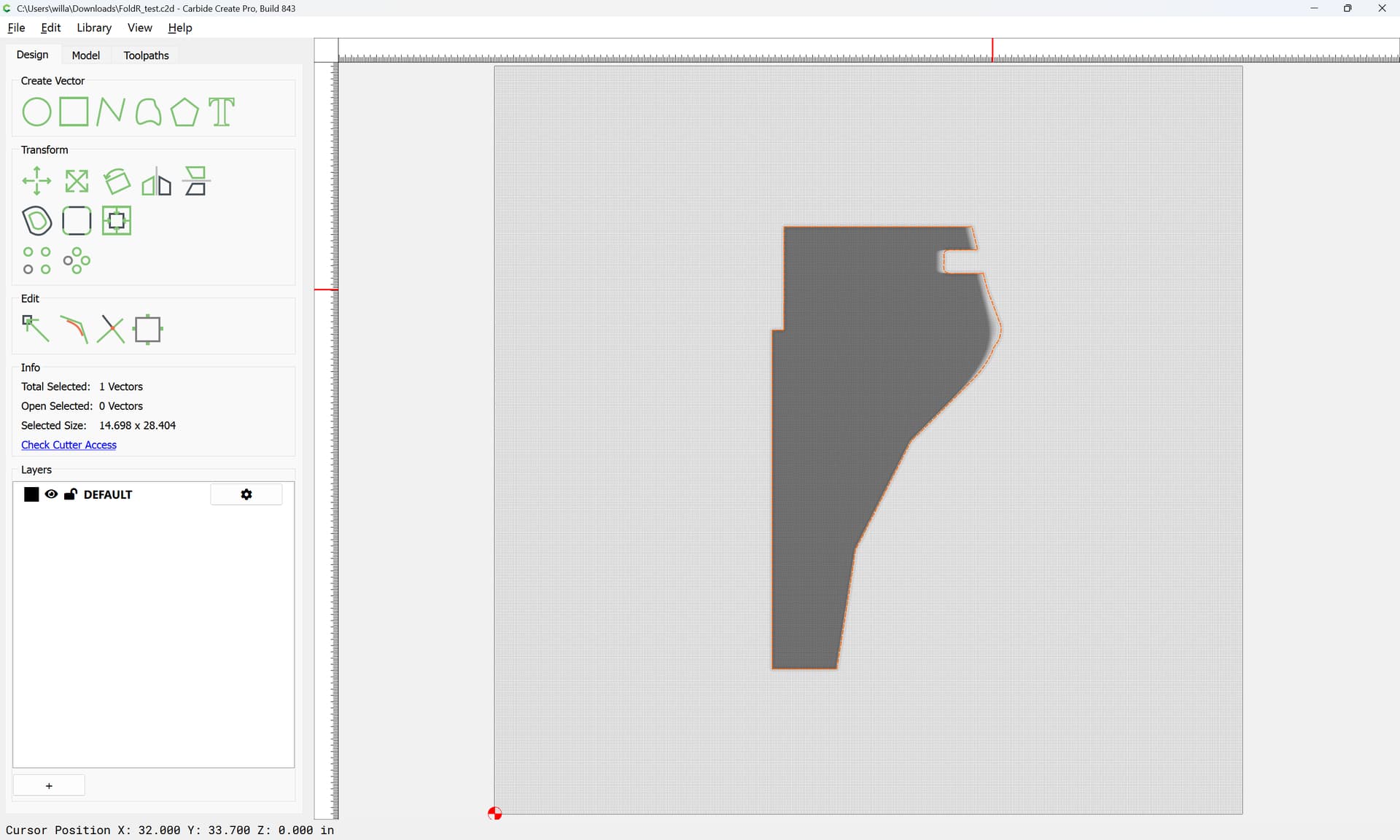
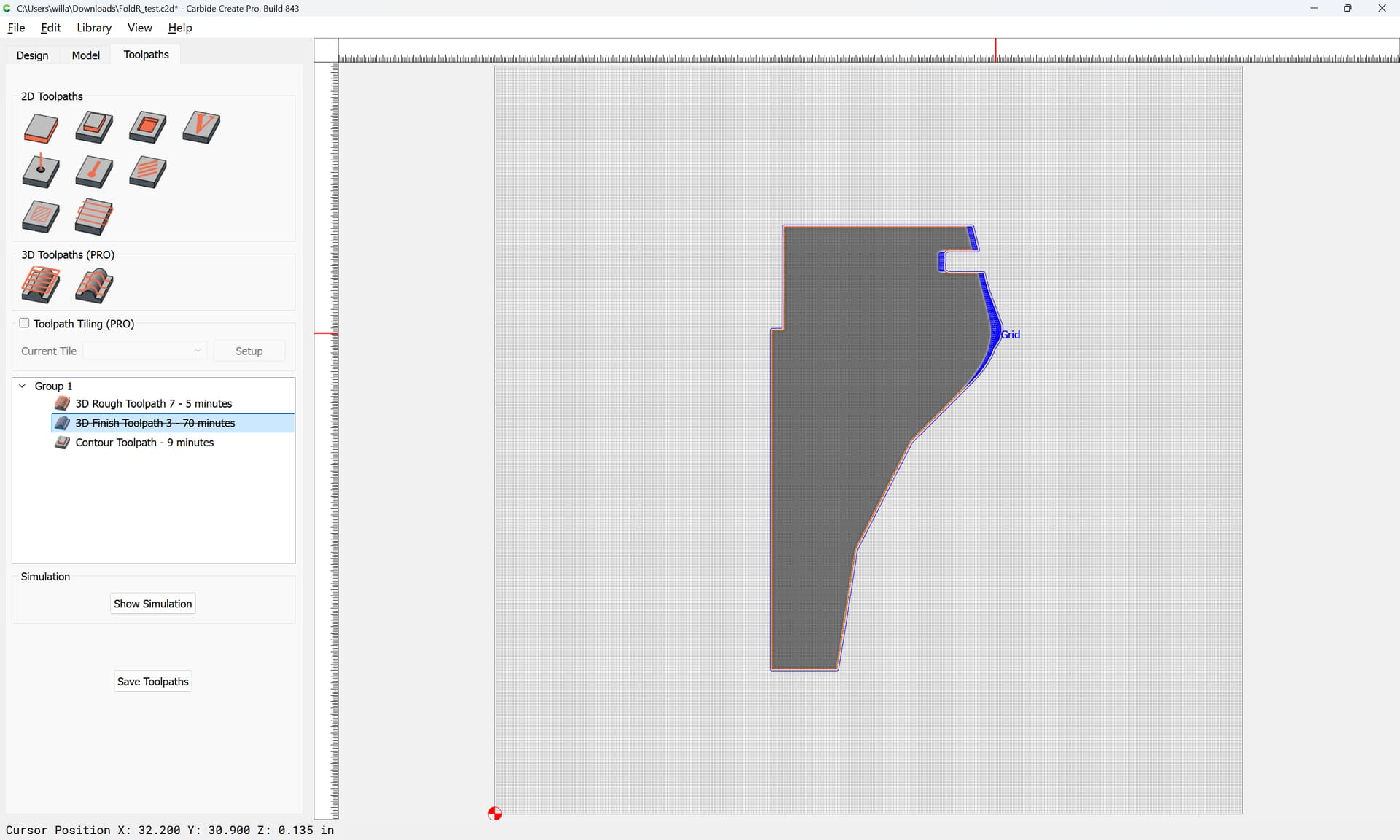
In order to further limit the area used for a toolpath you will need to trace again:
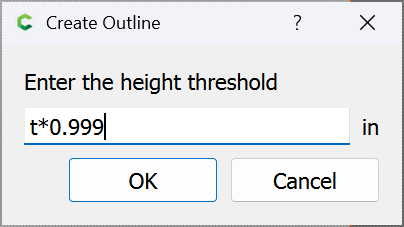
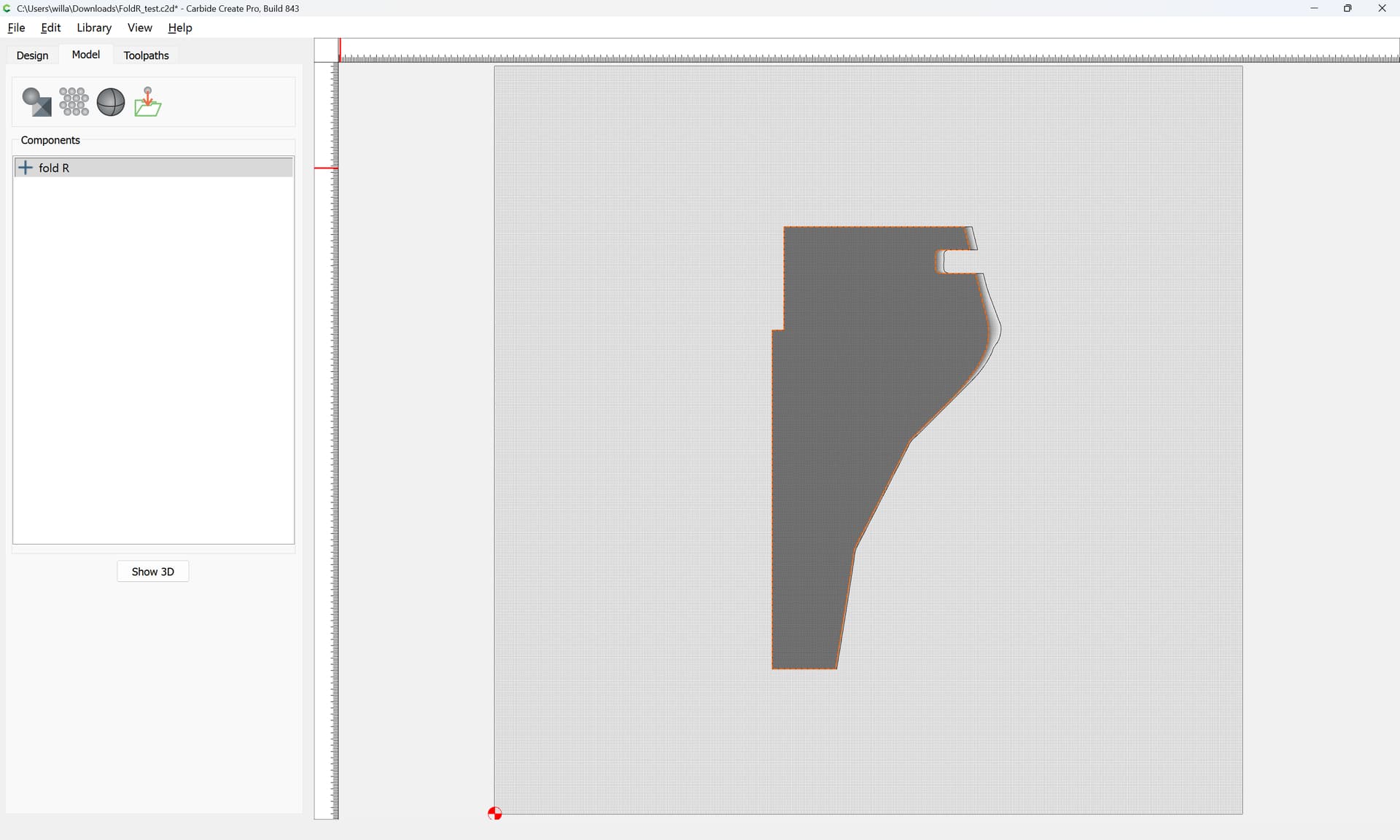
and then turn that inside out:
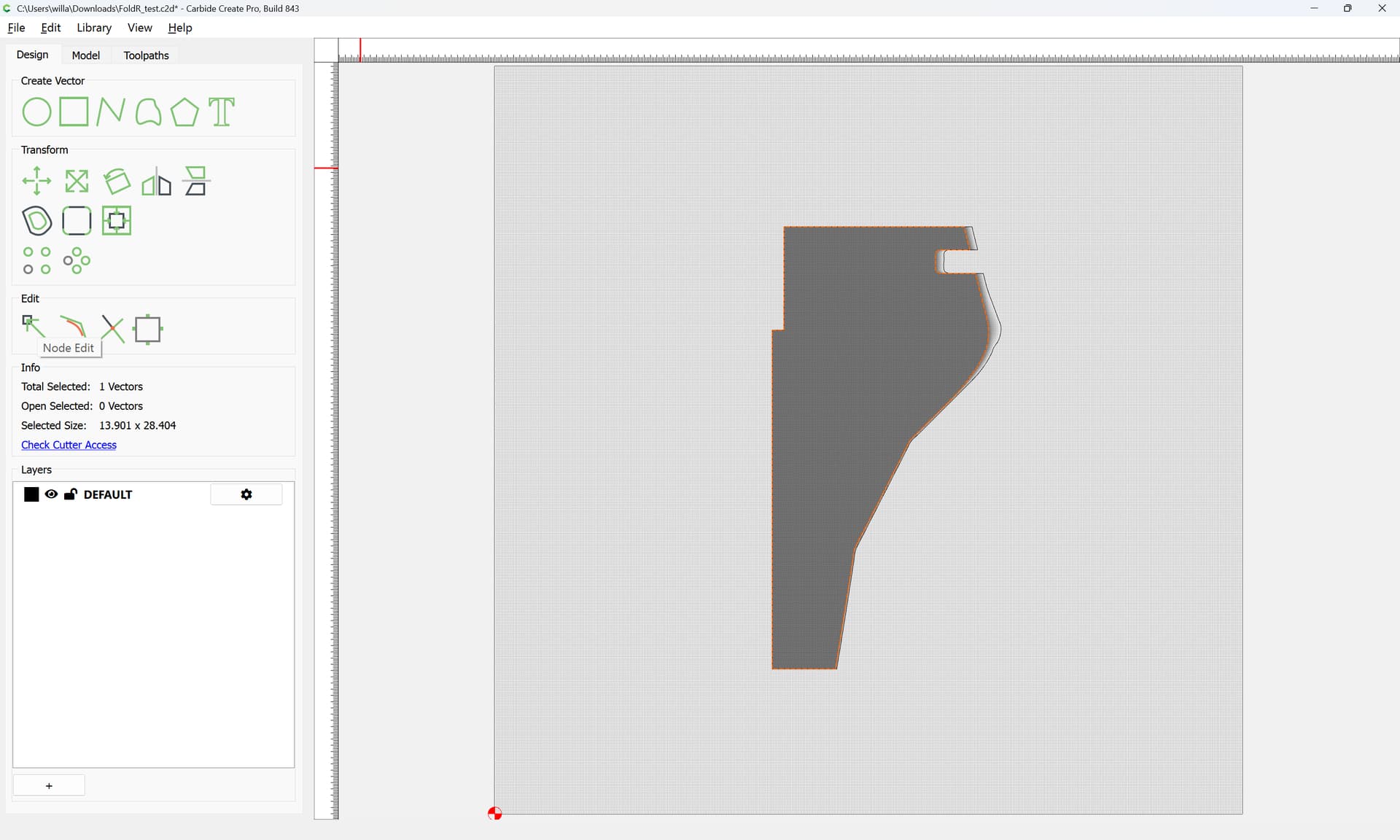
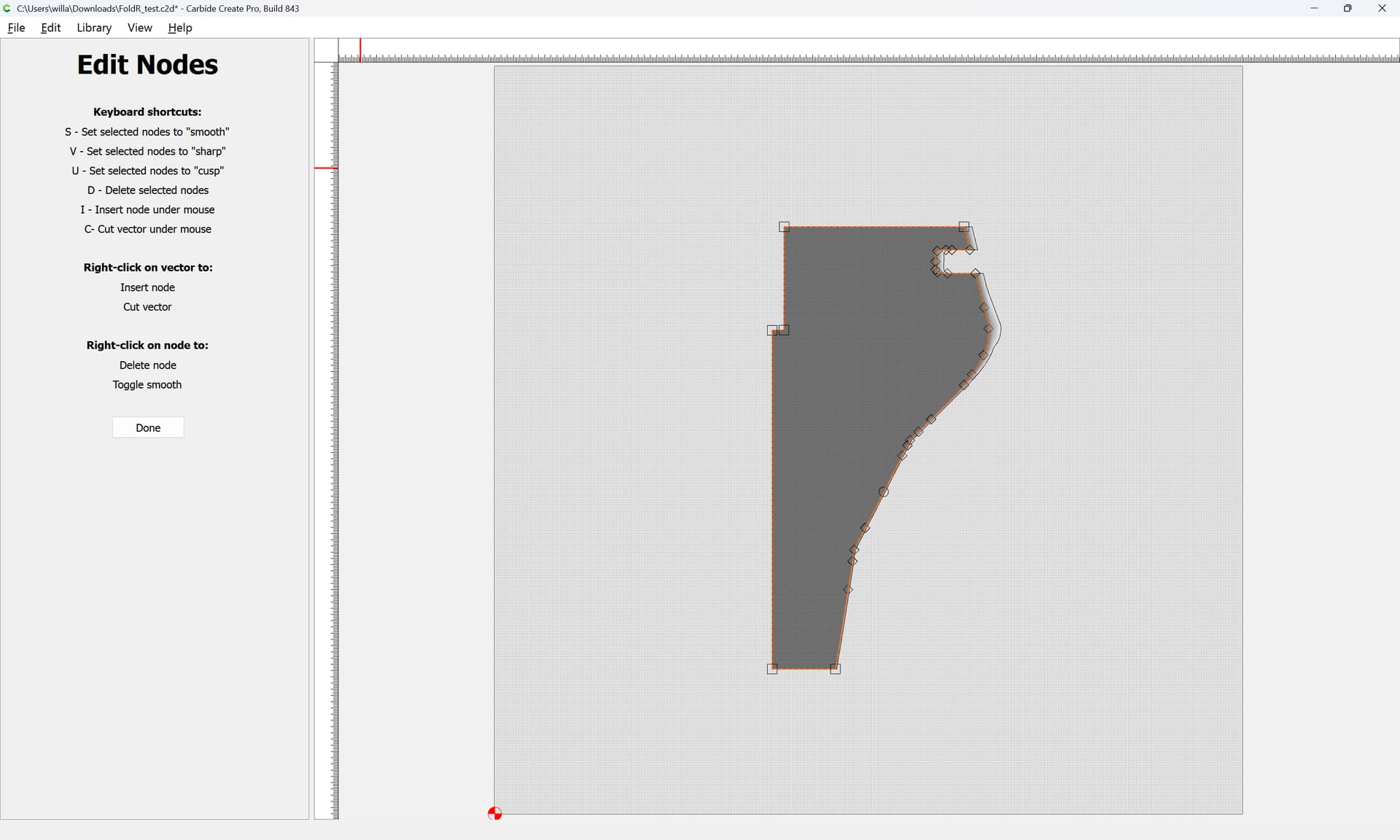
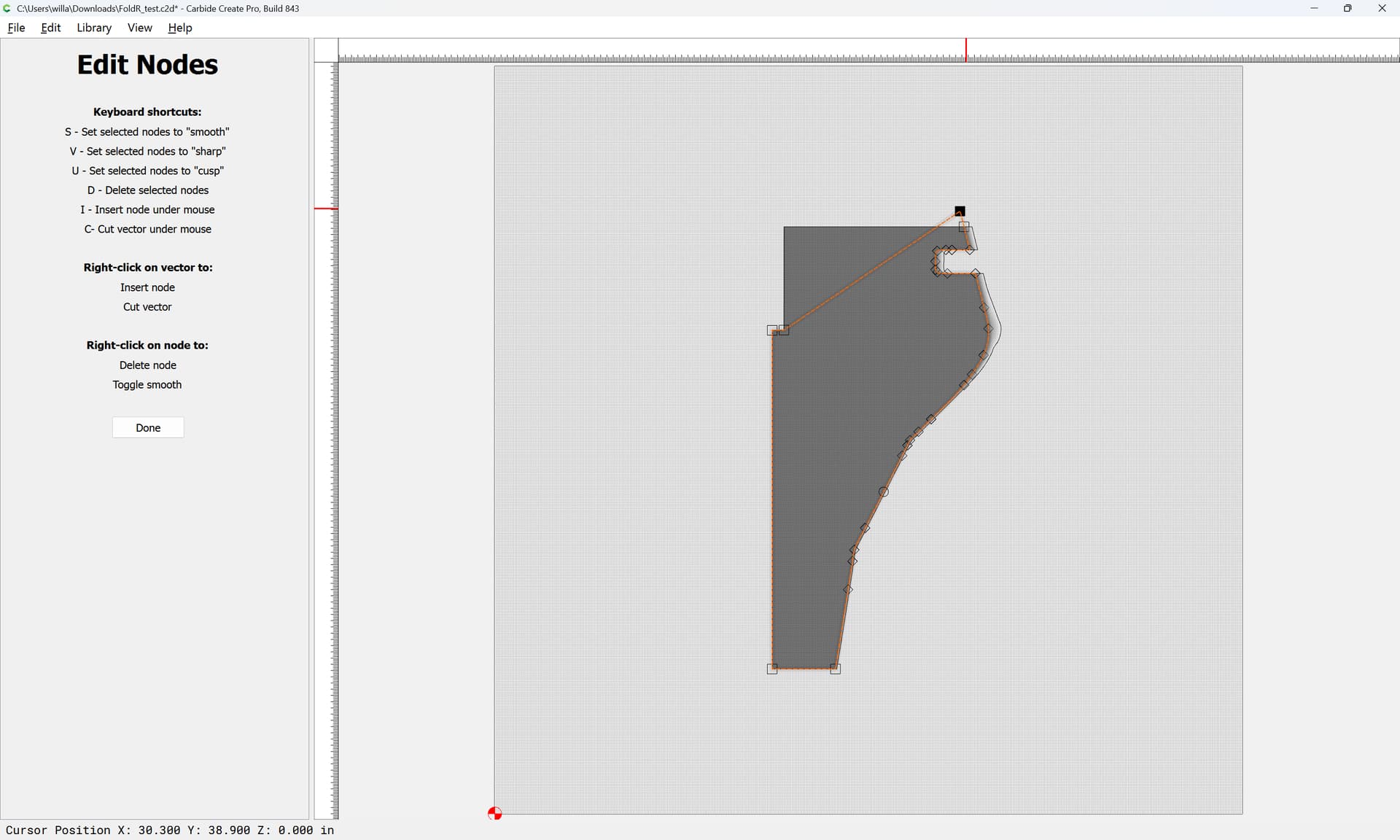
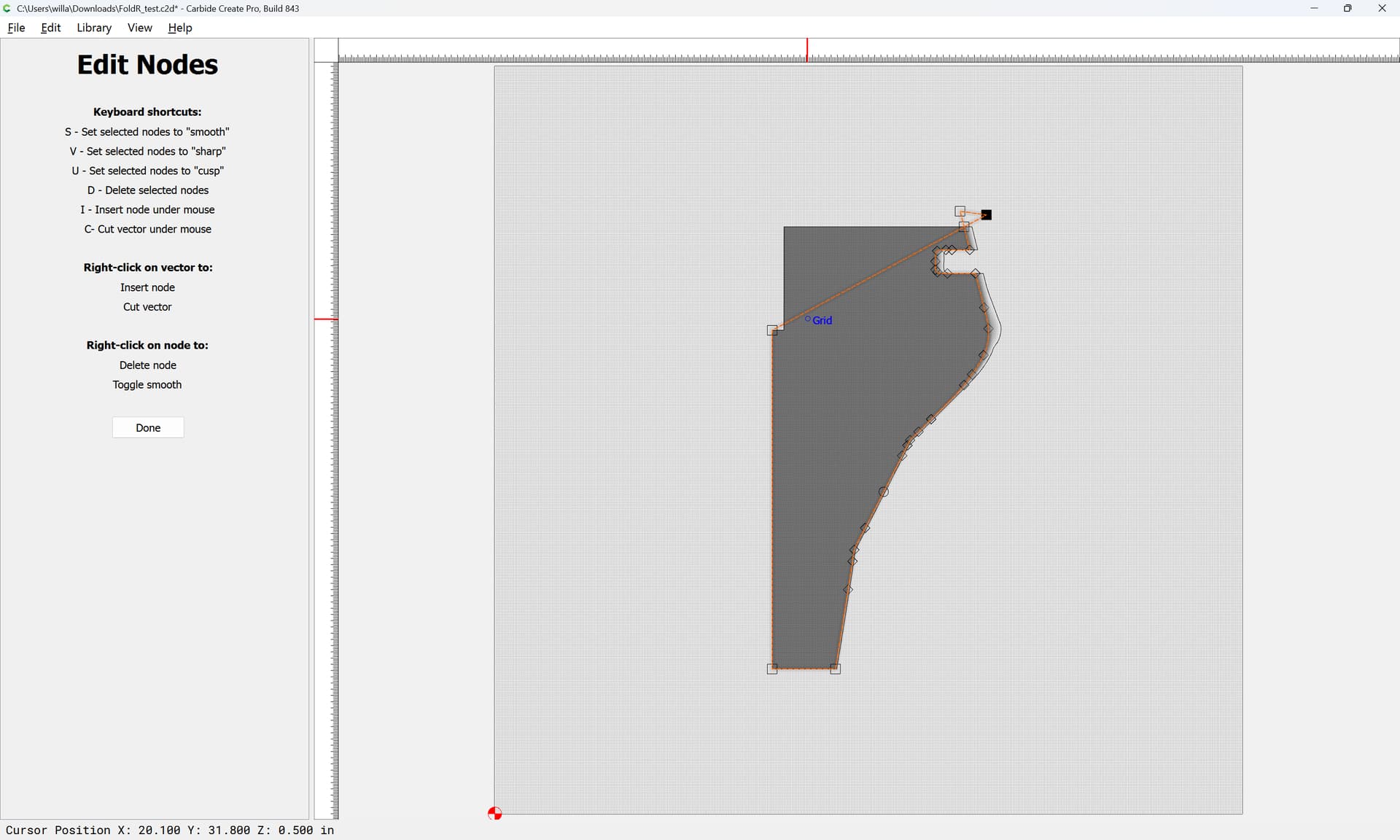
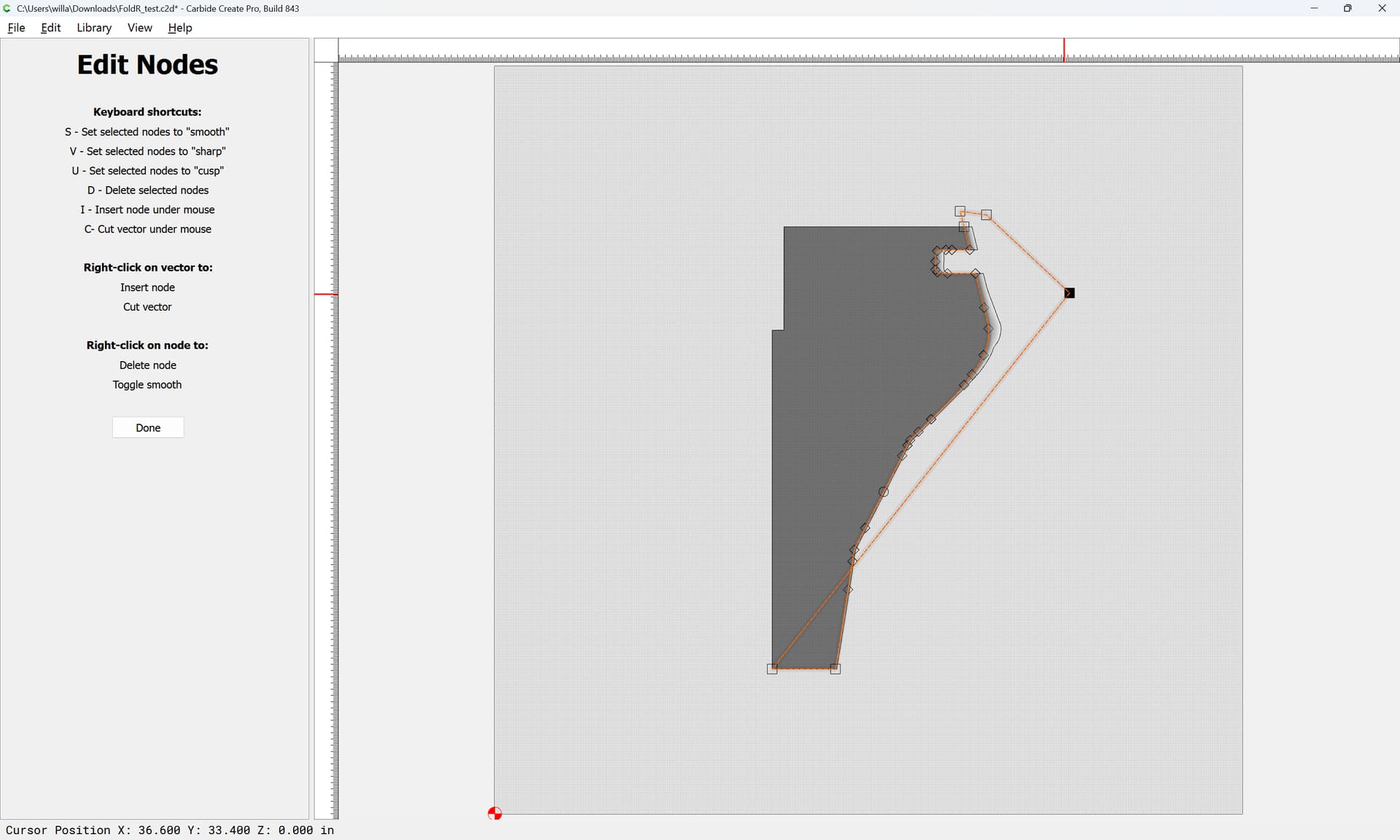
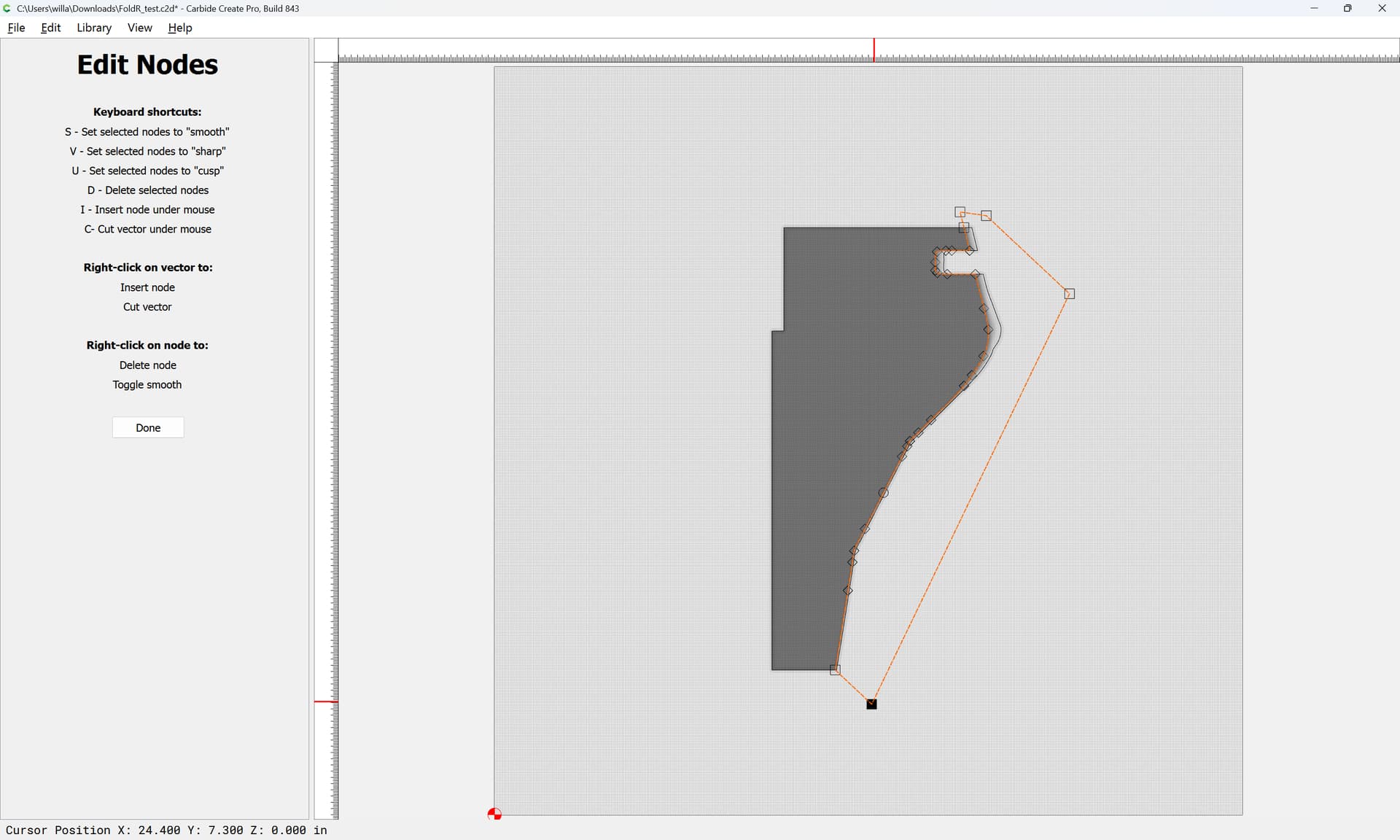
Done

Then offset the bottom traced geometry
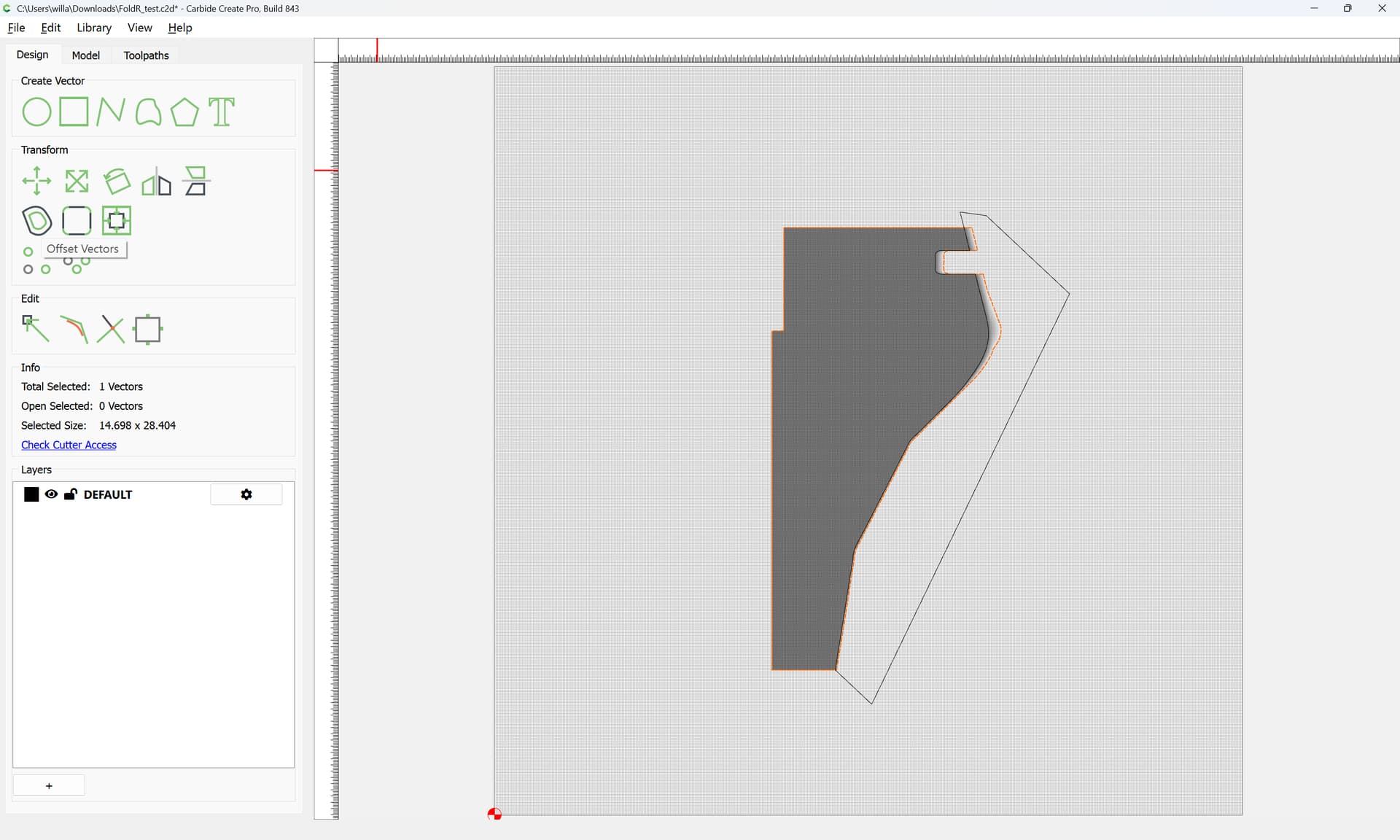
by the radius of the tool which you will be using:
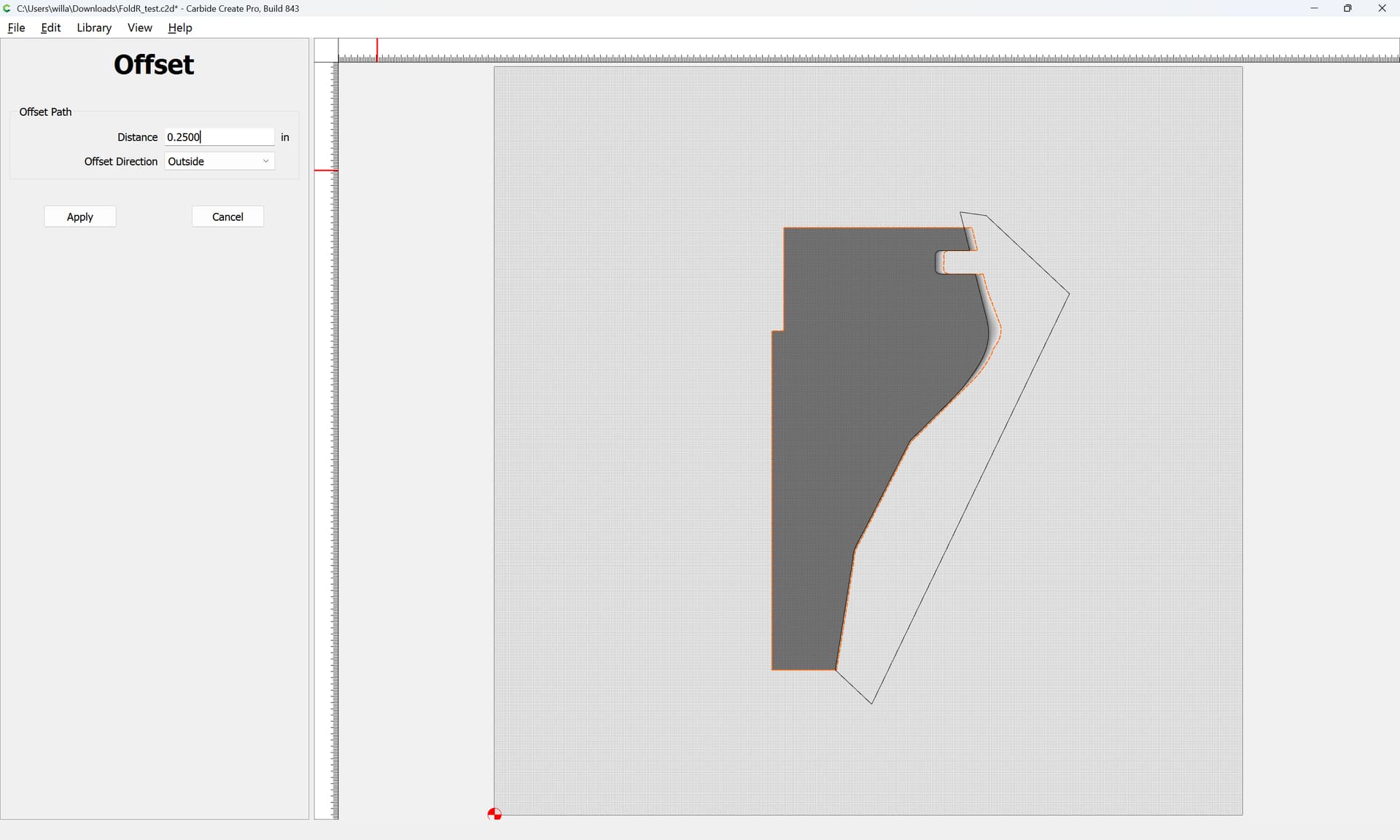
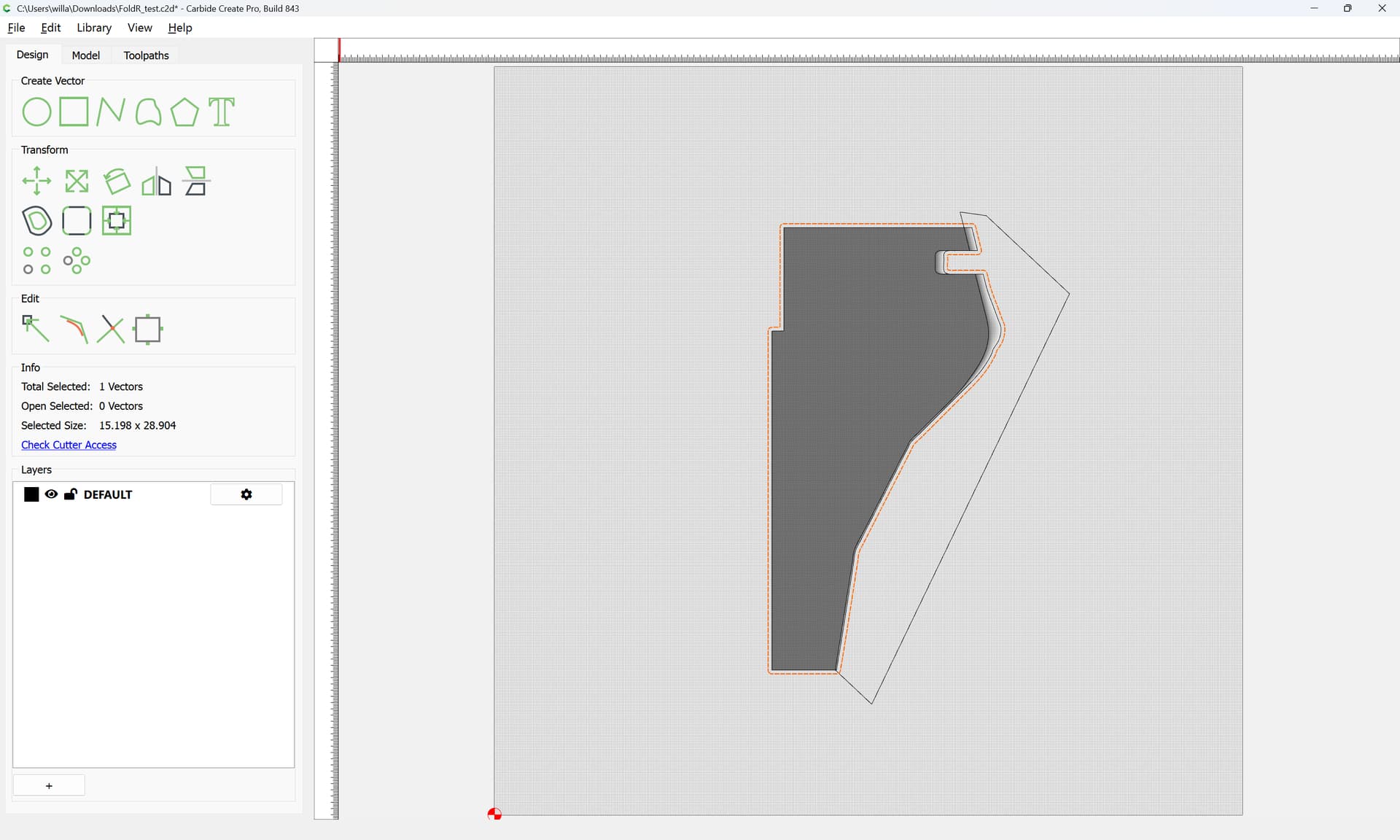
Then get the Boolean Intersection of the two regions:
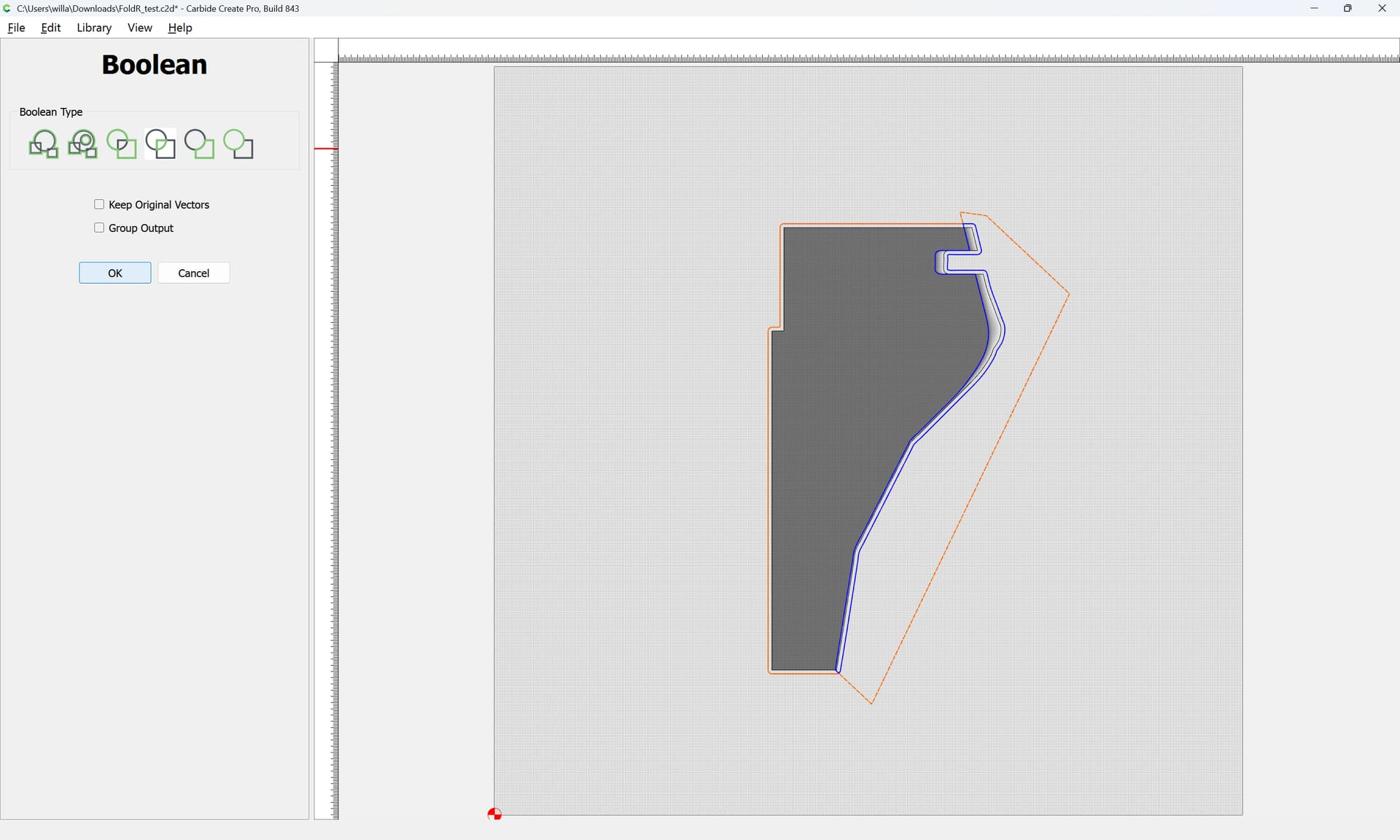
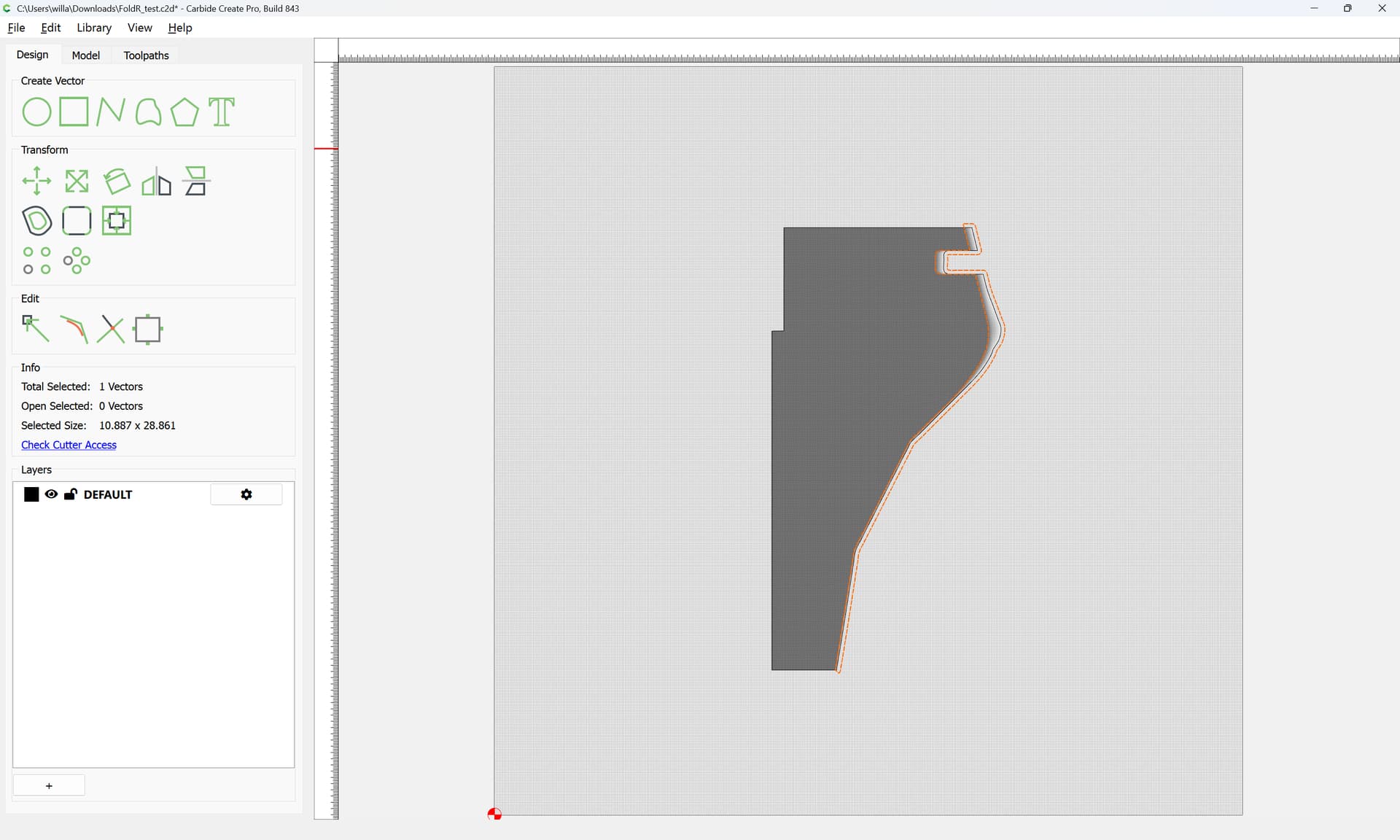
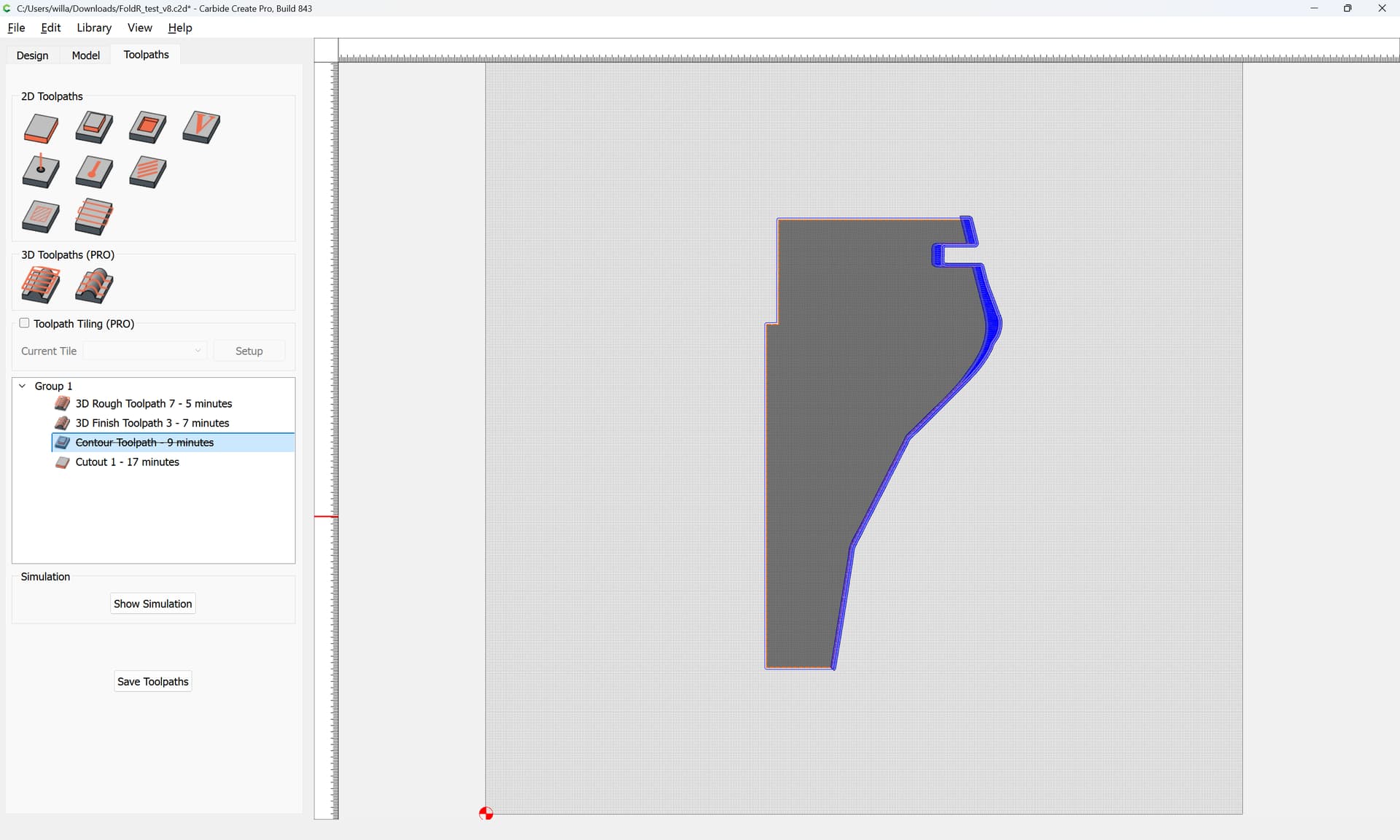
then associate this geometry with the 3D Finishing toolpath:
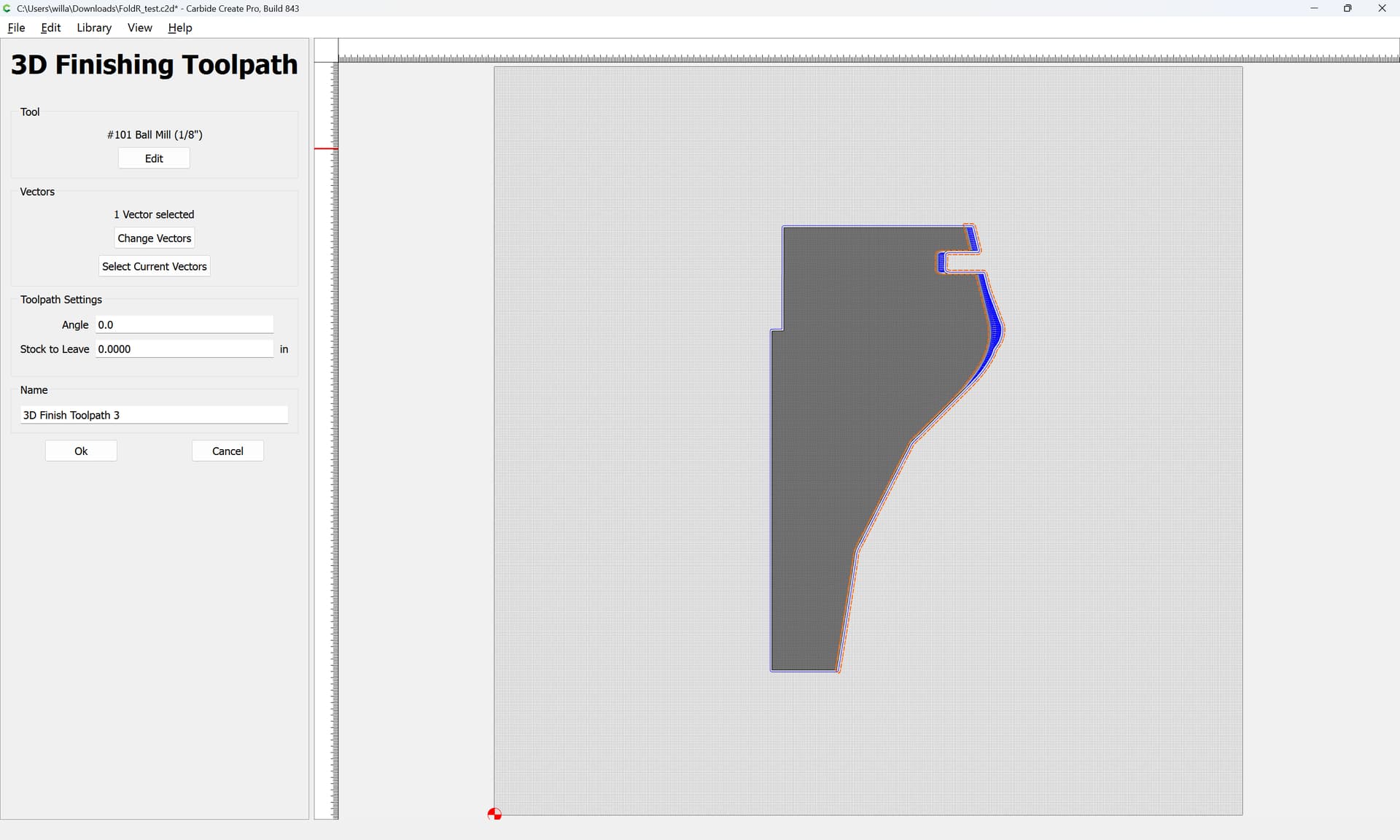
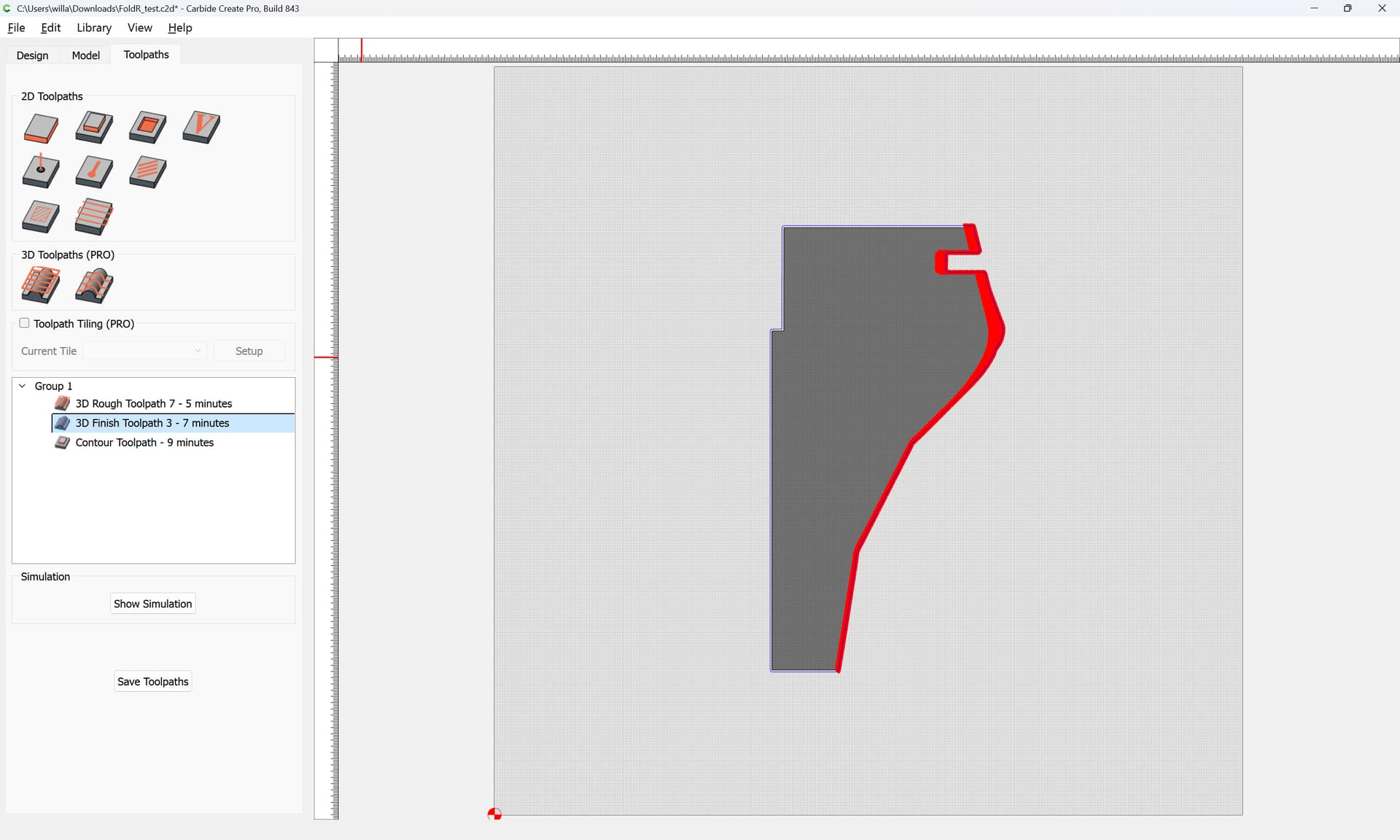
Note that the Stock Thickness matches the Cutting Flute Length of the tool in question — you’ll want to be careful of rubbing the collet against the top surface.
Further, I’d suggest using the new “Cutout” toolpath:
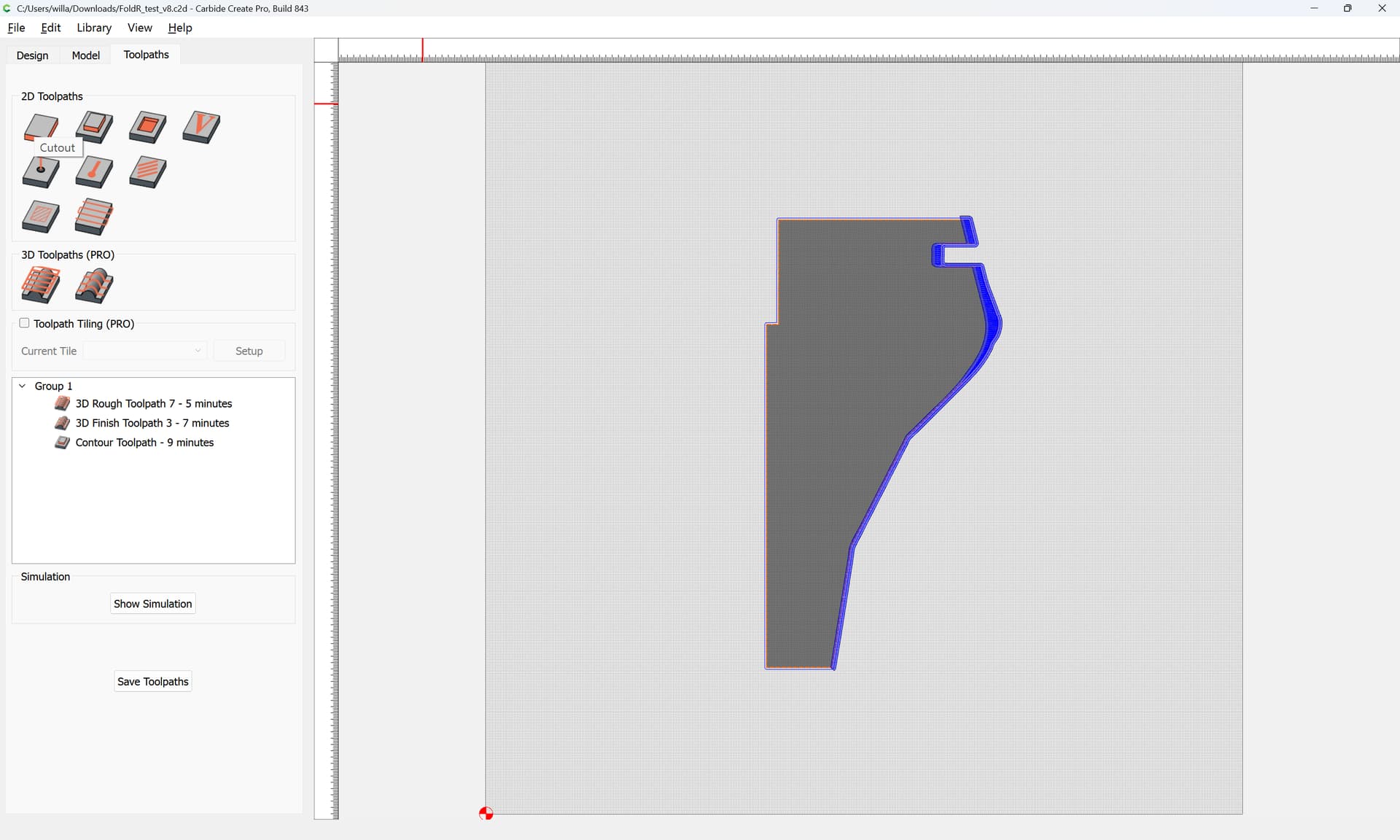
for cutting the perimeter:
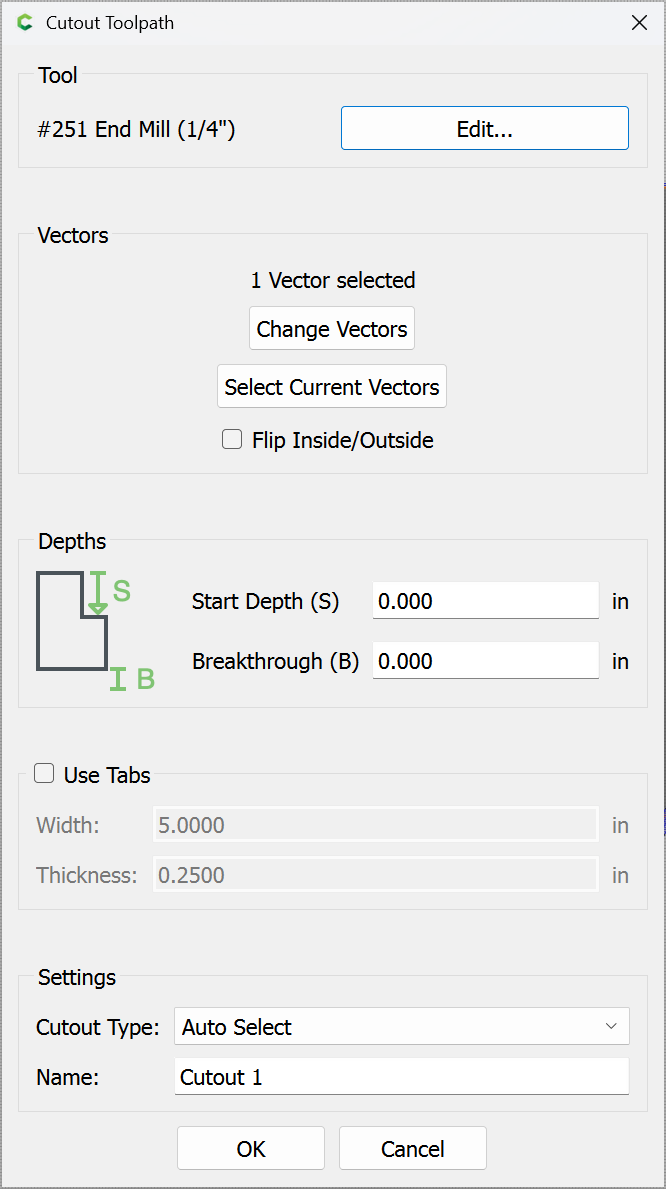
Attached as a v8 file.
FoldR_test_v8.c2d (768 KB)
Note that you will need to use the new beta: