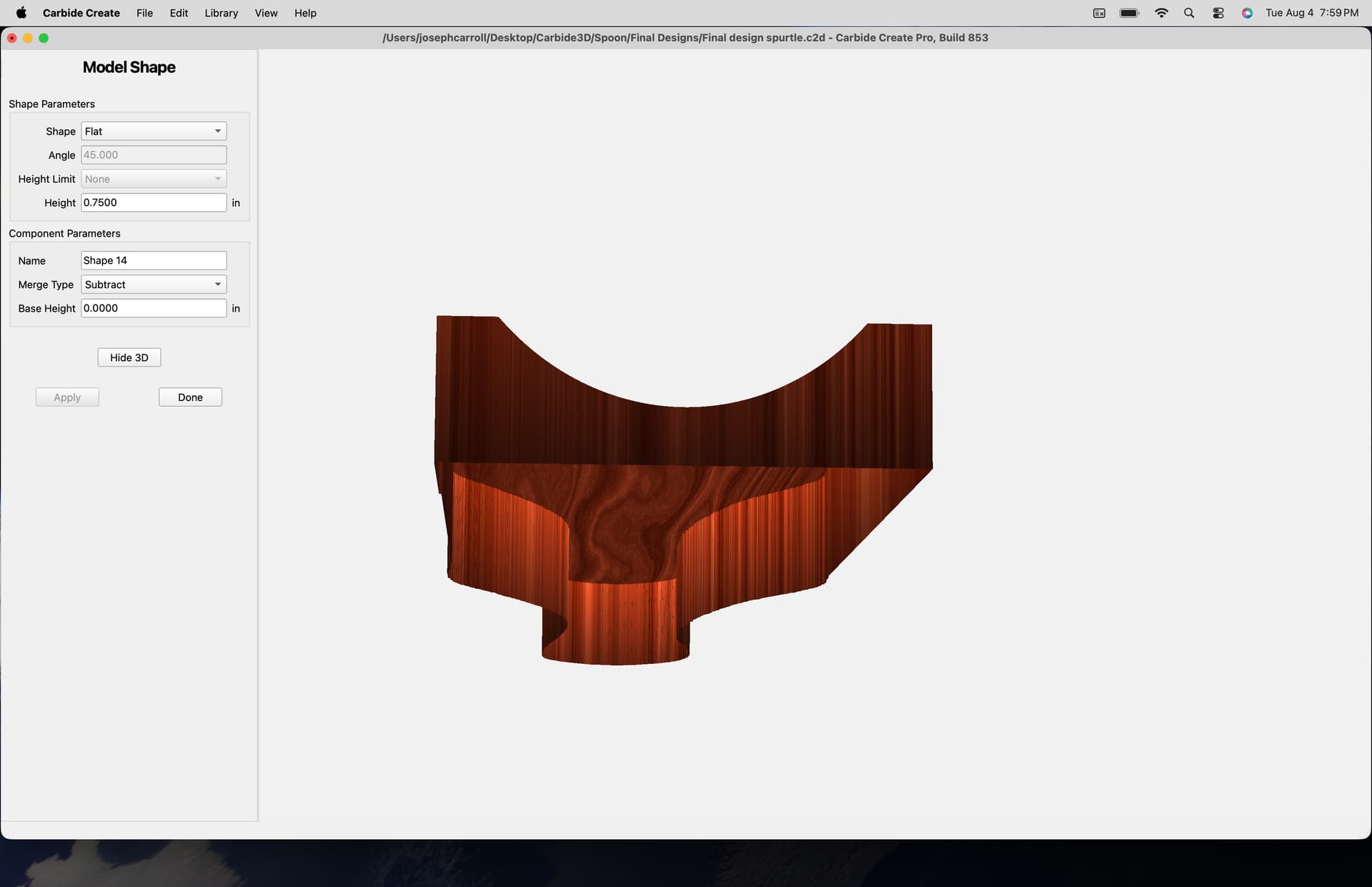
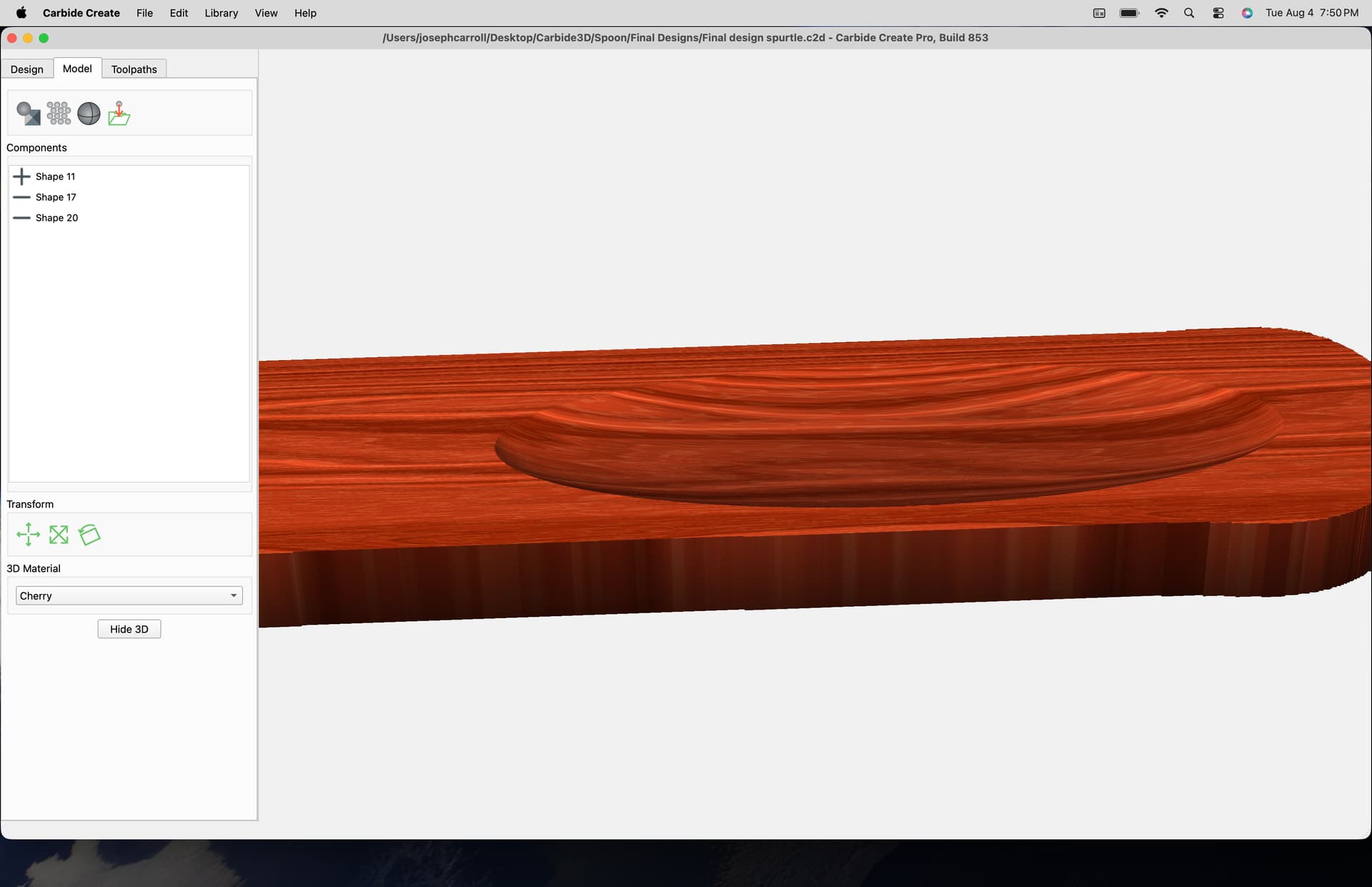
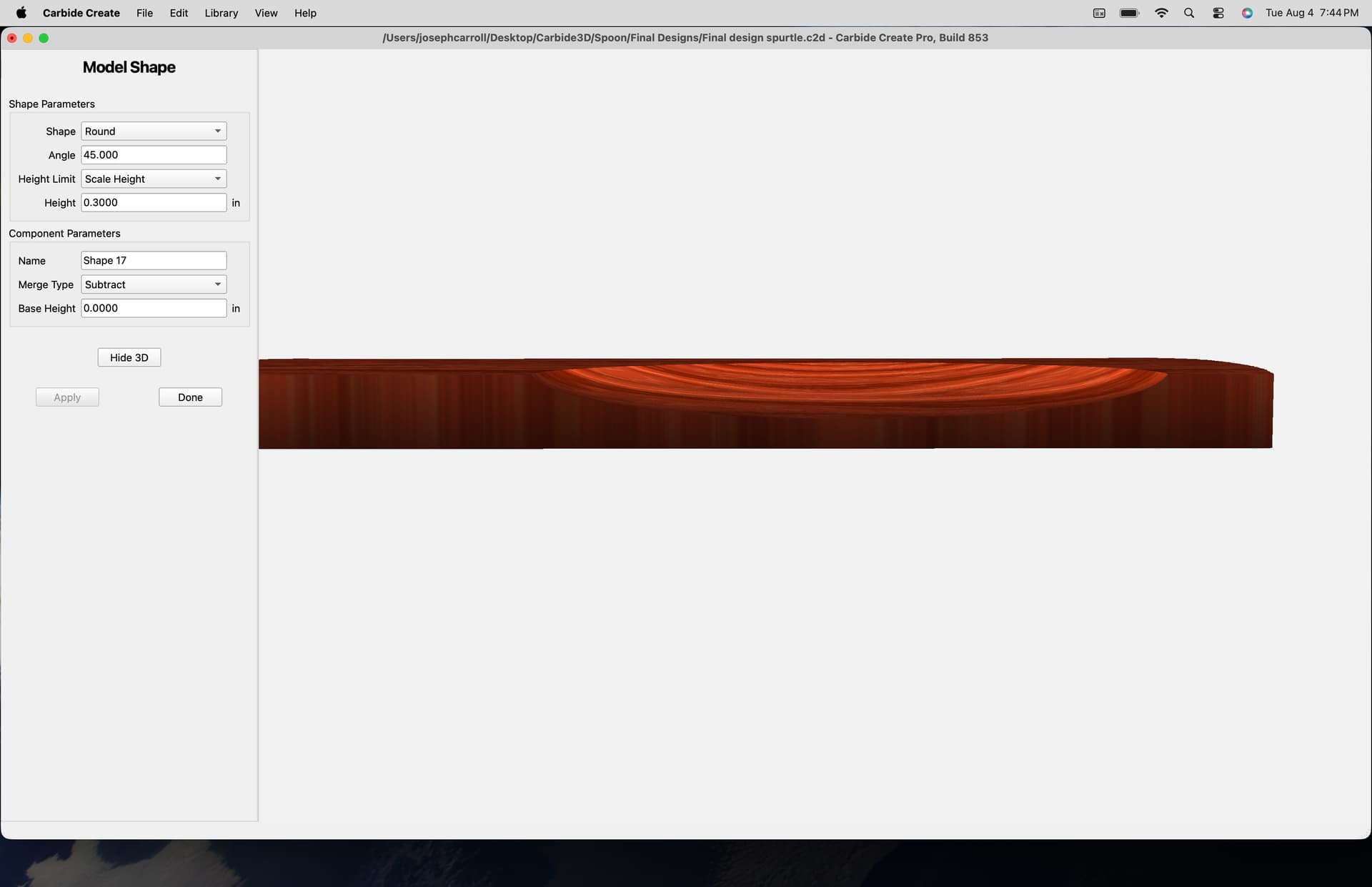
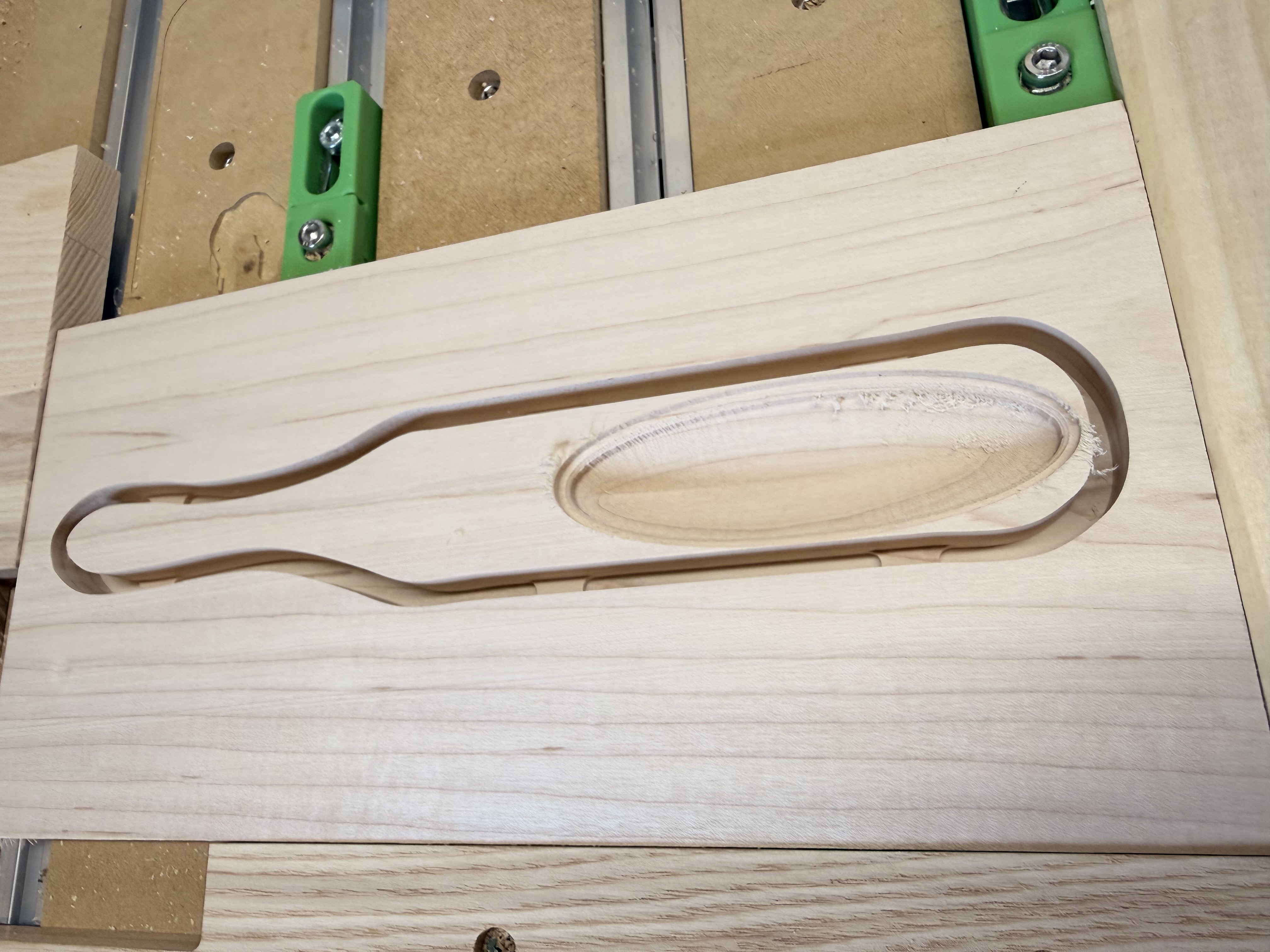
I’m trying to get a truly round bottom on this carve. What I wind up with is two sides meeting down the bottom with a defining line in the middle of the scoop. More like a V shape. Does this have anything to do with the angle in toolpath setting? Is that due to the elongated shape? Any help appreciated.
Upload your file?
Walked through this sort of thing at:
Here is the file in question:
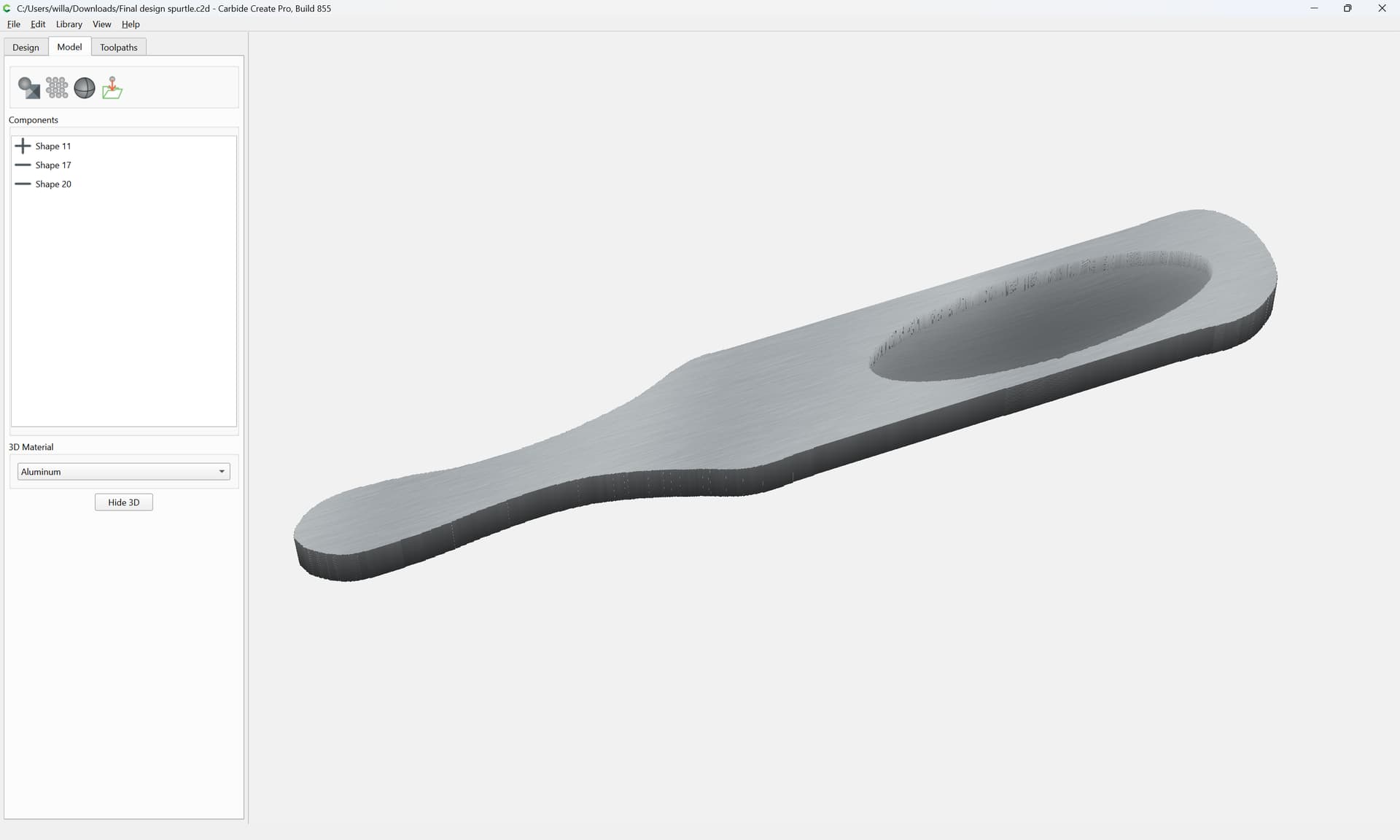
and if one slices it in half:
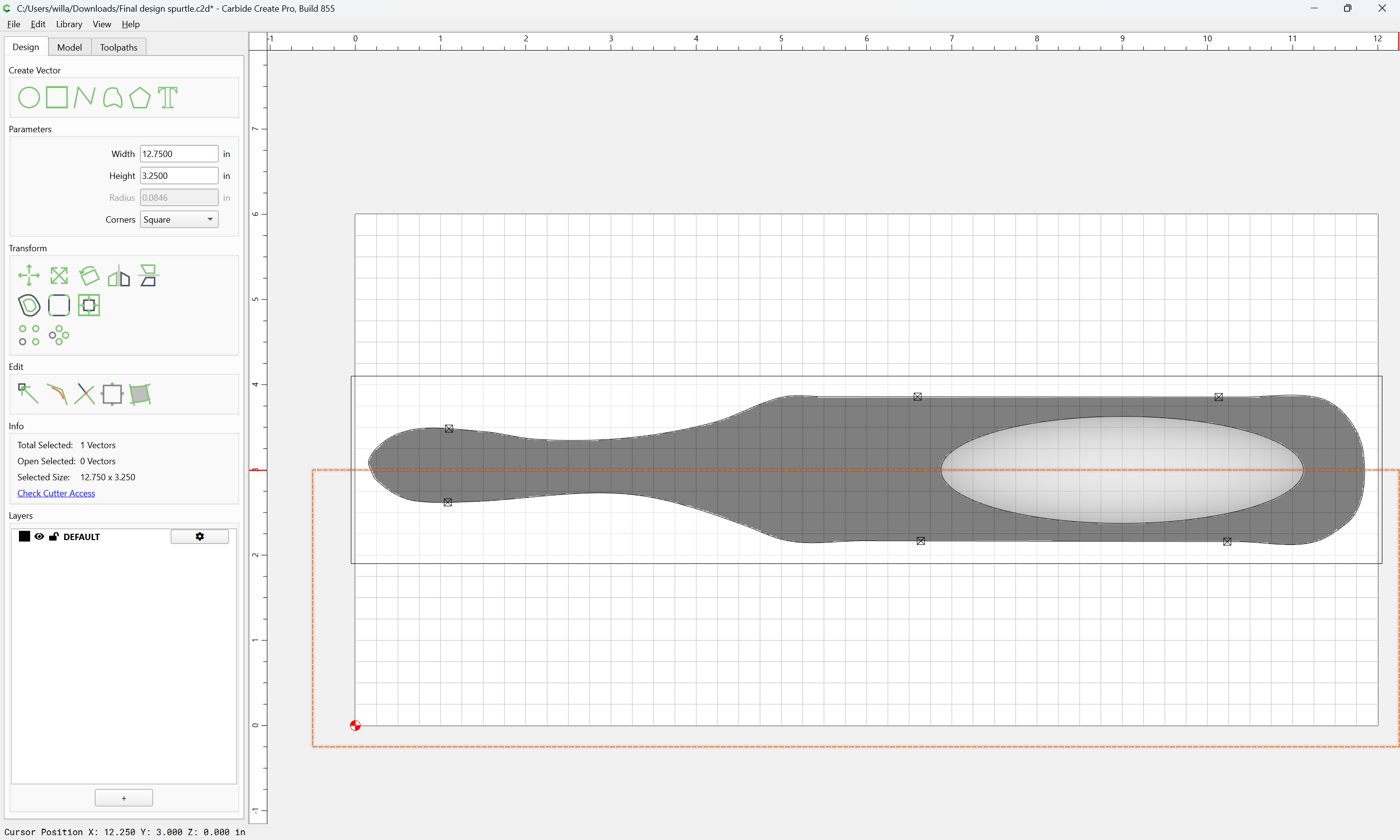
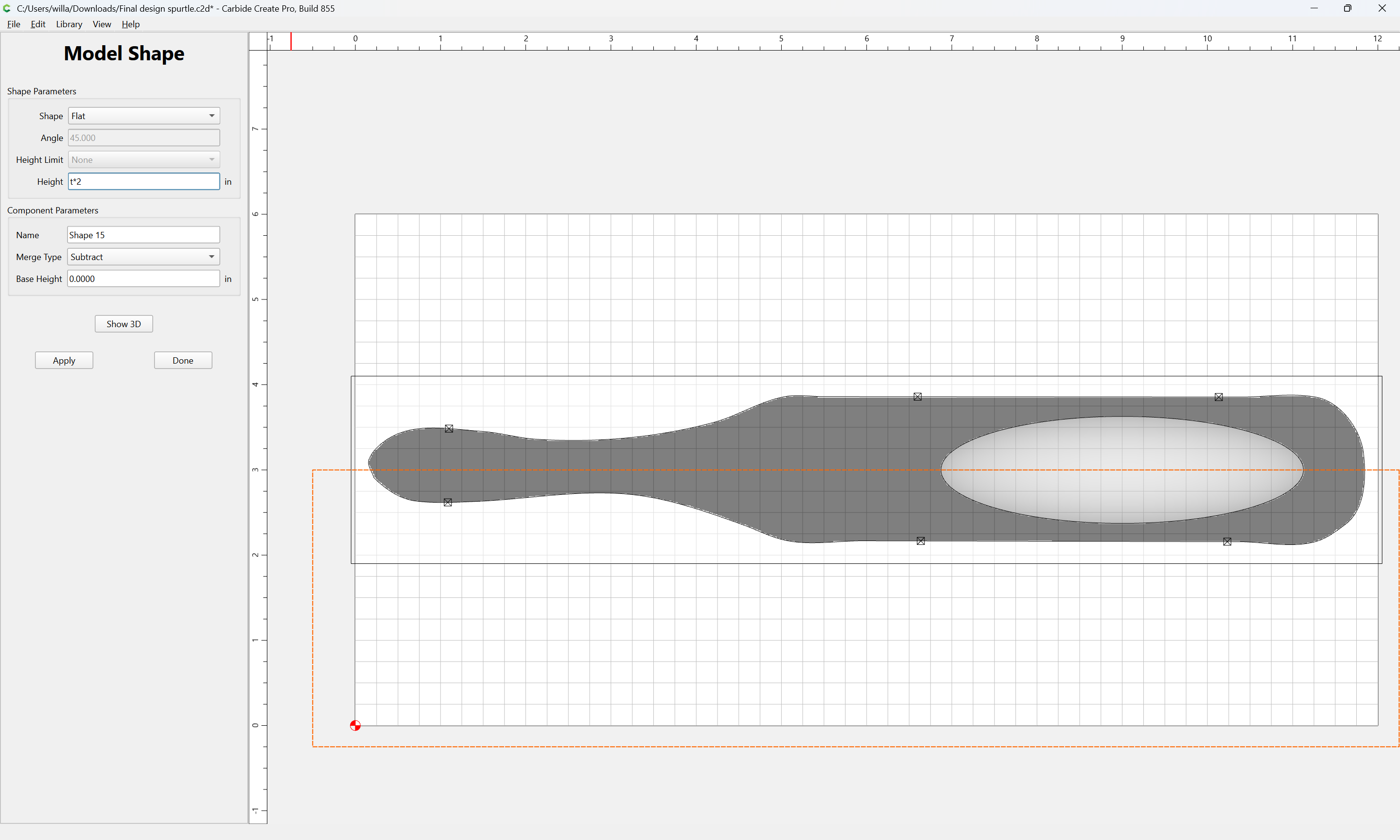
One can see that it has straight sides and is only rounded along the bottom. IME, such tools have a shallow/gently rounded form, so if we disable the subtractions:
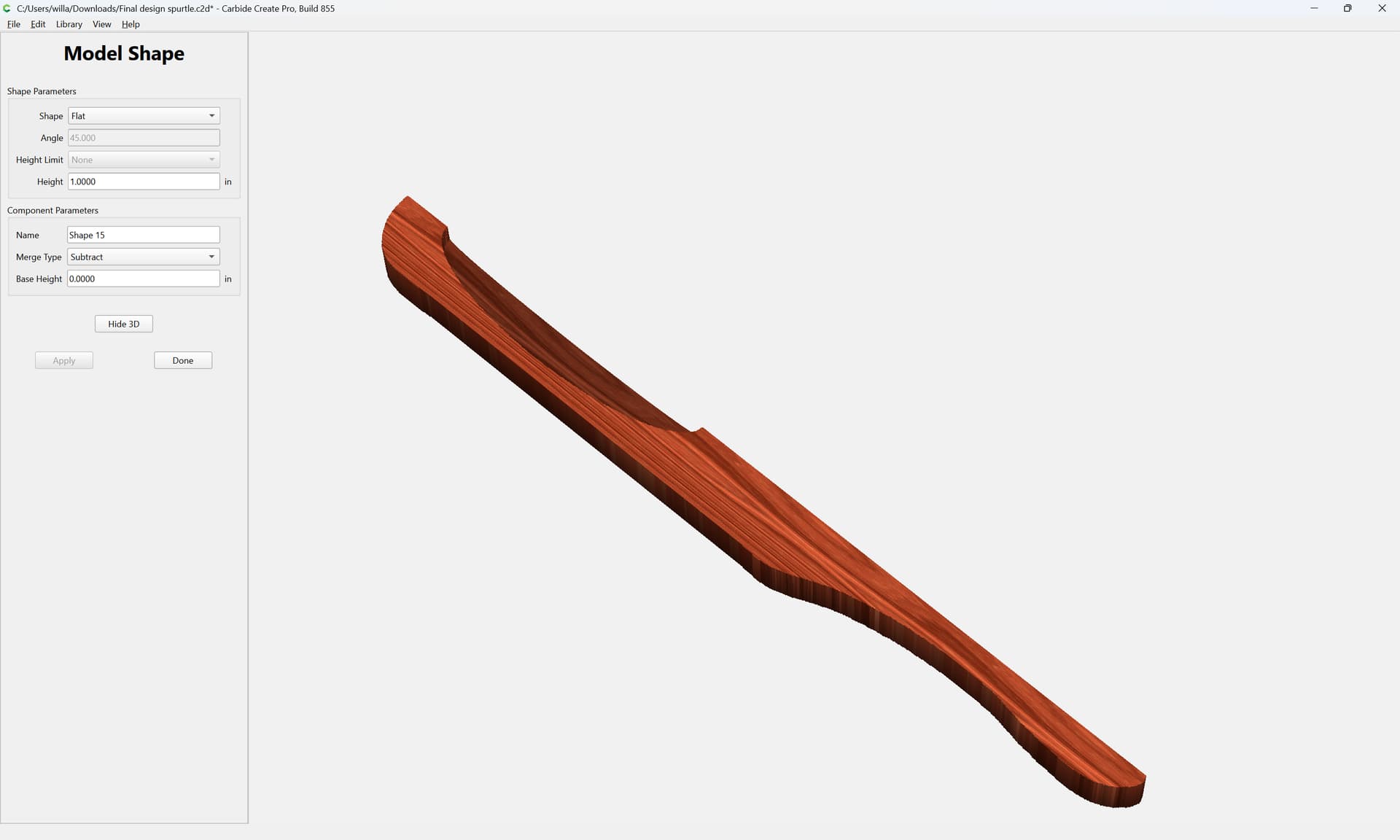
Then add in a subtraction which is rounded:
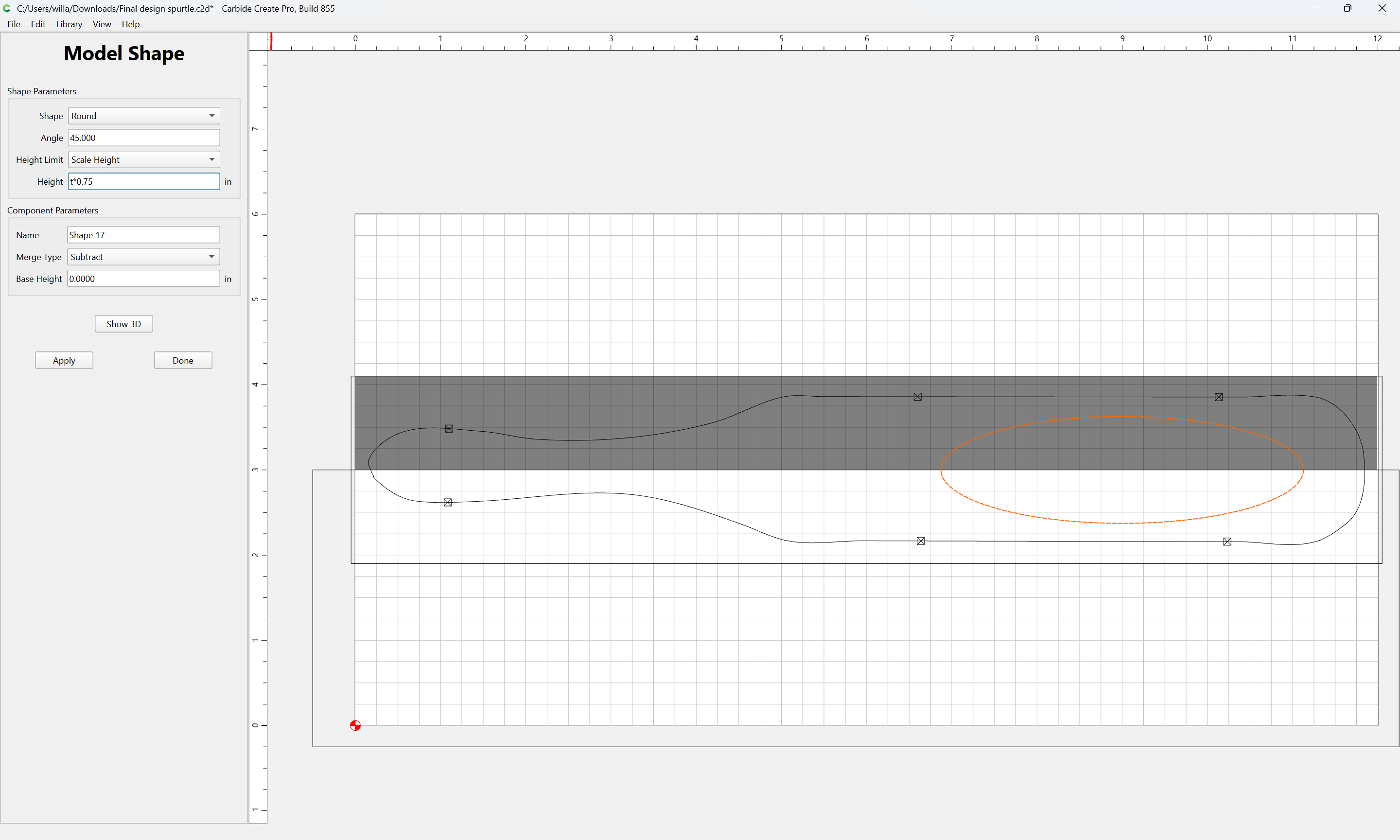
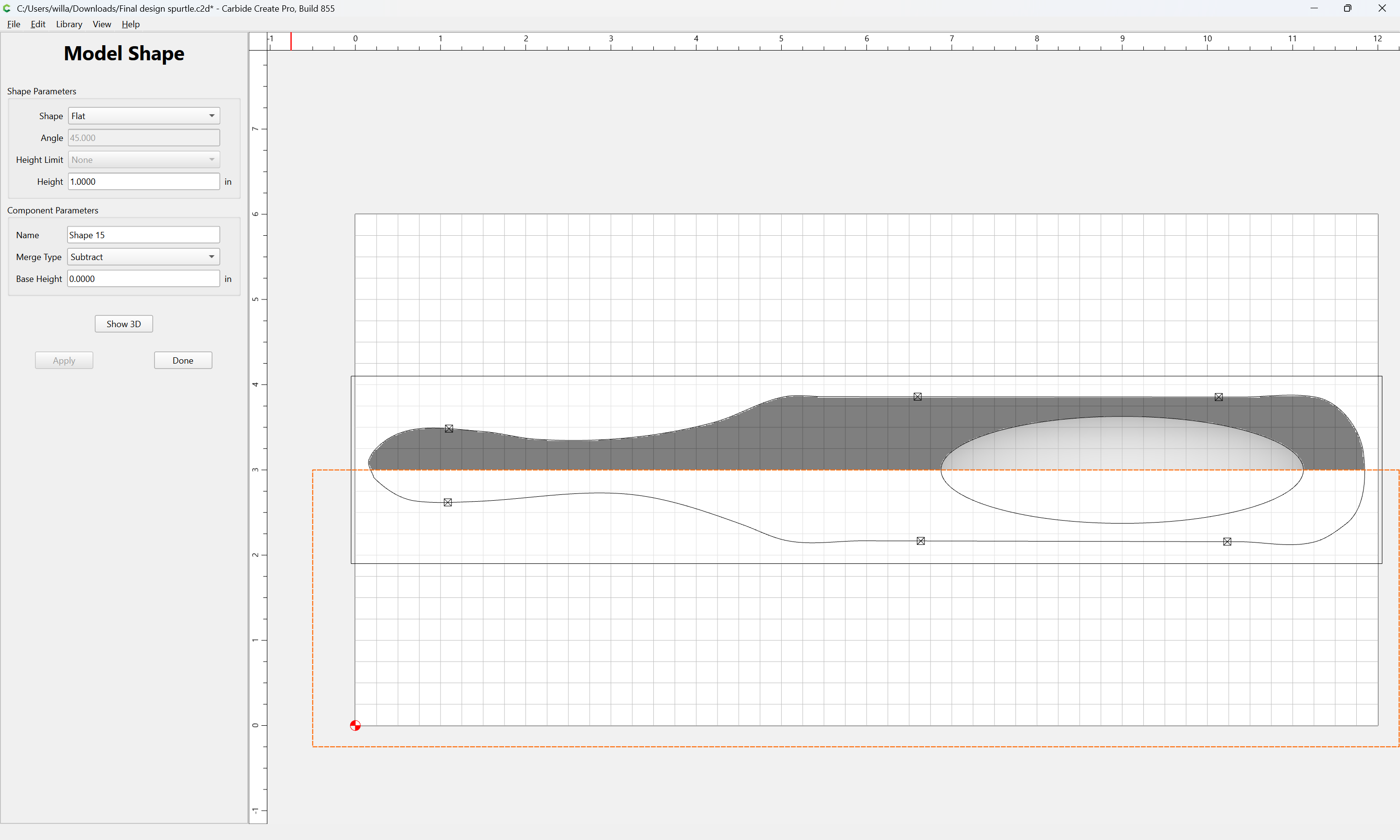
then the form can be made more rounded/shallow:

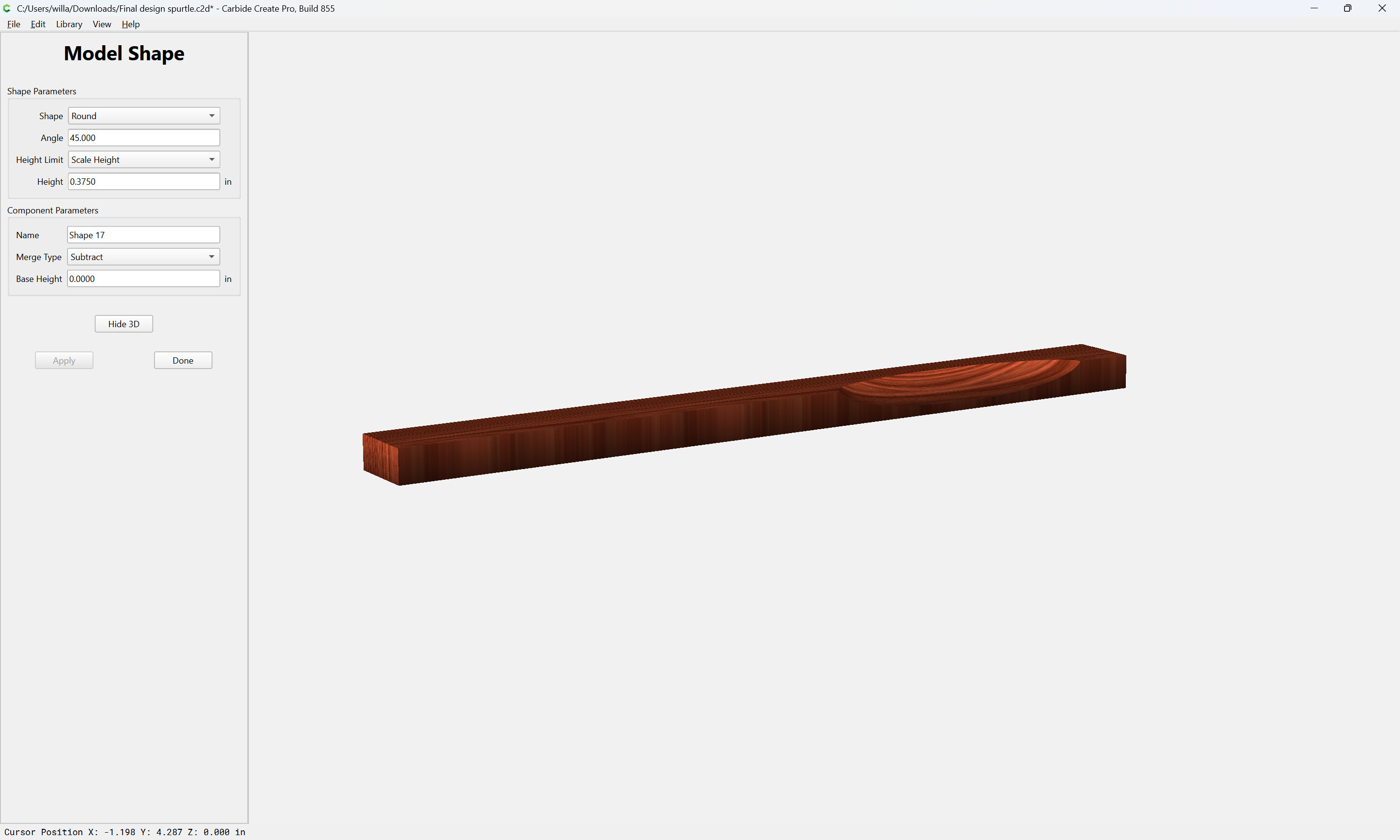
Altering the angle and depth and the setting for Height Limit should afford control over the shape of the rounding. Once one is satisfied, disable the half subtraction element.
3 Likes
Thanks Will. I will have to take a SLOW read of this and try it out. Appreciate it as always.