My #1 most frustrating piece is that there is no ability for vertical text! So much of what I do includes it and is extremely time consuming to create it.
9 Likes
Some platforms are able to make
Photo carvings with v carve.
That would be an awesome addition for pro
EDIT FROM ROB: That would be a “Project toolpath onto 3D surface” option
1 Like
Add option to use Vcarve after a 3D toolpath/carve. Example: Carve a 3D flag and then be able to add a Vcarve toolpath to carve the stars following the previous contour of the 3D carve.
11 Likes
I would greatly appreciate a sort of Advanced V Carve with Machine Resting. This would save on a lot of large cuts without manually figuring out where to place extra paths for smaller tools.
6 Likes
Drag knife tool path creation, with swivels for sharp corners.
5 Likes
2 posts were split to a new topic: Climb and Conventional Cutting
A post was split to a new topic: Collision Detection
A post was split to a new topic: Spindle Speed Control (Override) in Carbide Motion
automated chamfer toolpaths
5 Likes
A post was split to a new topic: Measuring the 3D model in Carbide Create
This may already exist, but if it did I would’ve thought I’d found it by now. It would be nice to force the tool paths to run in Y-direction sweeps only or X-direction sweeps only, so one can cut with or against the grain of the workpiece as desired. Thanks for all you do!
10 Likes
I would like object groups to stay in/on their layer when combining with other groups rather than them being moved into same layer.
When designing and using layers I will often group “all” in order to make design adjustments. If you group “all” it pulls groups from other layers into one group on one layer.
8 Likes
Tool Library updates: The ability to reorder tools in User created Tool Libraries & easier export options between computers.
6 Likes
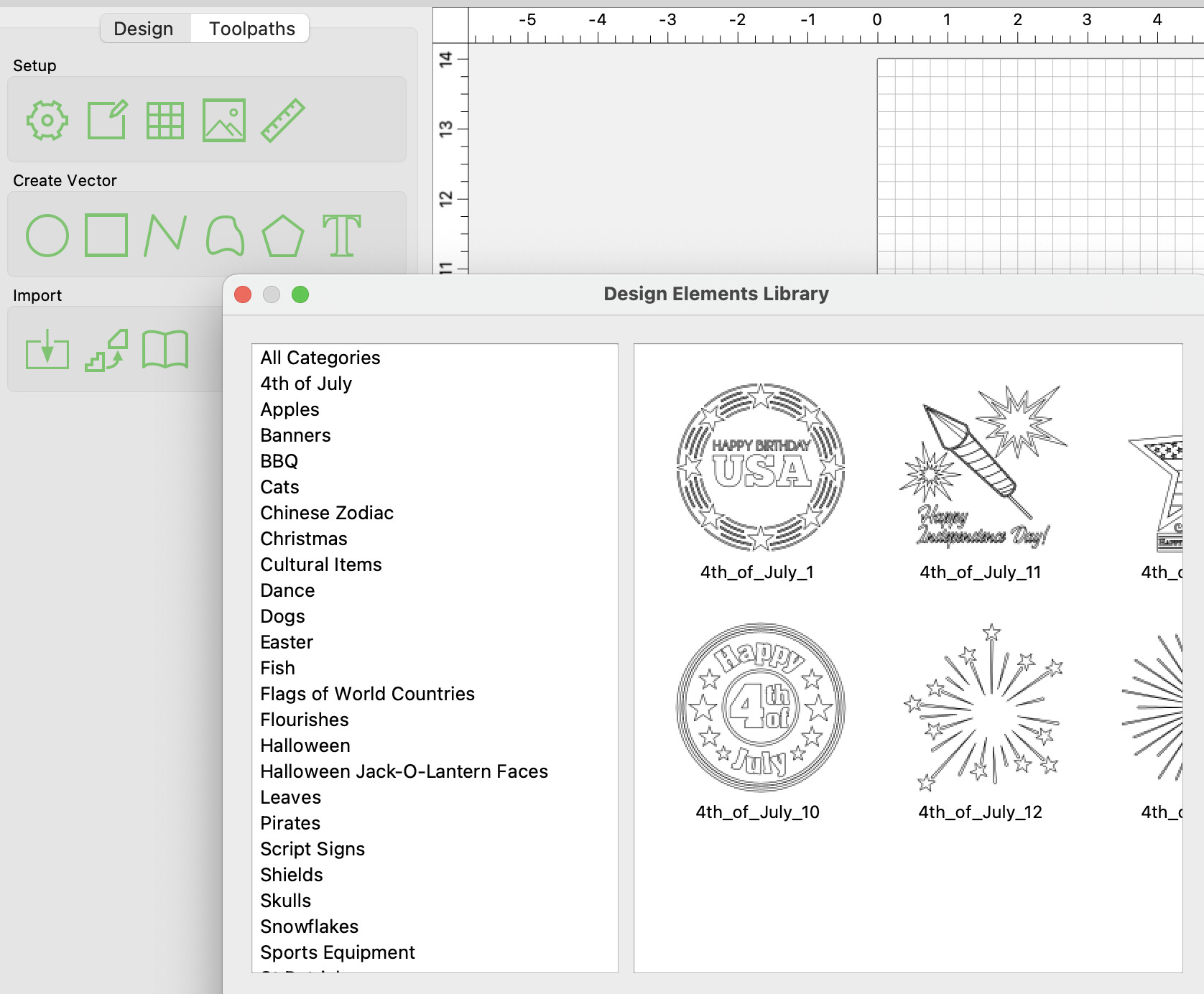
I would like to see a way to edit the “Design Elements Library” to where a design can be “added”, “removed”, “renamed” and “recategorized”. I know designs are a personal preference topic but many of the default designs take a lot of time to go through to find one that could work for a project.
5 Likes
More in-depth how to videos, more detailed and not rushed
5 Likes
I have been using cc7 and now cc8 is out and after I realized the files are recognized the 3 d programs do not carry over as well . It does not make it too inviting to download the next version knowing I have to go through a ton of programs to re due all the 3 d programs. I use this a lot in the products I sell and I really don’t want to have to do that so I would like to see you all make that area carry over to the next version.
4 Likes
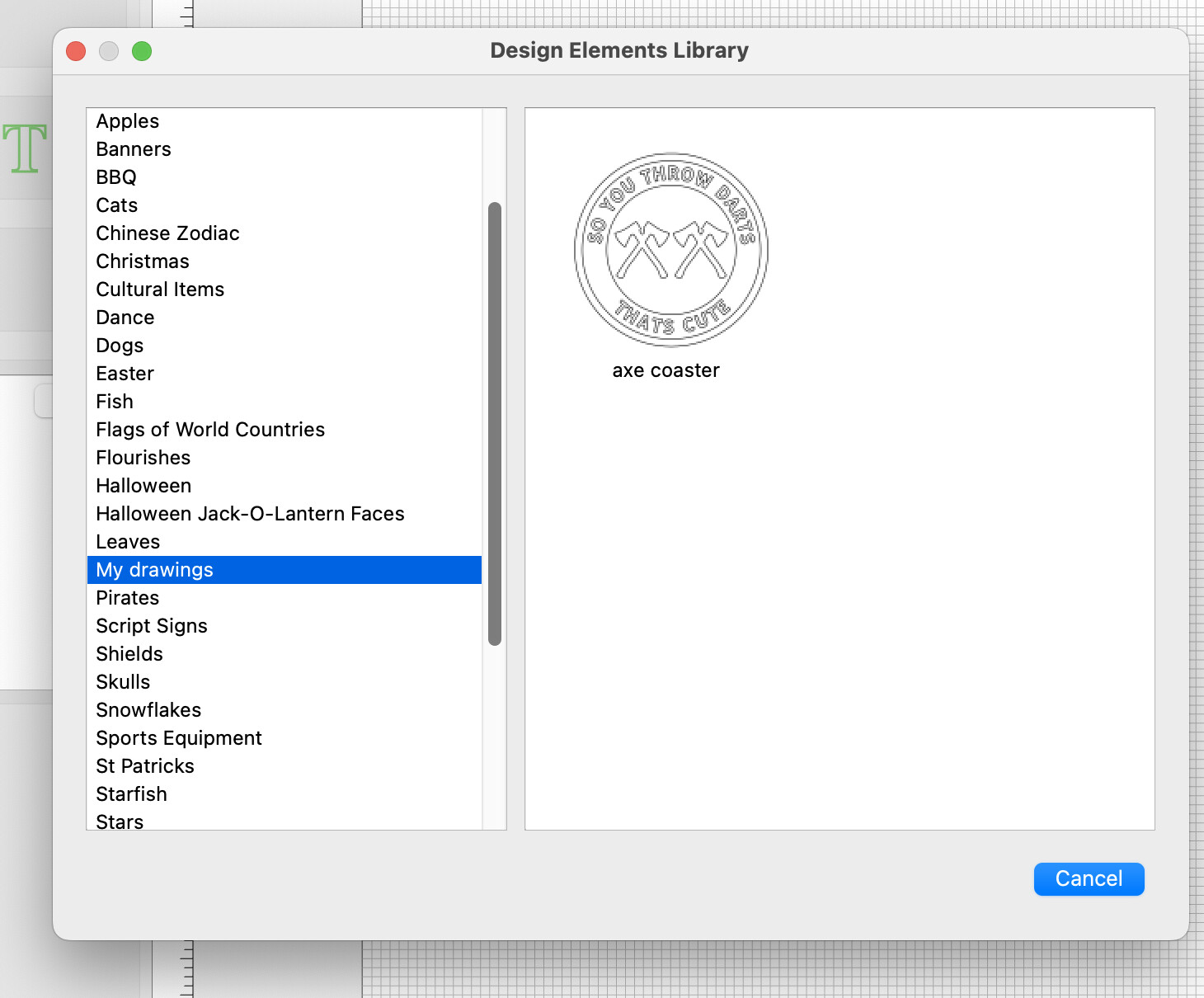
You can add a folder/s to the Carbide Create>library folder to save your images or modified library images as long as they are an SVG. I generally draw or modify an image and export the svg straight to a folder named My drawings.
3 Likes
Within the Design tab, show the Layer Name of selected vectors.
When the selected vectors have more than one name, indicate “Multiple.”
1 Like
Export DXF files and more reliable DXF importing
I get files from all sorts of people and most send as dxf and 50% of the time I get fragmented vectors when imported into CC. If I open with another program, the dxf file looks fine. It may have to do with layer height differences in their sketches, but it is strange 2 of my other programs can figure it out and CC is unable.
3 Likes
Pause for user interaction 
Basically official support to pause a program at specific points so I can “do some stuff” before resuming. This would facilitate manual indexing as well as a number of artistic methods like layering with resins or doing inlays.
Take a layer off, pause, let me check it, resume, take another layer off, pause, looks good, I stop the program.
I assume this would need to be implemented in create, maybe as a dedicated feature in the tool path section. Insert a pause between other tool paths 
5 Likes