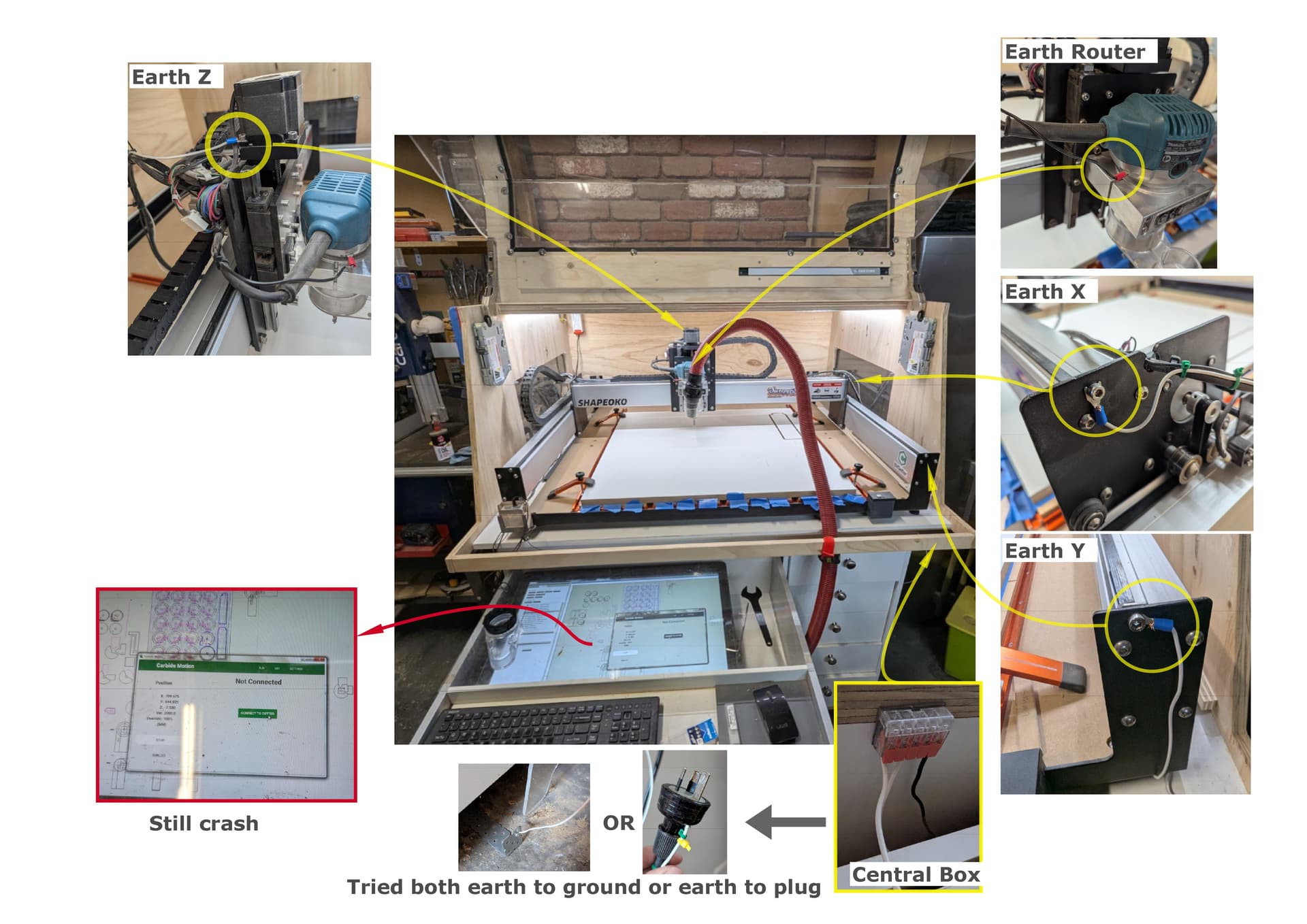
I’ve been coping with ongoing electrostatic issues on my Shapeoko 3 XL, and I really need some help to sort it out.
I reviewed this post from back in 2020: Grounding Your Shapeoko, and I tried following the instructions to the best of my knowledge. I’m not very capable when it comes to electrical work, but I’ve done what I could.
Here’s what I’ve tried so far:
Initially, I ran a black wire from the router to earth, earthing it to the side of my cabinet. I am not sure but it seemed to help a little.
More recently, I tried grounding all the axes (X, Y, Z) and centralizing them into a hub, refer to the white wires in the photos, then connecting that to the earth plug.
I also tried connecting everything to ground instead of earth, but neither method worked.
I’m using an anti-static vacuum hose, but I’ve also tested without the hose and vacuum, and the crashes still happen.
The problem is getting much worse now. Since I’m working on a much larger project where the cut takes over an hour, it crashes within a couple of minutes of starting the job.
I’ve attached some photos of my setup and what I’ve tried.
Can someone please guide me on the proper way to ground the Shapeoko 3 XL to resolve these static issues? I’d really appreciate any step-by-step advice, as I’m stuck and the machine is unusable at the moment.
If the brushes are good I would start by checking your ground to earth wiring first.
Disconnect the white wire on the ground bracket and use an ohms meter and check for continuity from the white wire to all points on the machine. This will verify the machine is connected and will ground through the wire. Correct any issues that you may find.
Next verify that your grounding bracket and or your plug ground is actually grounded. The bracket looks like it is attached to brick and may not be an actual ground. The plug you are using may not have a ground terminal or wiring in the power outlet to an actual ground.
As @WillAdams suggested replacing the brushes on a Makita and/or C3D router. The problem is the wire from the contact on the backside of the brush is short so when the brush gets about half worn out the wire wont stretch and so the brushes cause electrical noise that the controller does not like so you get a disconnect. If you have a C3D router it came with a spare set of brushes. The Makita and C3D router use the same brushes. The C3D router is a clone of the Makita. Both Makita and C3D routers have this problem. Unless you live in the desert or in a freezing climate it is not necessarily static. It could be and grounding will help if it is static but not if it is the brushes are worn down. It wont hurt to replace the brushes and they are cheap. You can buy them from C3d or Amazon. Just find the Makita R0701xxx and they will fit both the Makita and C3D routers.
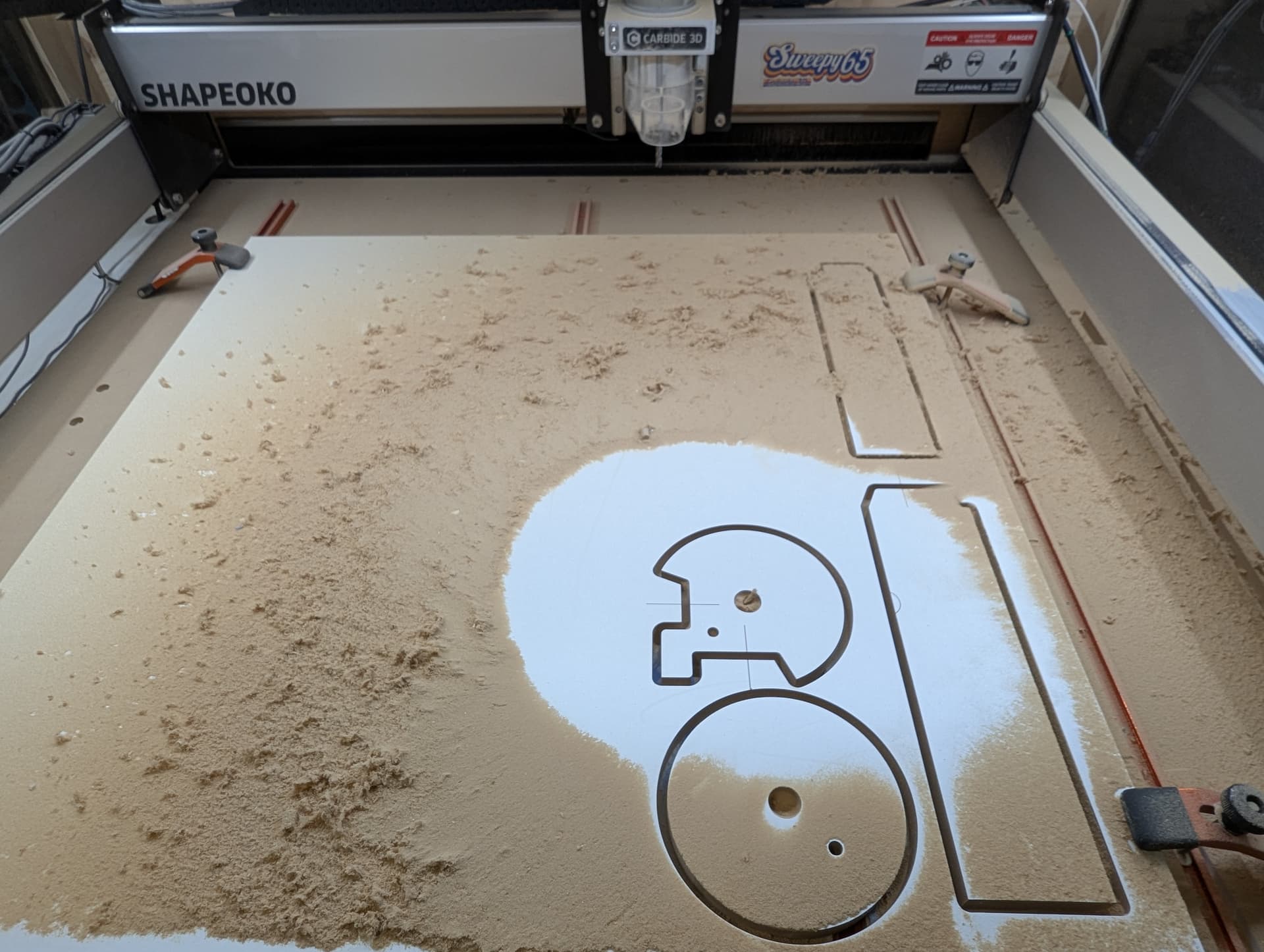
Thanks everyone for the suggestions. I replaced the brushes, and that really seems to have made the difference. Before that, the machine would crash within a couple of minutes, but after swapping the brushes I was able to run an 11 minutes cut job with no issues at all.
I did noticed the vacuum was also causing the crashes, so I ran the job without the vacuum, it was very dusty! I’ll be earthing the vacuum hose next and hopefully that will solve it completely.