We got another community’s signage yesterday and with a new community comes new issues. The font that they use is National Park and the Adobe font creates a weird one vector image when traced. I can go through and insert nodes and cut and delete and join the new vectors, but I would really like to have a more efficient method. Any thoughts?
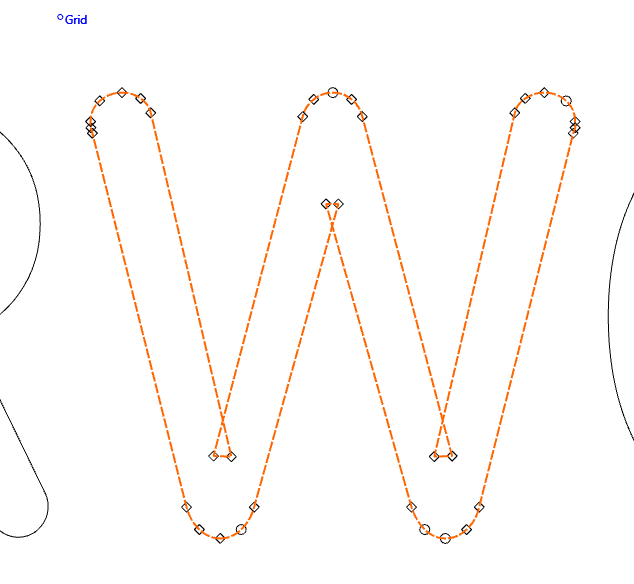
I had the same issue with that font. I had to clean it up after converting to vectors. Of course you can’t use it as a regular font then.
I don’t know if there is a better version of the font out there.
1 Like
First off, this is not an Adobe Systems font, it is an opensource typeface available from:
via Google Fonts:
Since it is an opensource font, it should be possible to download the source, fix it, and submit the fix back to the project, or to file an issue at:
and presumably it will get fixed.
5 Likes
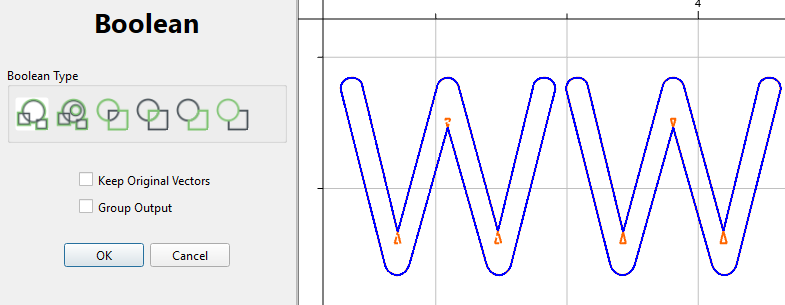
Quickest way is to boolean weld it. You have to pick at least 2 objects, it doesn’t matter what the other object is, as long is it doesn’t overlap your letter, or is contained completely inside it.
5 Likes
Thanks Will, I’ll do that.
I have a question: I have been using this font for years…but it doesn’t look like what you are using. Is there some varient? And why do you have to trace it? It’s a font. Fonts live as vectors.
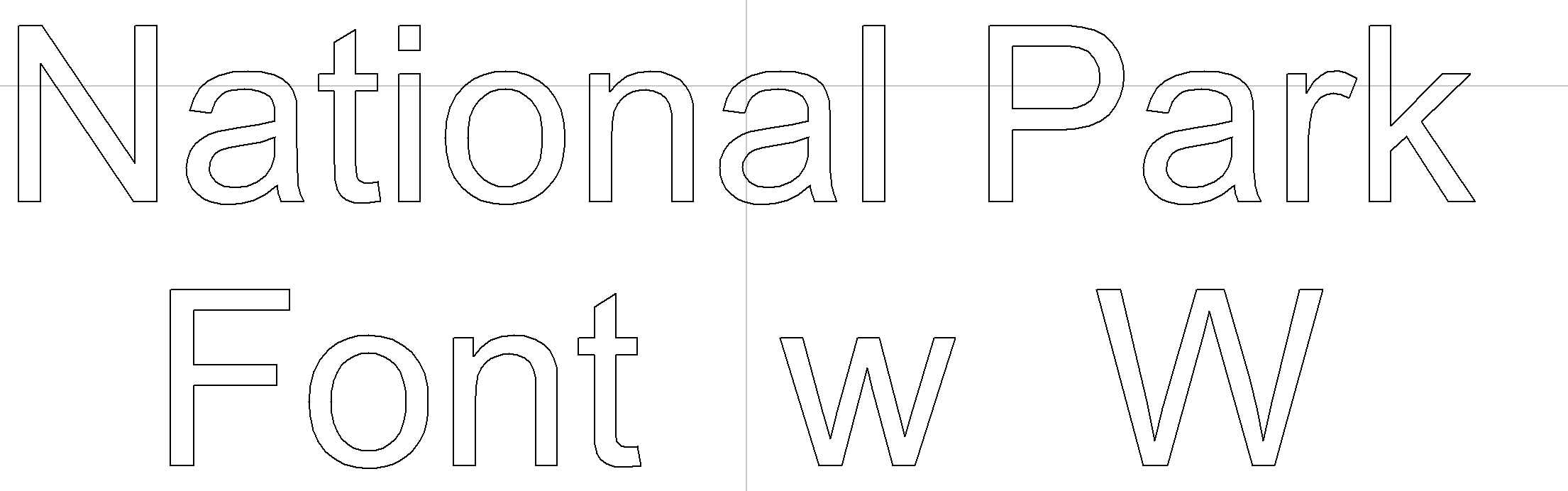
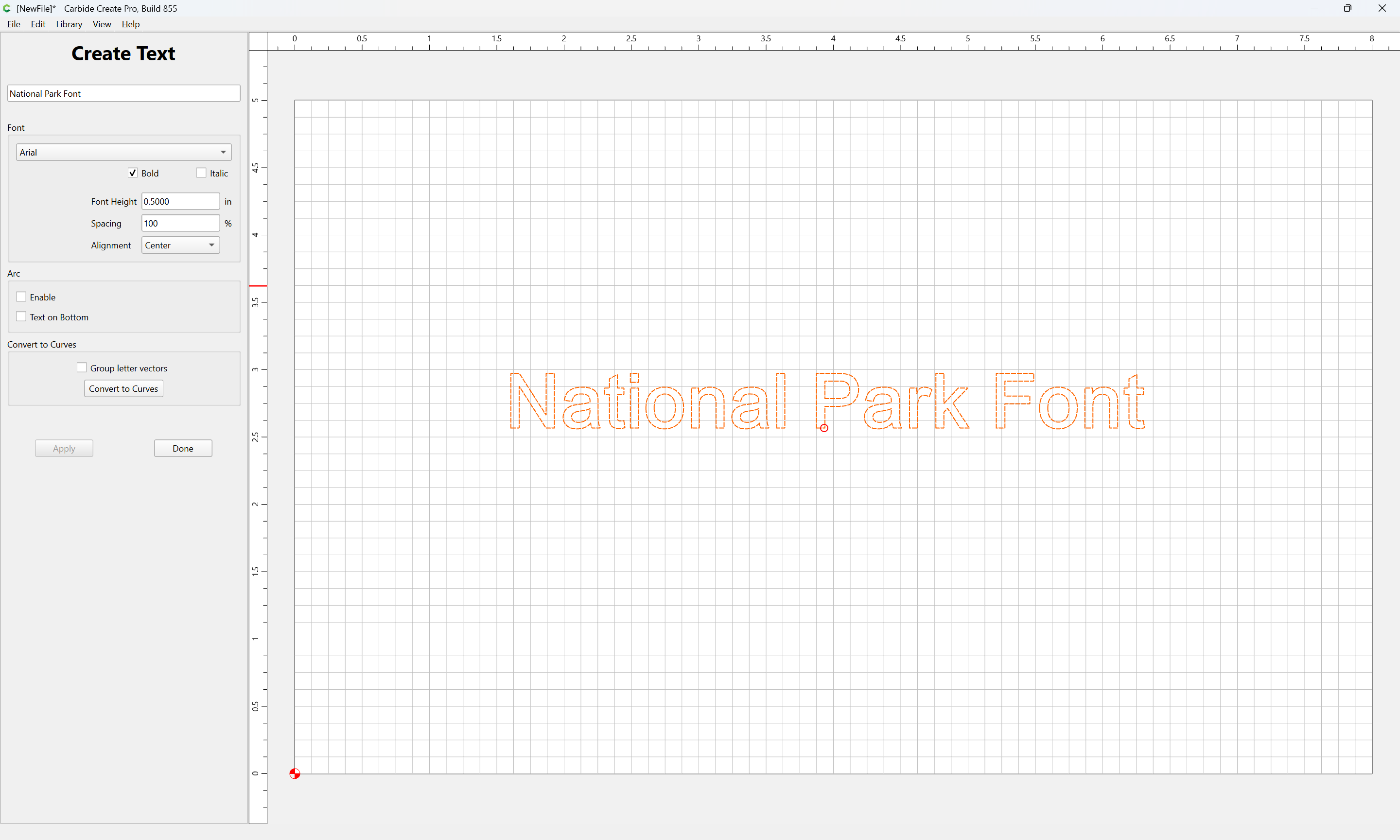
Probably they are vectors but when I create an svg in Adobe illustrator and try to use it without tracing, it doesn’t import the text. But when I trace it works. I usually function in the “how do I make this work” realm wherever that path leads.
From @WillAdams reply above. This is the font I’m using.
Illustrator has an option to convert type/fonts to paths, no tracing needed.
And while you’re there, it should work to use its path tools to fix such issues, remove overlaps, et al.
1 Like
By golly, you’re right! (and I generally expect that from you.) Thank you! I guess my subscription to Adobe has finally been cleaned off my machine. I see most of my old Adobe Fonts are toast. No worries… I still have hundreds. 
2 Likes
I’ll look into that. Thanks!
So you’re right as well. When I downloaded the font it looked just like your’s. Vectors to be sure, but needed to be cleaned up. I havn’t used illustrator in years…so I should just shut up. Carbide needs a snipping tool. That’s a super easy solution, too.

1 Like
I believe this could be fixed w/ the Region Builder.
If it can’t be, it’s because it was coded to expect properly constructed geometry and not perverse and wrong and inapt/insensible/incorrect geometry such as Adobe Illustrator will allow.
2 Likes
Mostly the Google Fonts and so forth are workable (and for those which aren’t, it really should be possible to get them fixed).
Another notable source of legitimately free fonts is:
That said, it’s sometimes appropriate to out-right purchase a font, e.g.,
1 Like
Ahhh…Love simple solutions like this. Worked perfectly!
1 Like
This topic was automatically closed 30 days after the last reply. New replies are no longer allowed.