We actually just covered this:
and see:
for an alternate approach.
The big determination for appearance in Carbide Create’s 3D model tab is Stock Size | Model Resolution:
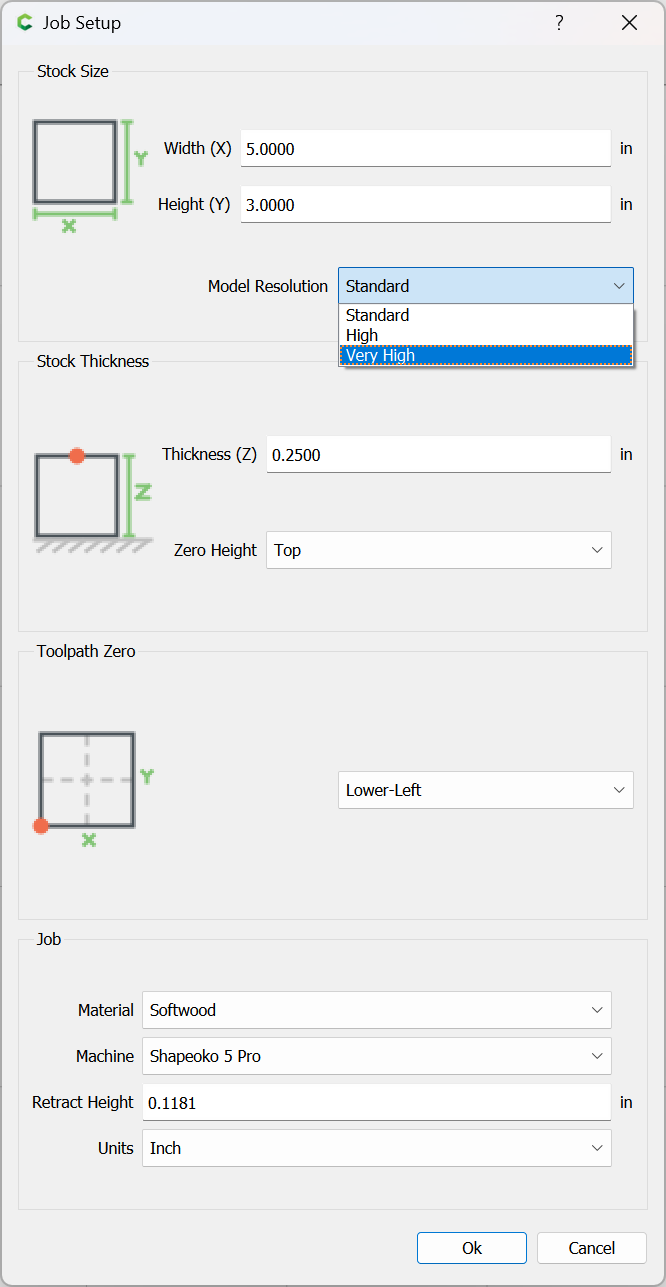
Be sure to set that to “Very High”
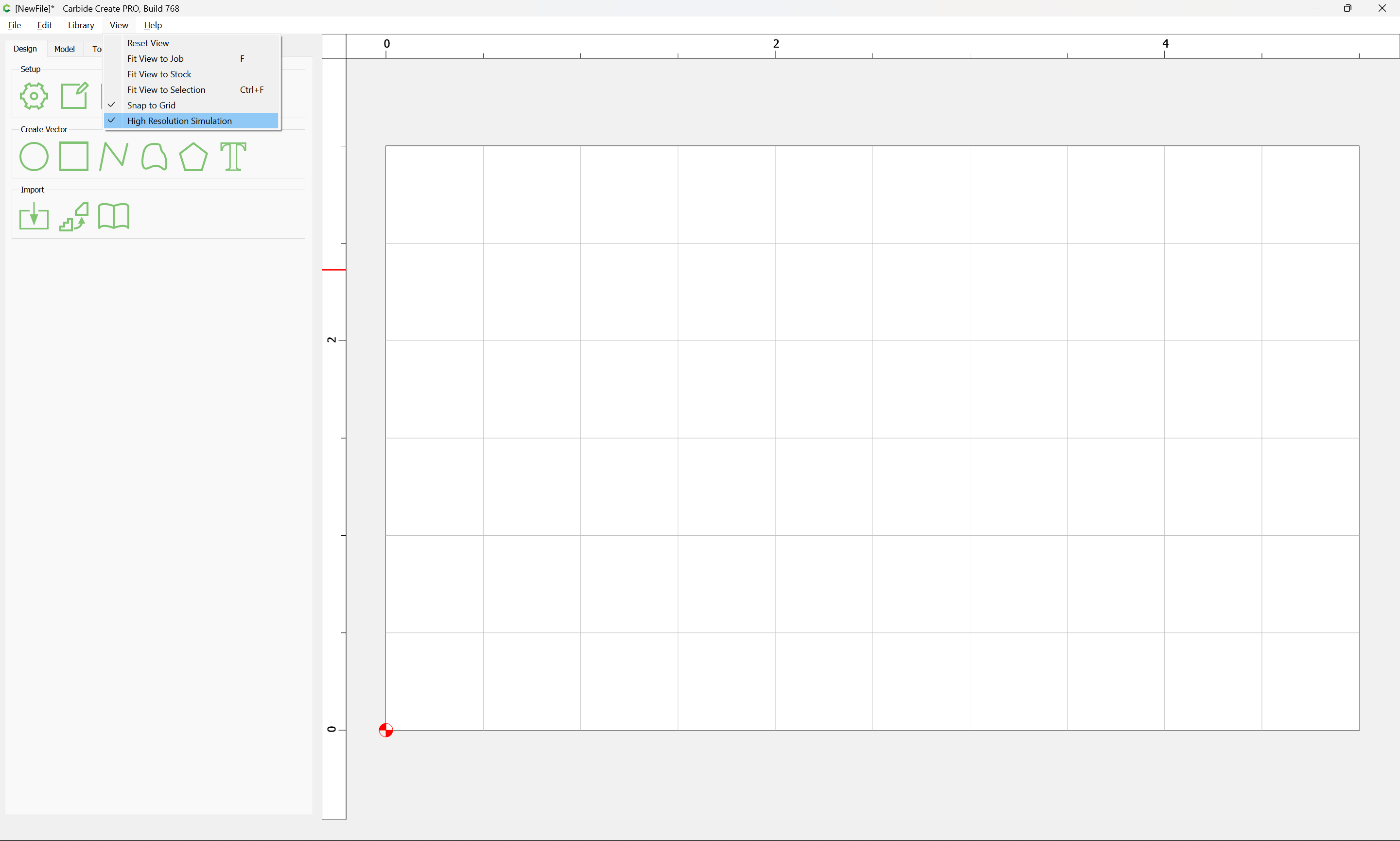
also be sure View | High Resolution Simulation is checked:
and the last consideration is how the Model Resolution interacts with Stock Size — a smaller Stock Size will allow for a more detailed model.
If you’ll let us know the specifics and which tool you wish to use we will do our best to walk through this with you.