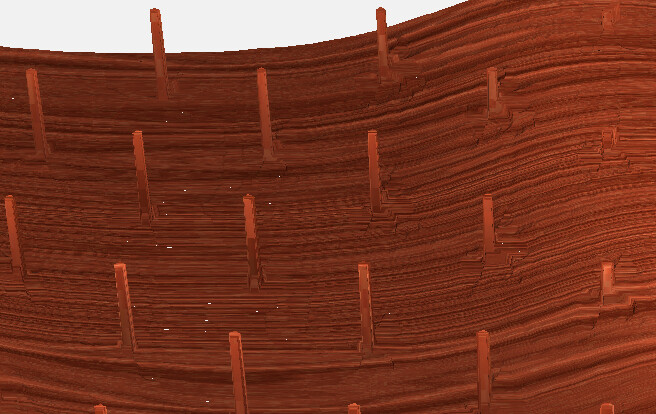
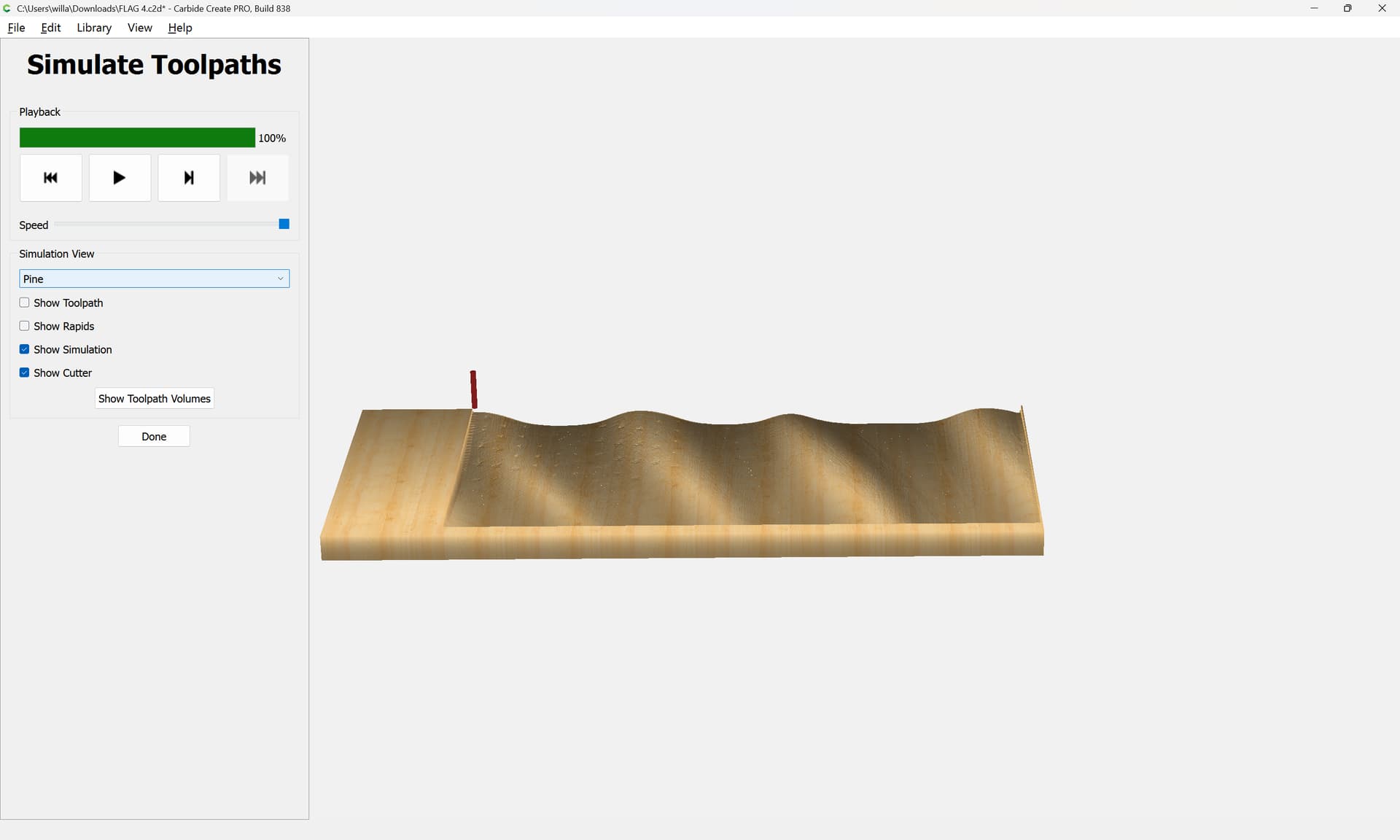
I’m getting mystery high spots at every star. It doesn’t show up on the “model” tab. Only when I simulate the toolpaths.
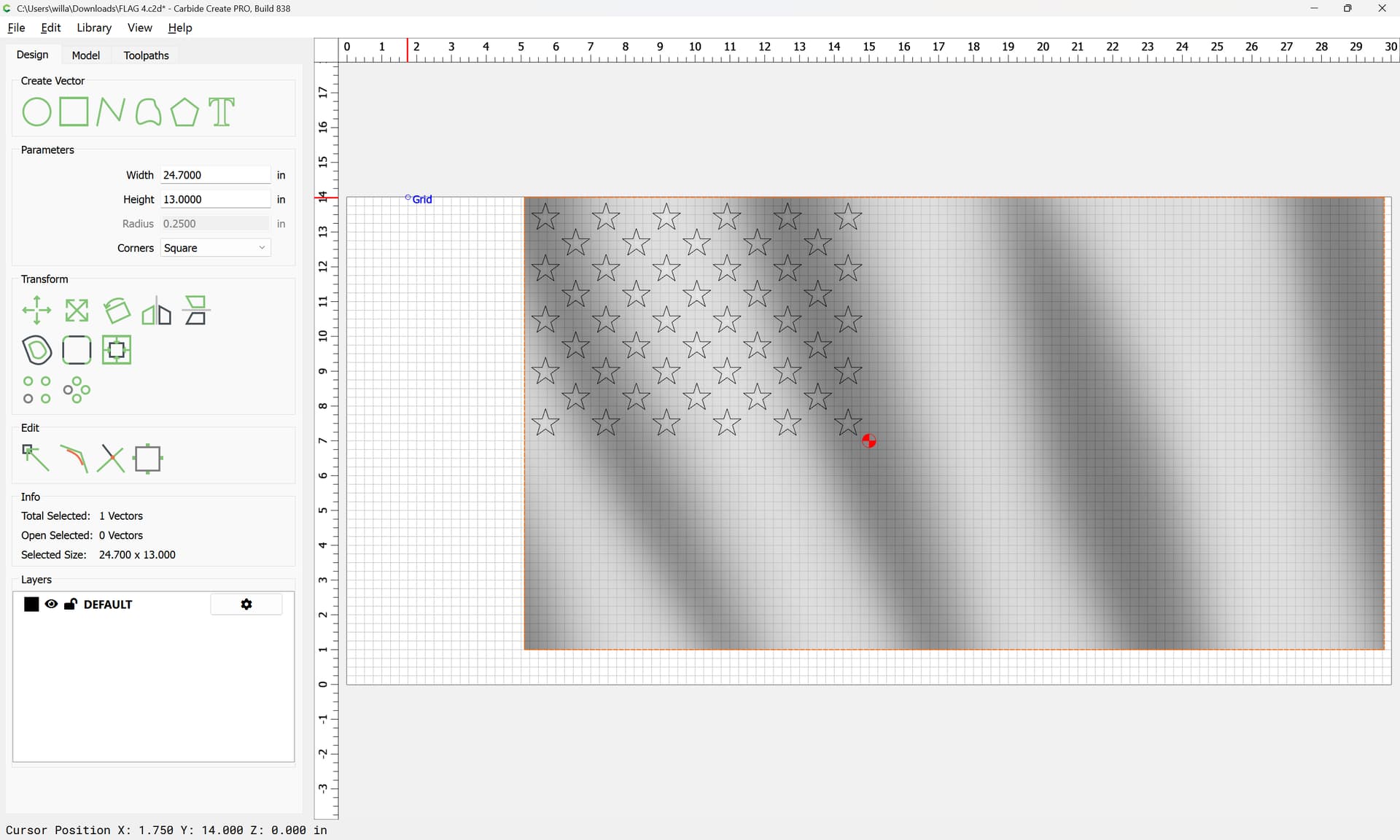
In modelling, I’ve created three layers.
Flat base for the entire flag, +0.25"
Wavy for the entire flag, +.75"
Stars are 30 degree angle, depth -0.1" (subtract)
Wood is 1.1" and input into the setup as 1.1". So, I’m shaving off the top 0.1" when I do the roughing pass.
I’ve tried multiple iterations of the stars, and the toothpicks keep showing up. Any clues, anyone?
FLAG 4.c2d (3.1 MB)
File is attached. When I model, it looks good. The toothpicks are showing up during the toolpath simulation.
As far as tool paths, just 0 degrees at this point. I just tried to do the “finish” pass at 30 degrees, toothpicks remain.
If you are curious how I’m getting the red and white stripes, I’m using red cedar and white pine.
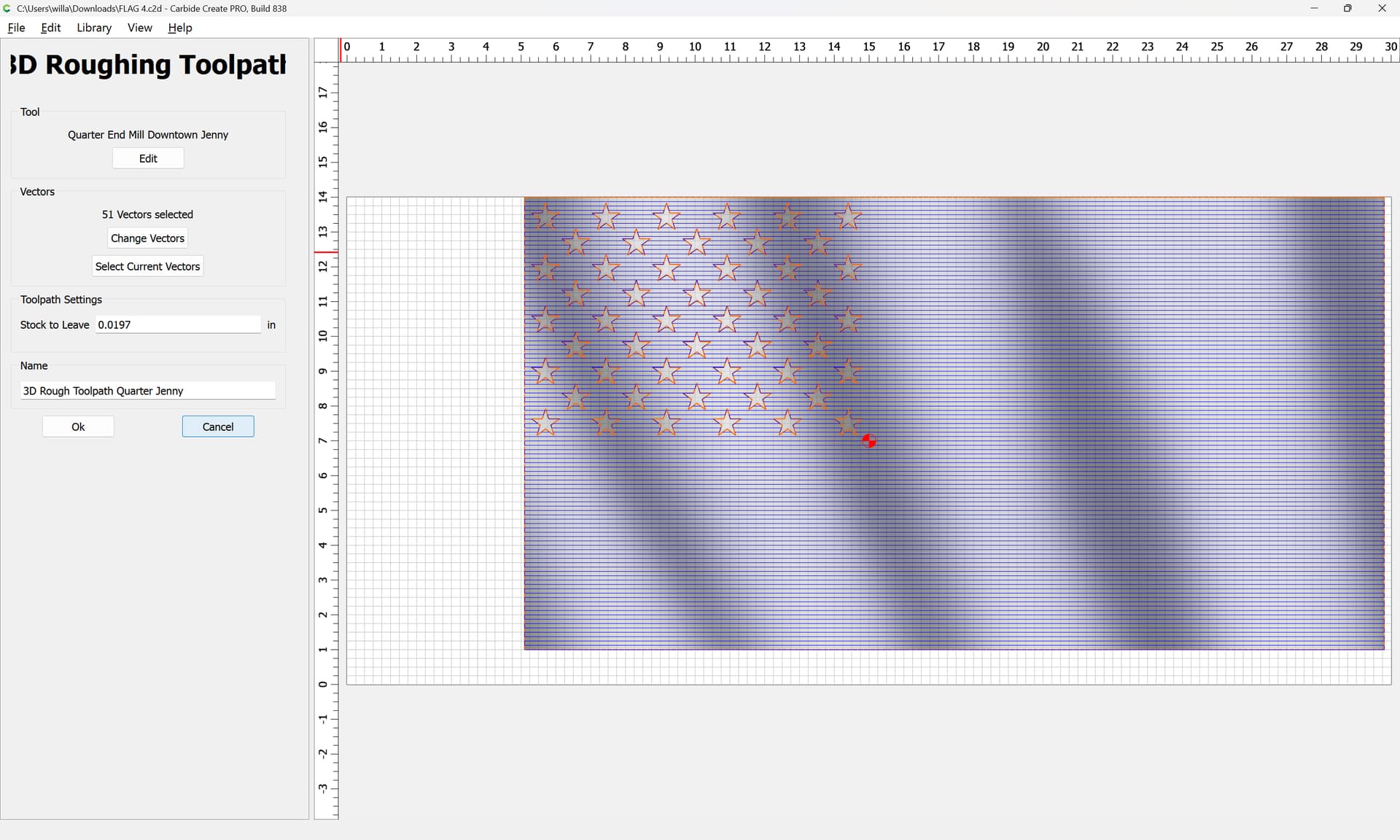
You have the stars selected as boundaries for the 3D paths. So it’s not cutting inside the stars leaving the pillars you’re seeing.
You also have a flat end mill as the finish tool. You should probably use a ball mill.
Many thanks. I was selecting every vector, versus just the main outline vector. Its working now. I like to do multiple finishing passes. I’ll do the quarter to help clear up the area, then I’ll go to a 1/16" ball and do two passes in different directions.