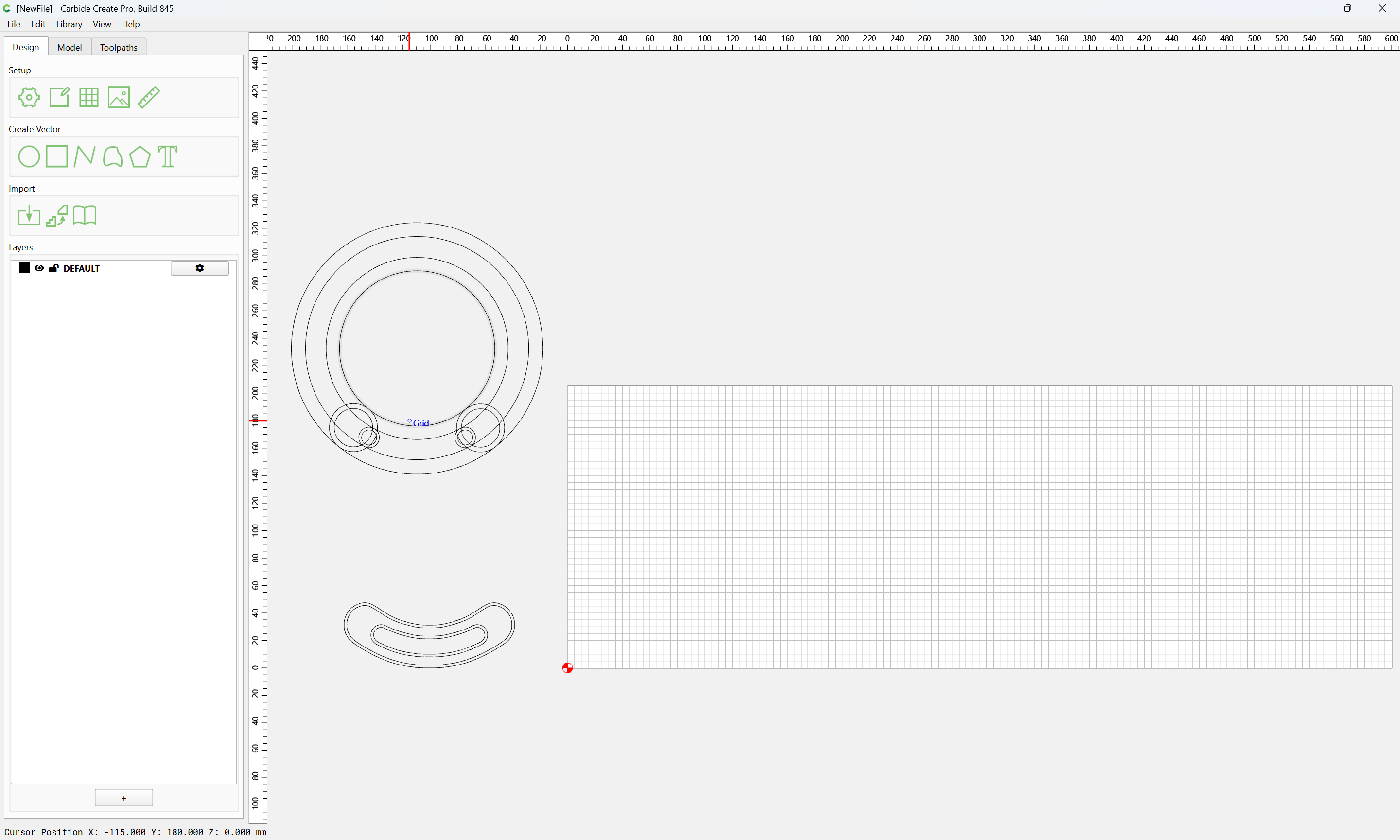
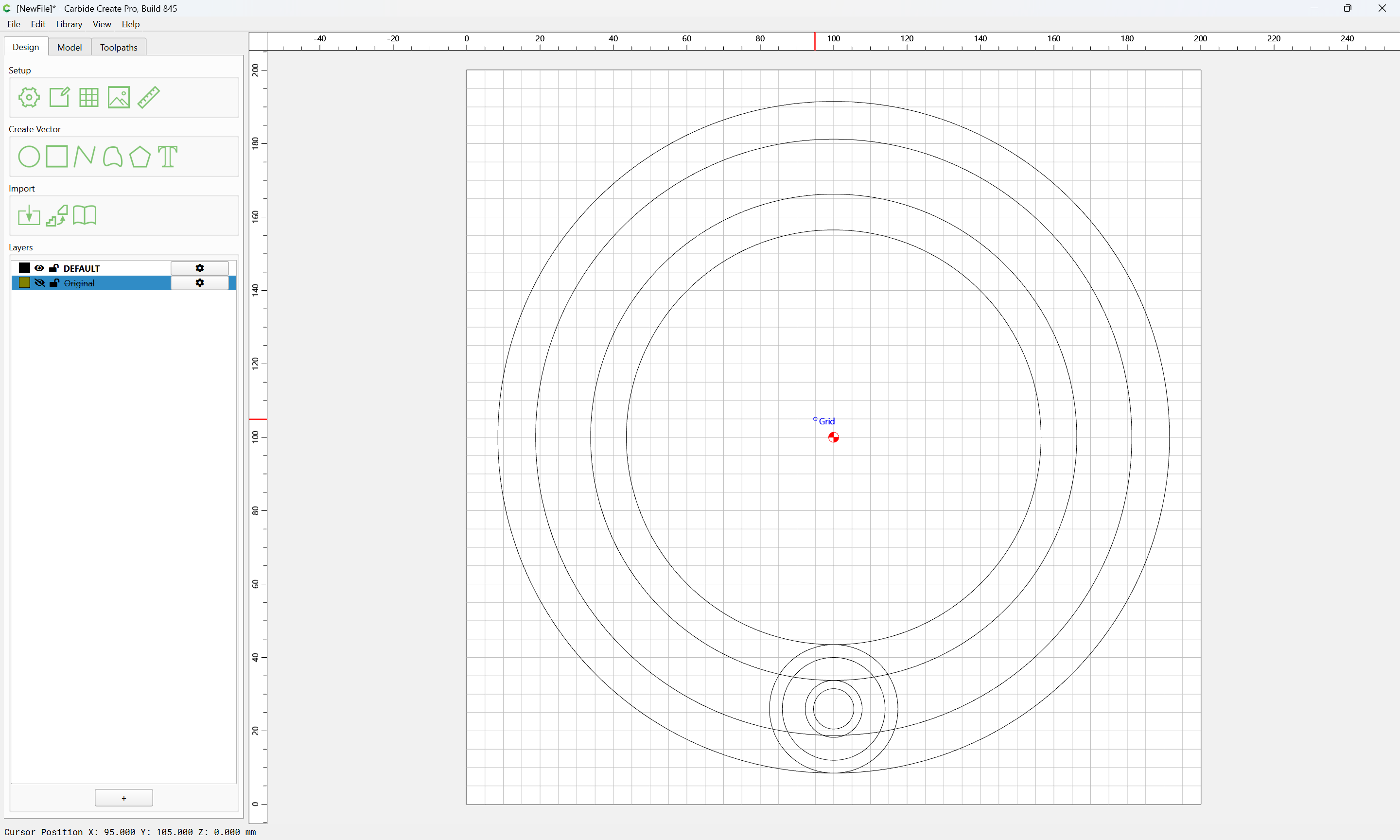
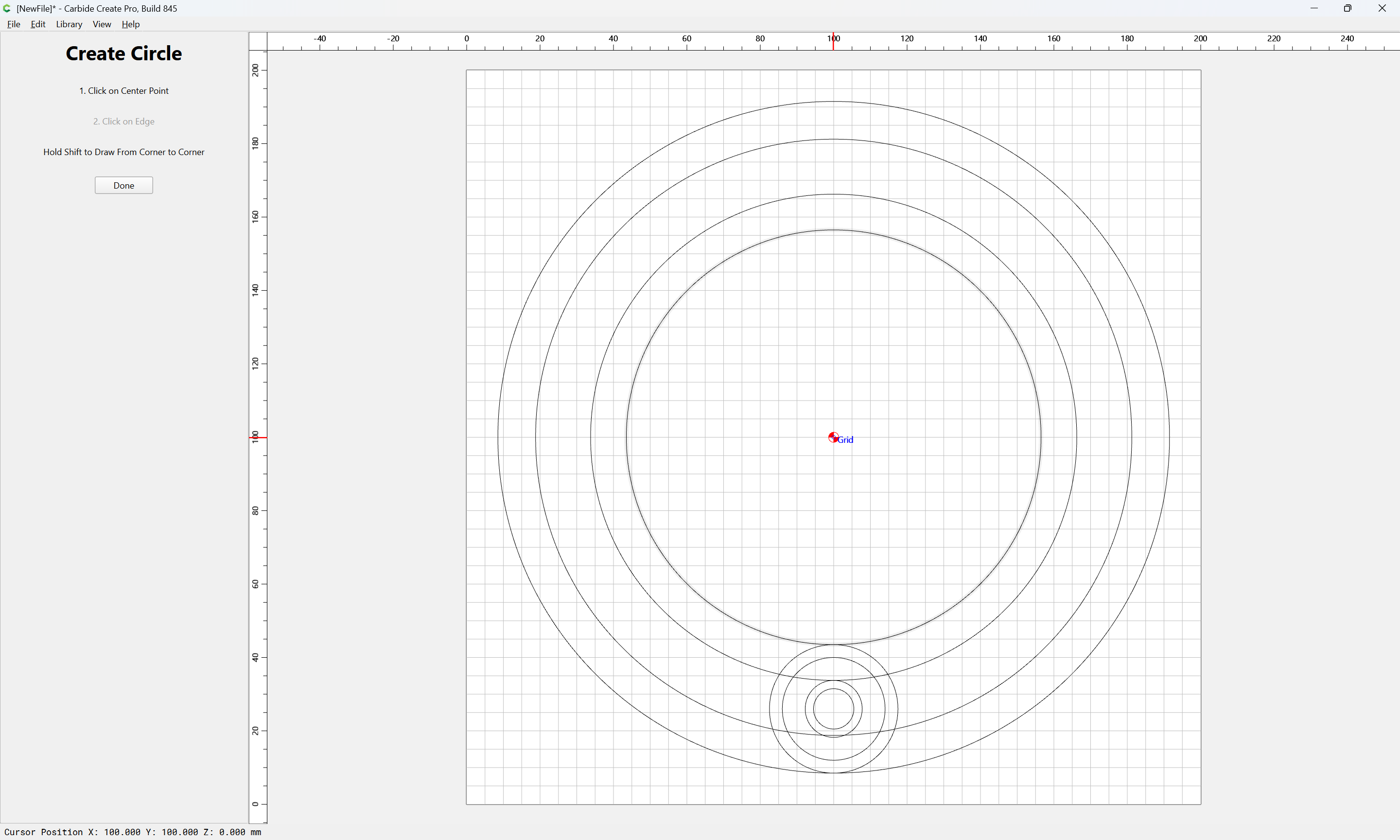
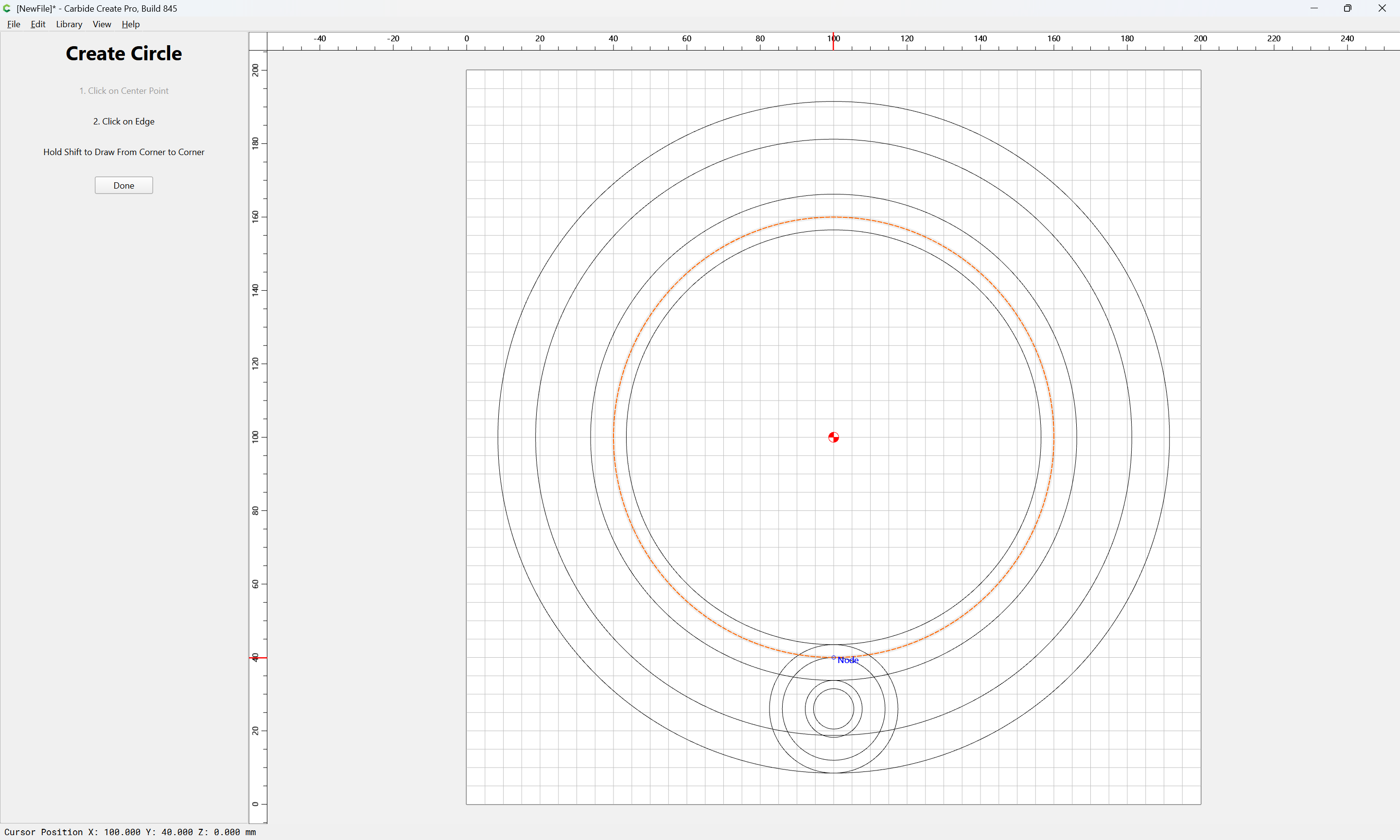
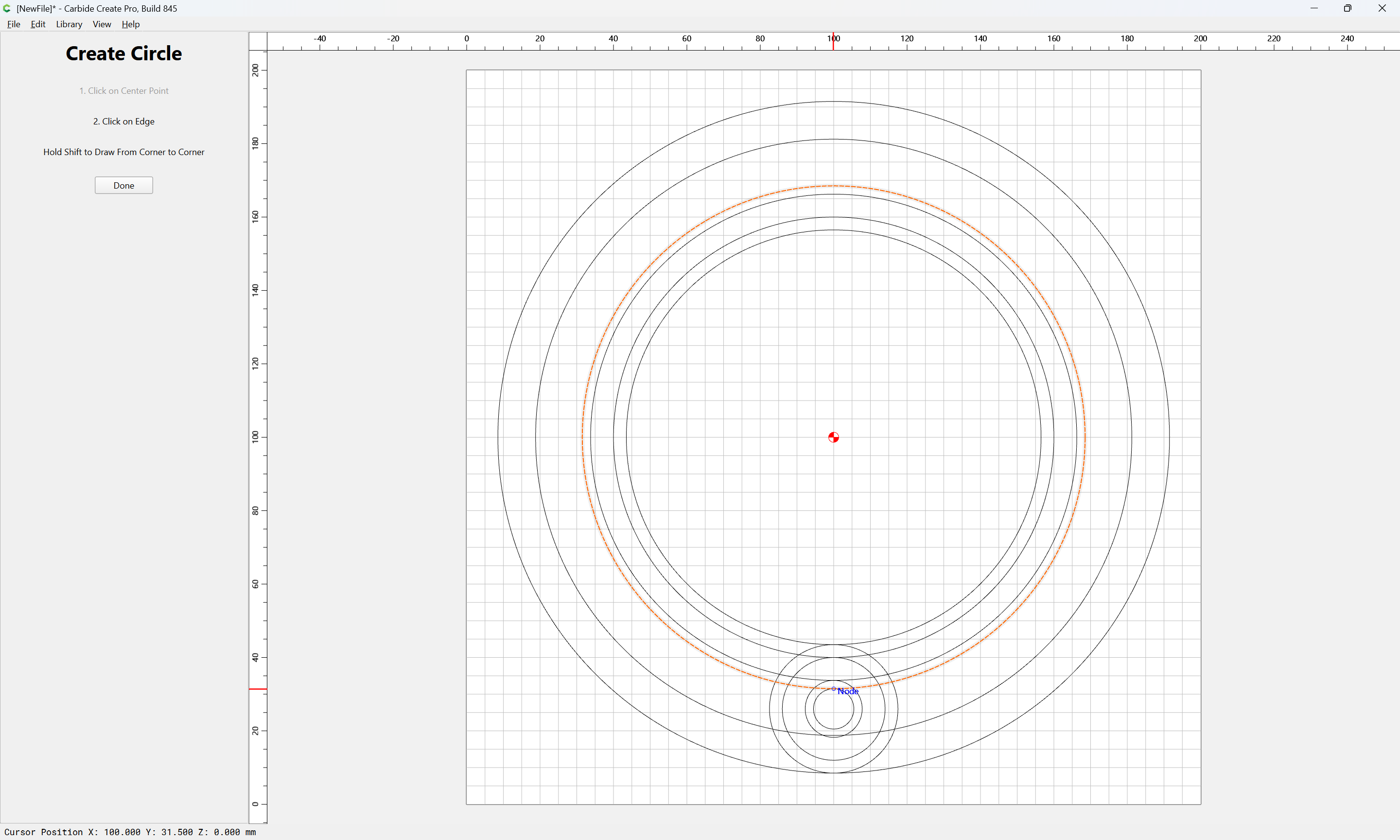
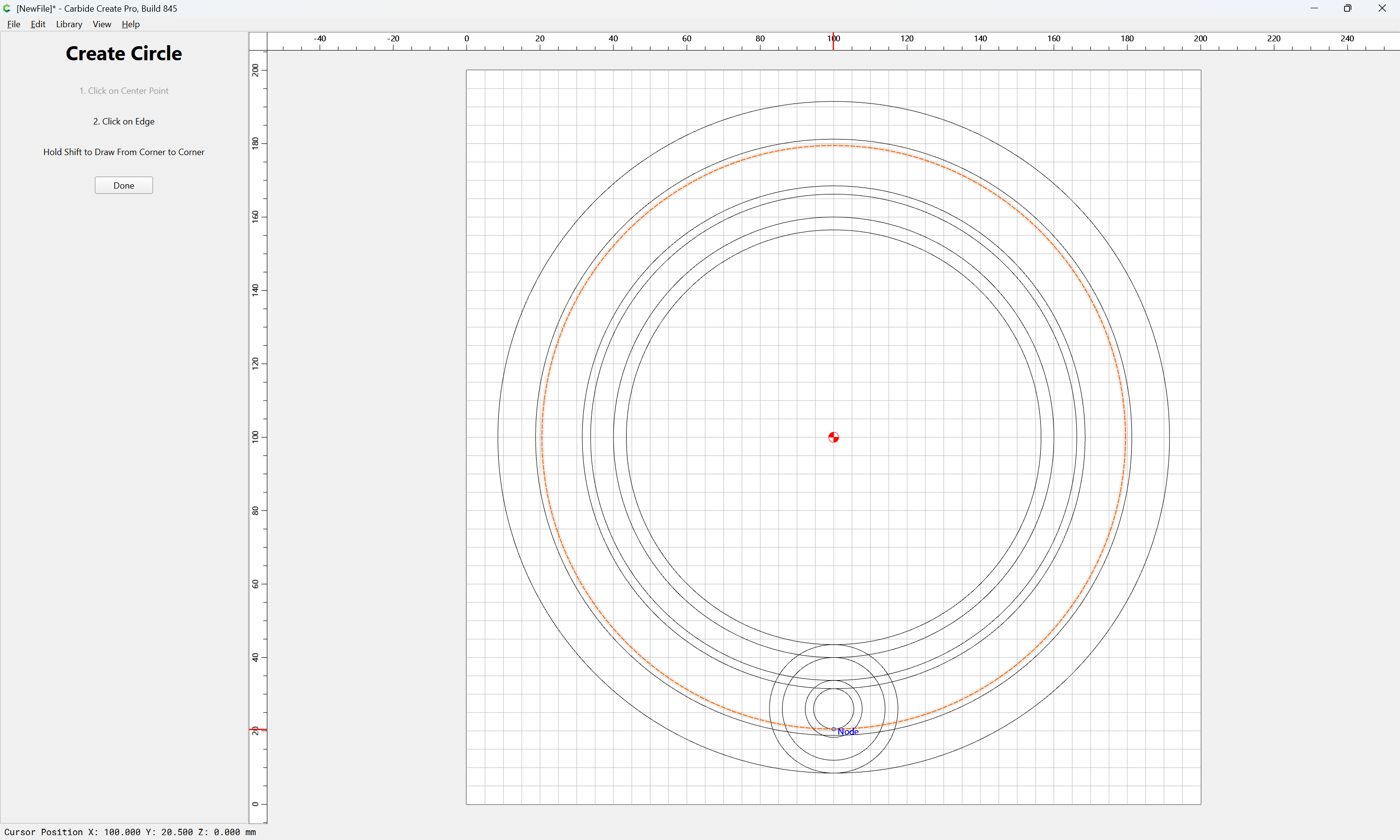
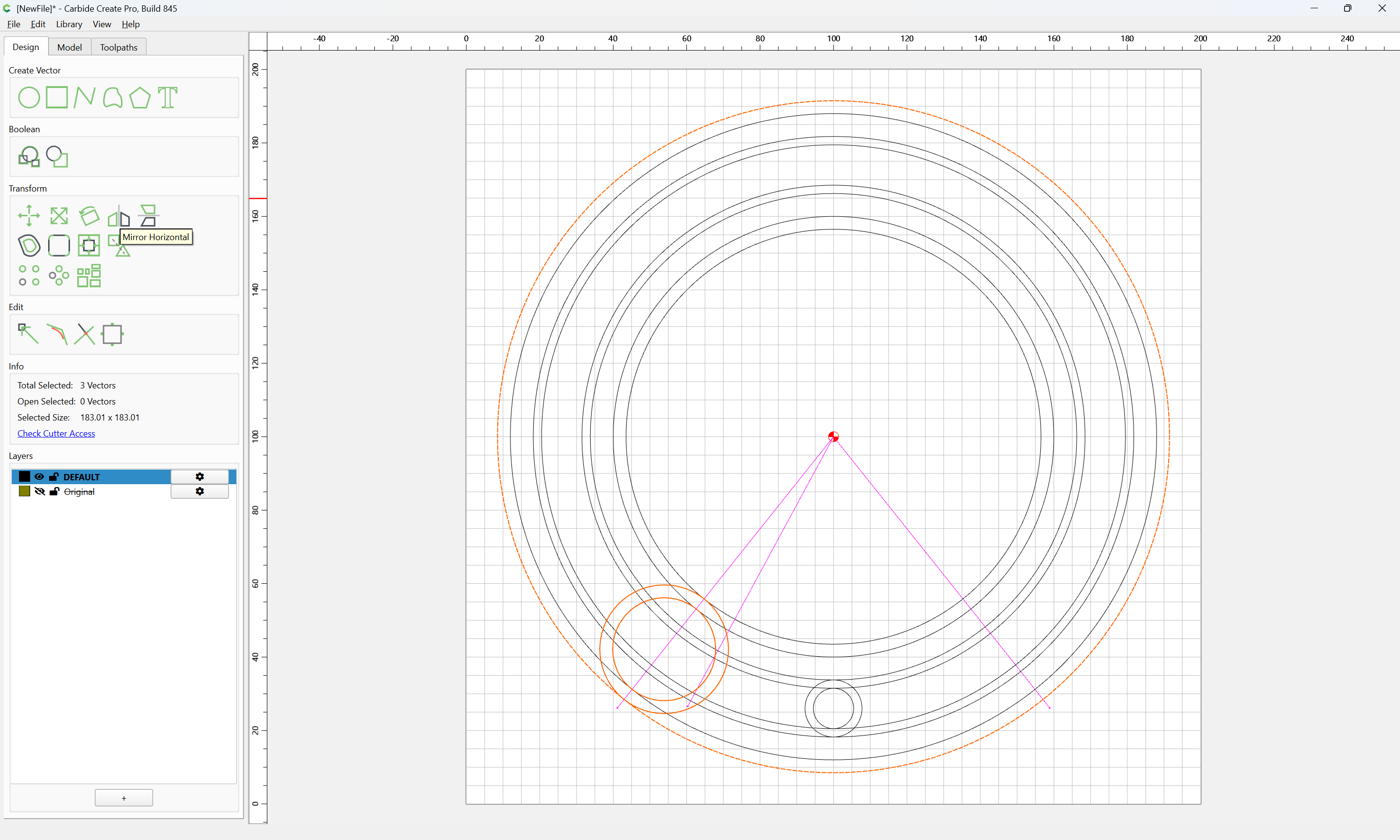
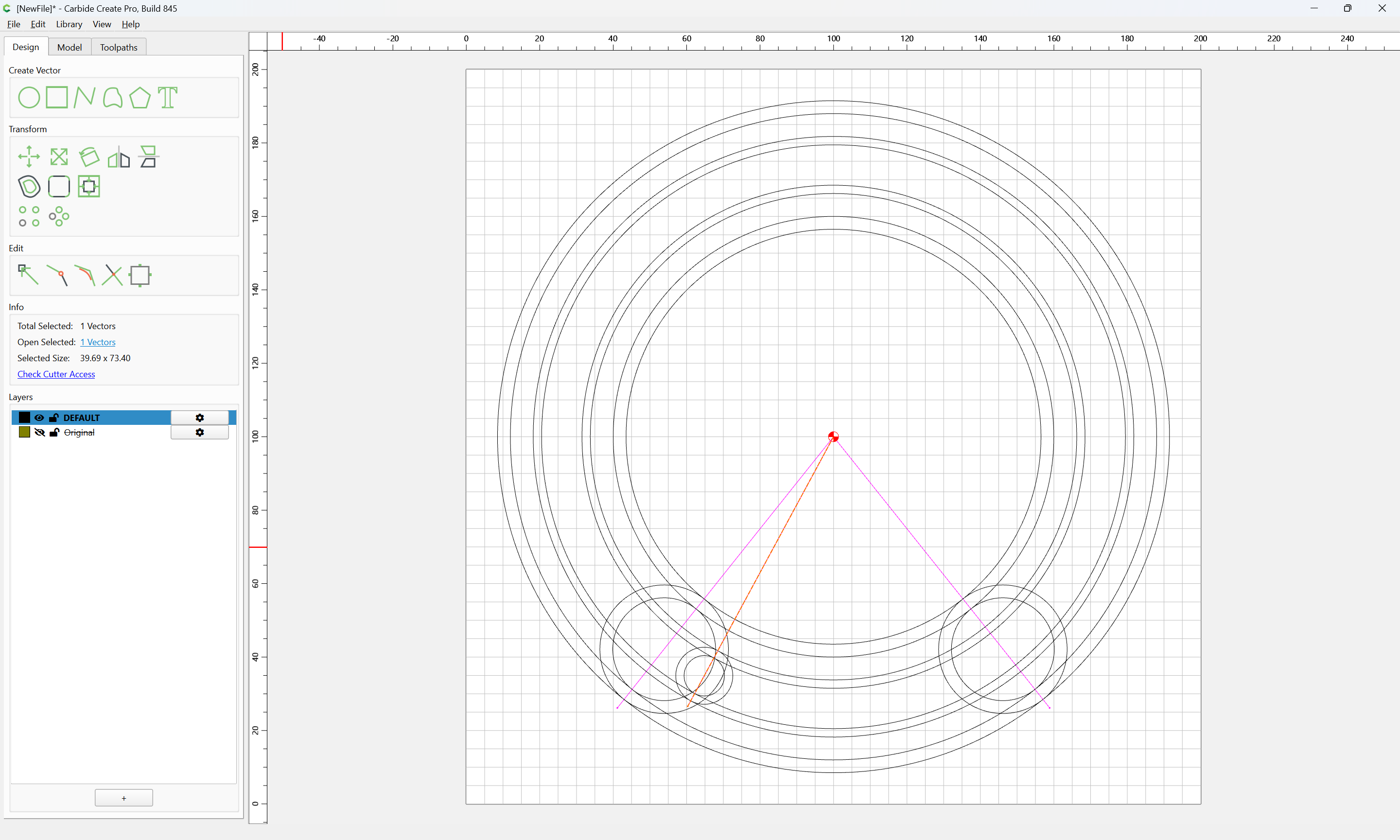
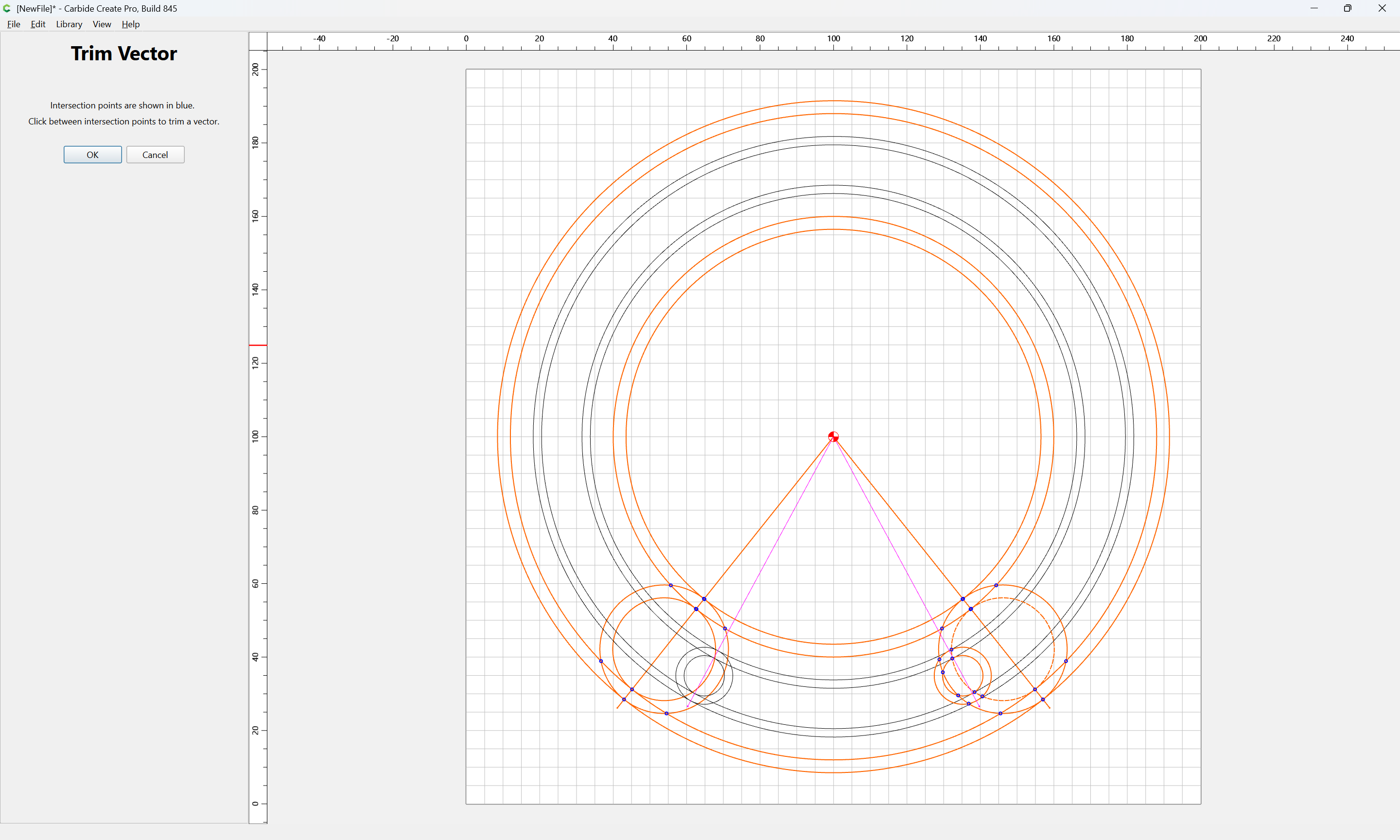
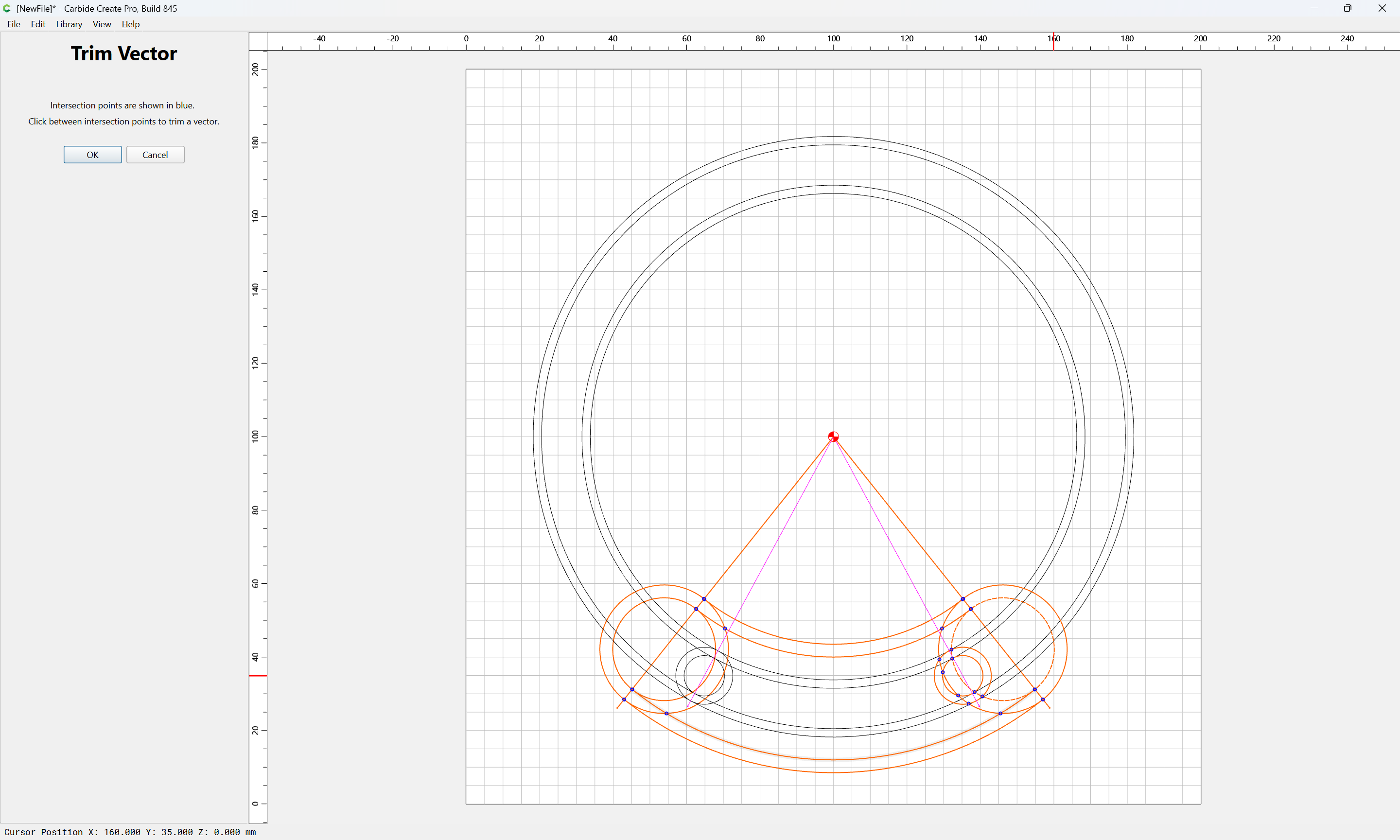
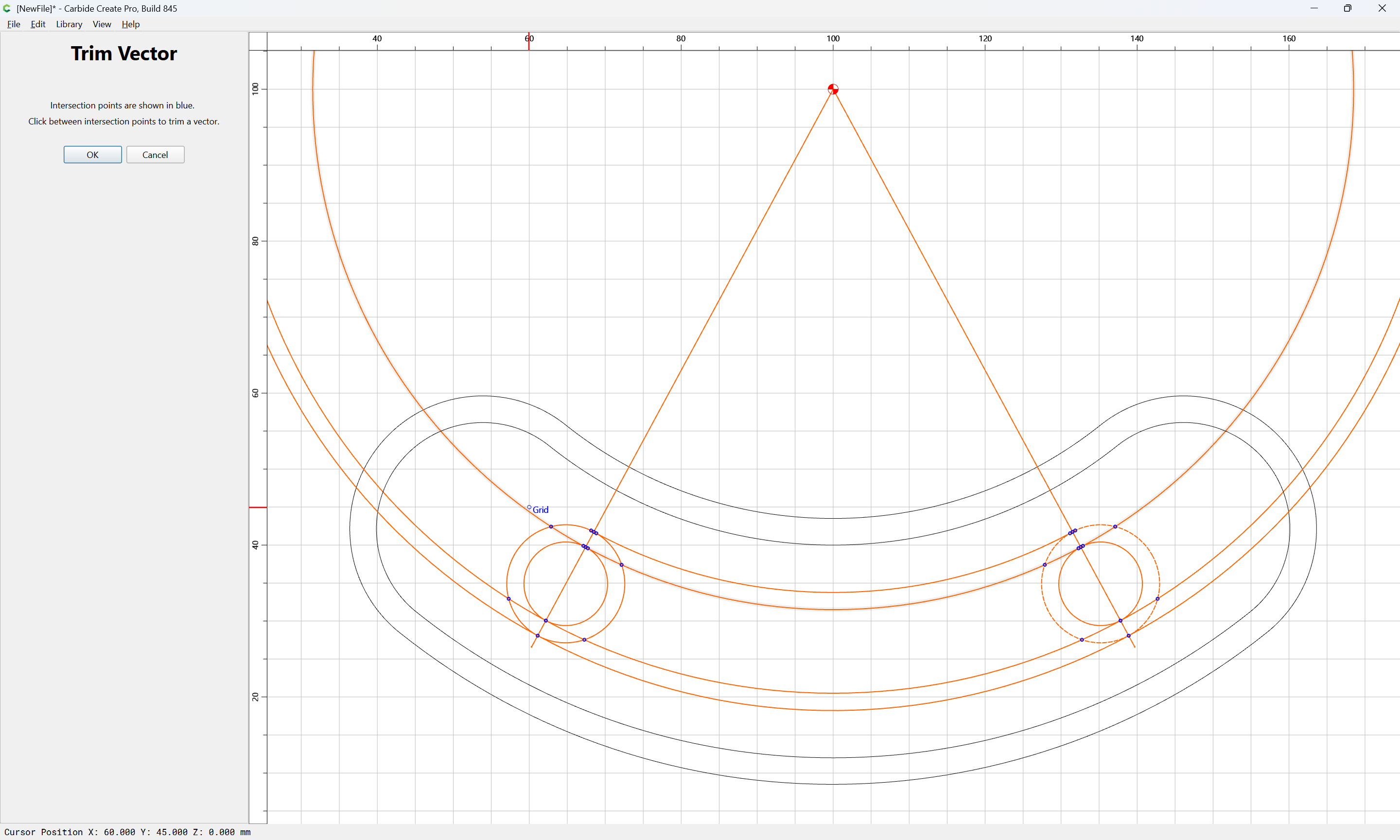
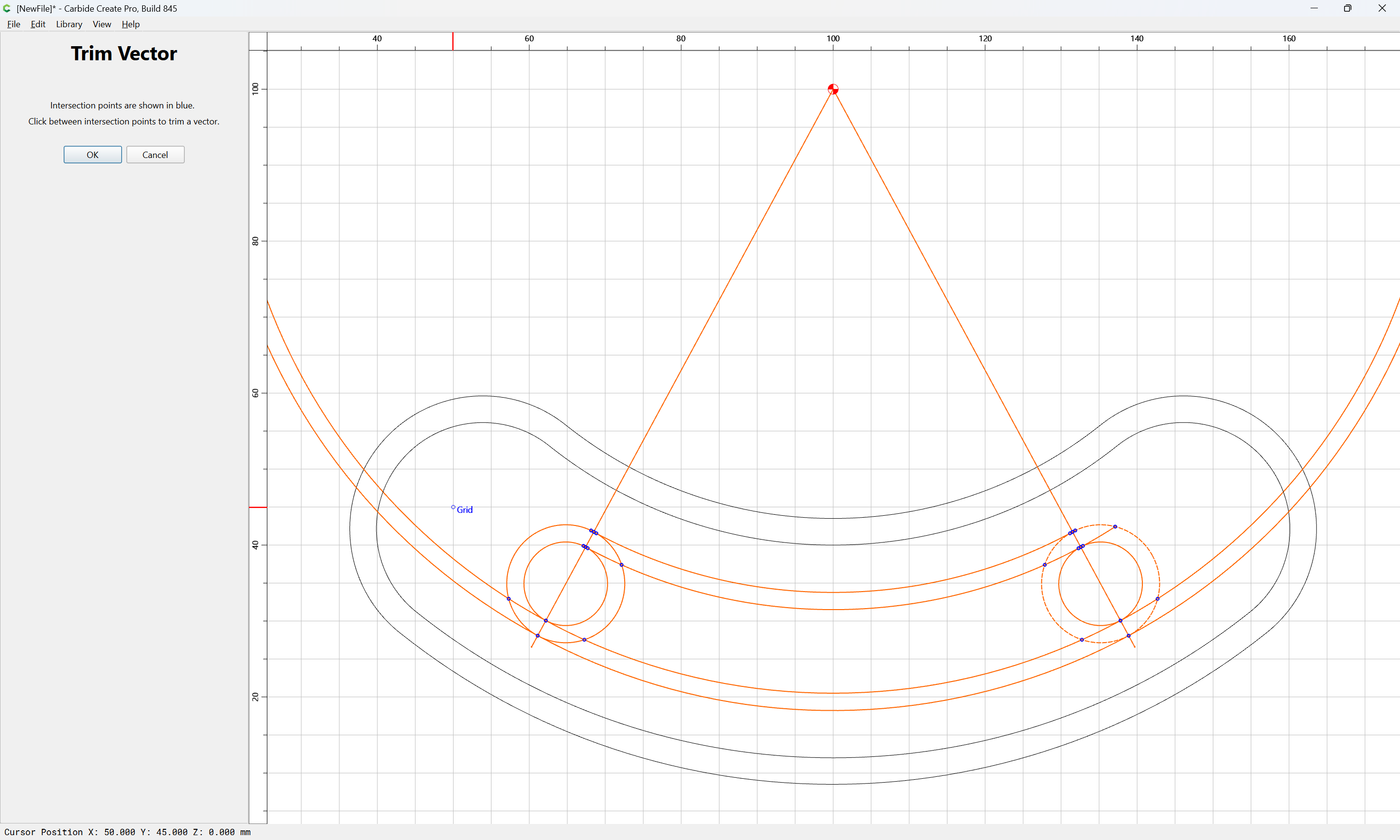
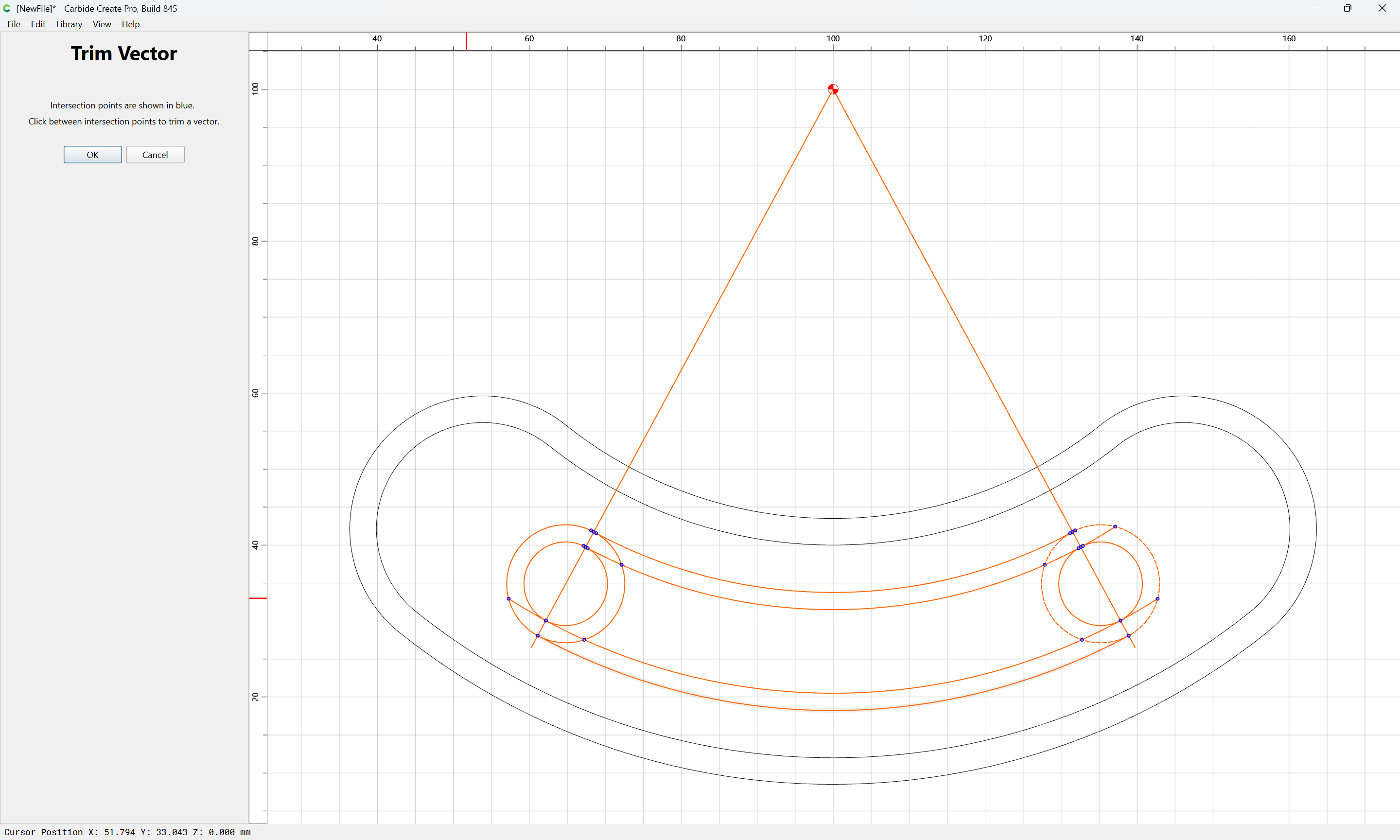
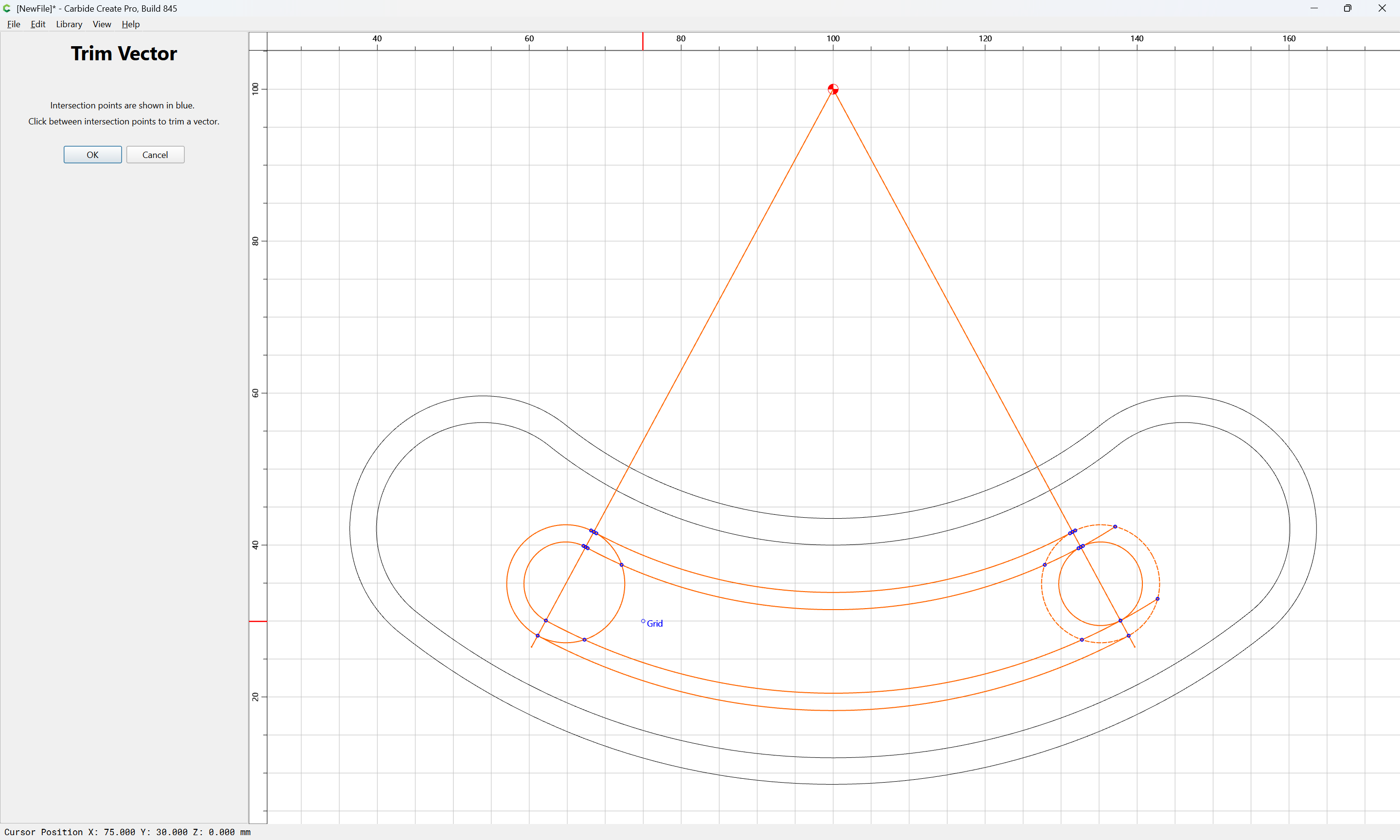
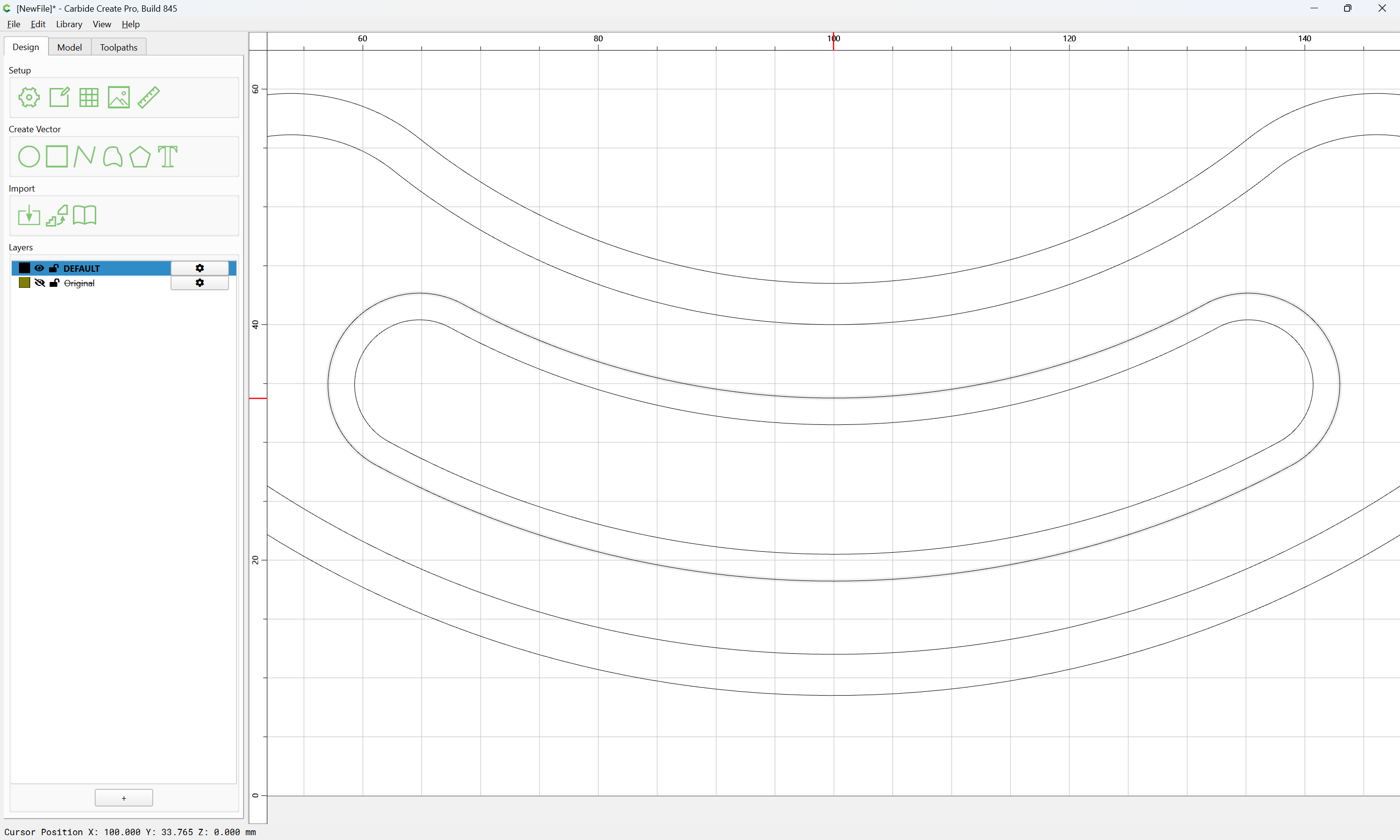
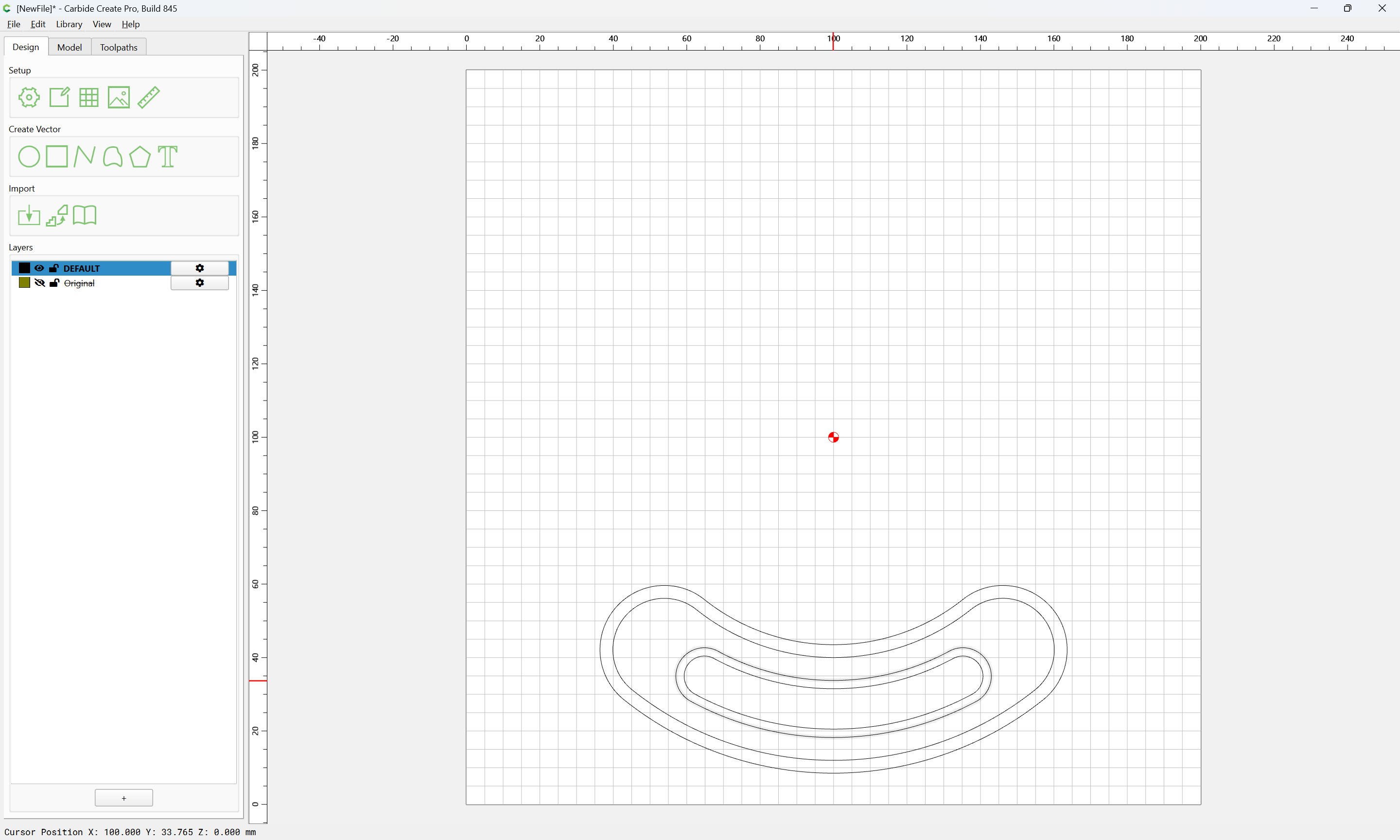
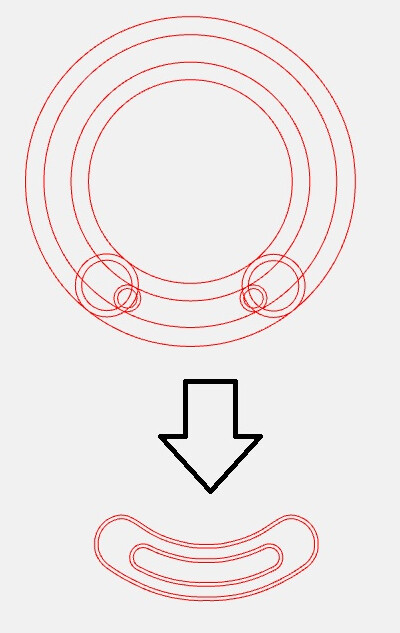
I am working on to design a hotdog shape using CC, after trying all different ways of Boolean and other options i couldn’t get the desired results. Can someone help, i have attached the source svg.
Carbide hotdog.zip (20.2 KB)
I am working on to design a hotdog shape using CC, after trying all different ways of Boolean and other options i couldn’t get the desired results. Can someone help, i have attached the source svg.
There are a couple of ways to do this:
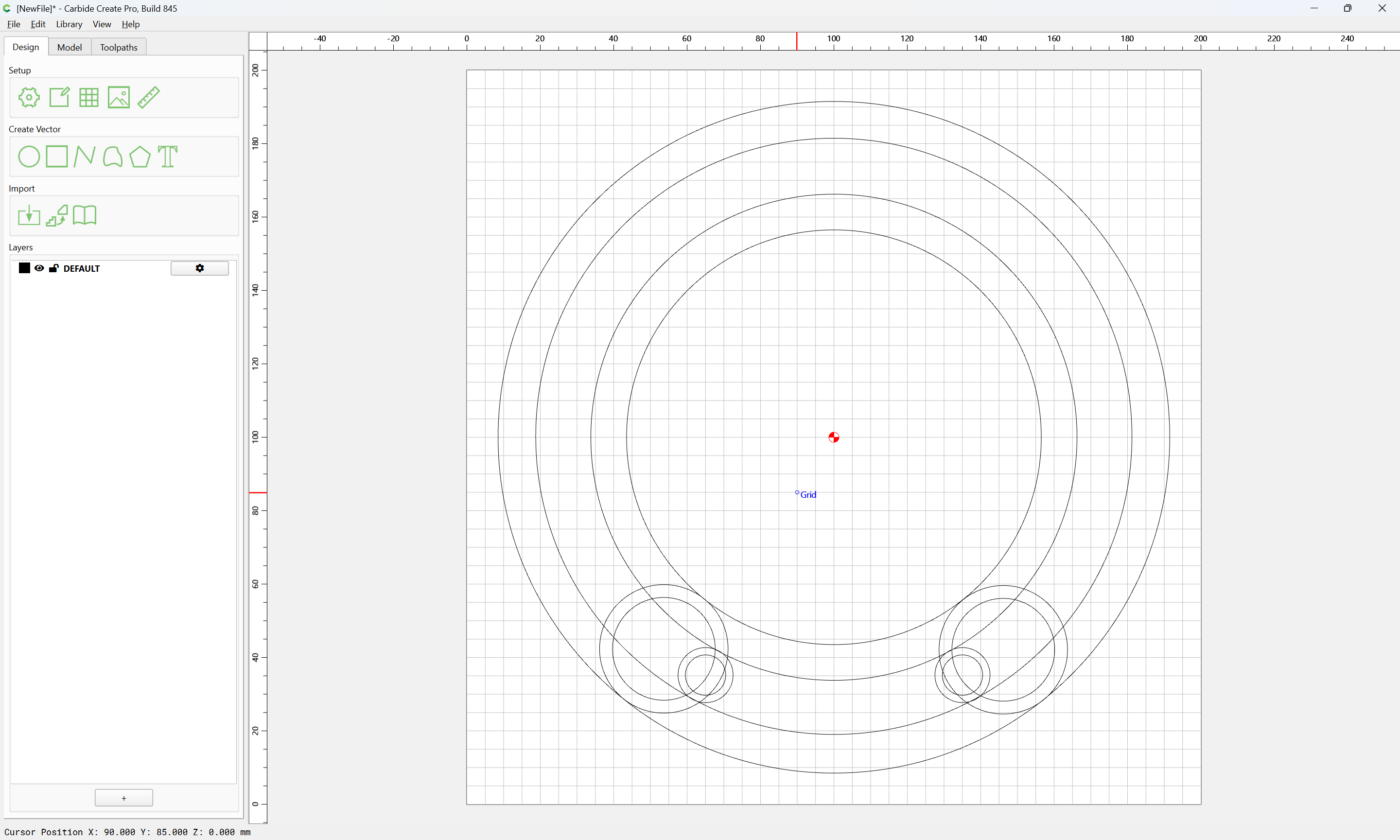
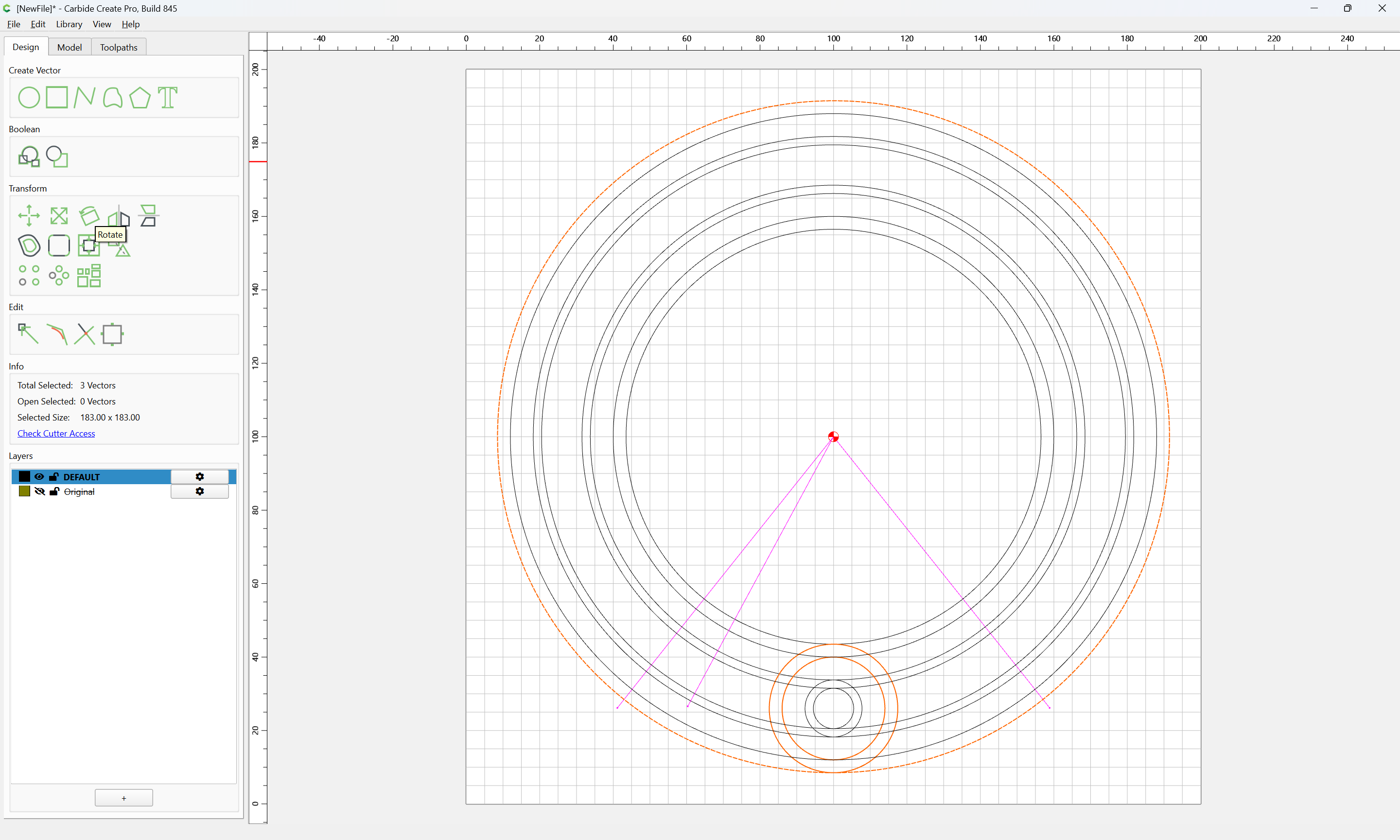
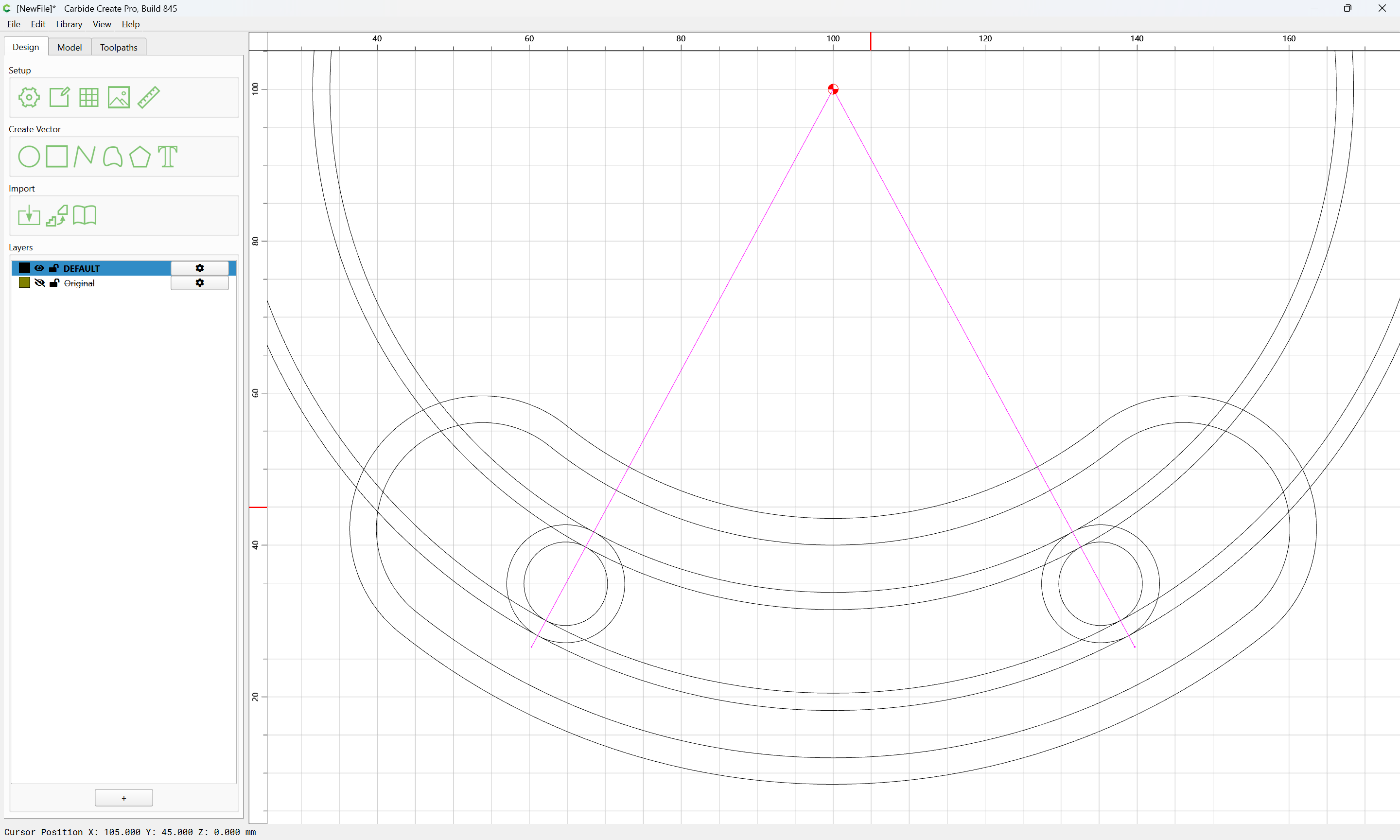
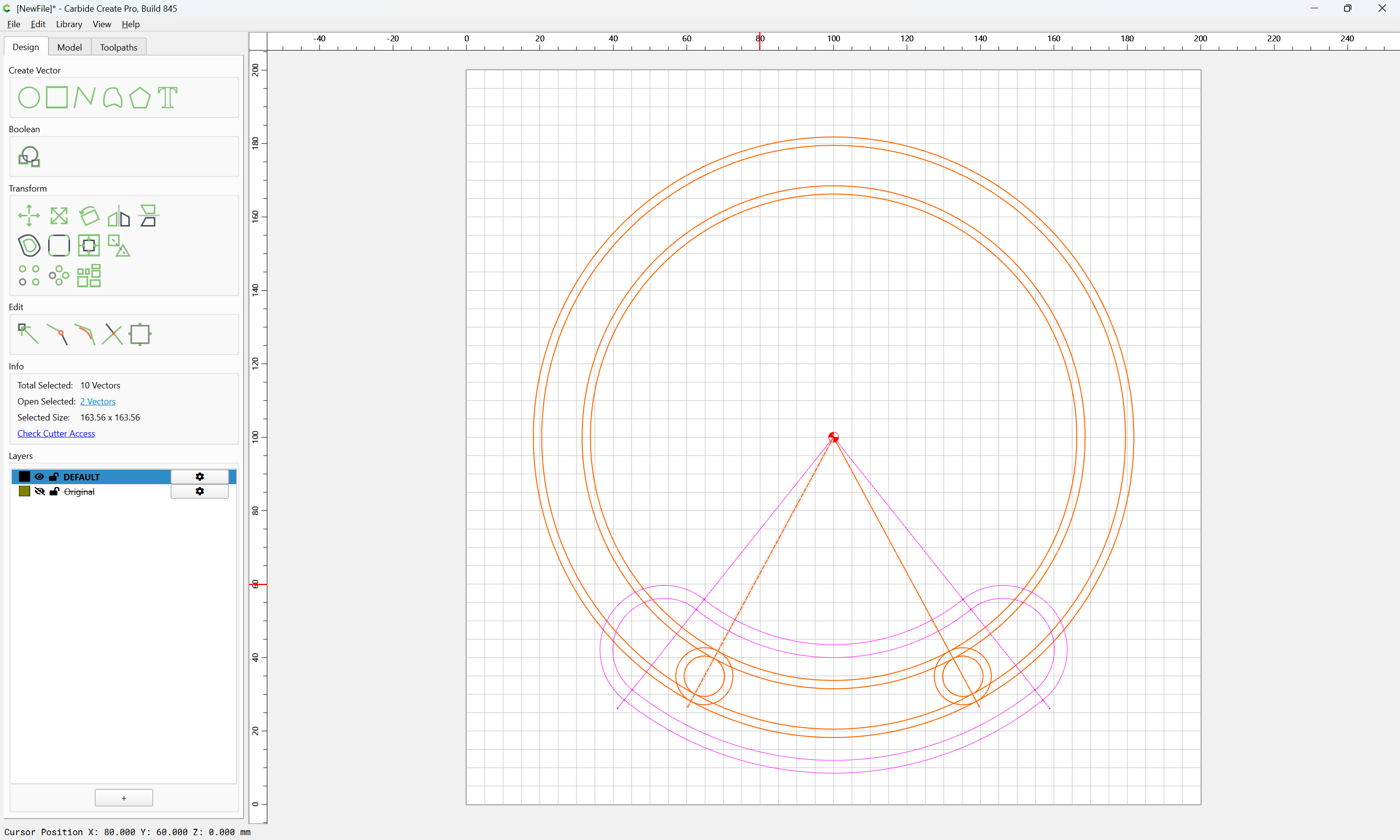
First, to make things a bit simpler, we delete what is not wanted and reduce the Stock are to what we wish to work with:
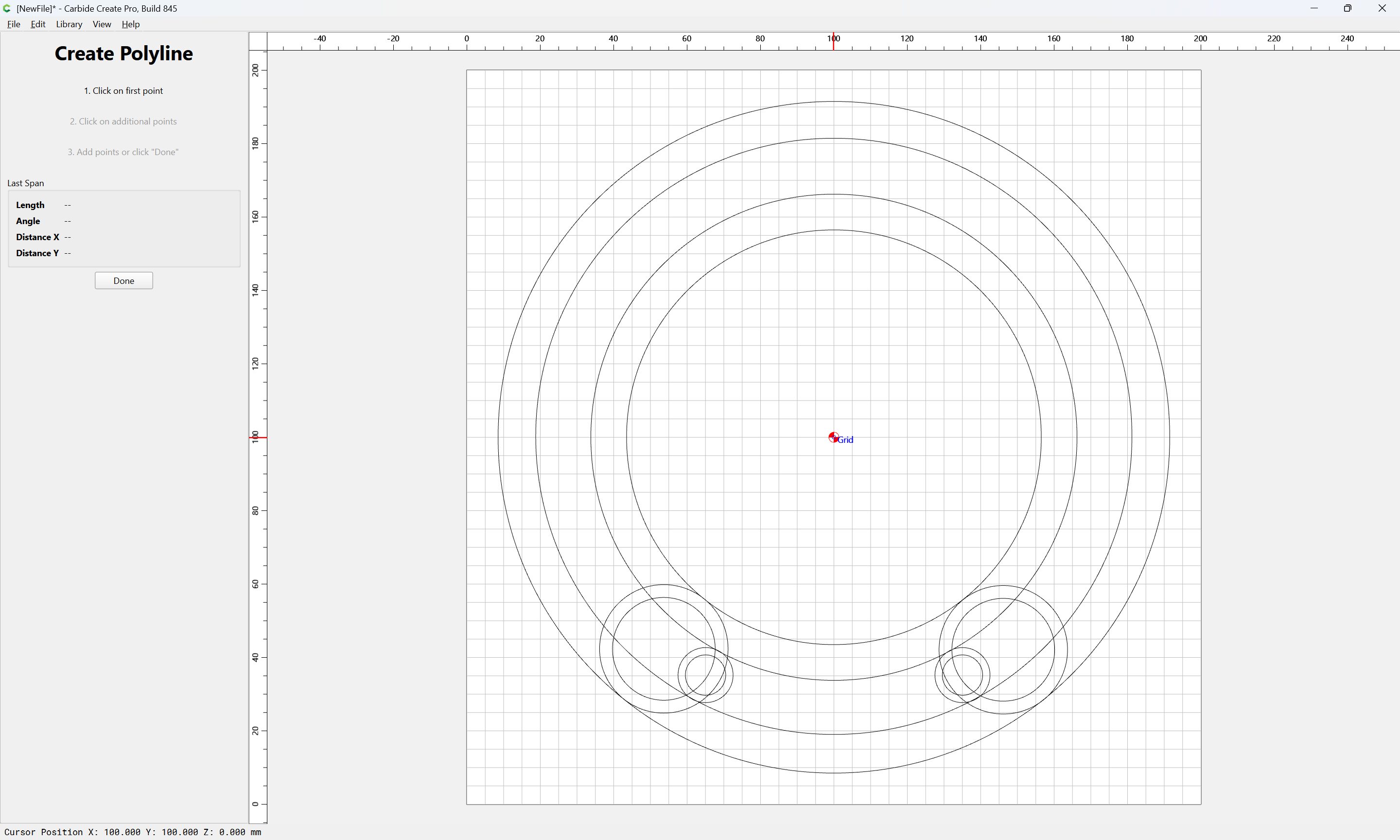
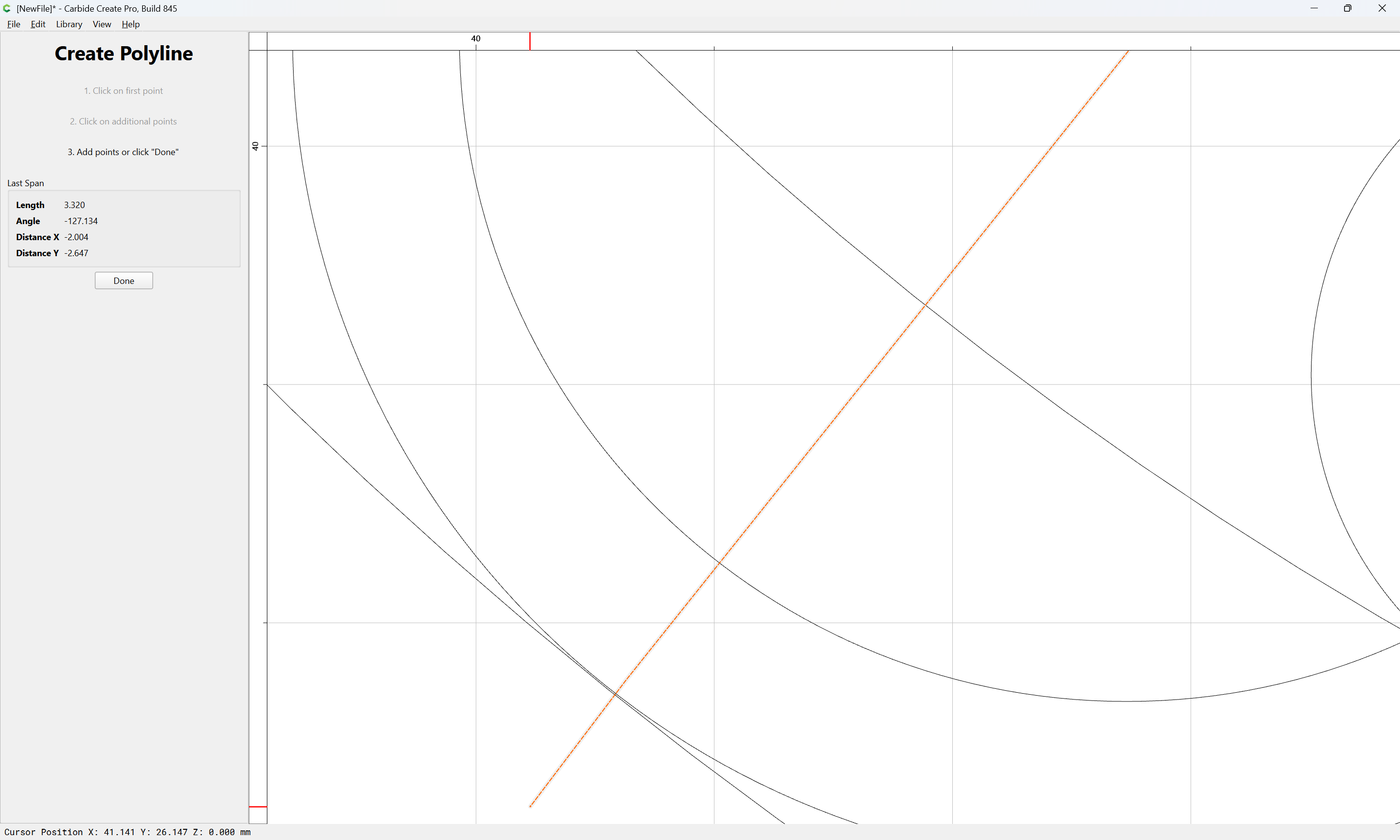
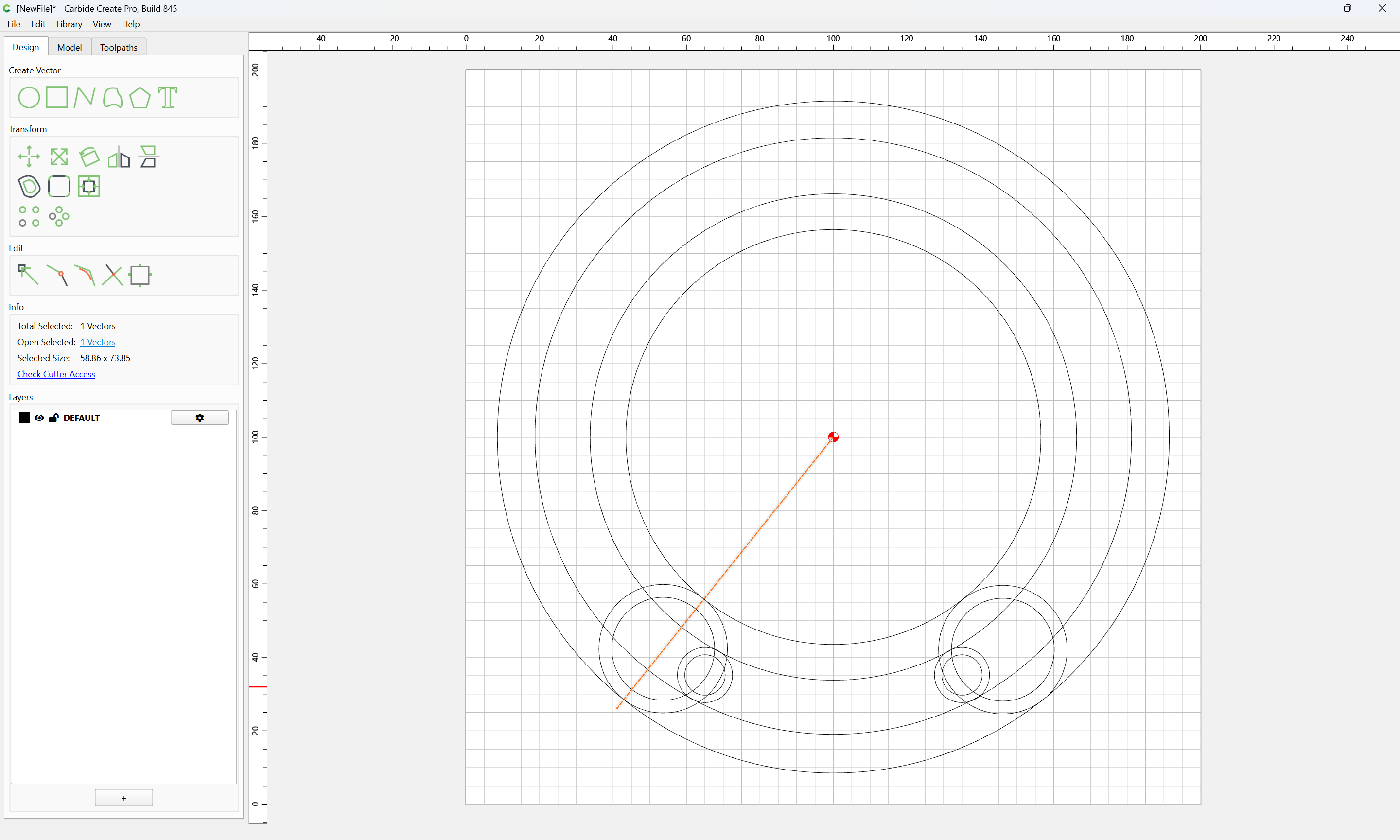
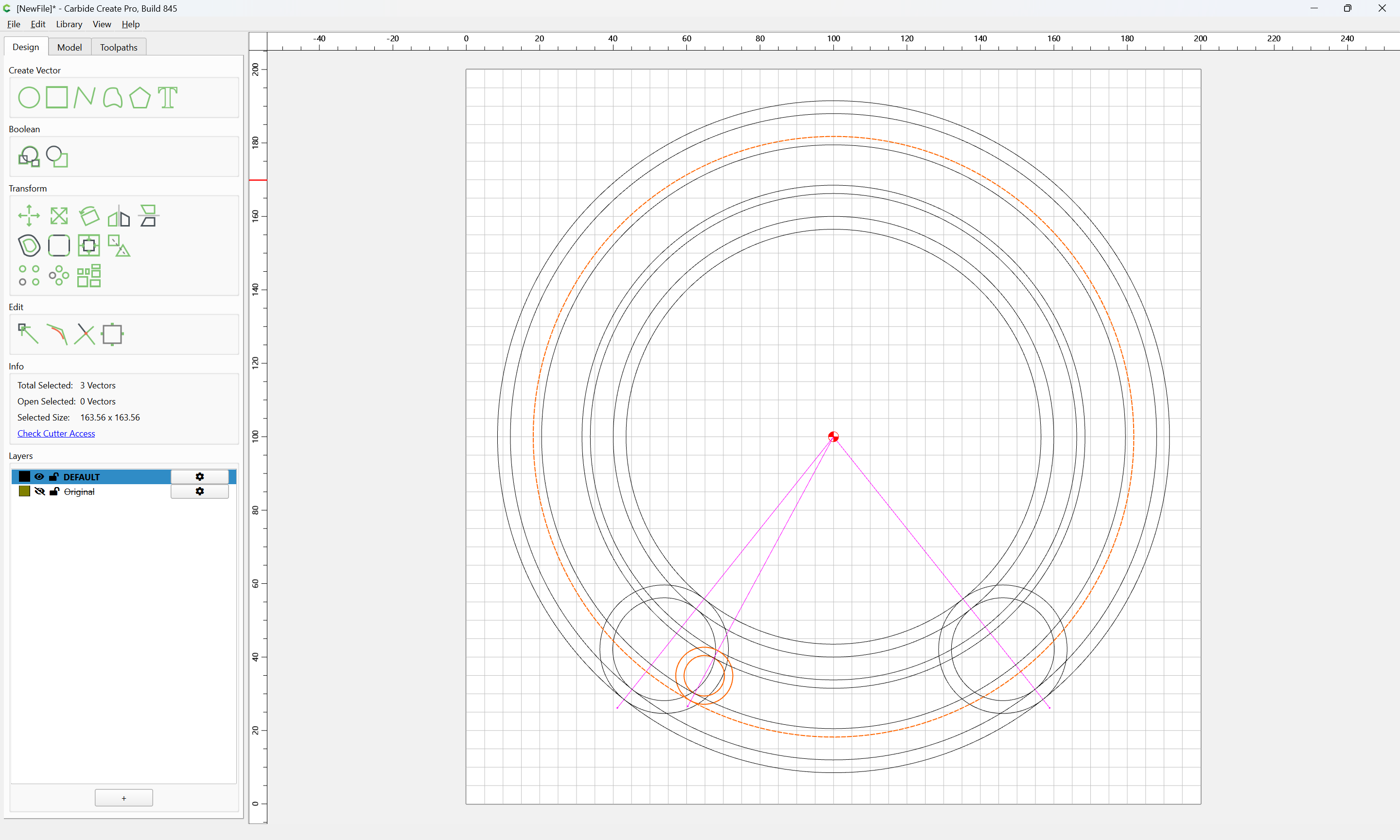
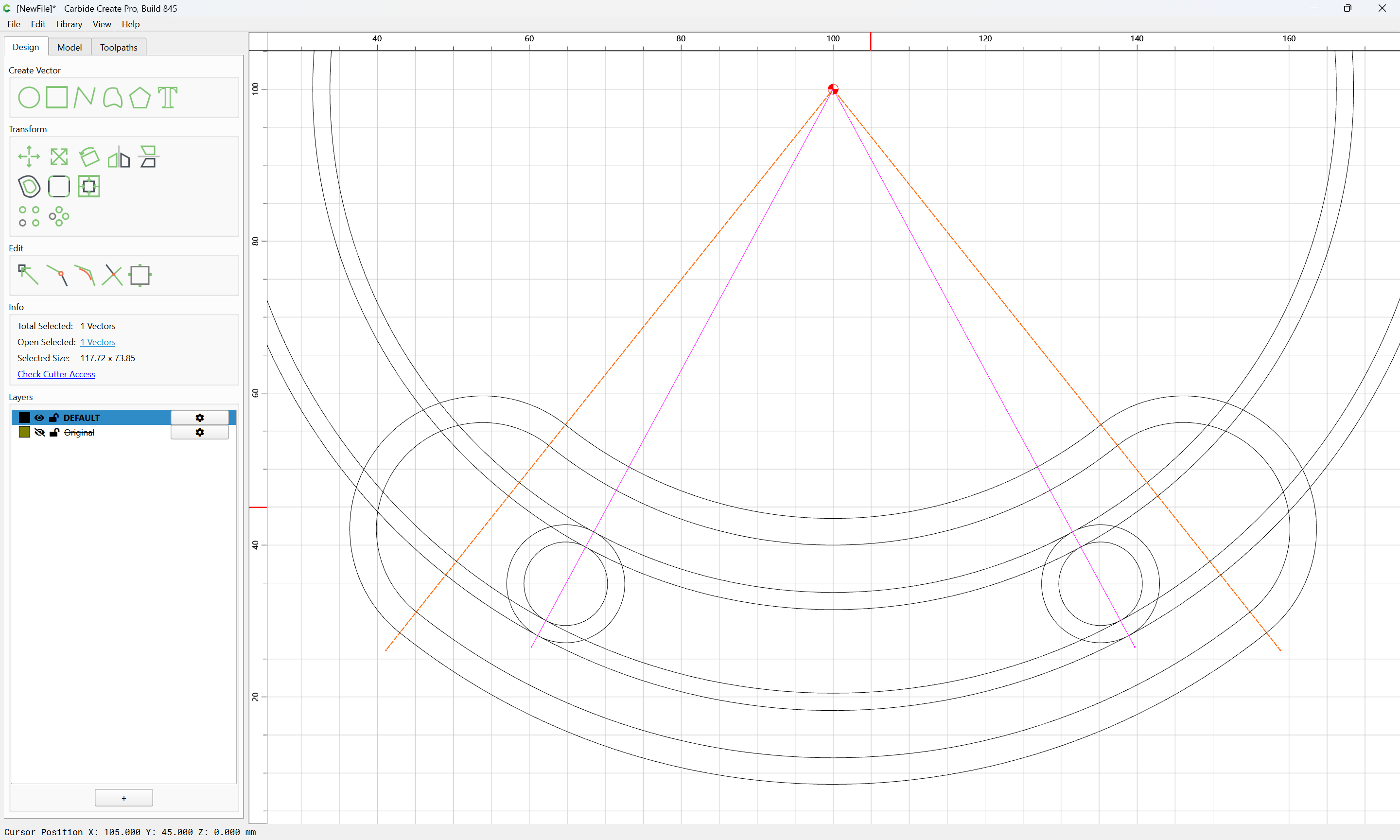
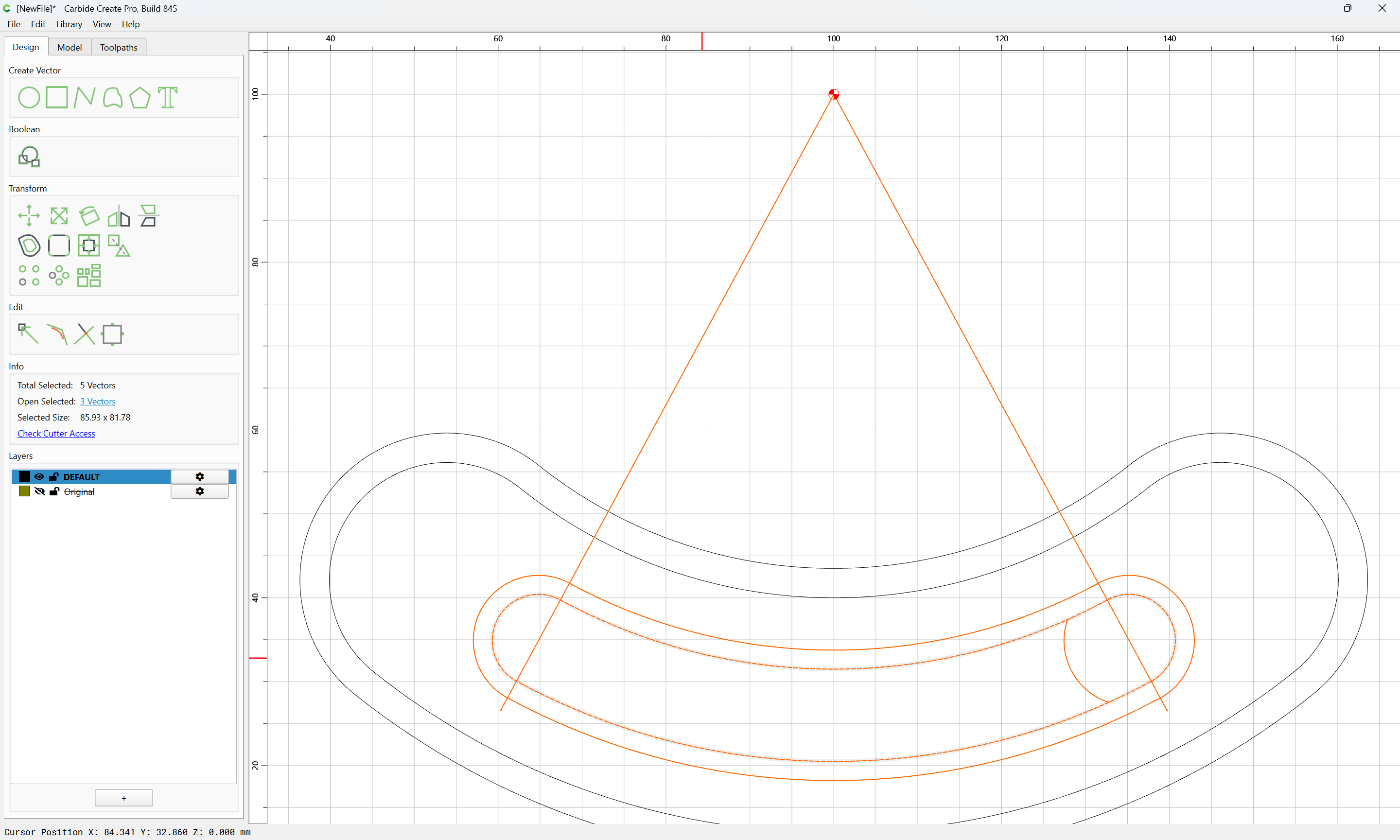
Then, for each set of circles, draw a line which intersects them at the correct angle from the center:
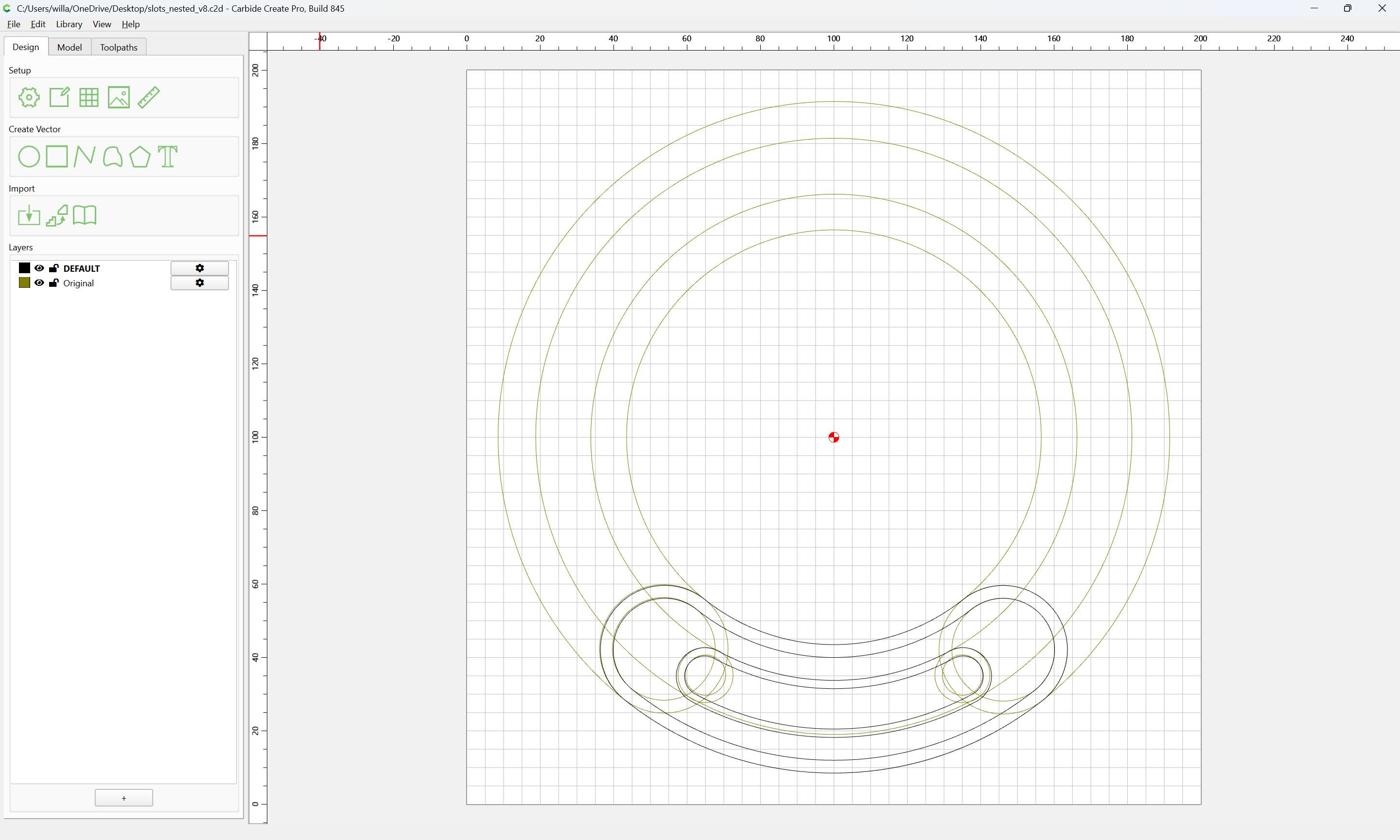
For actually getting the originals lined up c.f.,
Done
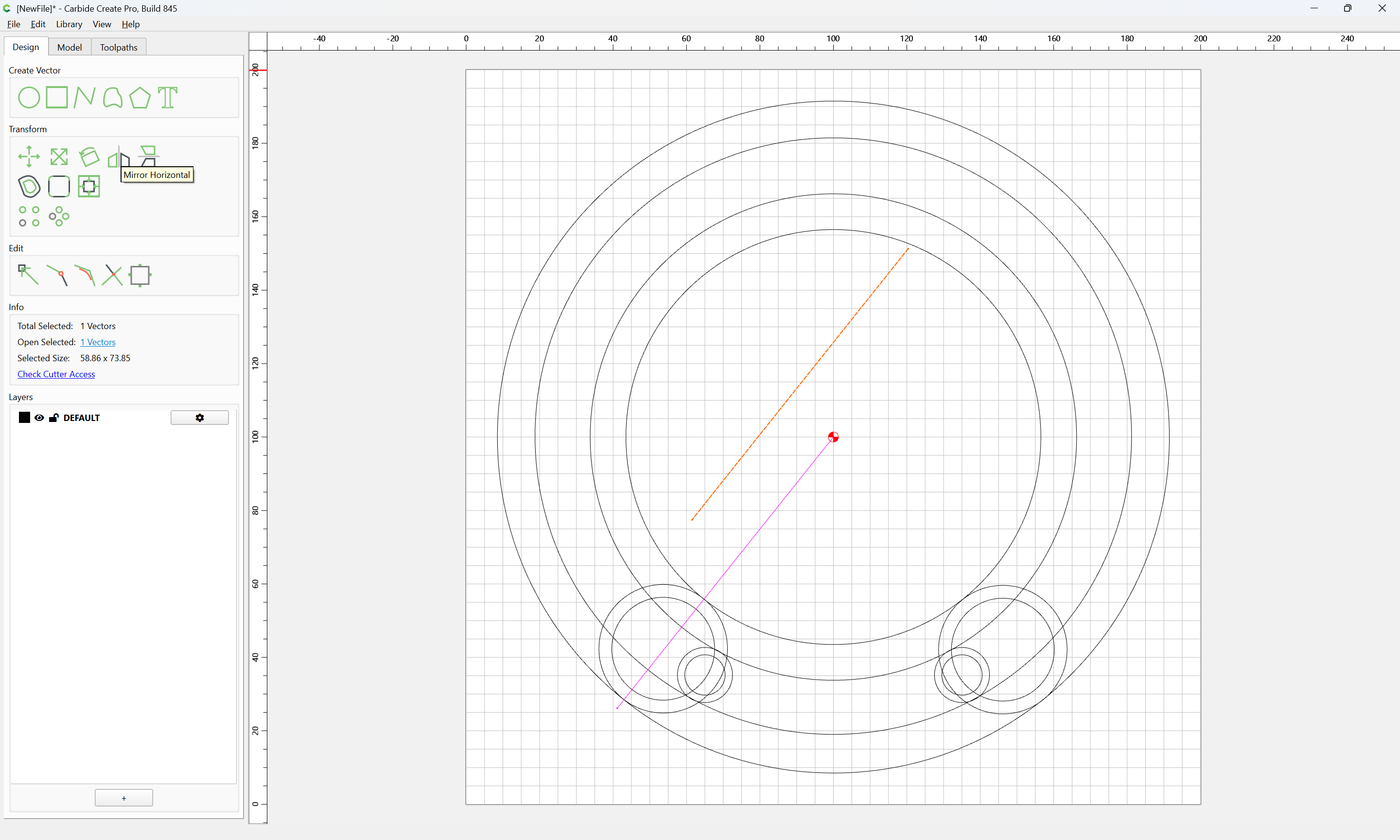
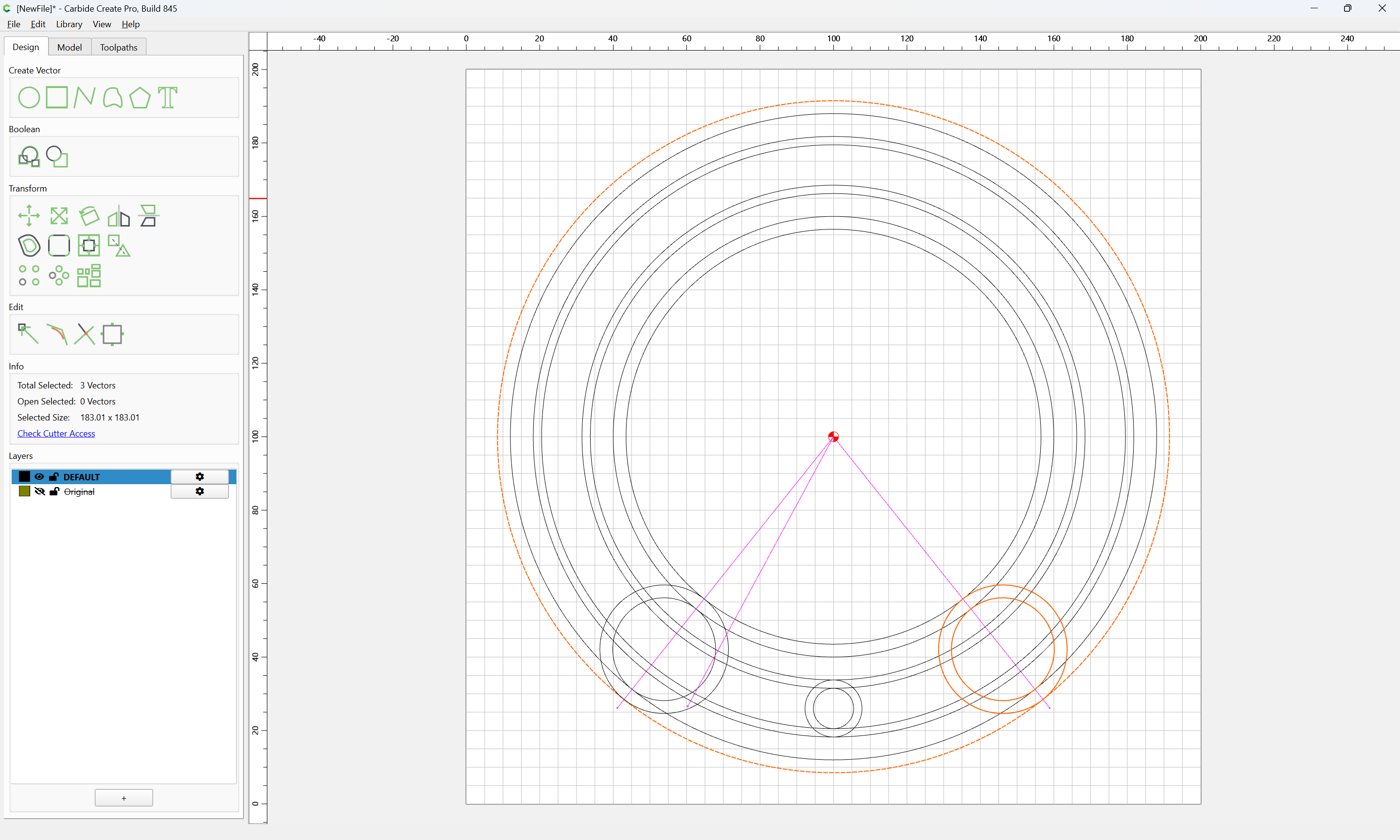
copy-paste to duplicate:
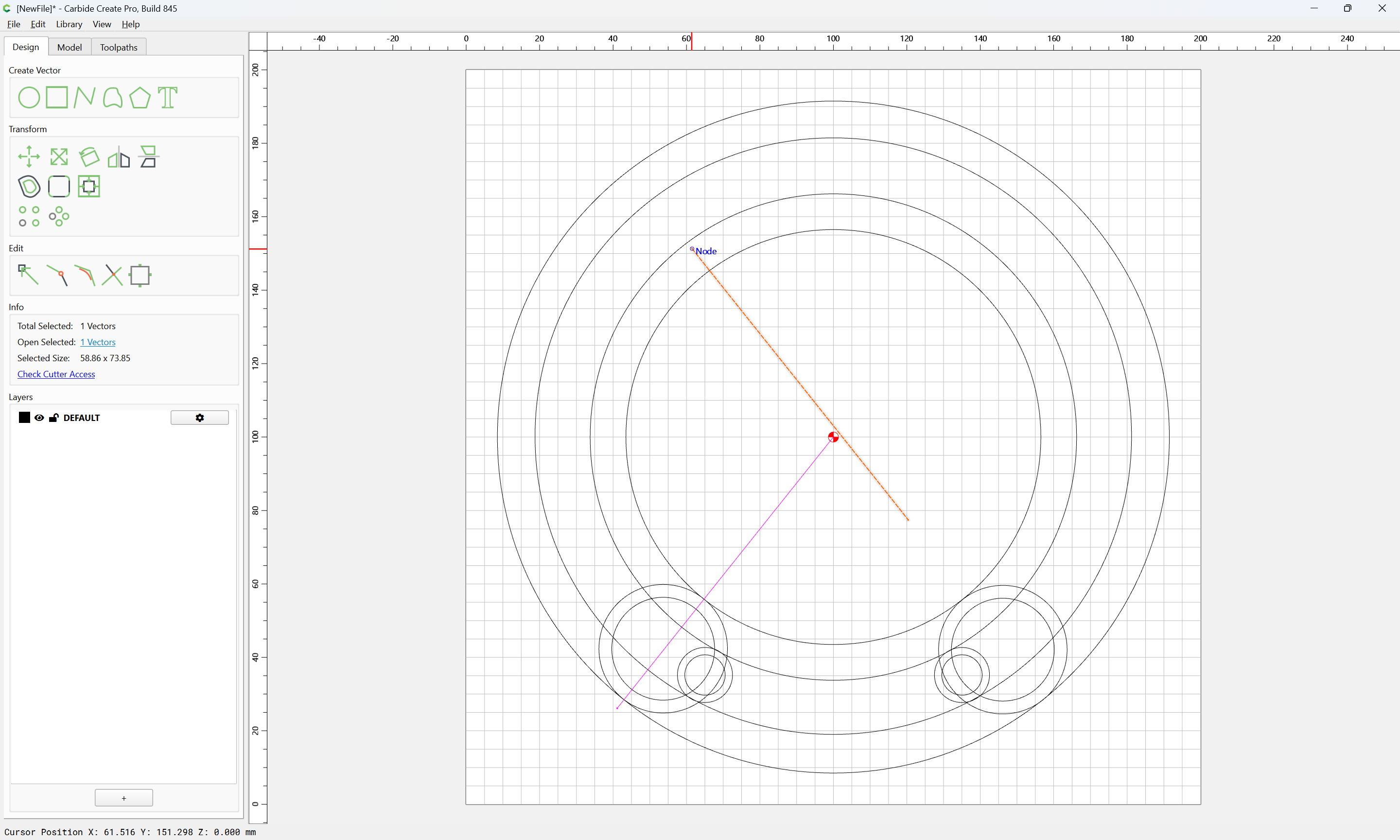
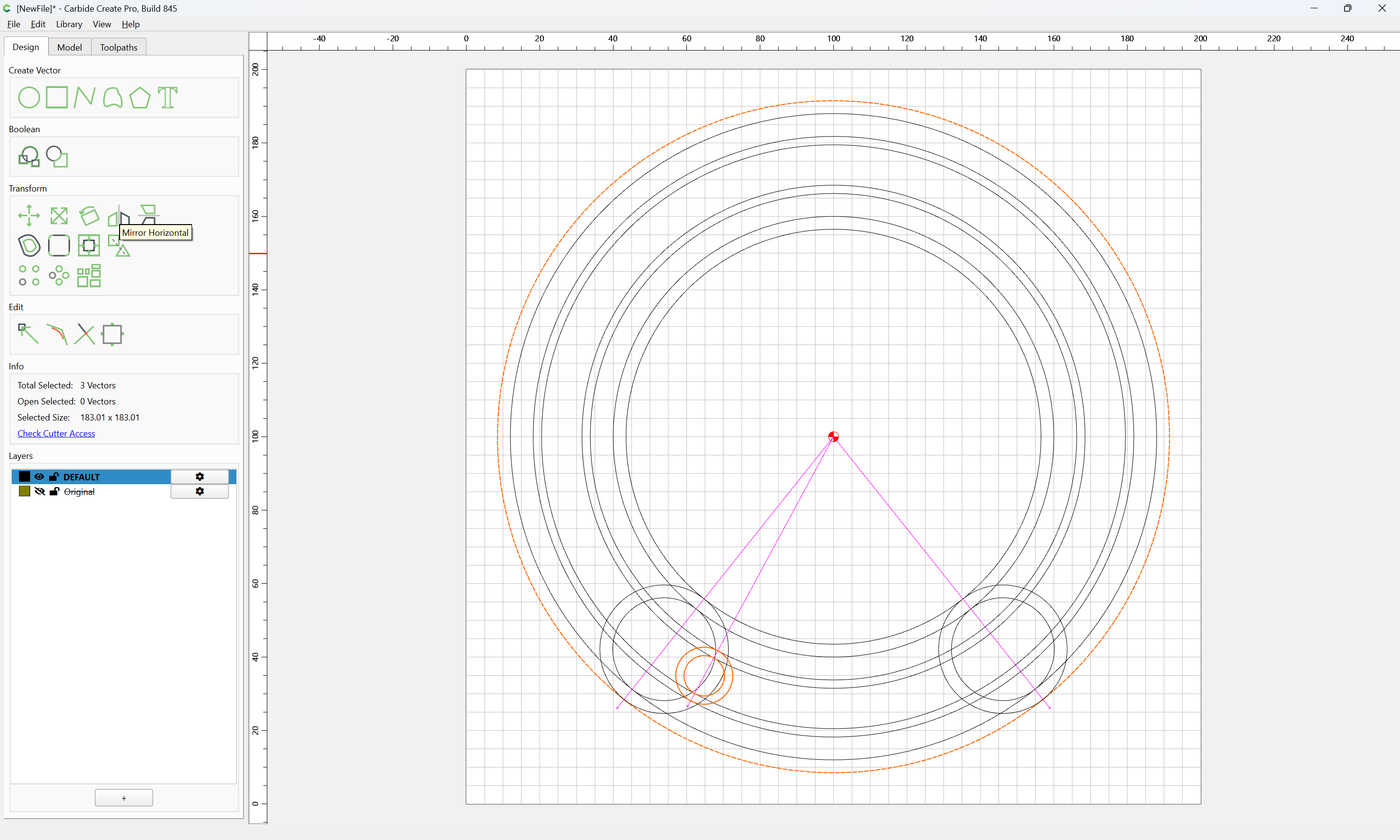
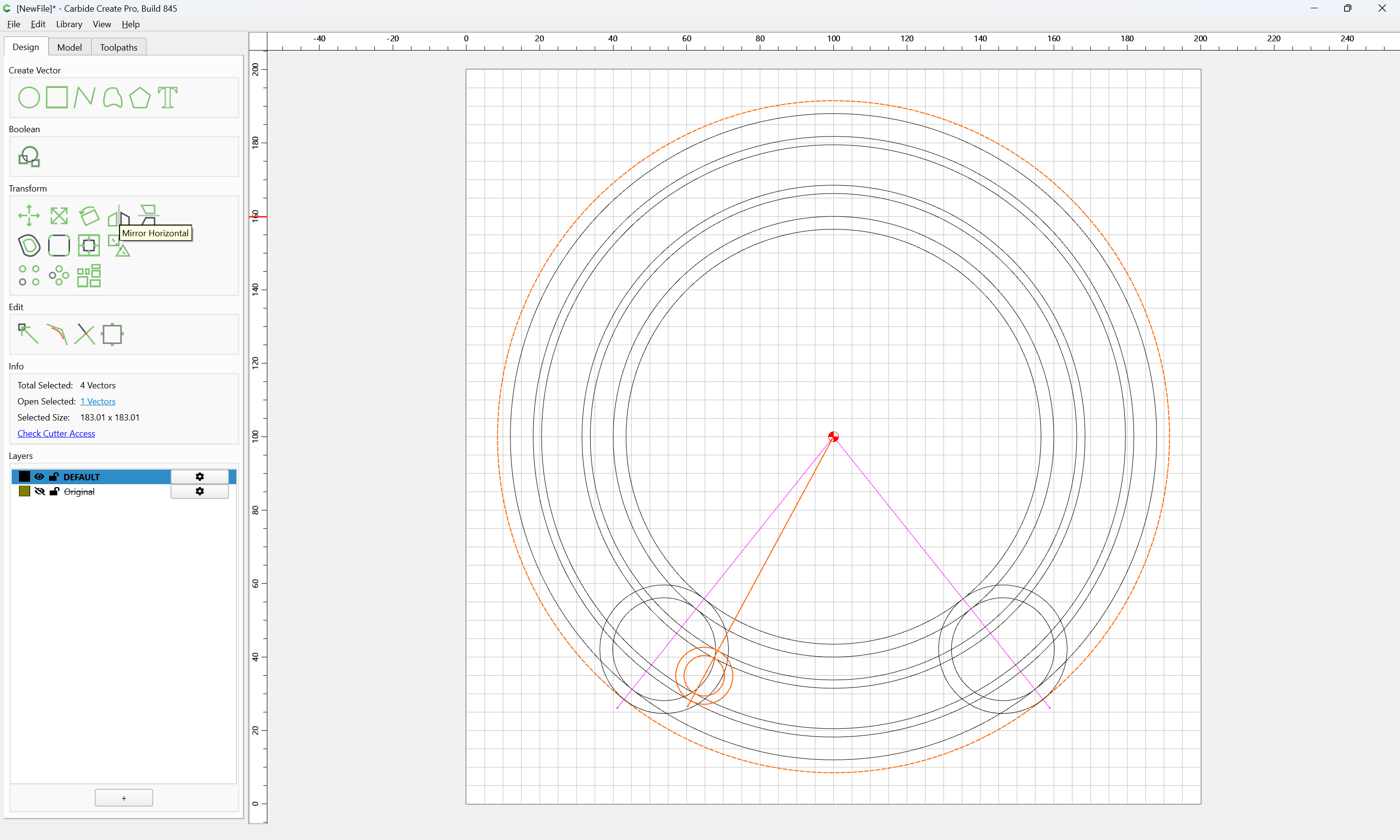
Mirror Horizontal:
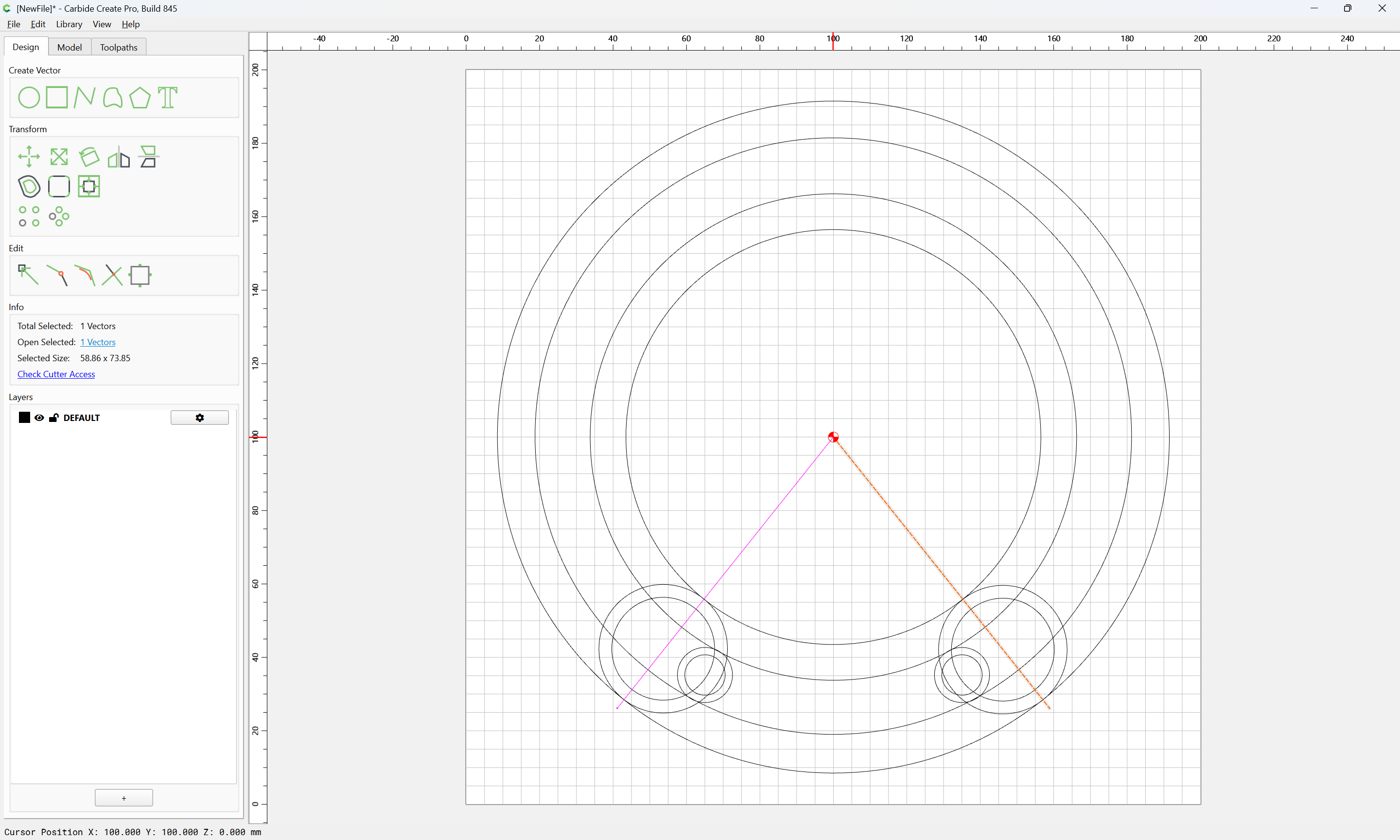
and drag into registration with the original:
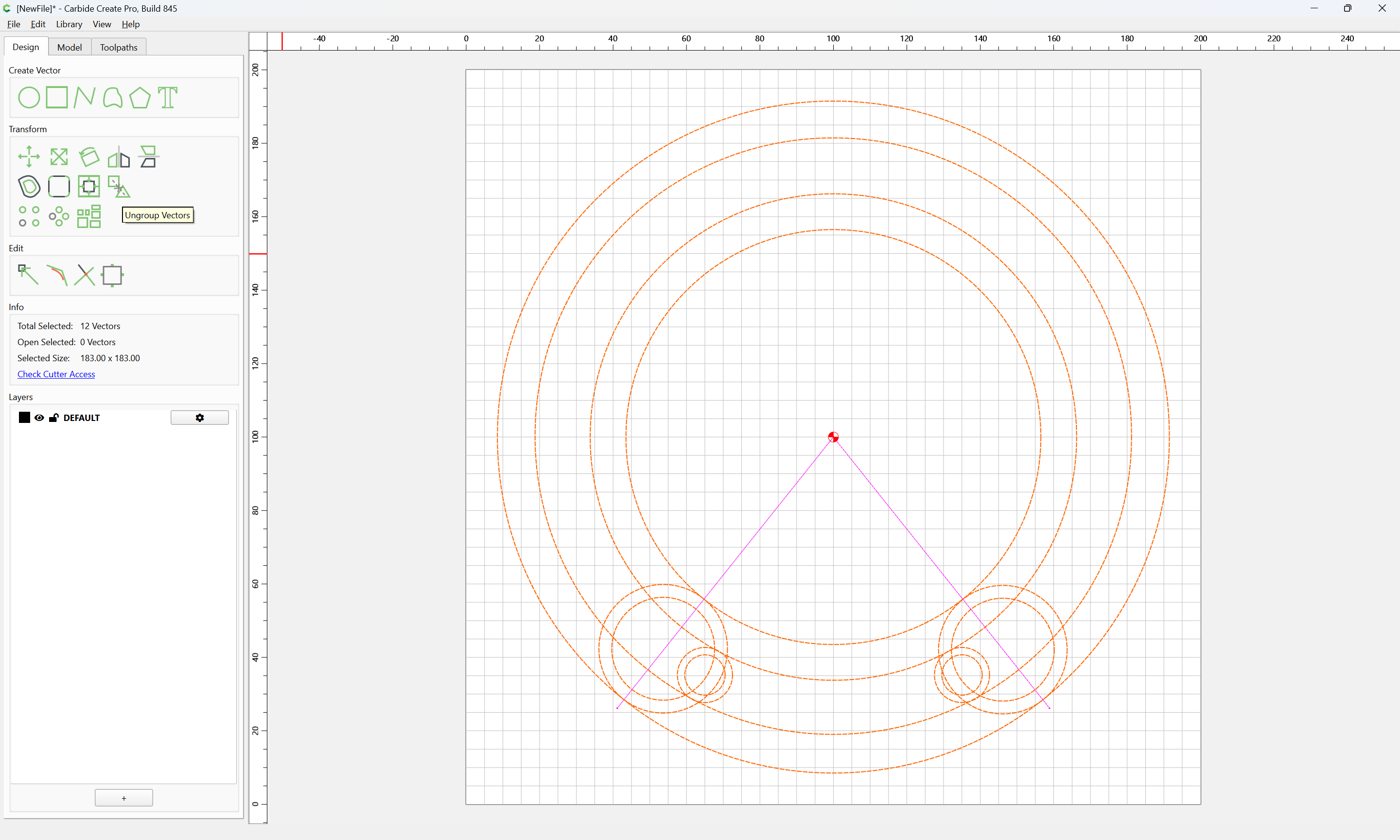
Ungroup:
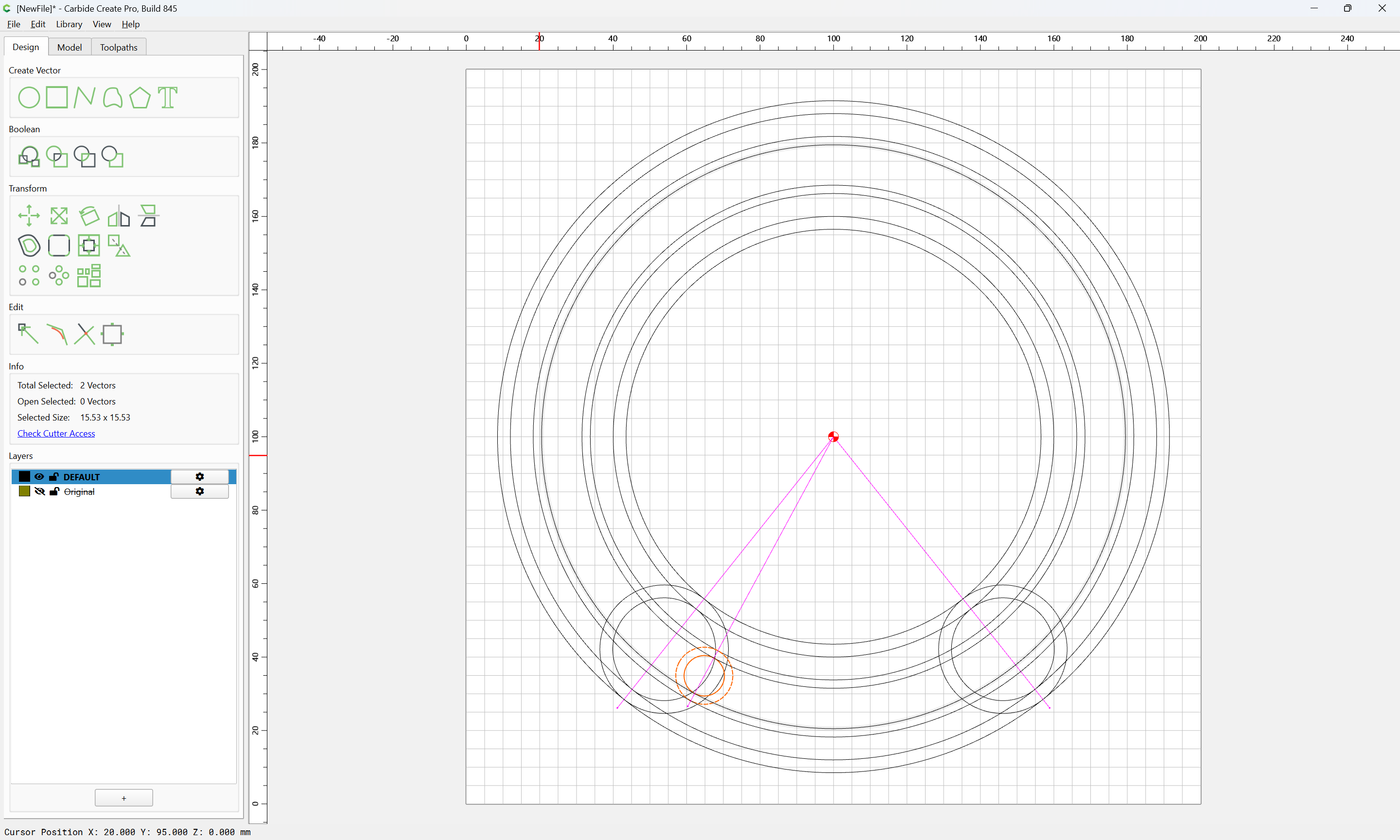
Select the geometry for the matching set of circles after creating the missing pair of circles and adjusting for the matter of things not perfectly matching up:
Probably best to just re-create everything…
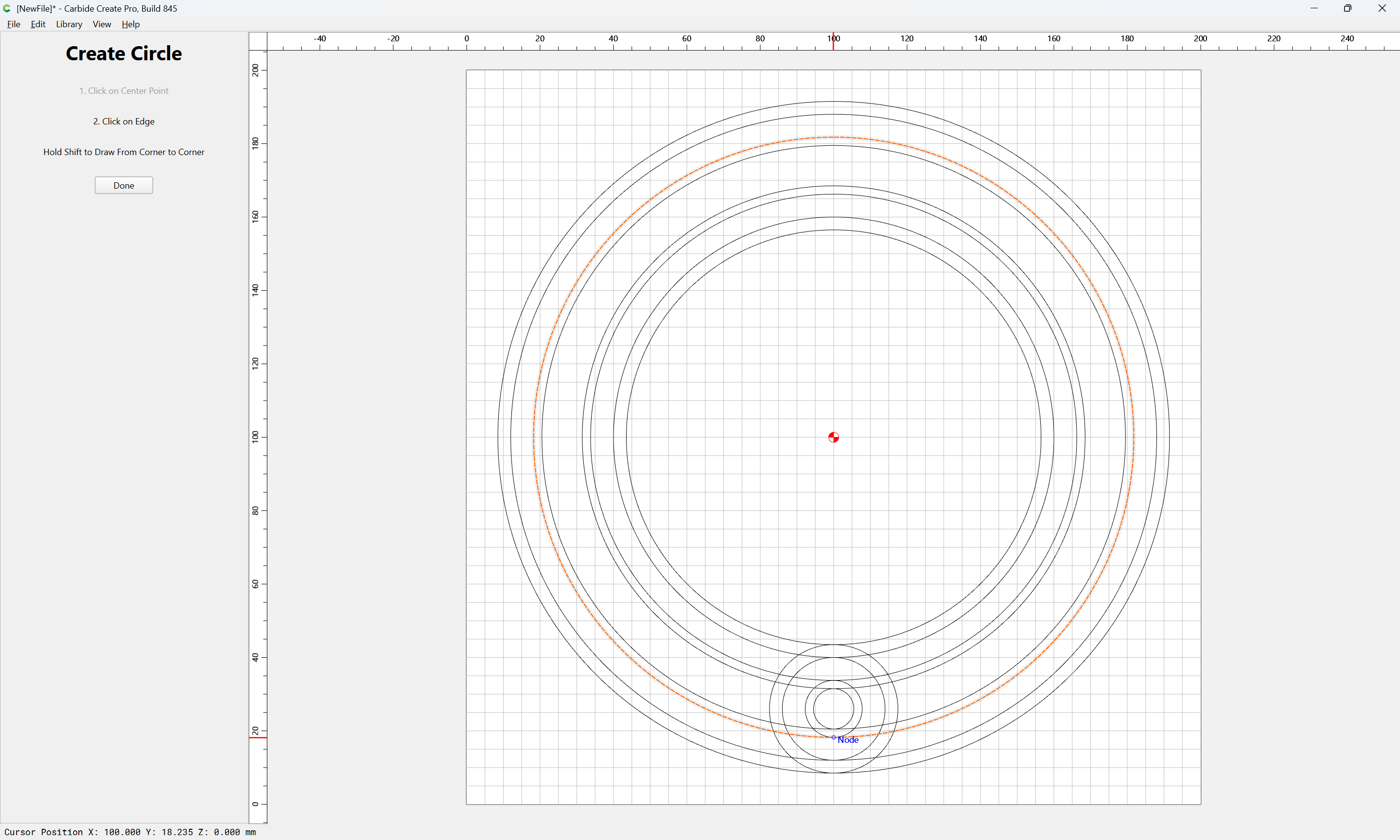
Re-draw one set of all the circles:
which makes the lacunae clear:
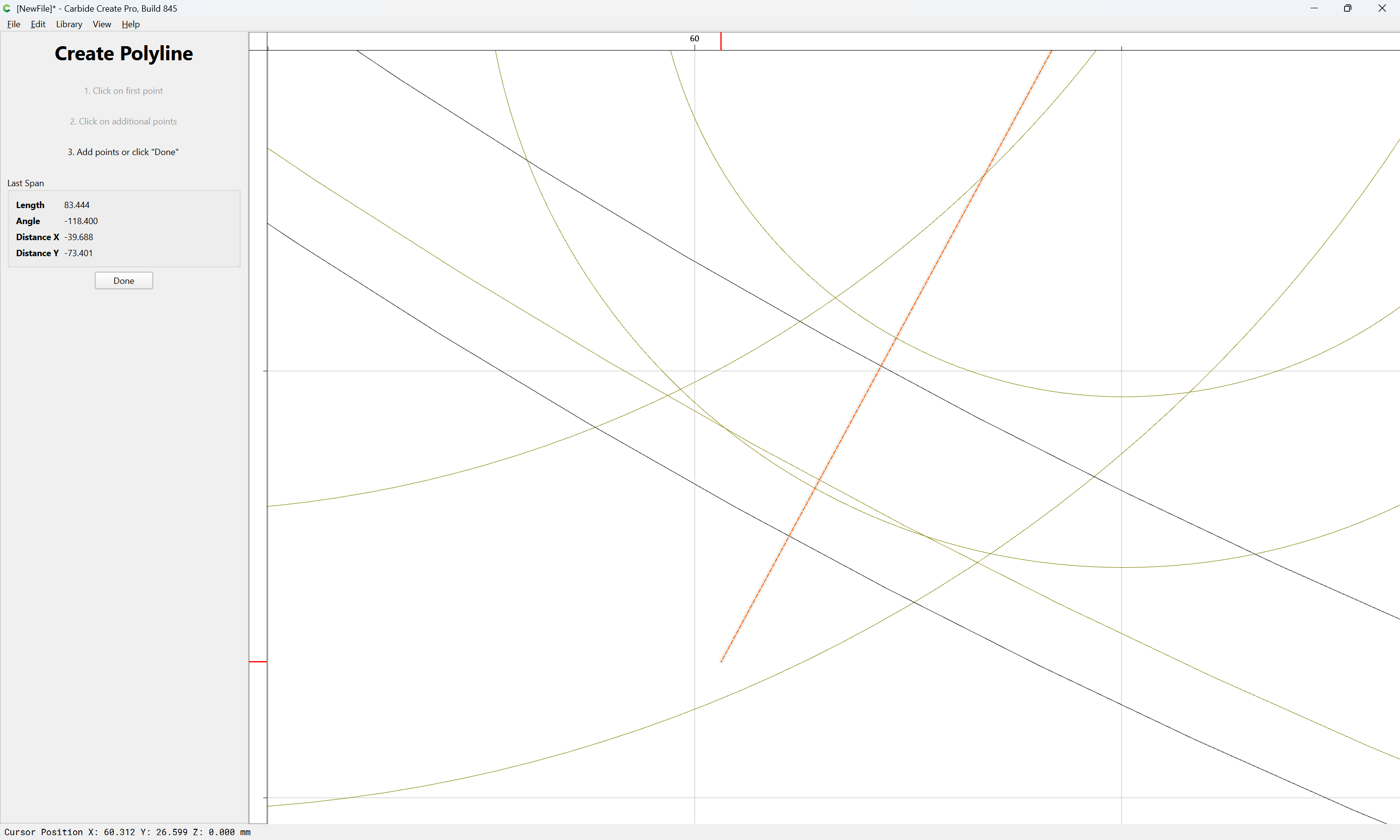
It will the be necessary to draw in the pair of lines to get the angles needed:
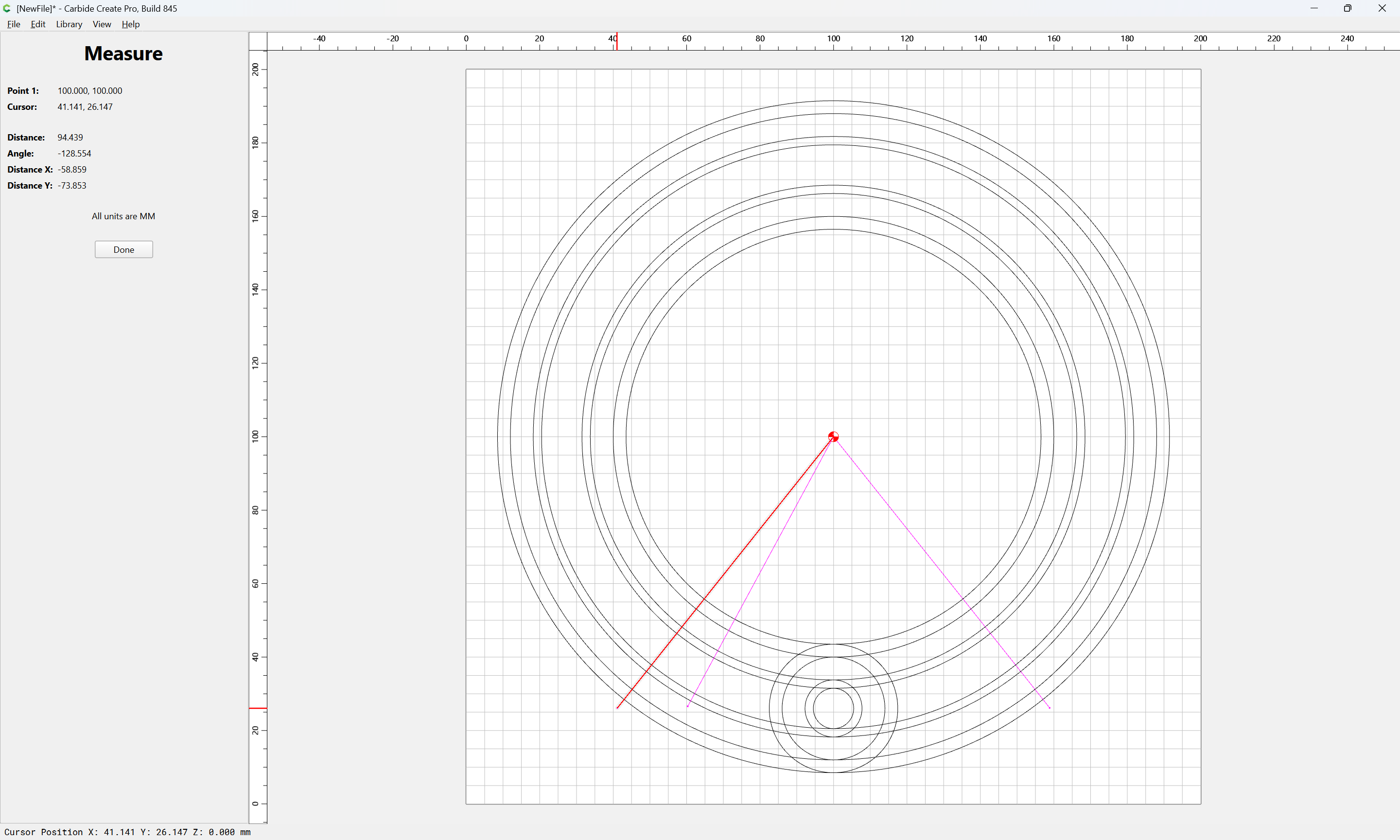
Then Measure the needed rotation:
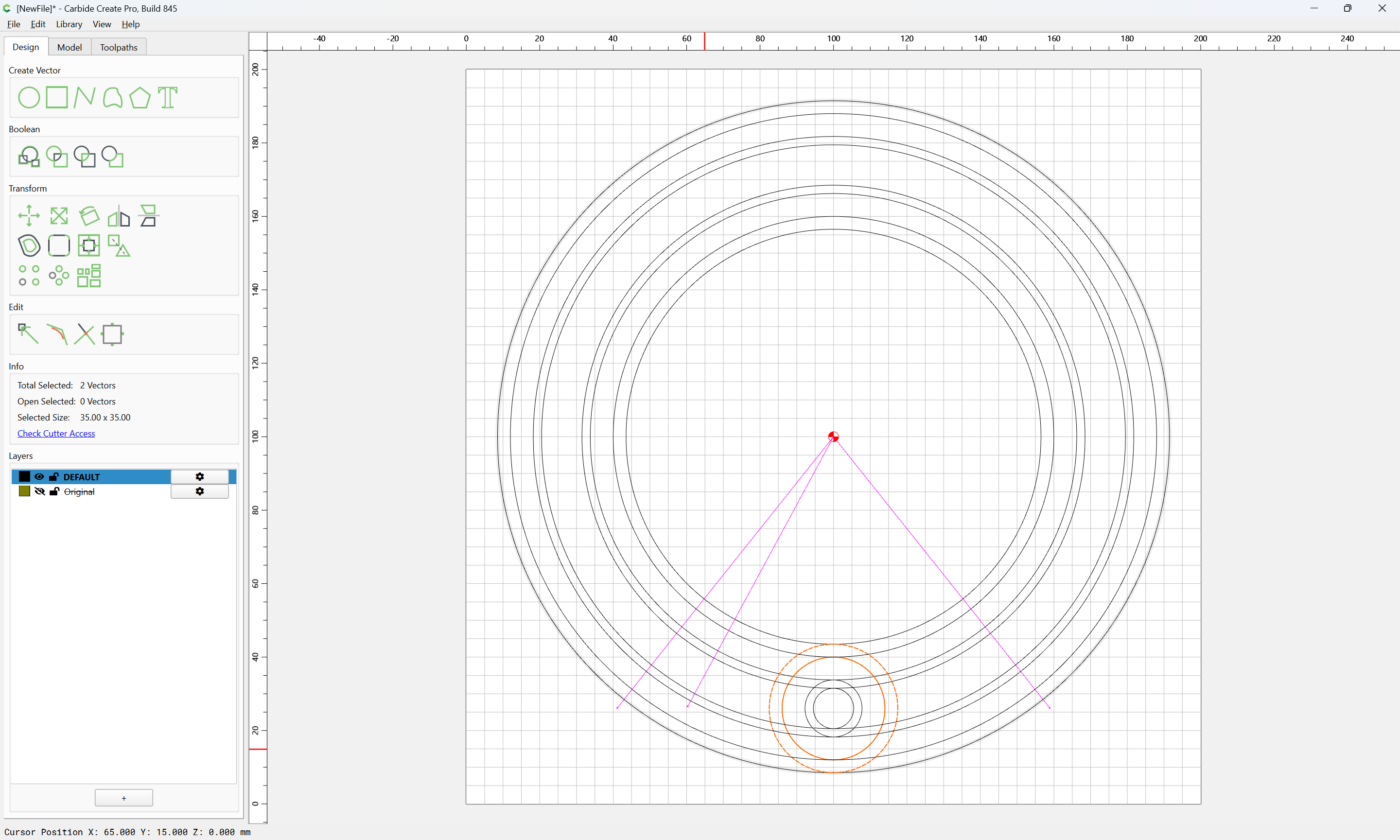
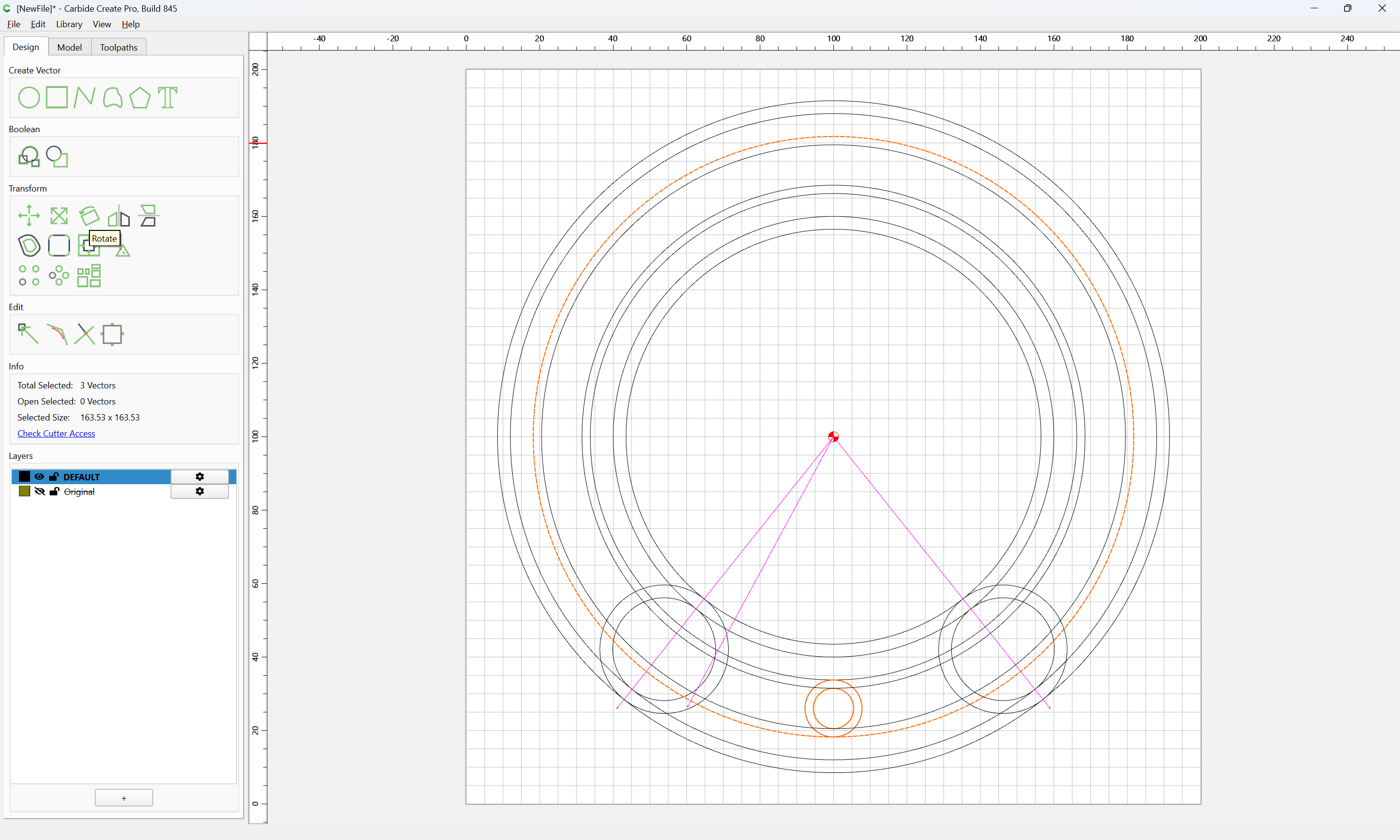
Select the pair of circles which match:
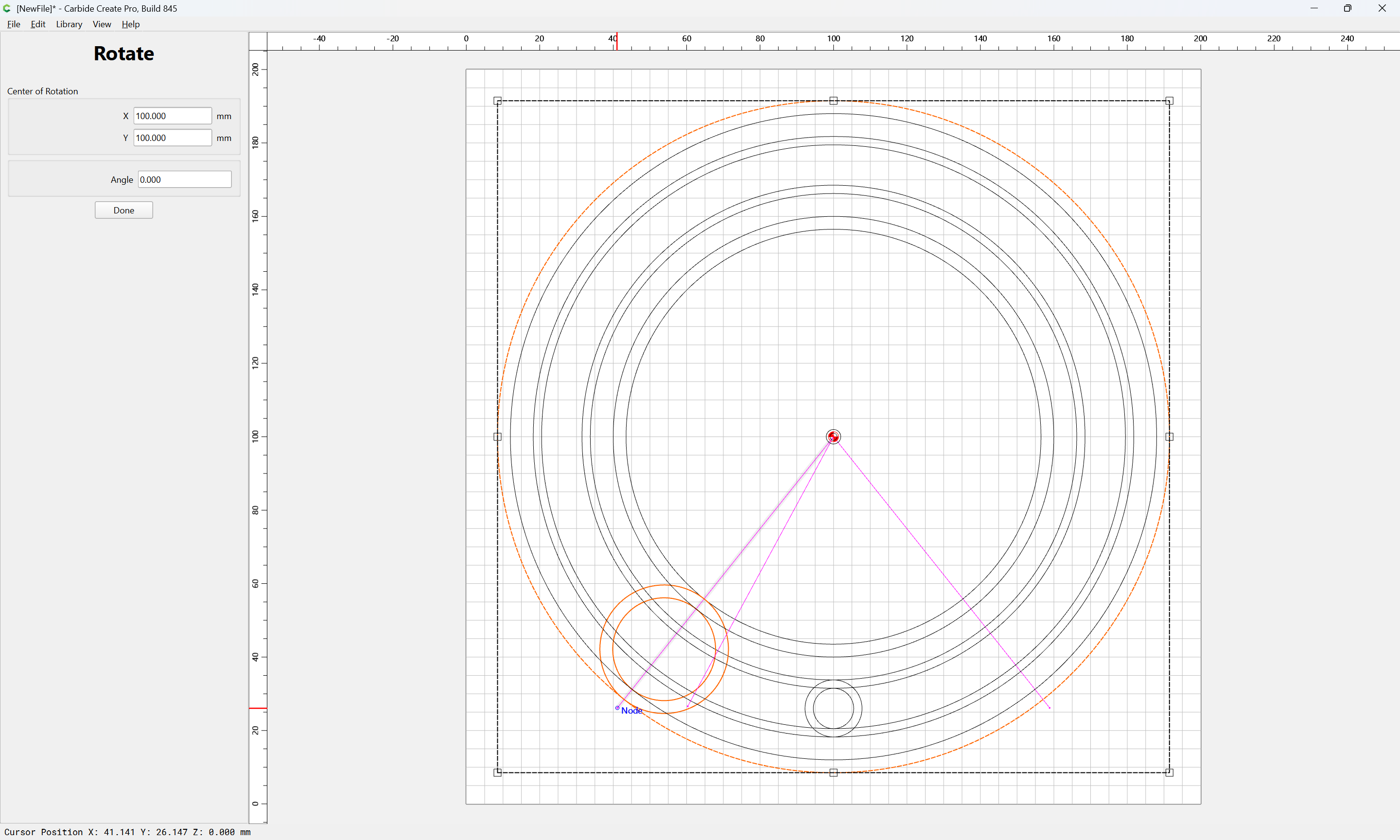
and a piece of geometry which is larger and centered on the desired point of rotation:
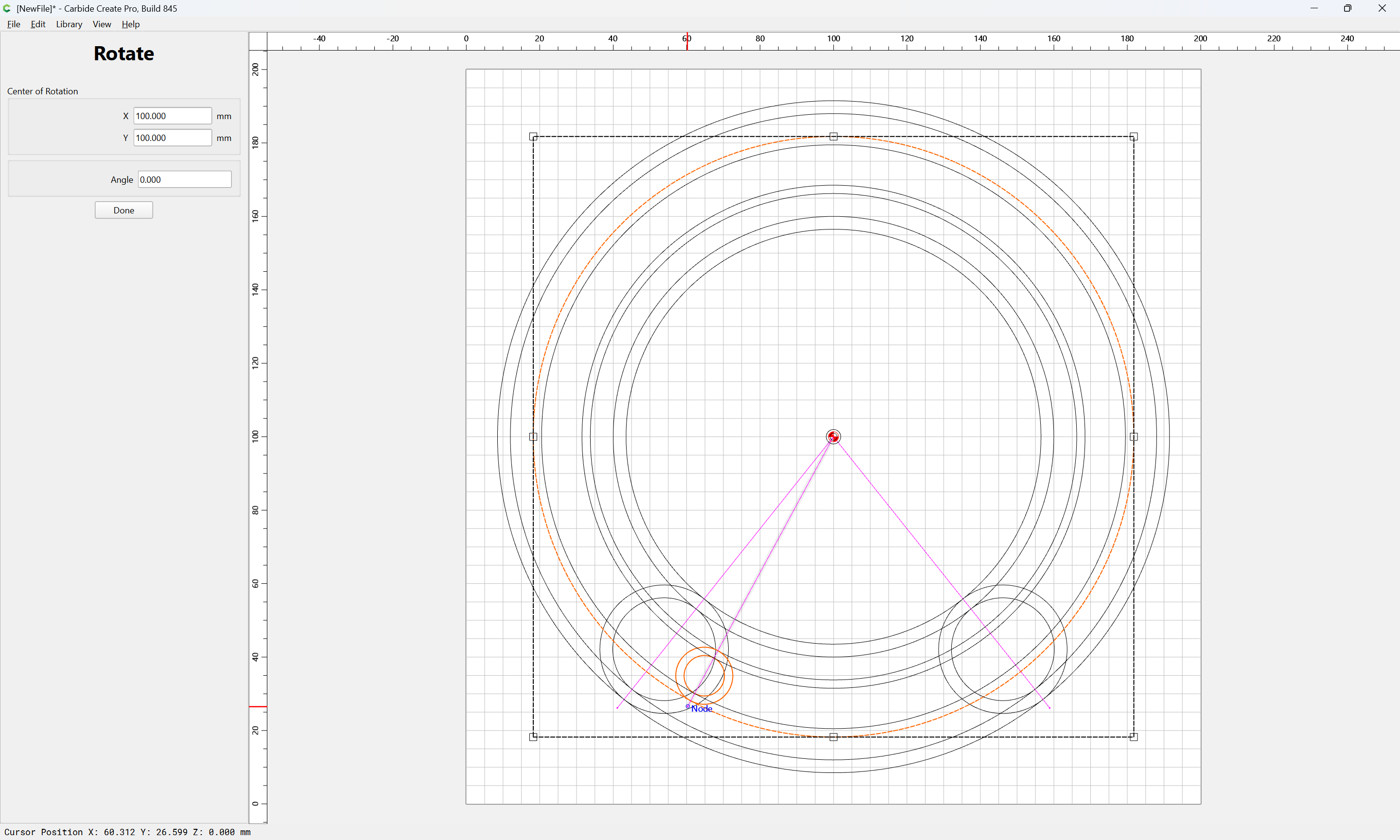
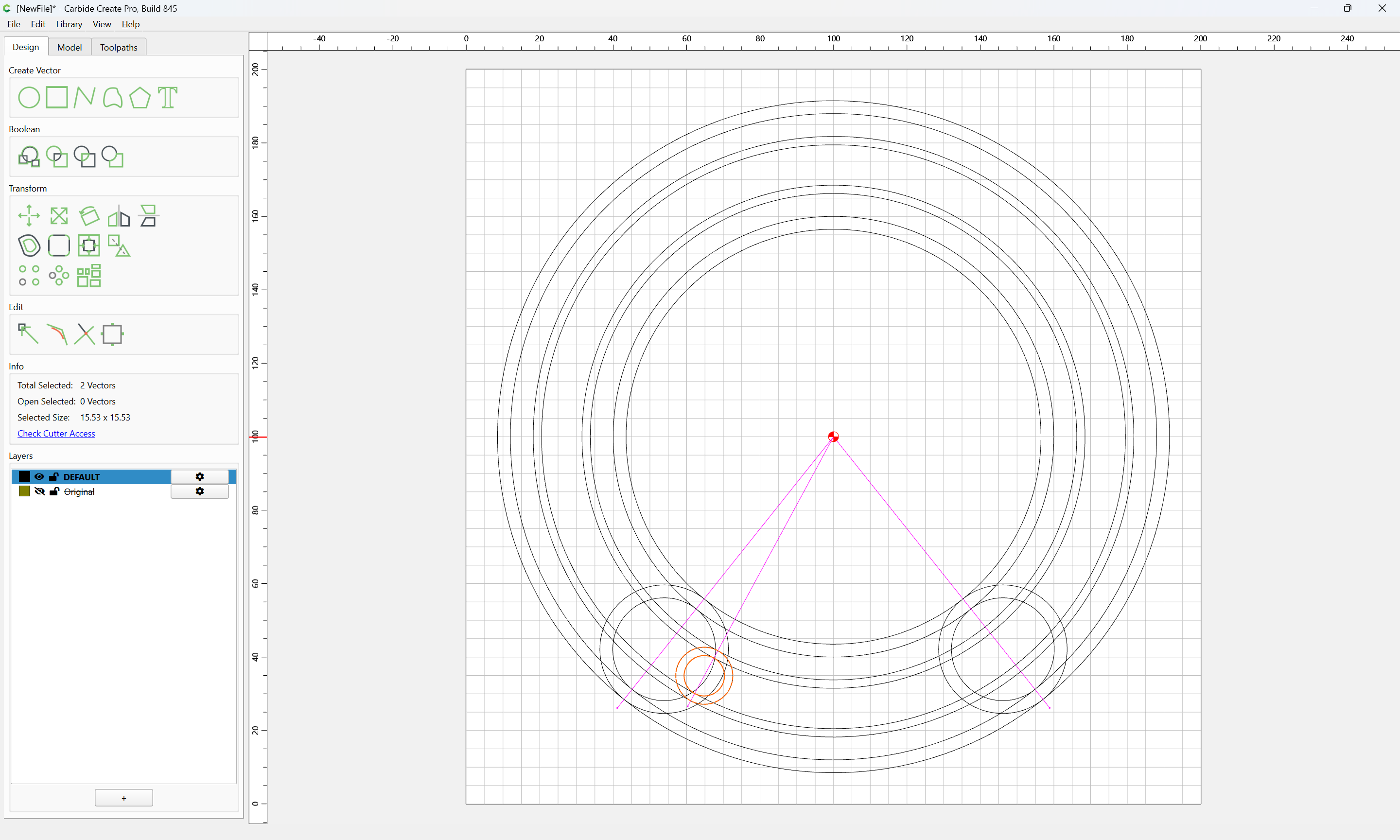
and rotate it into position — it should work to snap against the node of the line, rendering the measurement superfluous:
Done
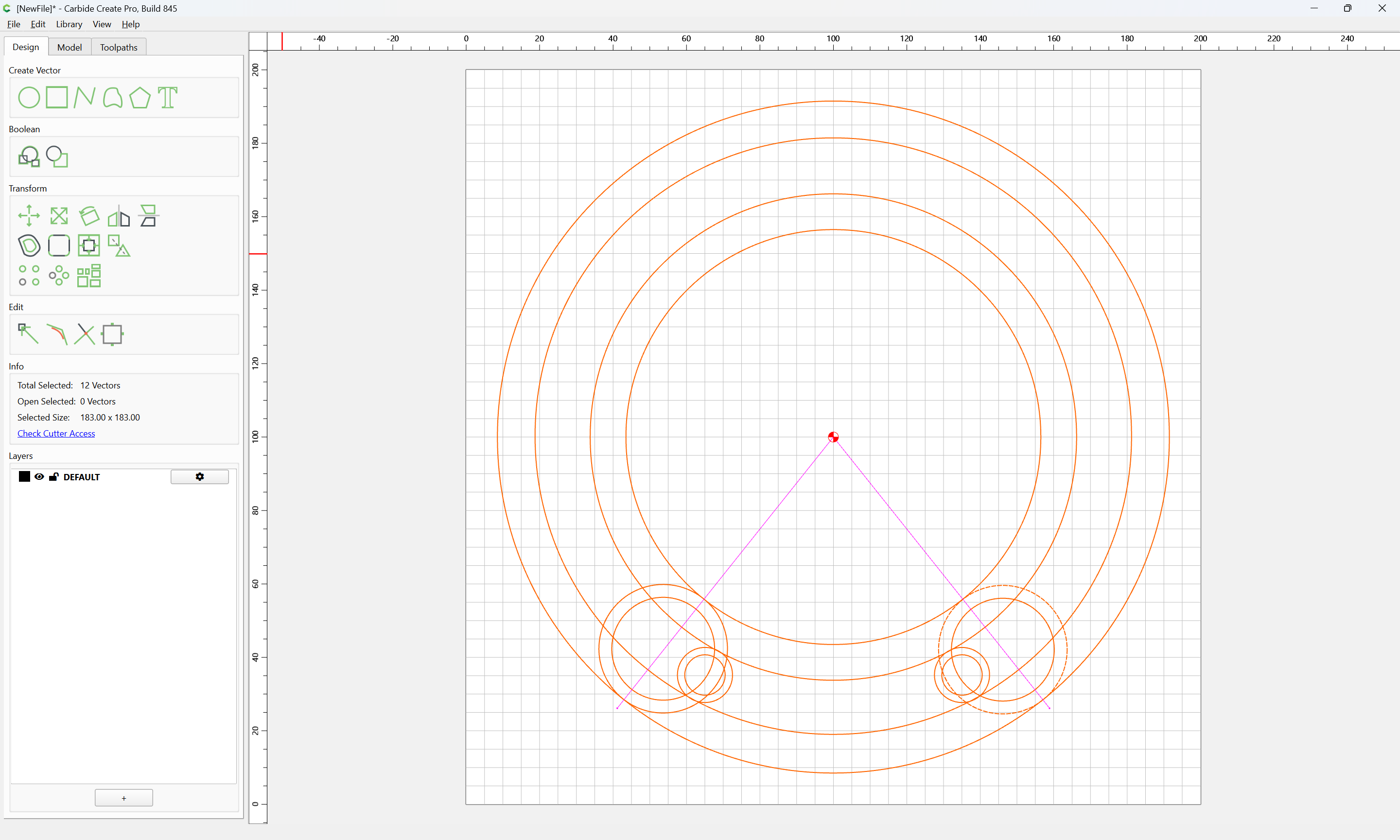
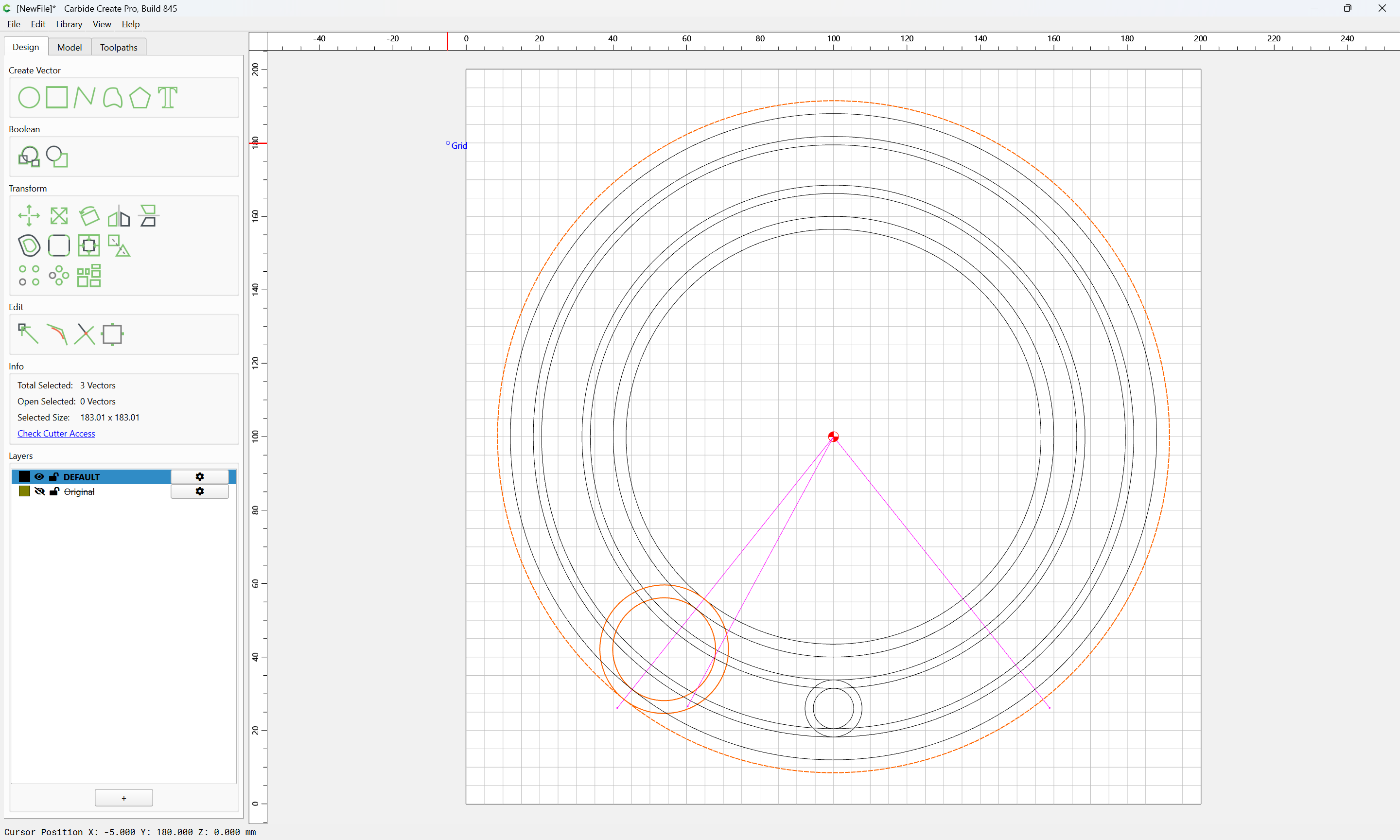
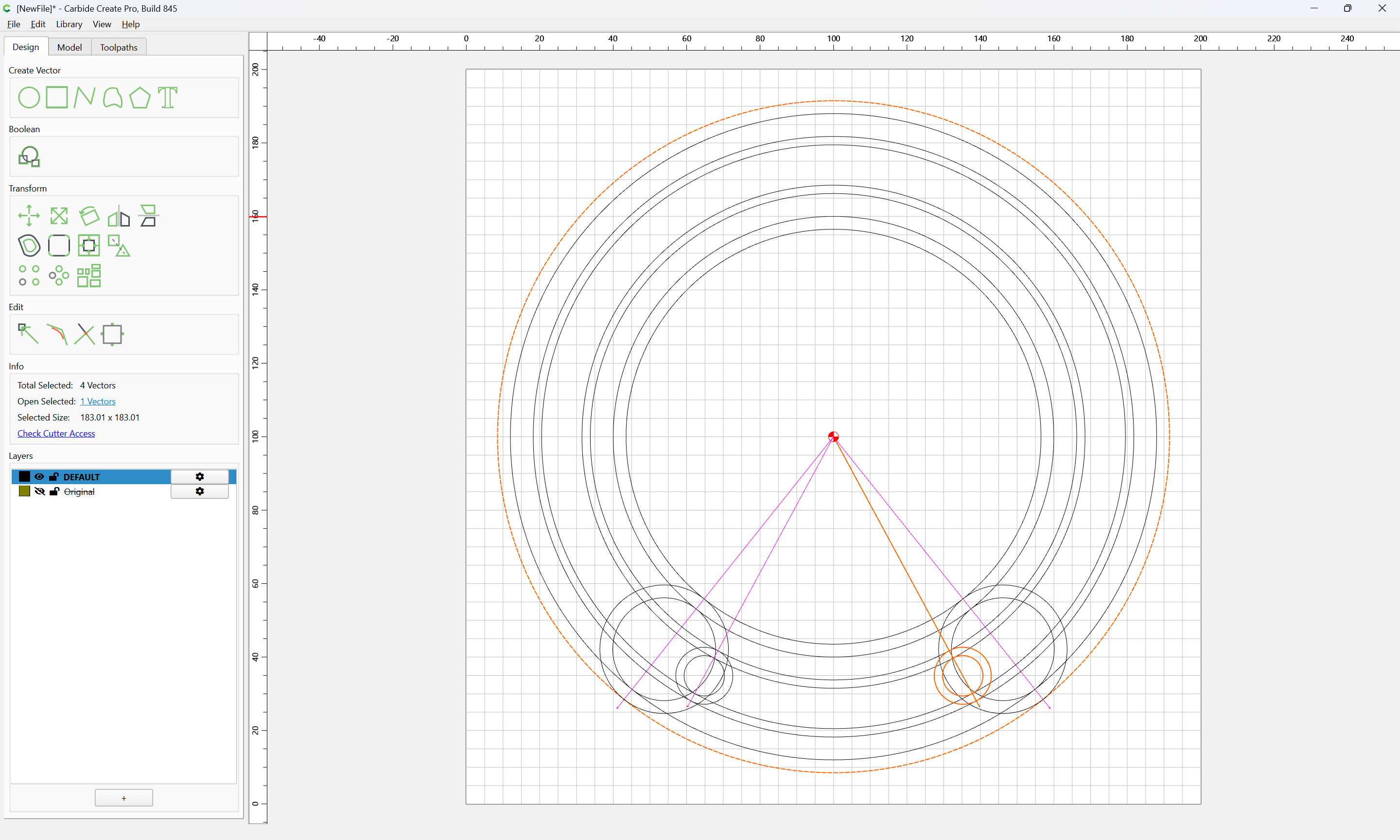
Duplicate the rotated circles:
shift-click on the surrounding circle to add it back to the selection:
and Mirror Horizontal:
Repeat for the remaining circles:
Done
copy-plaste to clone in place:
then shift-click on a surrounding centered piece of geometry:
and do the same to the other angled line:
Select the desired elements:
and Mirror Horizontal:
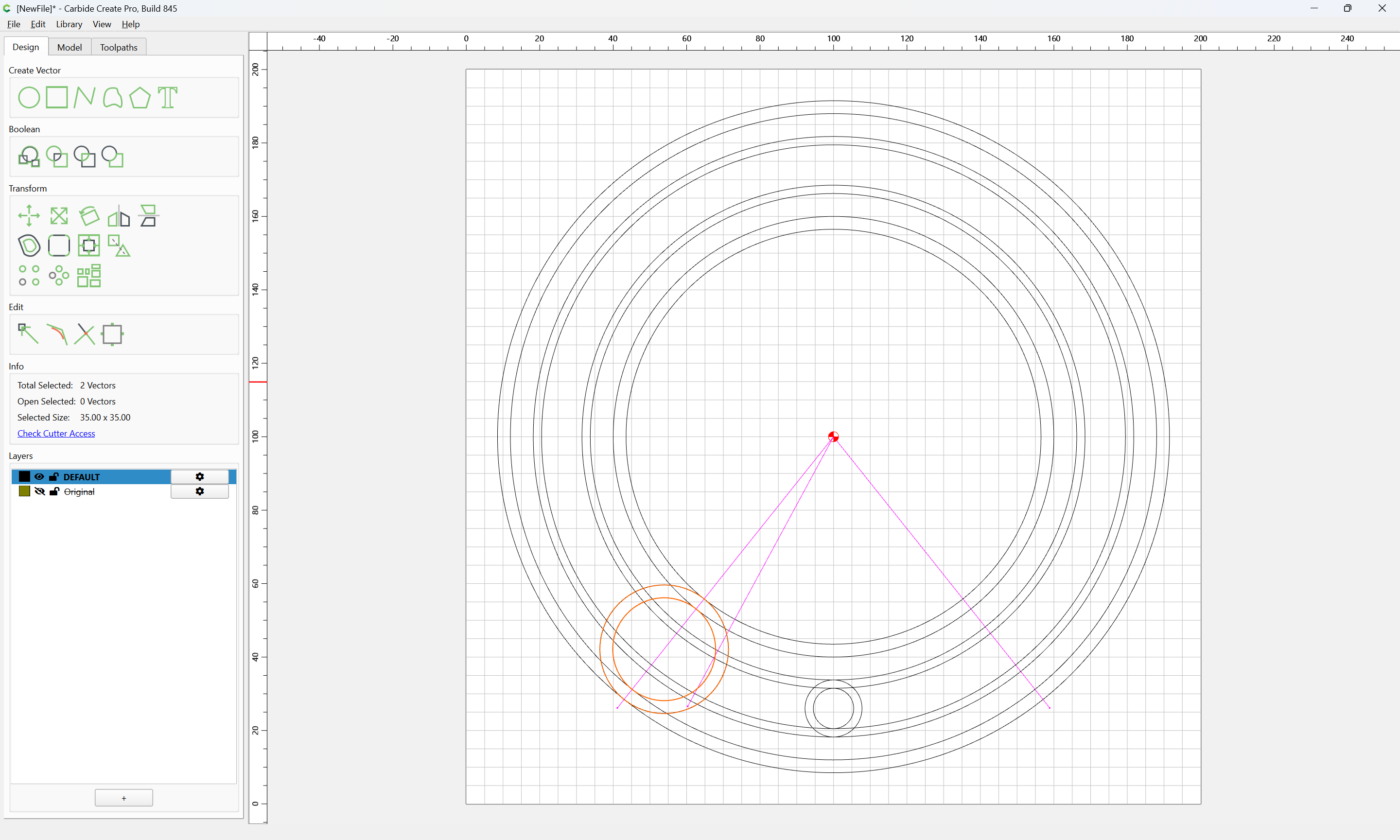
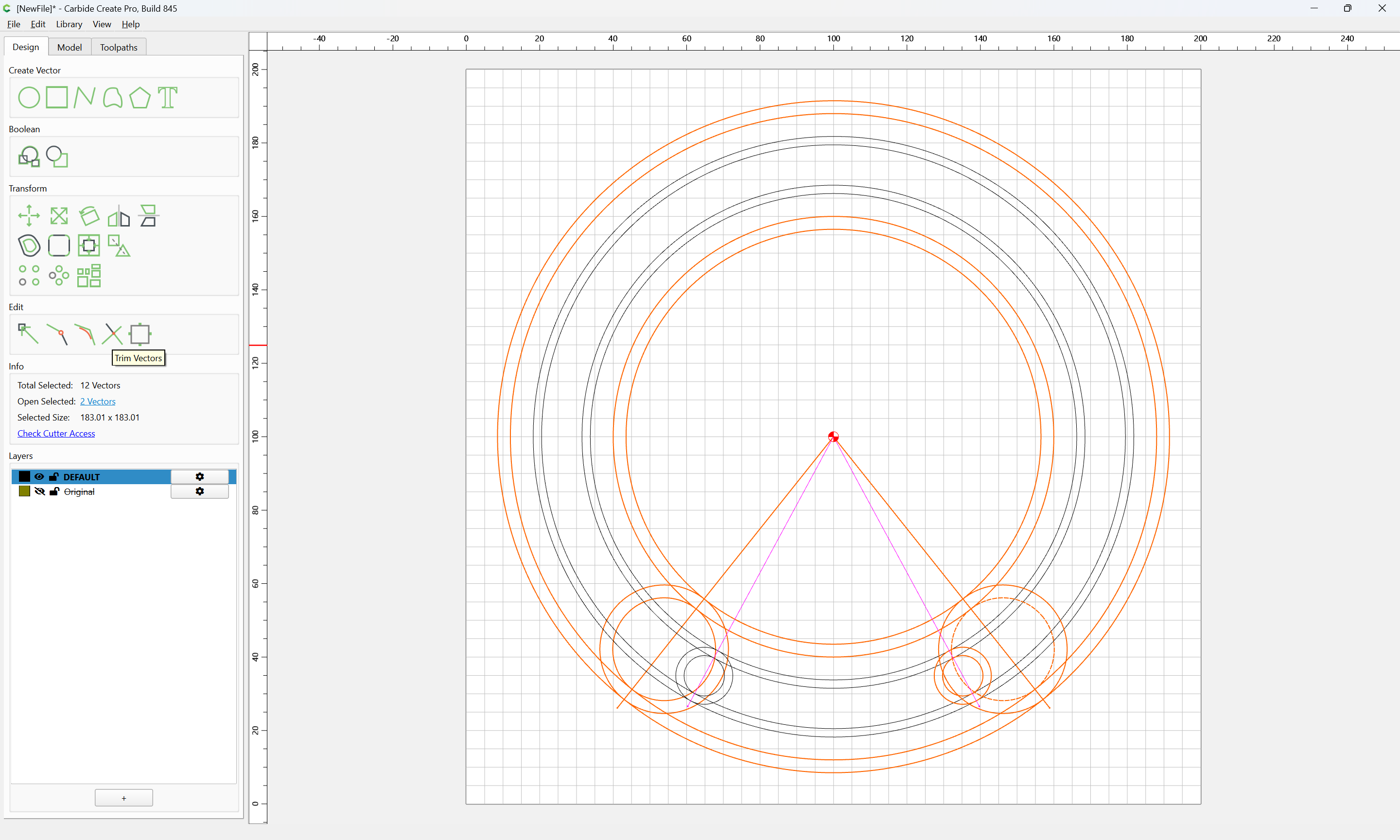
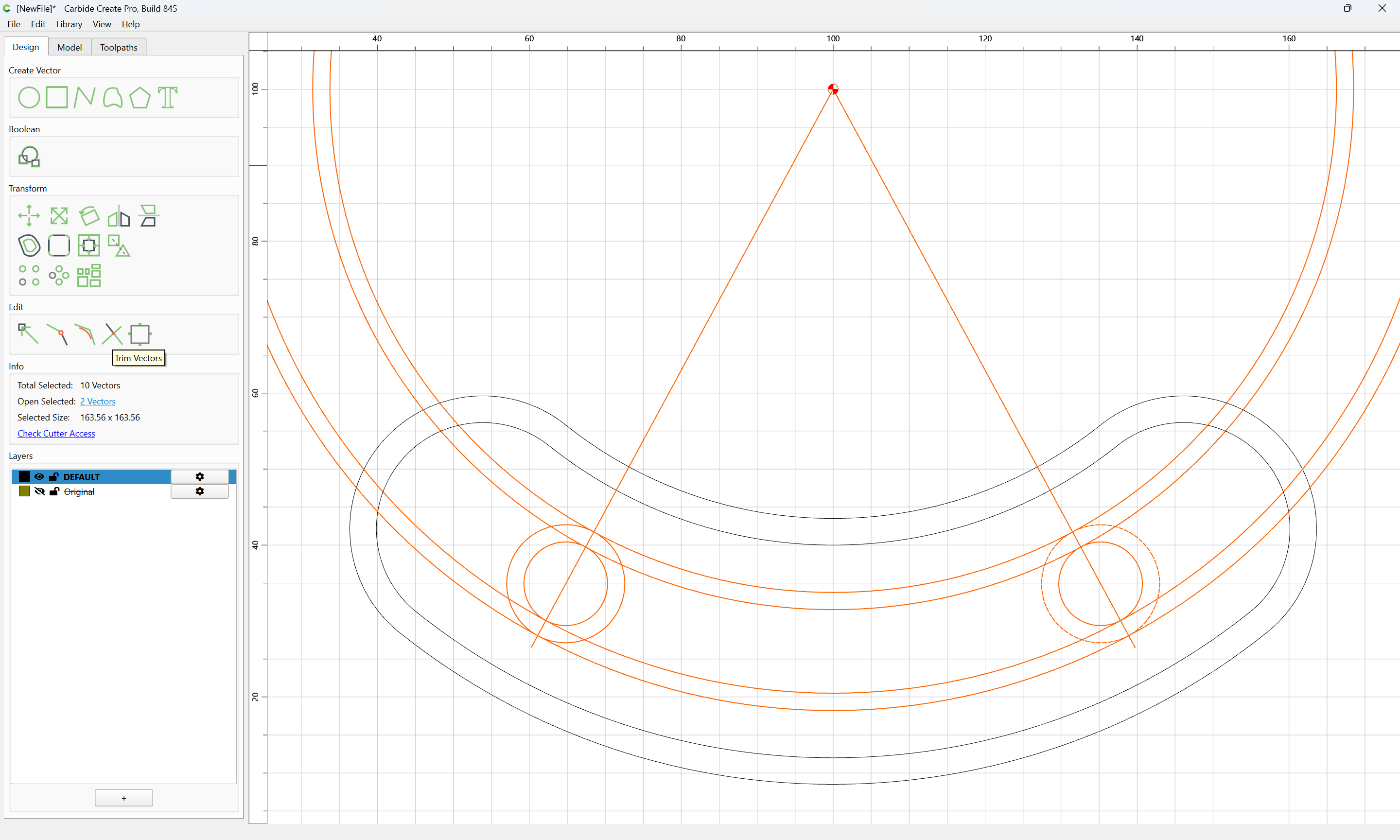
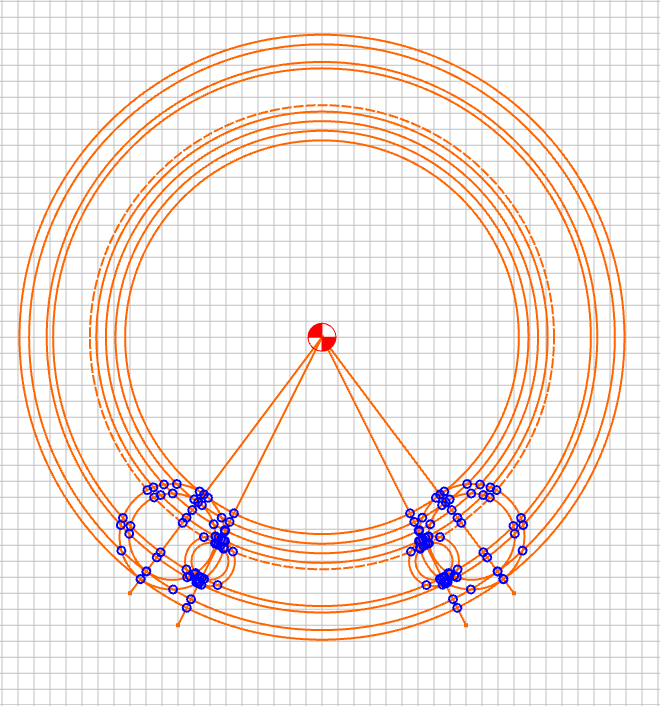
With a full set of geometry which is correctly aligned, then it is simply a matter of selecting each subset:
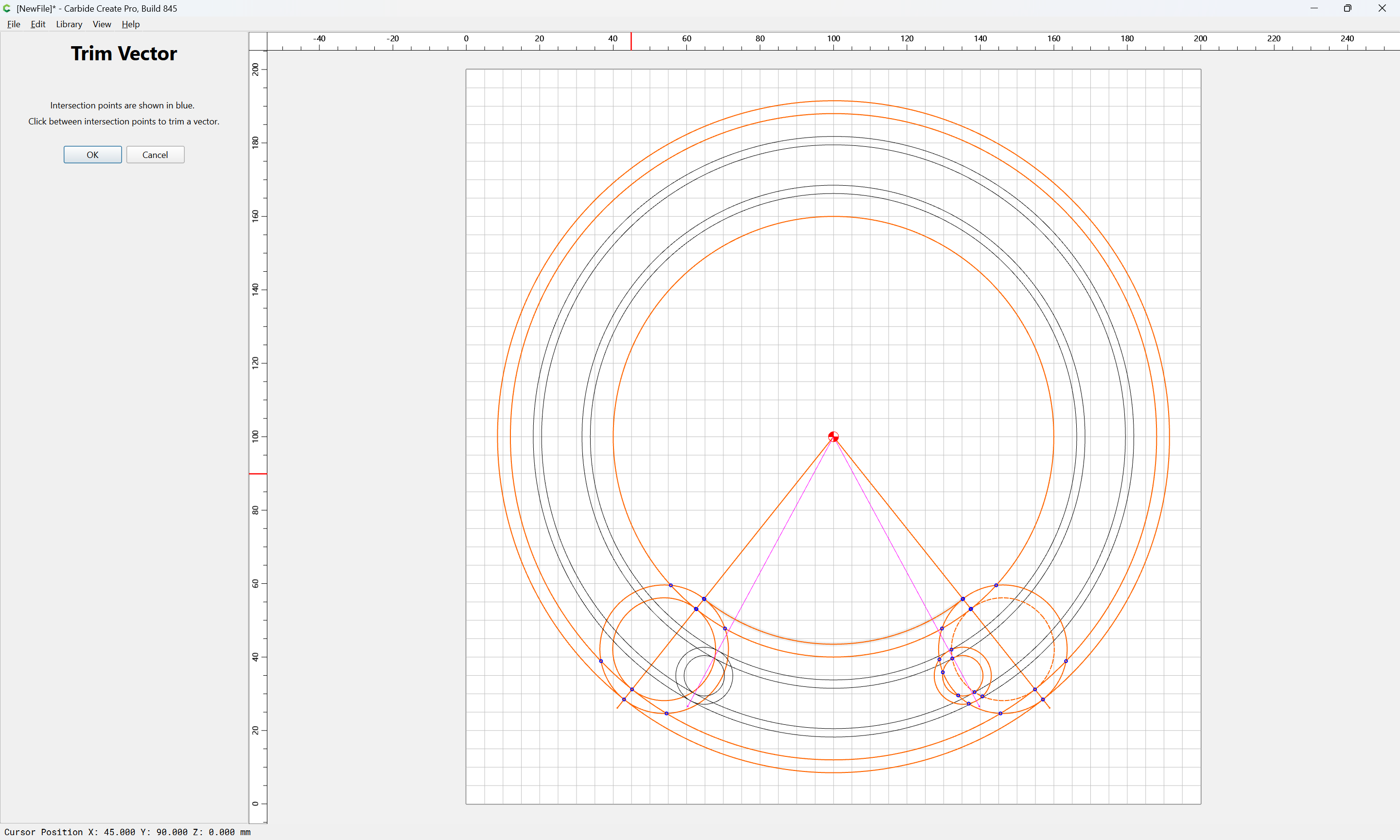
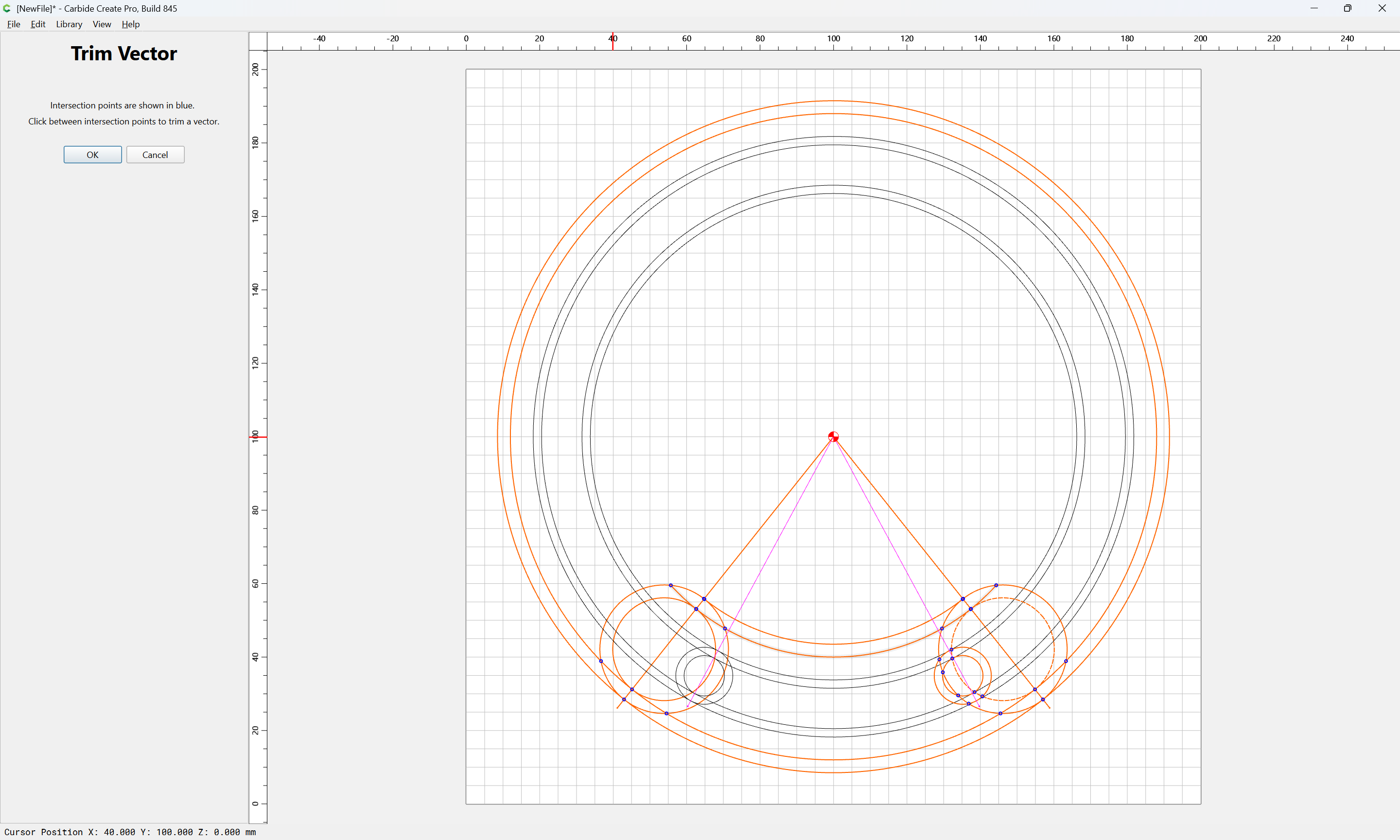
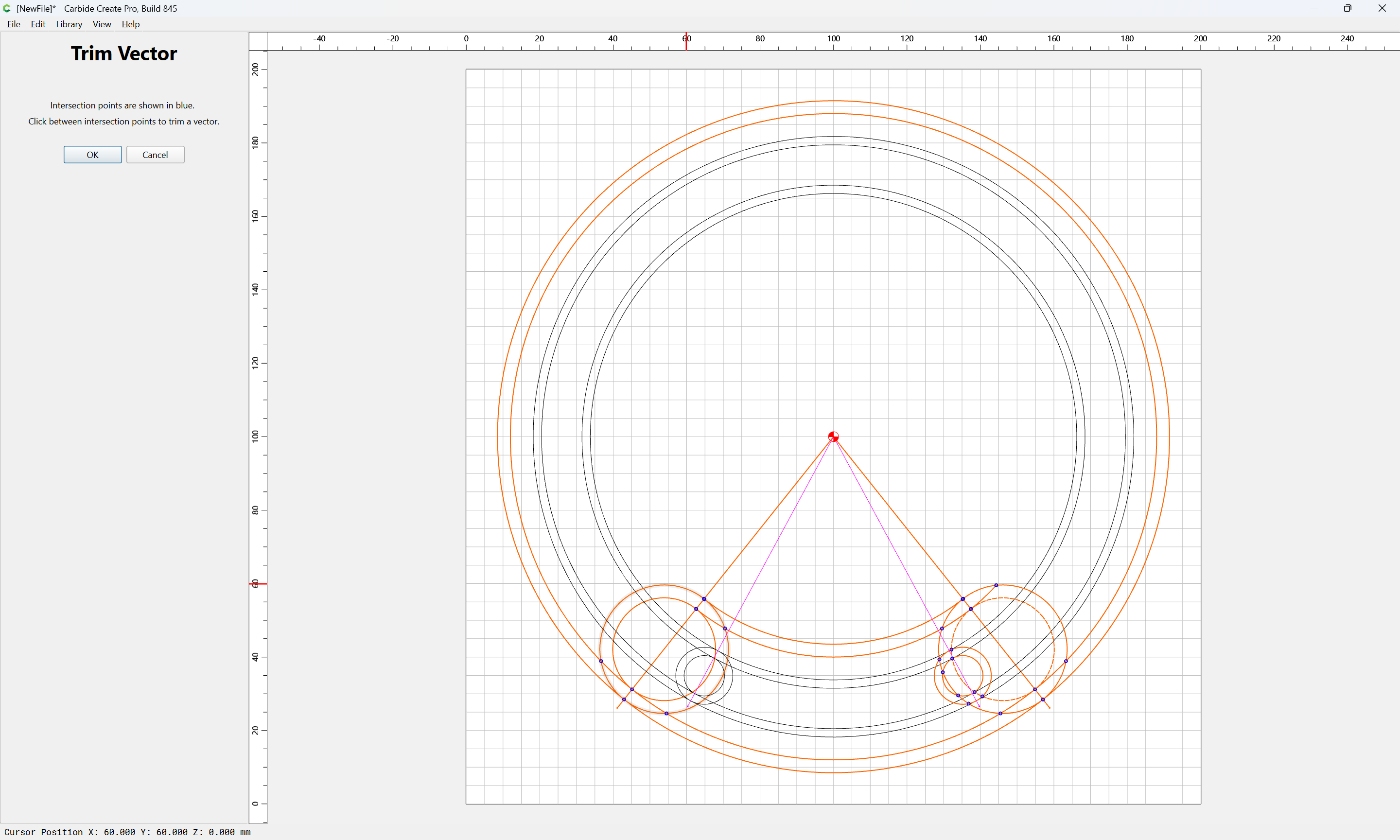
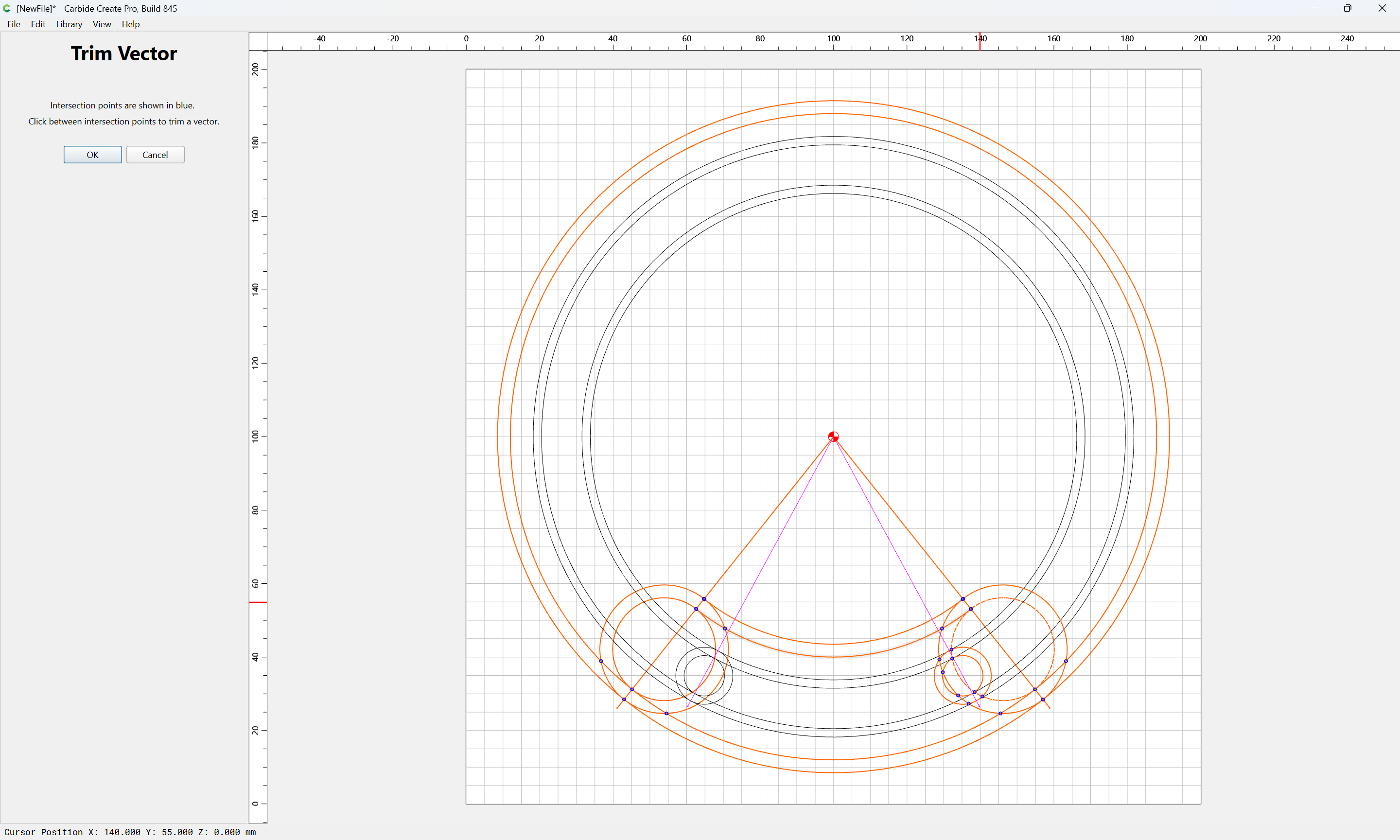
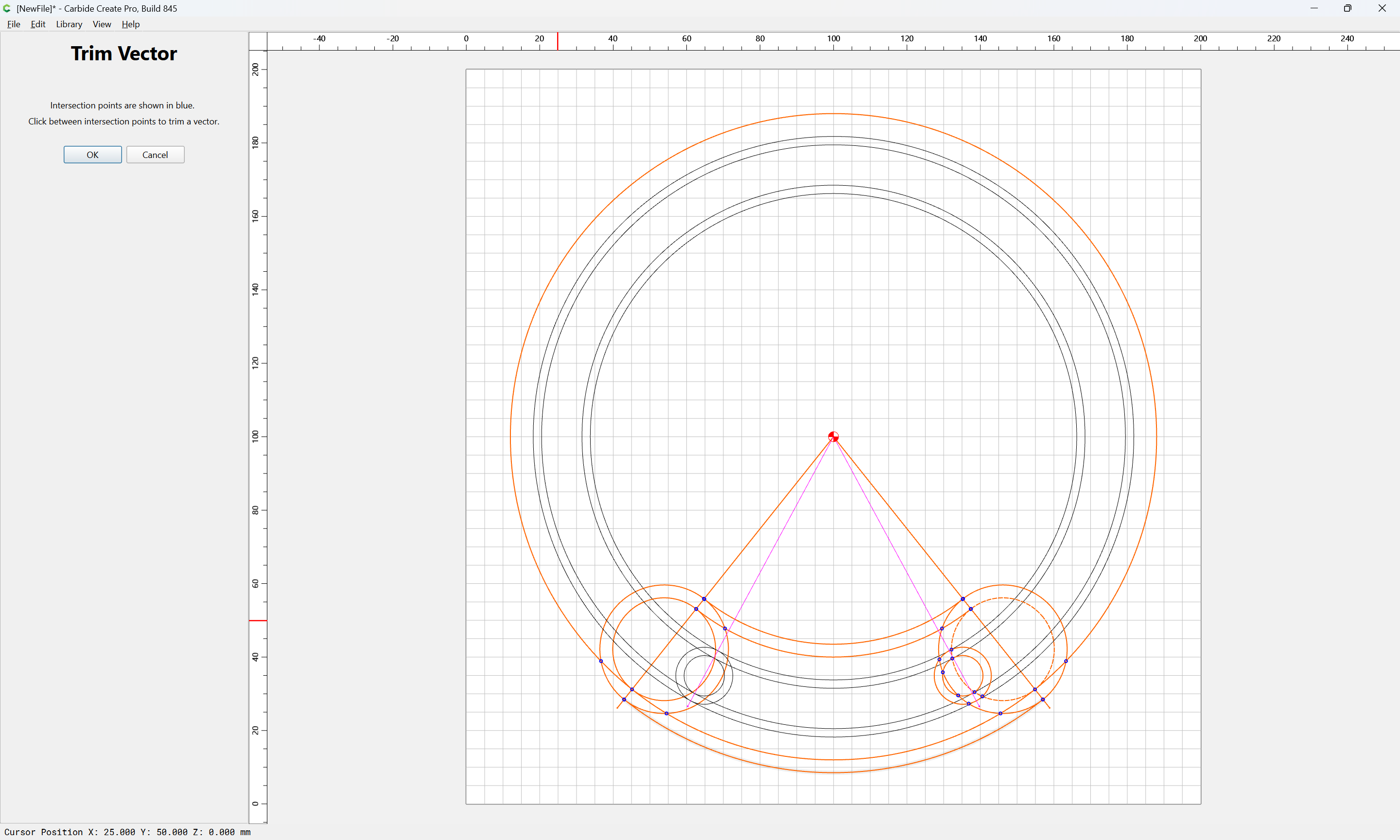
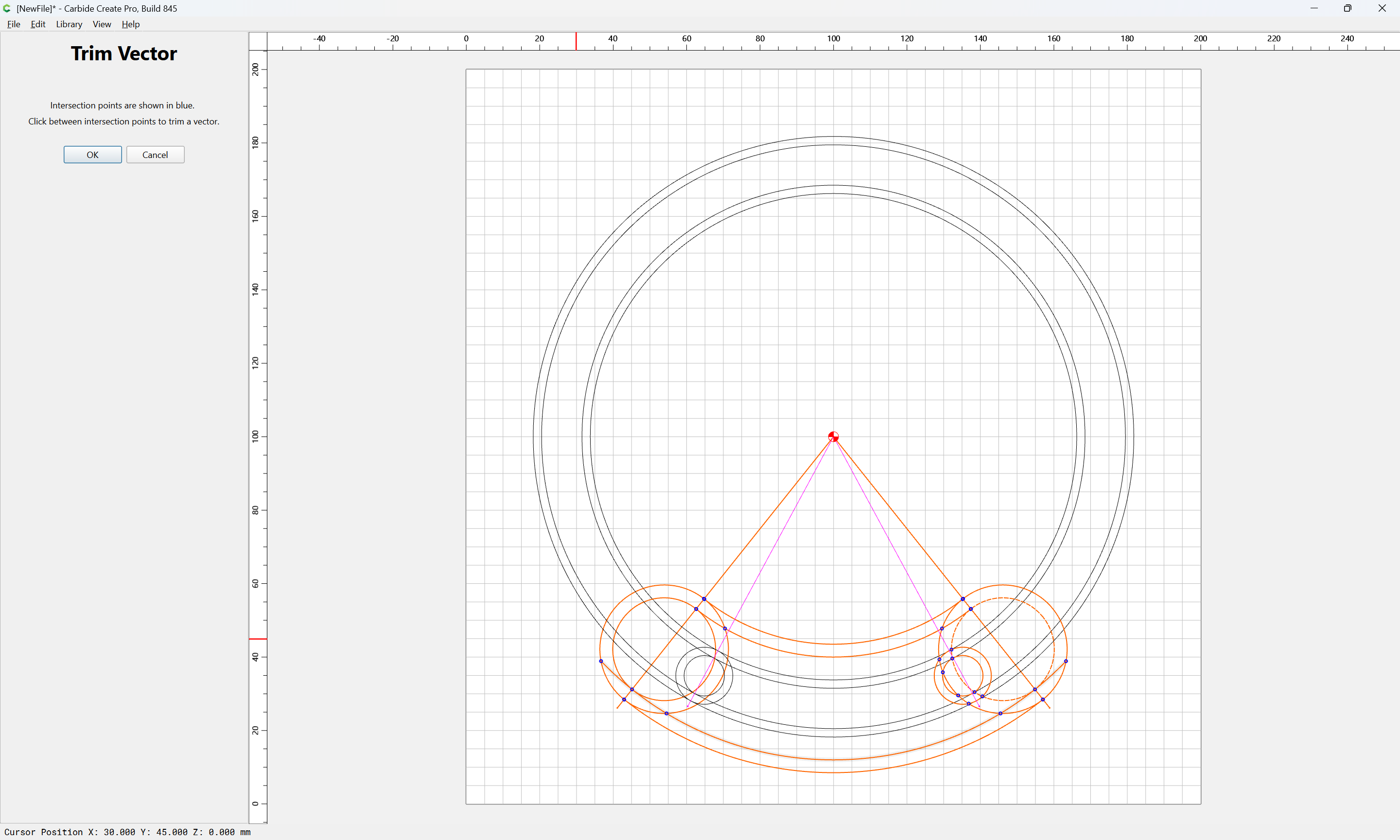
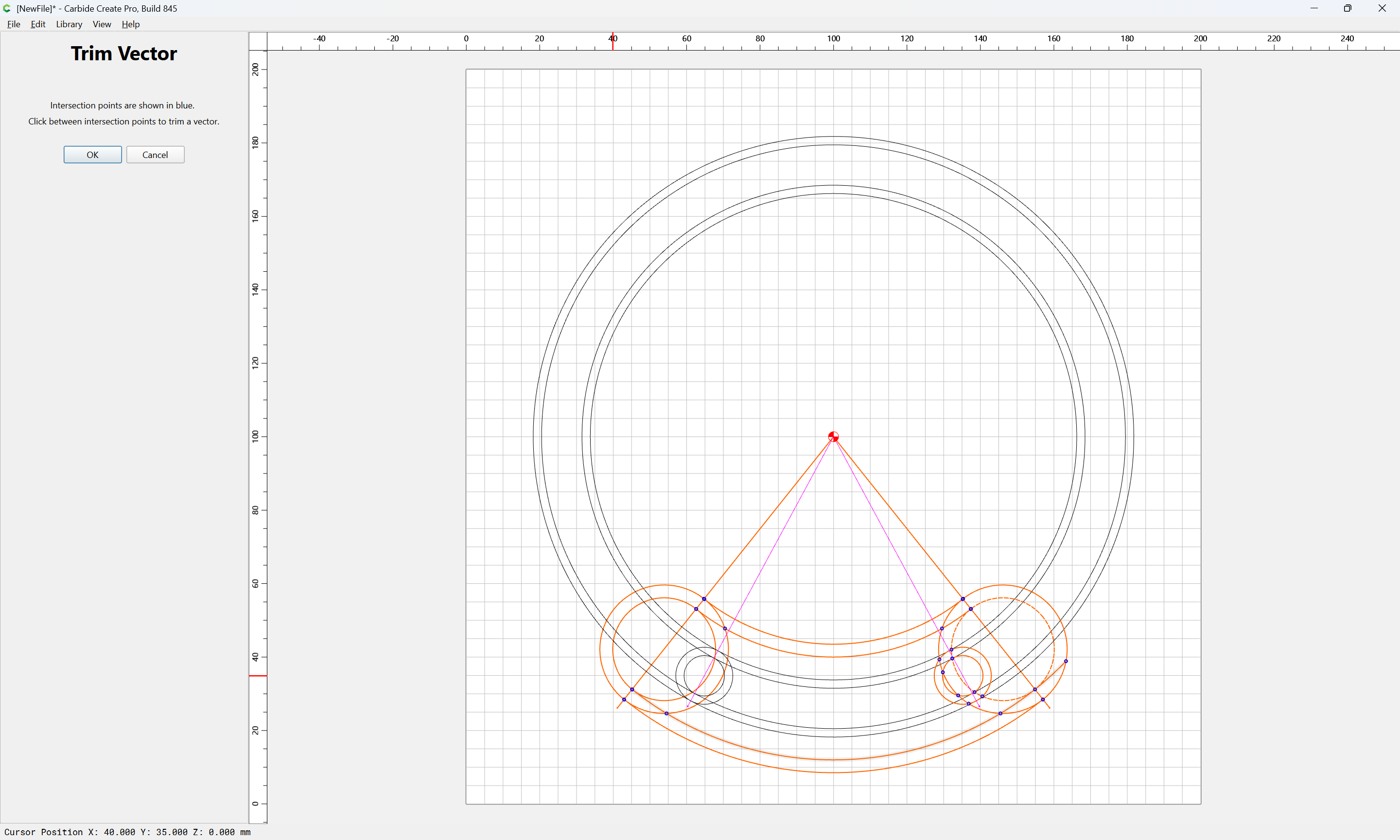
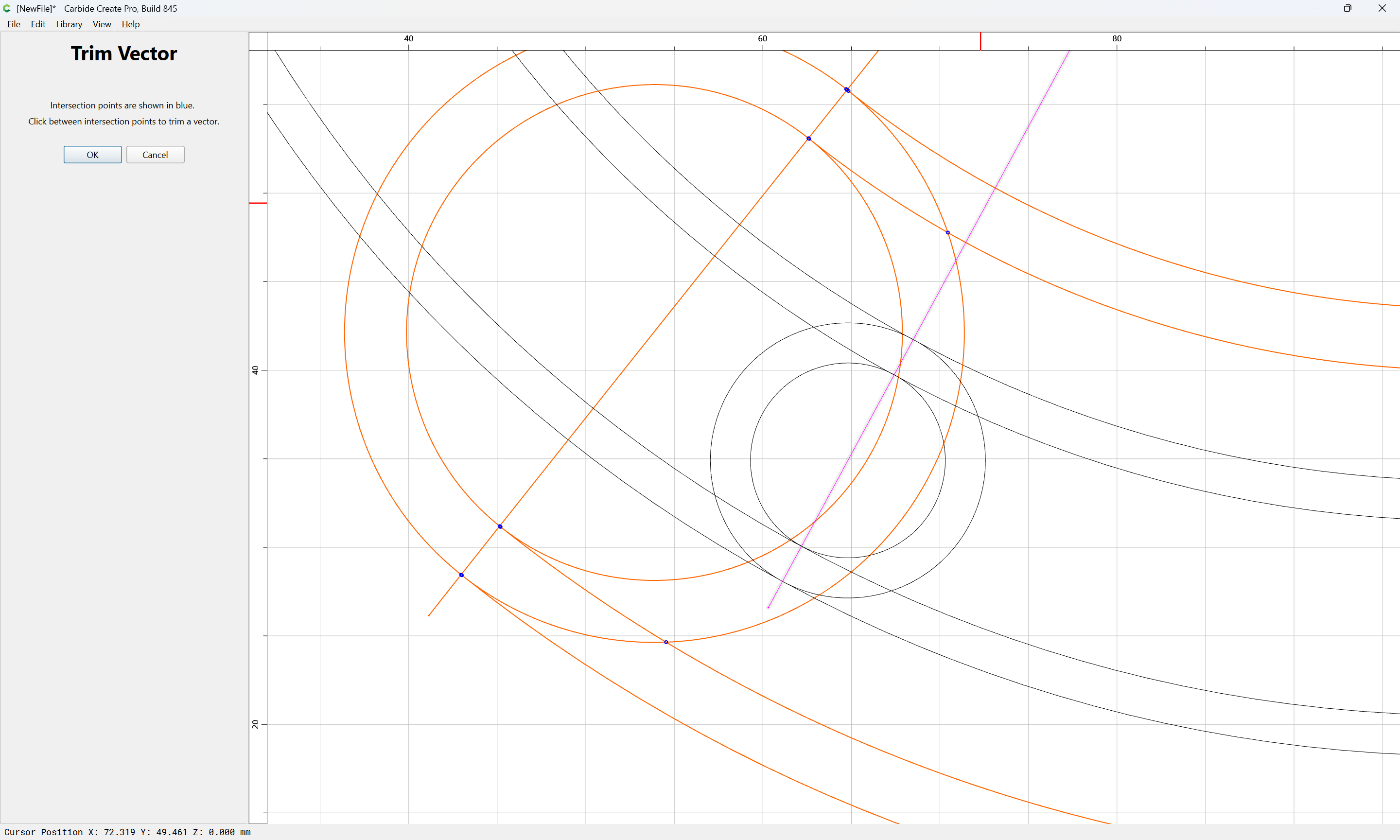
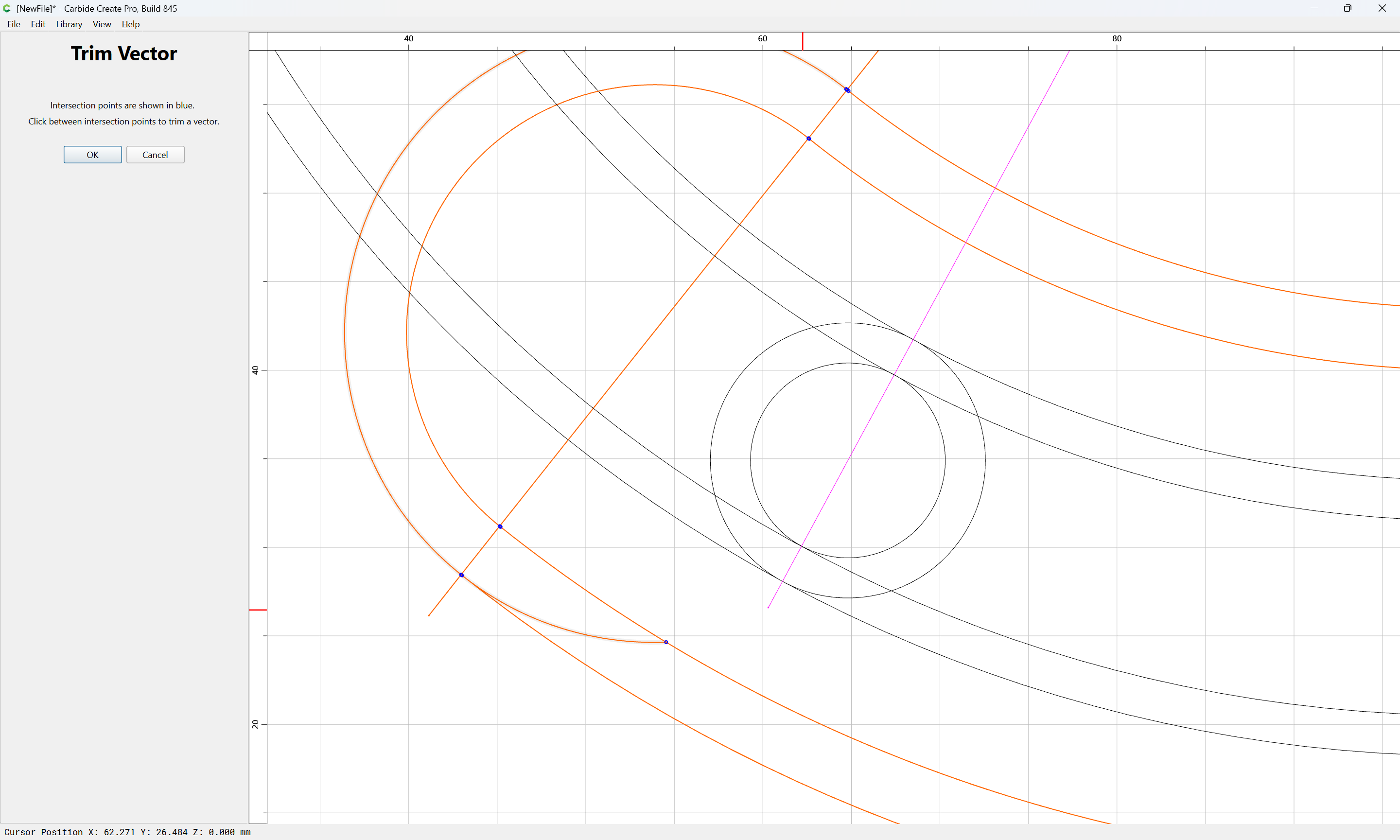
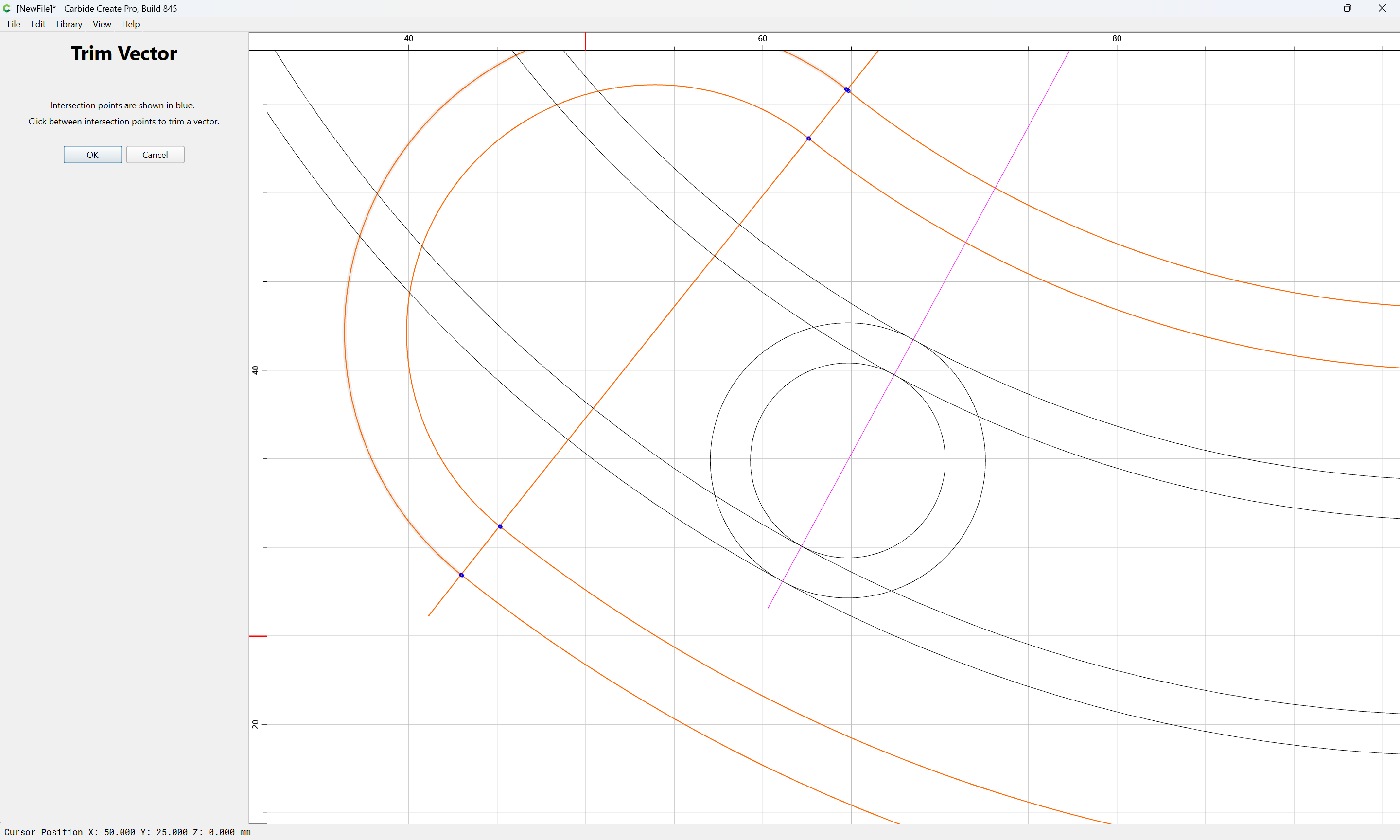
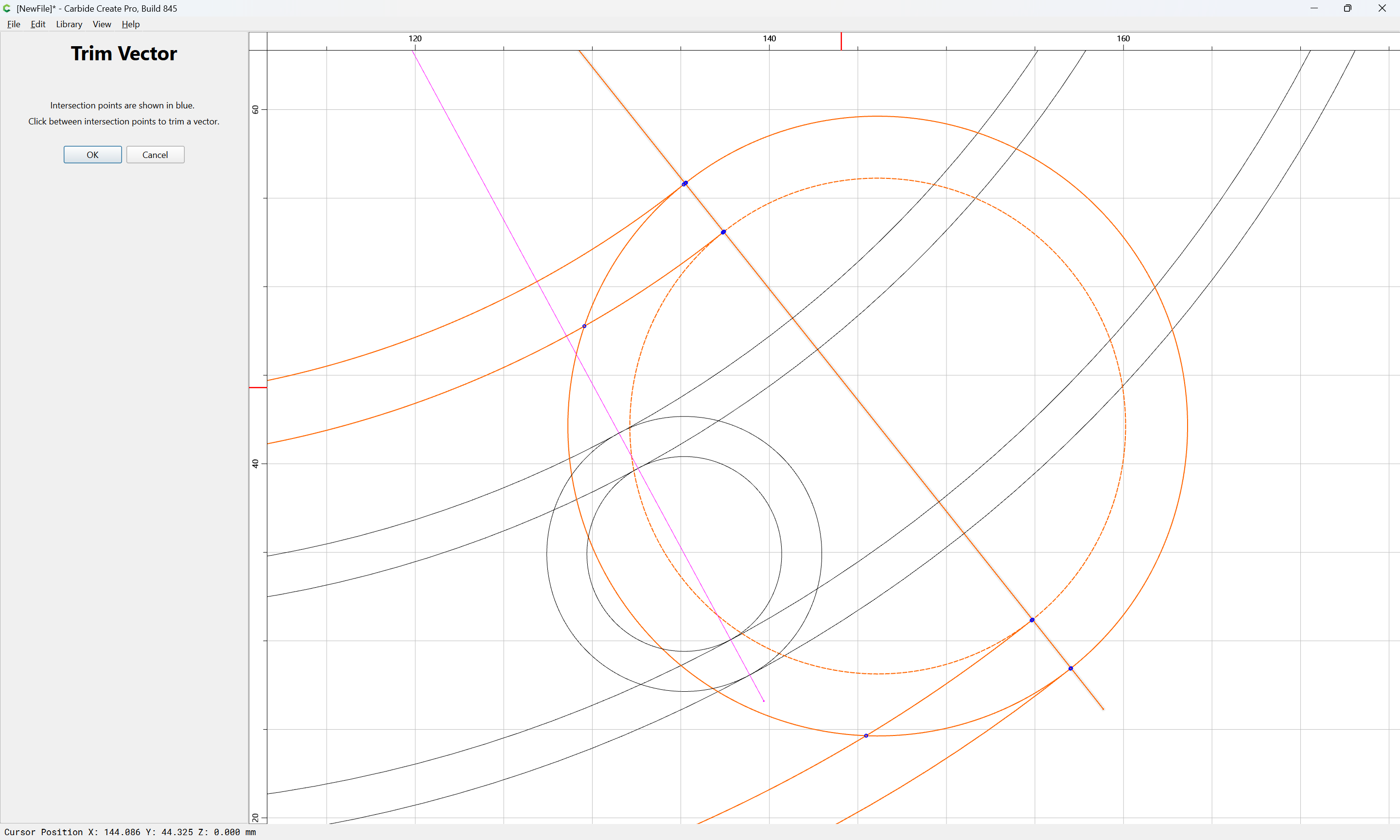
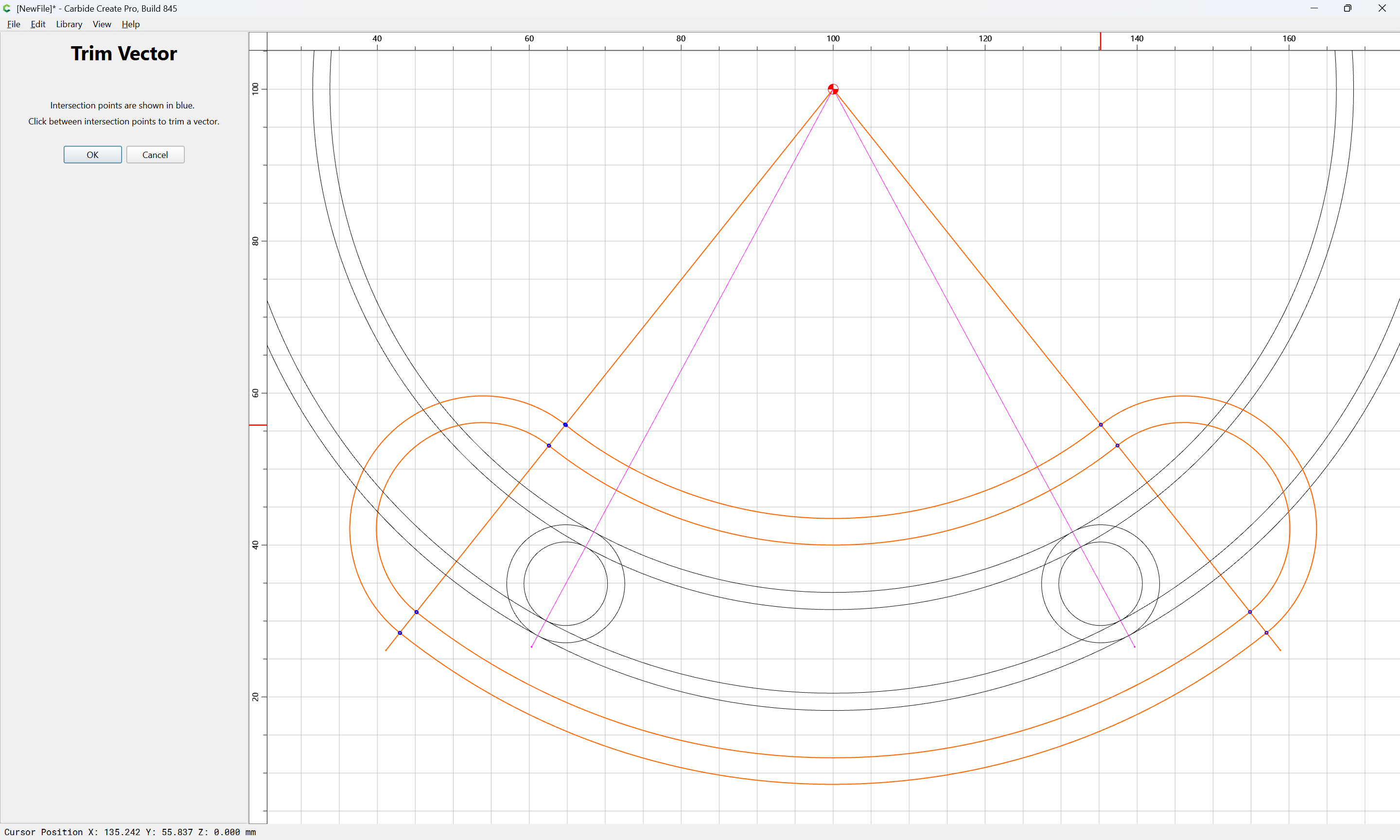
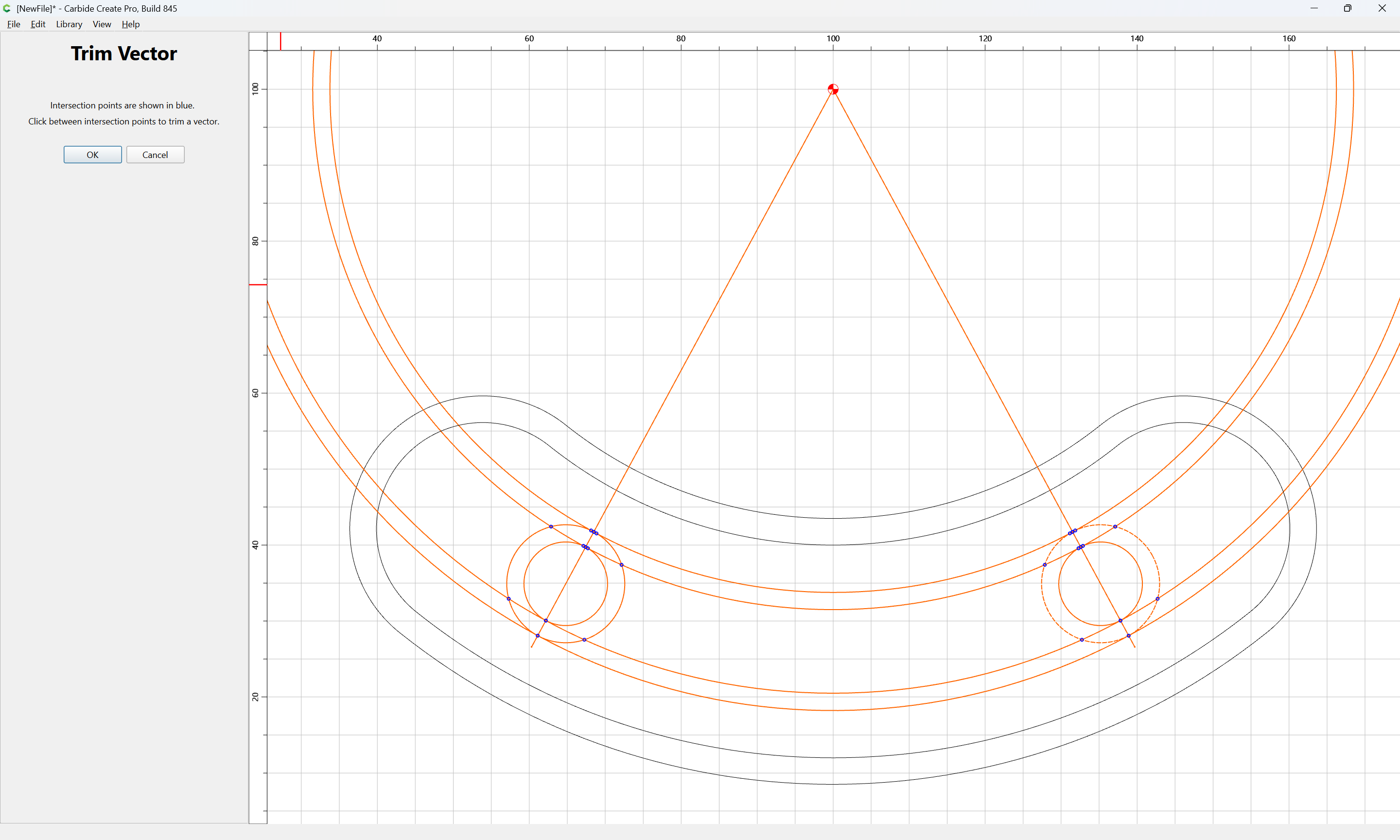
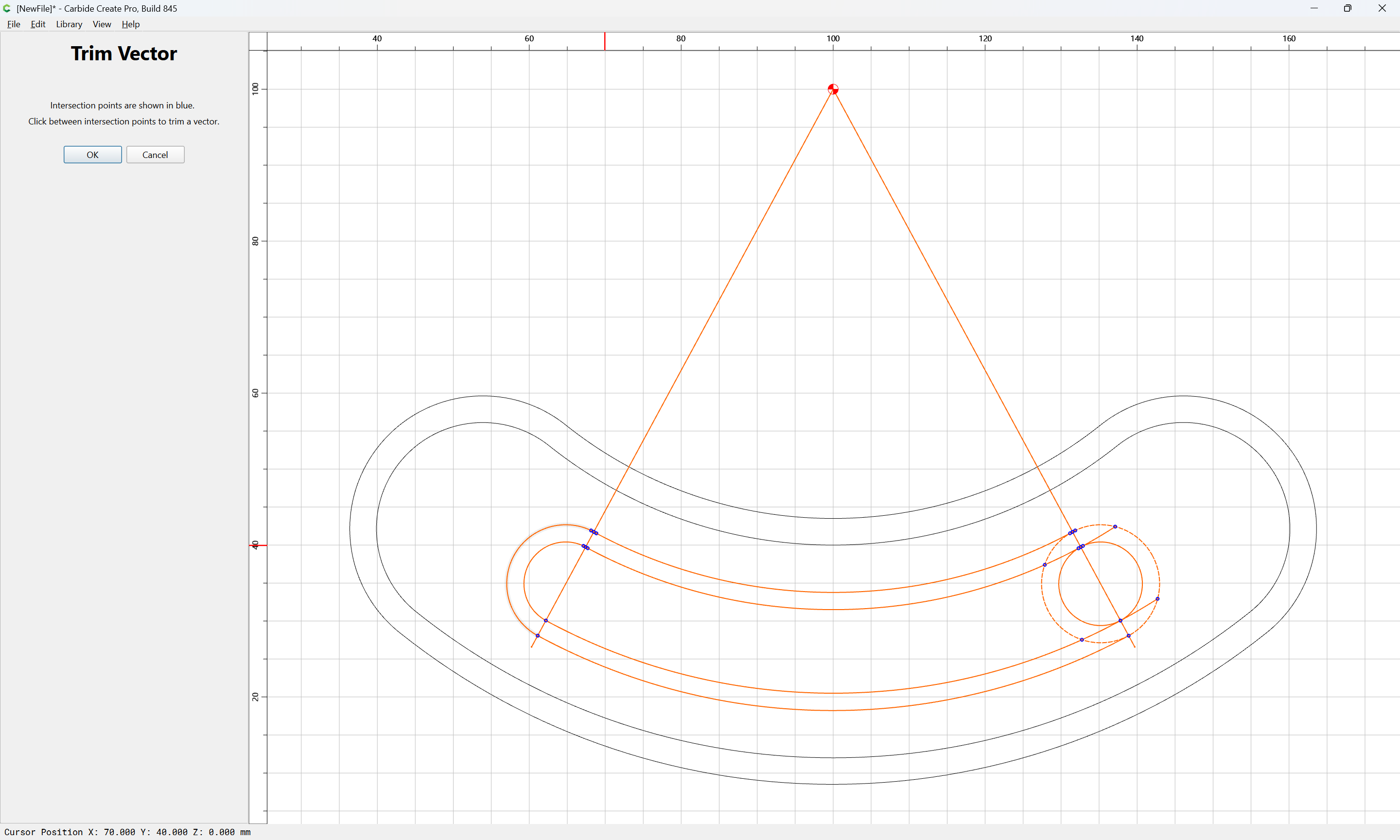
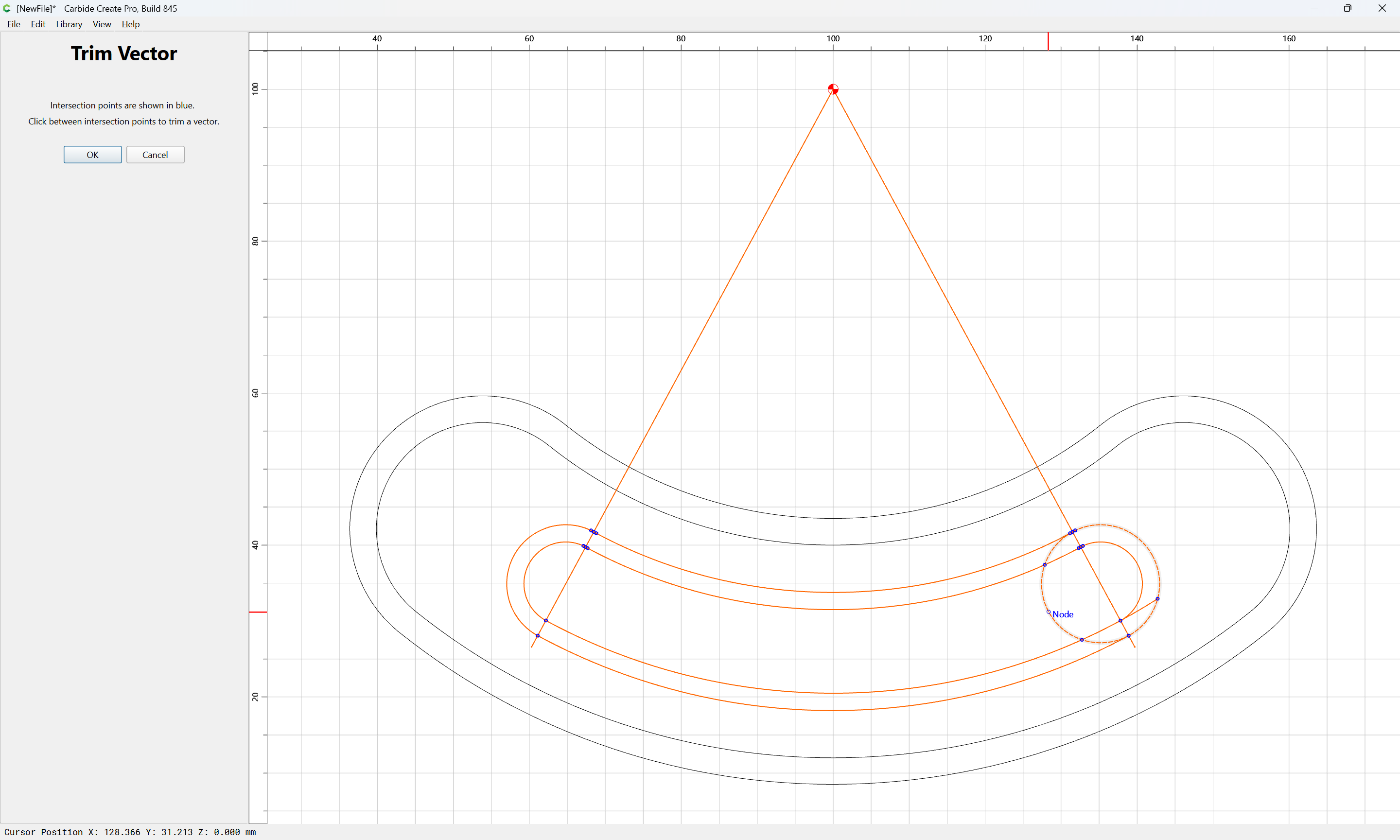
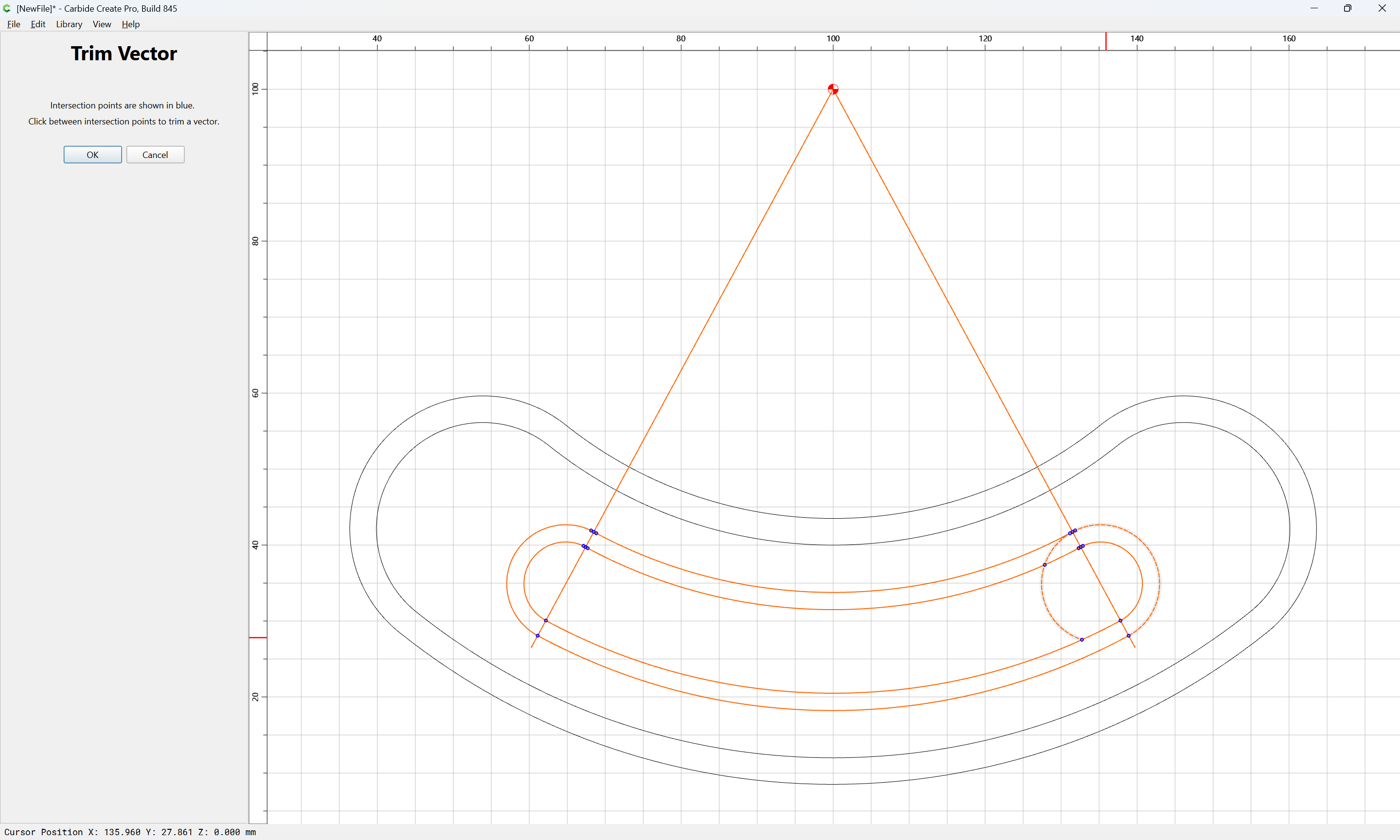
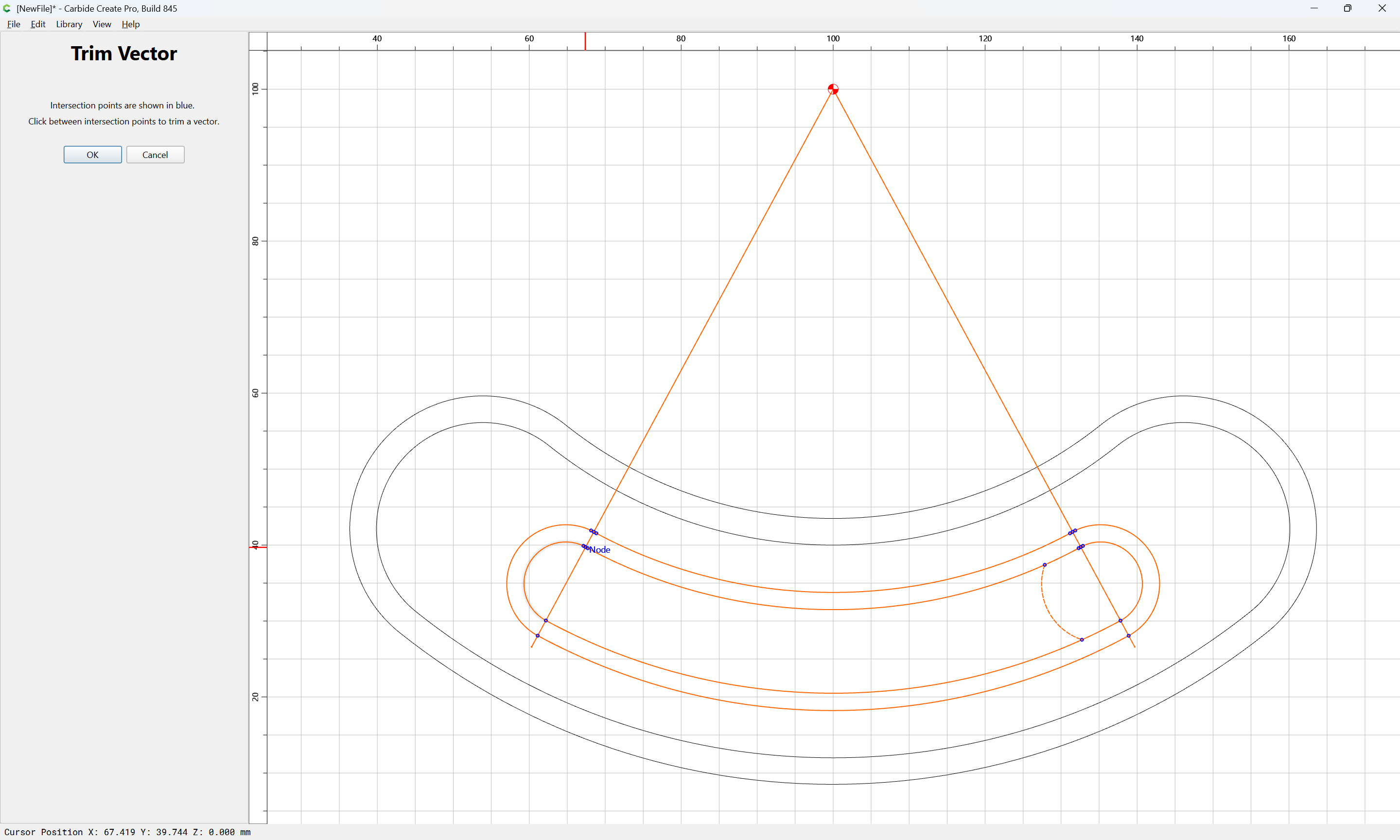
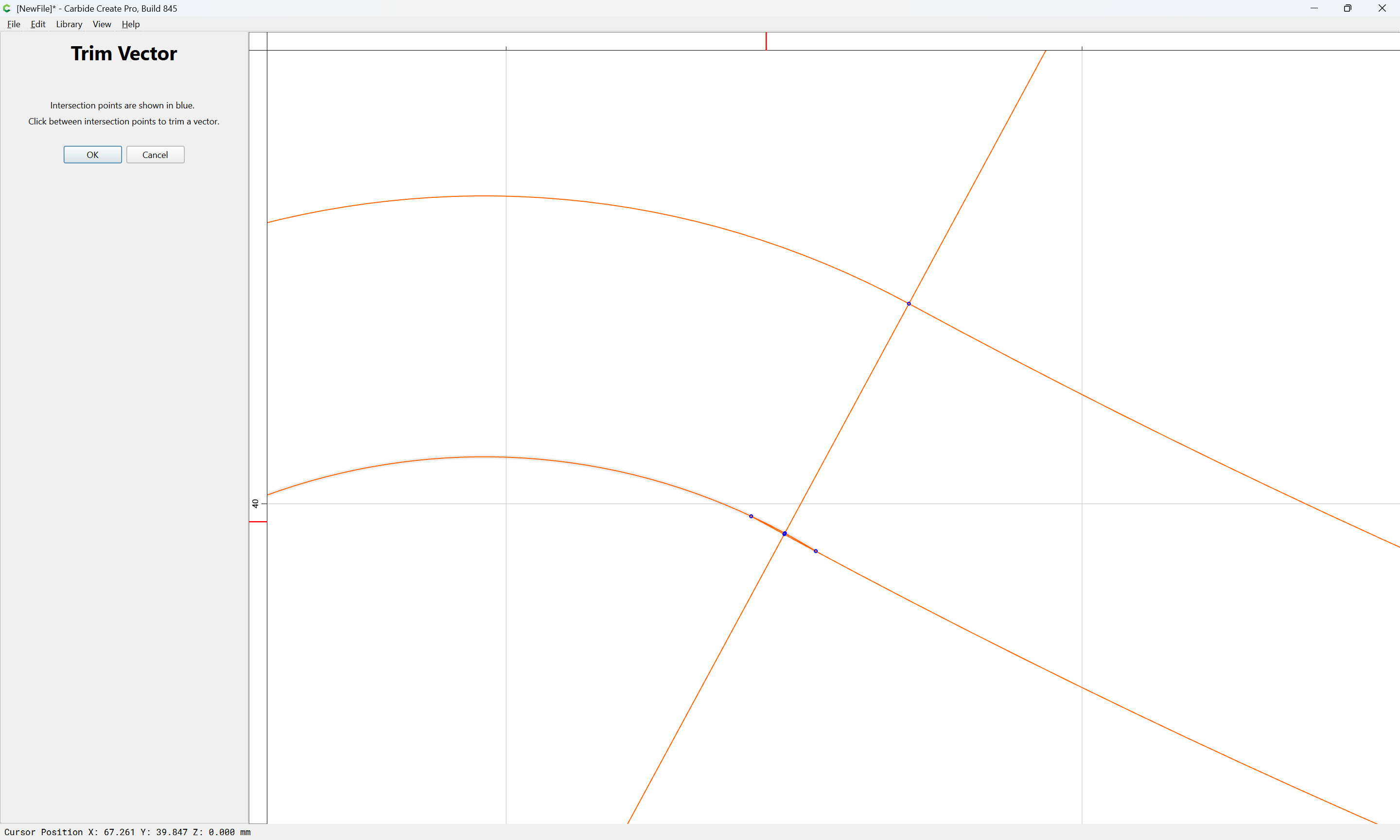
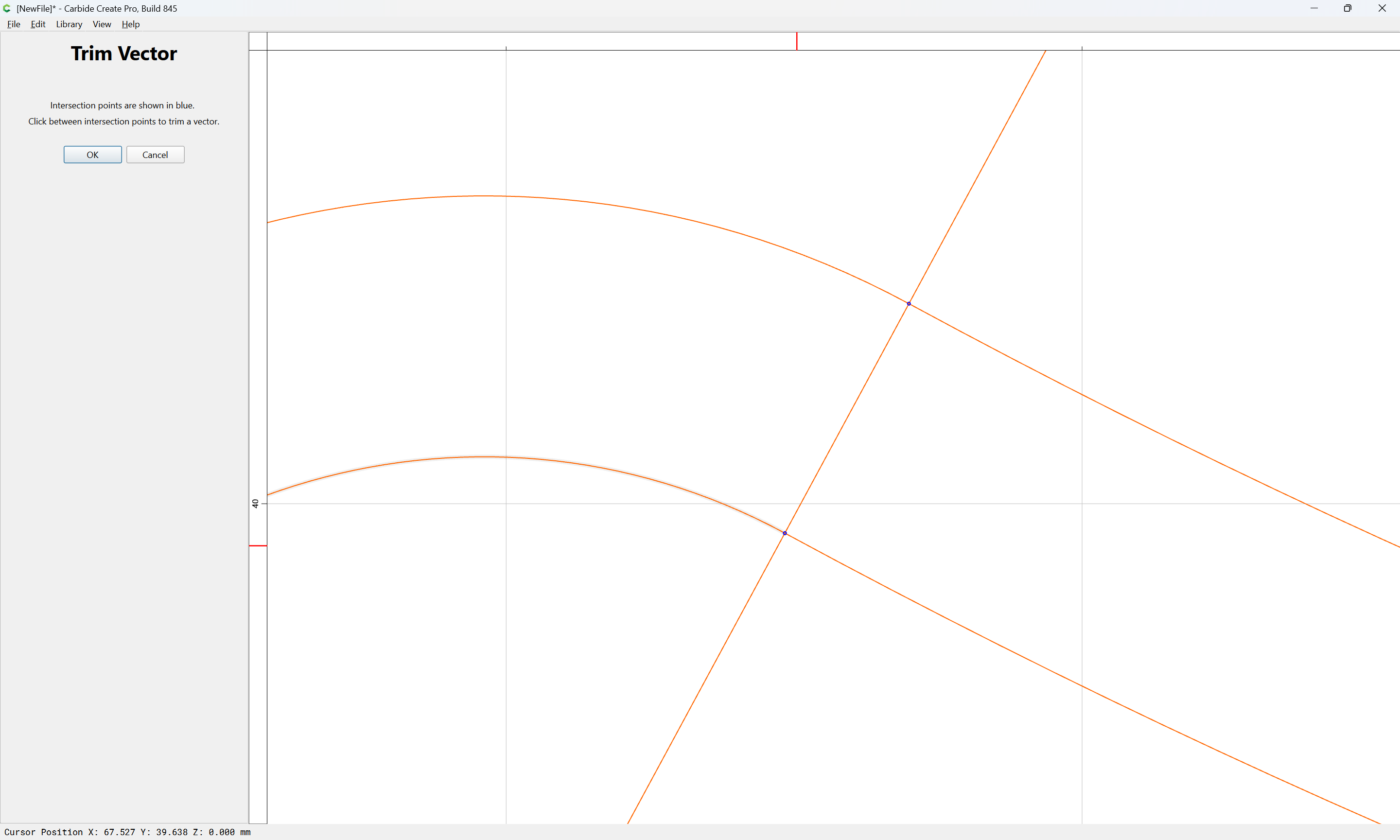
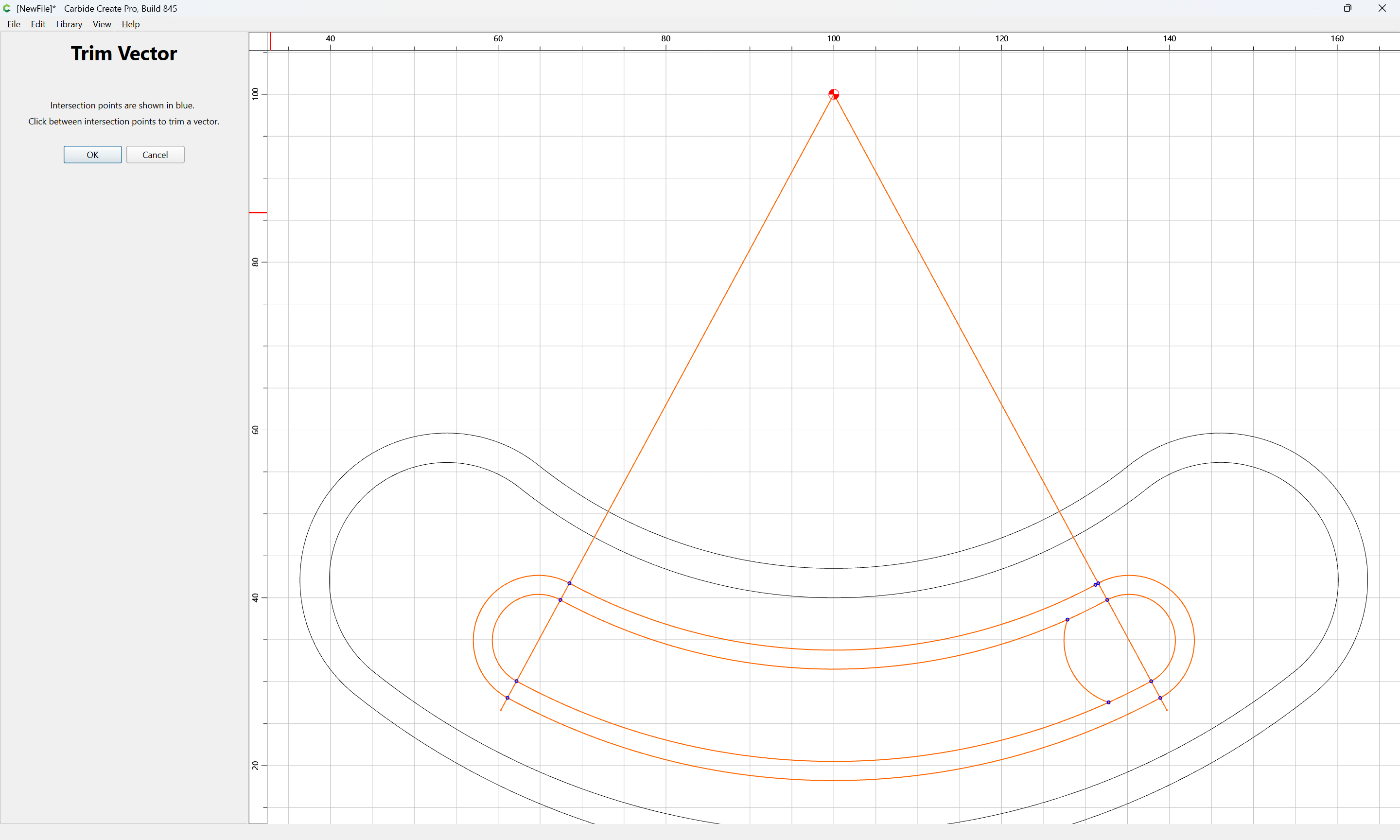
and using Trim Vectors:
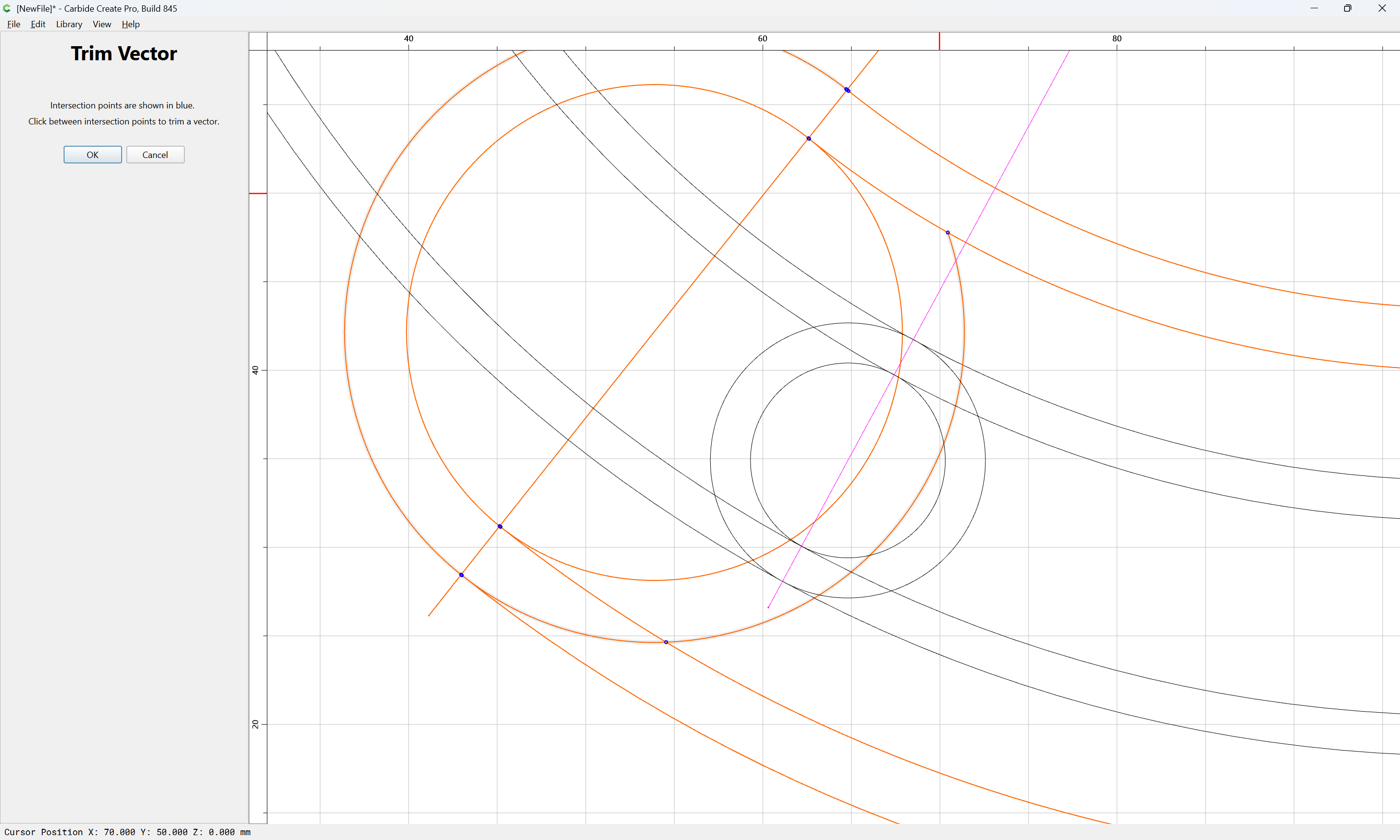
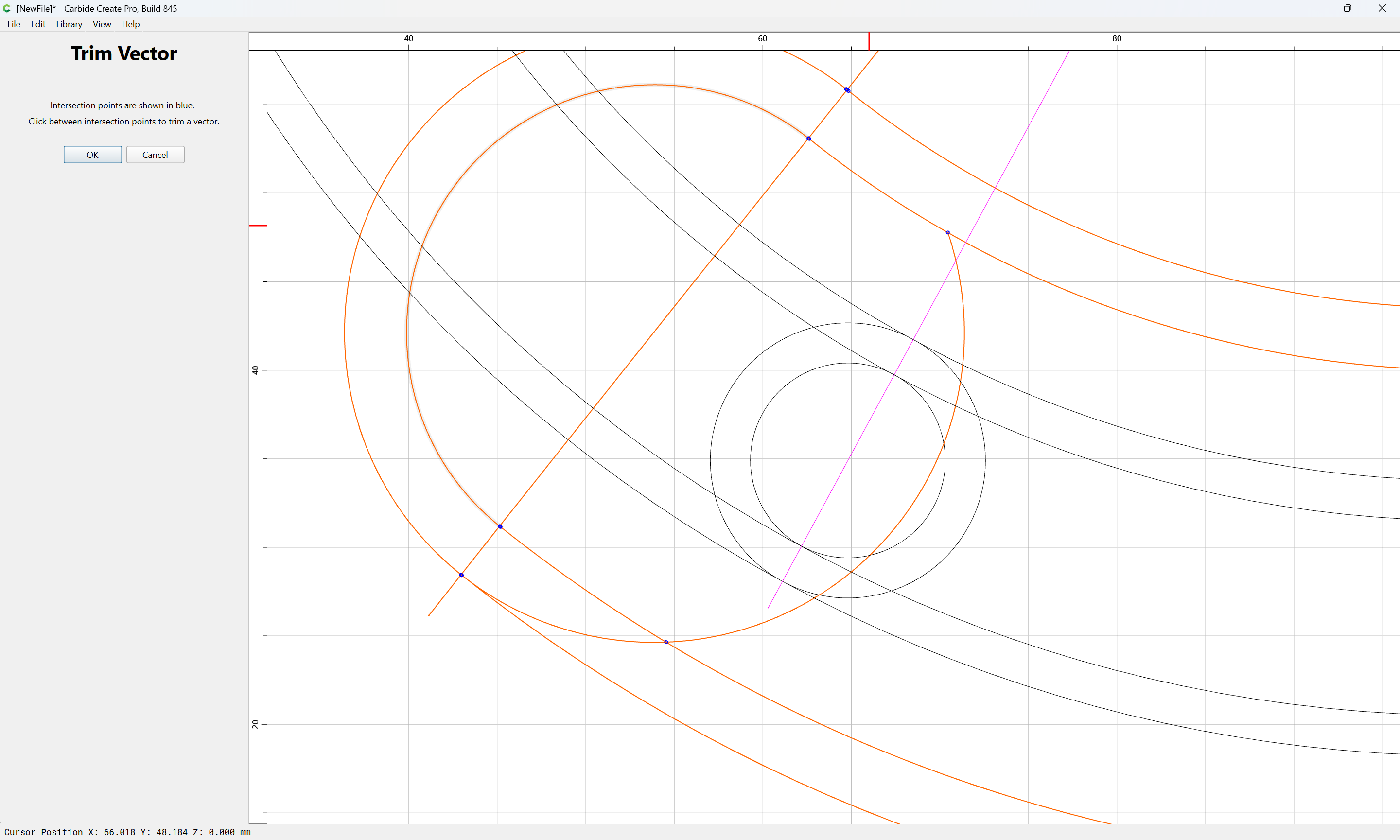
to remove what is not wanted:
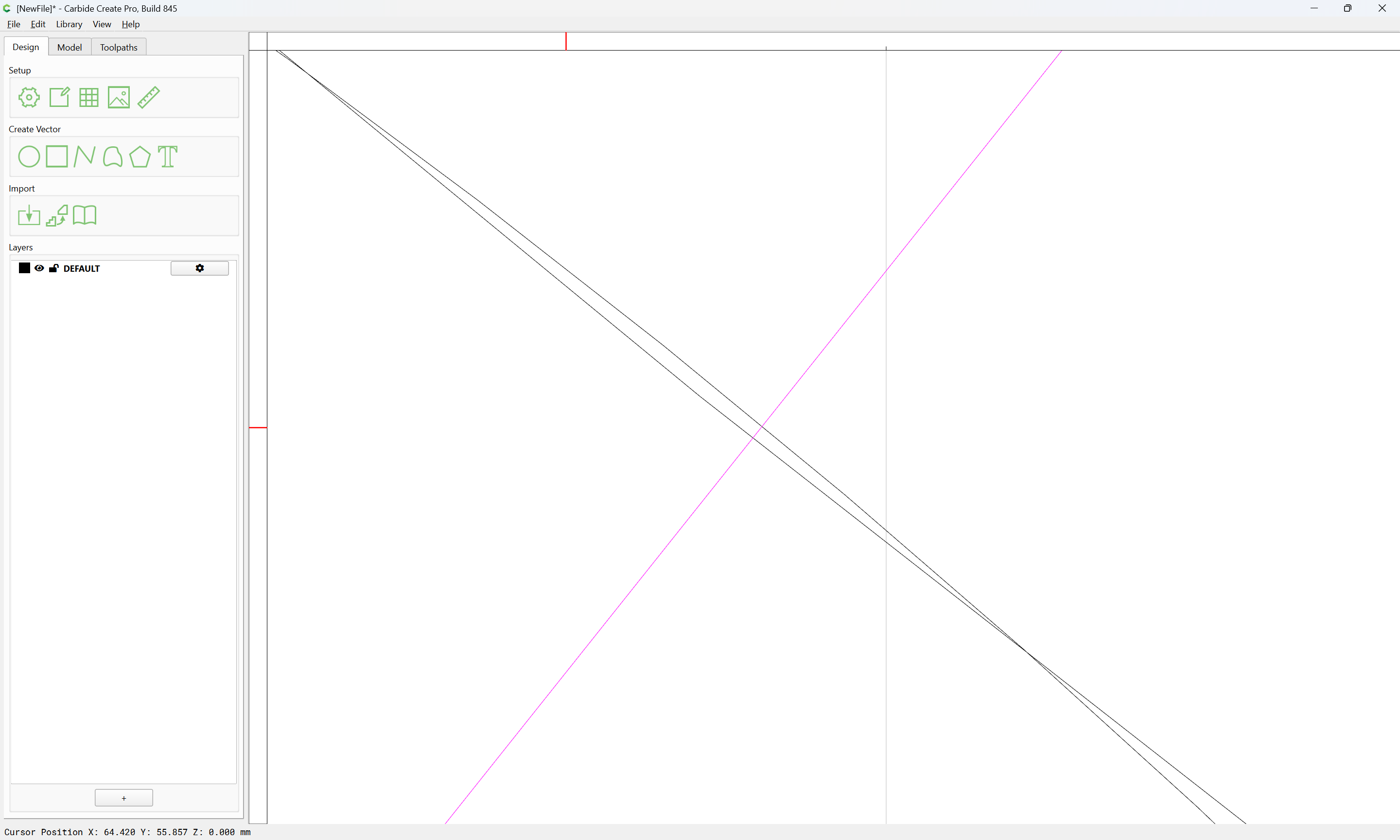
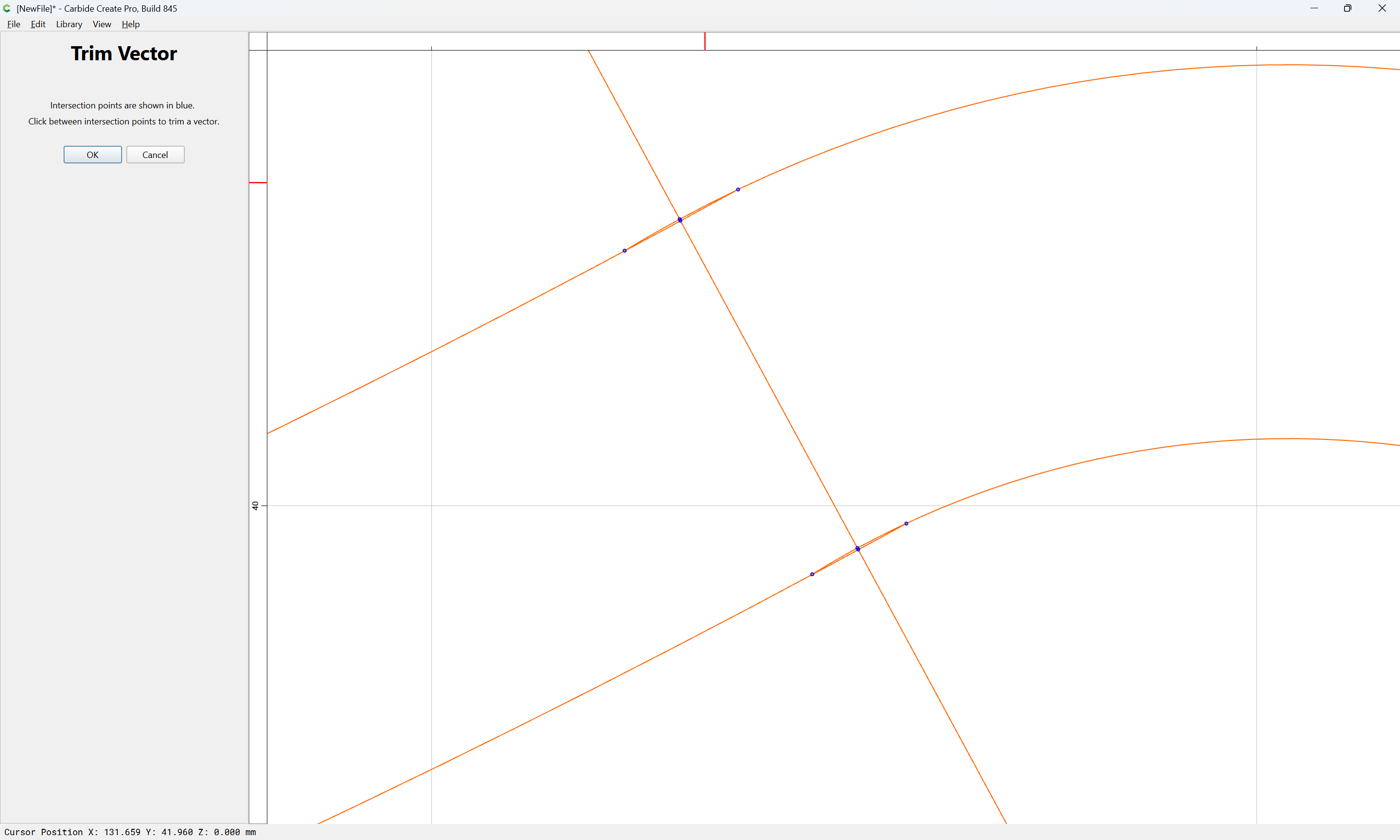
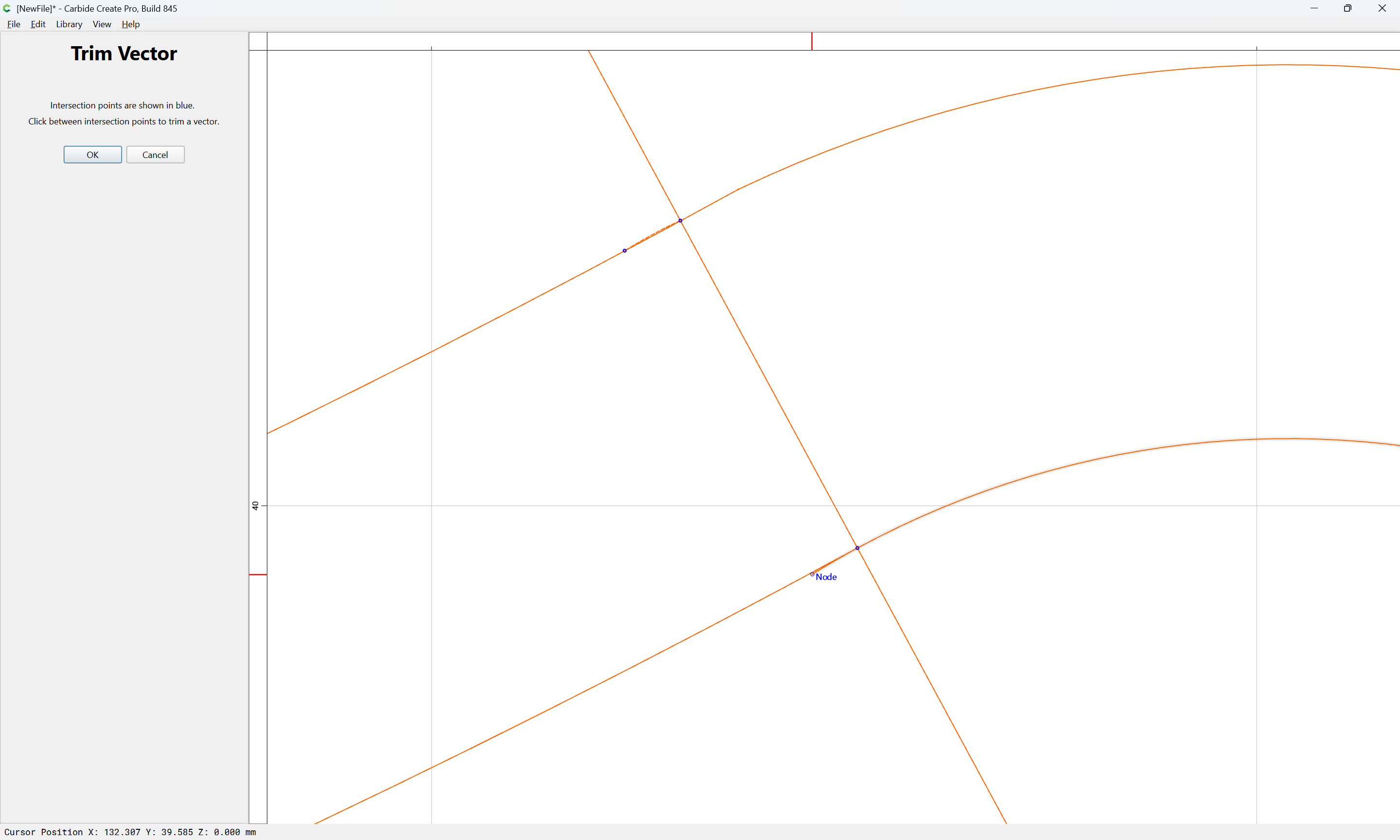
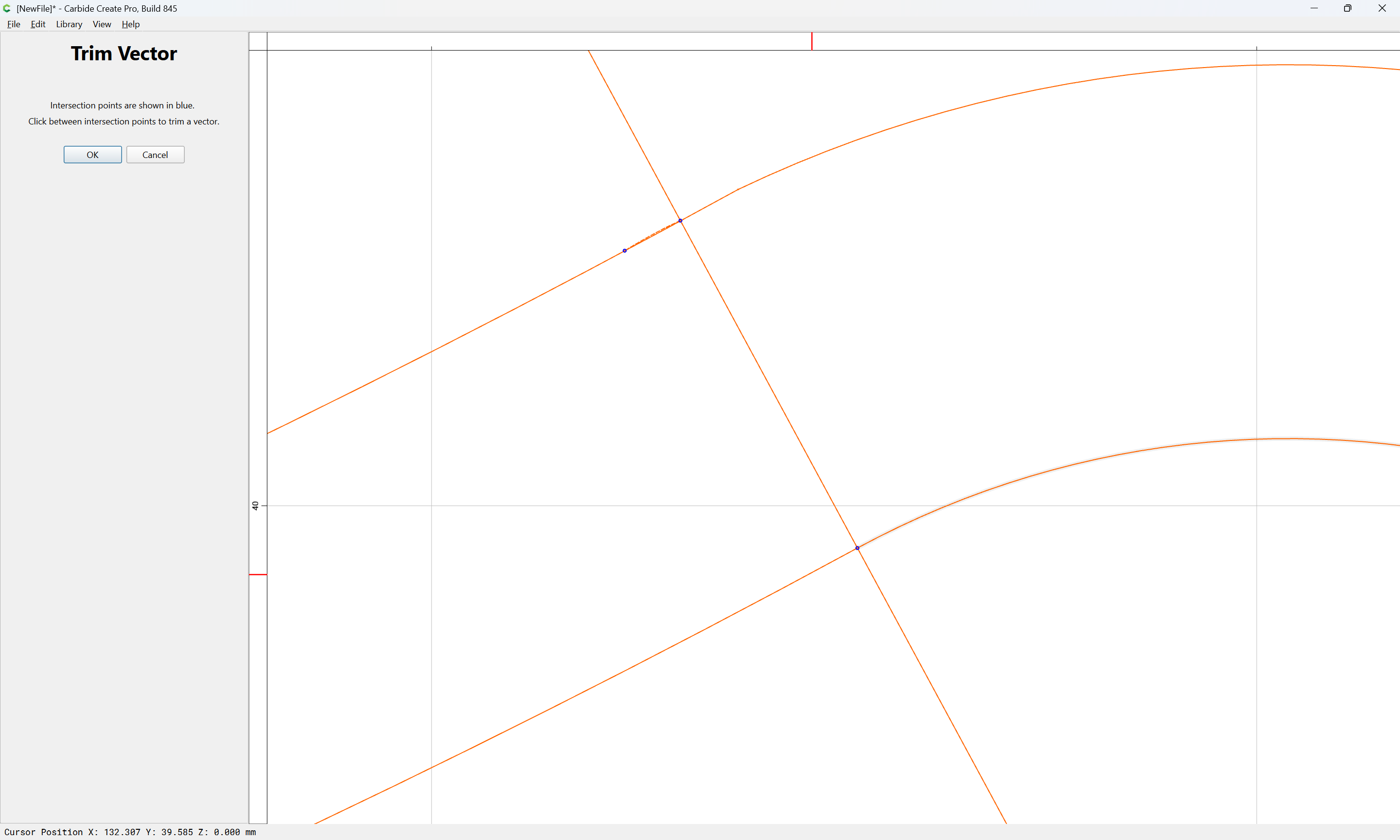
If need be, zoom in on an area:
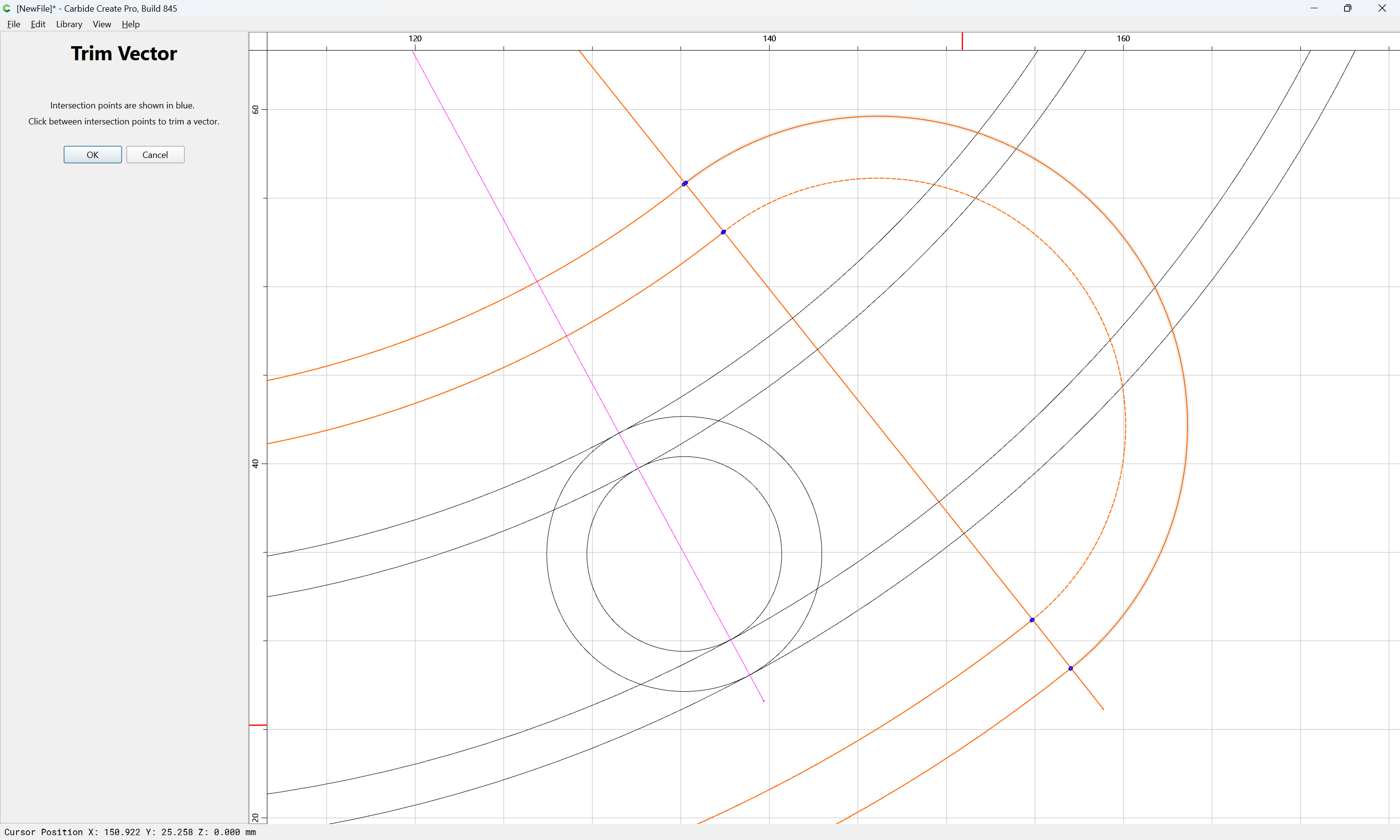
repeating on the other side:
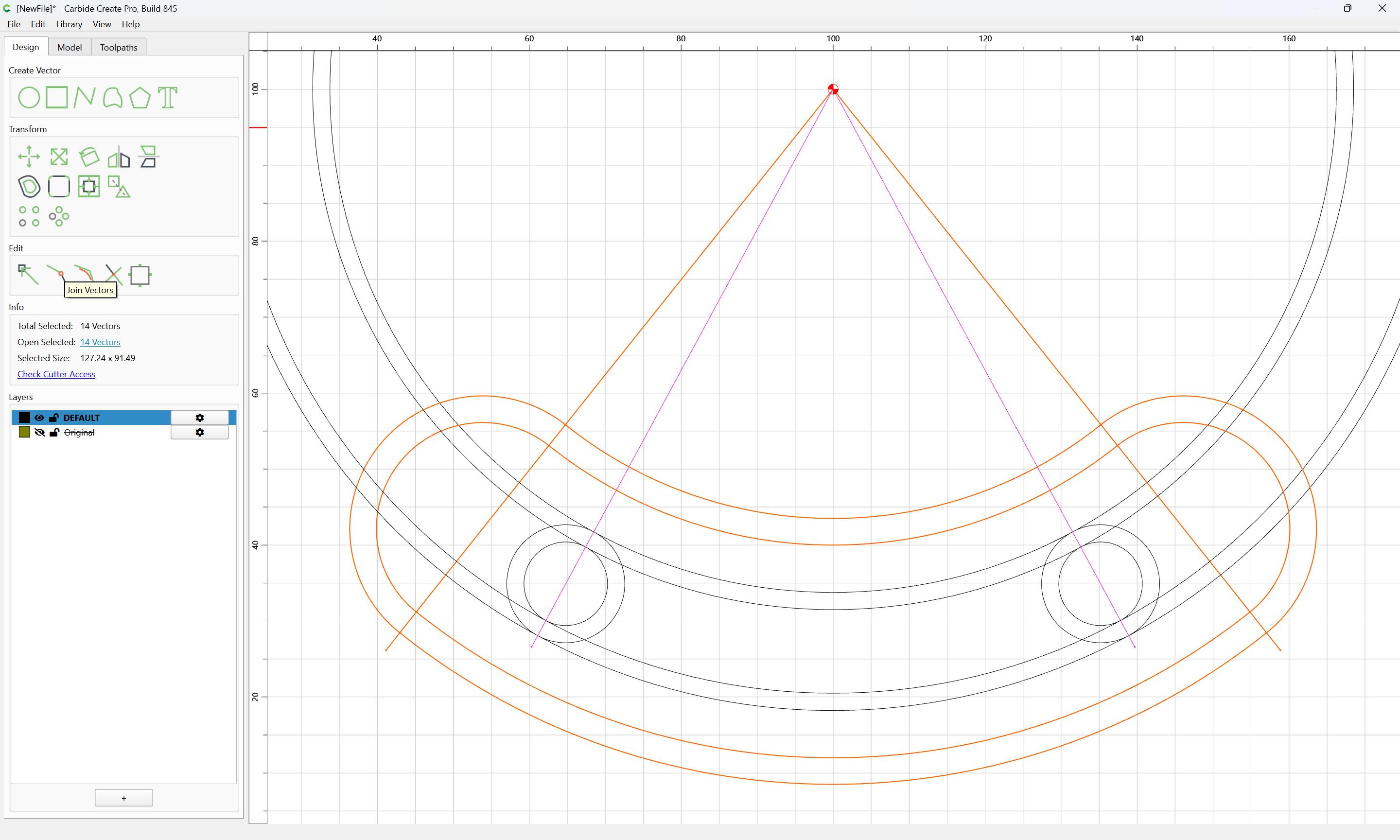
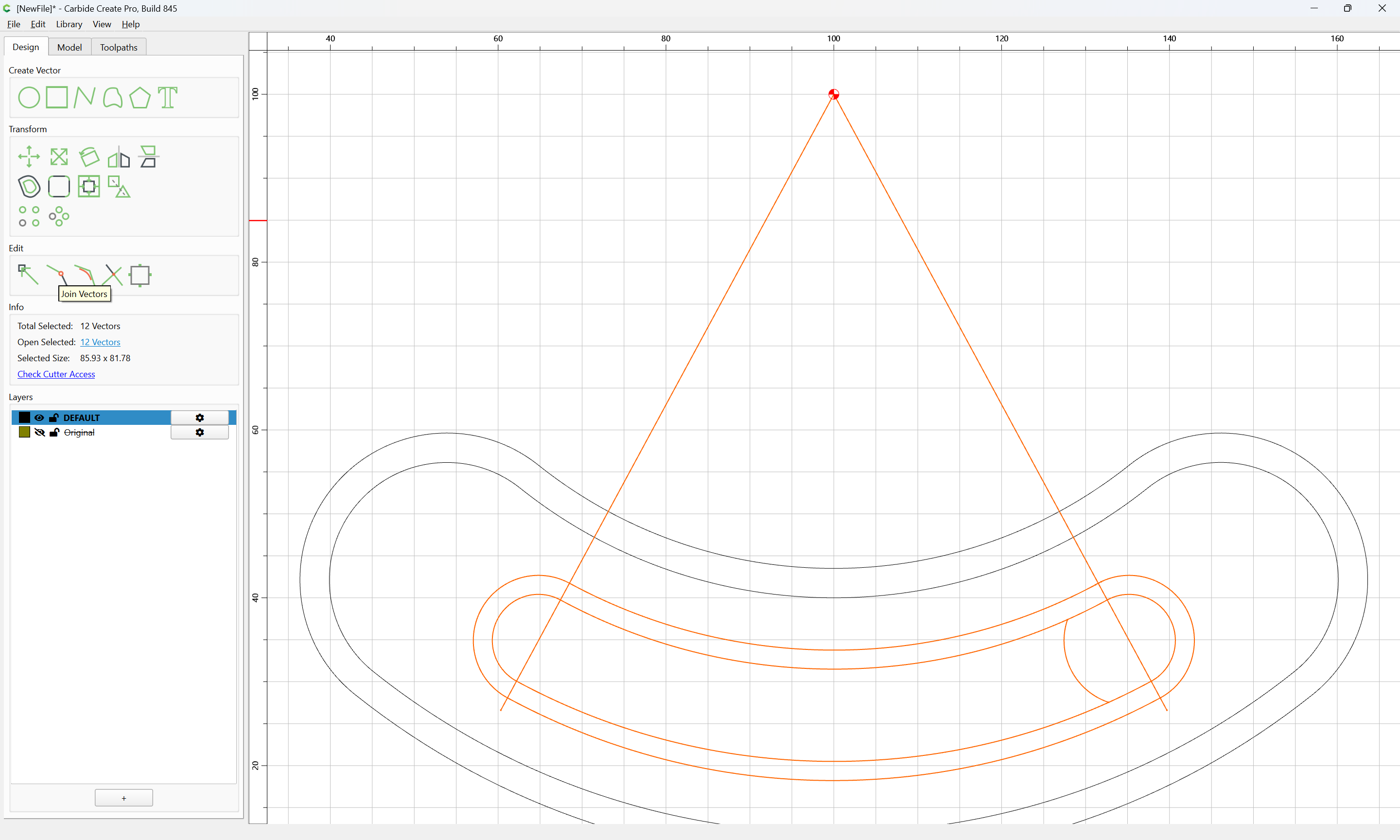
until one arrives at:
OK
Join Vectors:
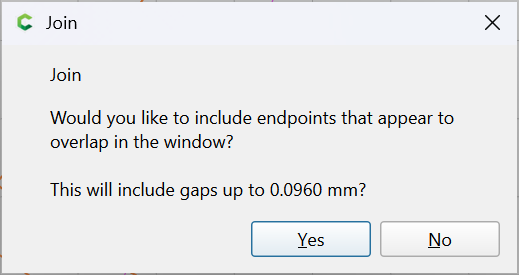
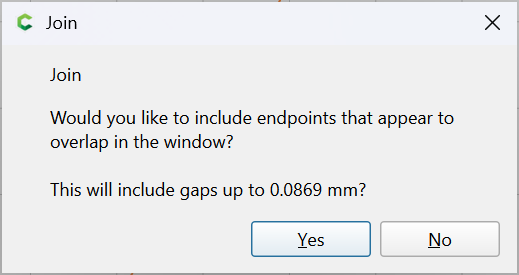
Yes
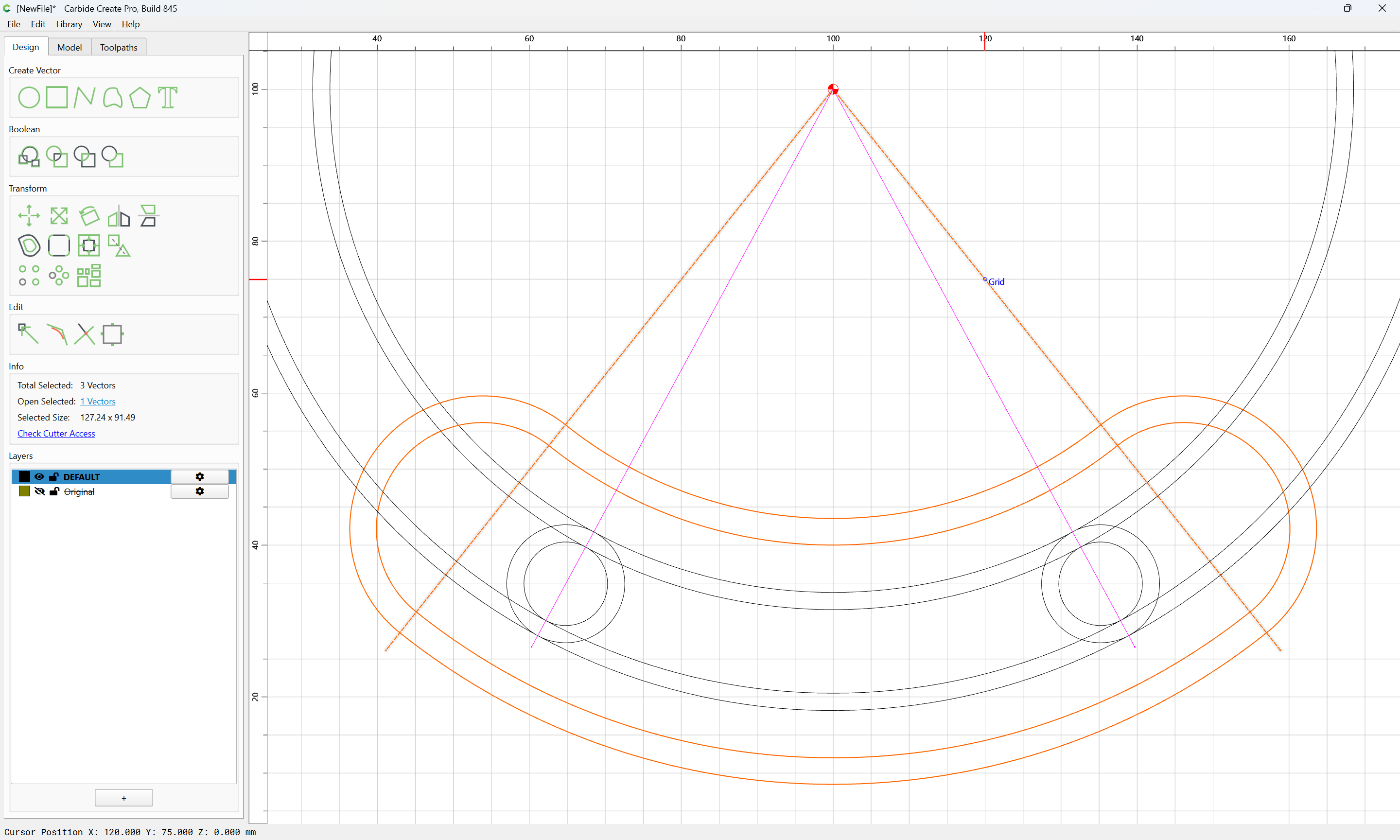
shift-click to remove the finished elements from the selection:
and delete
Repeat for the inner elements:
zooming in as needed:
(note that it is not necessary to remove all segments all at once)
OK
as before Join Vectors:
Yes
shift-click to remove what one wishes to keep:
and delete
thanks a ton William!
Appreciate you explained every step with the image.
Thnaks a lot.
It helps!
It was just to show how easy it is handle once the basic setup ready.
This topic was automatically closed after 30 days. New replies are no longer allowed.