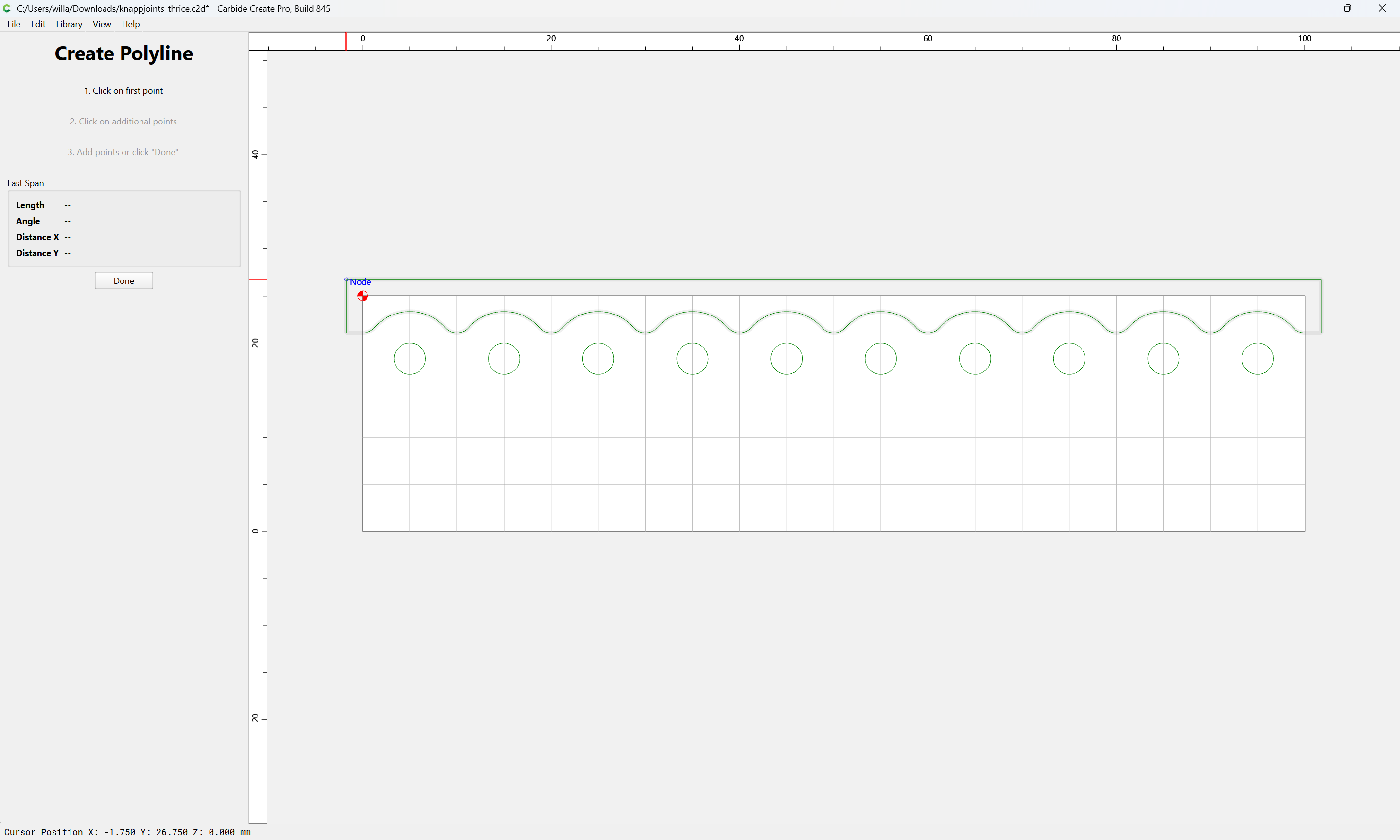
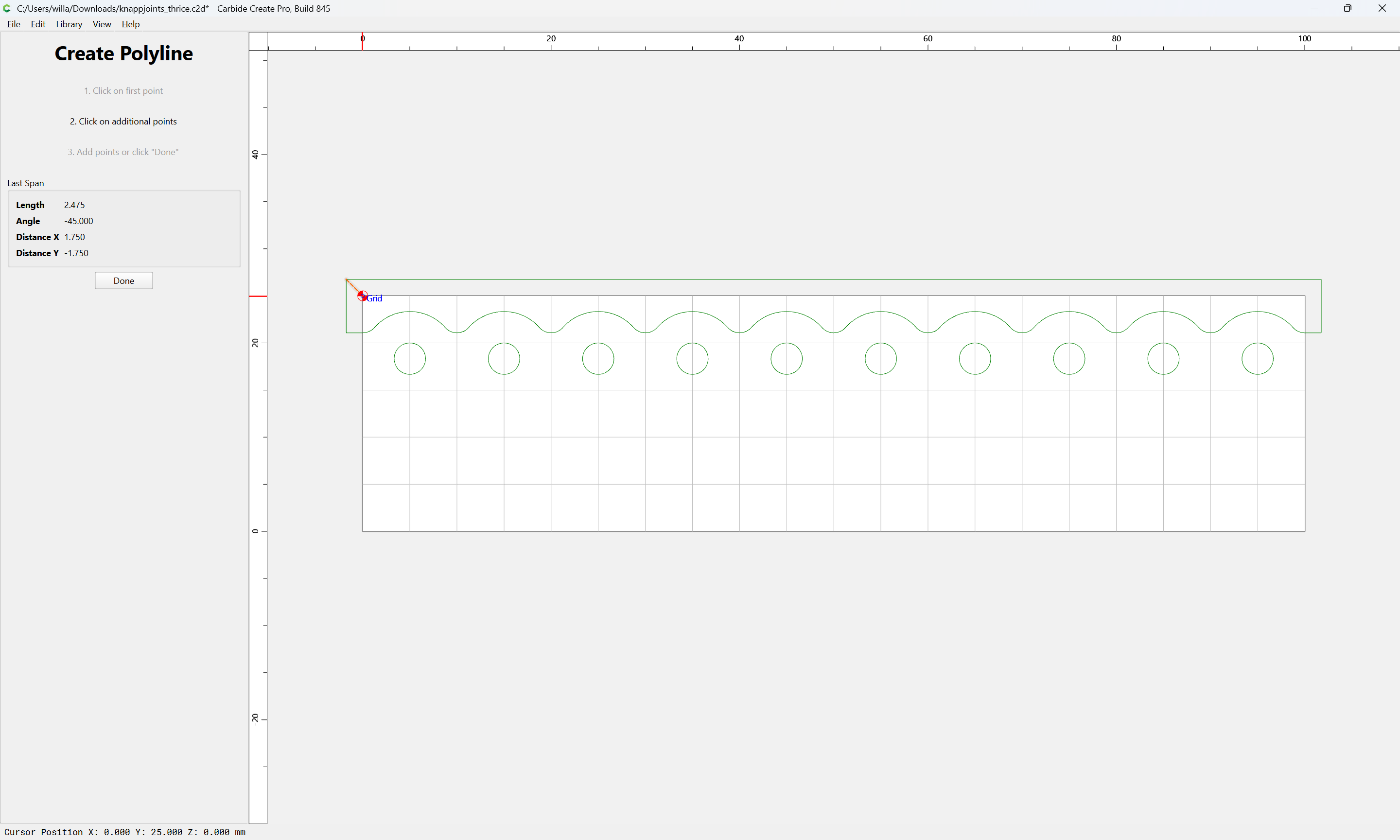
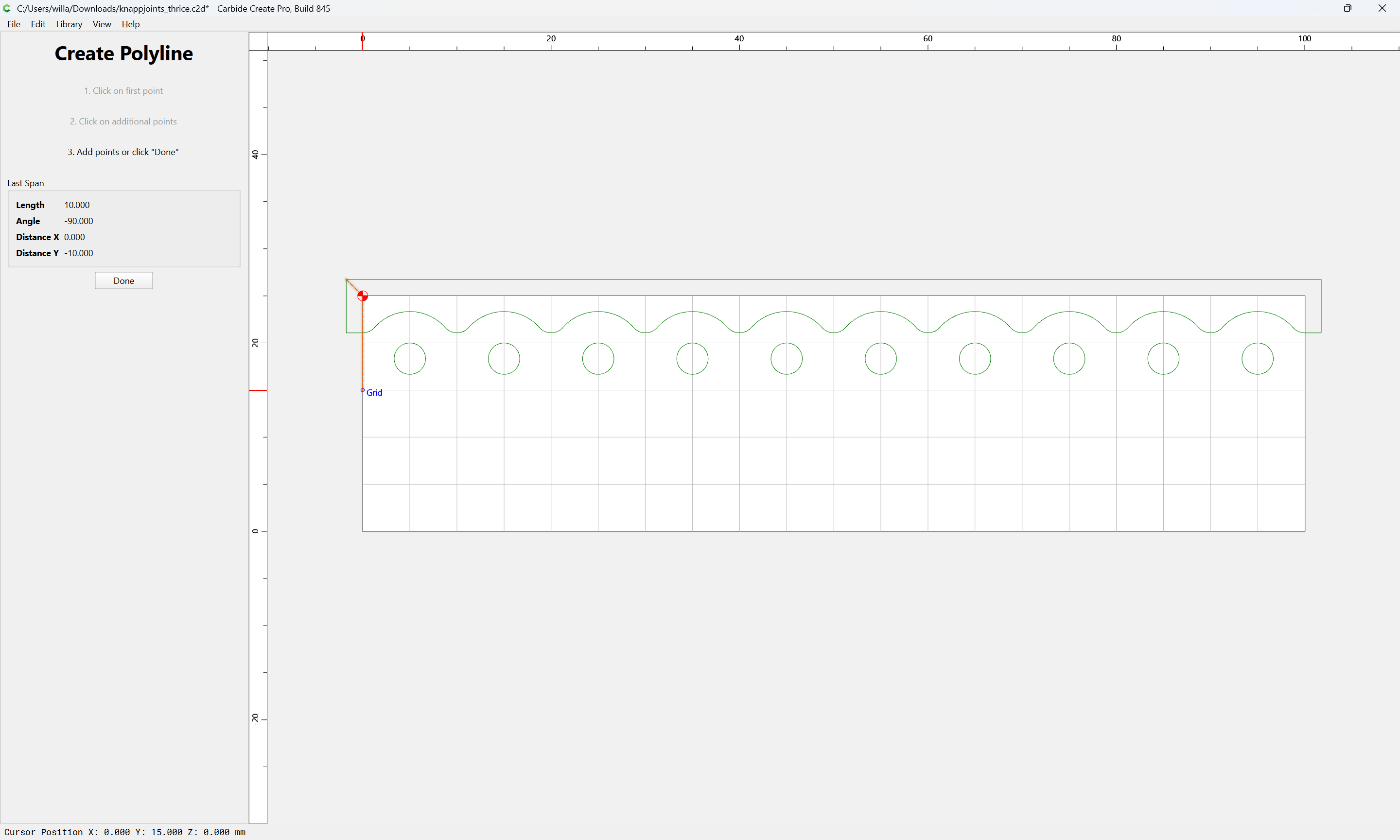
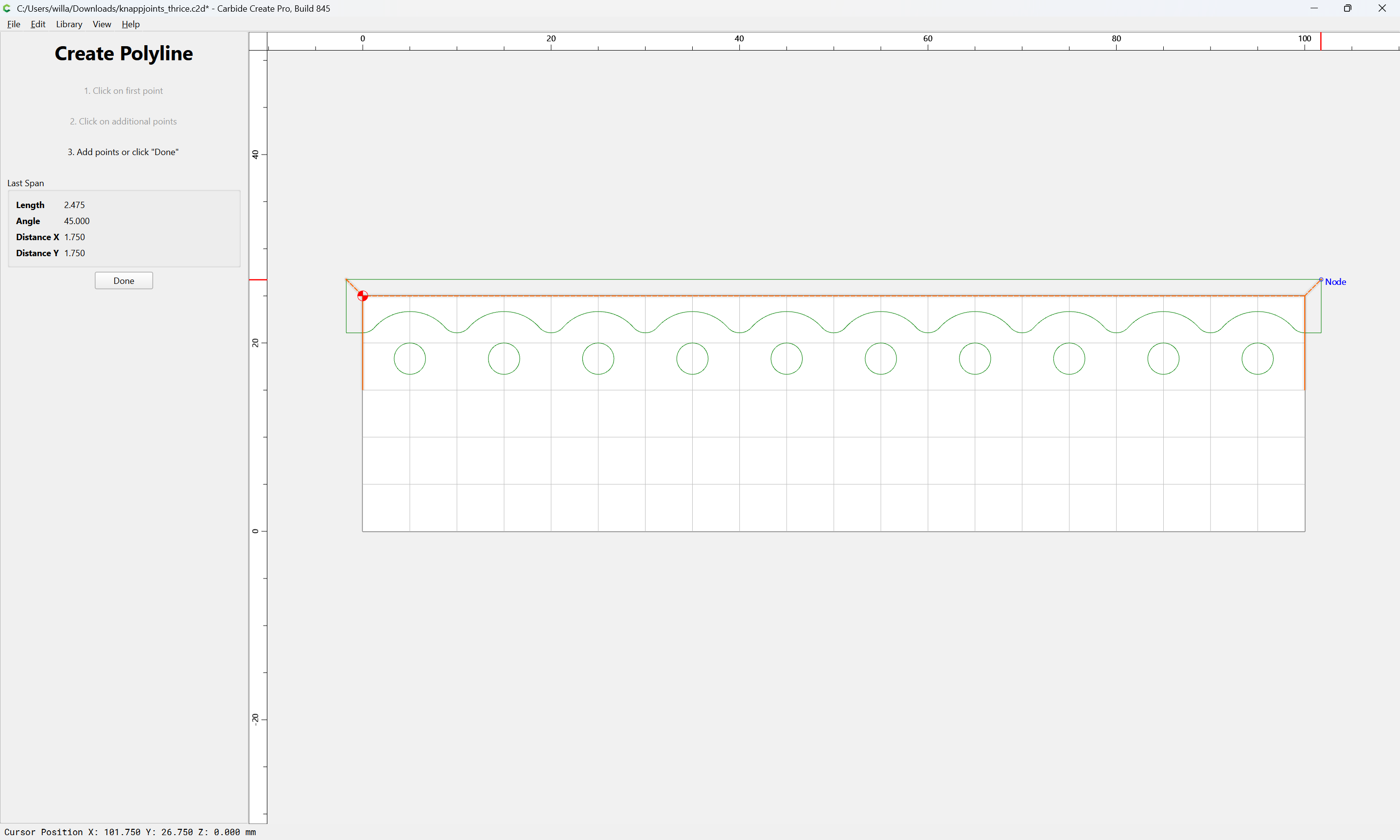
To make using the Positive geometry/toolpath easier, it will be helpful to have additional geometry which may be used for positioning it relative to the end of a board:
Done
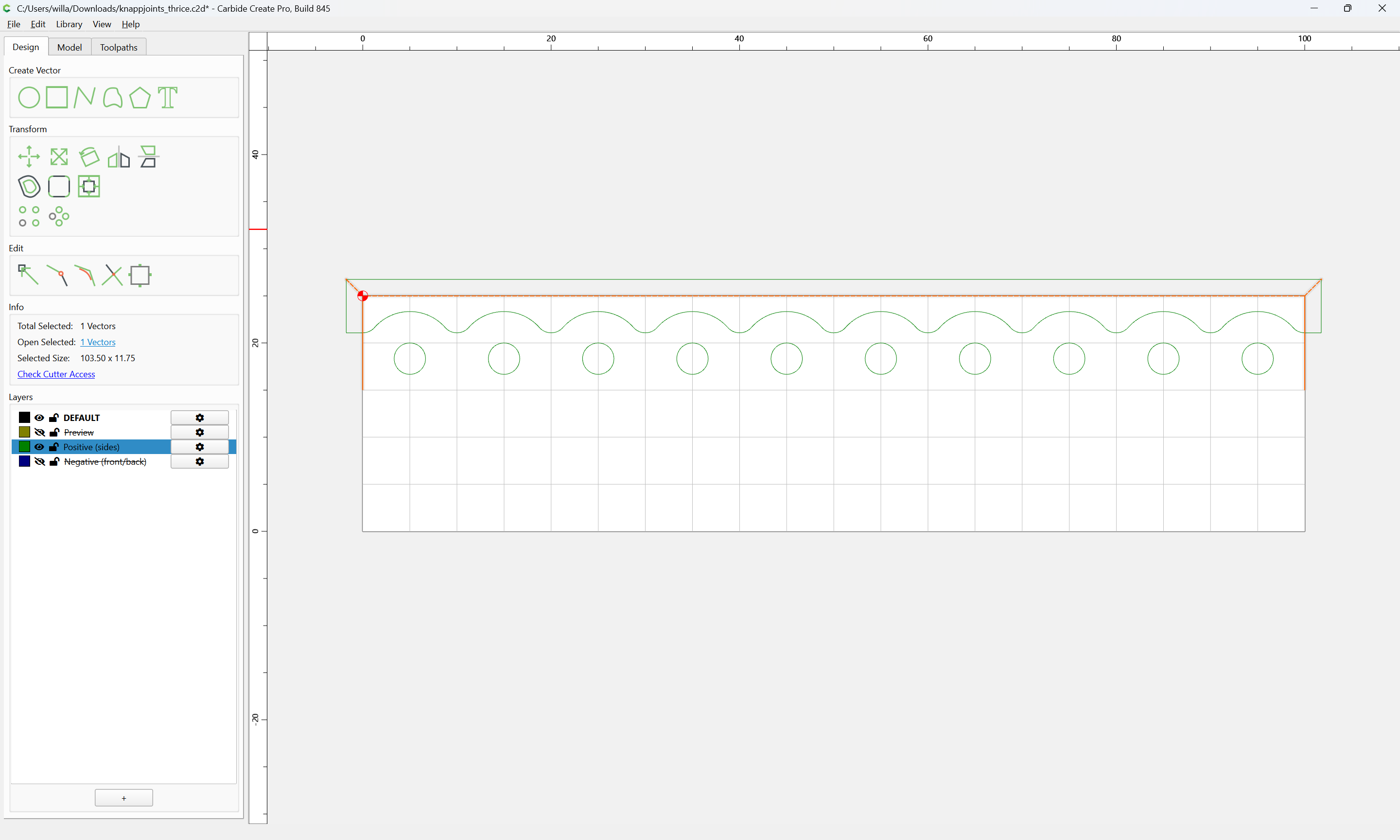
which so long as it is open (unclosed) and the toolpath(s) associated with the layer are not Contour toolpaths, will not affect how things cut:
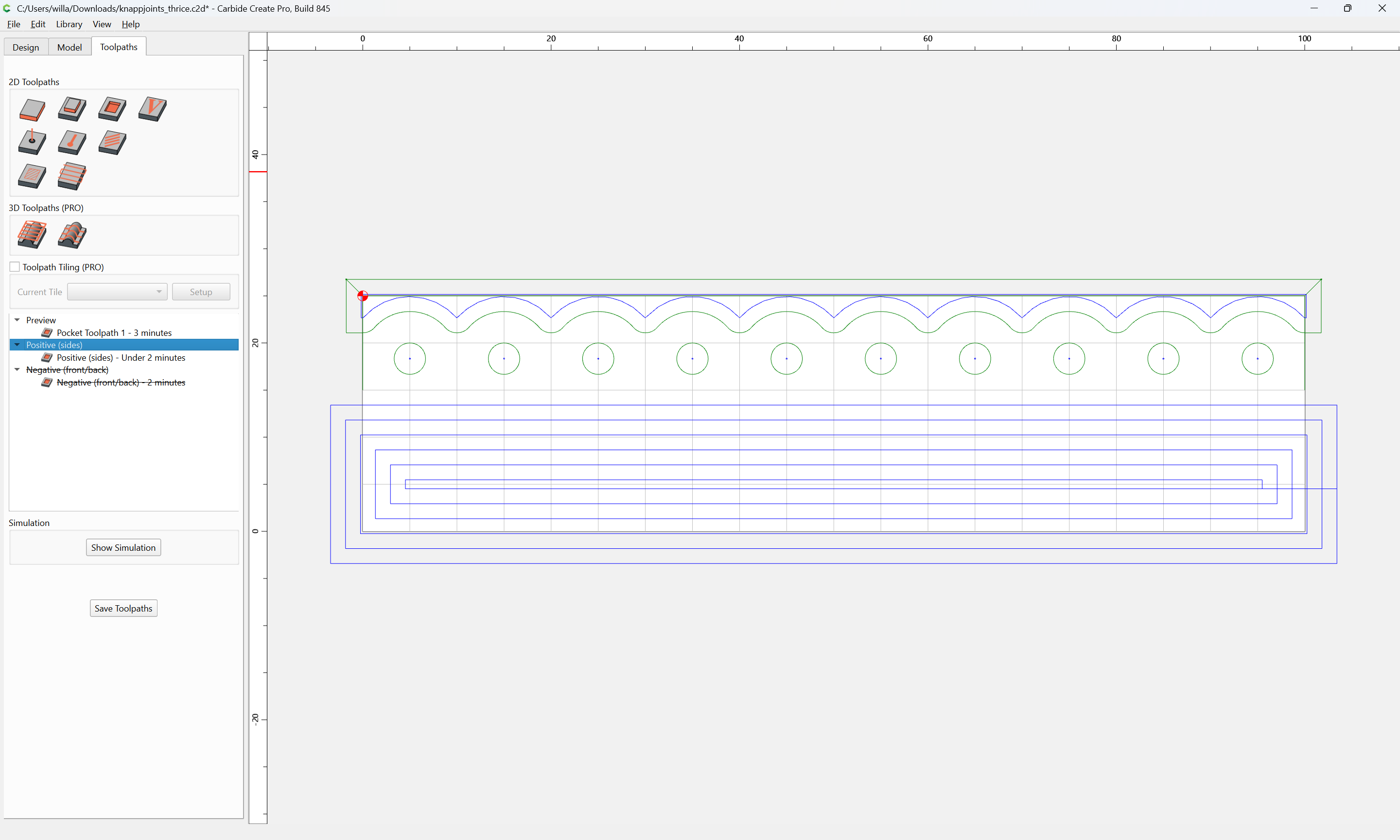
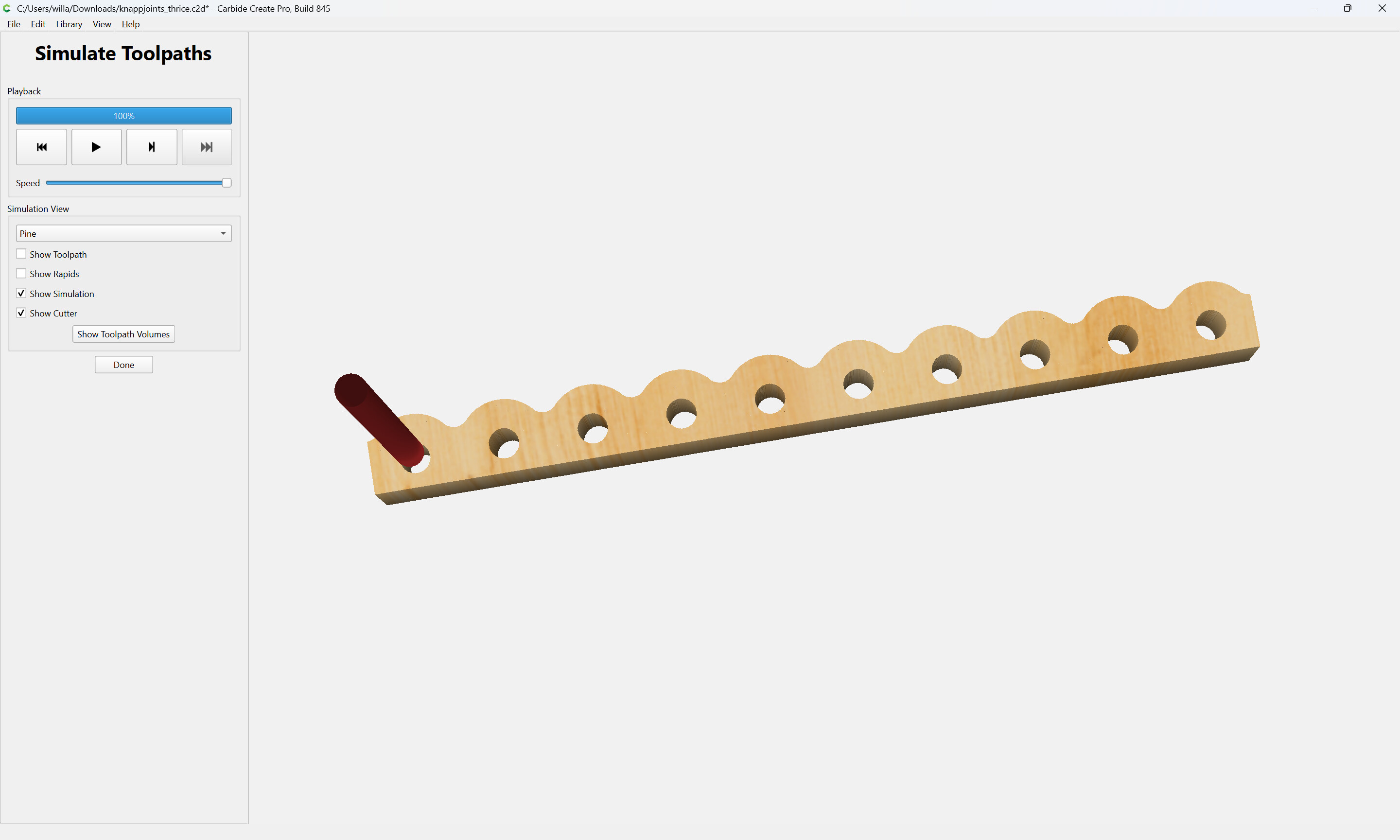
The file may then be imported into a file which has parts defined for cutting the parts for a box/drawer:

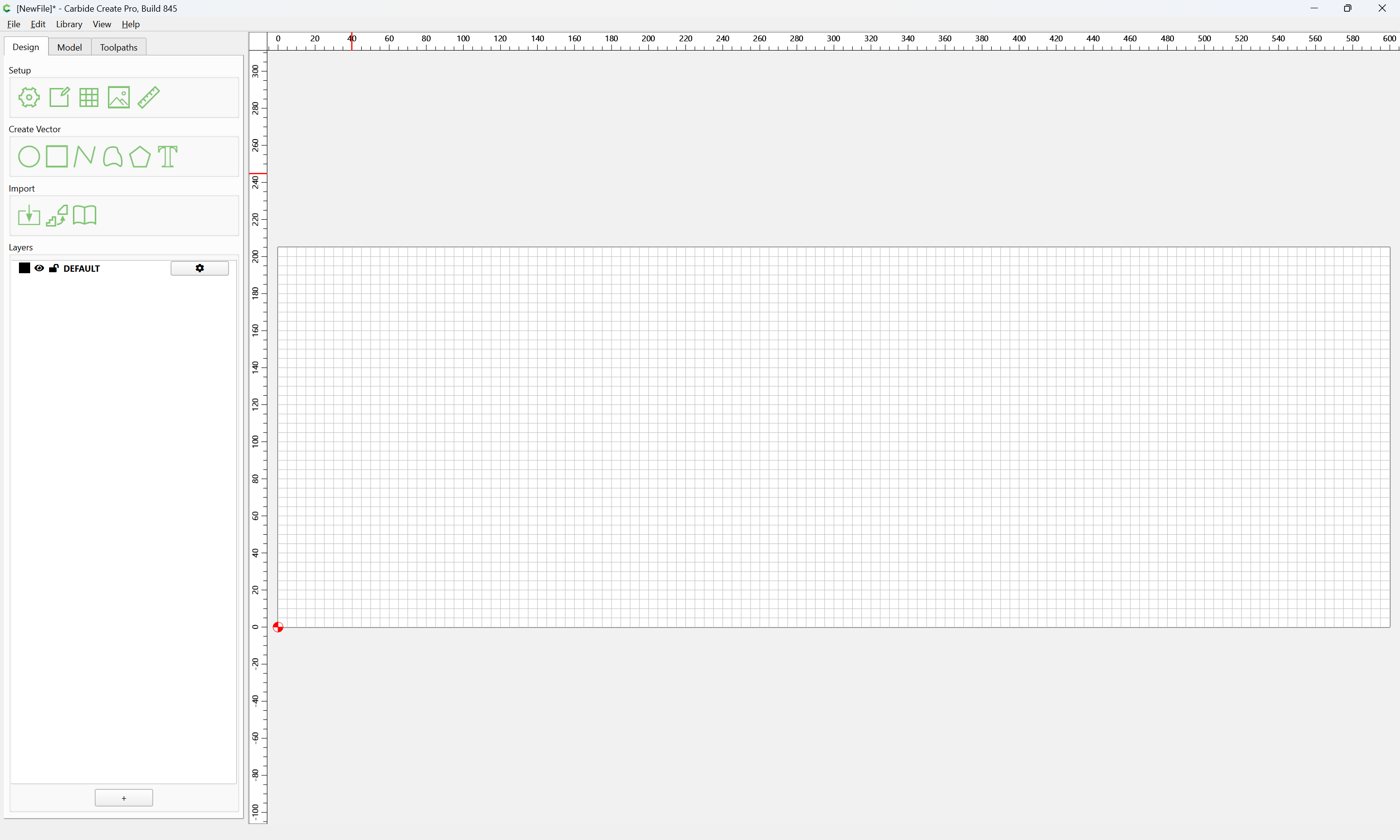
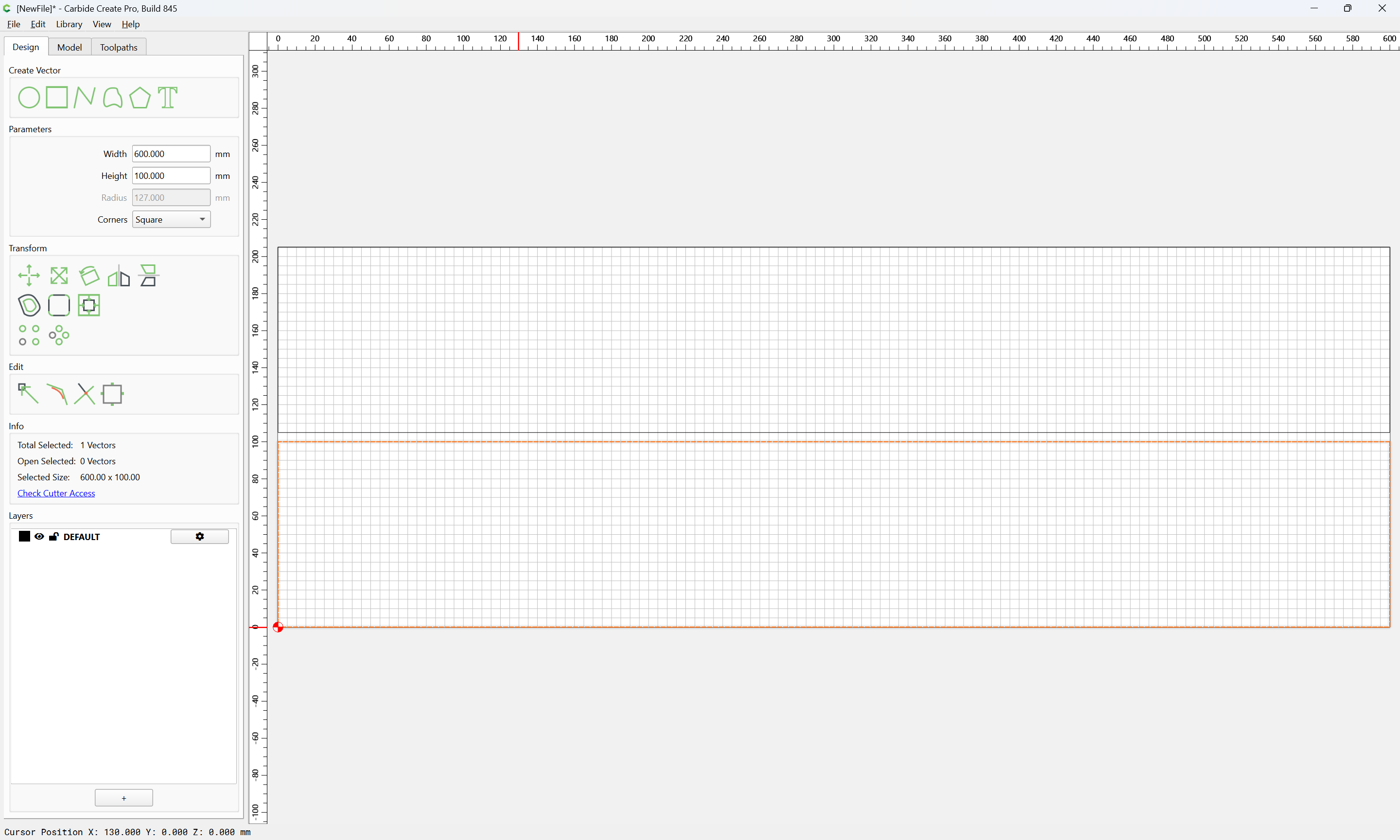
Import
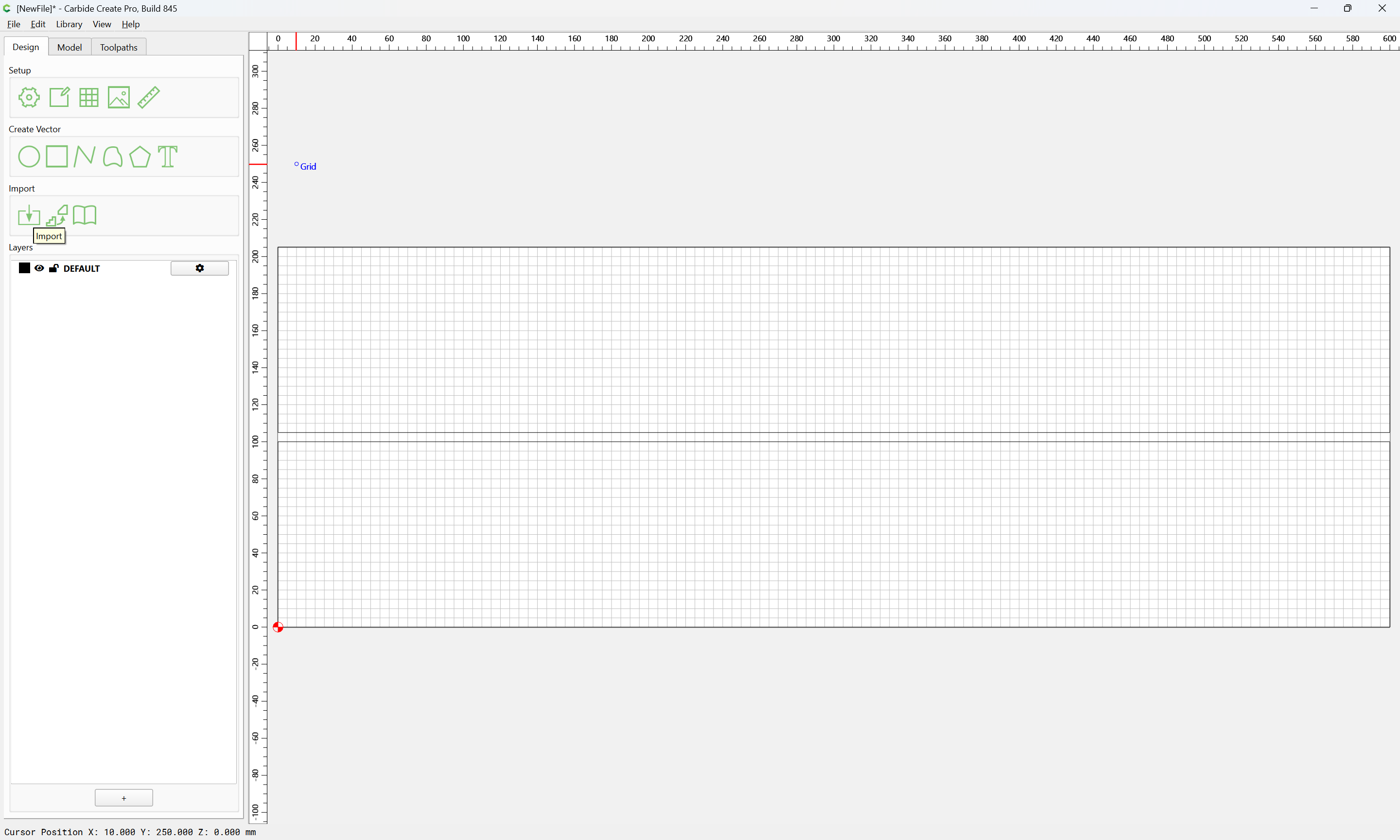
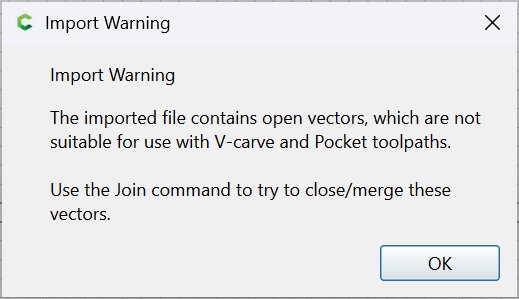
(do not join the vectors)
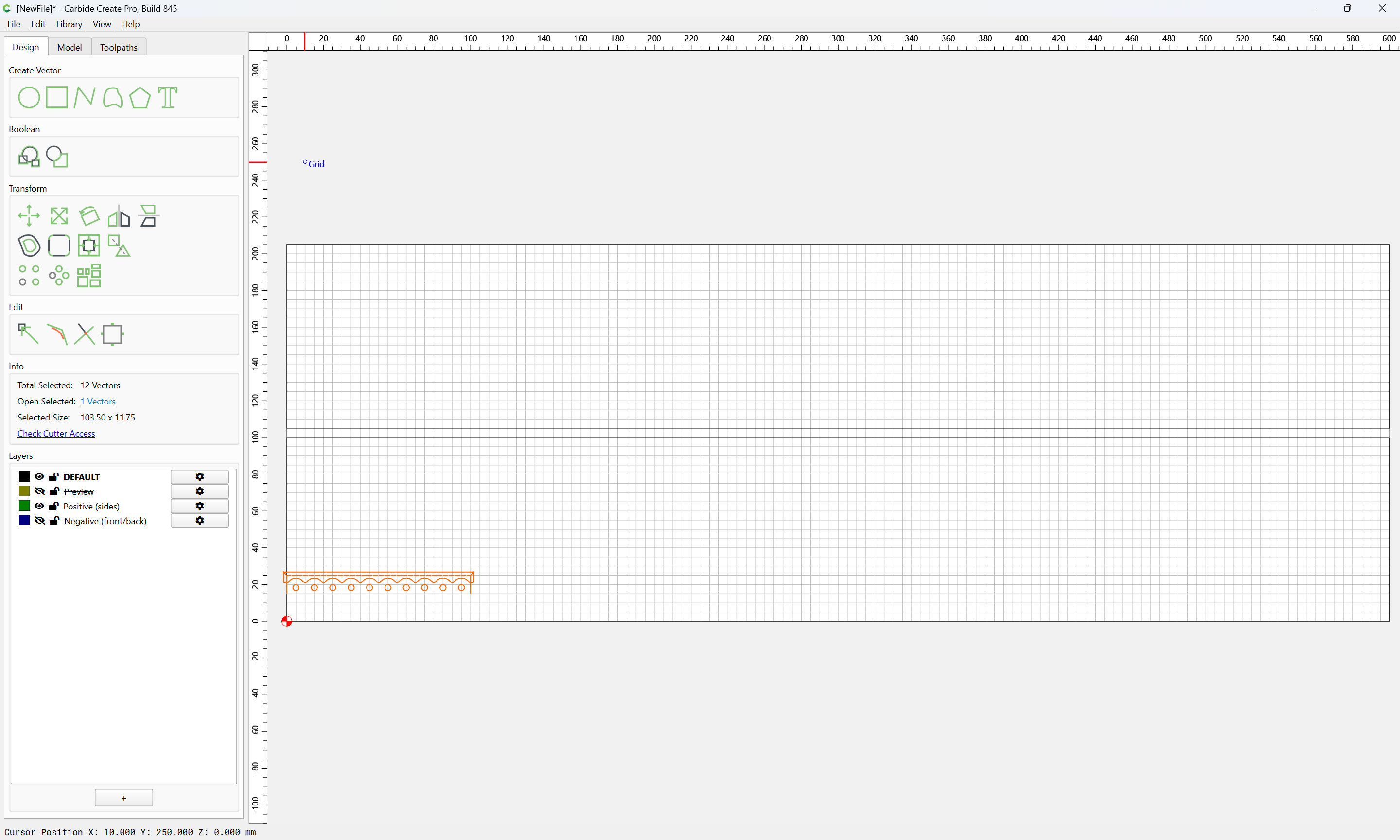
Clean up by deleting the layers which are not needed:
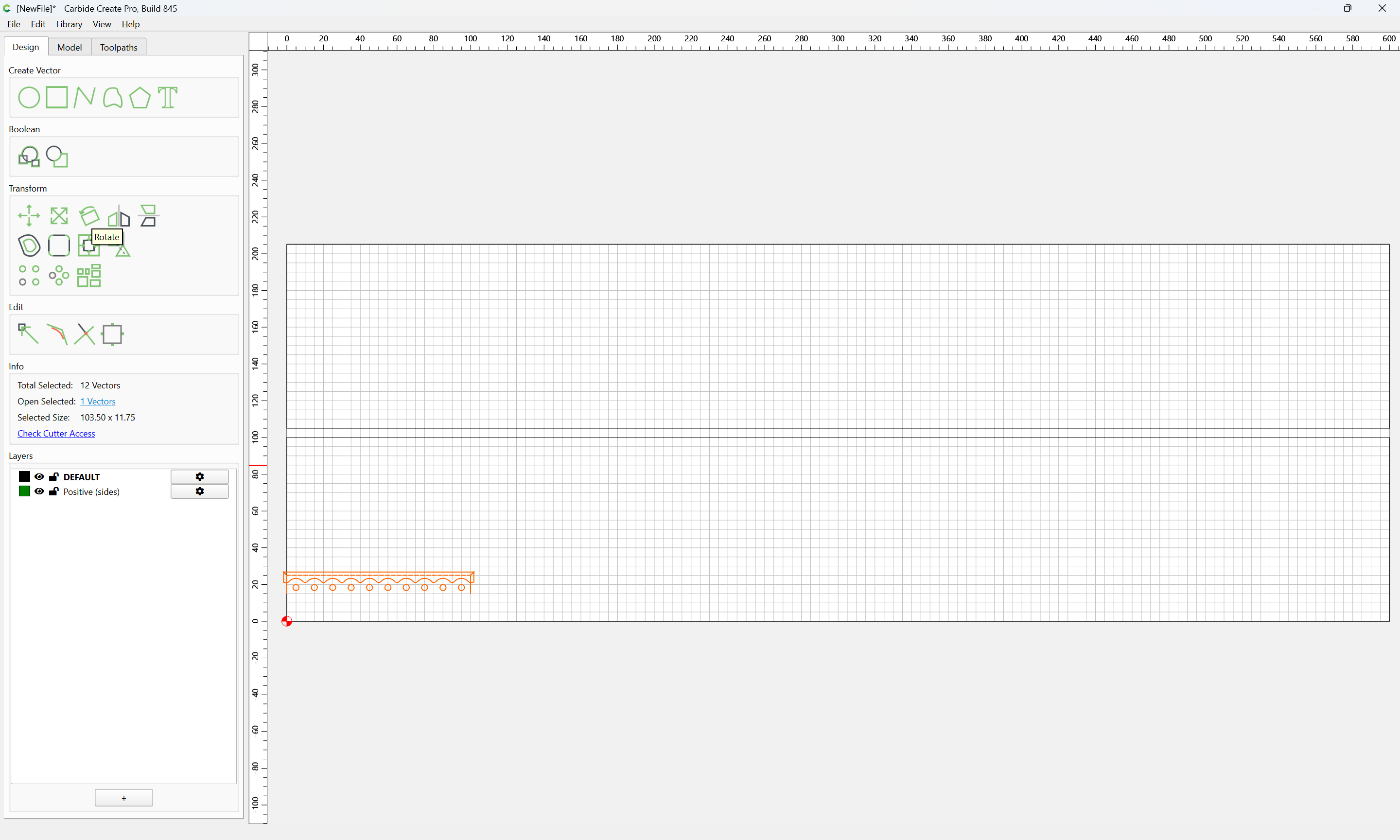
and rotate the geometry:
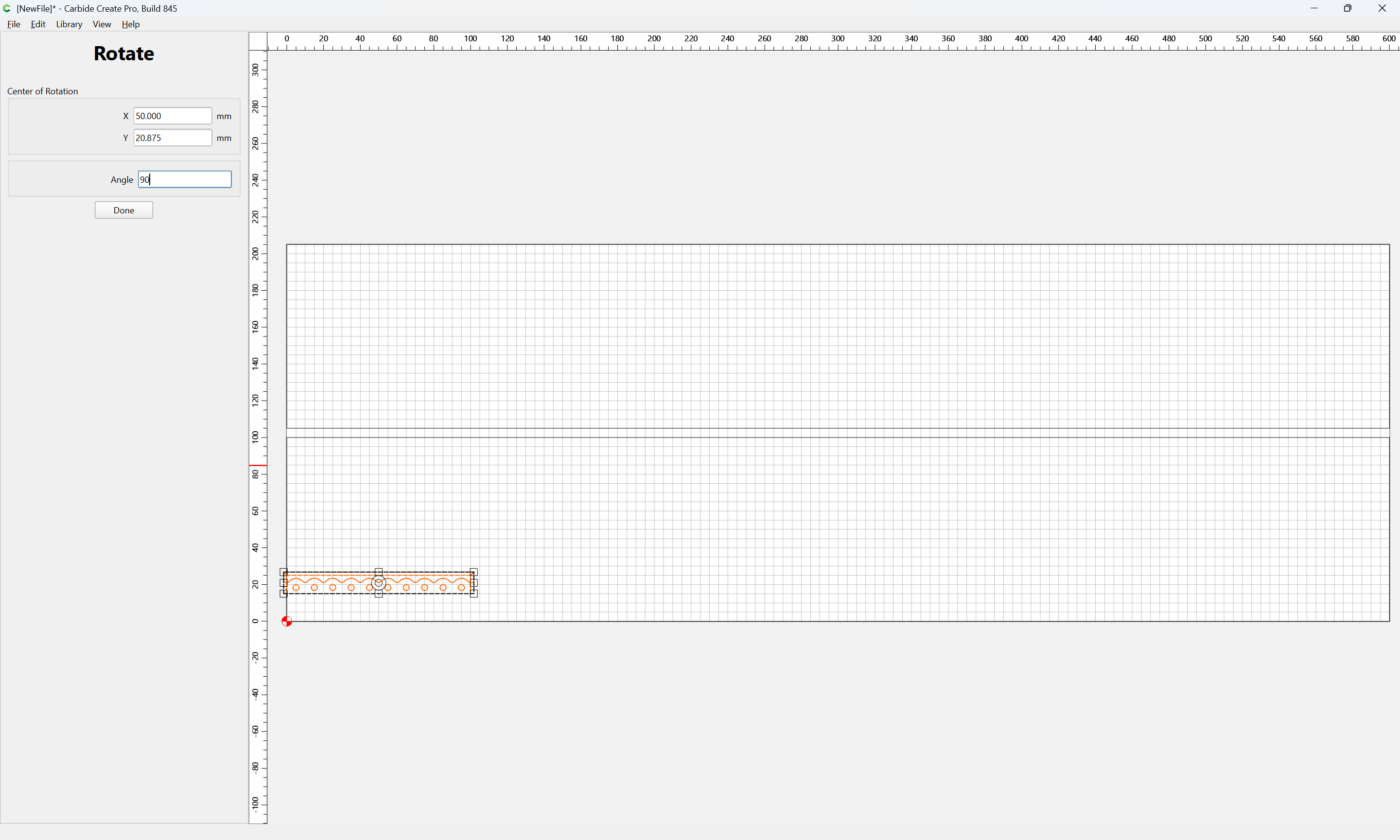
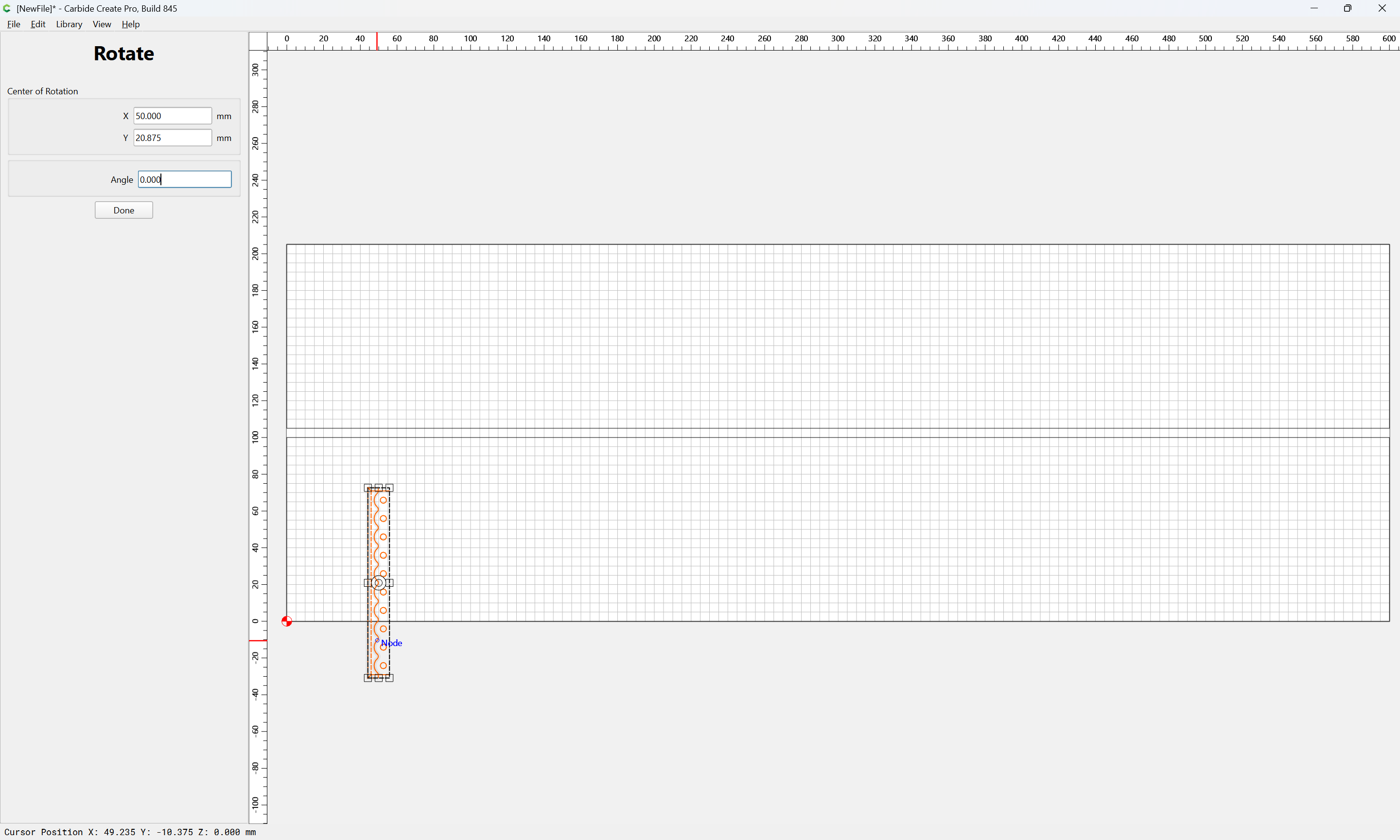
Done
and drag it into position:
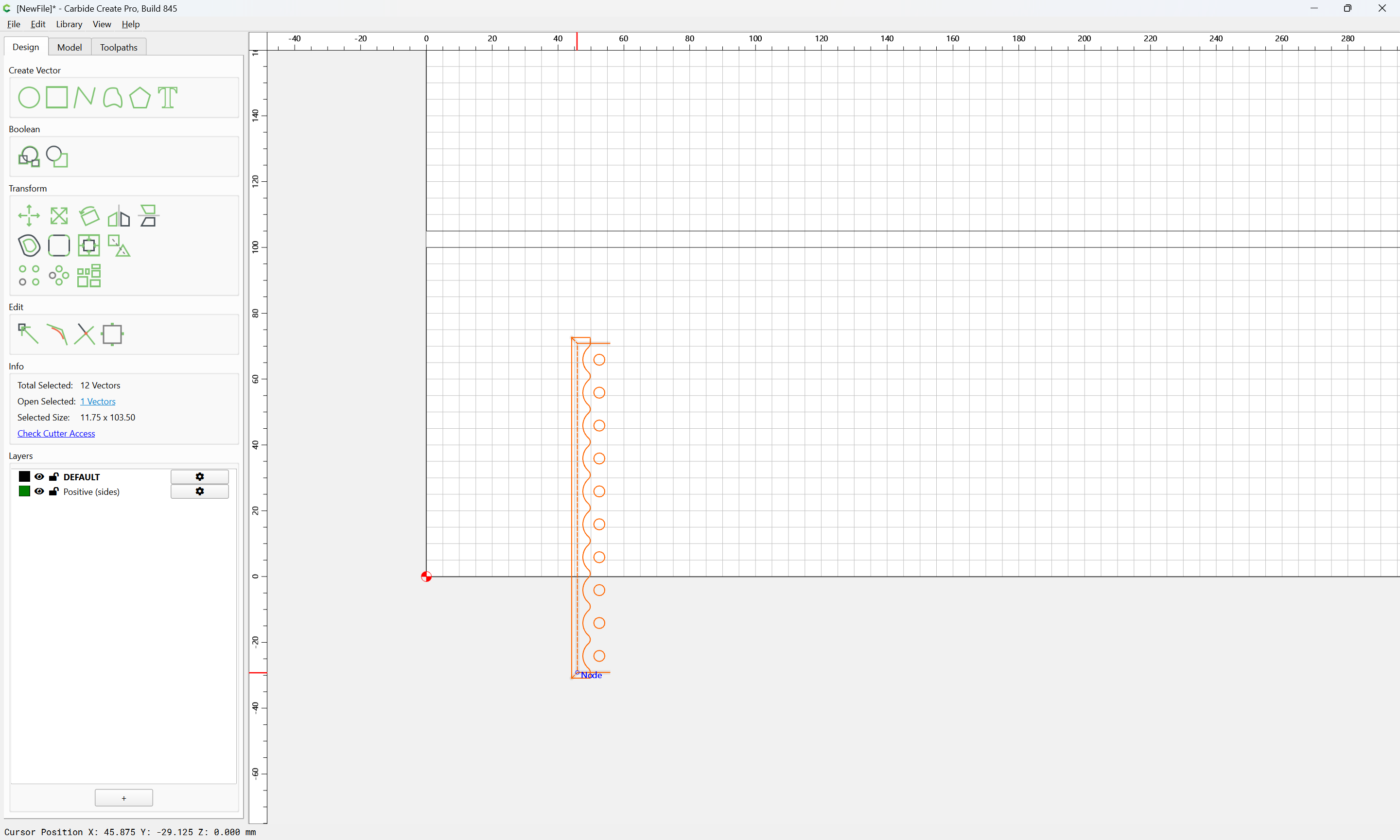
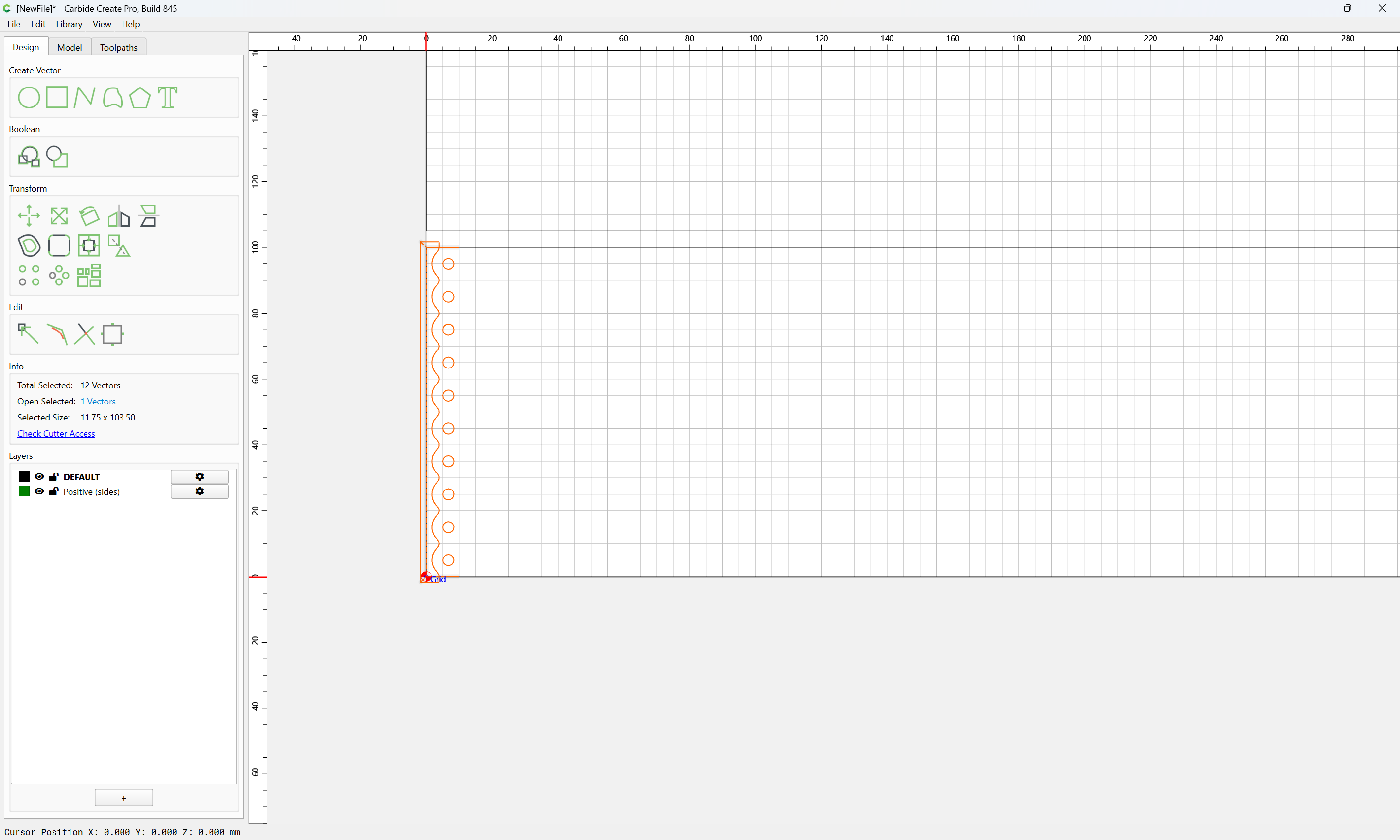
double-clicking on the layer to make it active:
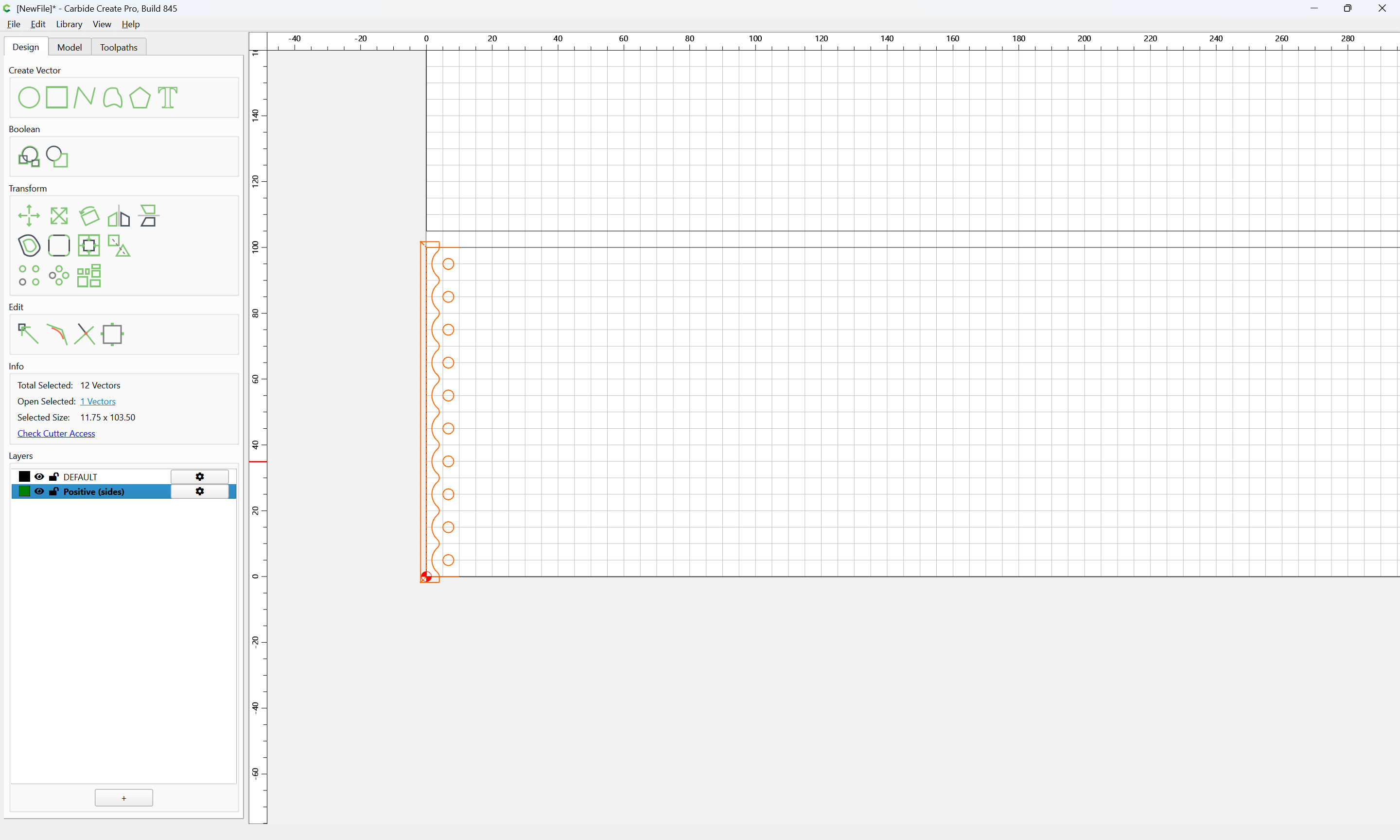
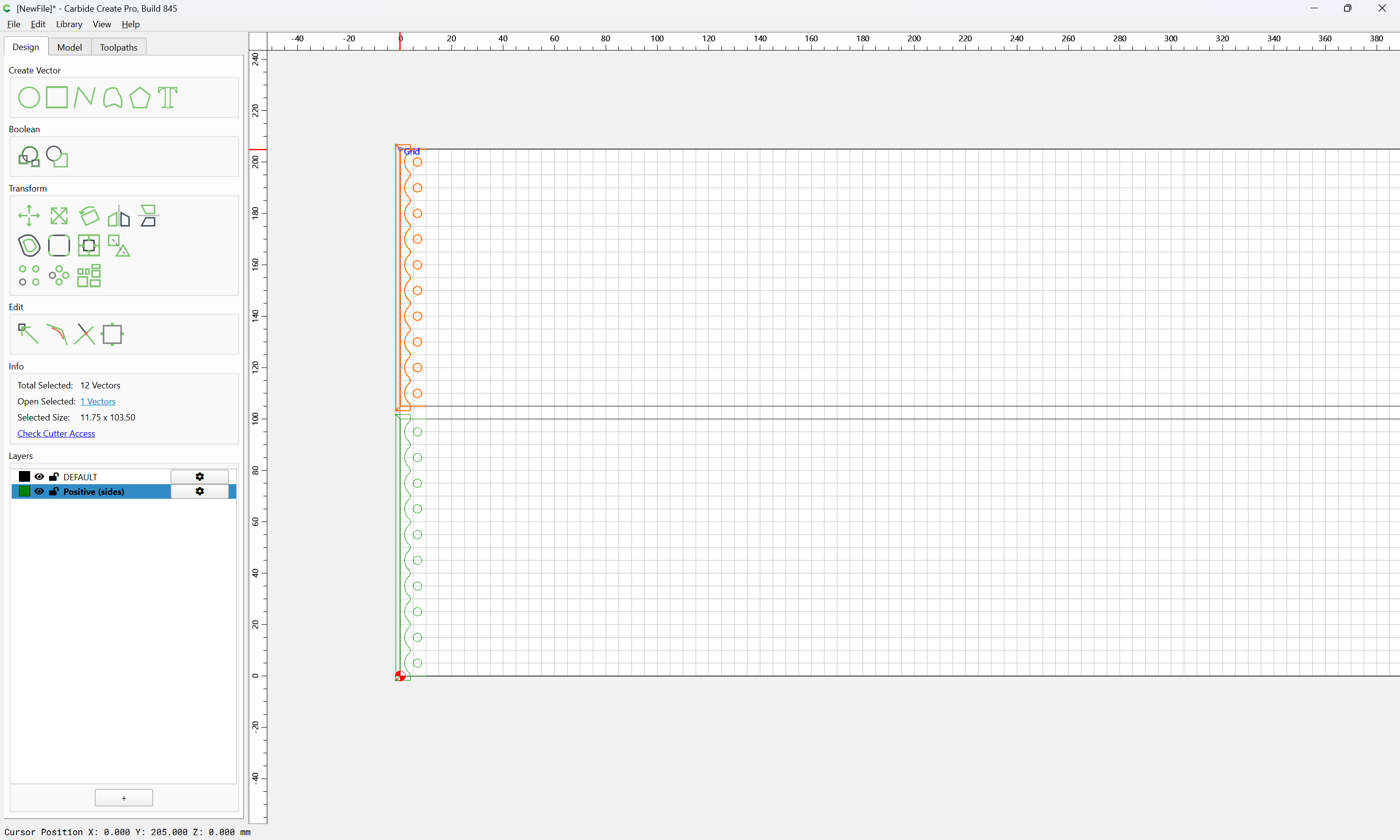
then duplicate and reposition:
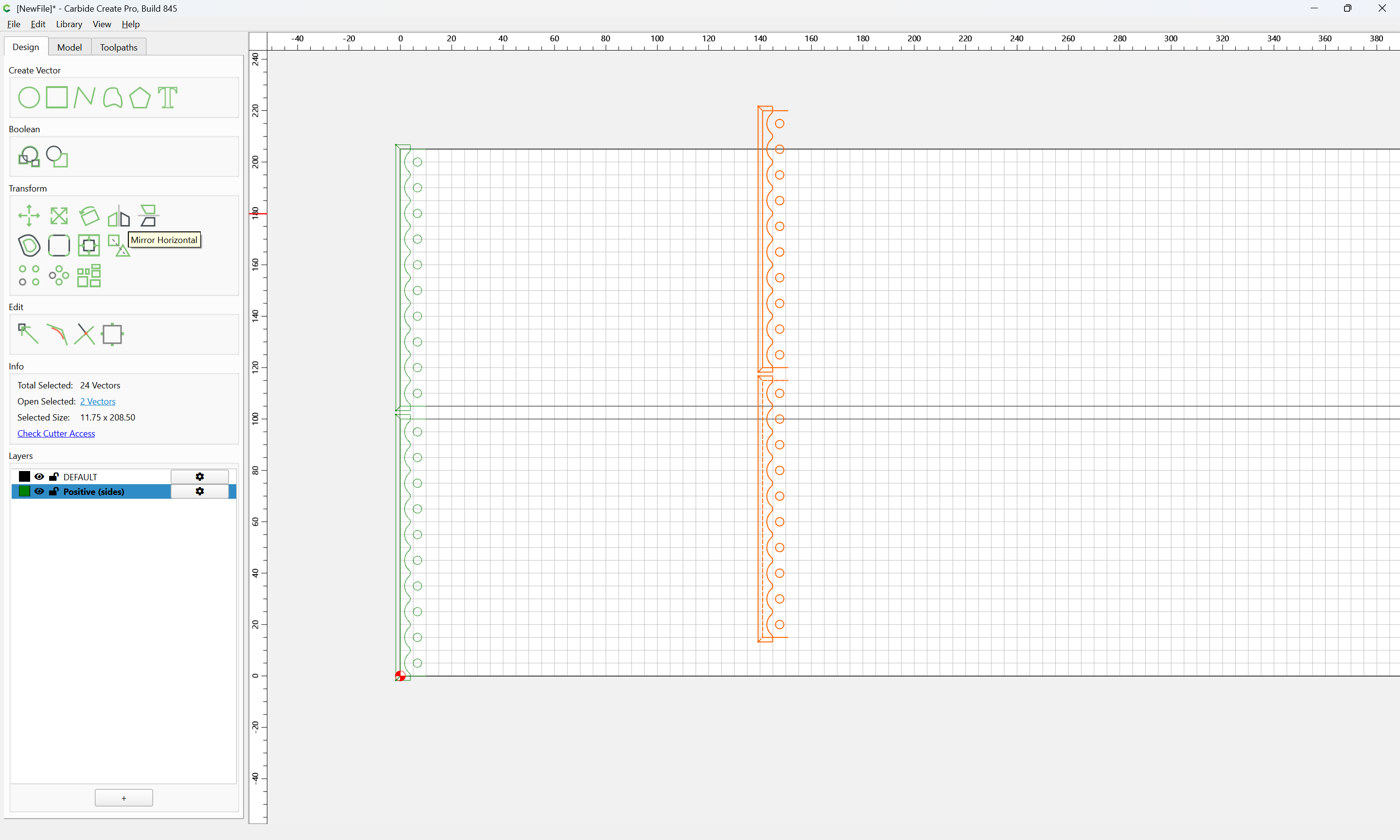
and duplicate and mirror and reposition:

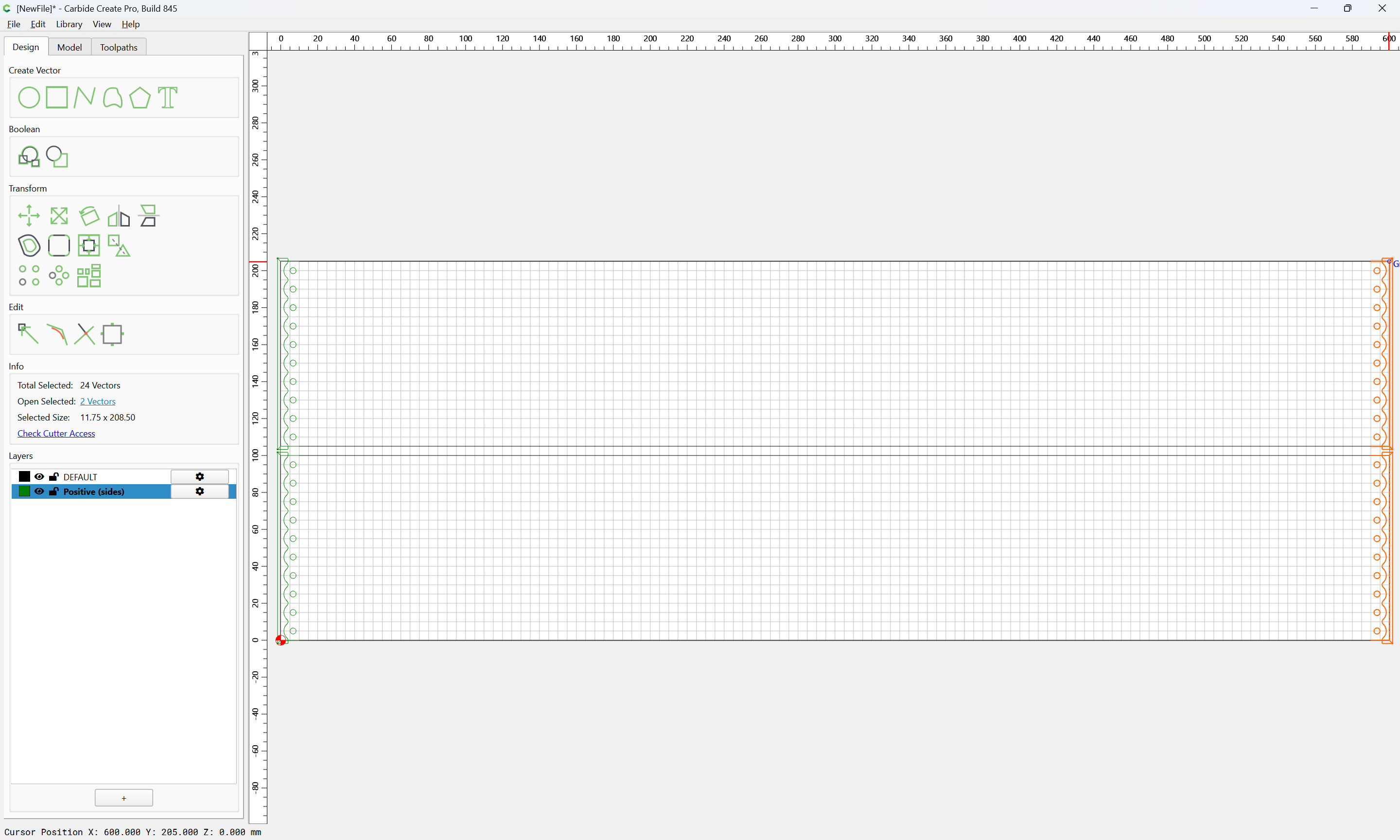
Clean up by deleting the unneeded toolpaths:
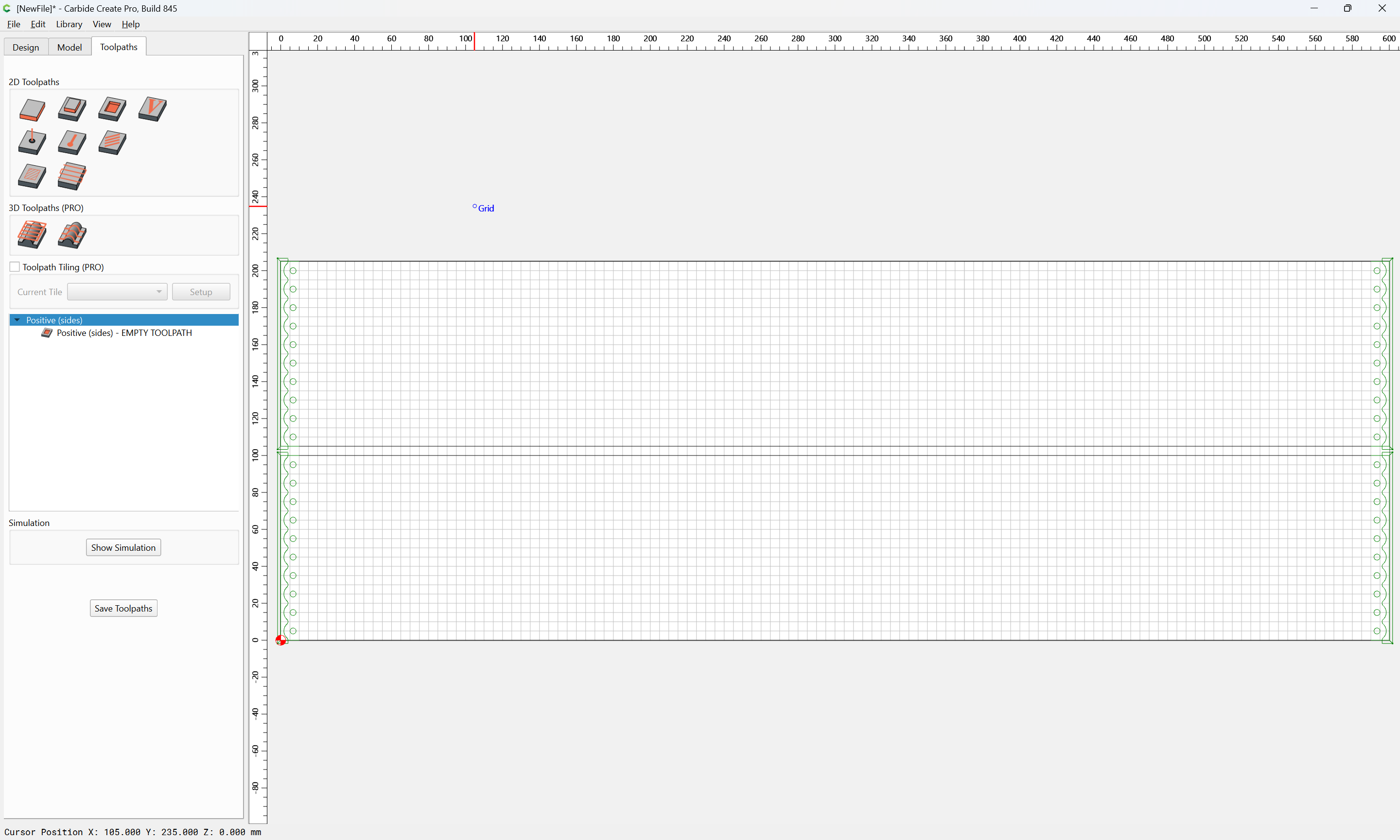
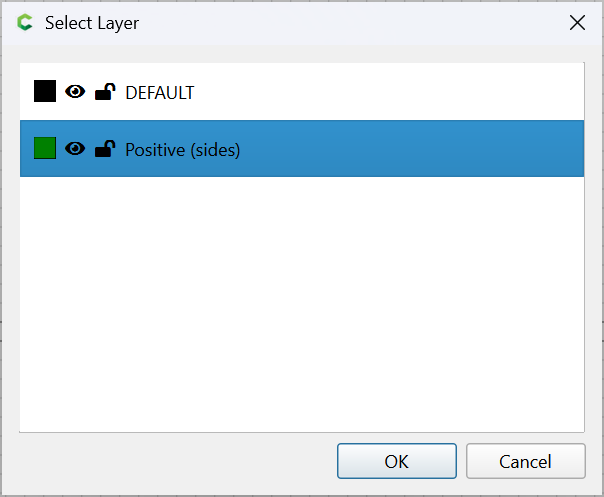
and edit the toolpath to fix the toolpath association to the layer:
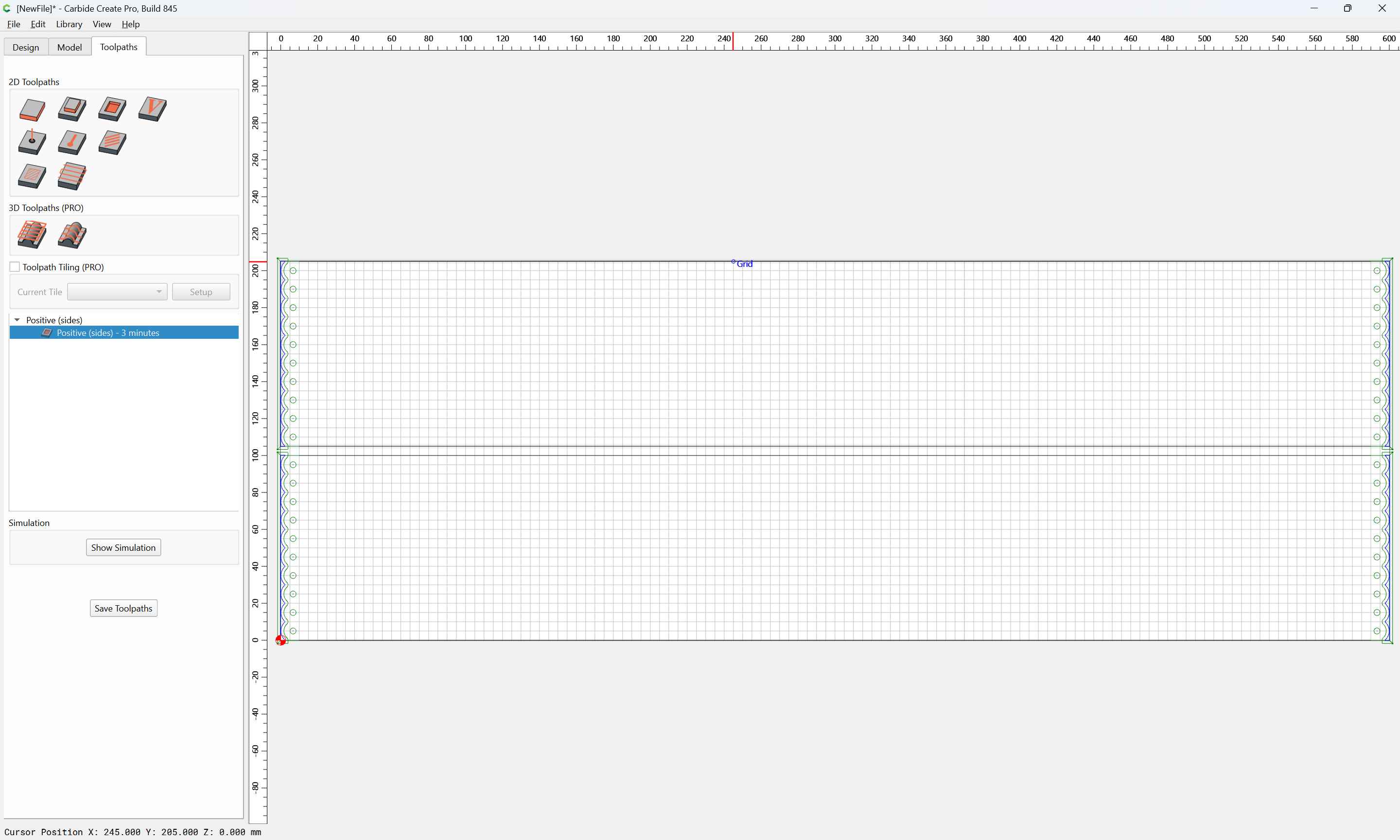
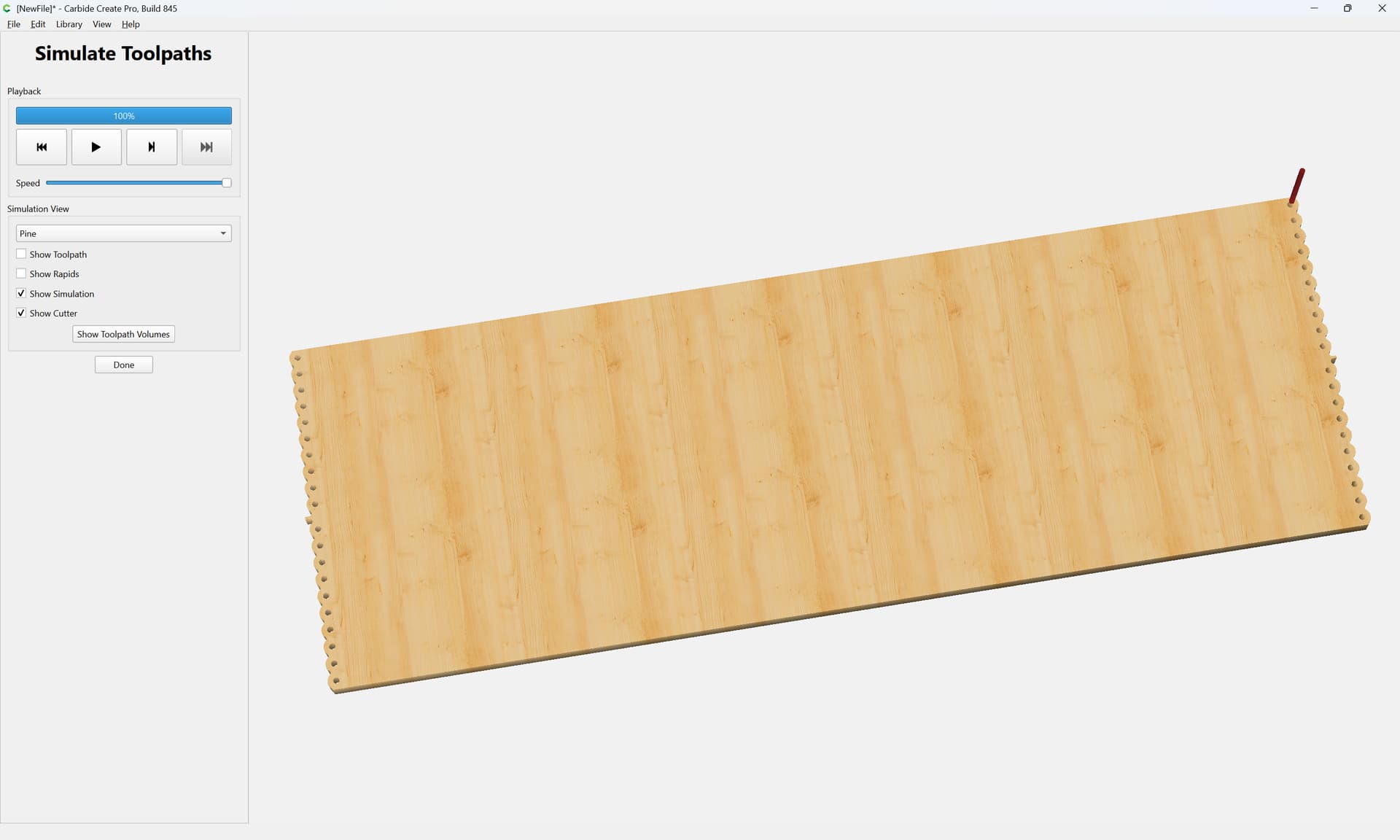
Geometry and toolpaths to cut out the parts along their edges are left as an exercise for the reader.