There are a couple of ways to do this:
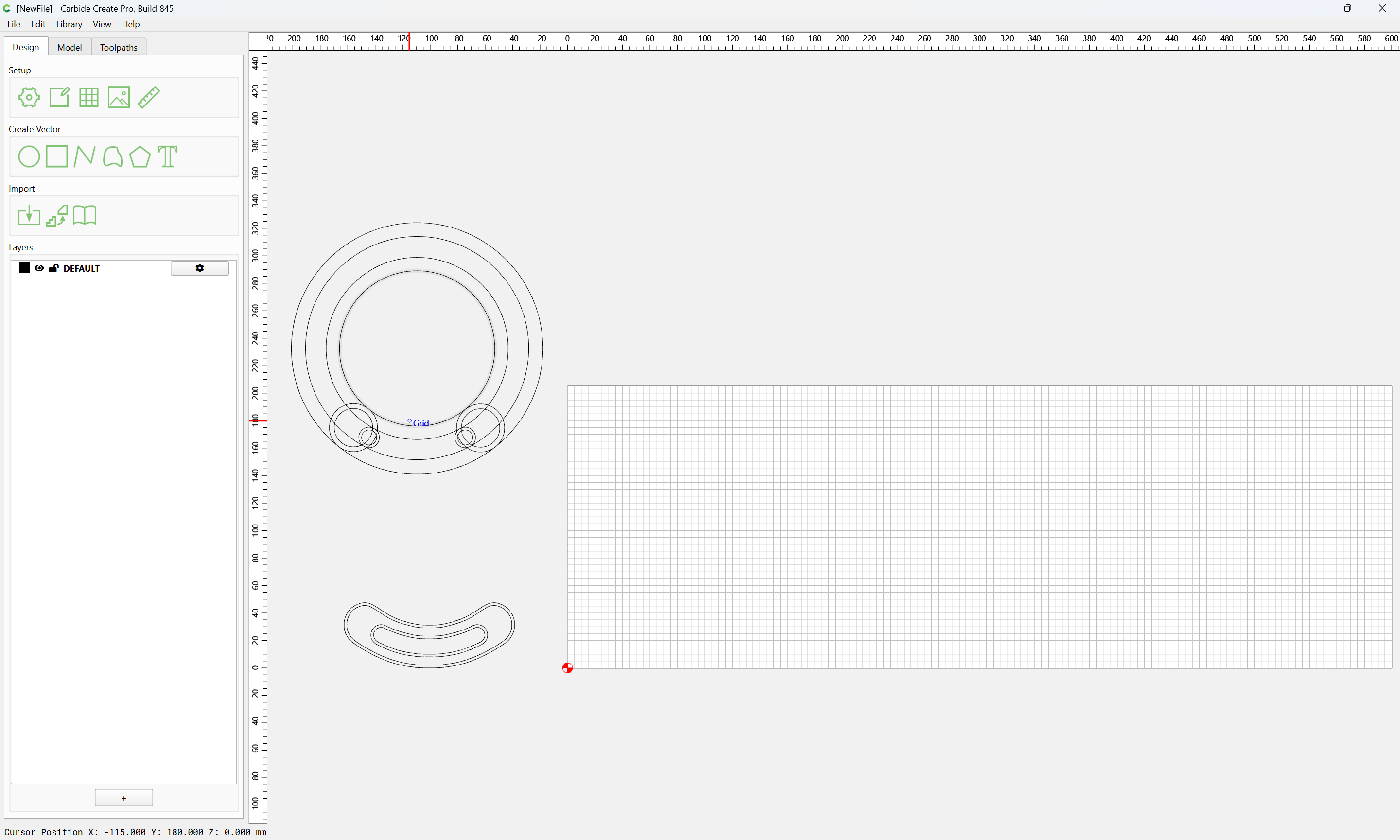
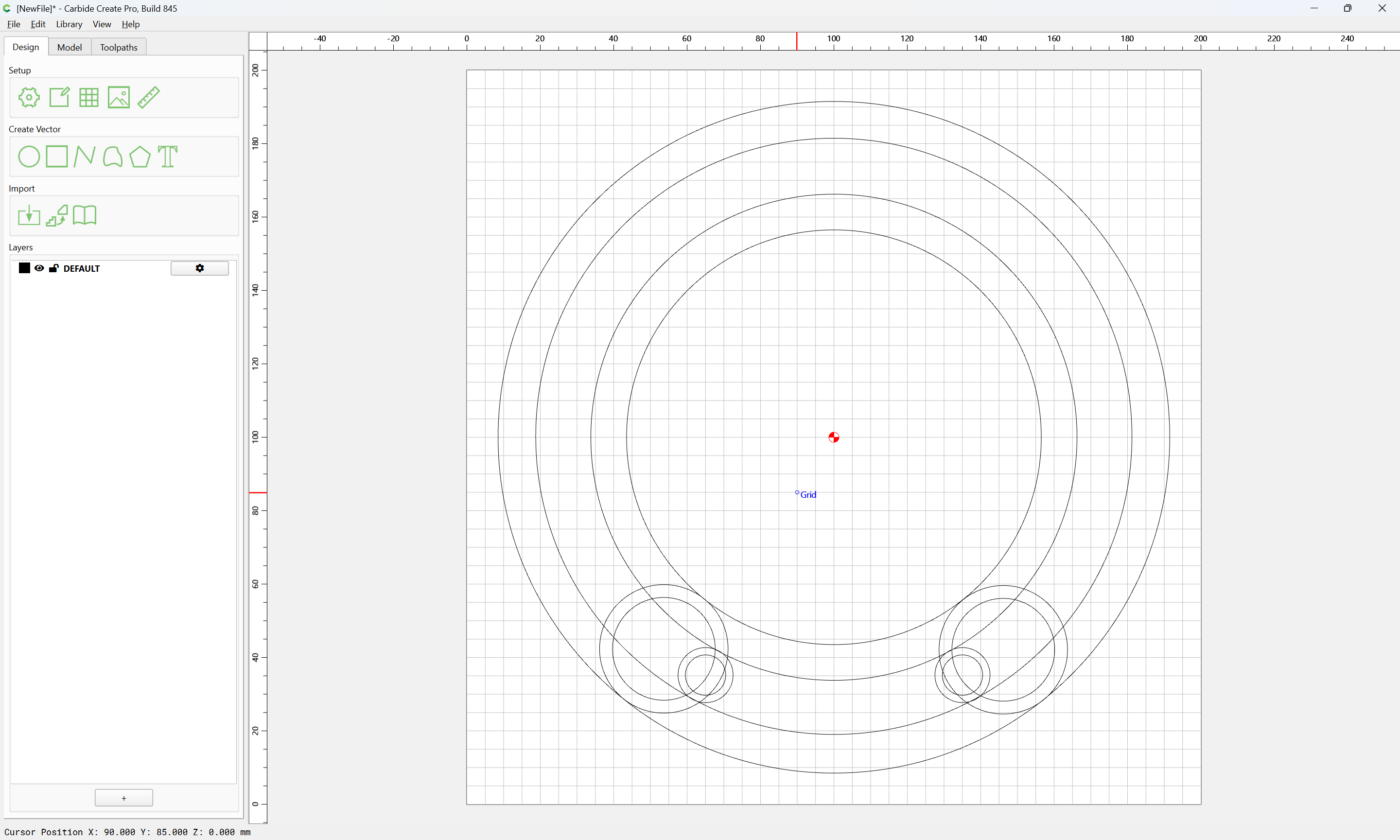
First, to make things a bit simpler, we delete what is not wanted and reduce the Stock are to what we wish to work with:
Then, for each set of circles, draw a line which intersects them at the correct angle from the center:
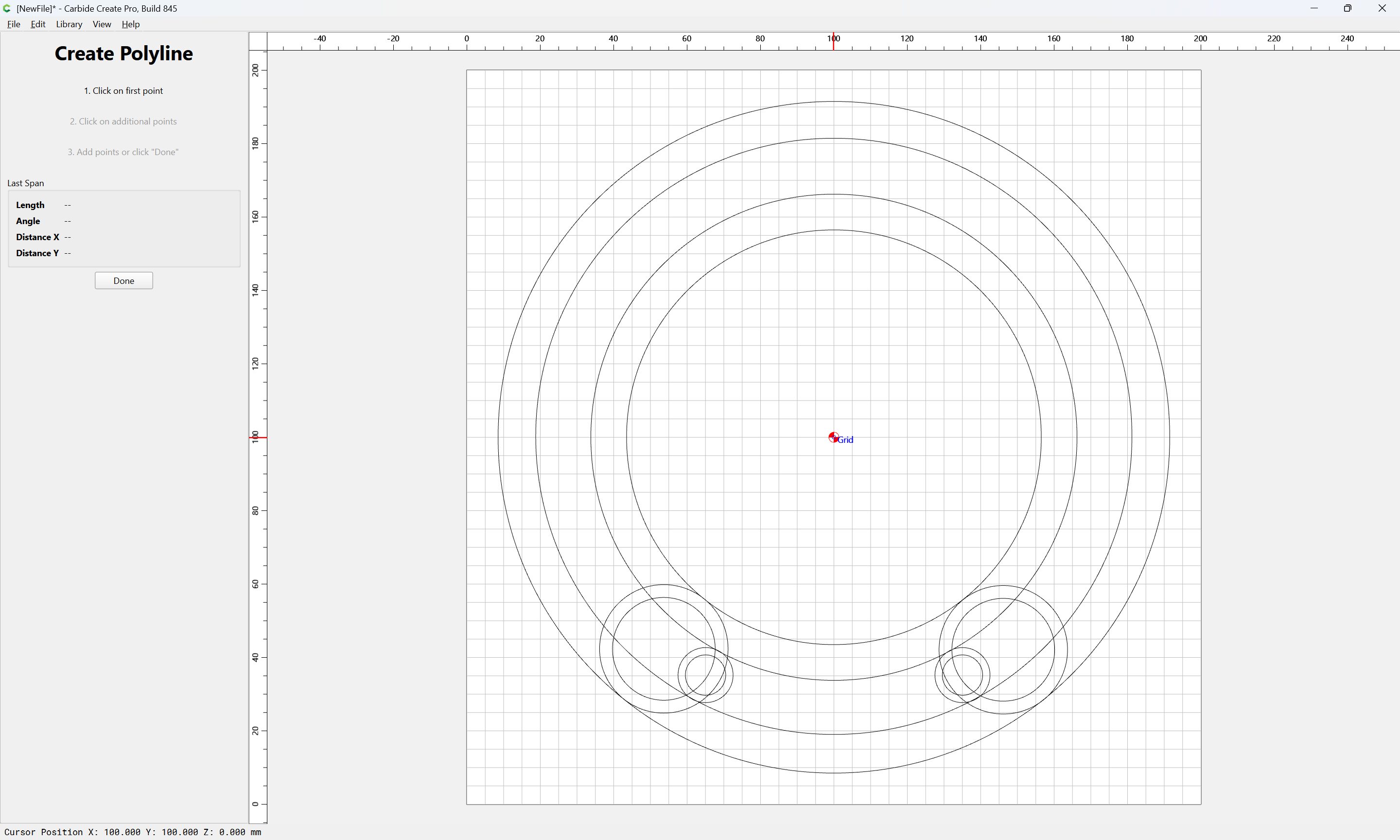
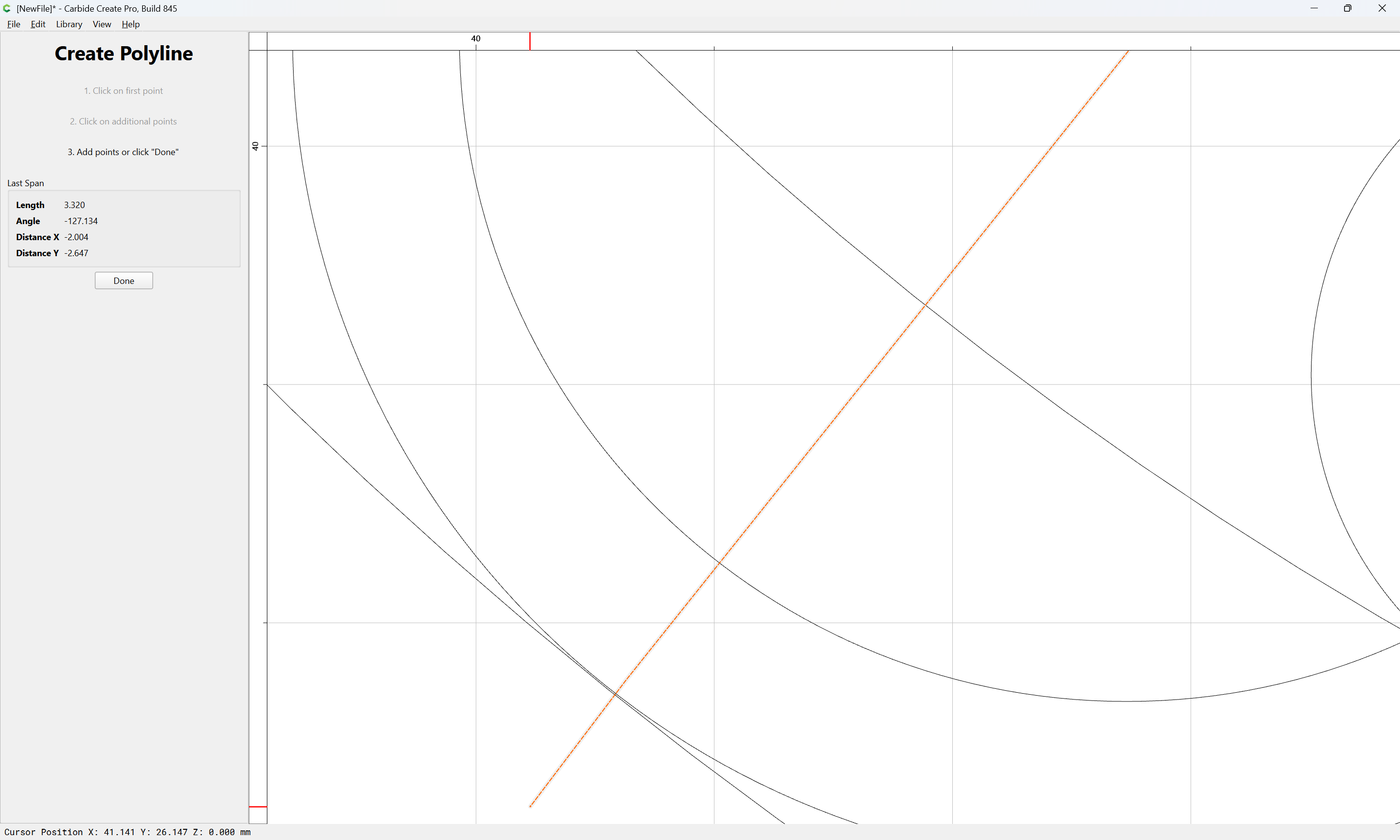
For actually getting the originals lined up c.f.,
Done
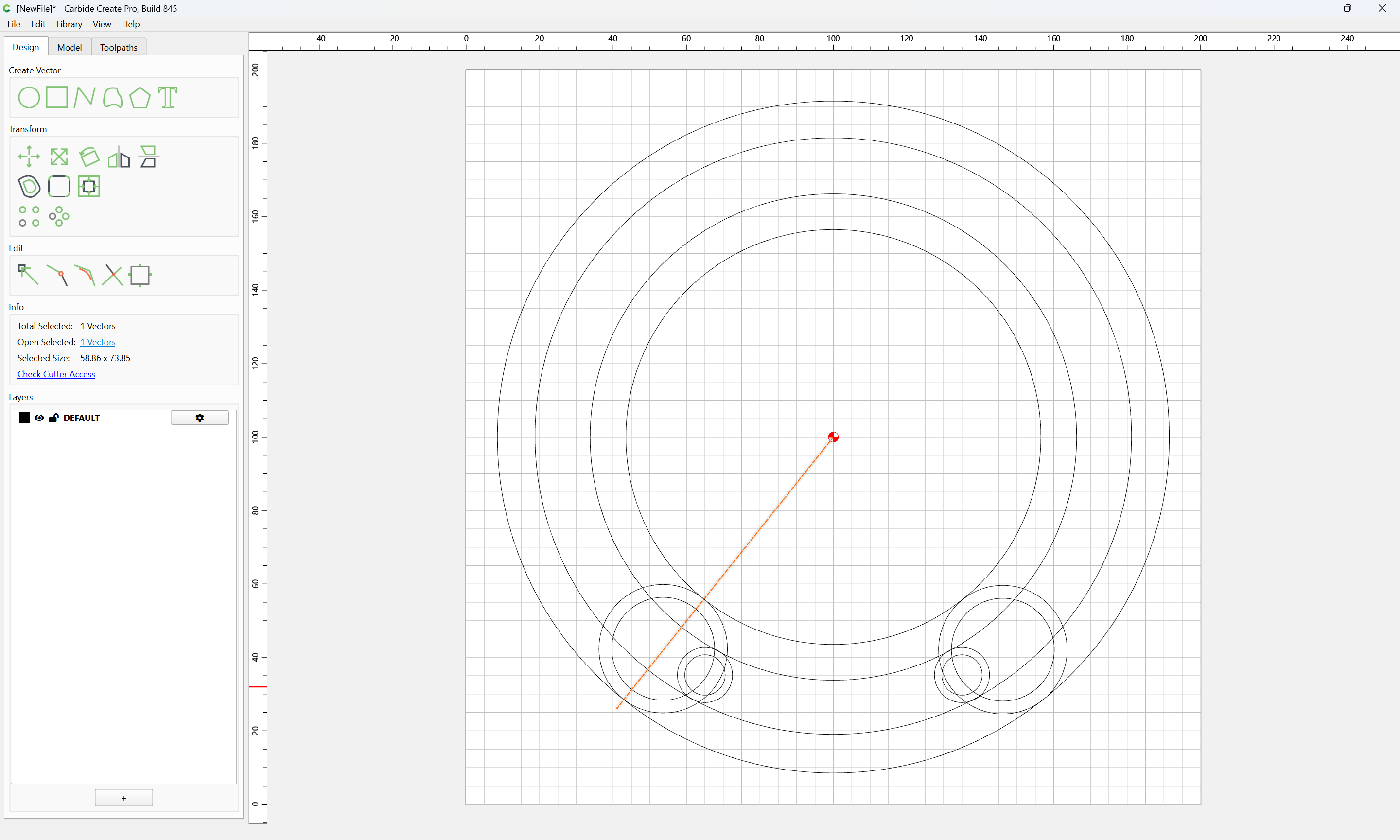
copy-paste to duplicate:
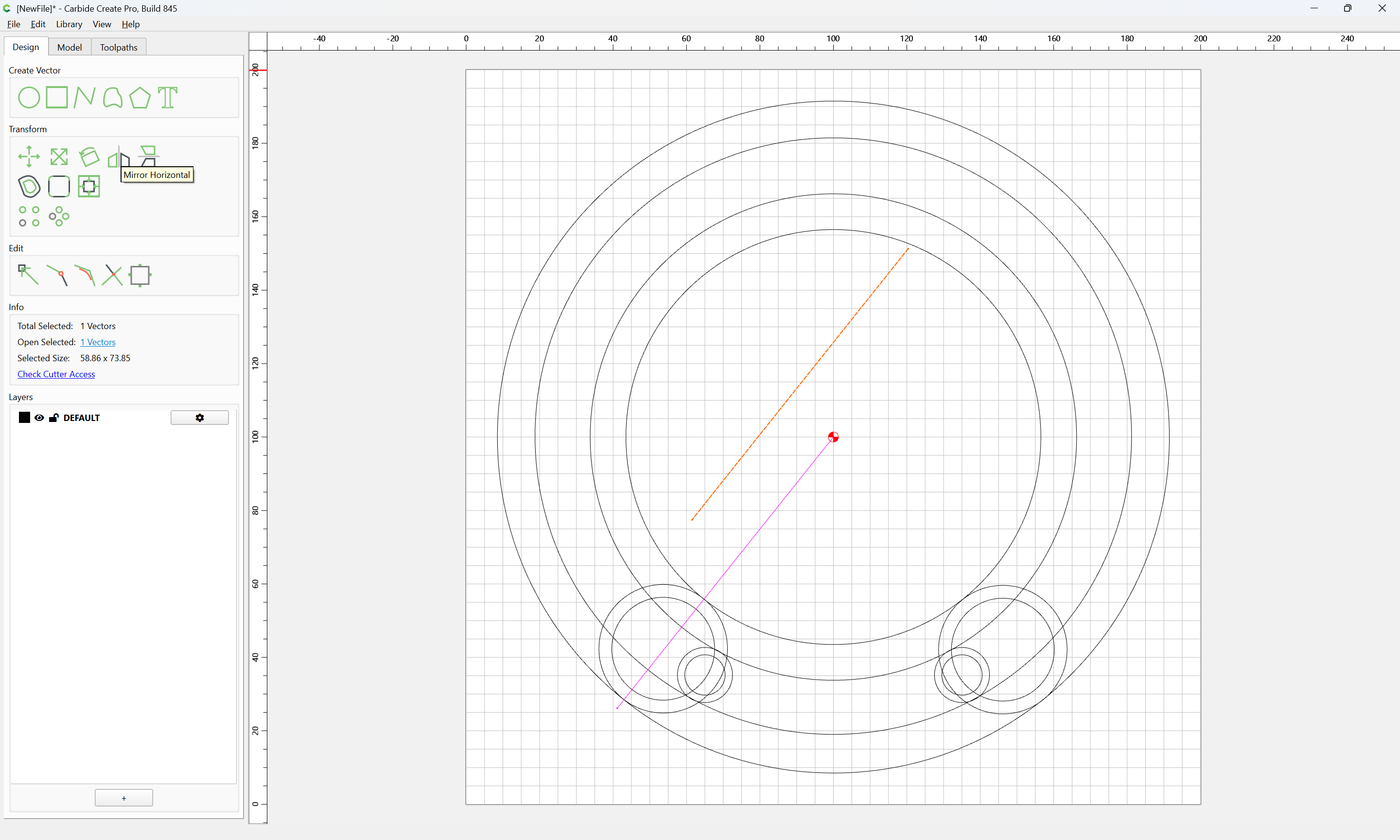
Mirror Horizontal:
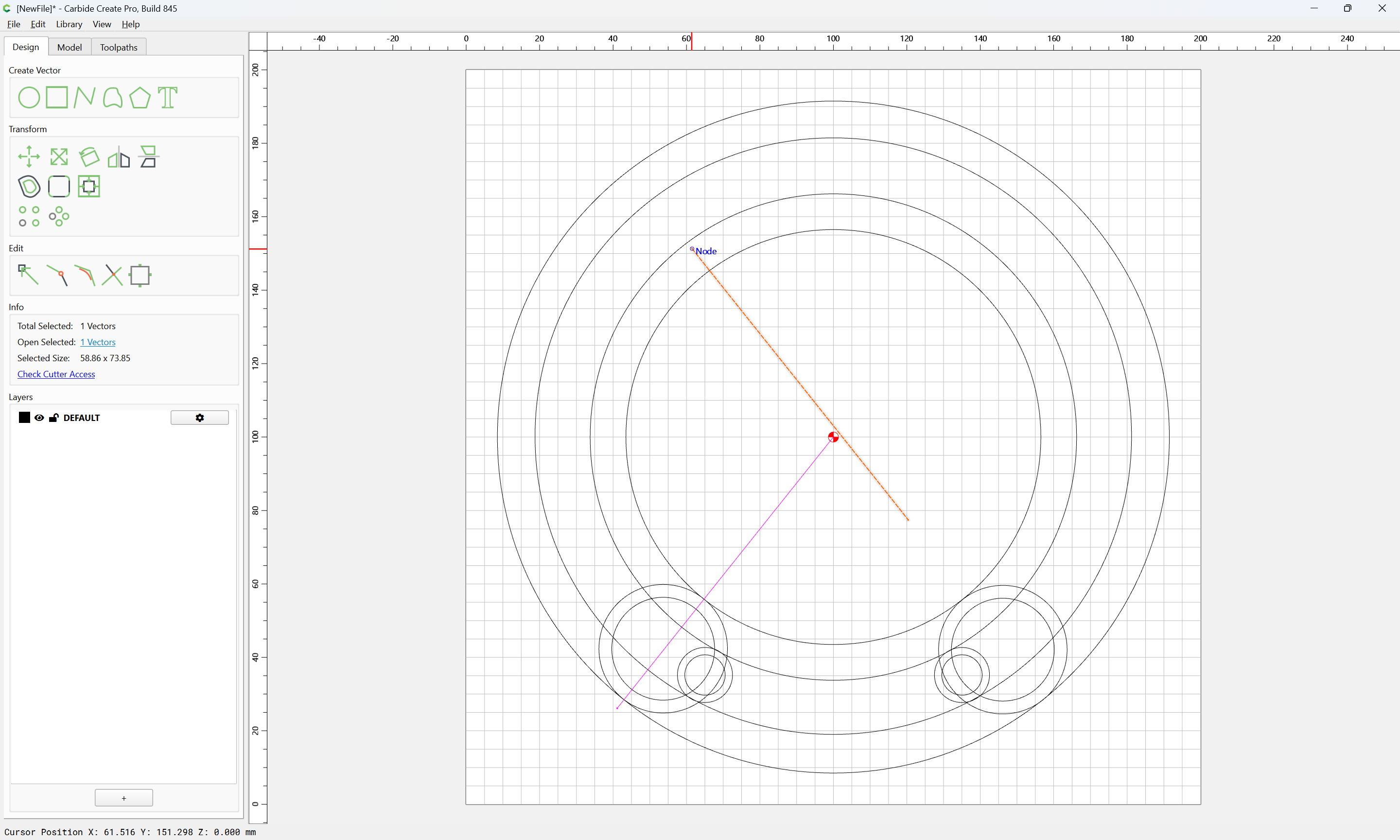
and drag into registration with the original:
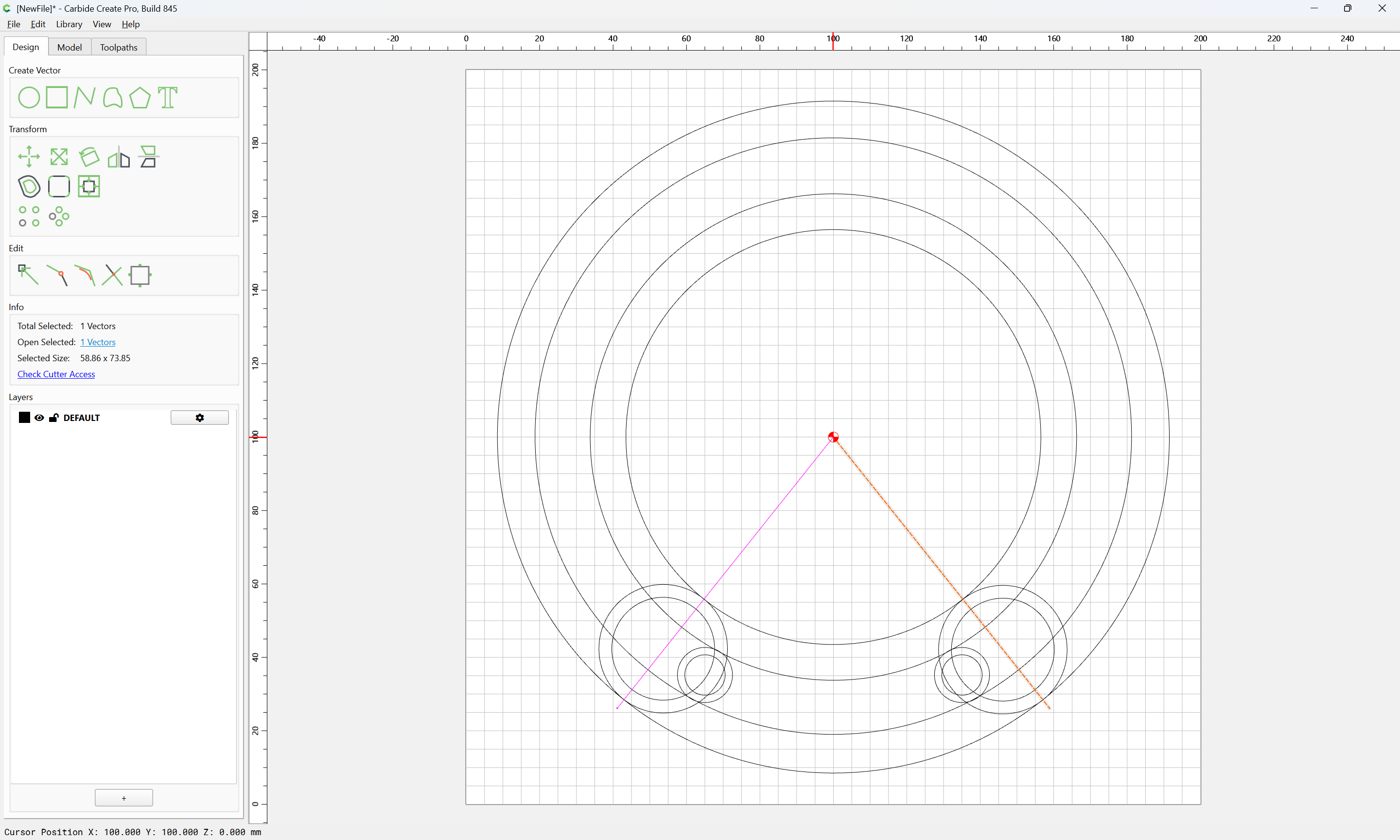
Ungroup:
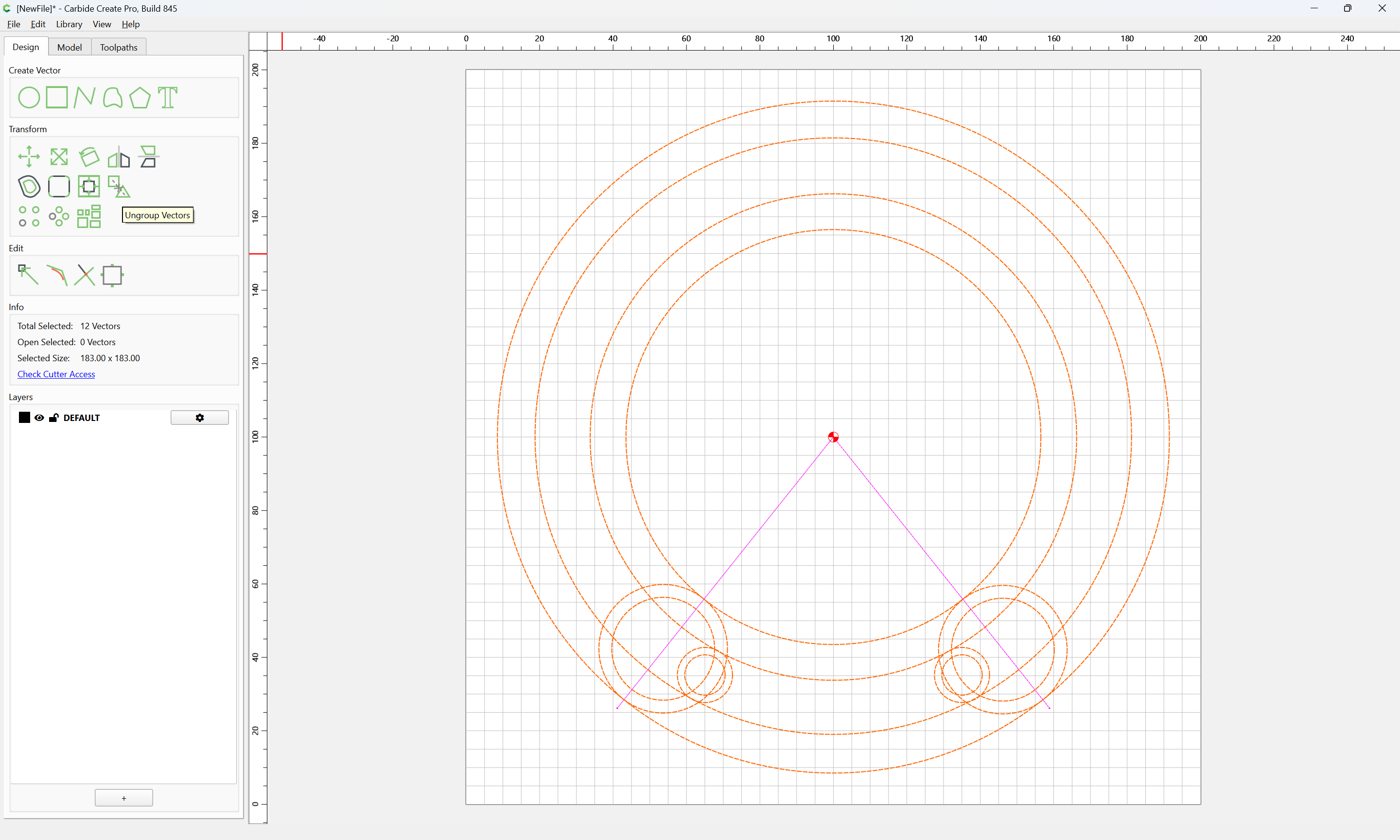
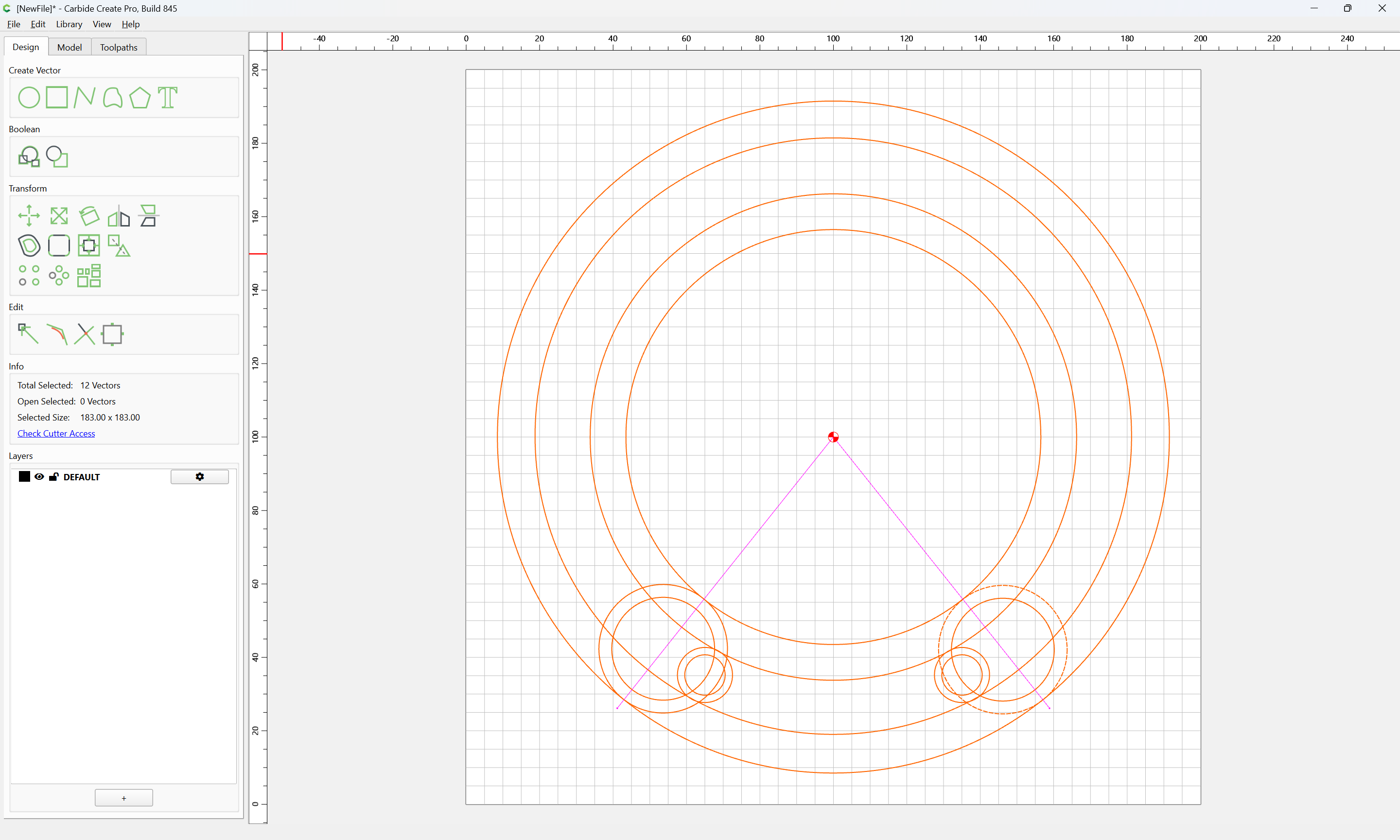
Select the geometry for the matching set of circles after creating the missing pair of circles and adjusting for the matter of things not perfectly matching up:
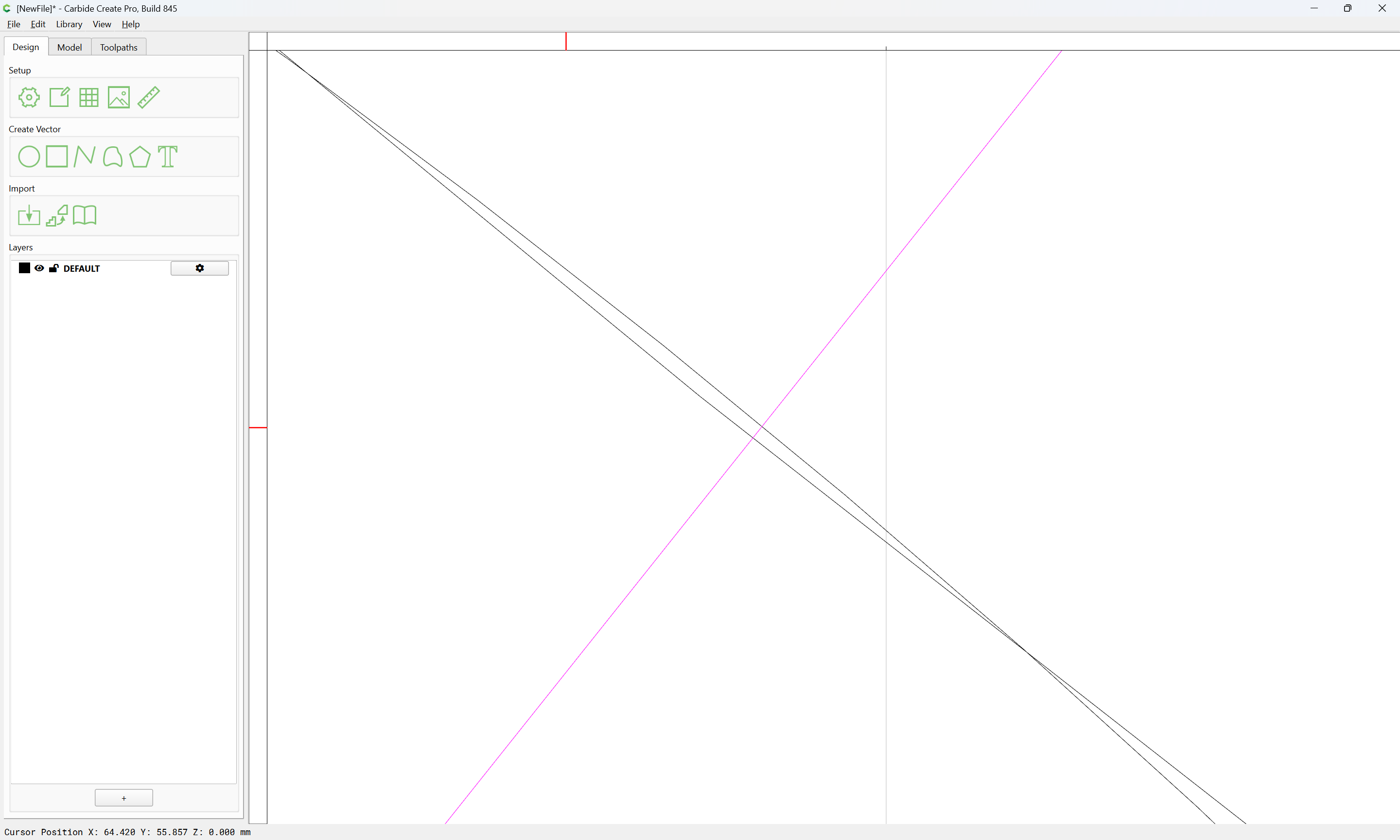
Probably best to just re-create everything…