How to cut an angle on a curve?

I’m very new to CNC software…

I have a curved piece, like the letter C and I want to add an angle cut to the inside of the C. Specifically 30 degrees if that matters.(the outside line of the C would be square cut or 90 degrees)

I’ve tried the 3D shape thing and I’m lost. Is there a good way to do this other than using a jigsaw of the cut out piece?

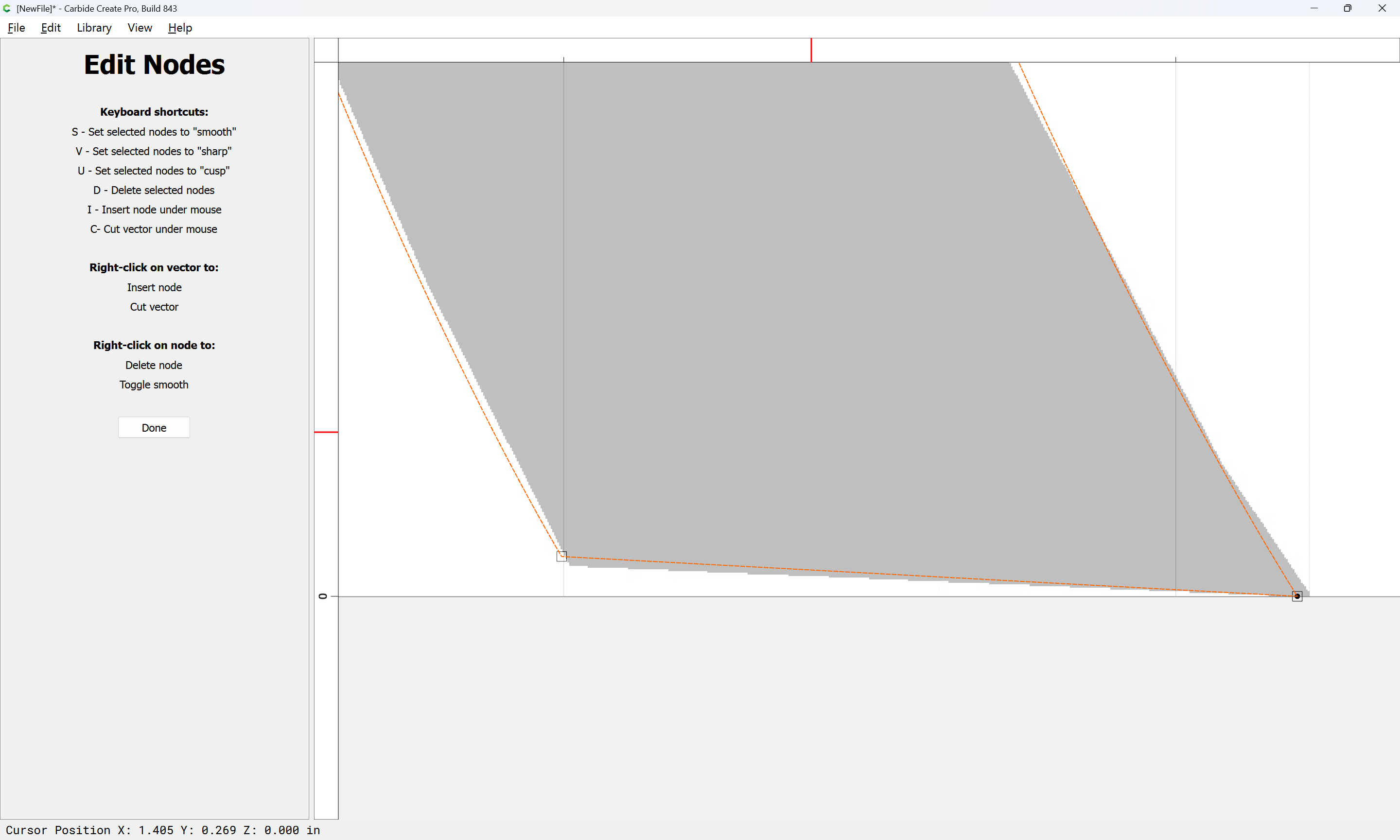
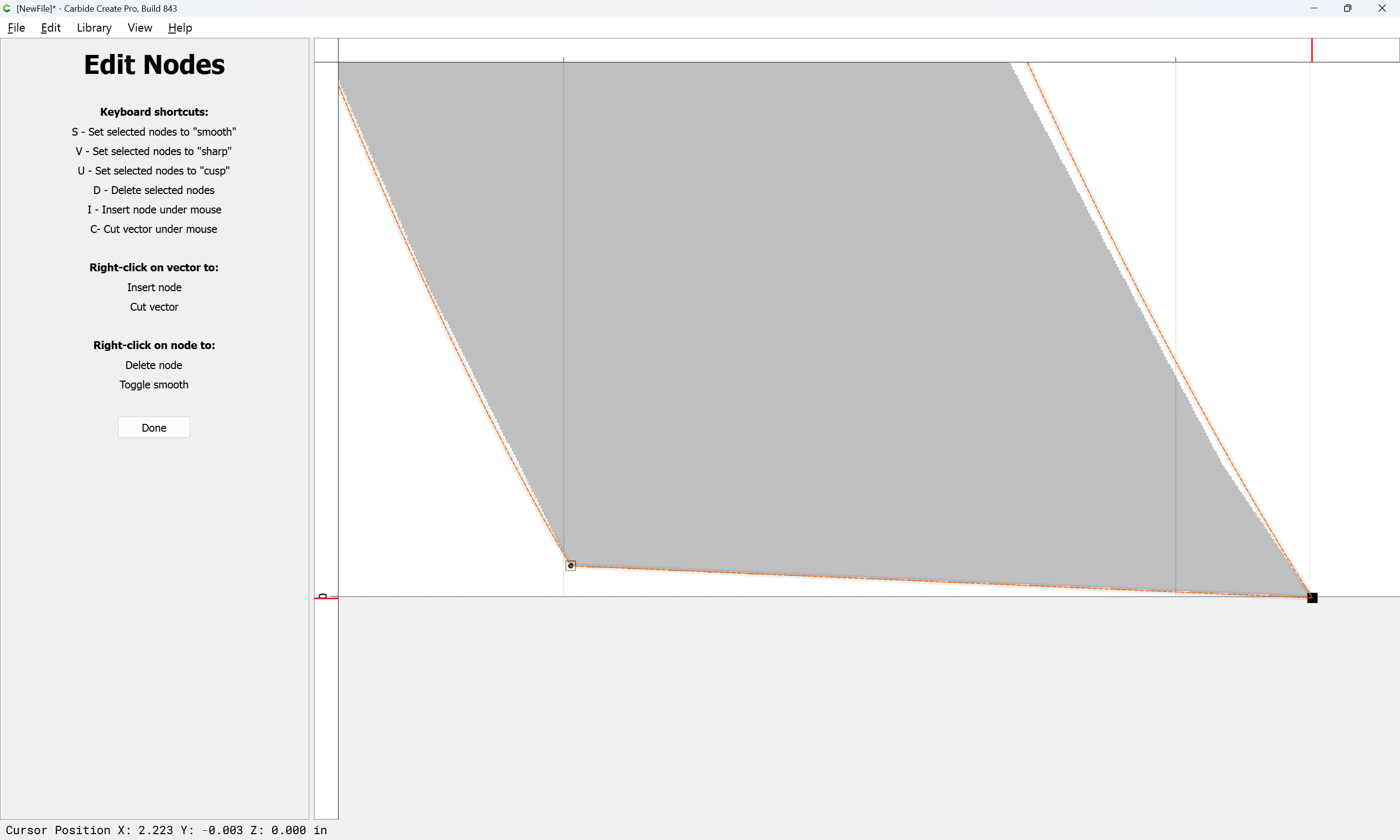
To model a specific angle in Carbide Create Pro one has to either markedly increase the size of the area you are working on, or use a 3D model or pixel image:

Alternately, make a fixture and cut square?

Could you post an image of this?

sorry, should have posted a pic originally. the black is my curved piece and I want to add an angle cut on the inside curve, the grey part is a cross section view. My jigsaw talent is weak and was hoping for CNC precision on that cut.

Dimensions?

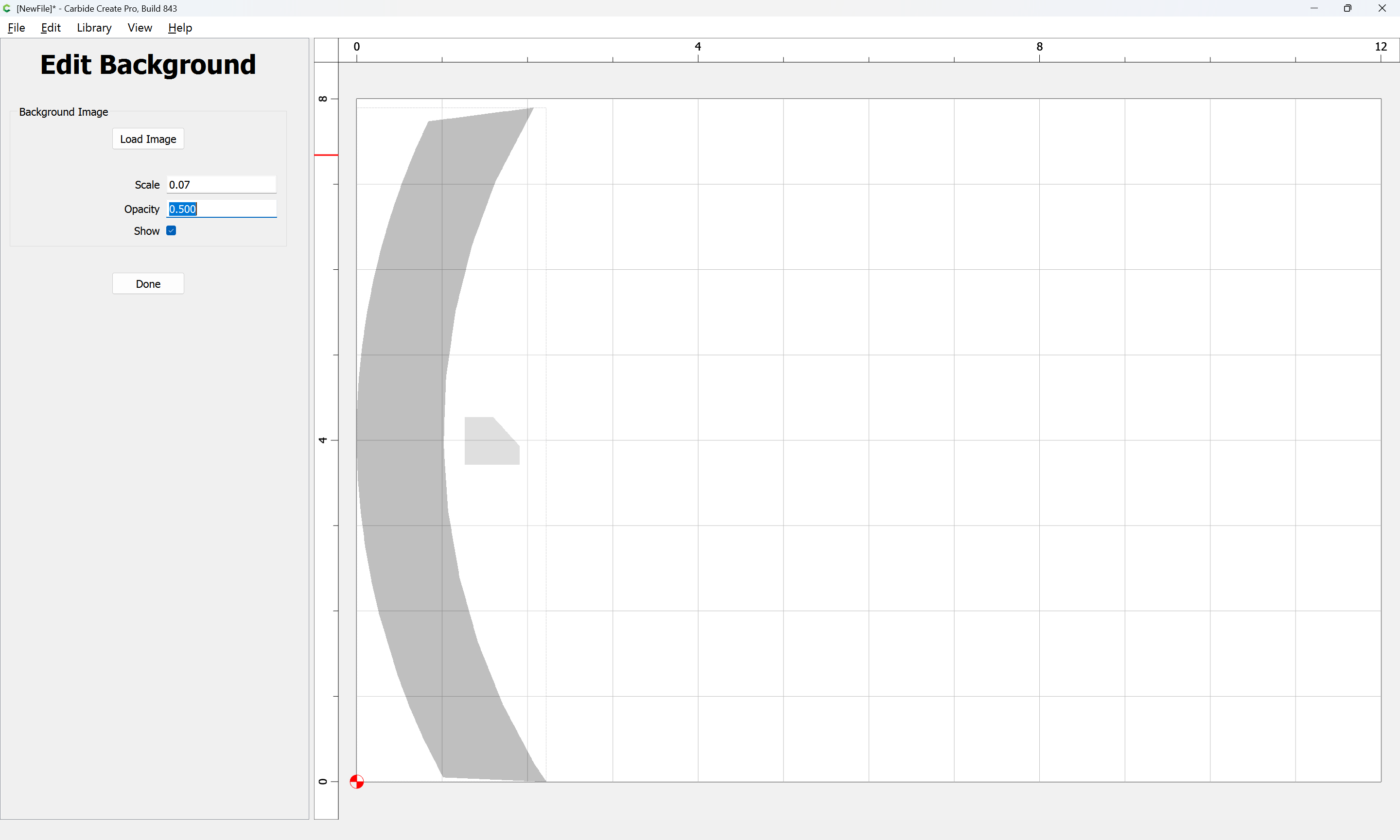
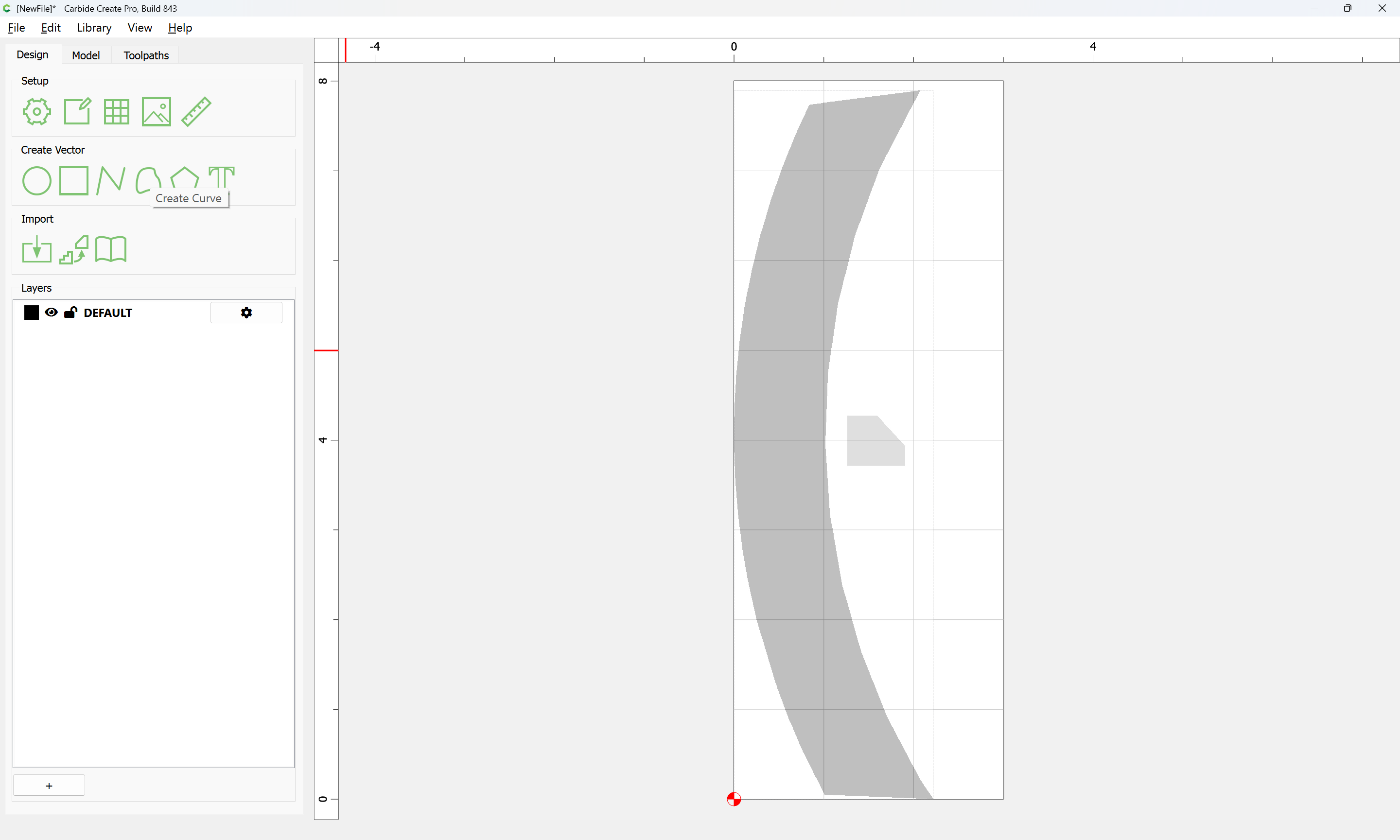
Import the pixel image:

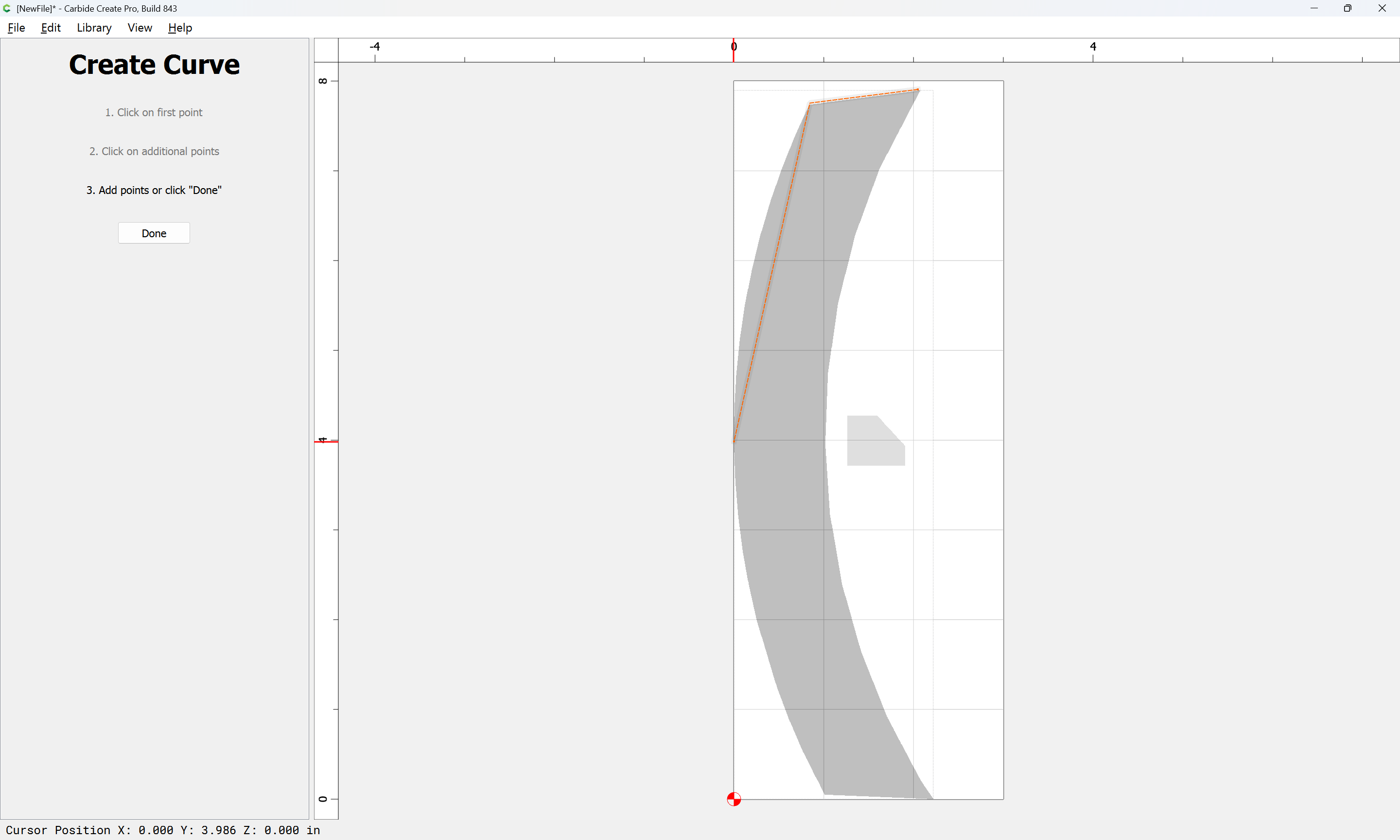
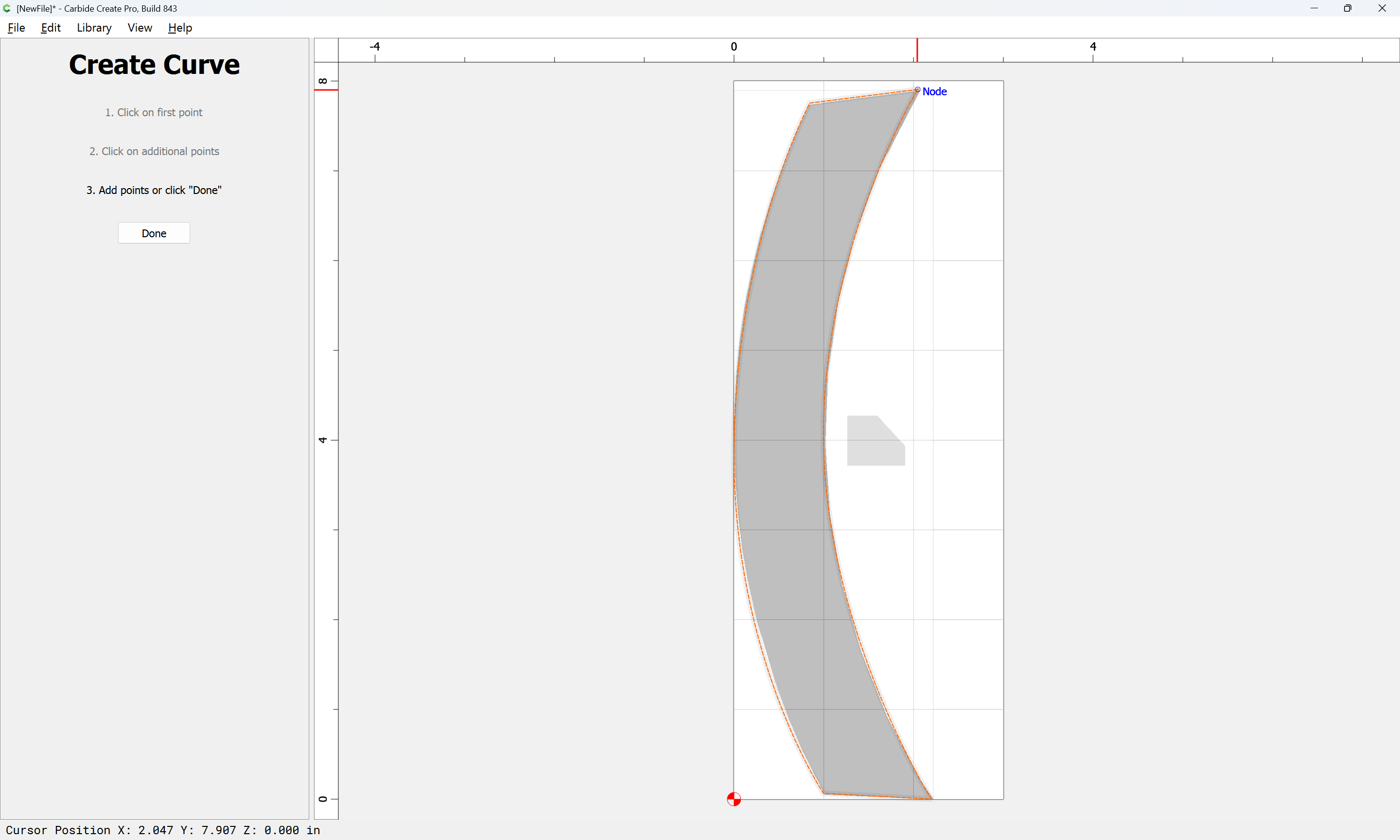
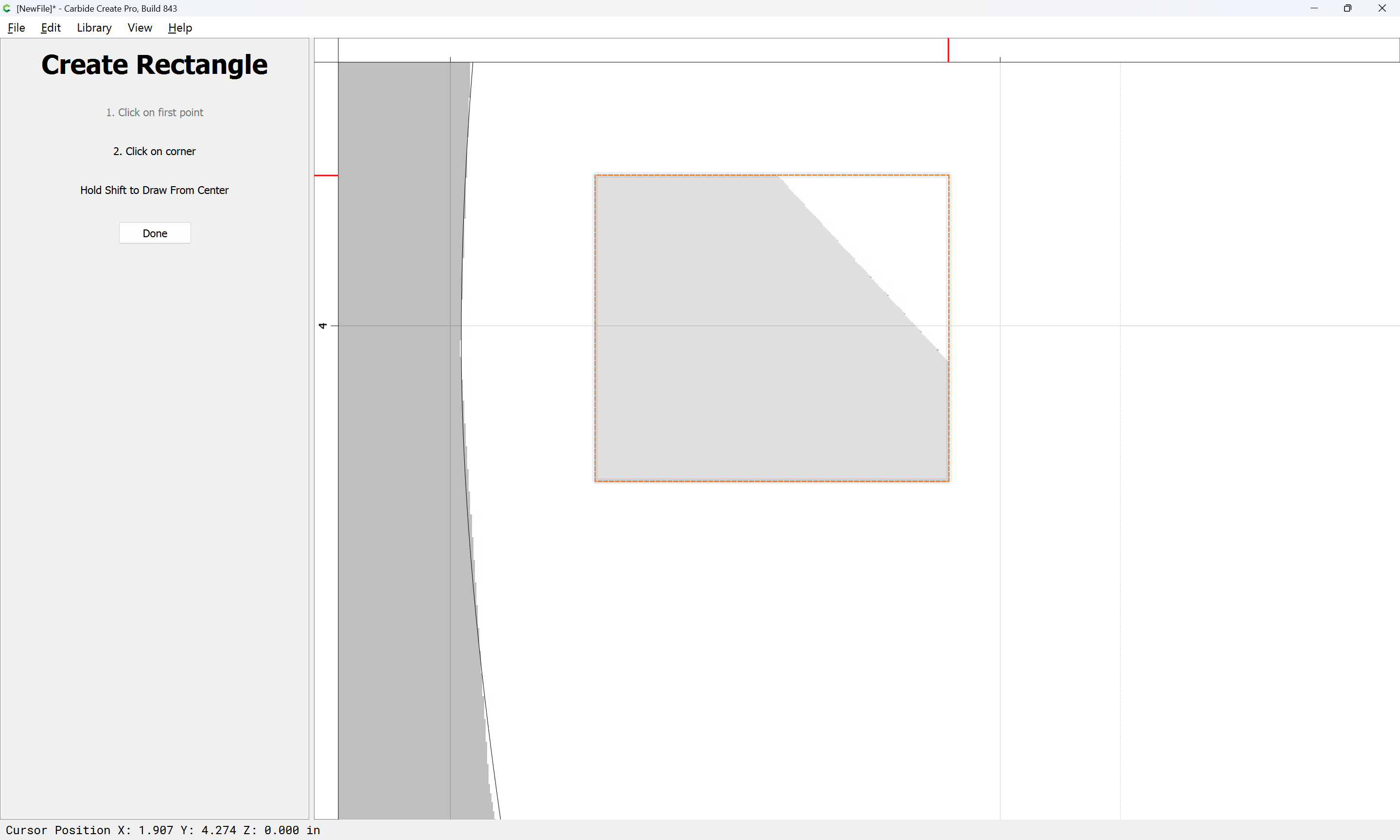
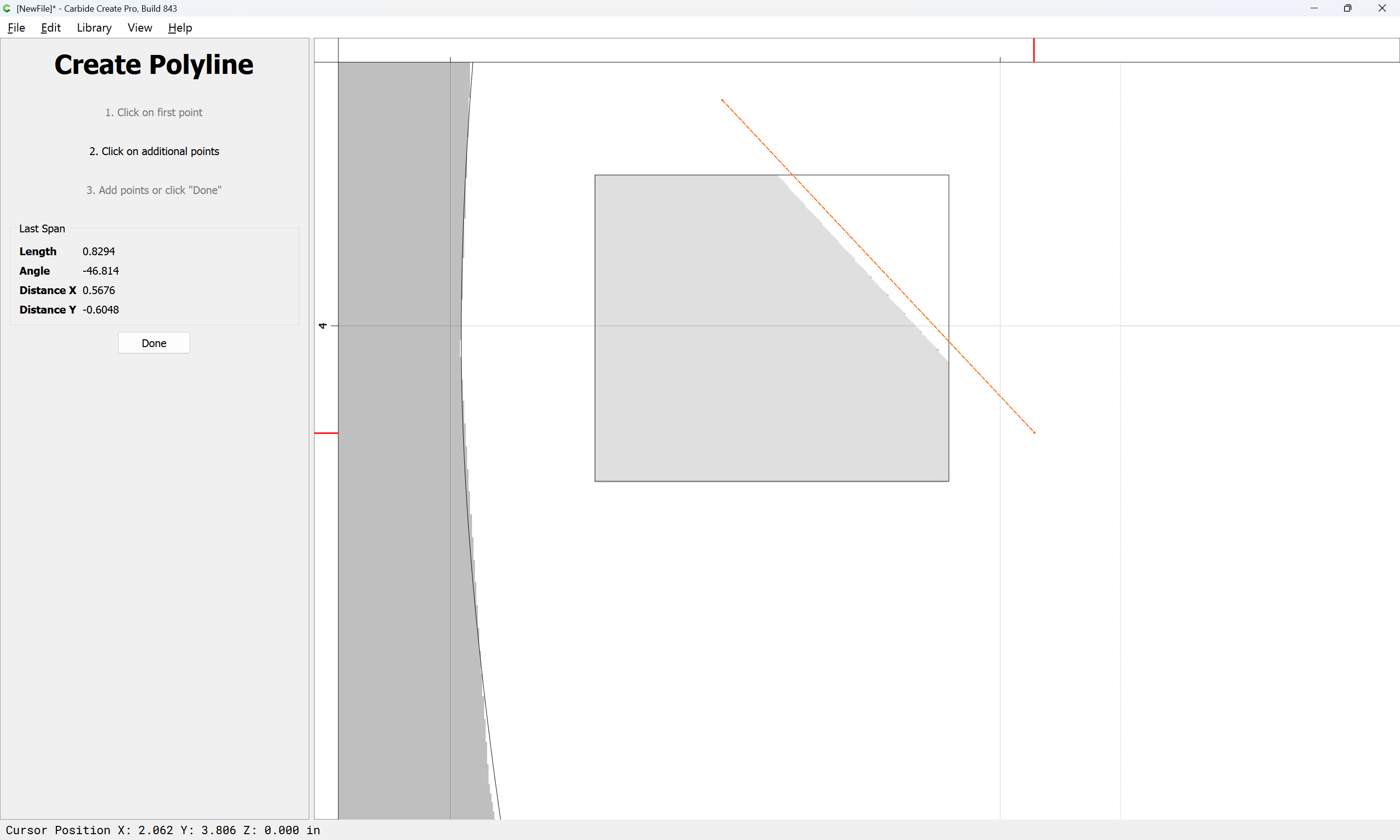
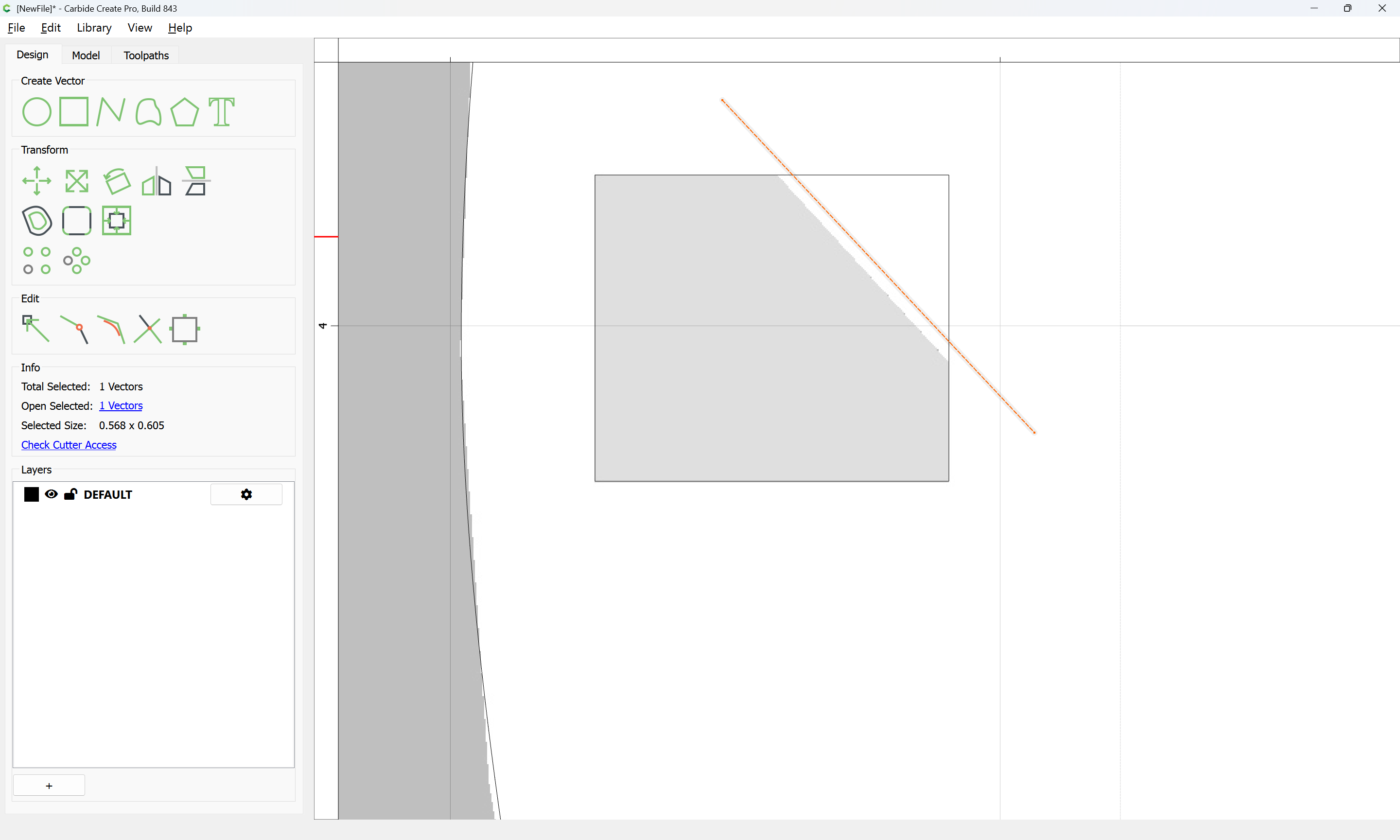
Draw the desire geometry:

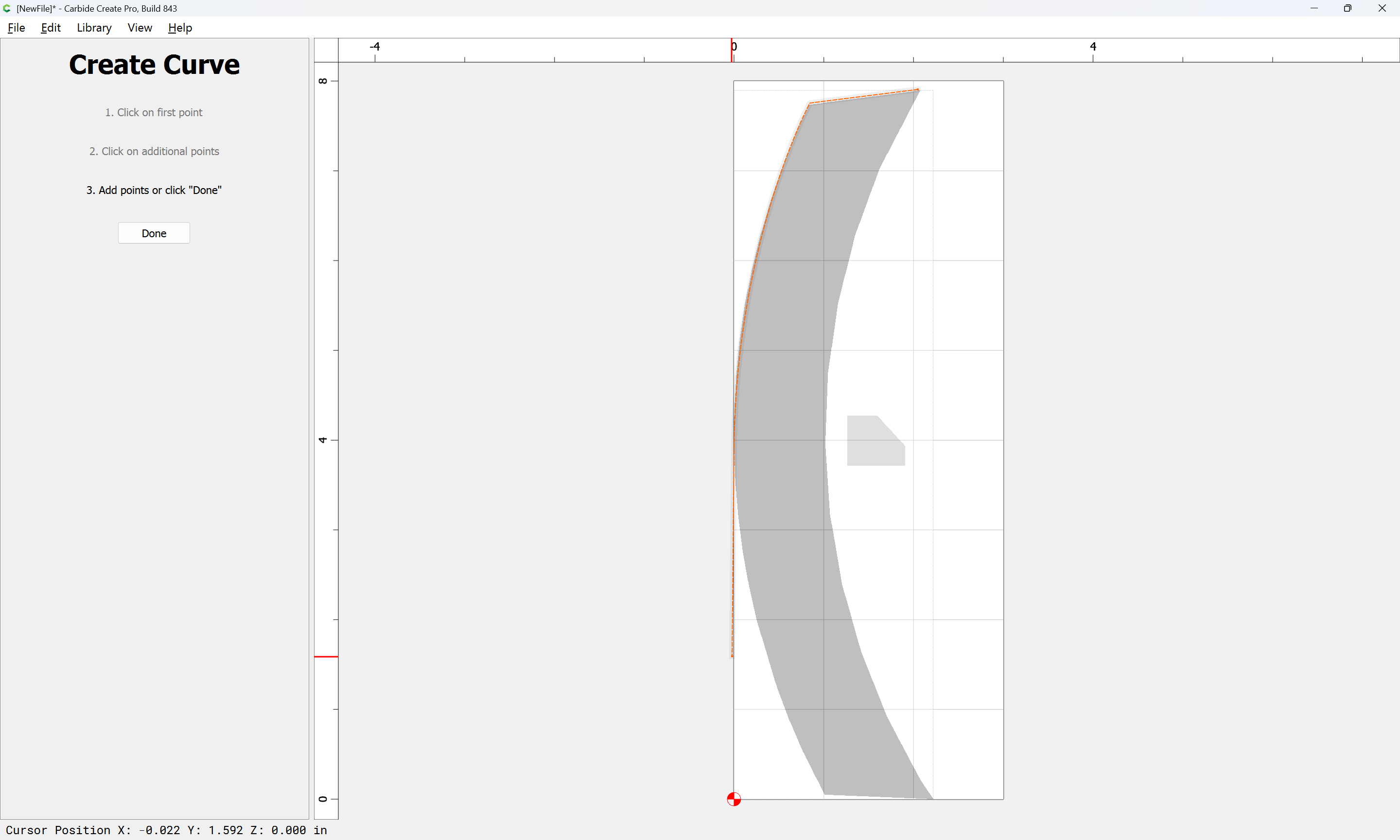
Adjusting as need be:

Until one arrives at something reasonable:

Done

Recreate the profile:

Done

Done

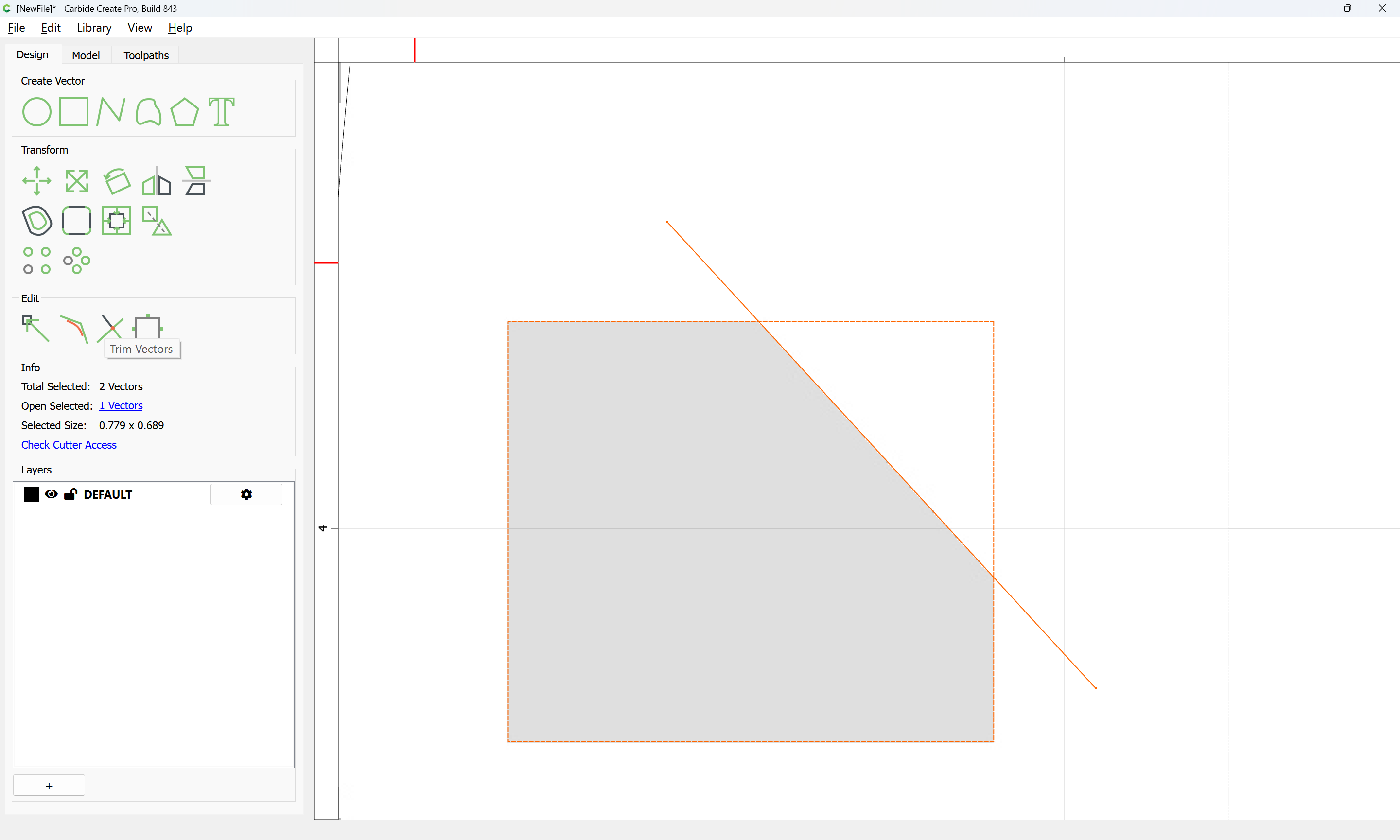
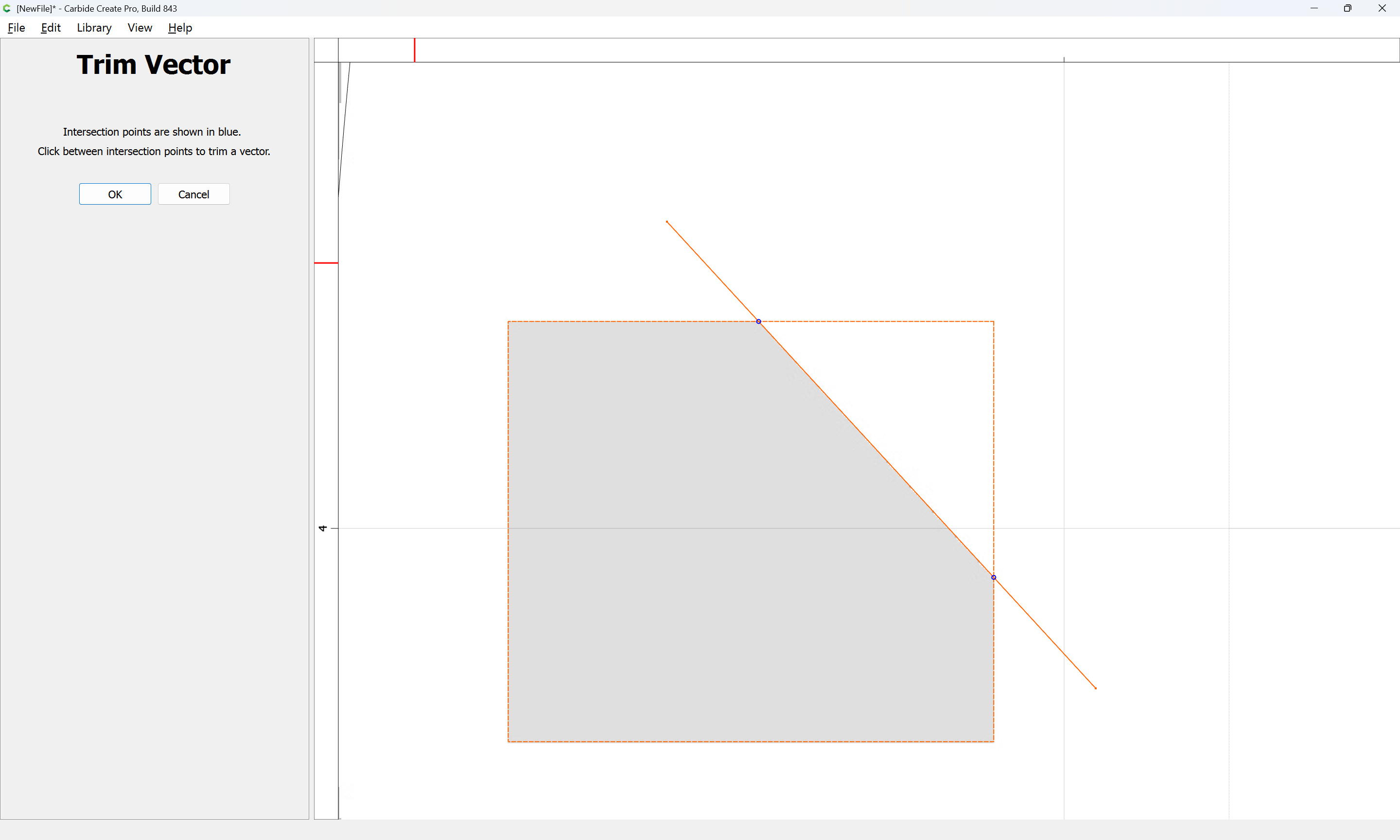
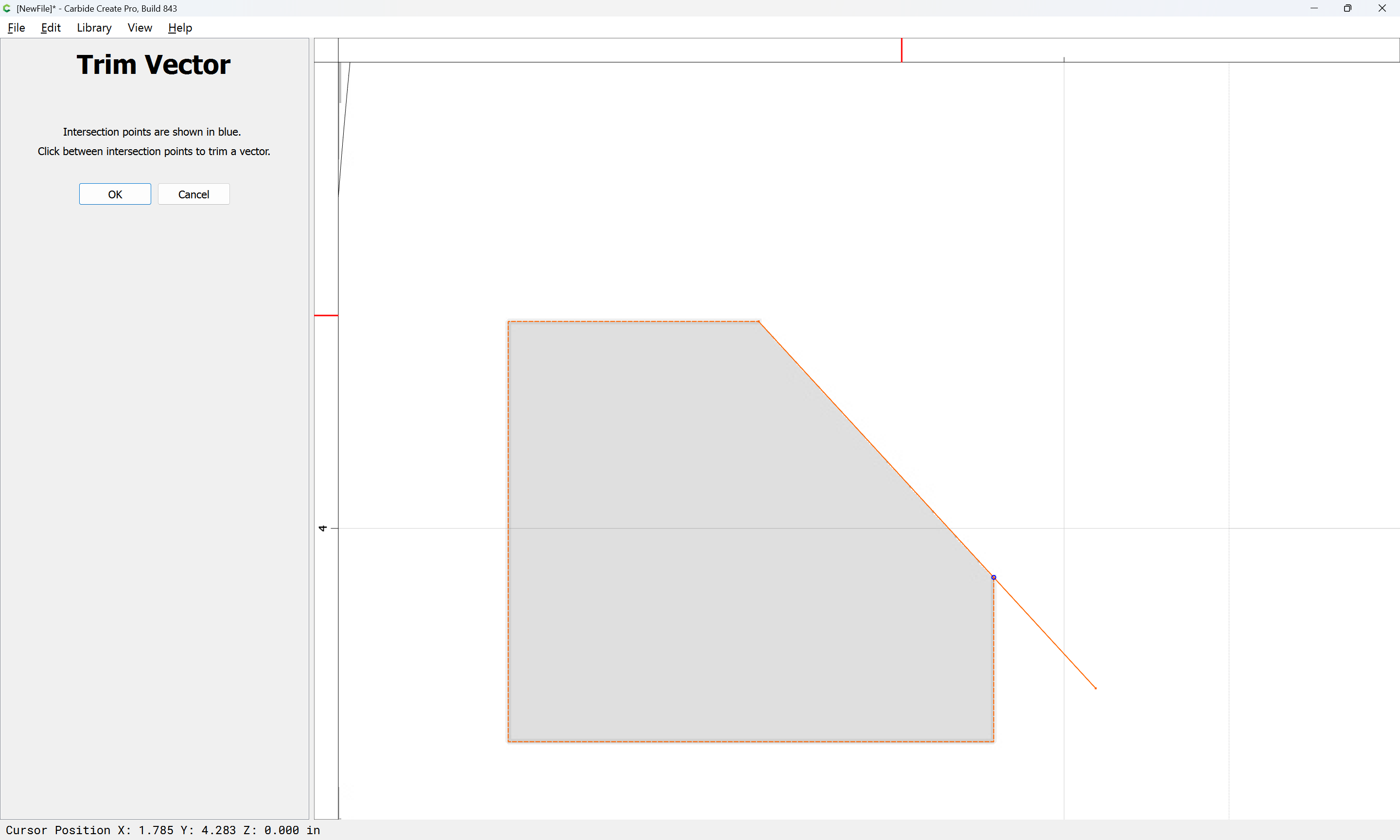
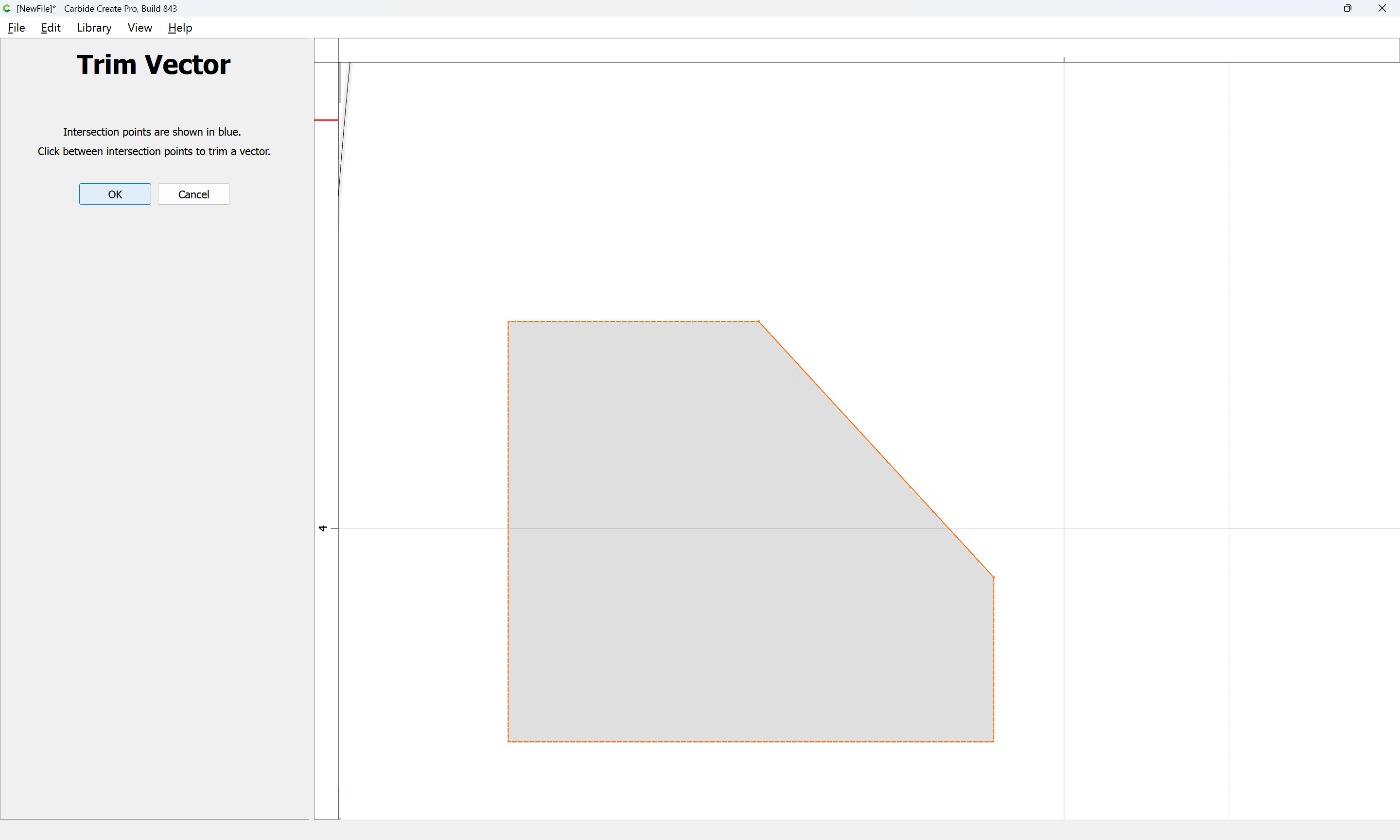
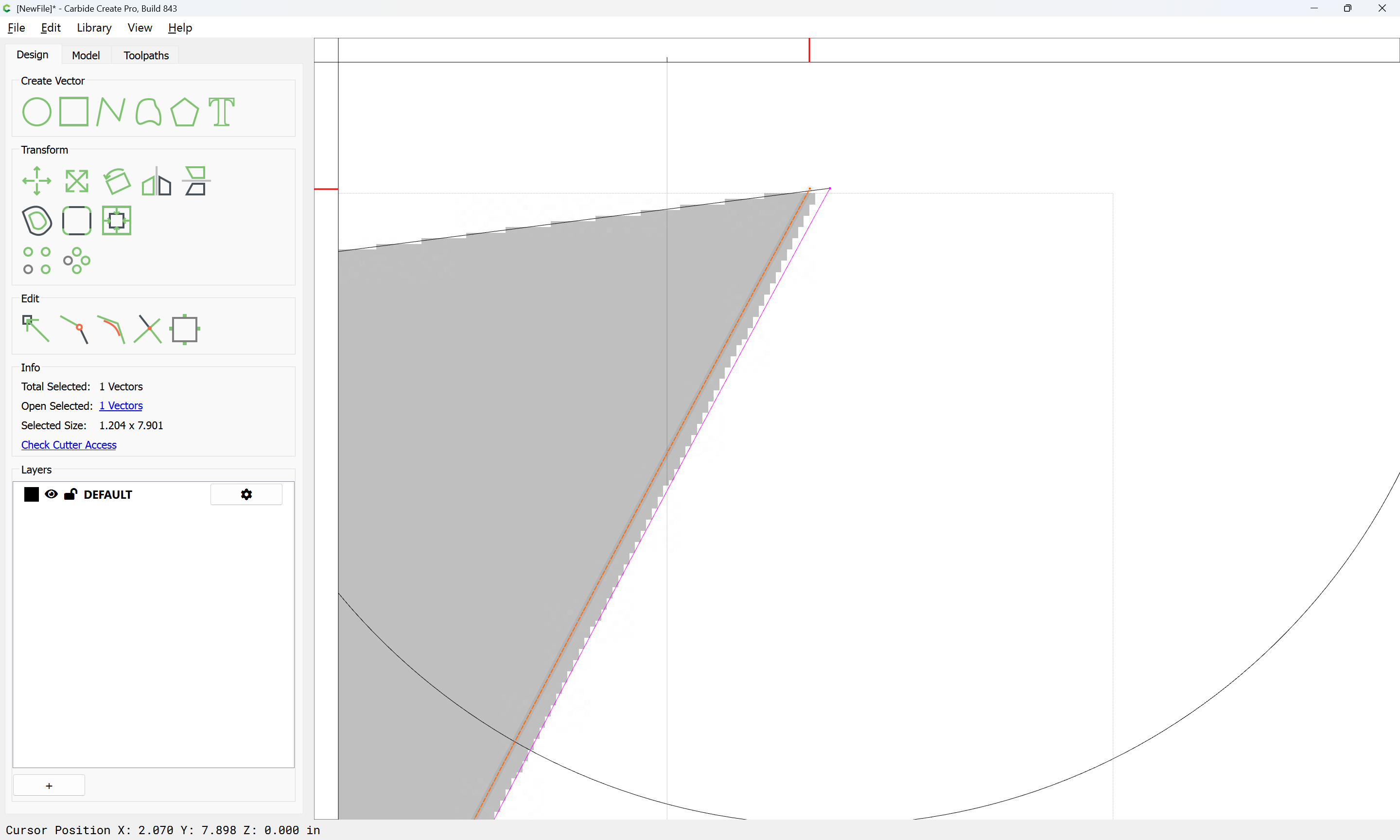
Use Trim Vectors to trim down to what is wanted:

until one arrives at:

OK

OK

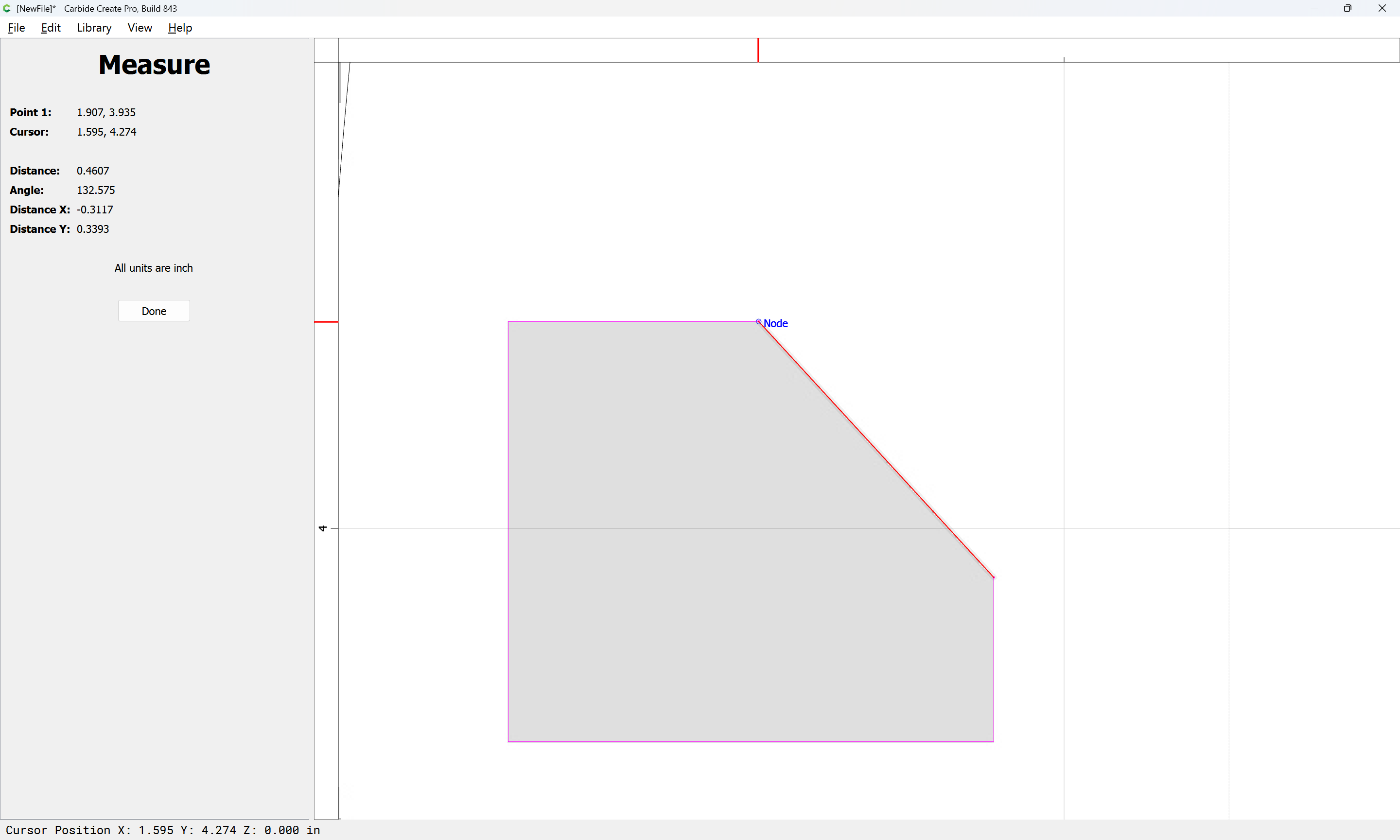
Measure:

The angle is close enough that a 90 degree V tool could be used to cut a 45 degree angle if that deviation from the drawing would be acceptable:

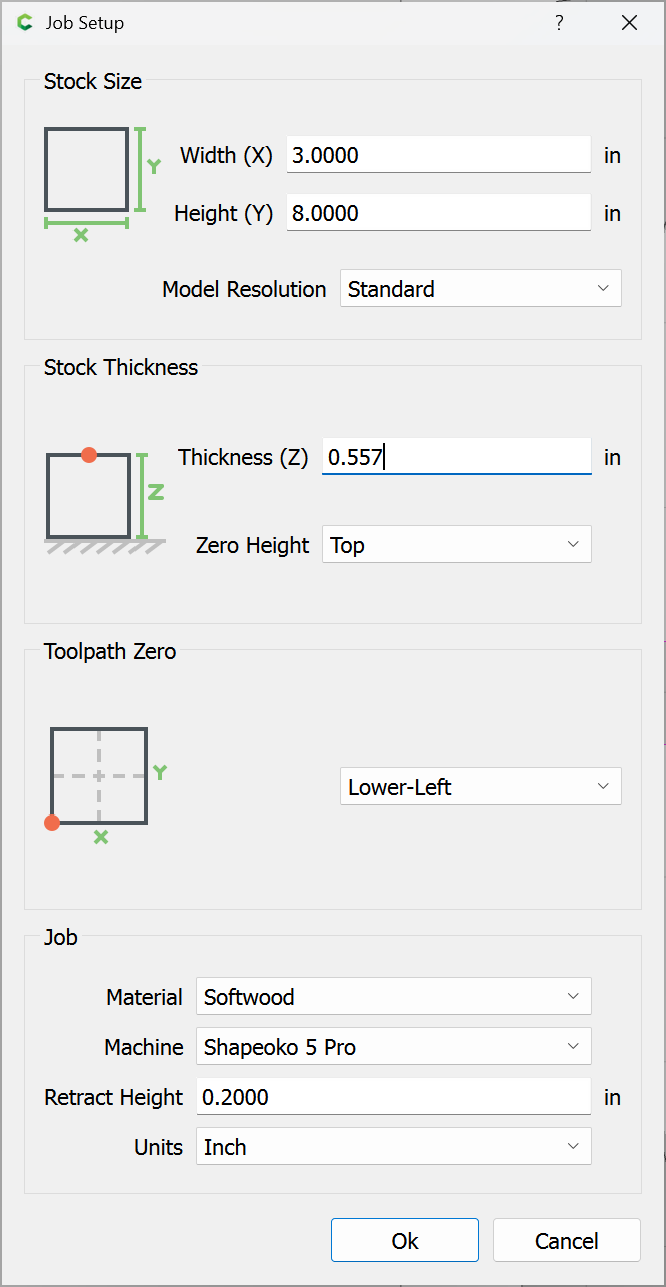
Adjust the thickness:

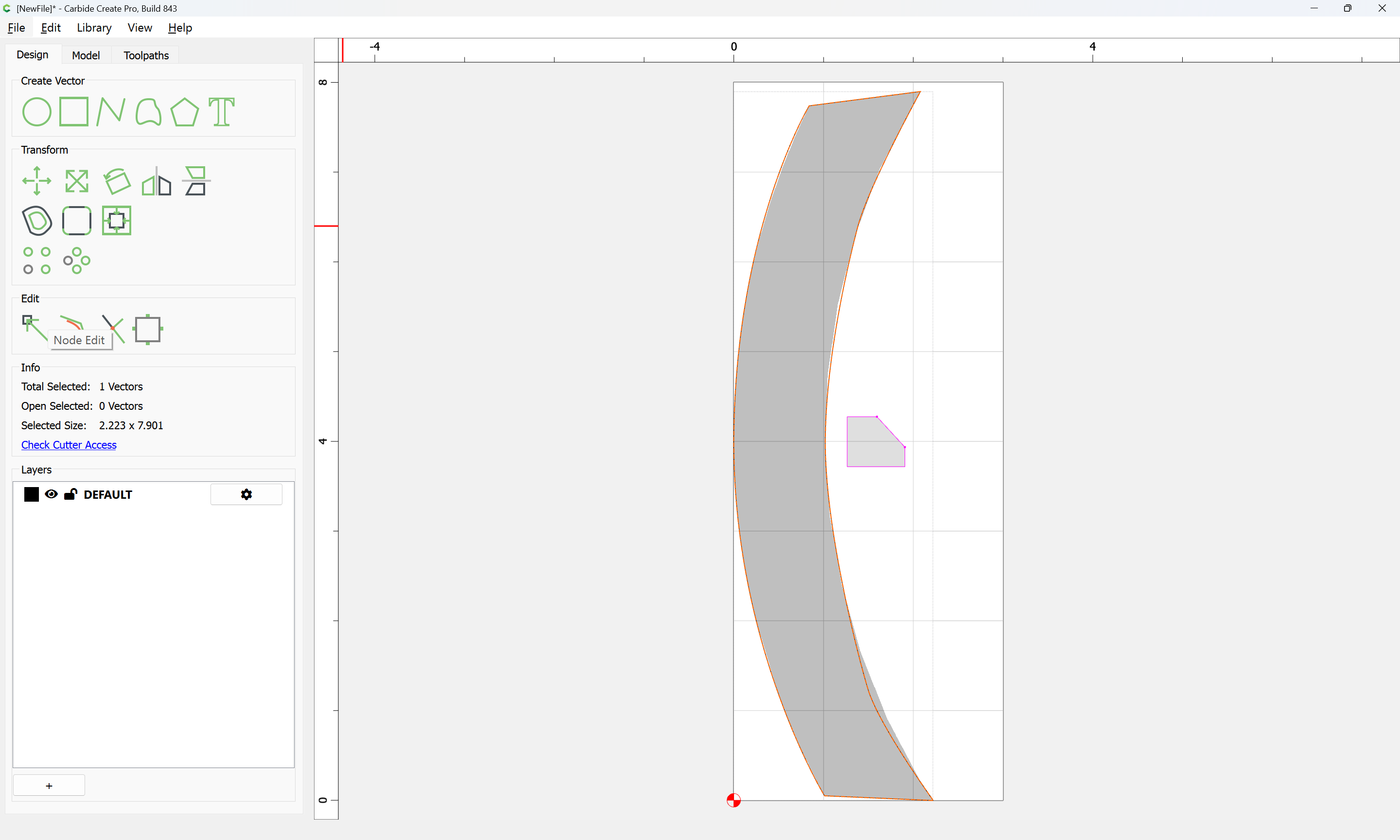
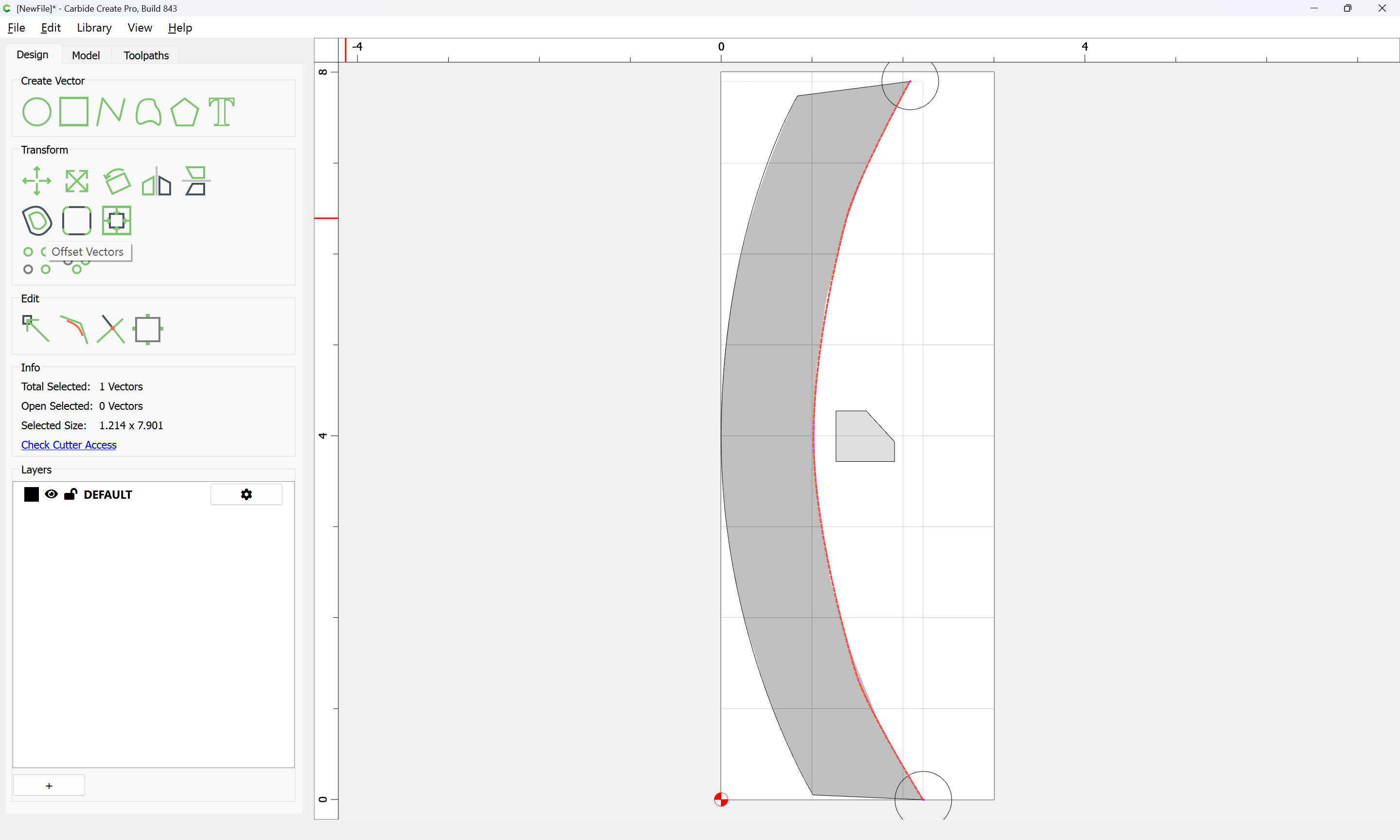
Duplicate the perimeter in place:

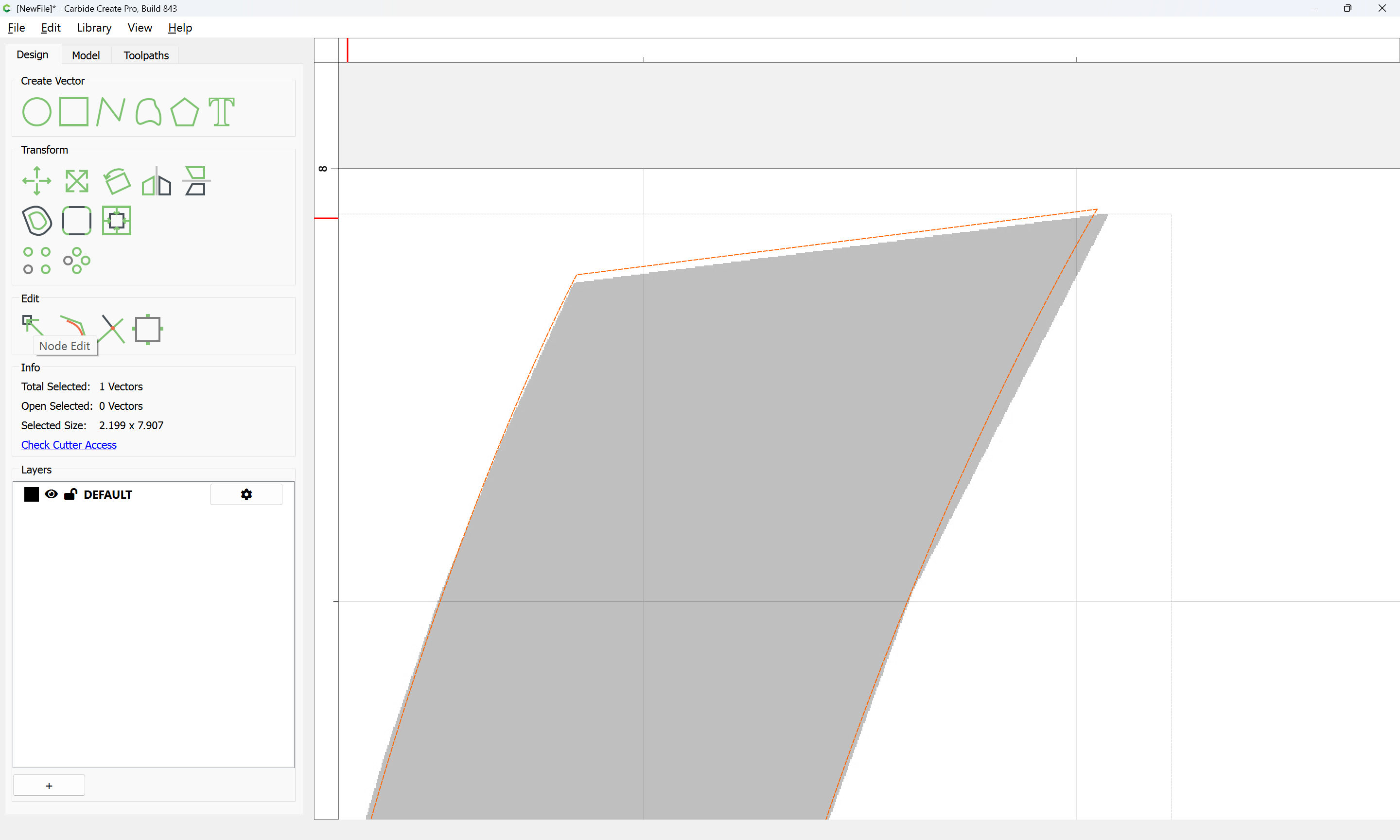
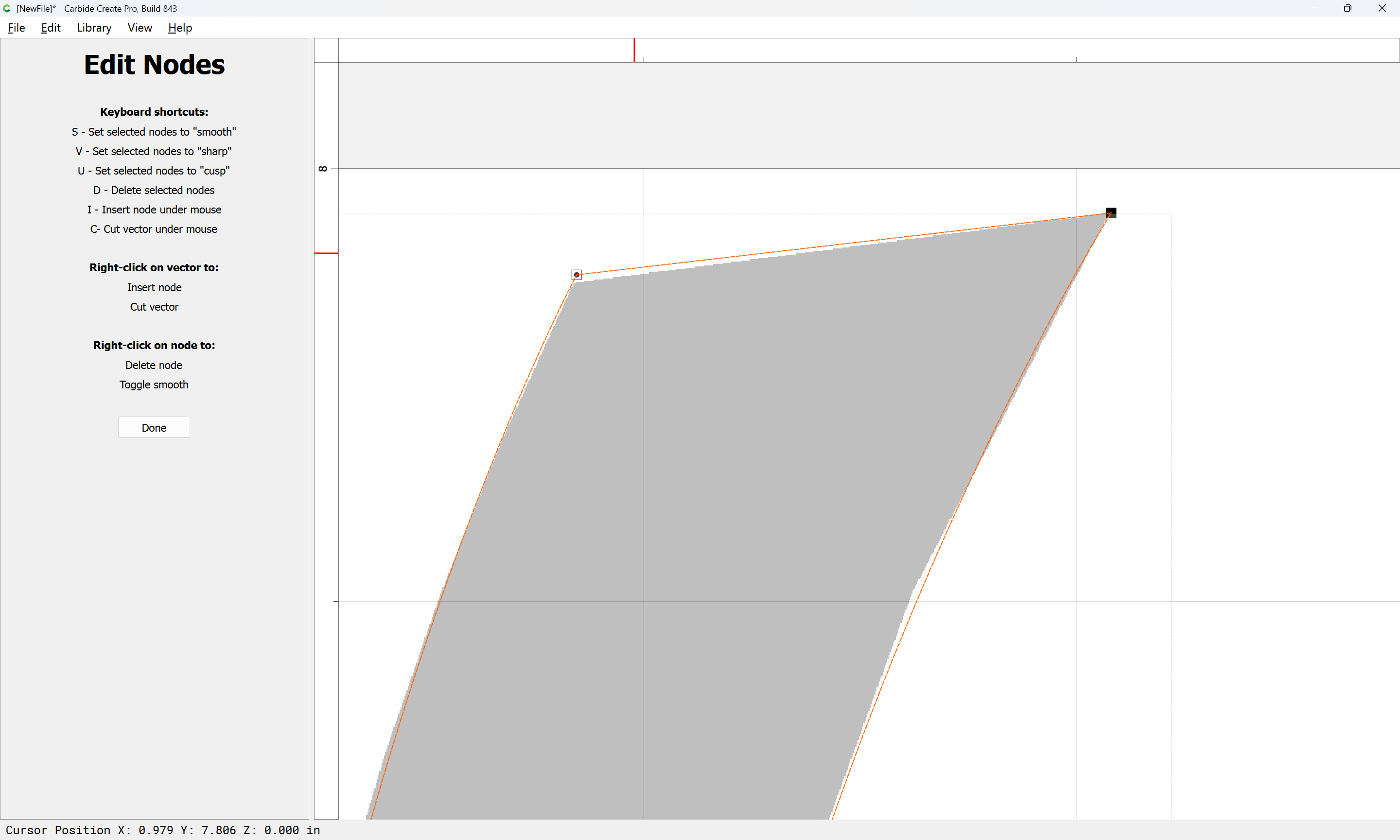
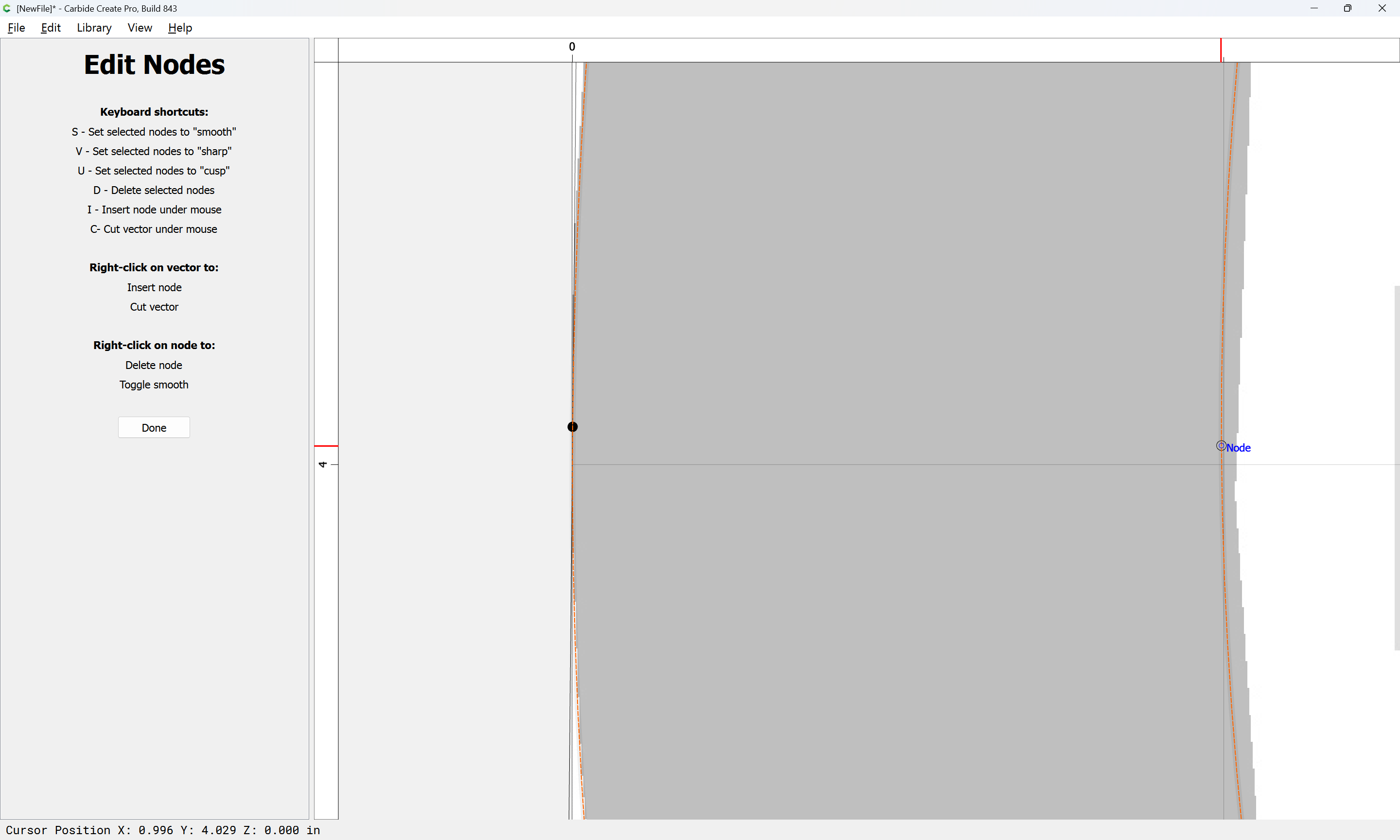
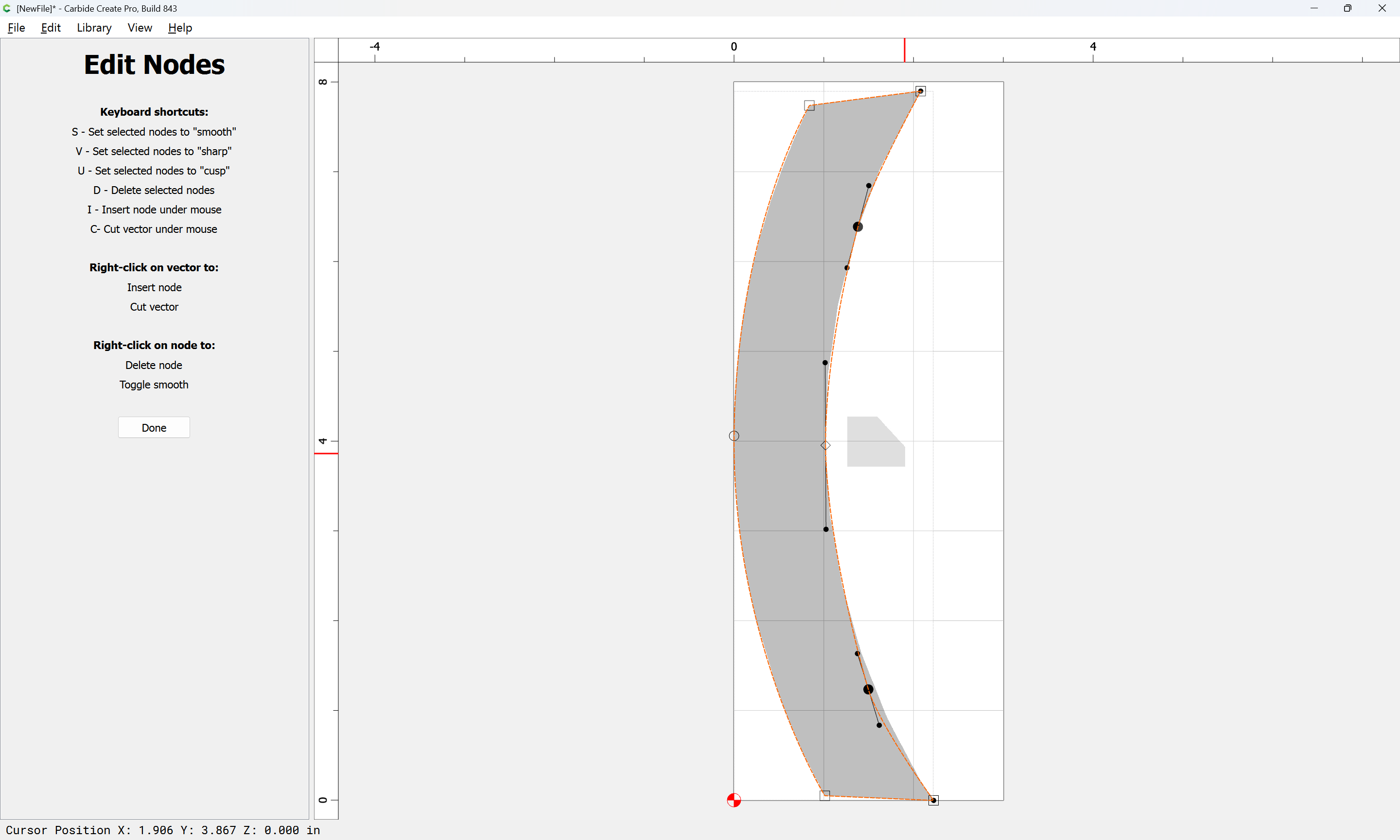
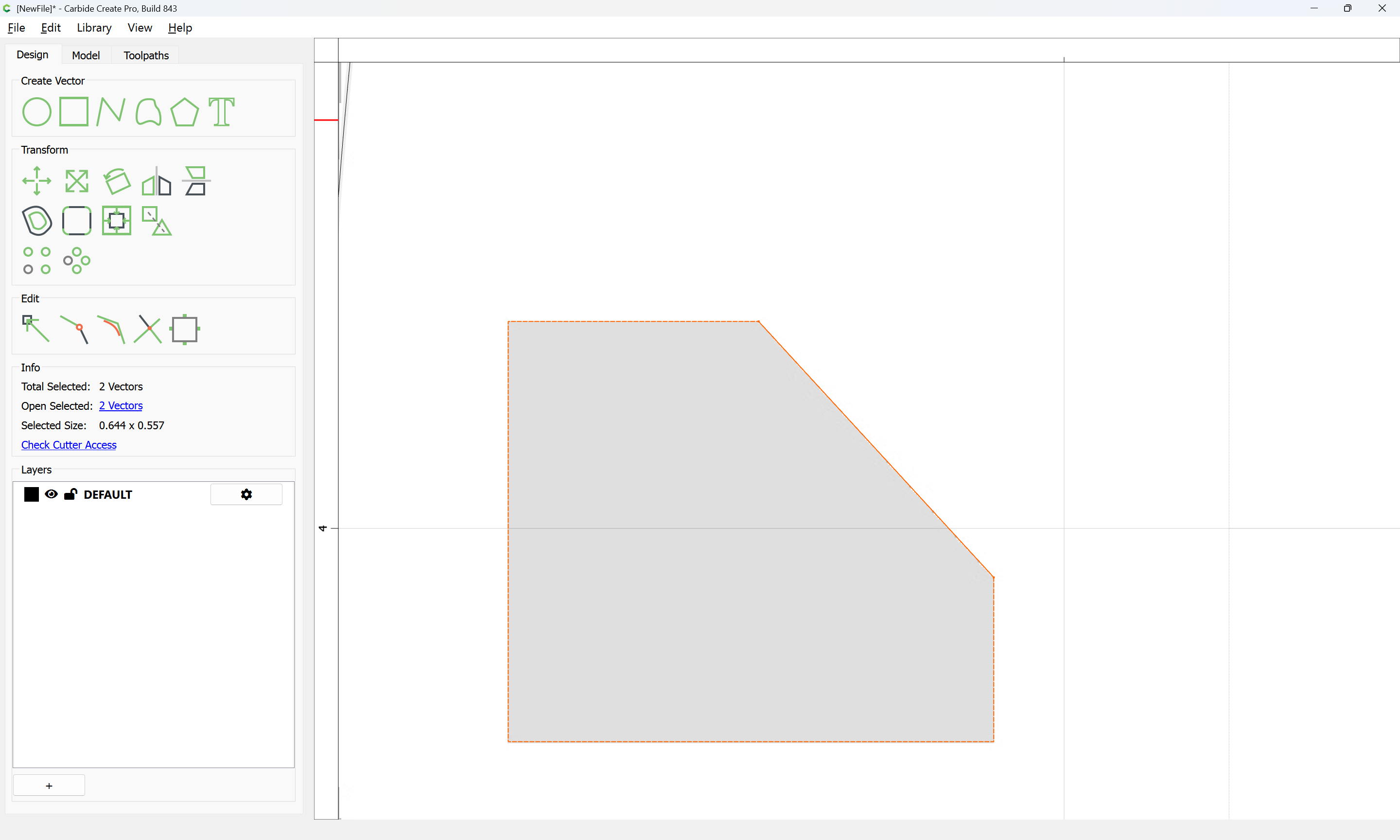
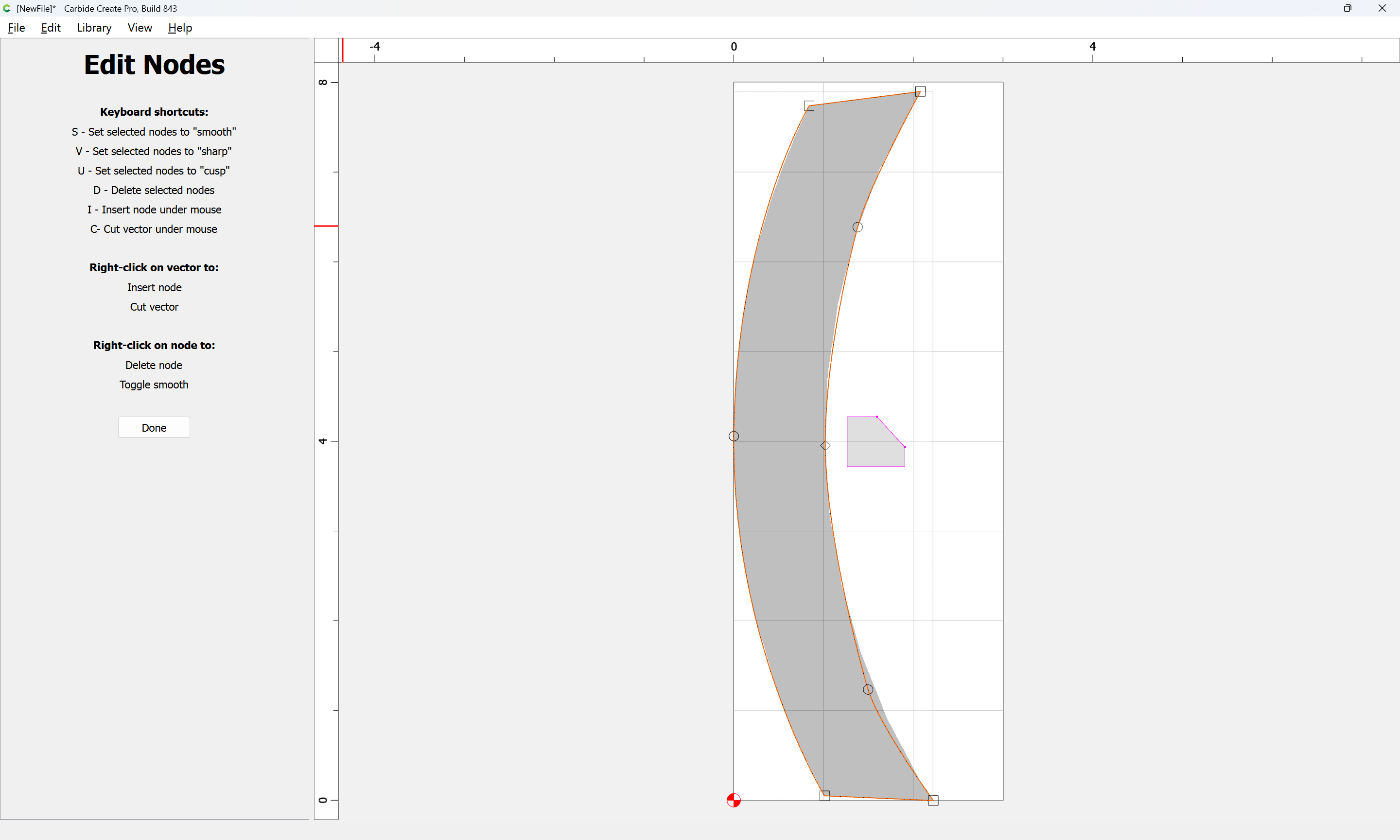
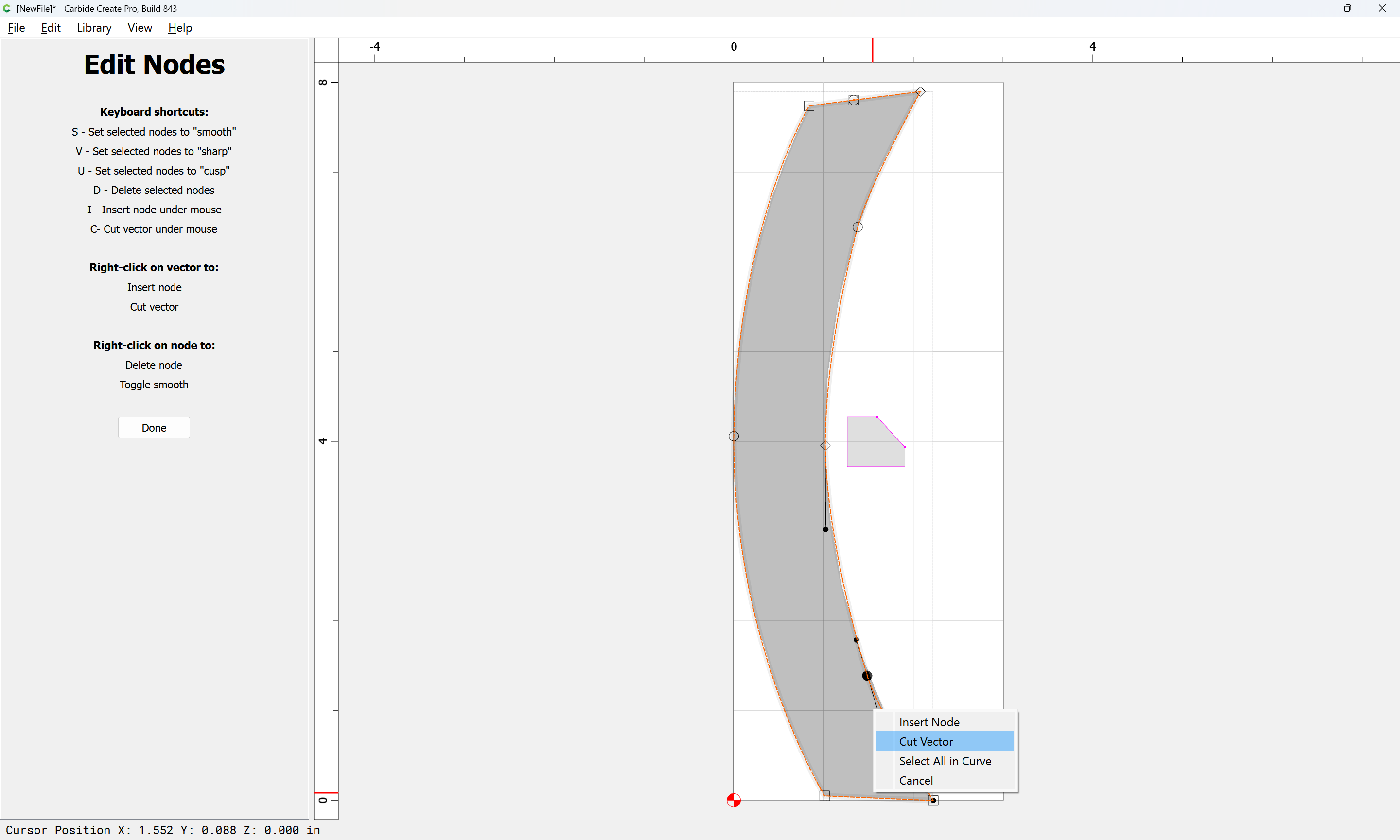
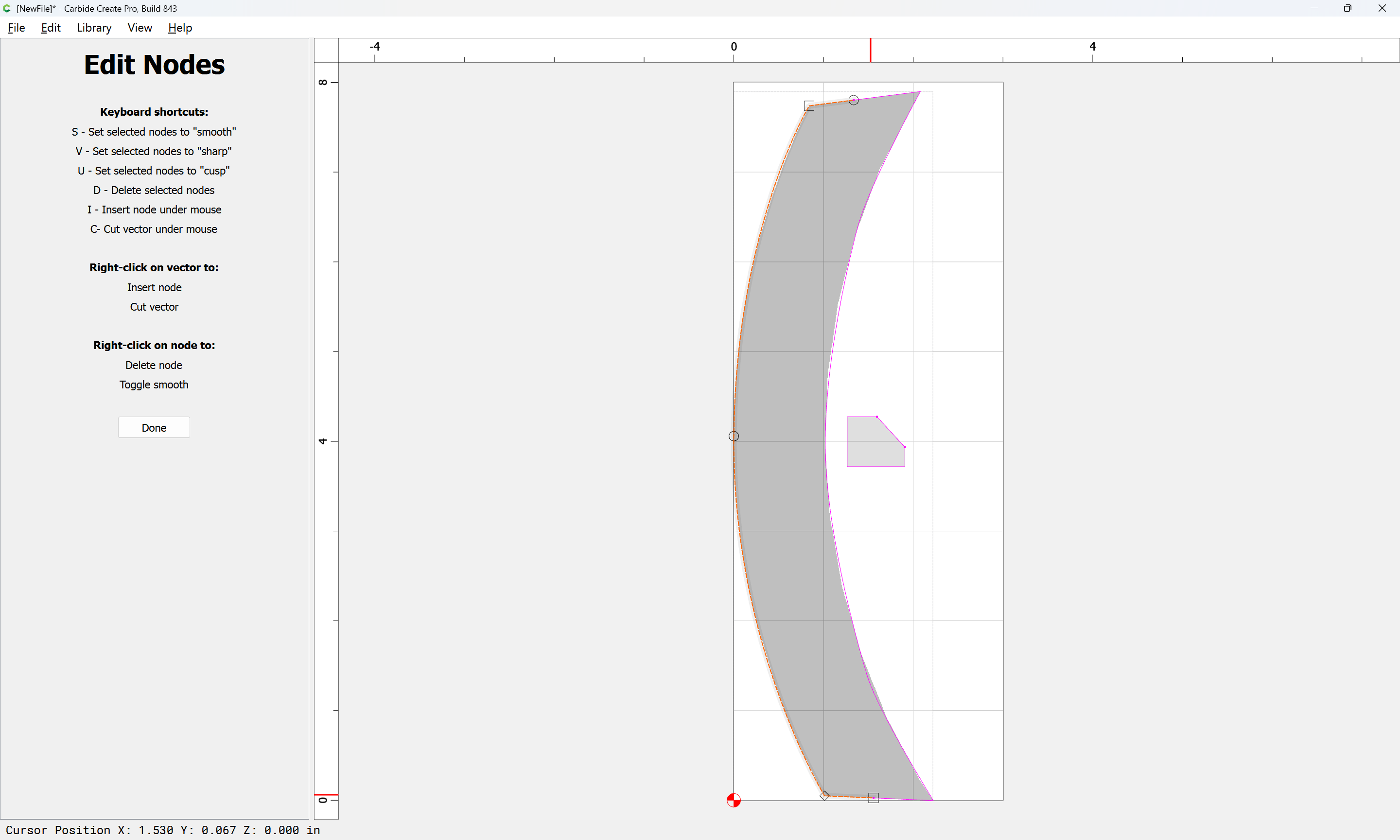
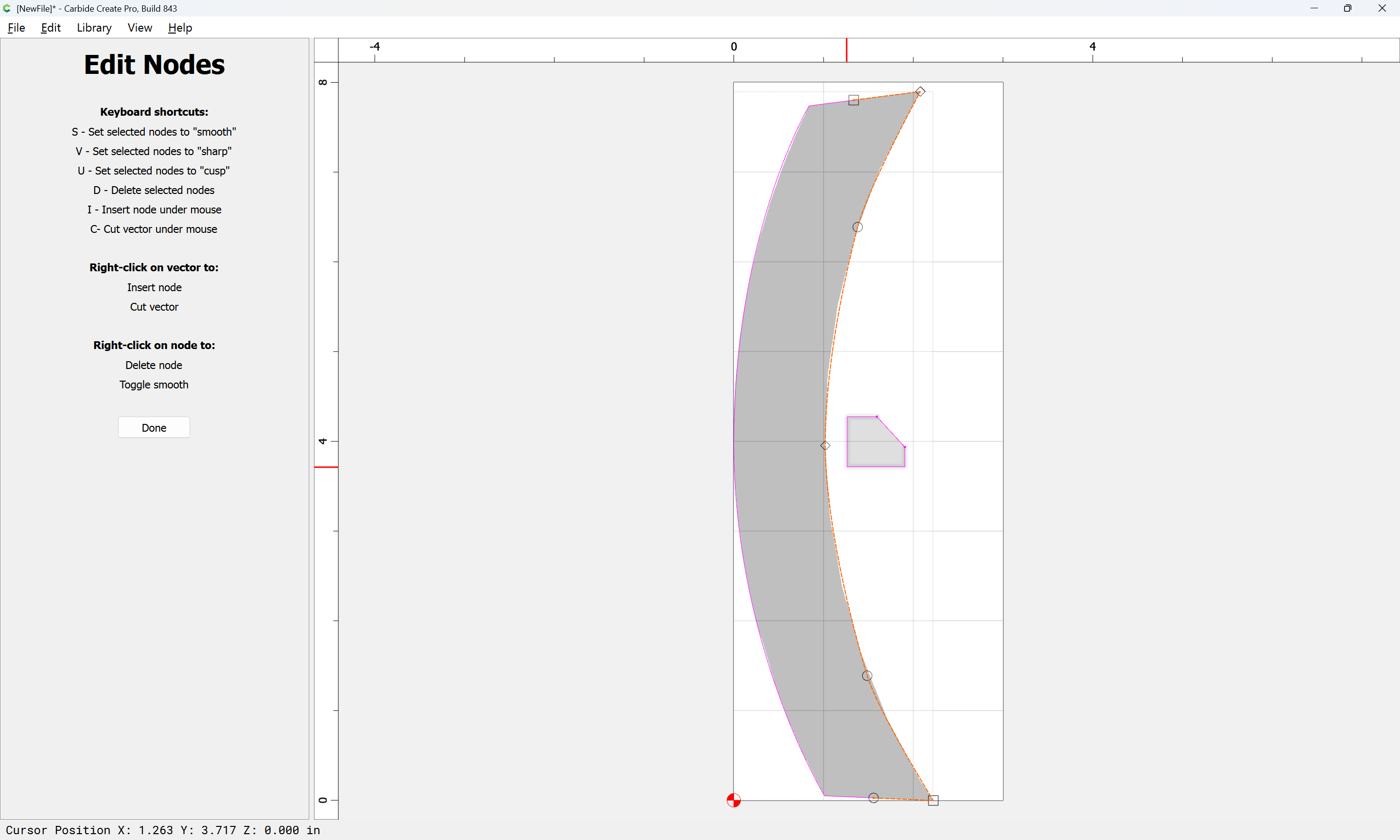
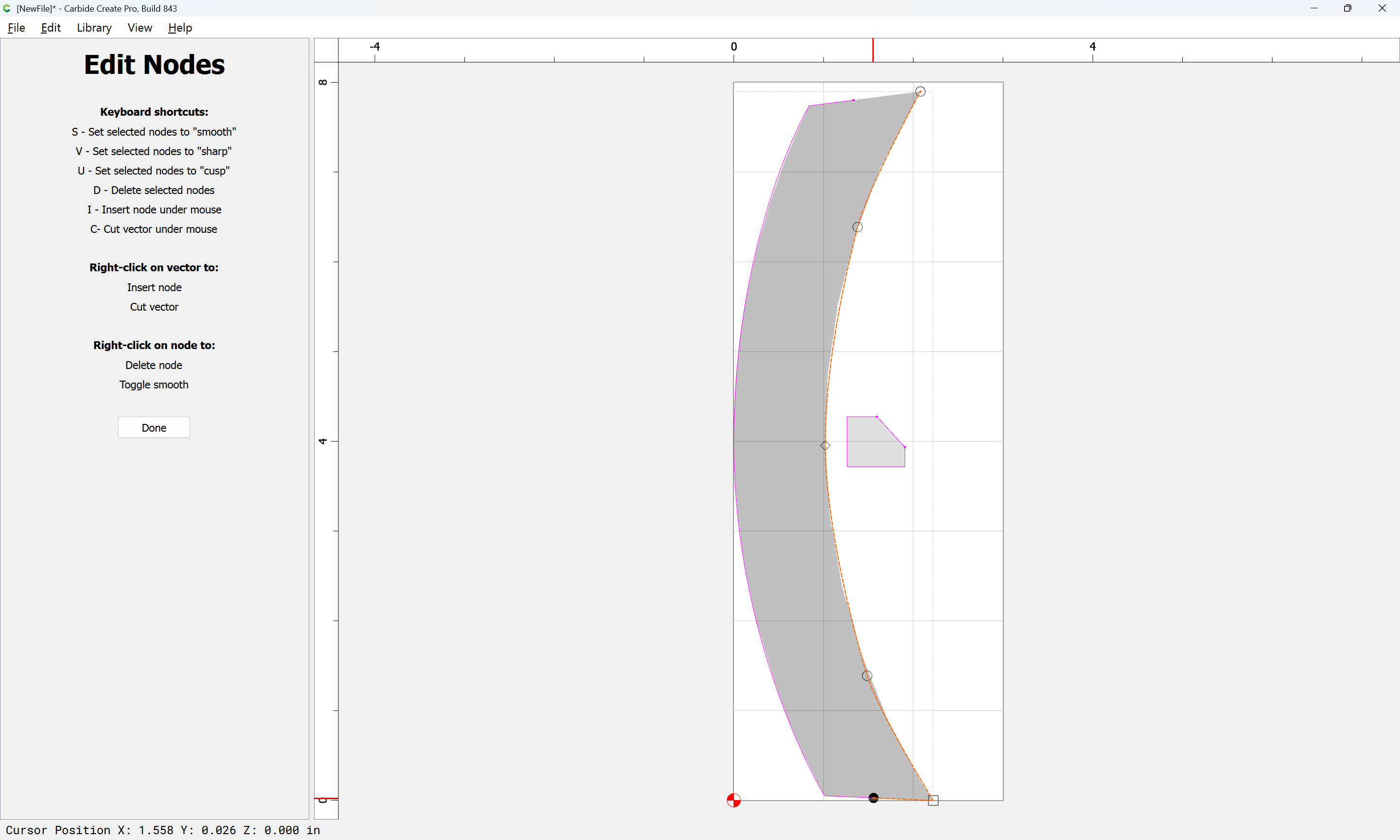
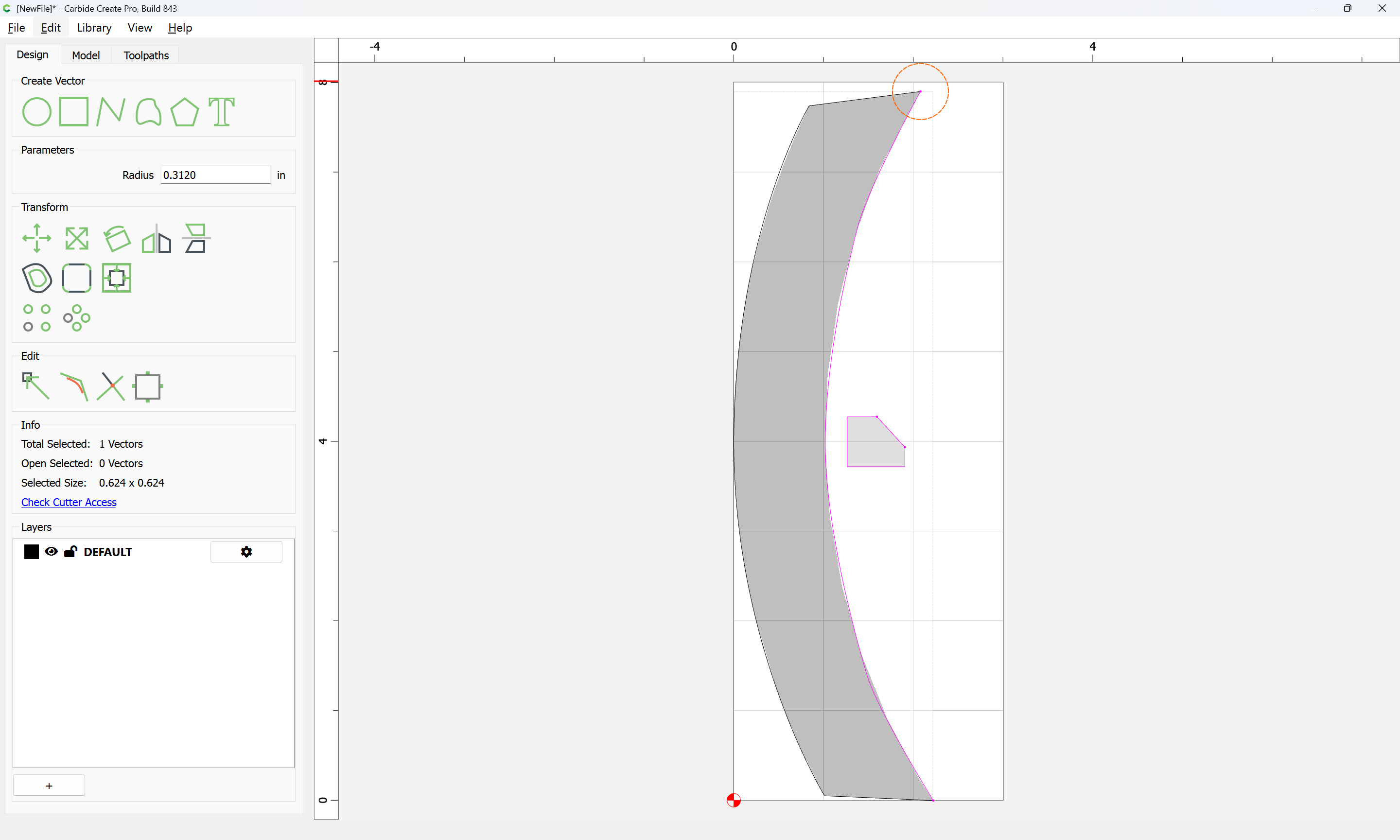
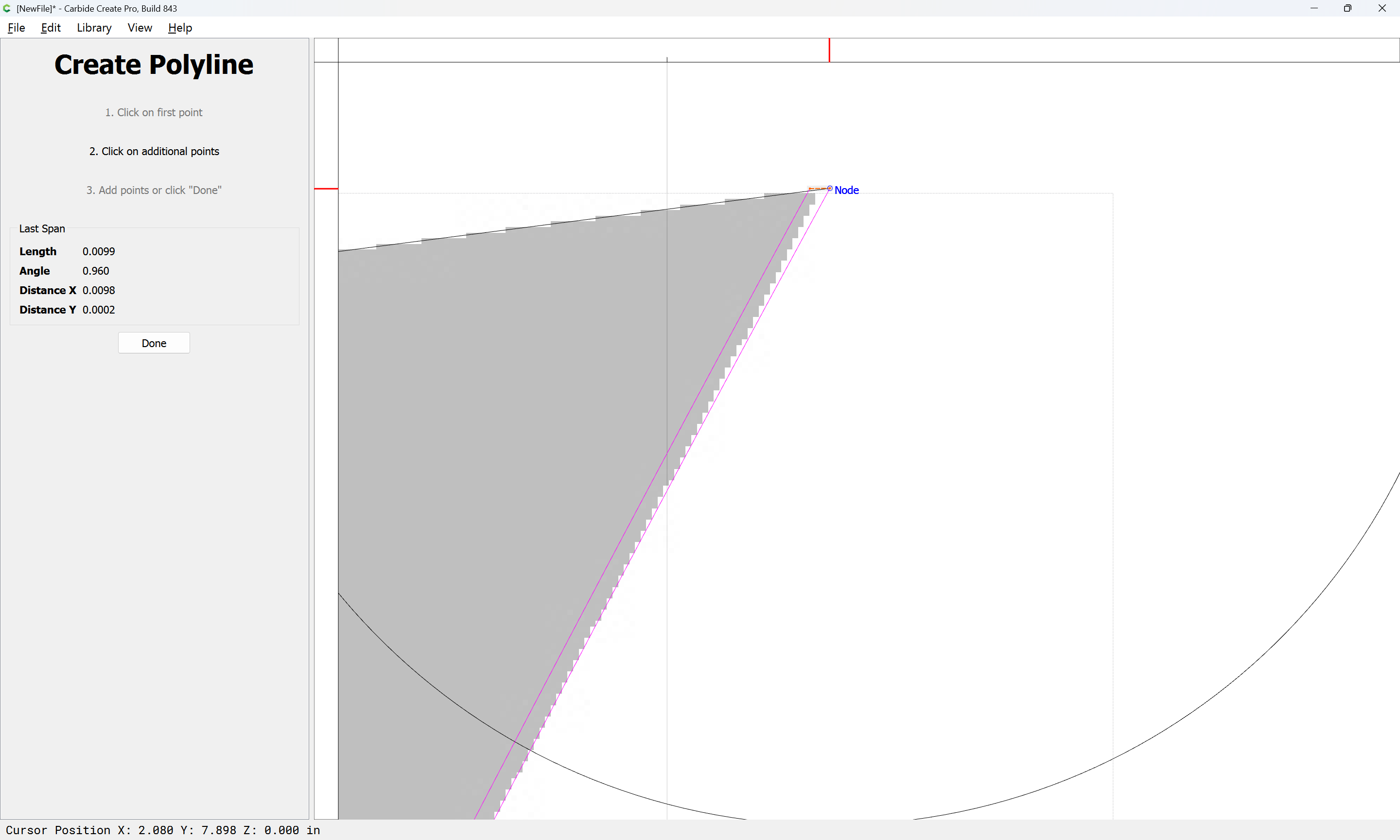
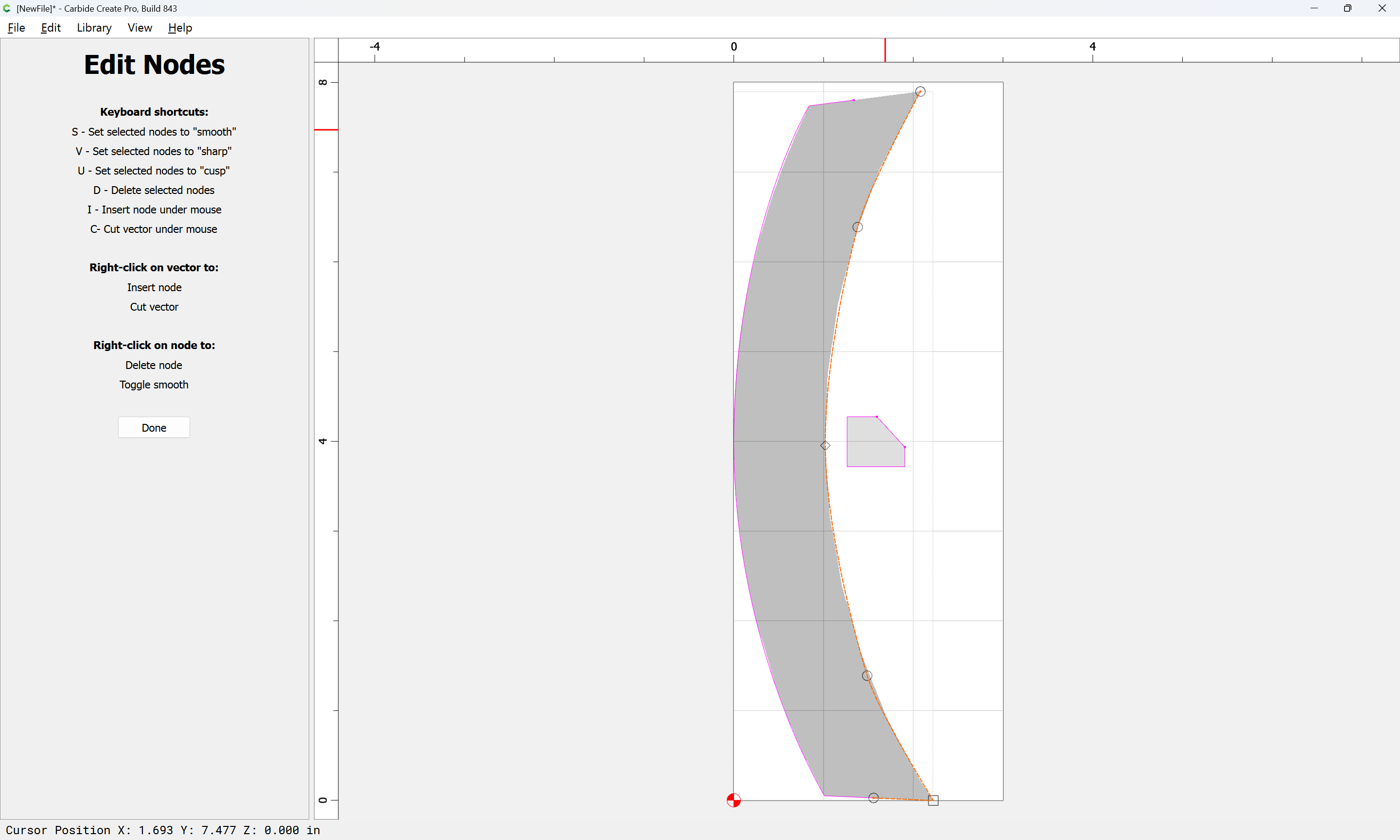
Use Node Editing to remove everything except for the curve which one wishes to cut:

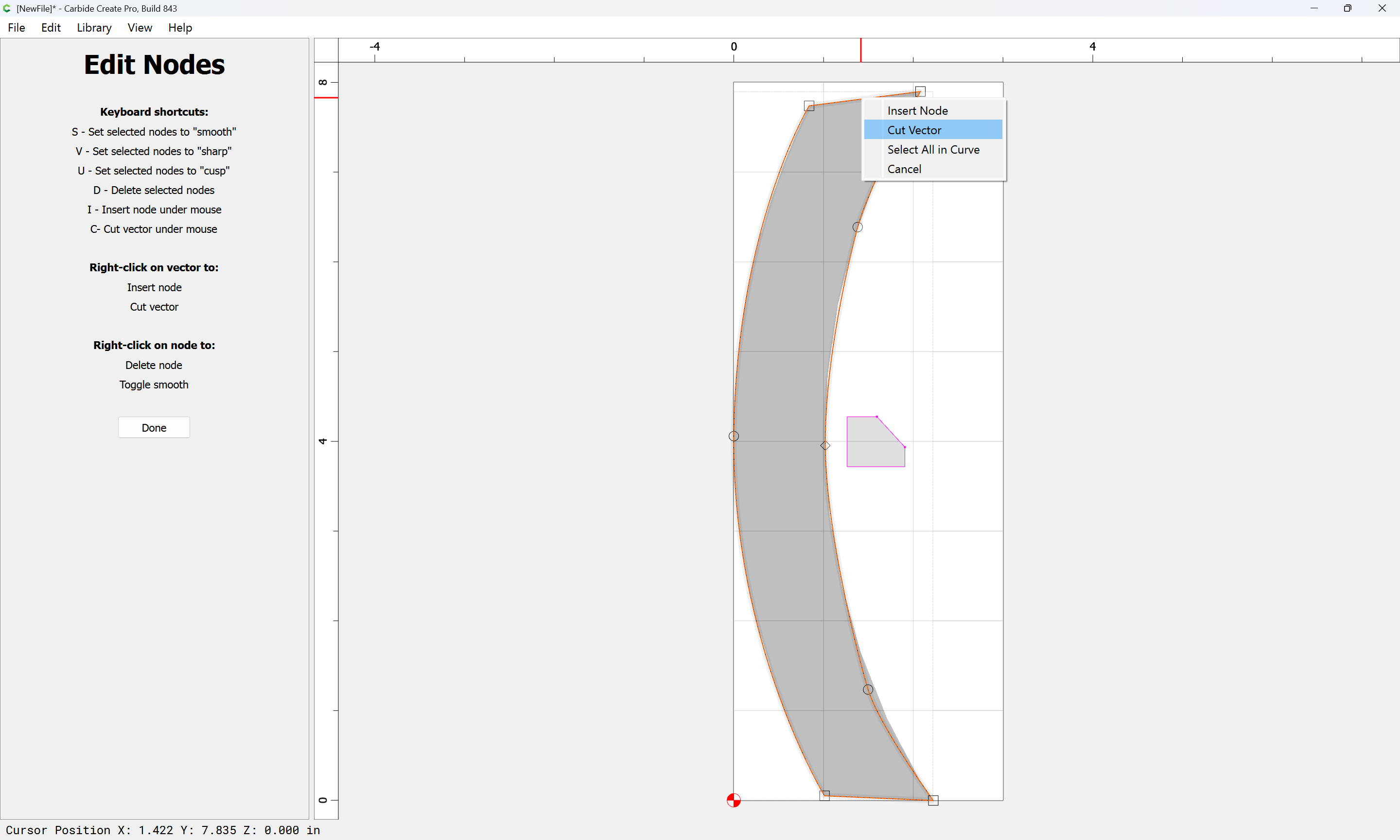
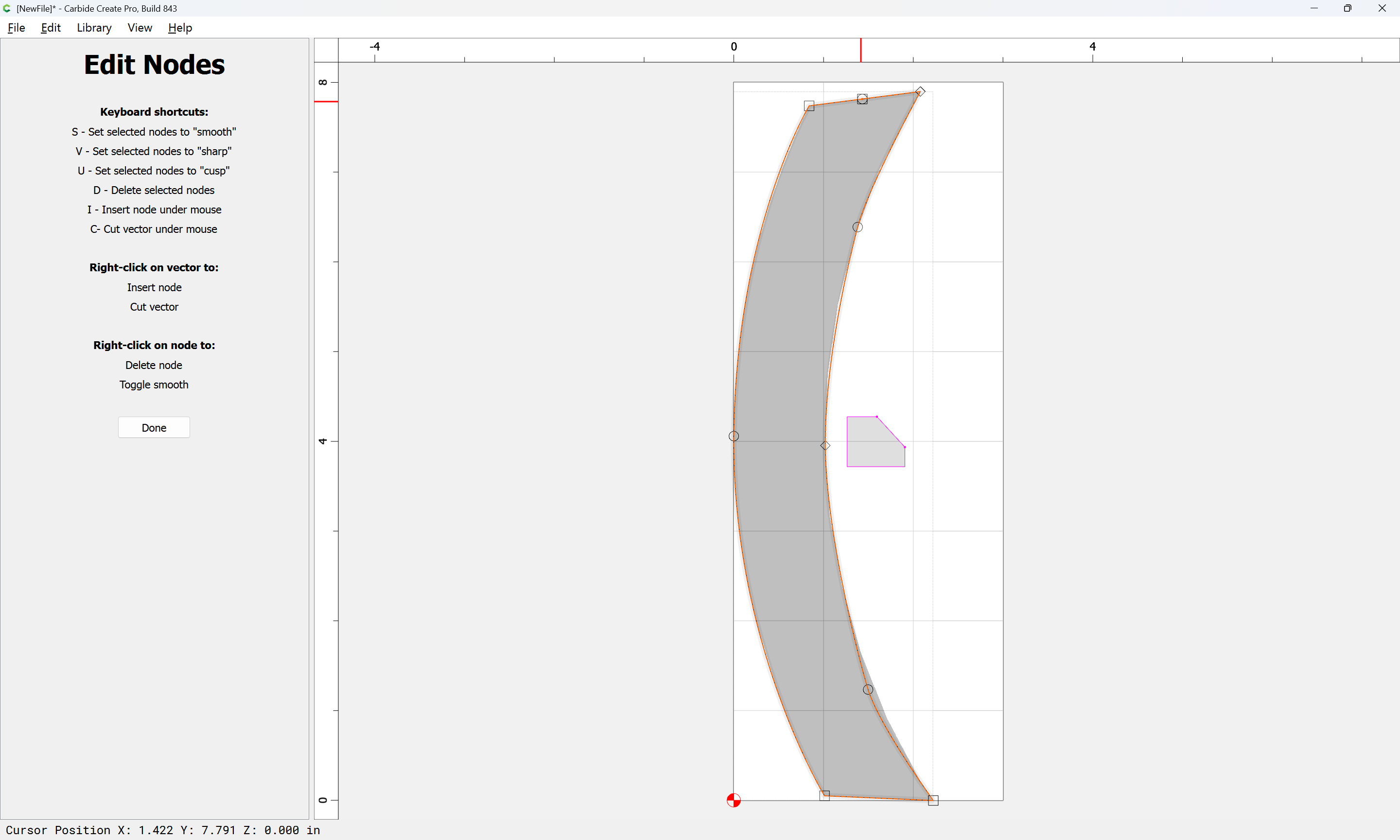
right-click on the ends to access “Cut Vector”

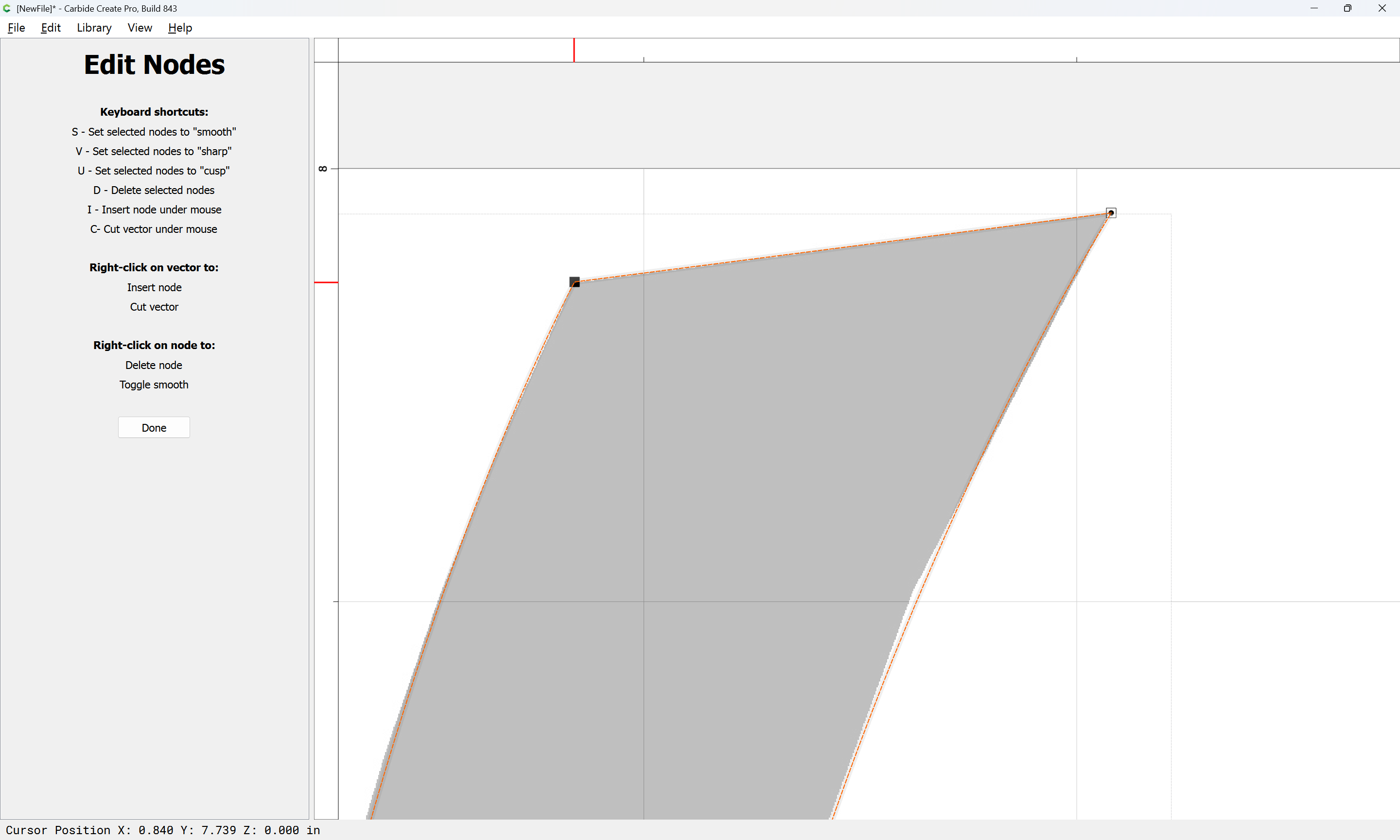
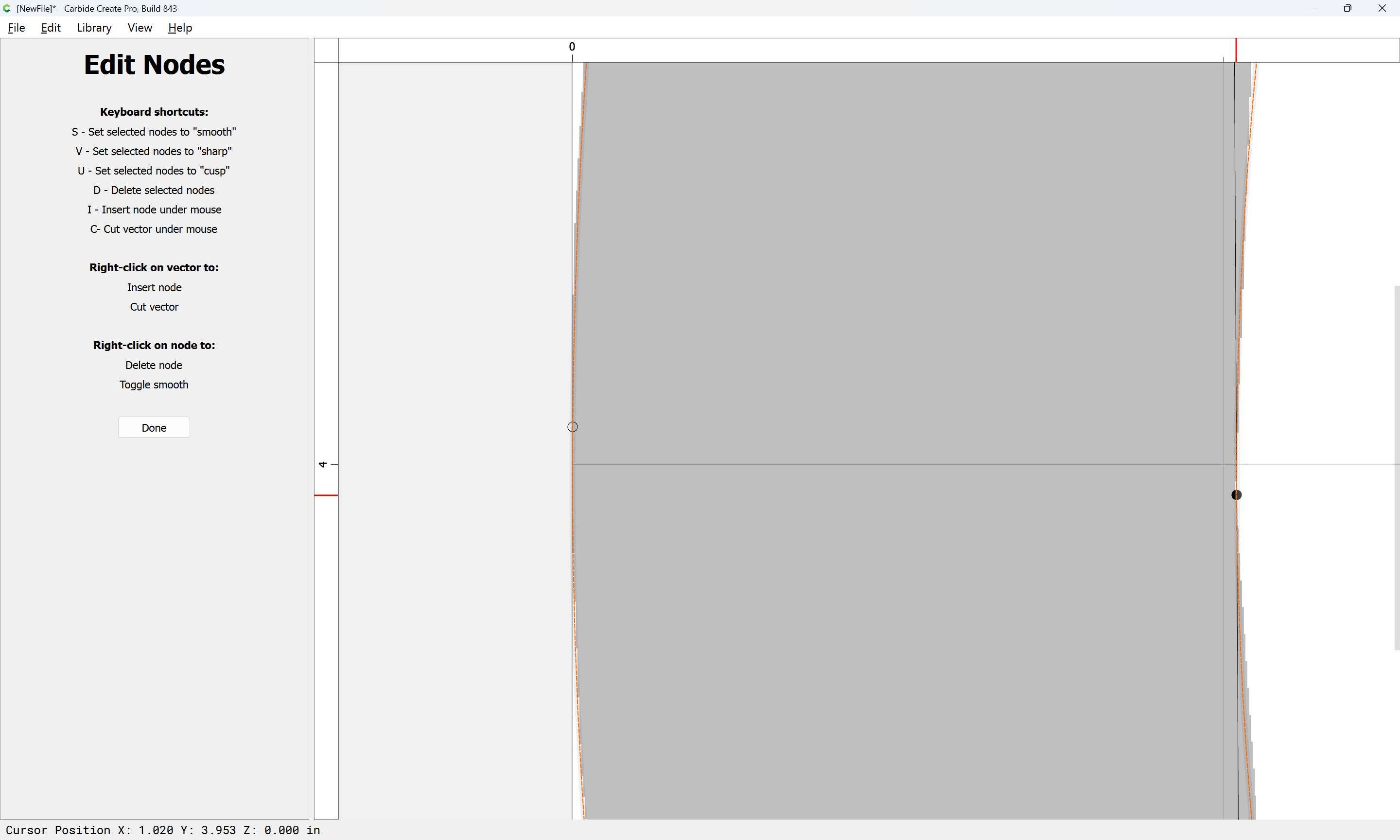
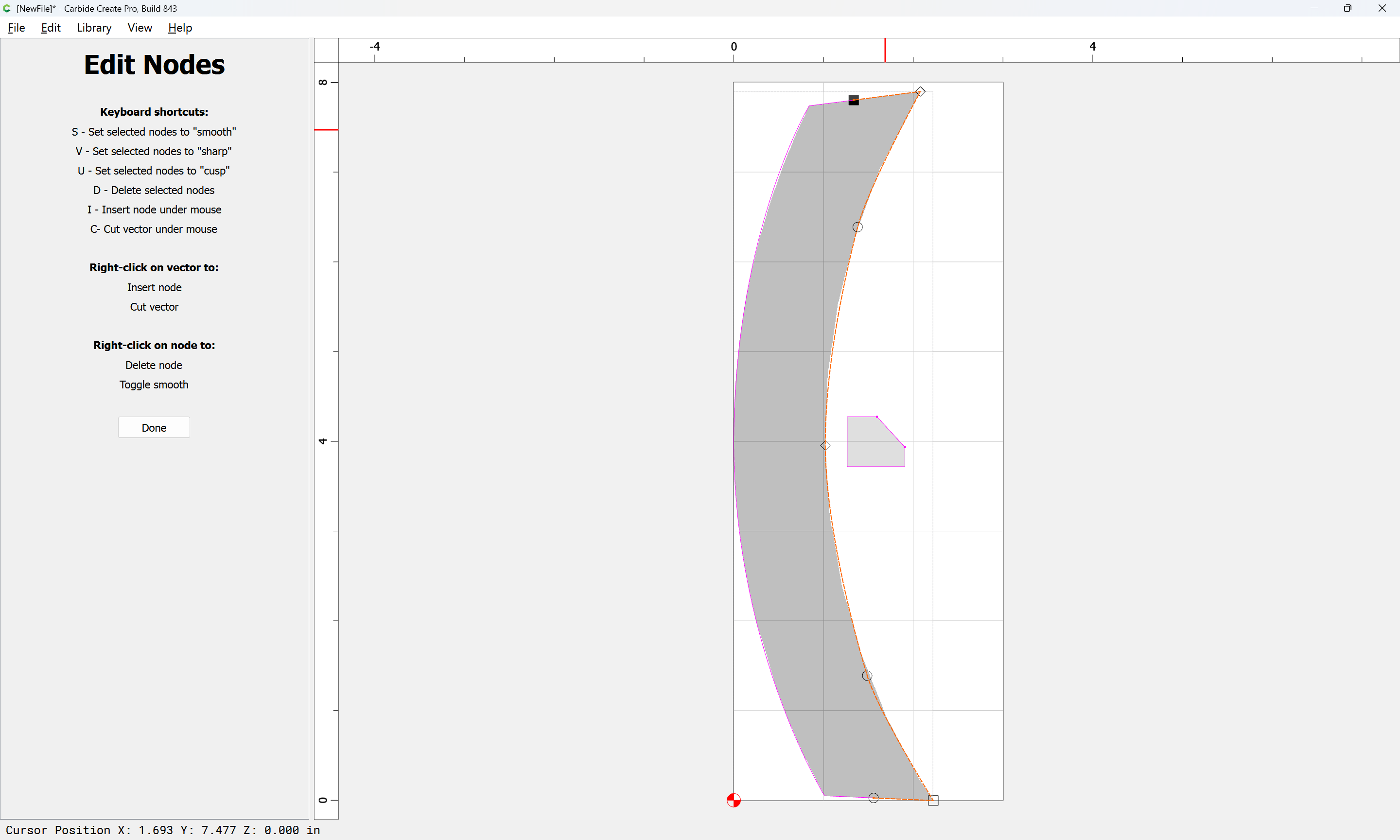
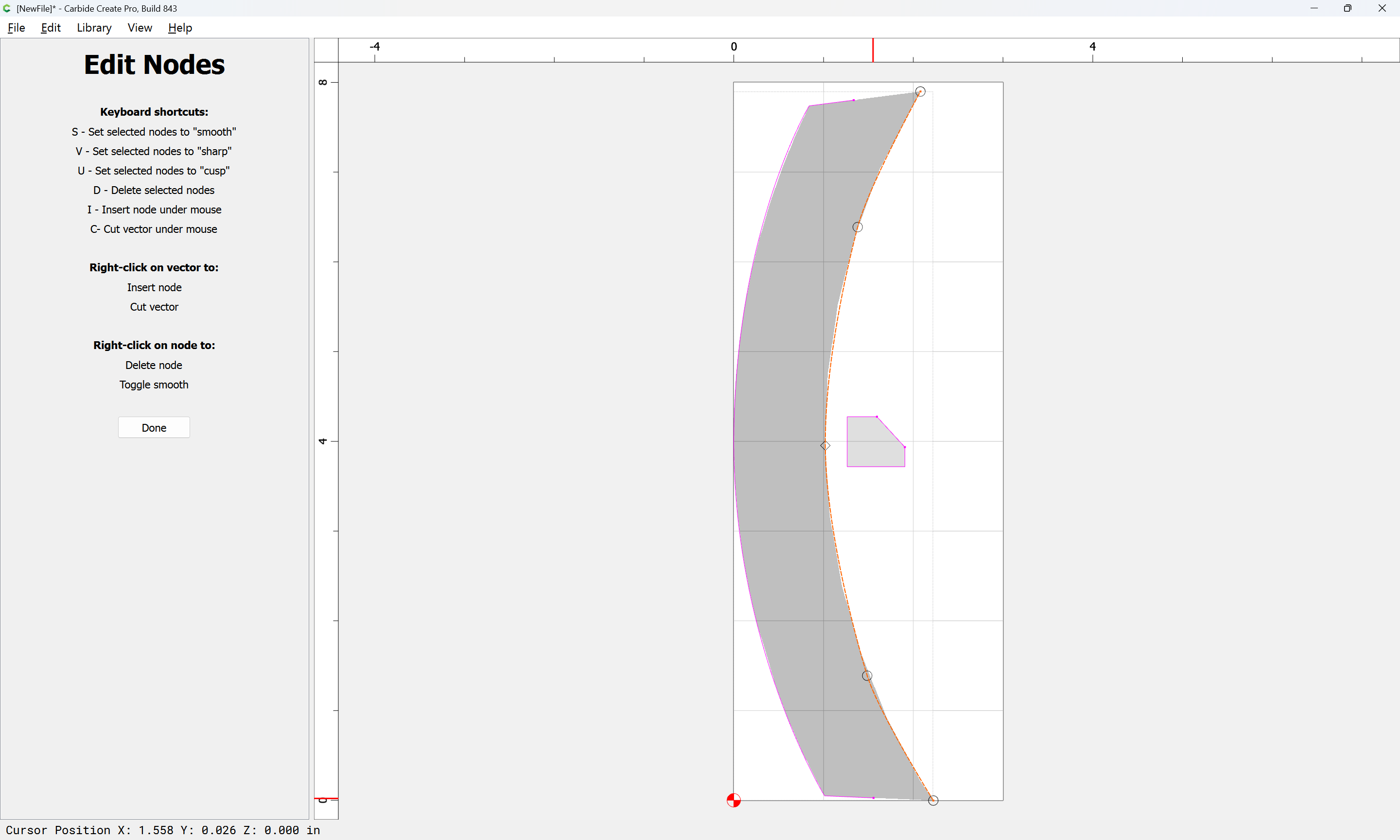
Reselect the right side:

and delete the two extra nodes:

d

d

Done

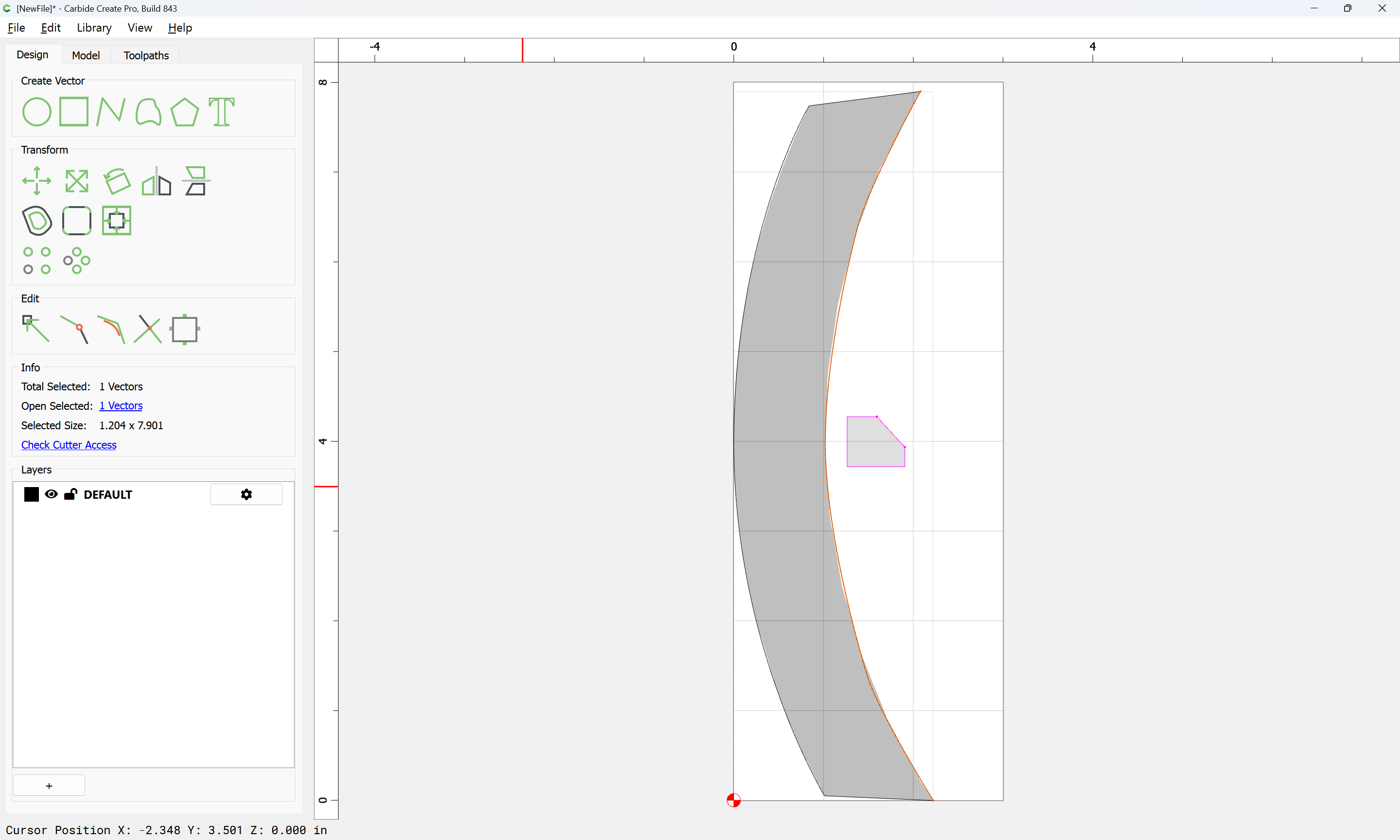
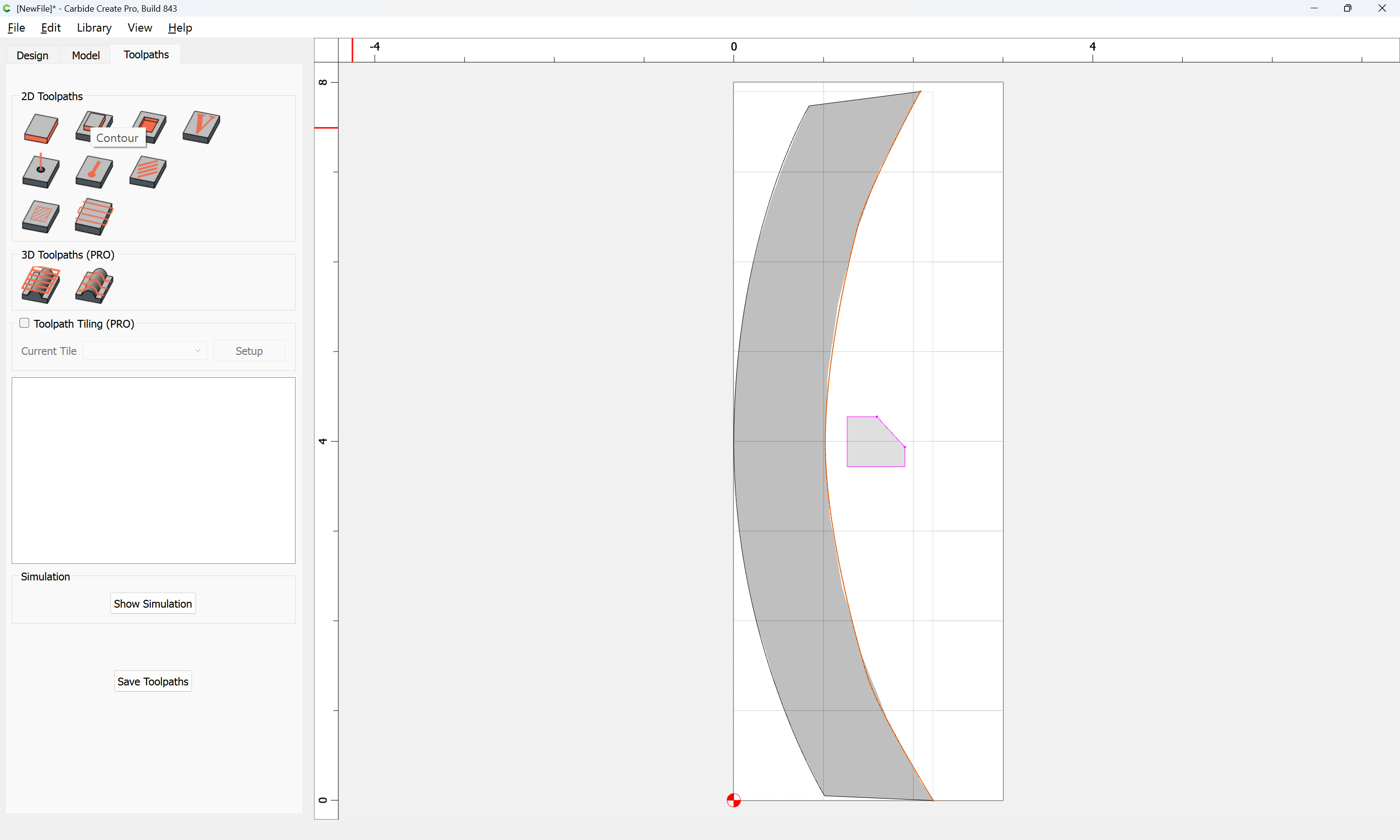
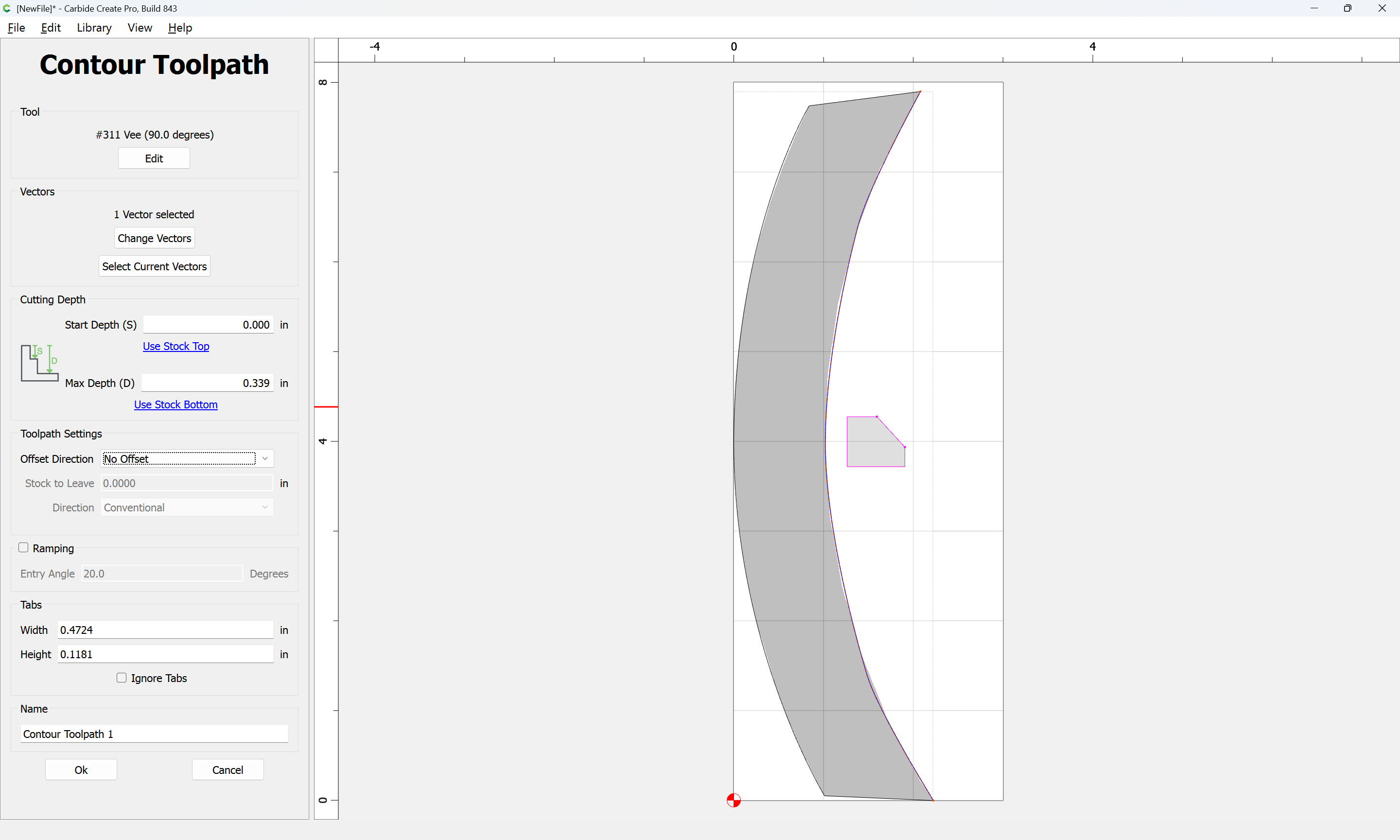
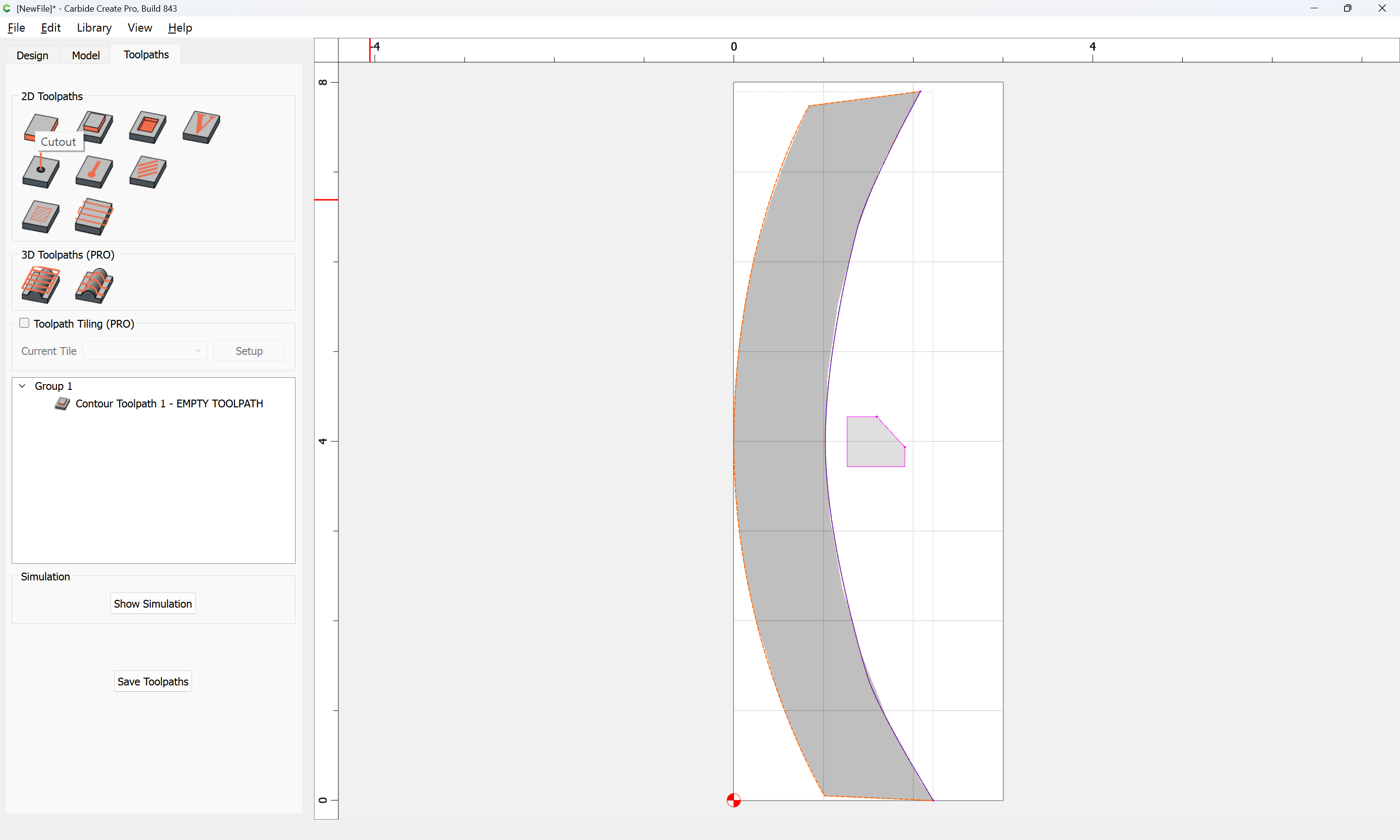
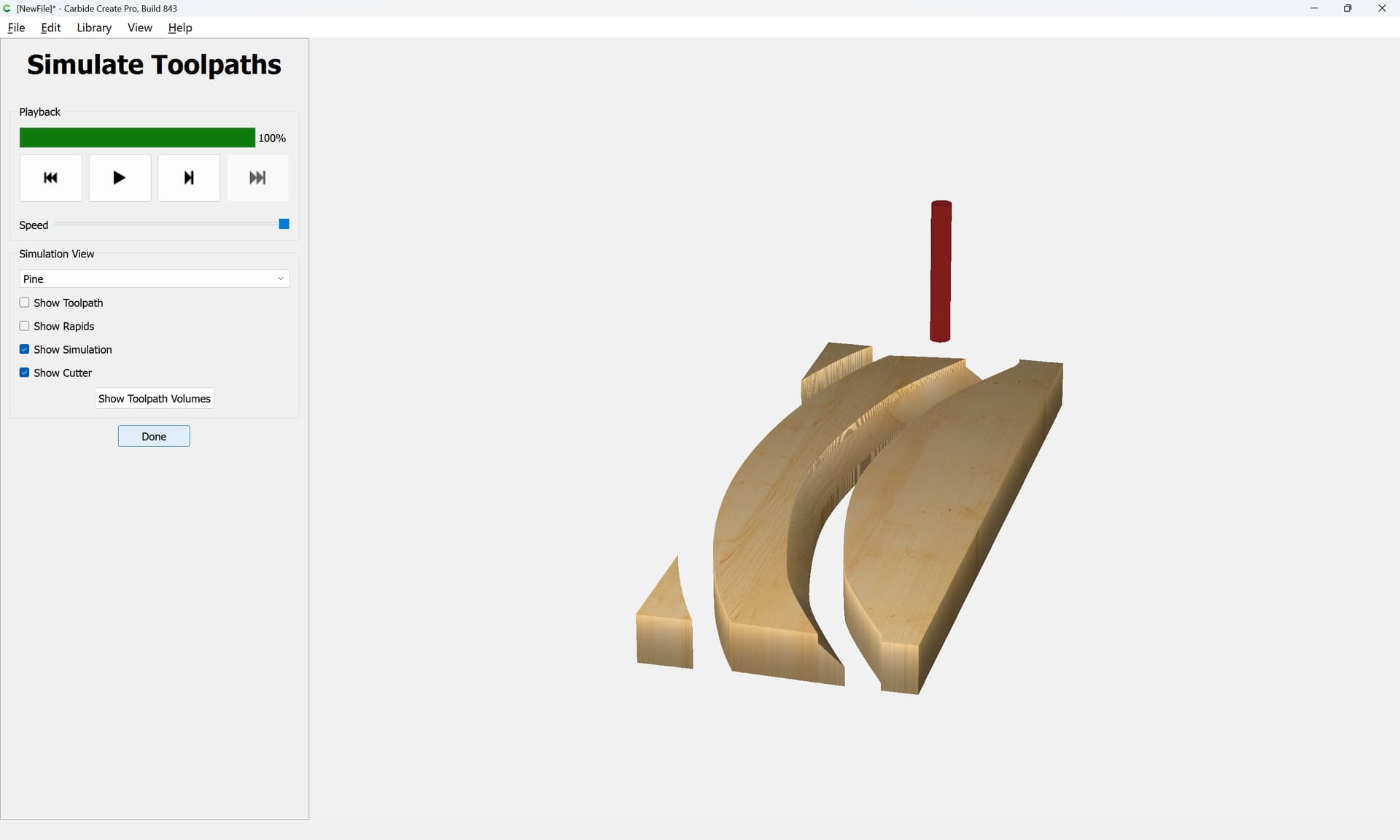
Assign a “No Offset” Contour to the appropriate depth:

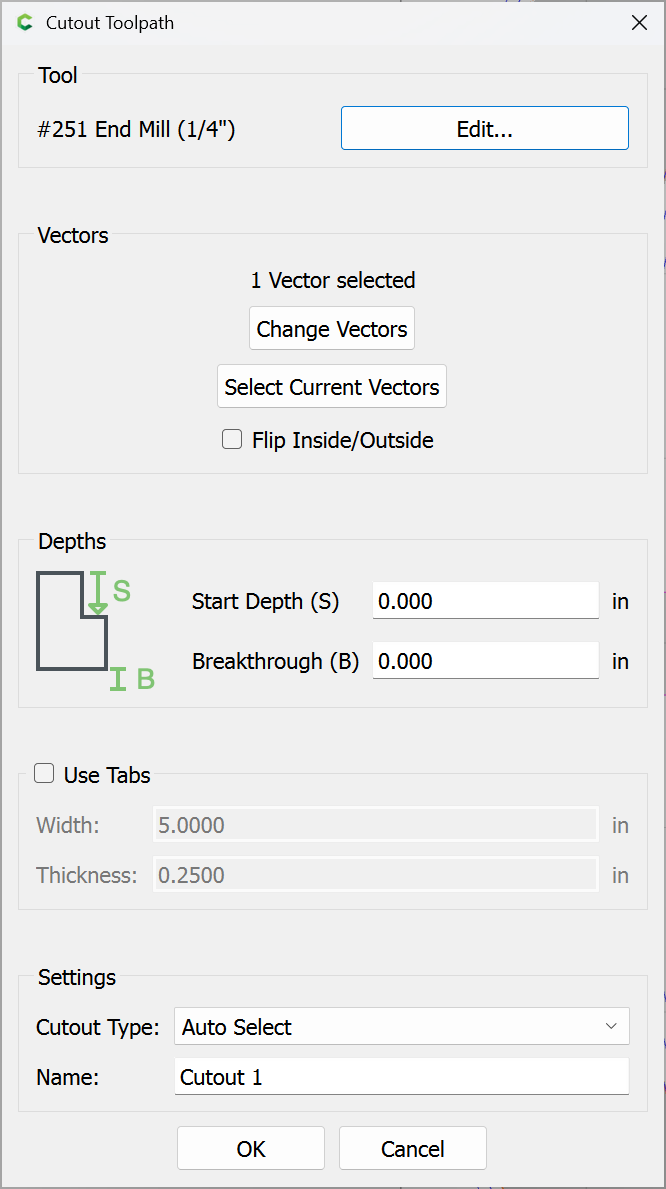
and a Cutout toolpath to the perimeter:

Using a suitably sized tool:

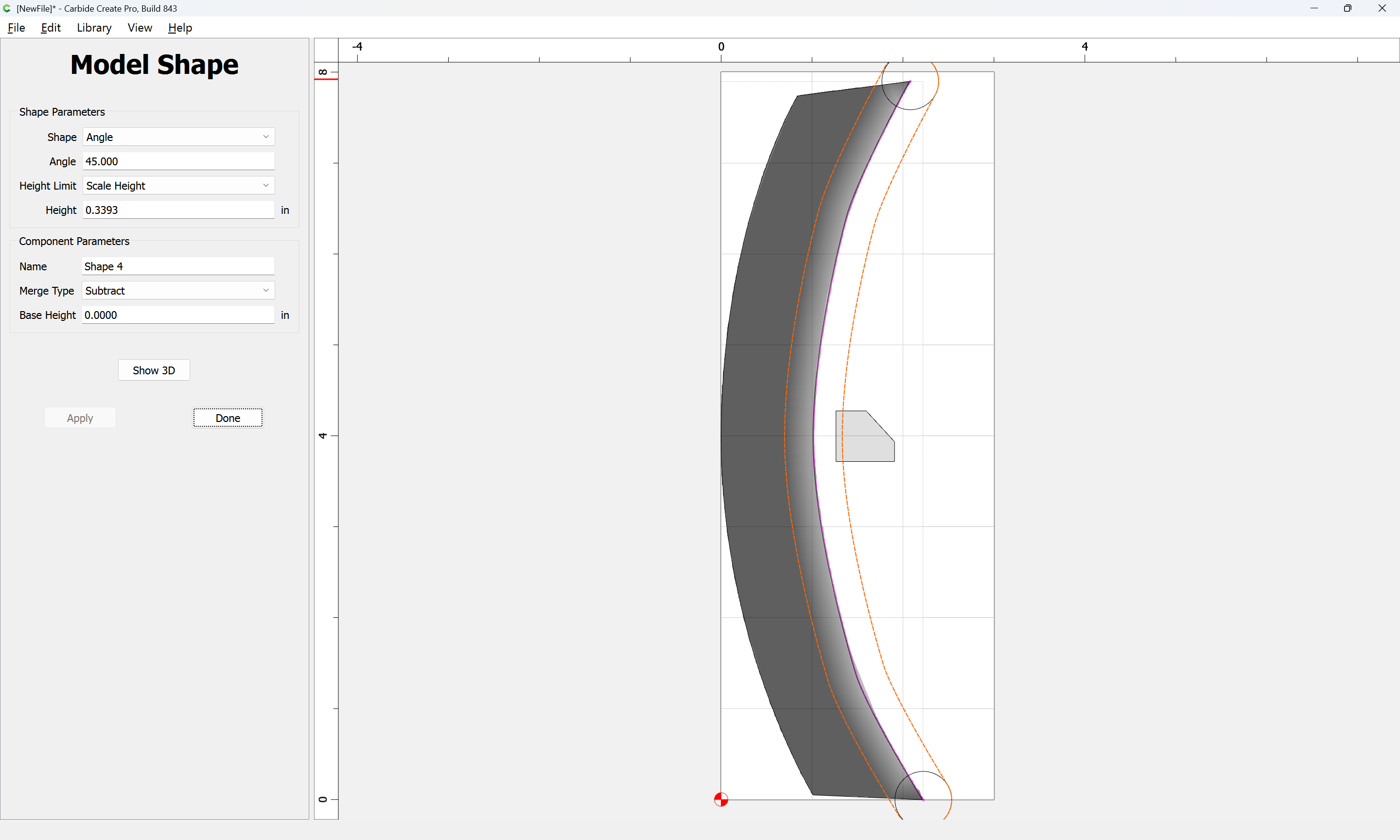
To model this in 3D instead, draw the perimeter at each end:

Make a closed region of (a duplicate of) the geometry by duplicating it in place:

Yes

and slightly shifting and connecting the ends:

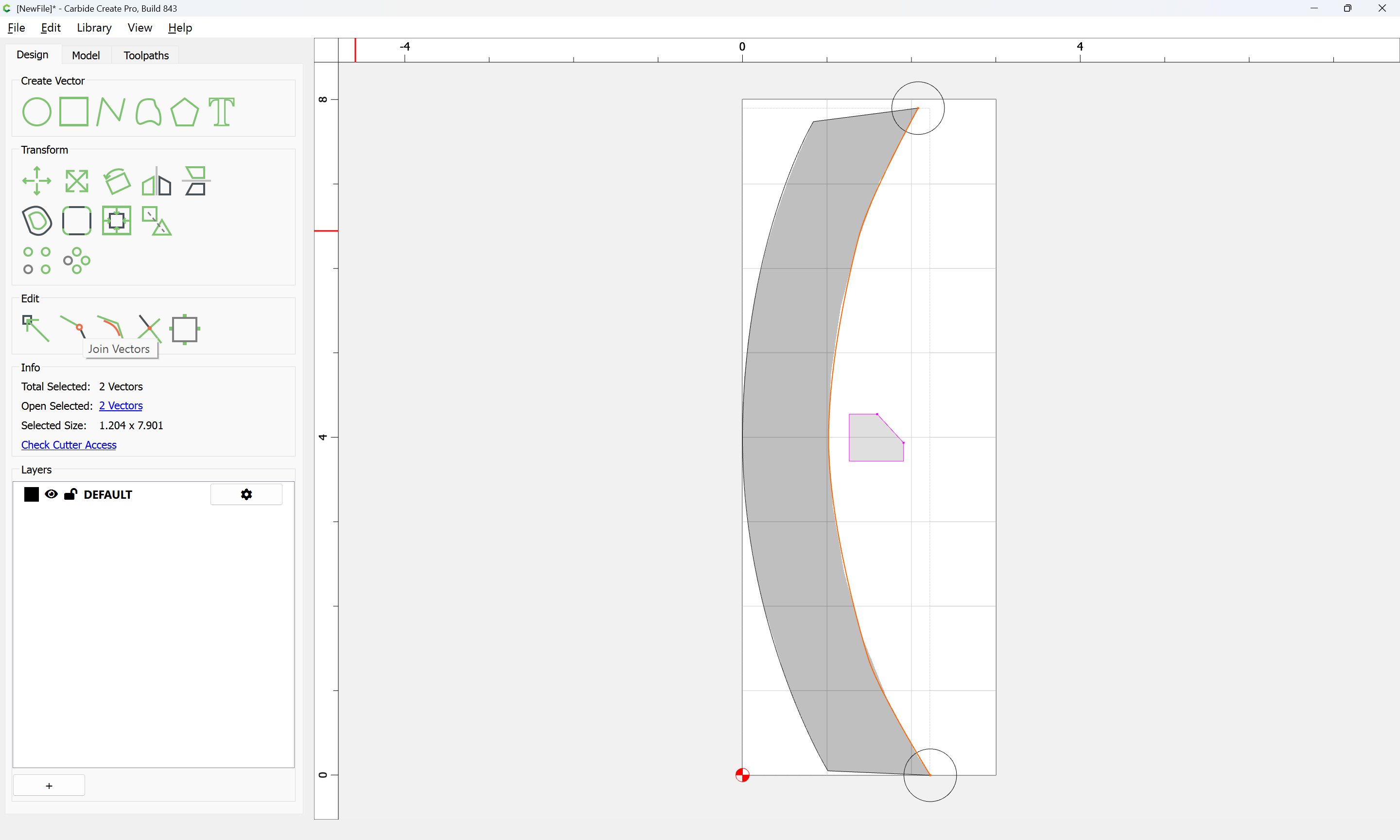
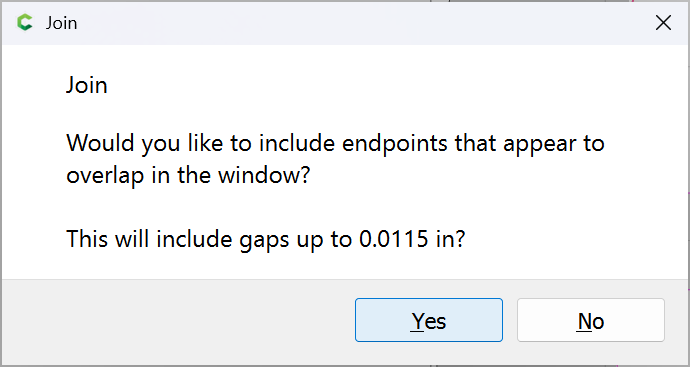
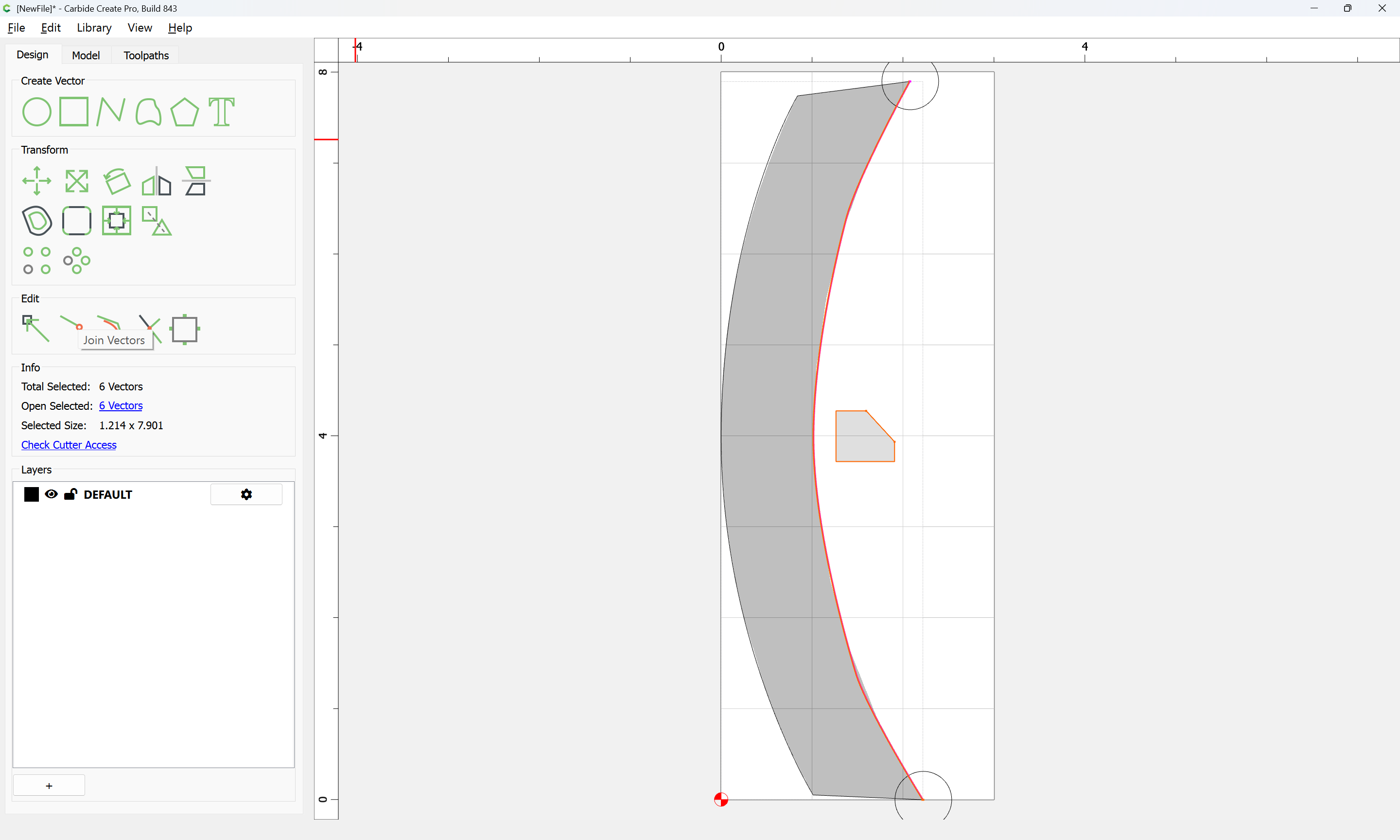
Then join everything:

Yes

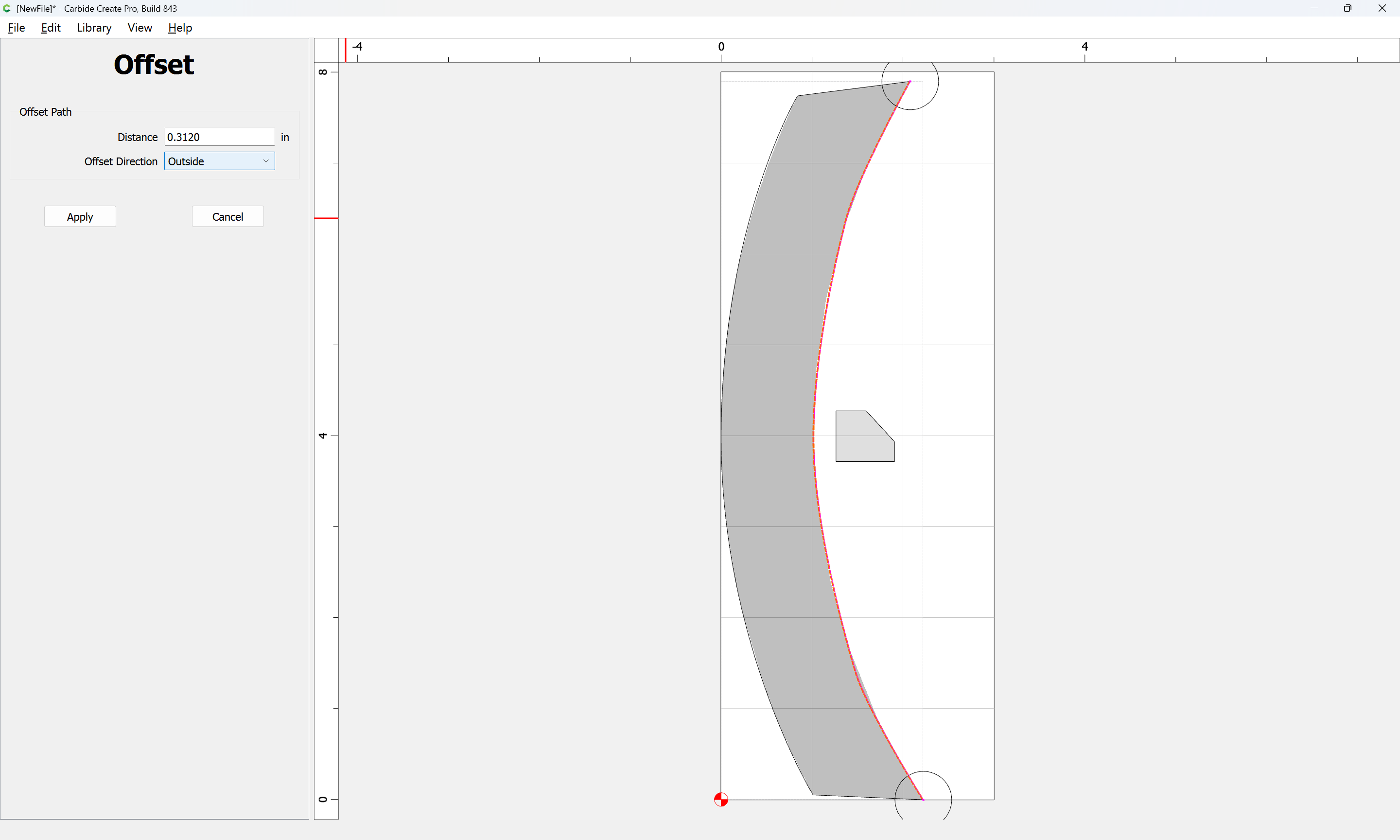
Then use Offset to get the perimeter of the material which needs to be removed:

Apply

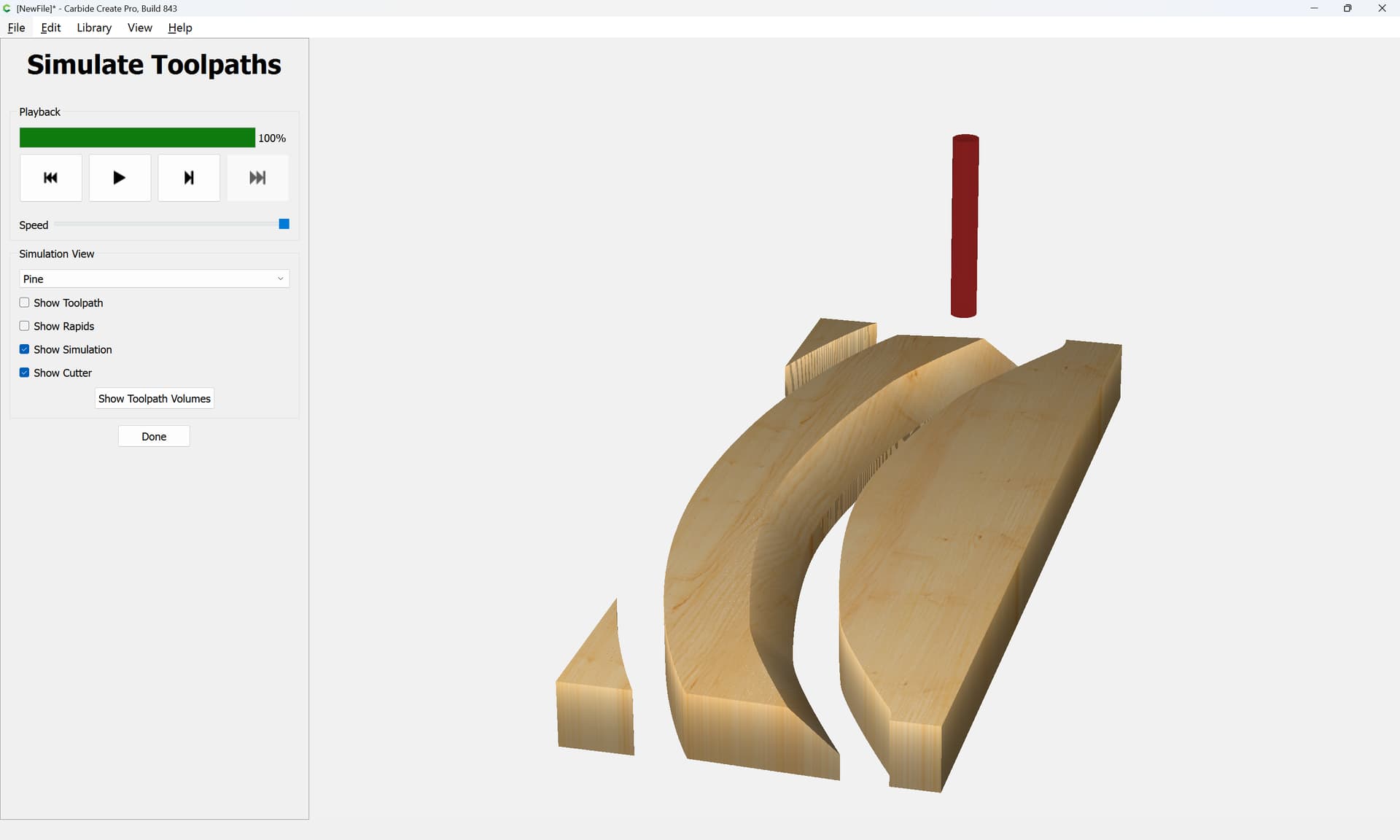
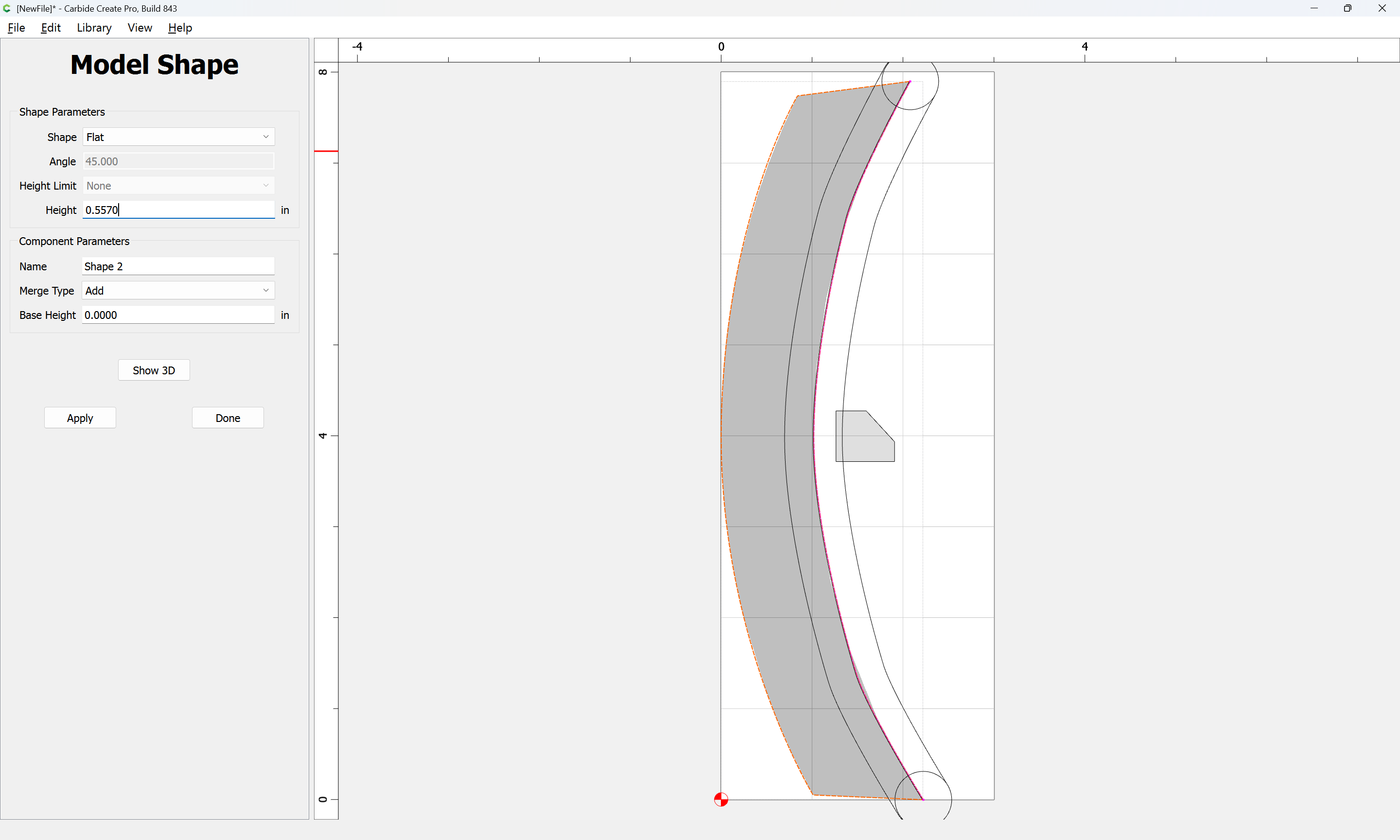
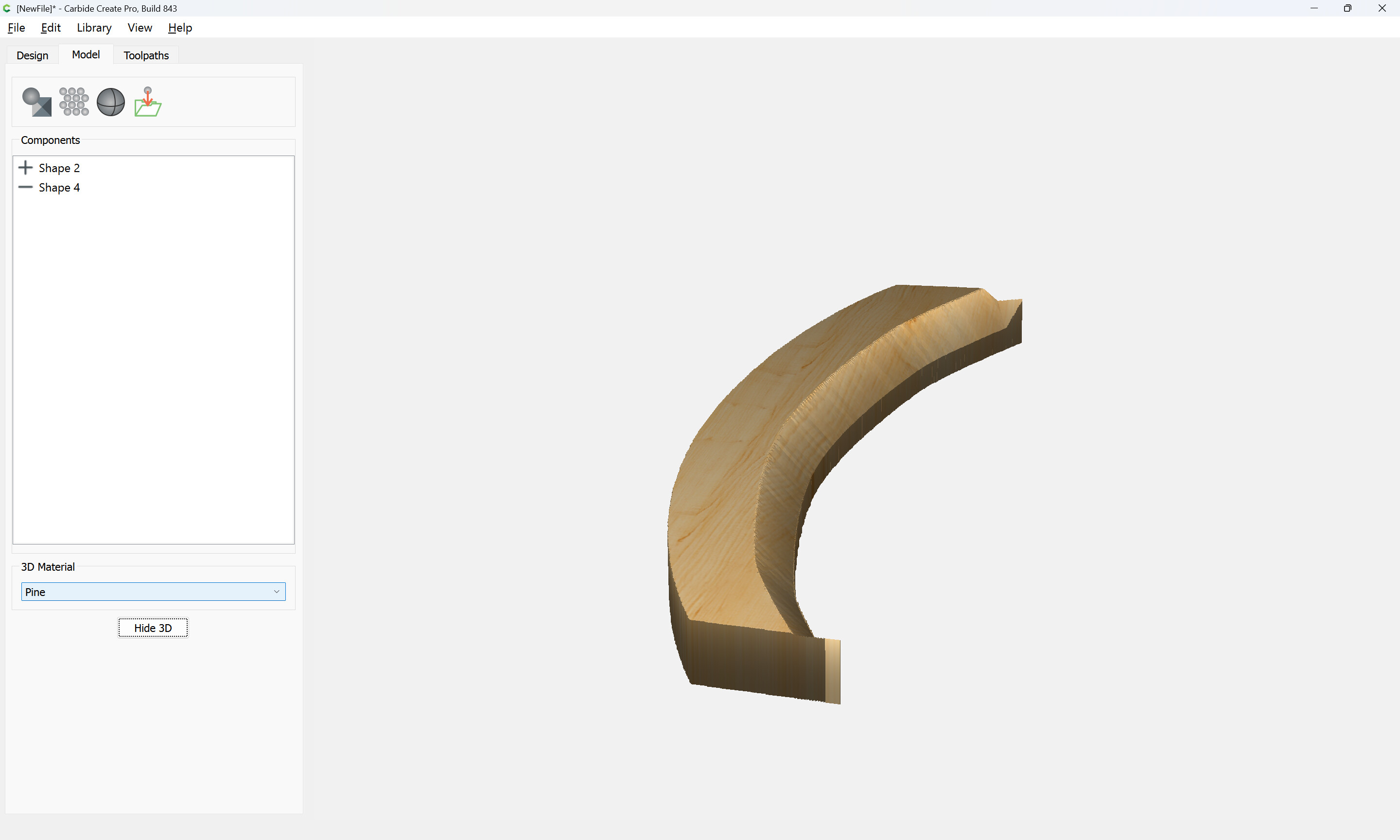
Then model the part:

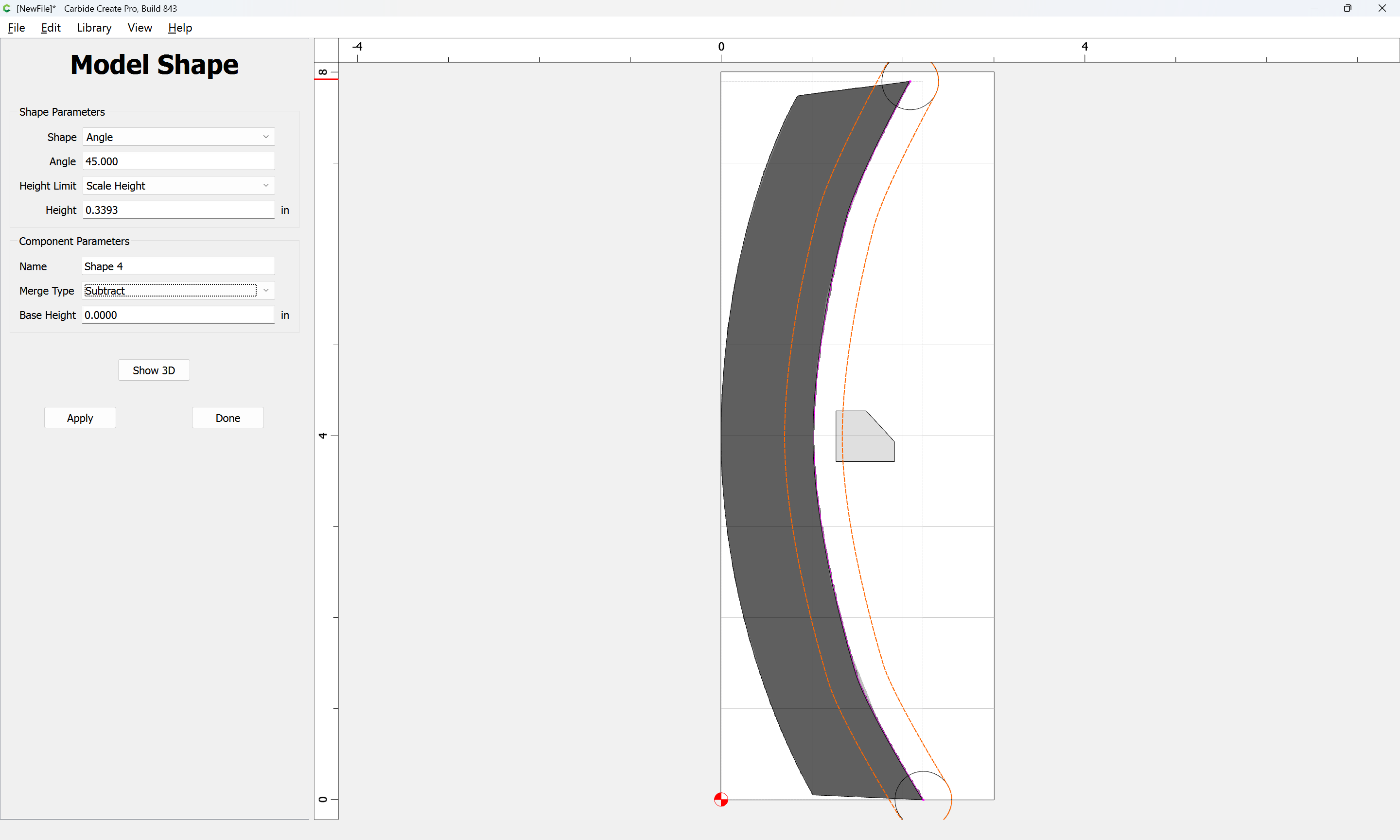
and subtract it to the scaled depth:

Apply

It will be necessary to slightly overmodel the ends since the depth is greater than the width, so extend as necessary — doing this is left as an exercise for the reader.

Attached as a v8 file:

angle_on_curve_v8.c2d (228 KB)

1 Like

WOW!
there is NO way I would have figured that out. That is exactly what I wanted to do. Thank you so much
This topic was automatically closed after 30 days. New replies are no longer allowed.