WillAdams
December 28, 2025, 6:59pm
1
as requested on support…
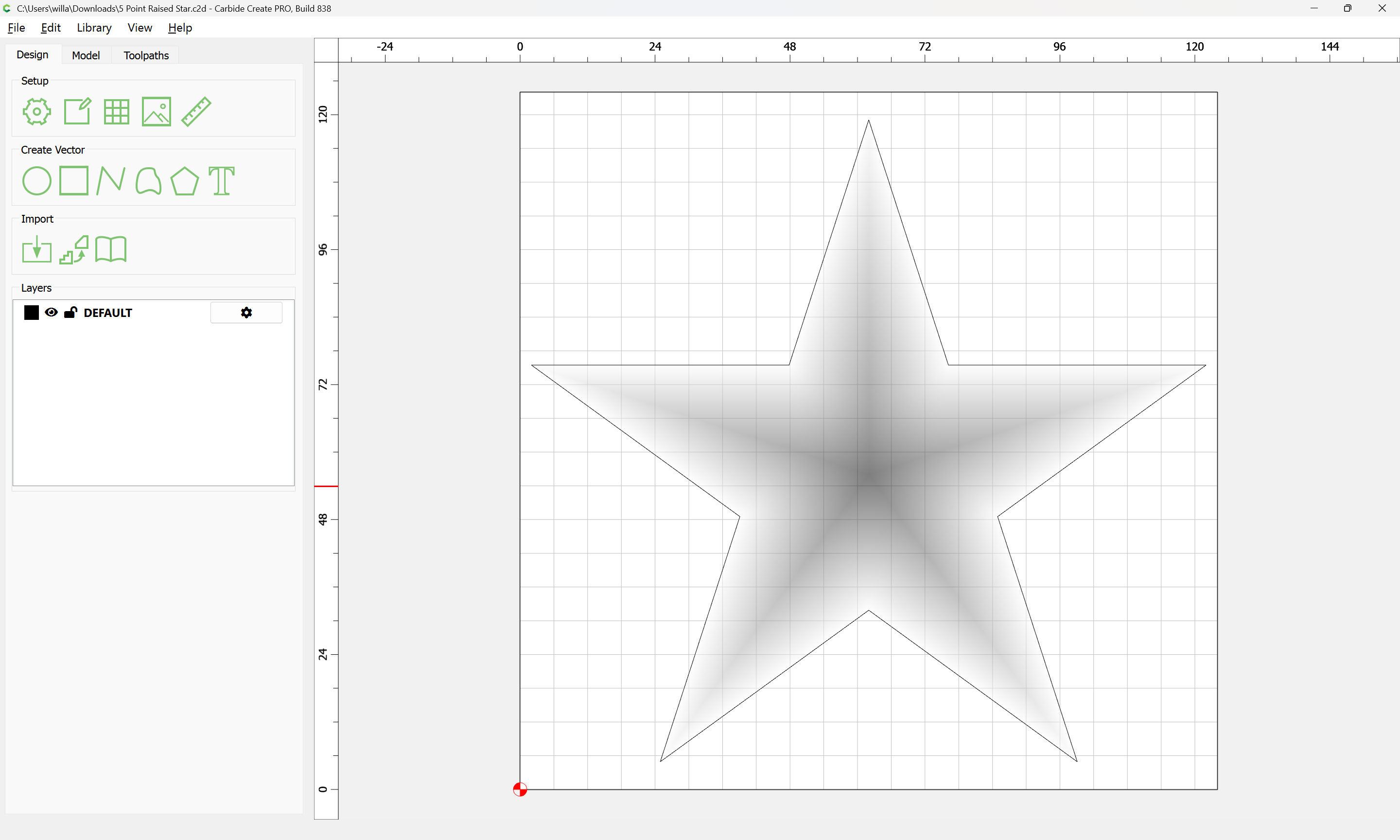
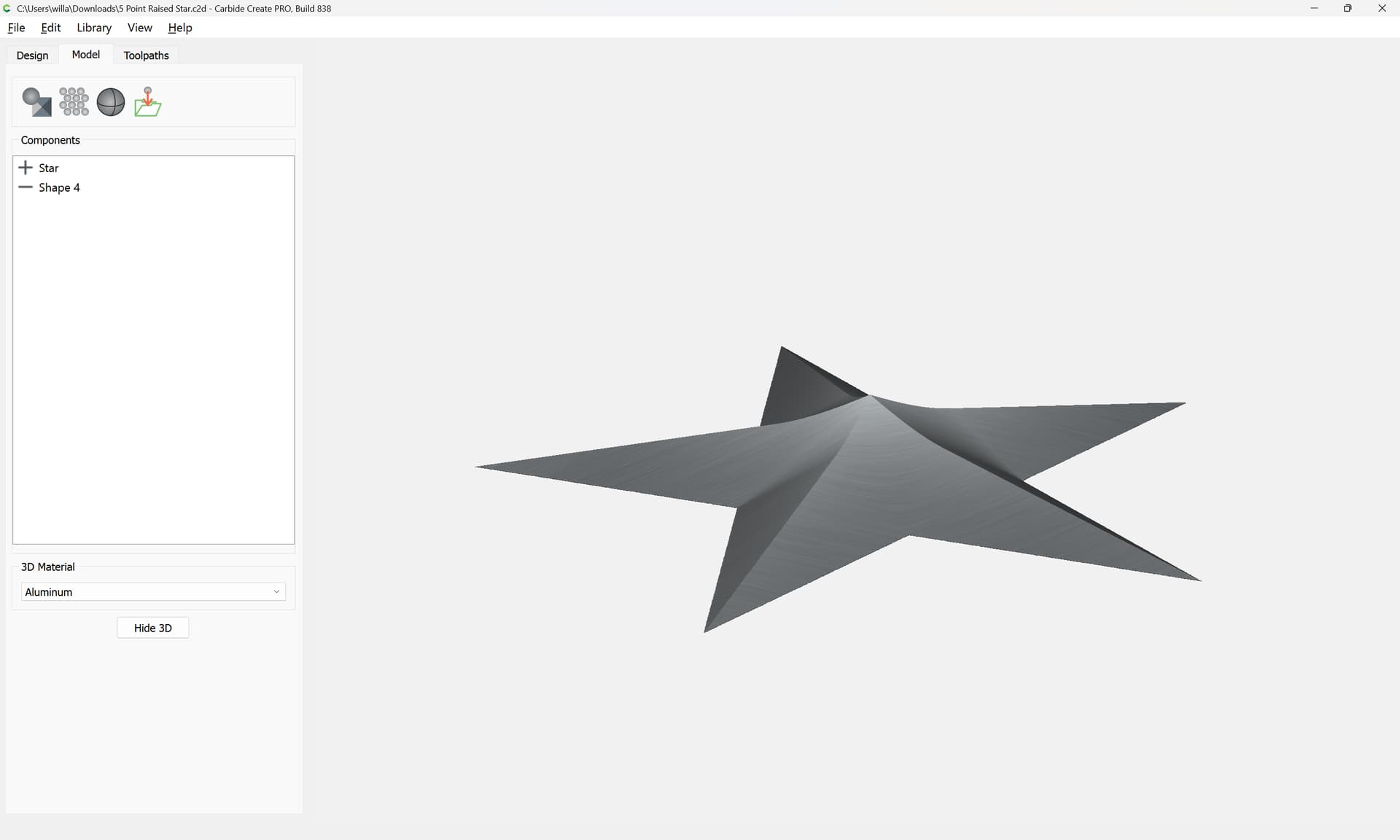
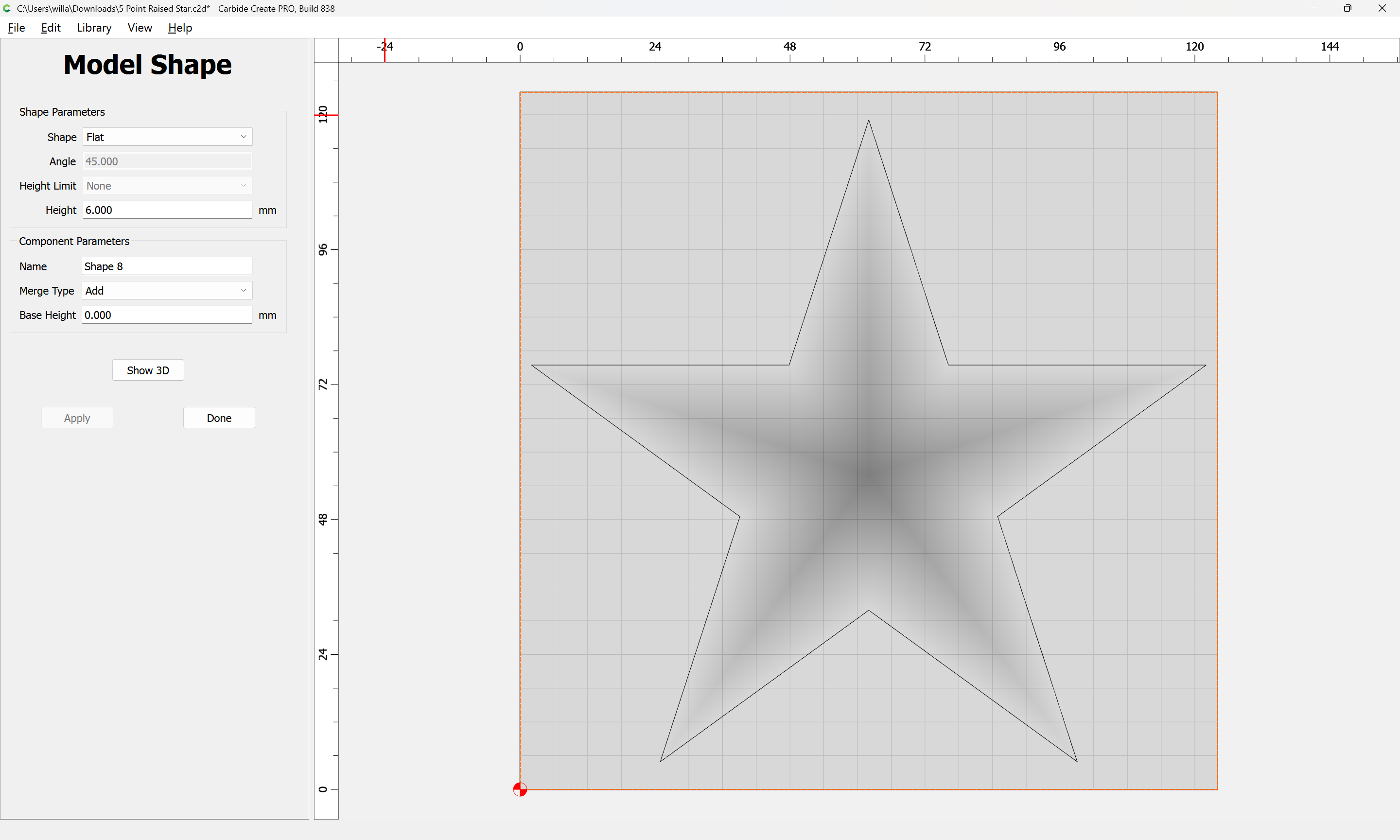
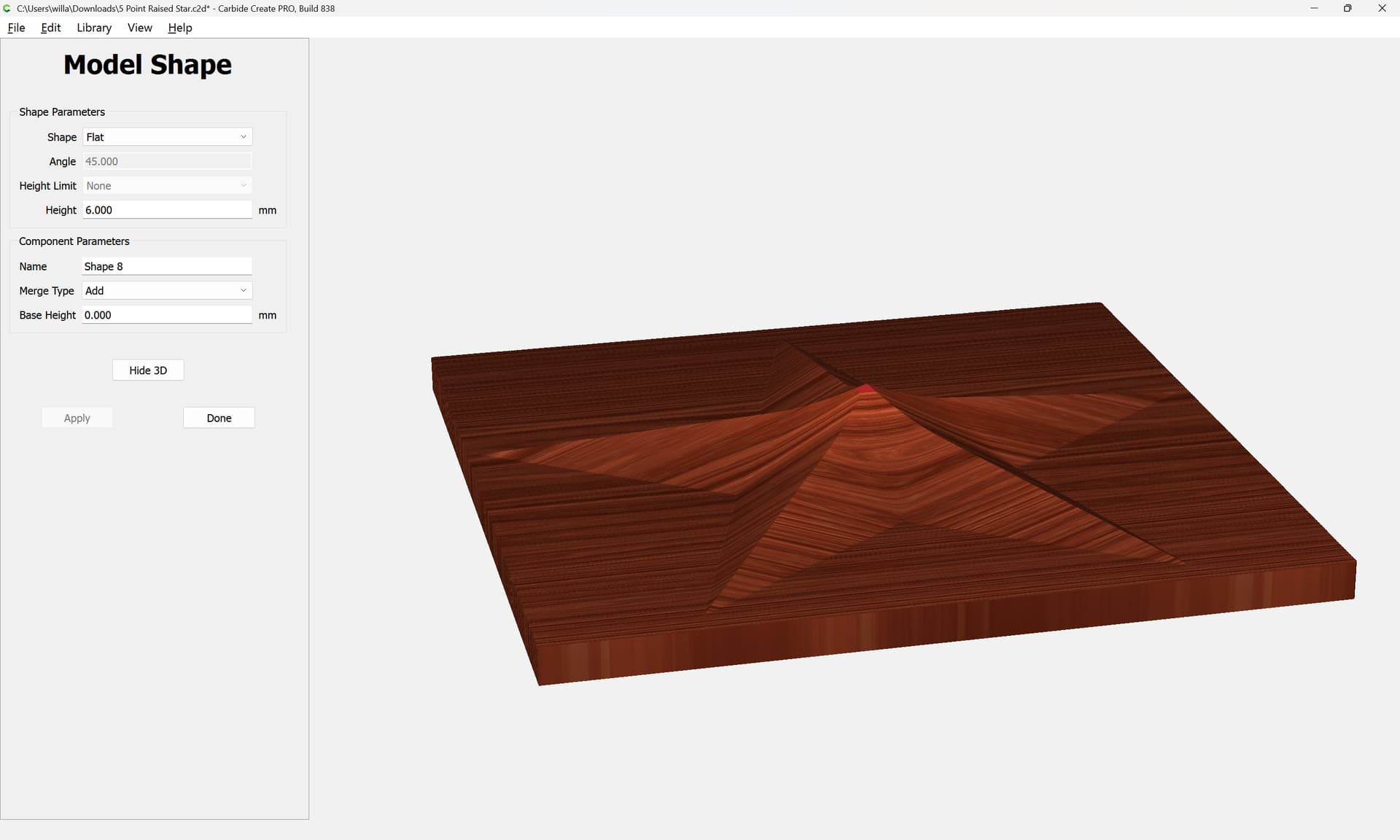
…make a rosette with a raised star in the middle and have attempted this goal, but not to the desired level. I am able to get a raised star, but it does not have the square backing. The star is cut out and modeled to be raised. I want the star to sit on a platform.
The first thing to do is to model the desired “platform”:
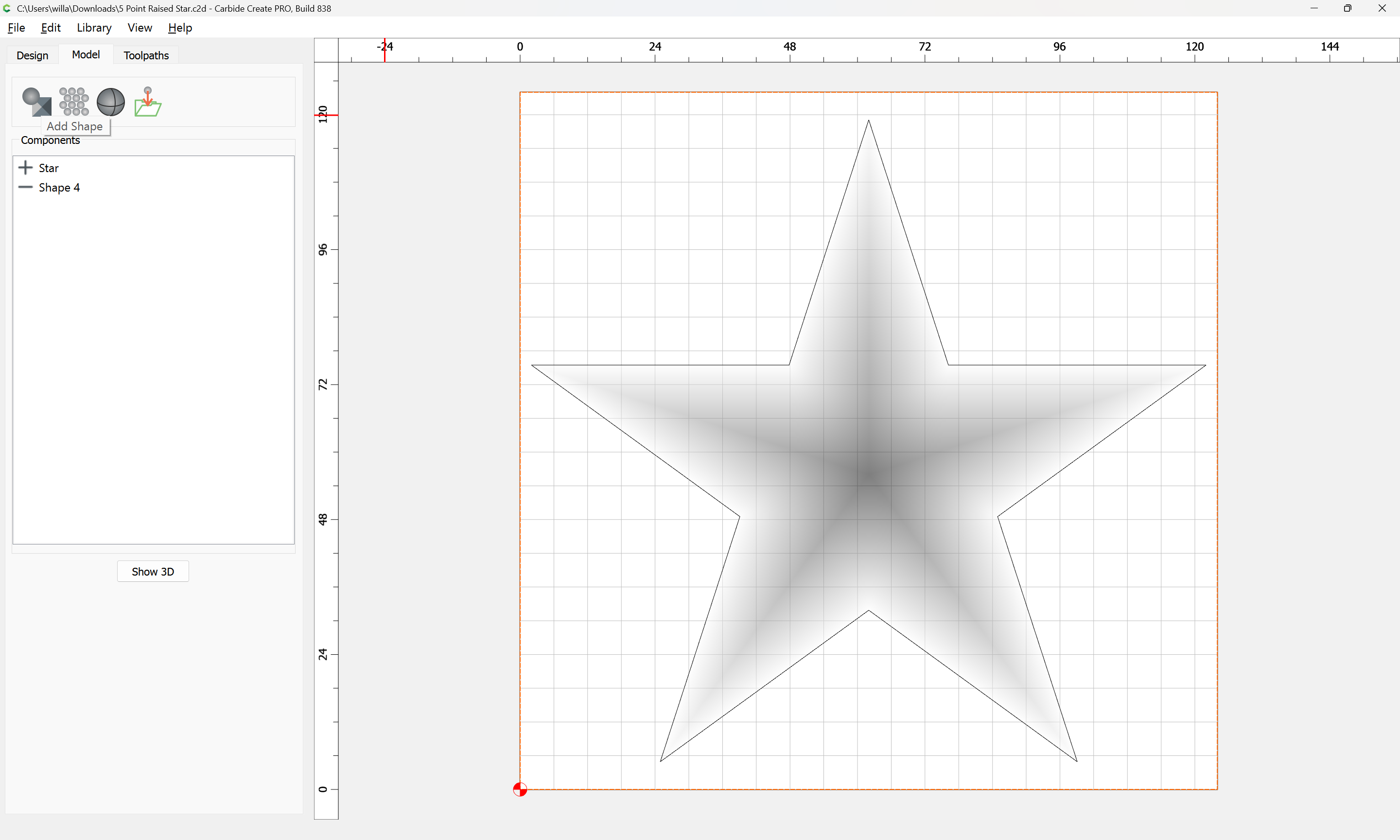
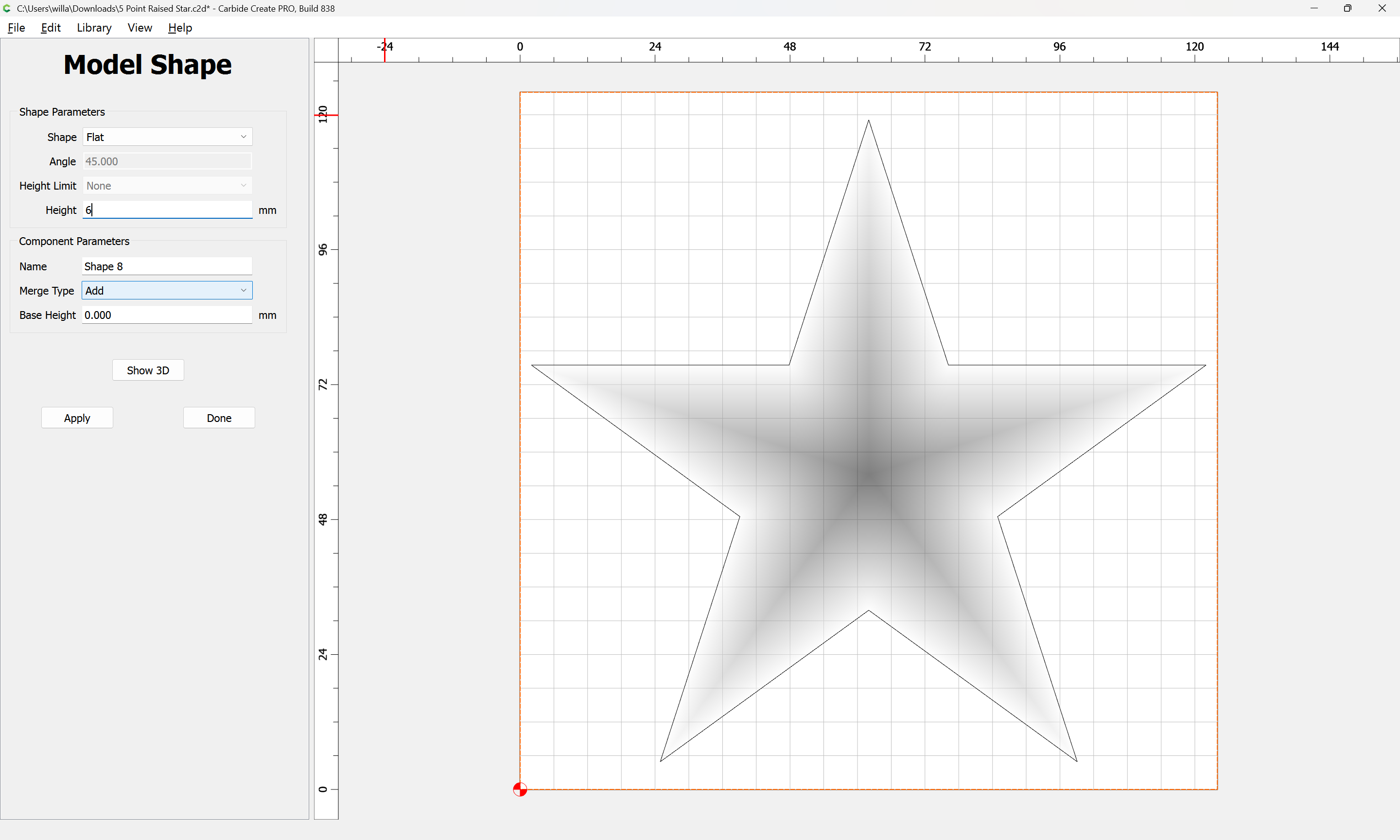
Select the geometry for the platform and “Add Shape”:
Apply
One further issue here is that the star has a raised center point due to how Carbide Create Pro calculates raising at an angle.
c.f.,
While Carbide Create has a number of stars available, some regular stars are not provided:
[image]
Fortunately, it’s pretty straight-forward to draw a regular star:
Draw a circle which is the size of the desired star:
[image]
Draw a rectangle which is taller than the radius of the circle and duplicate it:
[image]
Rotate each angle by either positive or negative:
360° ÷ number of sides/points (5) ÷ 4 == 18° (for a 5 pointed star)
and drag them into alignment at the top center node of …
3 Likes
system
January 27, 2026, 6:59pm
2
This topic was automatically closed 30 days after the last reply. New replies are no longer allowed.