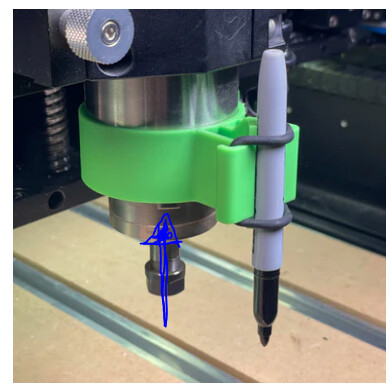
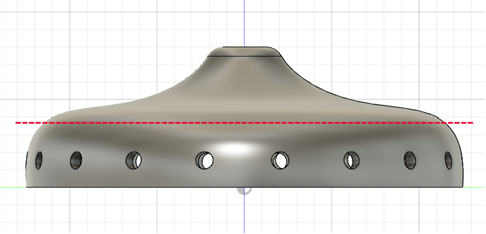
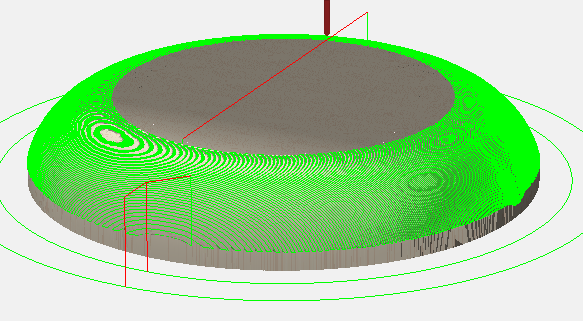
I need to built something that is 20 cm high and my Shapeoko have a Z max of 14 cm.
How would you do this?
I need to built something that is 20 cm high and my Shapeoko have a Z max of 14 cm.
How would you do this?
I believe that what you need to sort out is how to do workholding on the part — once that is in place, then the problems of software and machining all fall into place.
What are the other dimensions of the part/stock?
Which machine do you have?
The official answer would be to use Gantry Shift:
and to bolt to the front of an SO5.1 Pro:
https://carbide3d.com/blog/shapeoko-51-pro/
If that’s not an option, let us know the specifics and we will look into this with you.
Even with Riser I still have the problem that the Z Axis is 14 cm max.
Cut it in slices and glue together?
If that’s 20cm tall, it appears to be about 60cm in dia ??
What is it? What is it’s purpose? Can it be cut in 2 pieces & assembled?
c.f.,
but note the caution at:
You could lower your part below the current table height. There’s a good bit involved with that, but perhaps its an economically viable solution.
This is probably the best idea Since I dont want to modify my Shapeoko.
Any idea on how to slice my project?
If you have software to build/edit 3D models, like STL or faceted bodies, build or slice it in 2 pieces.
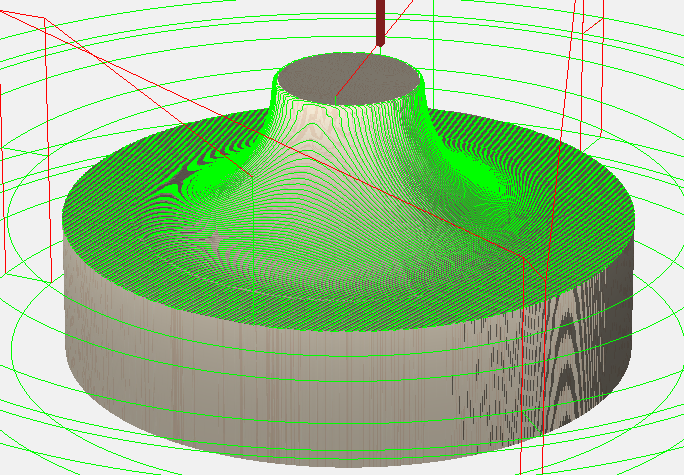
You can also use the whole model, and use boundaries and stock height to control how deep the tool goes.
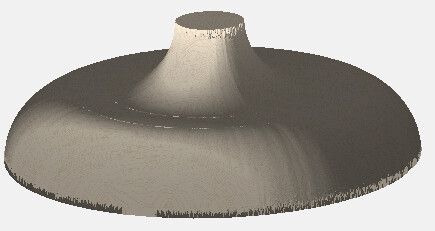
Here’s a similar model I threw together, 20cm tall
A toolpath that just cuts the top half, using a 20cm stock height
And a toolpath that just cuts the lower half using a 10cm stock height