Let’s try it again using v8:

Is it supposed to be this shallow/thin?

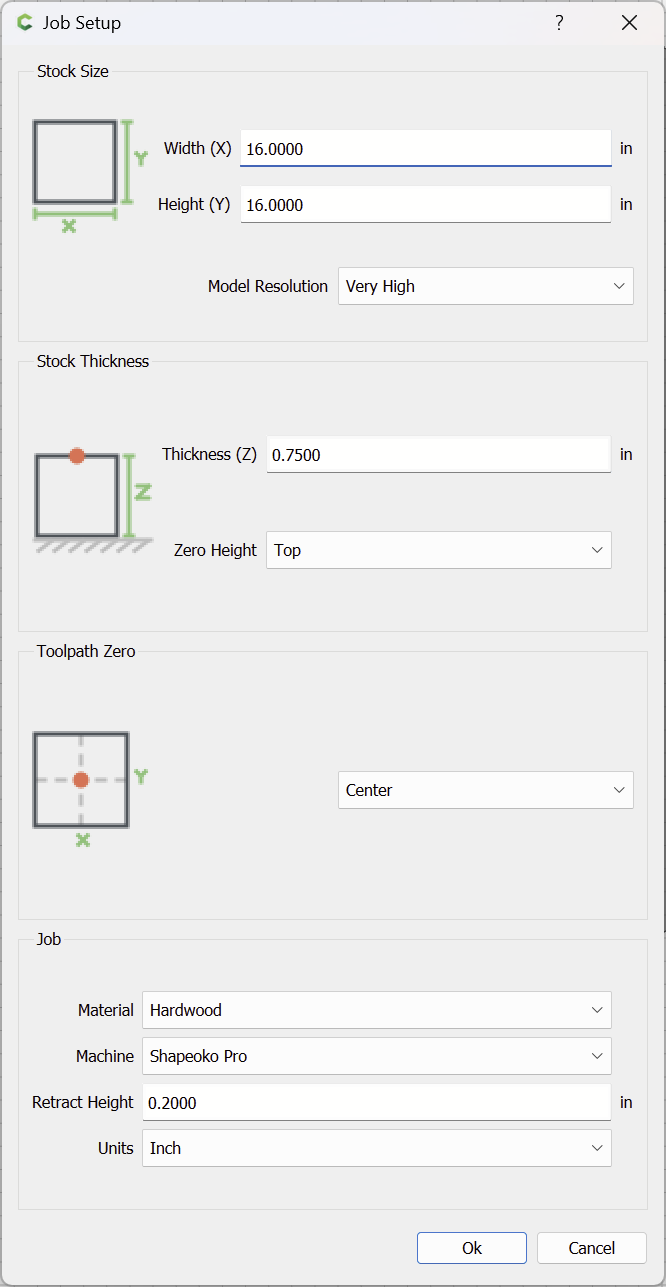
Stock thickness is 0.75":
If we instead model to that thickness:
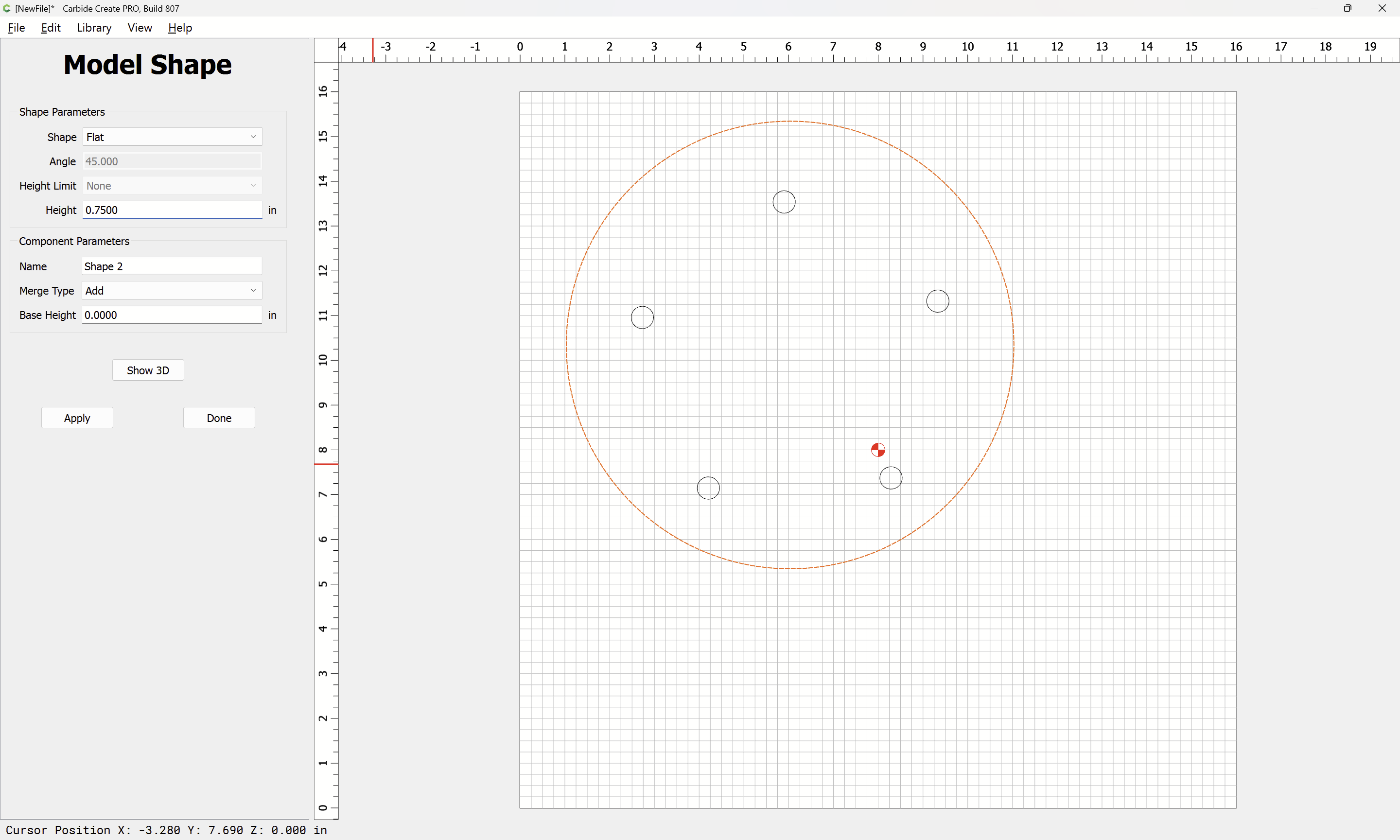
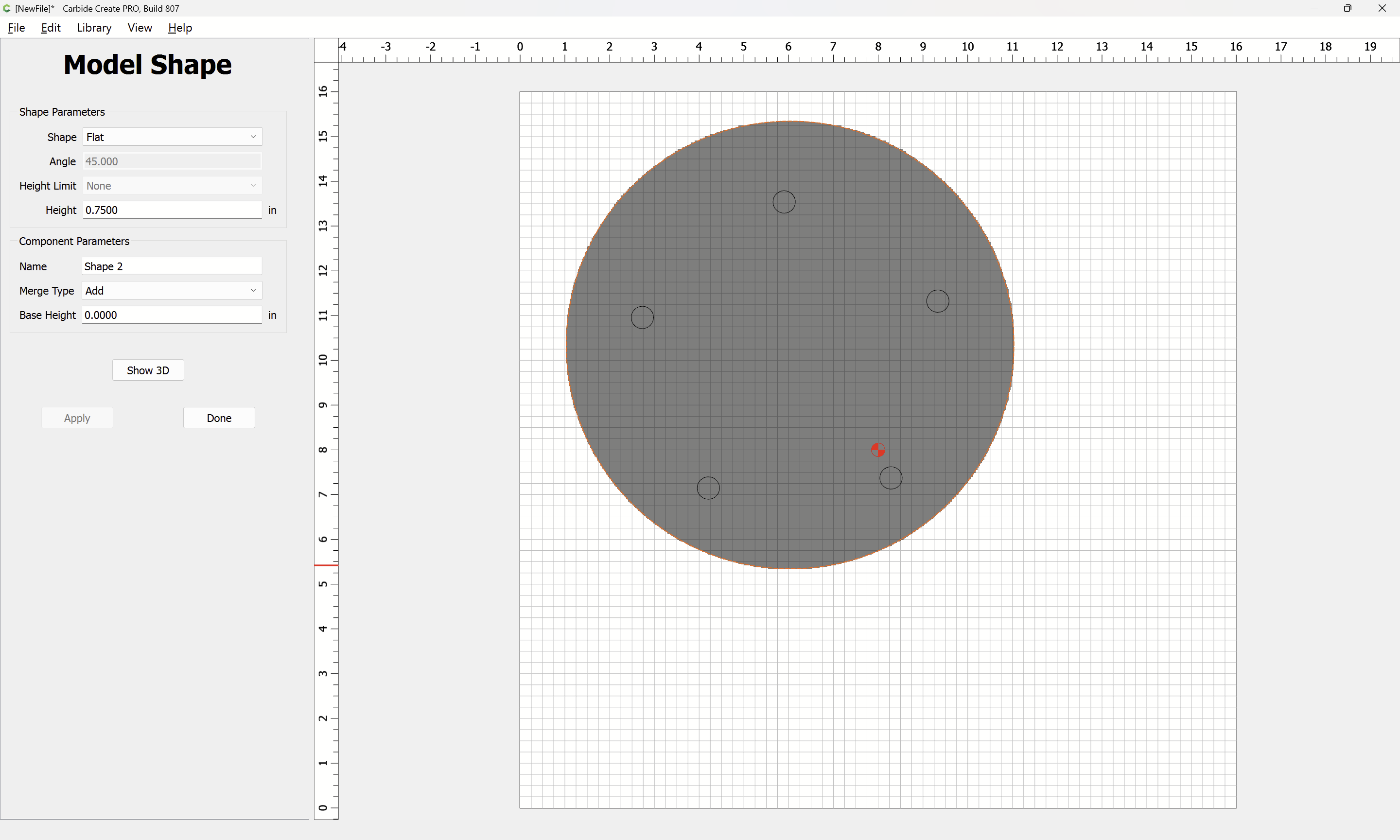
(after reducing the stock size)

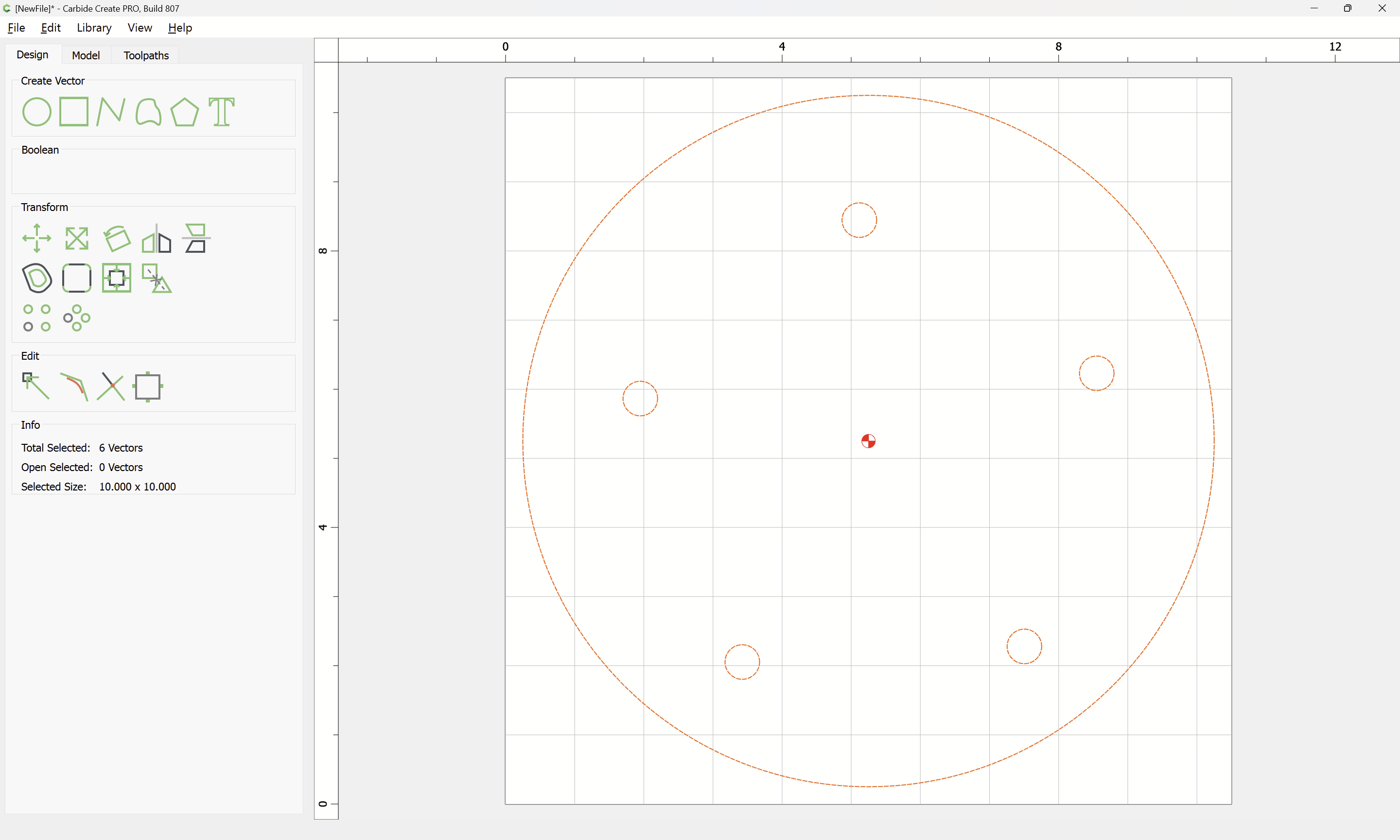
and then model the divots as 0.25" deep:
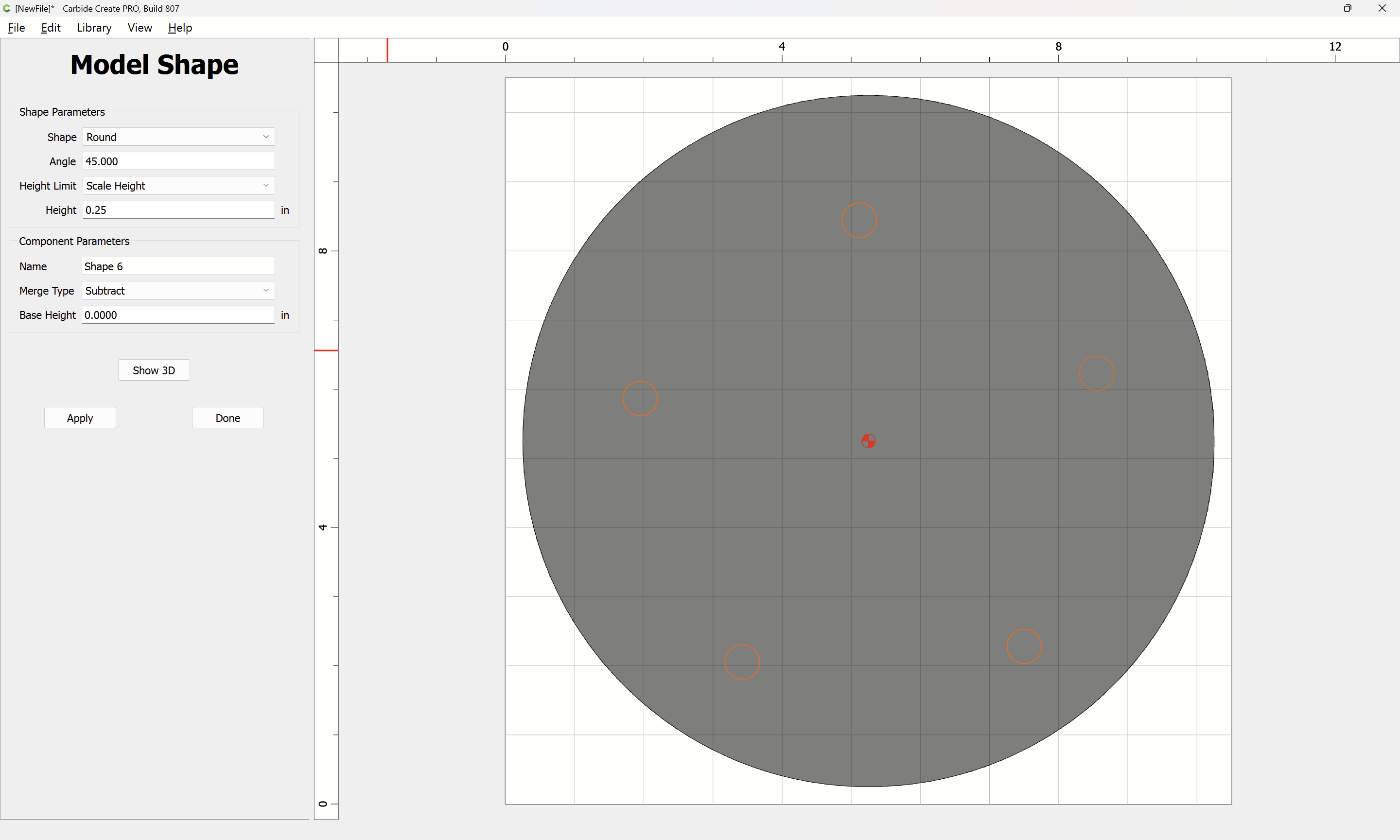
we get:


The Contour toolpath should go to a separate group after the 3D work:

and you are cutting to a depth of 0.75", half-again the length of the cutting flute on a #102, so you should instead use a #201 or #251 and cut as a pocket down to tab height or the penultimate pass:

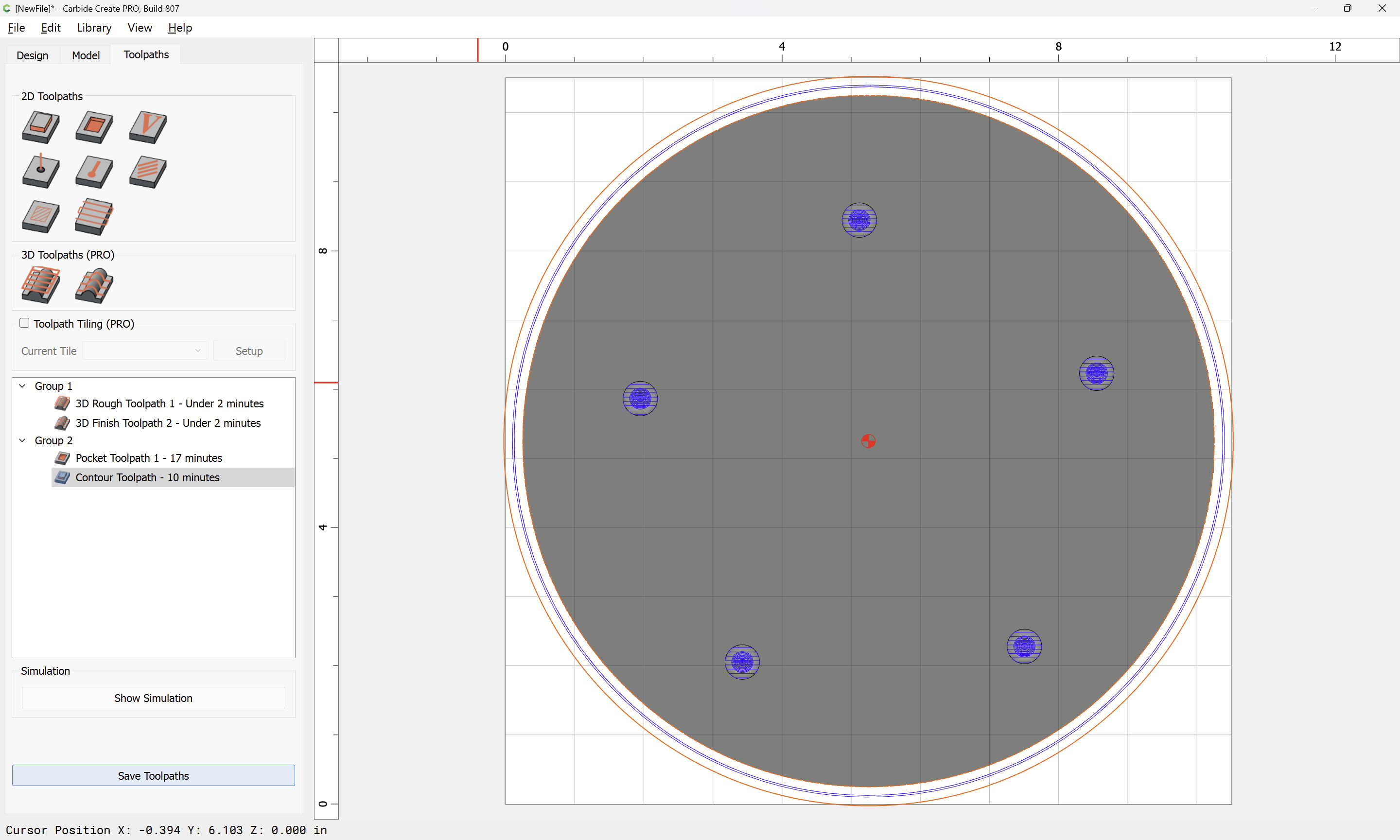
(you may want to consider adding tabs)
There really isn’t a reason to use a #102 for roughing for this shape and have the tool change to a #101:
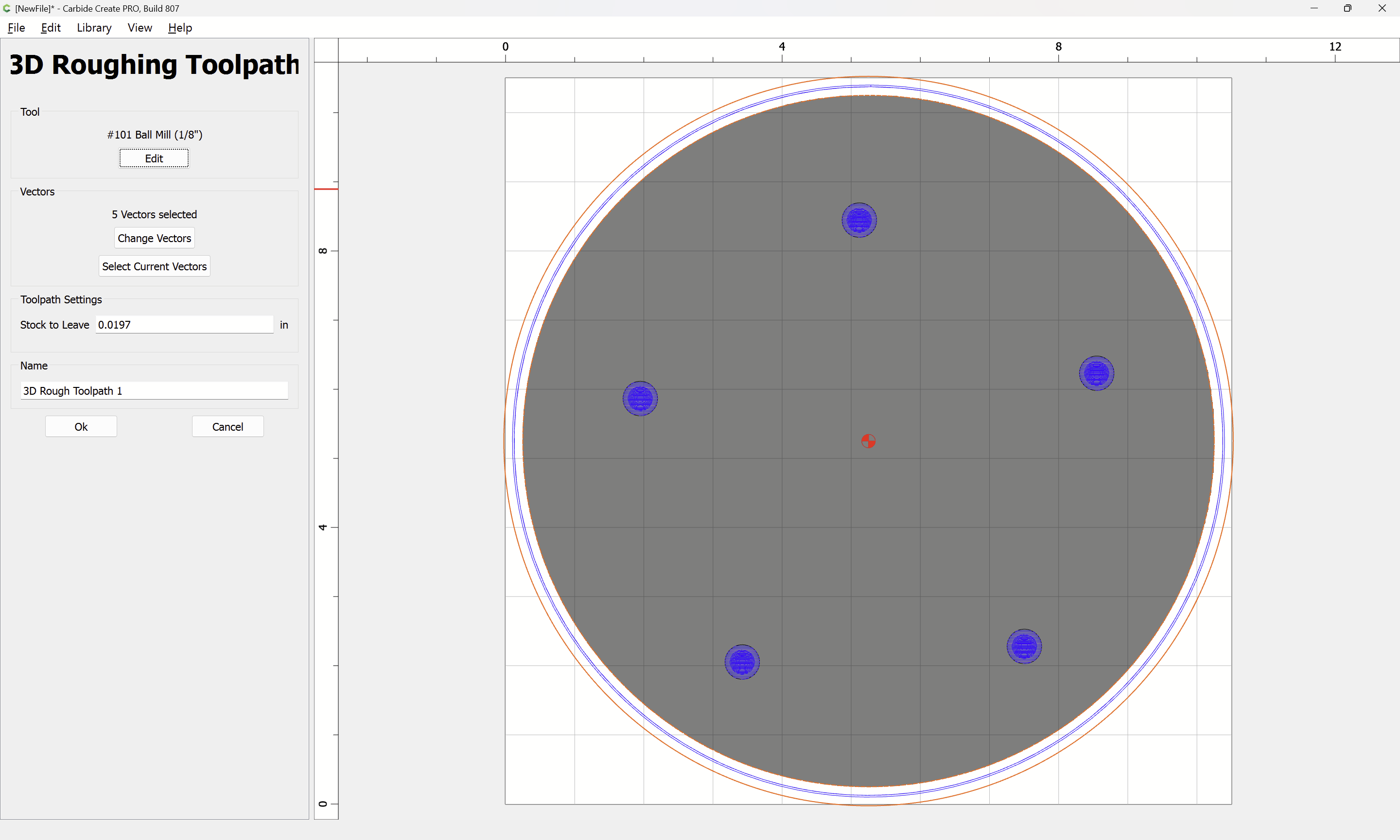
and you were using the default stepover, a smaller value:
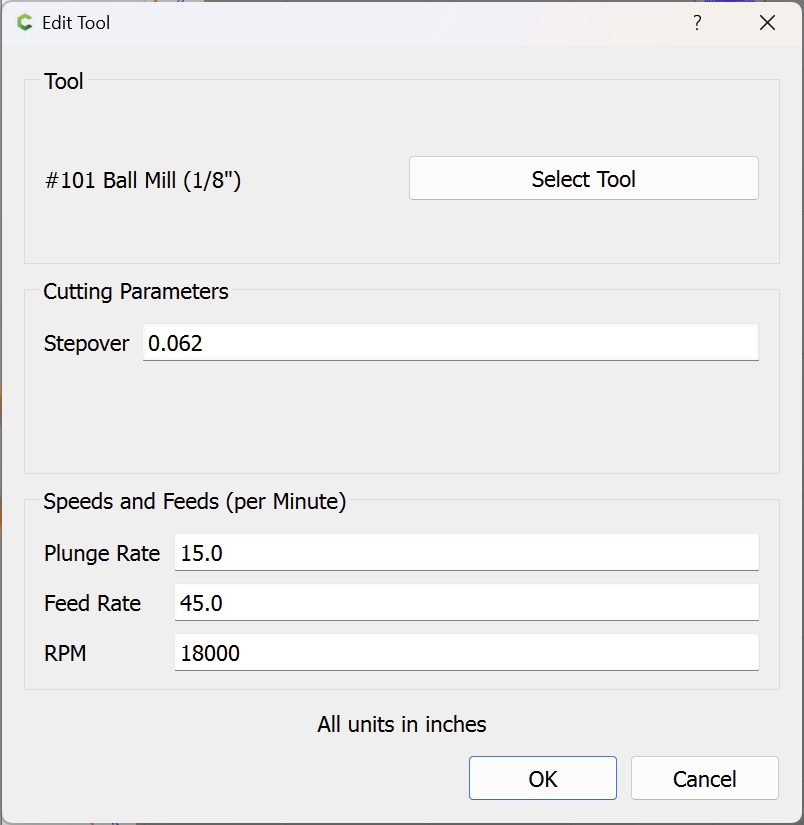
will yield better detail:
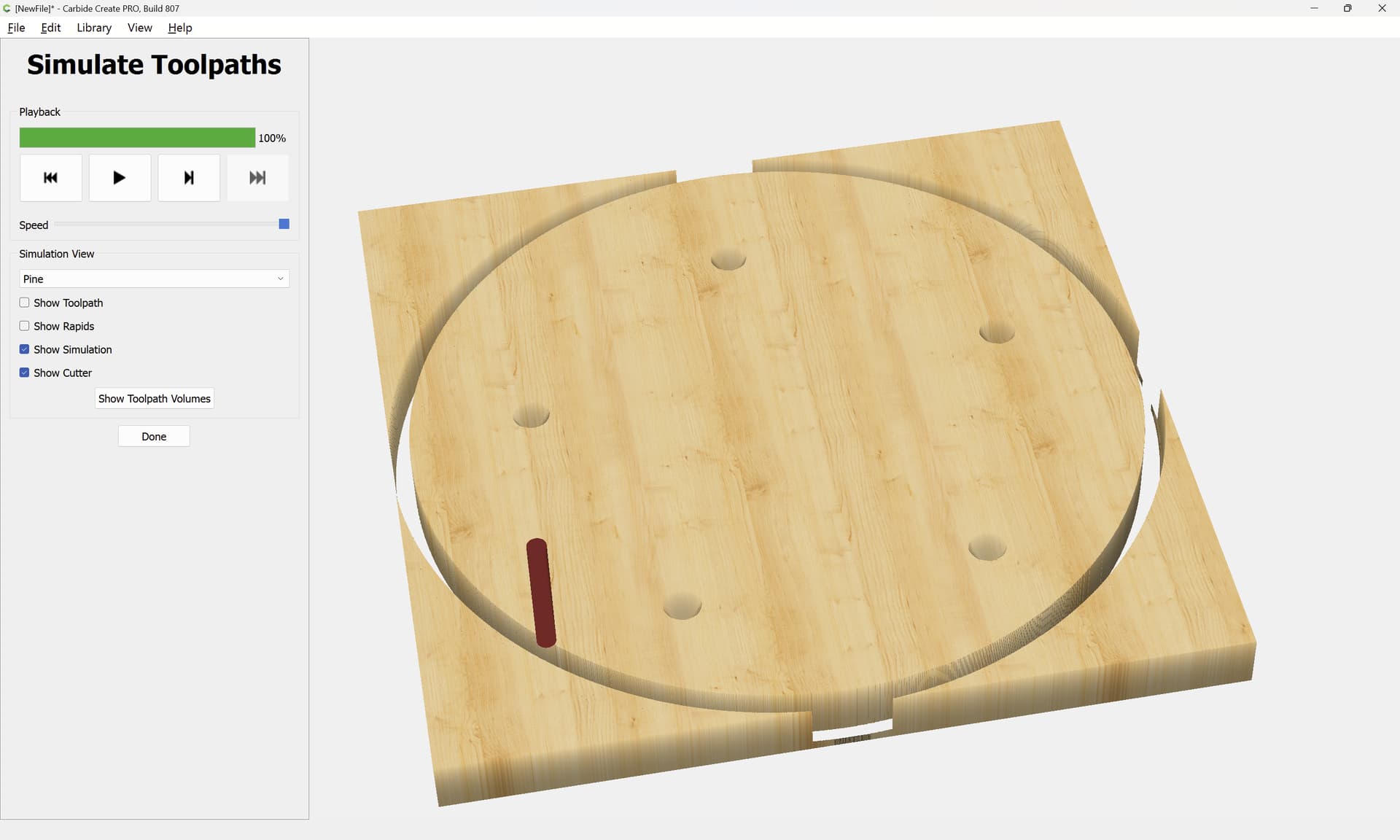

and you may want to add a second finishing toolpath at a different angle w/ an even higher stepover.
Attached as a v8 file:
aggr_3d_test_v8.c2d (252 KB)