WillAdams
May 7, 2025, 9:11pm
1
as requested on support…
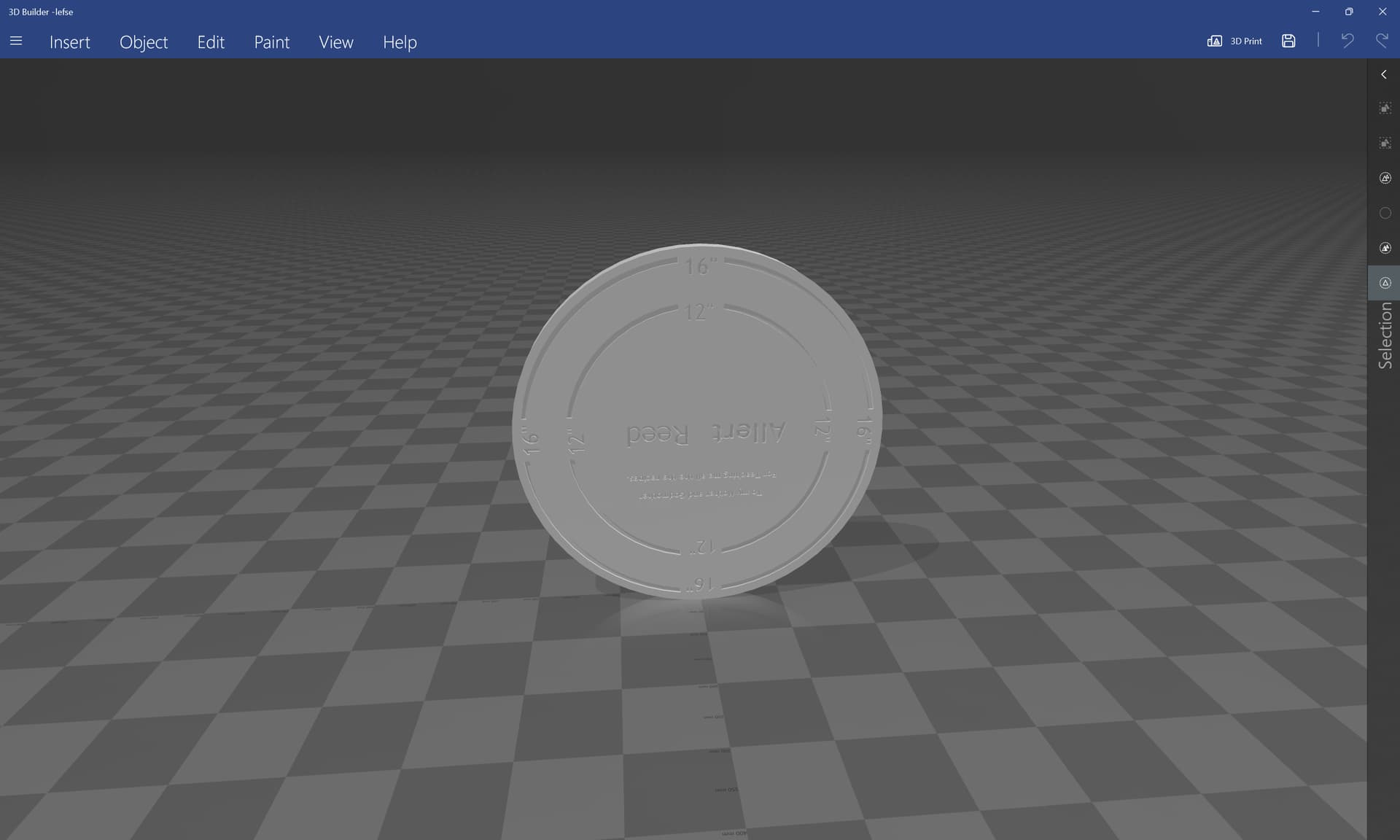
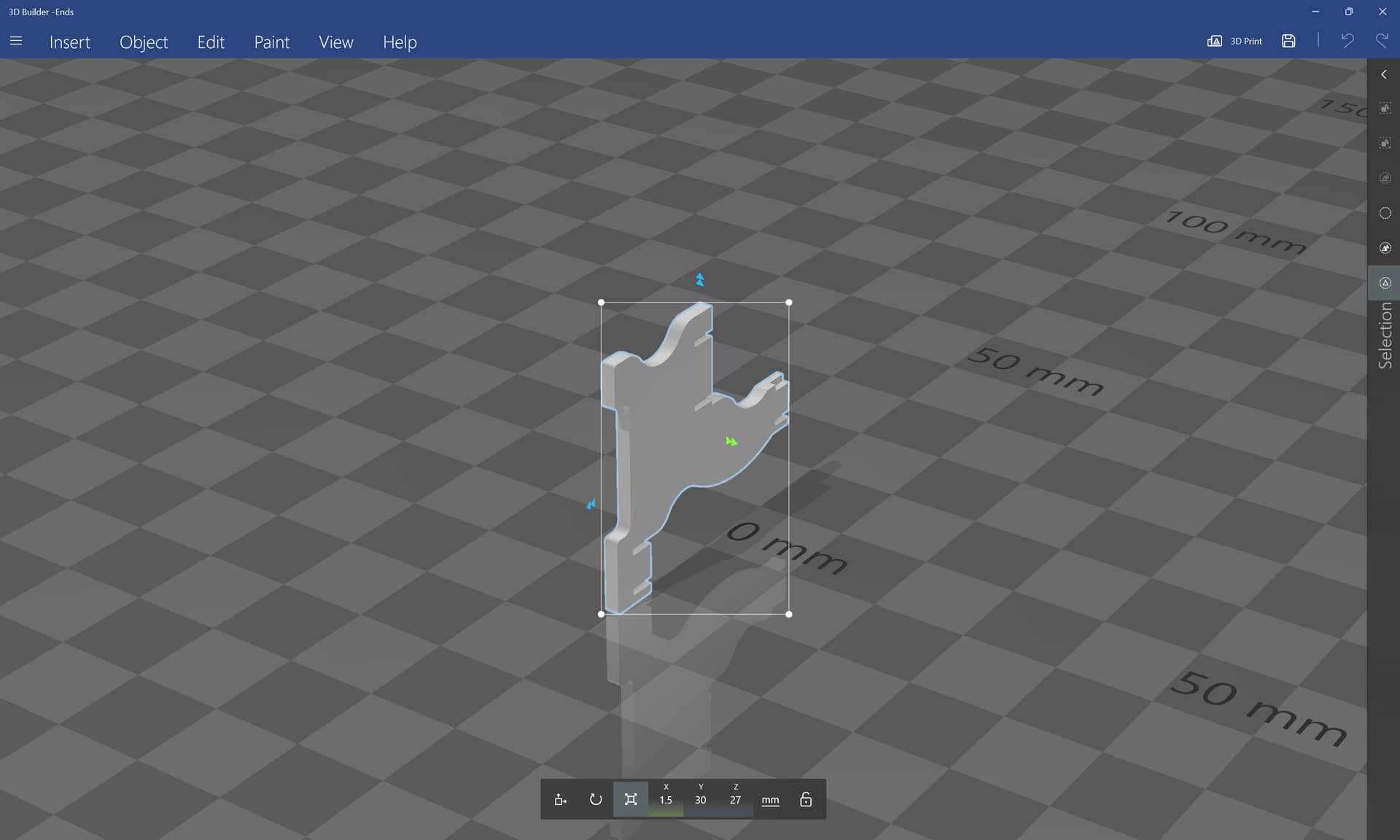
given an STL:
to import this into Carbide Create Pro one would:
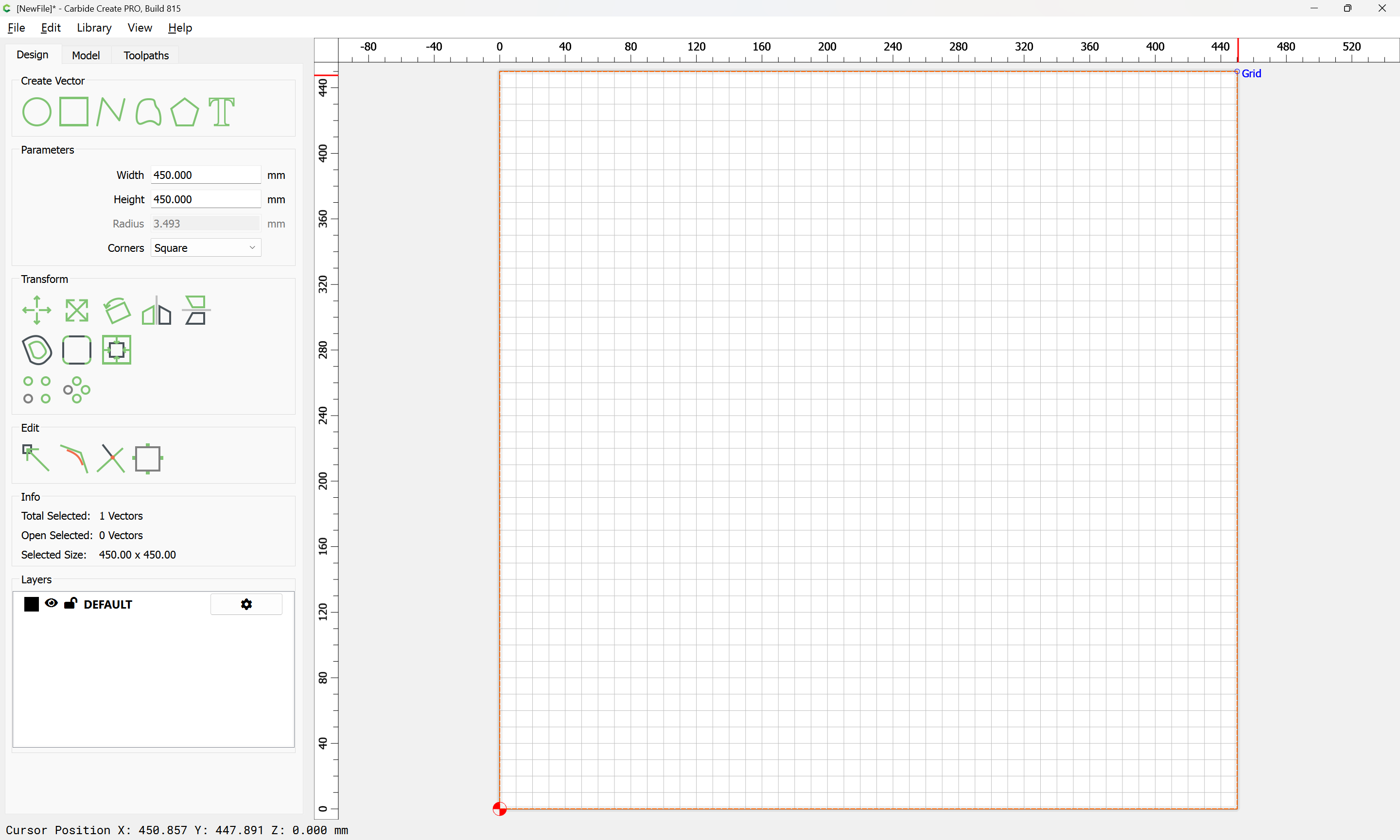
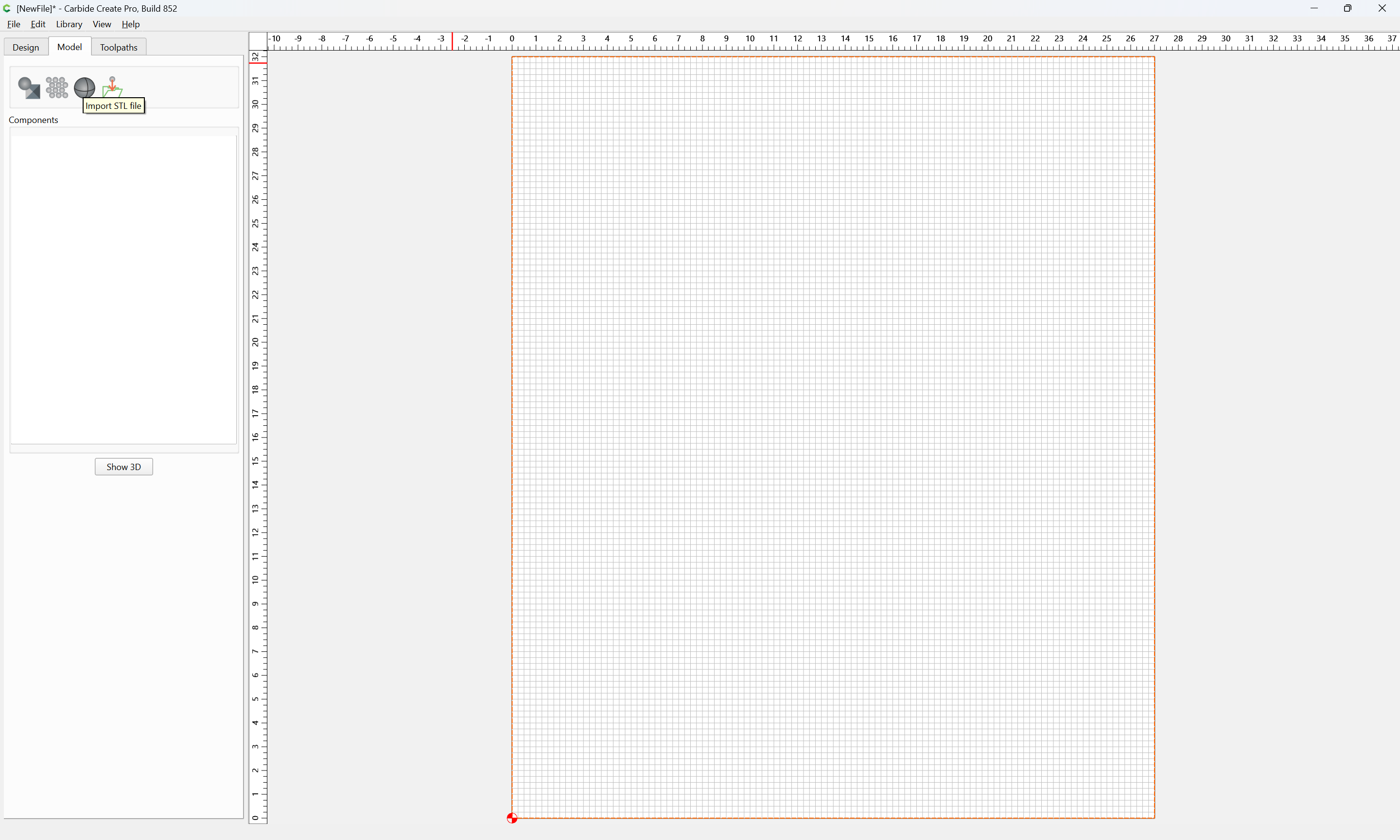
draw geometry to define where the import will be centered:
and Import STL: Introduction
selecting the file in question:
and then selecting the desired face:
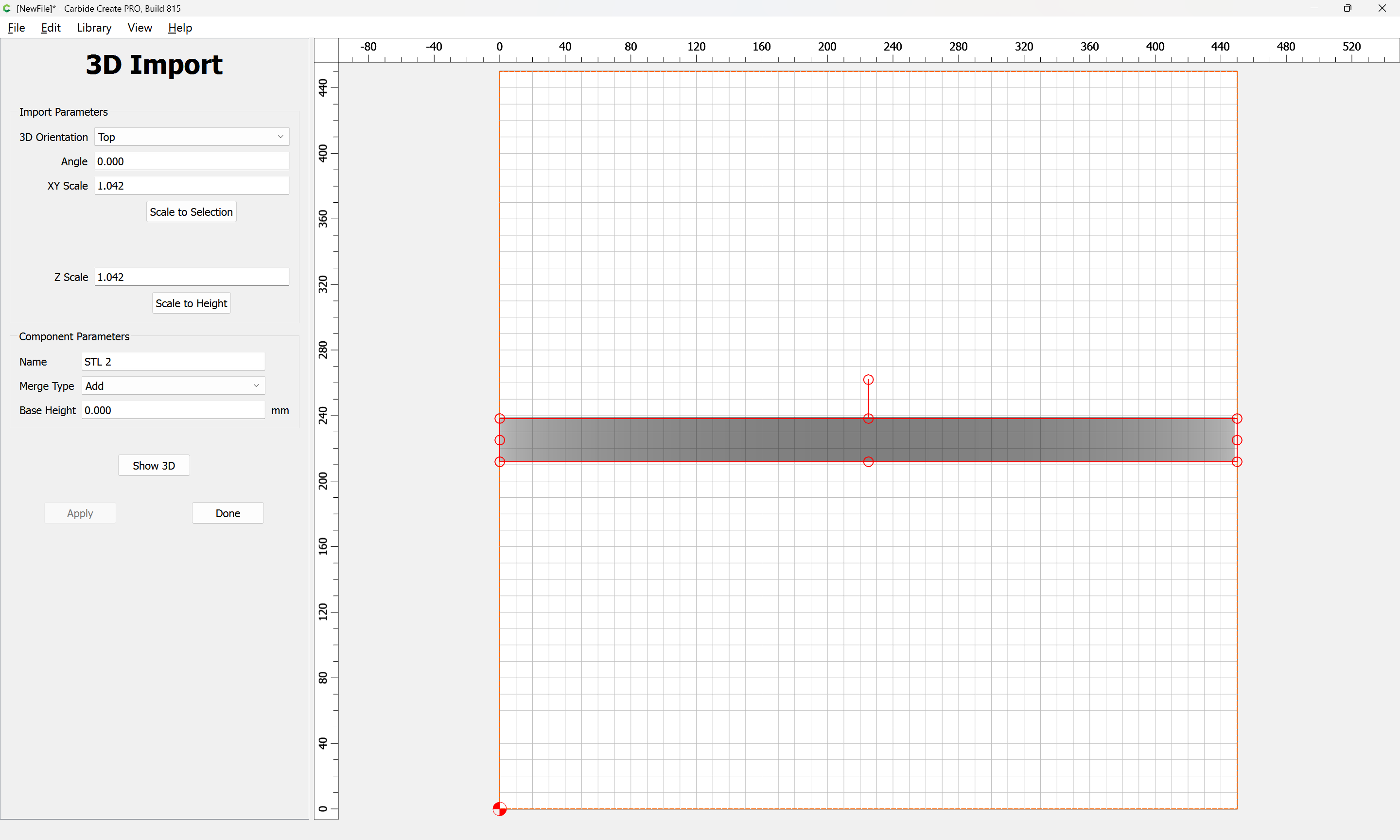
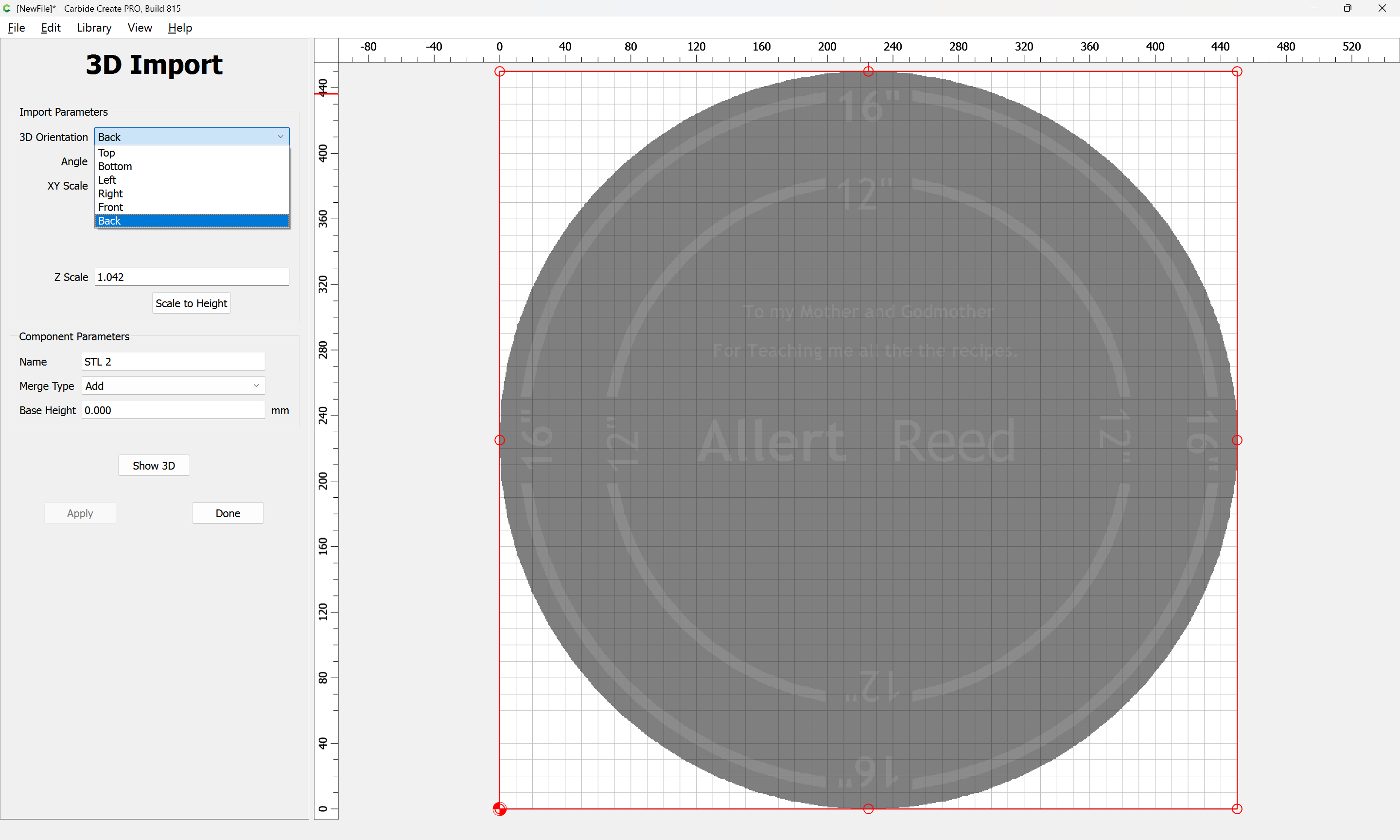
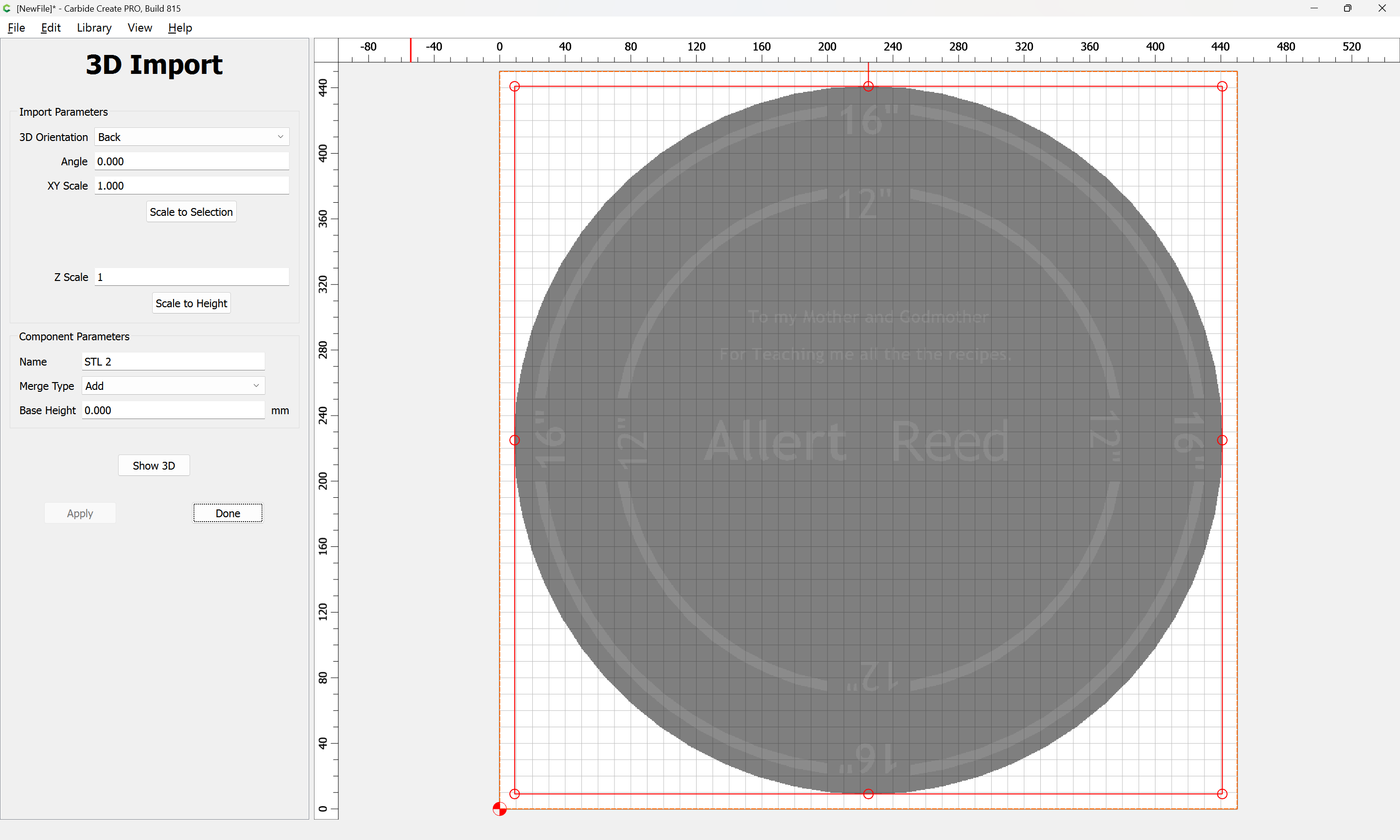
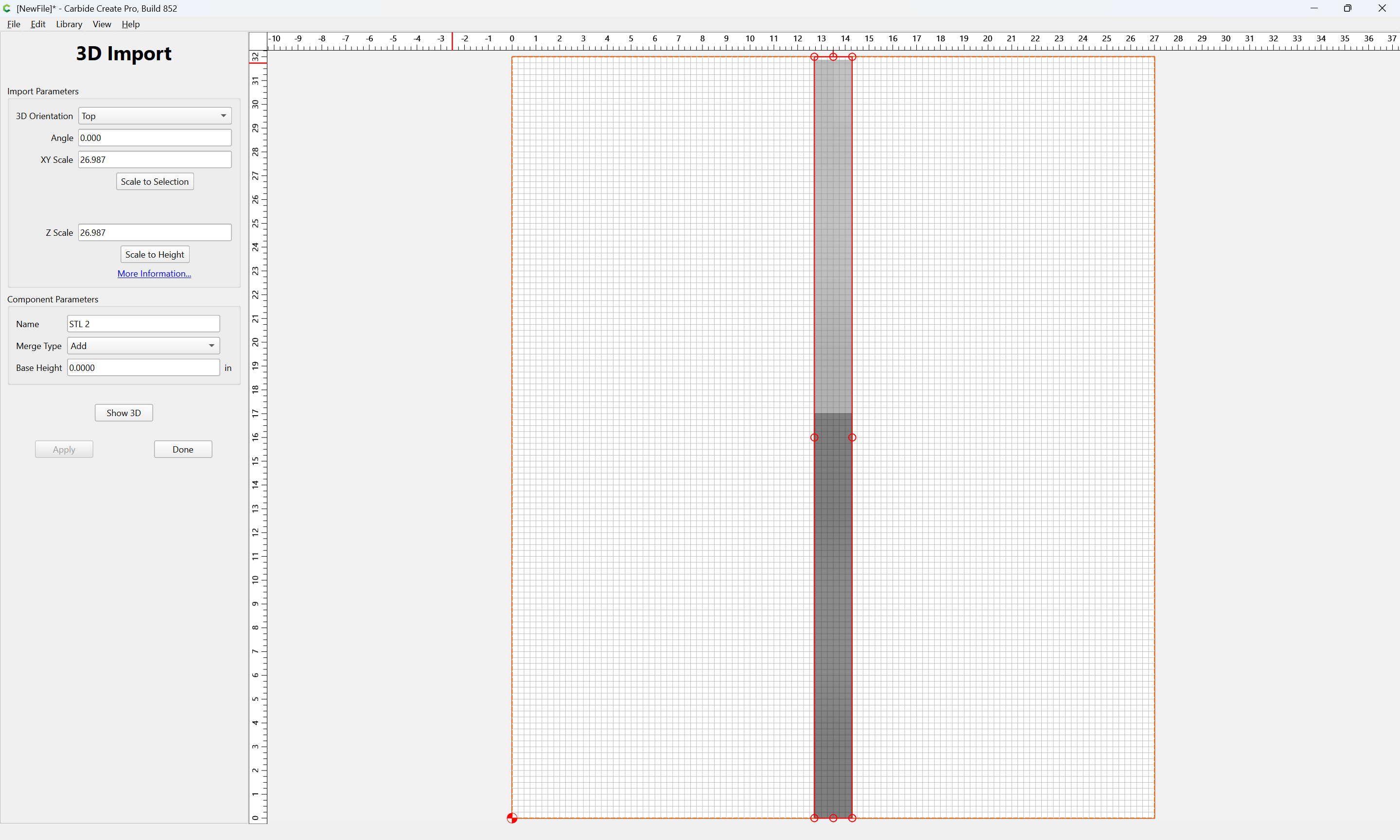
and setting other options as desired:
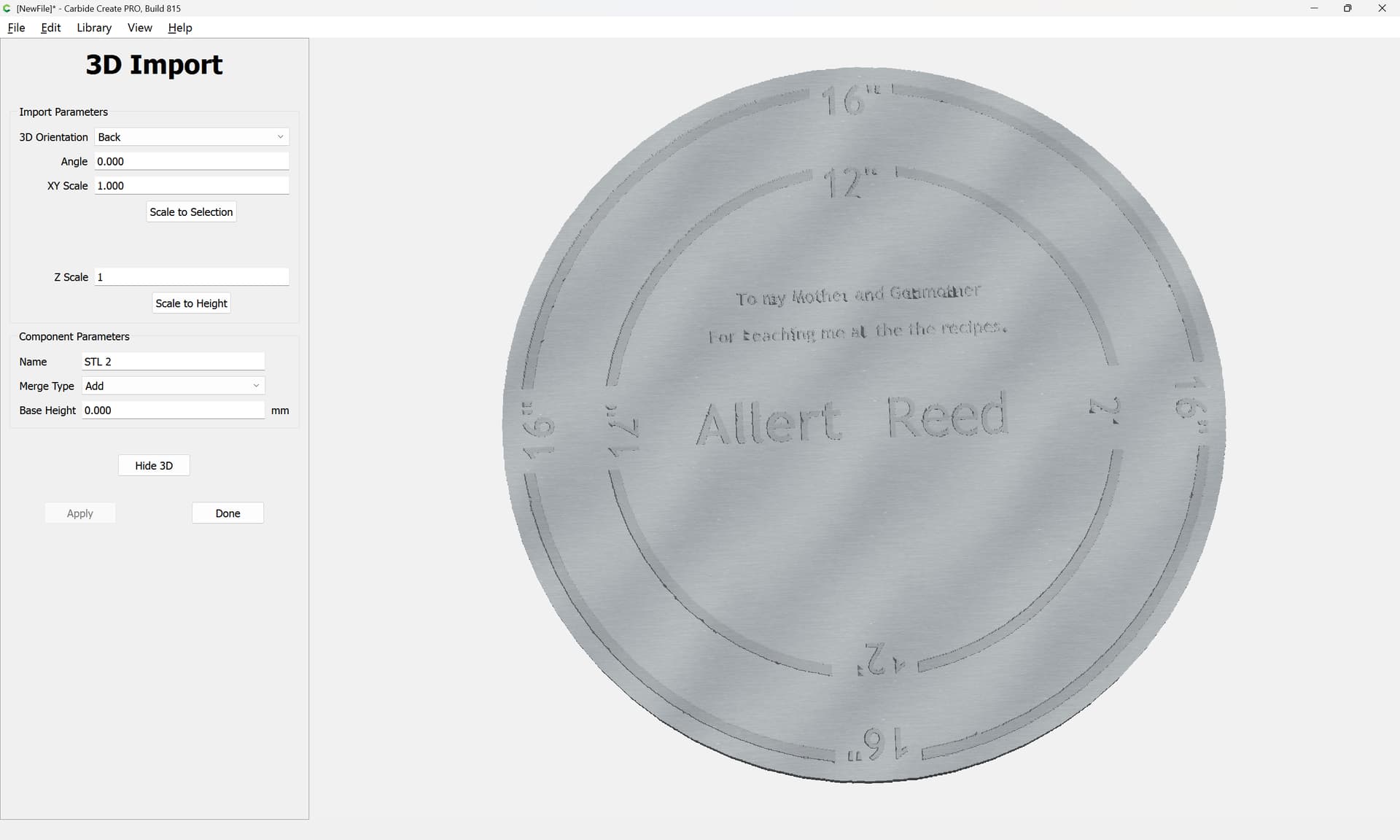
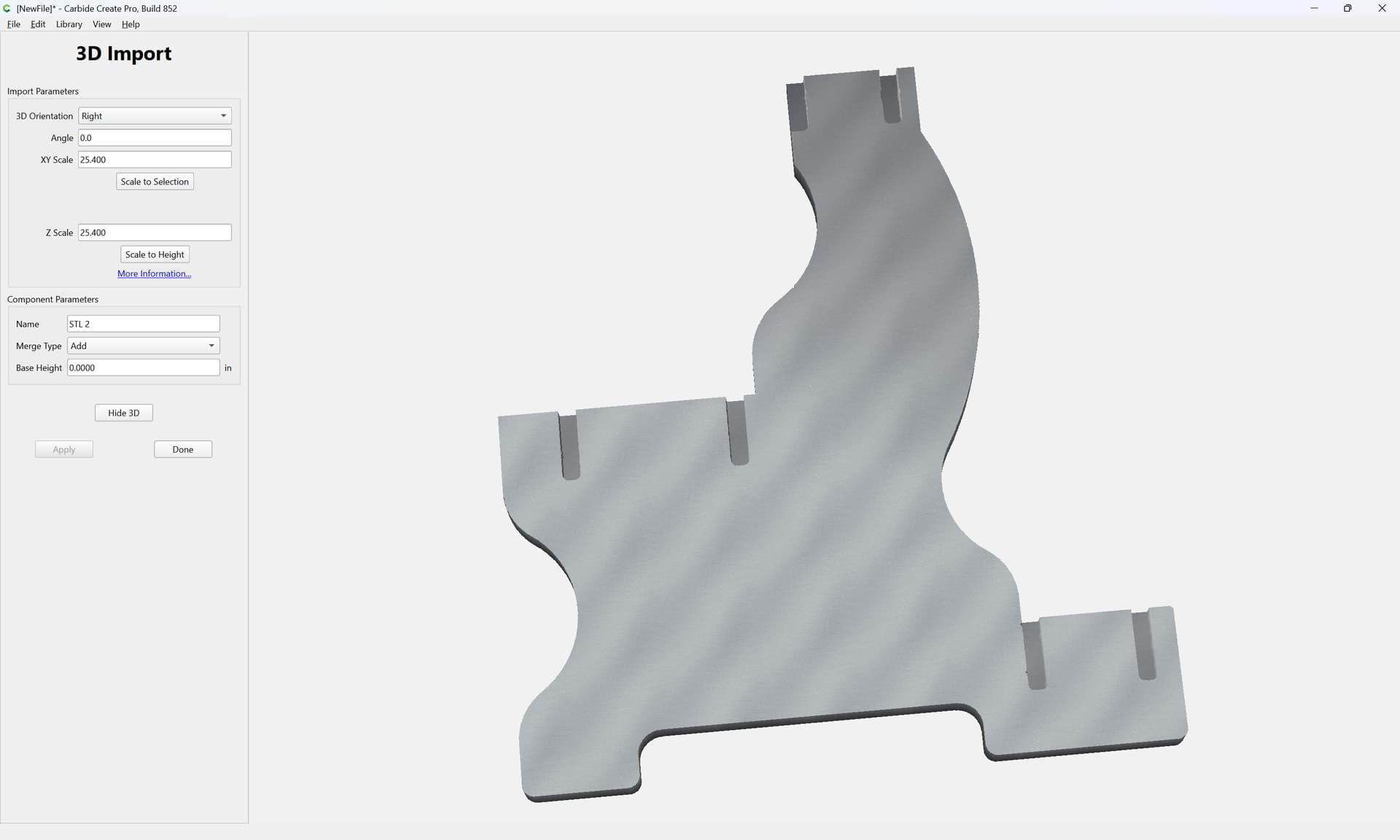
and confirming the 3D preview:
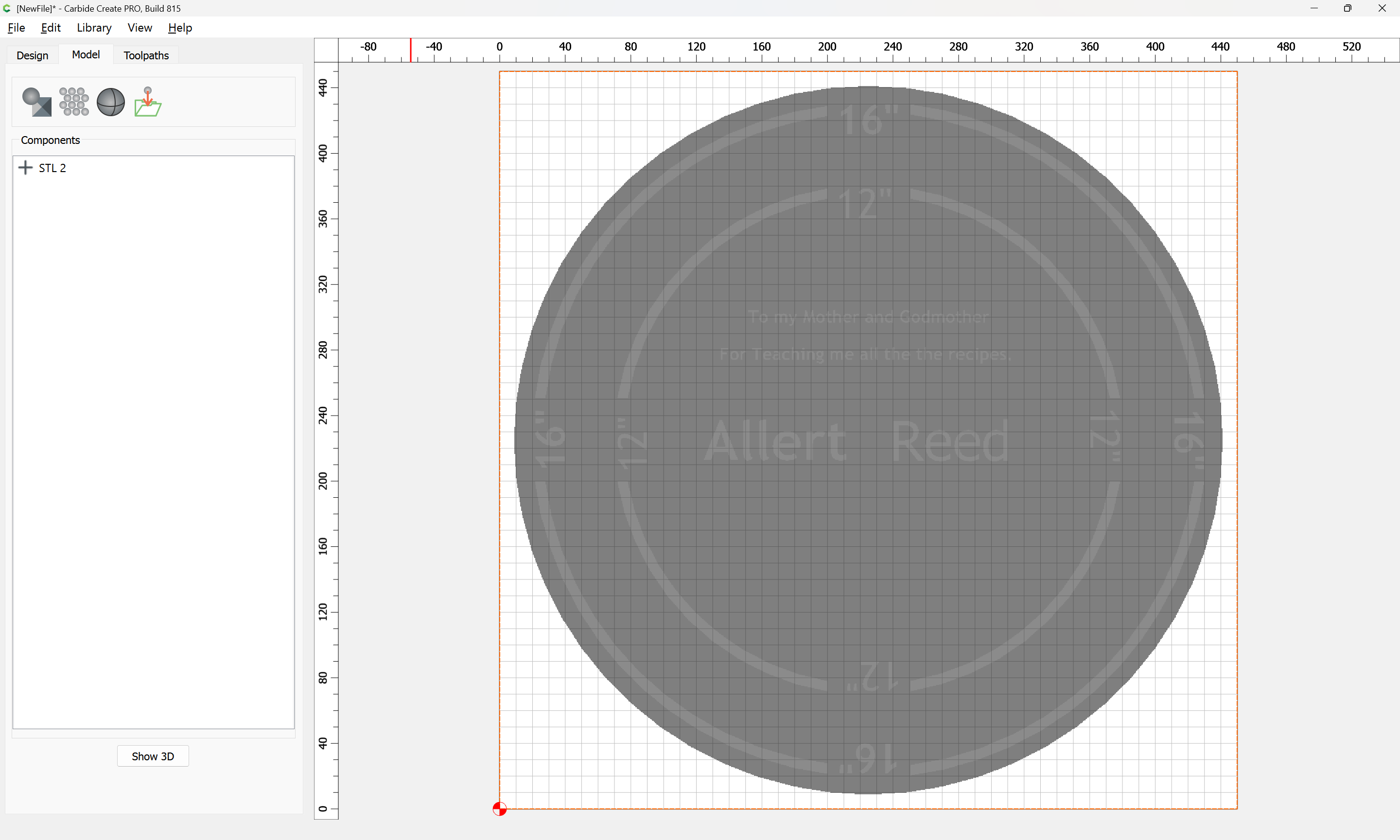
Done
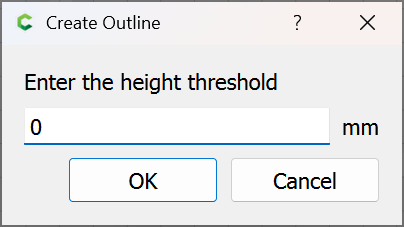
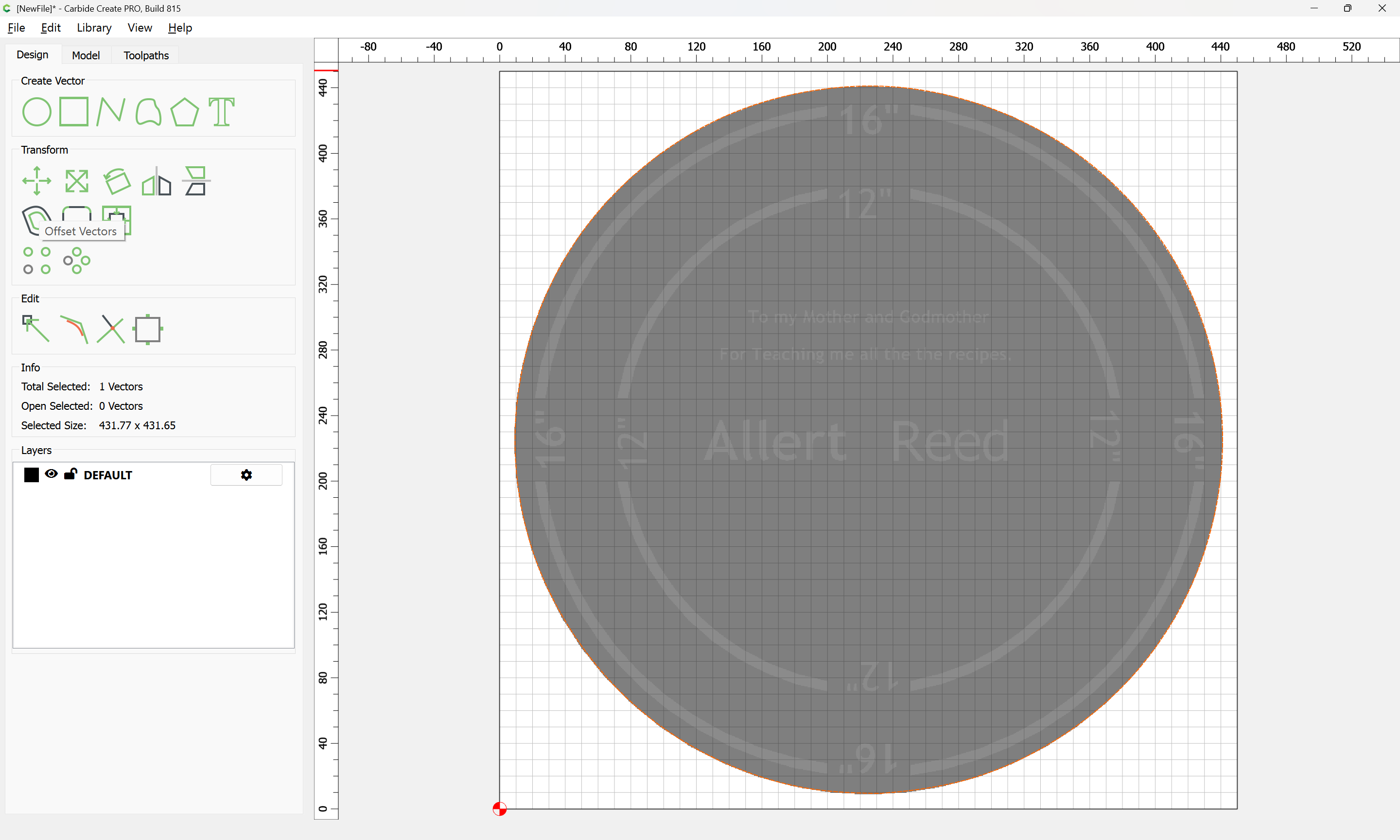
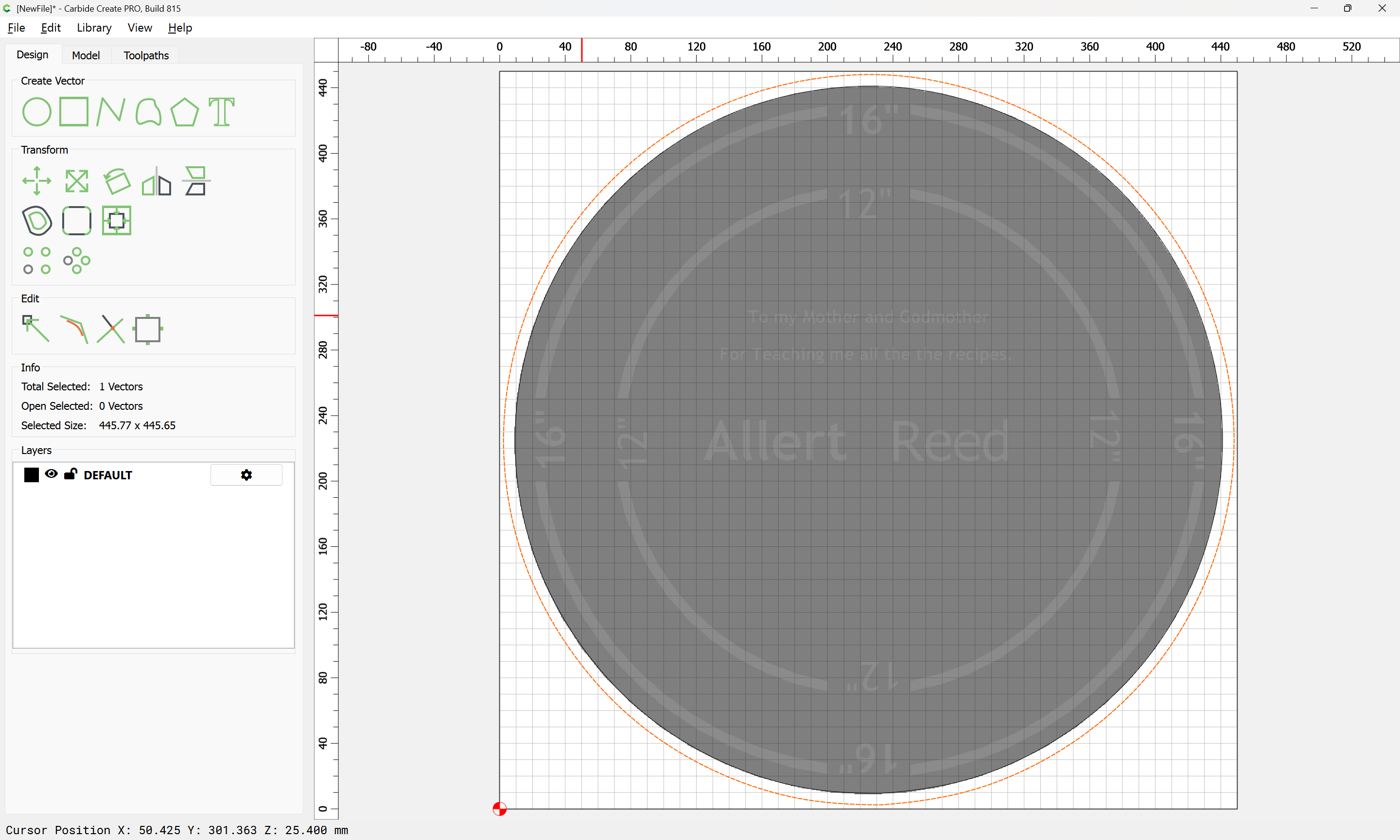
If desired, trace the outline/design:
OK
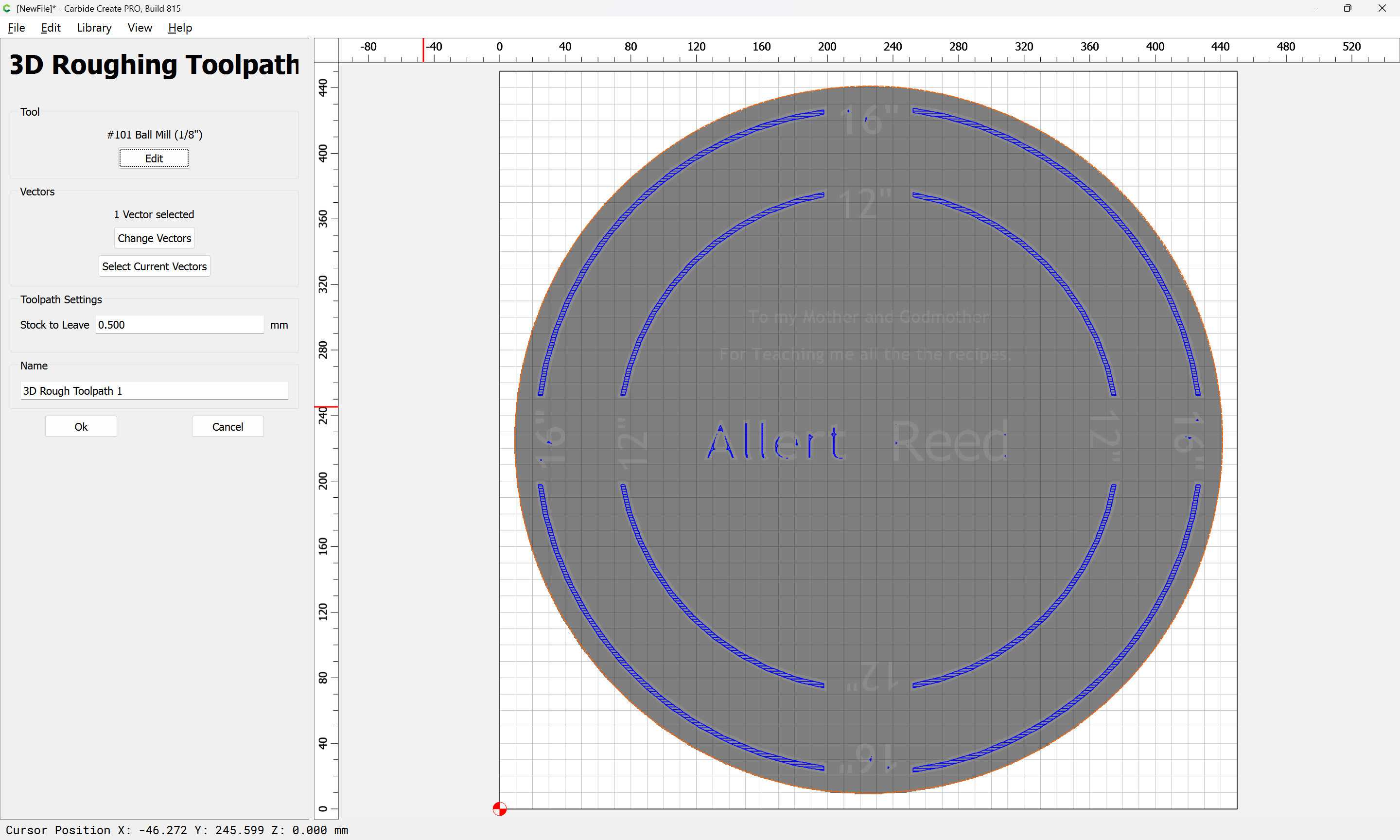
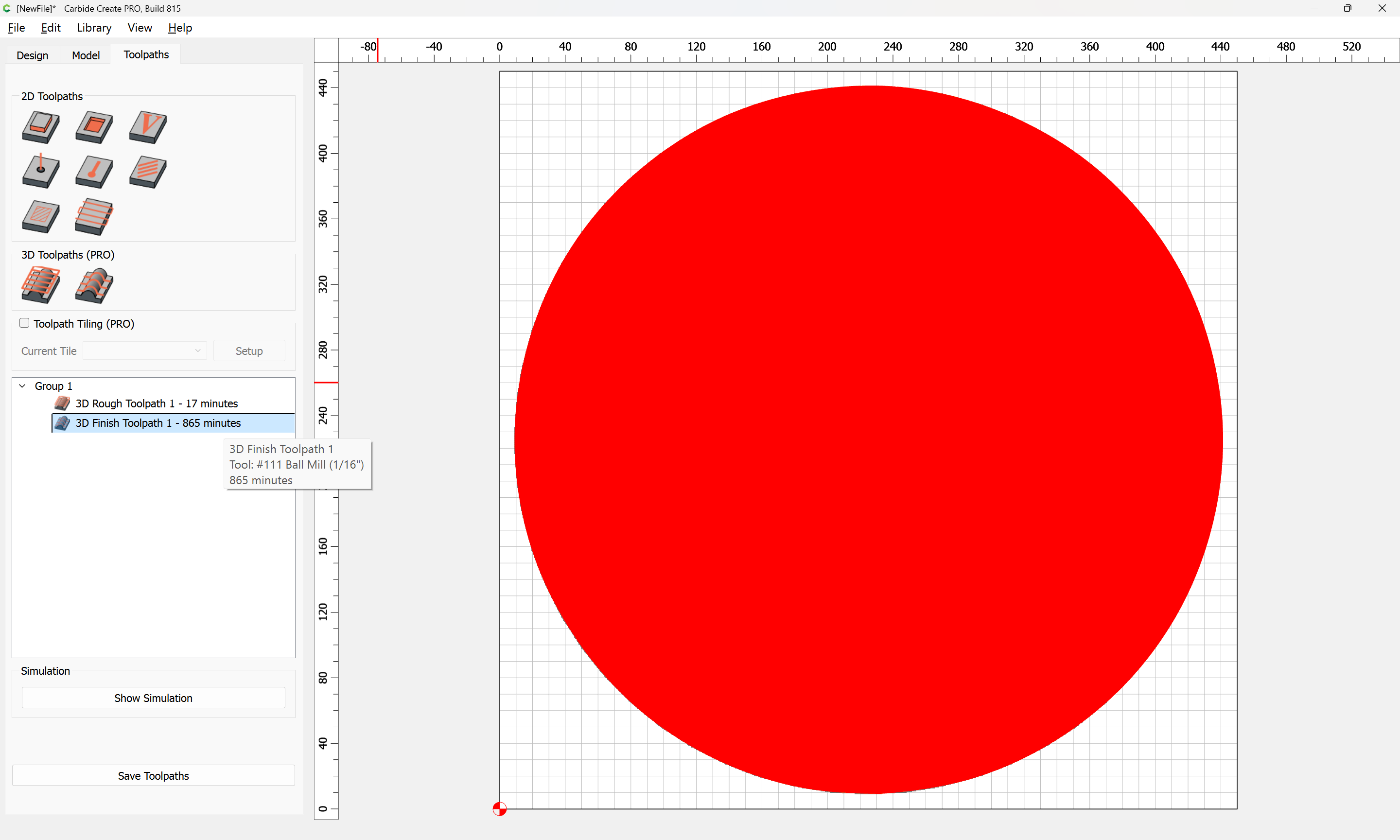
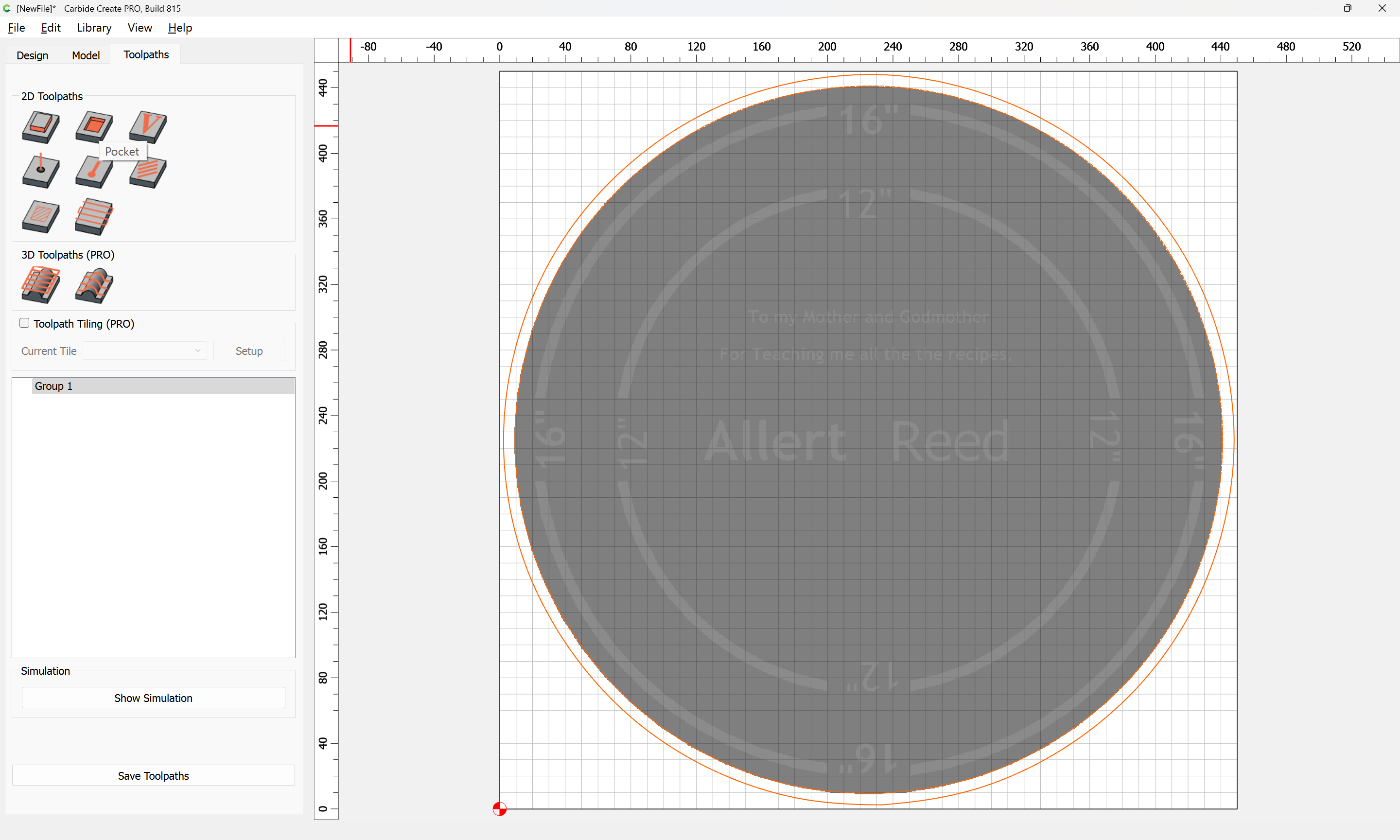
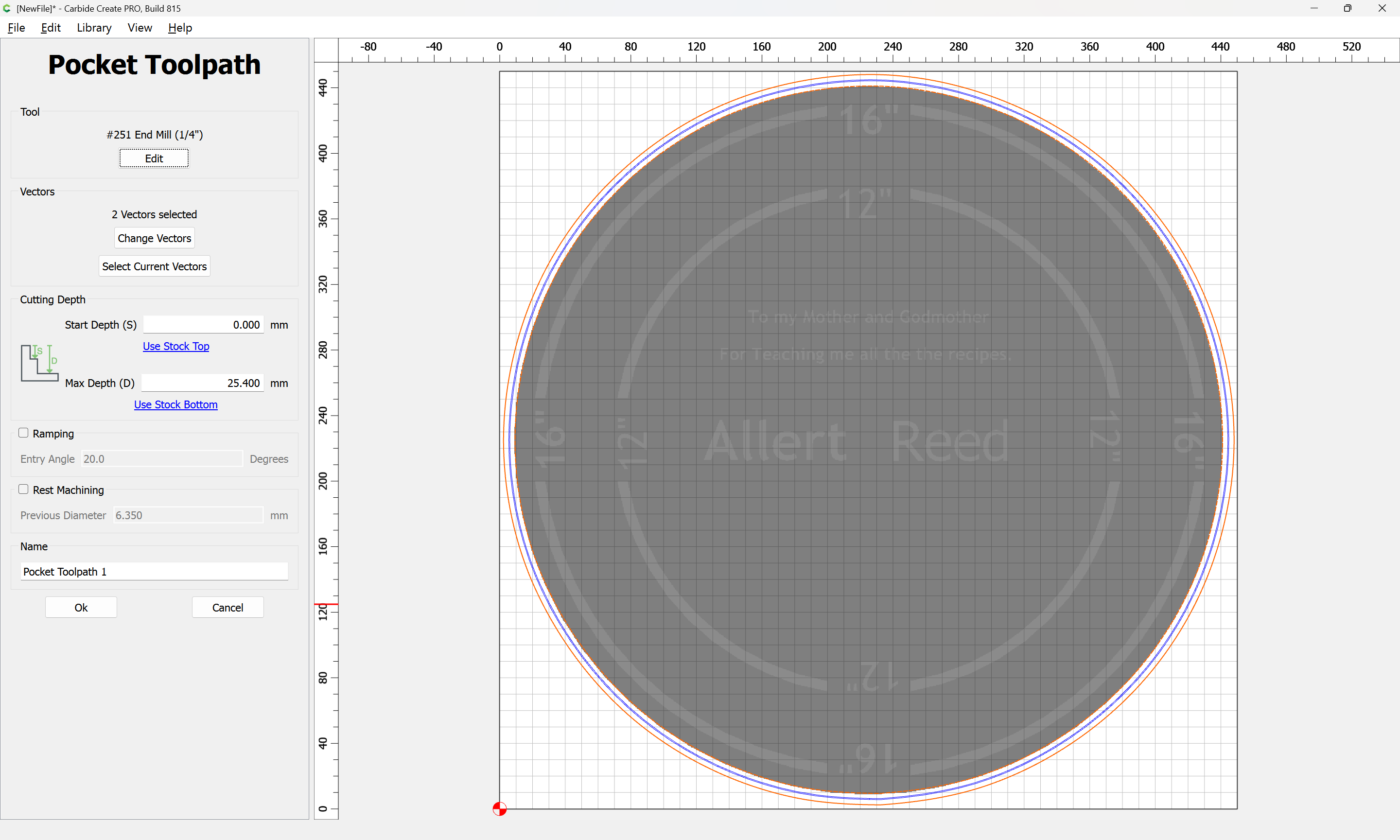
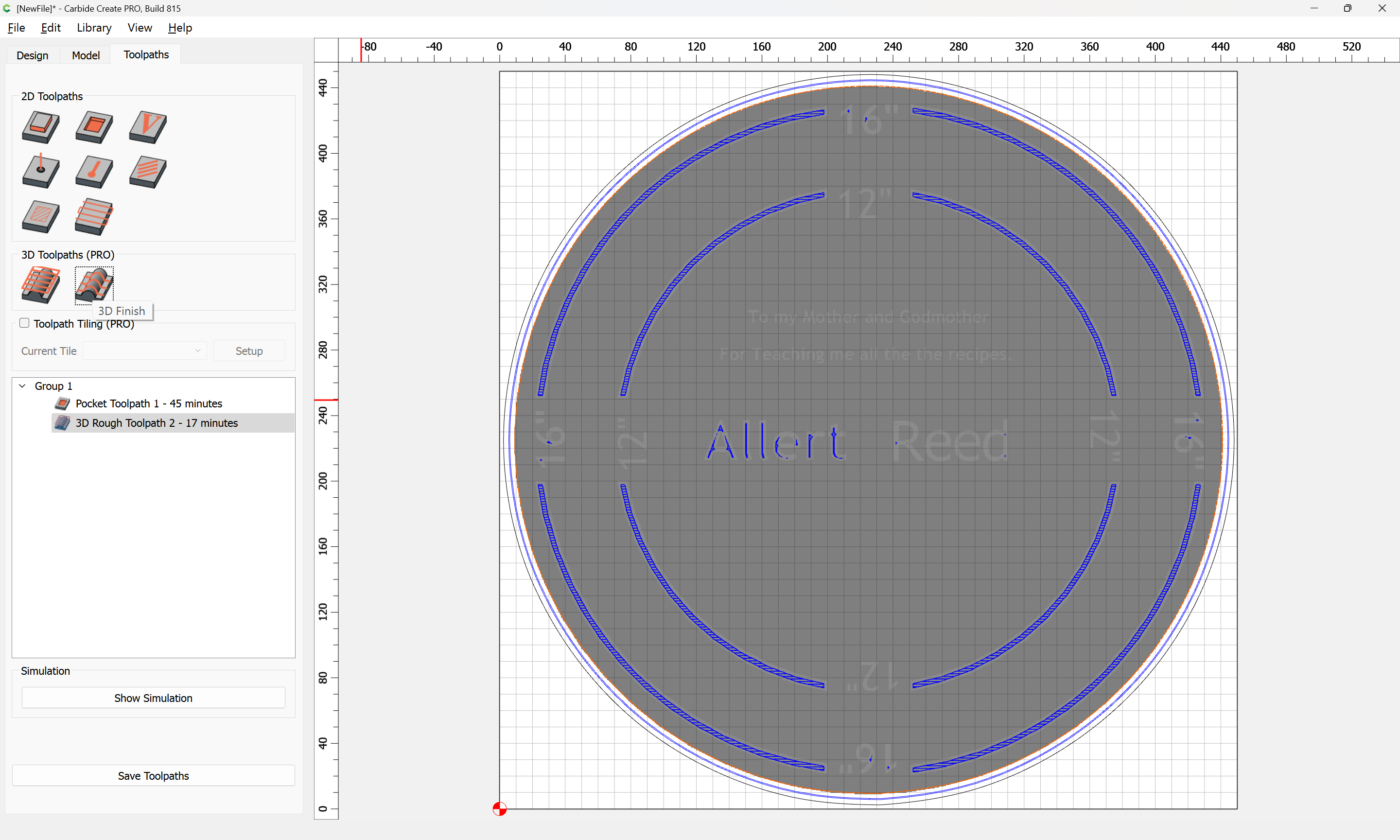
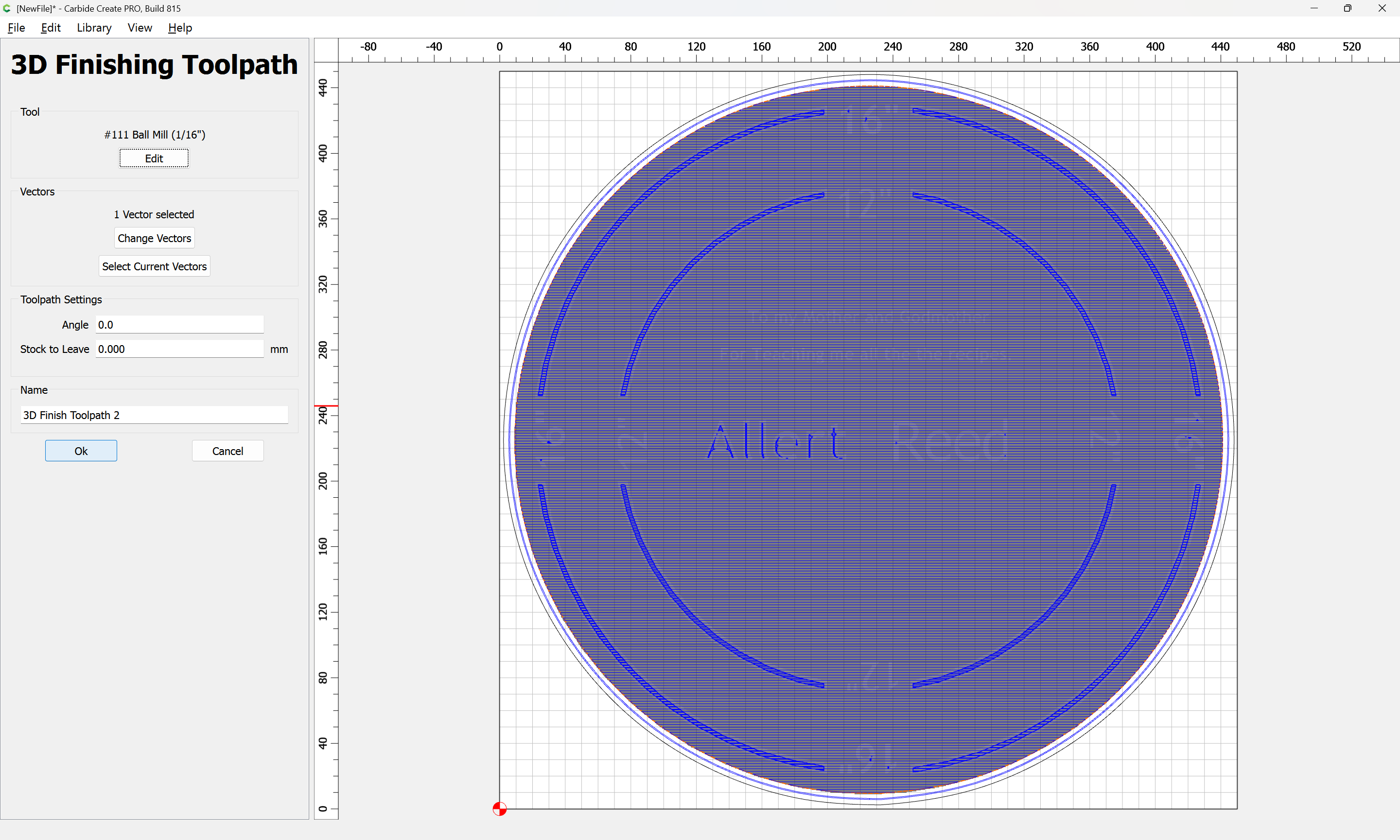
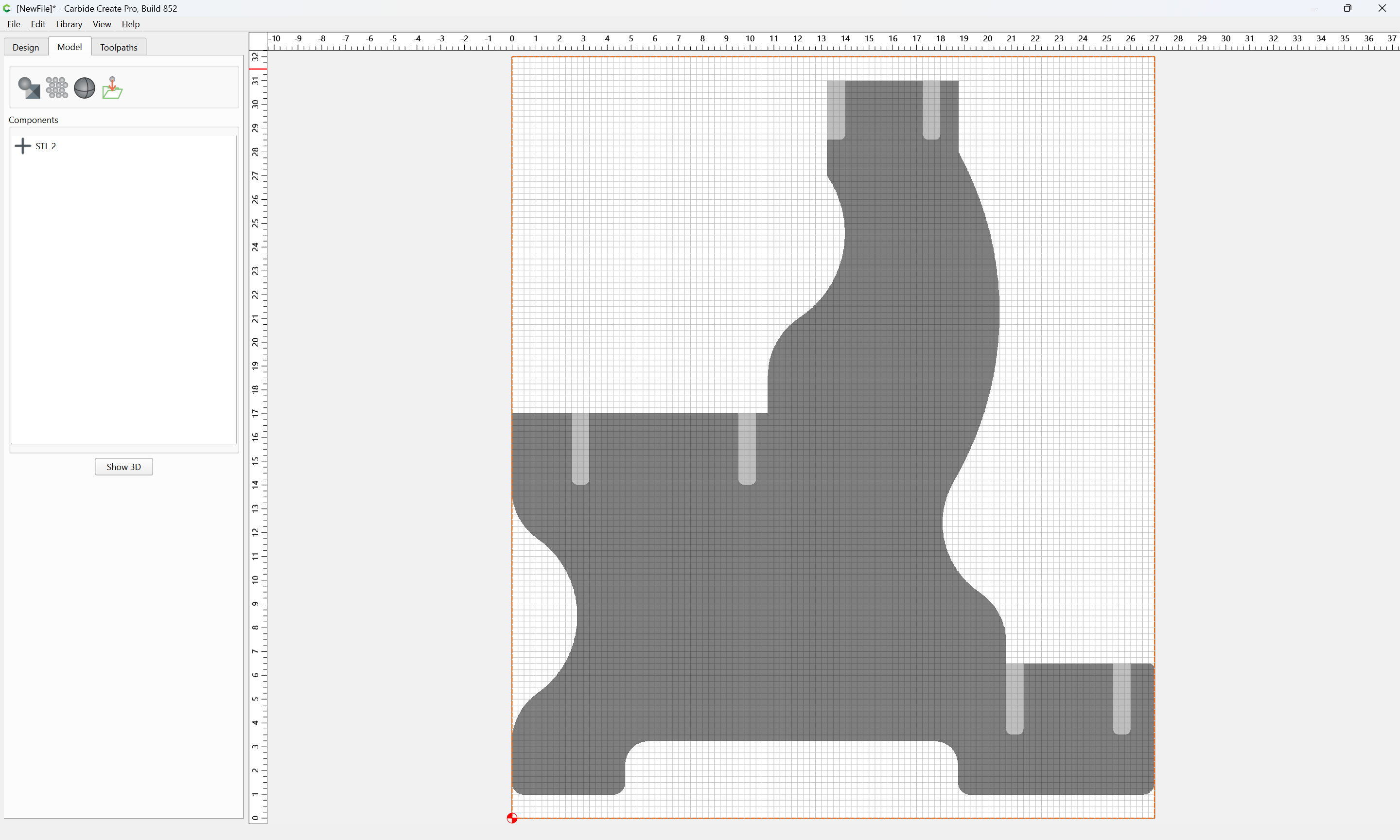
This geometry may then be used to assign 3D toolpaths:
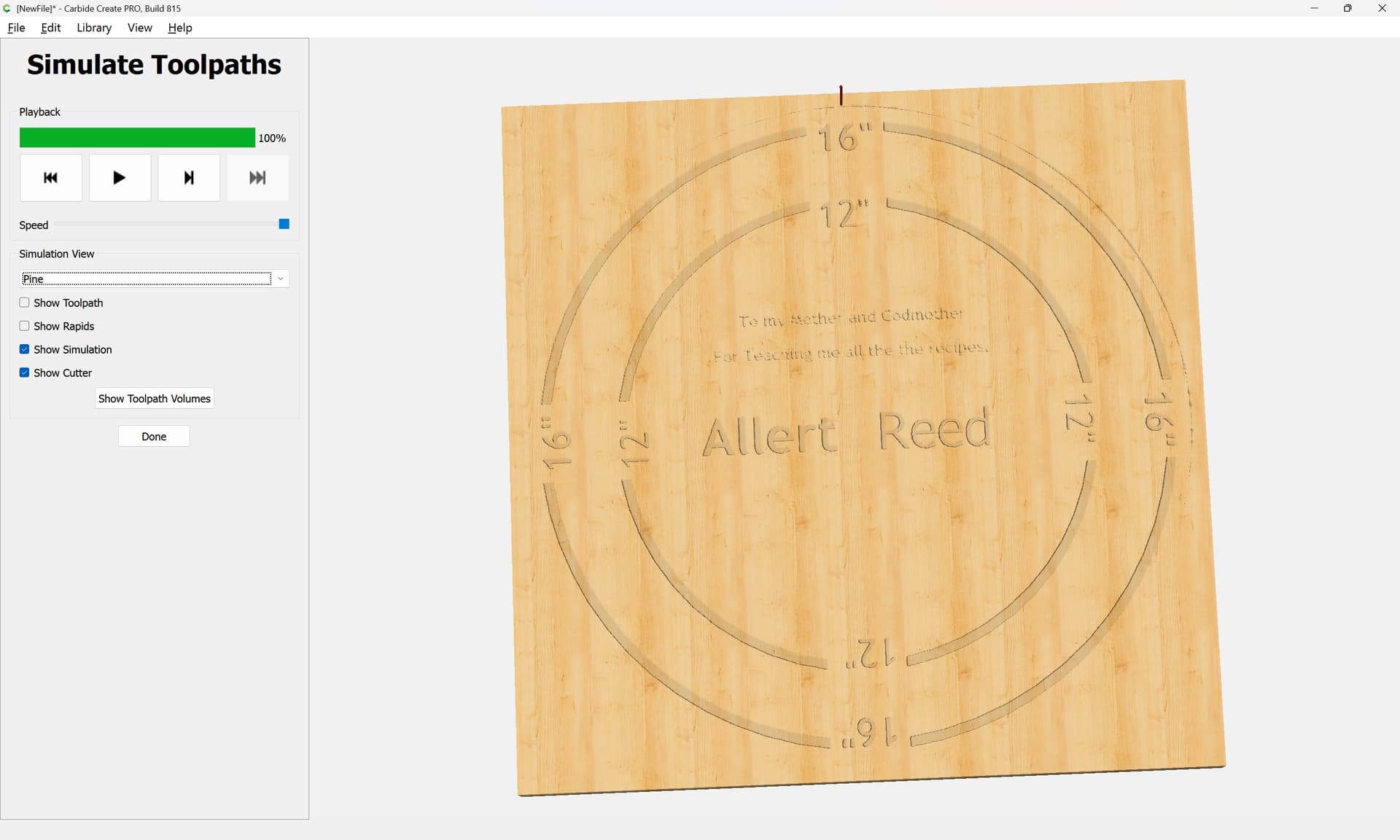
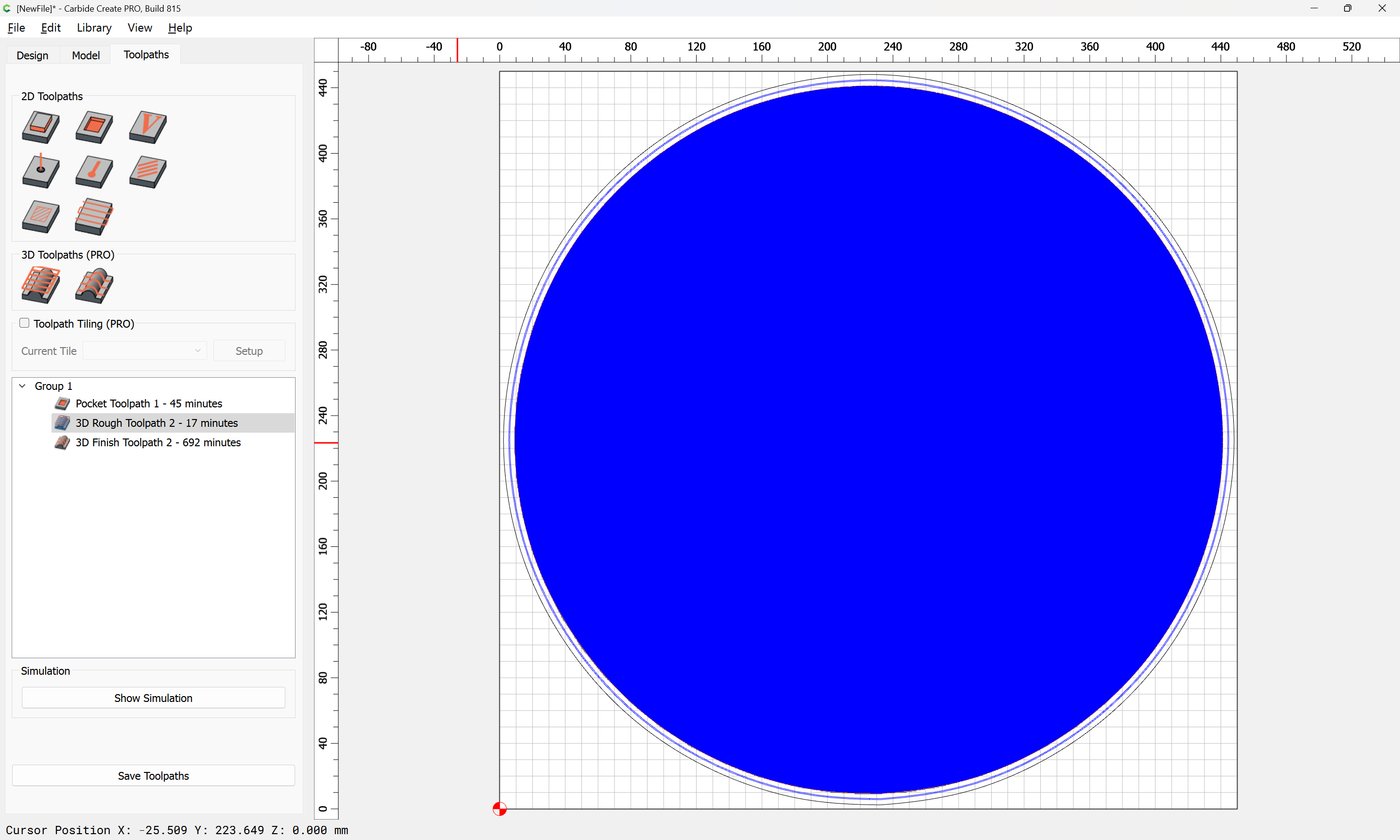
which previews as:
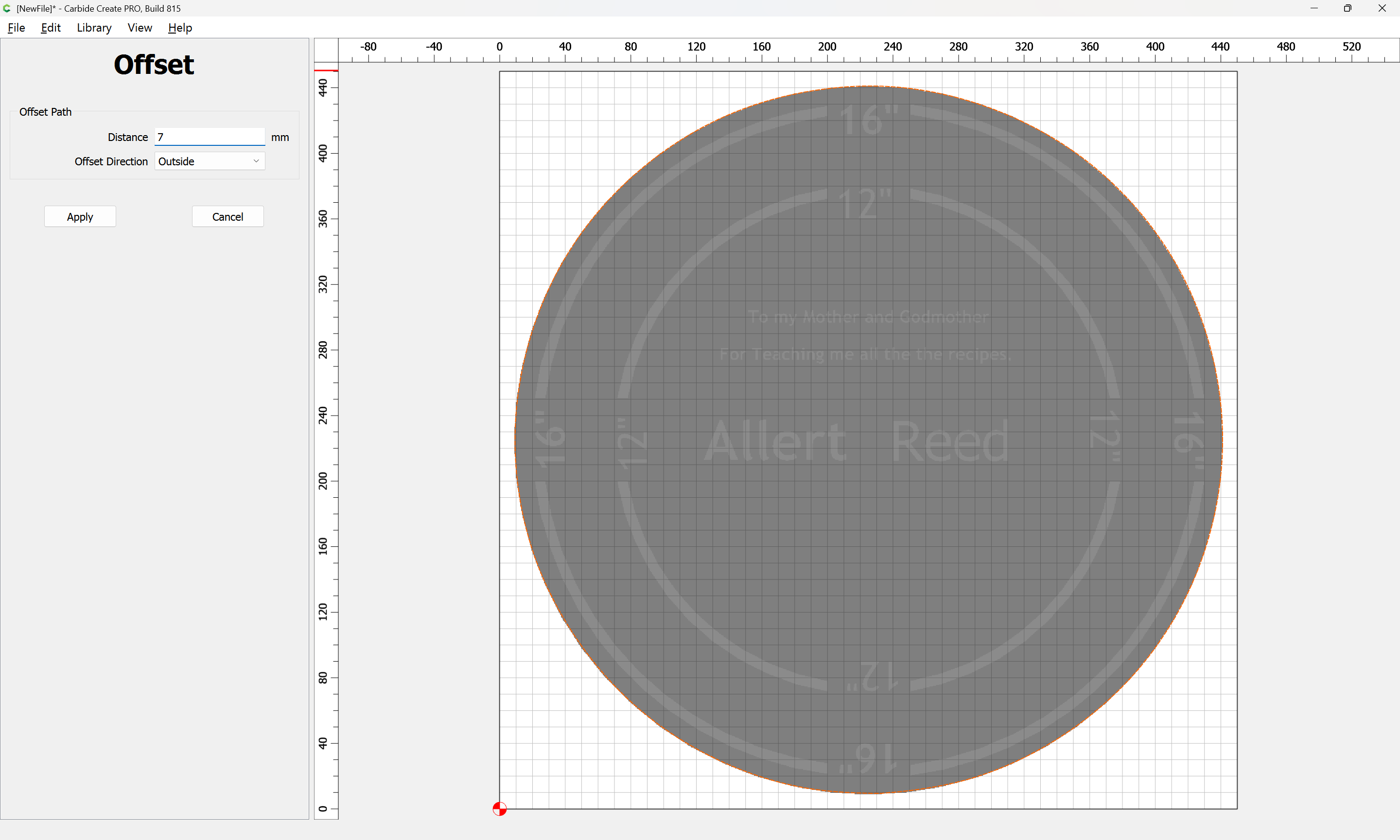
The outline geometry may also be used to cut the design out:
Apply
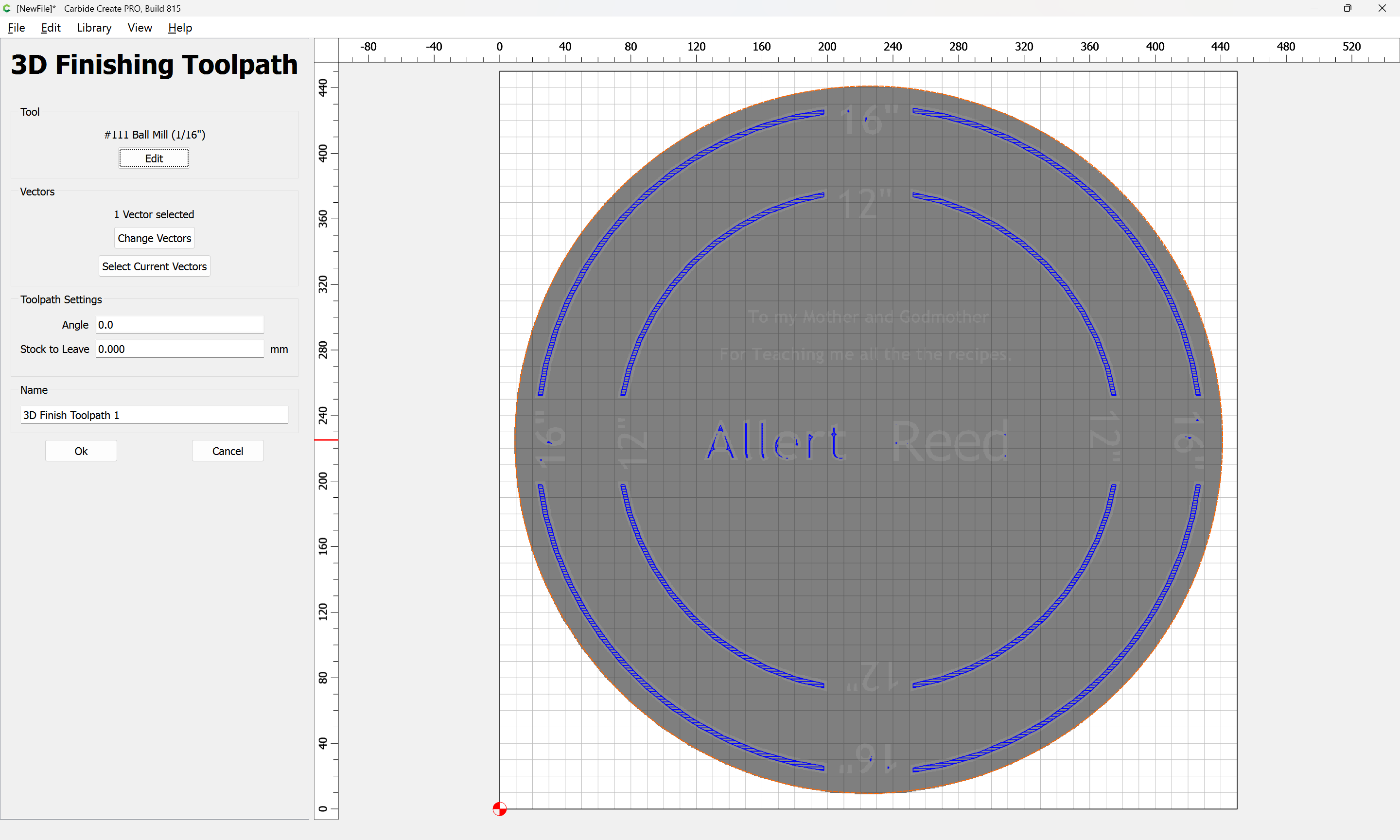
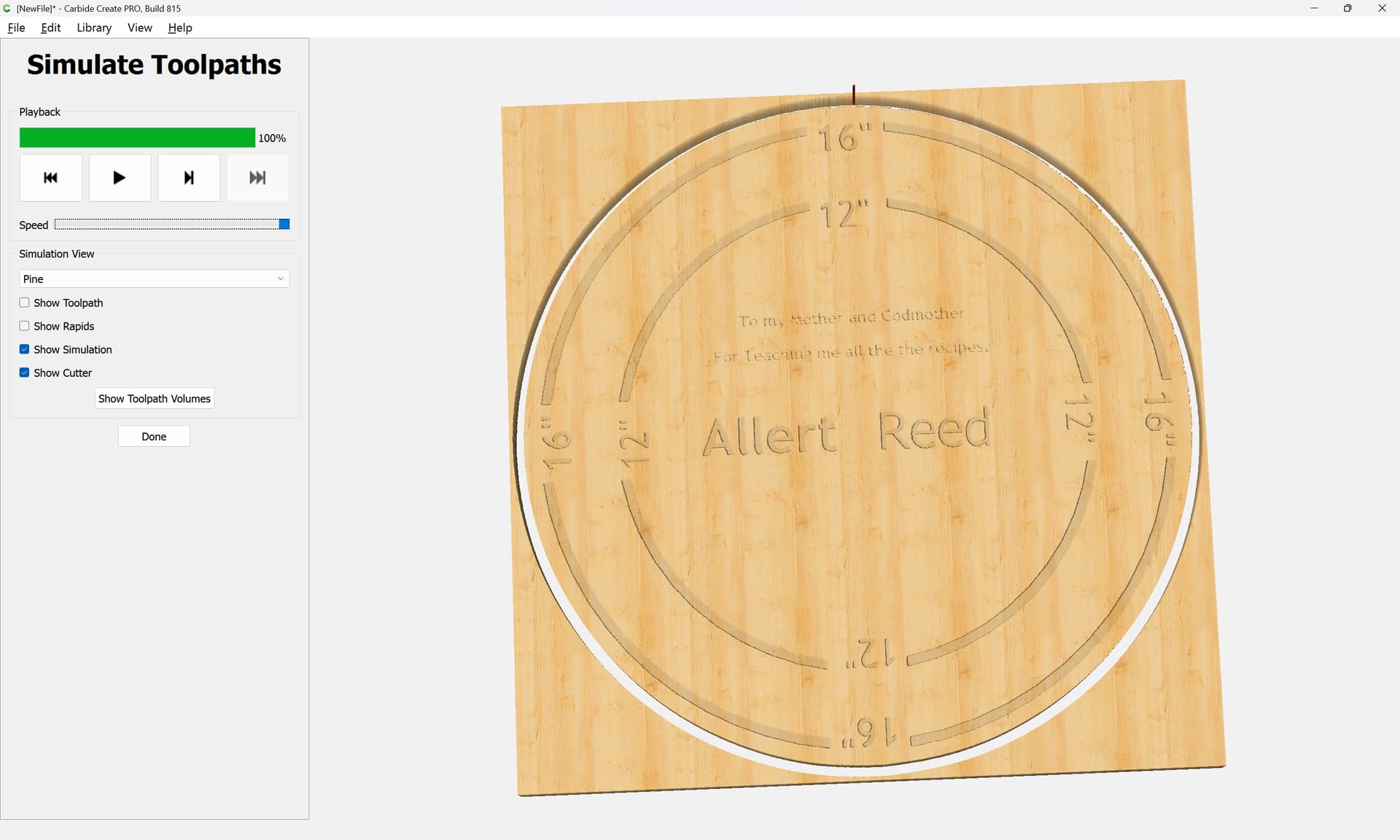
and 3D toolpaths may be used to cut out the design:
That said, it would probably be better to re-create this design and use a V carving.
3 Likes
system
June 6, 2025, 9:12pm
2
This topic was automatically closed 30 days after the last reply. New replies are no longer allowed.
WillAdams
June 23, 2026, 12:24pm
3
as requested on support…
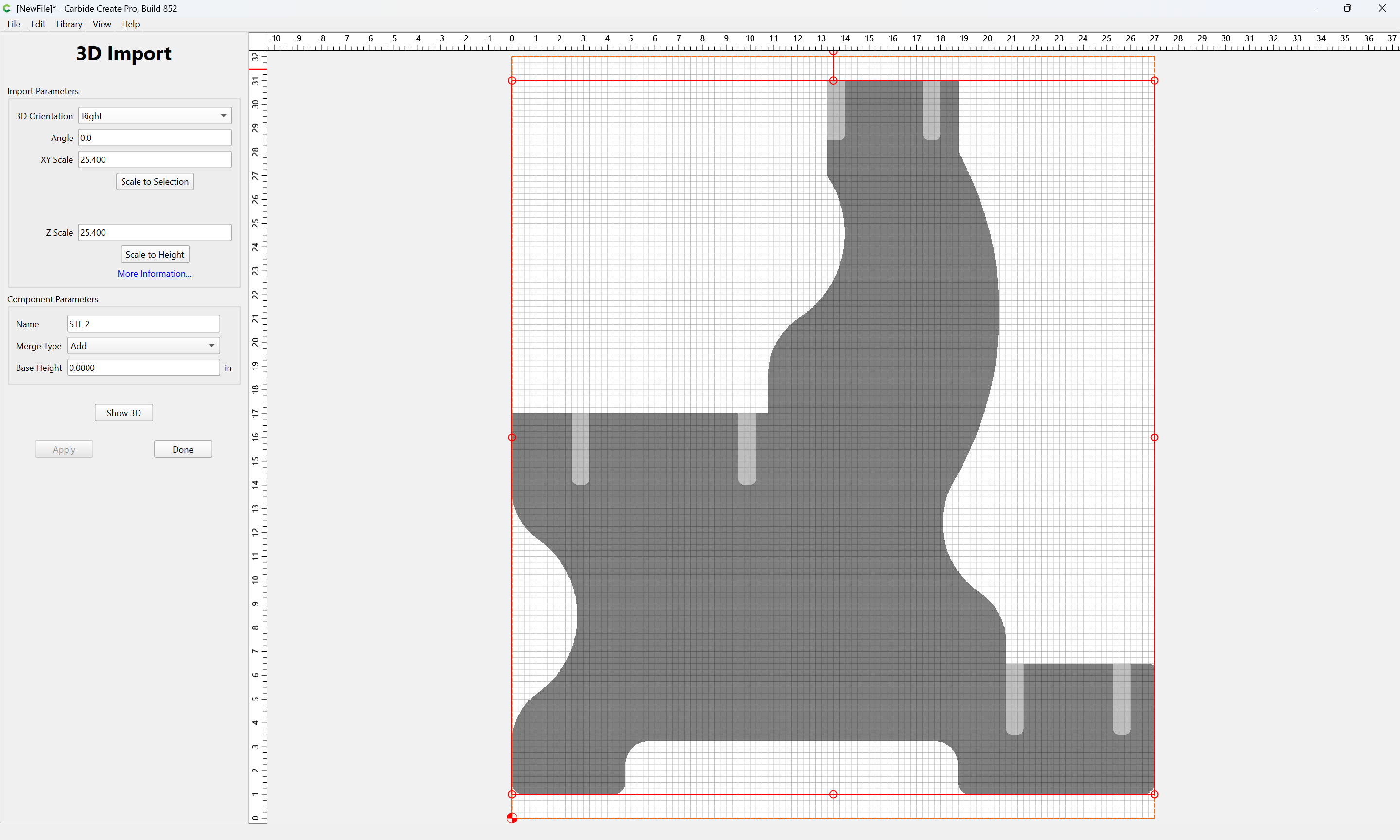
I’m having trouble modeling the attached STL file. It is supposed to be an end of a church pew with mortises to be cut out. The actual dimensions are 1.5 thick, 26" wide, 31.25" high.
where the file is:
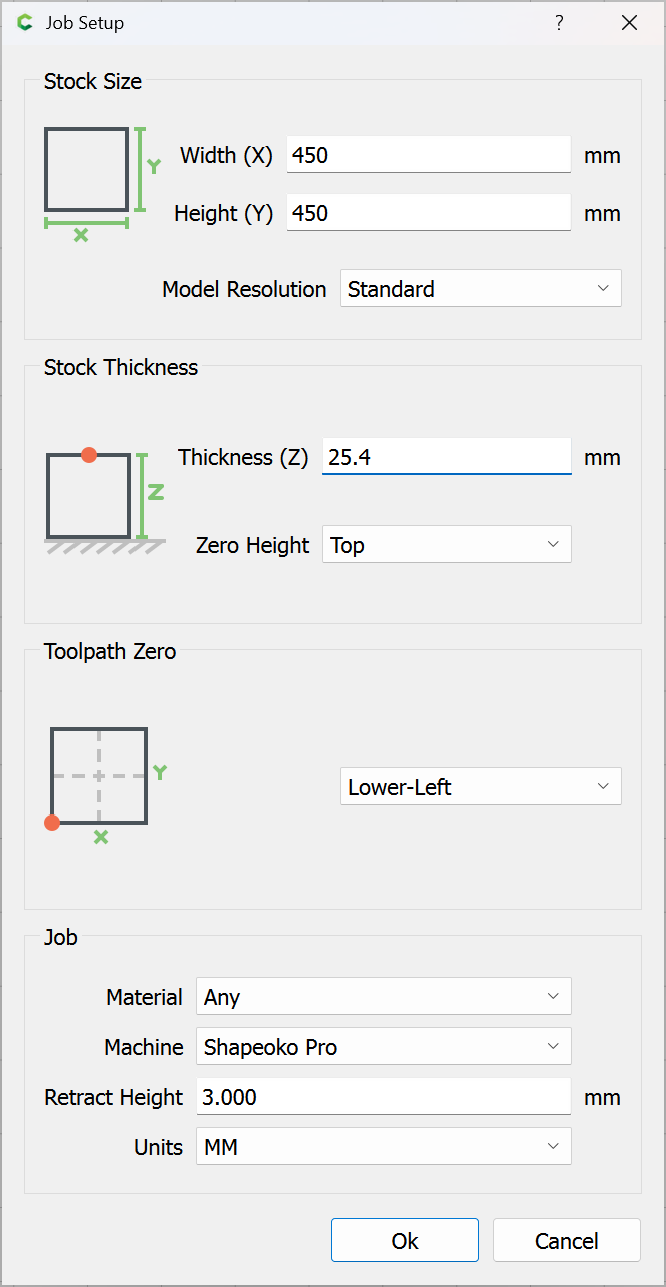
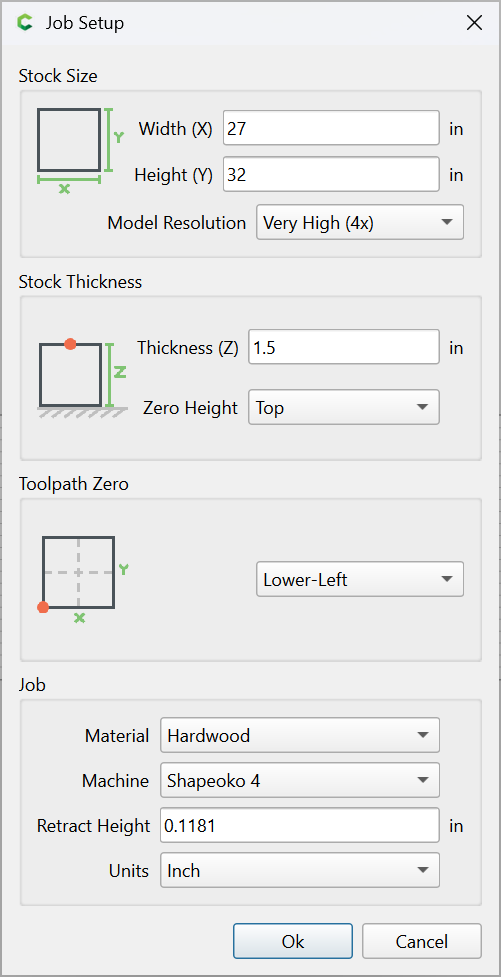
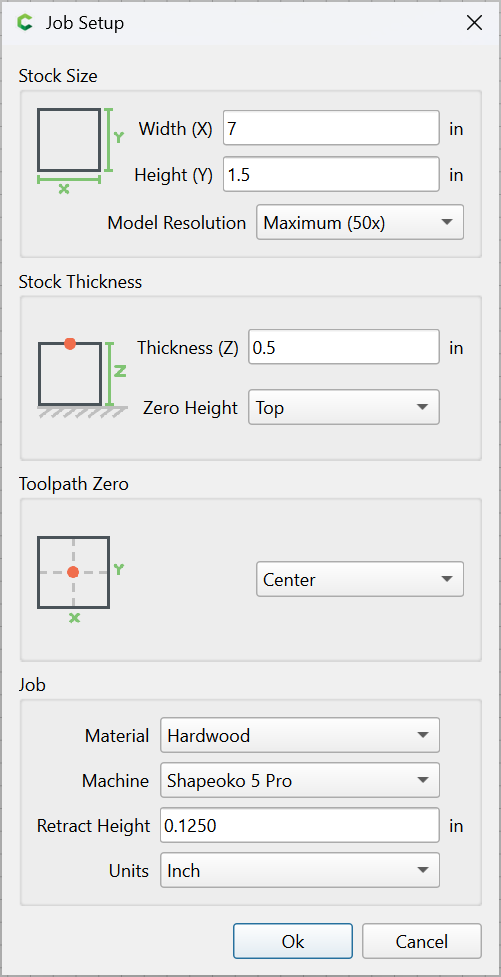
First, Job Setup:
OK
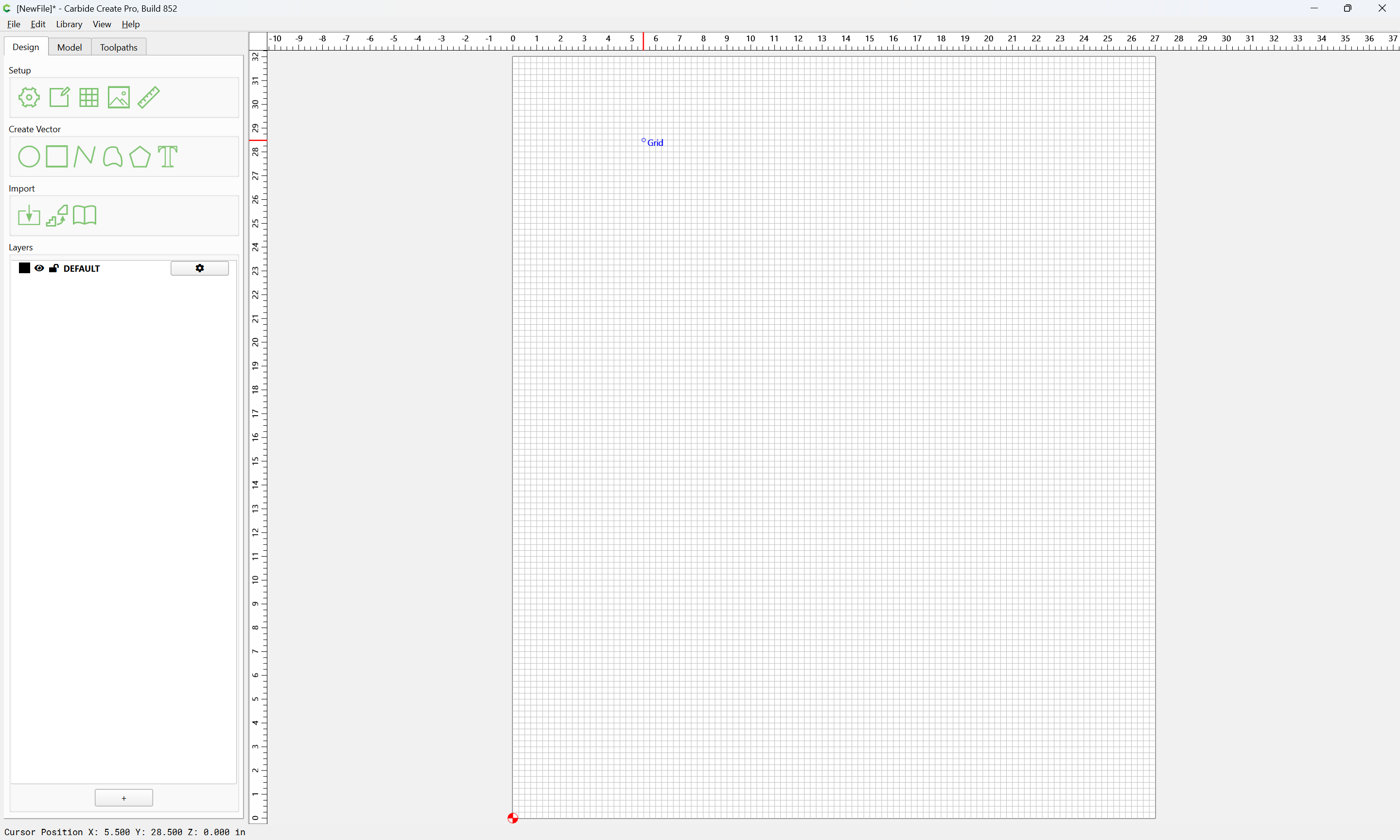
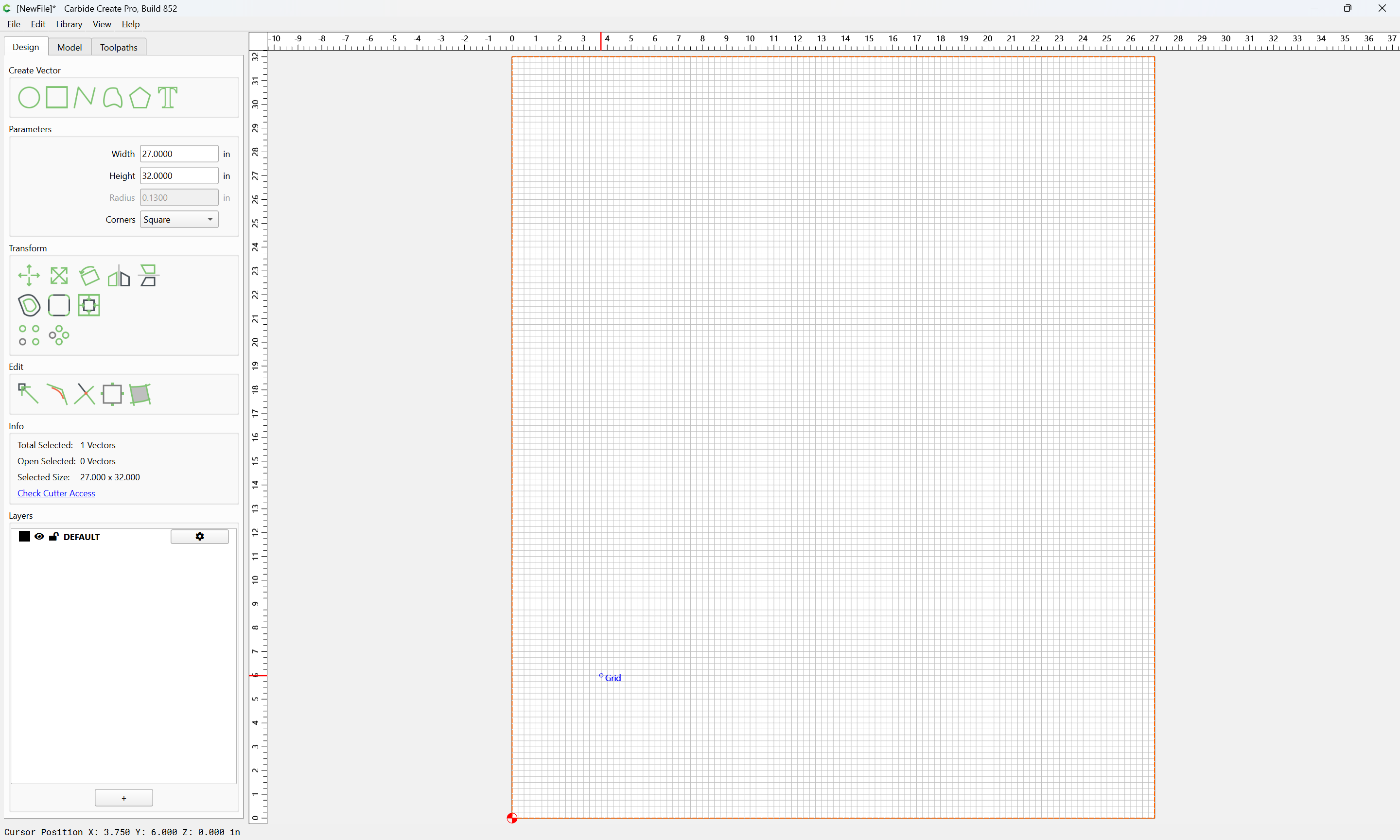
Draw a rectangle for the import:
Import STL file
Change the facing using 3D Orientation:
check the 3D view:
Done
Probably a bit more width in Job Setup would be helpful.
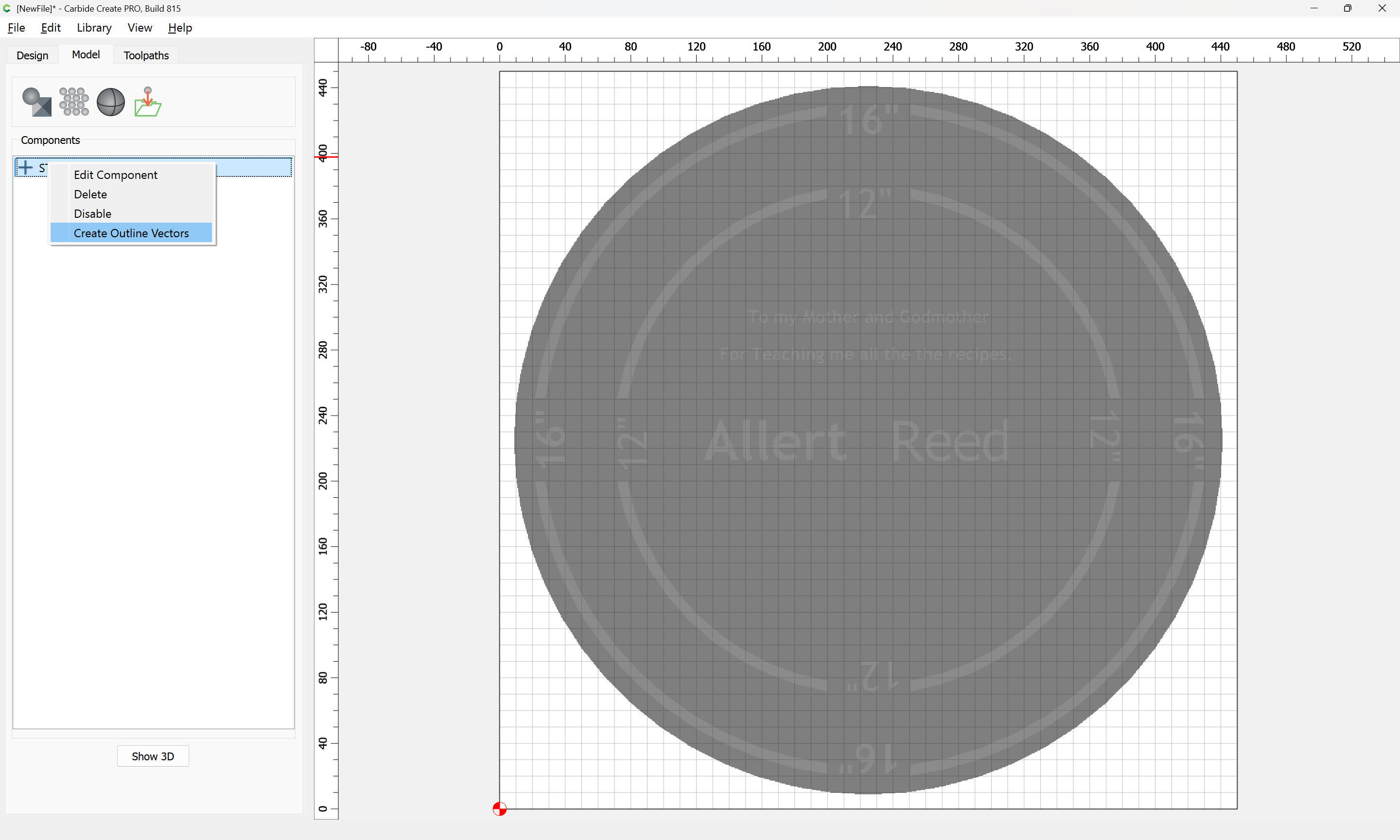
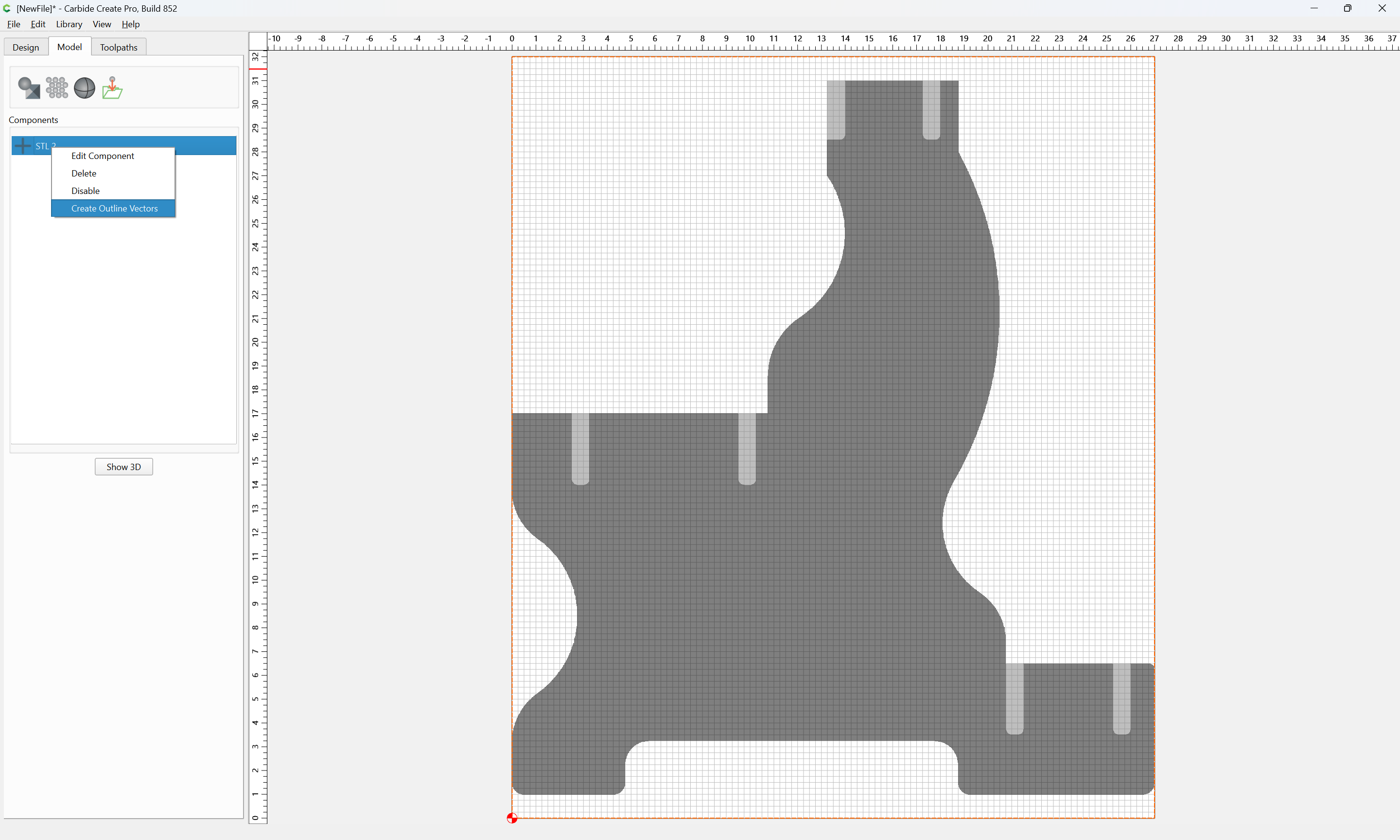
One will also probably want to trace the outline — right-click:
OK
1 Like
WillAdams
August 25, 2026, 9:22pm
4
as requested on support…
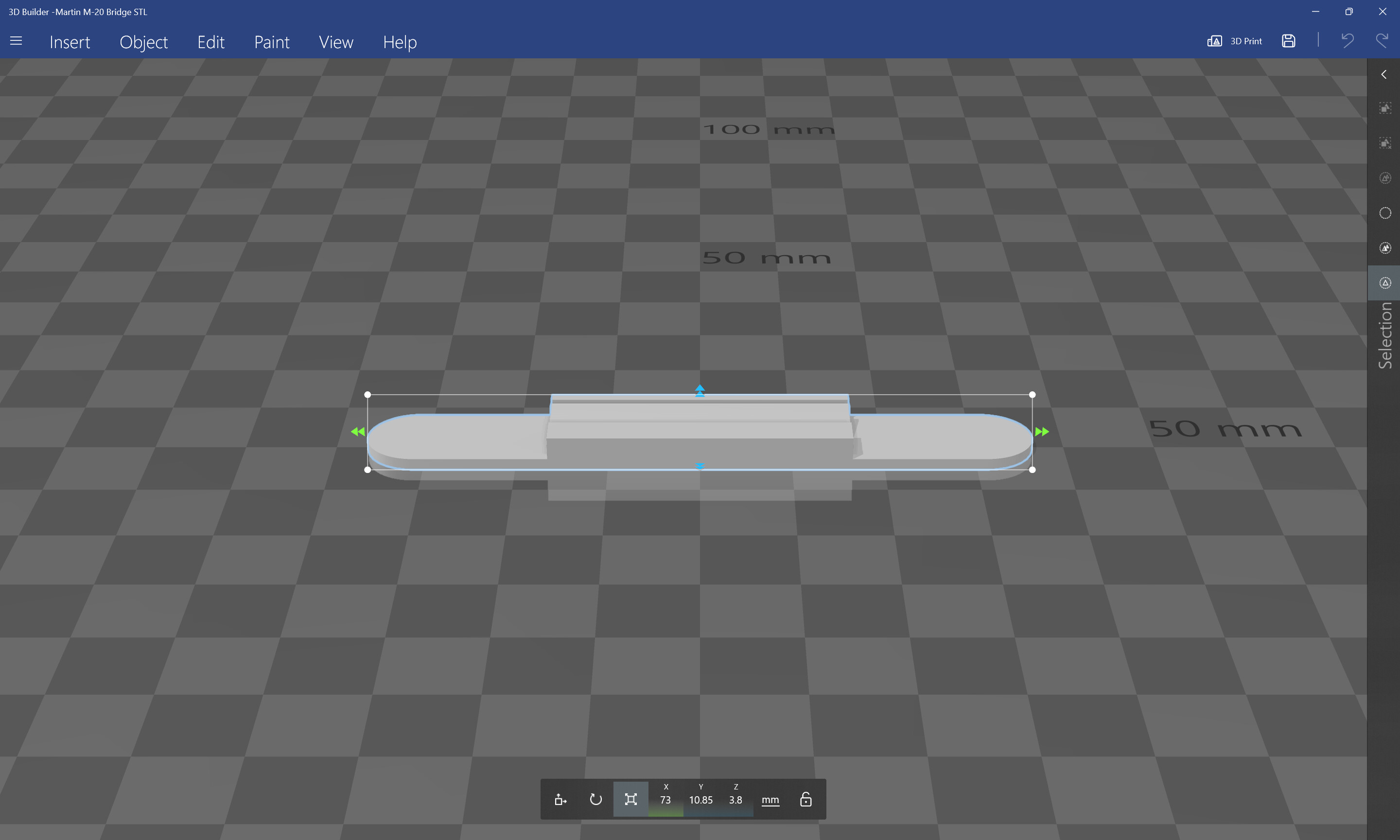
…trying to make a Martin bridge from the STL file listed. The bridge is 6"X1"X .375" thick…
where the STL file has the dimensions:
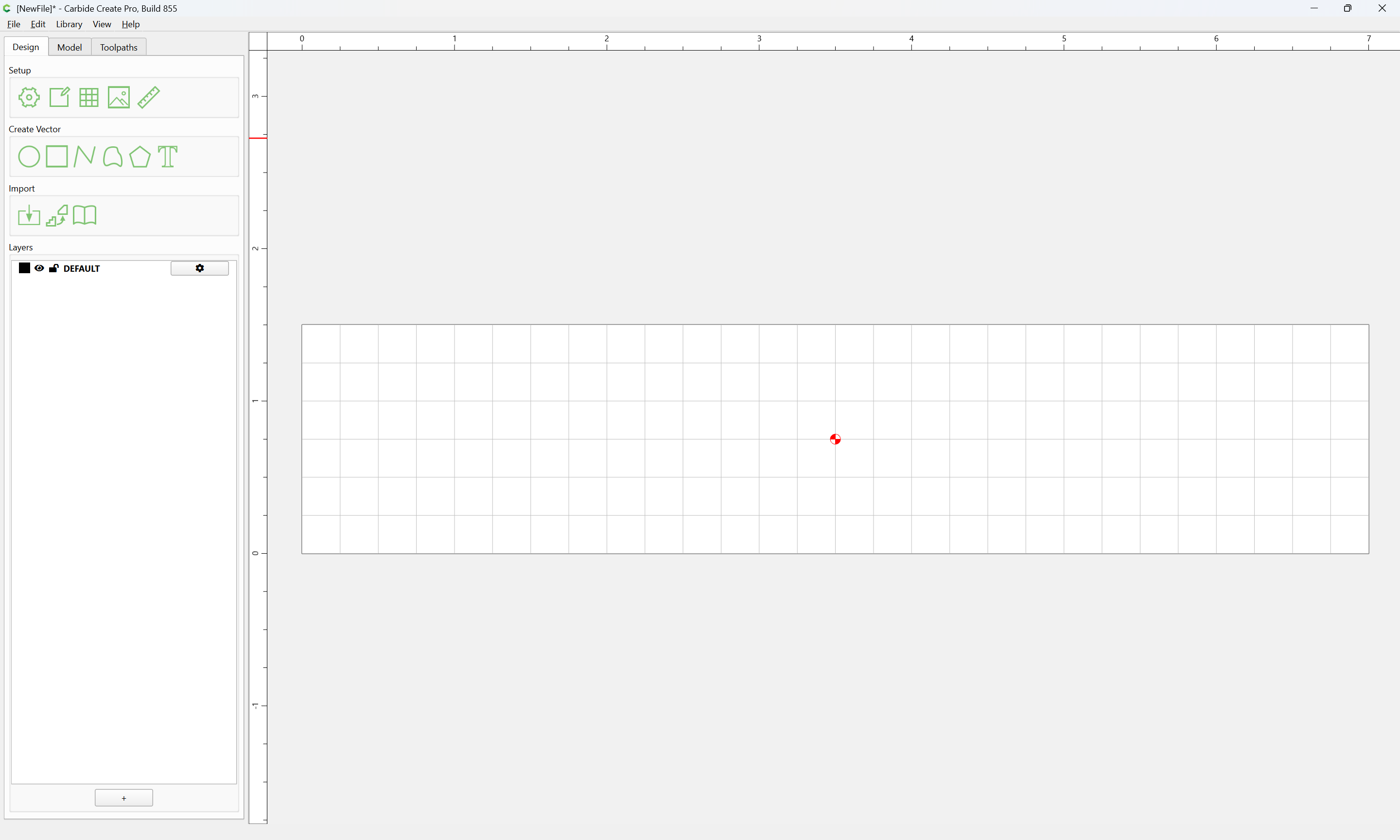
Start by making a Carbide Create file of a bit more than the dimensions in question:
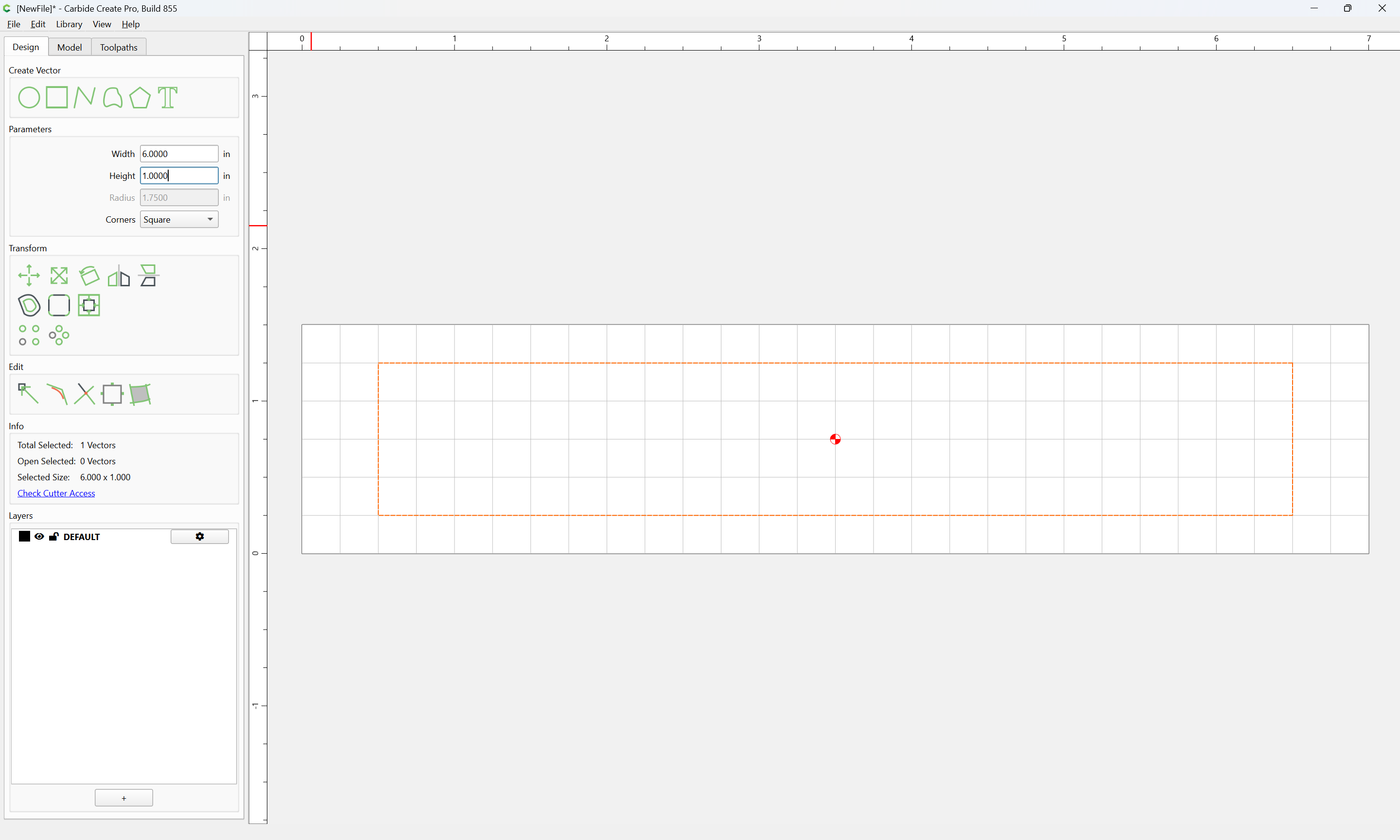
Draw a rectangle which is the desired dimensions in X and Y:
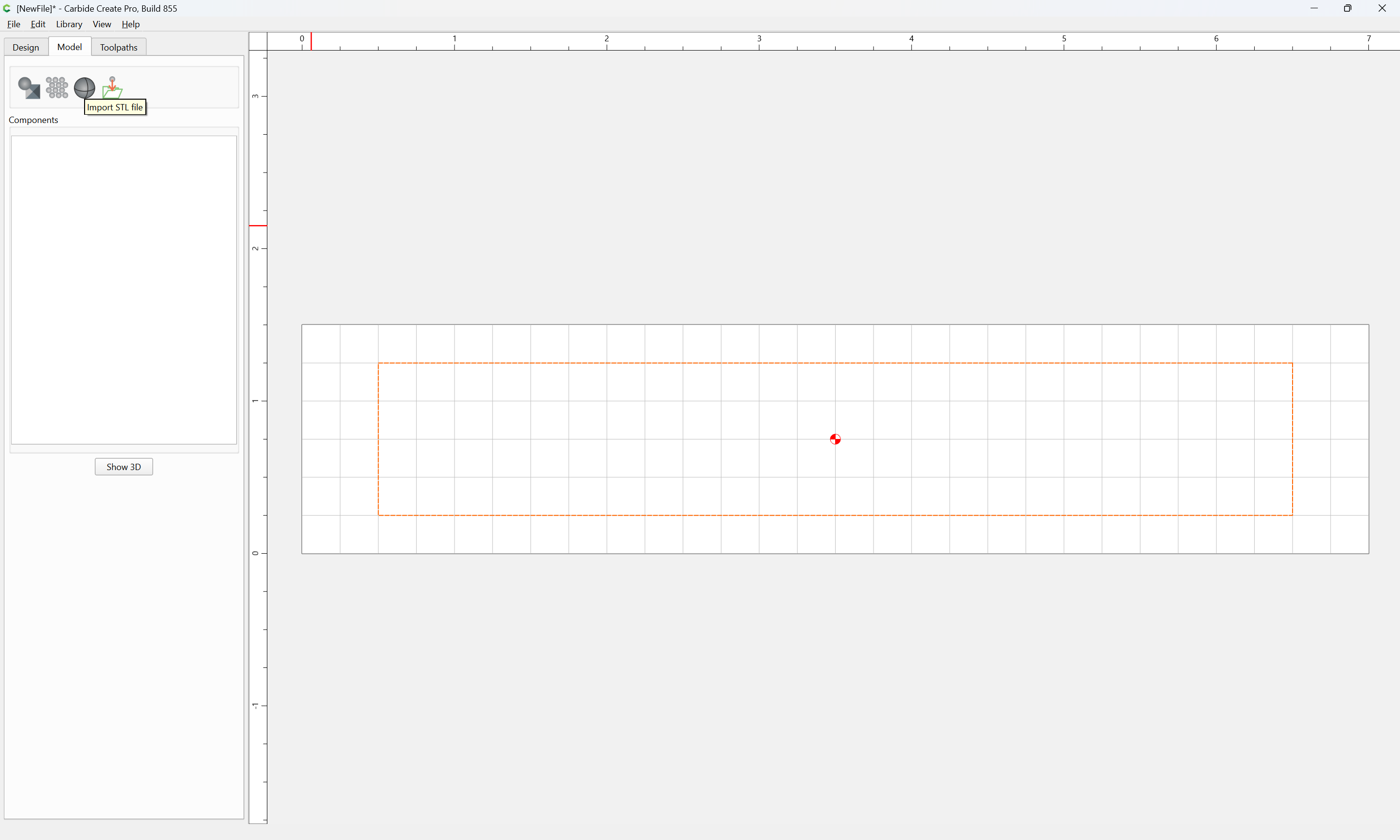
Import the STL:
and adjust the values until things match what one wants — presumably the 1.5" dimension is more important than the 6"…
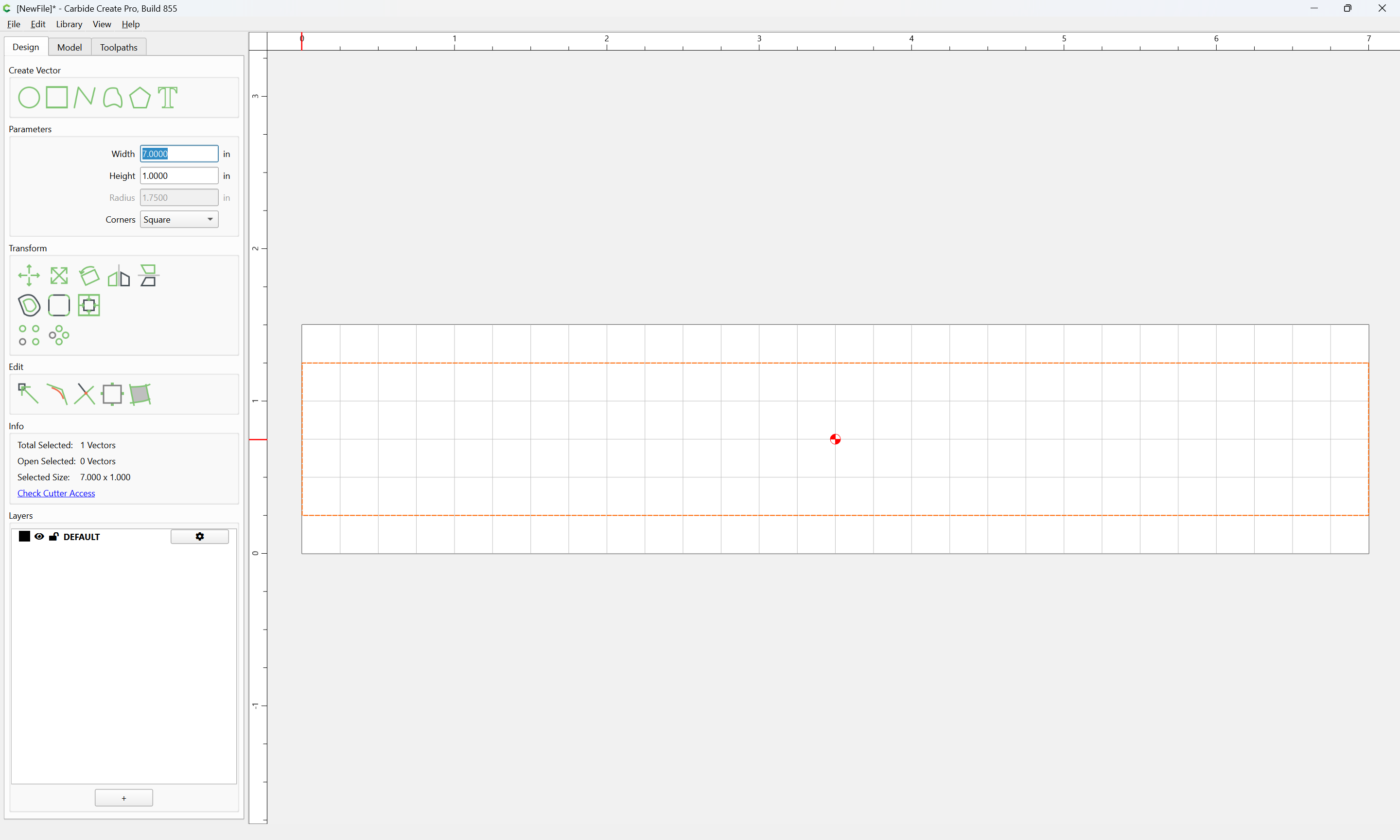
so we adjust the width of the rectangle:
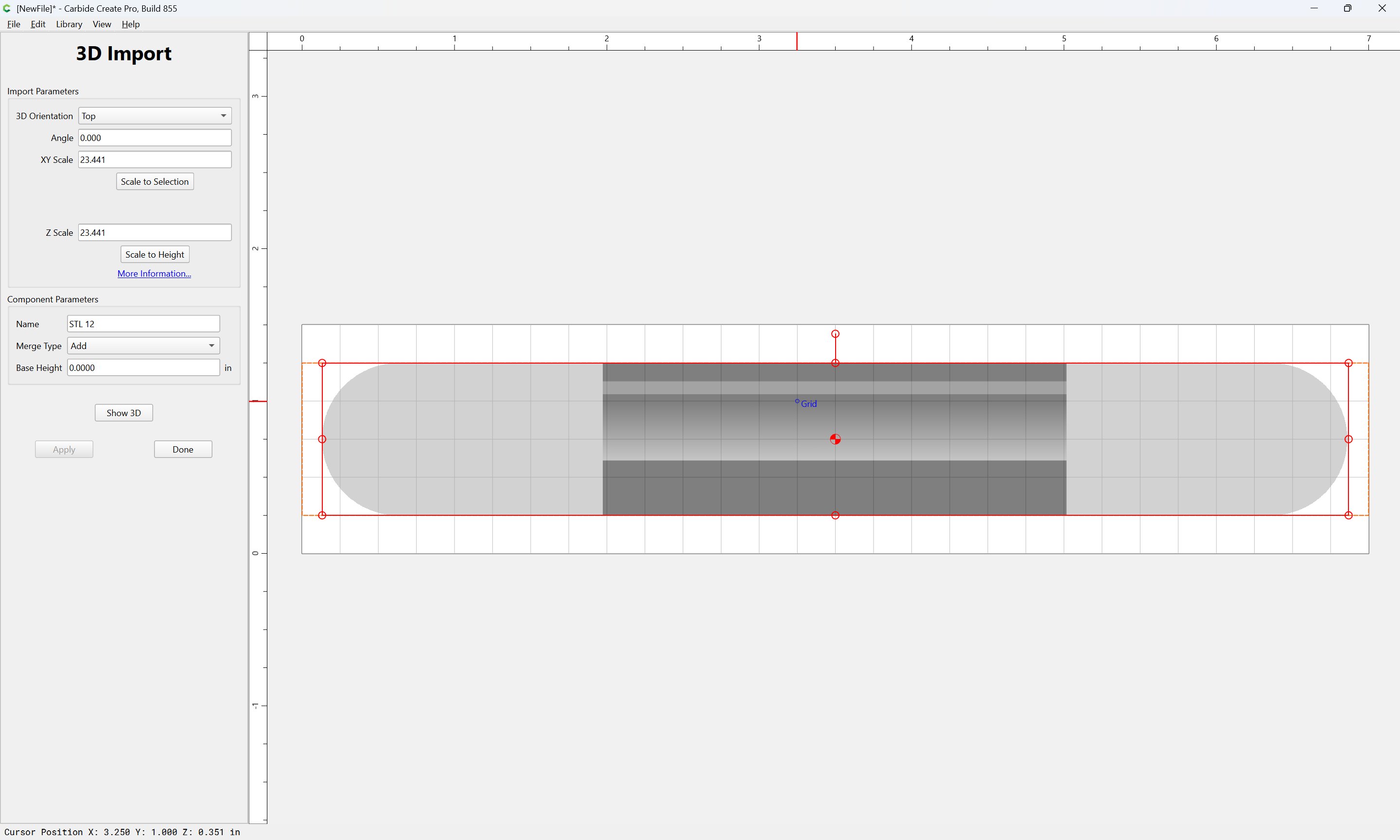
and import again:
(which seems to fall a bit short on Z…)
WillAdams
August 25, 2026, 9:29pm
5
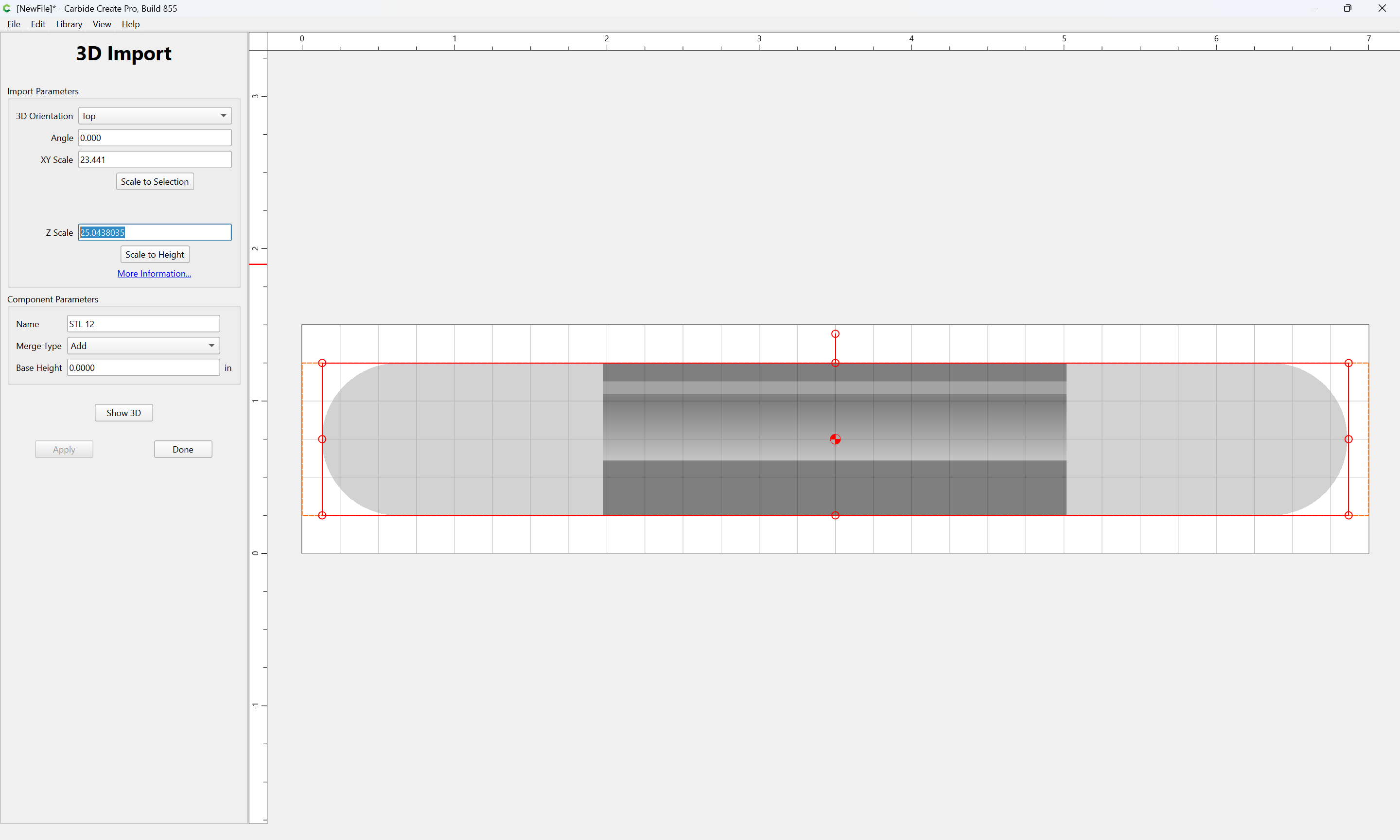
If one wished to scale Z separately, then it would be a matter of doing the math to get from the current scaling factor of 23.441 == 0.351 by calculating:
0.375 / 0.351 == 1.06837607
and then multiplying that by the existing scaling factor:
1.06837607 * 23.441 == 25.0438035
(which is suspiciously close enough to a 25.4 metric to Imperial scaling factor that I suspect that that is what should be used)
1 Like