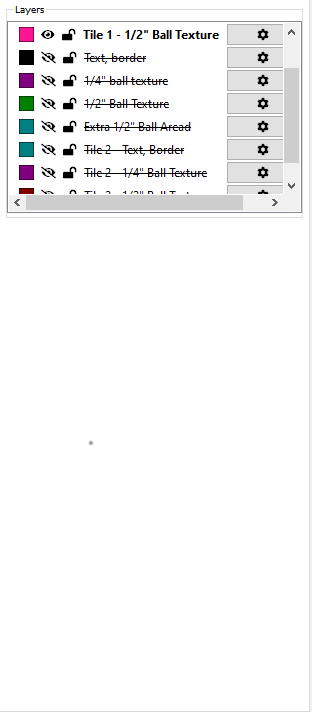
I would love for the Layers Panel (Palette?) to be larger. Every time I need to turn off a layer at the bottom, it pops all the way to the top and then I have to scroll all the way to the bottom to turn off the next layer. Look at all this available space 
1 Like
This was done in the current beta:
Build 841
Fix
Made the layer list taller by default.
2 Likes
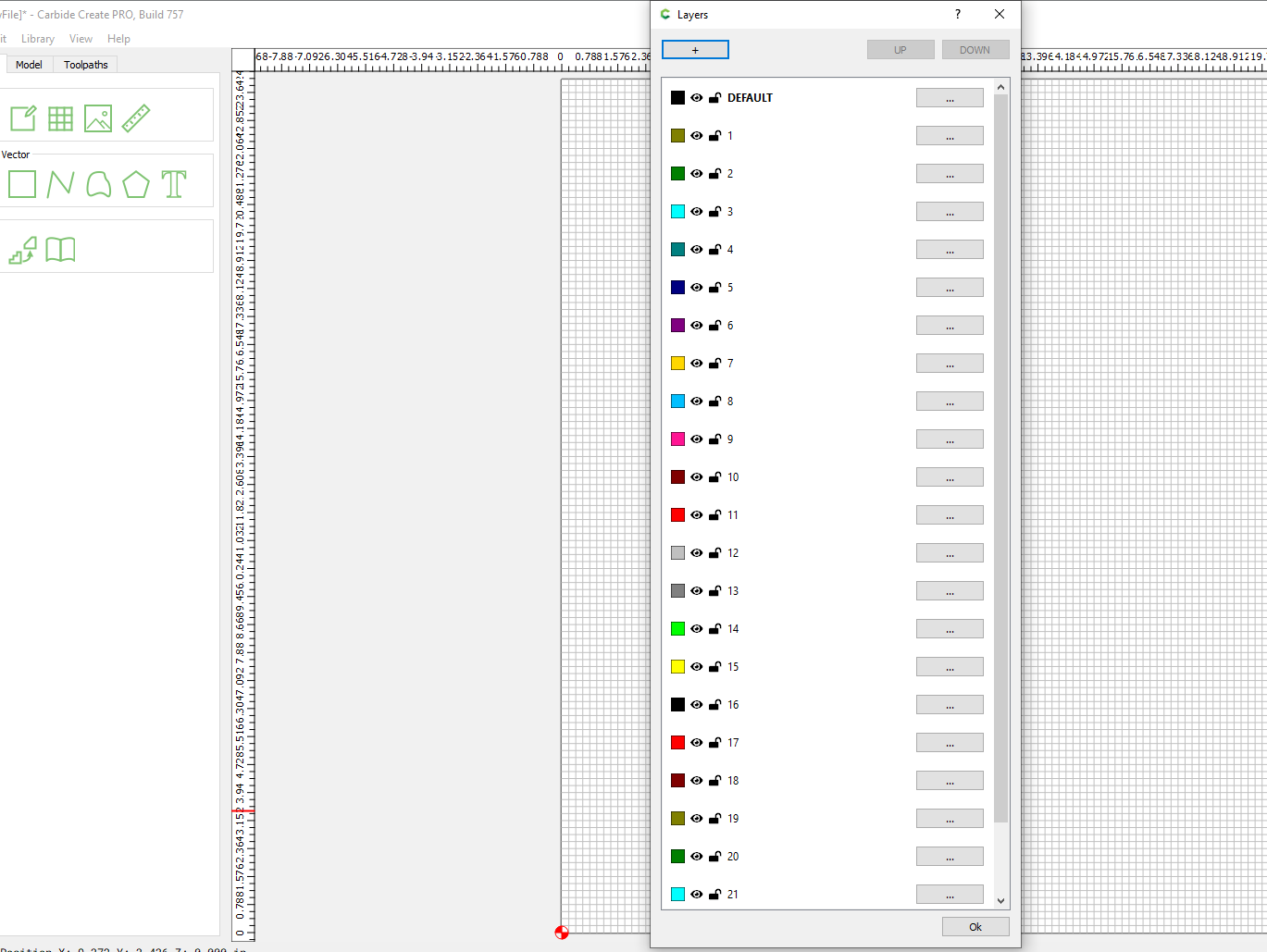
Did you try resizing the panel?
Do you mean grabbing the bottom (left click) and dragging? I did (I’m pretty sure). I can widen it but not lengthen it. (Again…I think)
1 Like
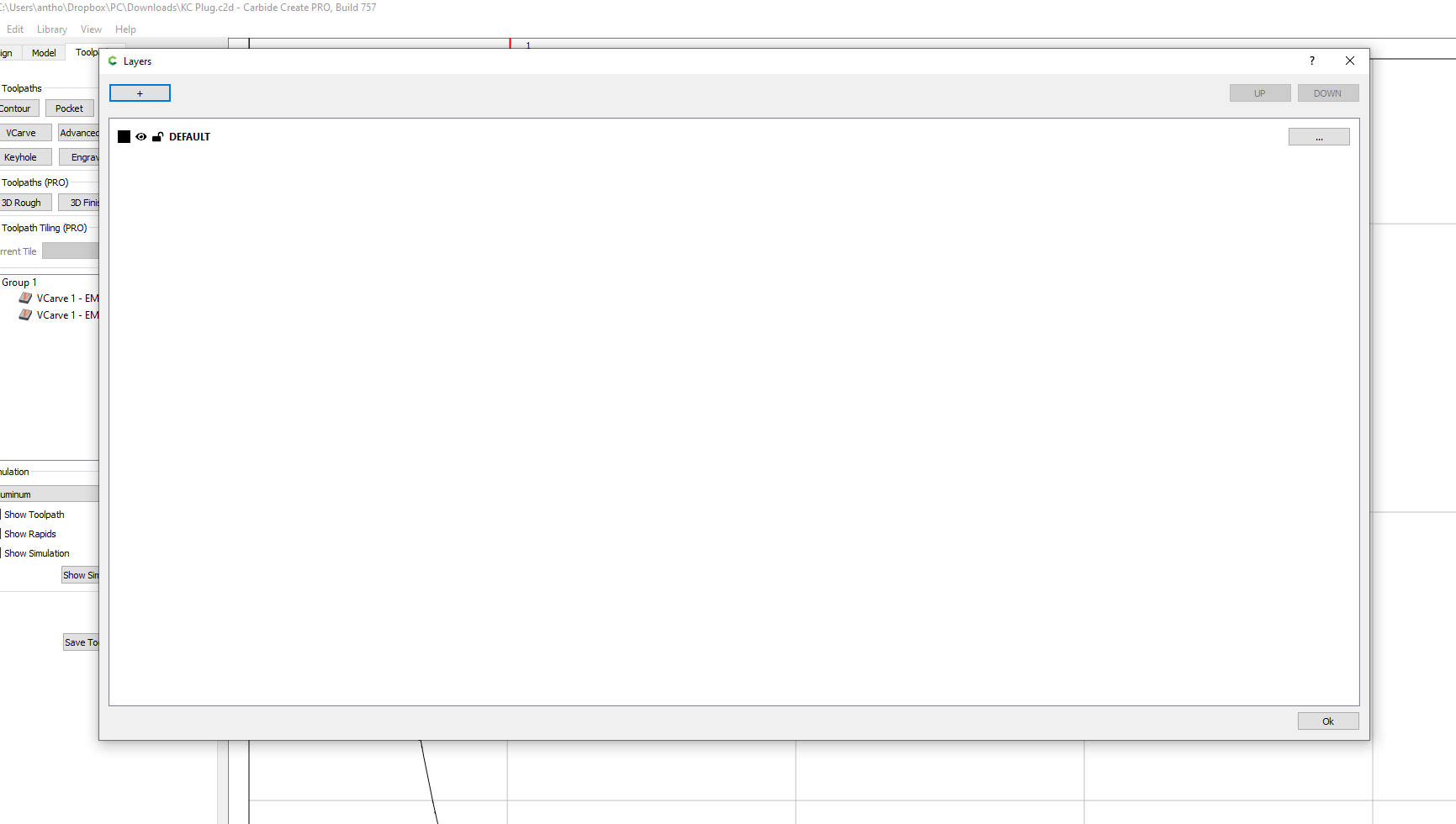
Yes that’s what I meant. I am using build 757, maybe they changed things on your version. I can make my panel HUGE…lol…
1 Like
The new, integrated Layers panel is non-resizable vertically (at least in builds thus far) — the panel area may be widened.
2 Likes
Wow! I am jealous! 20 char
Just downloaded the latest build. Big sigh of happiness when I saw the layer list!
@robgrz I just noticed the “Check Cutter Access”. I REALLY like that! Not sure in what build that showed up, but I know I will be using it a lot!
The next release will make the layers expand to fill the remaining space on the left pane. We tried to do that in the last release, but we got it subtly wrong.
It’s relatively new, and we can probably do more with it over time. Consider the current implementation to be the starting point.
2 Likes
You always say that but your “starting points” usually get me where I want to be from the get-go!
2 Likes
That’s good to hear. Earlier on, we tended to shoot for complete from the start, but we would miss the mark a bit when the full range of users tried it, and it was hard to get back to the “correct” implementation. Now, we try to iterate.
2 Likes
@SirGariff I’m with you on the addition of Check Cutter Access. Looks like a very handy tool check
1 Like
This topic was automatically closed 30 days after the last reply. New replies are no longer allowed.