grharter
July 17, 2026, 1:13pm
1
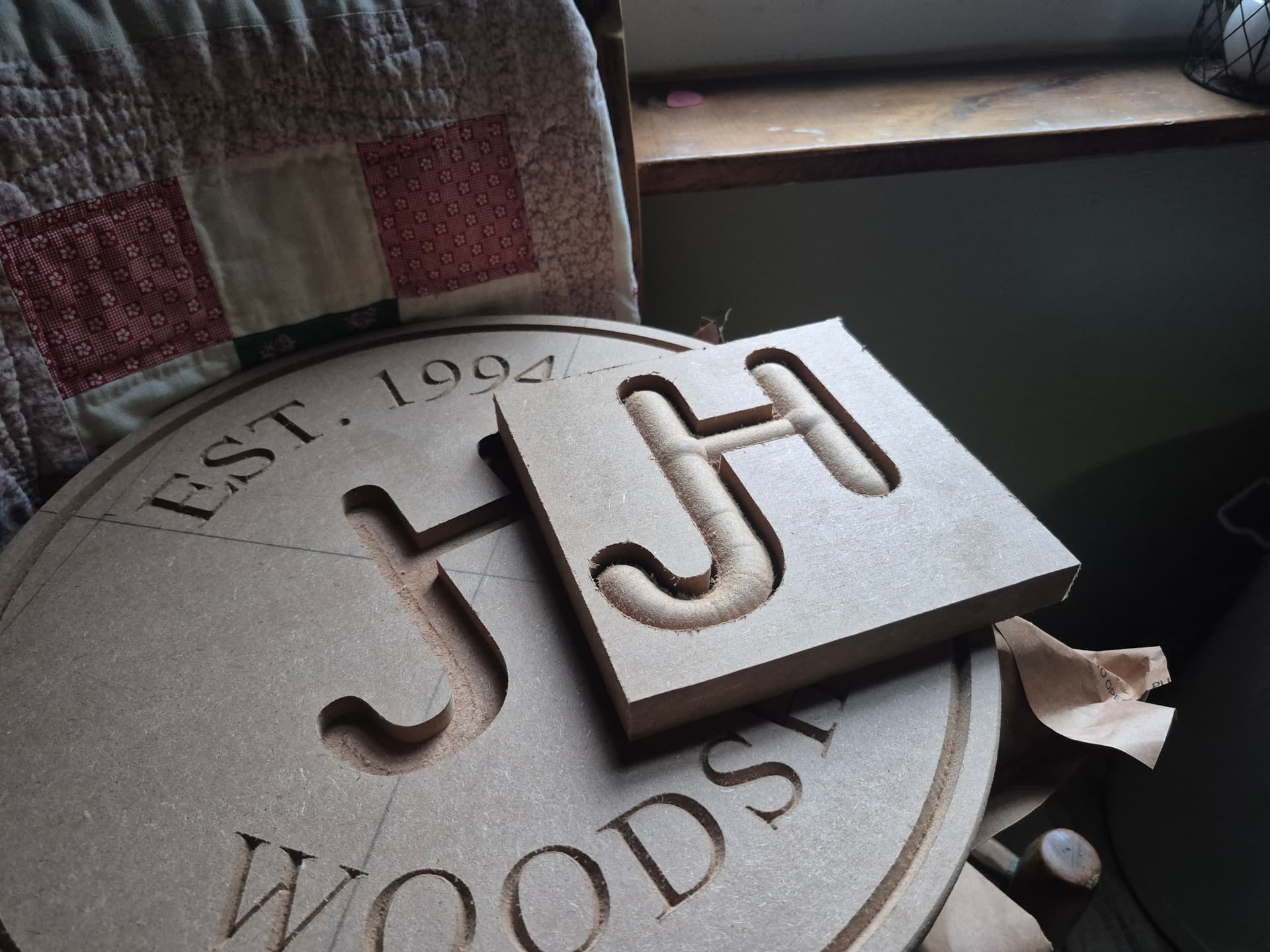
I have an issue with 3d modeling round mode. My model isn’t having my crossbar and verticals matching on the same level (Z axis) and I’m getting some weird levels throughout the model. Attached is a picture and my CC file if someone can take a look and see something obvious. Thanks!
workshop raised logo.c2d (280 KB)
WillAdams
July 17, 2026, 1:34pm
2
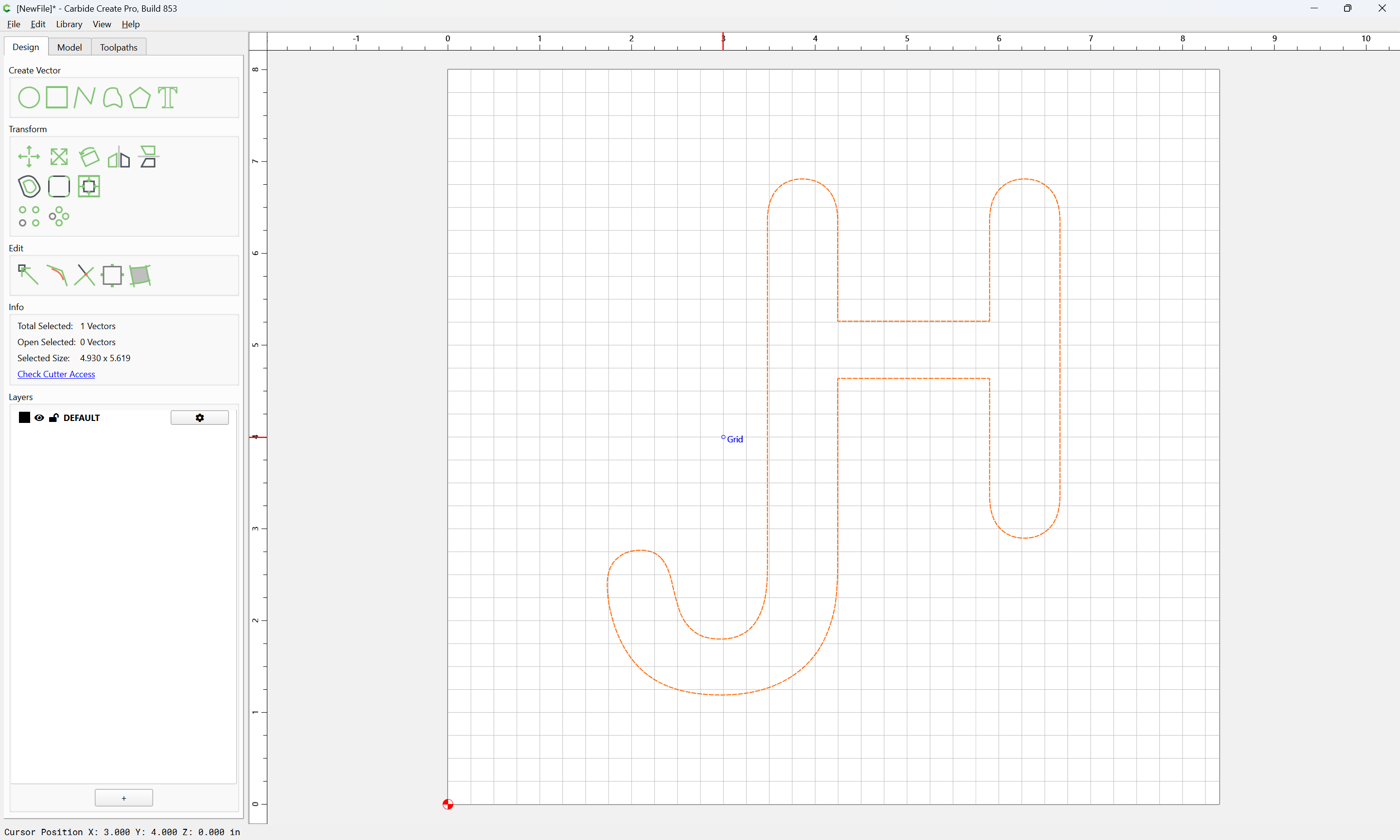
Carbide Create includes the greater dimension of the diagonals when modeling such shapes.
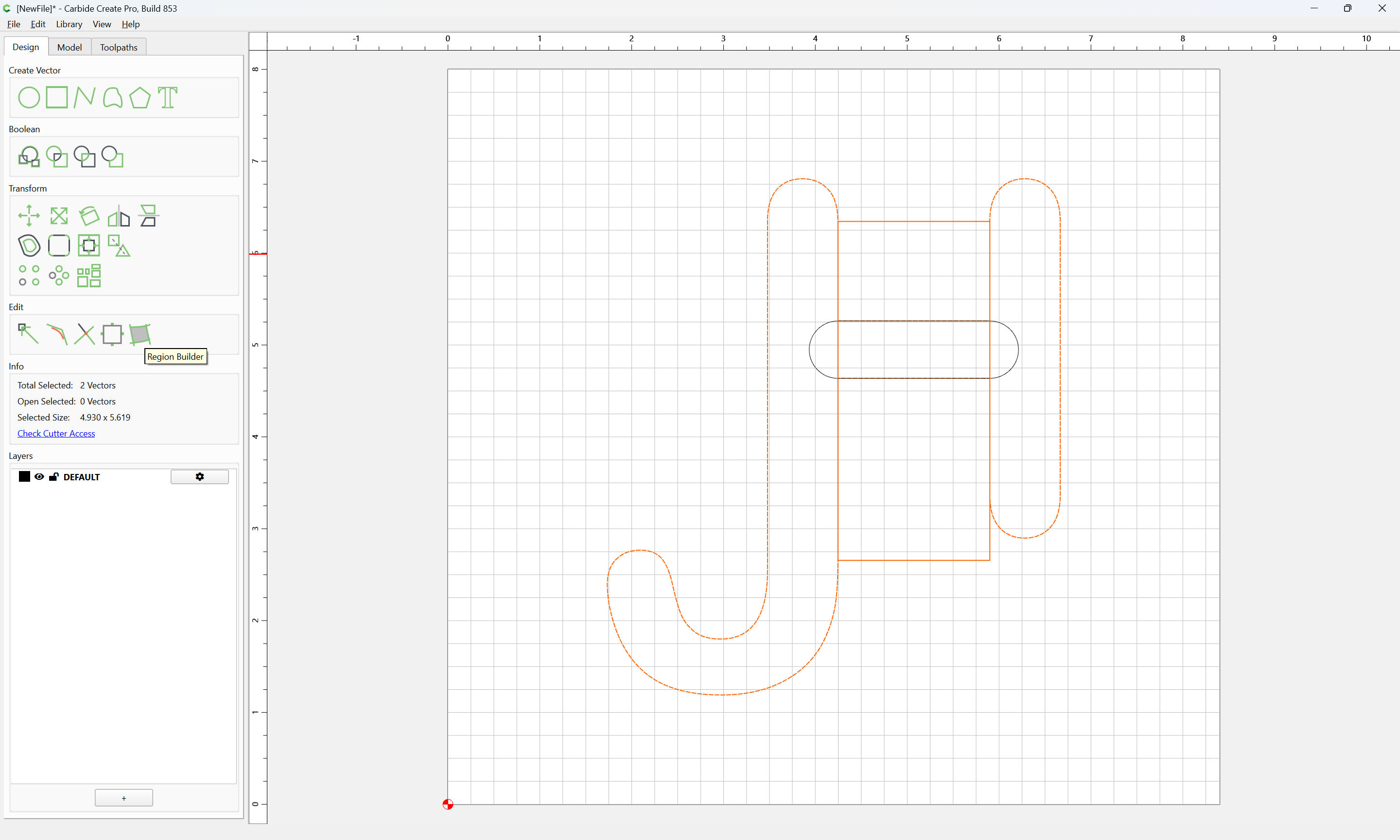
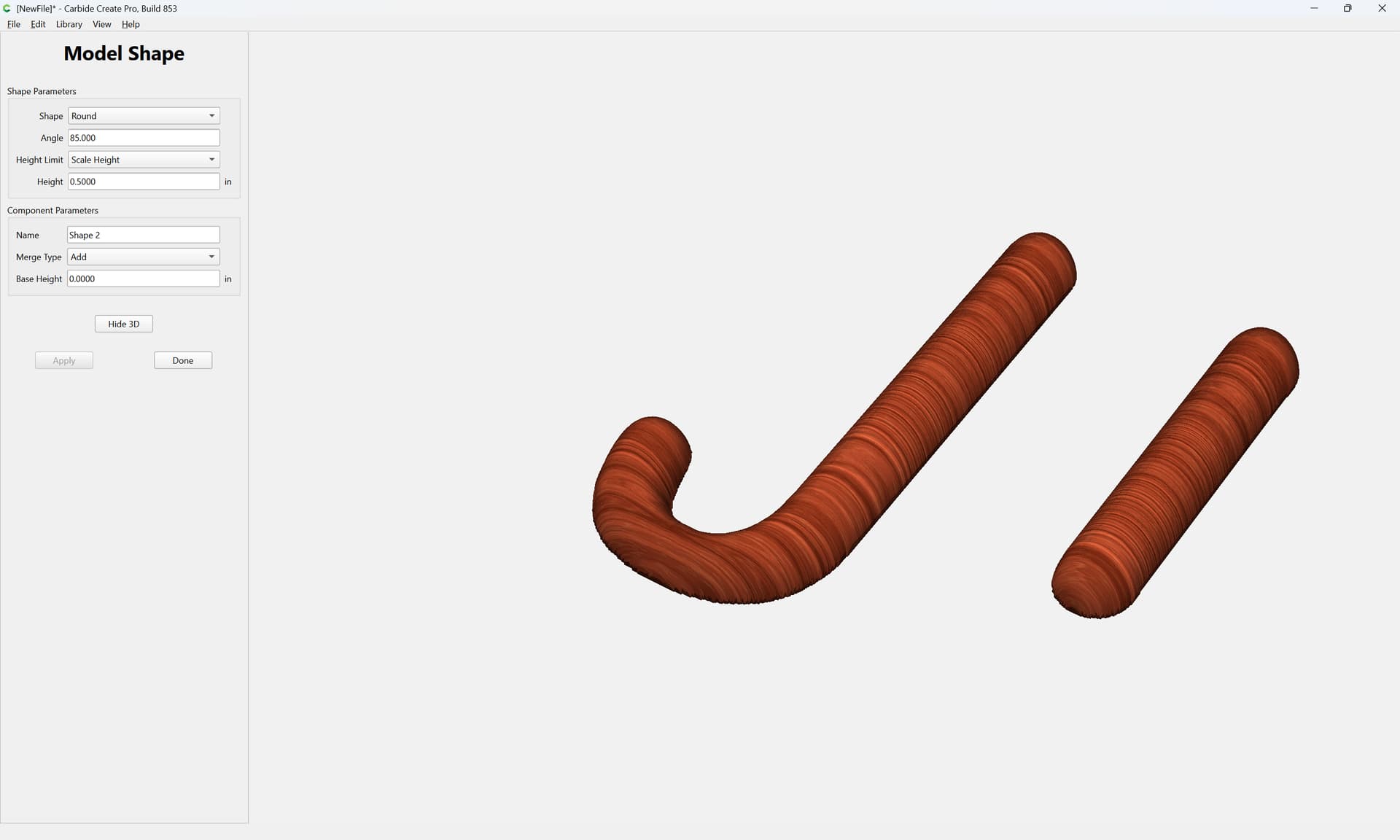
Rather than modeling the entirety of the shape all at once, separate the connecting crossbar and model it separately.
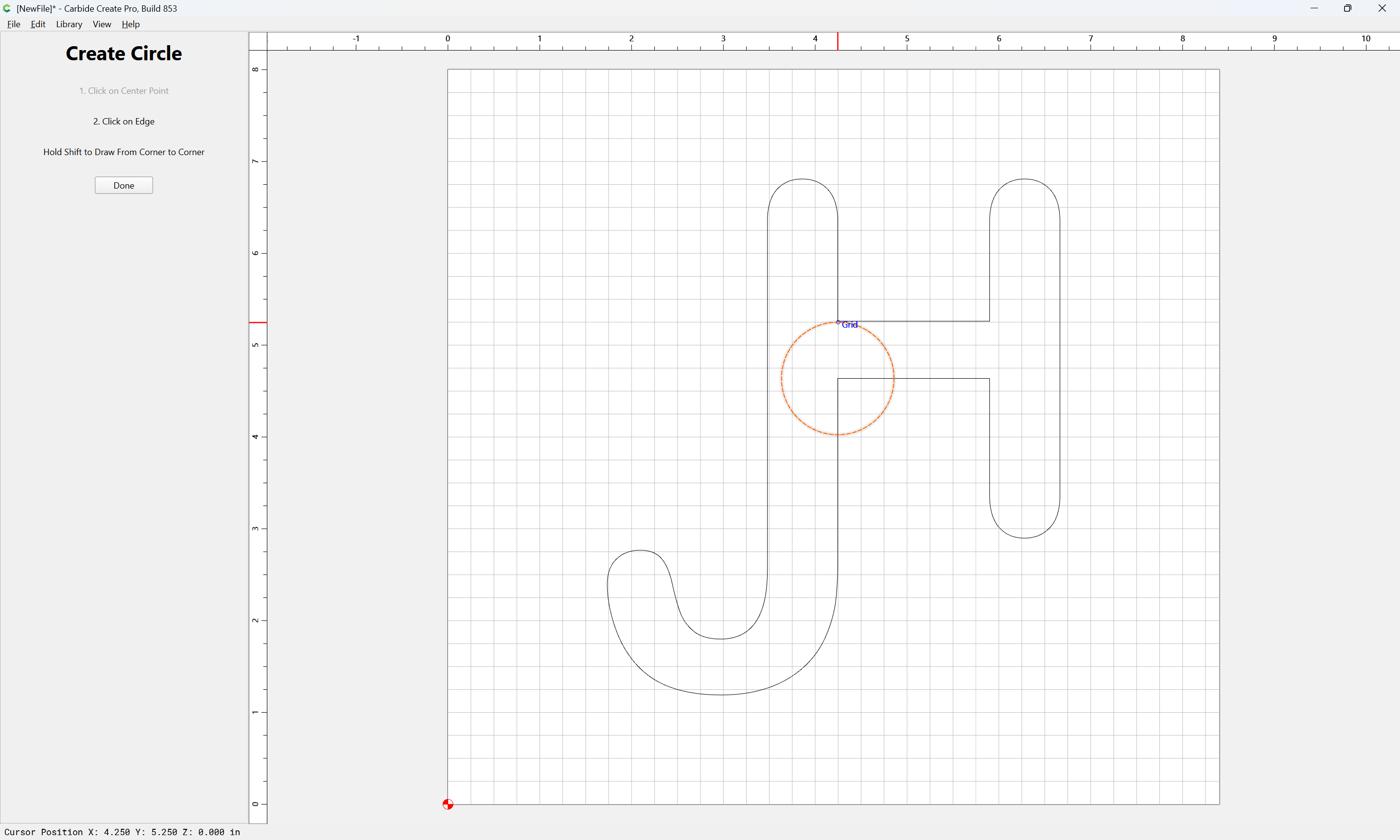
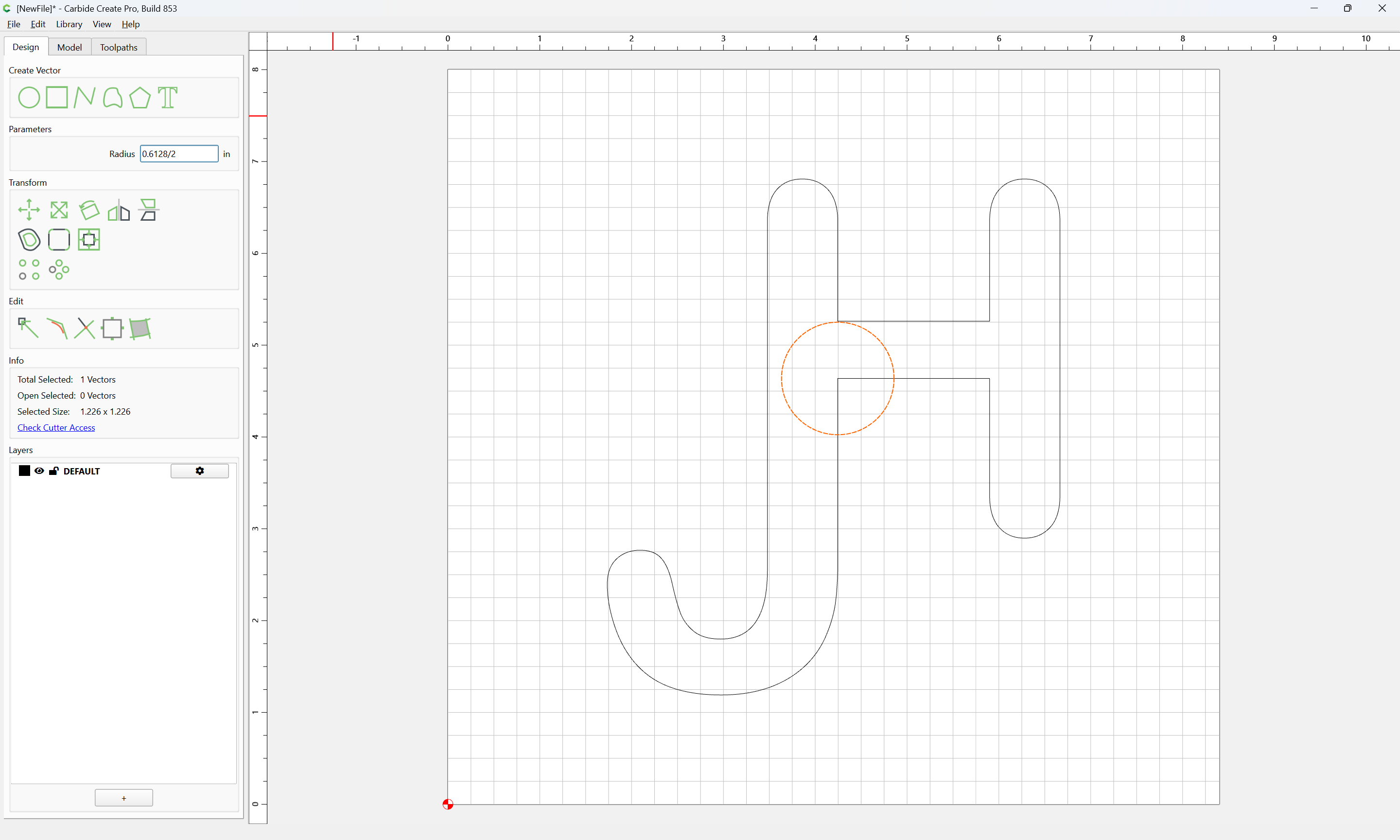
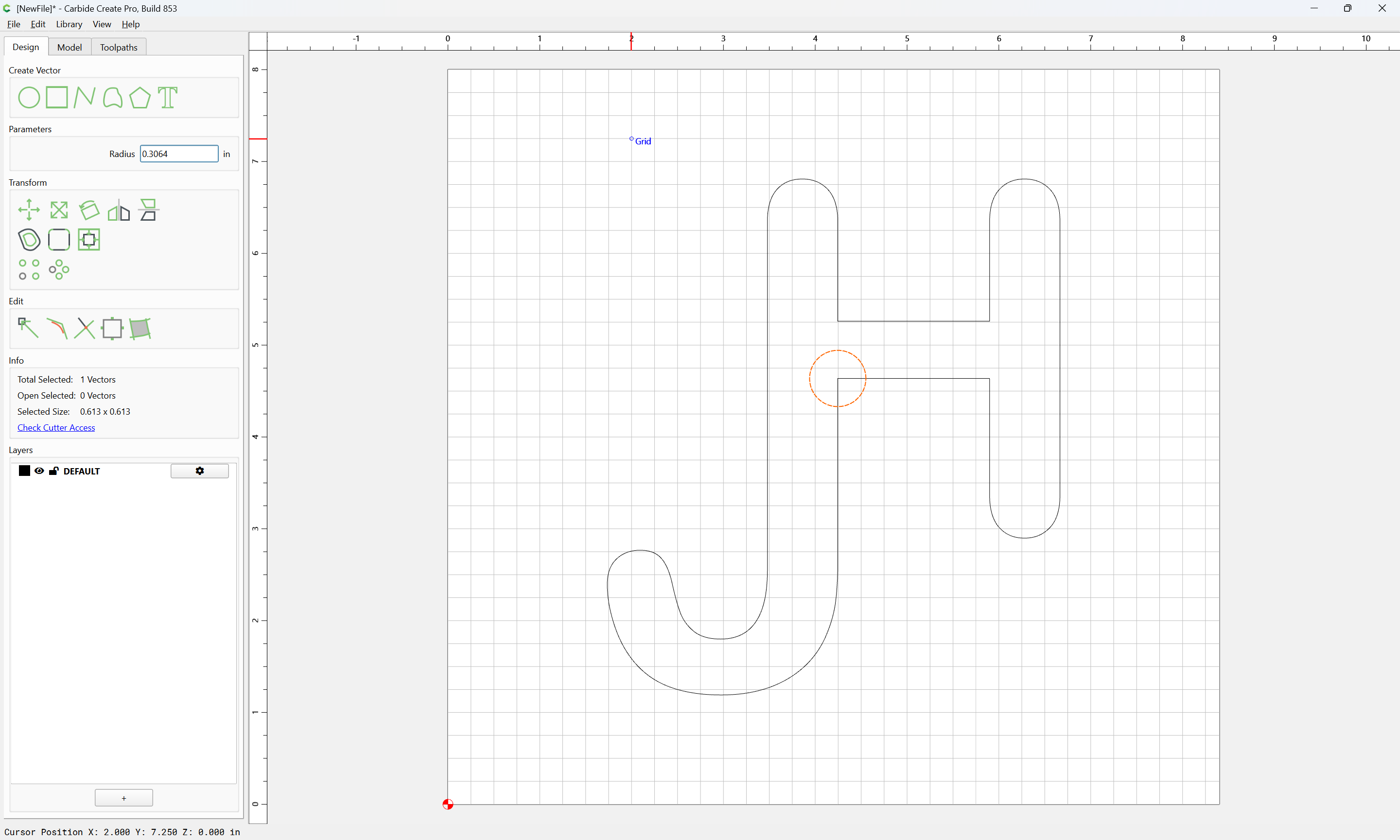
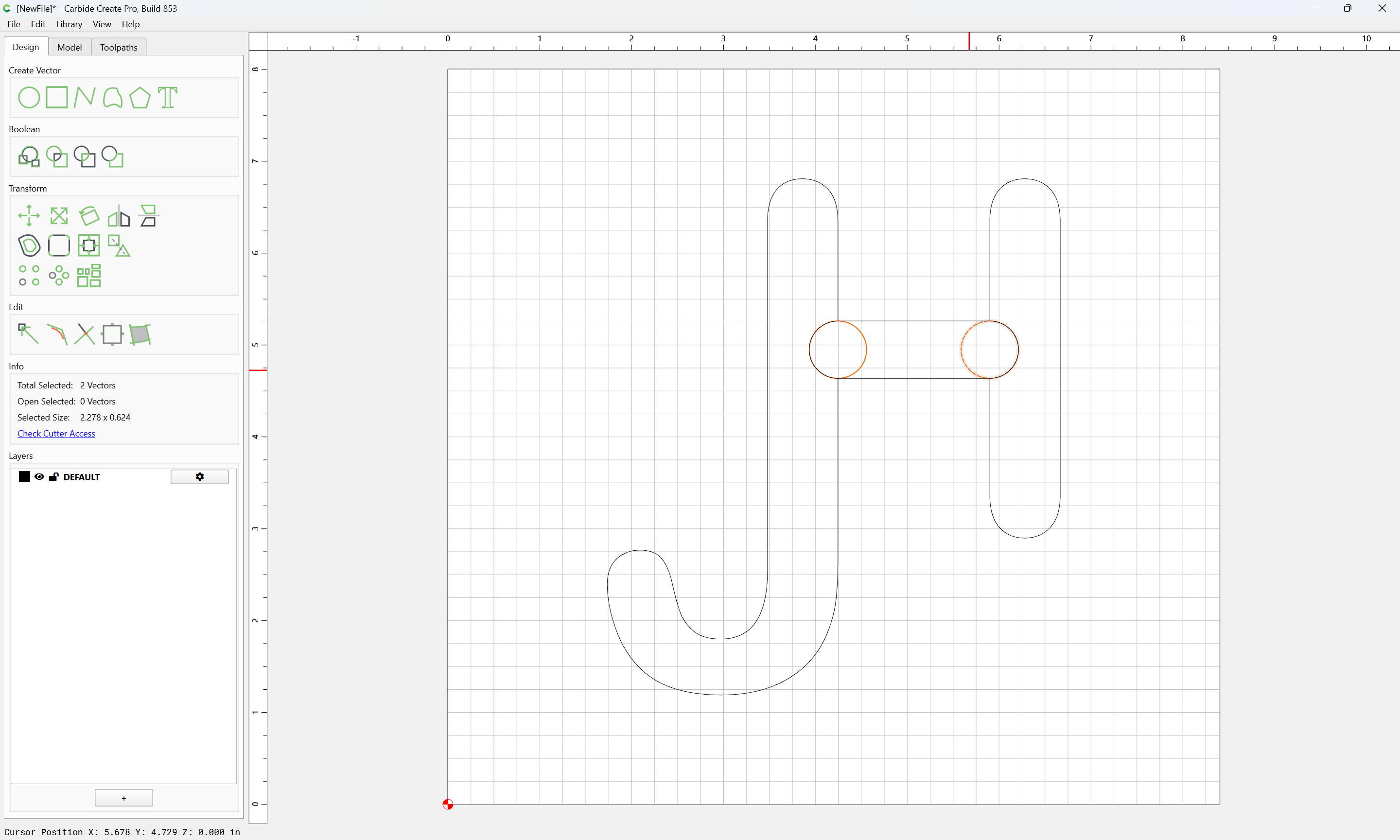
fashion geometry for the rounded ends:
dividing in half:
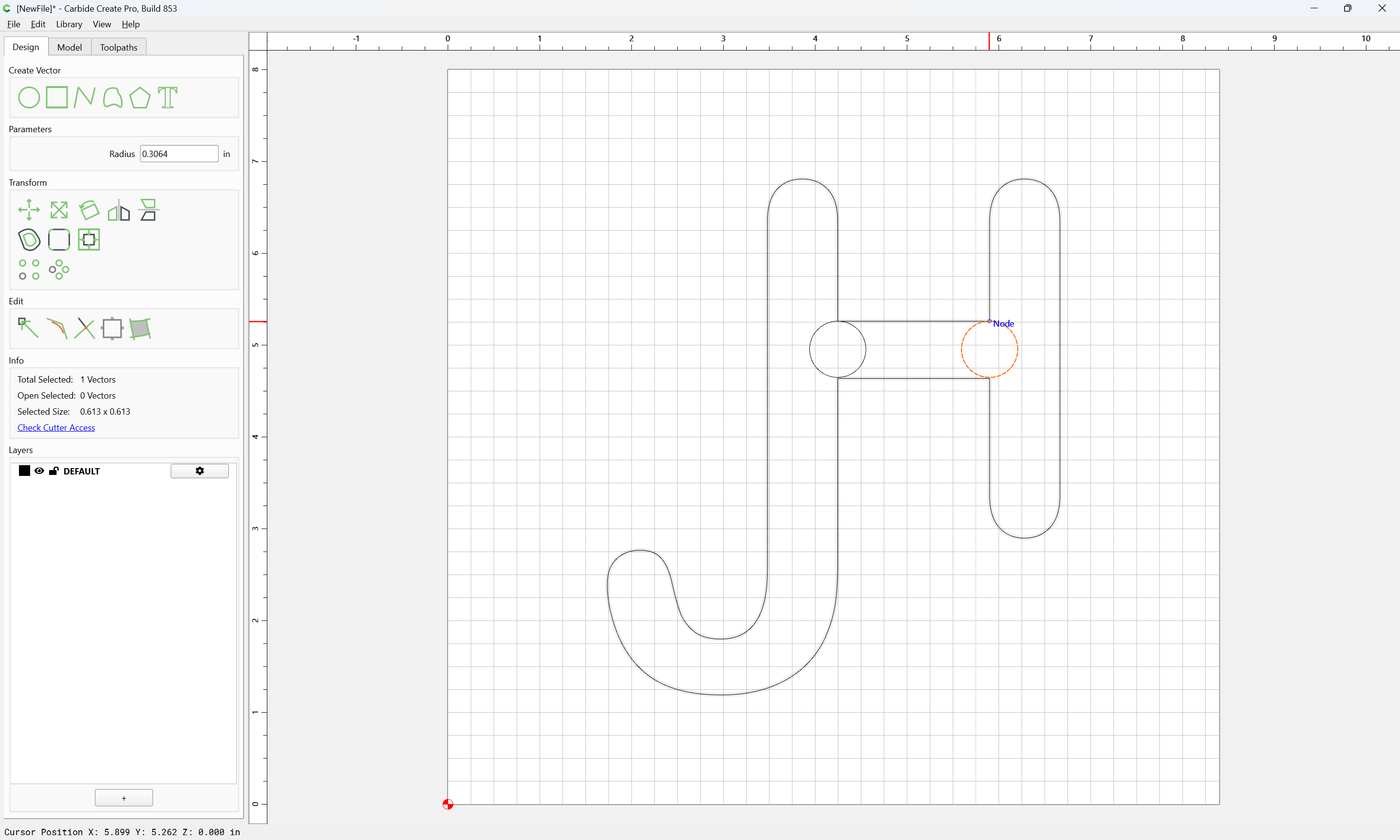
and positioning/duplicating as necessary:
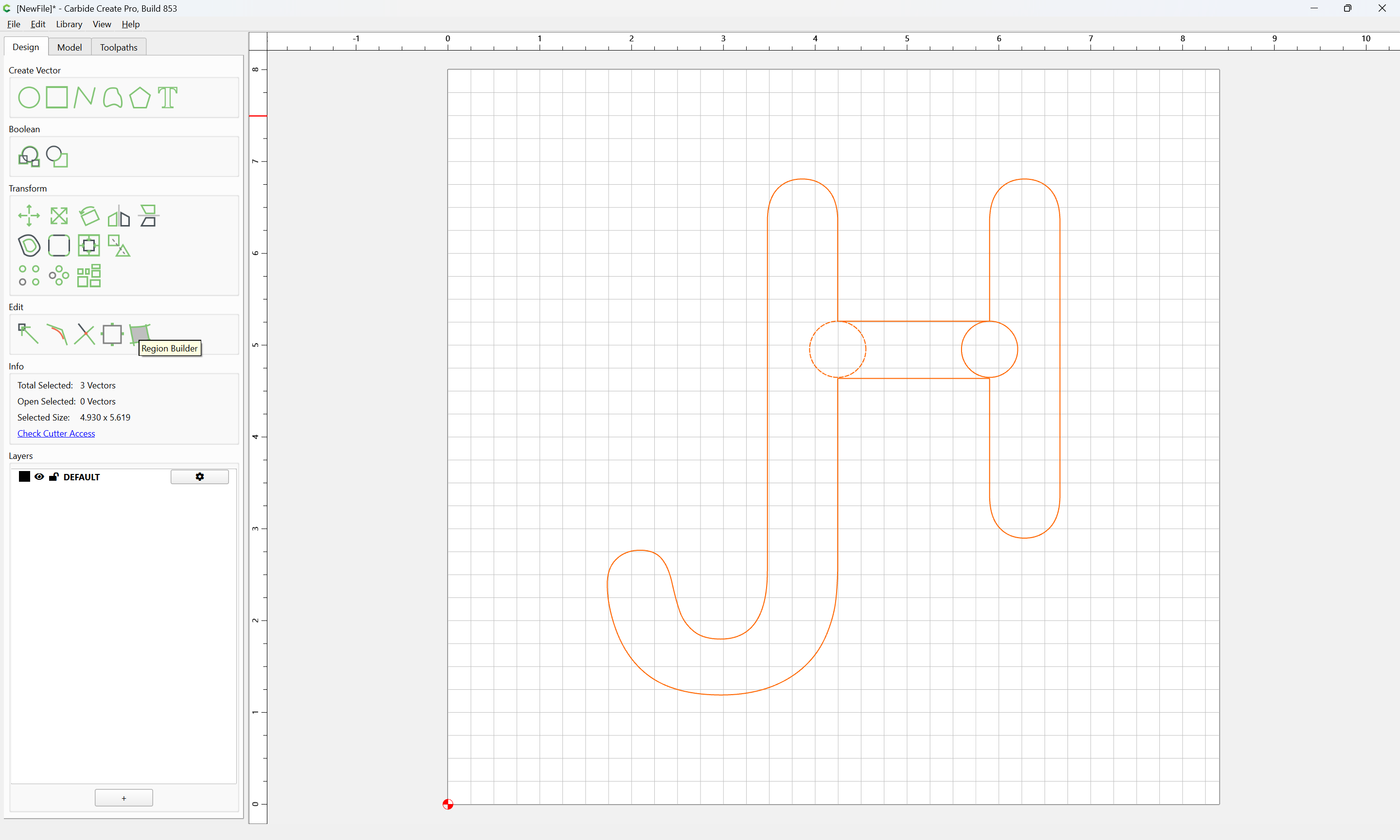
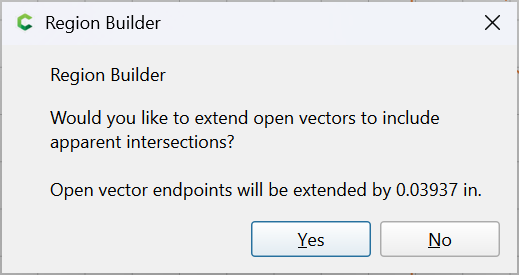
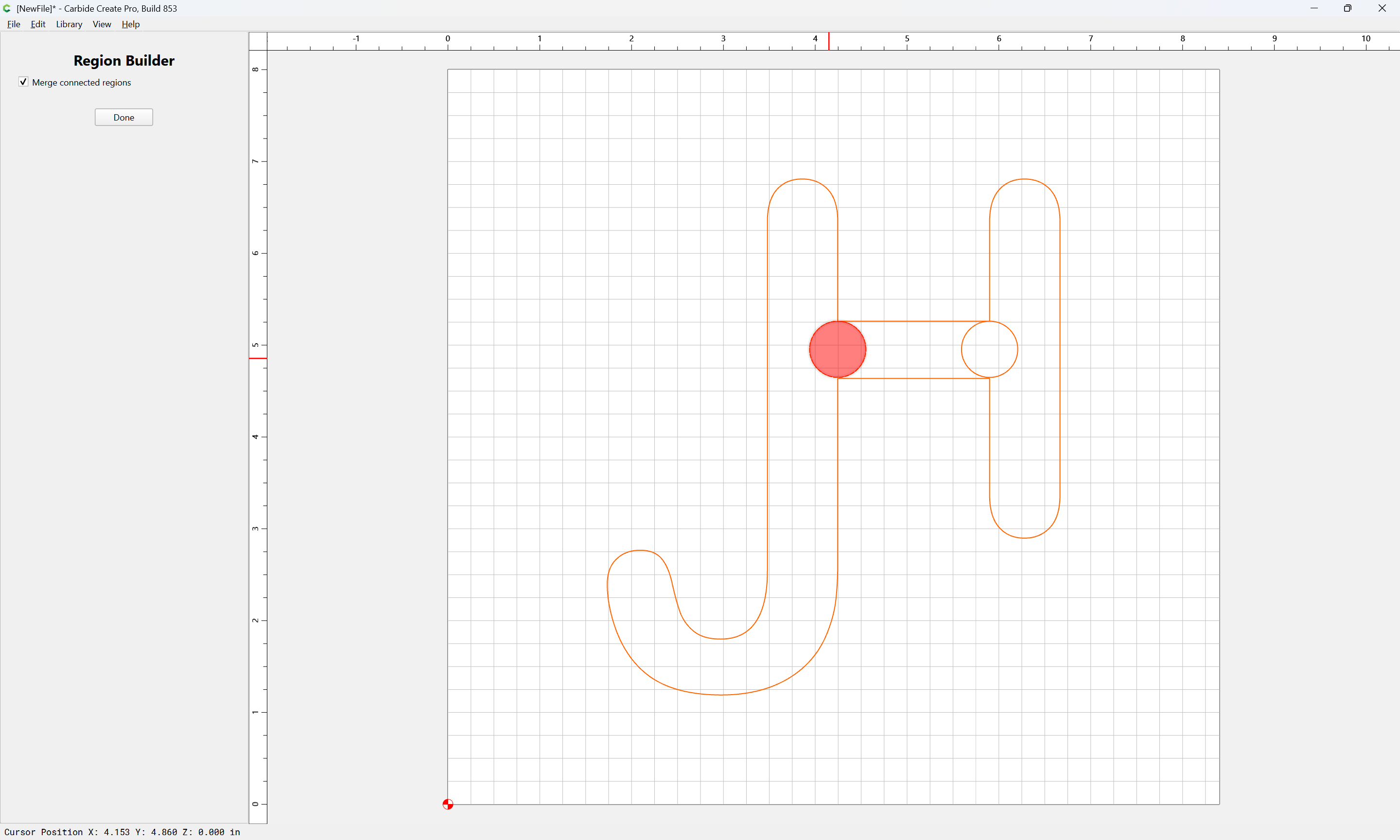
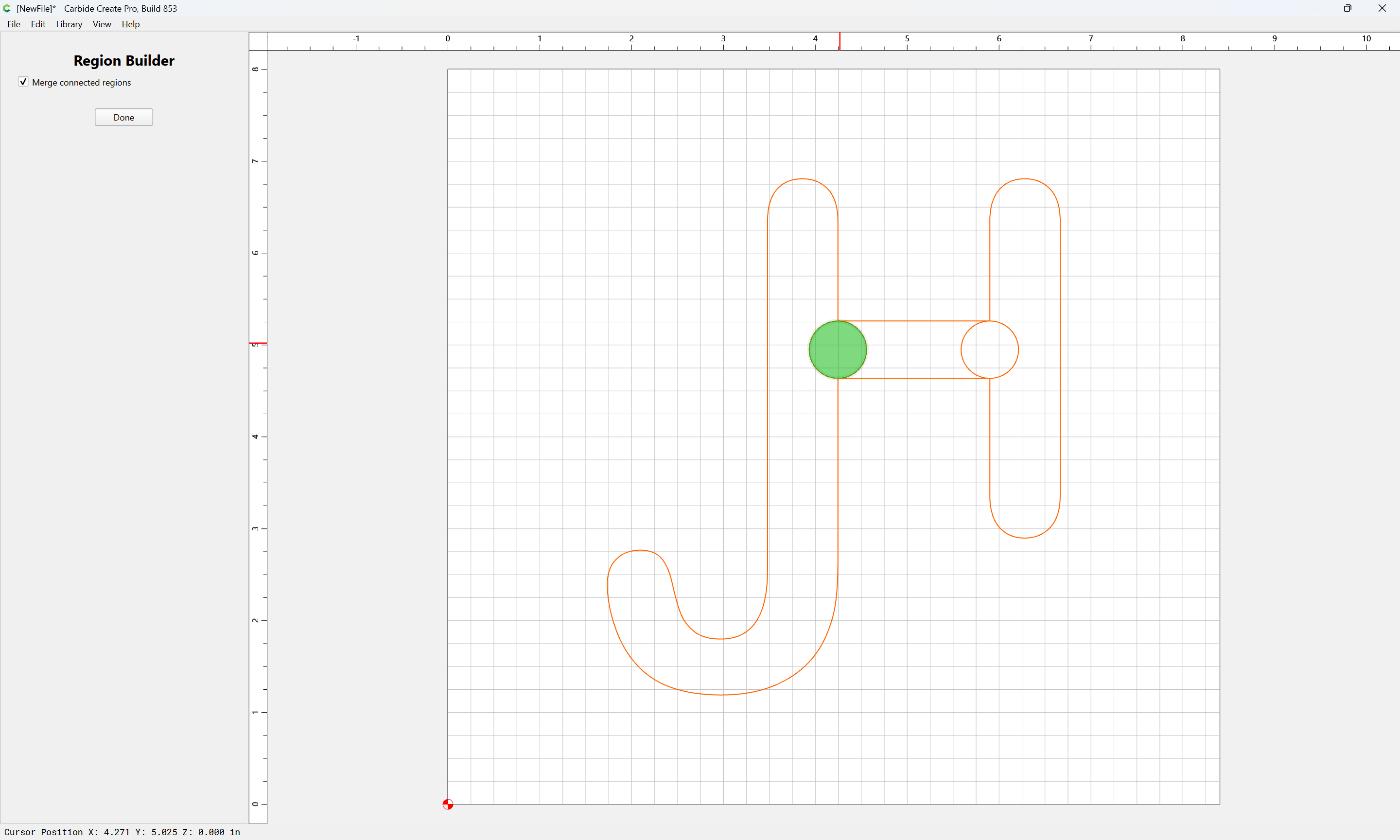
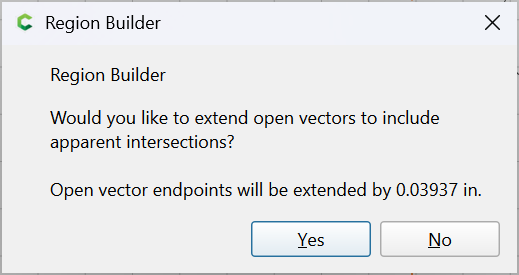
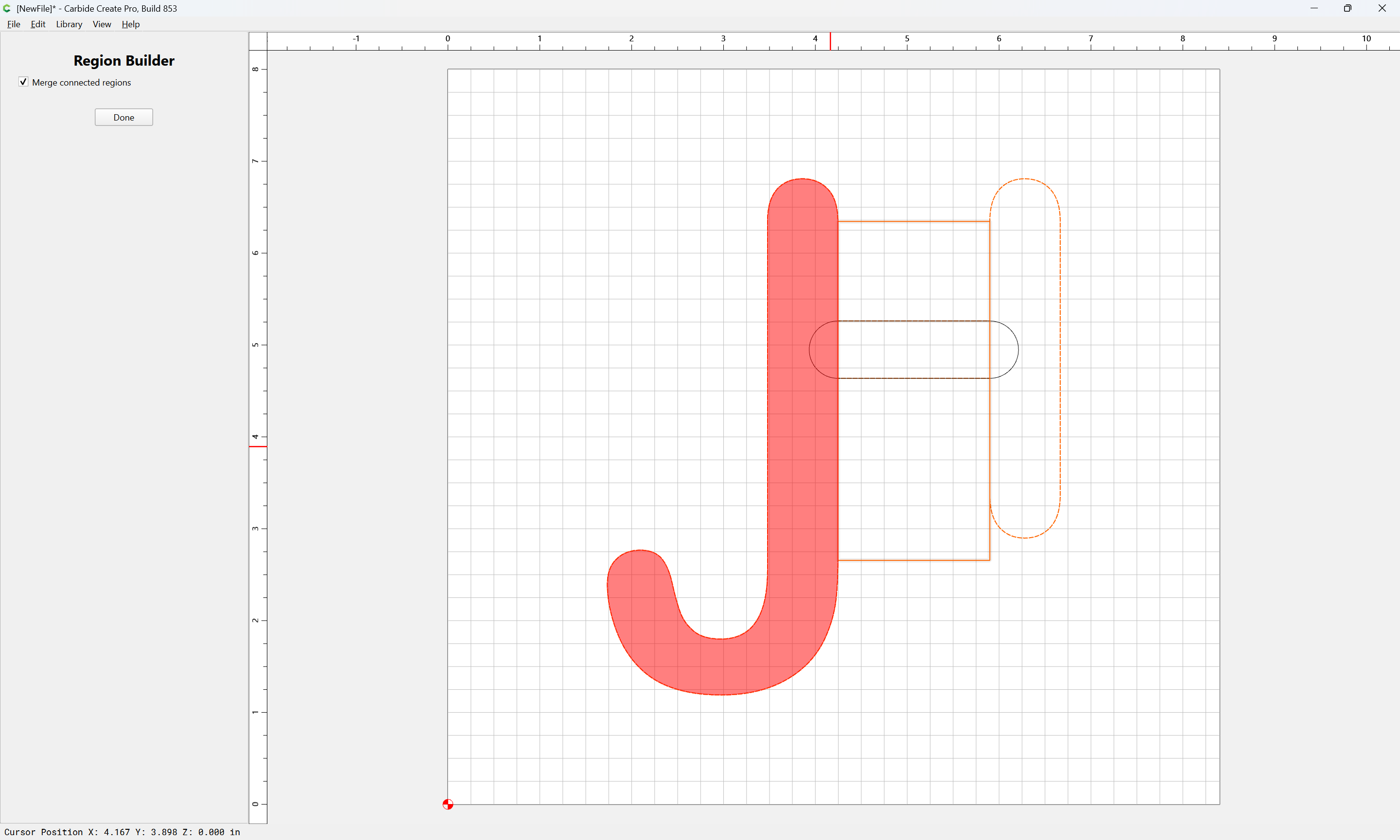
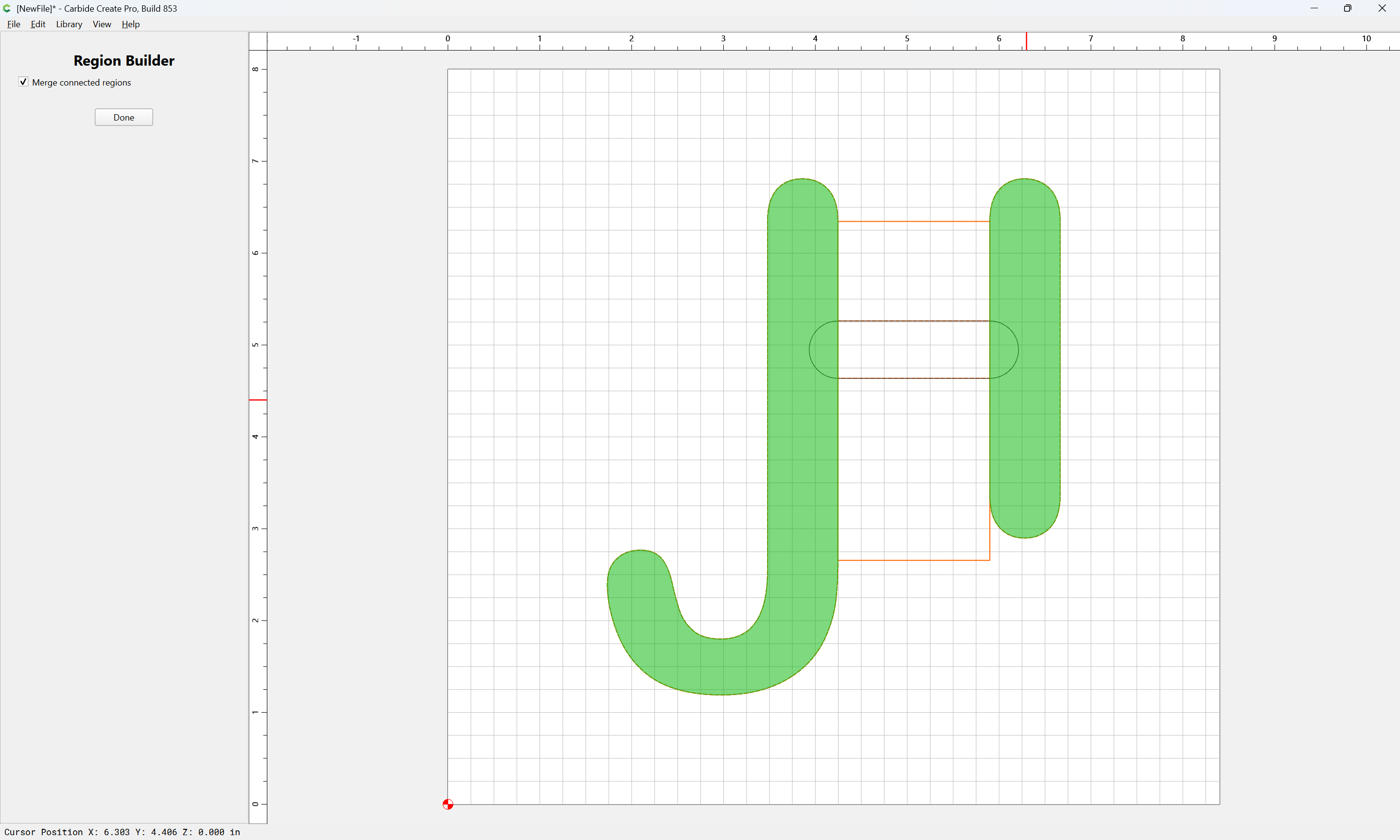
Use Region Builder:
Yes
Done
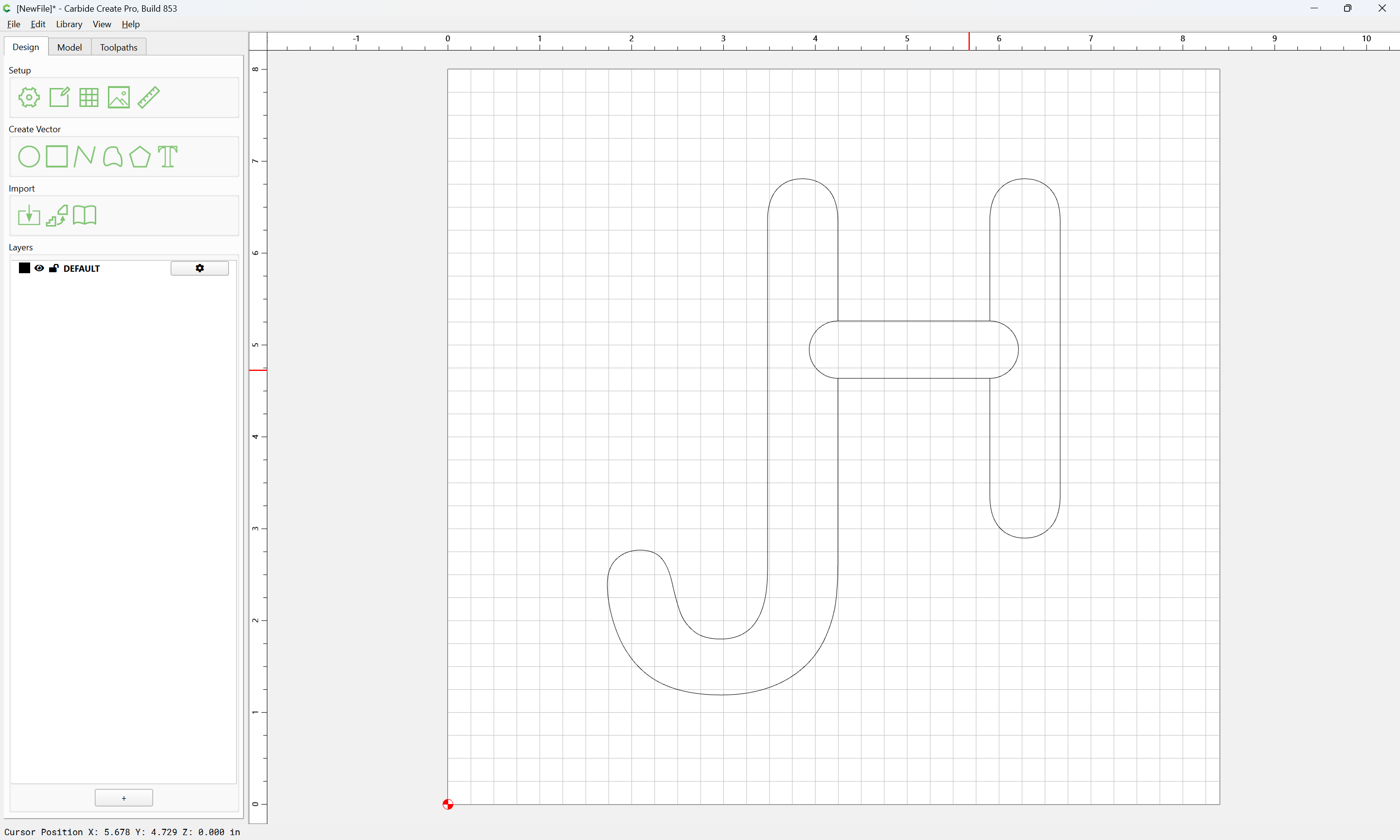
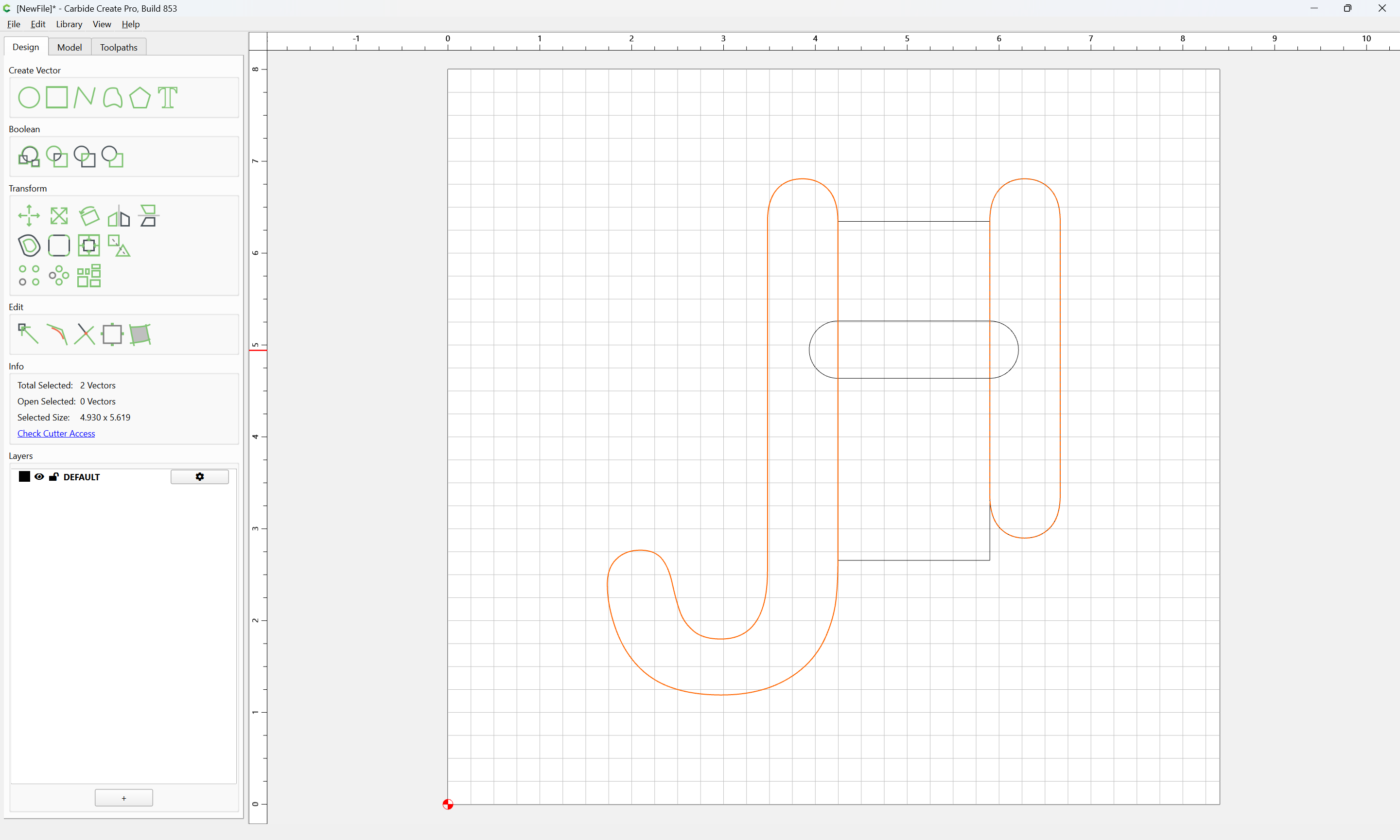
Delete the circles:
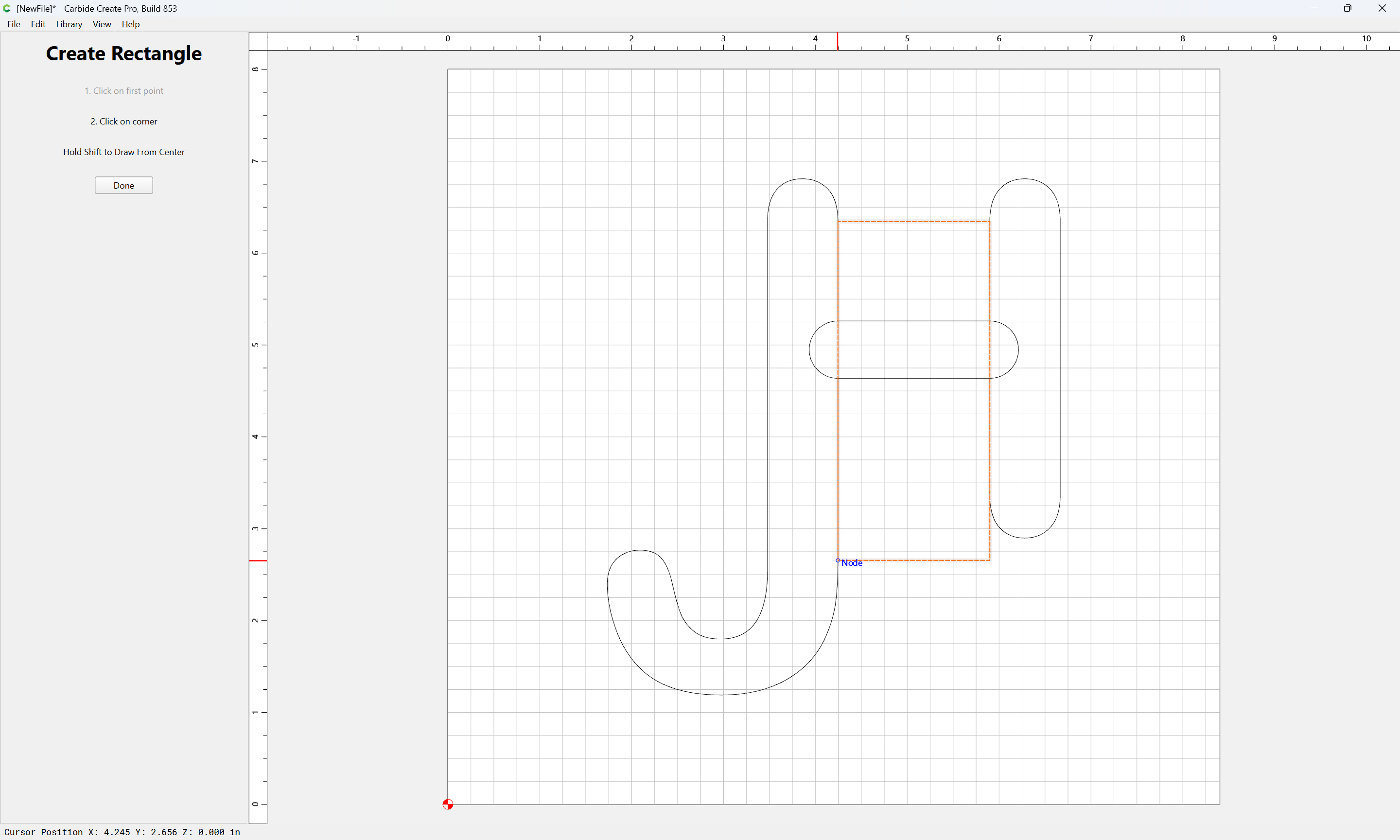
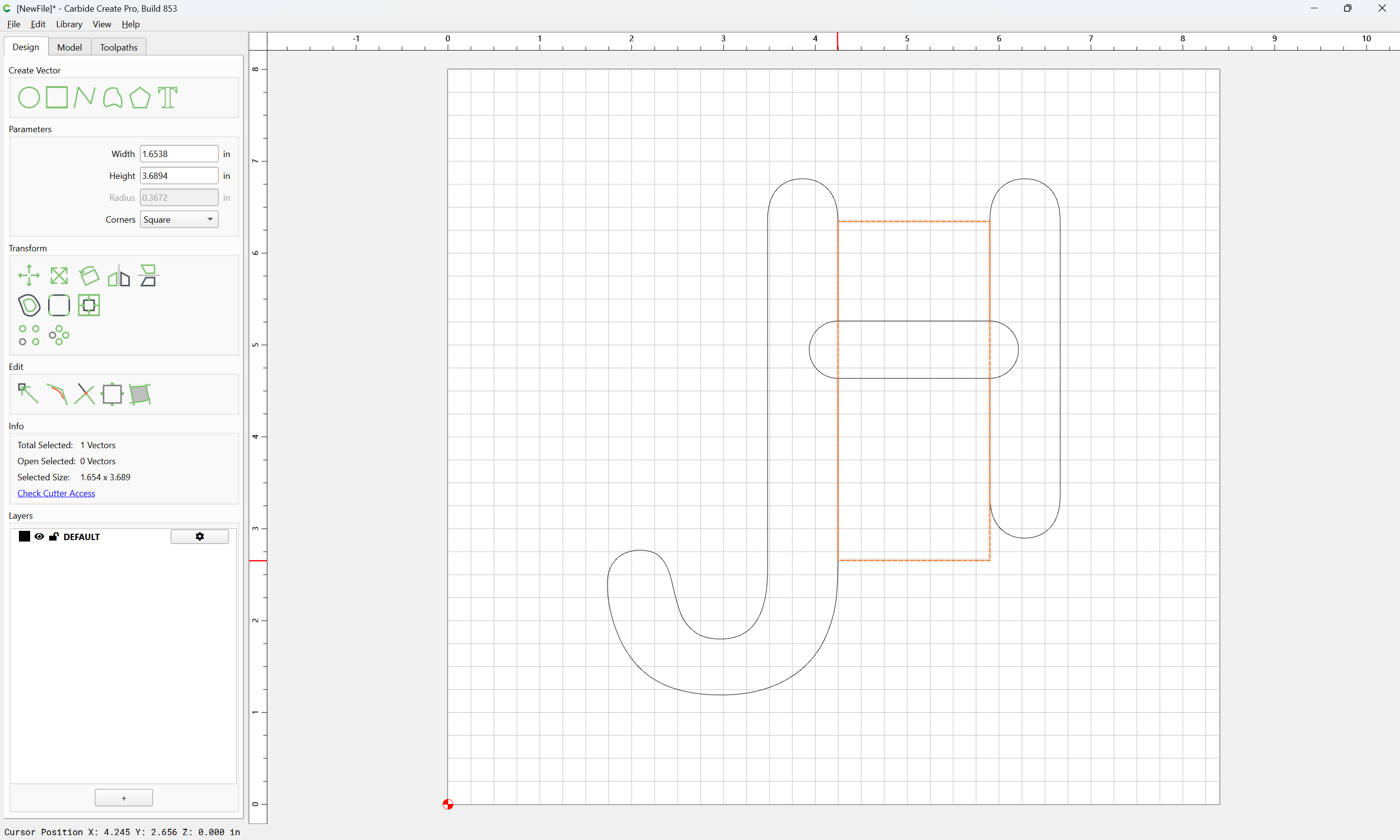
Then draw in geometry to remove the crossbar:
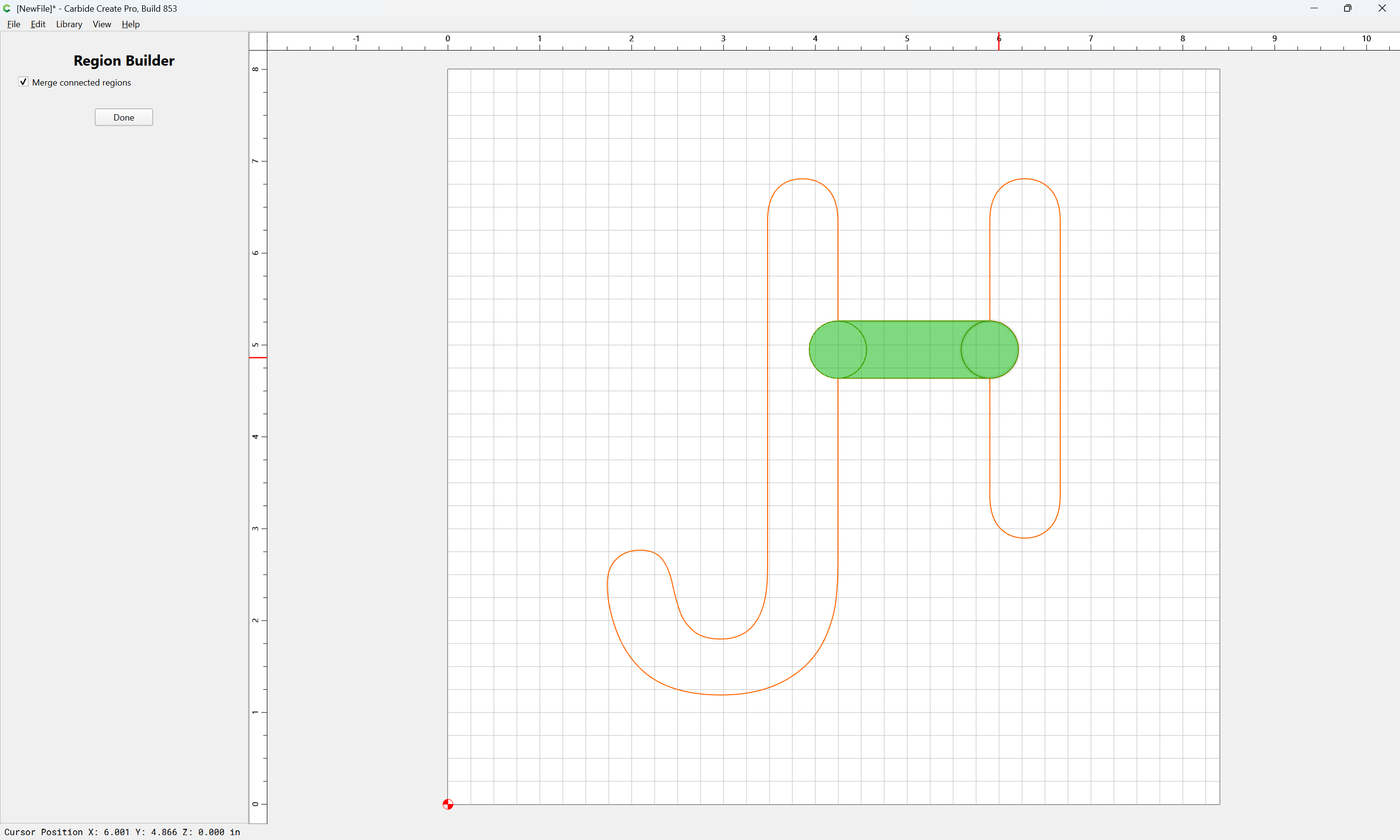
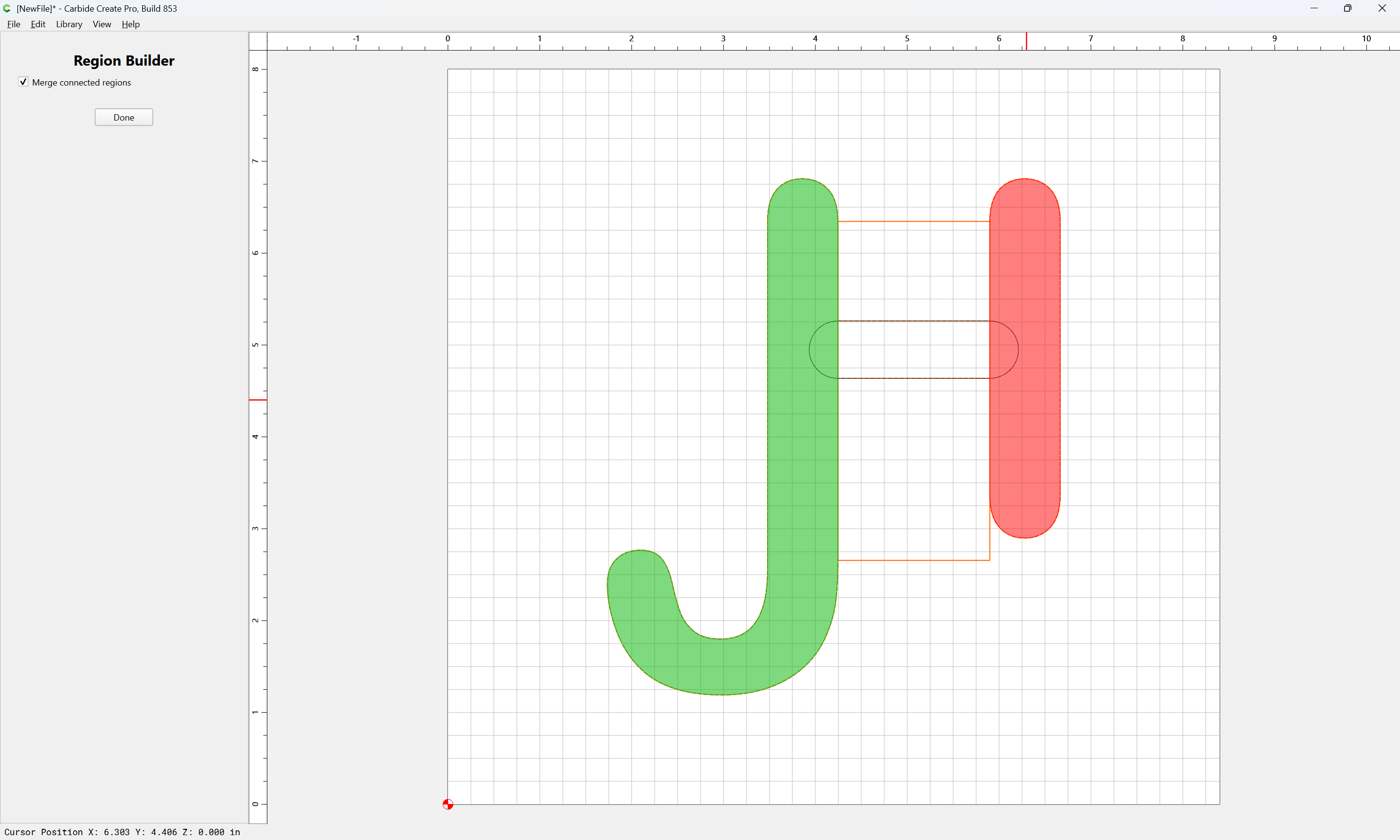
and again use Region Builder to get the vertical portions:
Yes
Done
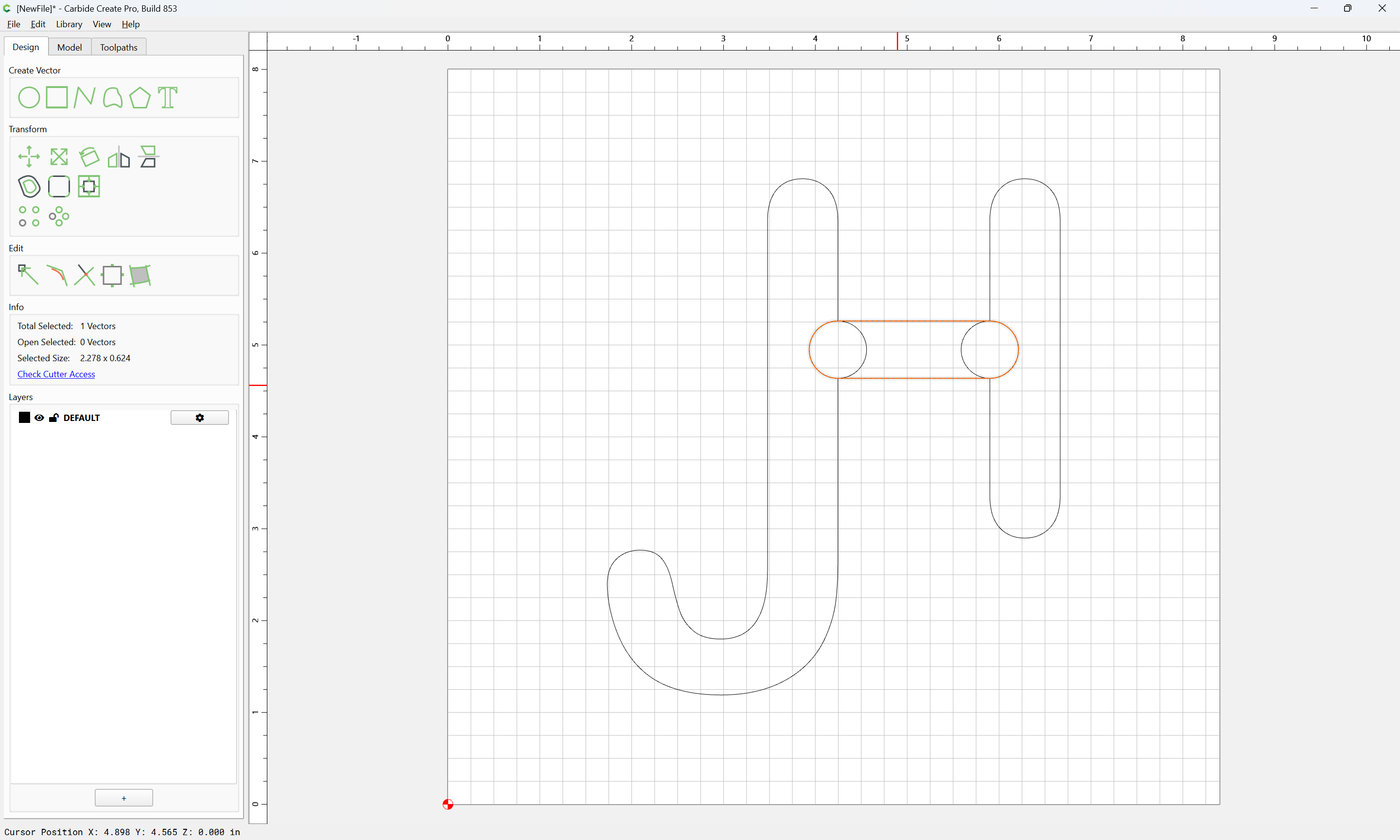
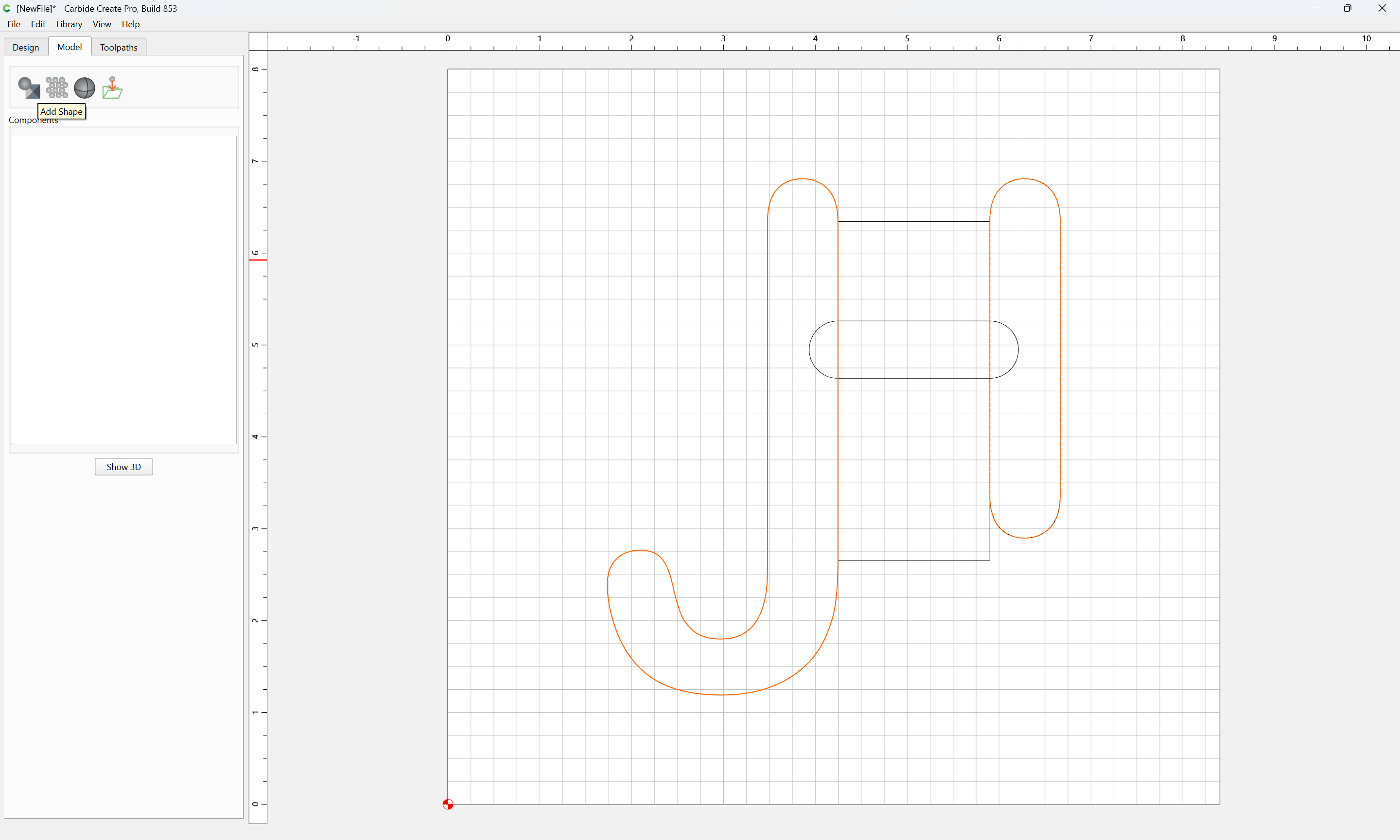
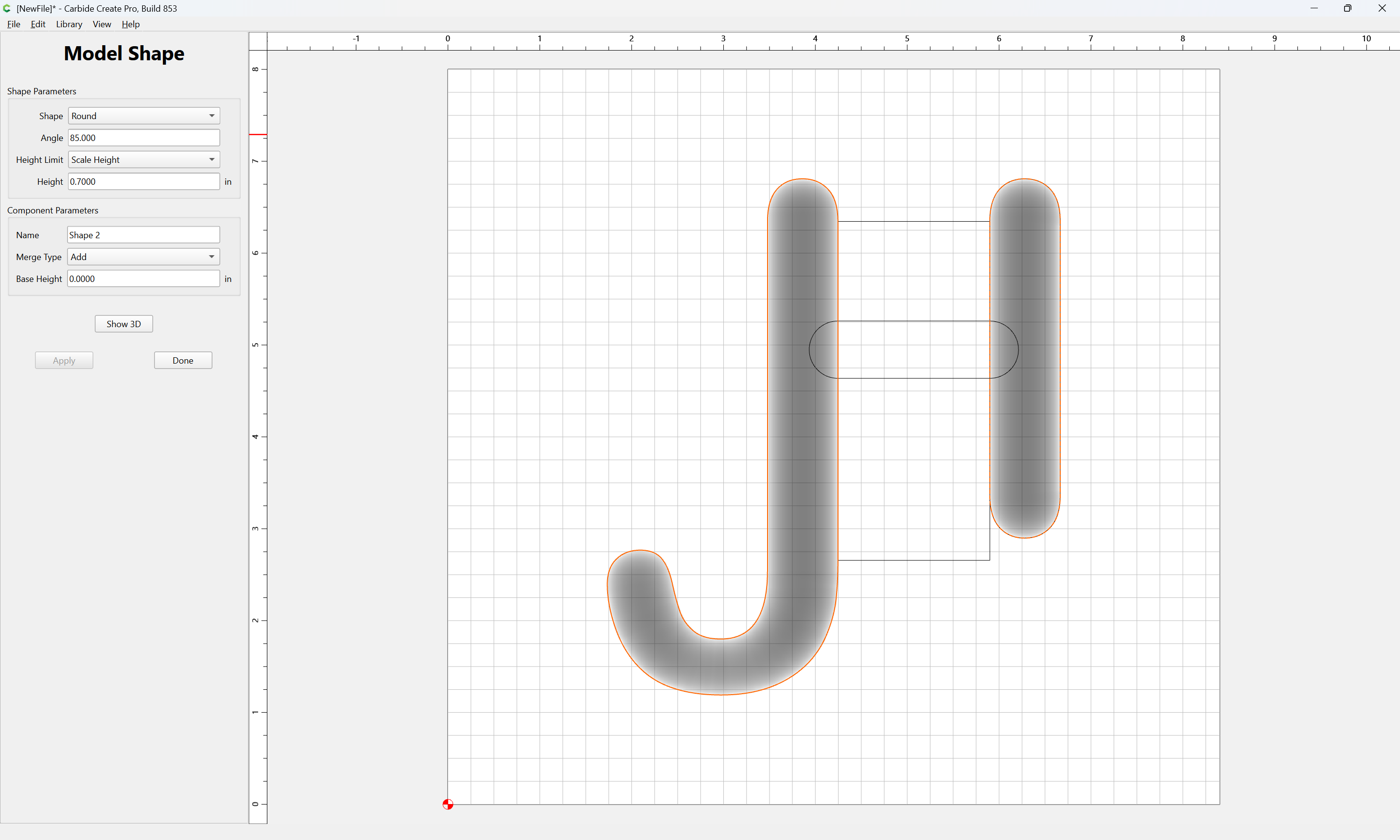
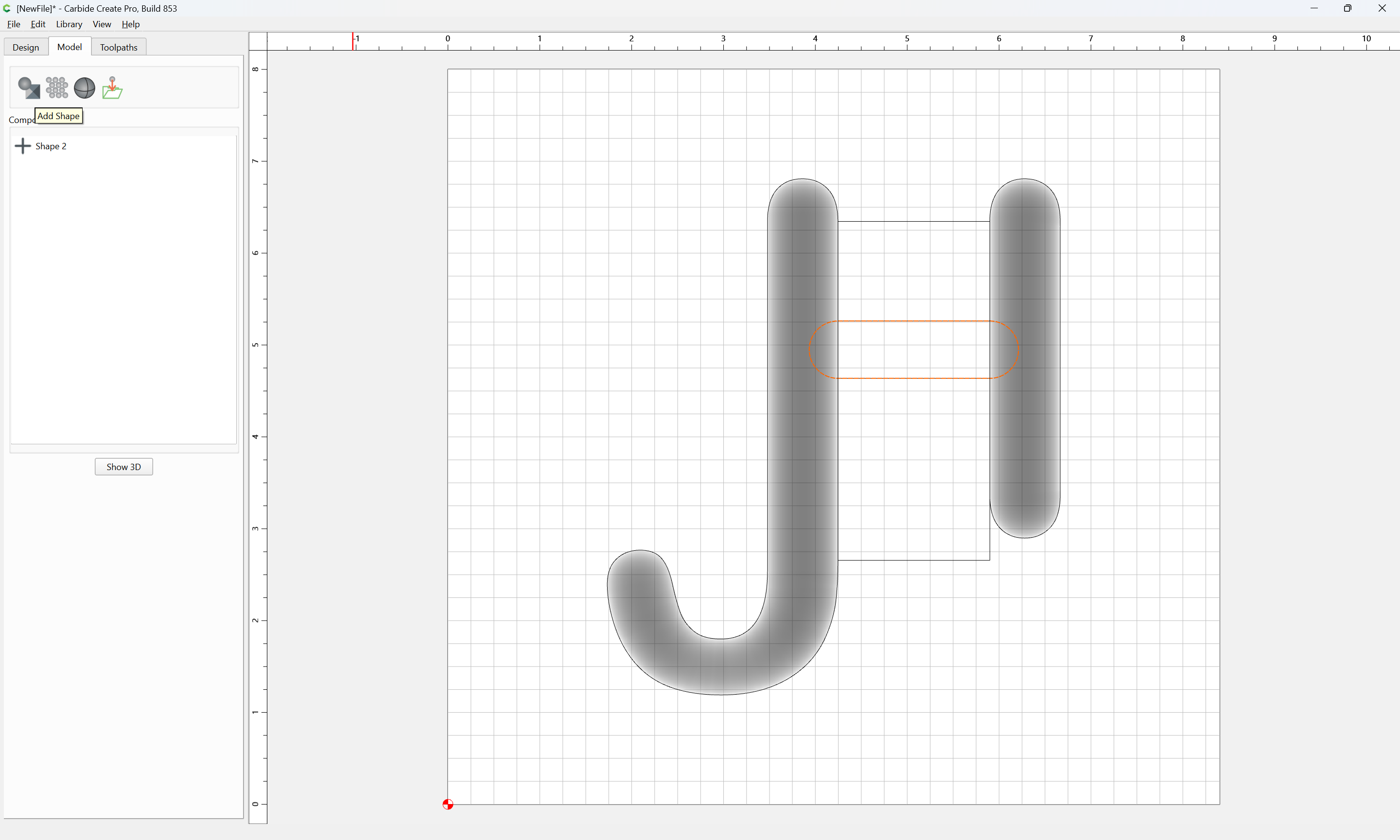
Use the new geometry to model the rounded forms:
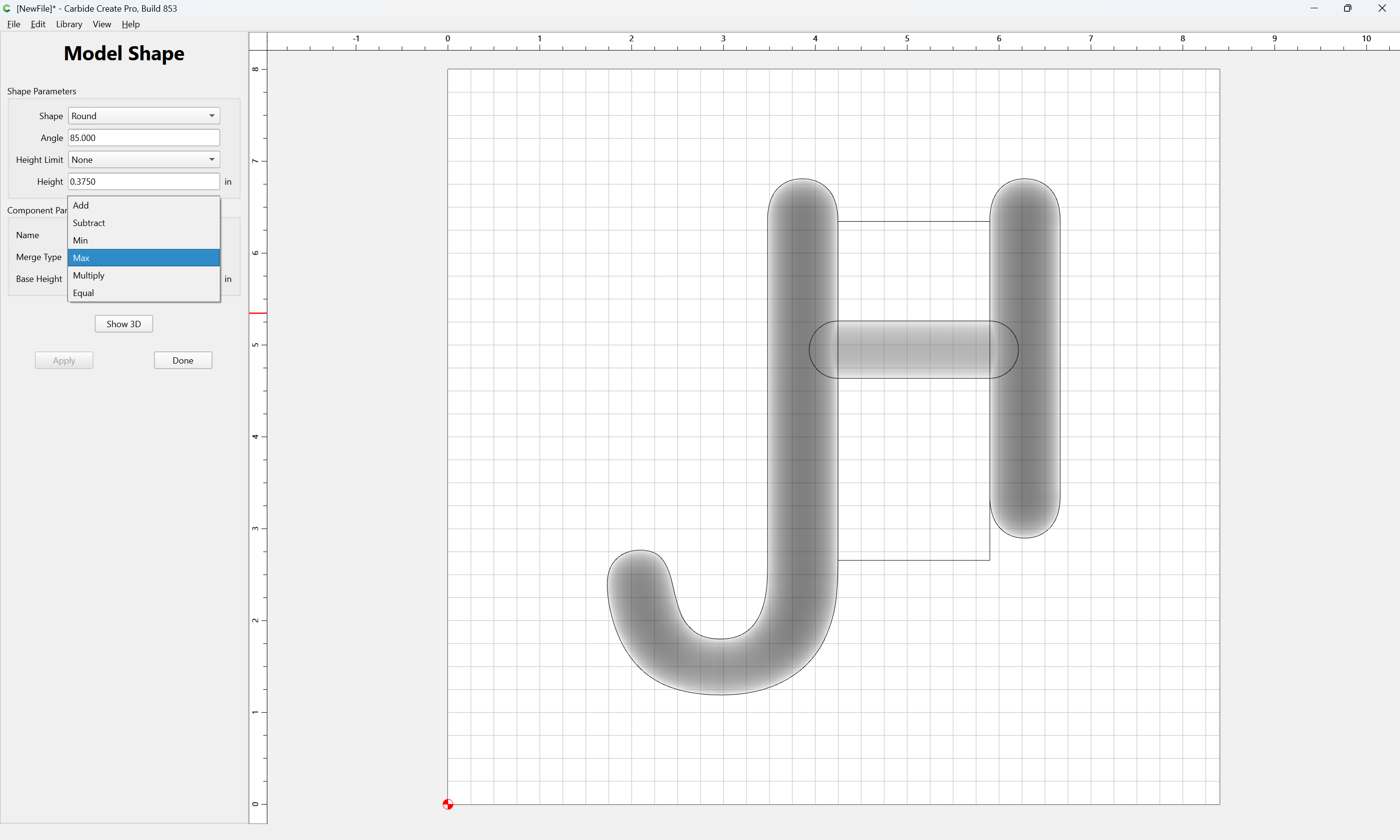
Then for the crossbar:
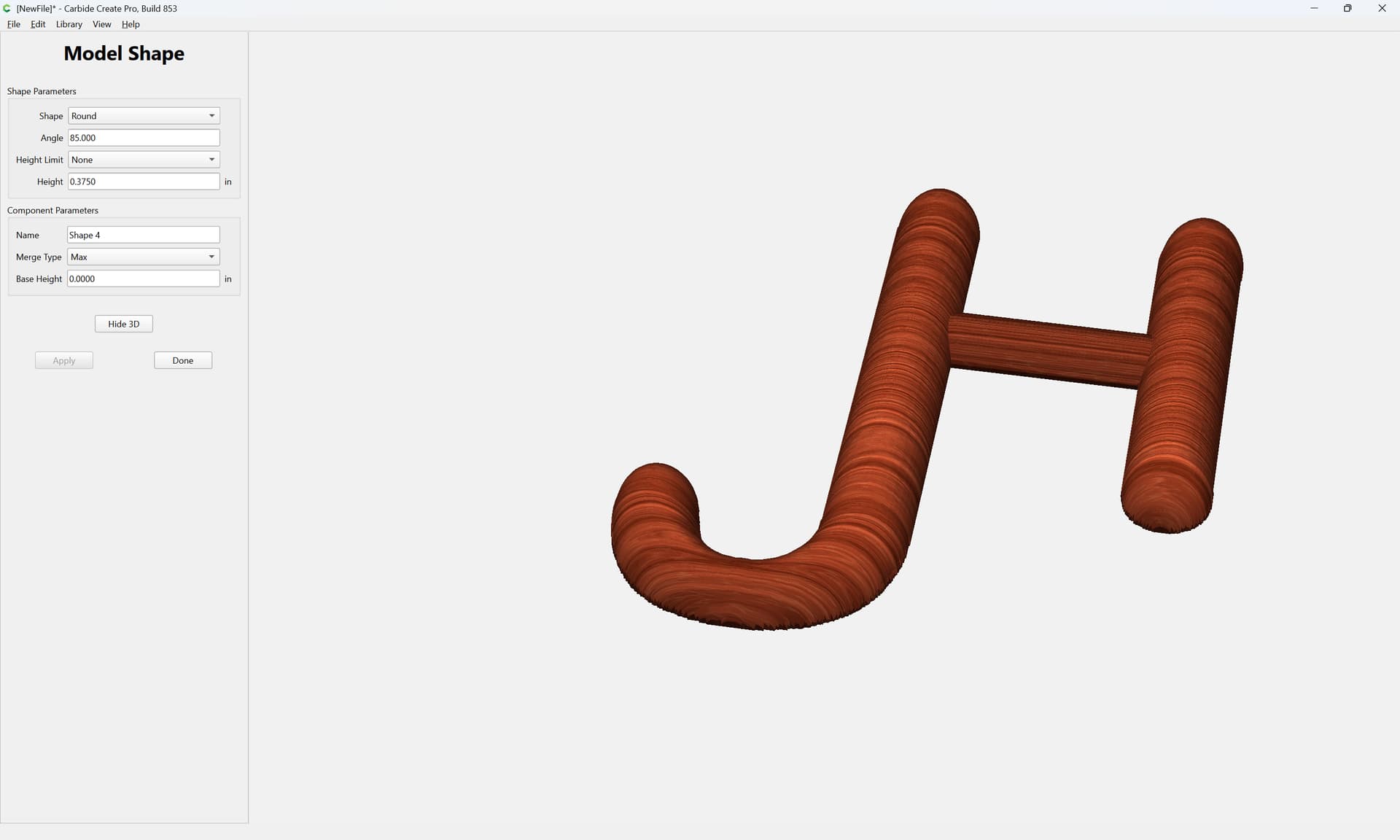
Model it so that it adds only where necessary:
Apply
4 Likes
grharter
July 17, 2026, 2:08pm
3
Thank you, That makes sense now.
grharter
July 17, 2026, 6:19pm
4
Is this still one tool roughing toolpath and one finish tool path? I want to say yes, but I’m not at home to try it out yet.
Redlander
July 17, 2026, 7:29pm
5
@grharter
I would think so, I almost always have a roughing pass per bit size and work my way down.
WillAdams
July 17, 2026, 9:51pm
6
You may set up toolpaths as desired, see:
as requested on support…
A recent feature in Carbide Create Pro is “Stock to Leave” which allows one to set up a 3D project so that as one moves down in tool sizes, each tool has material to remove and is not simply rubbing against the material which will result in heat buildup.
Note that it is dangerous to skip tooling sizes, since a larger tool will leave a commensurately larger cross-section of uncut material which a small tool could easily be buried in and which might result in it being br…
and
1 Like
grharter
July 19, 2026, 1:08am
7
workshop raised logo 2.c2d (240 KB)
system
August 18, 2026, 1:09am
8
This topic was automatically closed 30 days after the last reply. New replies are no longer allowed.