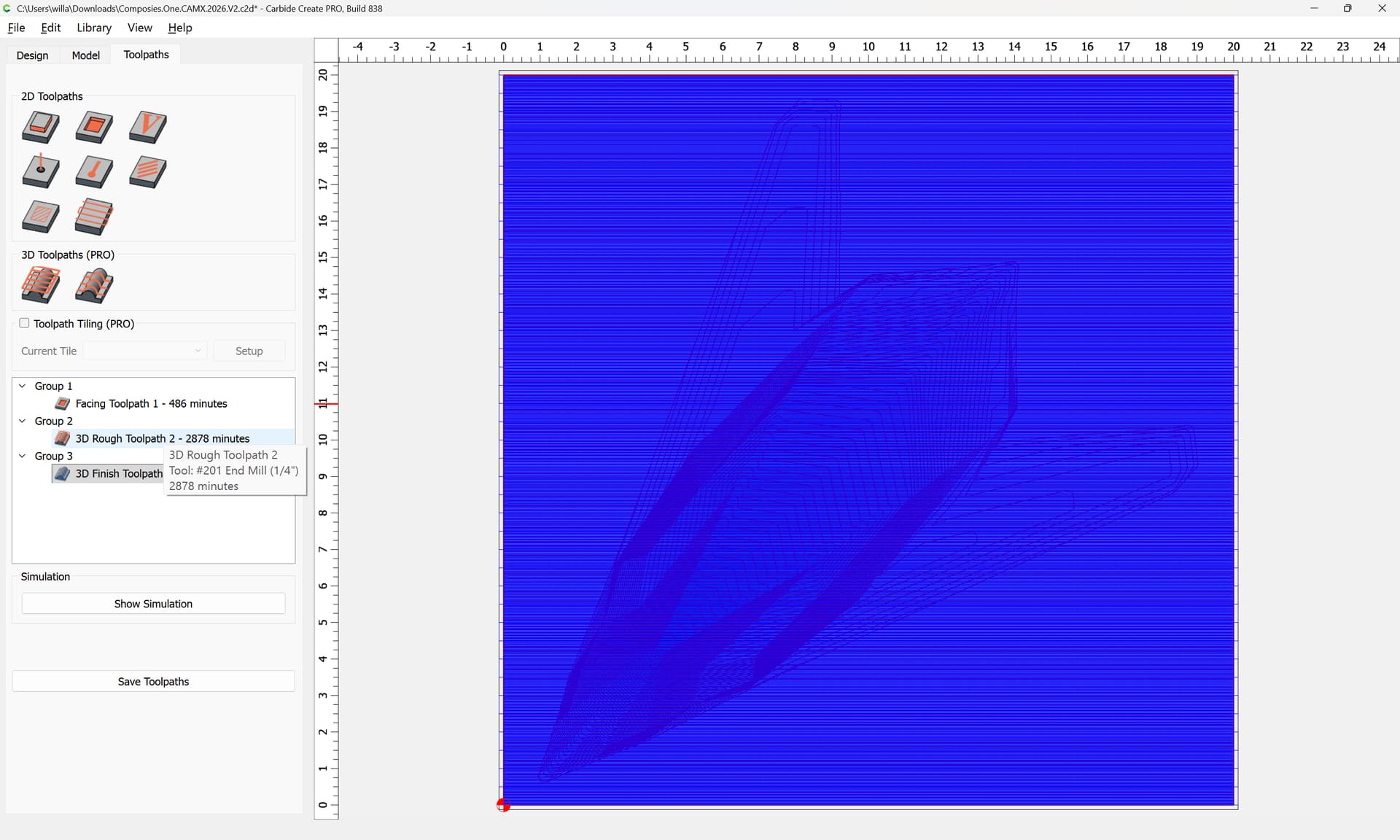
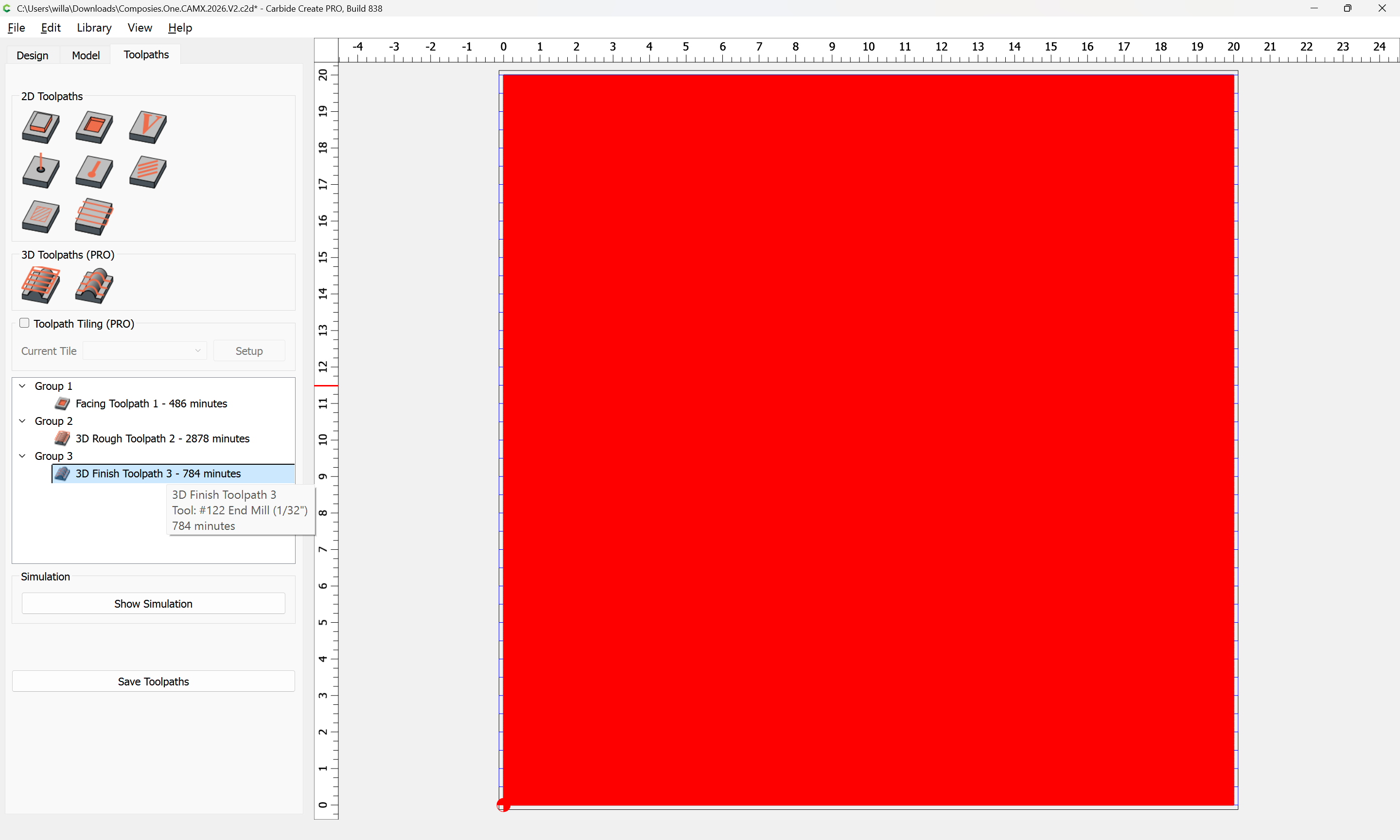
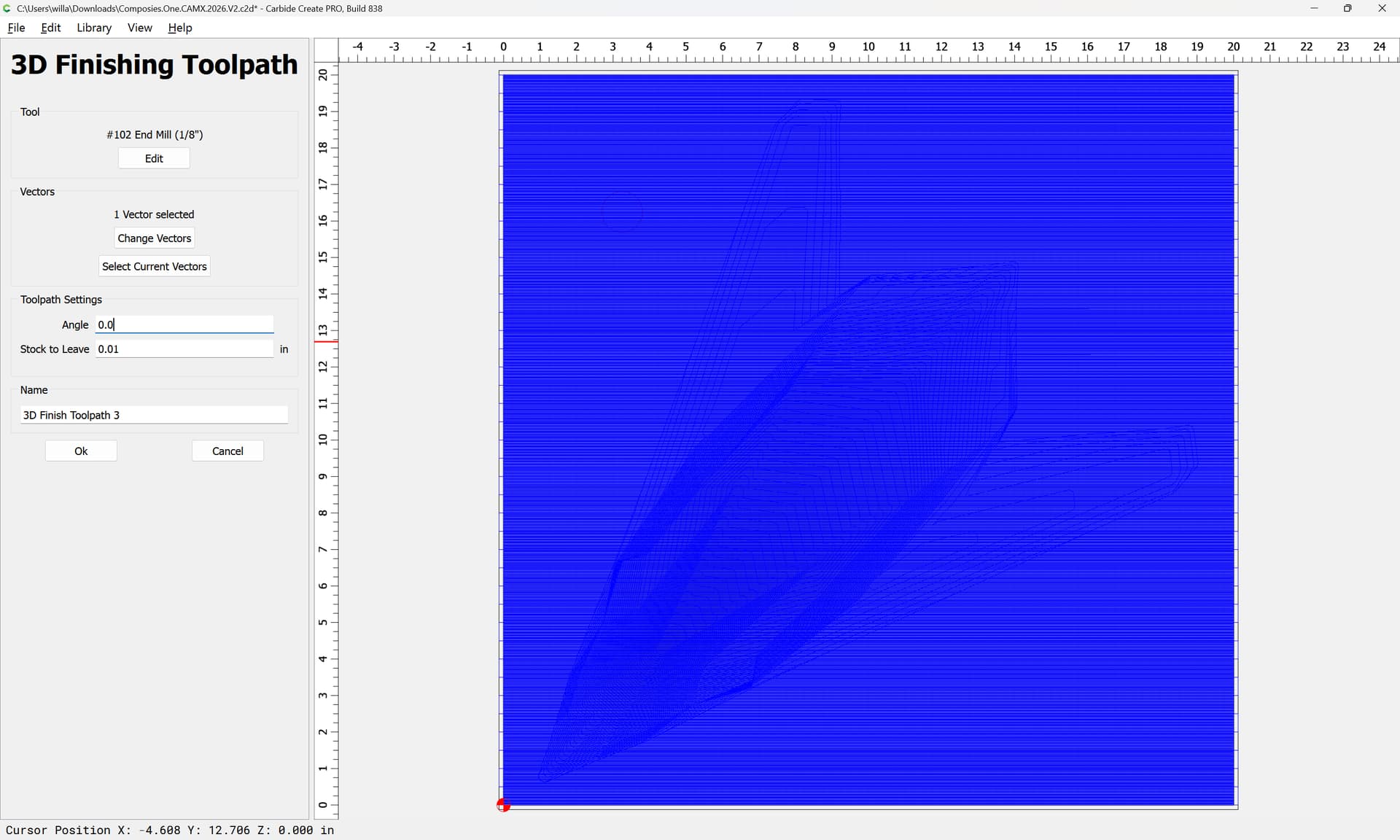
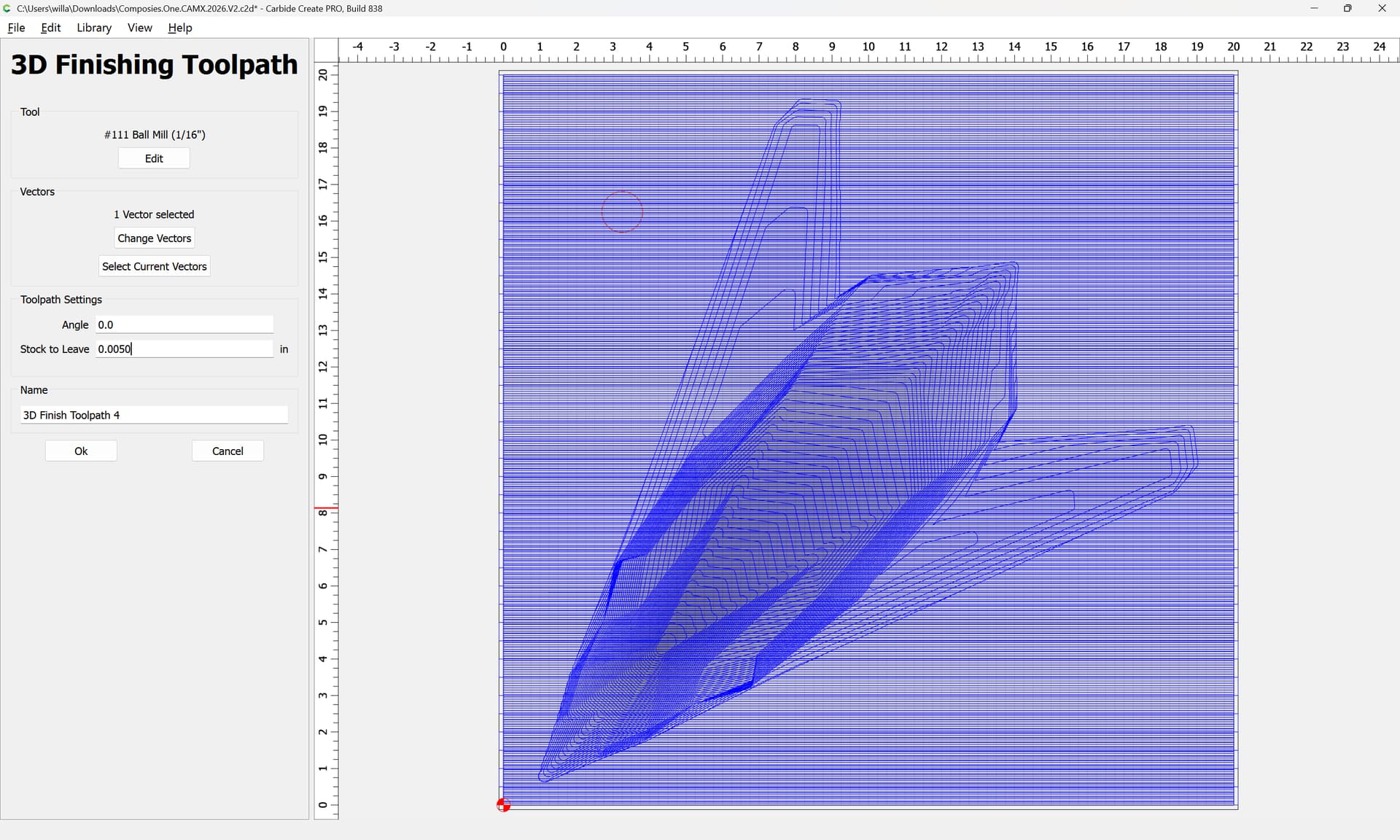
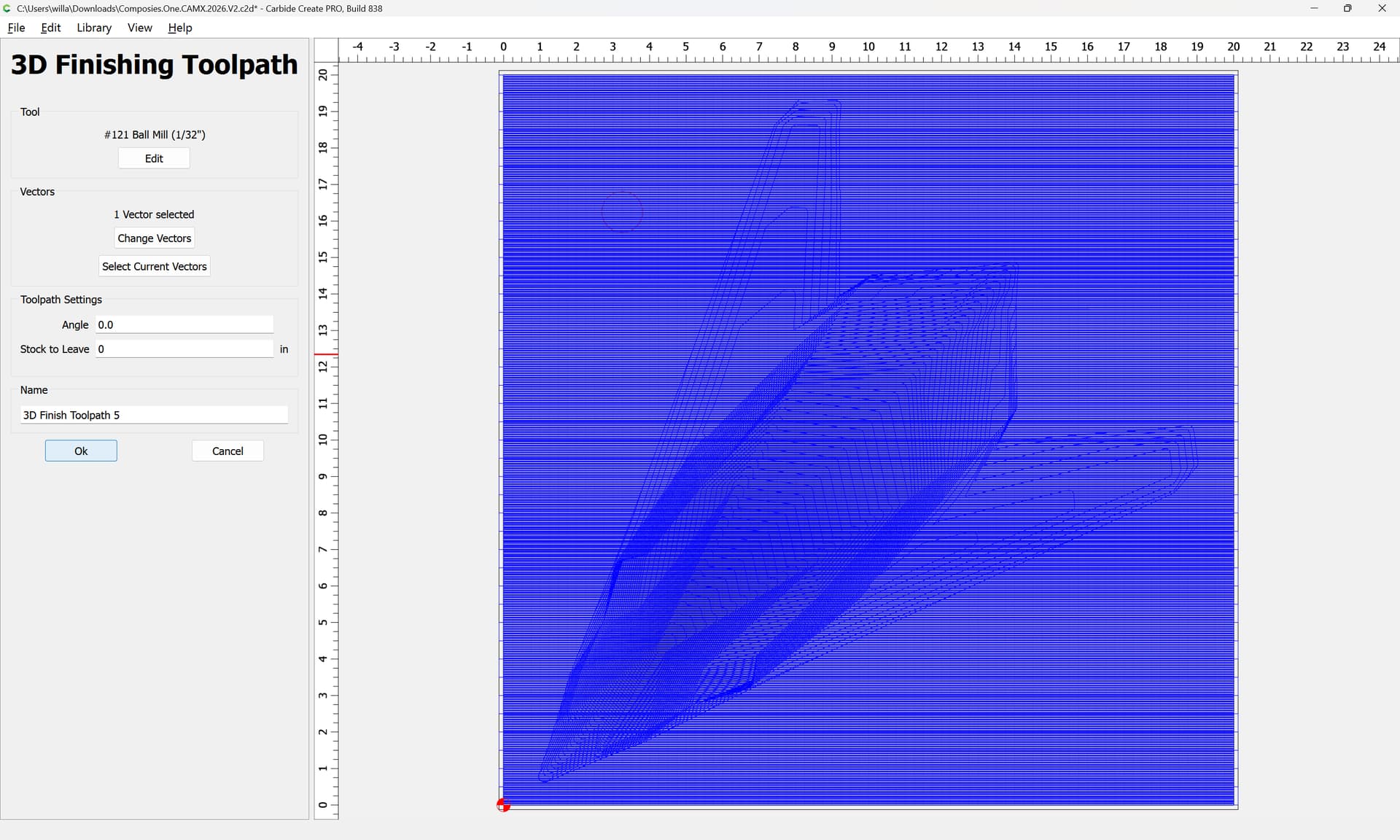
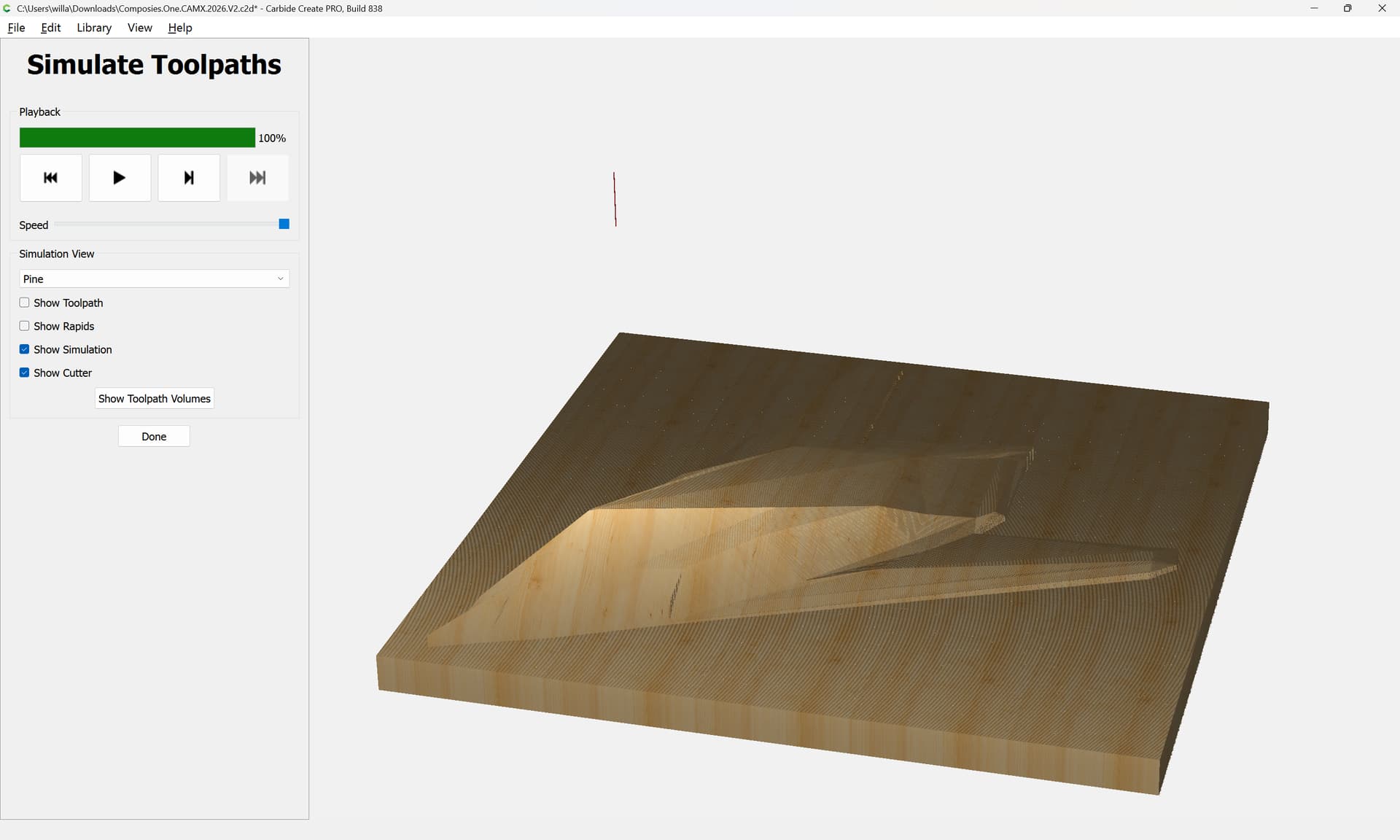
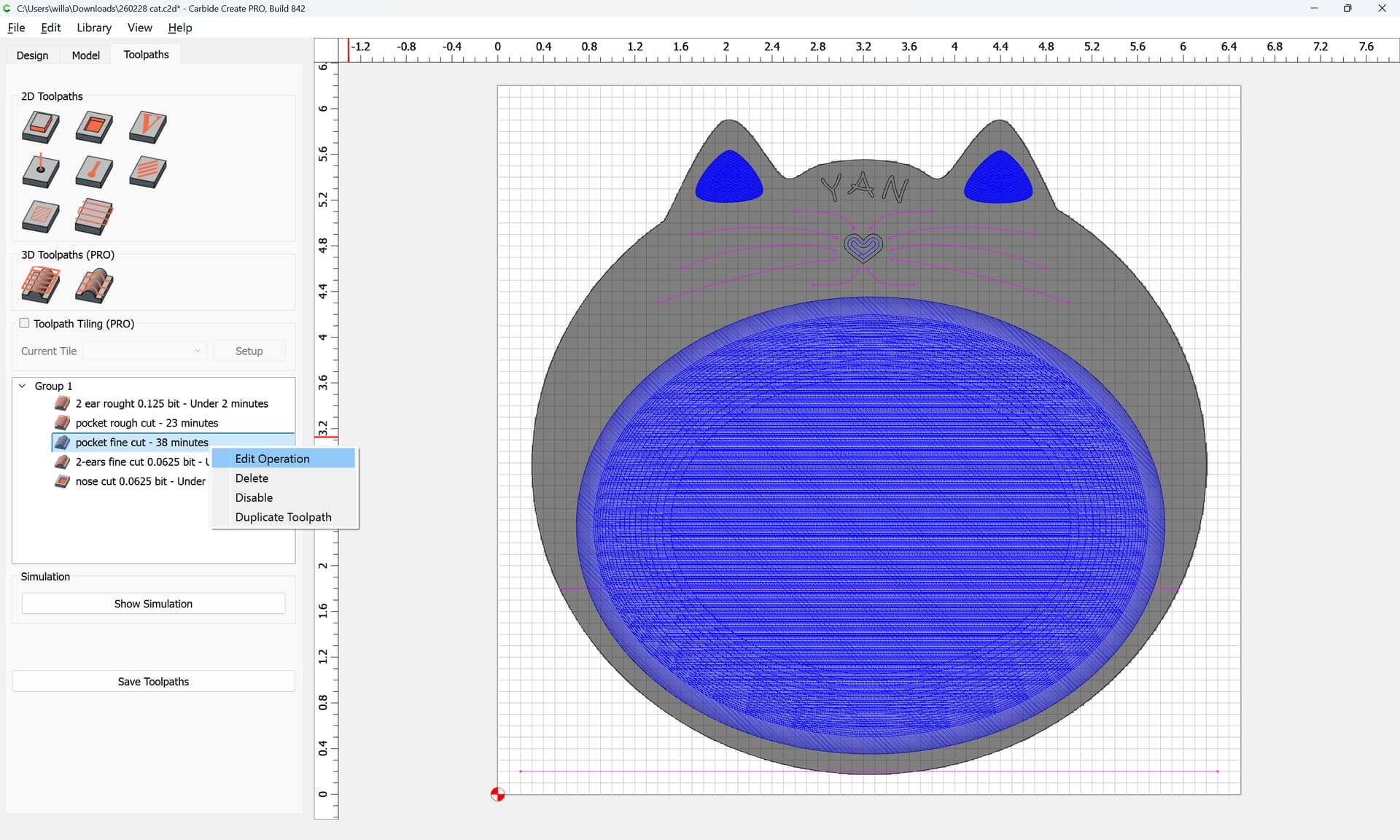
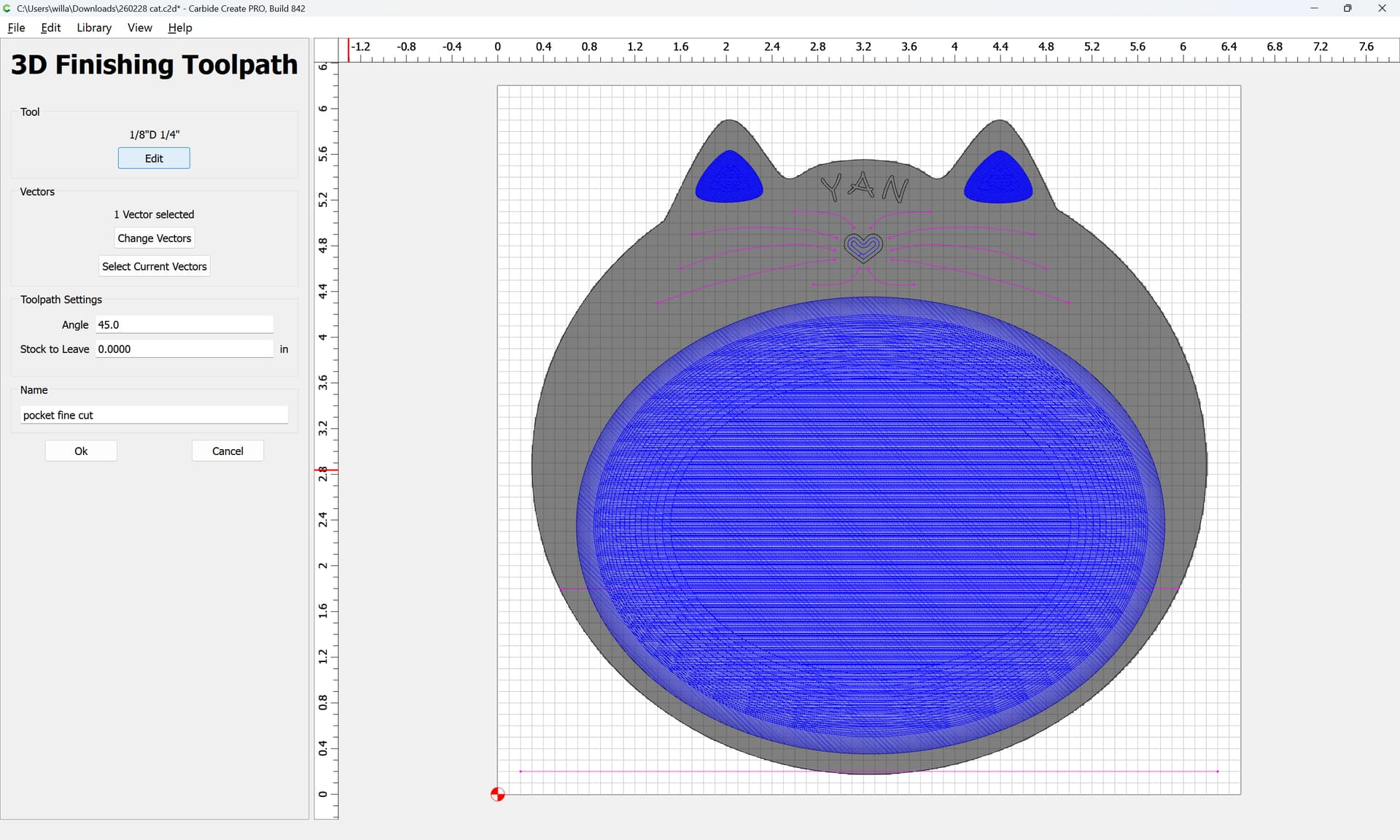
A recent feature in Carbide Create Pro is “Stock to Leave” which allows one to set up a 3D project so that as one moves down in tool sizes, each tool has material to remove and is not simply rubbing against the material which will result in heat buildup.
Note that it is dangerous to skip tooling sizes, since a larger tool will leave a commensurately larger cross-section of uncut material which a small tool could easily be buried in and which might result in it being broken (or shifting the stock).
Given a file where a 1/4" tool is used for 3D Roughing:
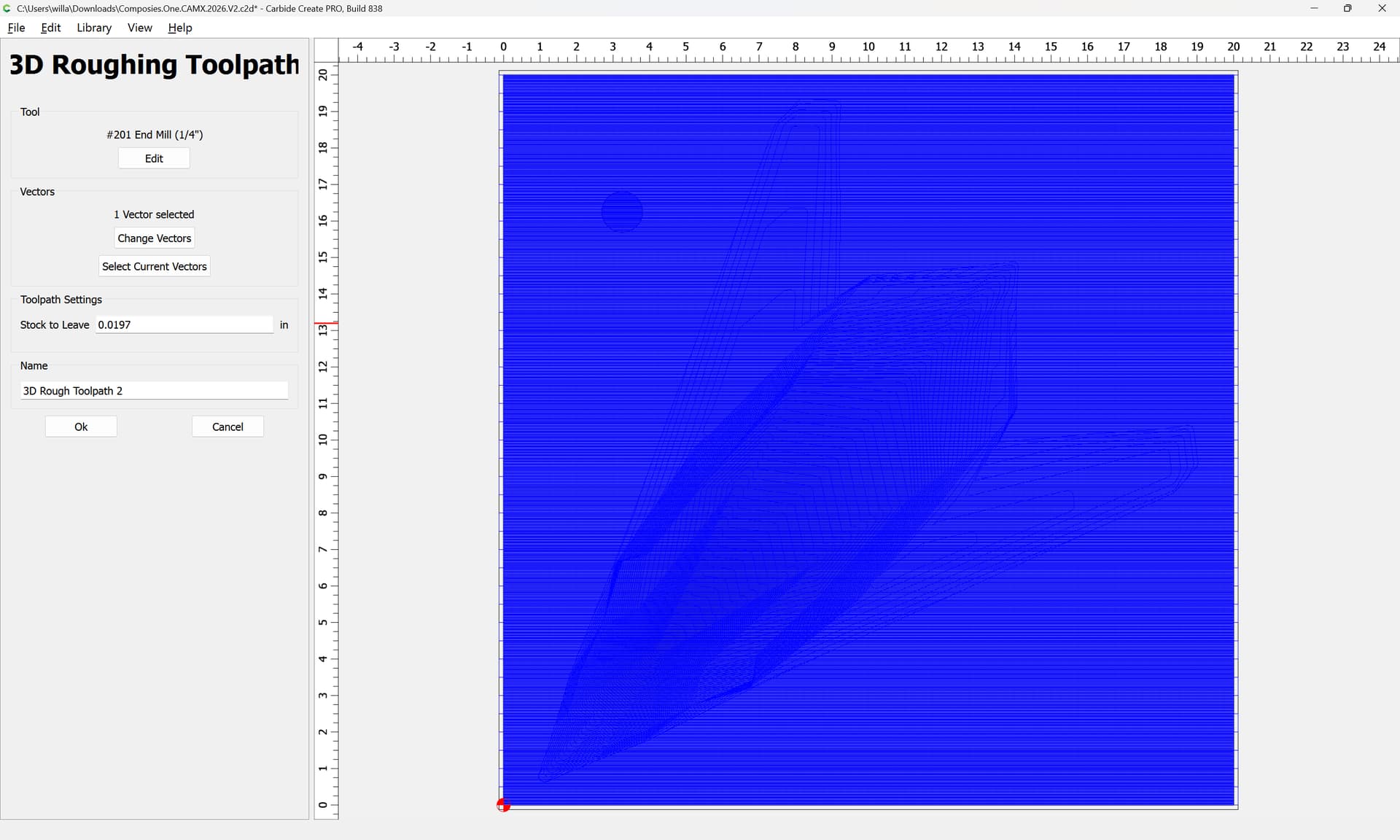
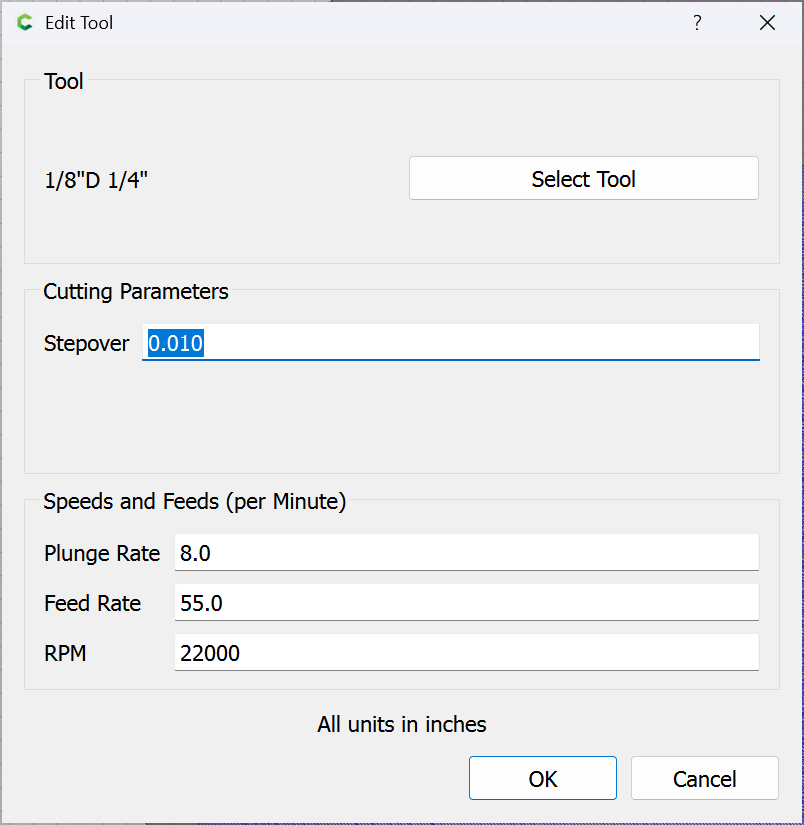
The first thing which must be done is to consider that leaving just chipload thickness for each size tool will probably result in rubbing (and that at the stock feeds and speeds in Carbide Create, both the 1/32" and 1/16" tools have the same chipload, ~0.001") — so the actual consideration here is what thickness of material should be left uncut for by tool — Carbide Create of course provides a default value for this in its 3D Roughing toolpath, which presumably is workable for a 1/4" tool (presumably that would be the default):
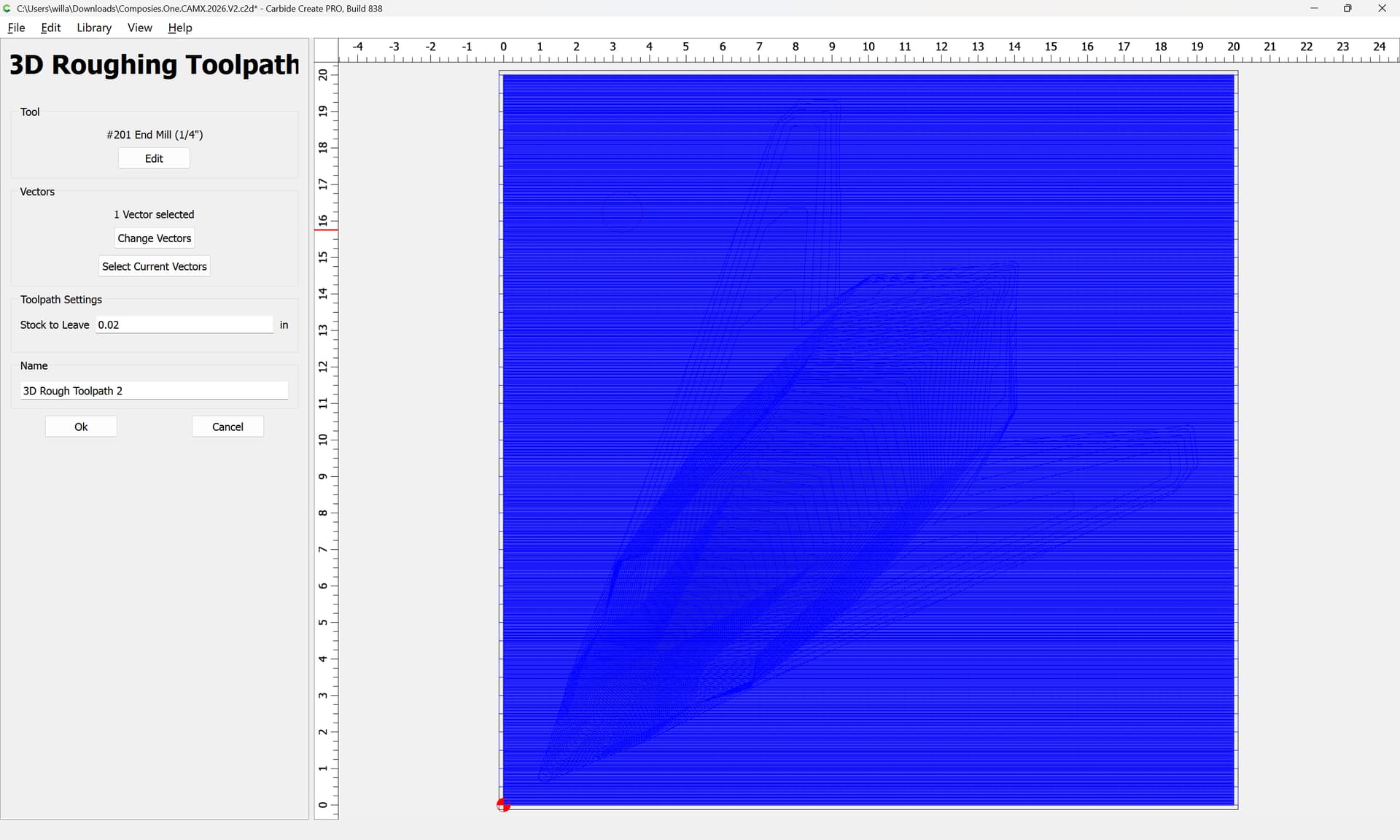
this gives us 0.0197", which is sufficiently close to 0.02", and since we are halving the tool size at each gradation, a first approximation for testing might be something like to:
1/4" — 0.02"
1/8" — 0.010" – 0.005"
1/16" — 0.005" – 0.0025"
so we would have 4 toolpaths (1/4", then 1/8", then 1/16", then 1/32") with only the last having a “Stock to Leave” of zero.
One potential concern is that there may be surfaces sufficiently vertical that the shank on the tool will collide with them — measuring and calculating these is left as an exercise for the reader.
A further improvement would be to alter the angle of the cuts, ensuring that the final pass is along the grain of the wood.
Note that I am not a machinist (I don’t even pretend to be one on YouTube) — I just cut various stuff on various machines w/ varying results — please test the above before committing w/ something expensive.