WillAdams
(William Adams (Carbide 3D))
1
as requested on support…
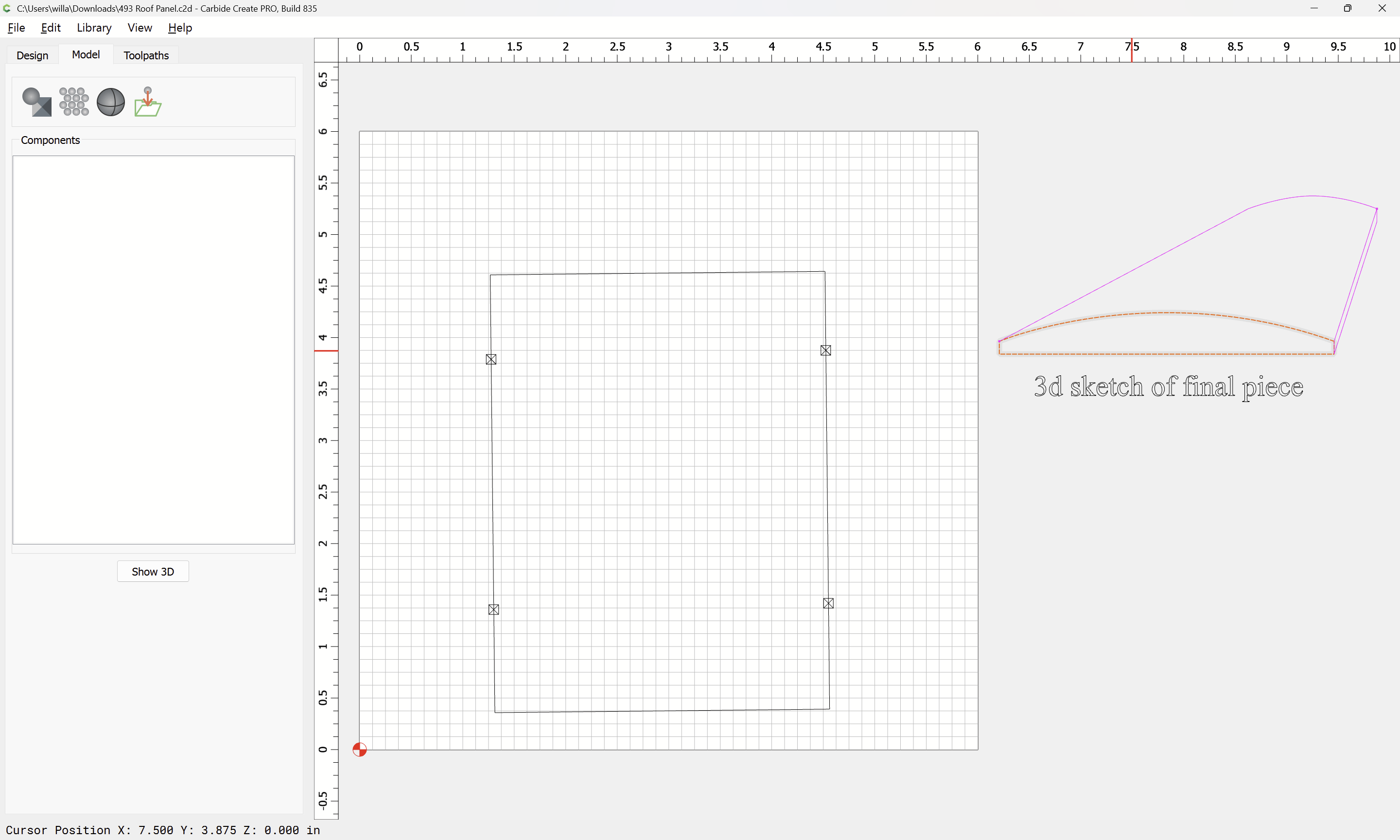
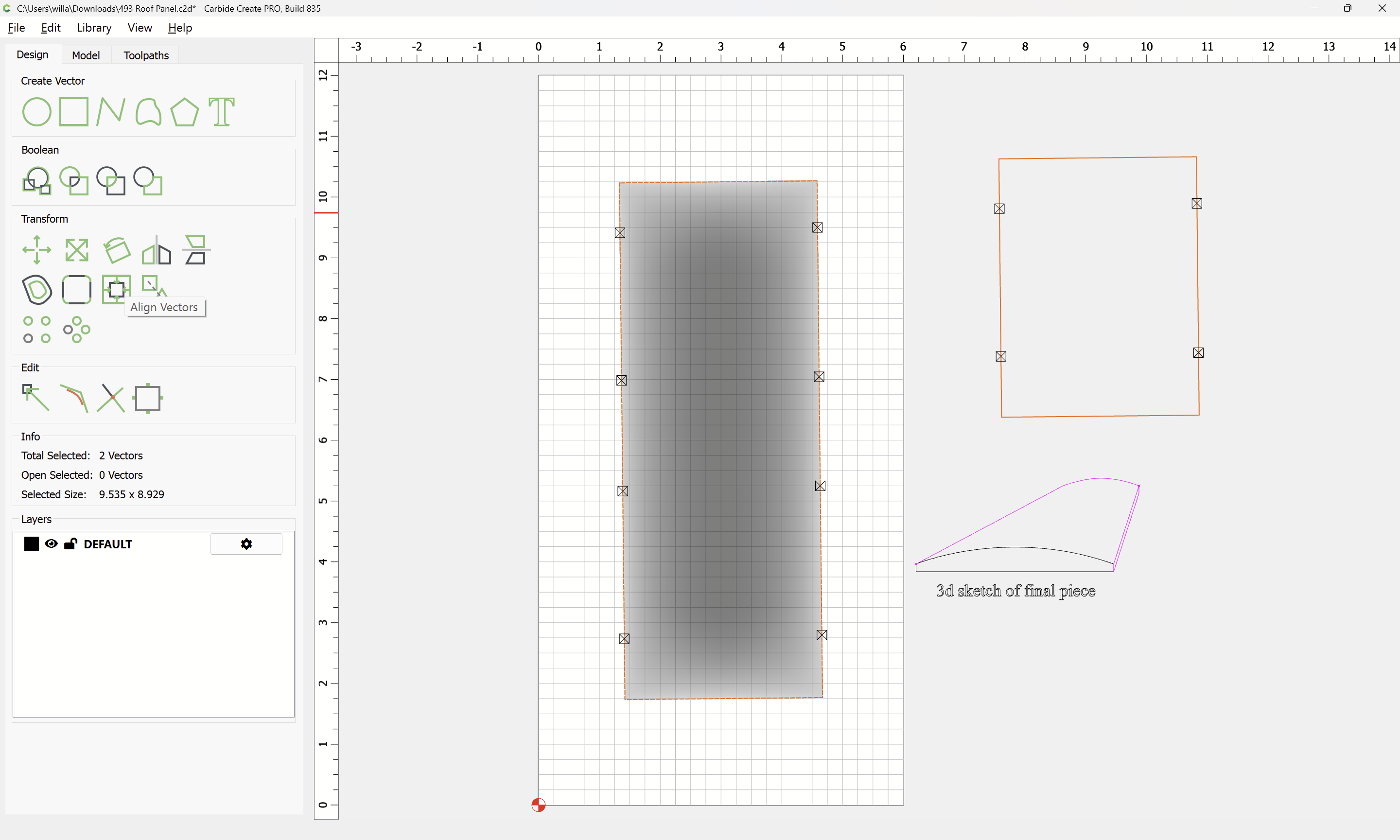
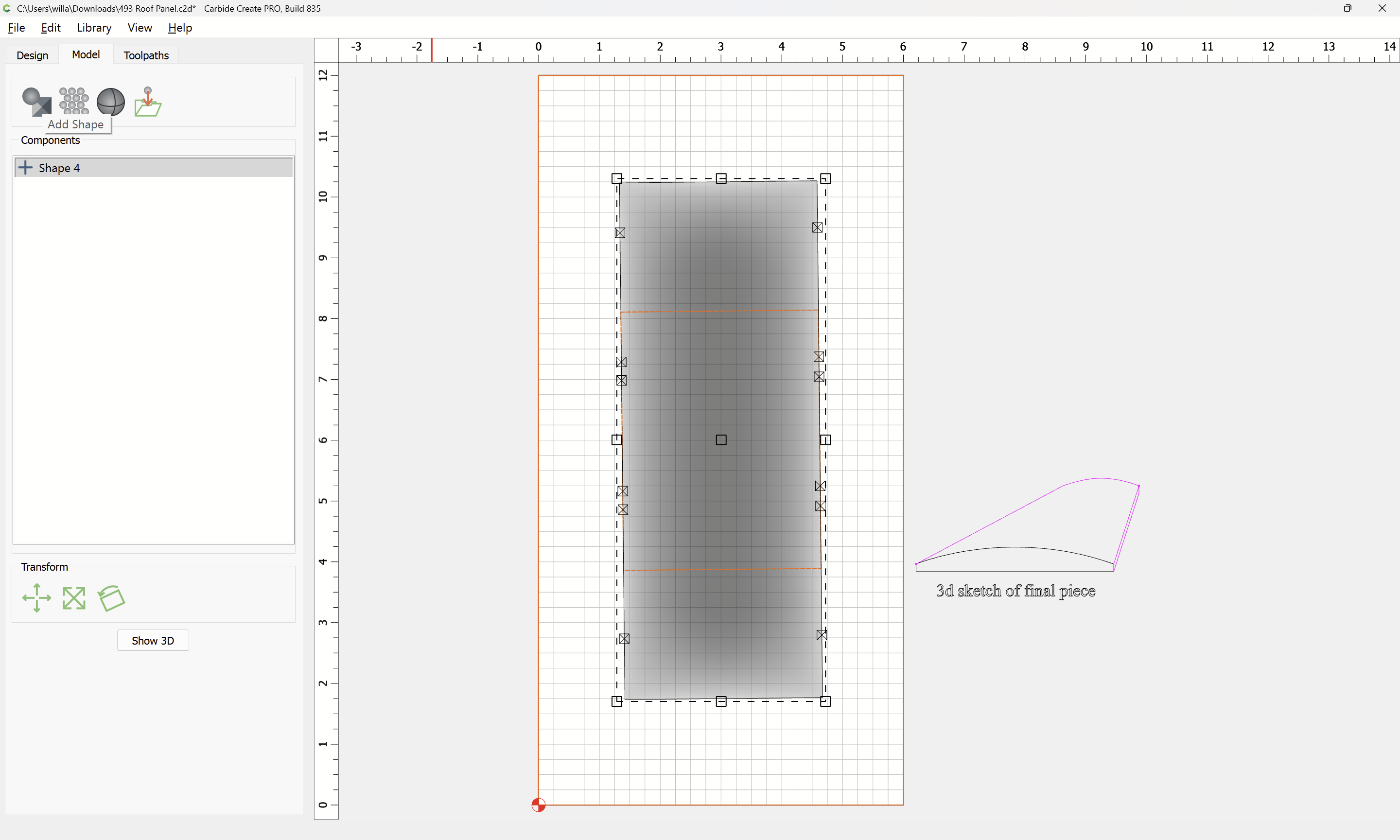
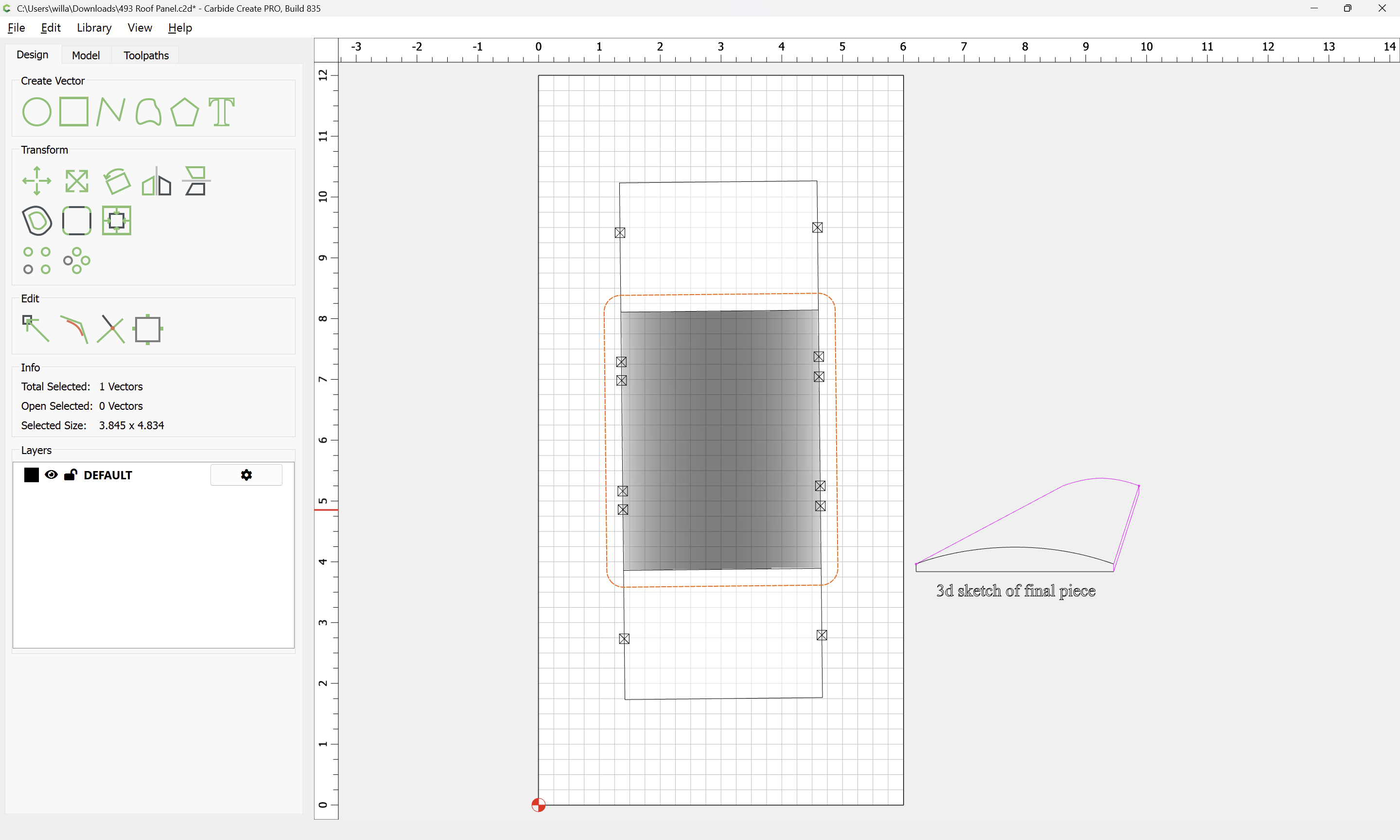
trying to take a piece 4.25 x 3.25 x .5 and mill it to the profile shown in the top figure of the attached sketch.
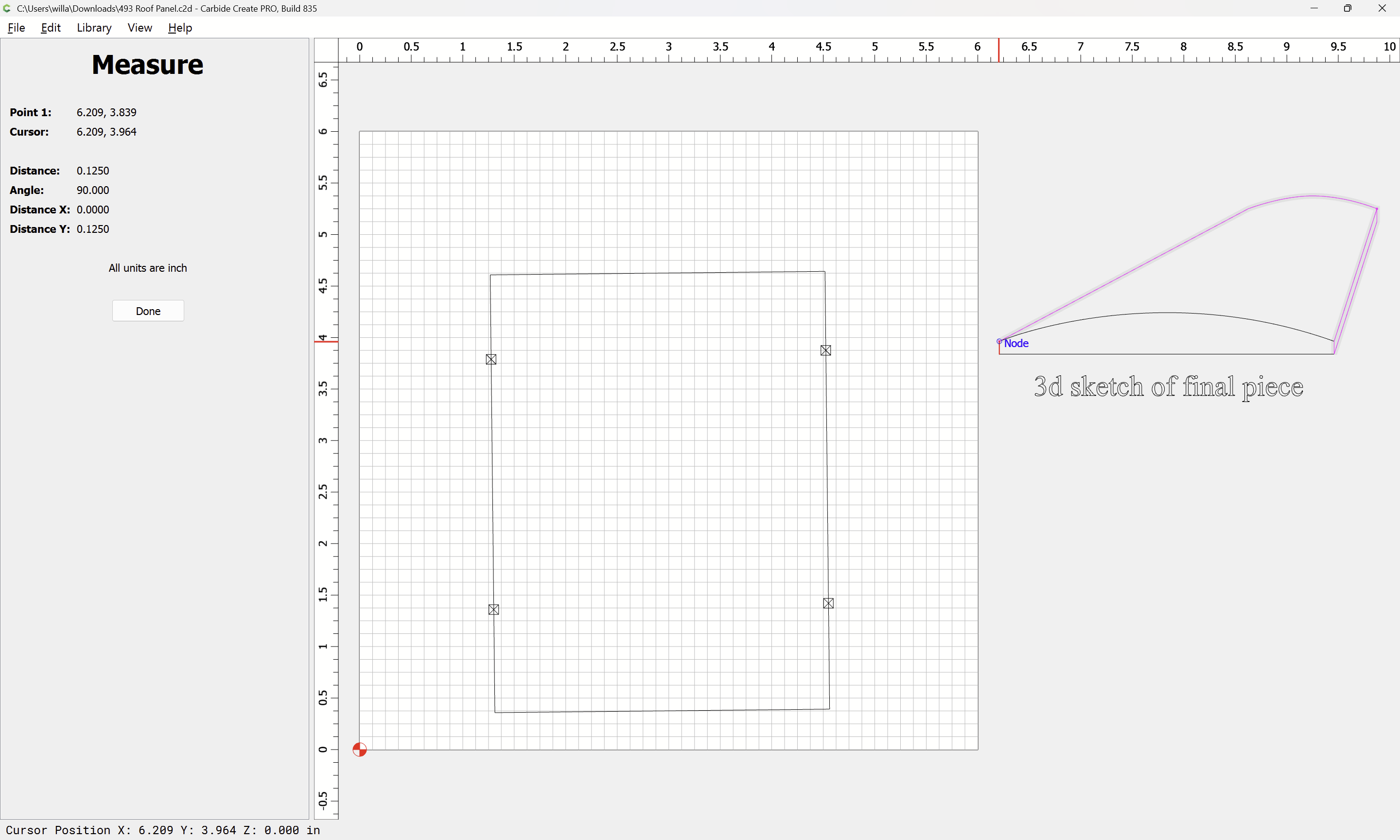
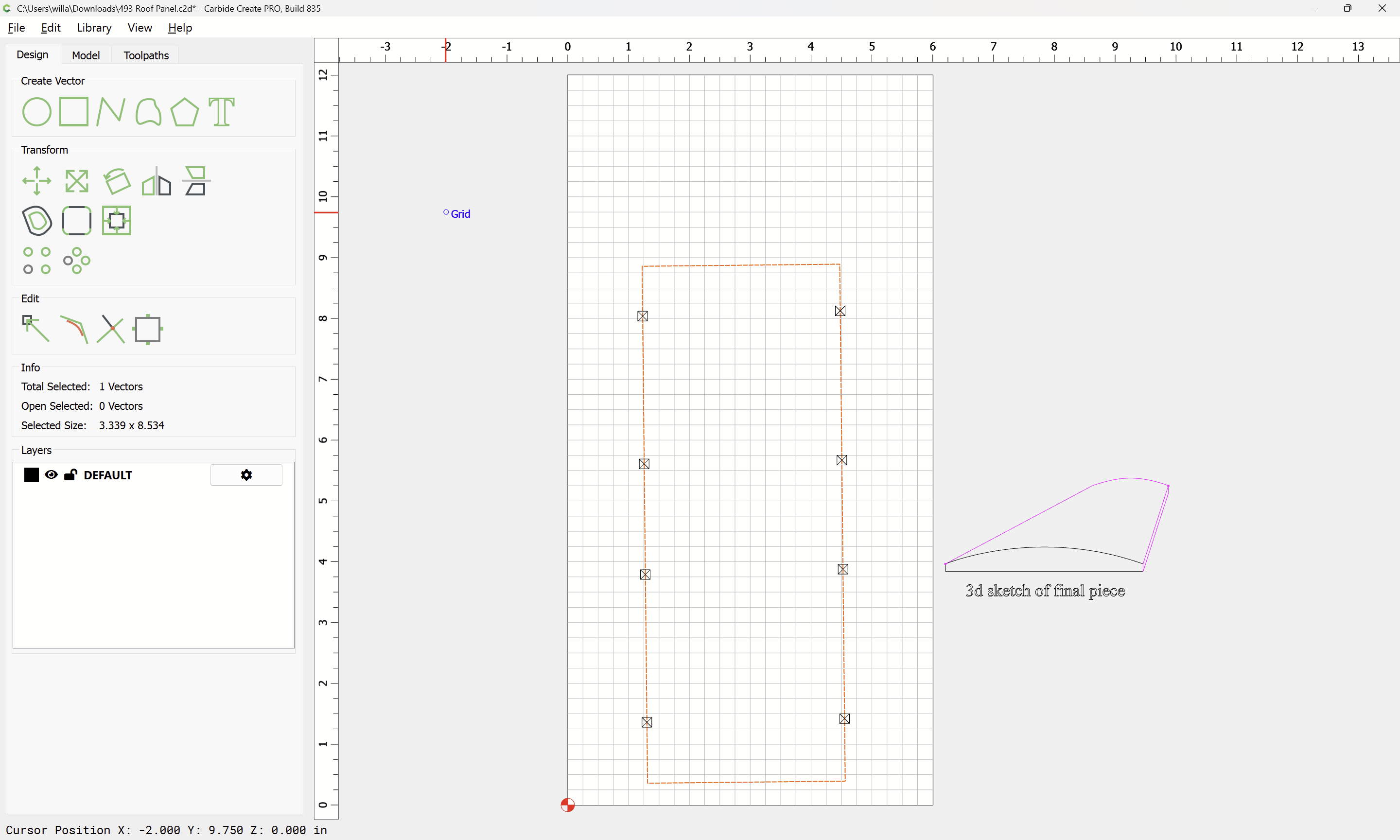
Measure the vertical dimension:
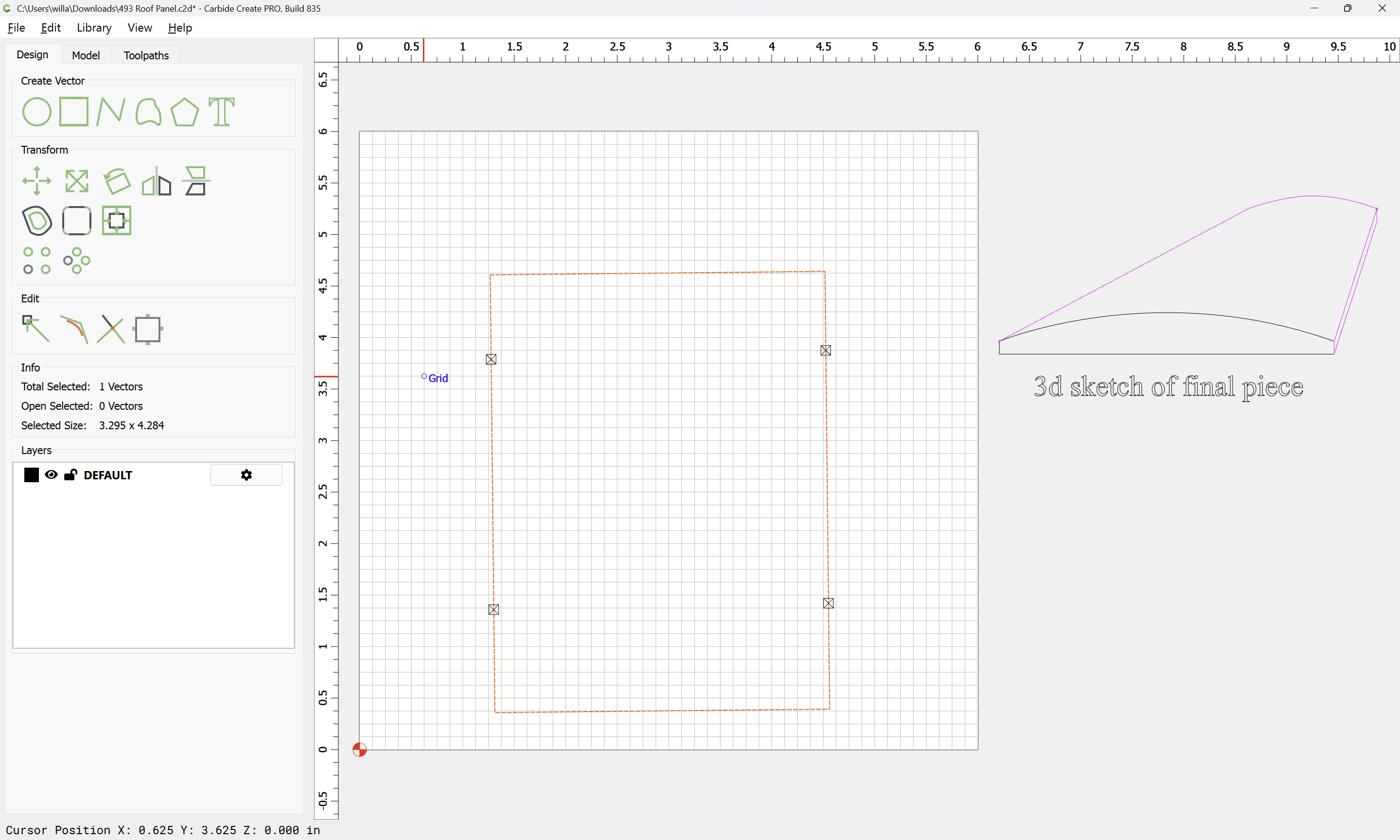
In order to model things it will be necessary to have geometry which is larger:
OK
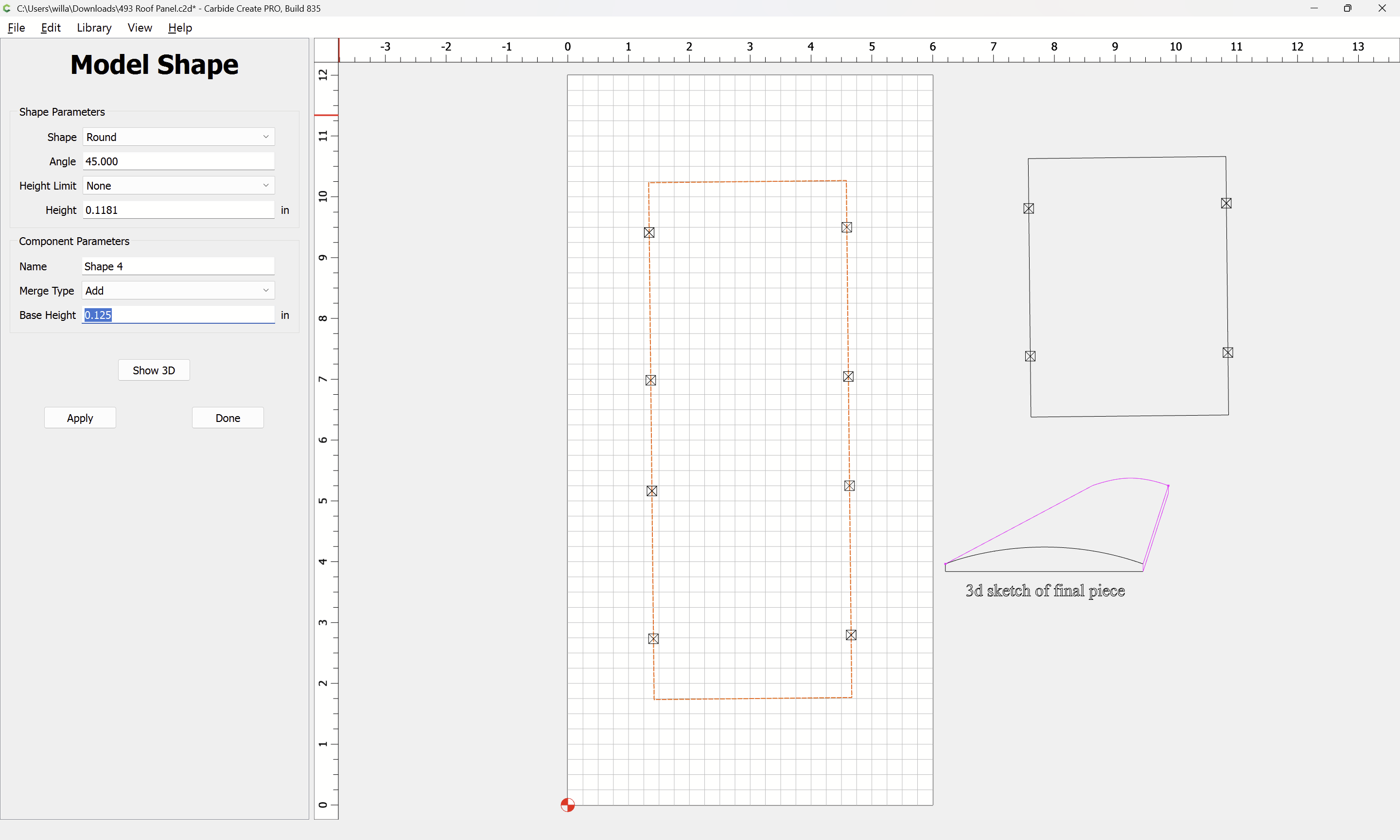
Then model the arch — add the base height:
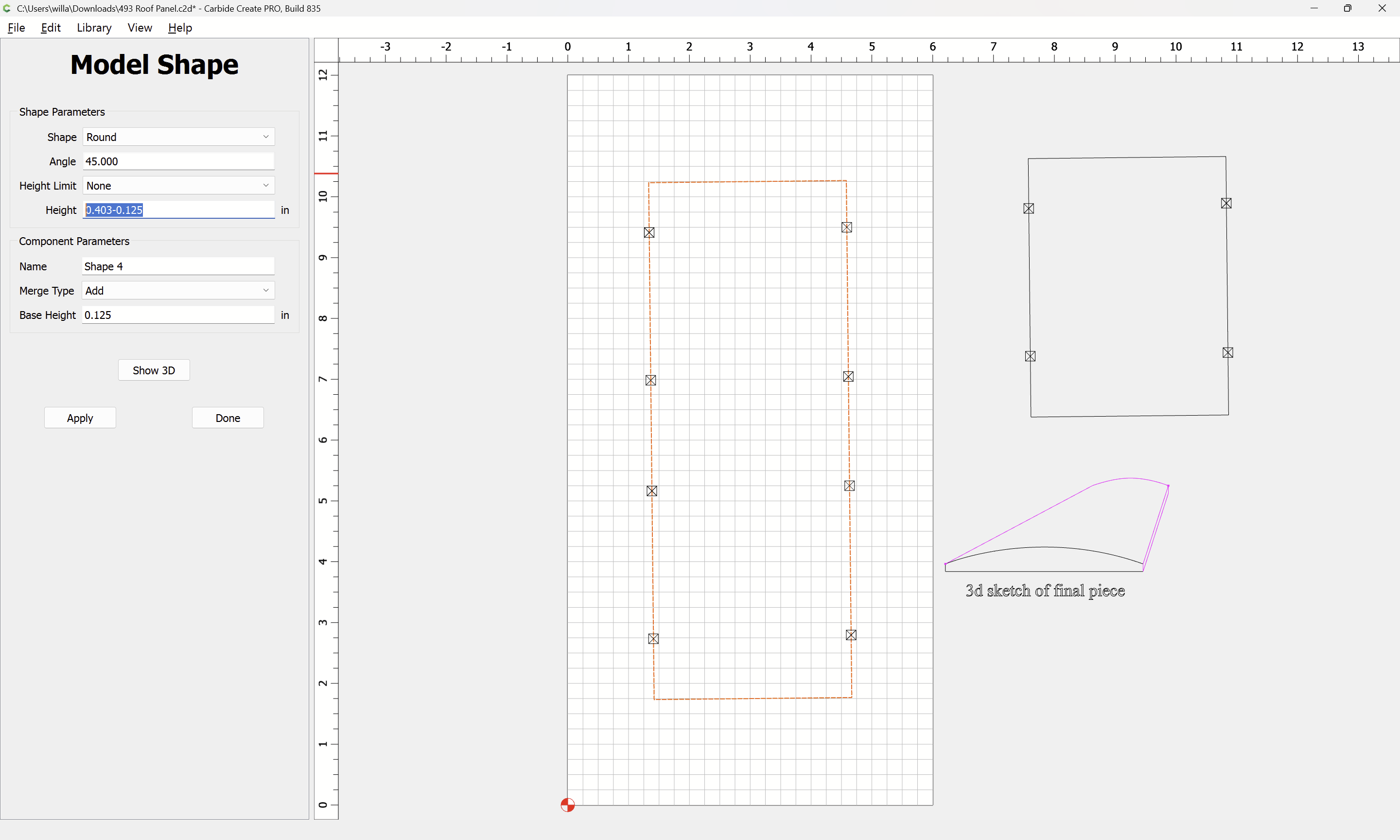
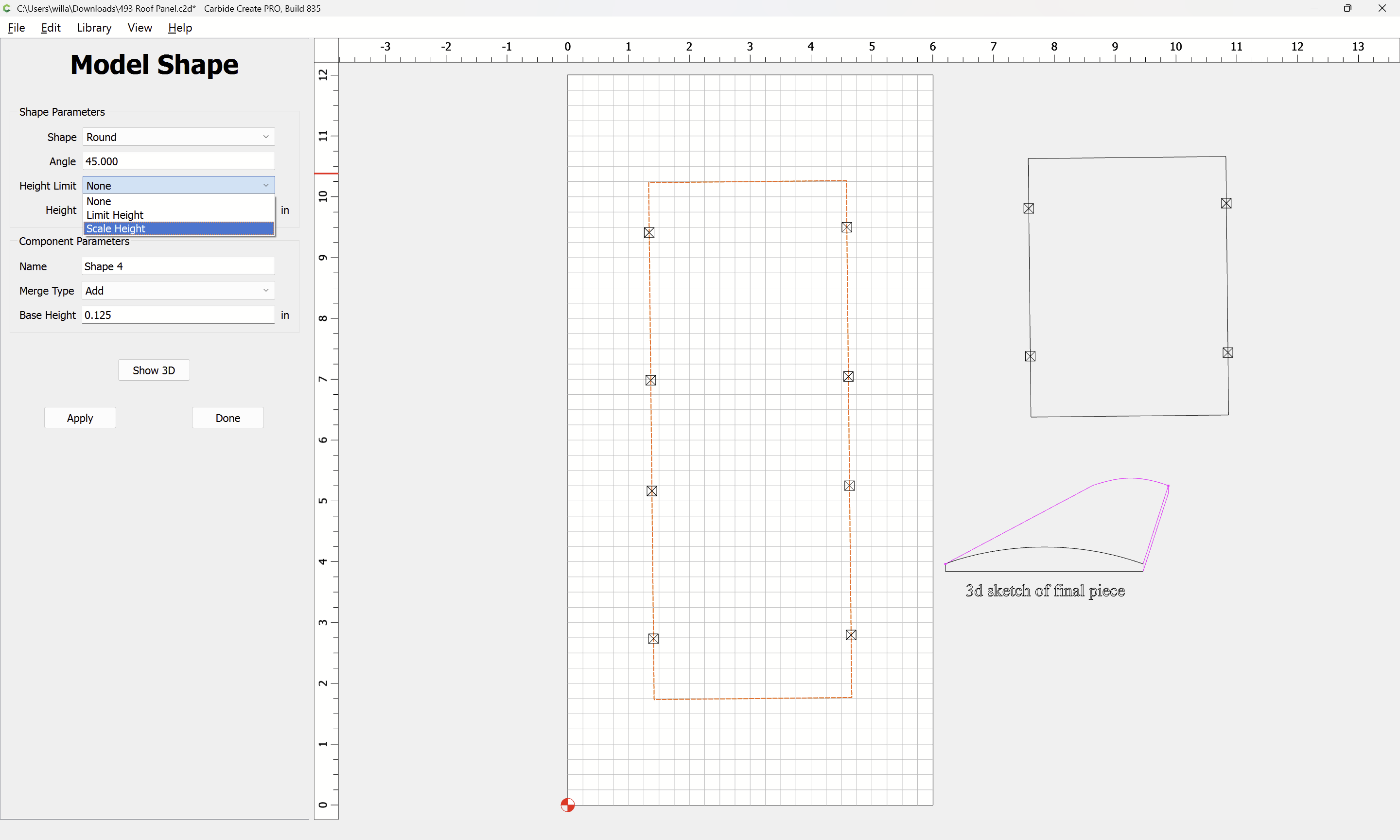
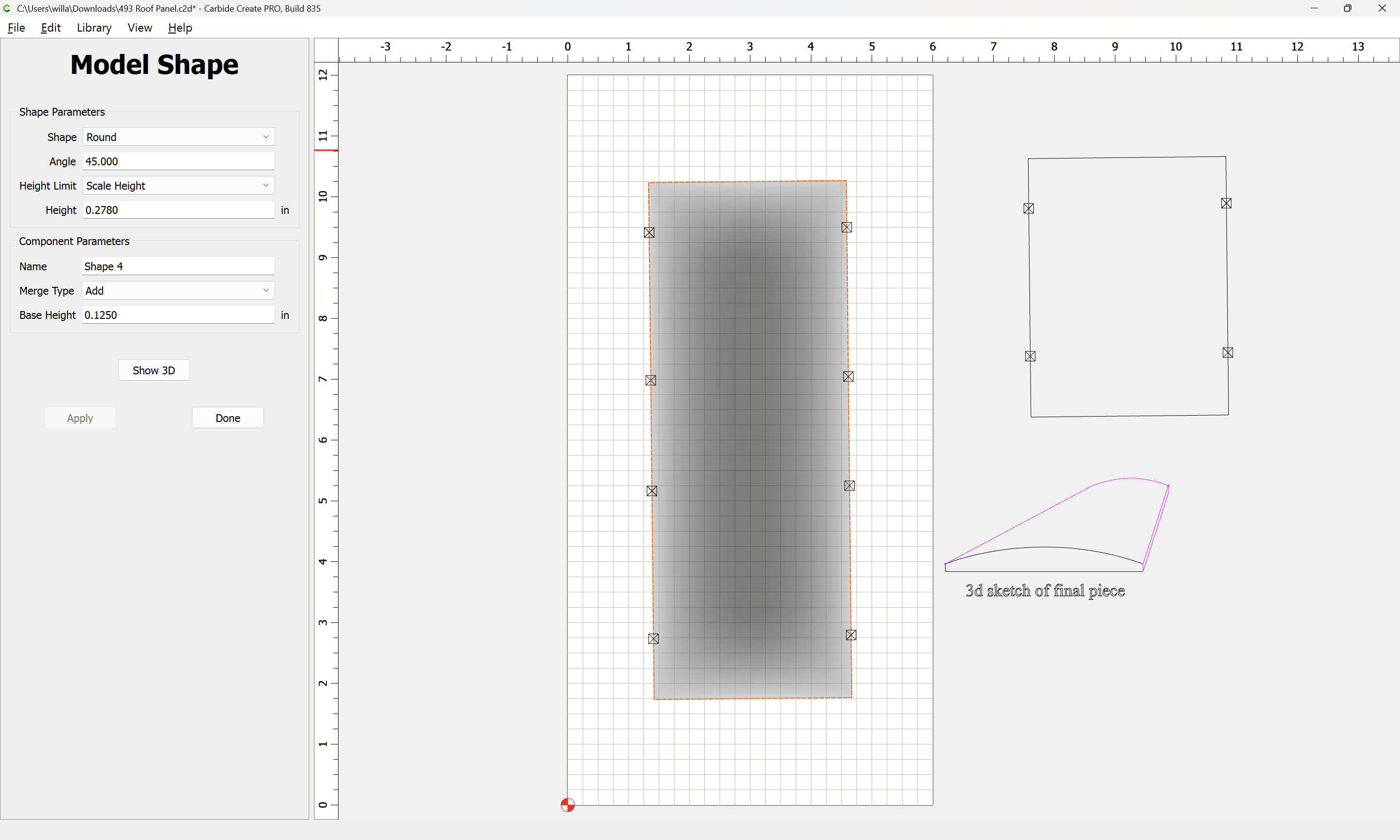
Scale the height:
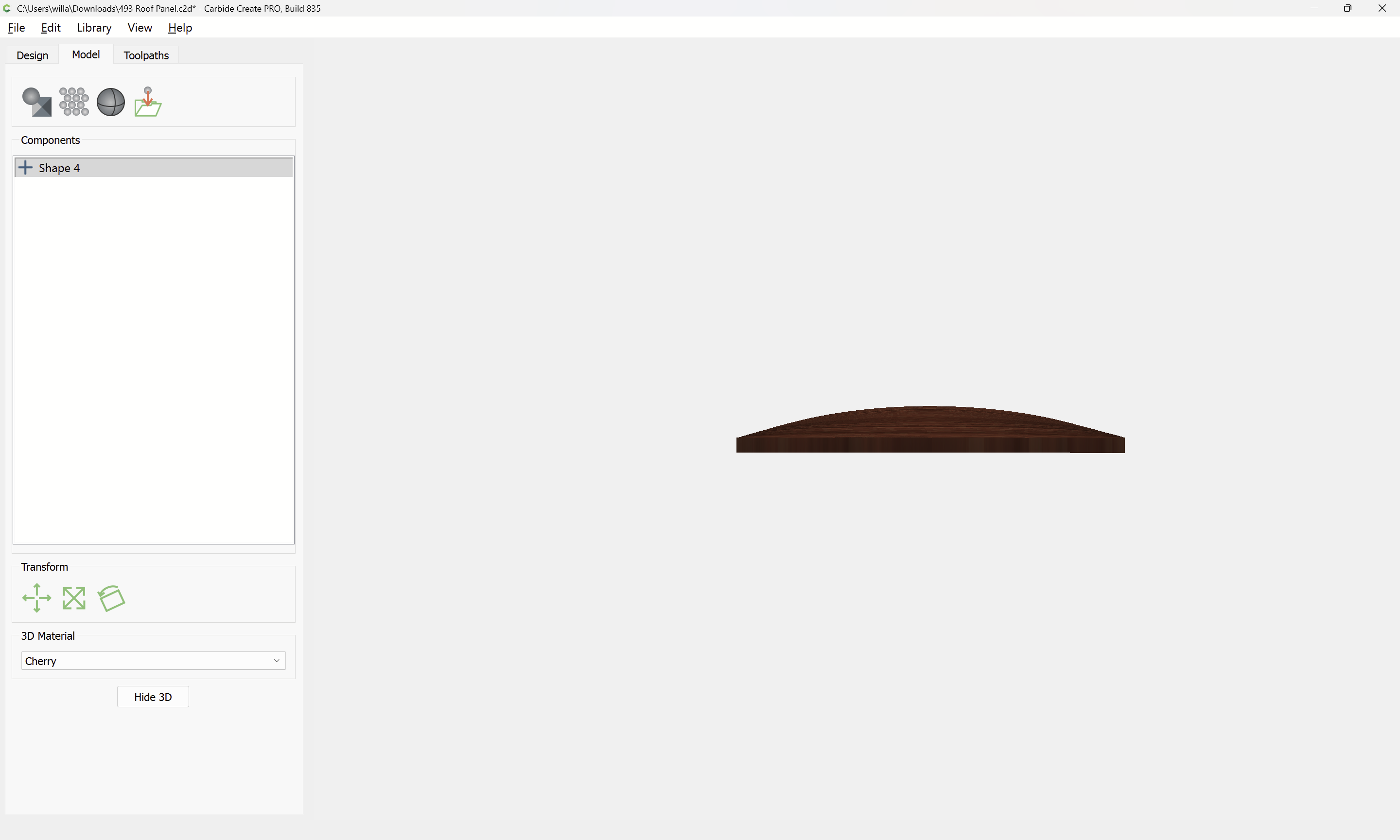
The math and so forth doesn’t quite line up in the preview:
Adjusting the Stock thickness we get:
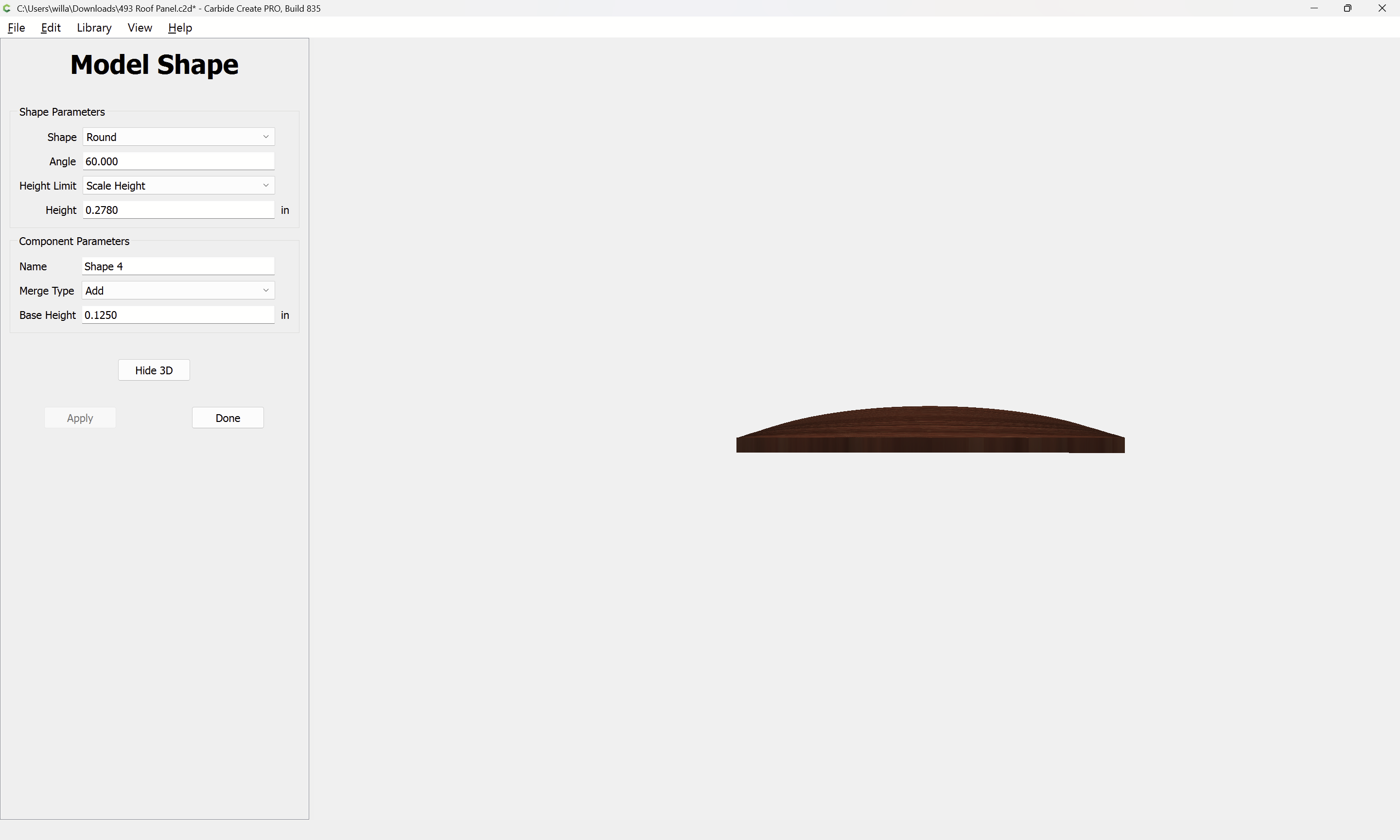
Compare this to the profile and adjust the angle:
WillAdams
(William Adams (Carbide 3D))
2
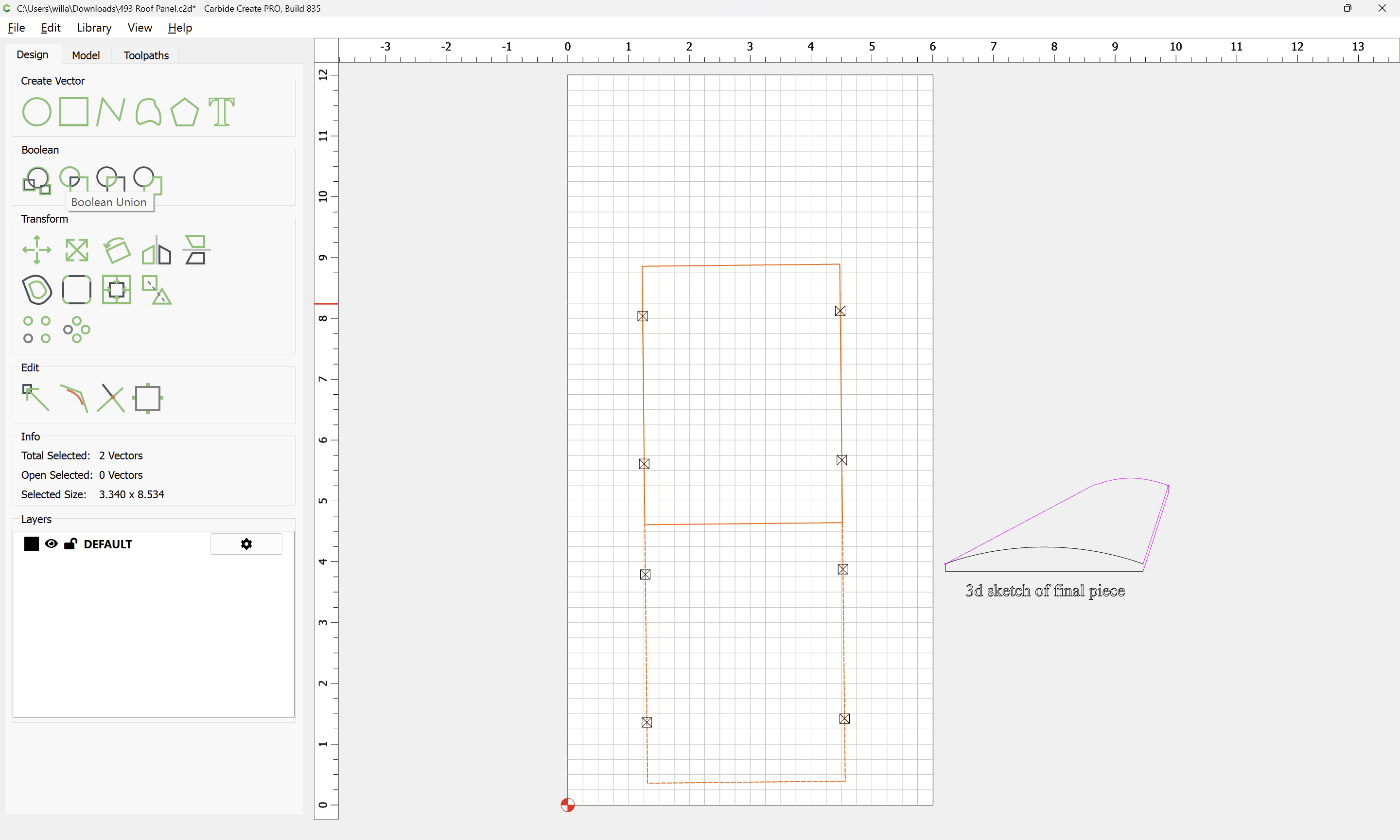
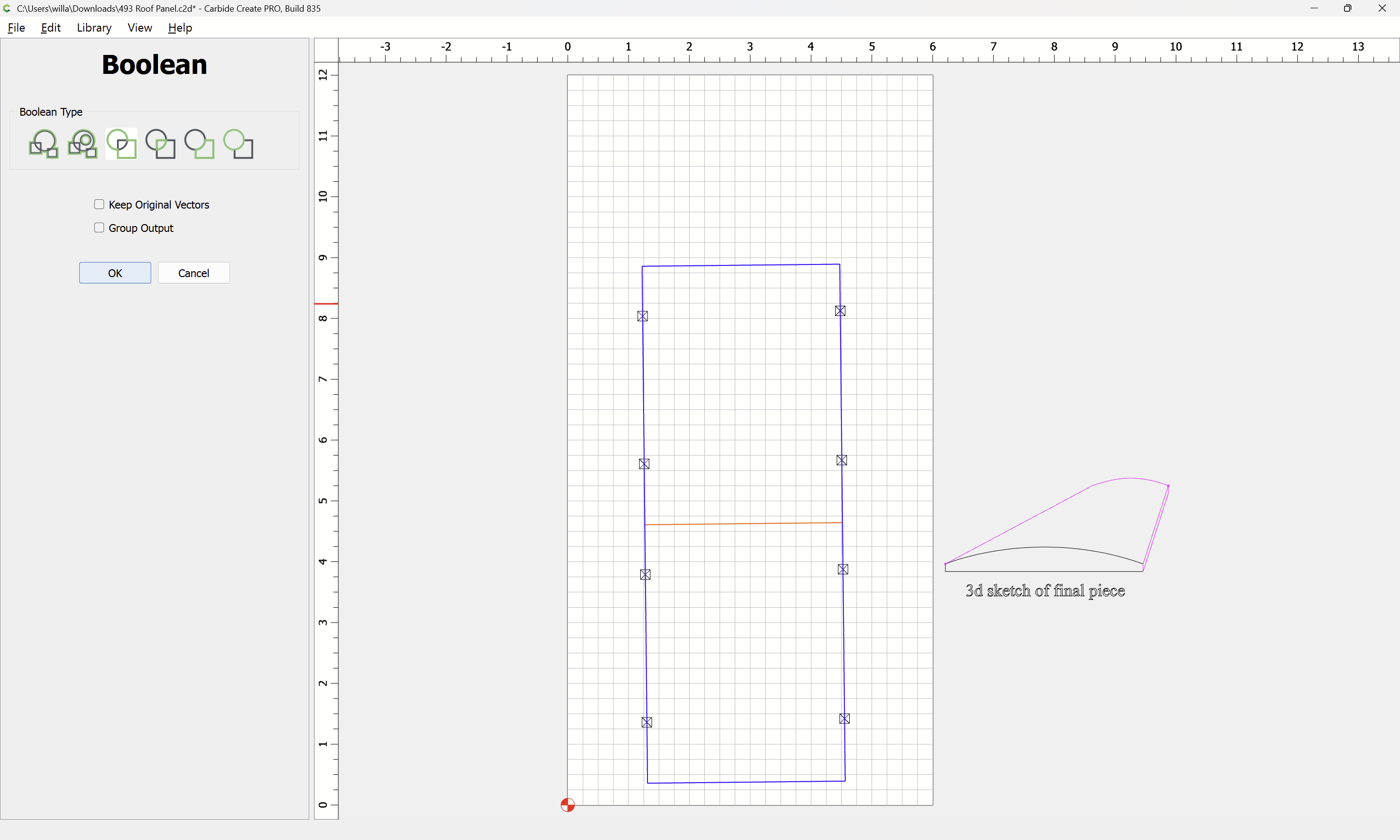
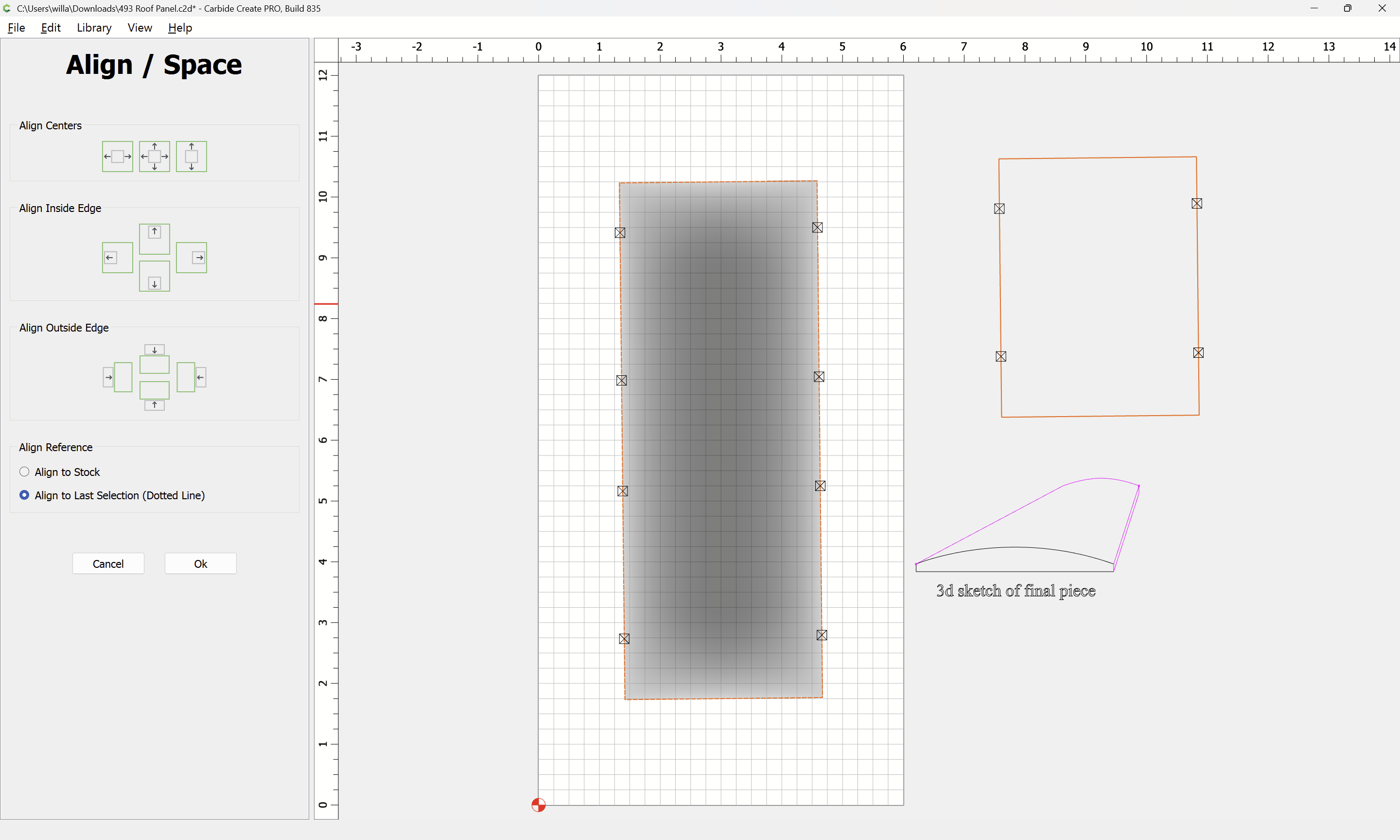
Then align a copy of the original geometry:
Align
Ok
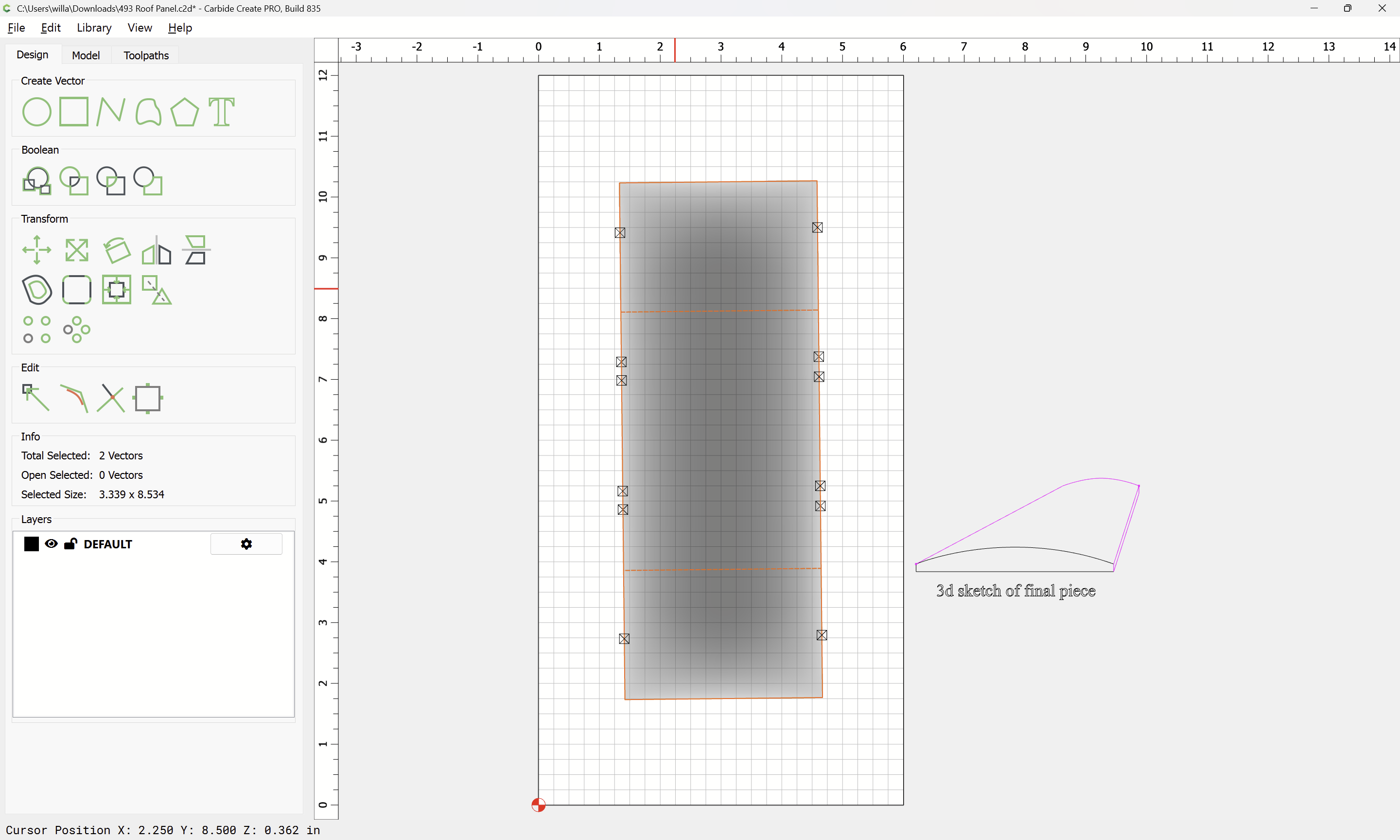
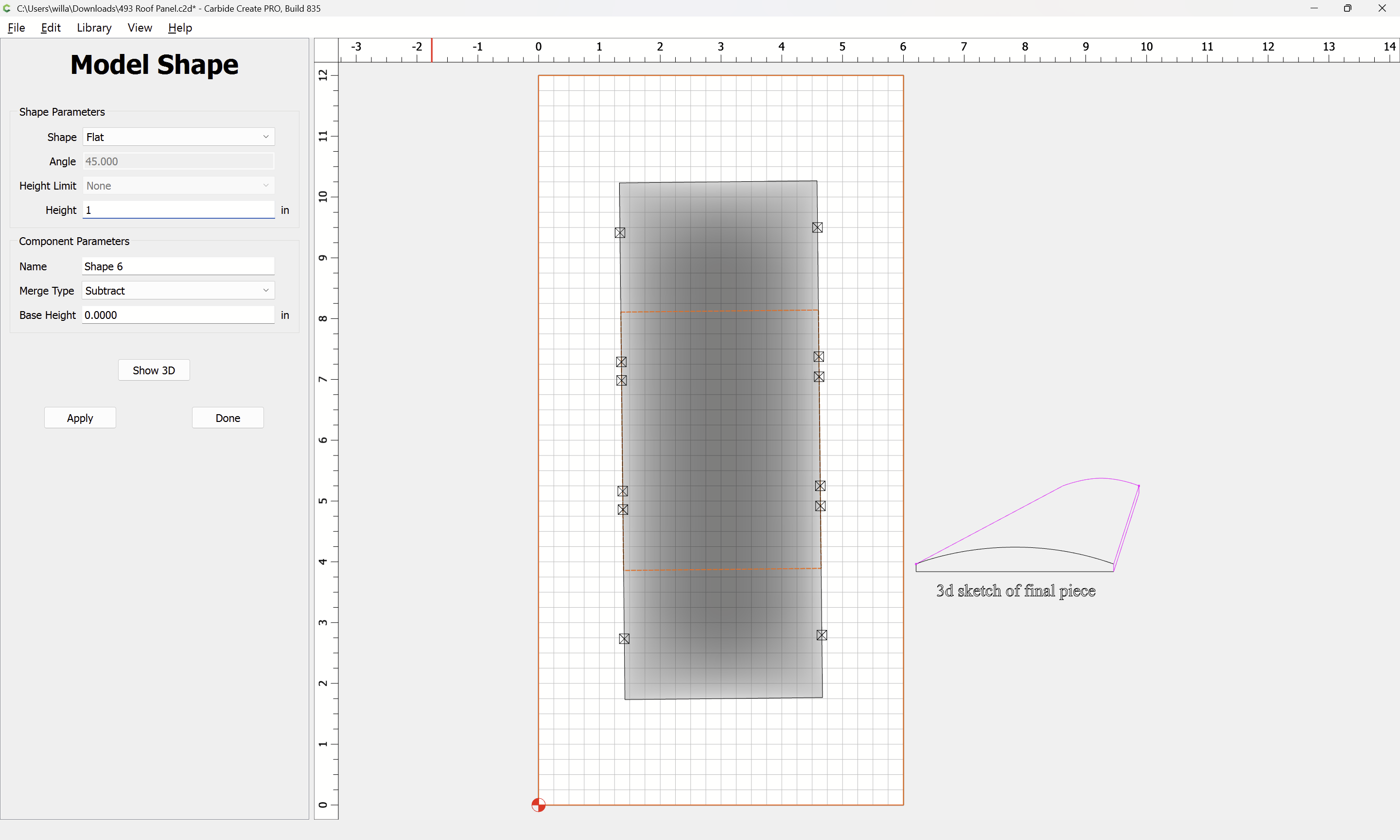
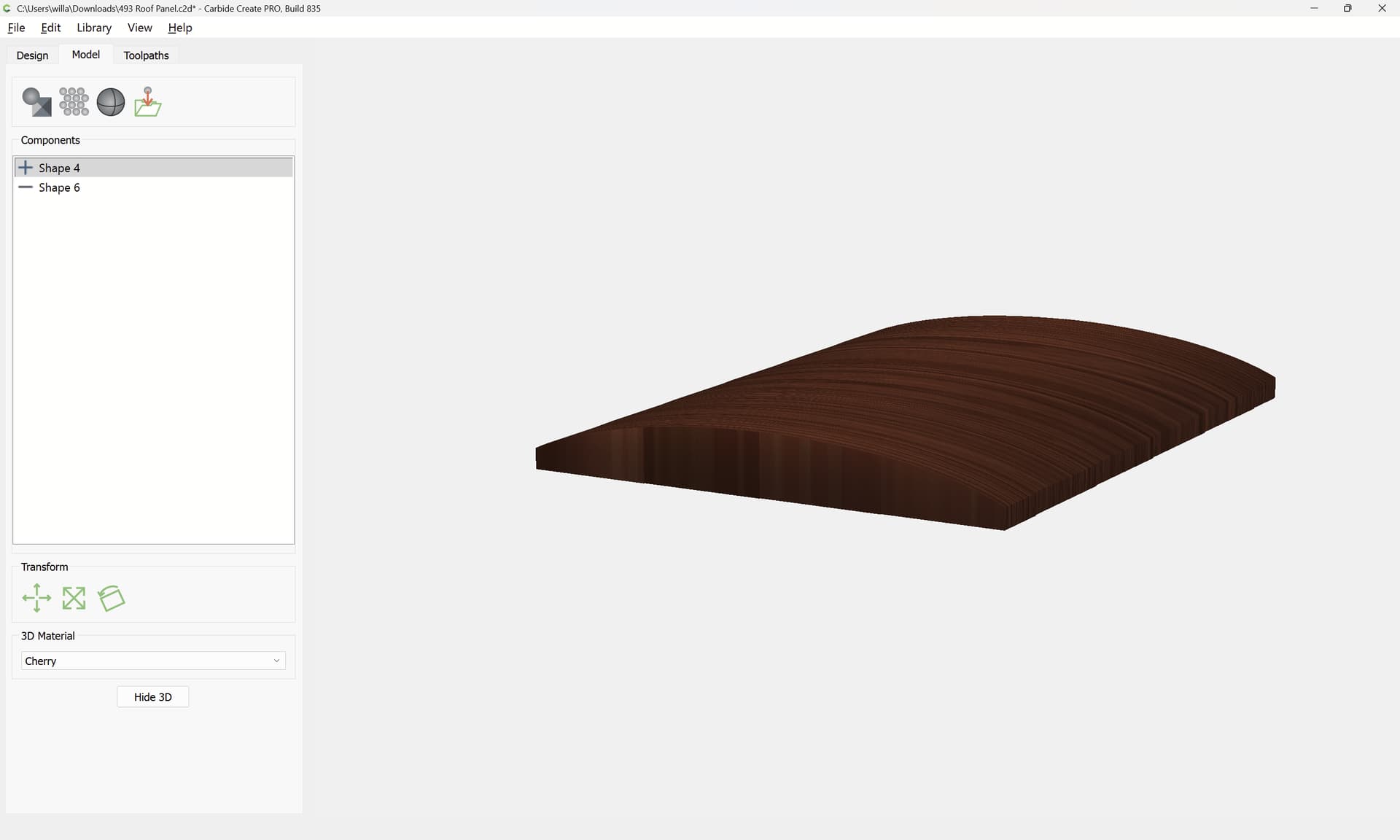
Draw in geometry around the desired model:
Subtract
Apply
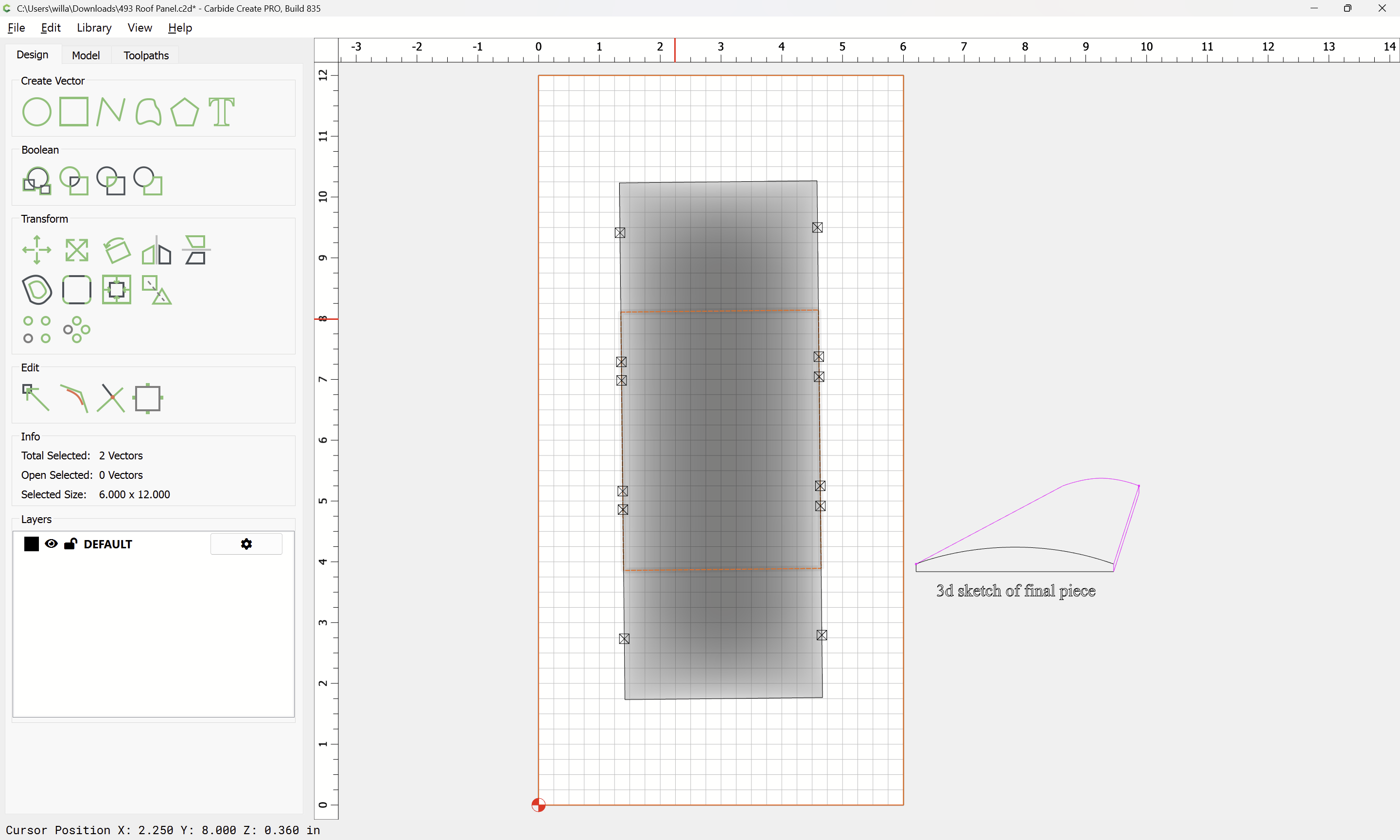
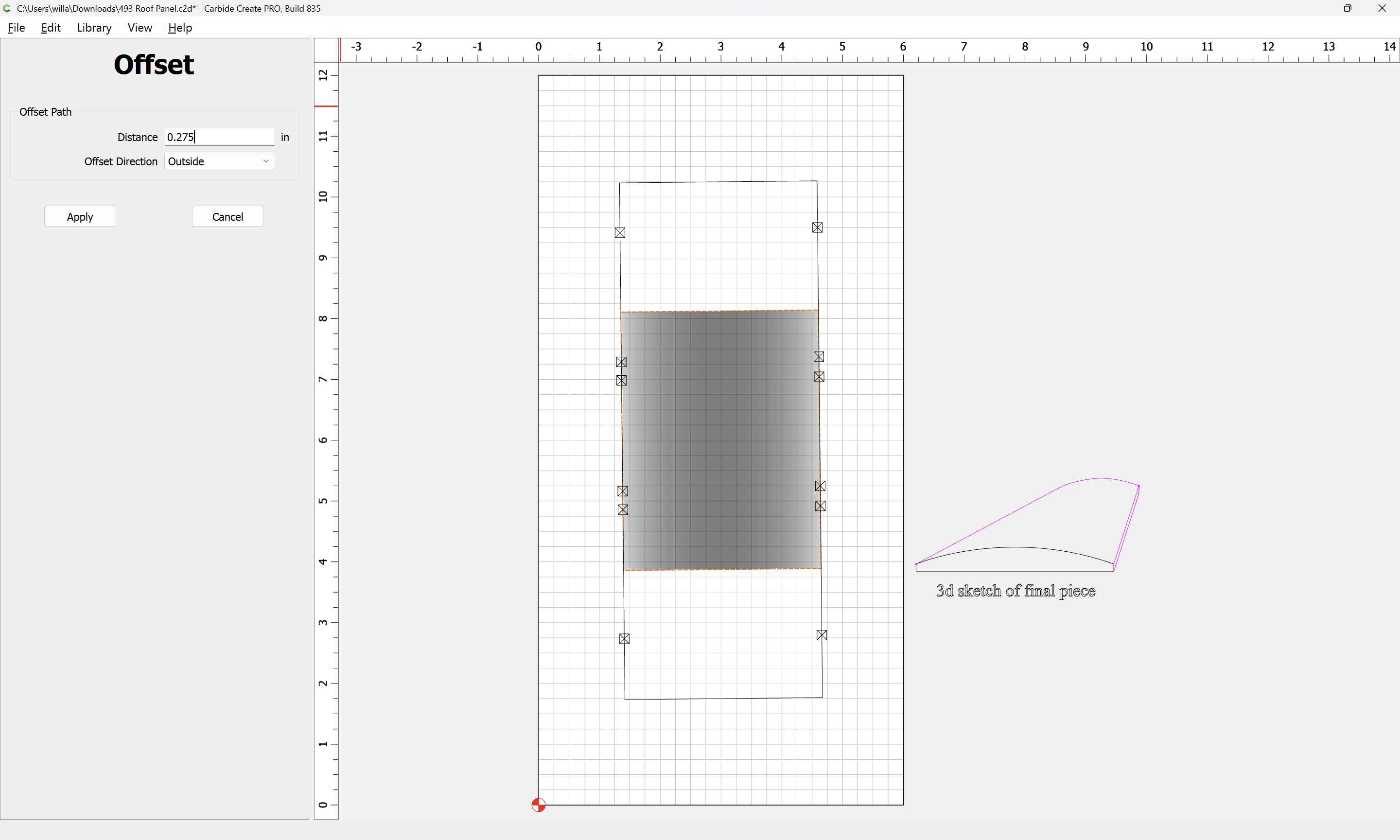
Offset the original geometry by endmill diameter plus 10%:
Apply
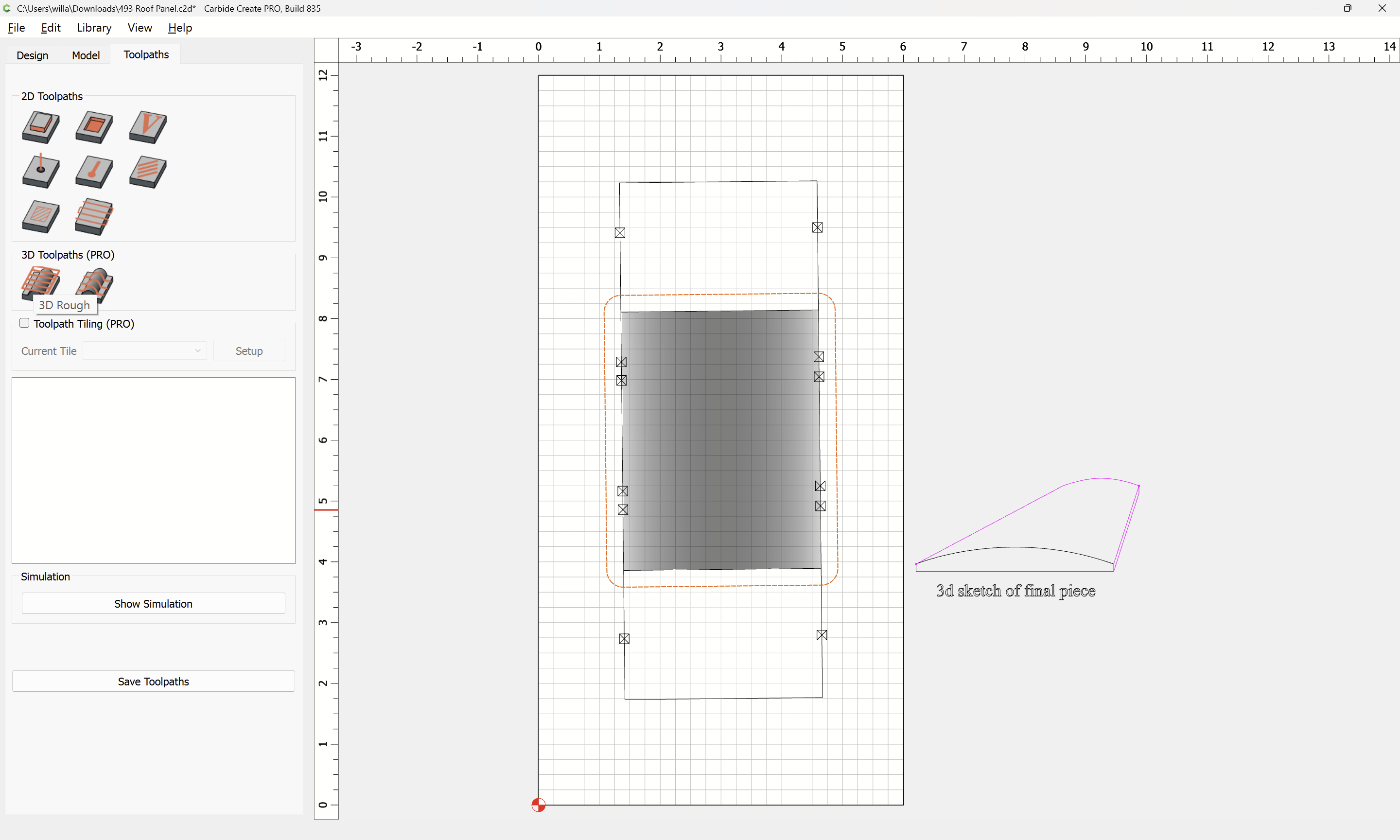
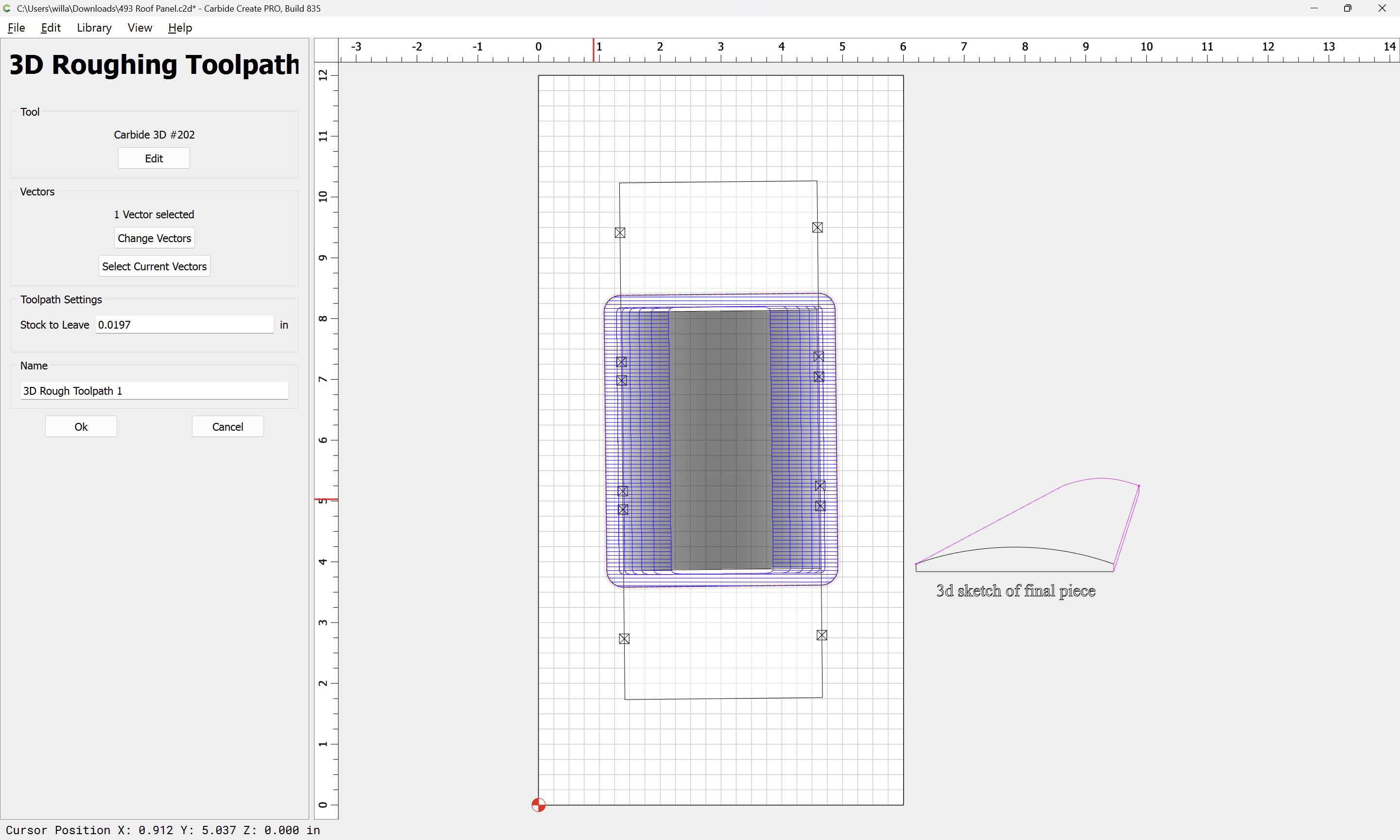
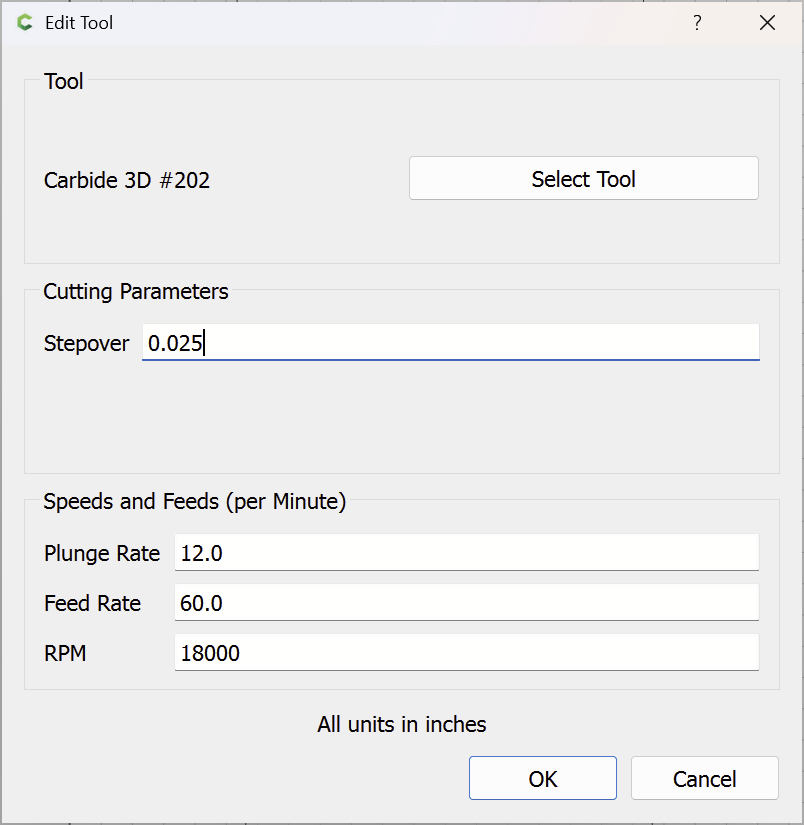
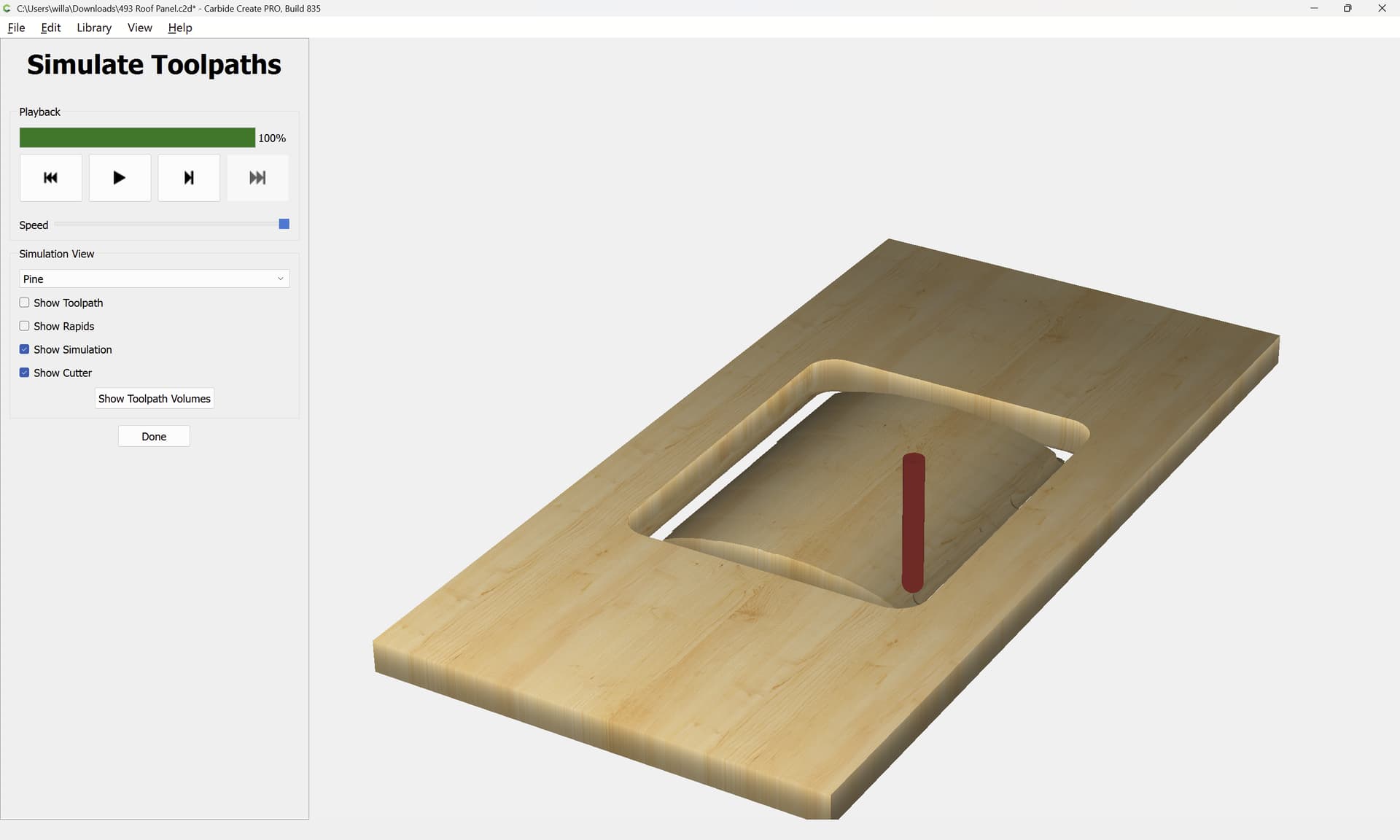
Then set up 3D toolpaths:
To make setting the origin easier it would probably be easiest to use Center of stock.
2 Likes
system
(system)
Closed
3
This topic was automatically closed 30 days after the last reply. New replies are no longer allowed.