I am new to CNC and want to try a 3D design. Could someone share a 3D .c2d file I can run on my Shapeoko 4 so I can see the settings, which bits to use, and the toolpaths and their settings?
Just a practice run, nothing more. Maybe in the 8x8 size range.
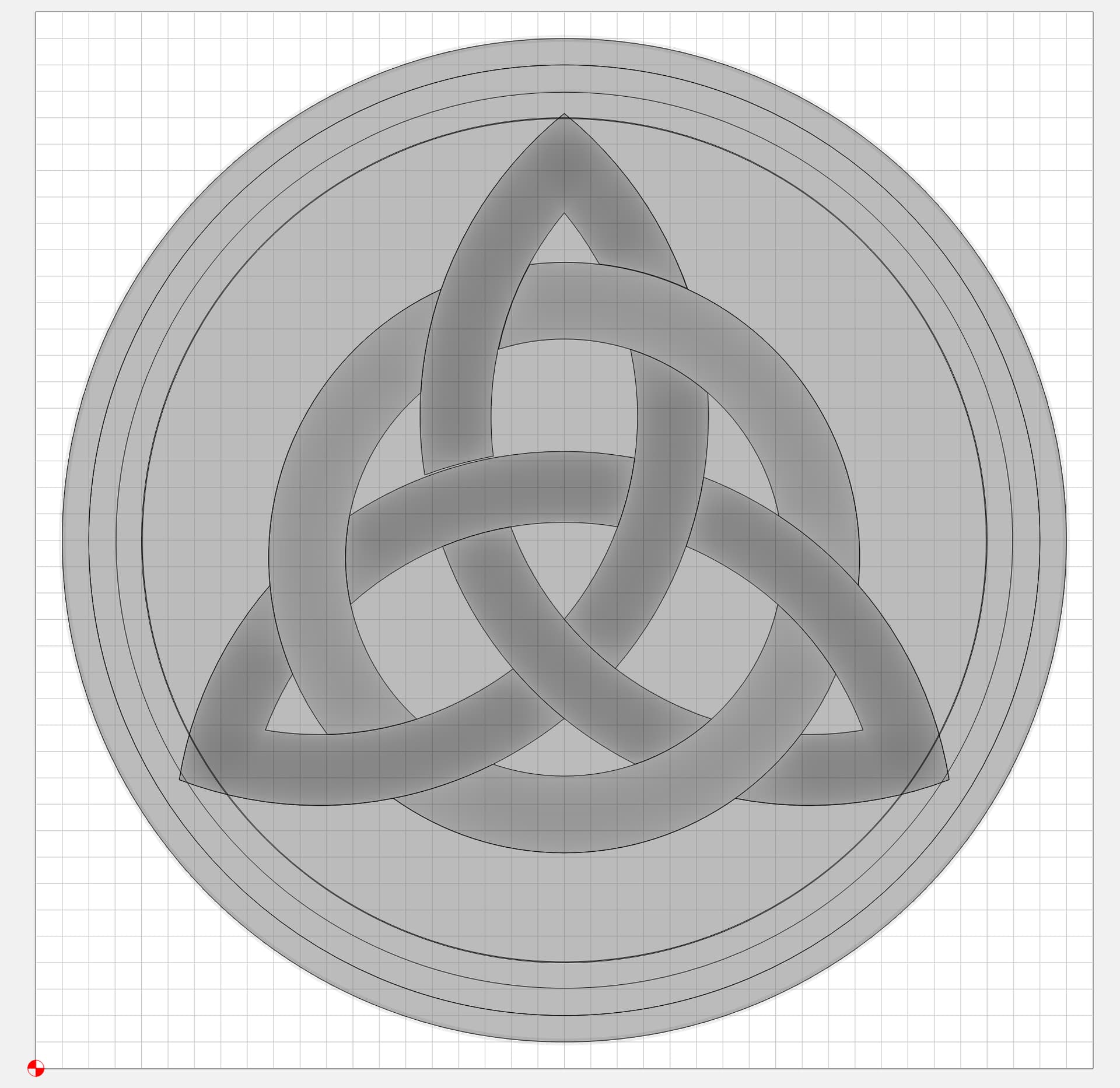
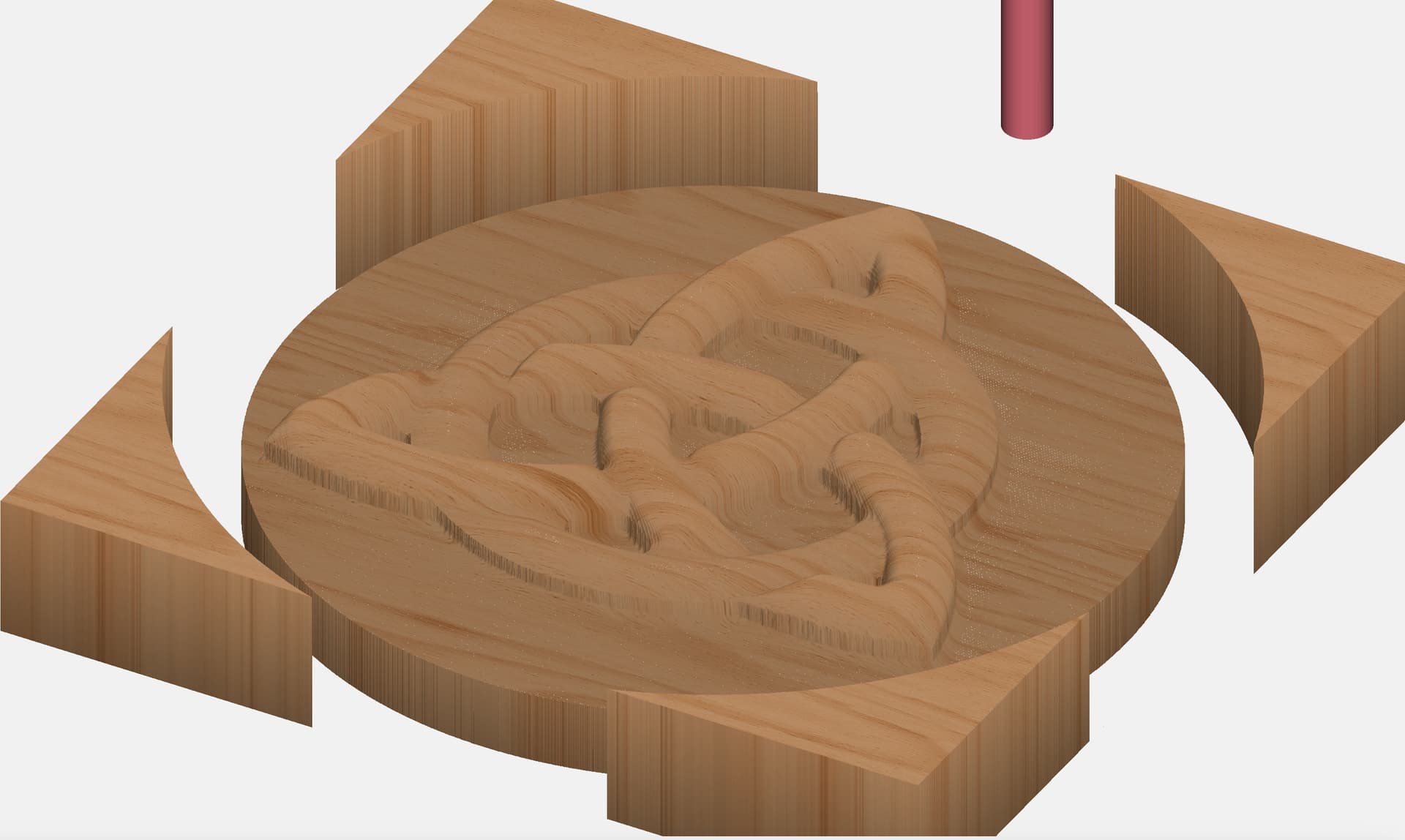
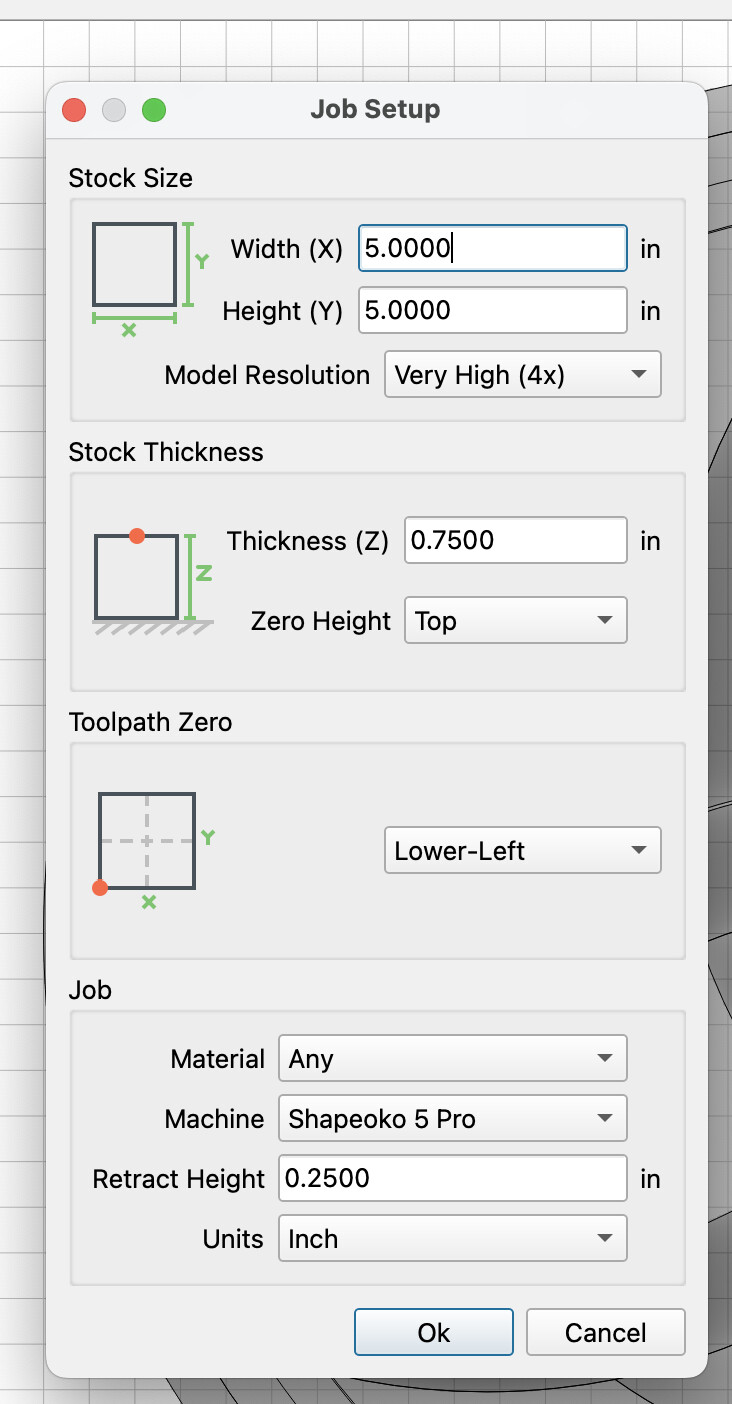
@garye Here’s a celtic knot i made recently. It’s assuming a 5x5" board at 3/4" thick. The zero is the bottom left and uses the 1/4" upcut bit for roughing, the 1/8" ballnose bit for finish carving, and the 1/4" downcut bit for cutout.
If you’re using CC for creating 3d designs, it can be quite powerful if you have vector images you want to make into 3d but a big thing you will want to do is to go into the box where you set your job settings and set the quality level to a higher level. I have this one set at 4x because if I set it higher it makes the file size too big but I normally set it to maximum quality for the finer details. Do this before you start creating any models so that it creates them at the right quality. If you try to change the quality level on an existing model it doesn’t update the items so you have to go to each and make a small change so that it re-renders them.
Thank you!! The information was very helpful. I am 80 years old, so my brain learns slowly. Nice to have people like you who help.
THank you for the file.
Rob,that knot looks very good a question when you display it, is it in good lighting.The reason I ask is that I have done some good 3d carvings and when I hang them away from good light they lose there impact.
@Graham it really would depend on the situation and location. I have something similar to this in my room and it looks great, but it’s at an angle and has some strong top-down lighting. So that really accentuates the contours. This specific design is one that has pretty gentle curves and would probably not be as distinct in many situations but if you took the same vectors and did a v-carve or some other treatment, it would show much more clearly and really stand out. So i think it just comes down to what you’re going to use it for.