Can someone explain the new Cutout for me. I just cut some coasters and it cut deep into my wasteboard. Breakthrough is not Stop Depth. Can I just use Contour to cutout my projects? And is there a place I can go to find out what exactly are the new updates (Builds) when they come out so I can know how to use them before finding out on my own, I used it wrong?
Breakthrough is a bit inconsistent with other ops using max depth and depths specified from the top surface.
It’s the distance below the bottom, so would usually be pretty small, like 0.010”
2 Likes
Hi Vickie,
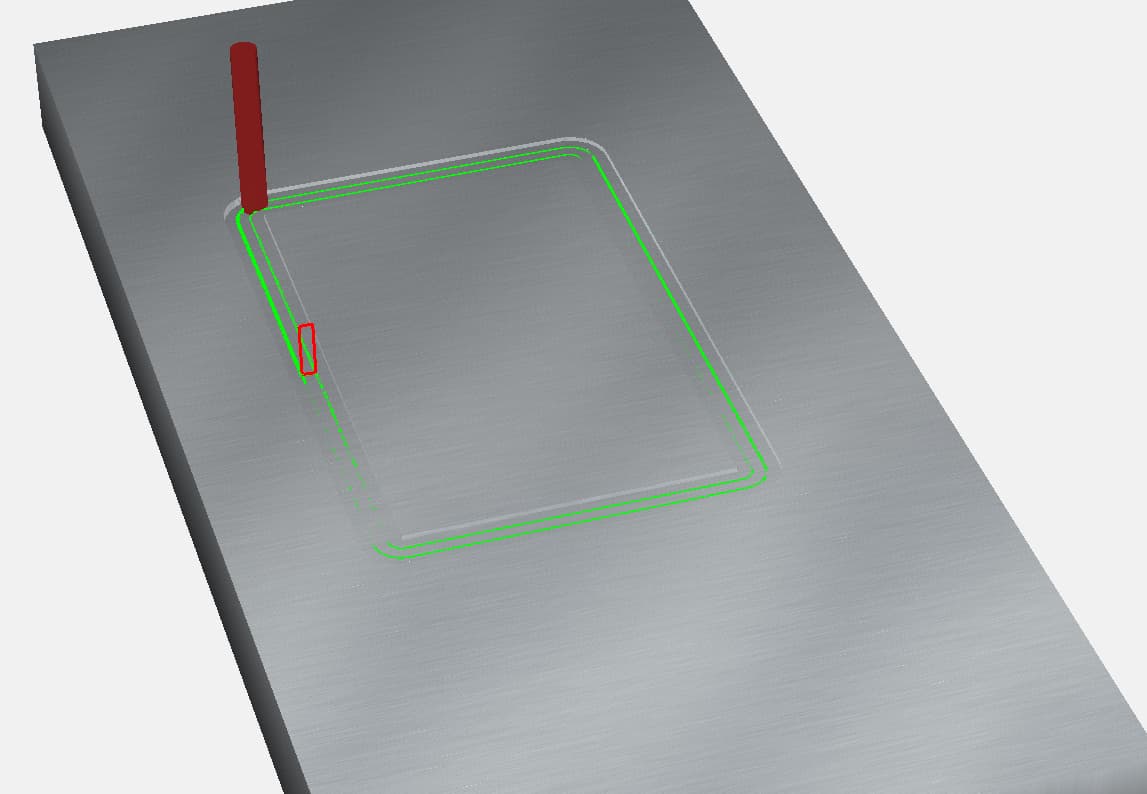
Cutout automatically applies an extra, adjacent contour cut to avoid slotting (where the cut is the width of the bit/end mill) putting less load on the cutting tool. This is important because it reduces the chances of the cutter being pulled out of the collet, loss of steps, and burn.
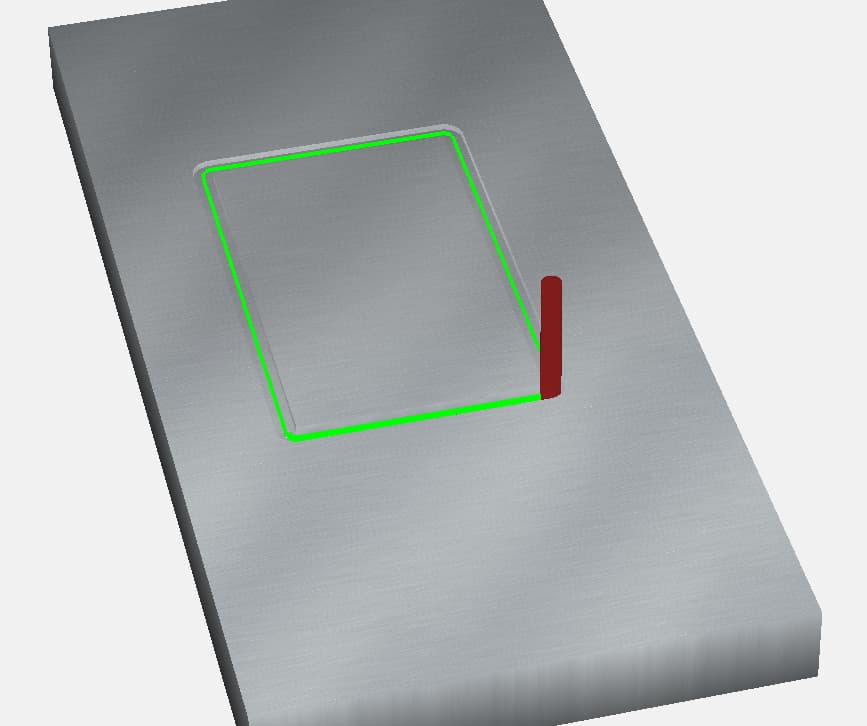
Yes - you could just use Contour toolpaths to cutout your workpiece, but you might run into the issues mentioned above. You may have to have a more conservative feed rate with Contour toolpaths (you should be able to feed faster with Cutout), but set at the same feed rates, Cutout would take more time.
Cutout and Contour toolpaths set with the same endmill and feeds/speeds.
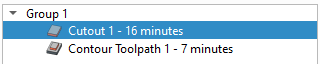
Cutout Toolpath
Contour Toolpath
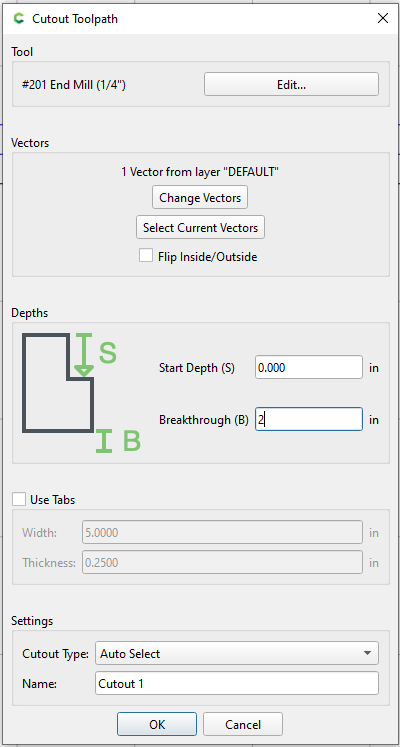
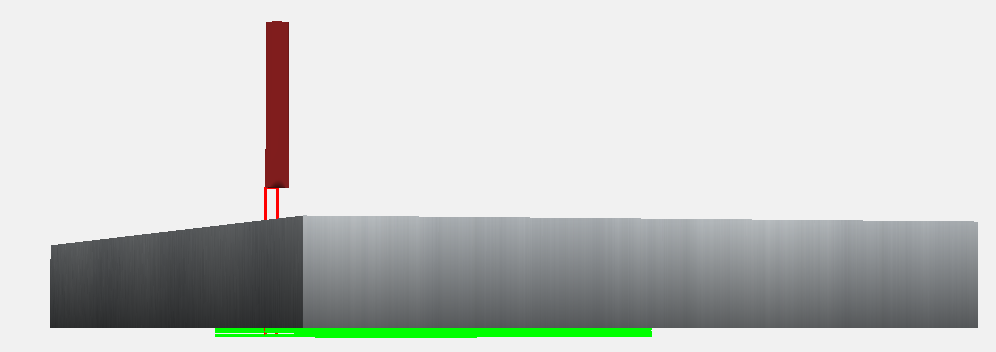
Breakthrough is different than Max Depth. Where Breakthrough, found in Cutout, is “how much would you like to cut past your workpiece”. The point of reference is at the theoretical bottom; a positive value entered translates to how much you cut past the bottom.
Entering a positive value in the Breakthrough field.
The cut past the bottom of stock.
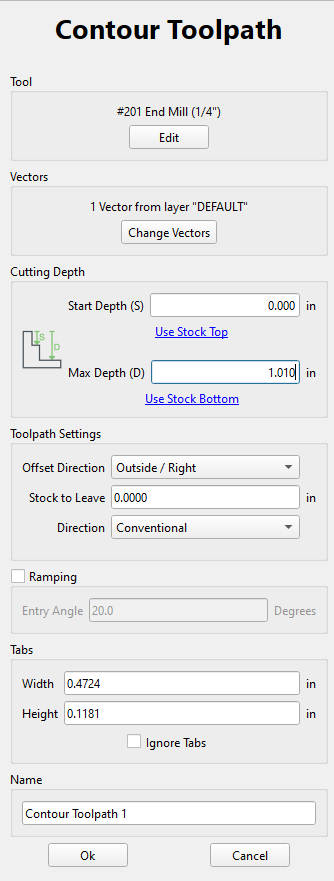
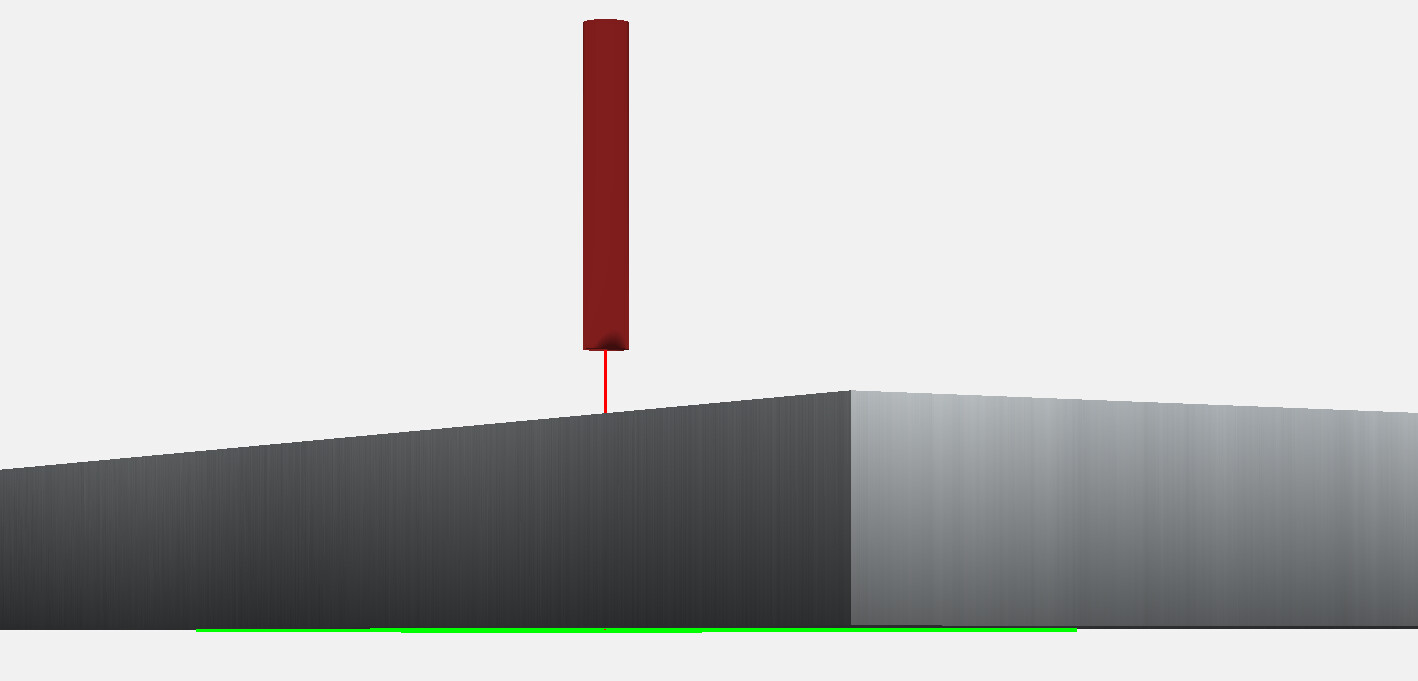
Max Depth, found in Contour, is “how much do you want to cut into your workpiece”. The point of reference is at the theoretical top of your work piece; a positive value is how deep you cut into your stock. *You can get the same result as Breakthrough if you add the value of your stock thickness and the value of which you want to cut past the bottom. Example: Stock is 1" and desired cut through is 0.010", so Max Depth would be set to 1.010".
Setting up a Contour Max Depth with a 1" stock thickness.
Contour cutting with a Max Depth of stock thickness plus 0.010".
Which version of CC are you using? Would you be able to share the file or screen shots of the Job Setup and Cutout Toolpath windows?
Changes for beta builds:
Carbide Create Beta Downloads | Carbide 3D
Thread to reference:
New Cutout toolpath in CC v8 Beta Build 853 - Software / Carbide Create - Carbide 3D Community Site
3 Likes
Great explanation, this should be a sticky note somewhere! I book marked it.
Thank you @RoughDraft40 for the explanation plus visual; that helped tremendously in my understanding of that new toolpath, how it is used and why.
Just as a small addition to the excellent explanation by @RoughDraft40, the reason to have the Breakthrough value at all is so that Tabs are at the right height.
As he noted, you could just ignore the Breakthrough value completely, and have a greater depth to the Max Depth field. However, when you do that, the Tabs are now set at the new depth, instead of being being cut at the bottom-of-stock.
Breakthrough gives you both capabilities - Tabs correctly set at bottom-of-stock, and cutting past bottom-of-stock.
3 Likes
Great point that I totally overlooked! That’s kind of a big deal.
I think I accidentally cut my tabs off in the past because of this scenario, but I just chalked it up to human error. To me, if I don’t check “Ignore Tabs” in the Contour toolpath, I expect that the cutting operation would do the same thing as checking “Enable Tabs” in the Cutout toolpath.
In my opinion, for the sake of consistency, both Contour and Cutout operations should have an “Enable Tabs” check box and they should behave similarly. @robgrz is there a reason for an enable tabs and ignore tabs and for the behavior to be different?
The “Tabs” point is interesting…and I hadn’t thought of it.
I had always thought of “Breakthrough” as the xxx if I were to set Max Depth to T+xxx in the contour toolpath (which is what I used to do when I wanted to cut below the piece)… so - let me ask this question:
Is it correct to say that if I had my Tab Height set at .04 - and I used a Contour toolpath with Max Depth to T+.010, the tabs are based on that lowest point and therefore would actually be .03 tall — whereas, with Cutout, setting Breakthrough to .010, results in tabs that are still .04 ???
- Gary
Correct.
With the current toolpath options/implementations, tab height is dependent on the bottom of the toolpath (for Contour) but invariant (for Cutout).
That former point has come up on support a couple of times, so logically, it would seem to have informed the Cutout implementation.
Well…it certainly makes sense and is a good feature. The diagram next to it helps explain what it is…Kudos.
1 Like
This topic was automatically closed after 30 days. New replies are no longer allowed.