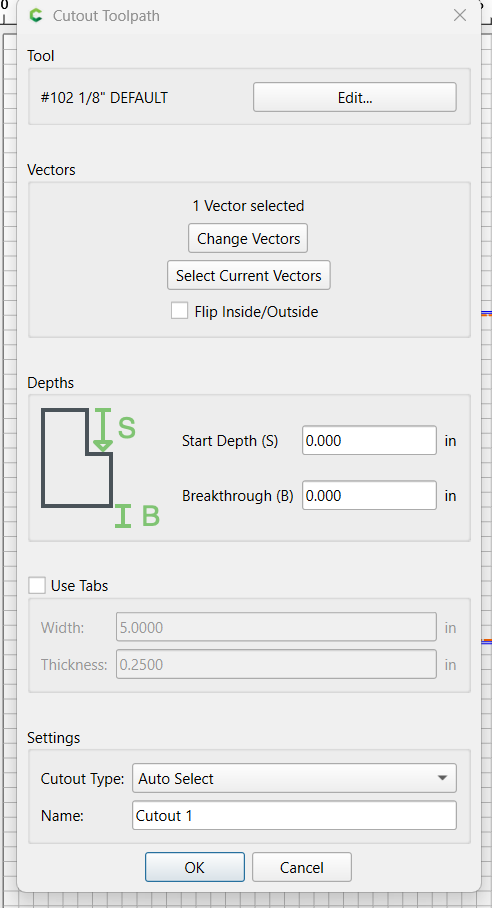
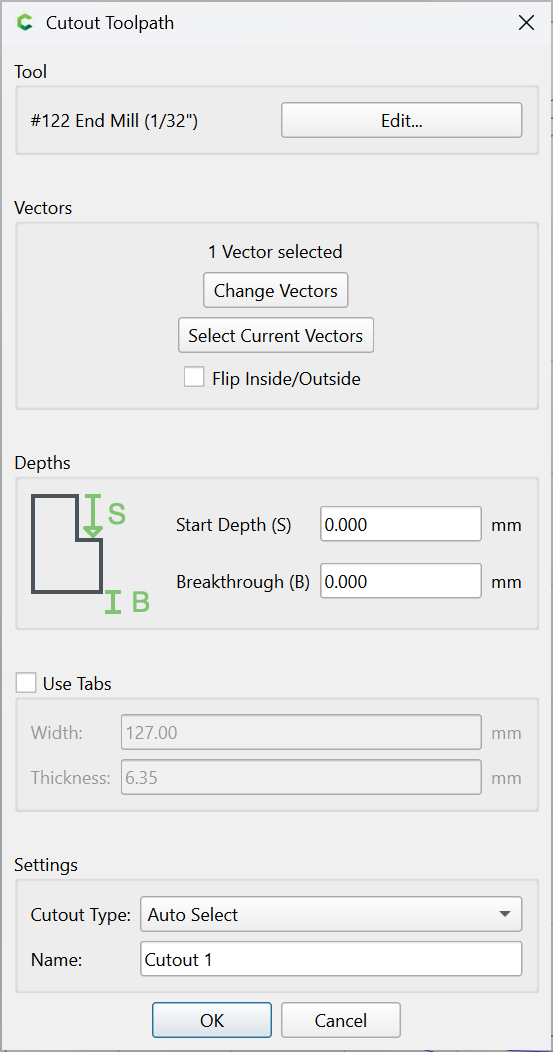
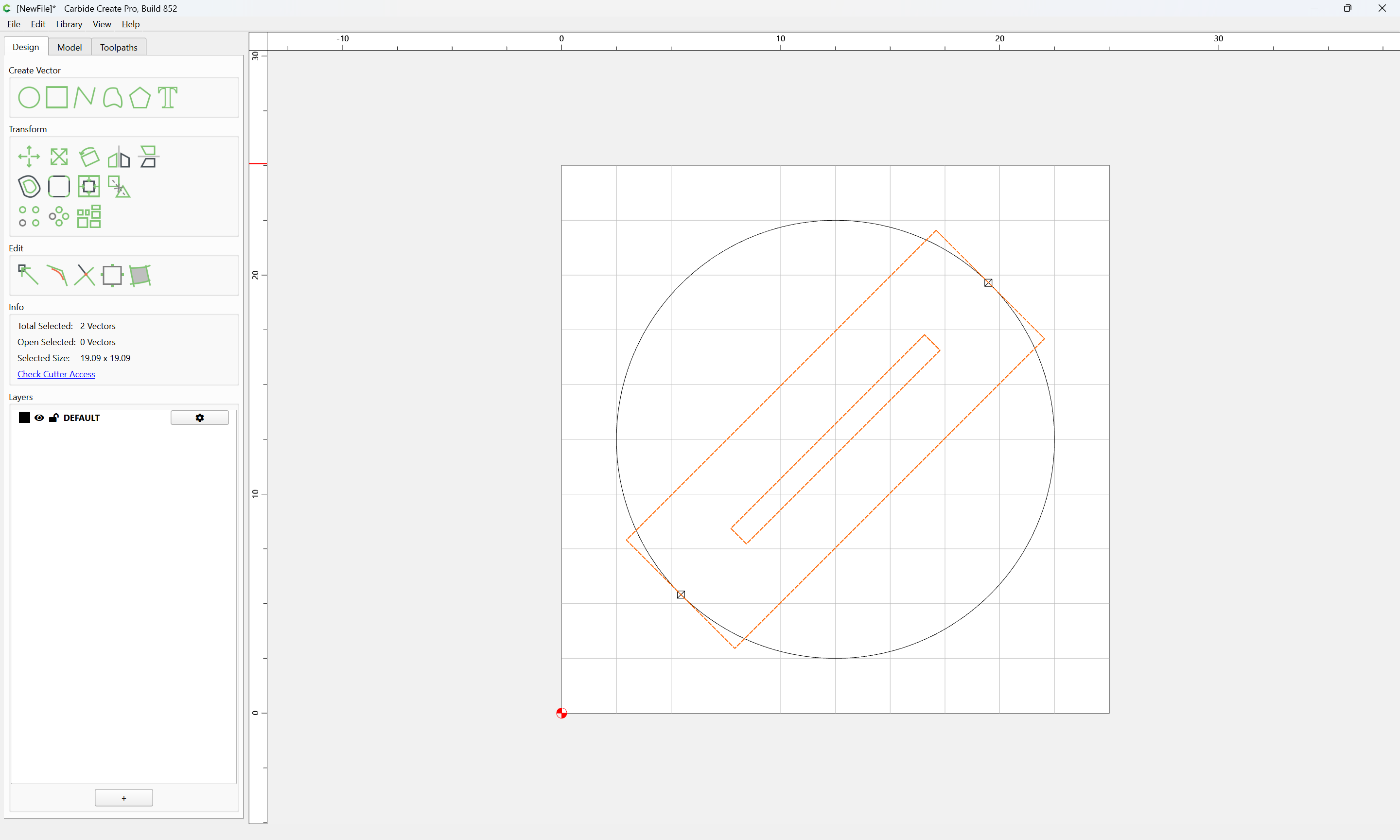
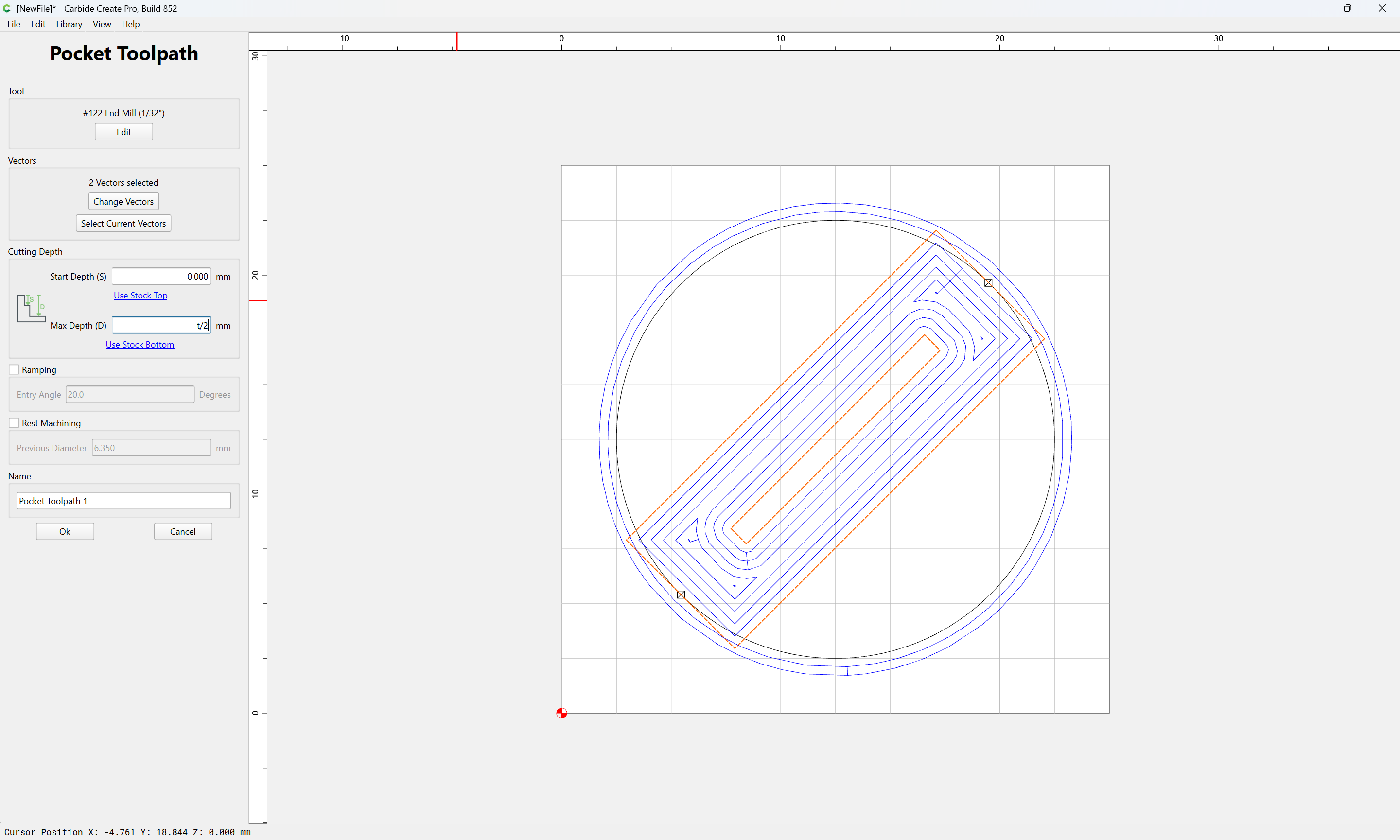
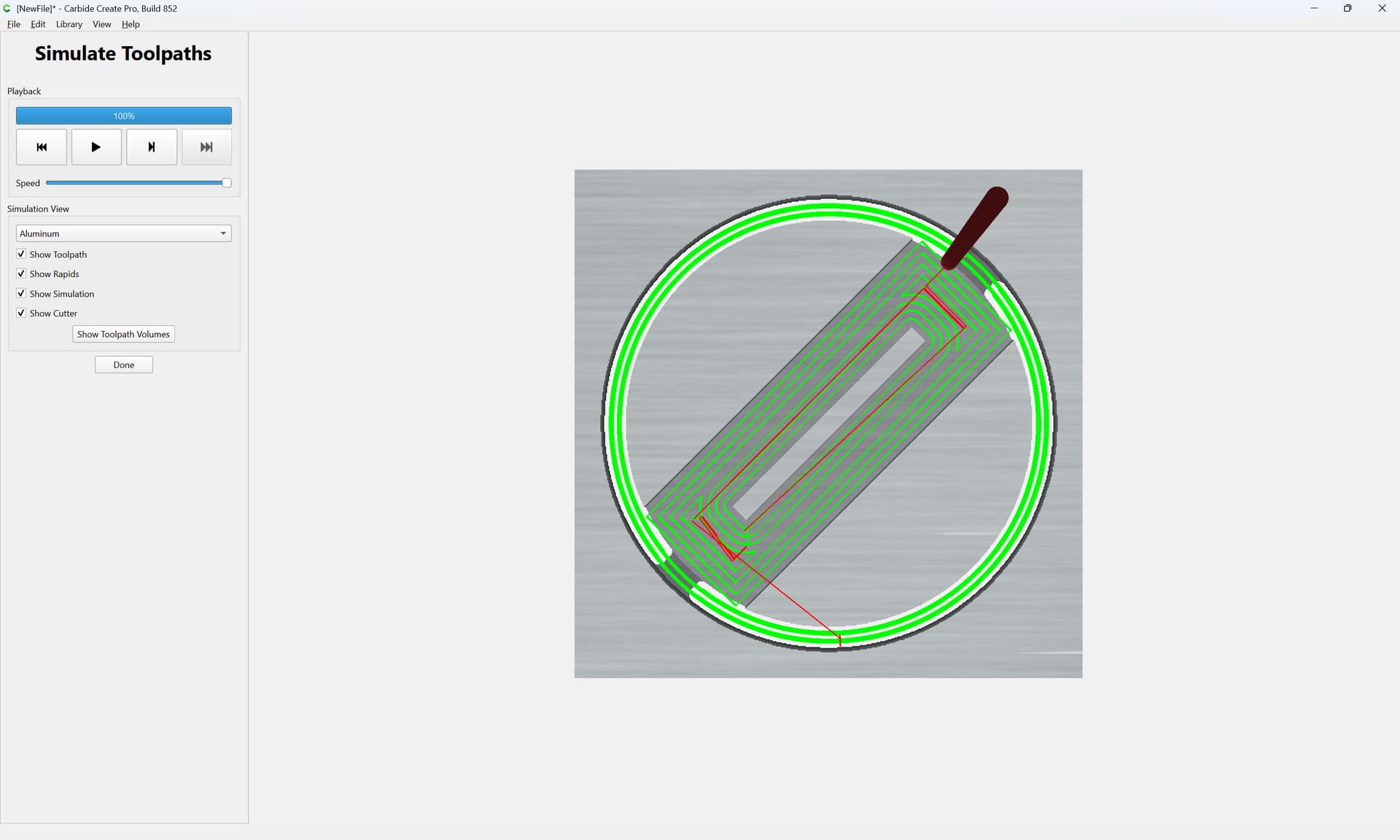
I am looking for information detailing the new Cutout toolpath that was recently introduced in CC v8.
It does not allow you to set the cut direction (Conventional vs Climb) and appears to automatically perform a climb cut.
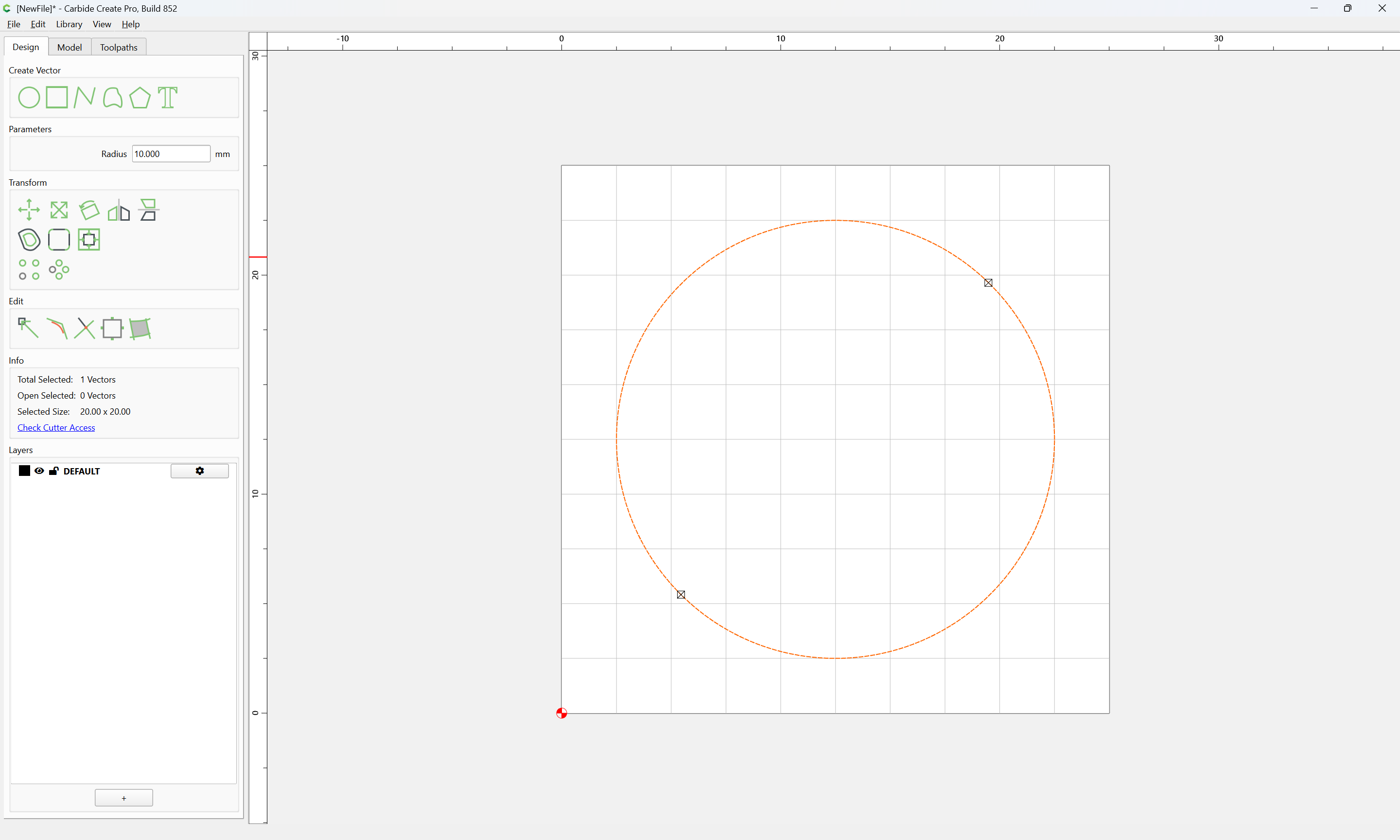
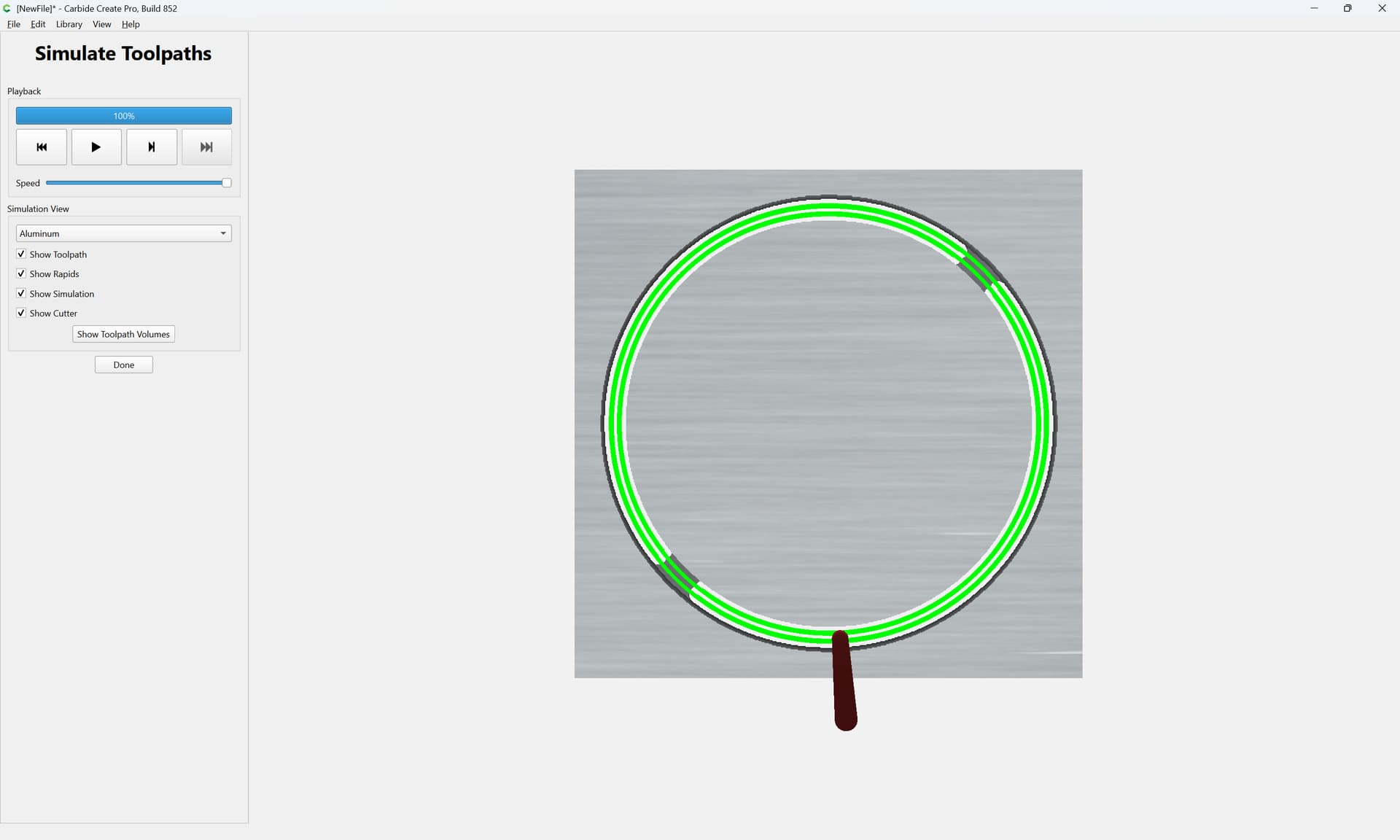
I experienced this while attempting to cutout the outer profile of a circular tray using the Cutout tool path. The toolpath was defined to use a 1/4’ Compression bit with 60 ipm for both the plunge and feed rates and a 1/16" pass depth because I was cutting the tray out of Bubinga which is very dense and hard. On the third or fourth pass, the DOC suddenly started getting deeper and deeper which ultimately caused the spindle to stop completely forcing me to pause/stop the job.
It did seem to work much better with the same settings using the Contour toolpath with a conventional cut direction.
What is the intended purpose of the Cutout toolpath vs using the Contour toolpath that allows for the direction of cut to be defined?
Is the cutout toolpath not supposed to be used with an outside profile that would traditionally be better executed as a conventional cut?
Is there actual documentation published that provides information about new features as they are introduced?
The intention of the new Cutout toolpath is to allow cutting out parts without cutting deep slots without the added steps of offsetting geometry and cutting as a pocket down to tab height.
I’ve been thinking about the conventional vs climb cuts and it seems to me that with a 1/16 DOC there wouldn’t be much if any difference in endmill rotating forces that would pull the endmill deeper on passes 3, 4 and beyond. I haven’t used a compression bit before but in a shallow pass the endmill is only cutting on the lower upcut area of the endmill.
There may be a different issue that caused your endmill to go deep and stall your spindle. Is it possible that it came loose in the collet?
Again, I’m not sure if a compression endmill would stay on the programmed toolpath if it comes loose in the collet. A standard endmill typically veers off the toolpath when it loosens but maybe the upcut and downcut areas of a compression endmill tend to keep it on the toolpath when it loosens ???
I followed @Jeffish and did find the change but no explanation about how to use cutout tool path. Most of it seems straight forward and by using it with a 1/4" endmill it cuts a contour that is wider than 1/4" to avoid deep cuts that are 1/4" wide.
What I do not fully understand is start depth and breakthrough. You are not asked about the depth of the cut out so I am guessing from the Setup it is using the material thickness to start the cutout depth. So exactly what does start depth do? Is that like doing a contour but starting below the top of the material? Then the breakthrough? I usually do not want to cut up my spoilboard and I use bottom of material. That works but what numbers do I put in for breakthrough if I am wanting to cut into my spoilboard and/or leave an onion skin?
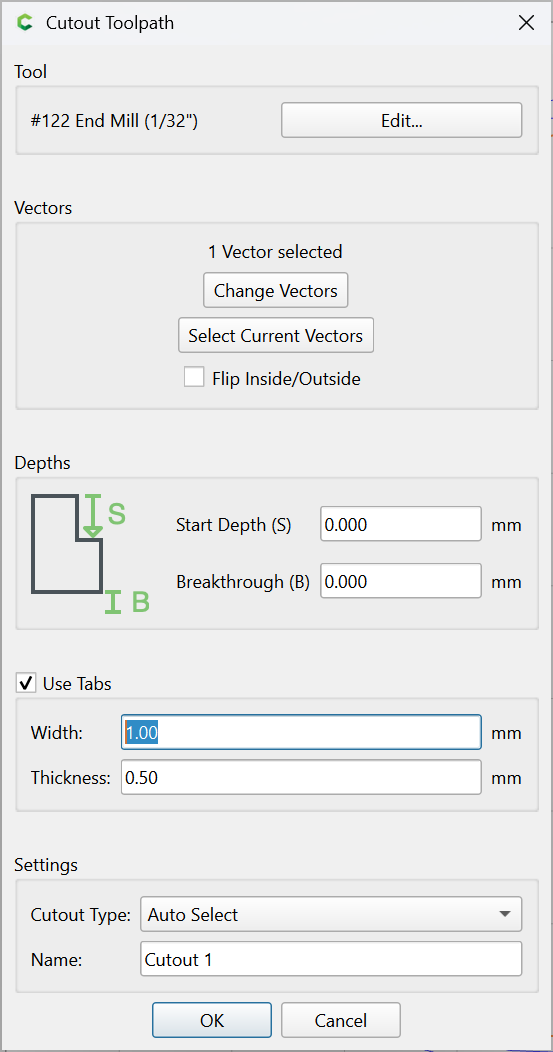
I tried the cut out tool path today. I had .25" width and .125" height tabs. Worked well but it ran so slow I got about half way through and stopped and went back into CC and changed to the contour. I had cut about .375" down on cut out tool path so I started at .370 to “t” (.675") on contour. The time was originally about 60 minutes to cut a 27" round cut out to about 11 minutes to finish up so I would estimate about 25 minutes if I had done the contour path from the beginning. I will play with it more but this was a rather large cut out tool path.
@gdon_2003 I found the cutout to be proportionally slow as well buut with a conservative DOC you can always bump up the feedrate and see how much time that takes off