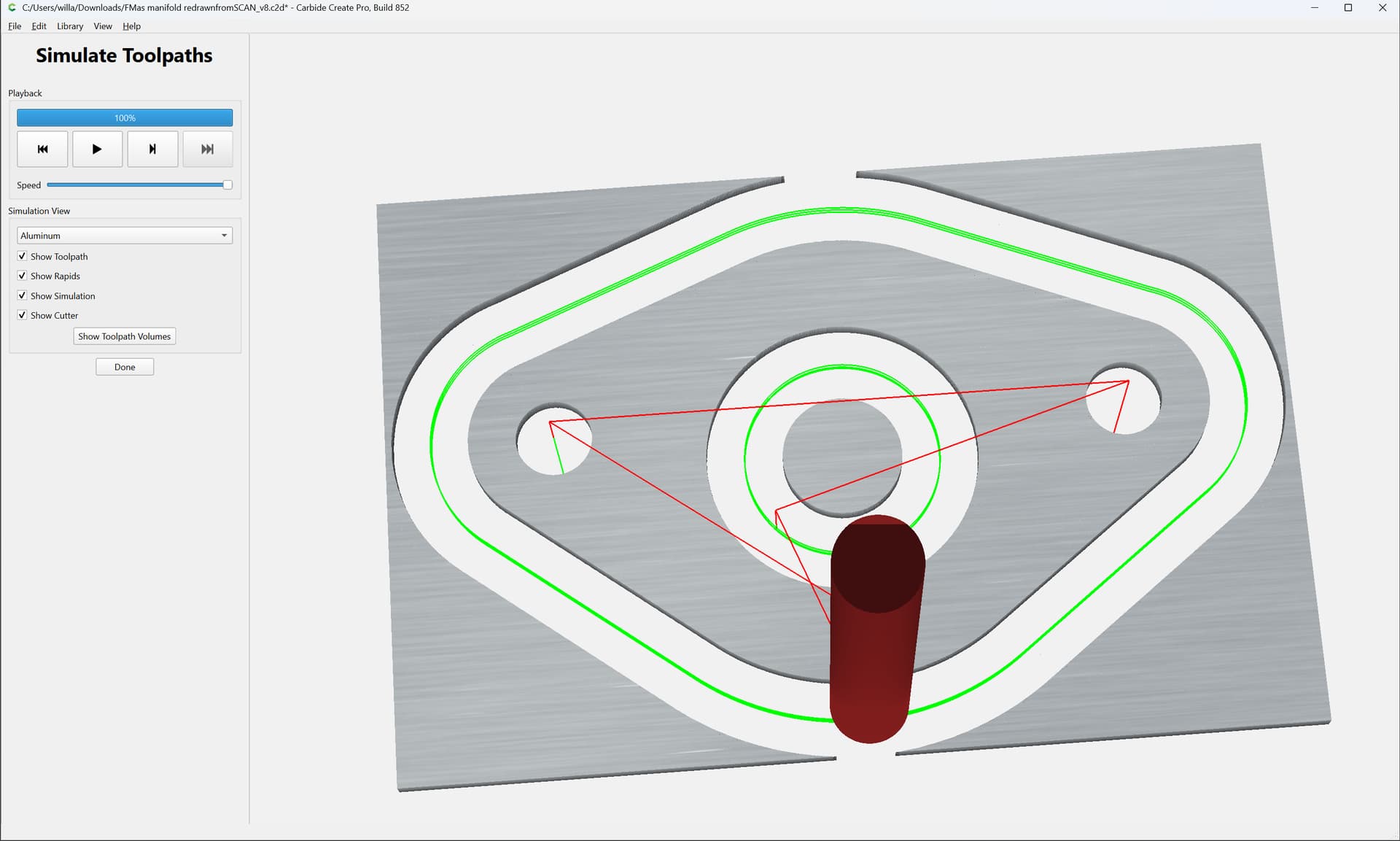
And, now we have a scan:
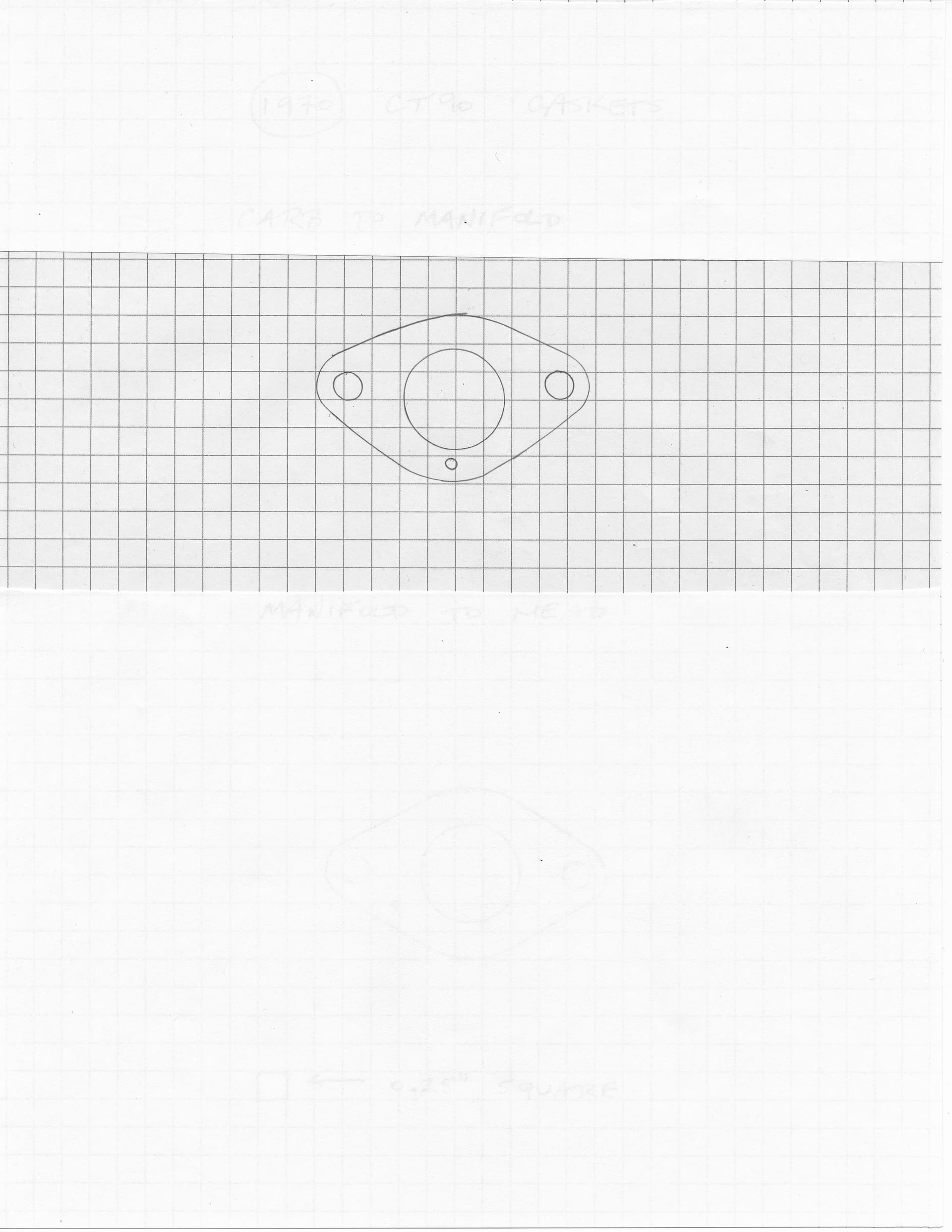
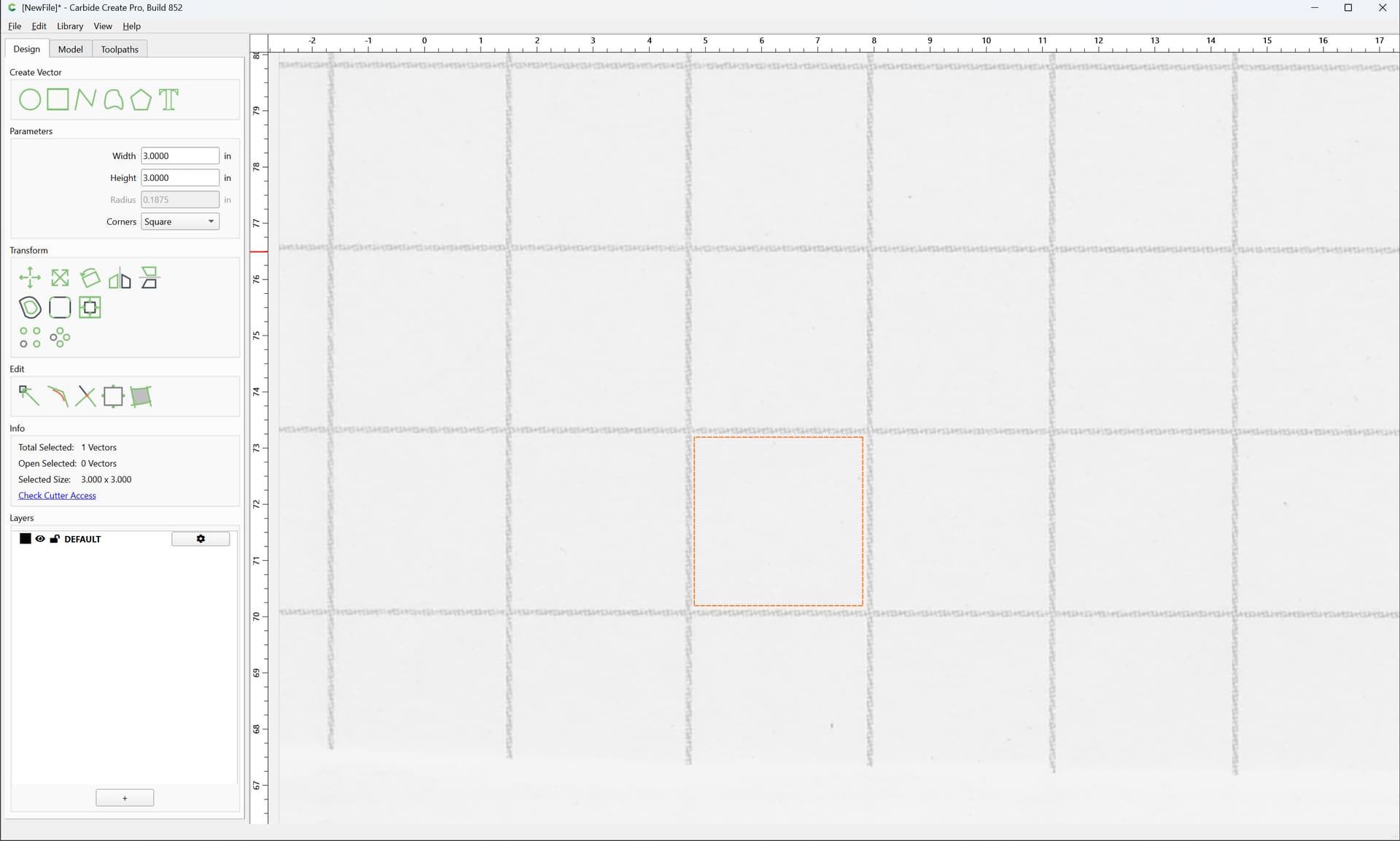
As before, the file does not allow a direct 1:1 scaling, so we measure the grid at the current size by zooming in:
r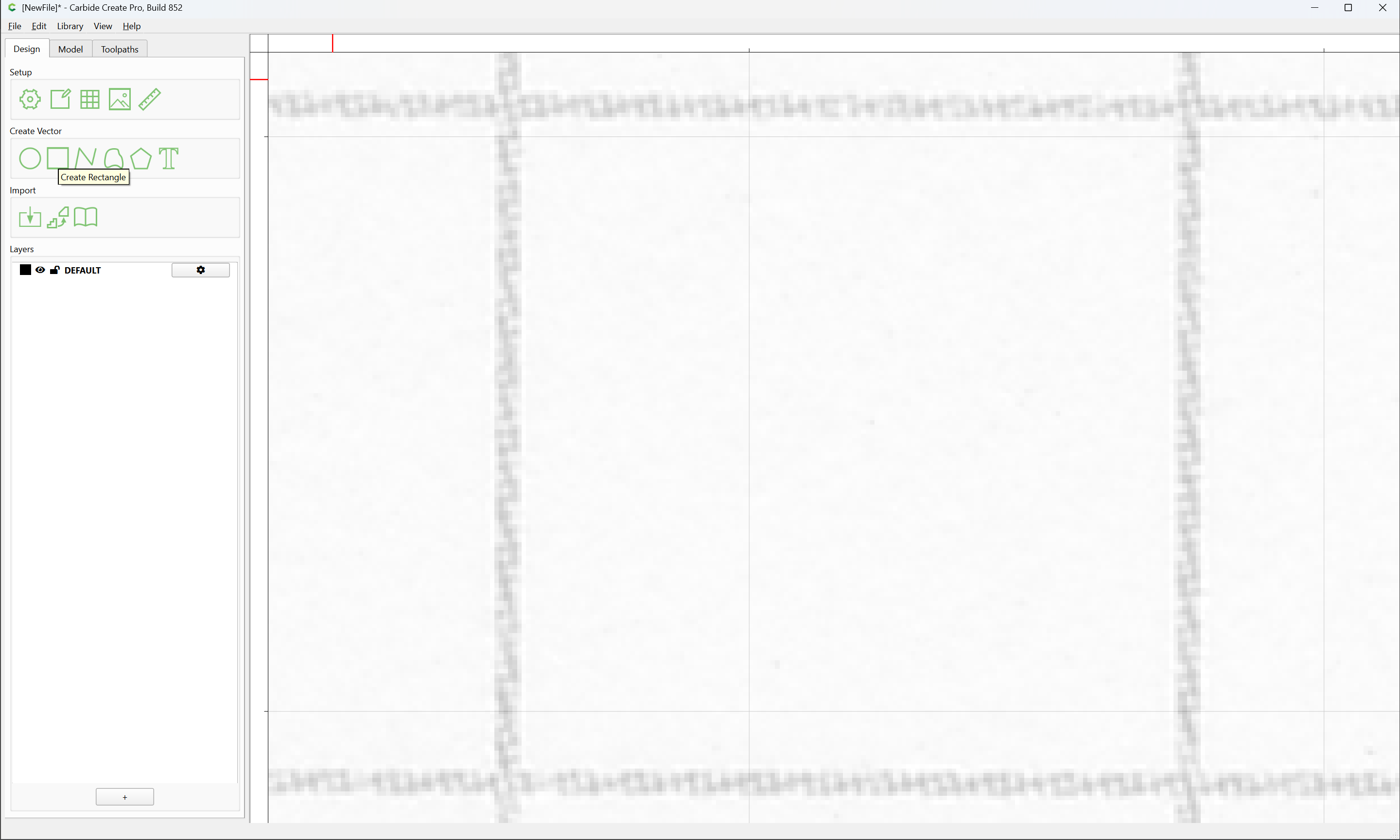
and drawing a square:
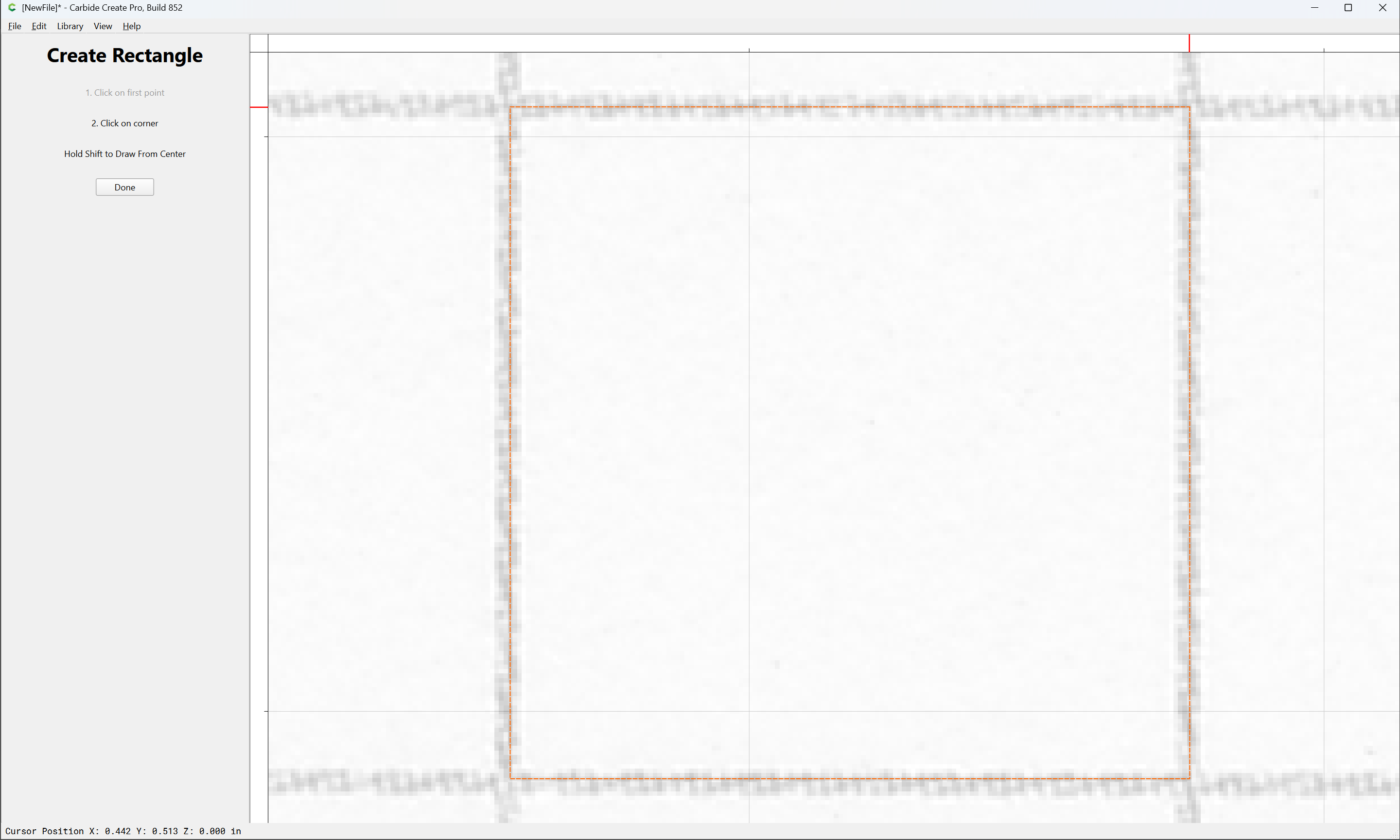
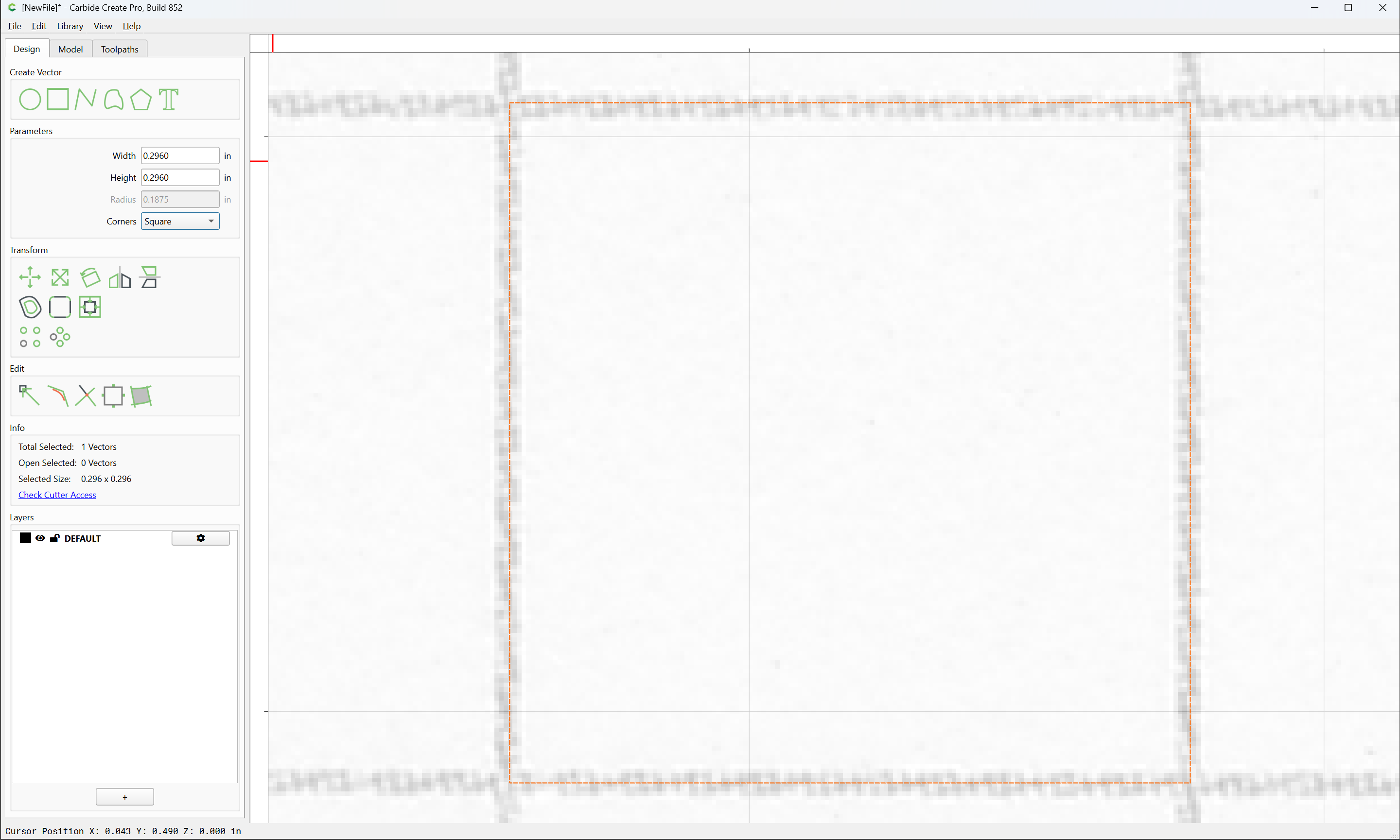
12:1 seems a reasonable scale to try for, so we draw an 0.25" square:
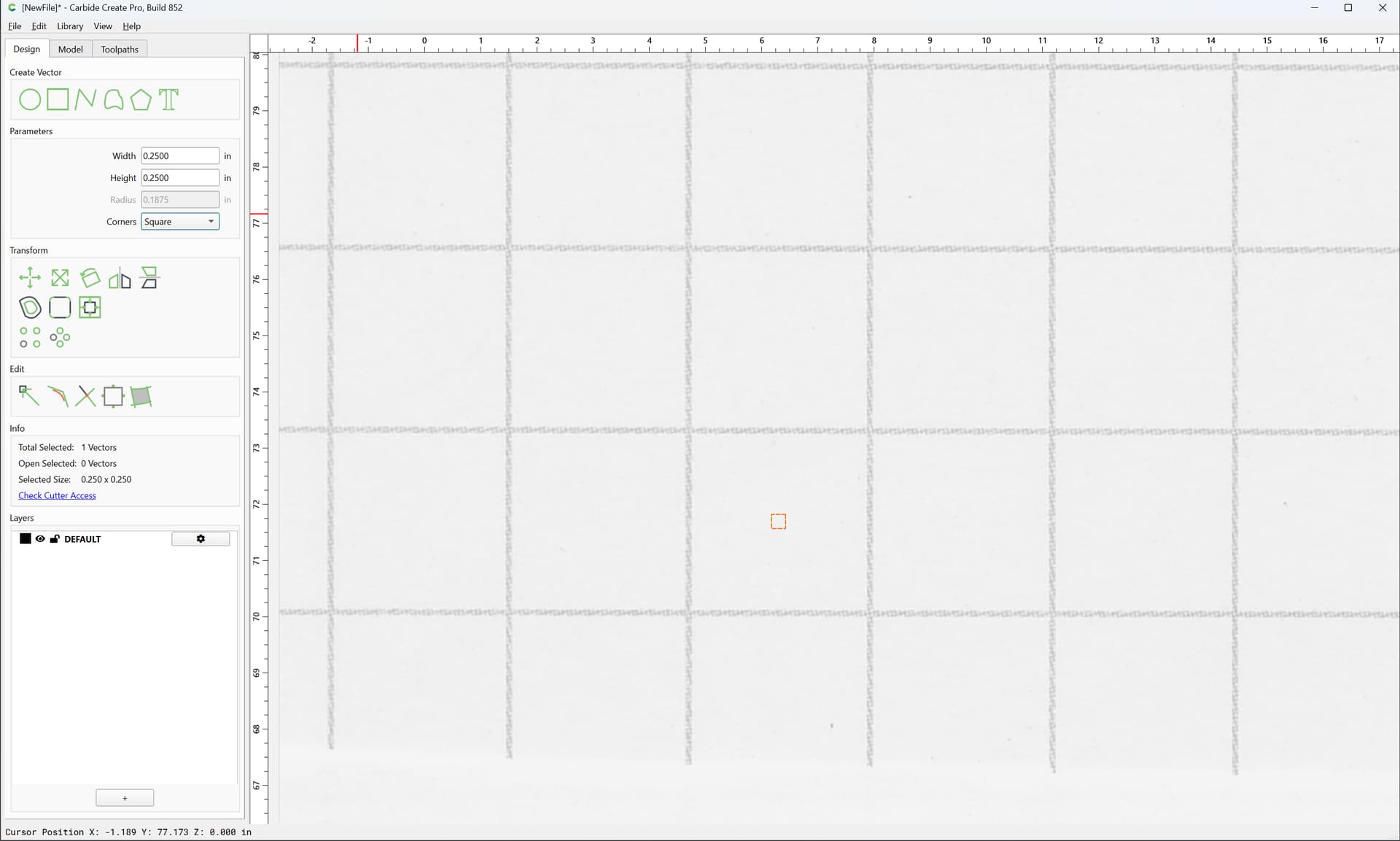
then scale it up by 12:
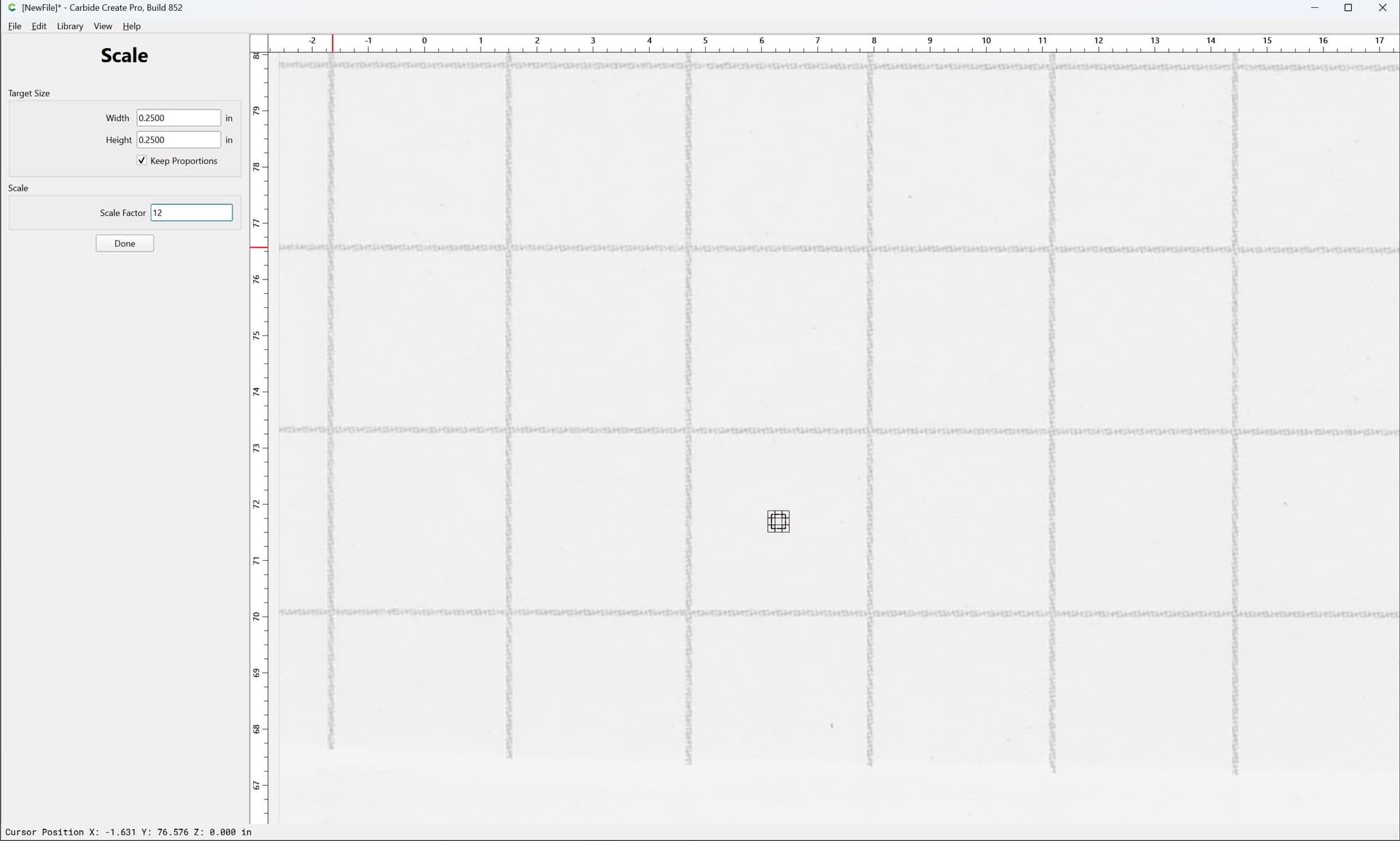
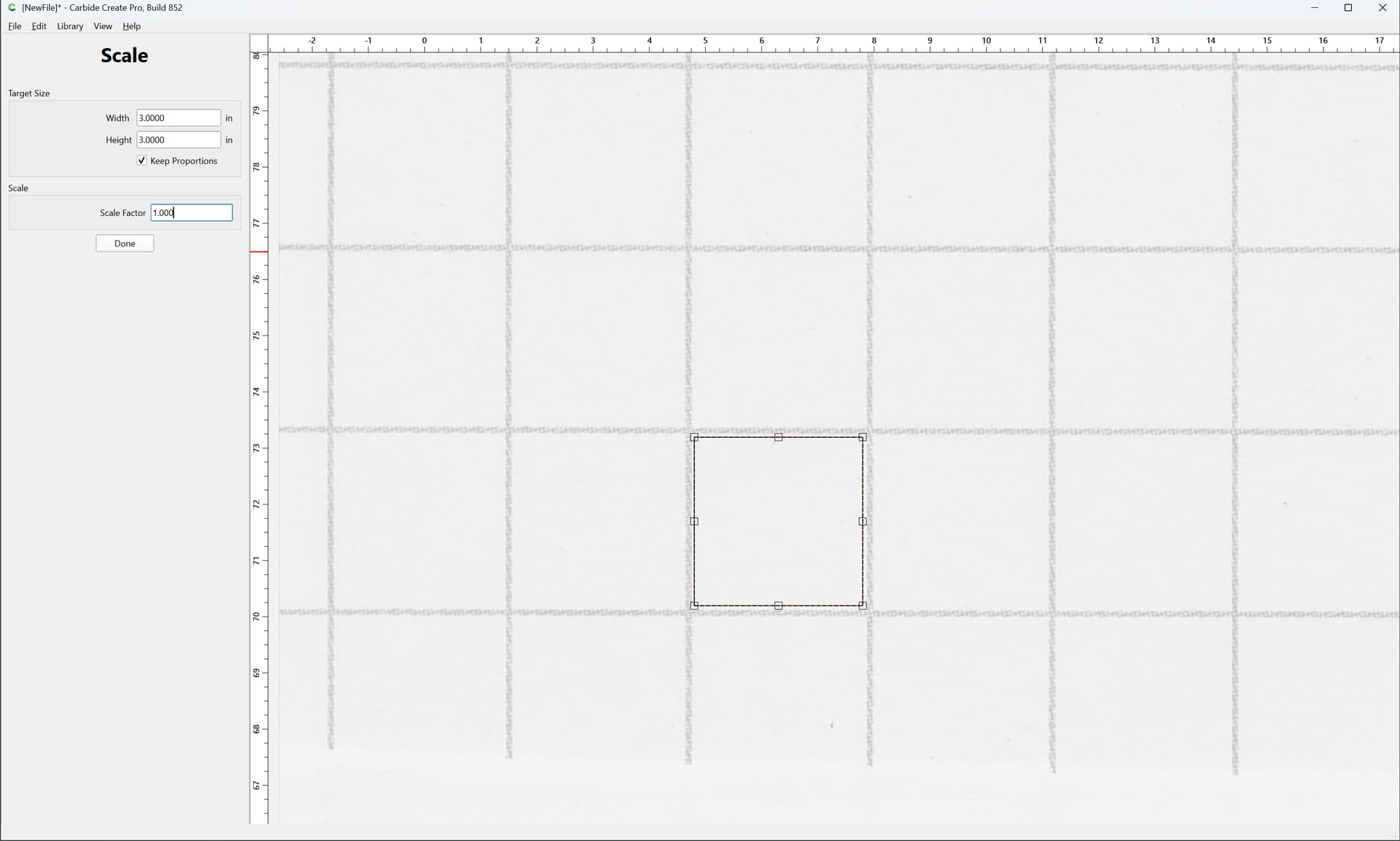
Done
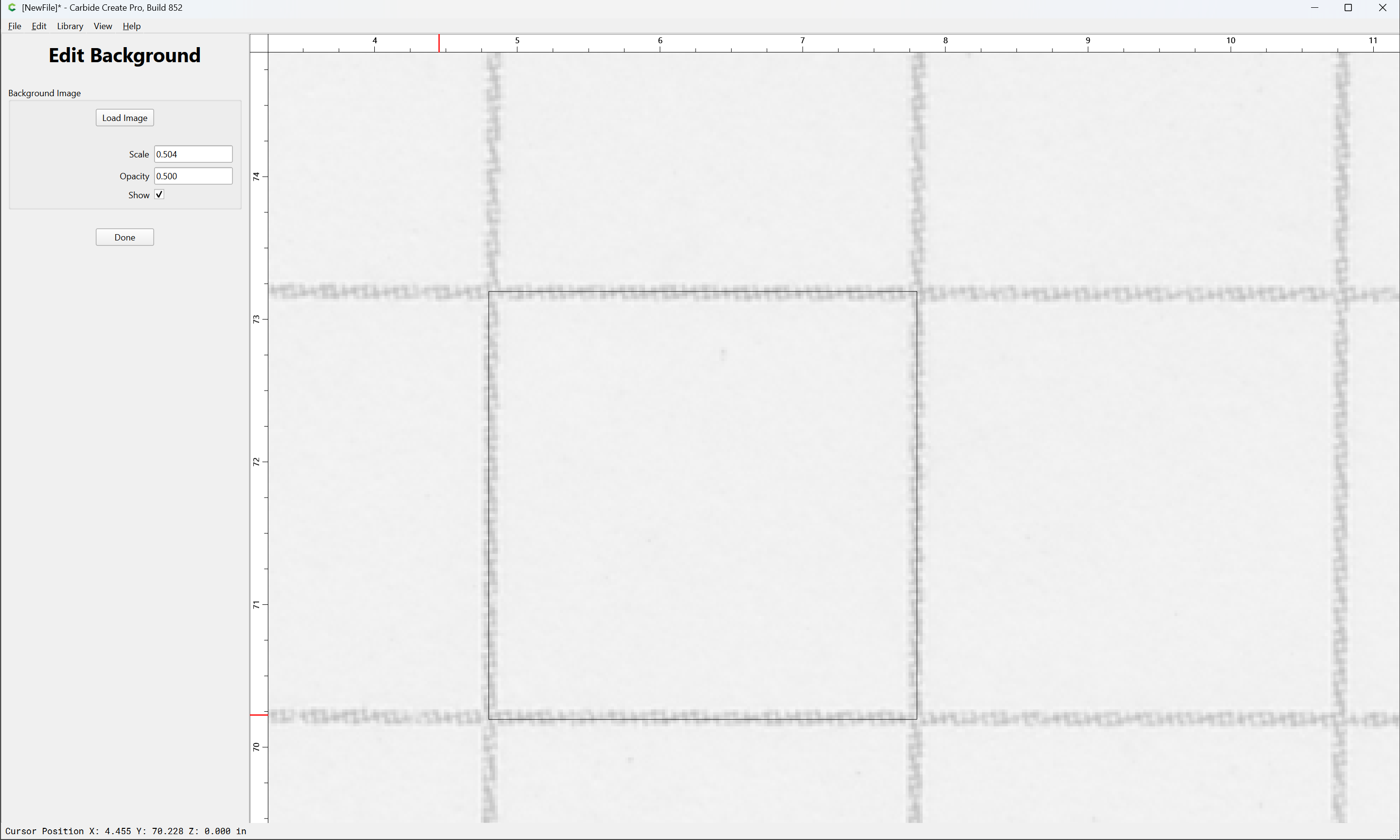
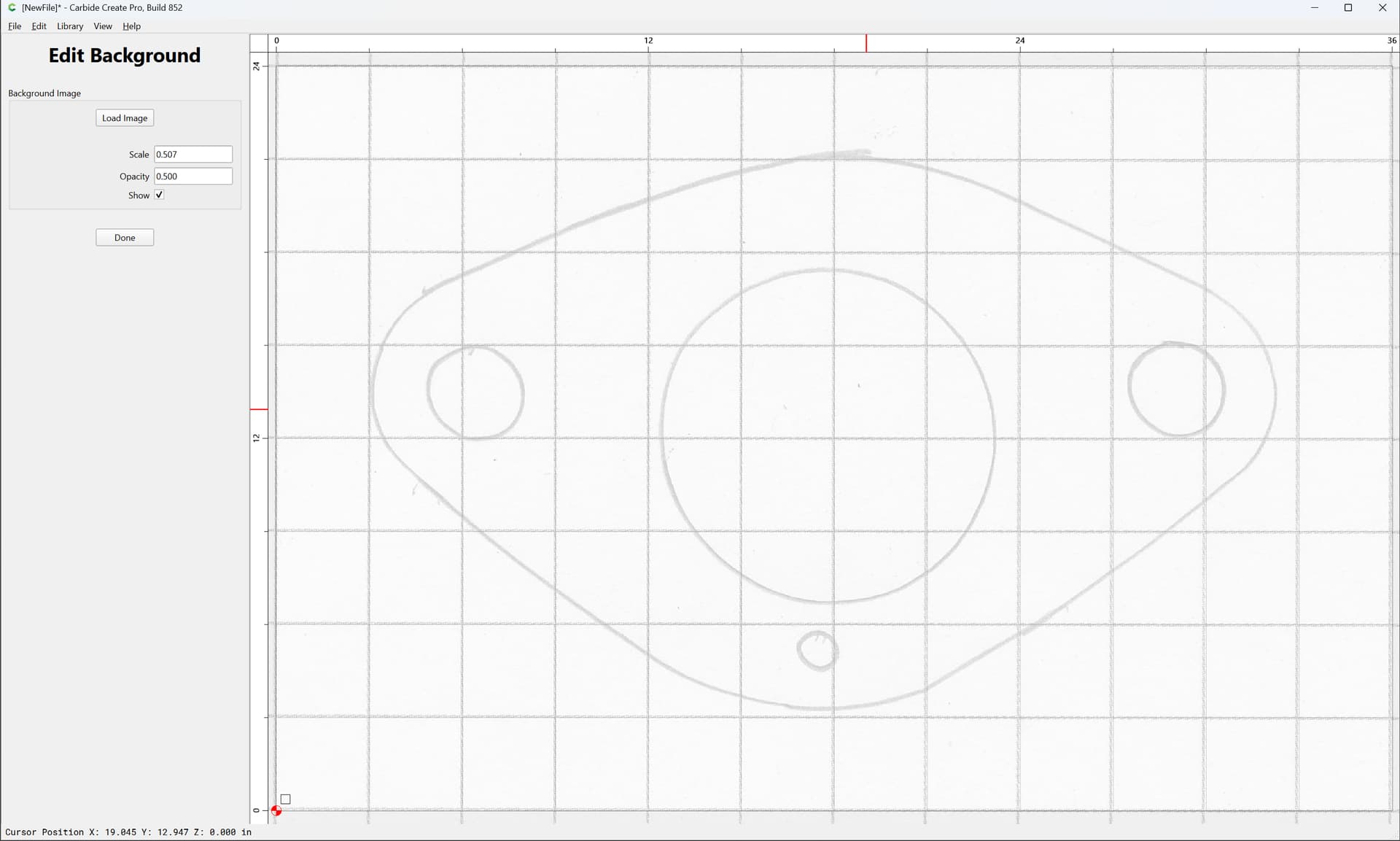
and then adjust the image scaling to line up:
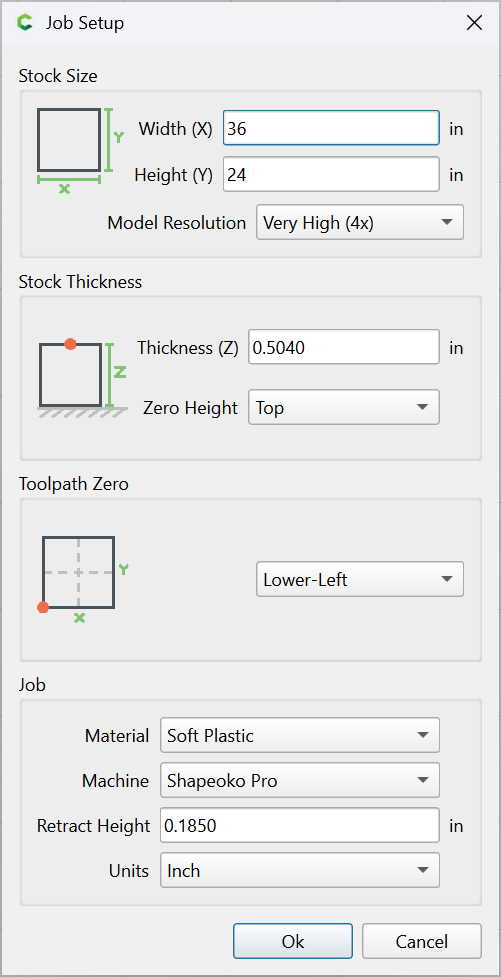
Again, we set the Job Setup to some dimensions to match:
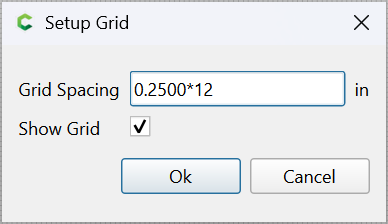
Scale the grid:
and then do a final adjustment of things:
Again, draw circles:
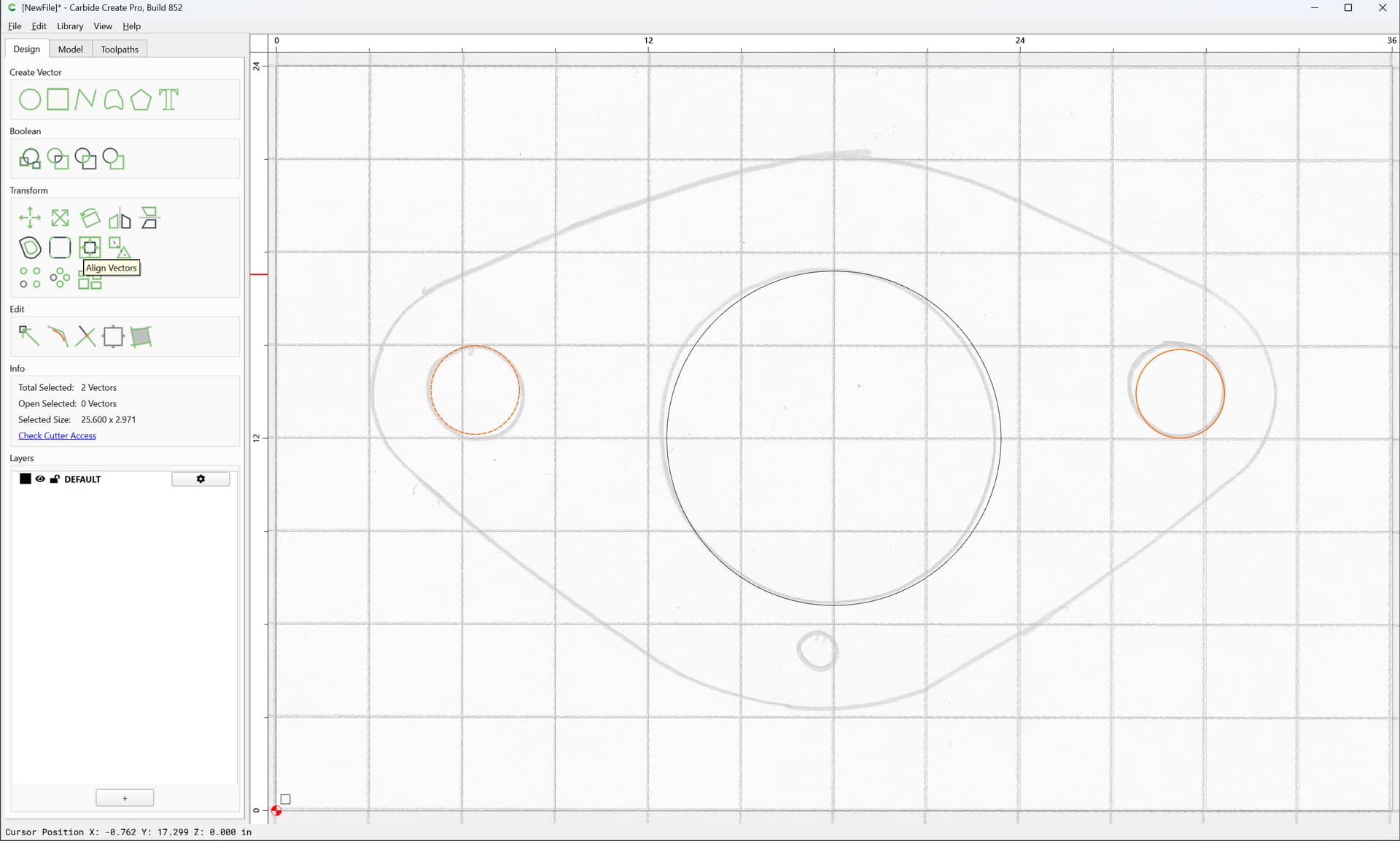
and align:
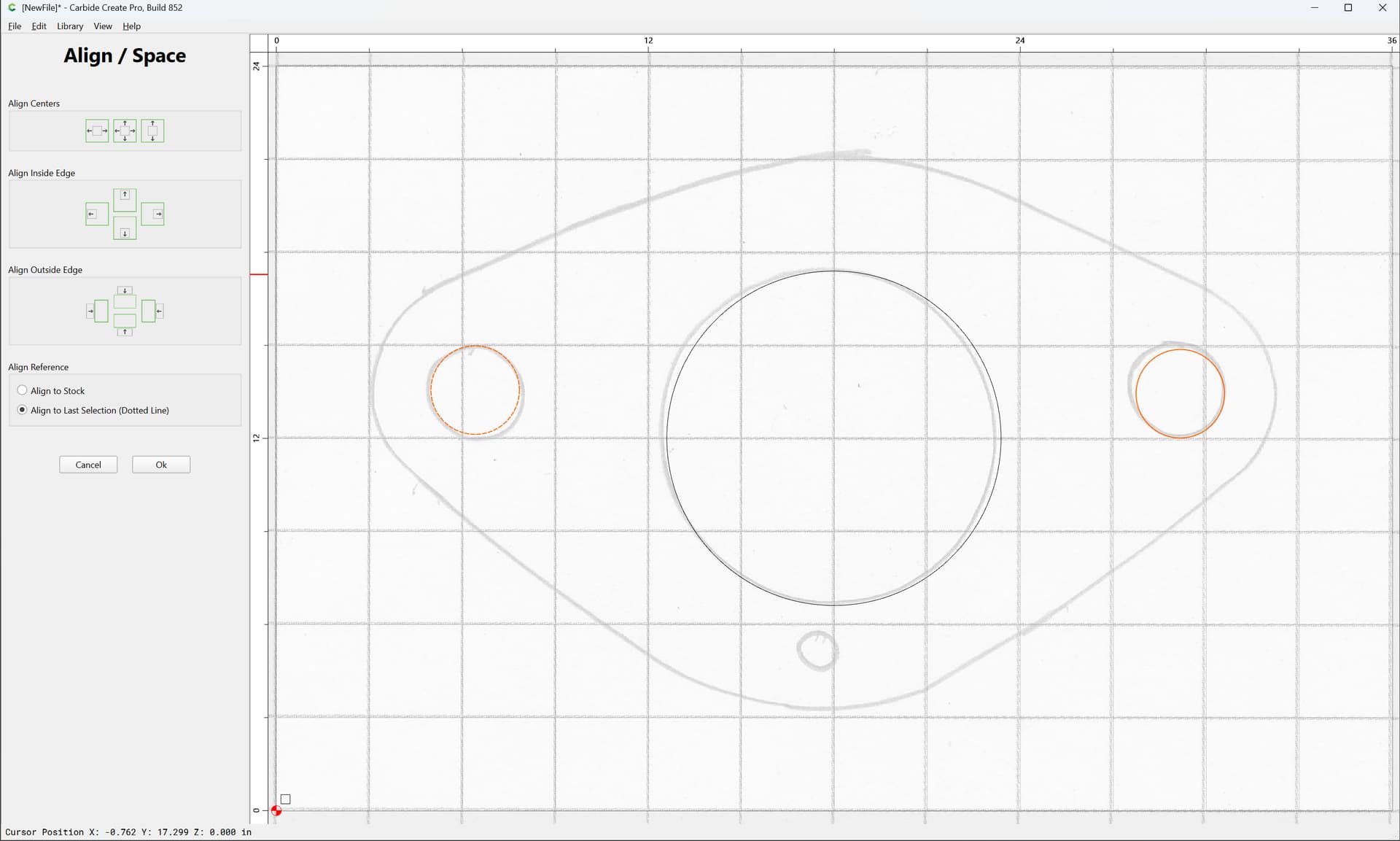
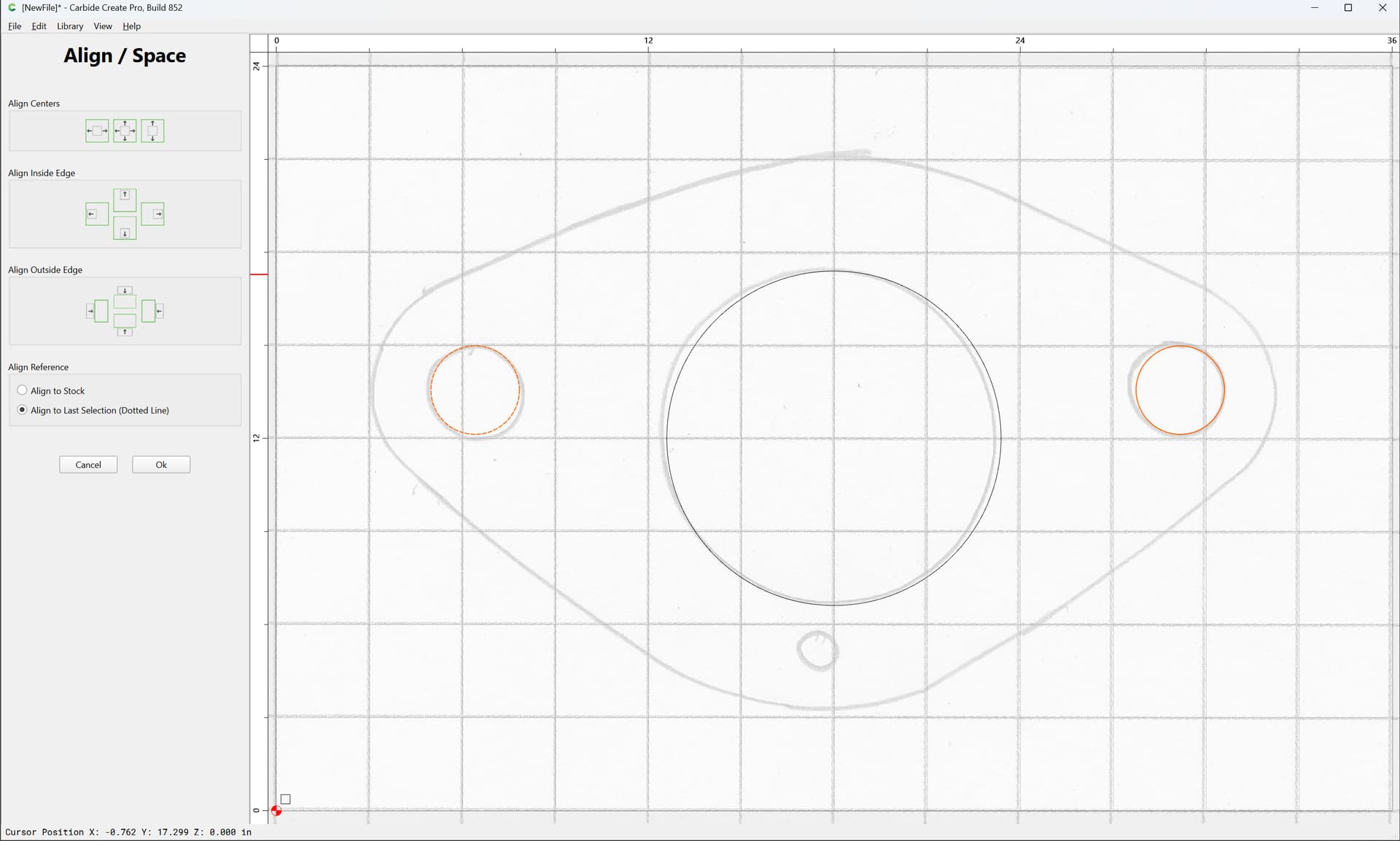
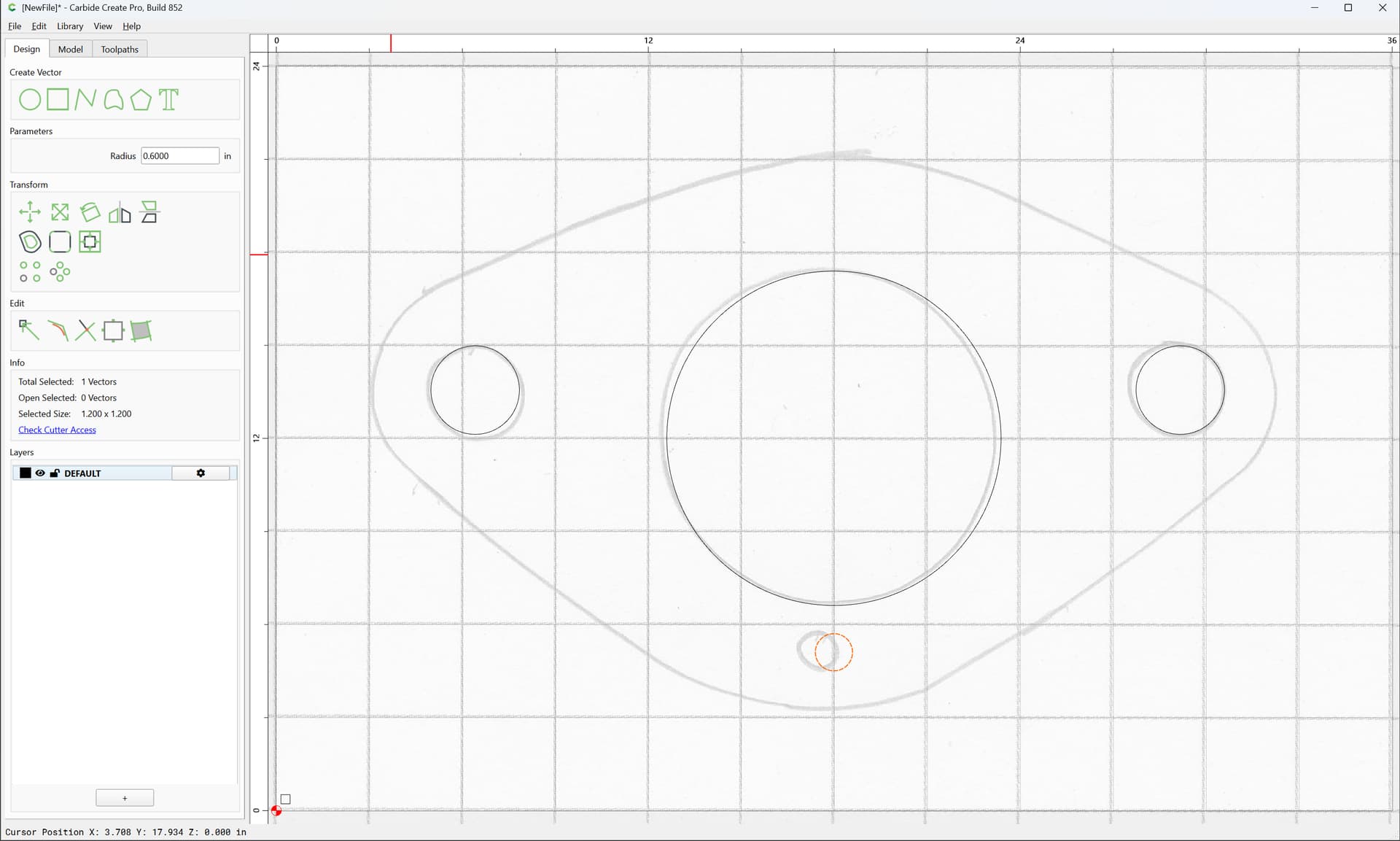
and measure:
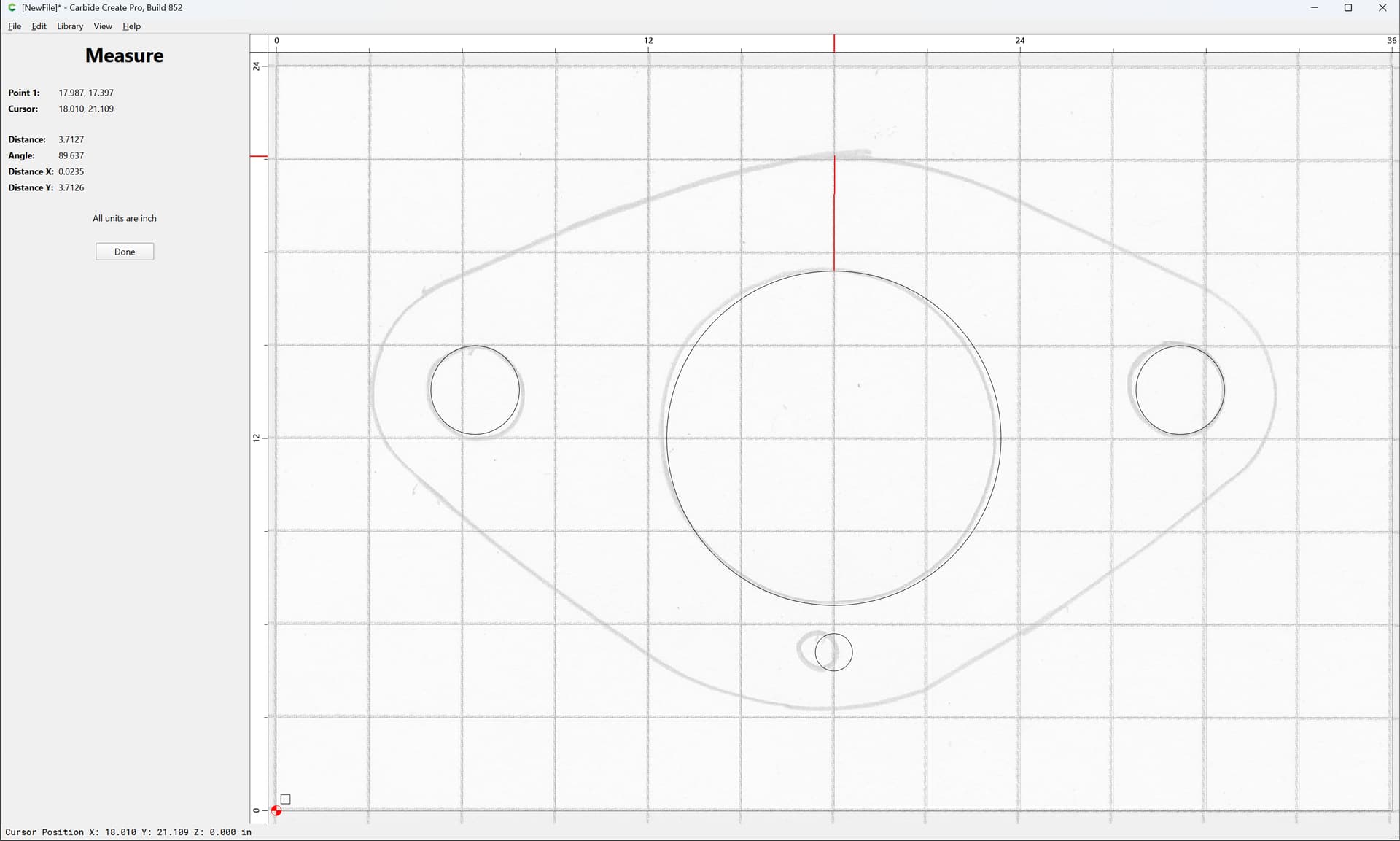
Duplicate by copy-pasting in place:
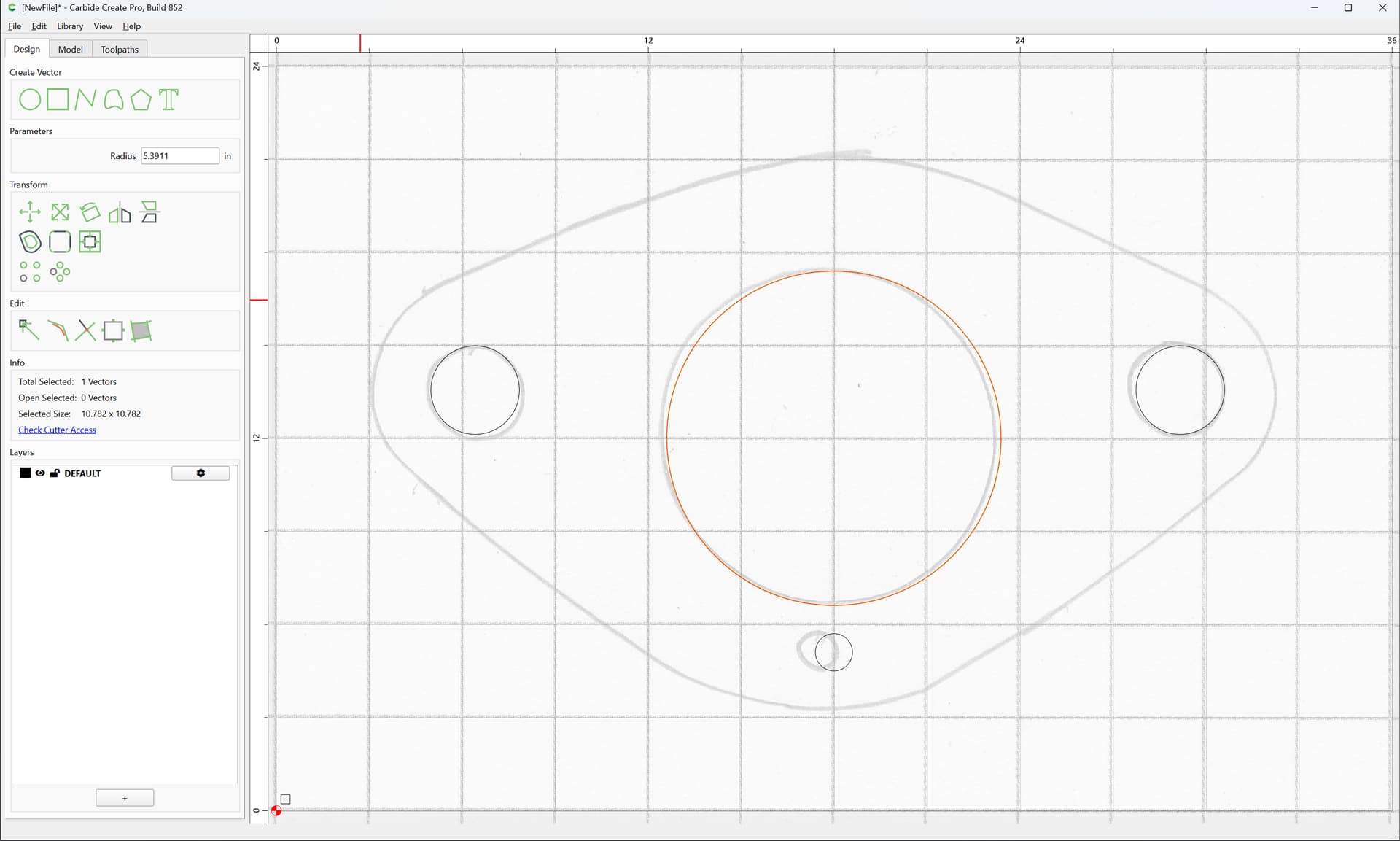
and add the measurement to the radius so as to offset:
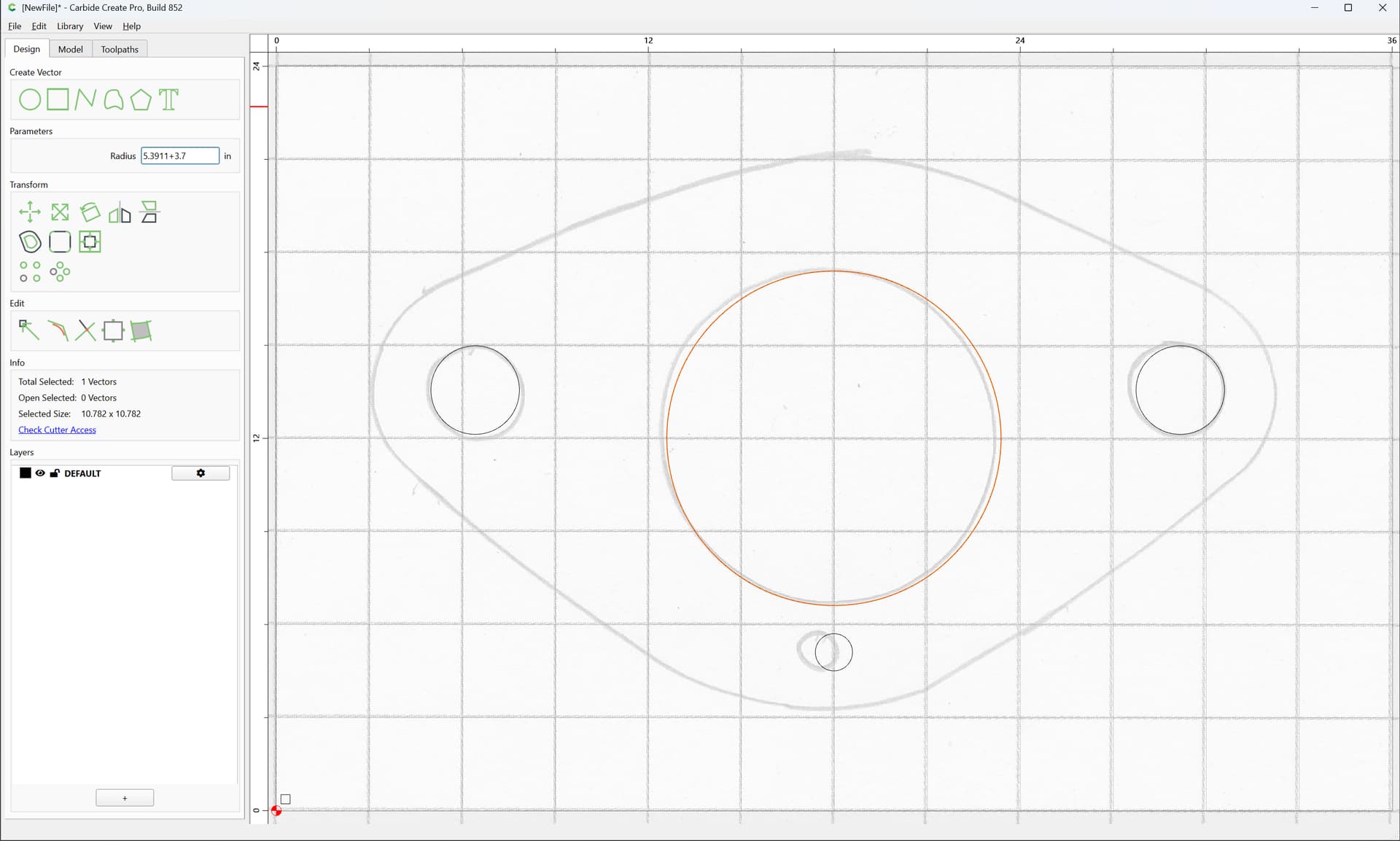
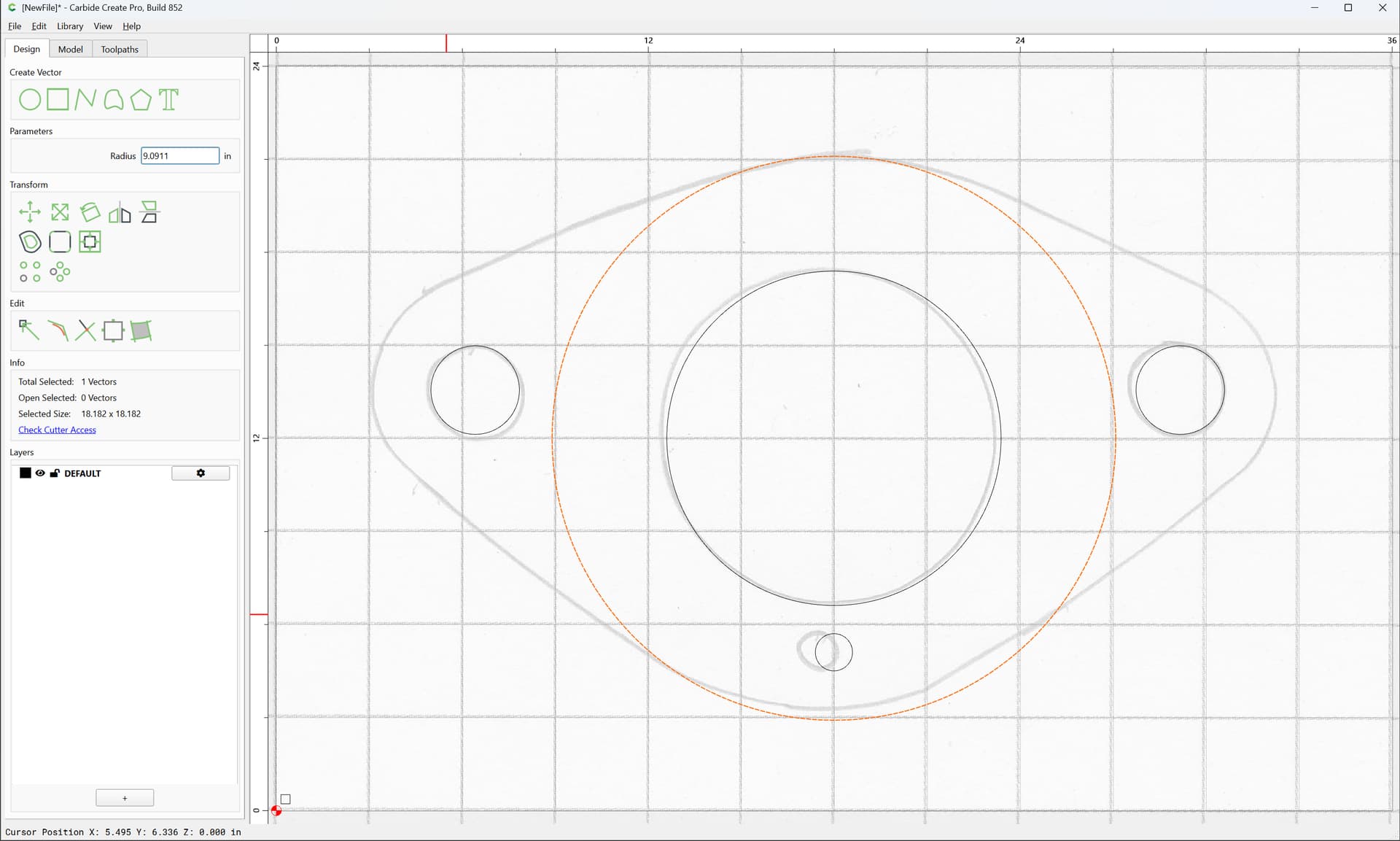
For the bolt holes, again, group:
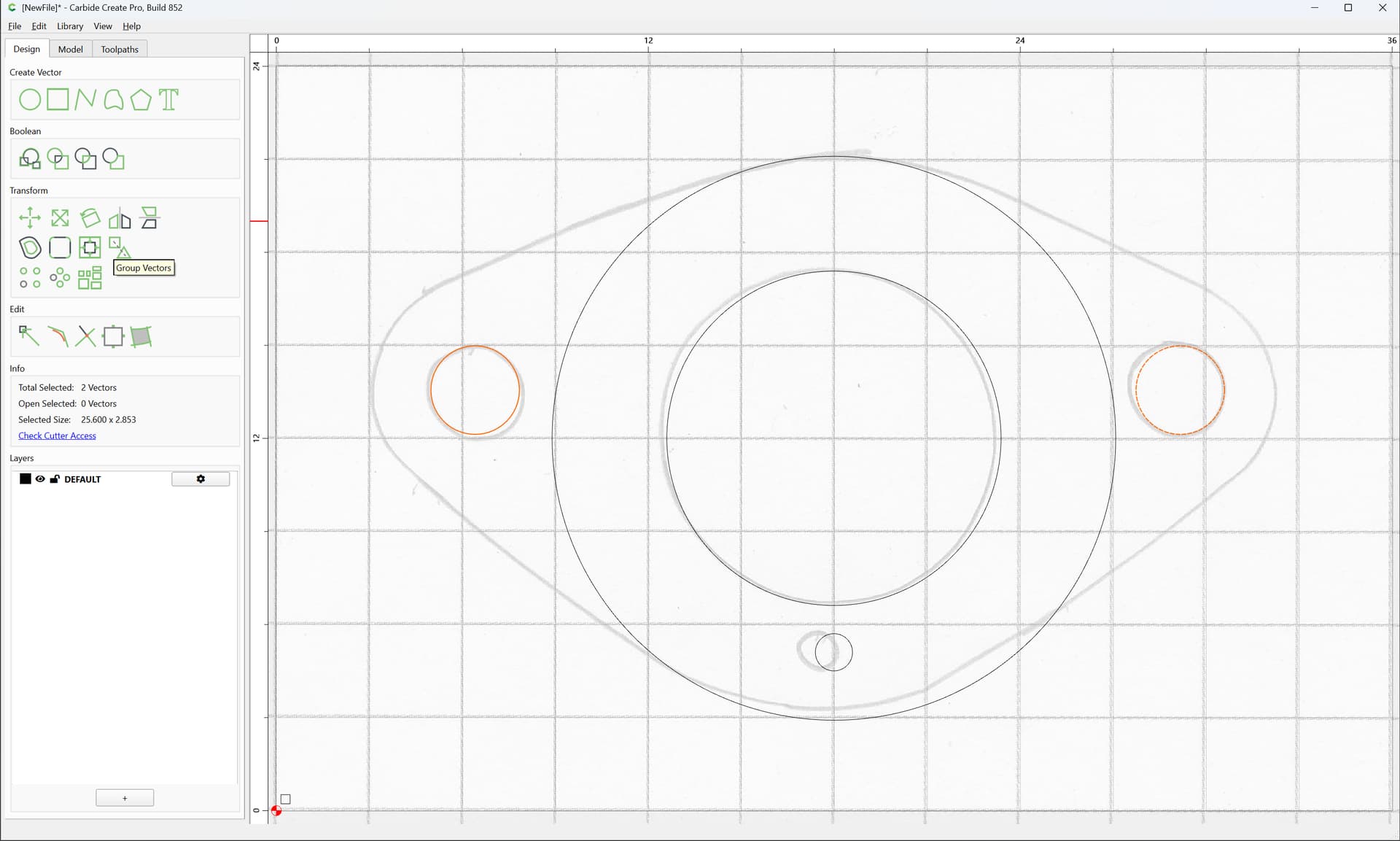
shift-click to add to the selection:
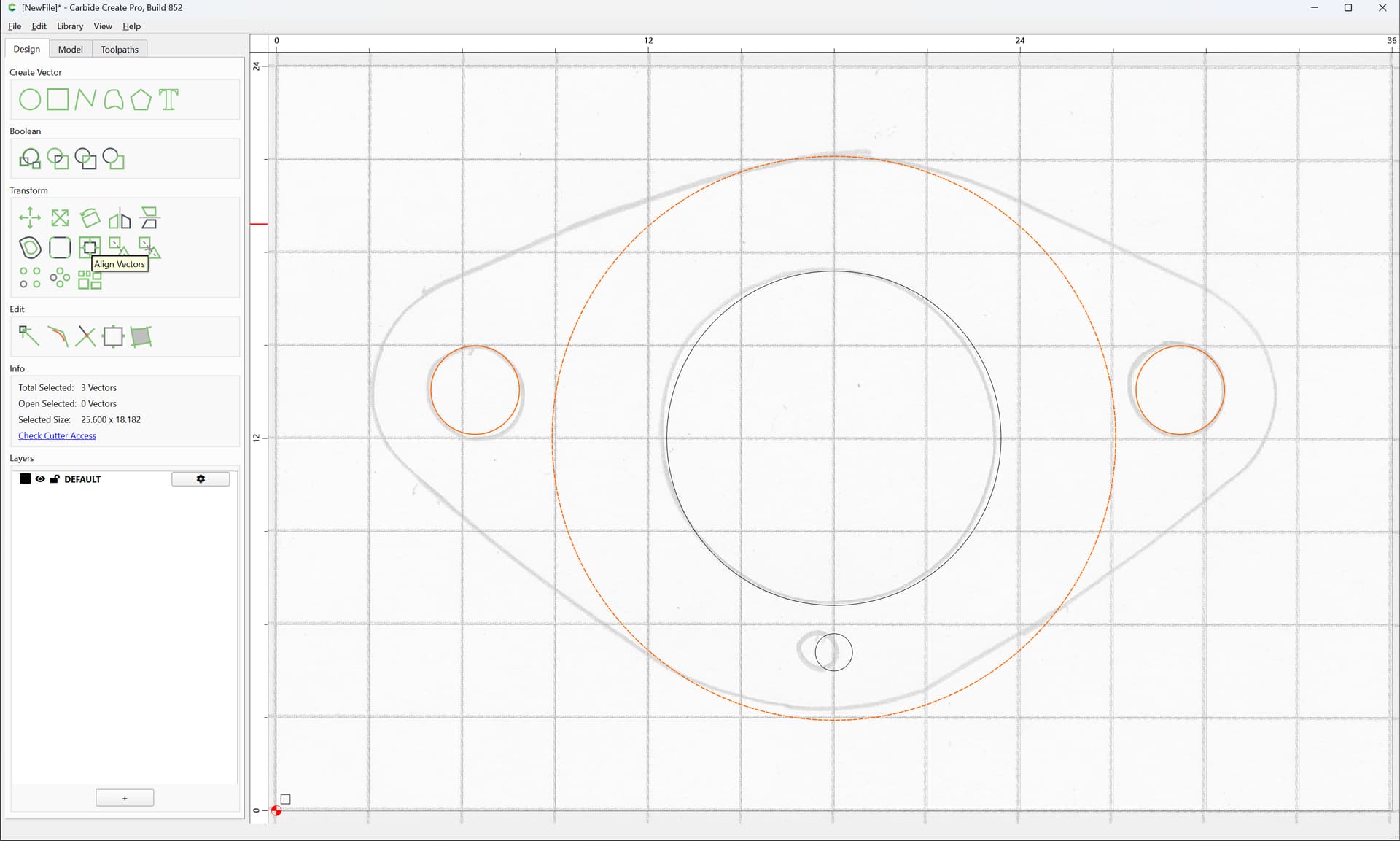
and Align Vectors:
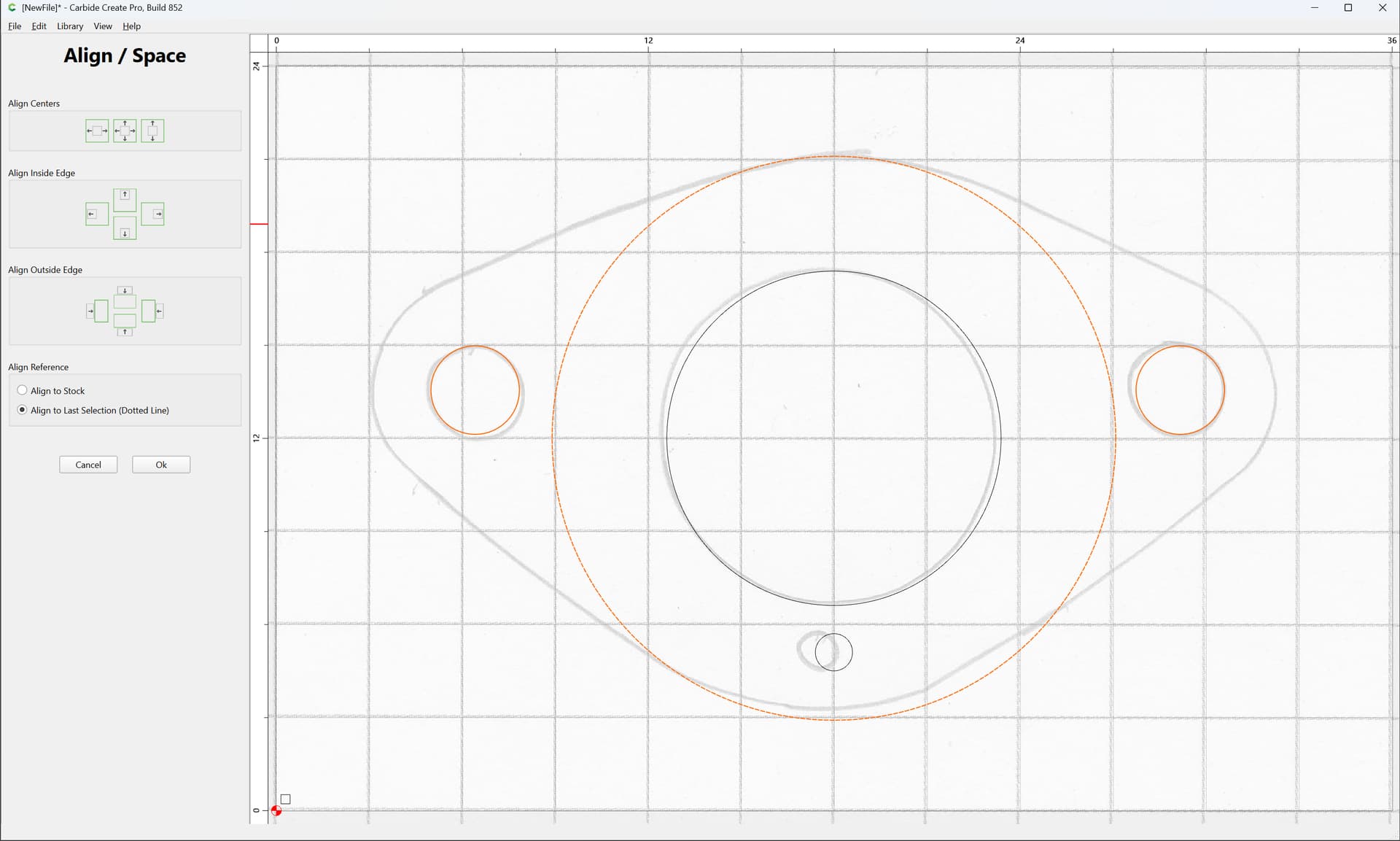
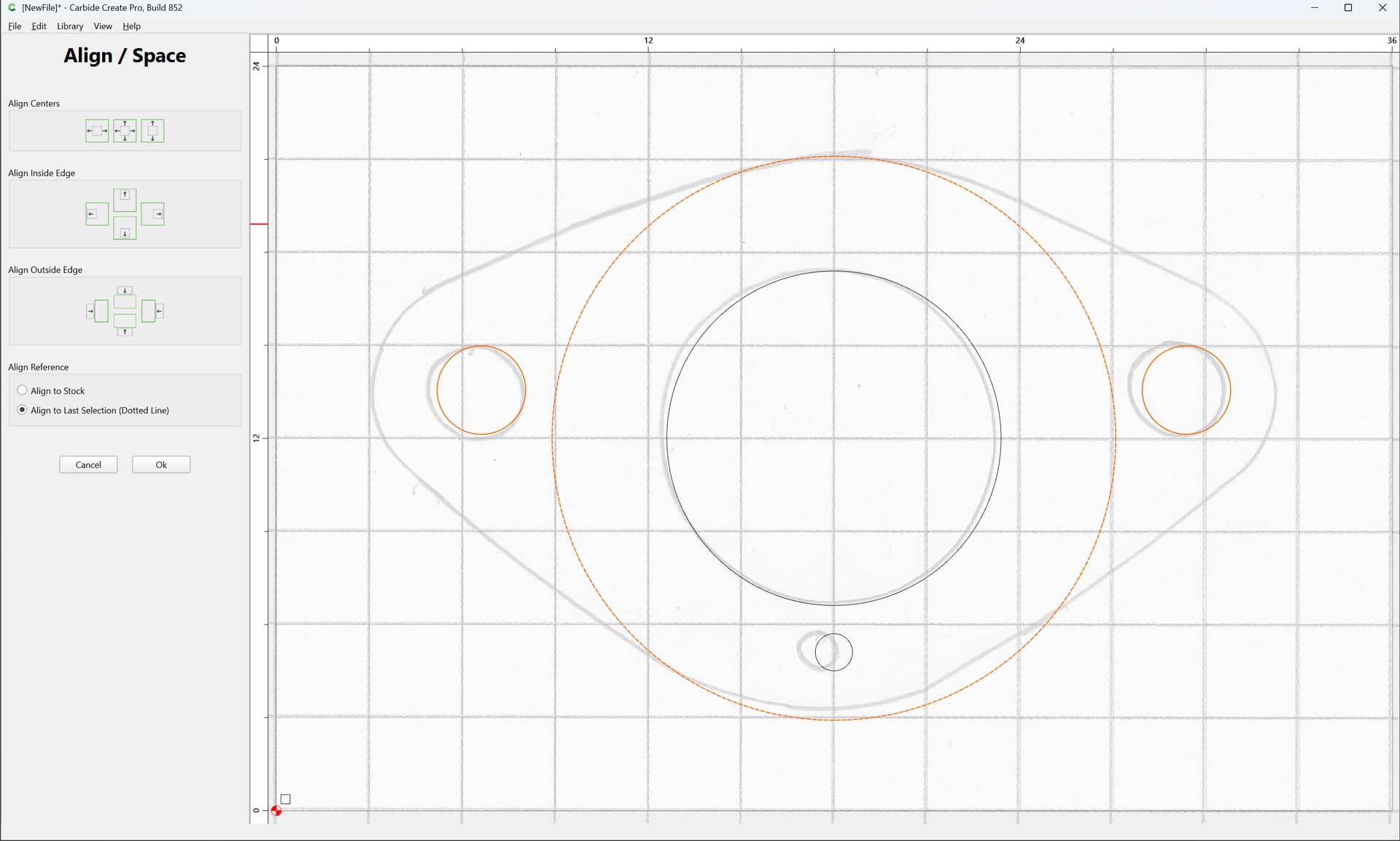
OK
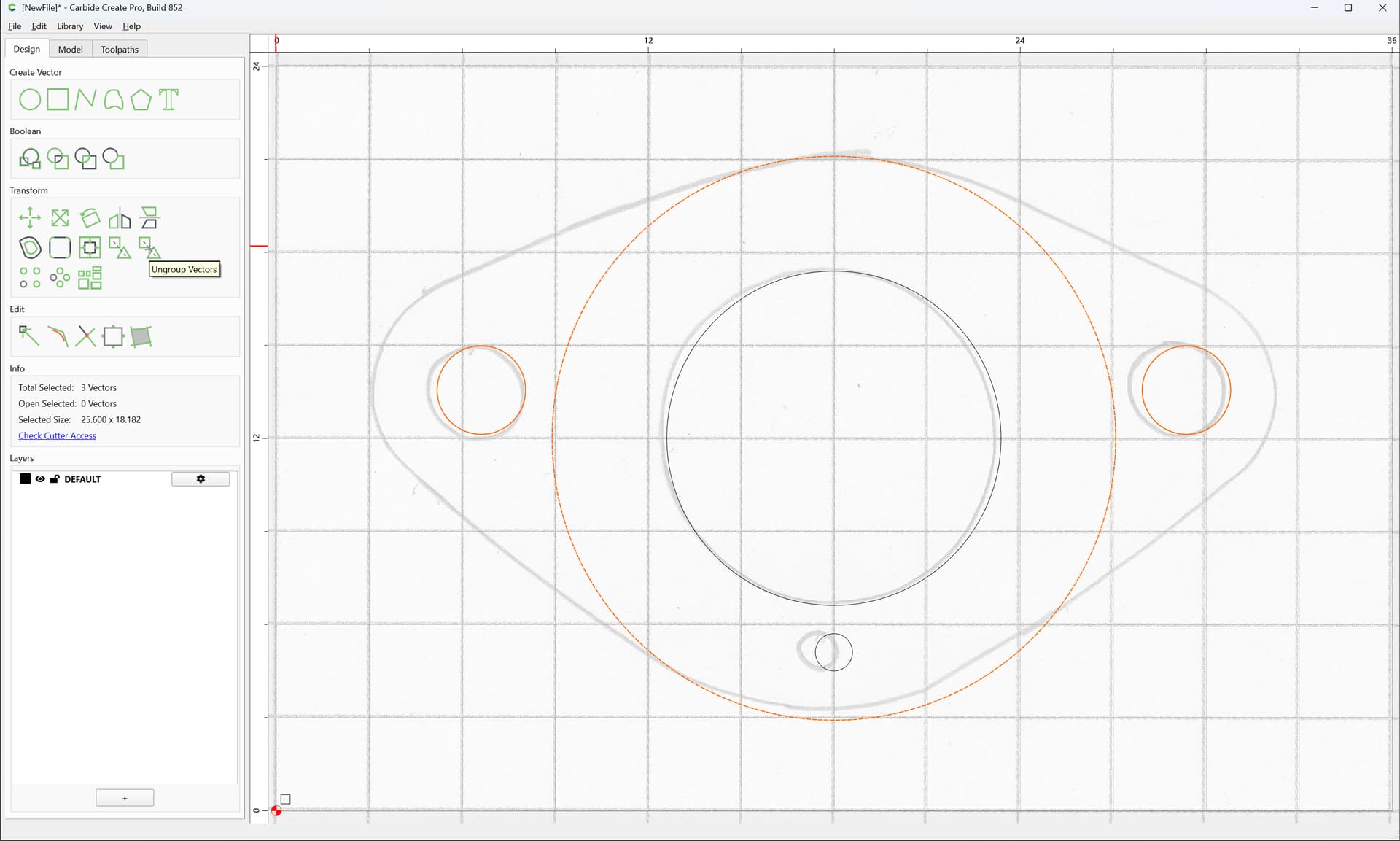
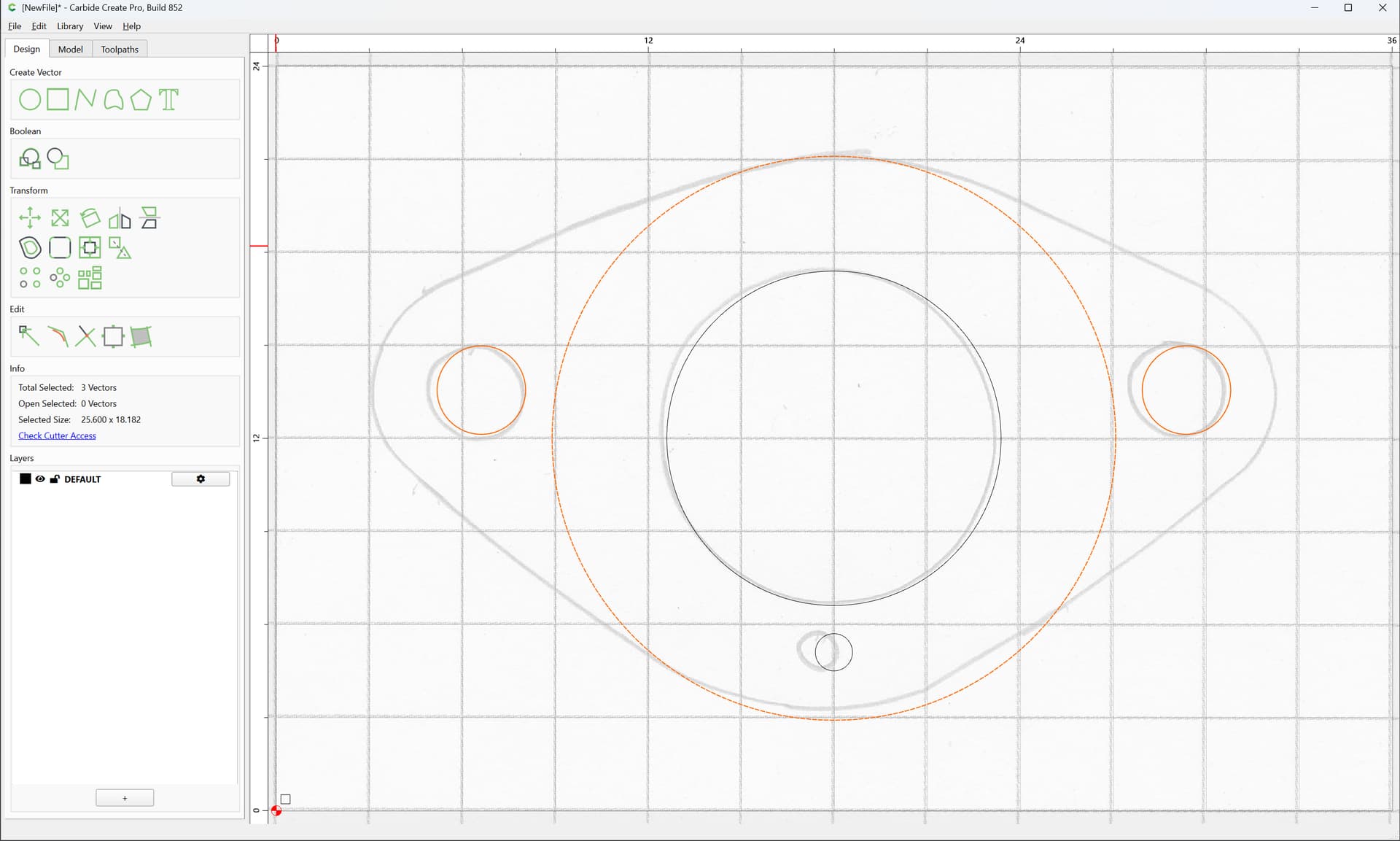
Ungroup
and add the measurement to the radius of a copy-pasted duplicate as an offset:
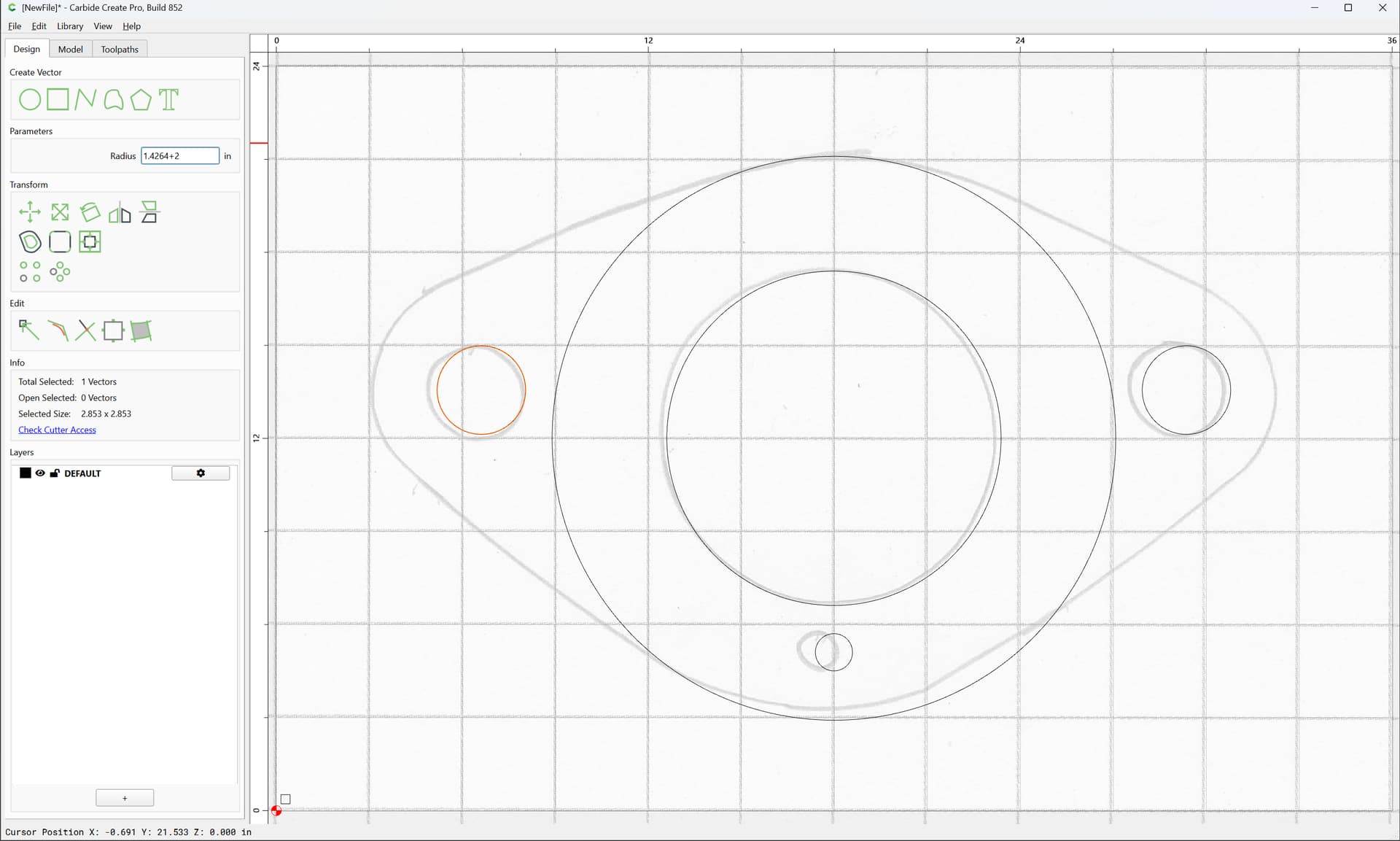
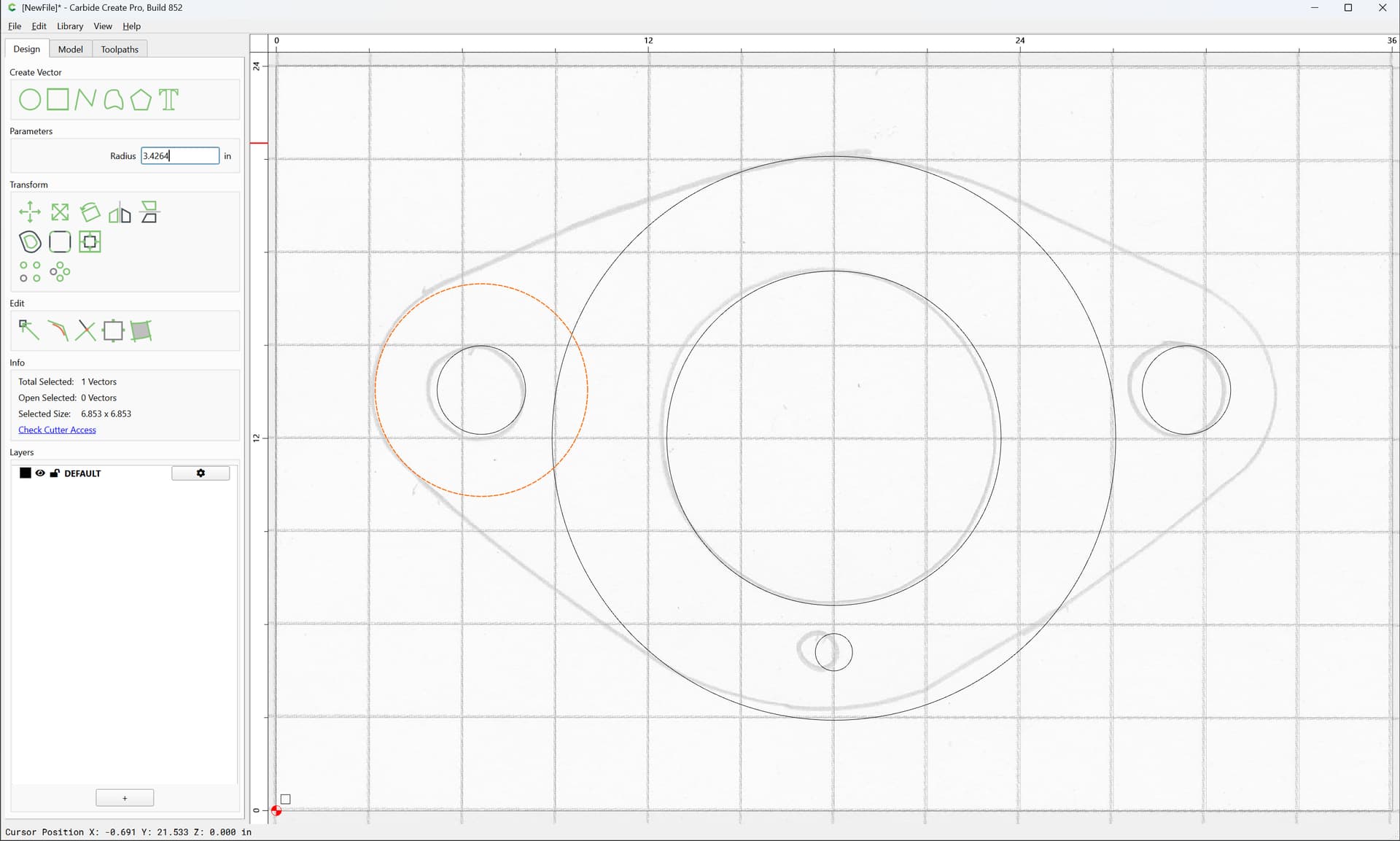
on each side:
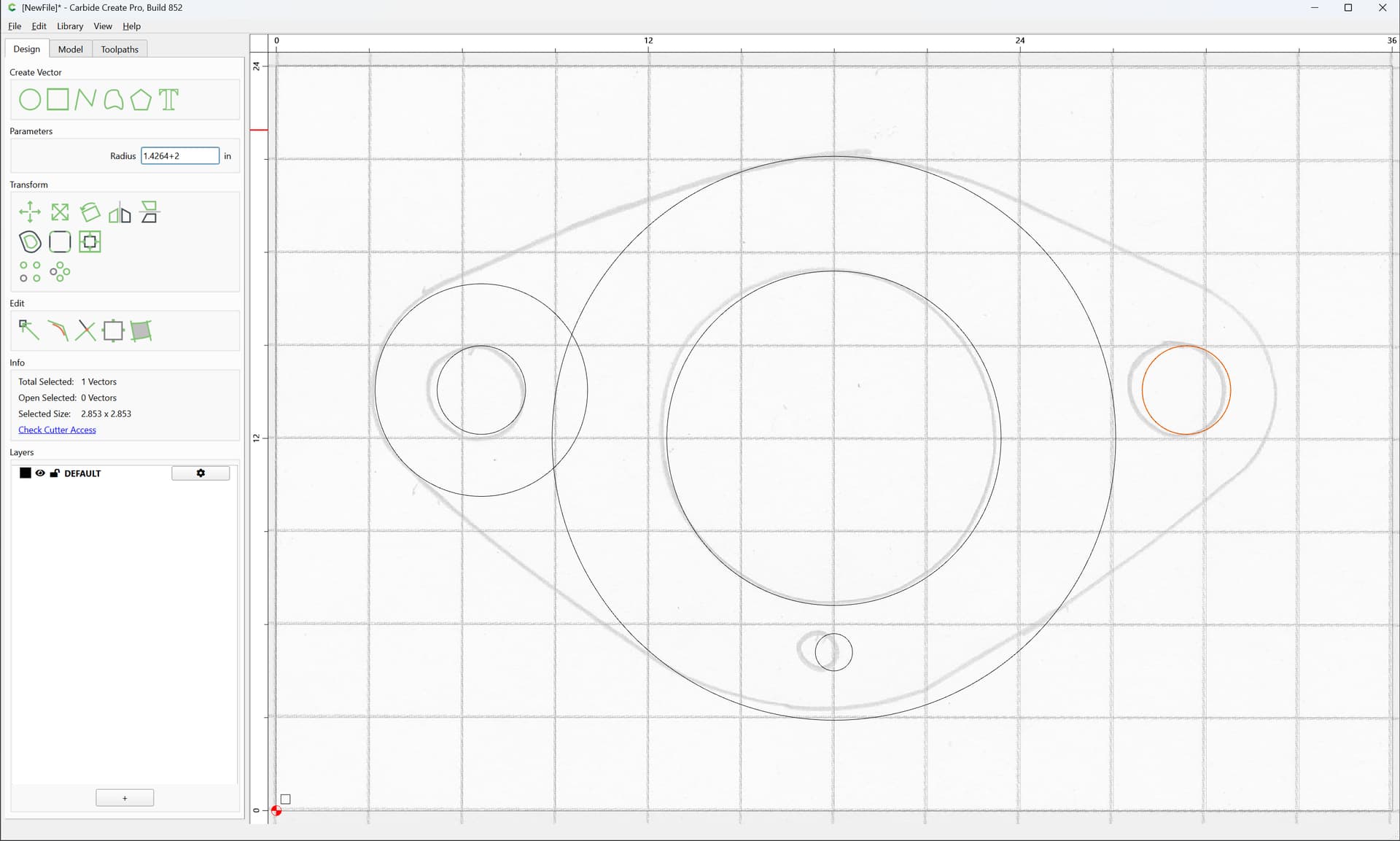
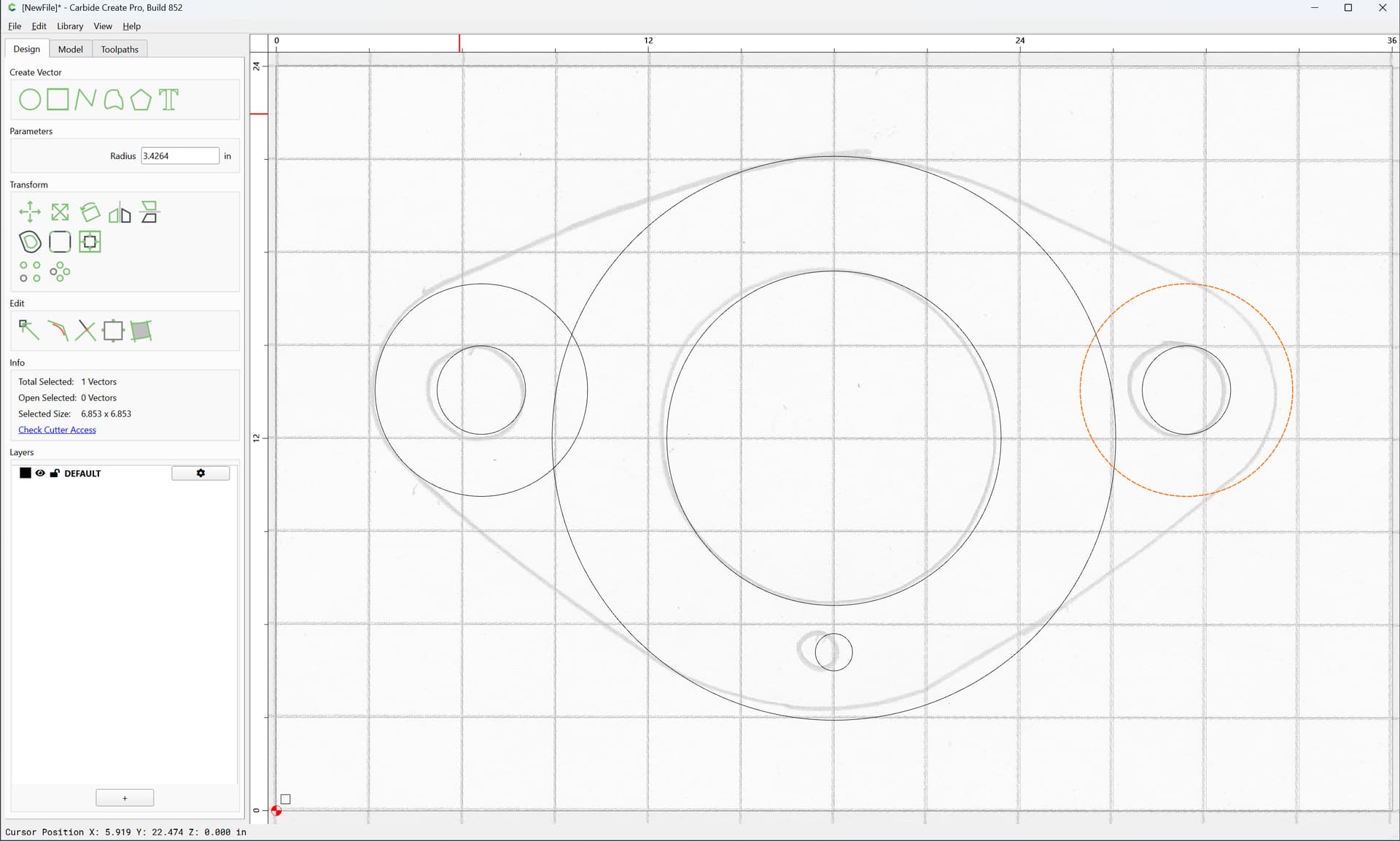
For a different approach to get the tangents, since things overlap, select the 3 offset/overalapping circles:
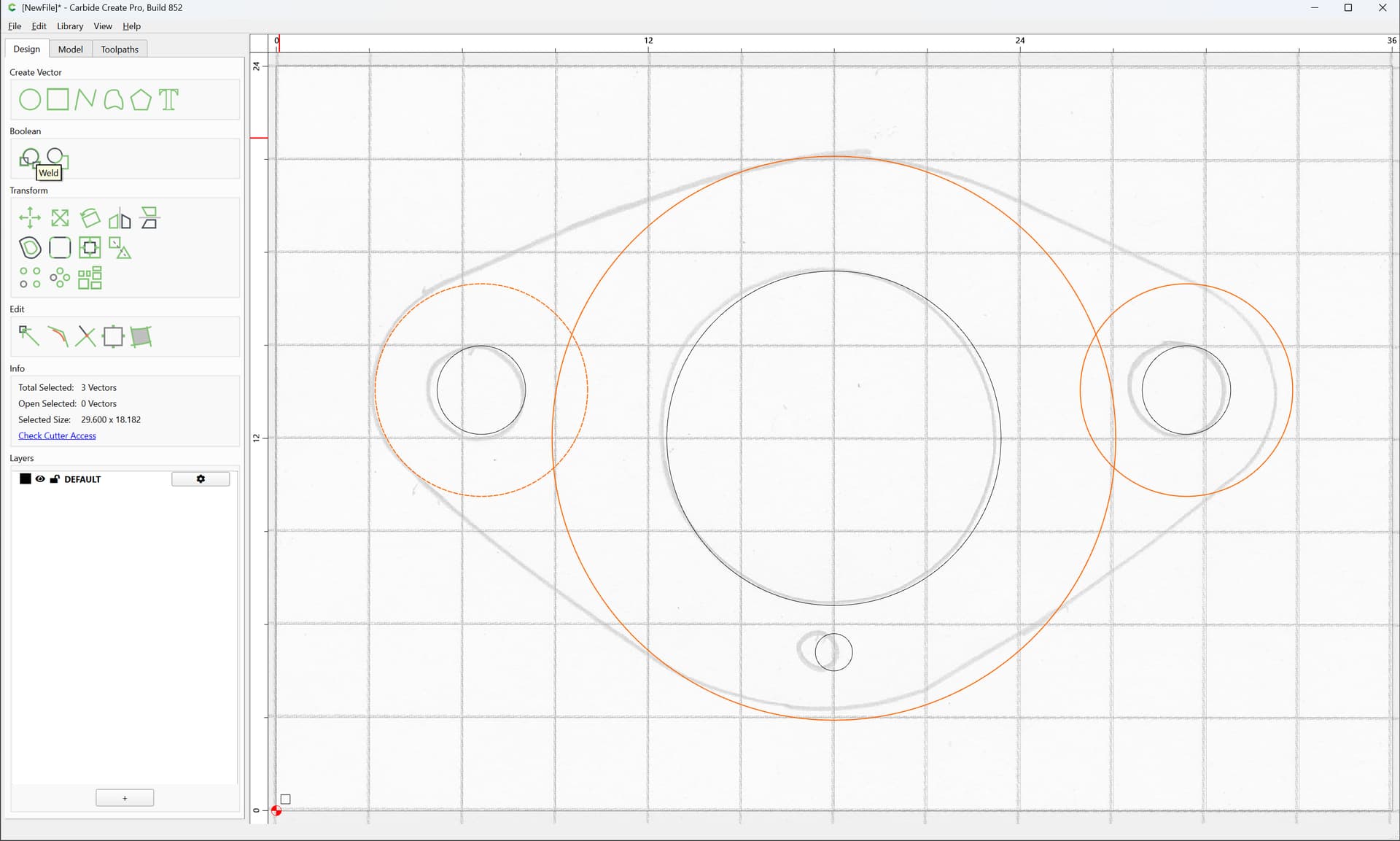
and choose Boolean Union:
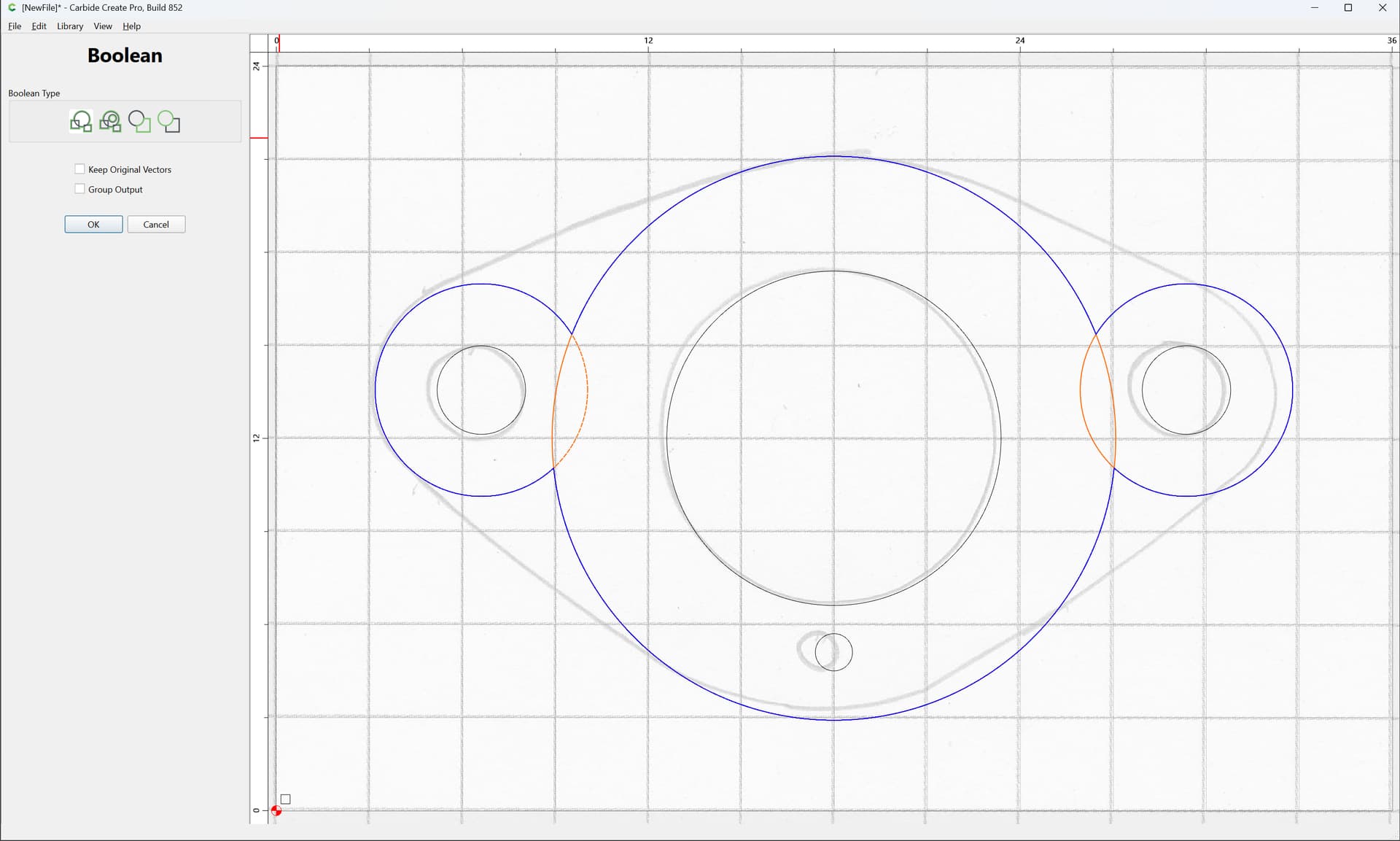
and check “Keep Original Vectors”:
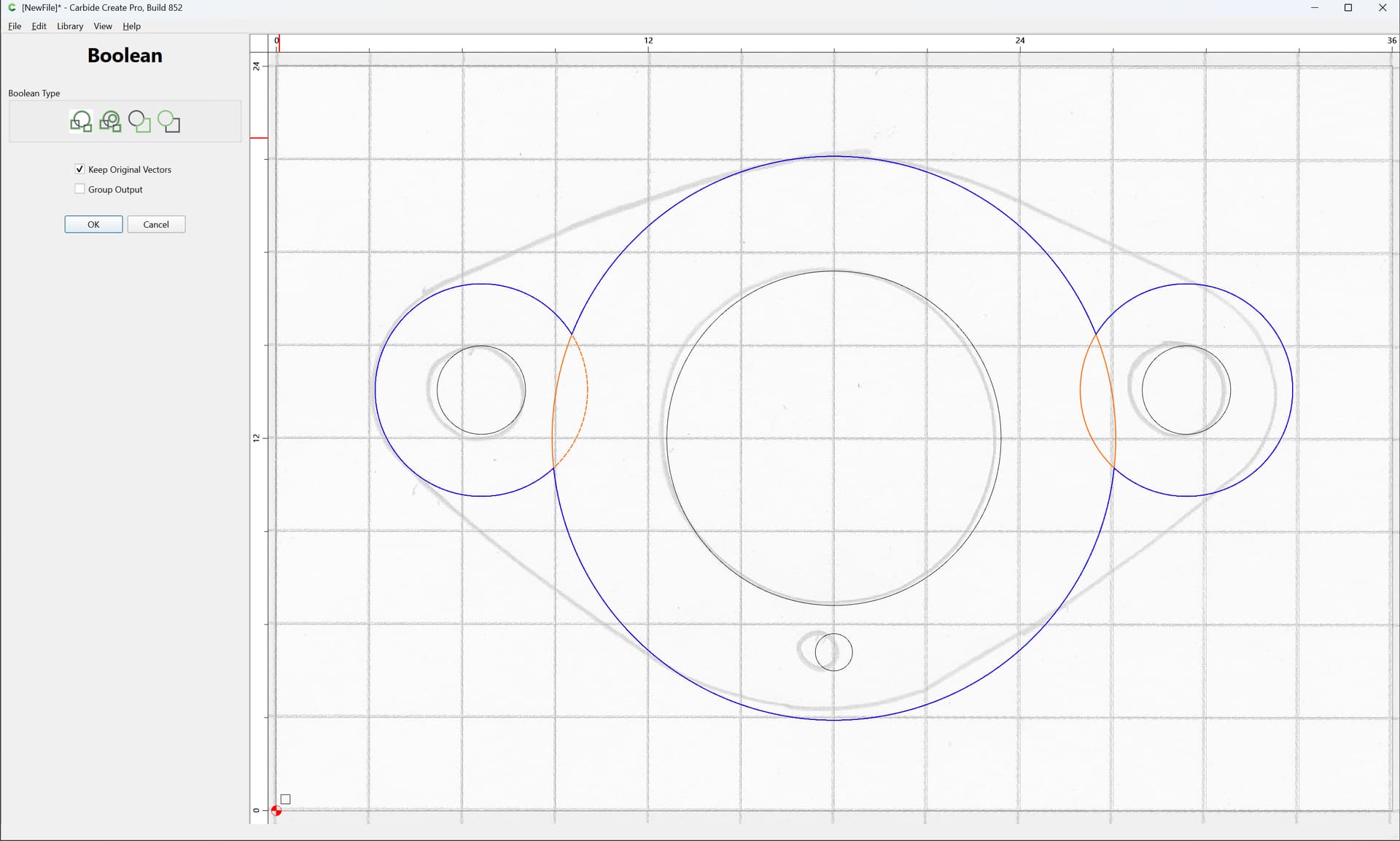
OK
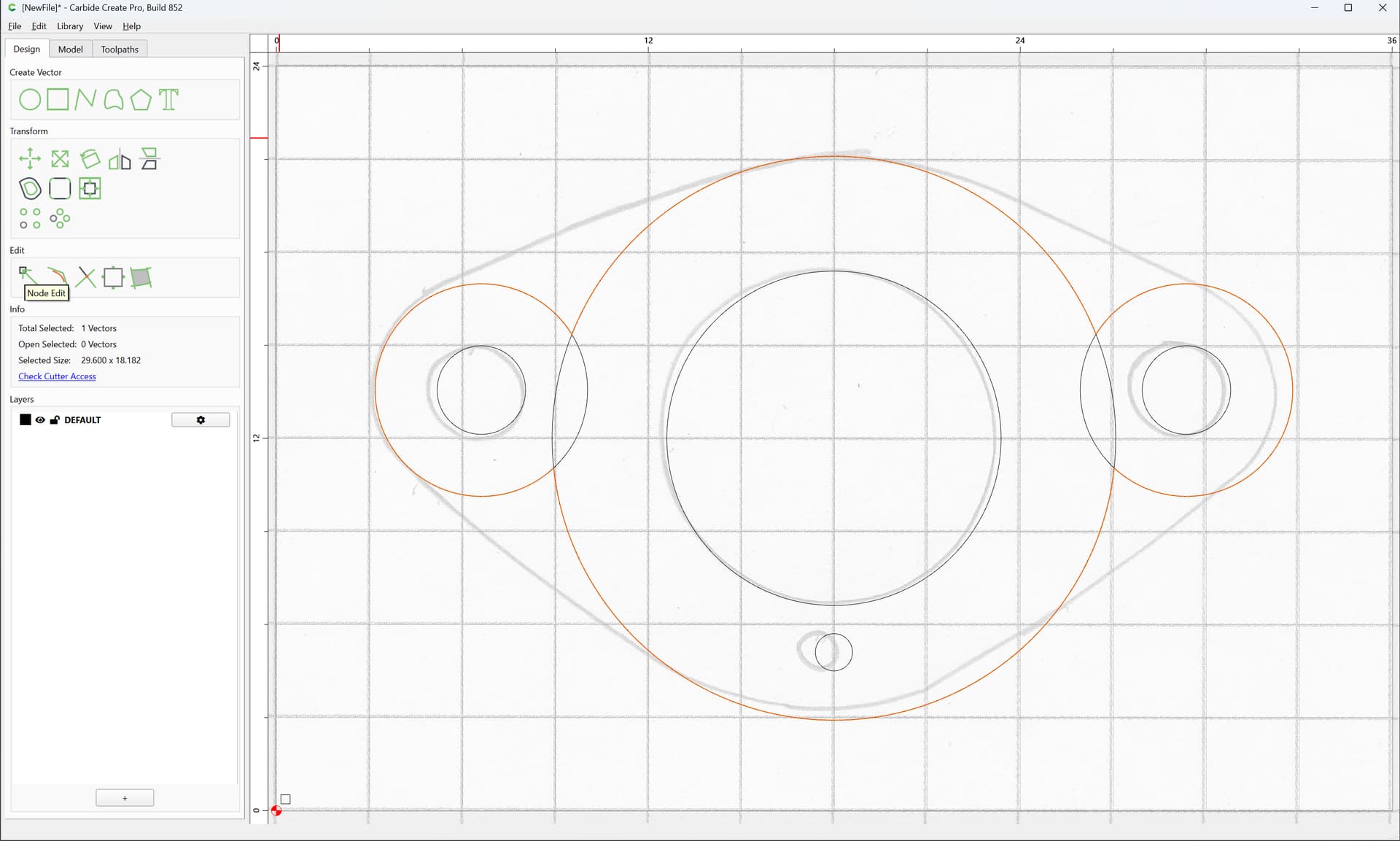
Choose Node Editing:
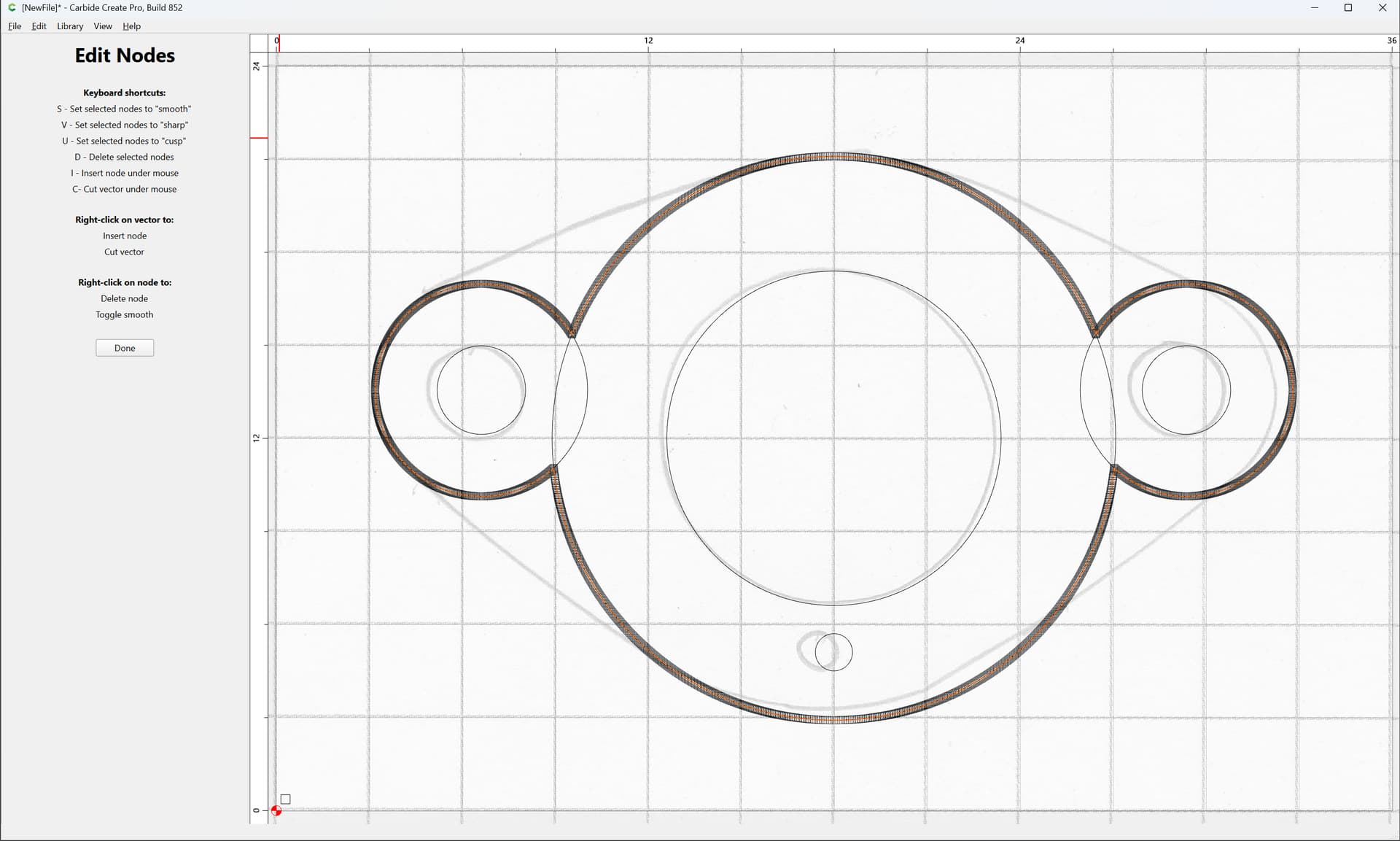
and select and delete nodes:
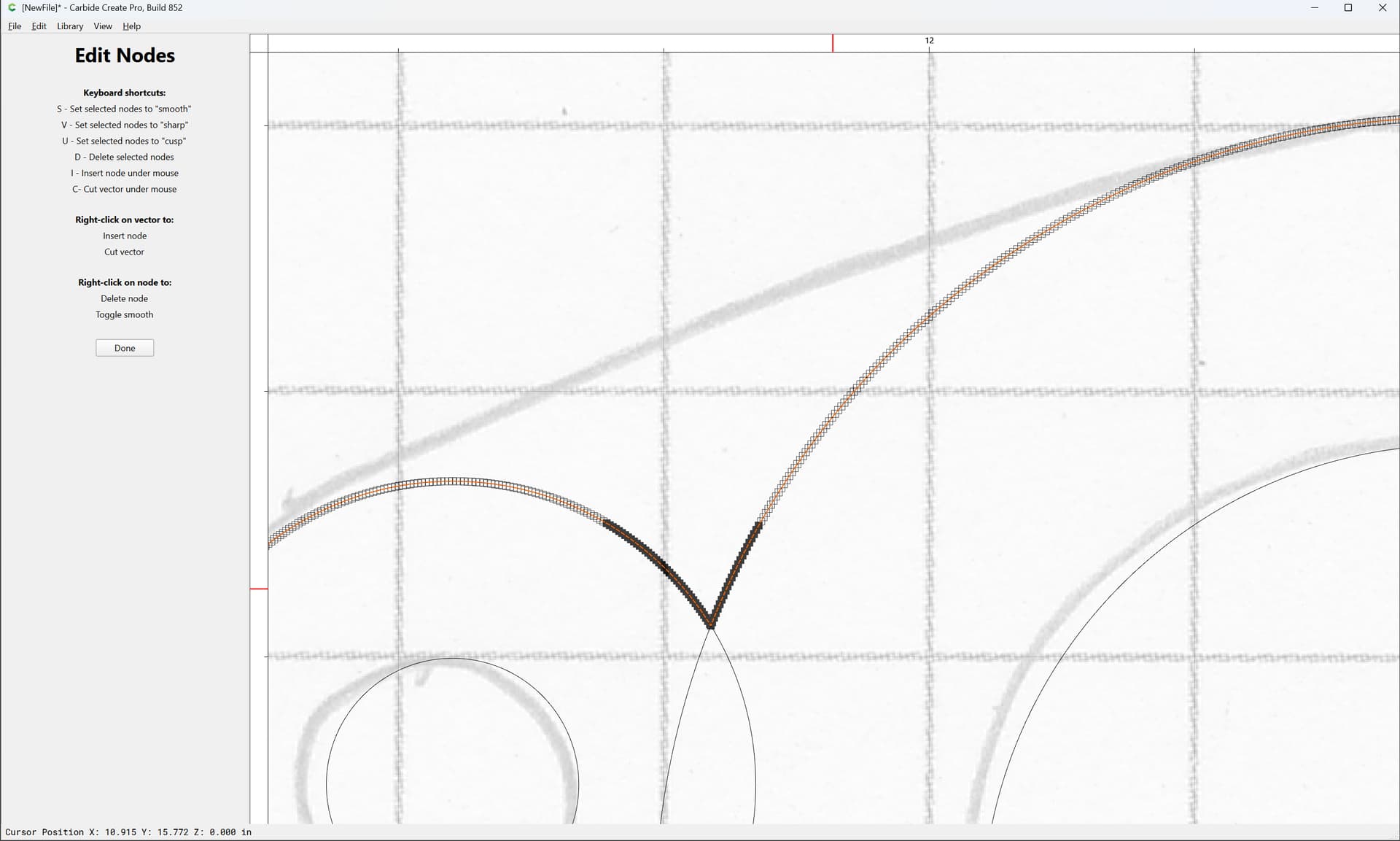

Until you get things shaped as desired:
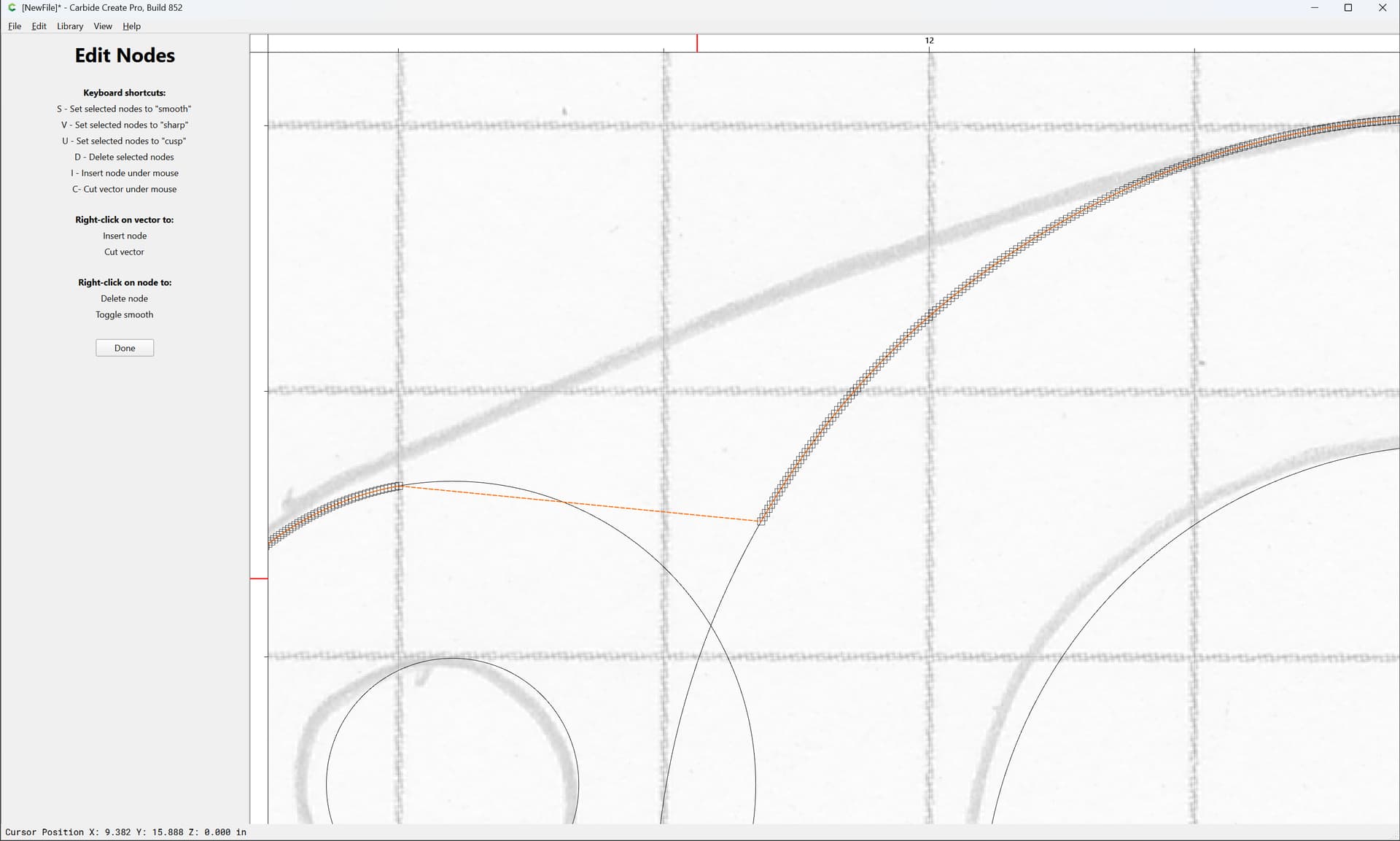
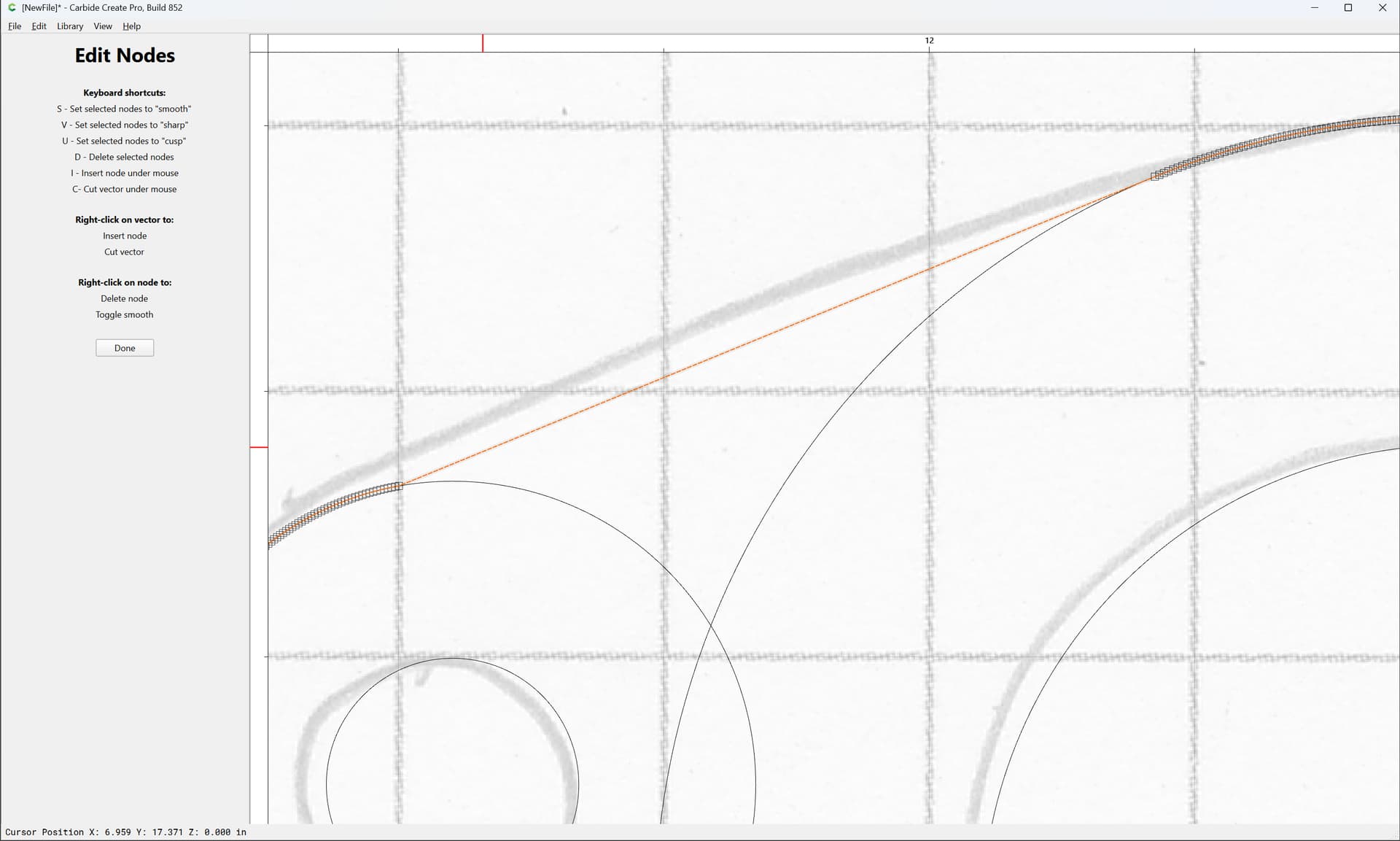
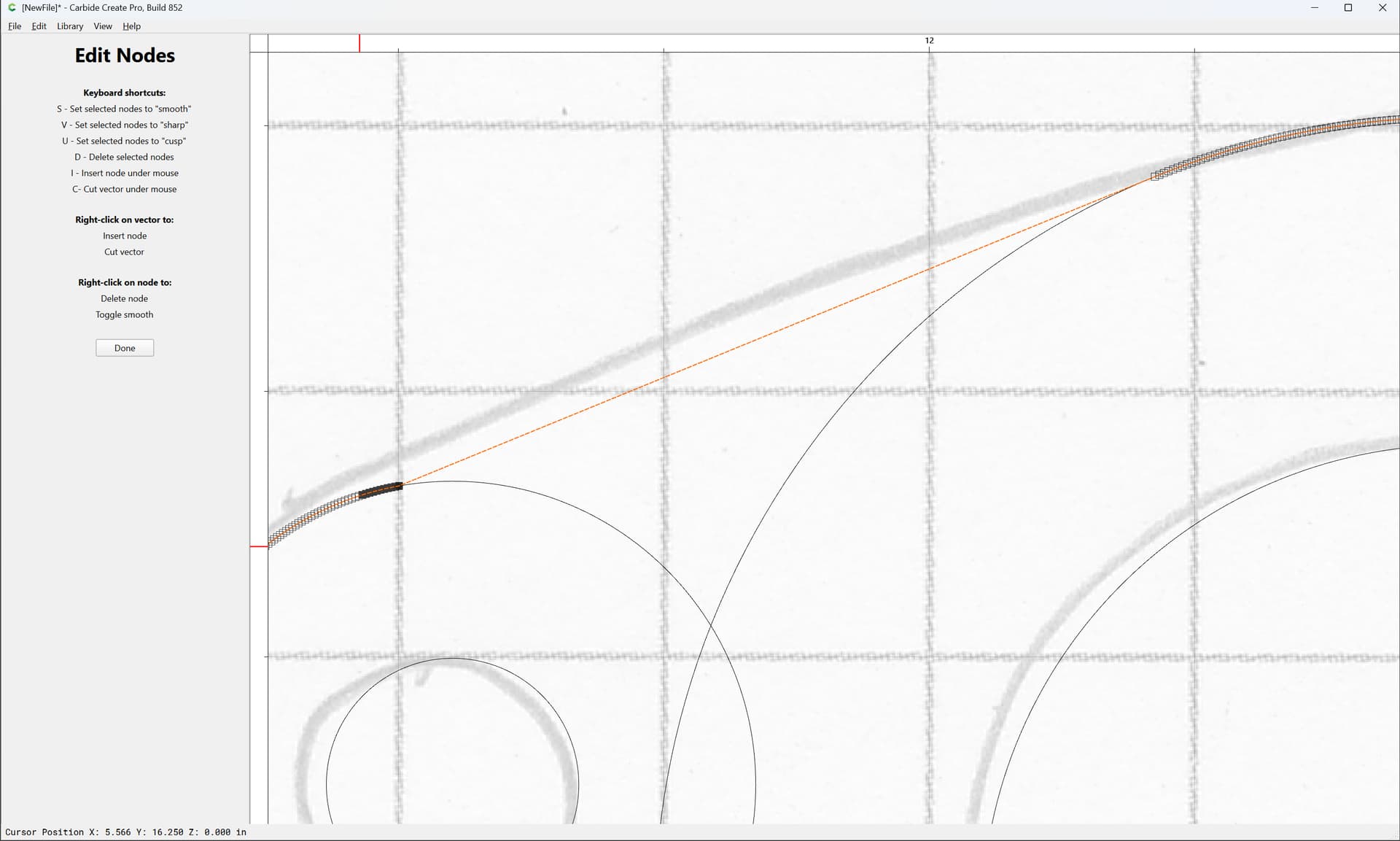
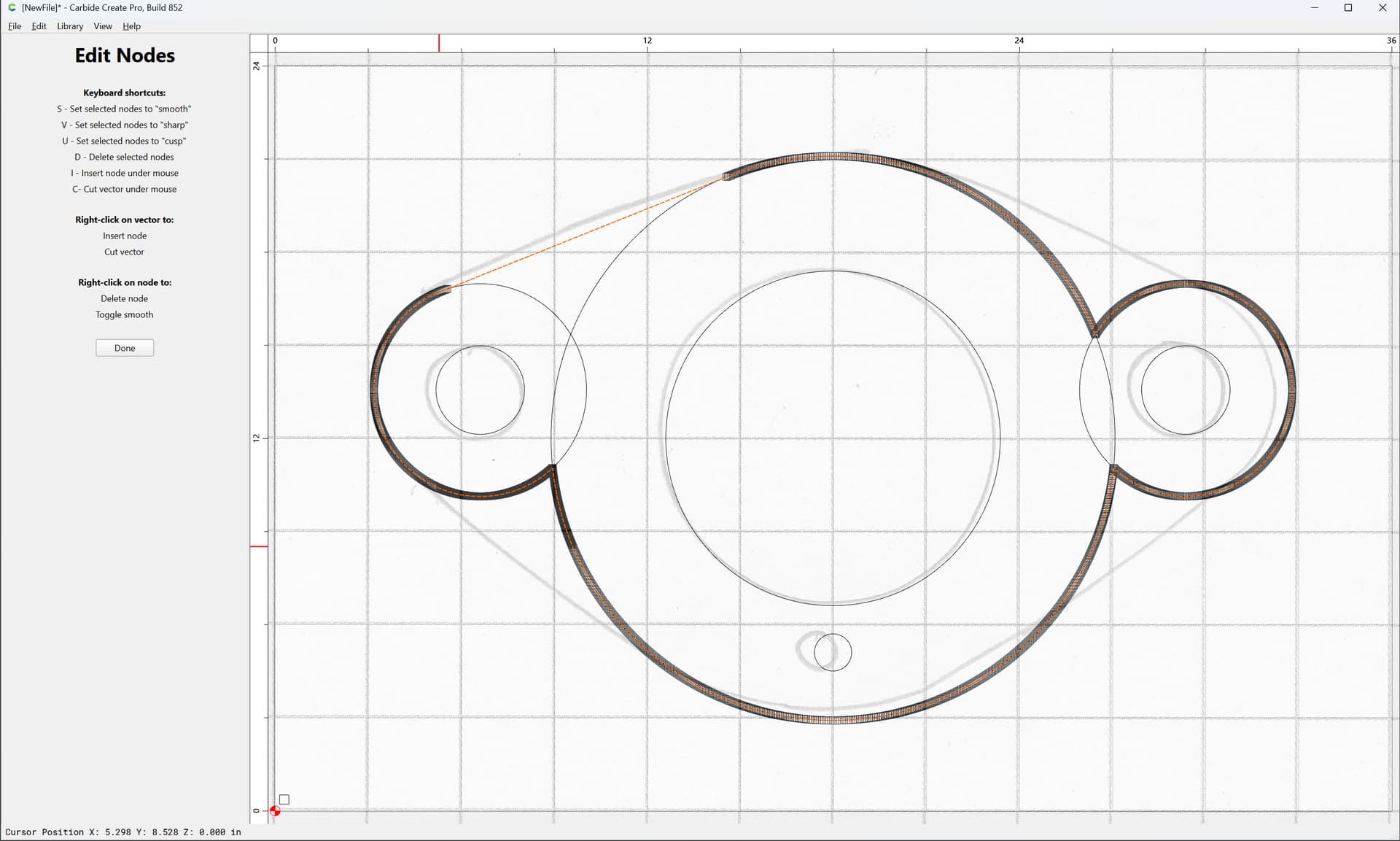
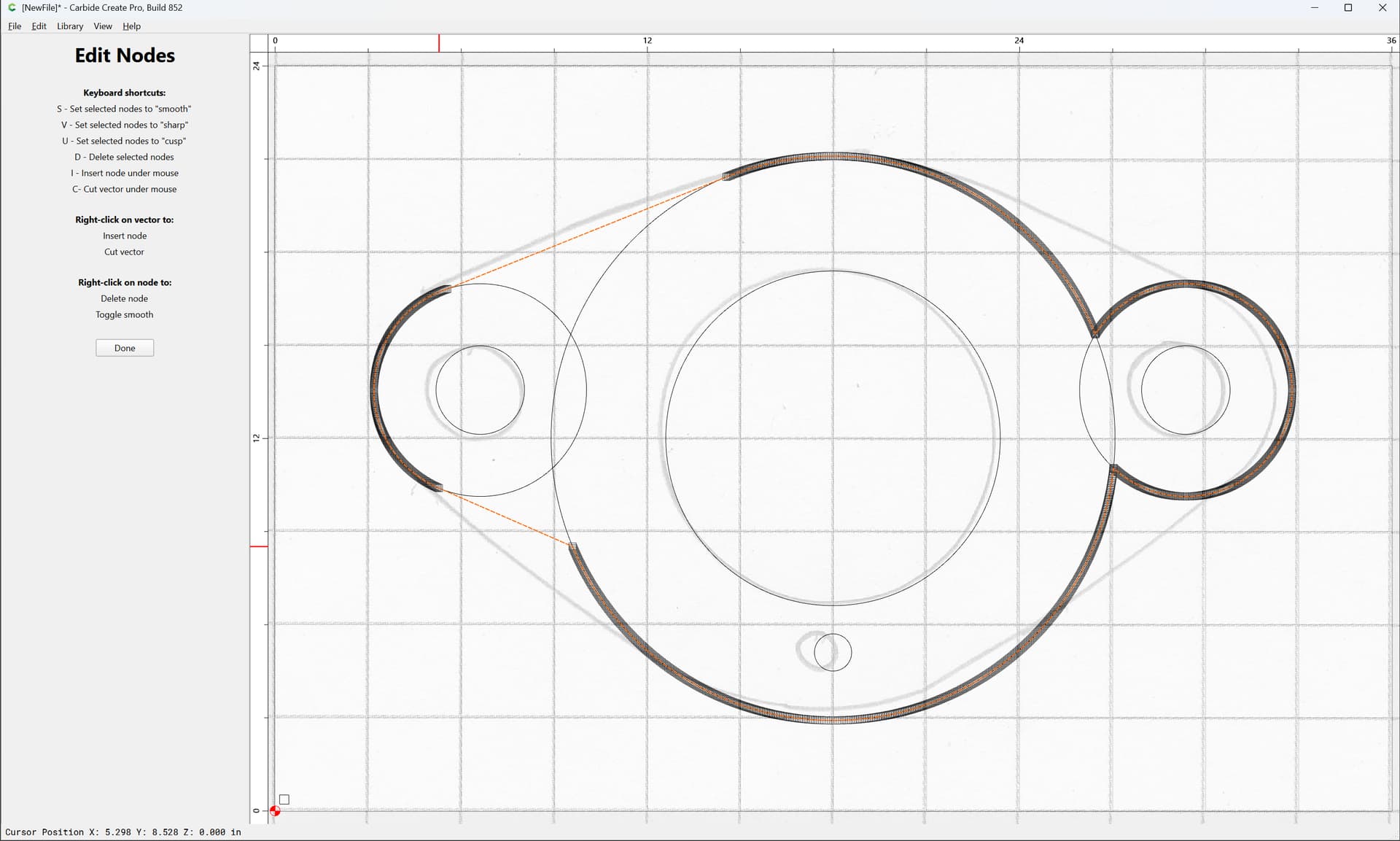
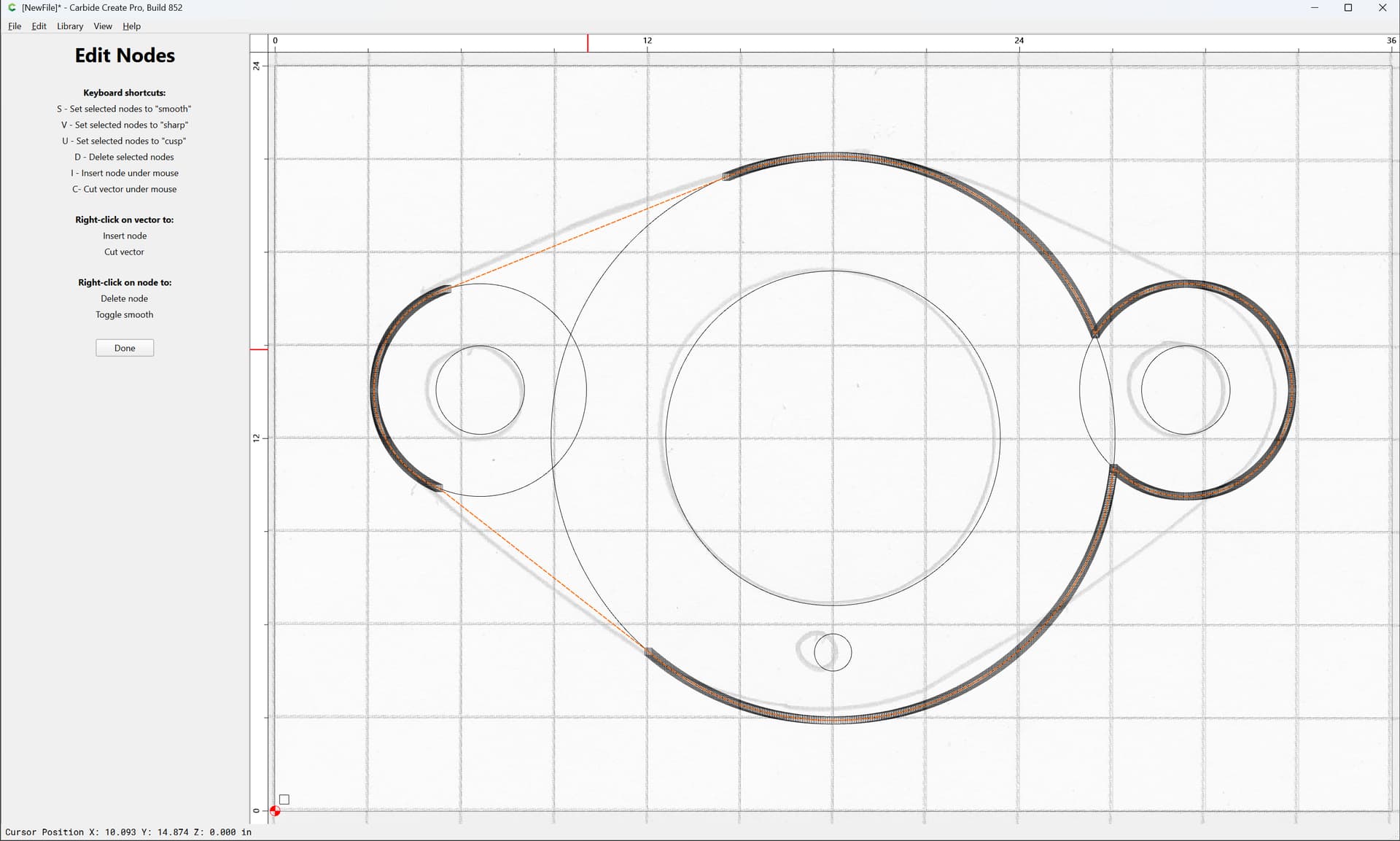
Zooming in/out as need be:
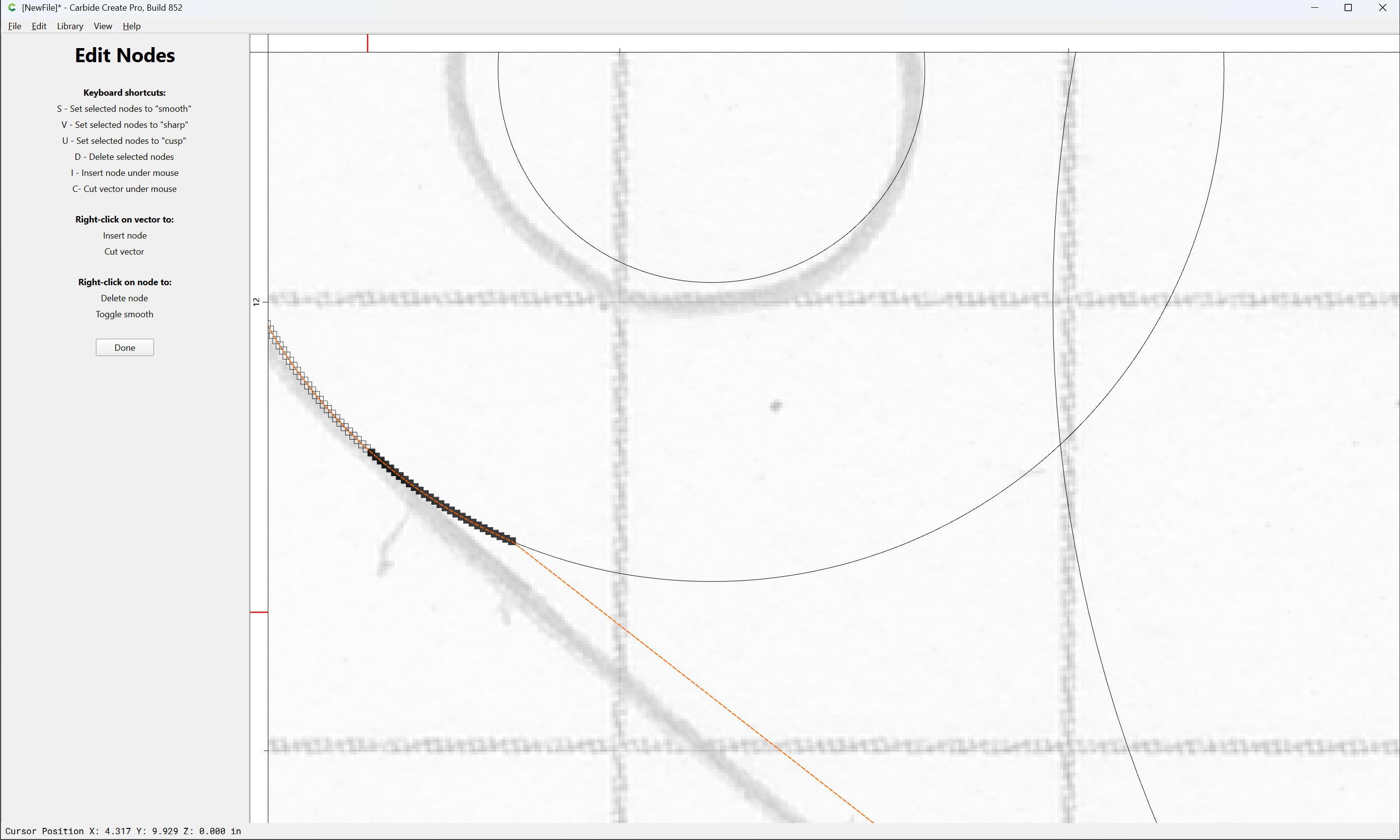
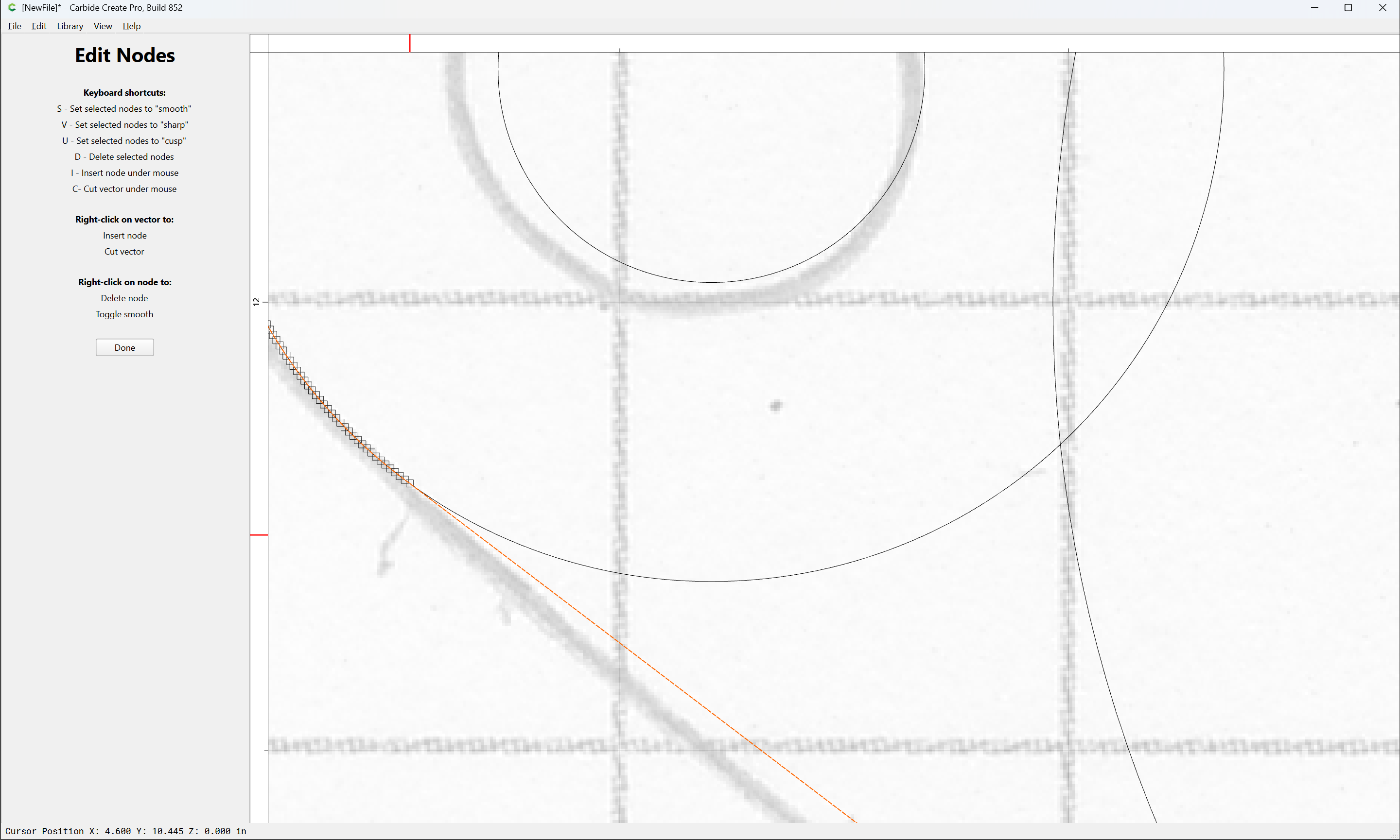
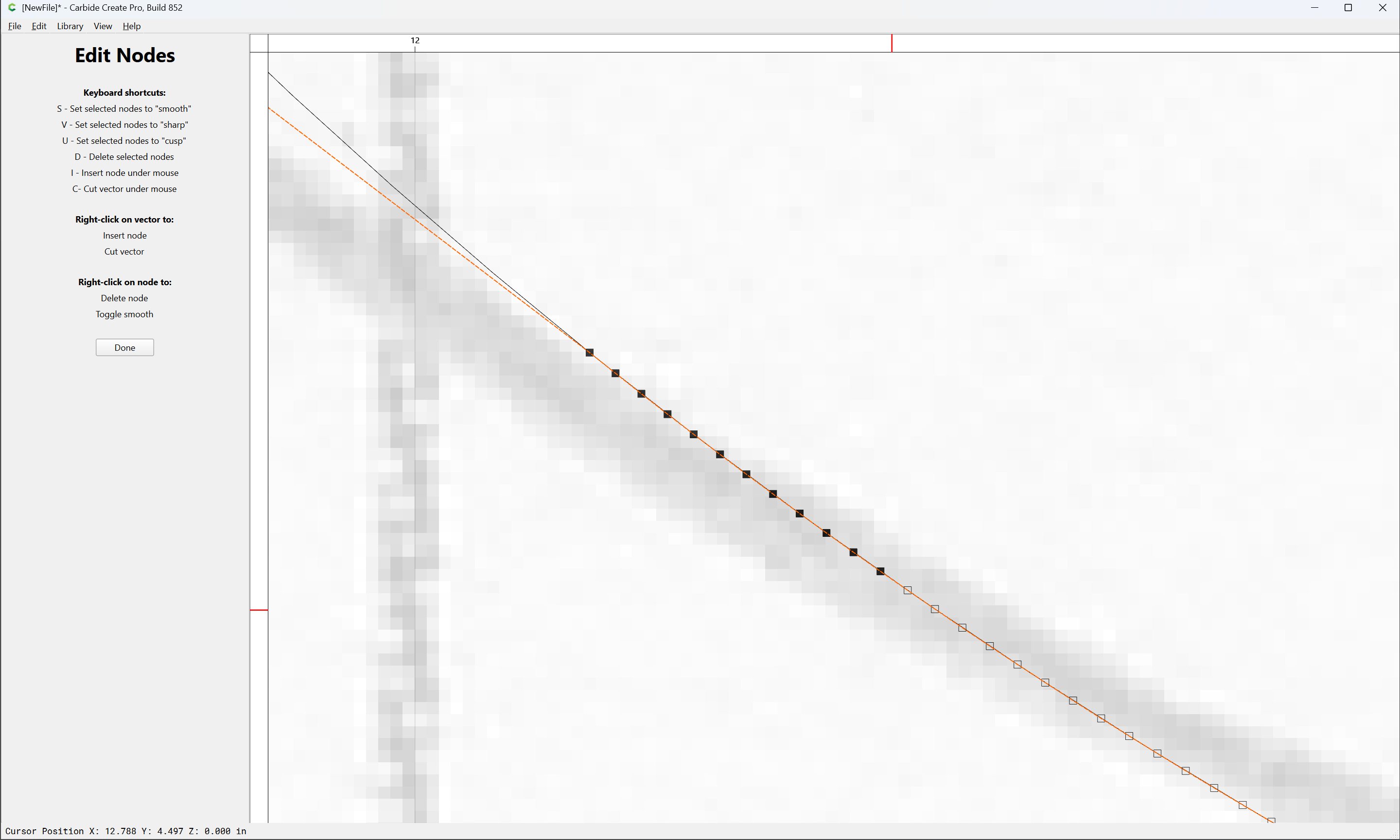
If you go a bit too far:
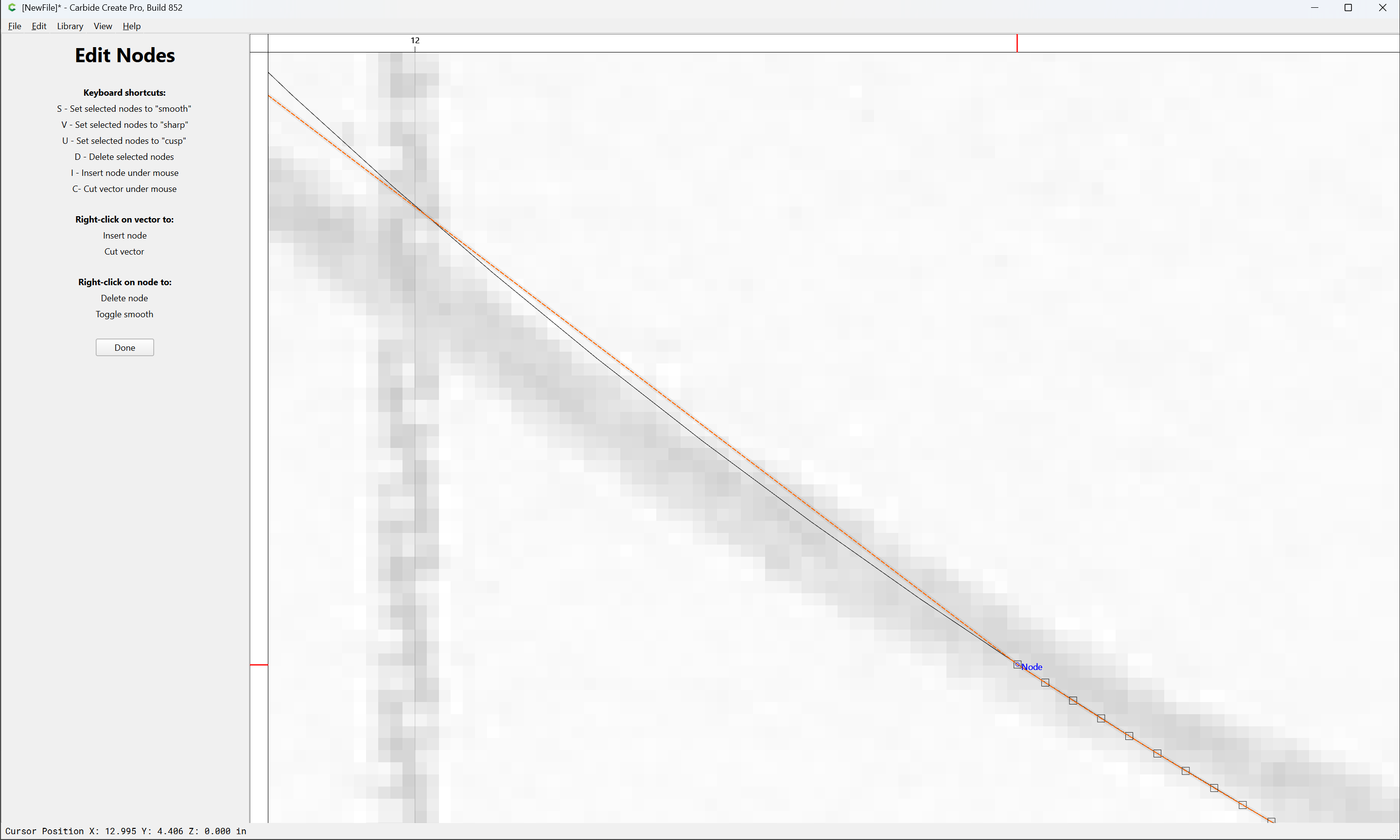
just undo:
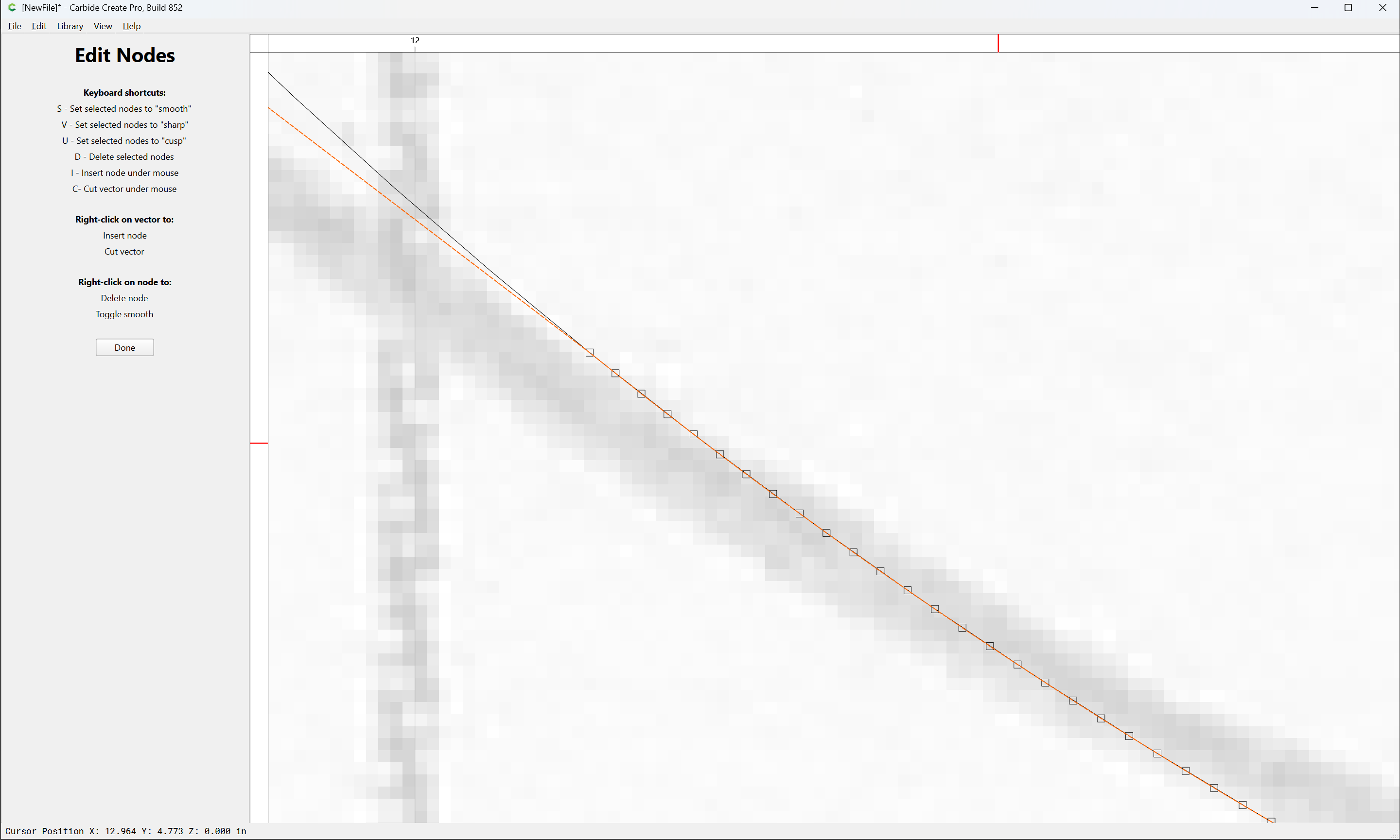
and iterate:
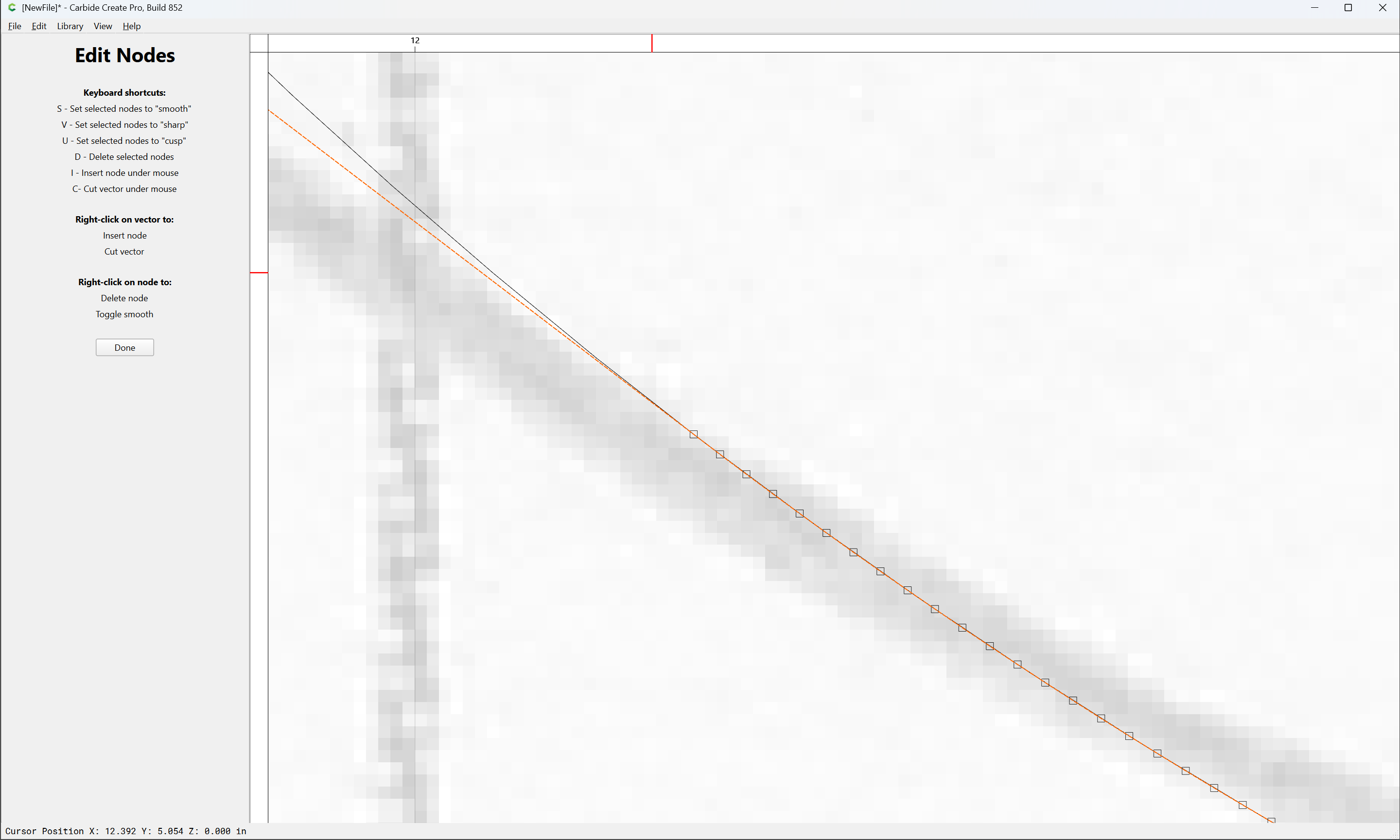
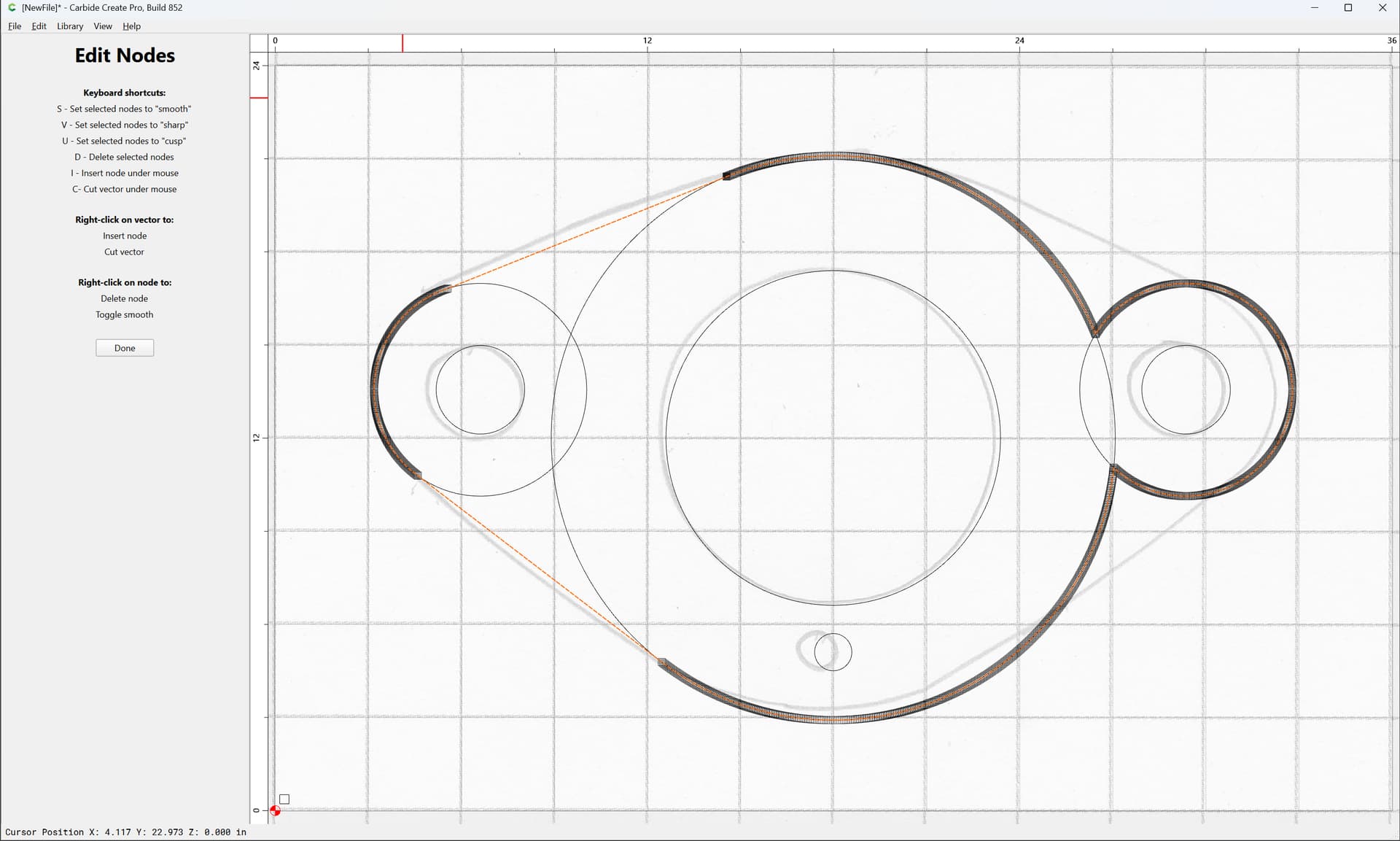
Note that only one side needs to be done:
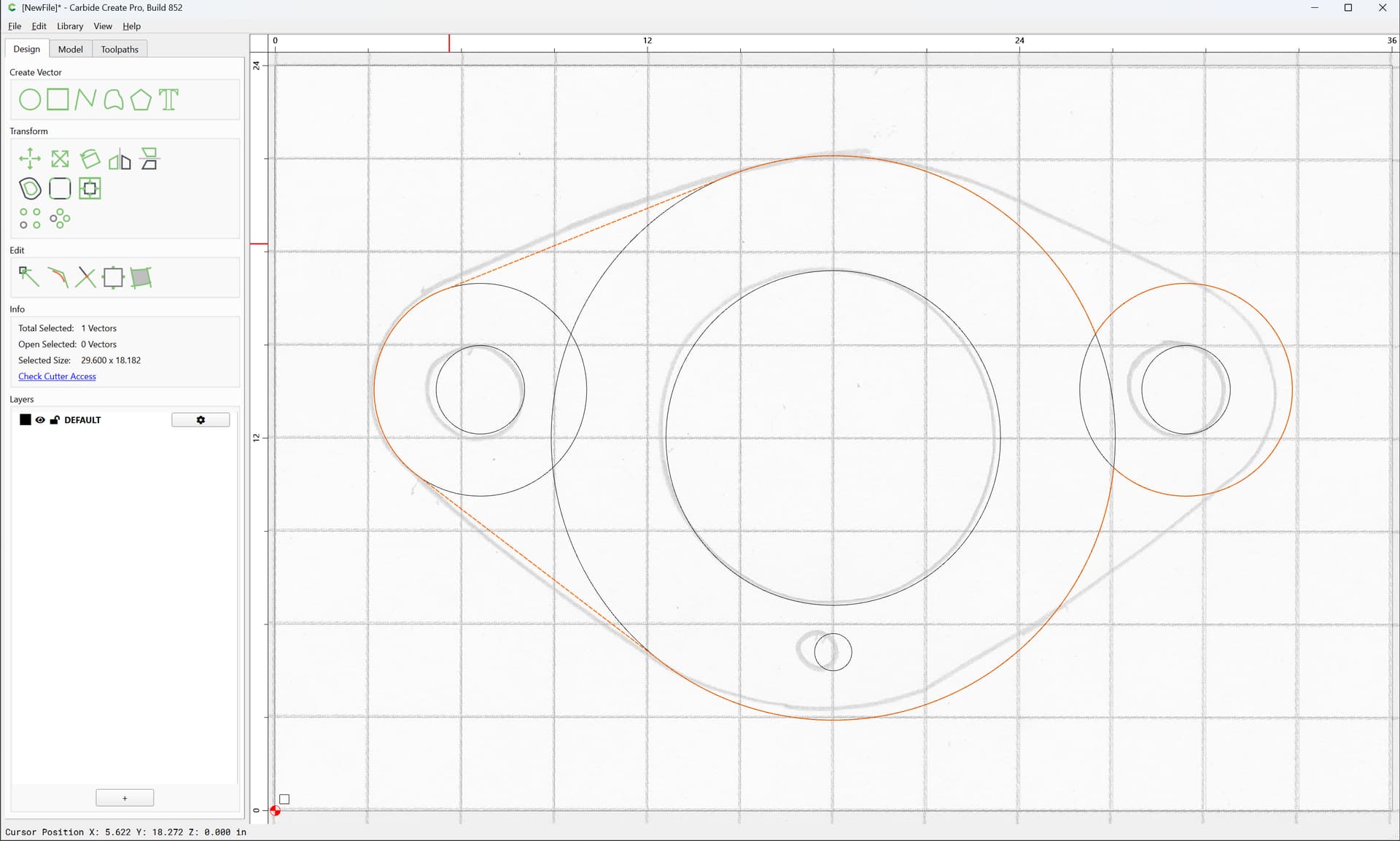
Since one can copy-paste in place to get a duplicate:
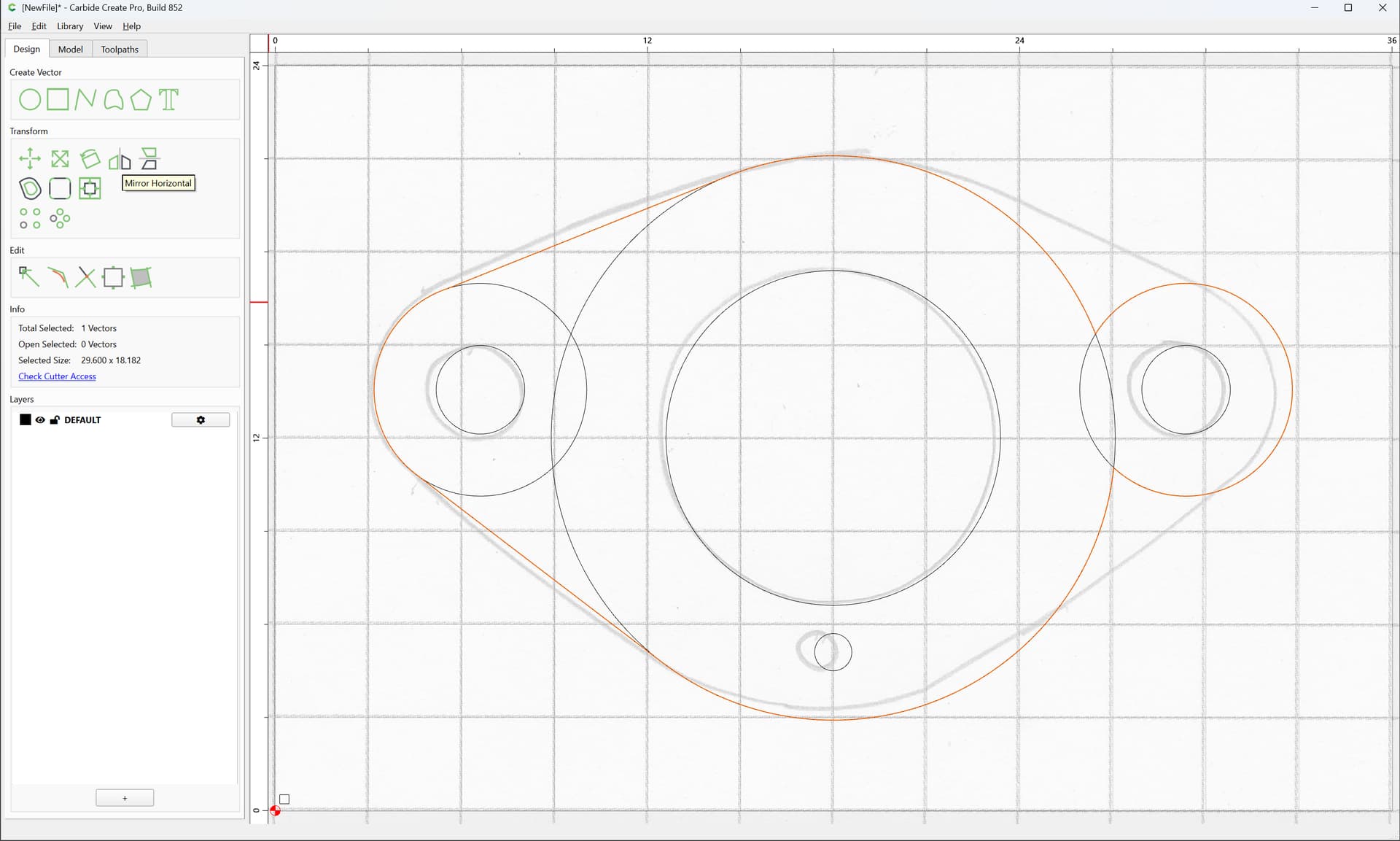
Mirror Horizontal:

then select both:
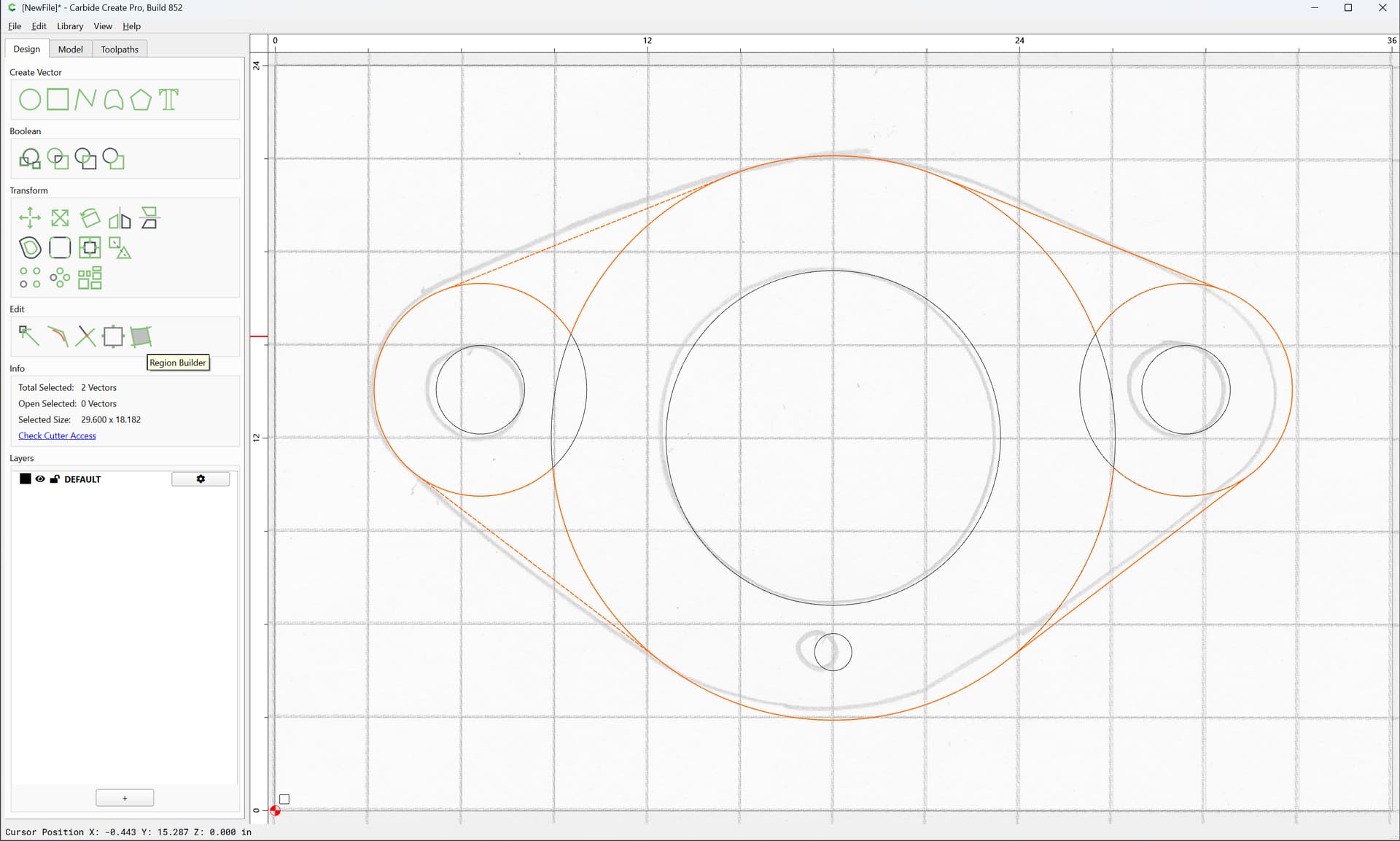
and use the new Region Builder tool:
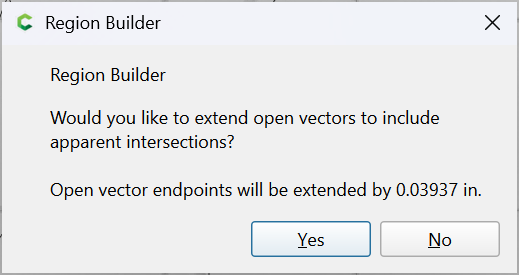
Yes
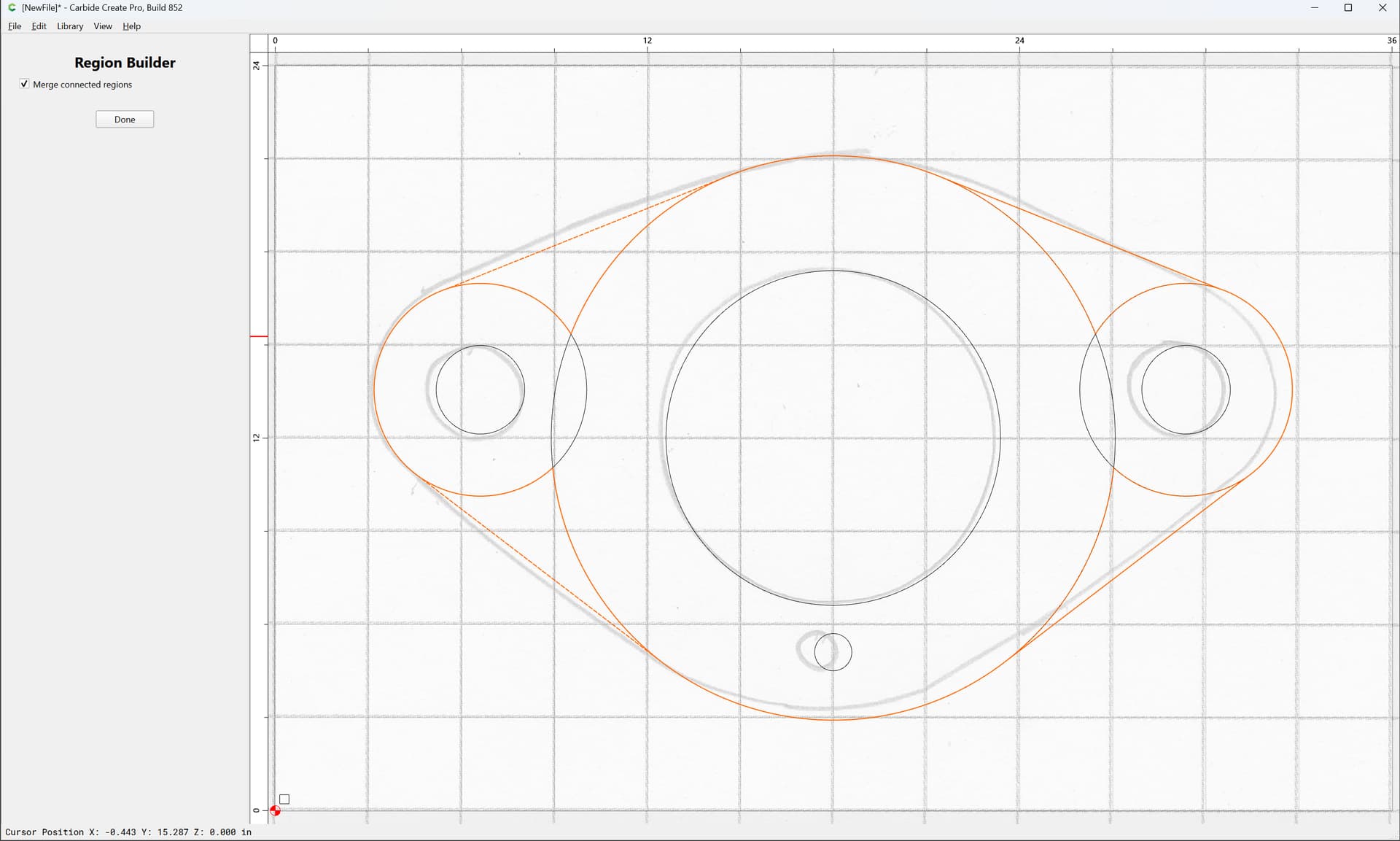
To select all of the regions which one wants:
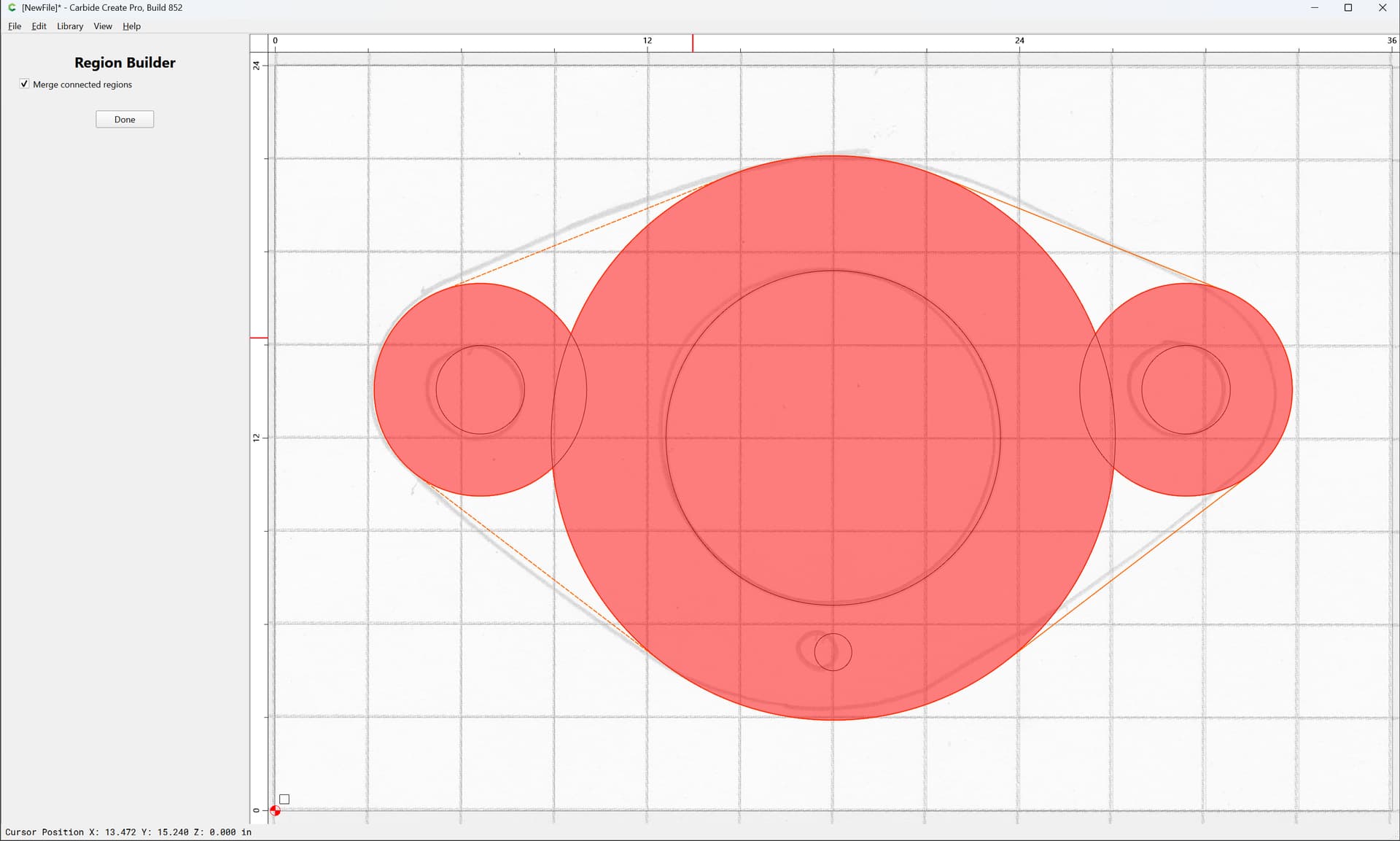
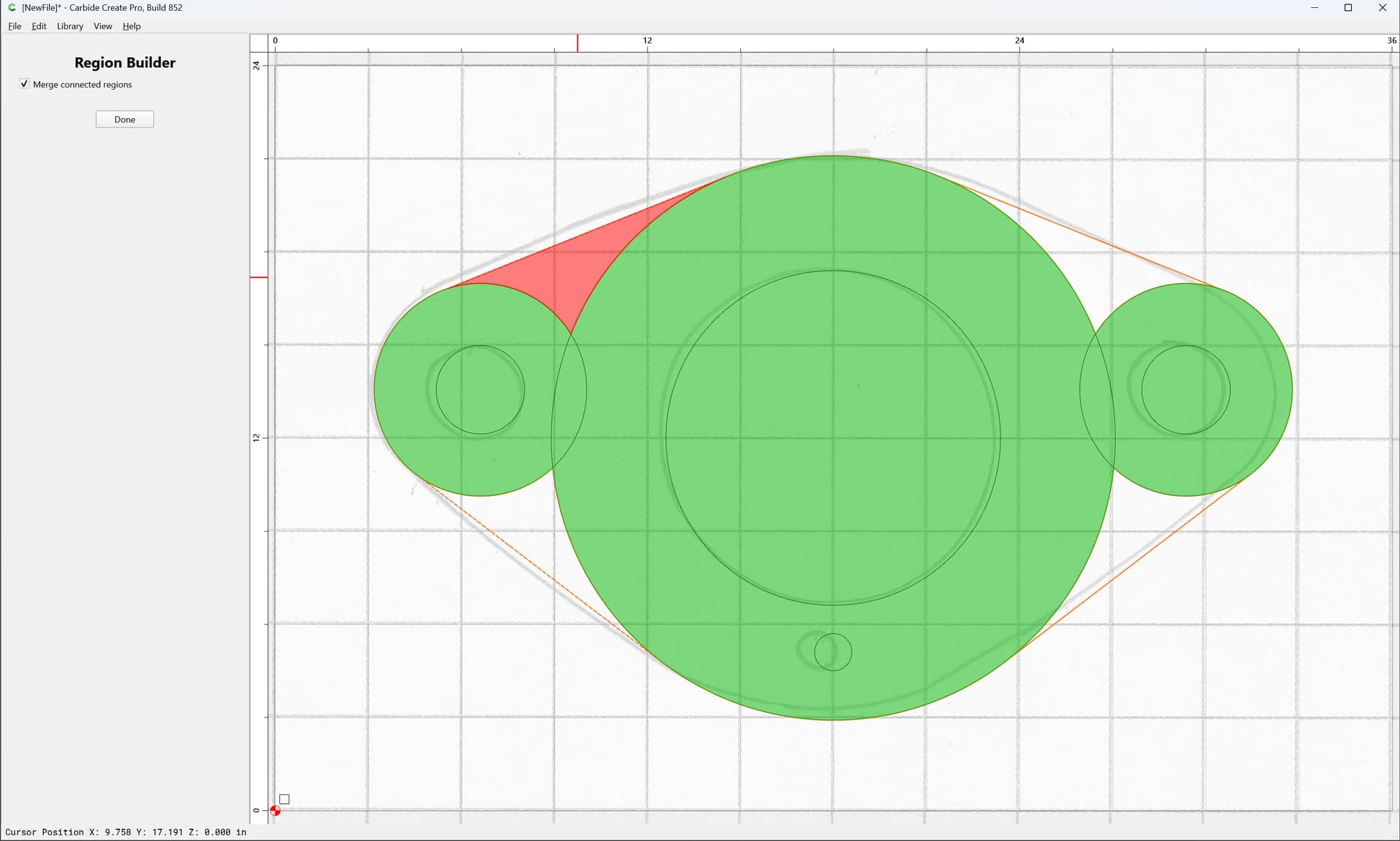
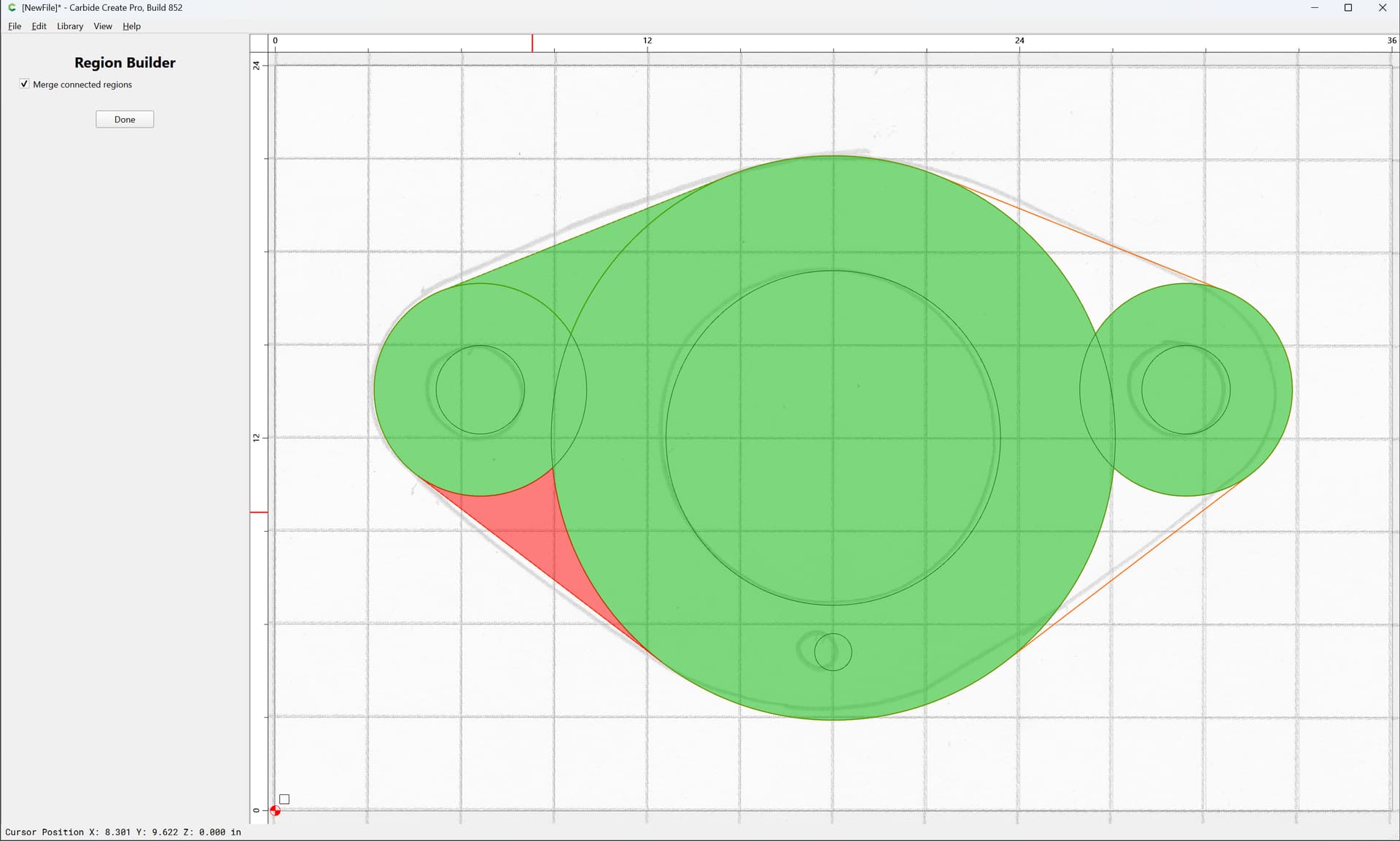
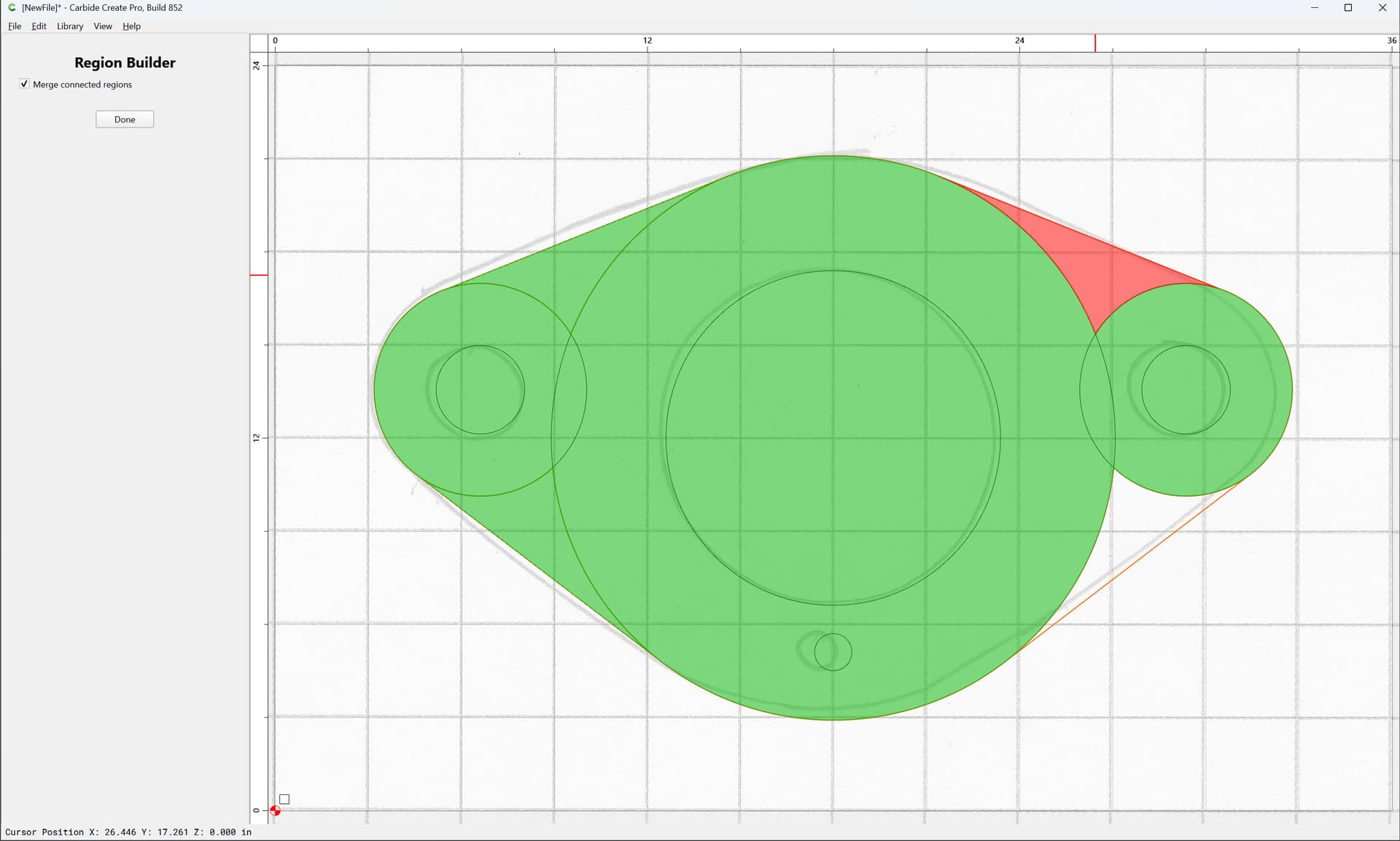
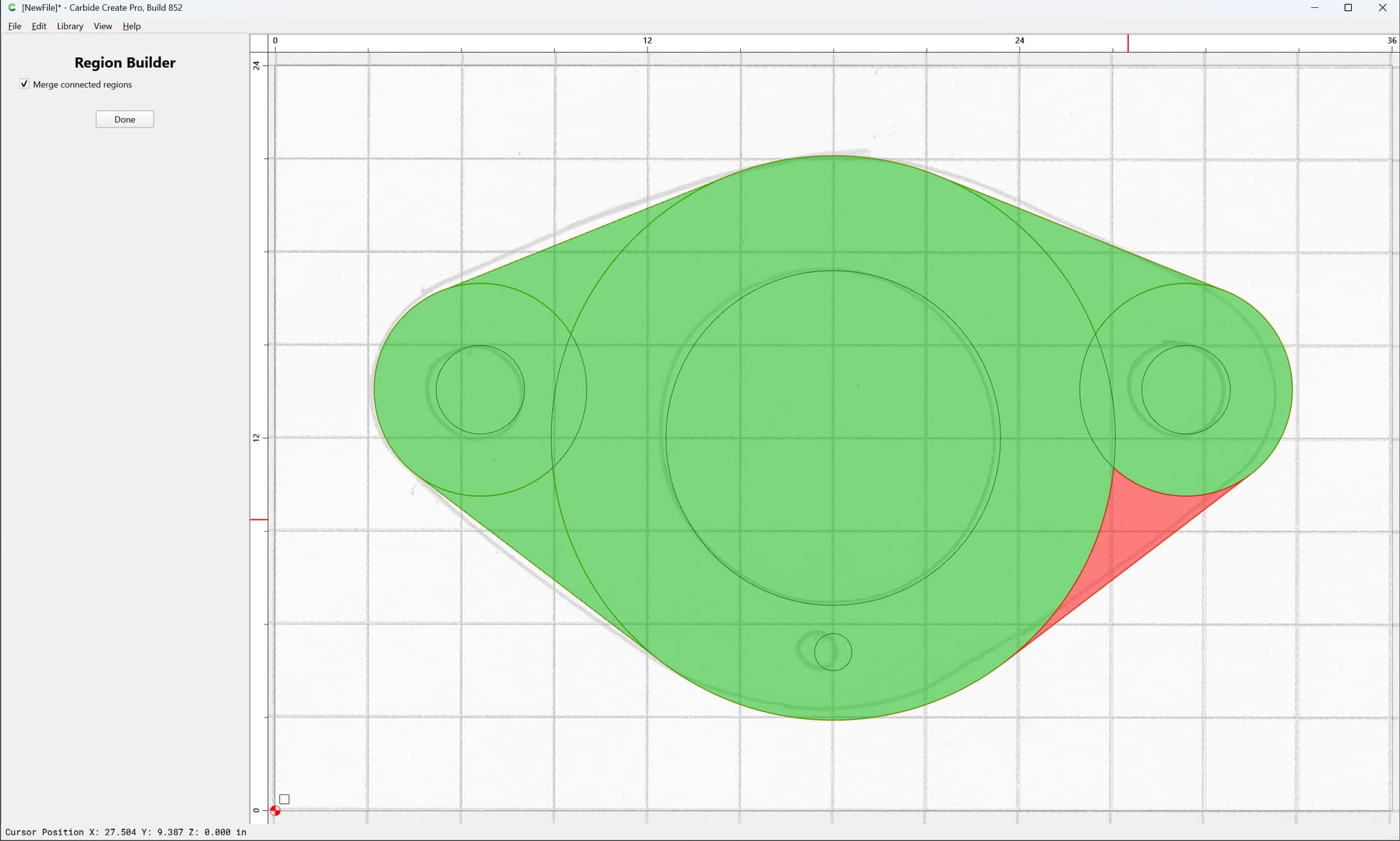
(making sure that “Merge Connected Regions” is checked)
Or, use Boolean Union:
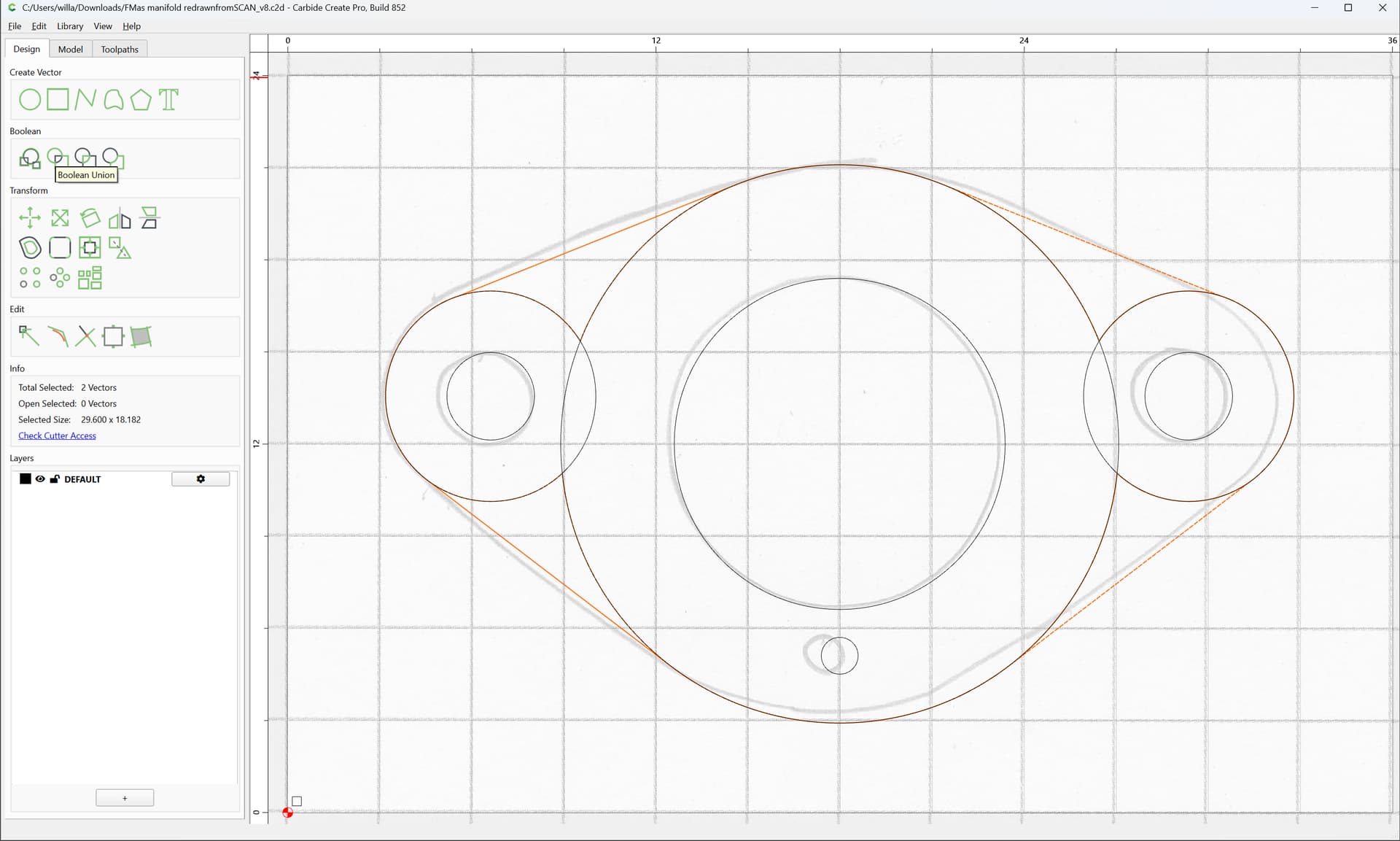
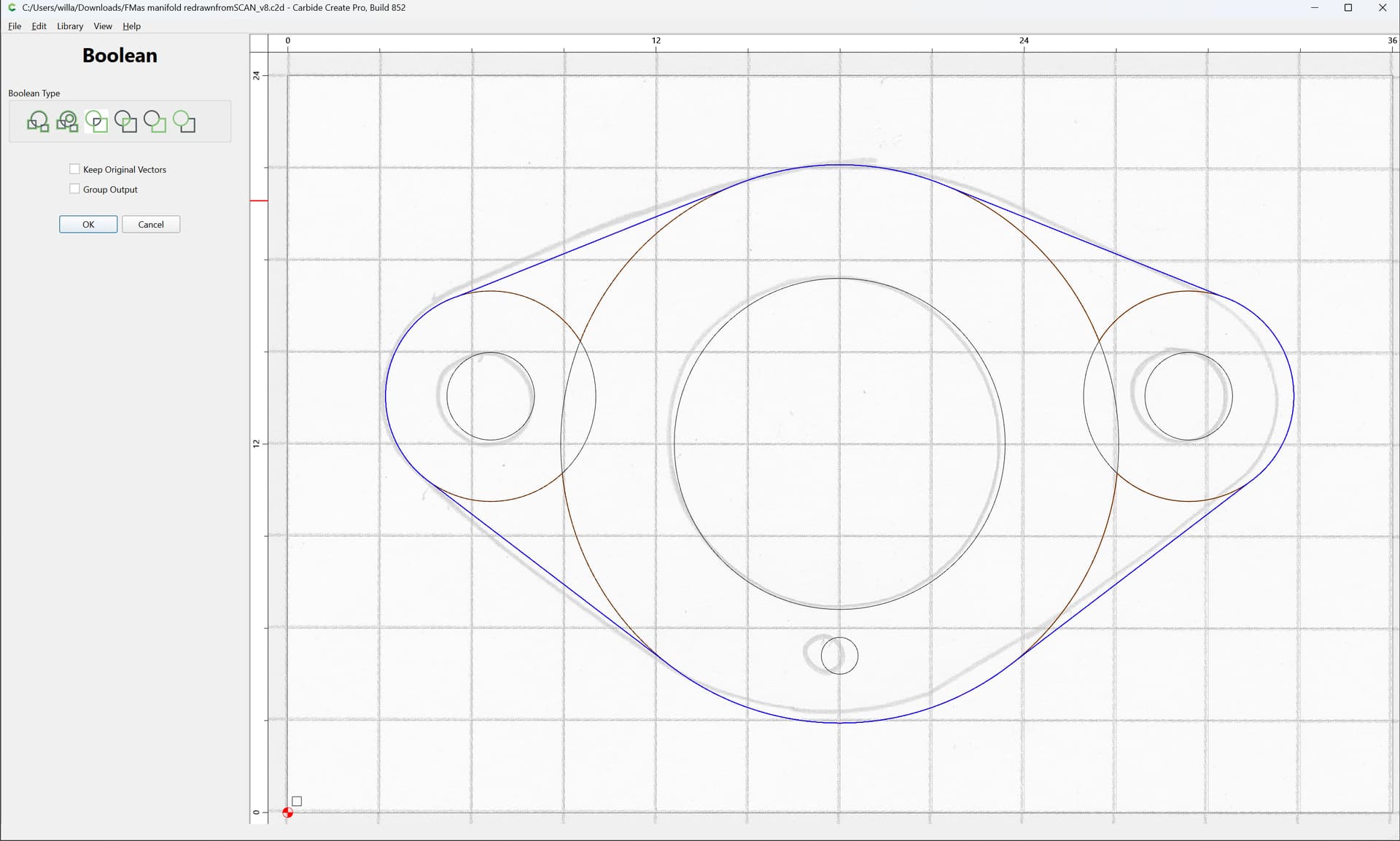
OK
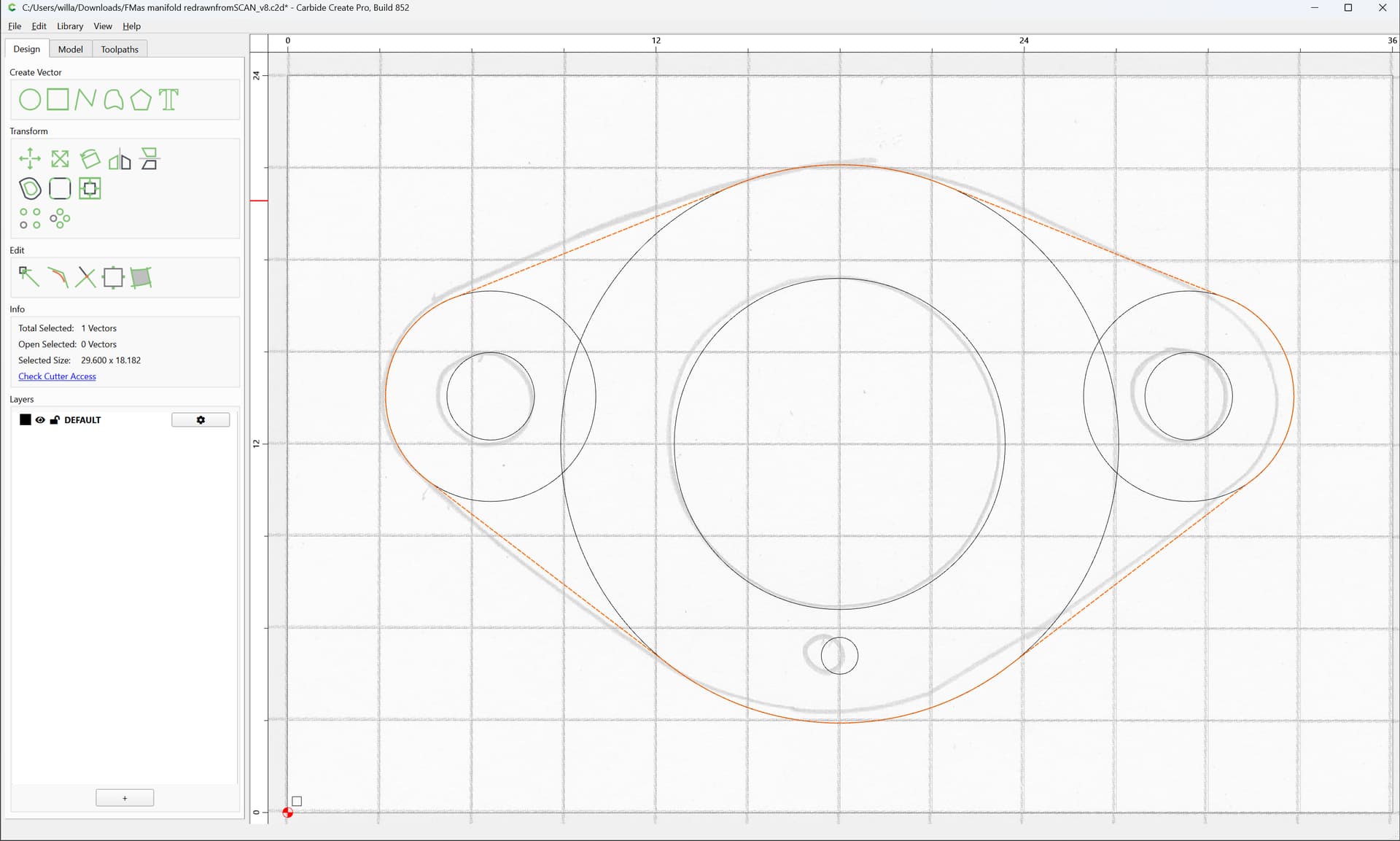
Then use the nodes in the Unioned geometry as a guide:
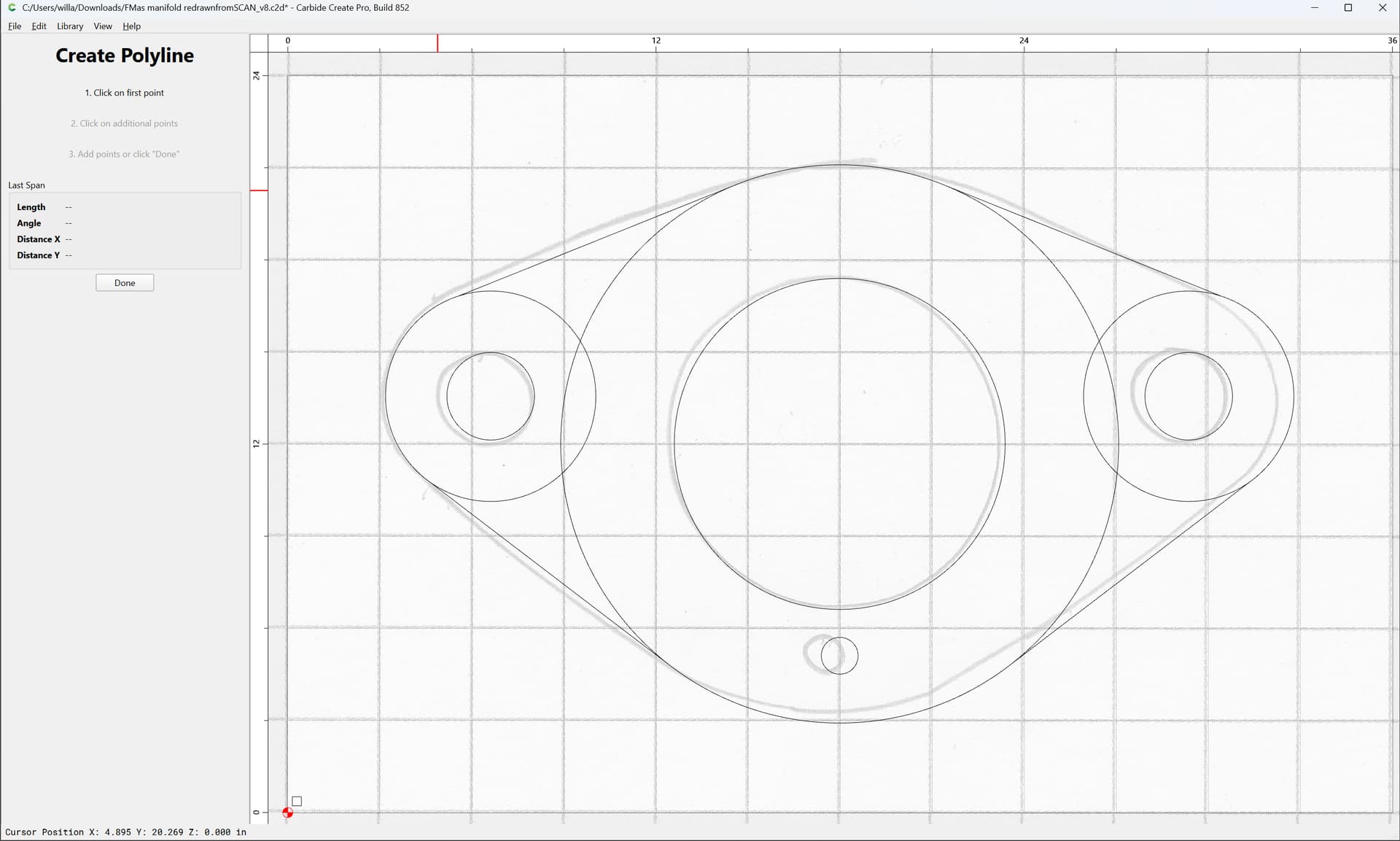
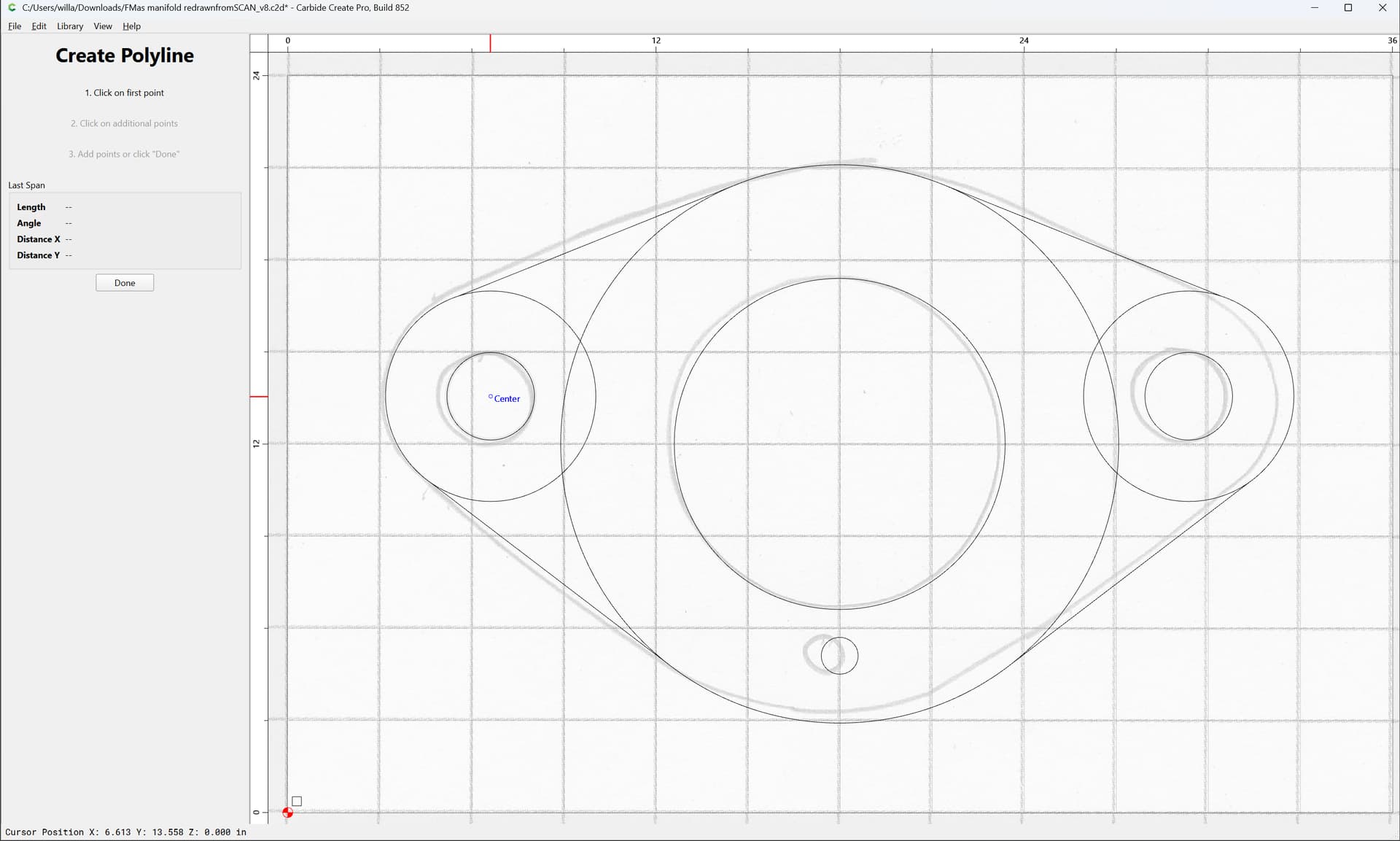
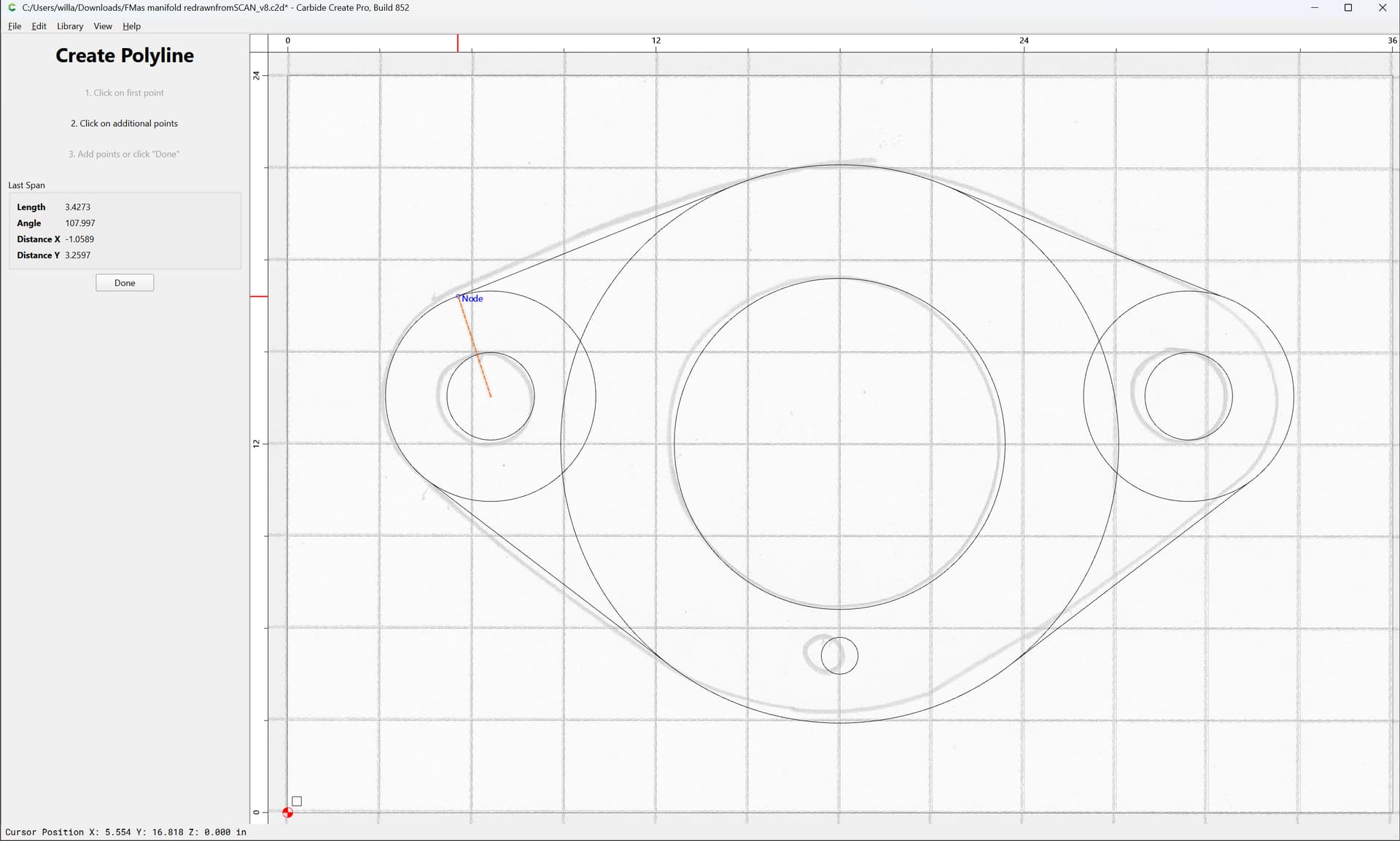
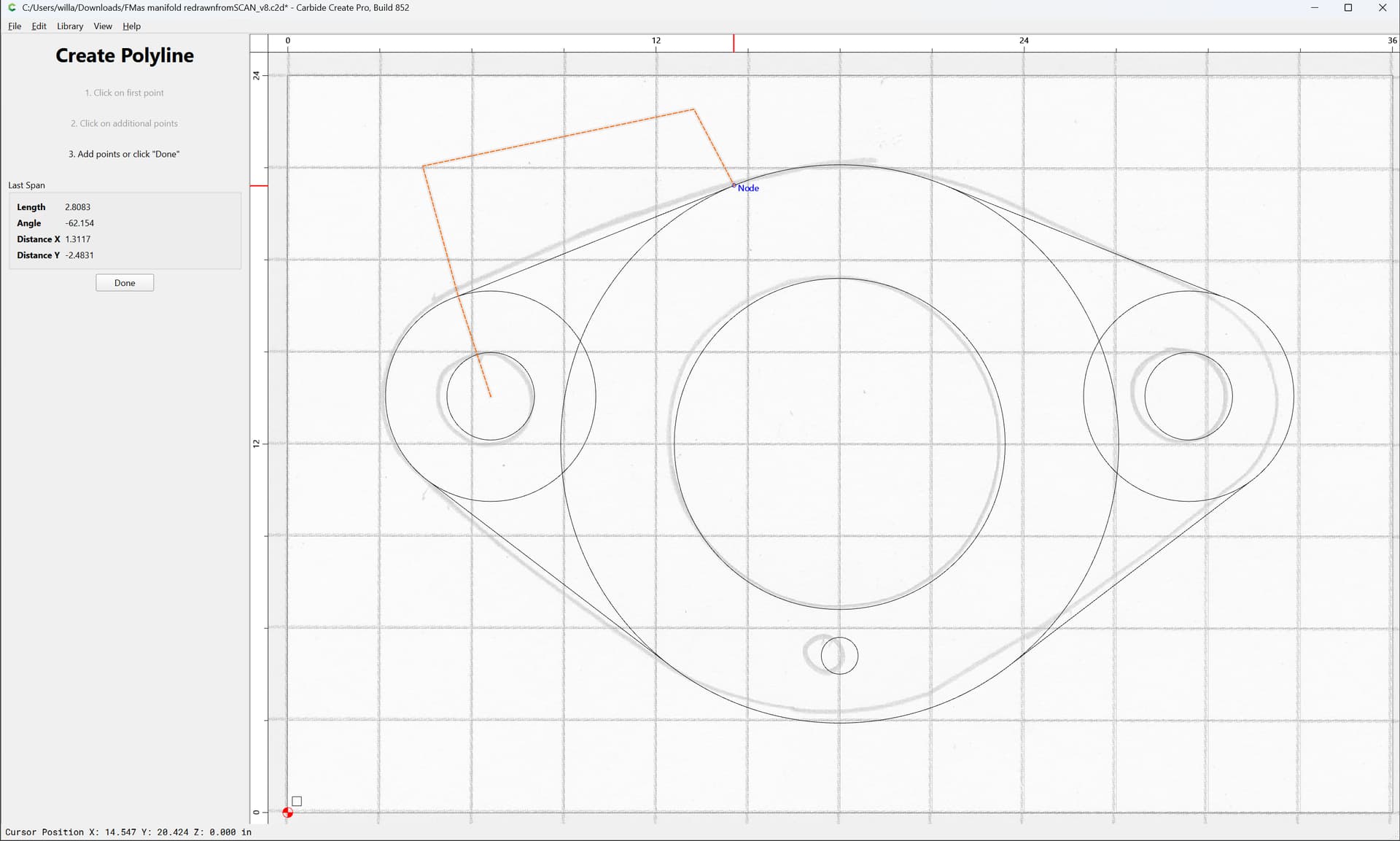
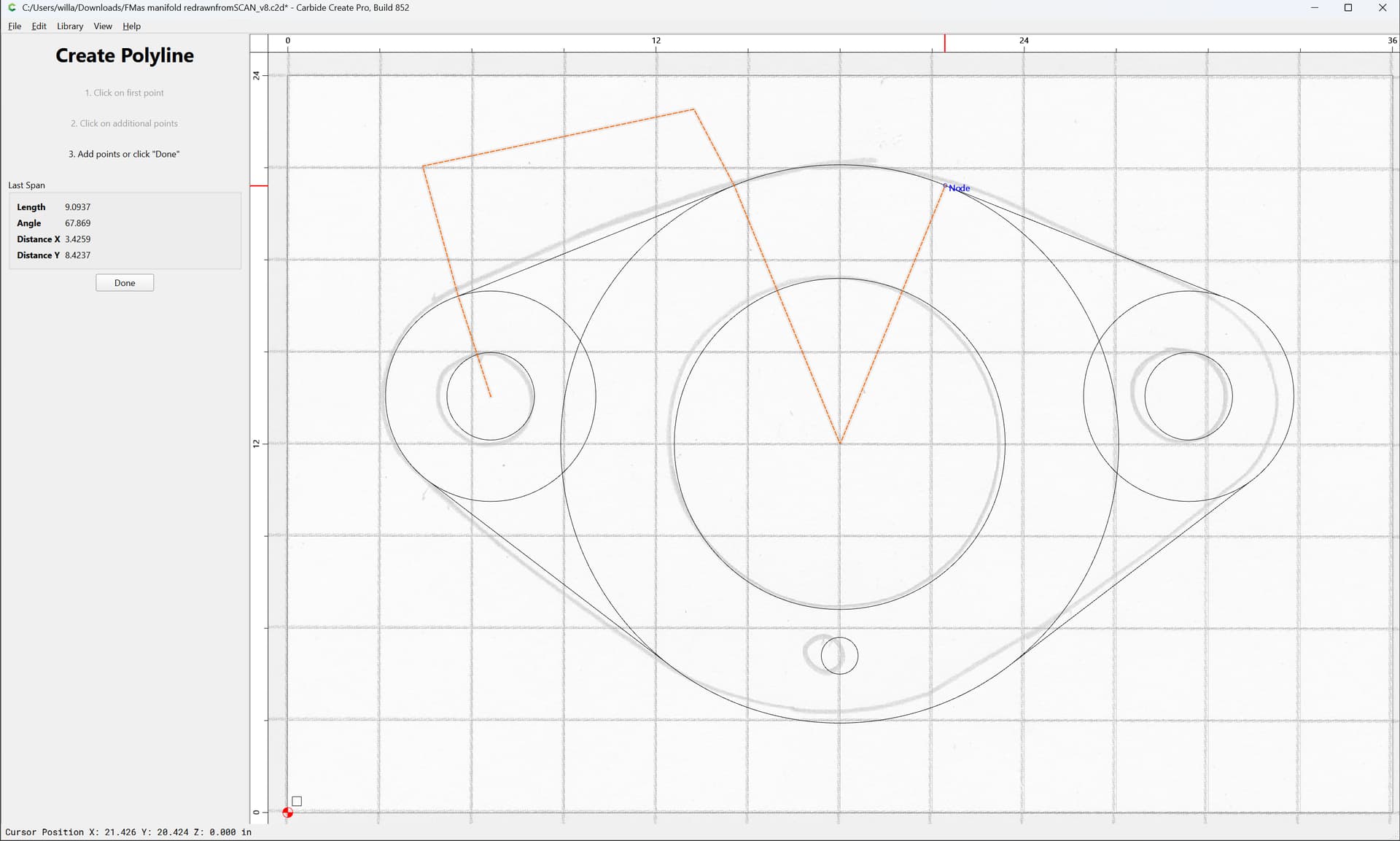
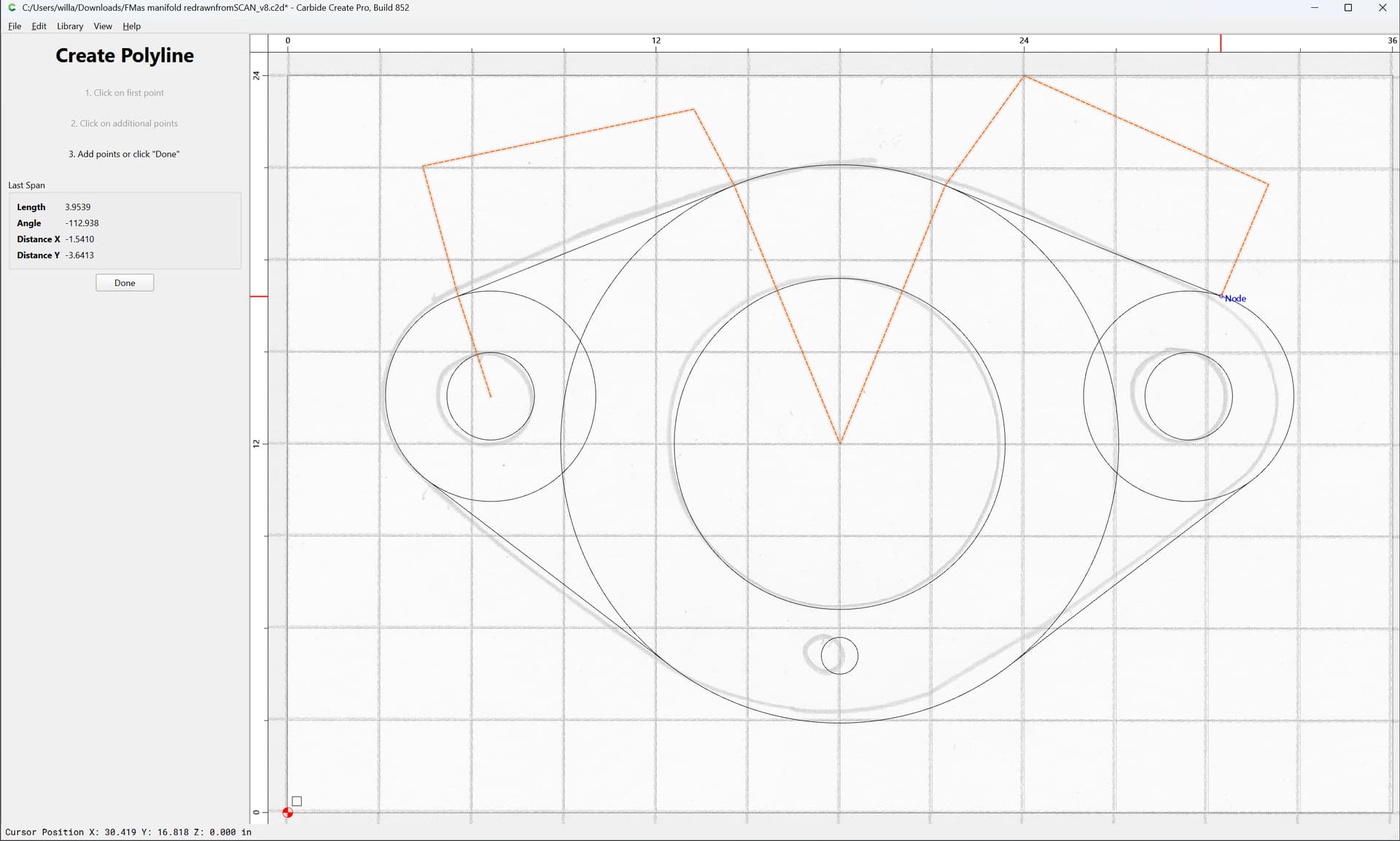
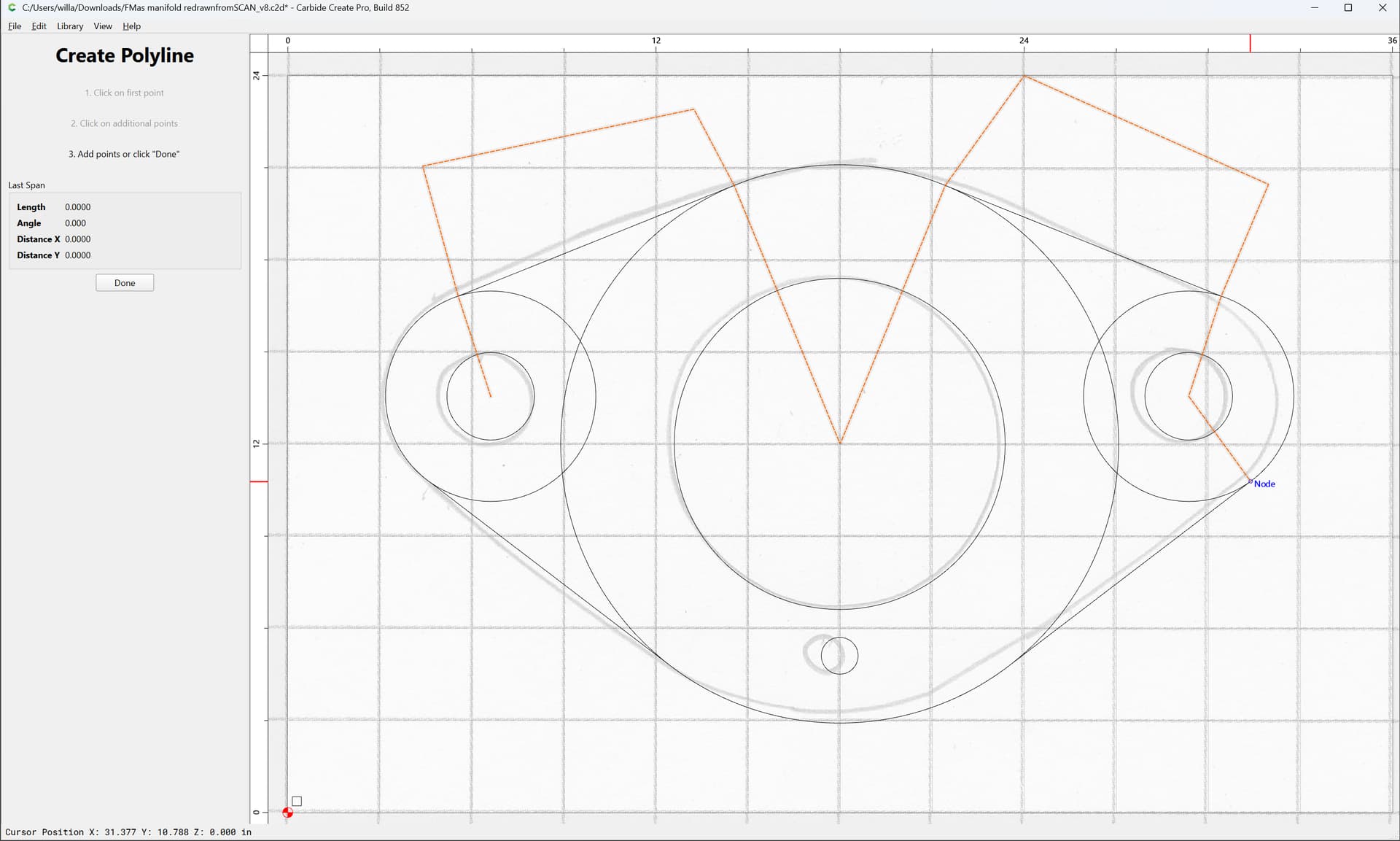
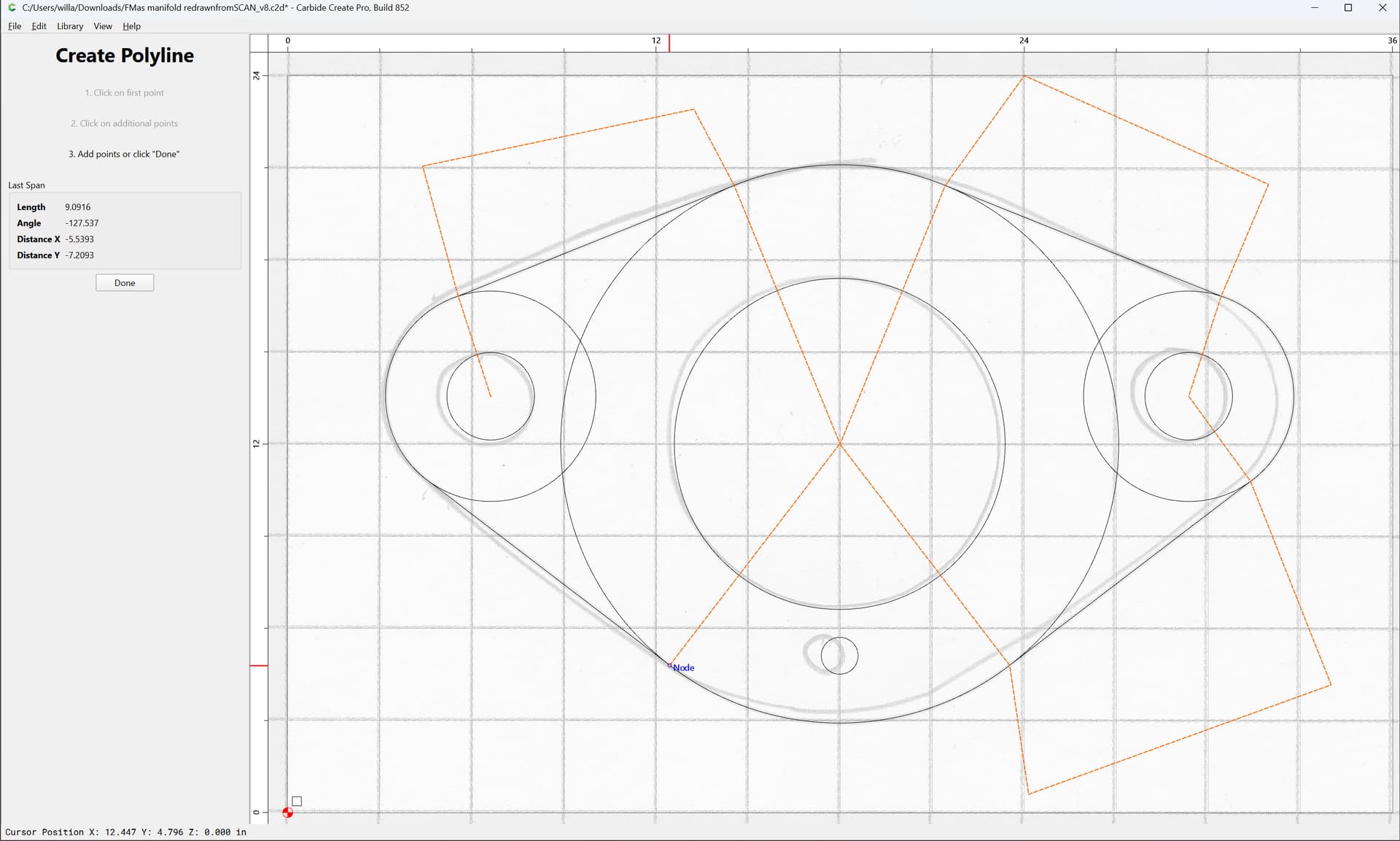
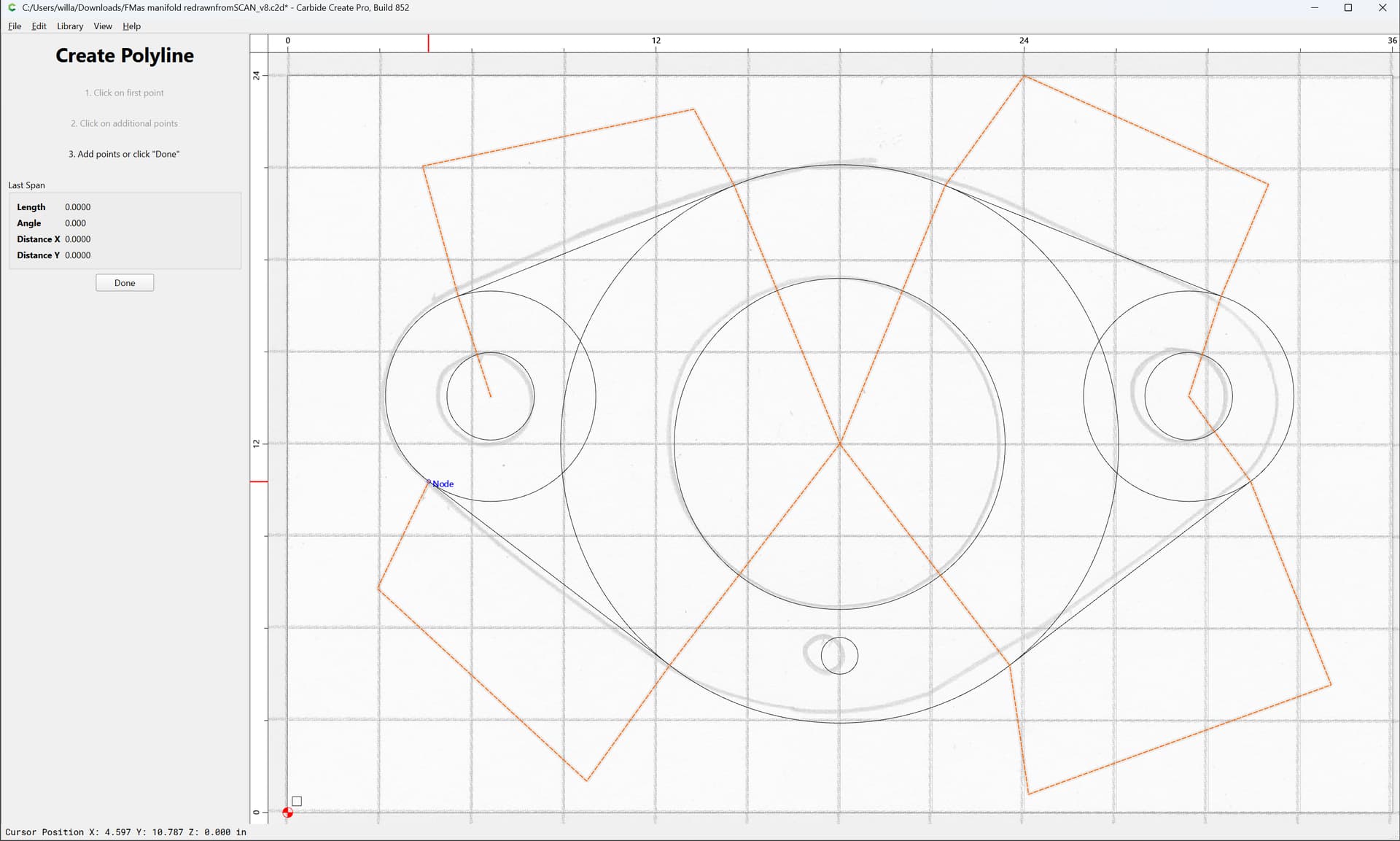
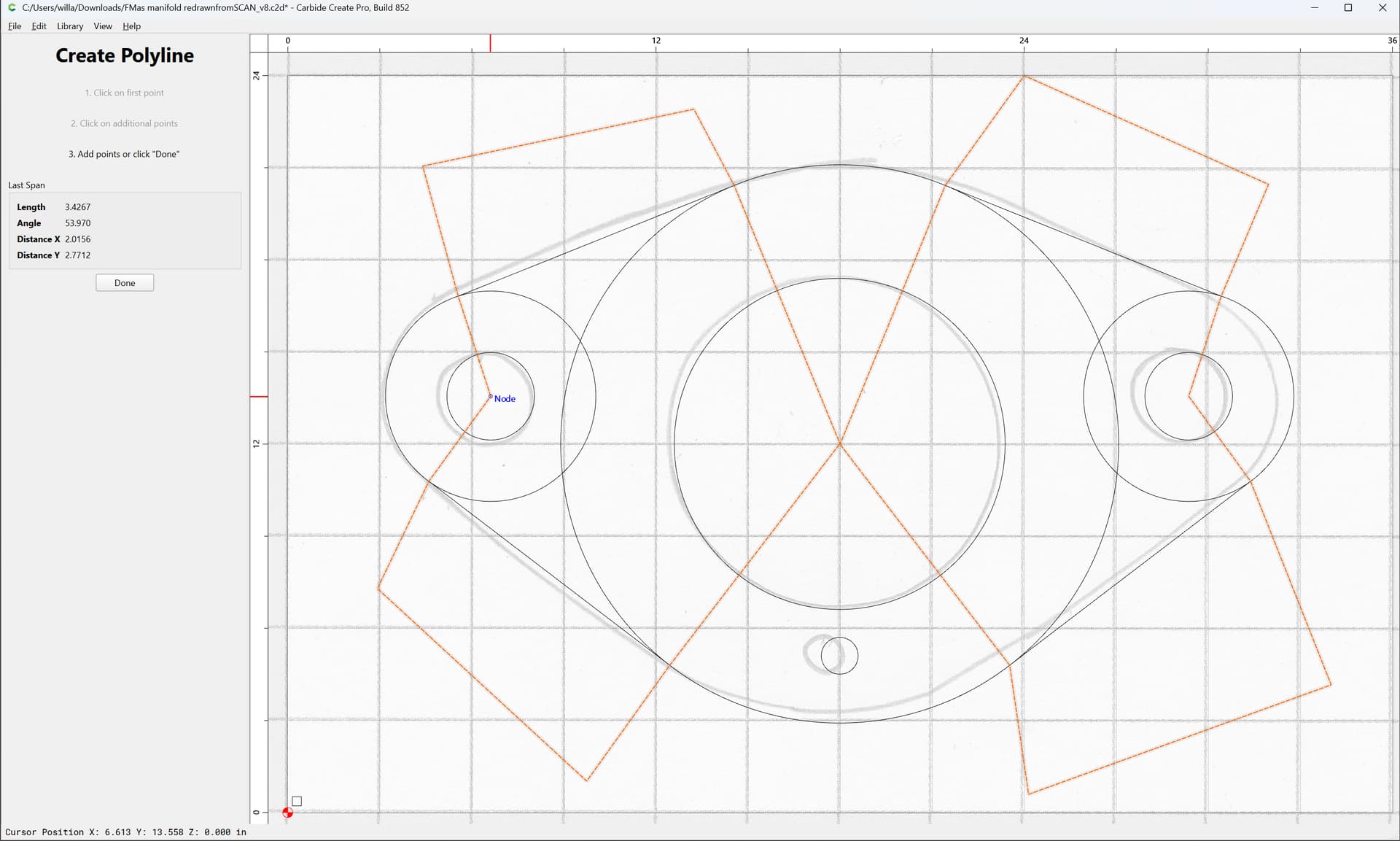
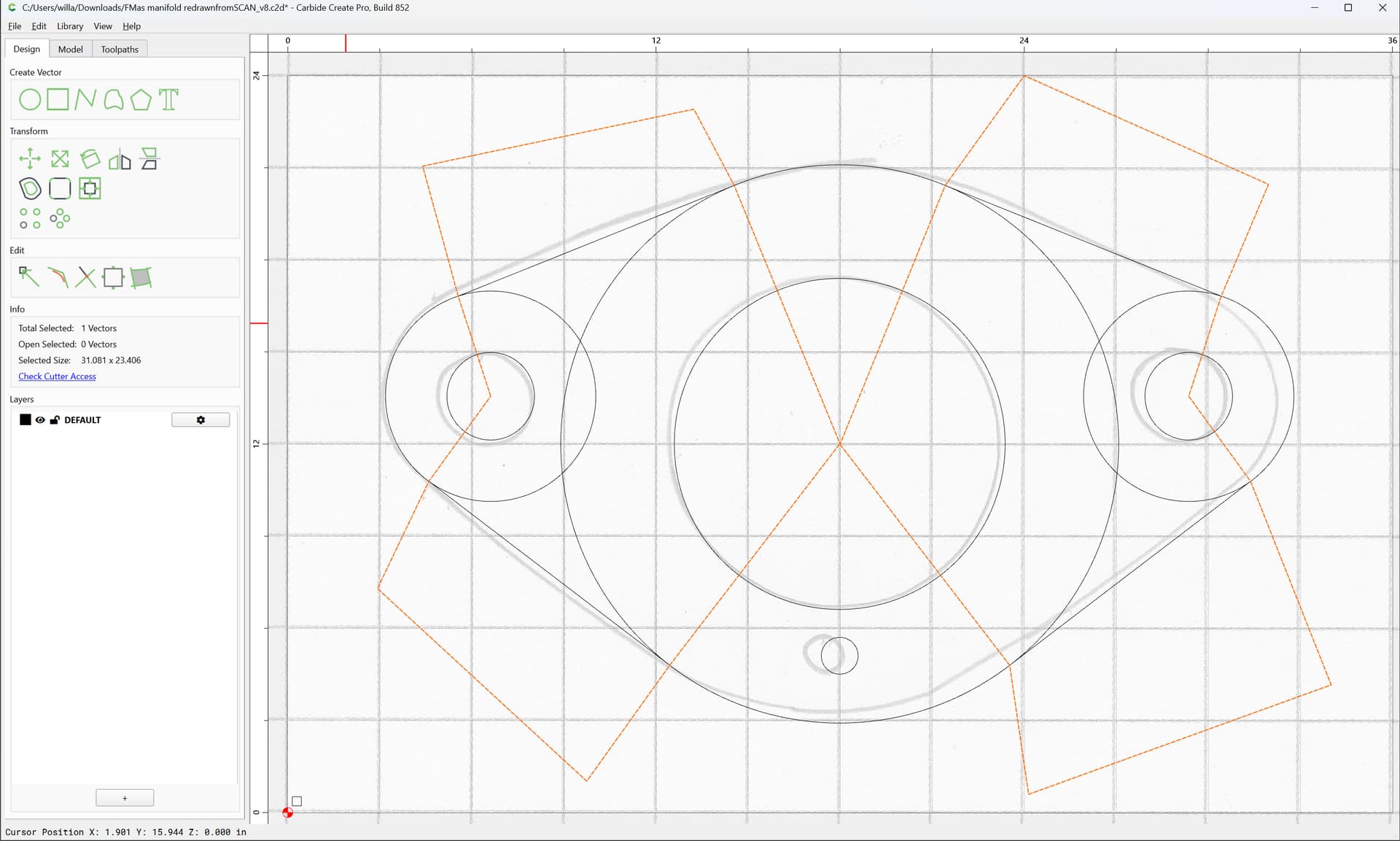
Delete the unioned geometry:
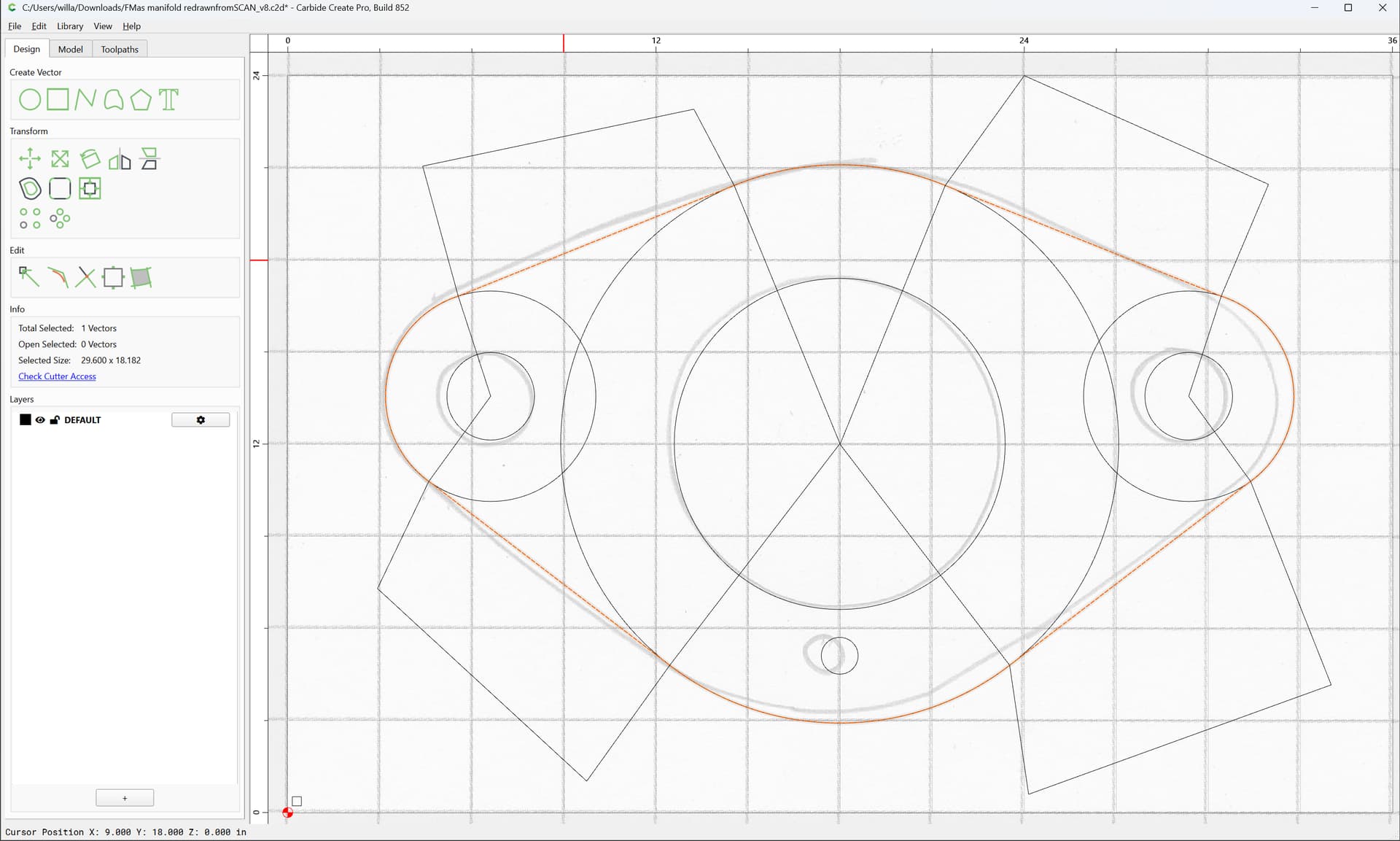
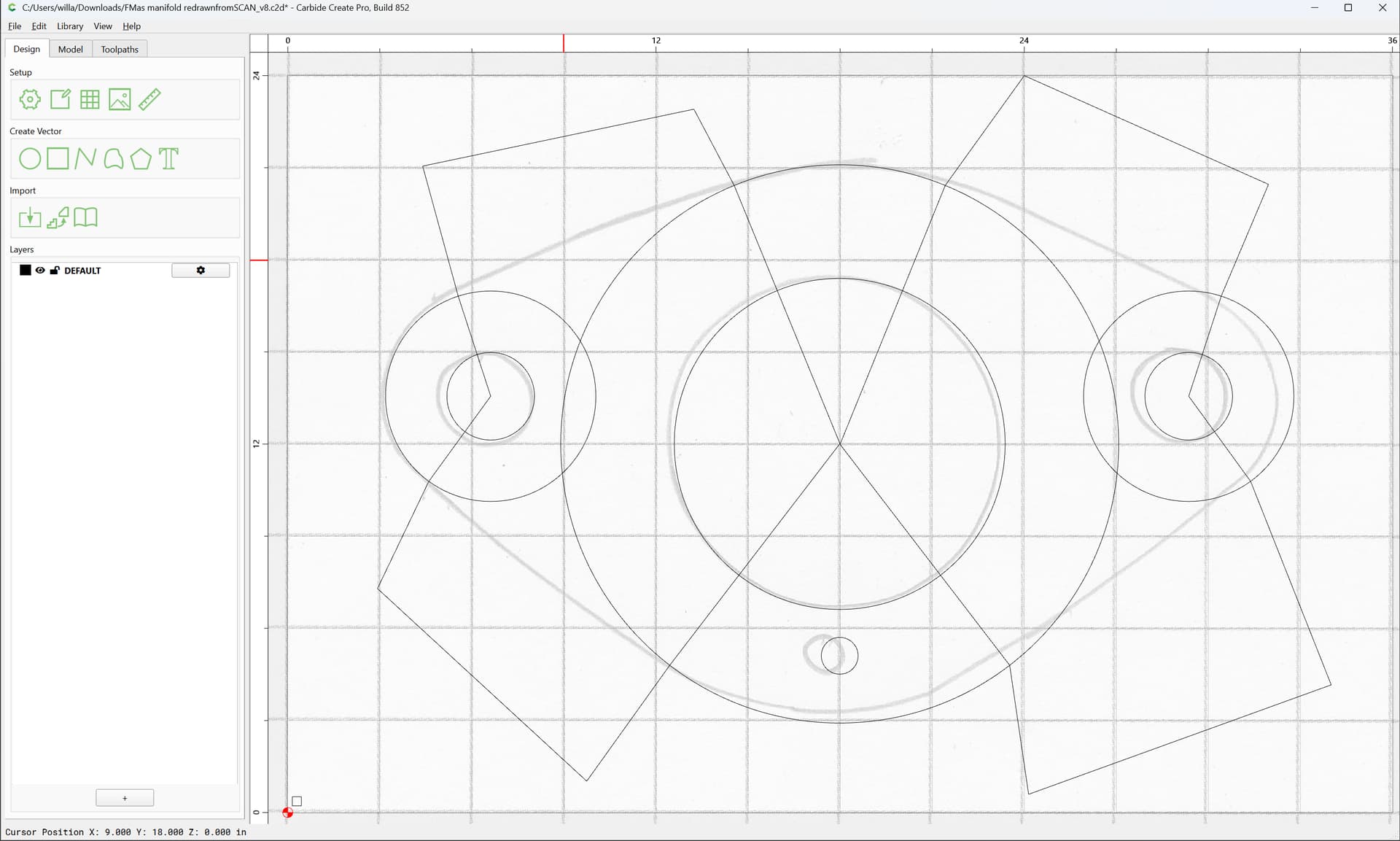
Select the overlapping circles and the drawn polyline: n
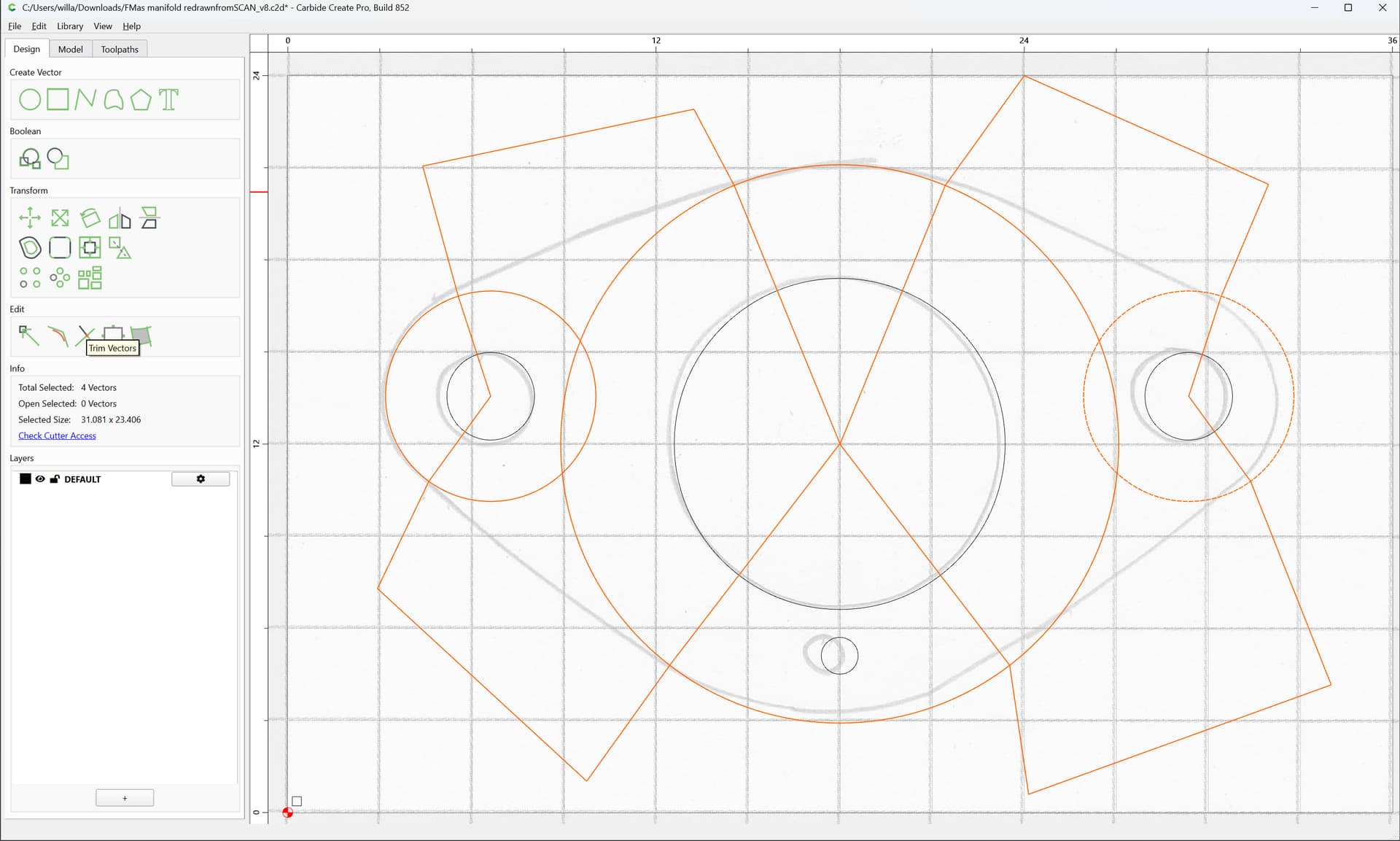
and use Trim Vectors:
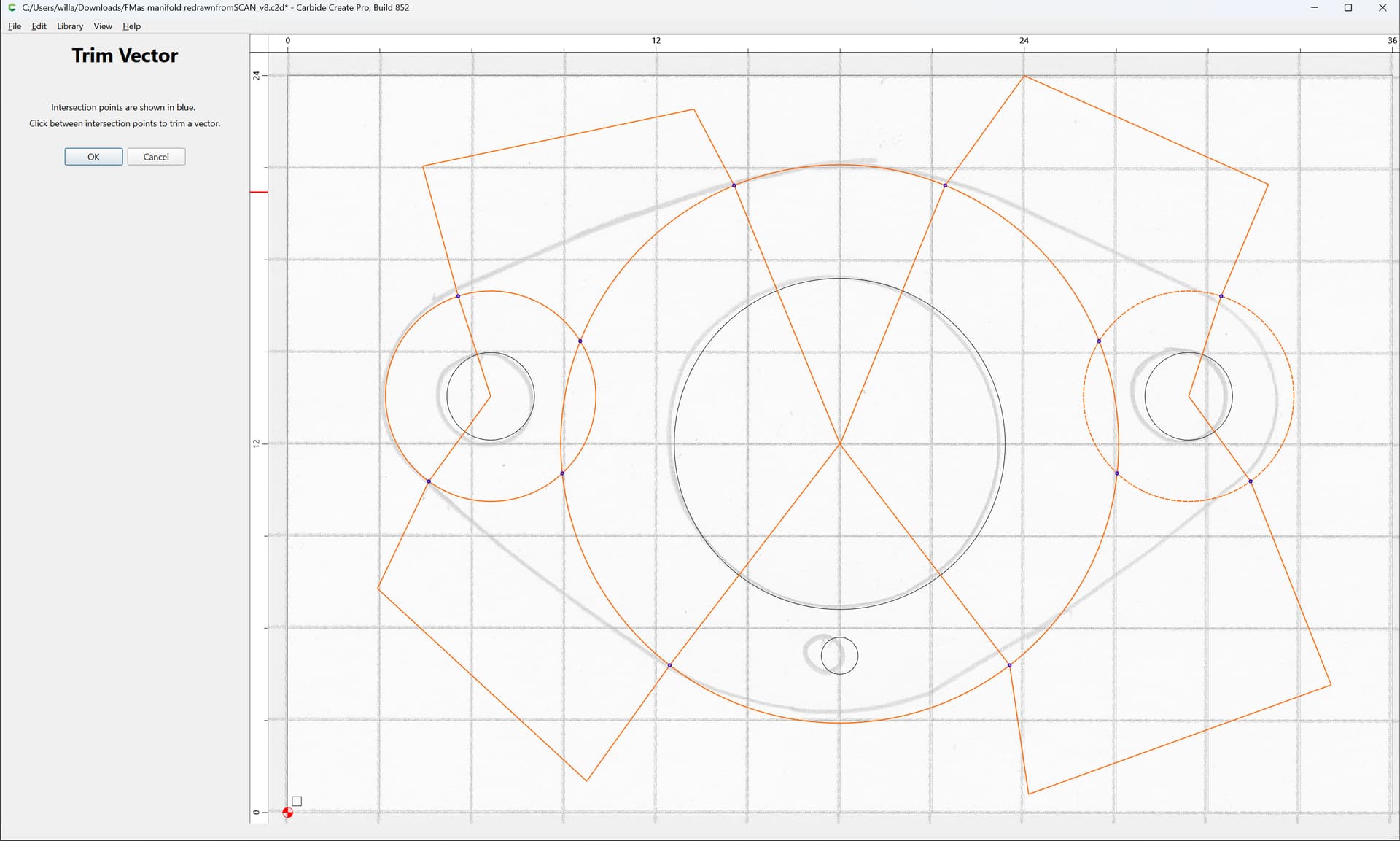
to remove what is not wanted:
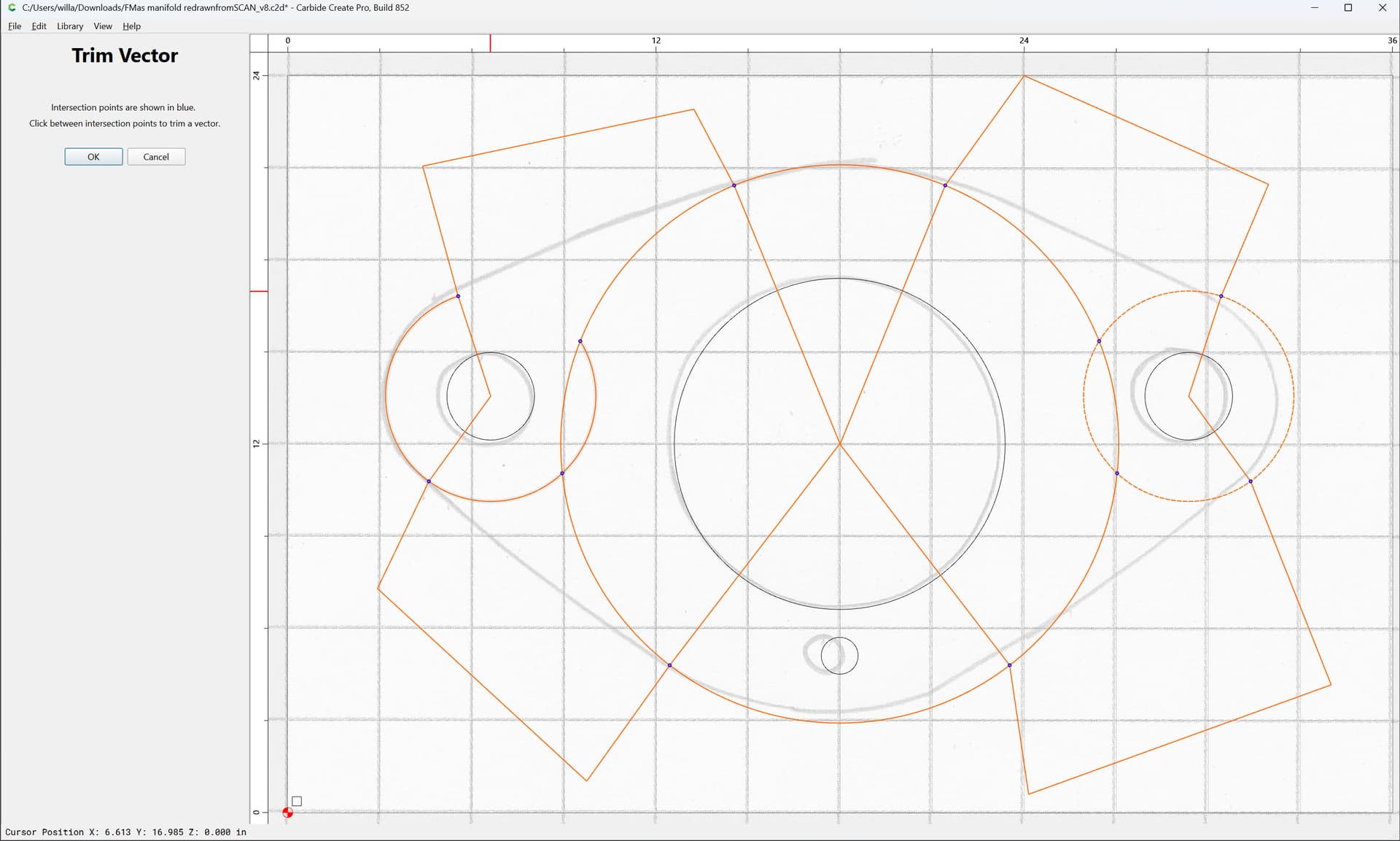
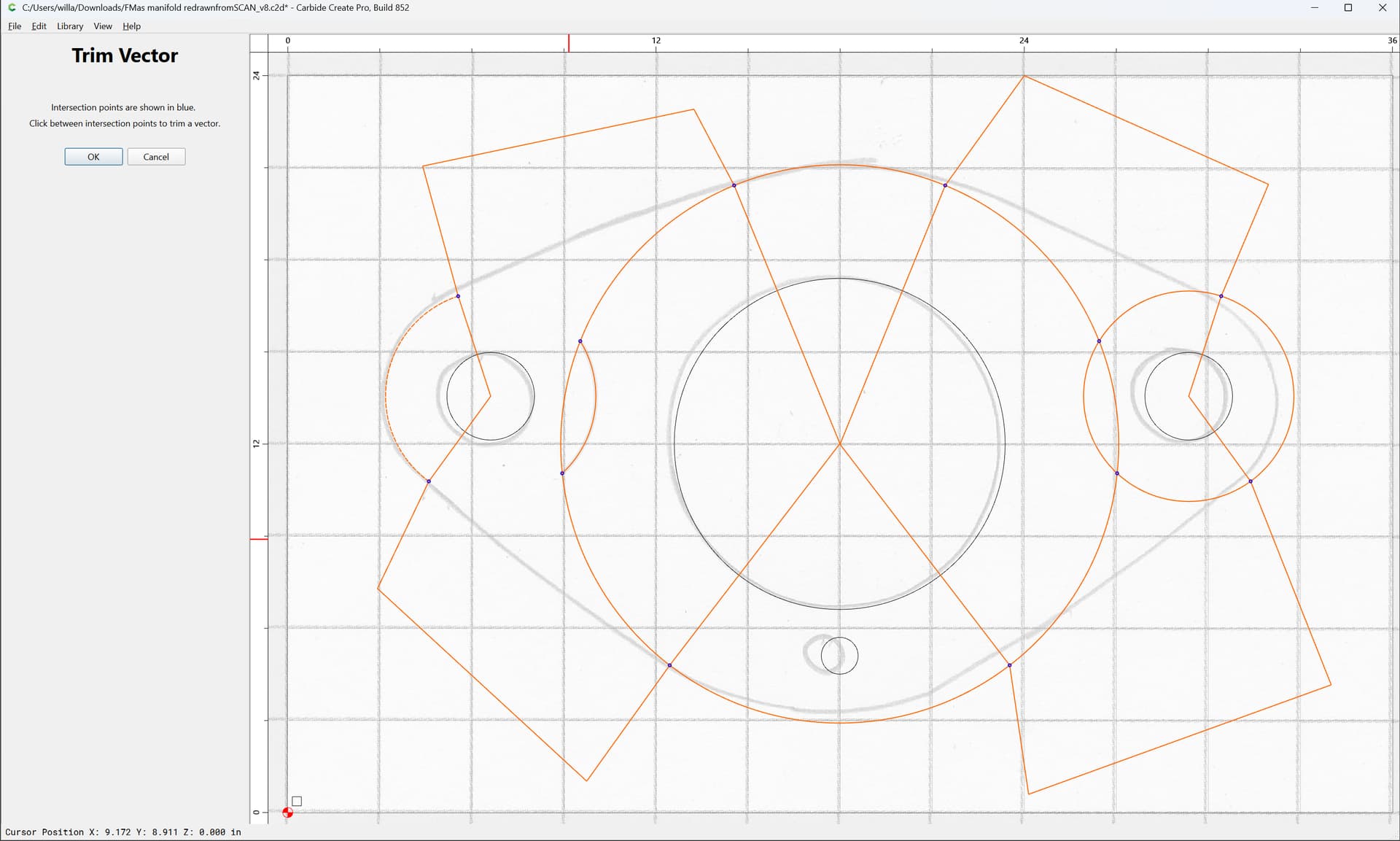
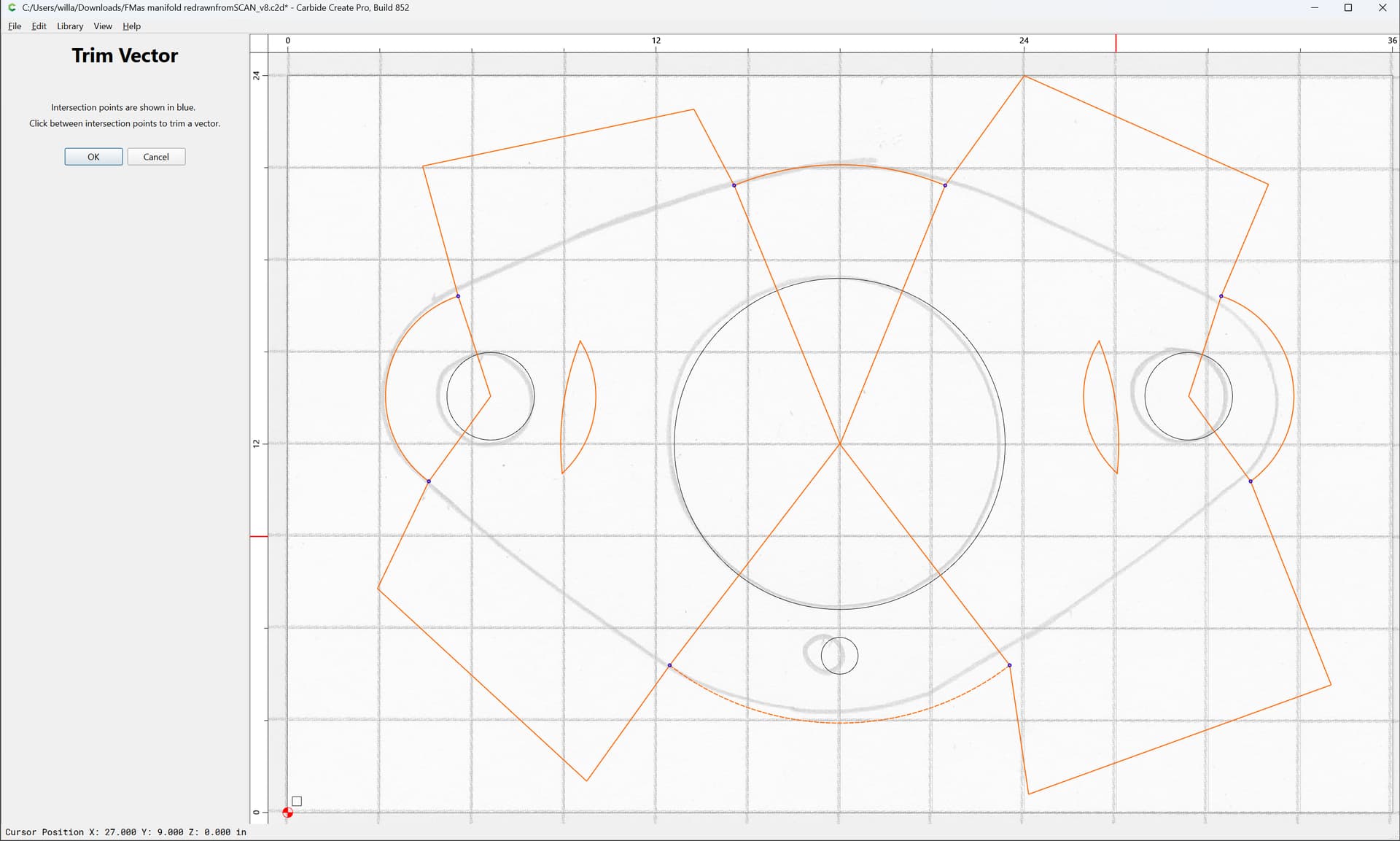
OK
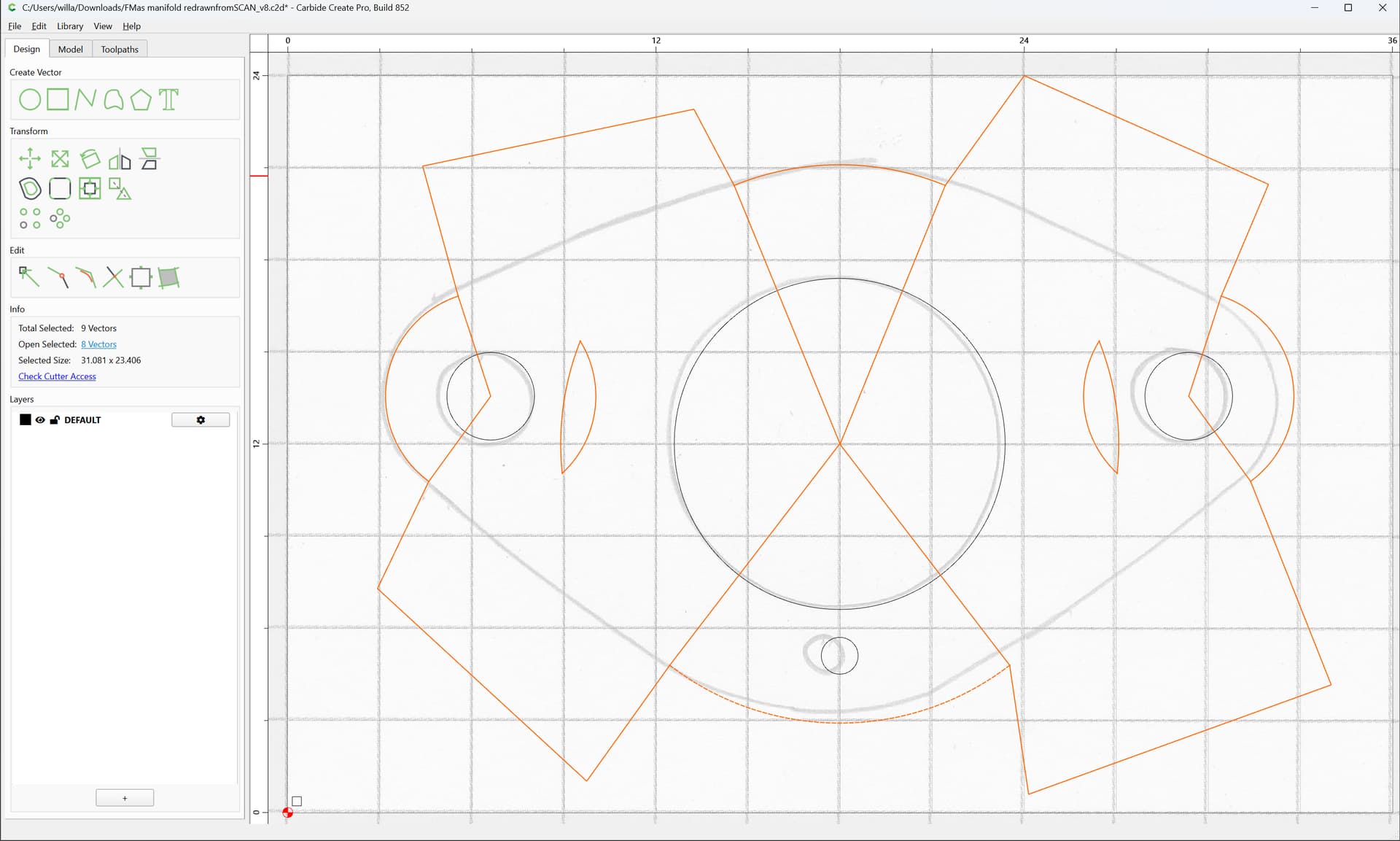
Select only the polyline:
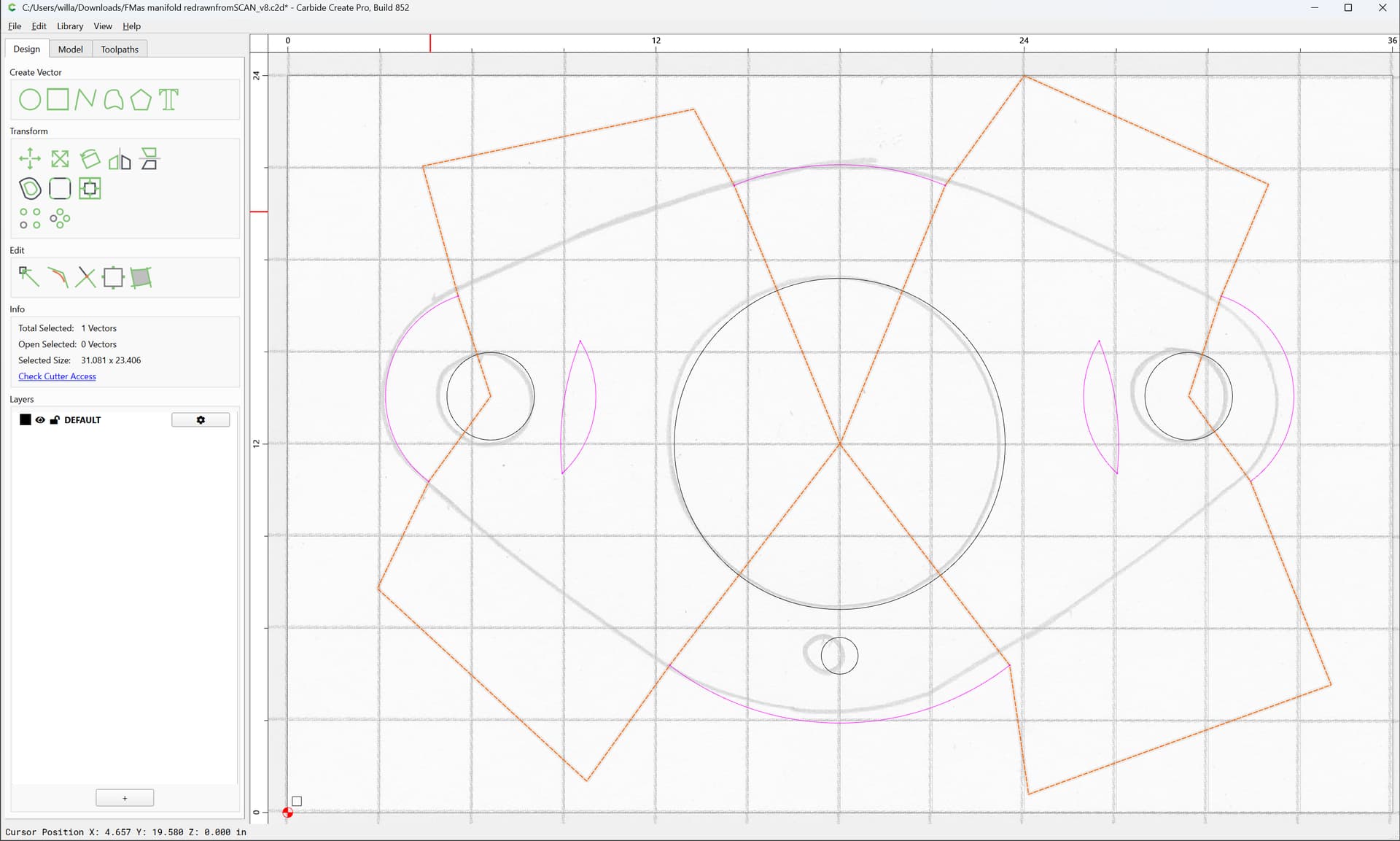
and delete
w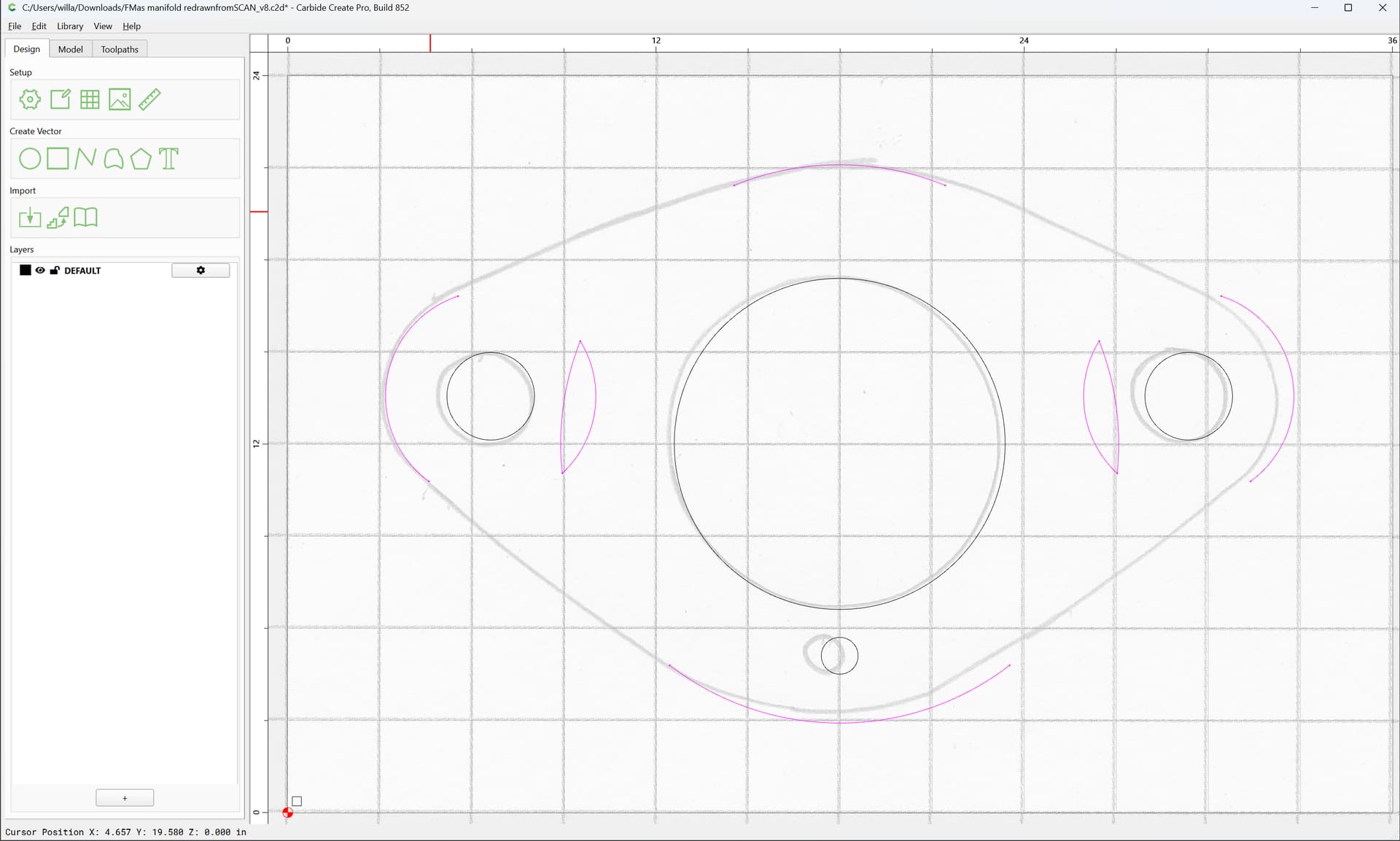
as well as the small overlaps:
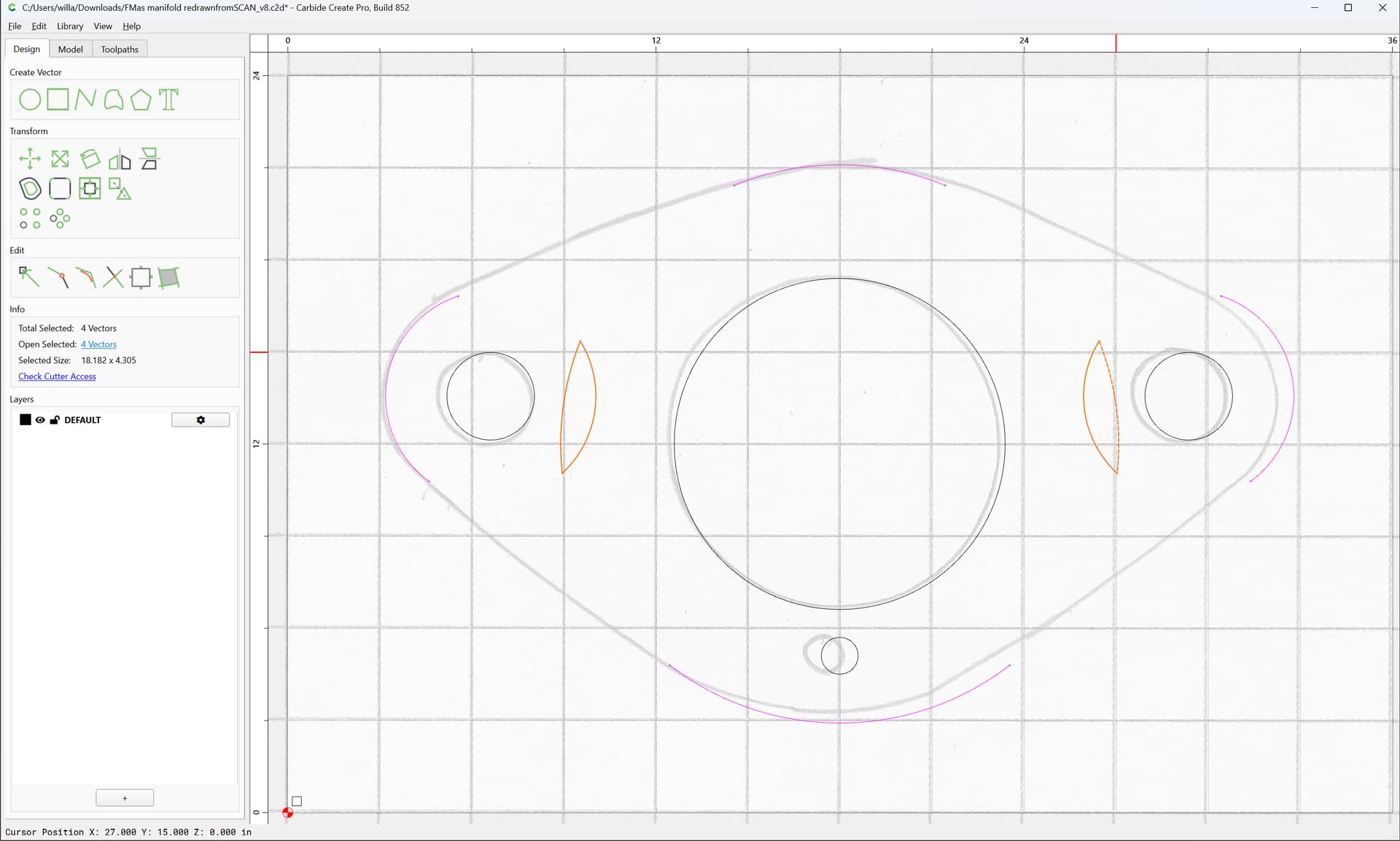
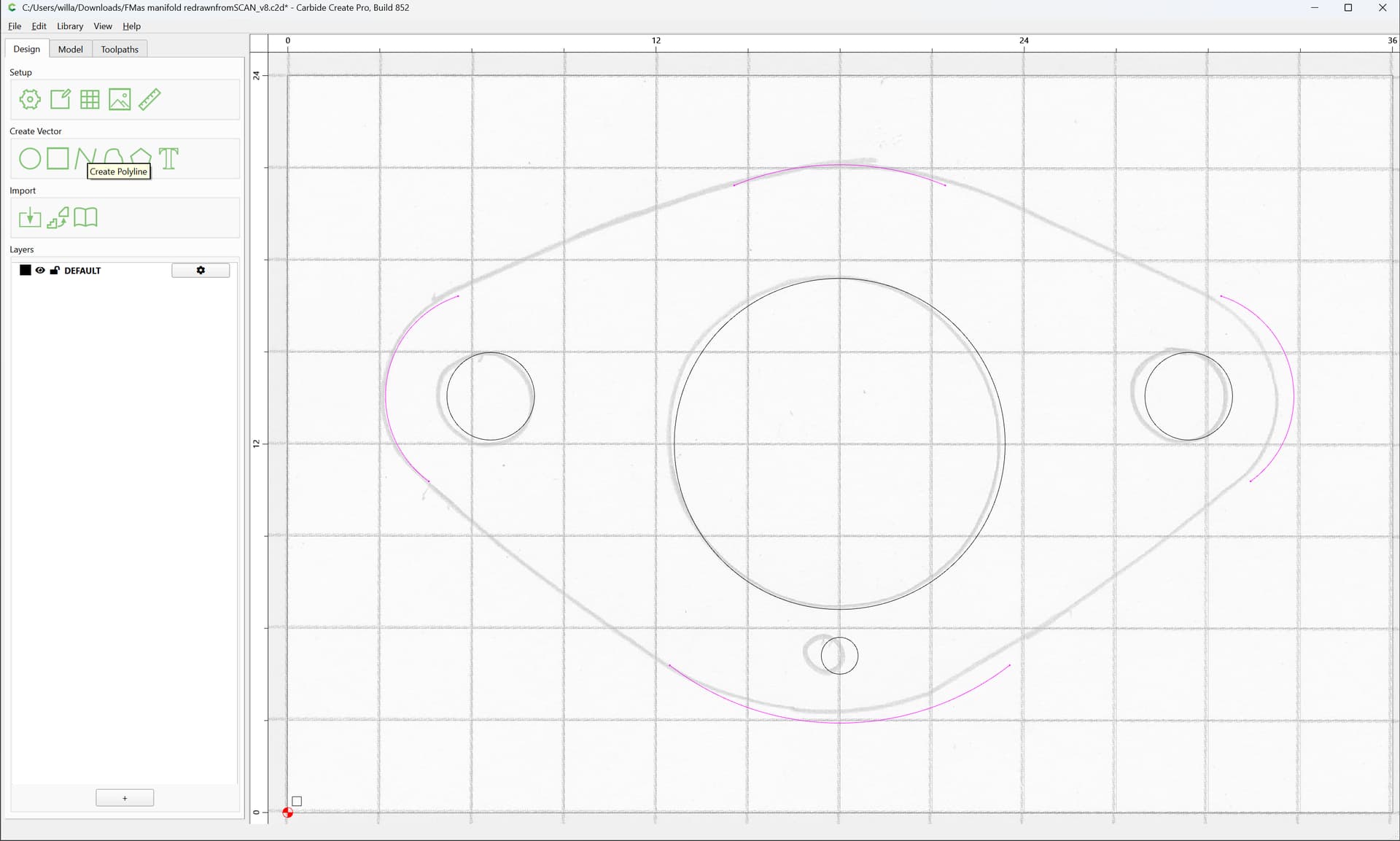
As before, use the Polyline tool:
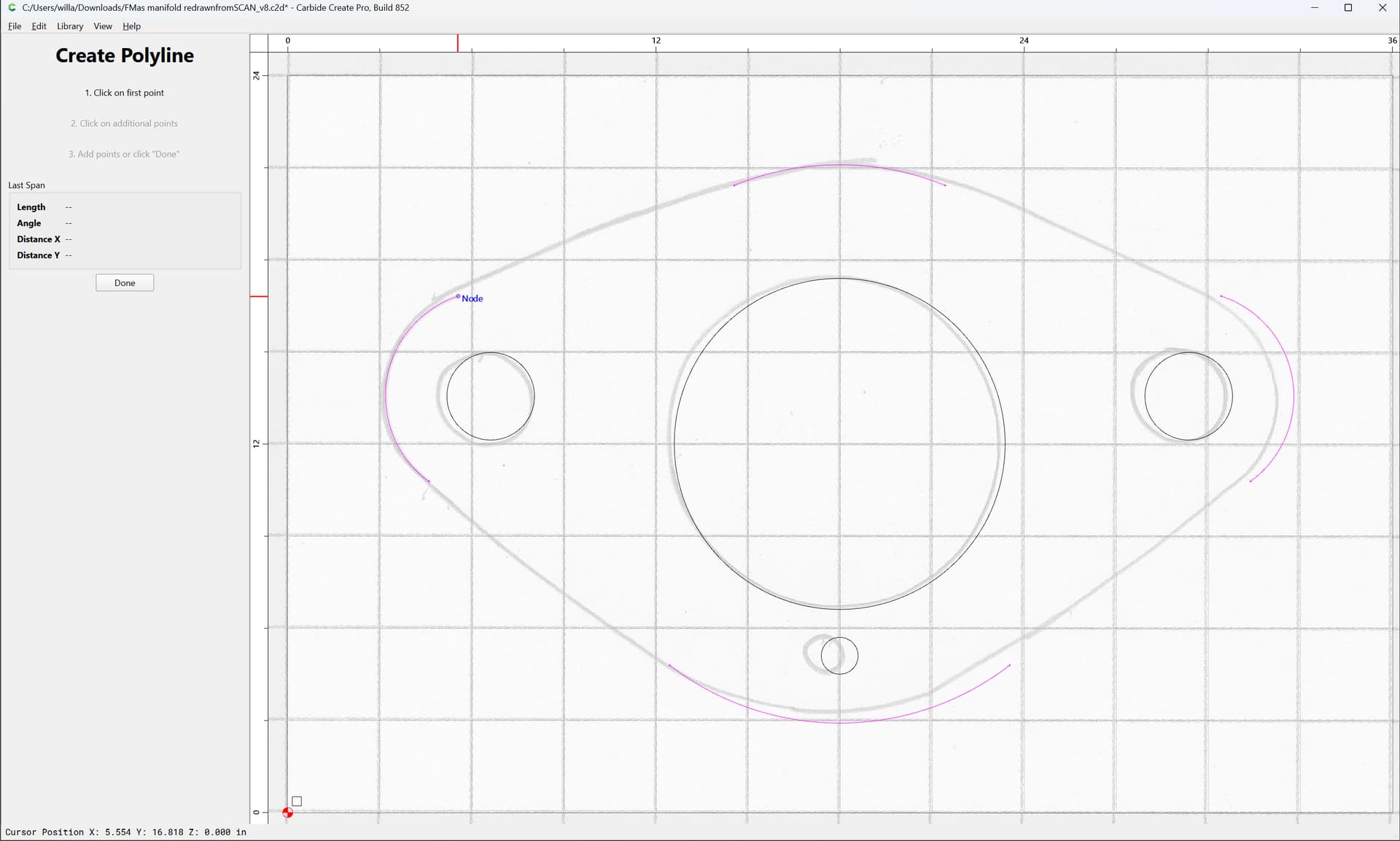
to draw lines to connect the arcs:
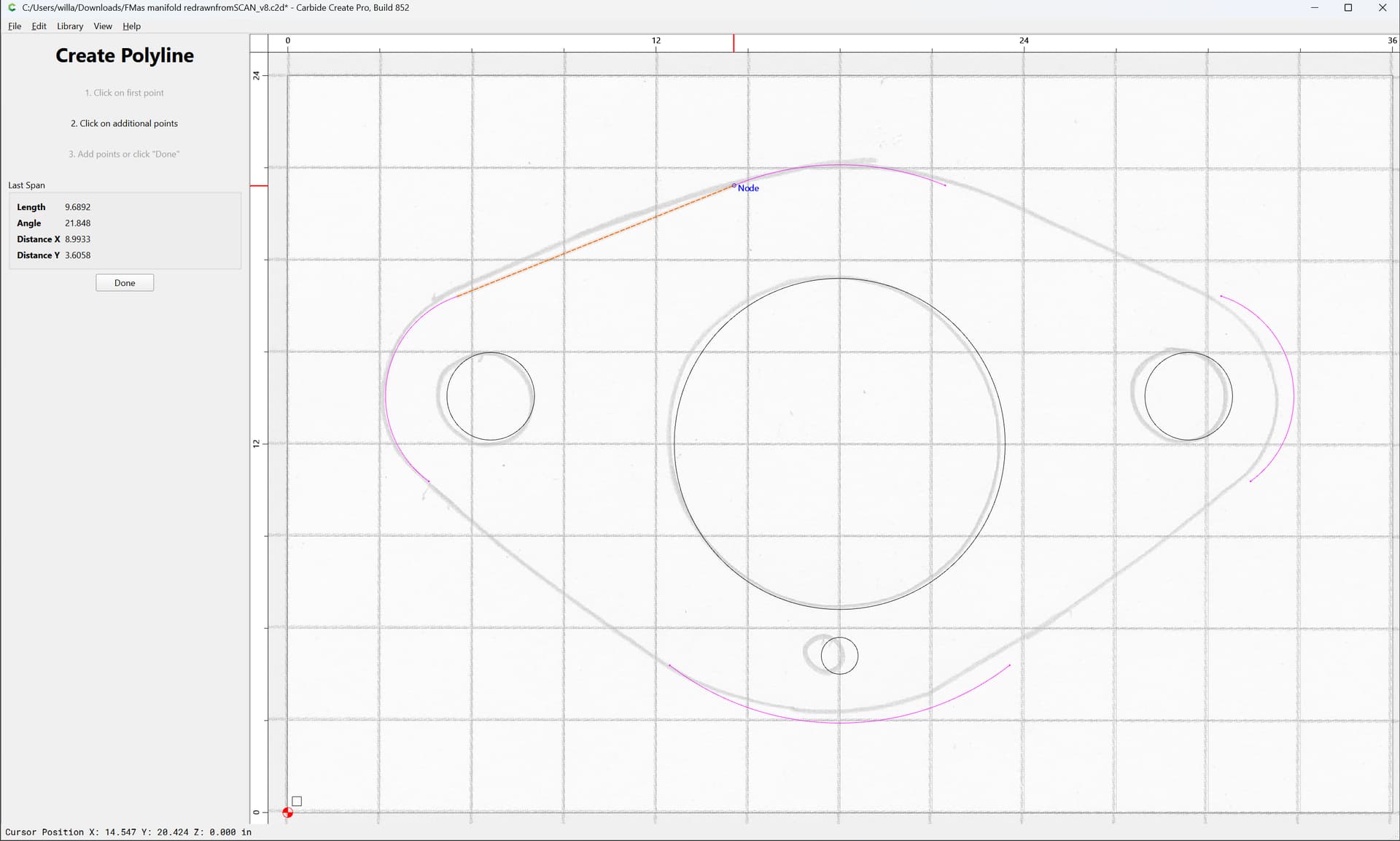
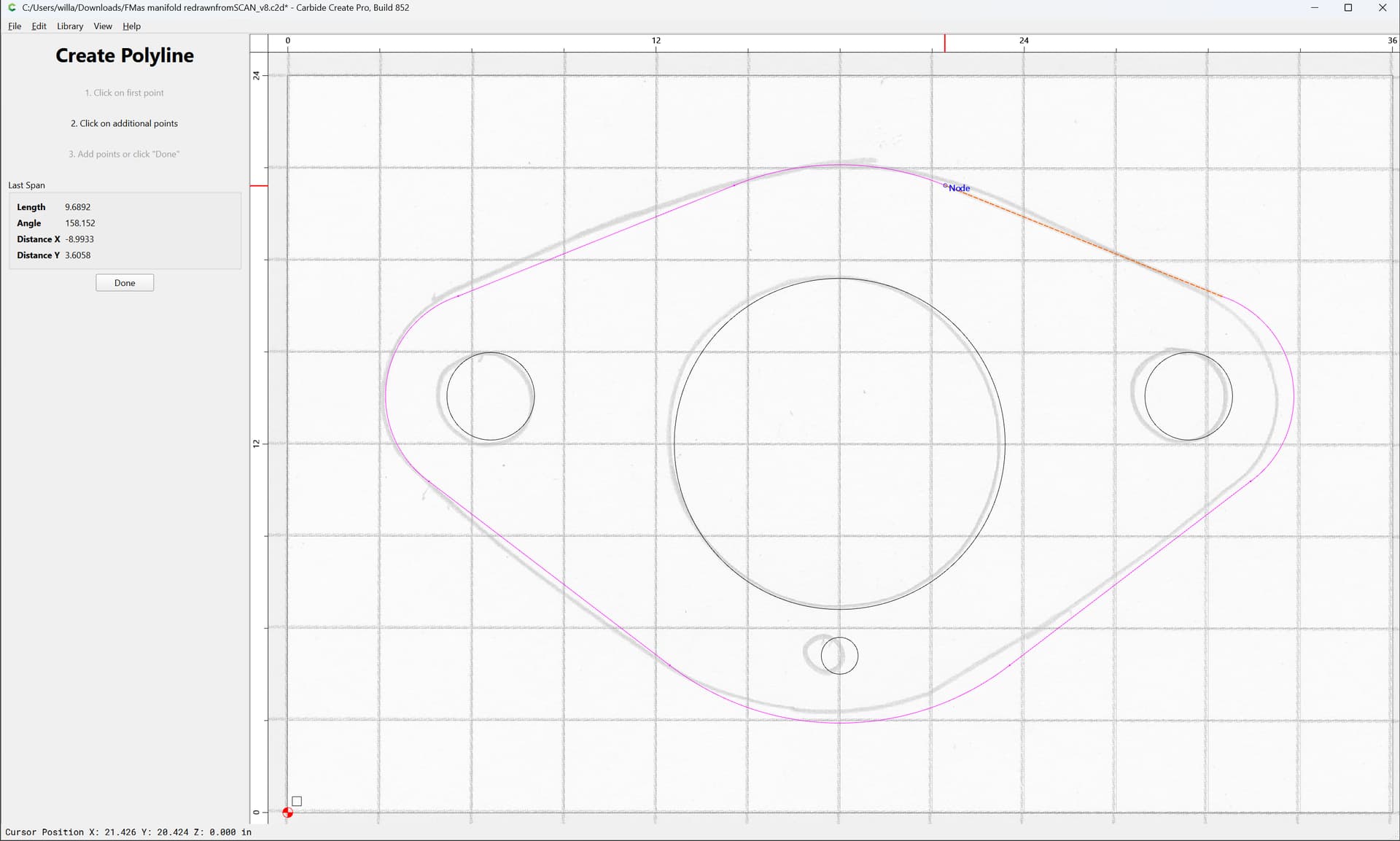
Done
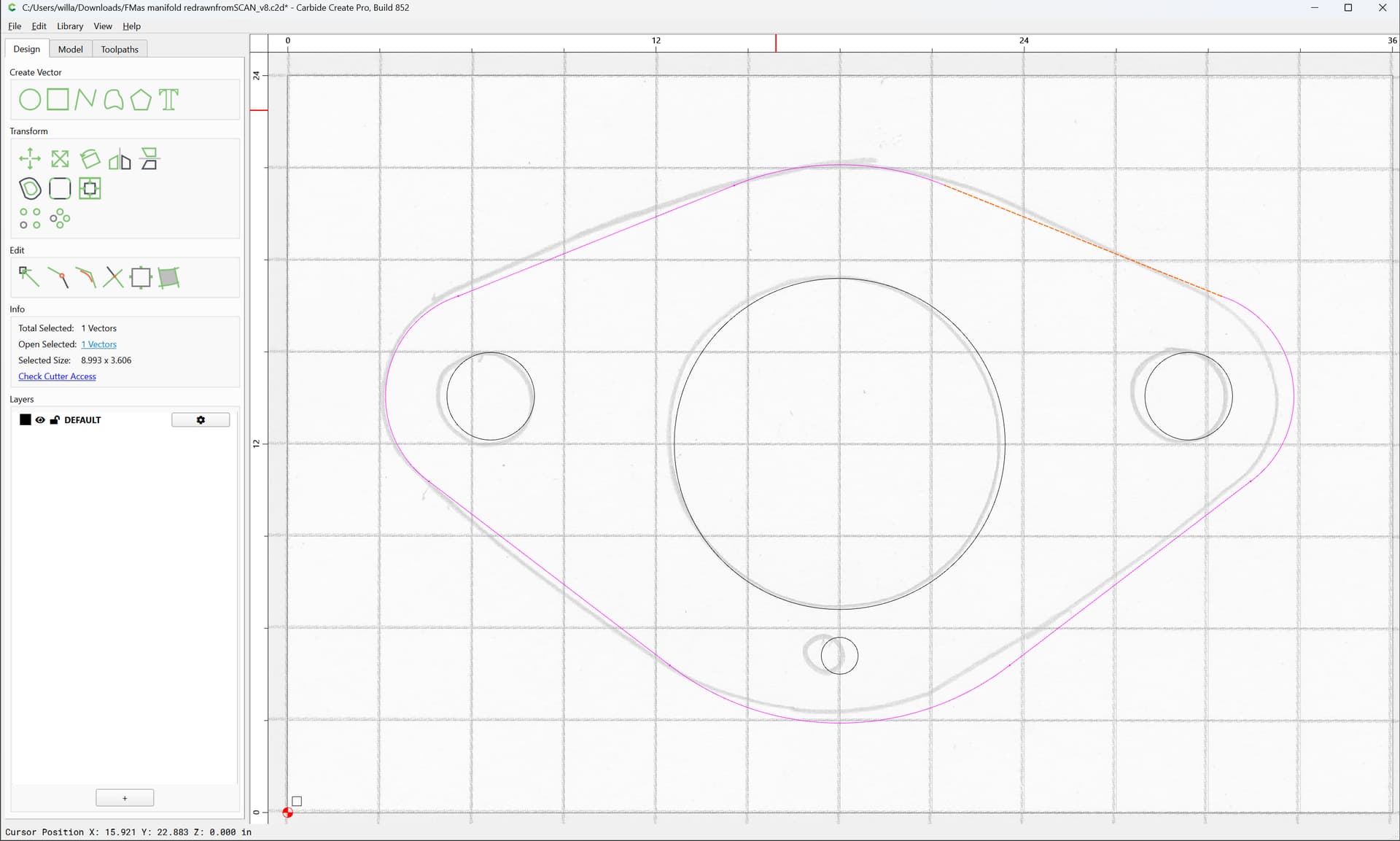
Select everything:
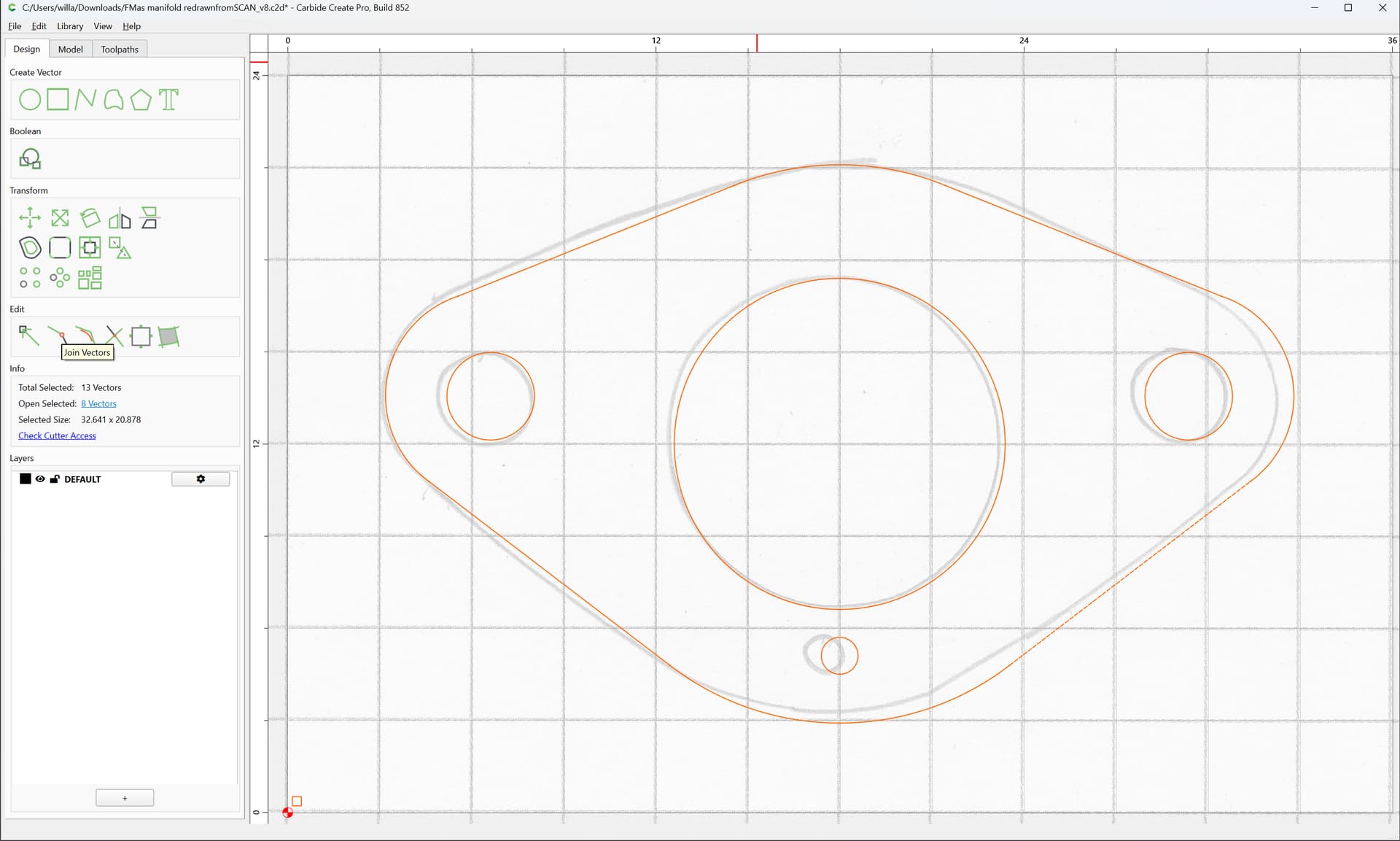
Join Vectors
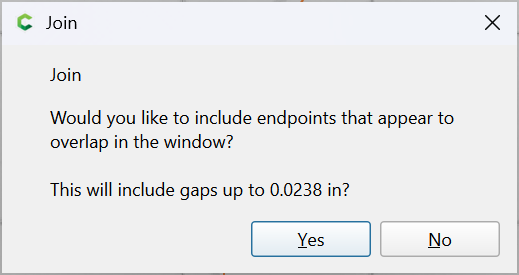
Yes
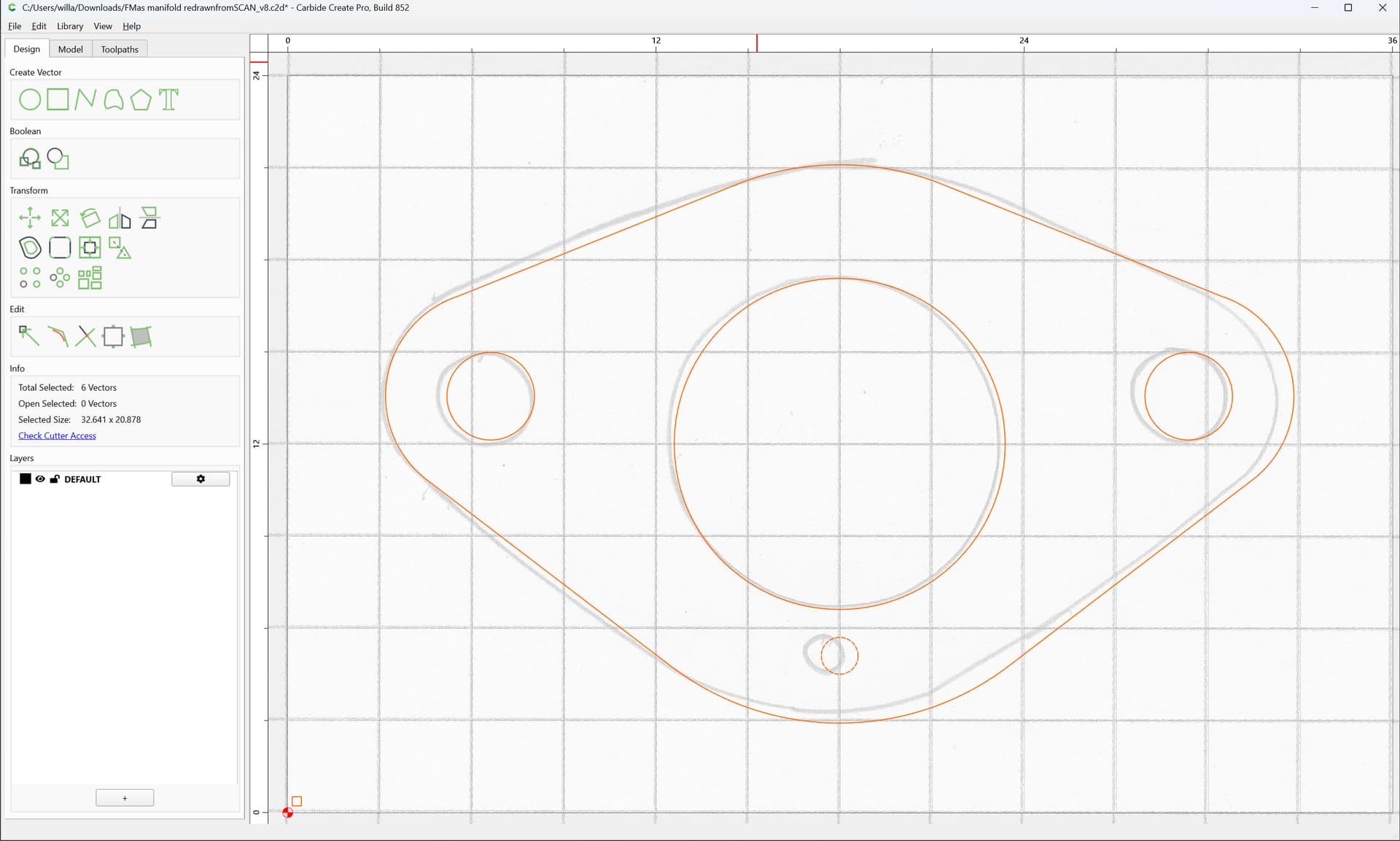
Scale
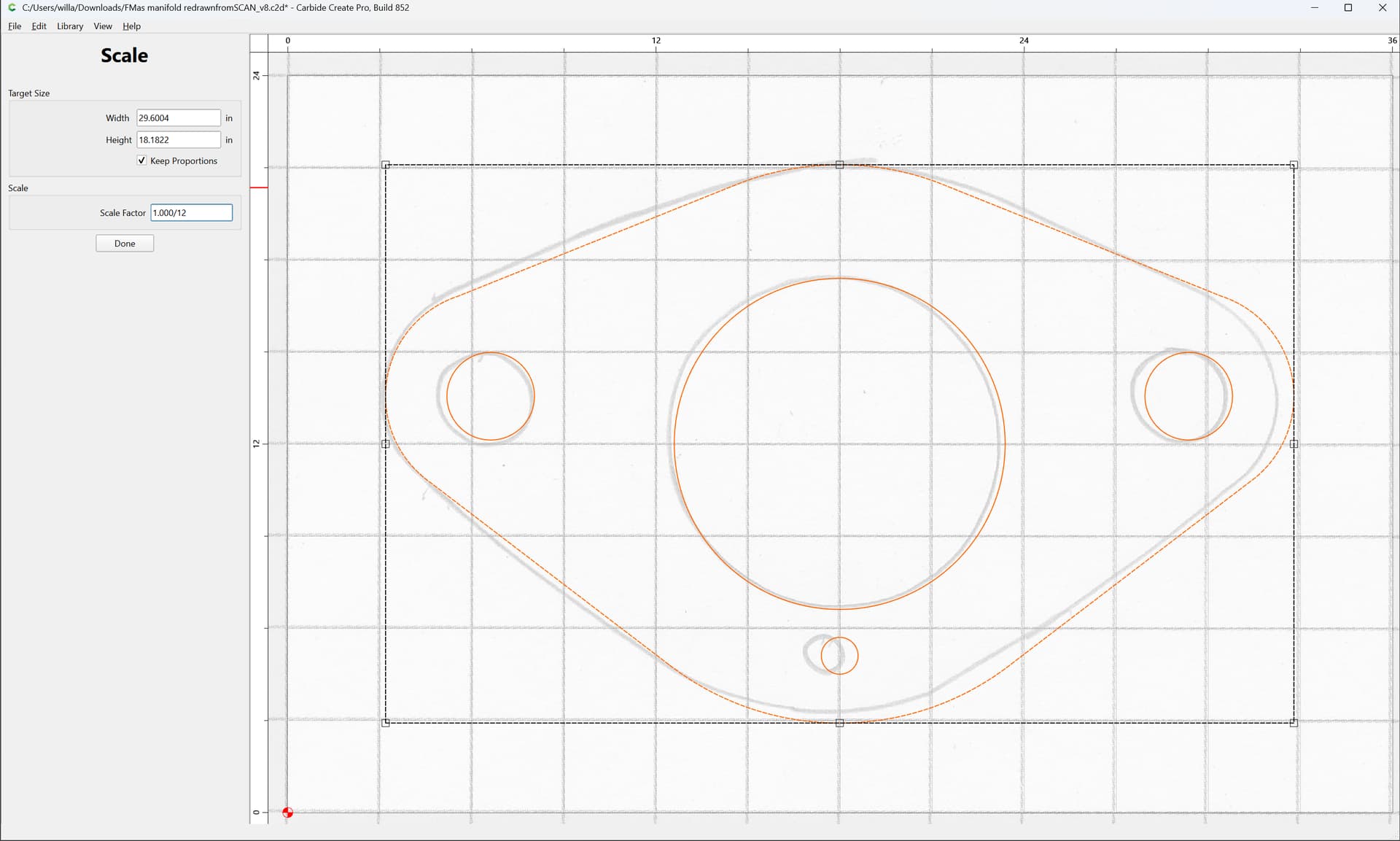
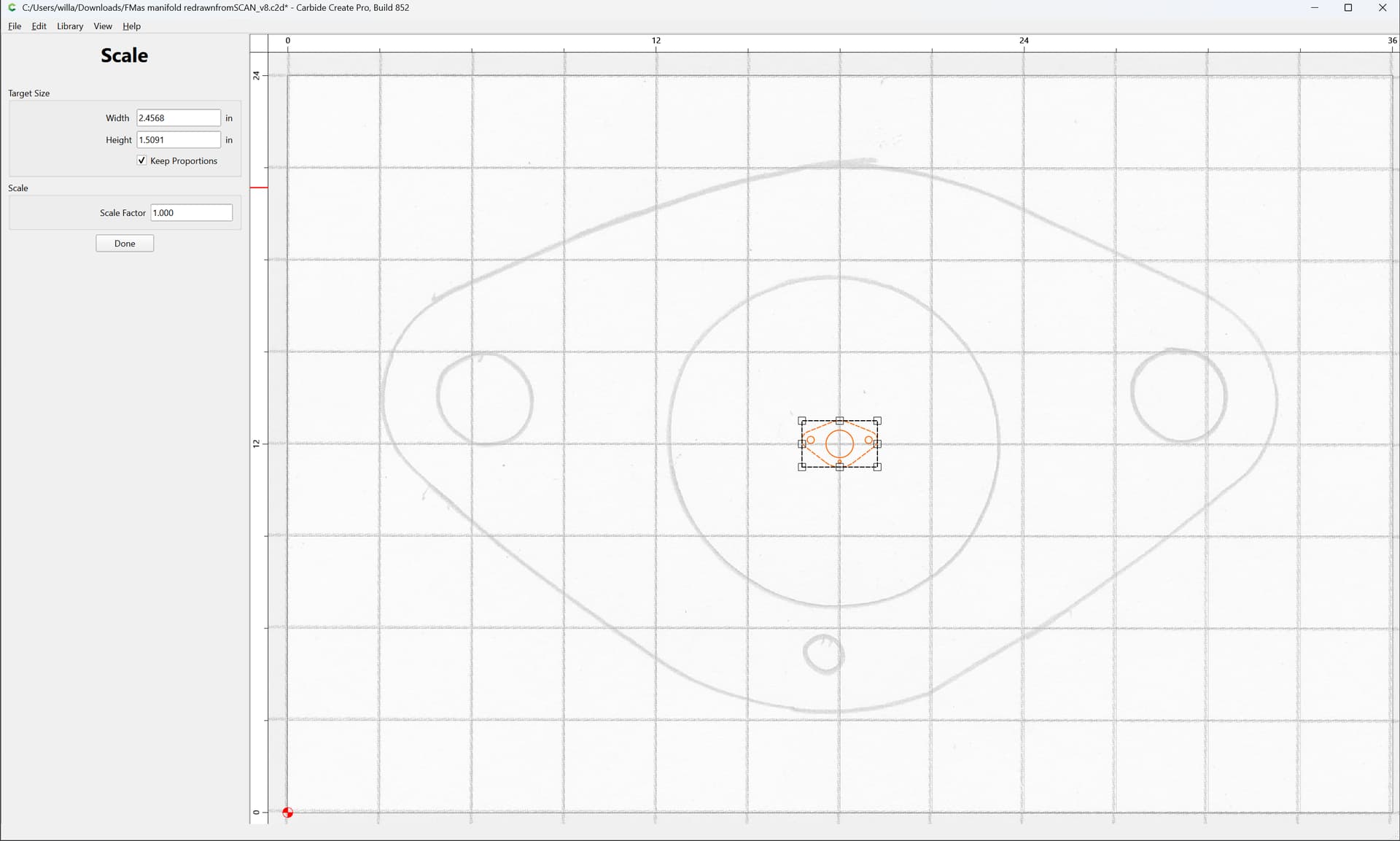
Done
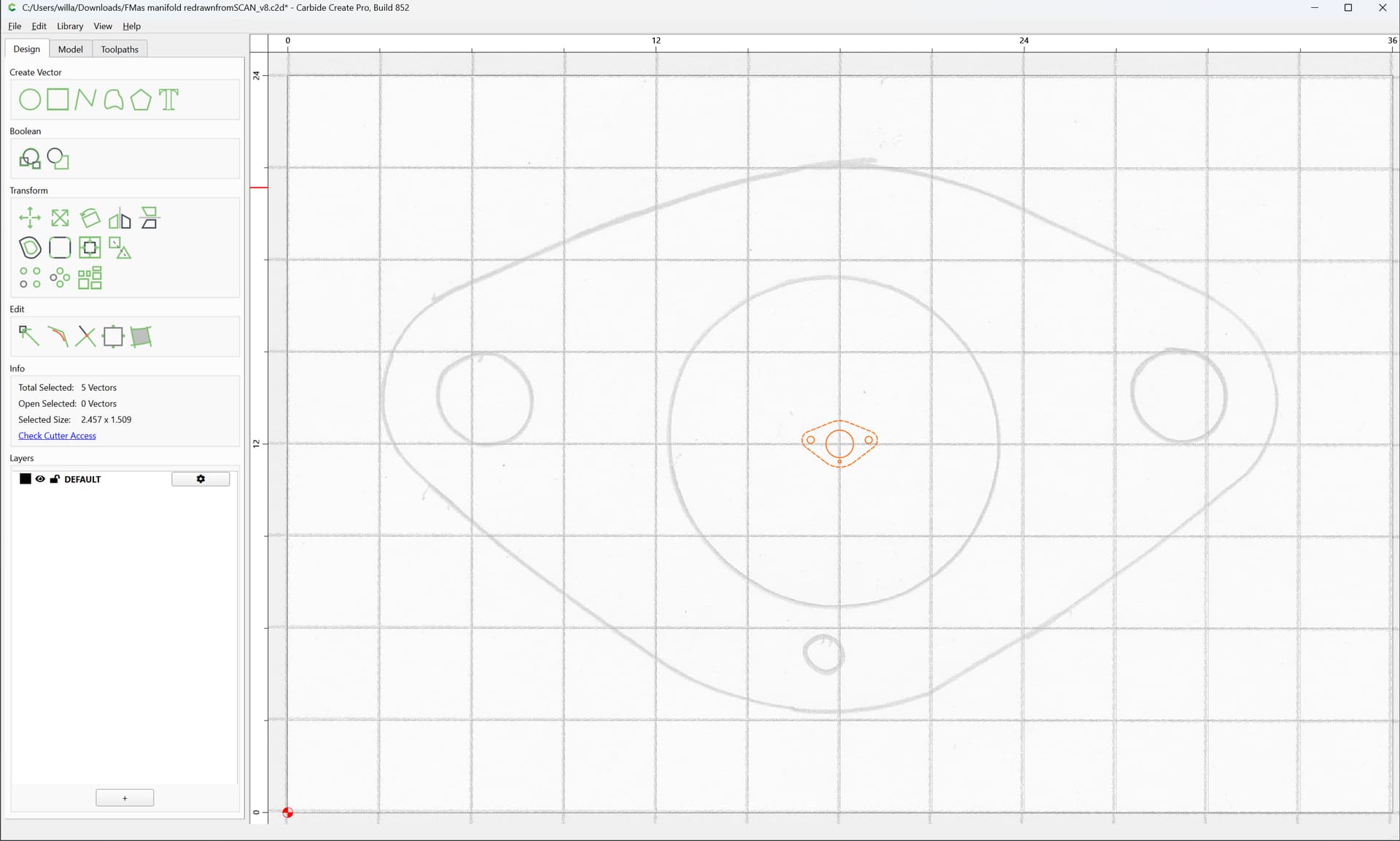
As a check, draw a grid square:
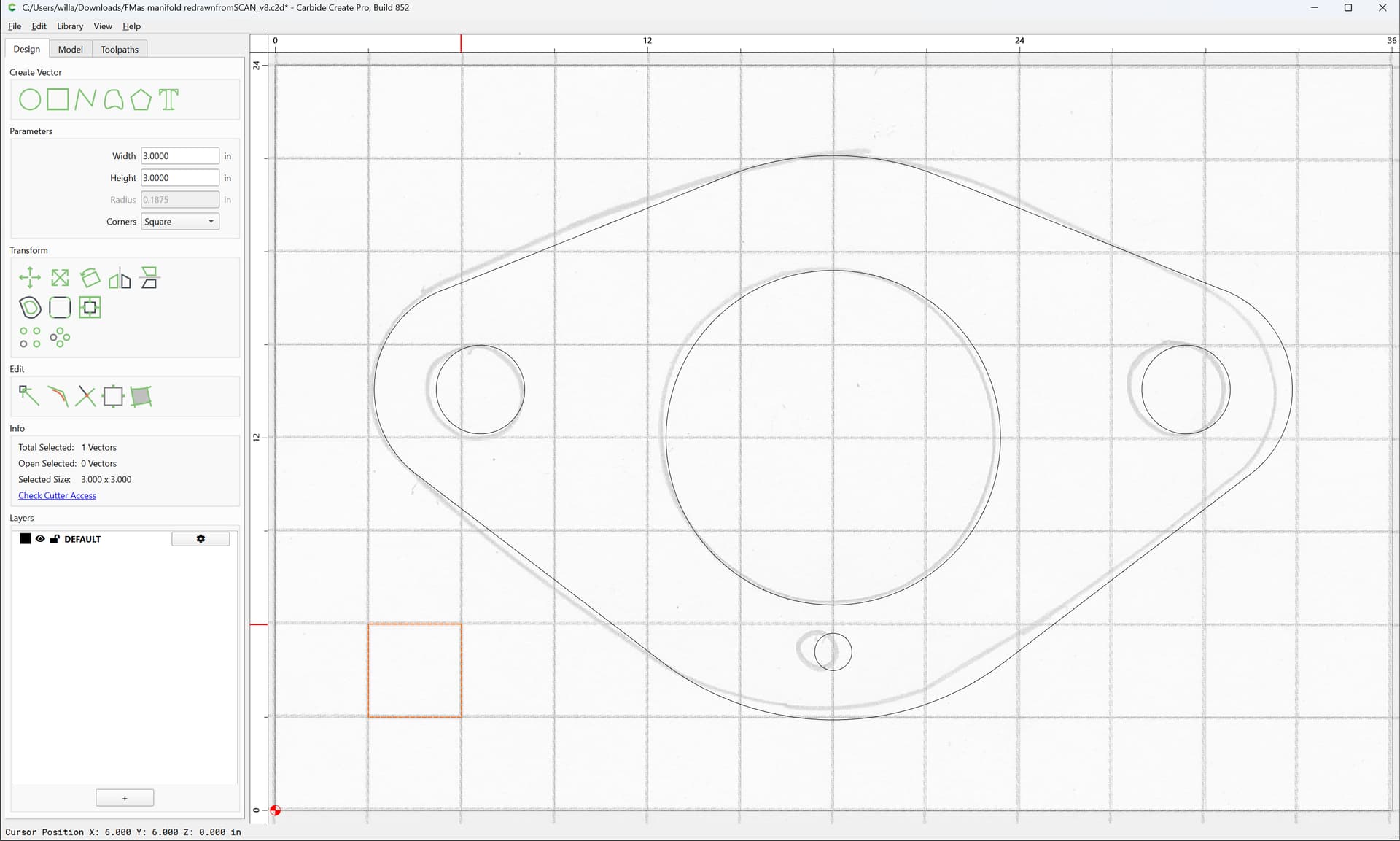
Select everything:
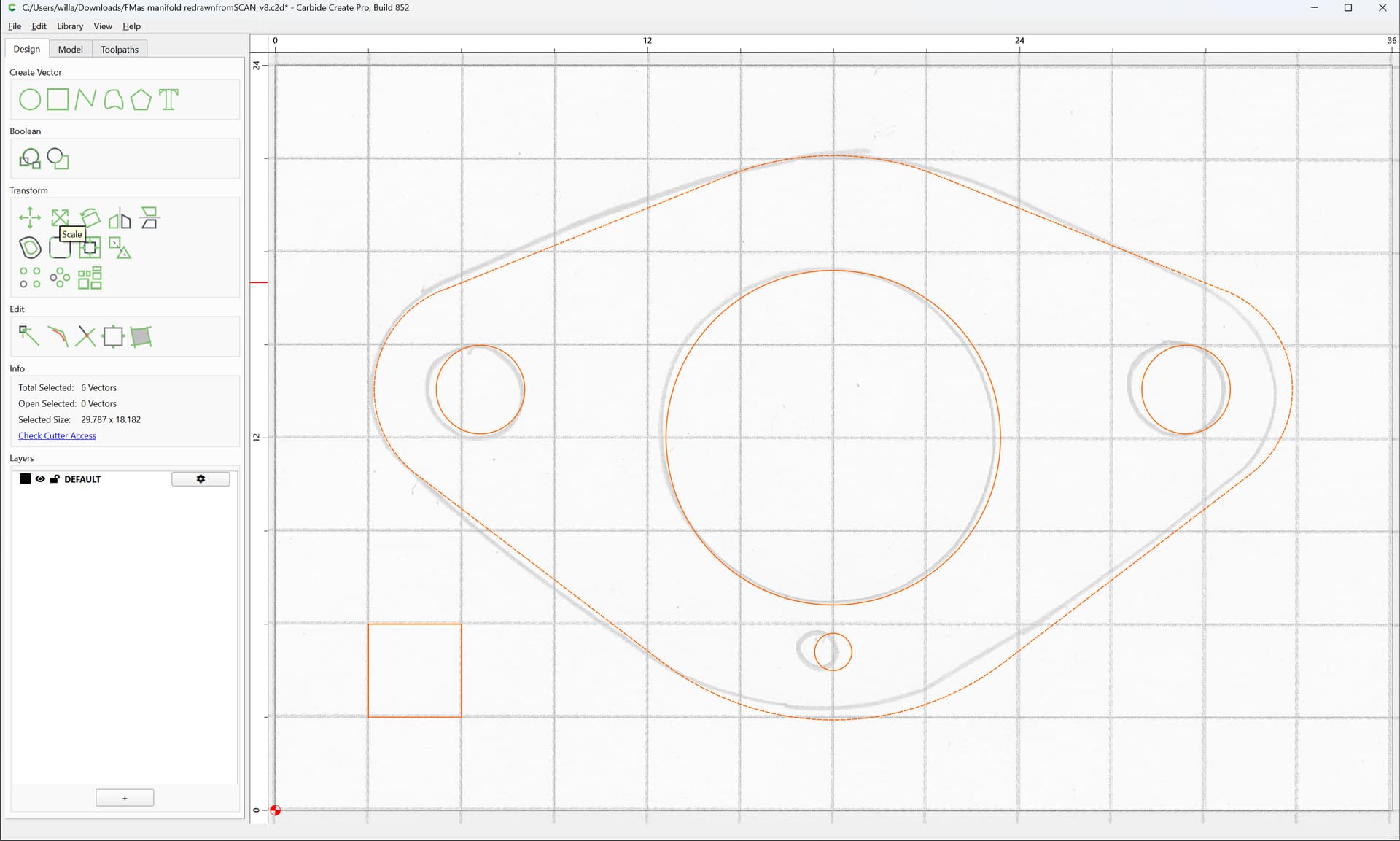
and scale:
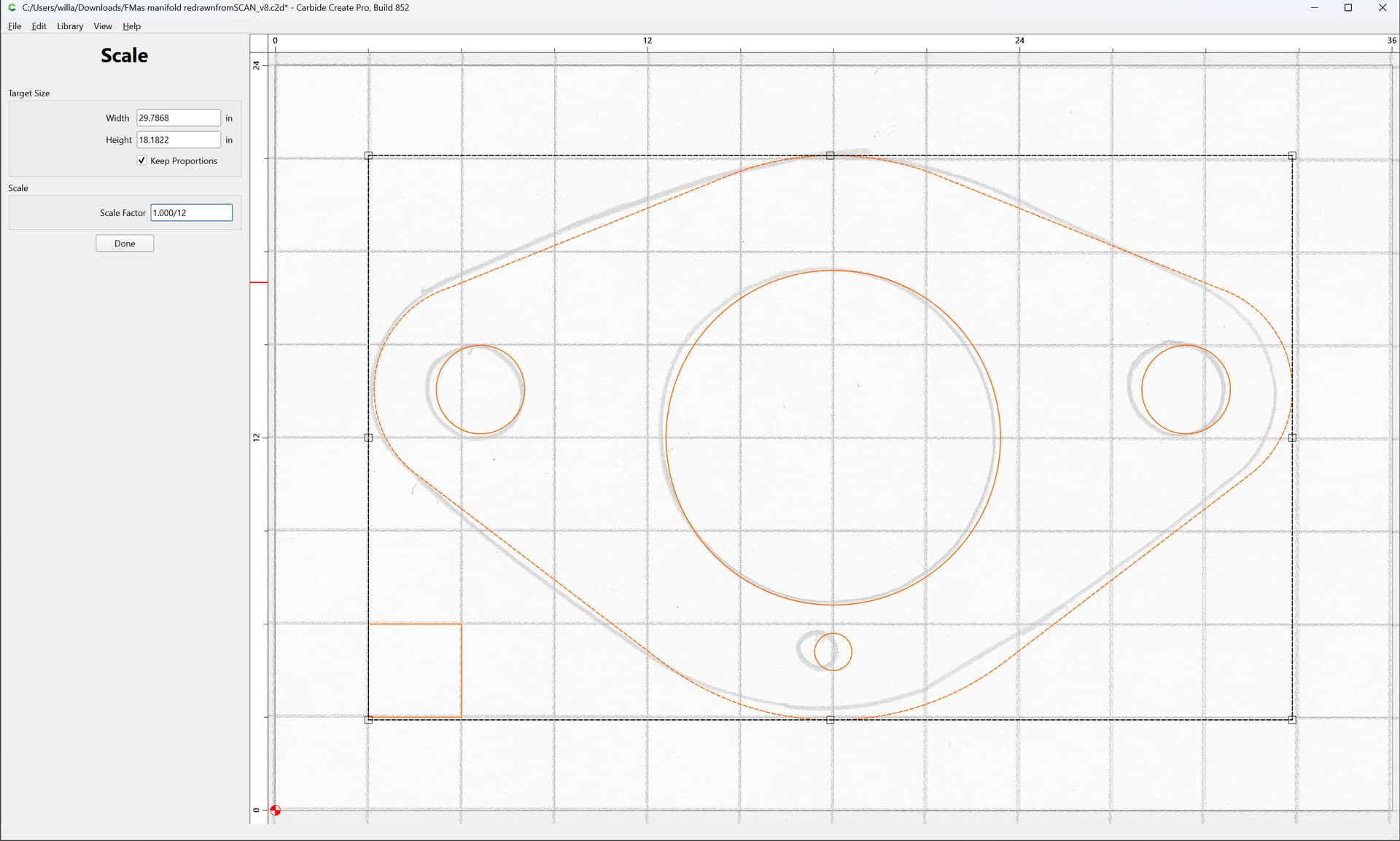
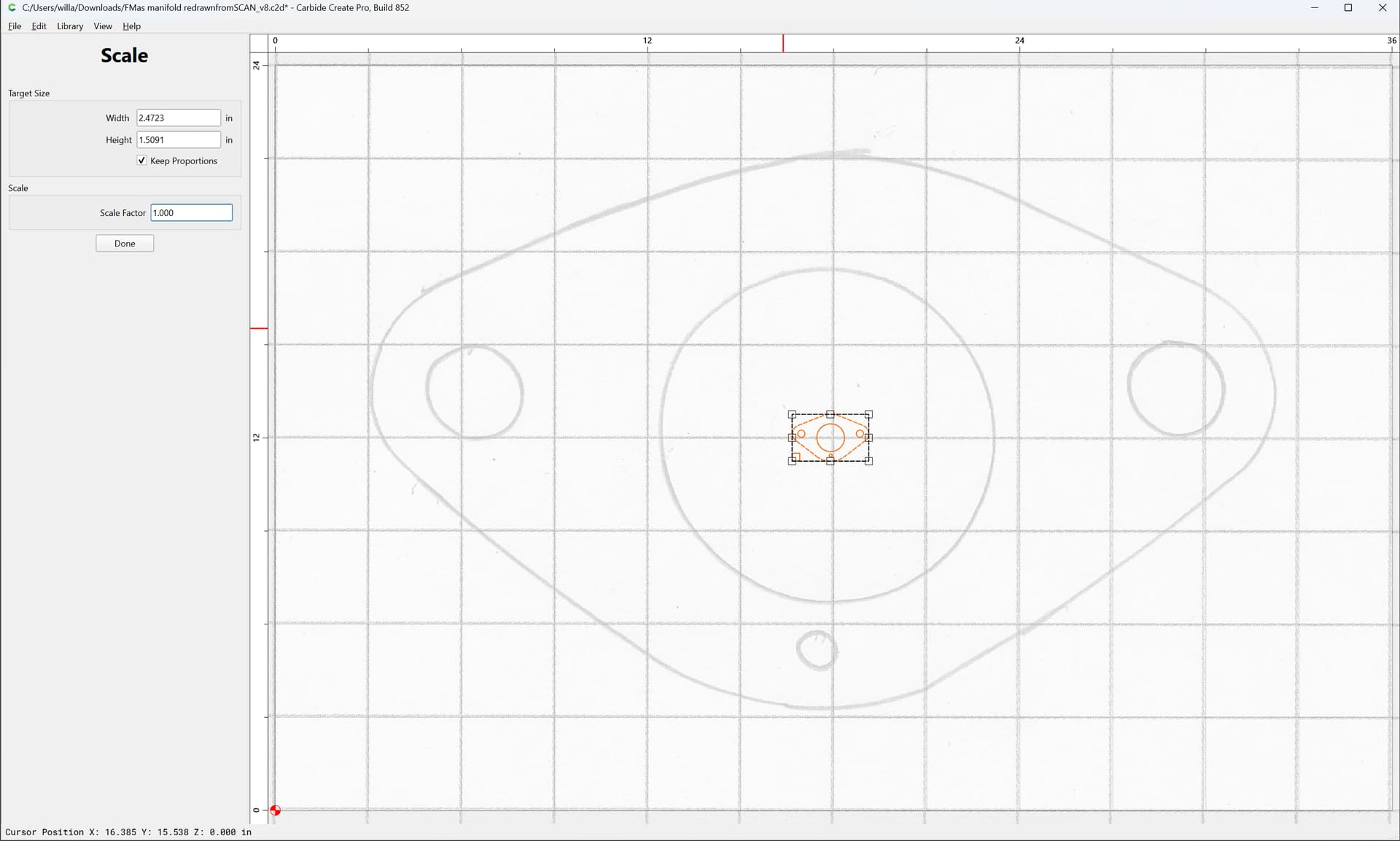
Done
e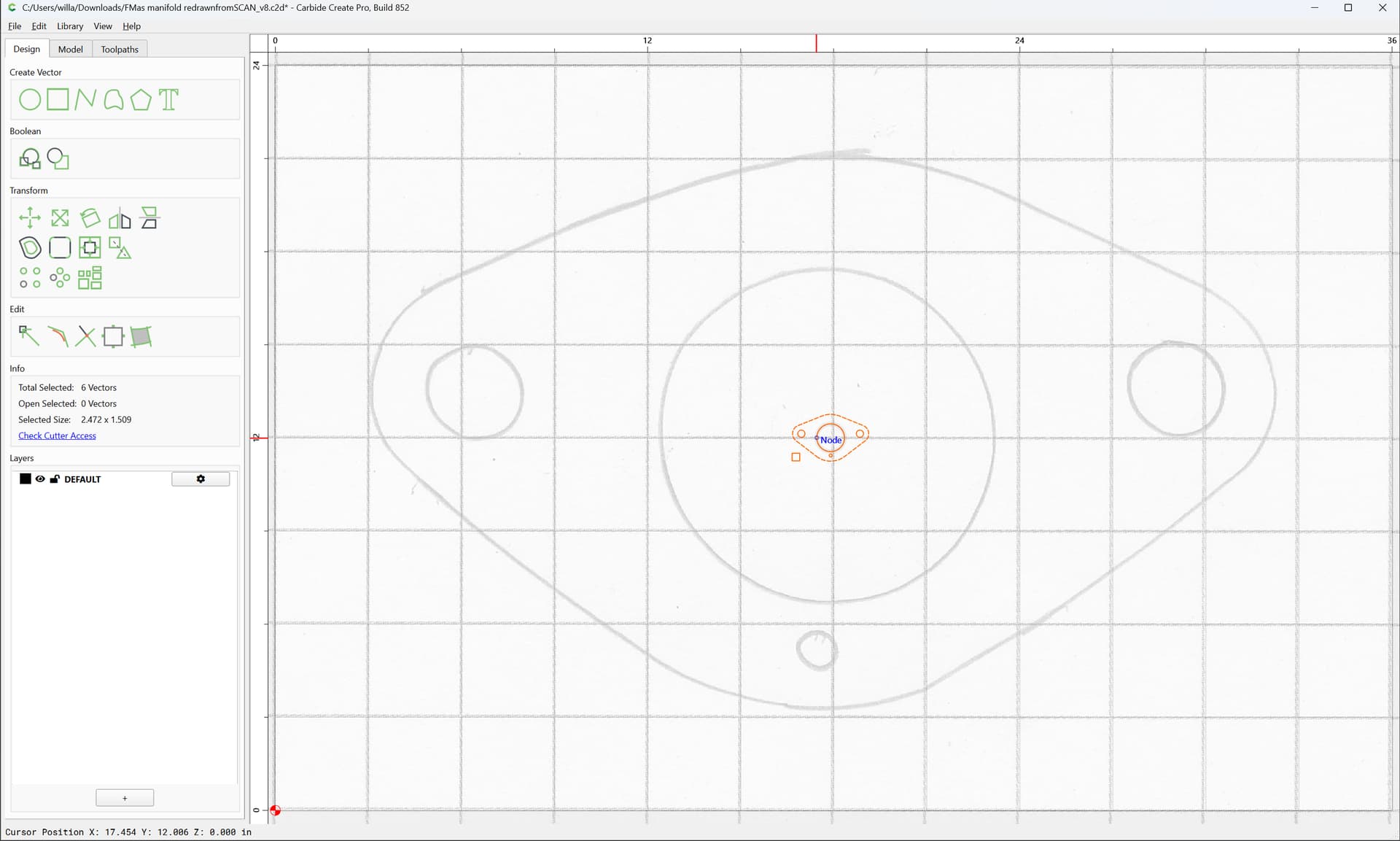
Select the grid square:
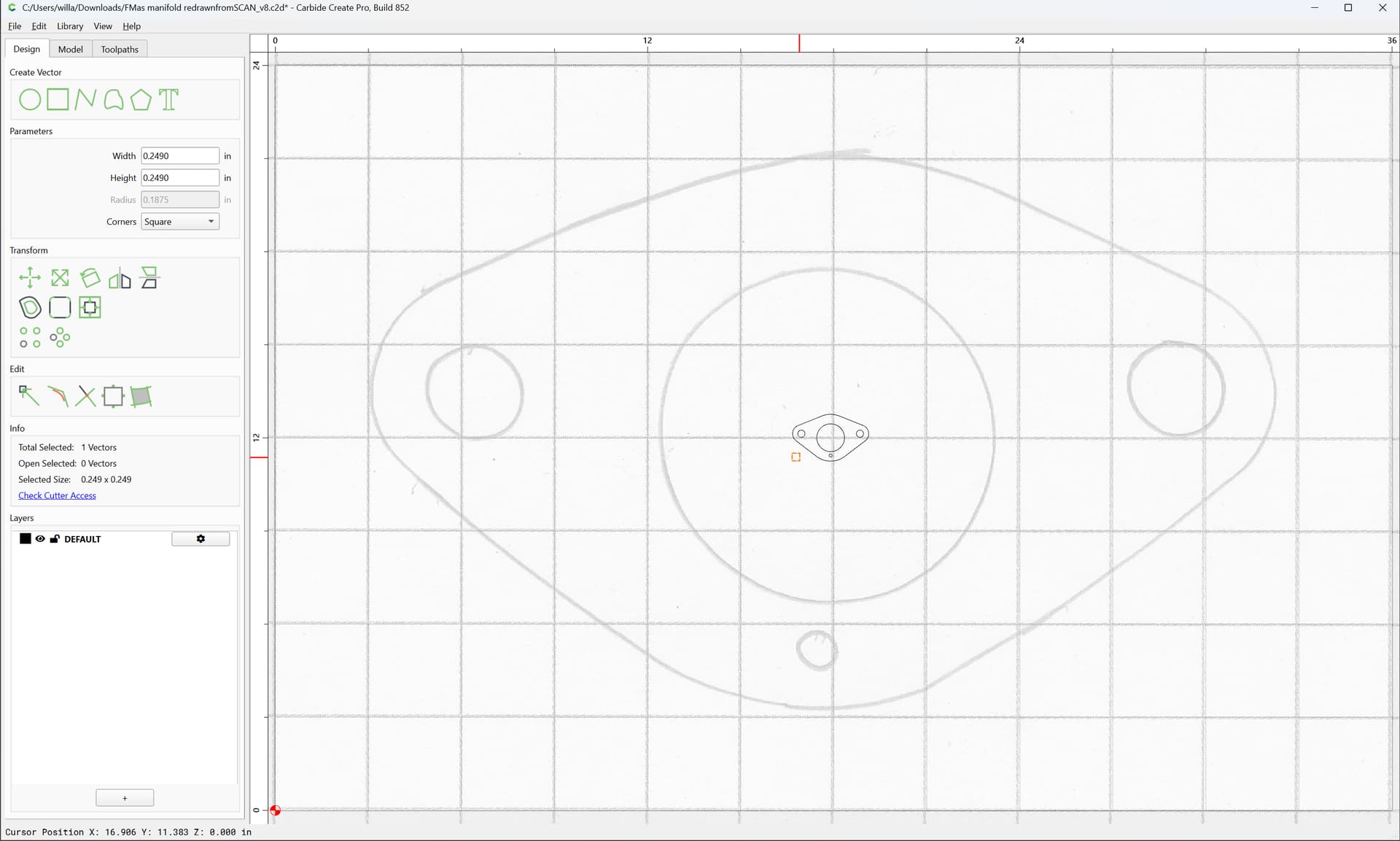
and if desired, adjust scaling further.
Adjust Job Setup:
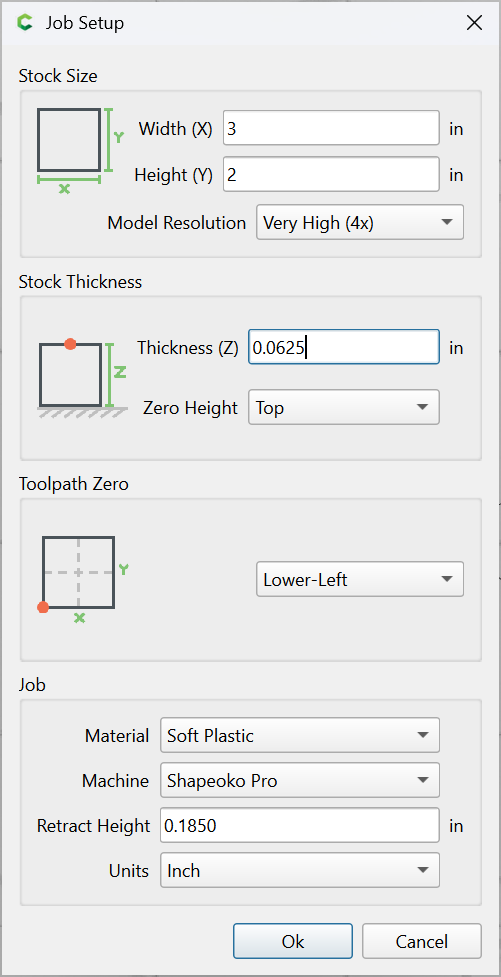
delete the square
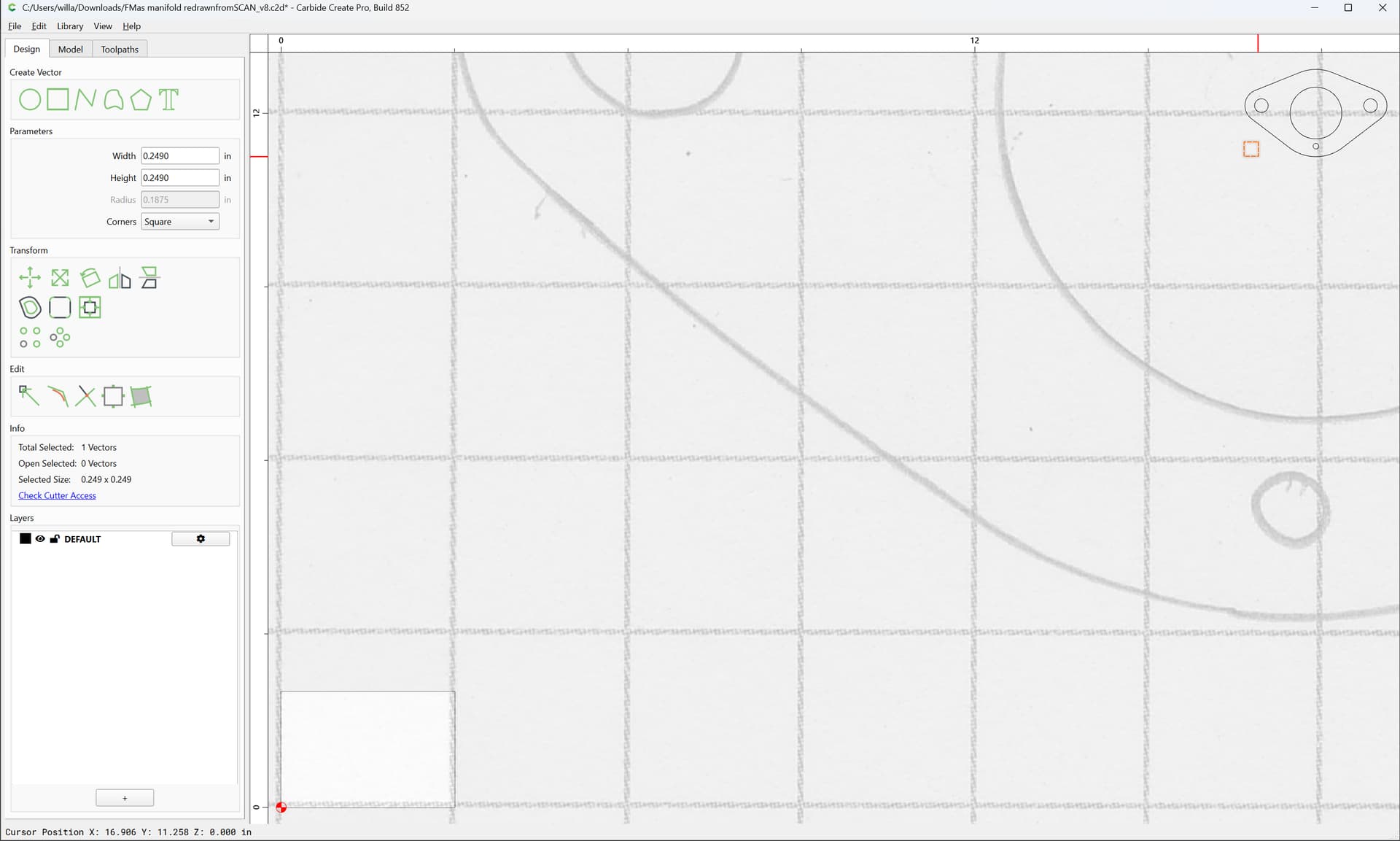
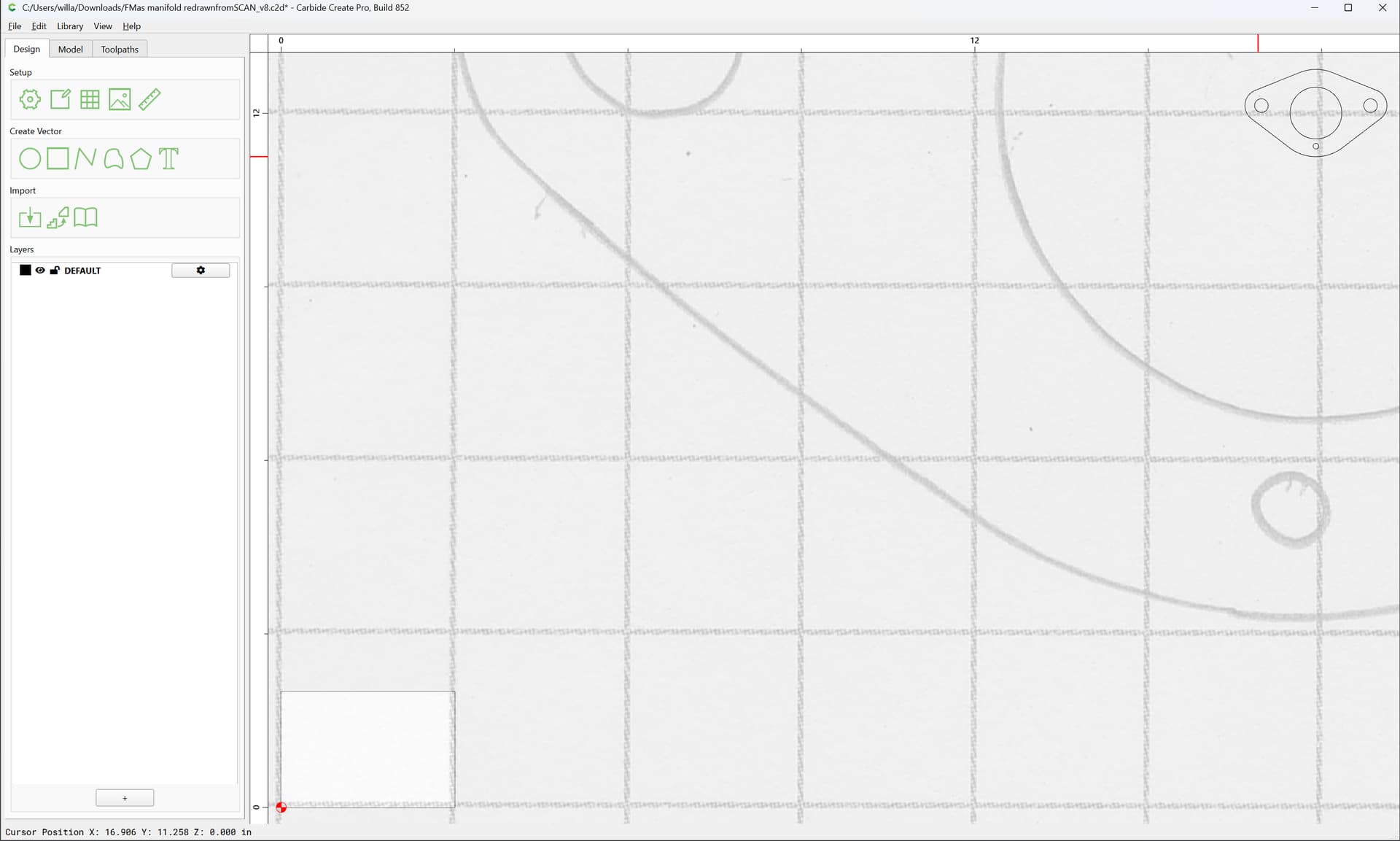
Select everything:
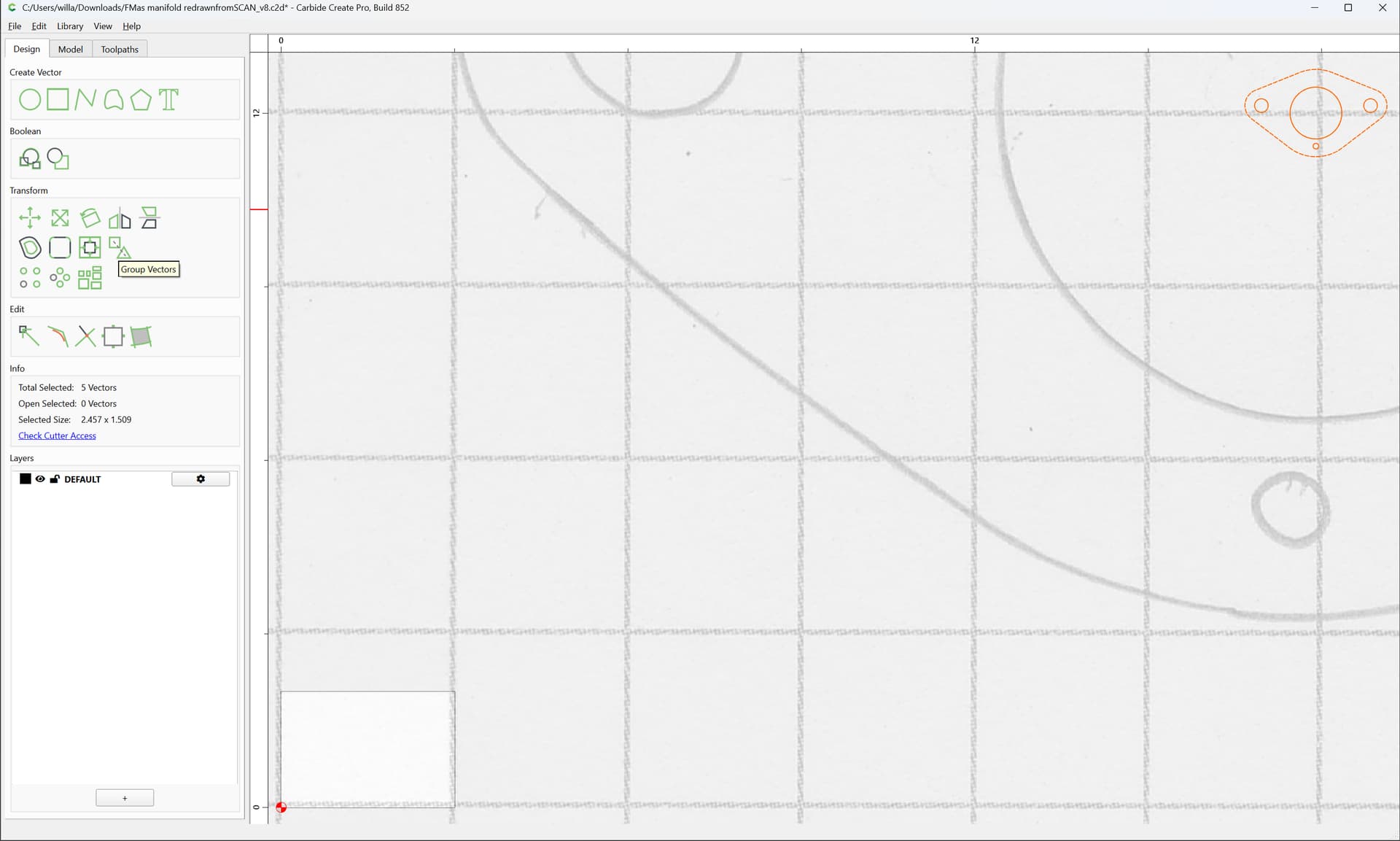
Group
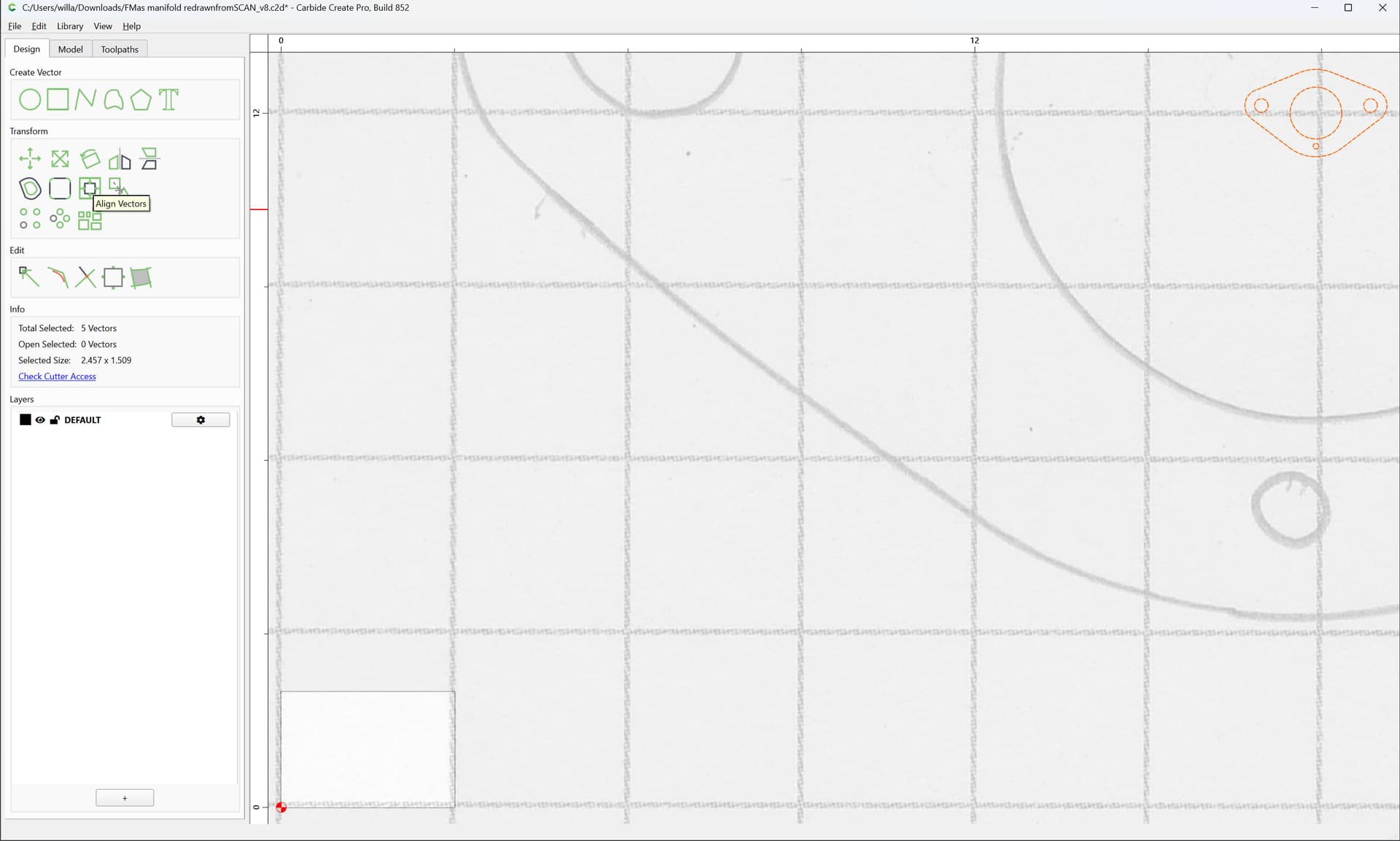
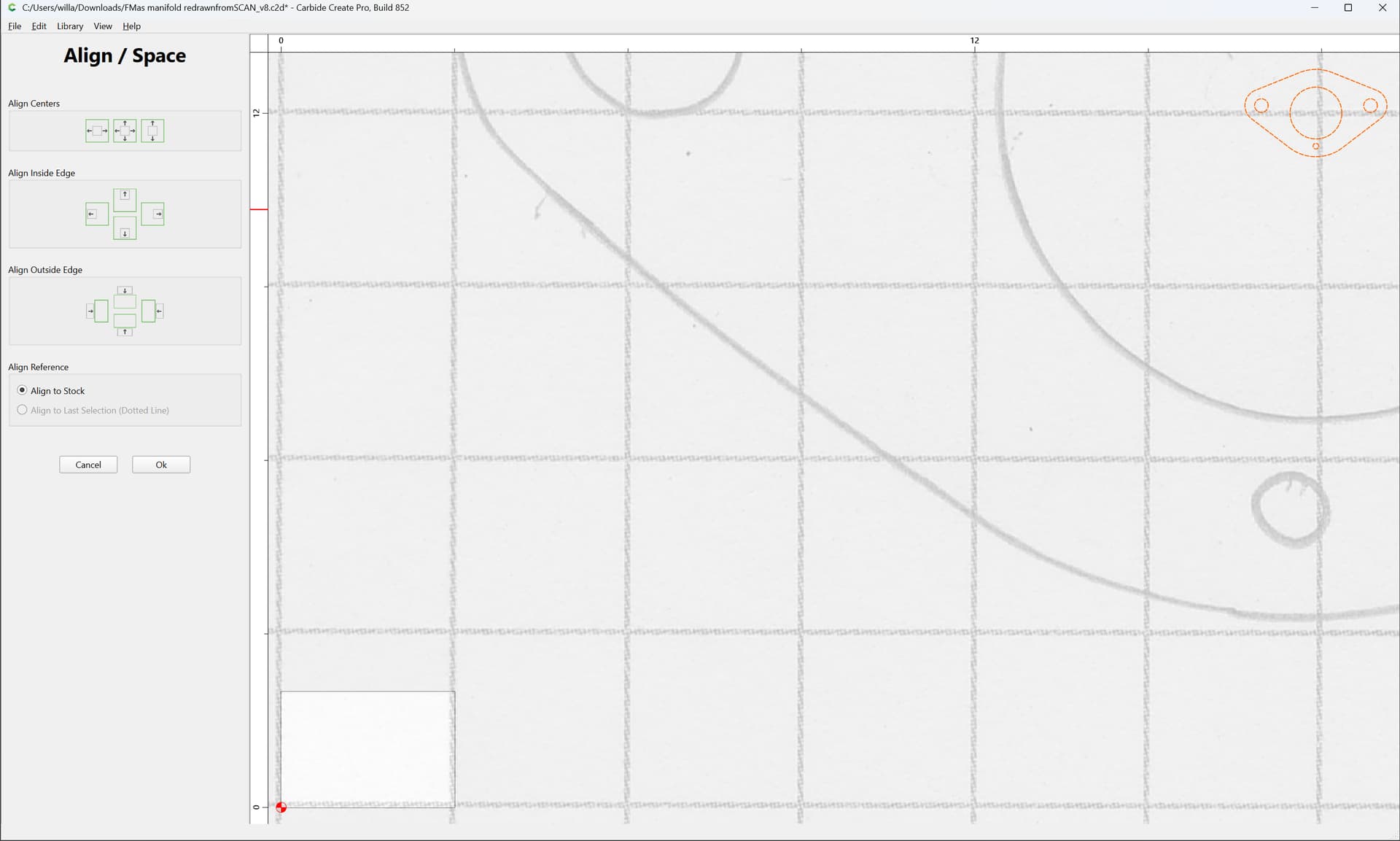
and Align Vectors to the Stock
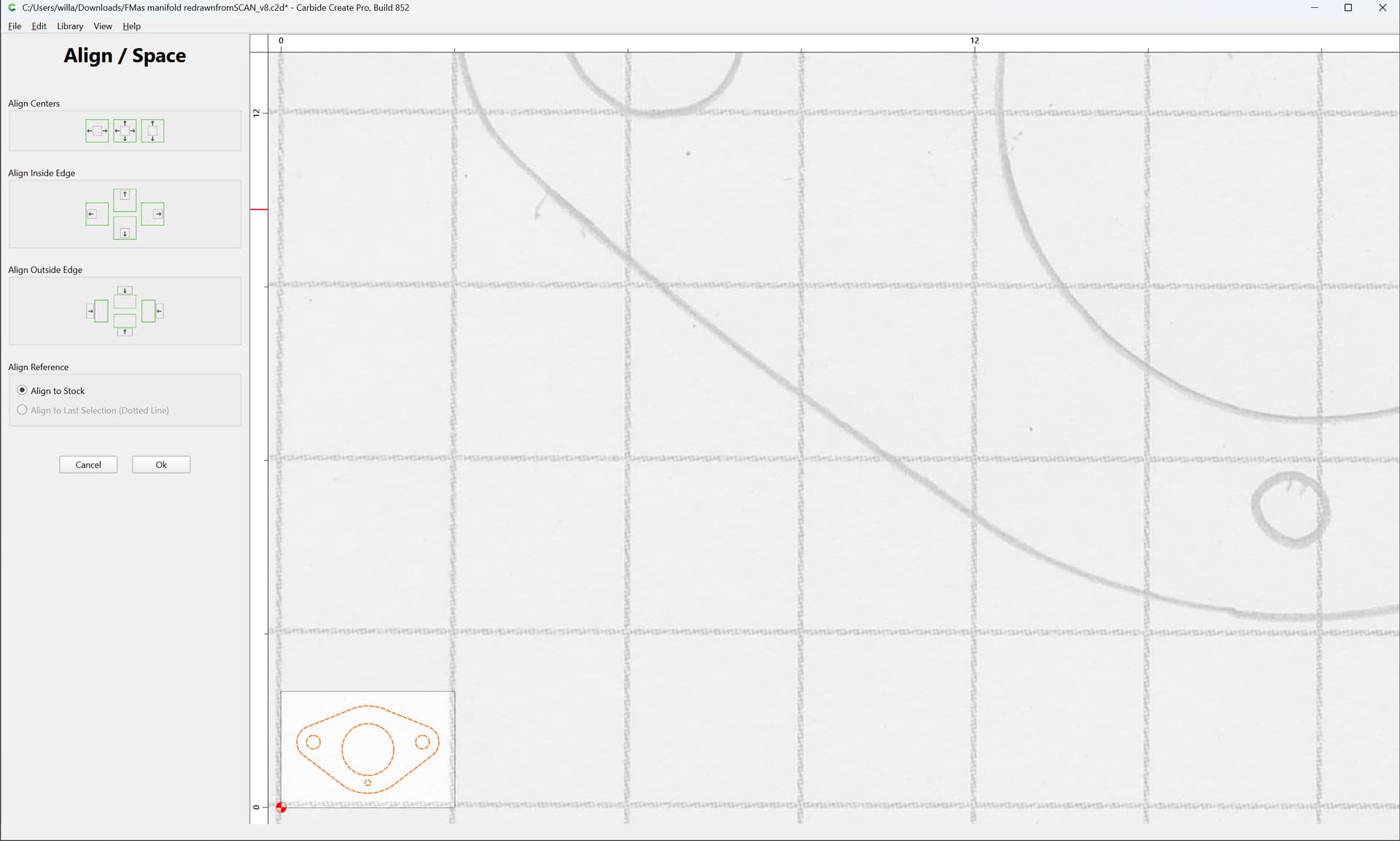
Setting the grid to match the graph paper, things seem a good match:
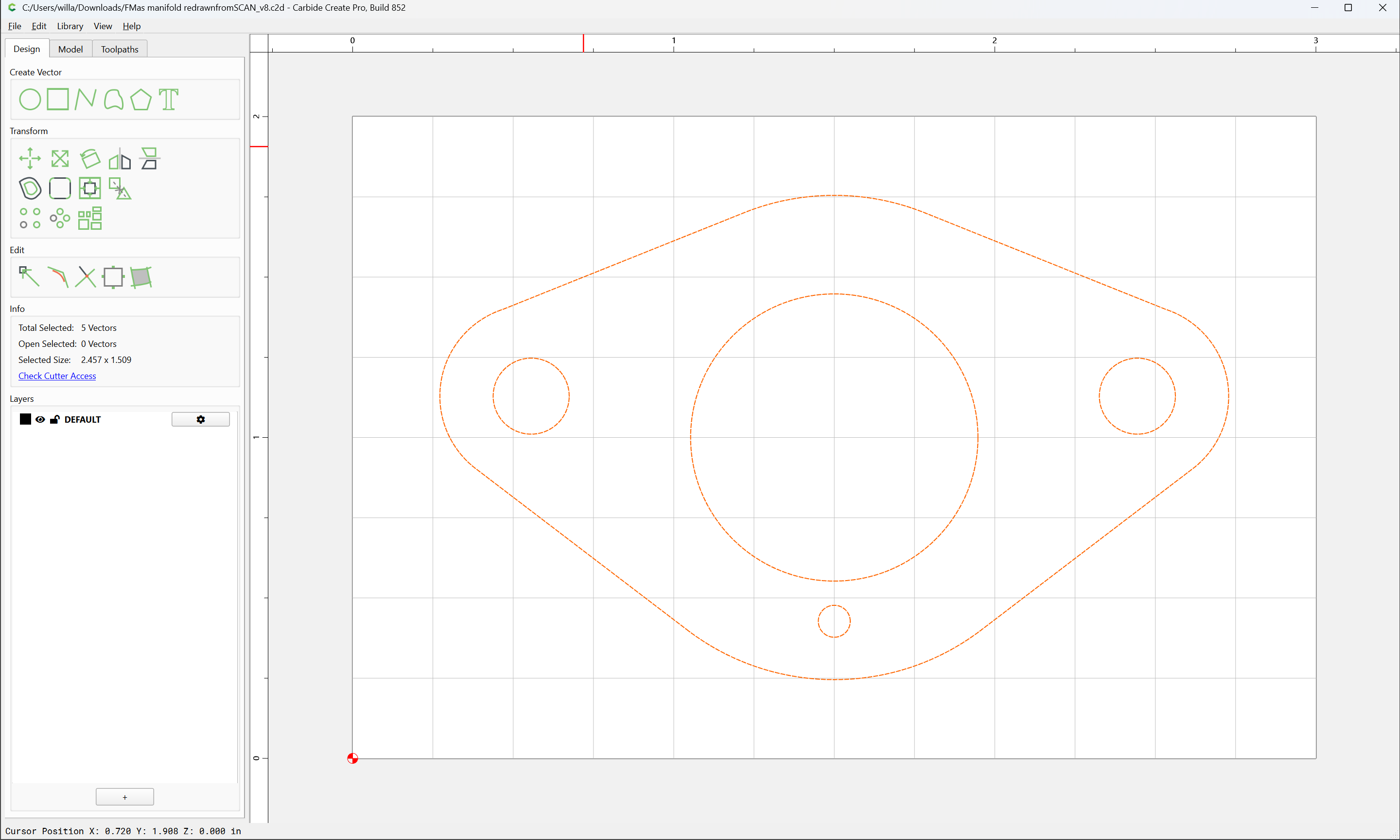
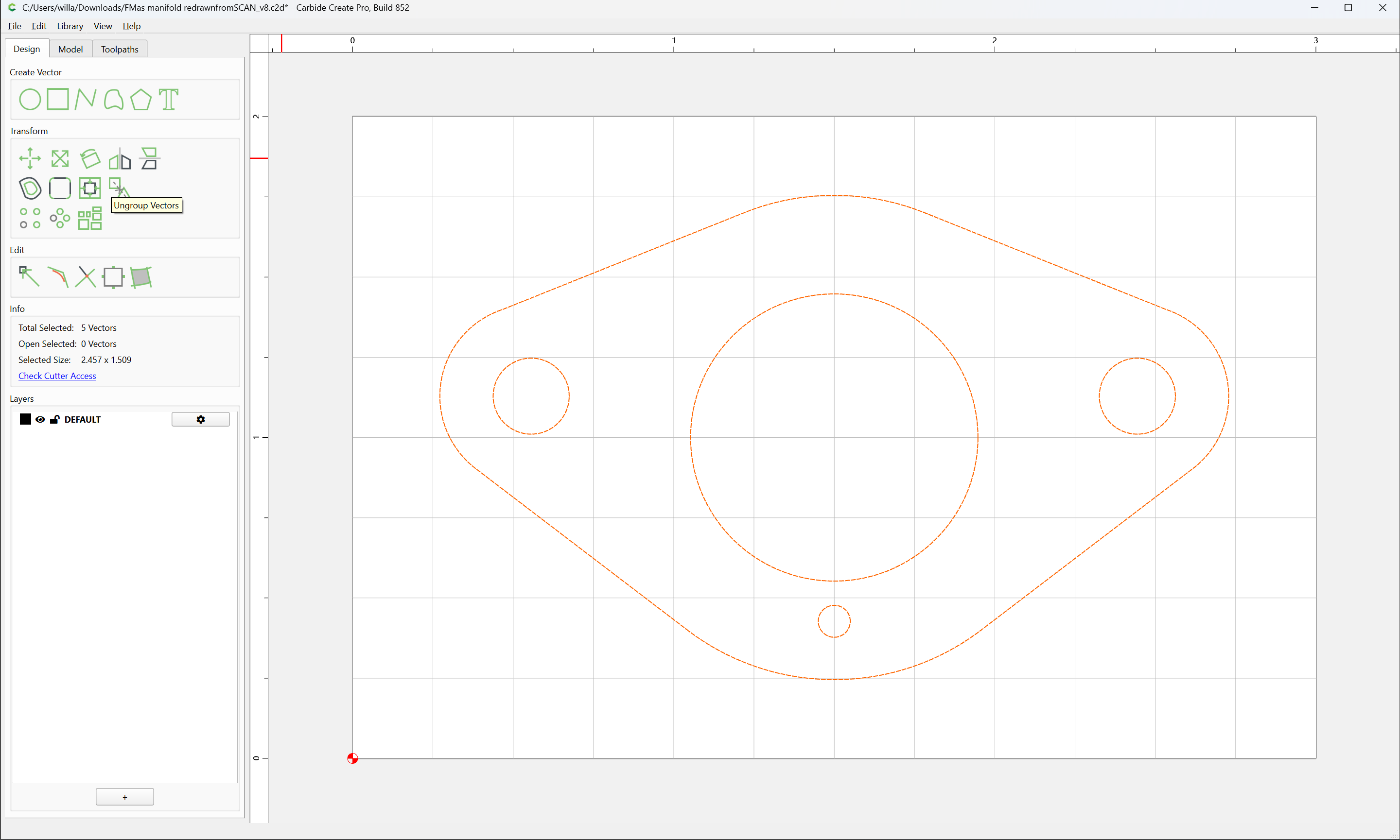
Then, Ungroup Vectors:
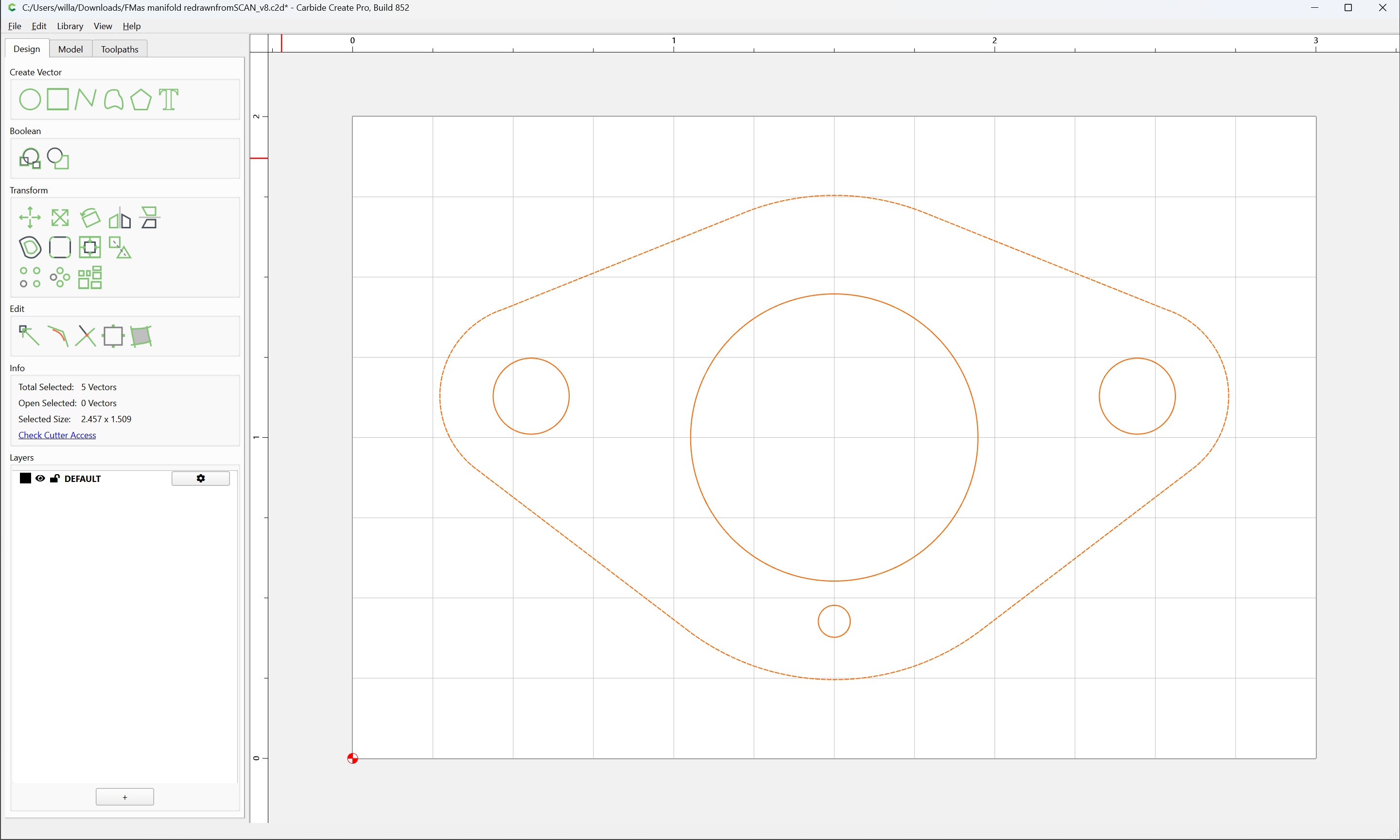
and apply toolpaths:
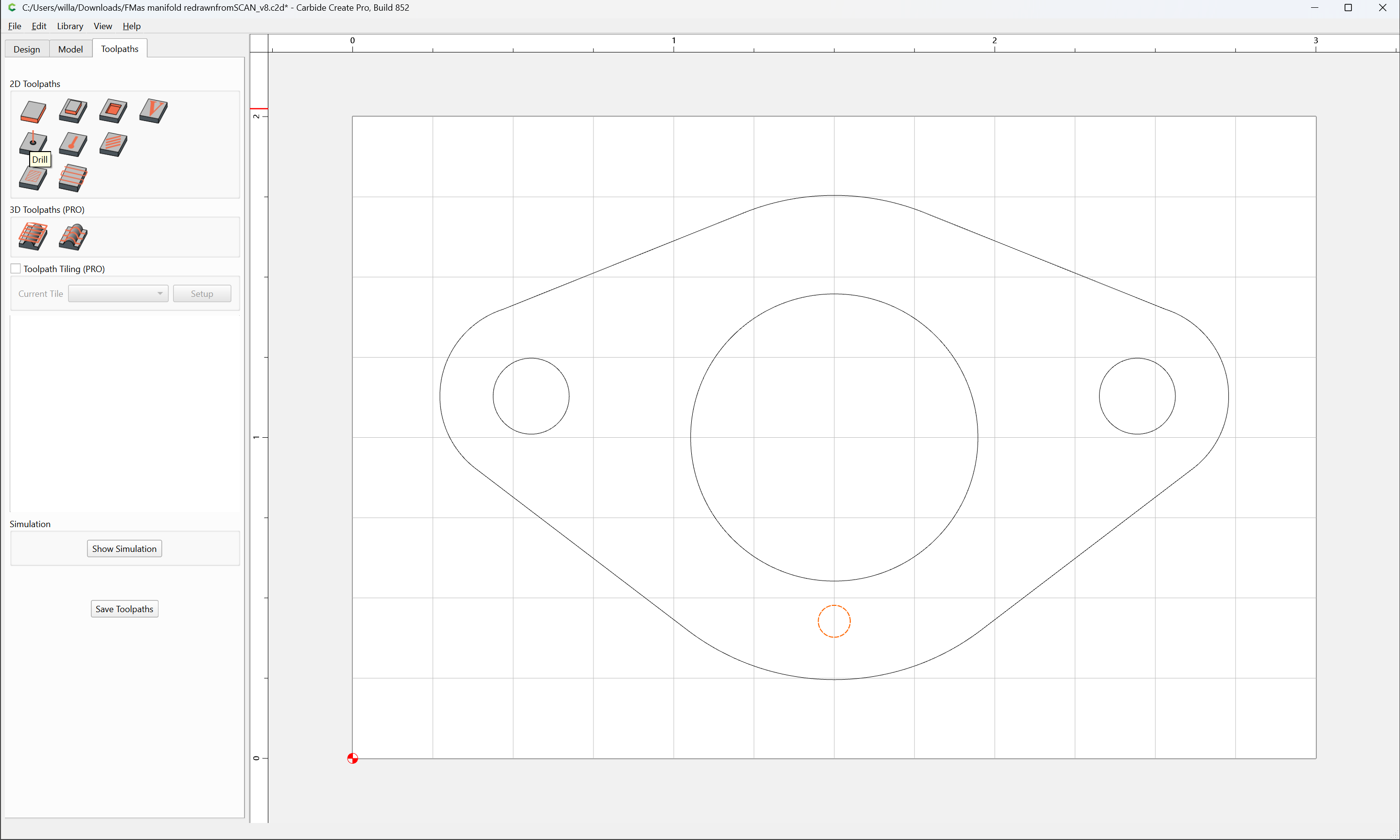
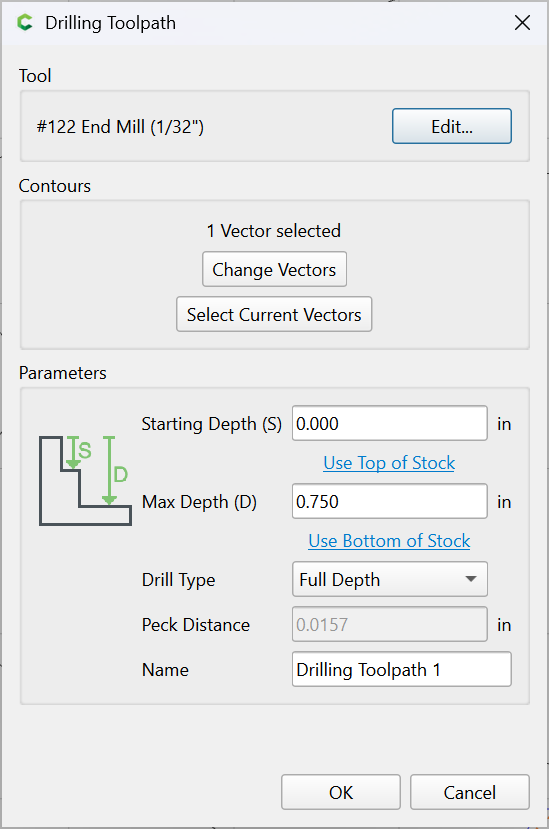
Drill
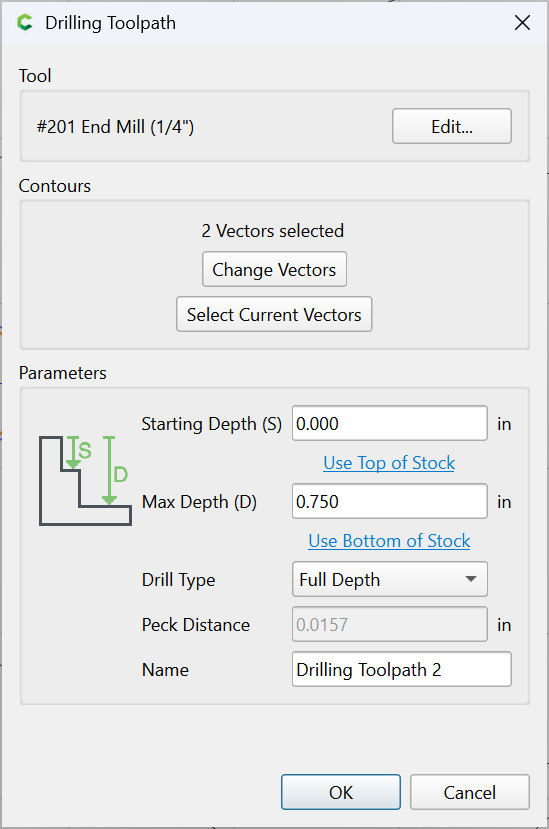
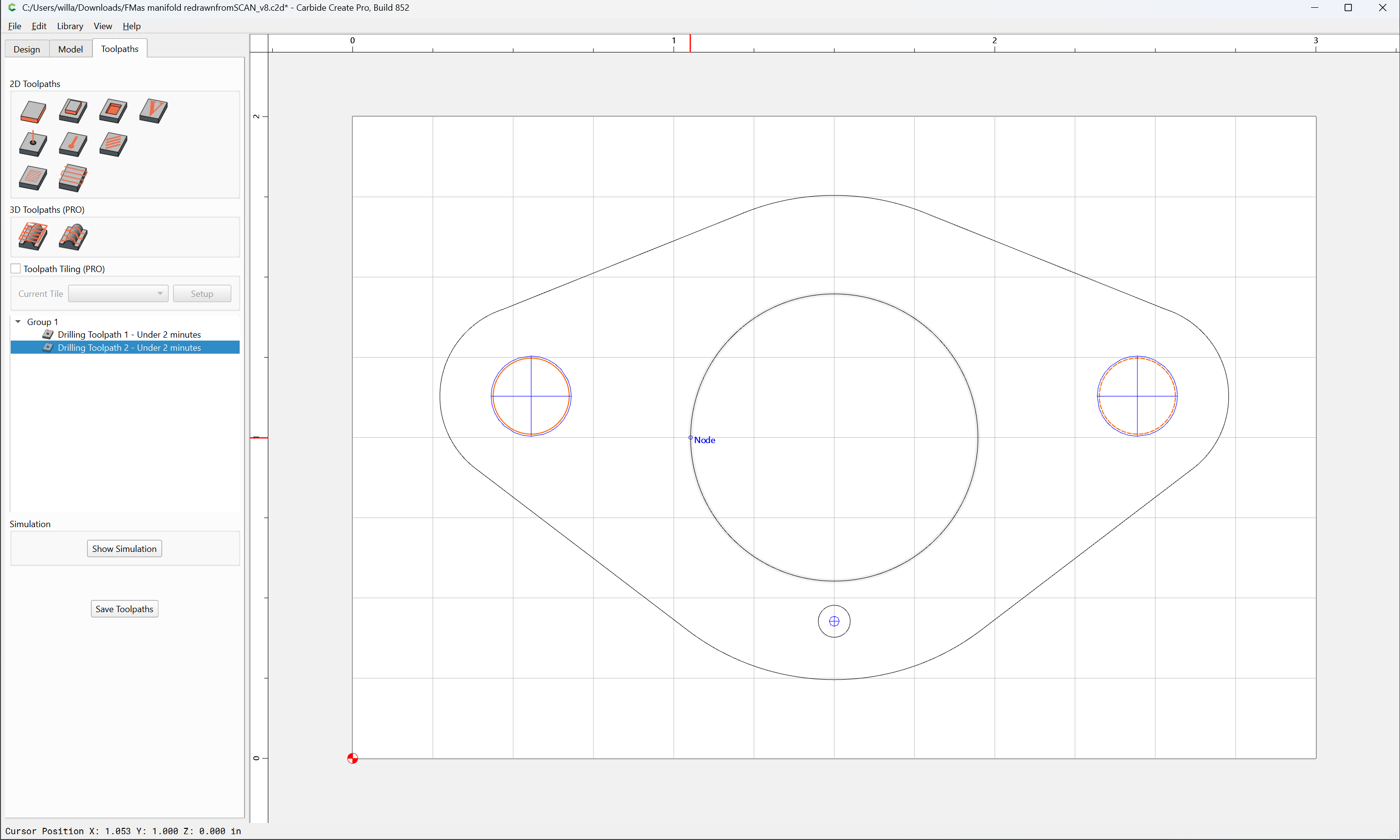
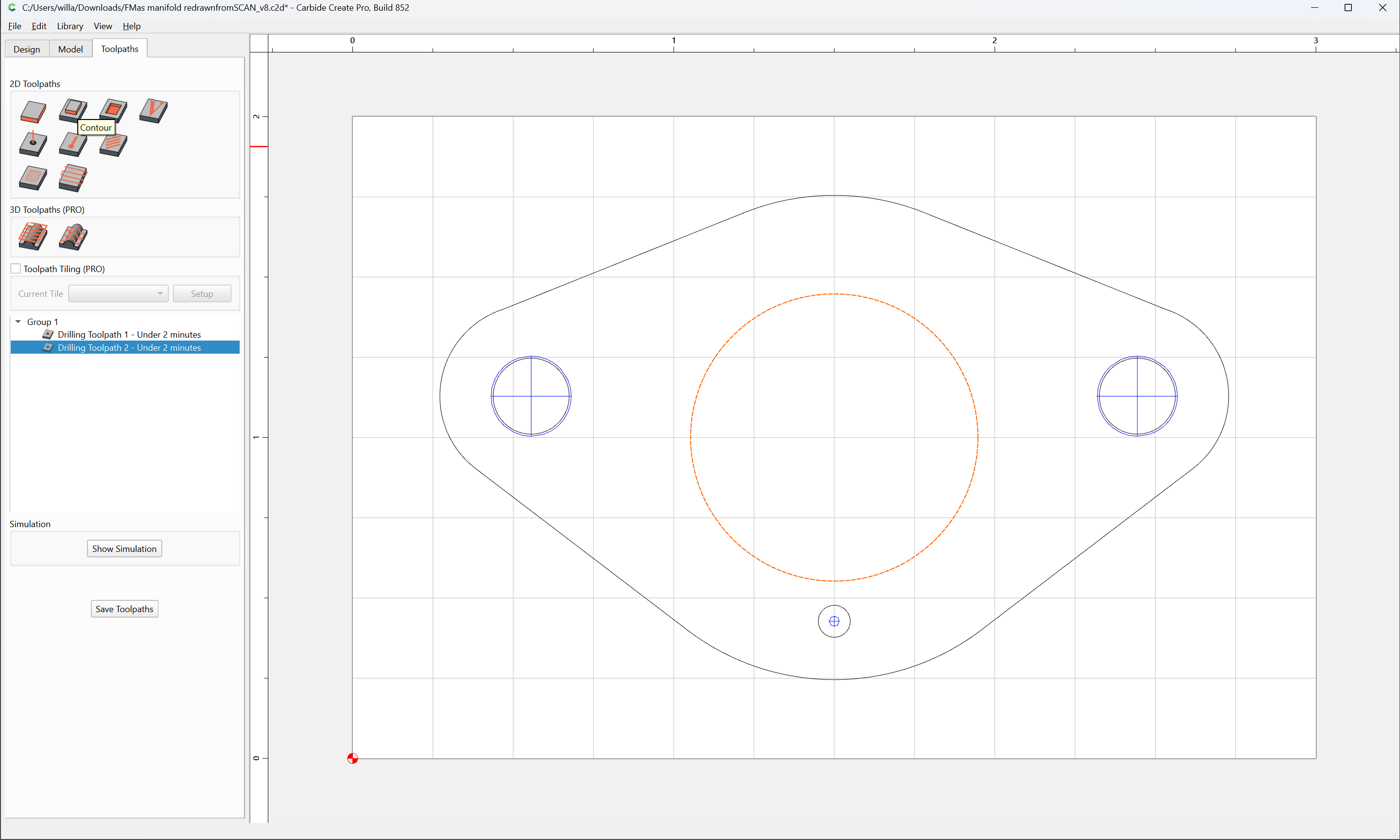
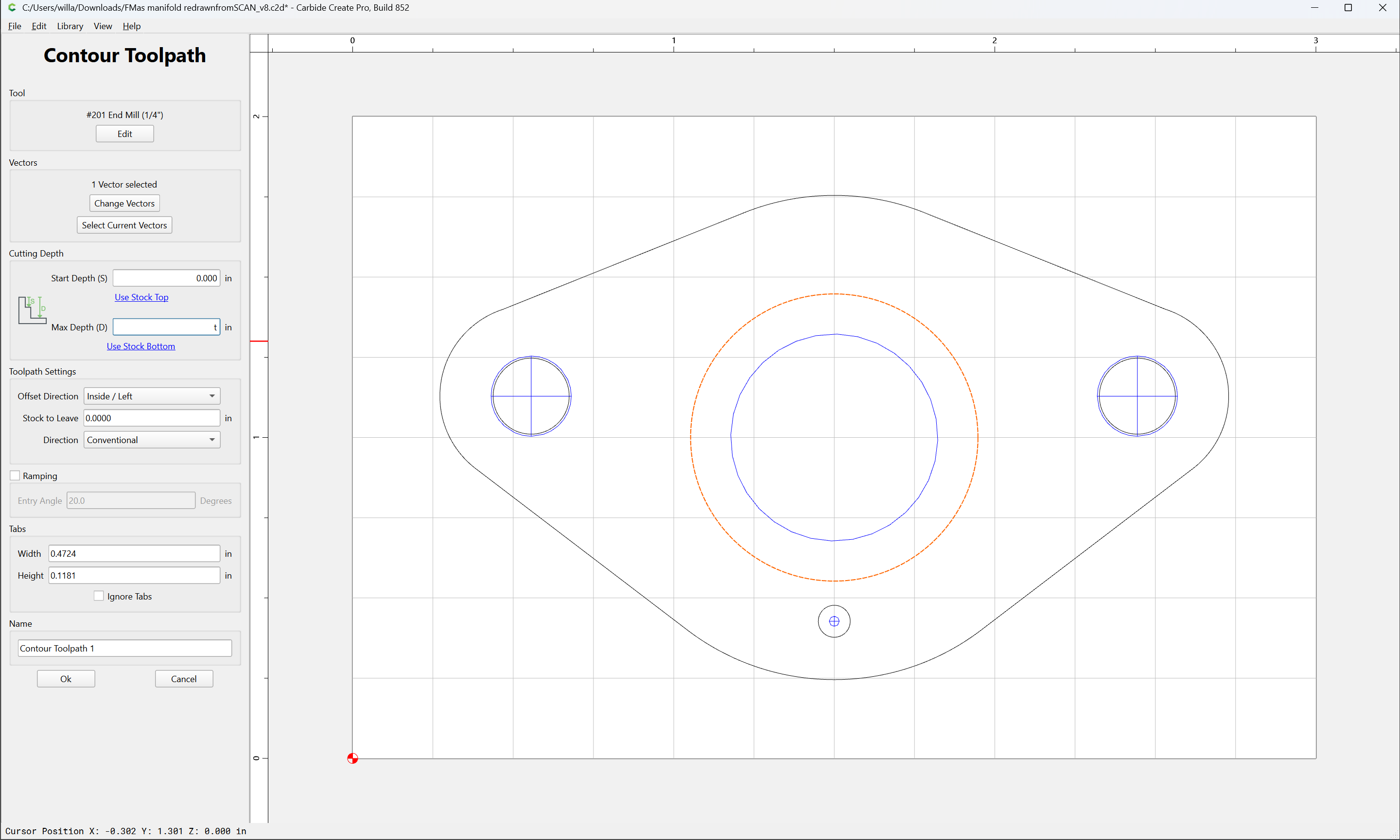
Contour
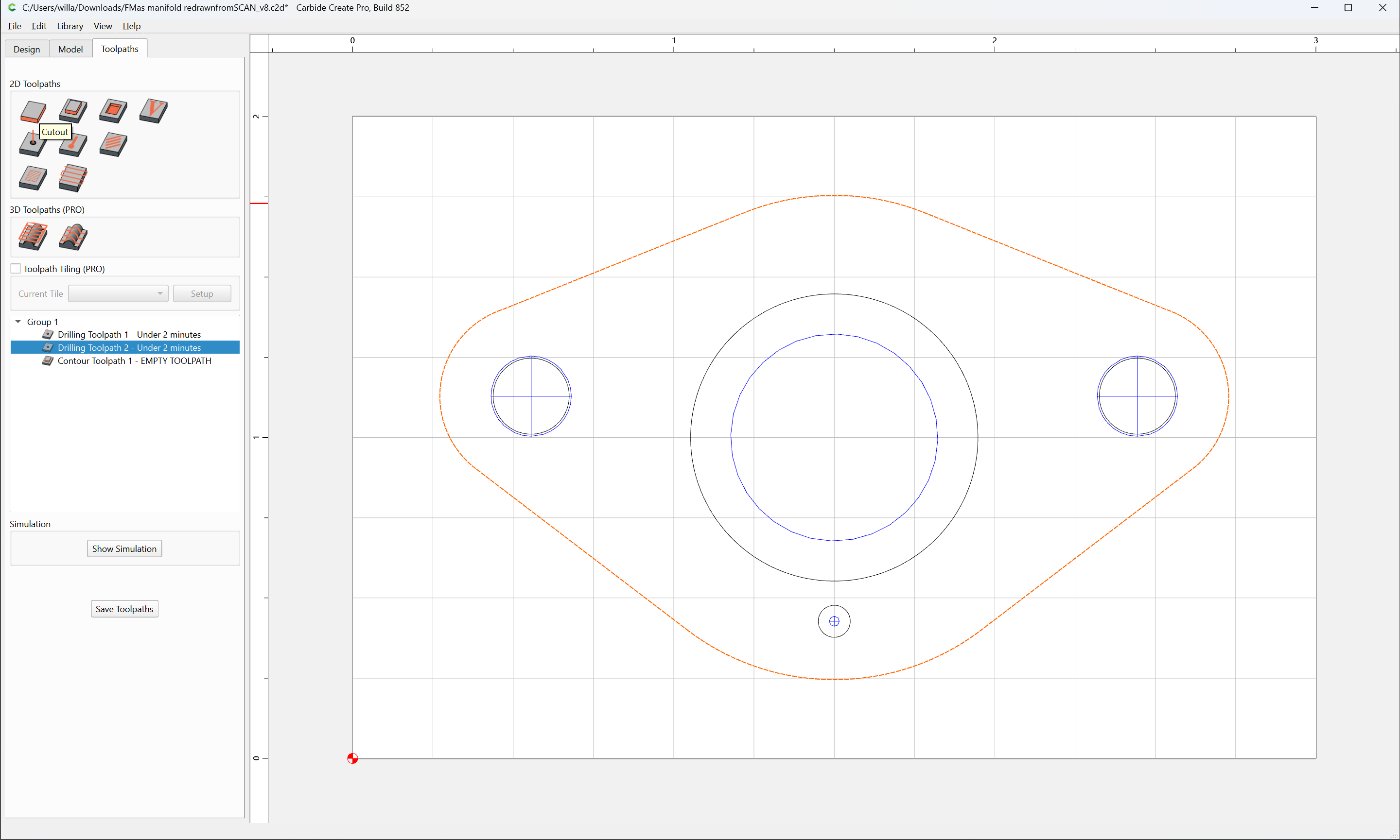
Cutout
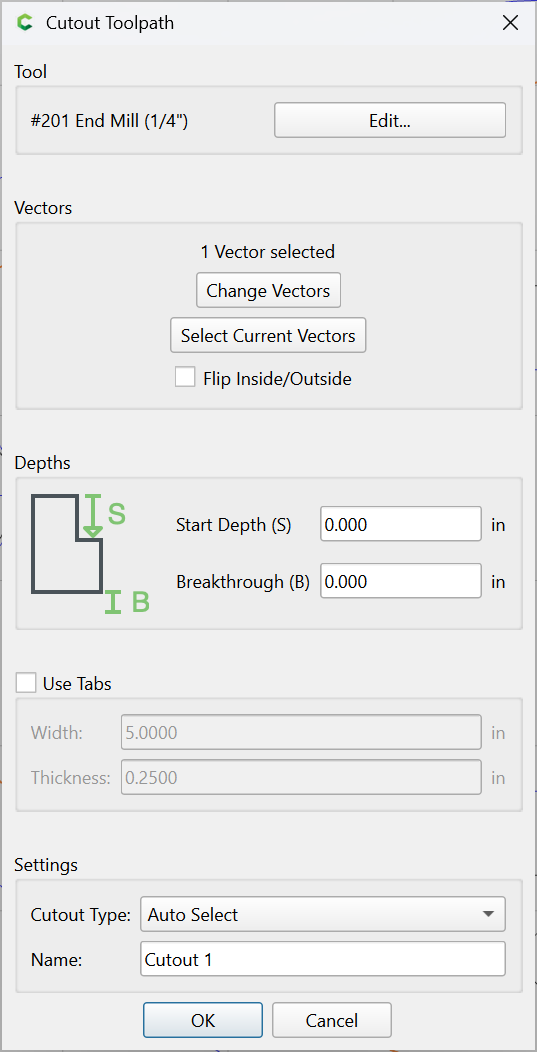
Adjusting as appropriate for material and workholding and so forth.