Can someone explain how to use a Point Cutting Roundover Bit
or how to set it up in Carbide Create, please
Or is there a video about it somewhere
regards, Rick
Can someone explain how to use a Point Cutting Roundover Bit
or how to set it up in Carbide Create, please
Or is there a video about it somewhere
regards, Rick
You may want to check this out:
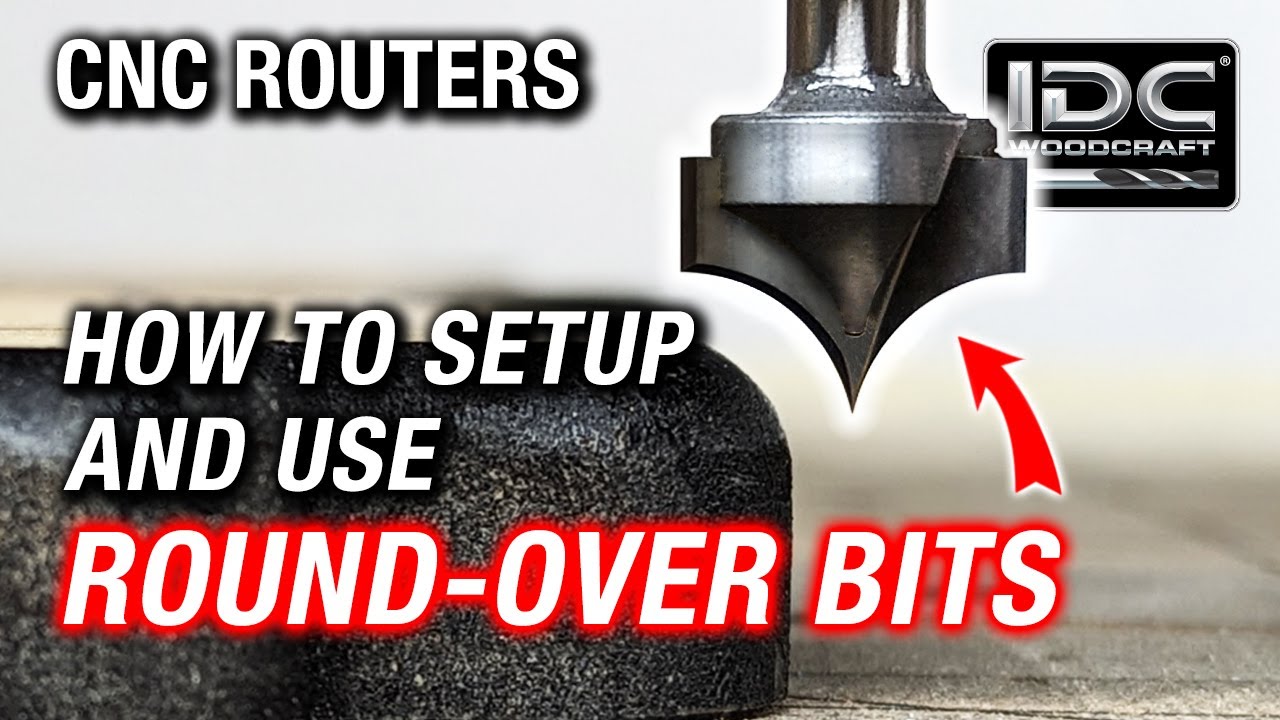
That bit geometry is not supported in CC so the simulation won’t really reflect the actual cut but you can experiment.
I define a 90° Vee so I see a chamfer instead of a round, but can still see what’s getting cut.
As noted, not supported, but see:
Yes, I watched that, but I want to know how much offset I need to use
I guess I will have to experiment on my own
was just hoping that someone had already done it and could give me some advice
For the 1/8” I used his number of .095” for cut depth in Vectric, but it understands the bit geometry. You could model the curvature in CC and see what a .095 depth for the tip would require as an offset.
To be honest though, I only use this on items with a lot of curves. If the piece is reasonably straight or slightly curved and easy to get everywhere it is way faster to use a trim router for the roundover.
When I do name signs like for nurseries it’s easier on the CNC.
How much offset will depend on the tool geometry as explained in the link posted above — post a link to it/the specifications for the tool in question?
Here is the link to the bit I have…Thanks
The Whiteside 1572 is one of the tools which I imported the profile of in the file at:
I would use that profile as a beginning, do a test cut using it, then adjust based on how the test cut turned out.
Thanks sooo much Will
I will give it a try and start feom there
Best regards, Rick
This topic was automatically closed after 30 days. New replies are no longer allowed.