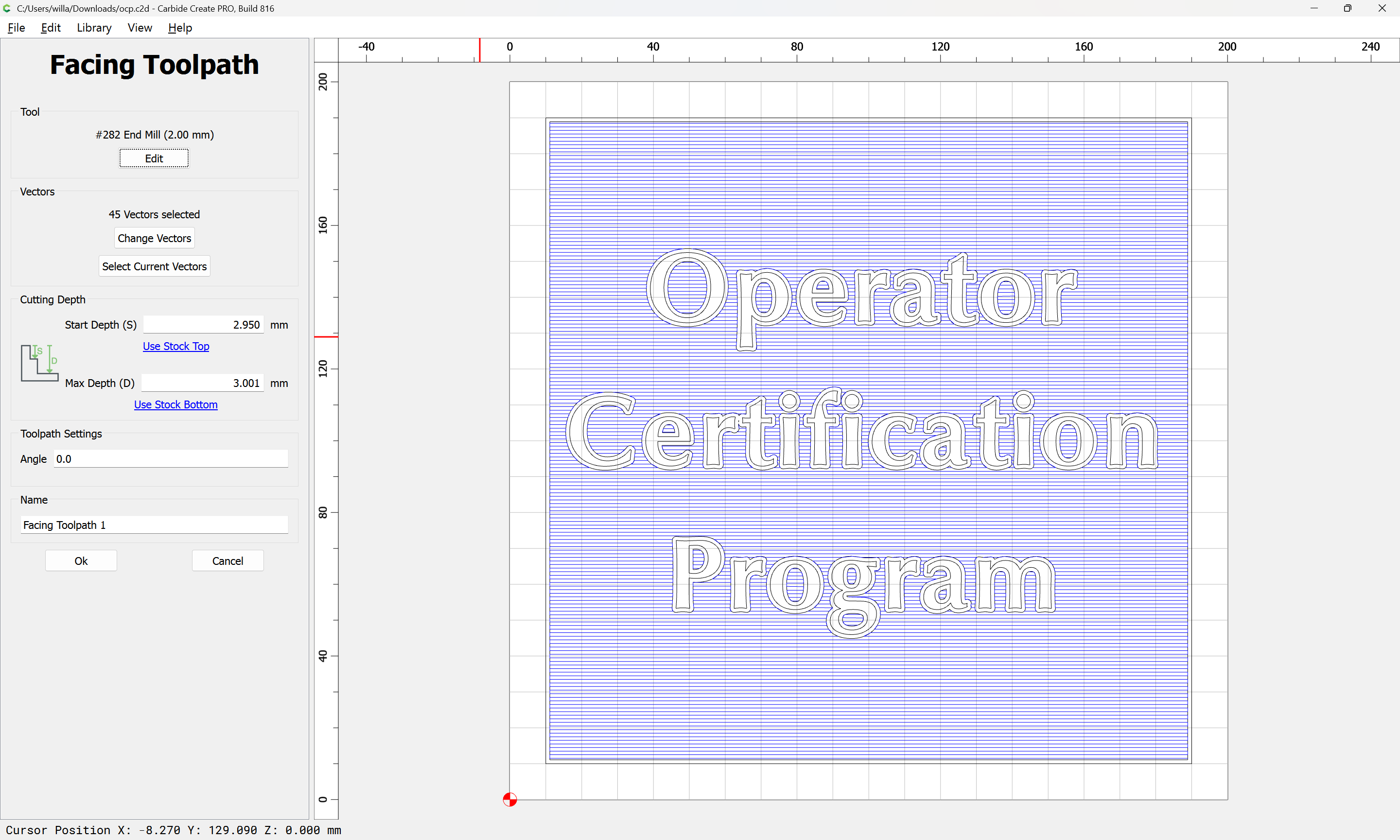
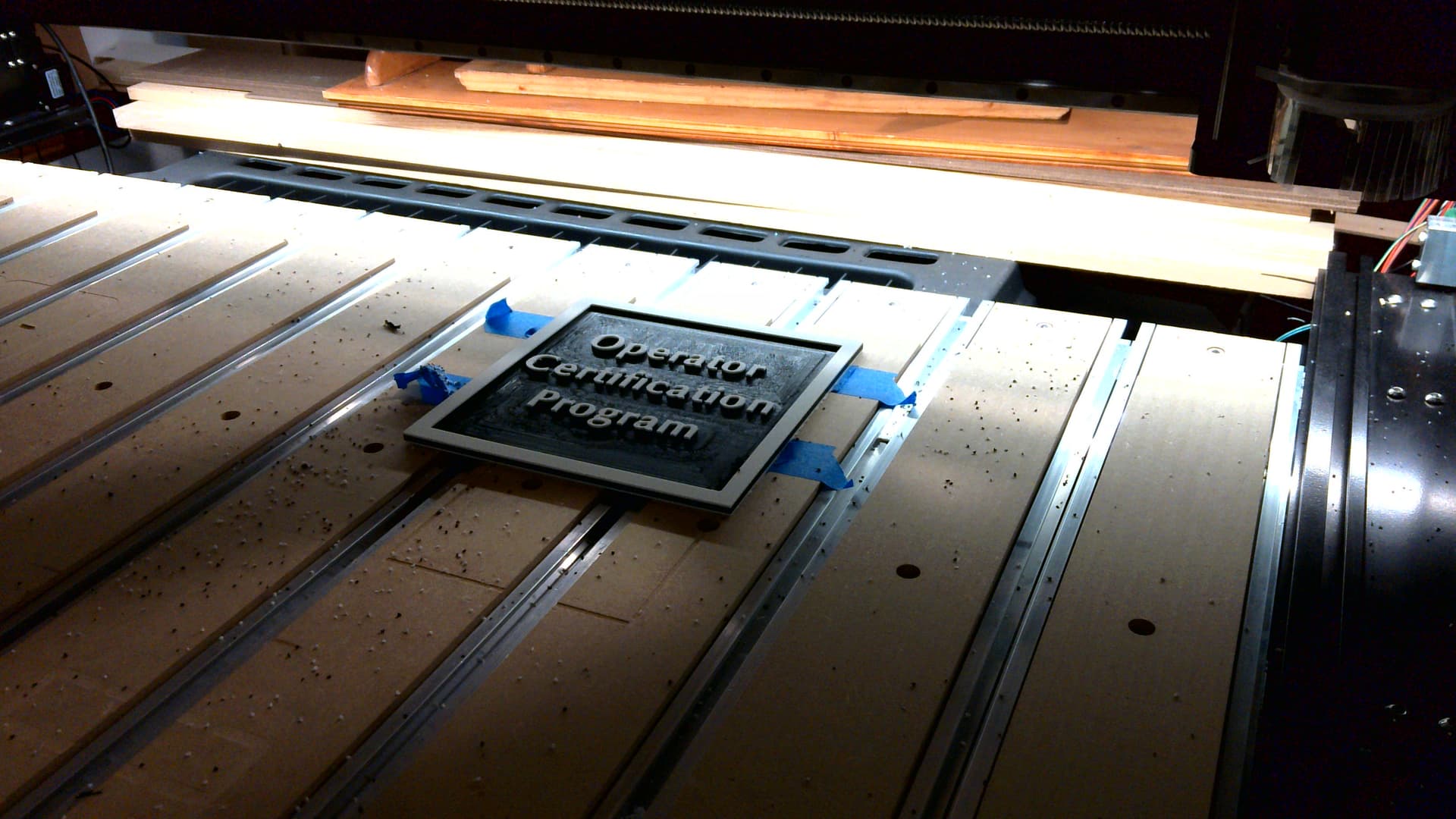
When the cut is compleat, the machine will lift, move straight back, and then to the right to return to machine origin:
If there is anything further which needs to be done to the part using the machine, it should be done before removing it or losing the zero position — in this case we will return to Carbide Create, select everything:
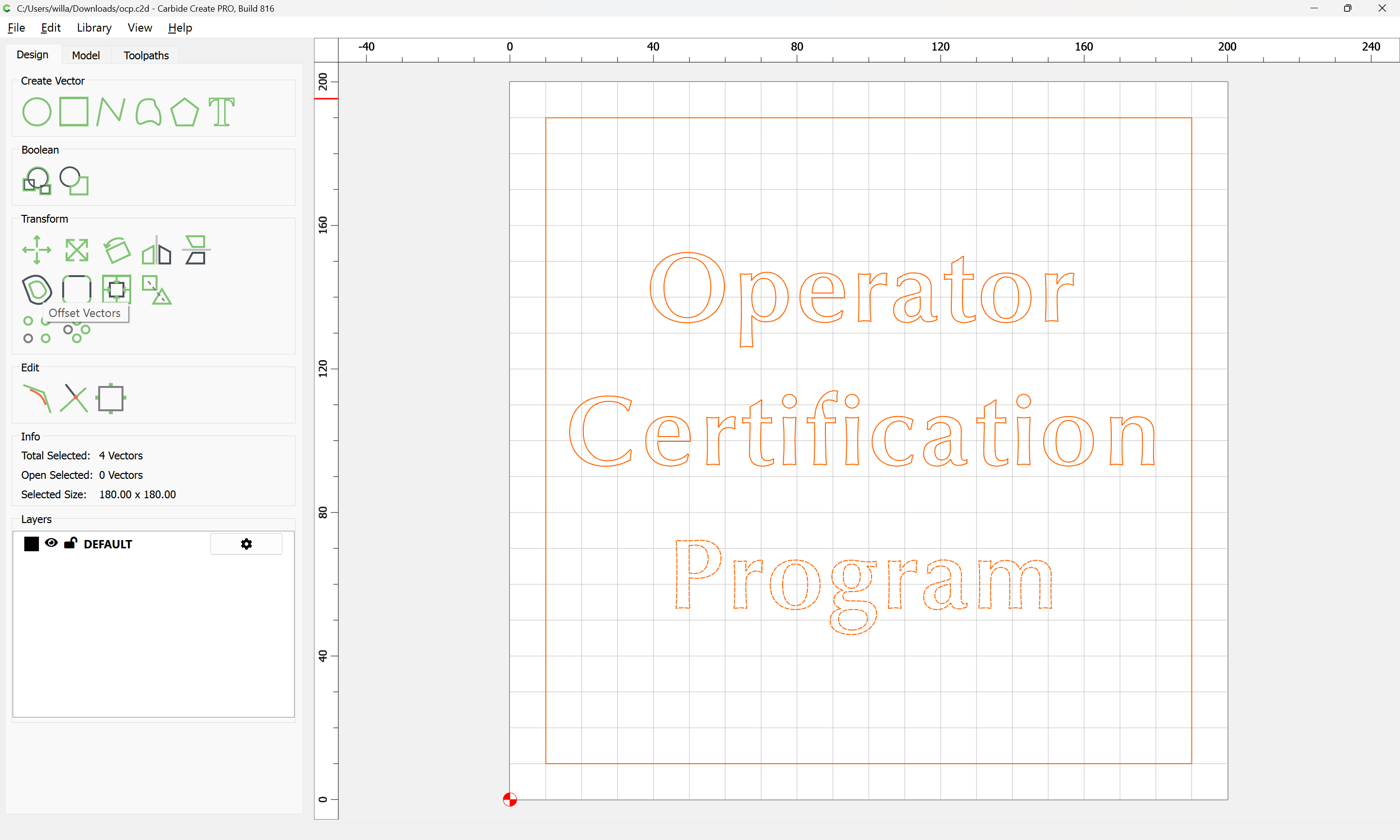
Offset Vectors:
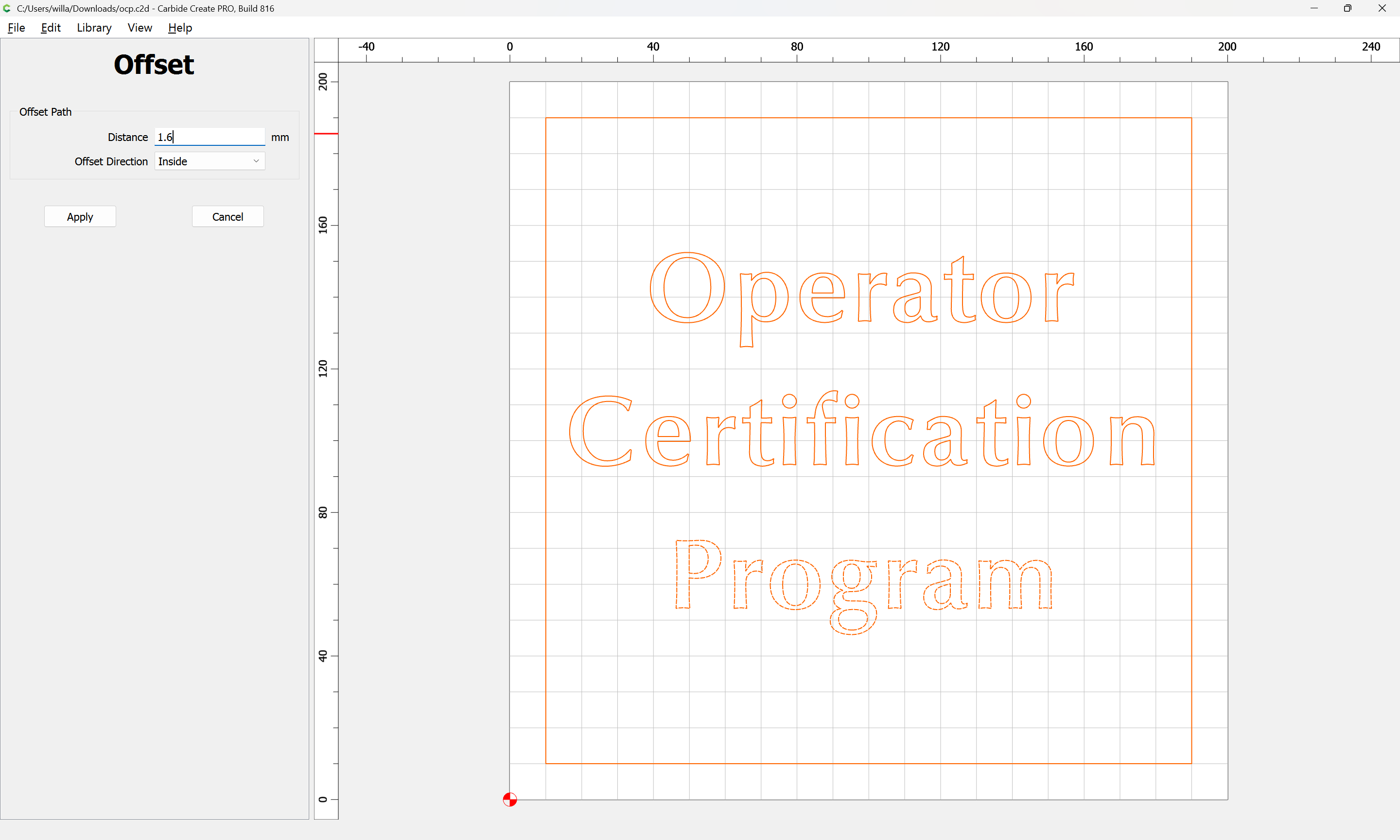
Apply
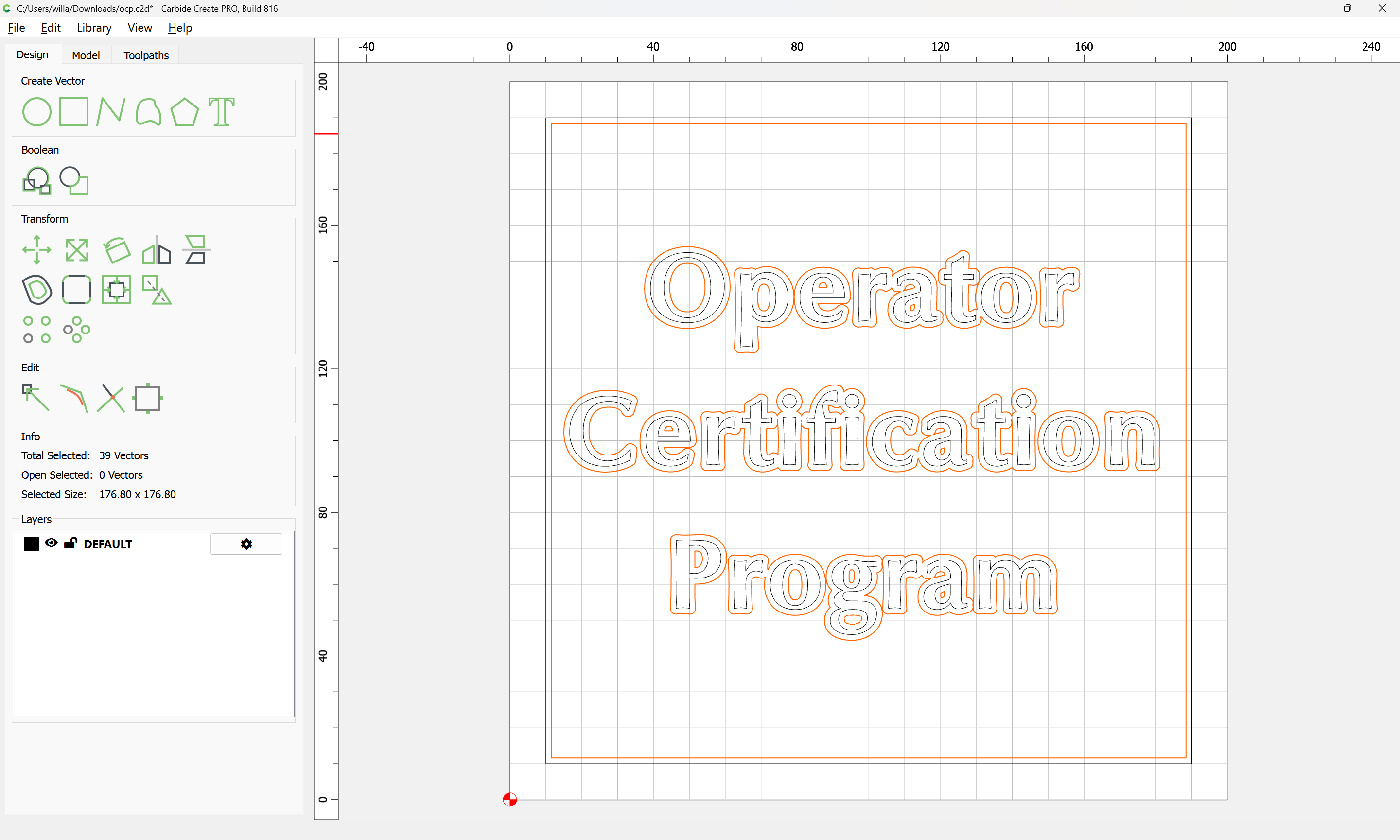
and apply a texture toolpath in an effort to remove the patterning of the Pocket operation:


checking the preview:

and adjusting as necessary until a reasonable result is arrived at:
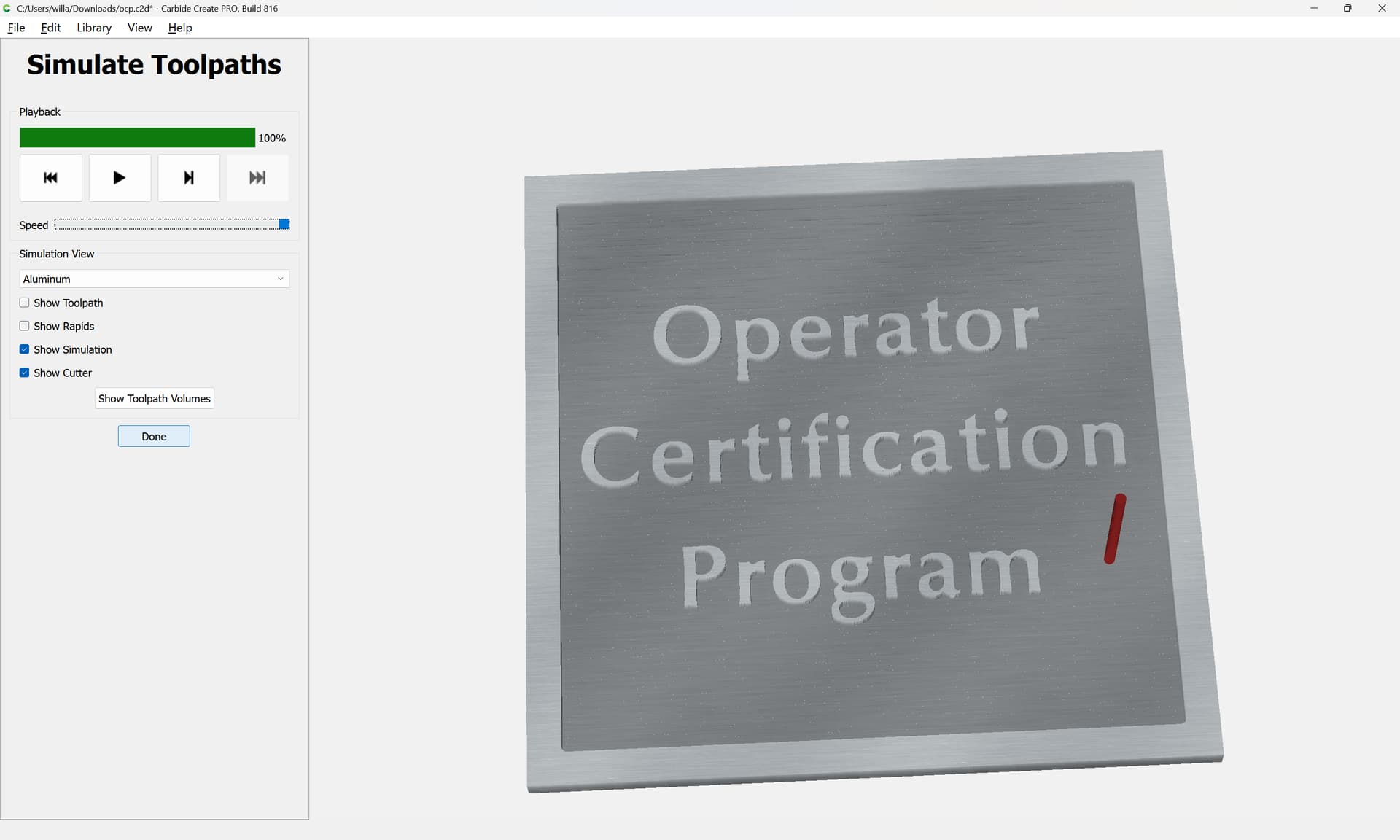
then the second file is run with the appropriate tooling with the same zero as before (after disabling the original toolpaths)
Or, perhaps a 1.1 offset w/ a Facing toolpath: