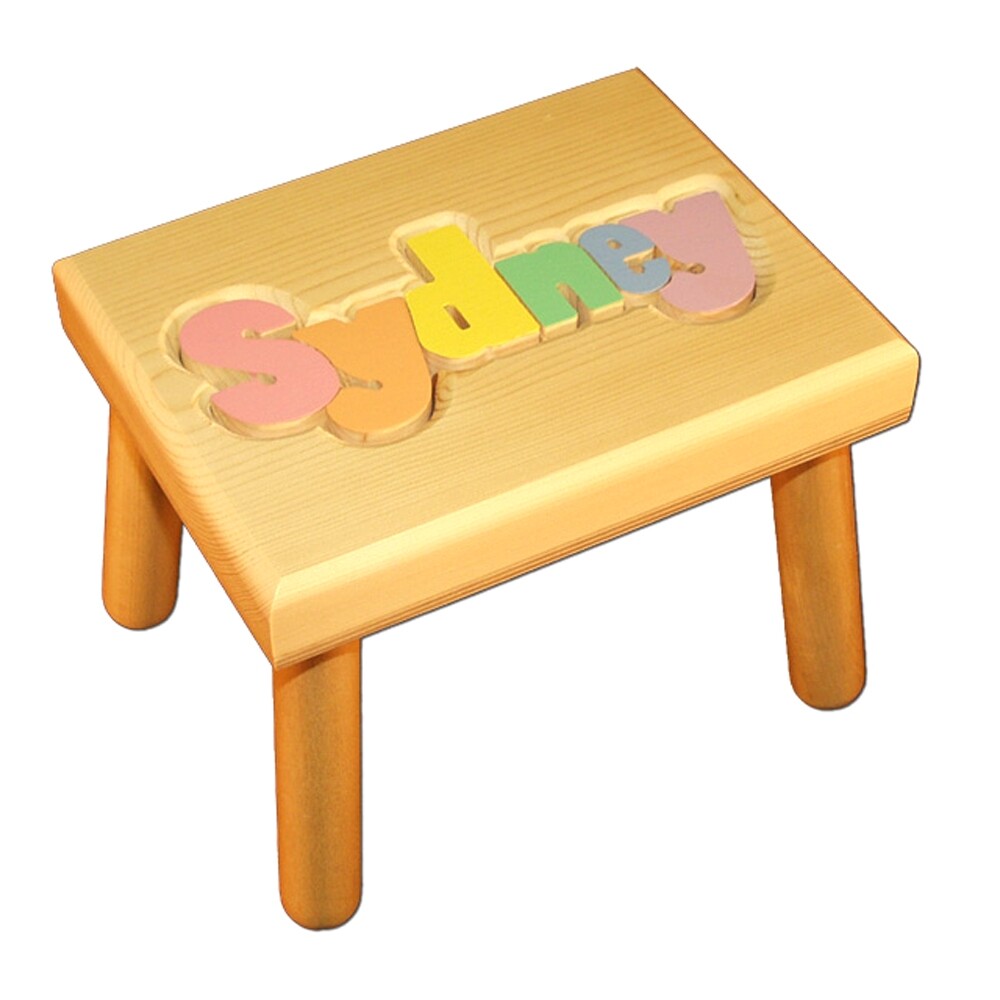
Puzzle name step stool

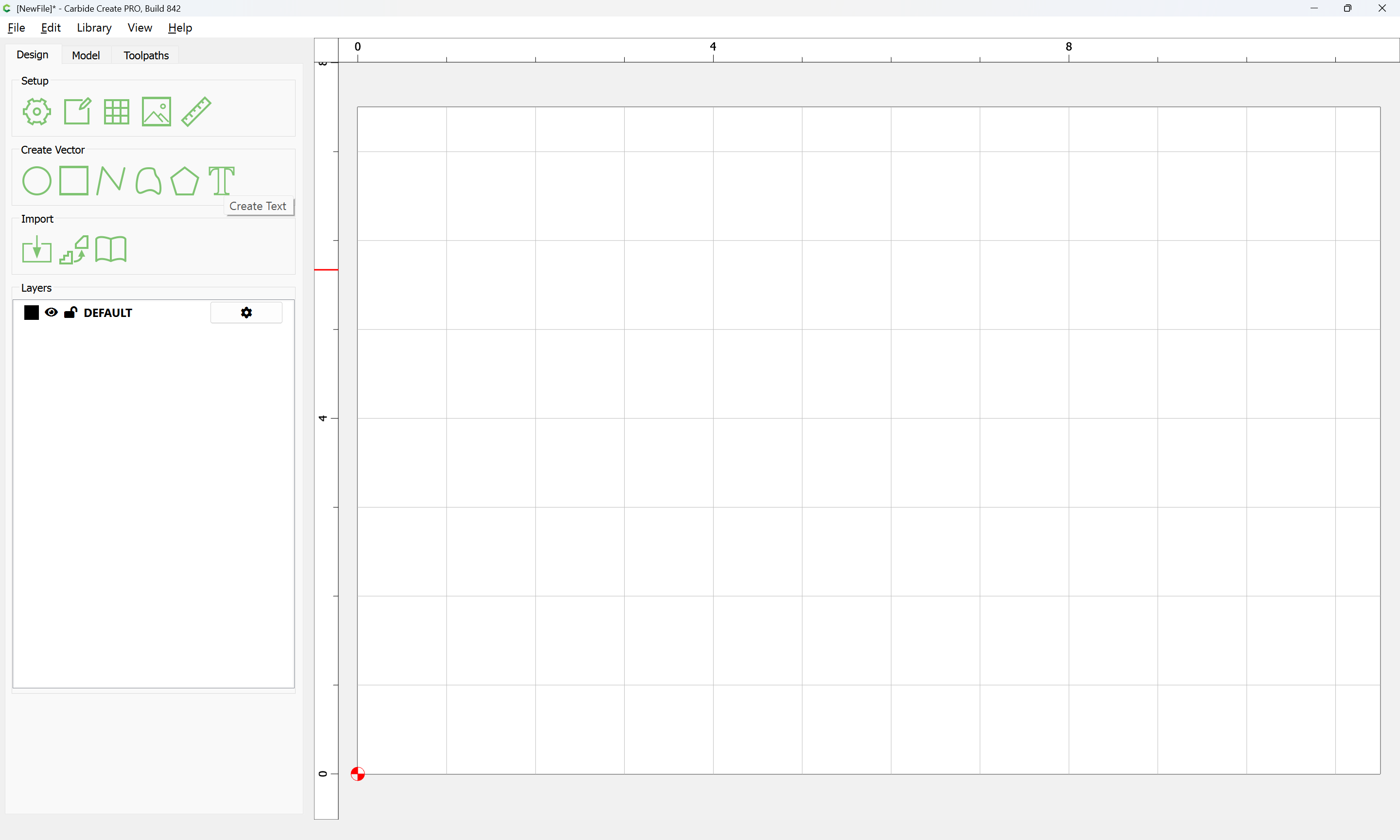
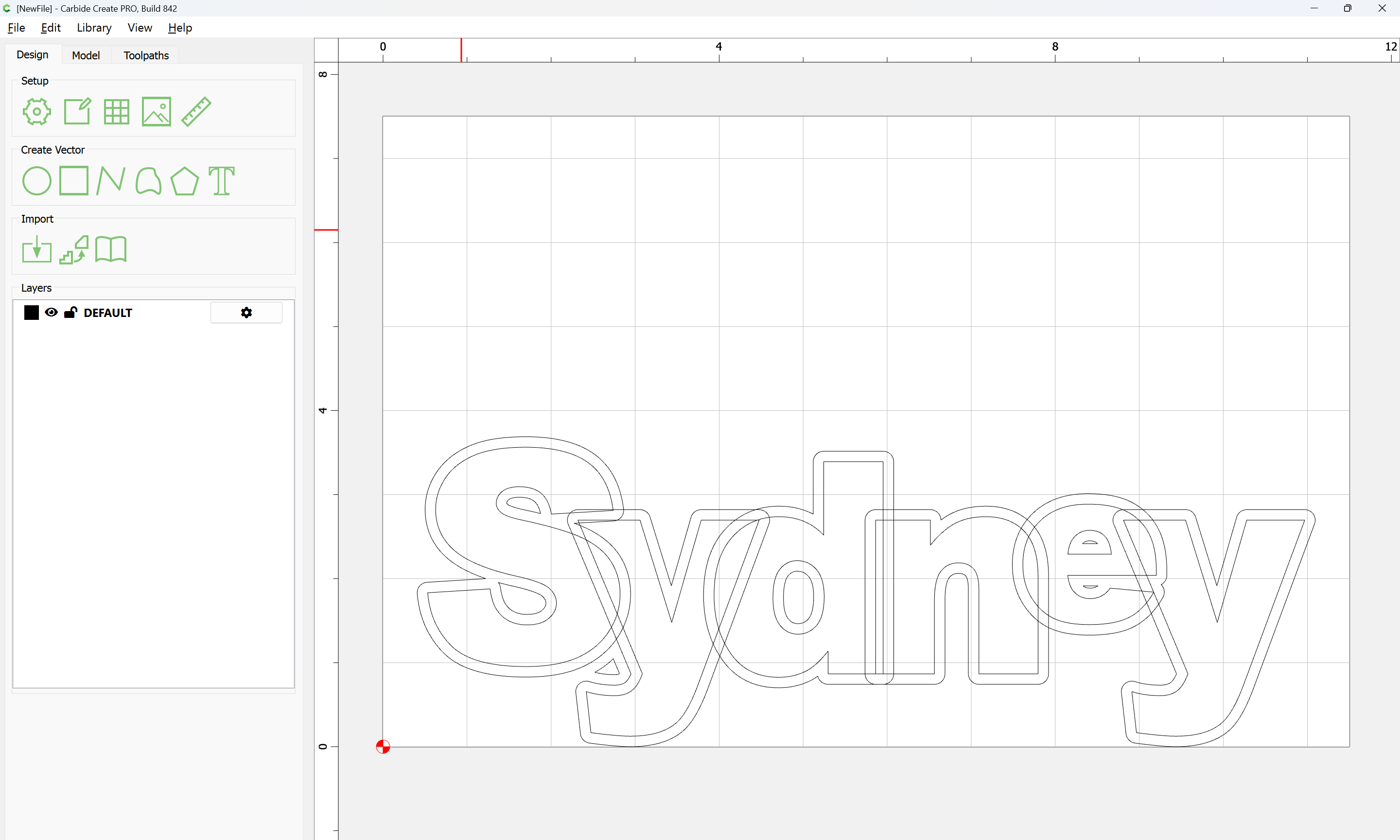
Looking to make a Damhorst style kids puzzle name step stool where the letters run together as in this example. I’d love to find a source for a file I can edit to change the name. It doesn’t need to be free. I didn’t find such a thing on Etsy or the other file sources I checked, only ones with separated letters. Anyone know of a source? (Hoping for a quick project without having to do a lot of design work)

Thanks!

3 Likes

The lettering looks to have been done by mixing/matching fonts and overlapping characters and then using Trim Vectors or some similar feature to offset one letter from another and remove the offset overlap from the other — the sort of thing which Glenn Reid’s nifty TouchType.app made quite easy to do.

Doing this sort of thing in Carbide Create would be a multi-step process:

  • set the text for the name — if using different fonts for different letters, use one text object for each different font one wishes to use
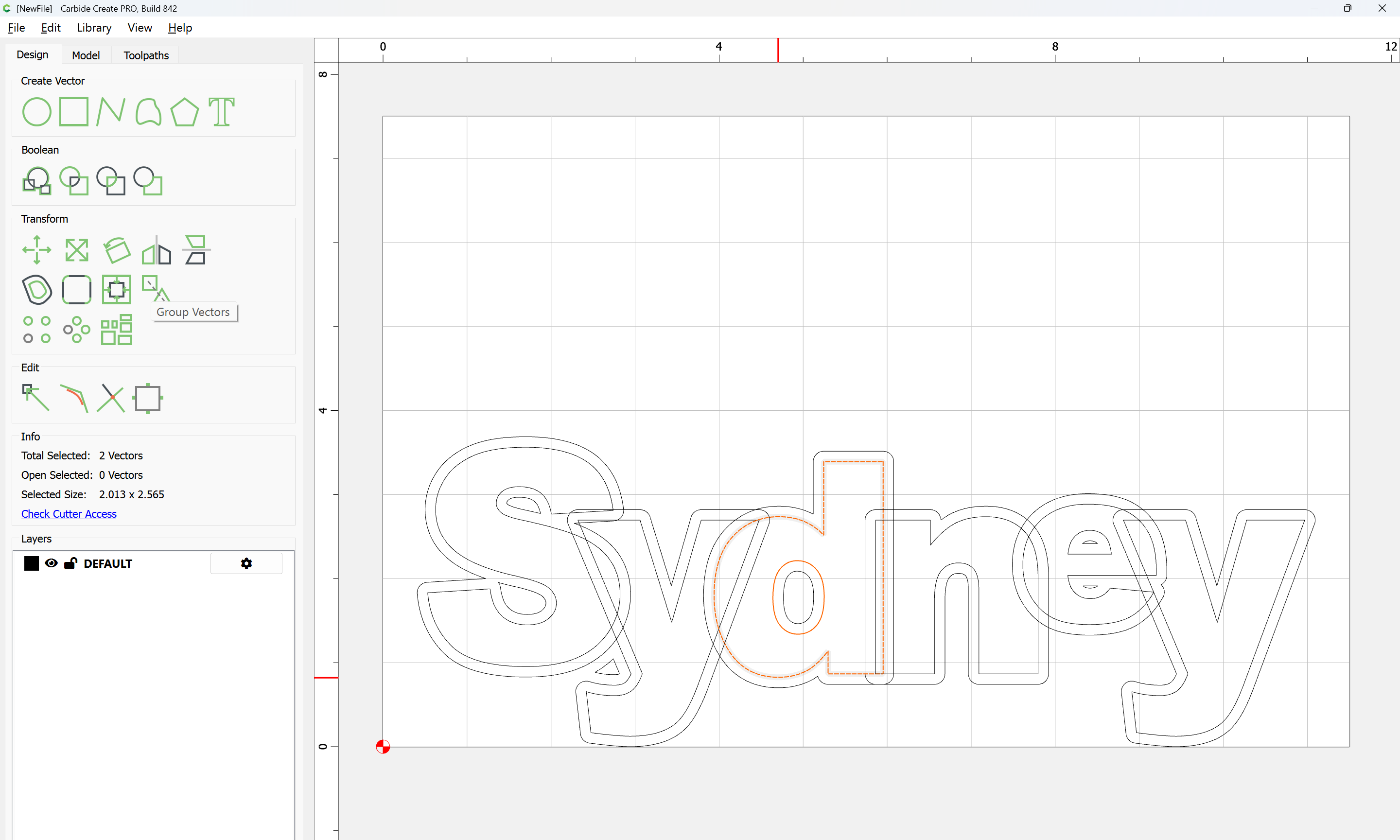
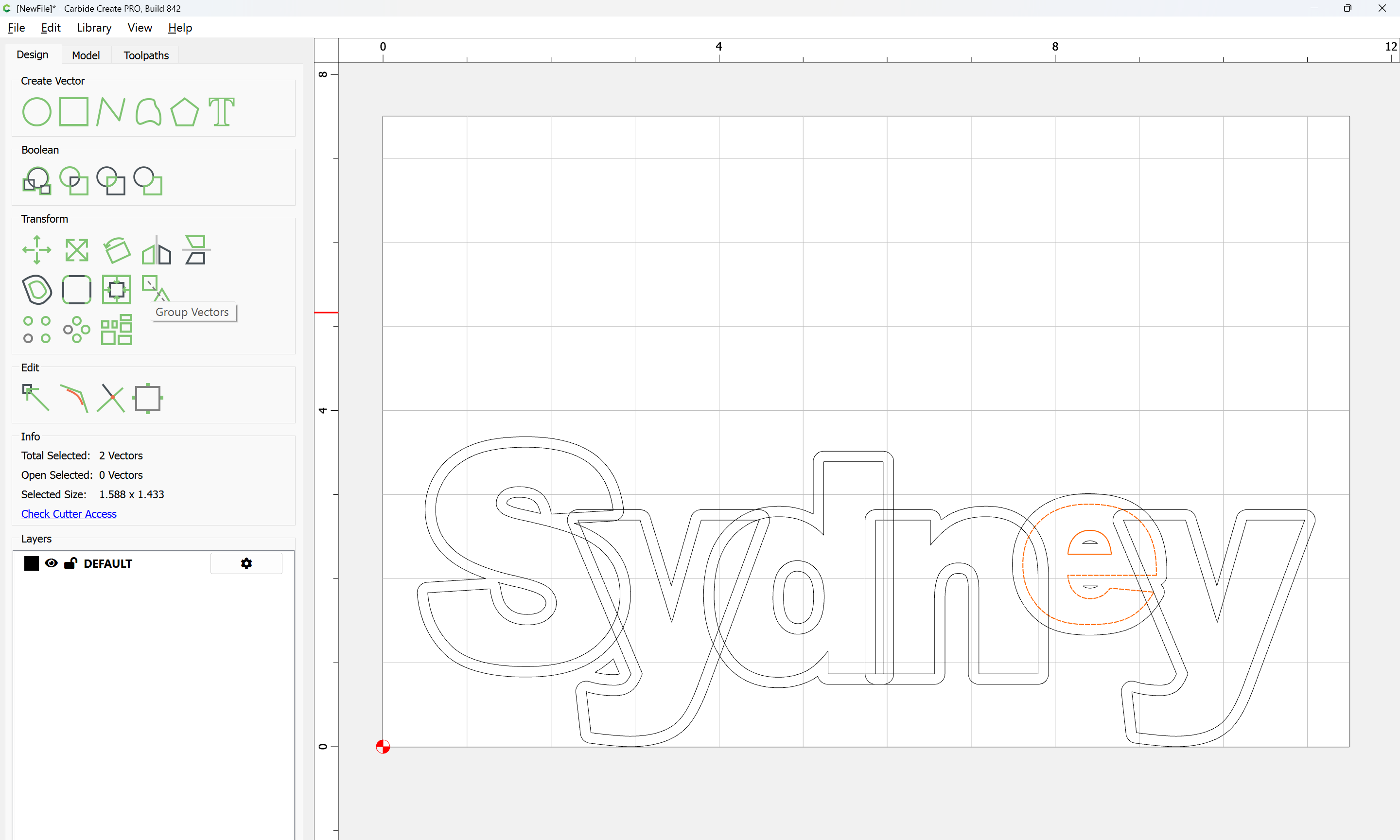
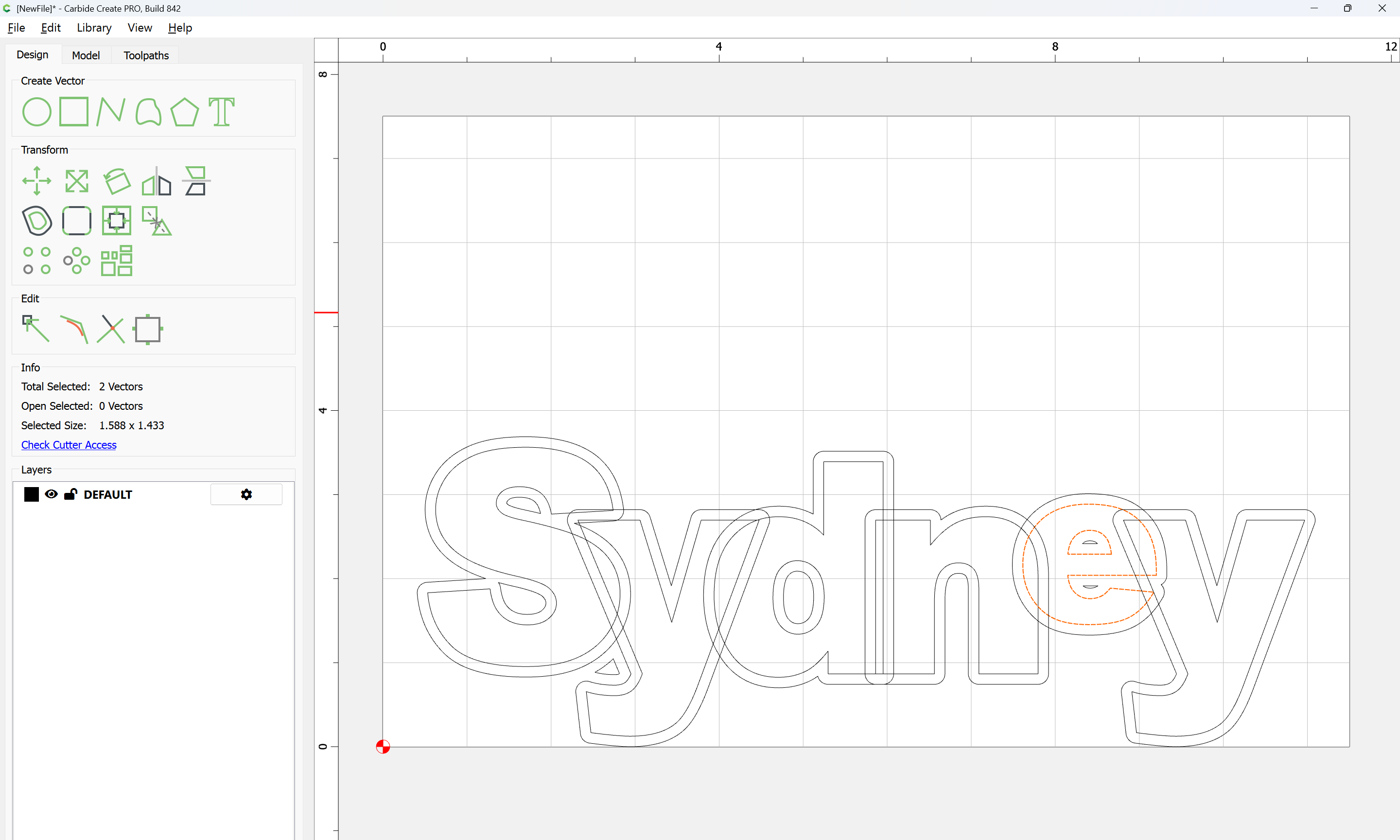
  • convert all text to paths, grouping any letters with counters (holes in them such as the d and e in the above)
  • arrange and re-size the letters as desired
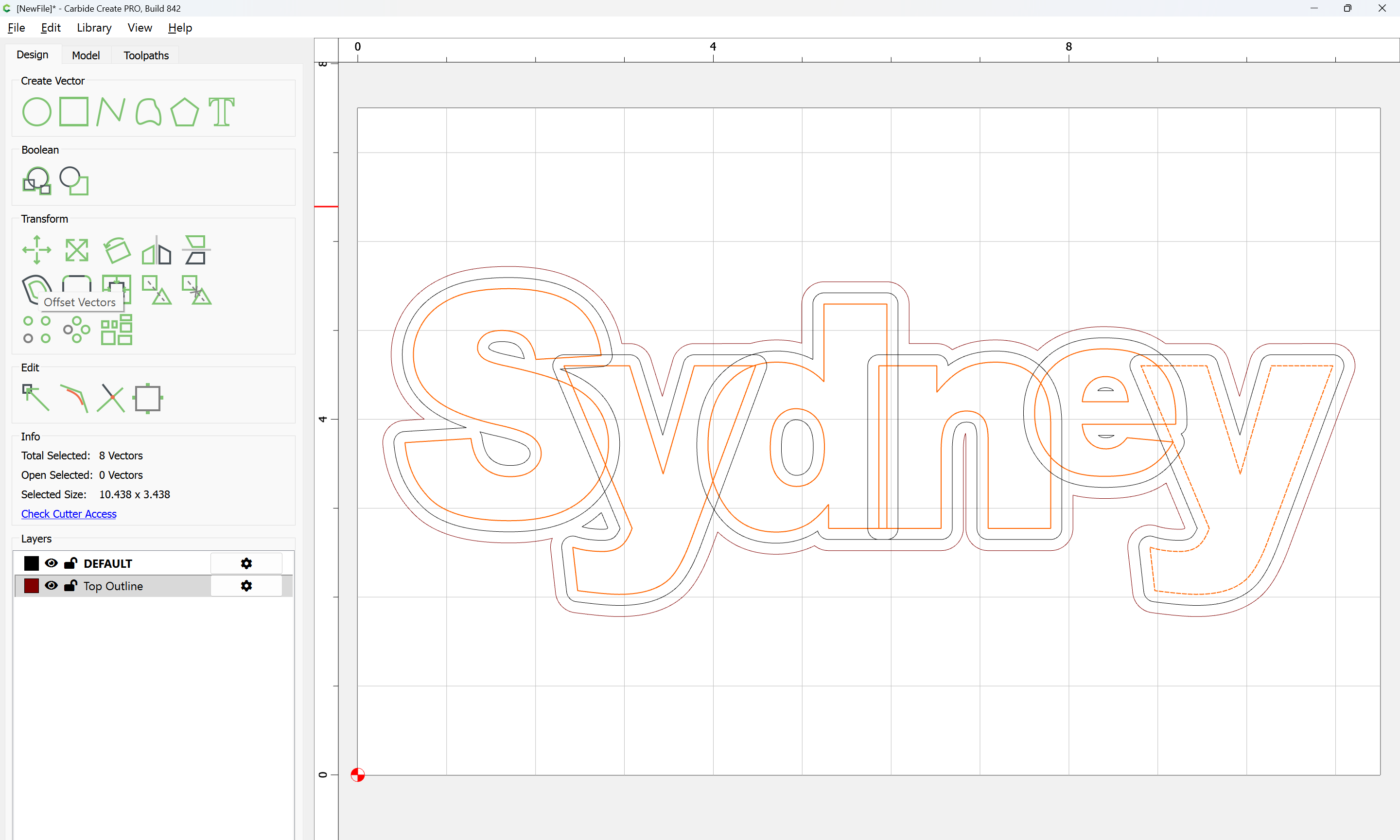
  • offset the overlapping letters thrice, once by the desired separation distance, once half that, and by the desired surround
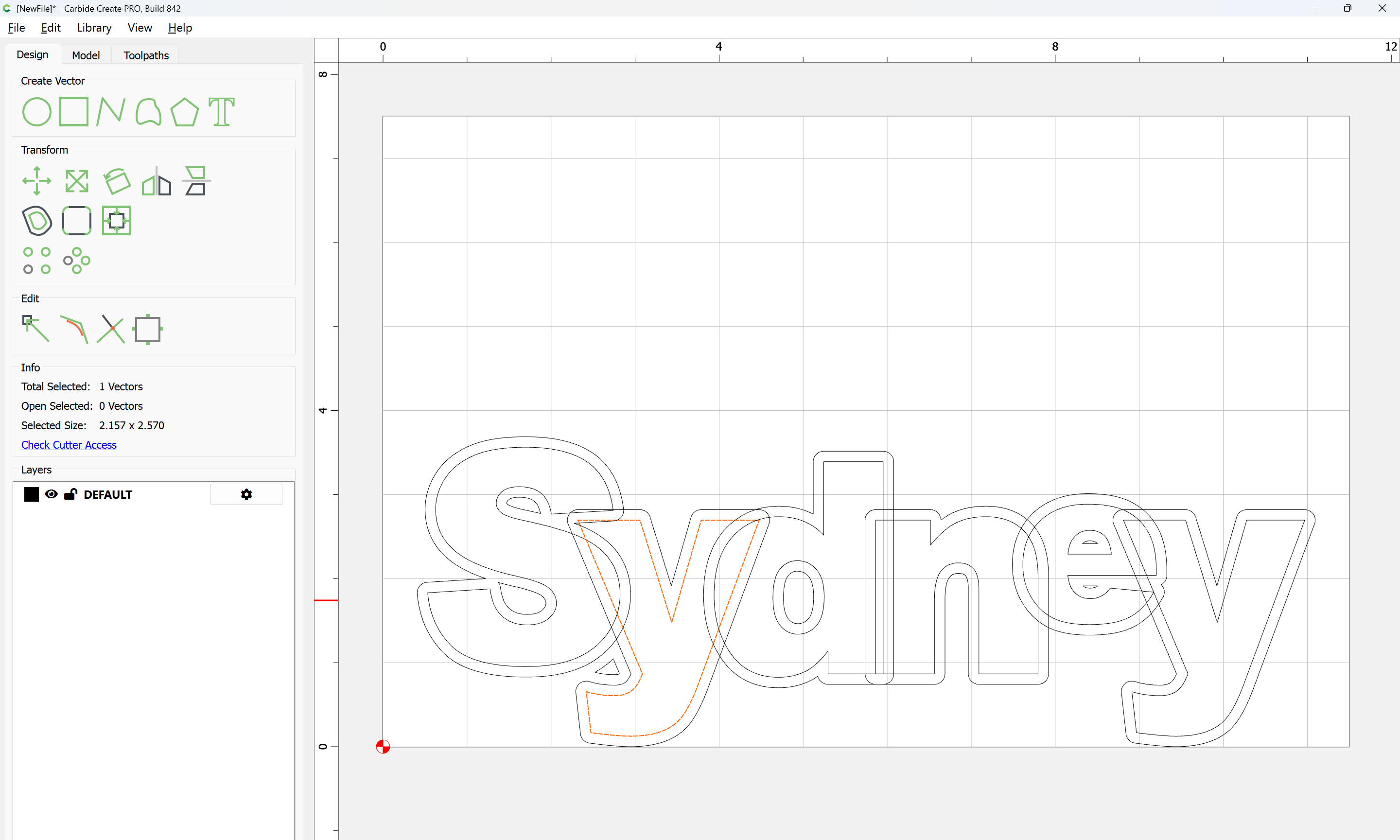
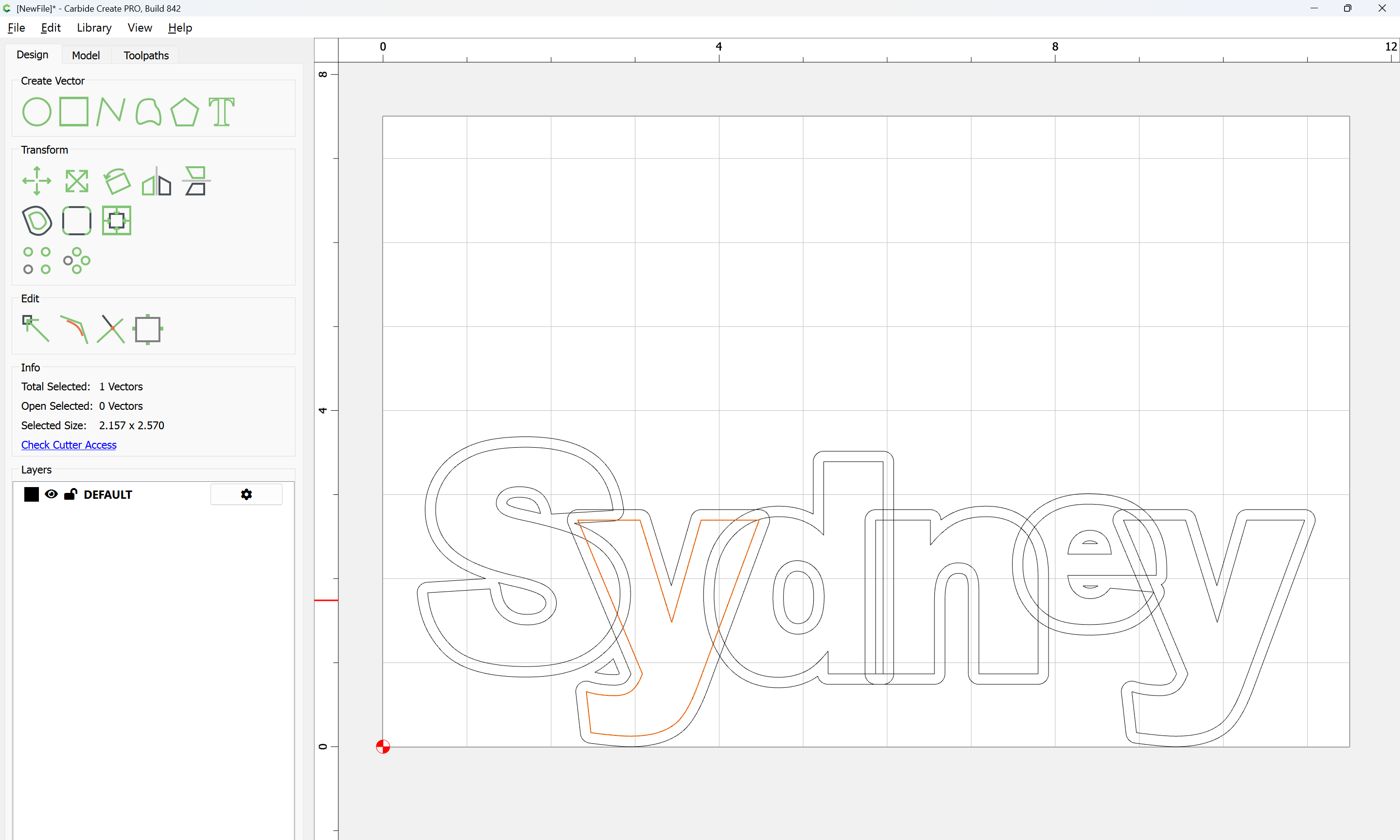
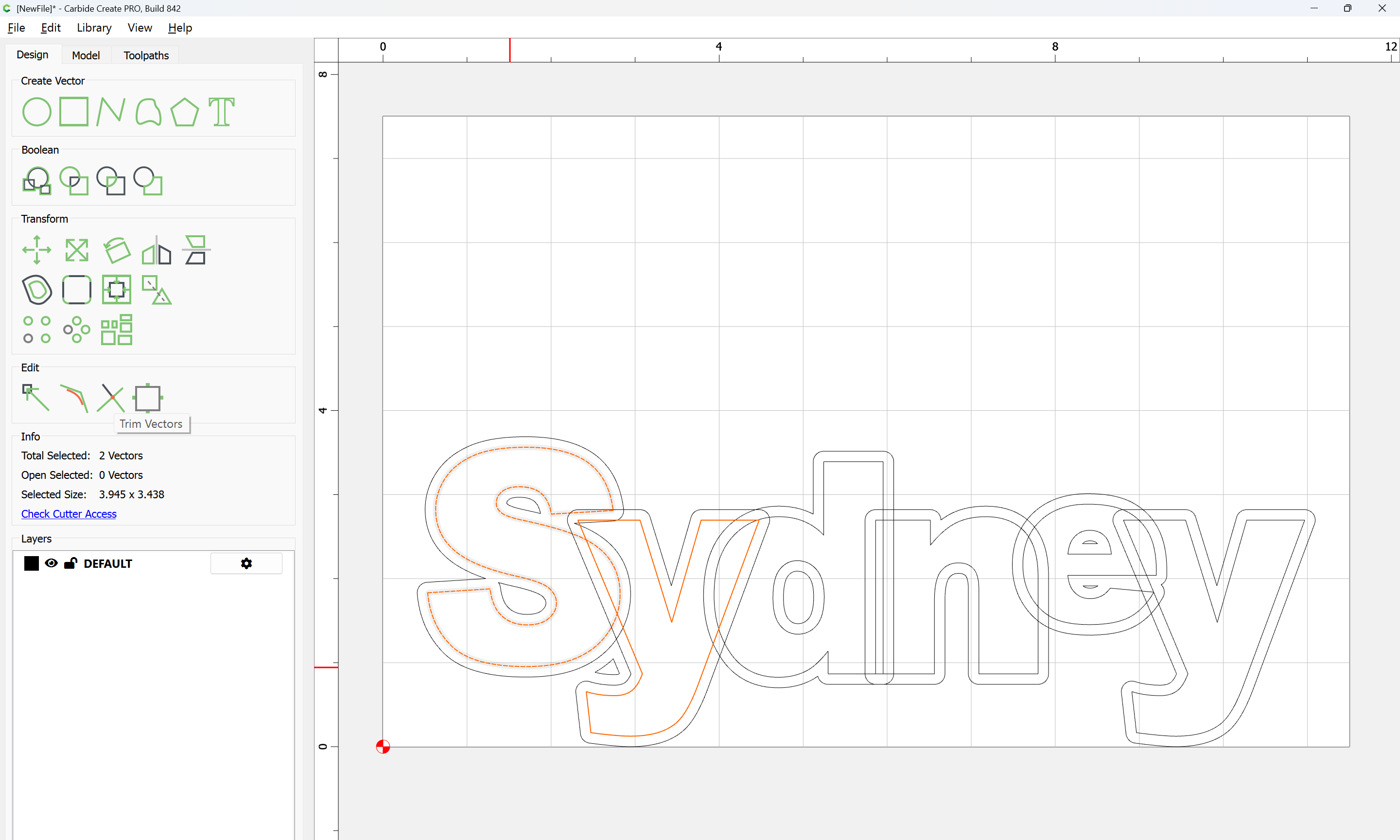
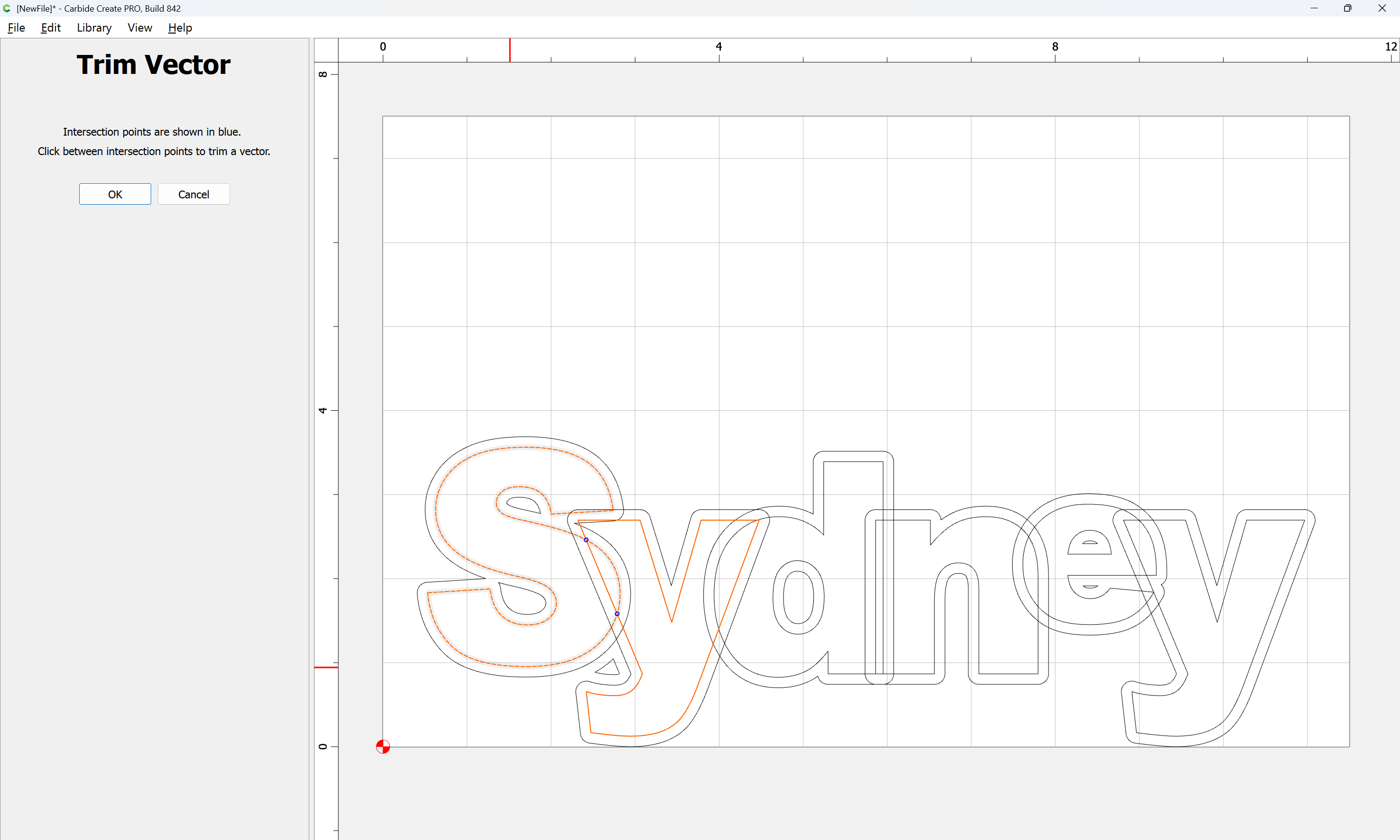
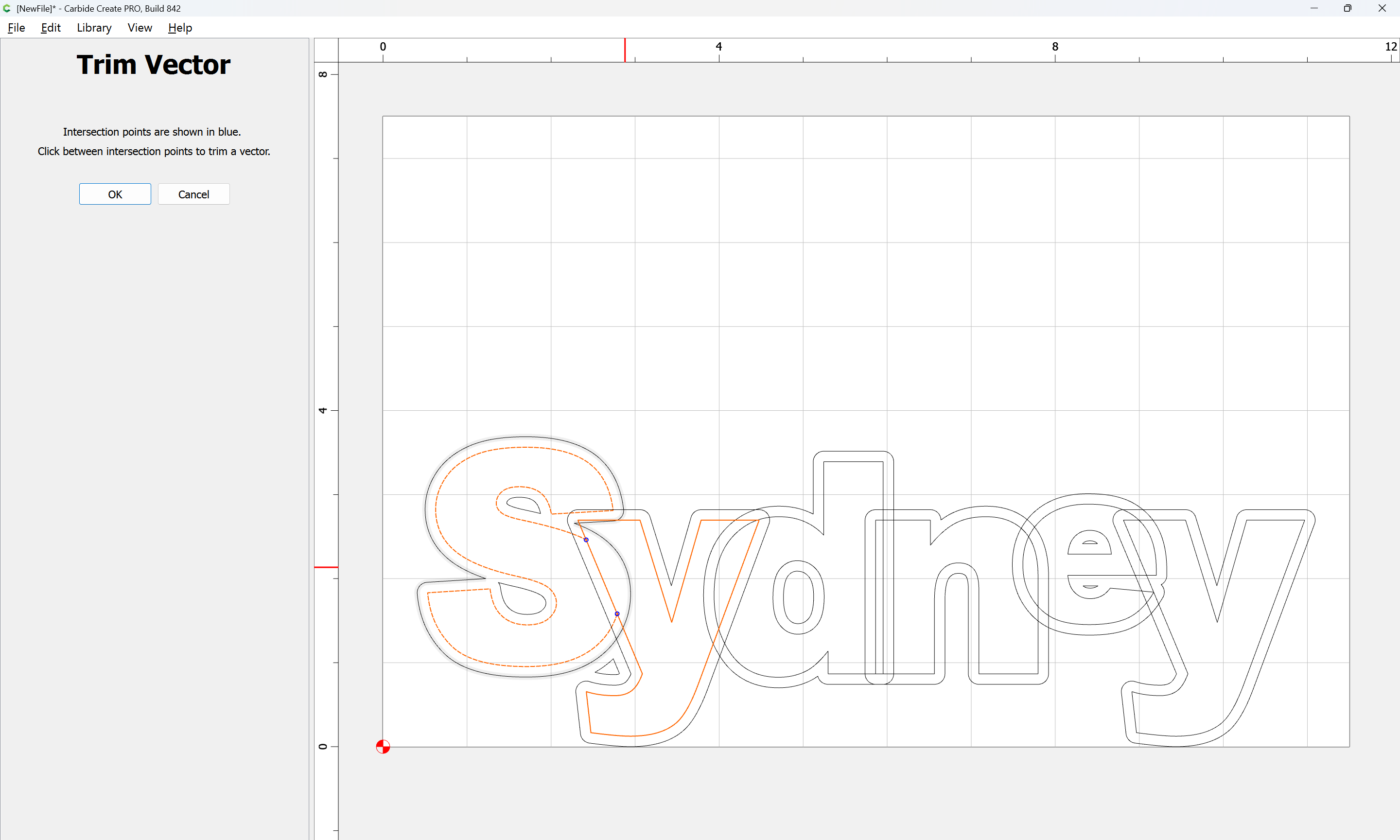
  • use Trim Vectors to isolate elements and create the appearance where desired of one letter being in front of another, c.f.,

(for the raison d’être for the halved overlap)

  • Join Vectors
  • assign toolpaths:
    • centerline gets a shallow pass with an acute V endmill to allow for painting as described above
    • letter outlines and desired surround get a V carving (after the painting)

It might be that one could make a spiffy OpenType font which would do this sort of thing automagically, but I don’t know of one.

hang on for a step-by-step…

It will take me a bit to get through all of this! Note that the letters are separate removable pieces that fit into a cavity, so once they get drawn such that they will nest appropriately I’ll pull them out and cut them as individual pieces.

In that case, it’s much the same, just one cuts a pocket for the recess for the letters… hang on for the Step-by-step…

Note that a Step-stool design was worked up at:

so only the top will be covered below.

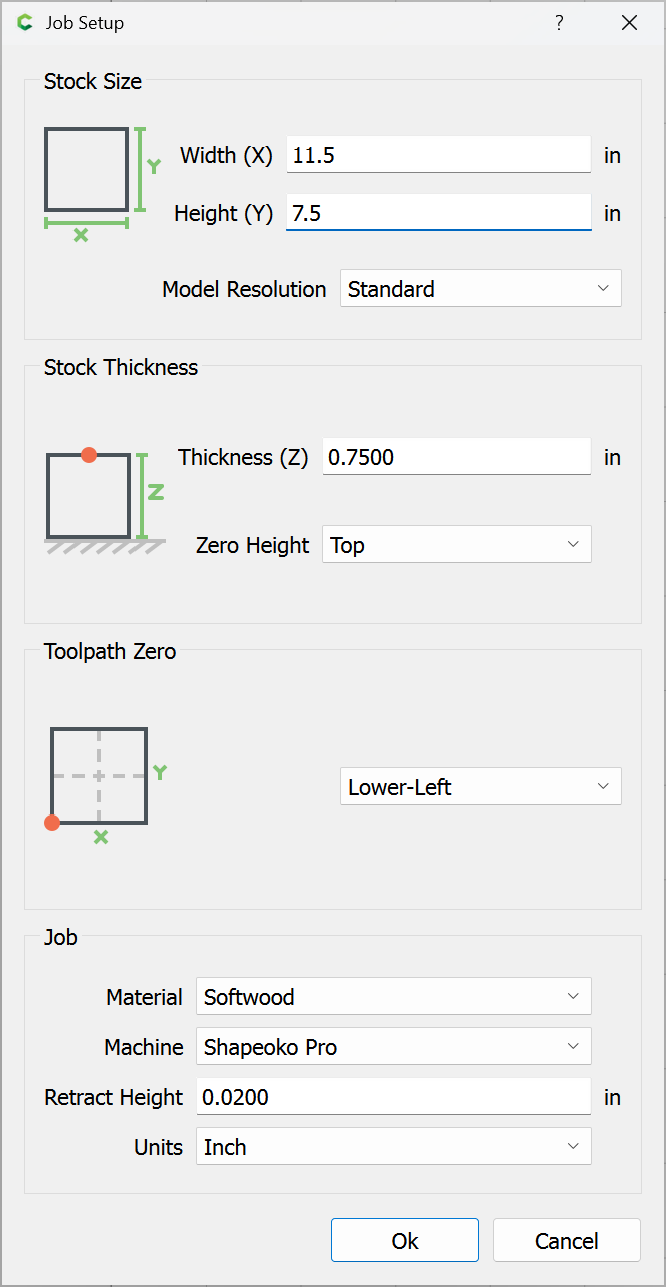
First, work up the dimensions — 11.5" x 7.5" is the size of a similar design which my wife had when she was young:

Ok

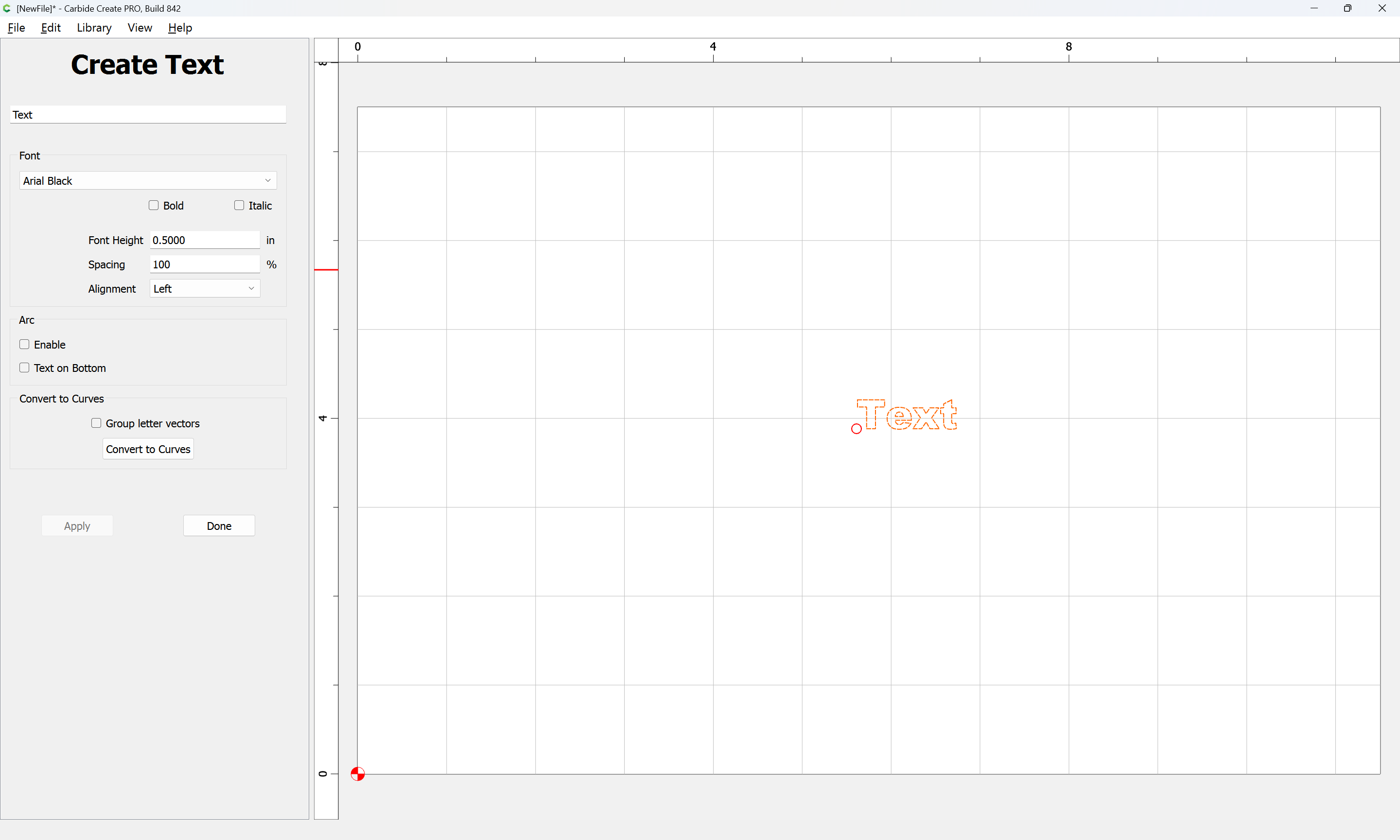
Set the text:

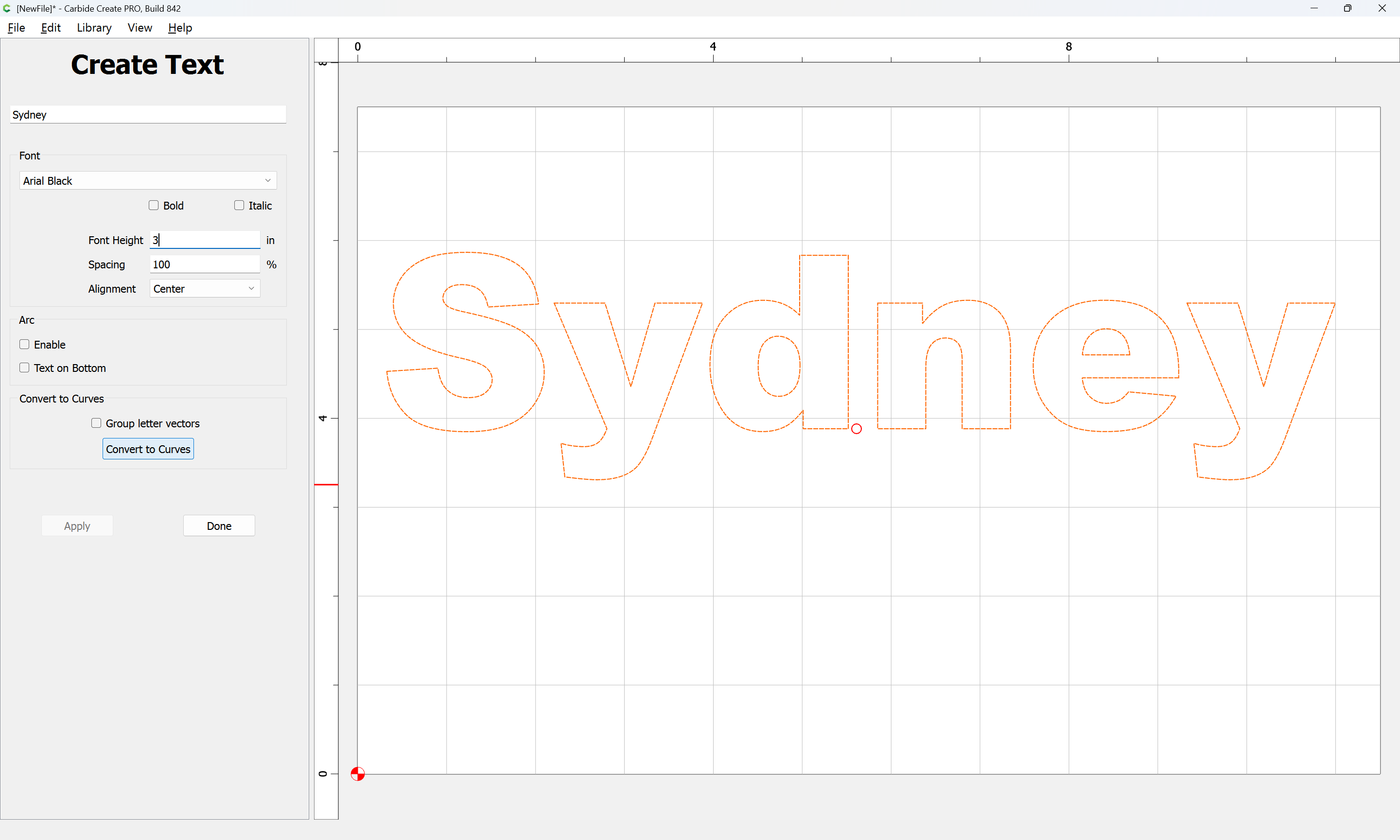
using a suitable font (Arial Black was selected above)

and “Convert to Curves”

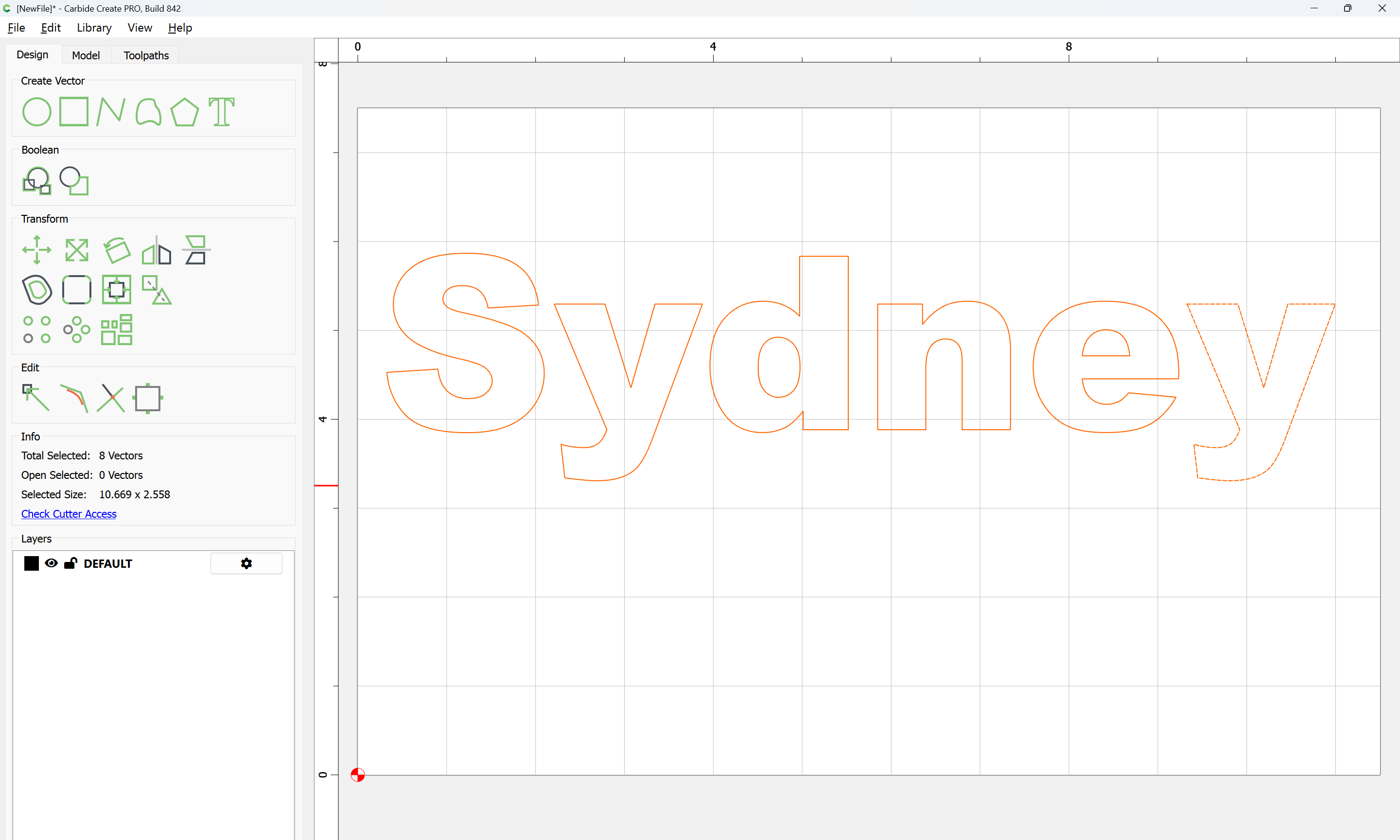
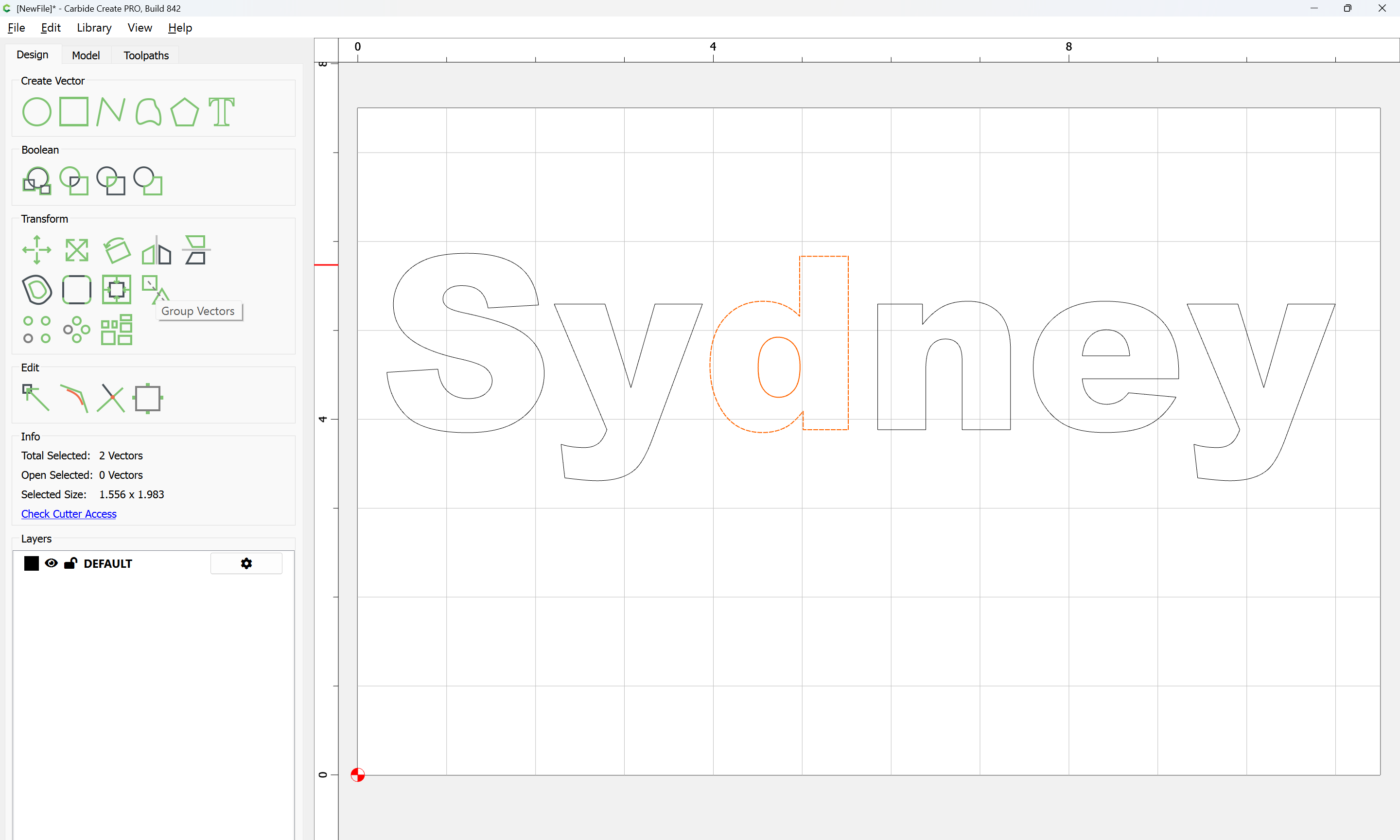
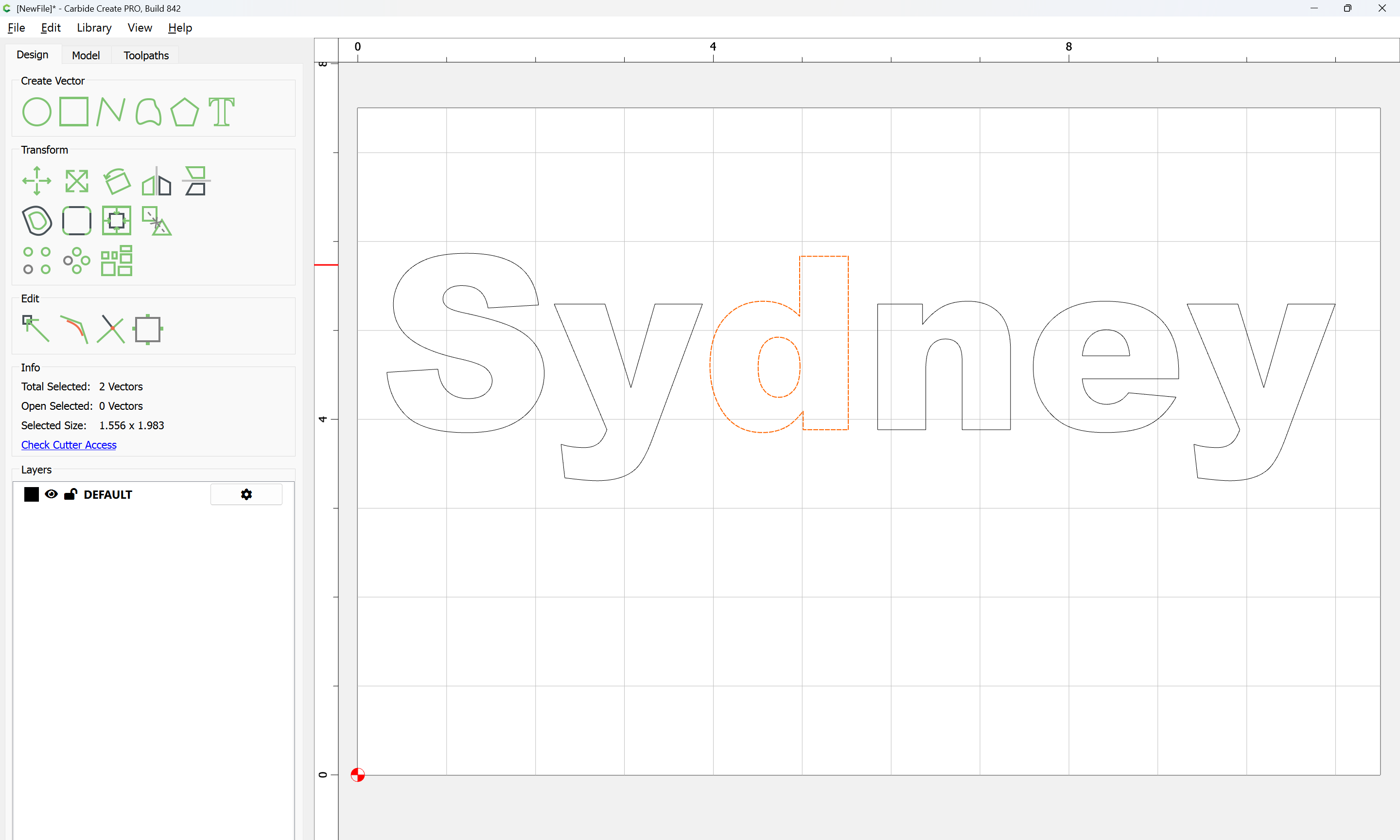
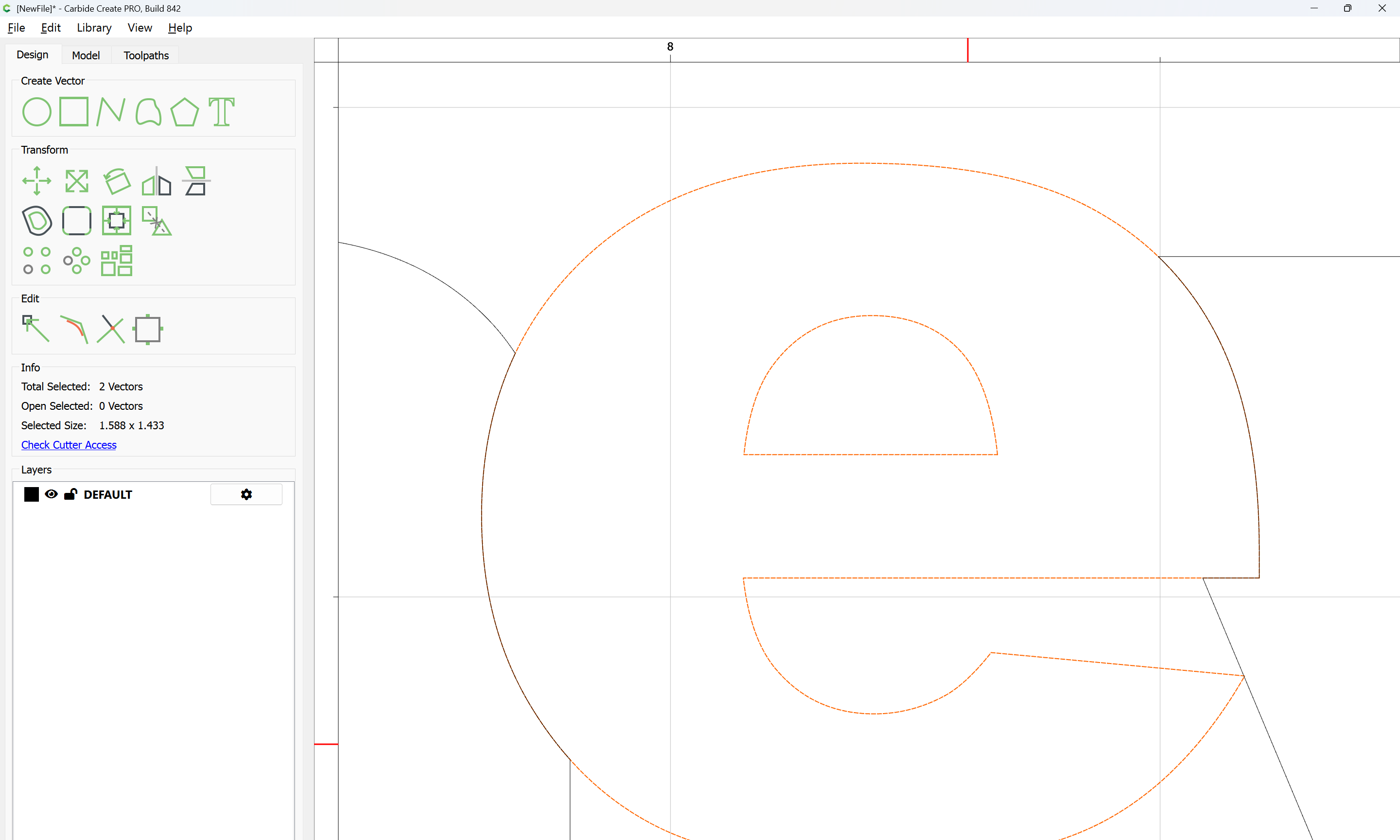
Select each letter with a counter and its counter:

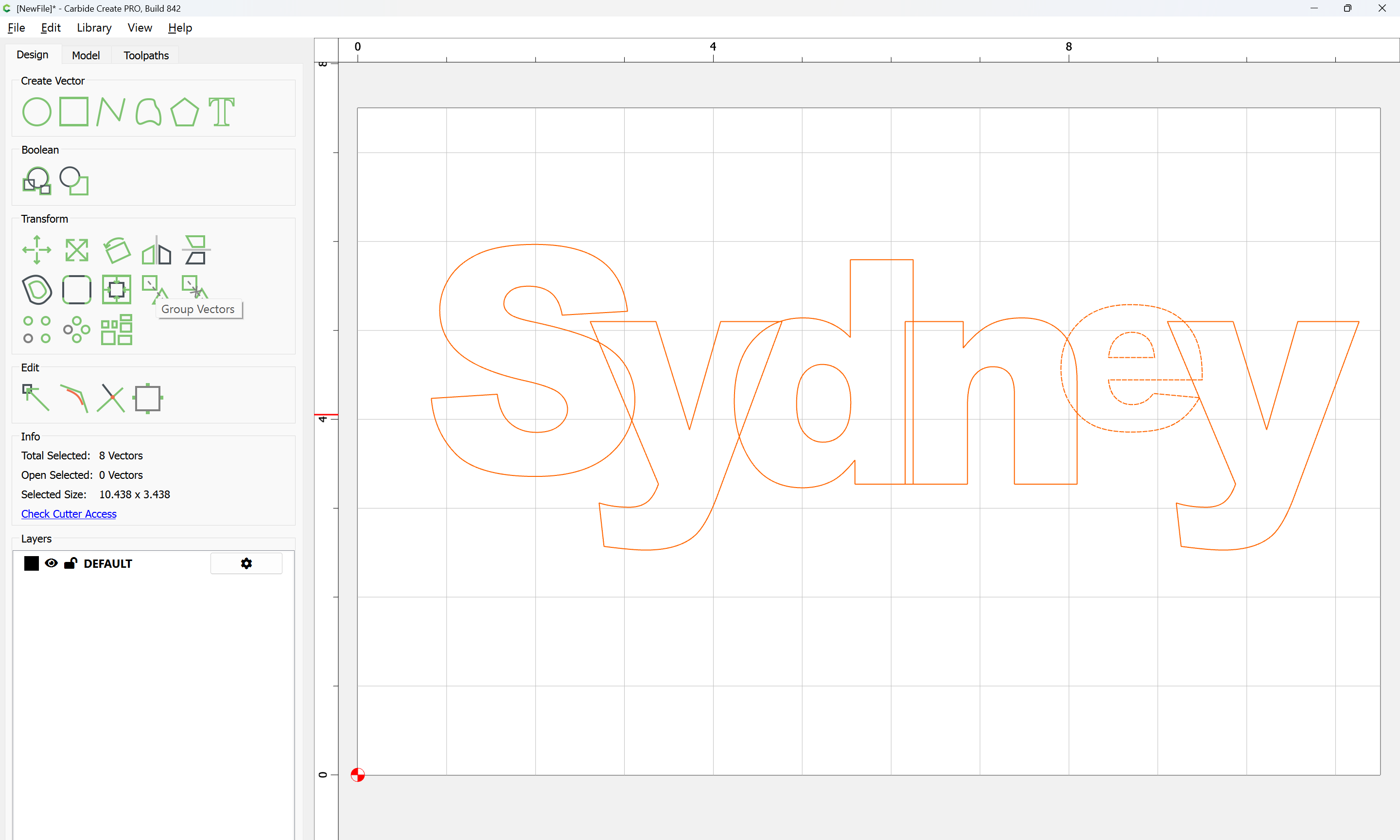
and Group Vectors

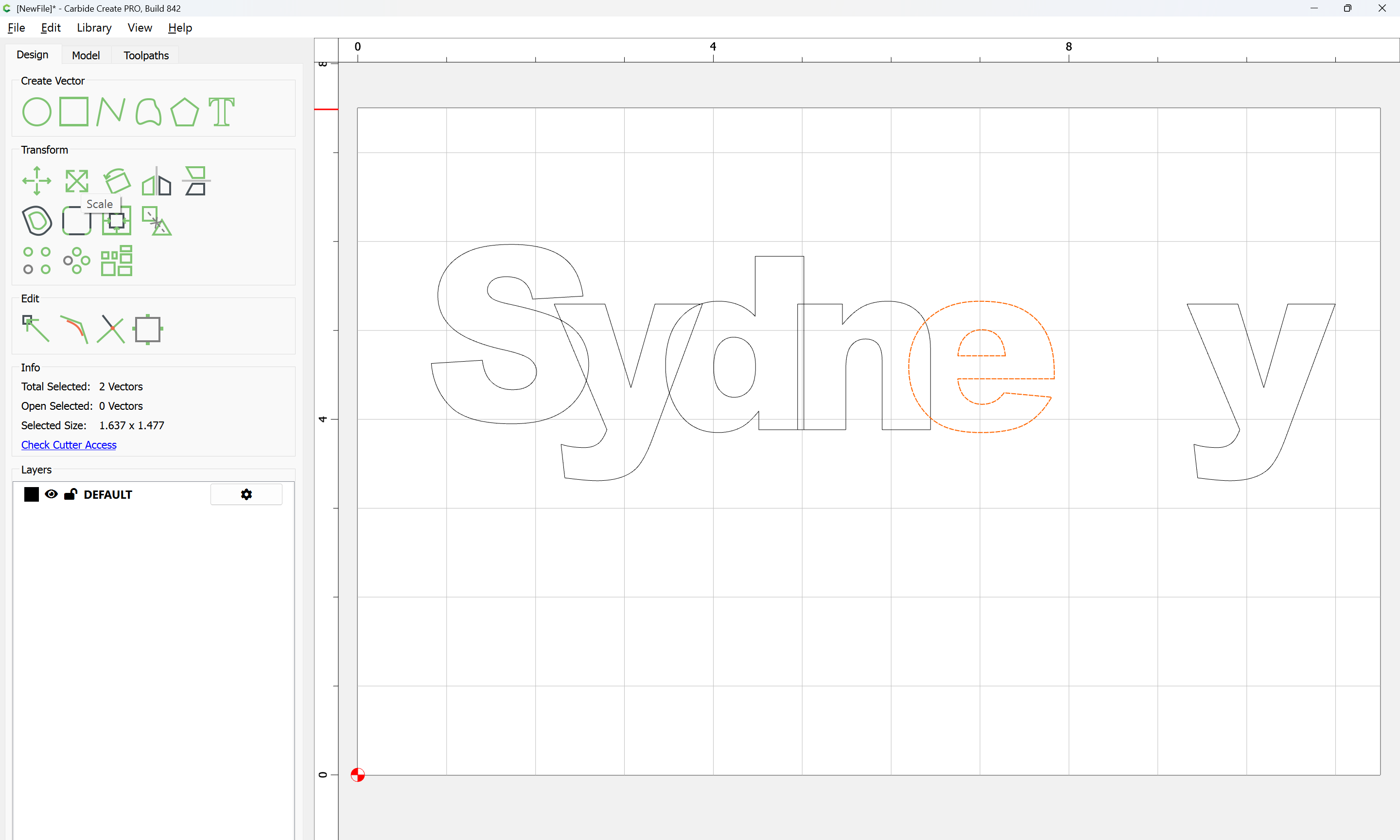
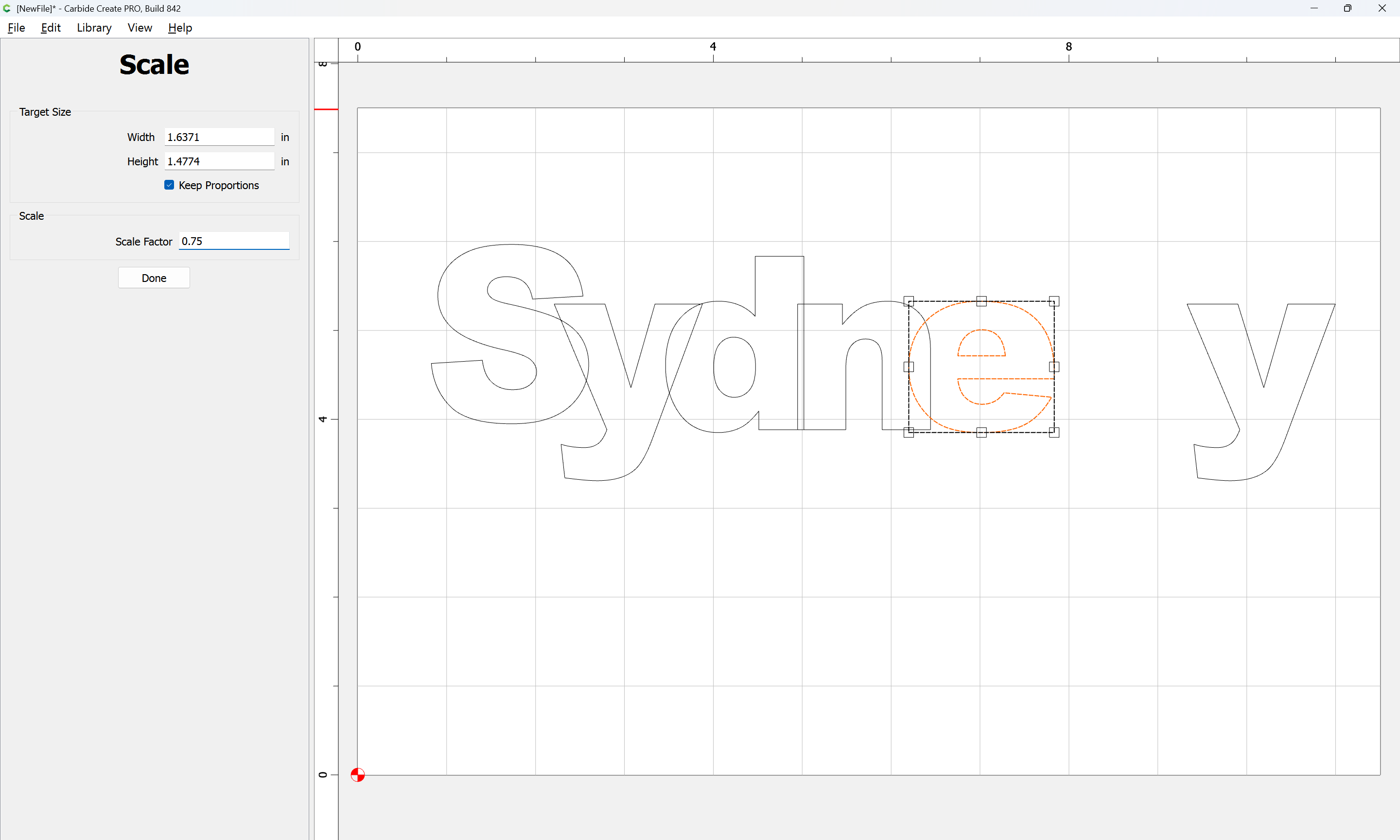
Drag things around and re-arrange as desired, adjust size/scale as appropriate:

Done

If desired, select everything:

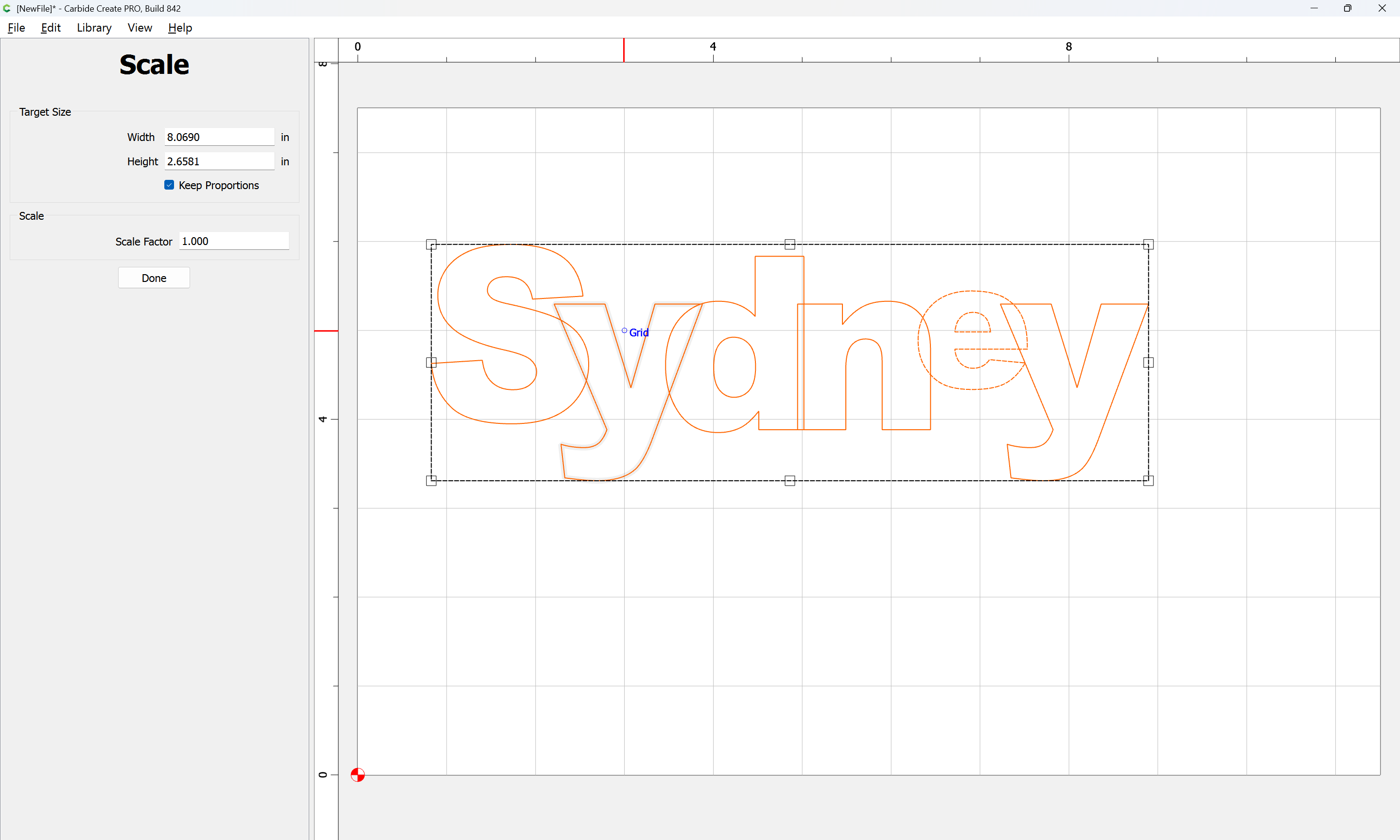
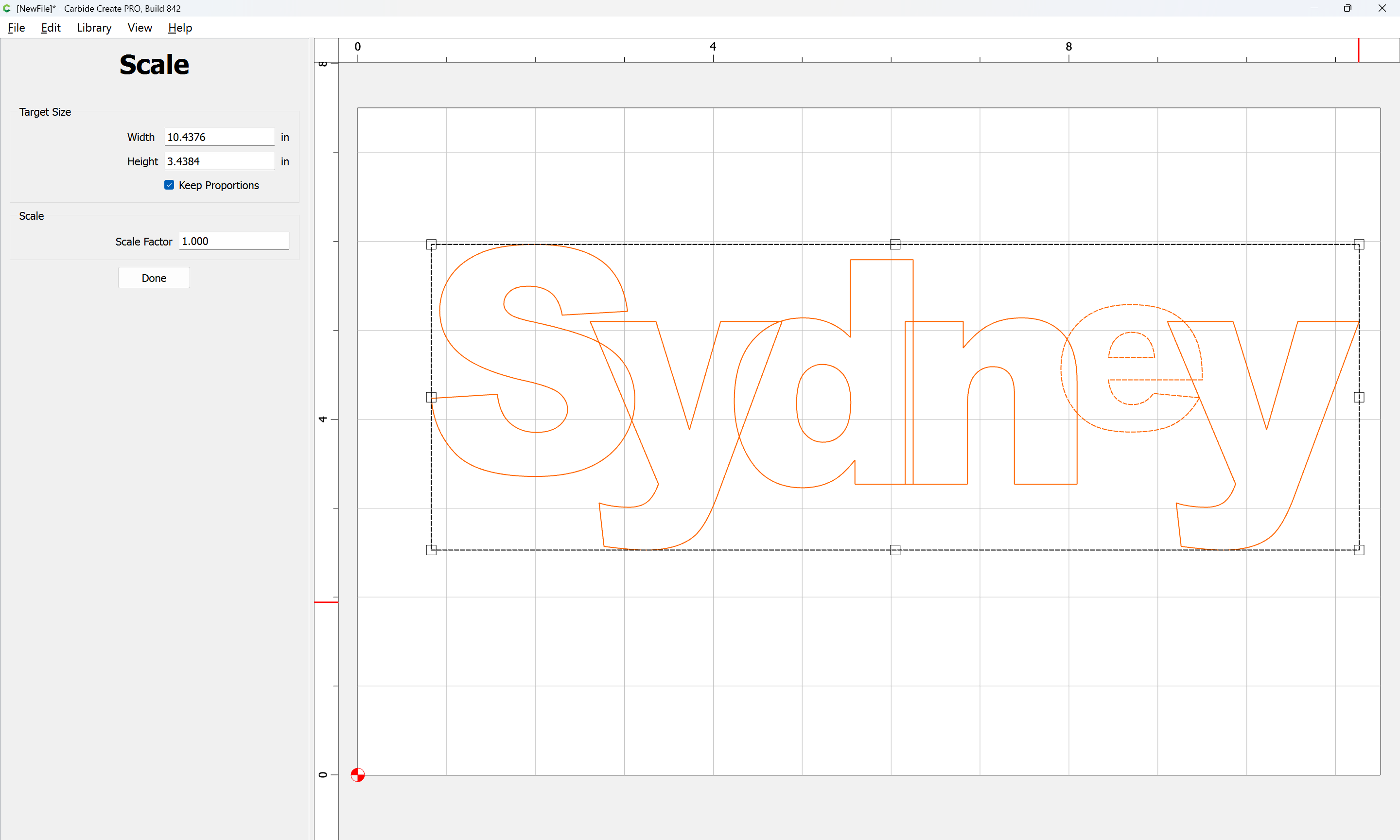
and further scale:

Done

Group everything:

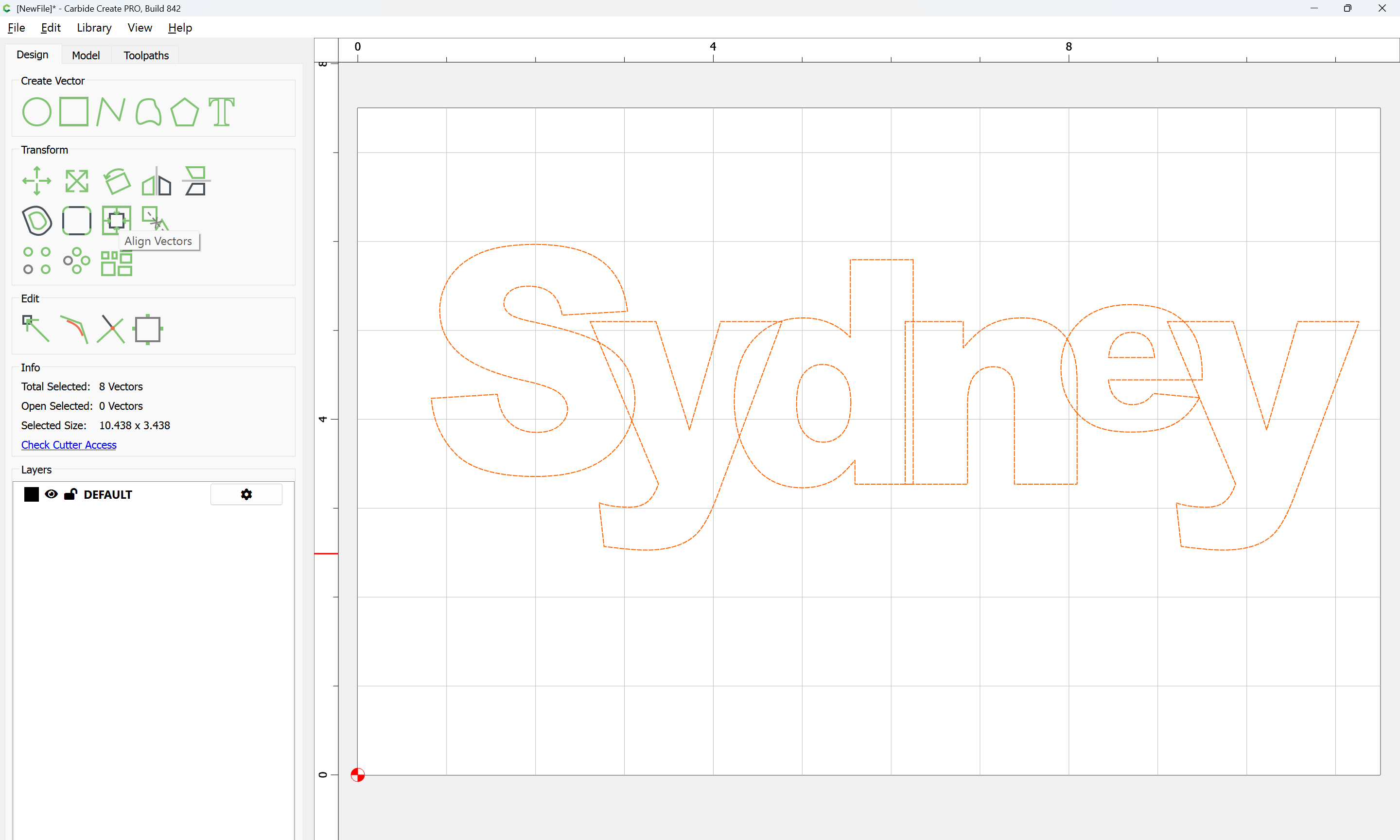
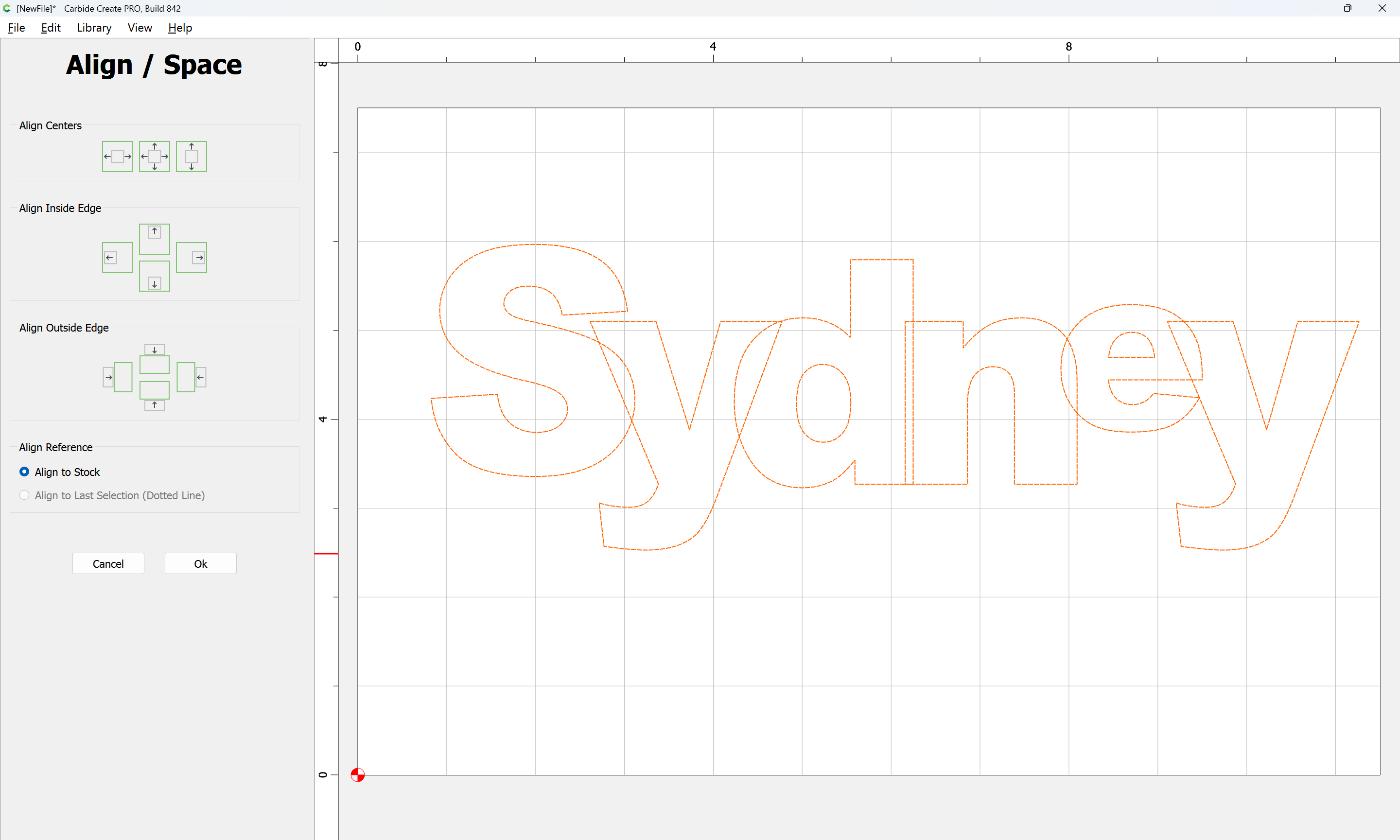
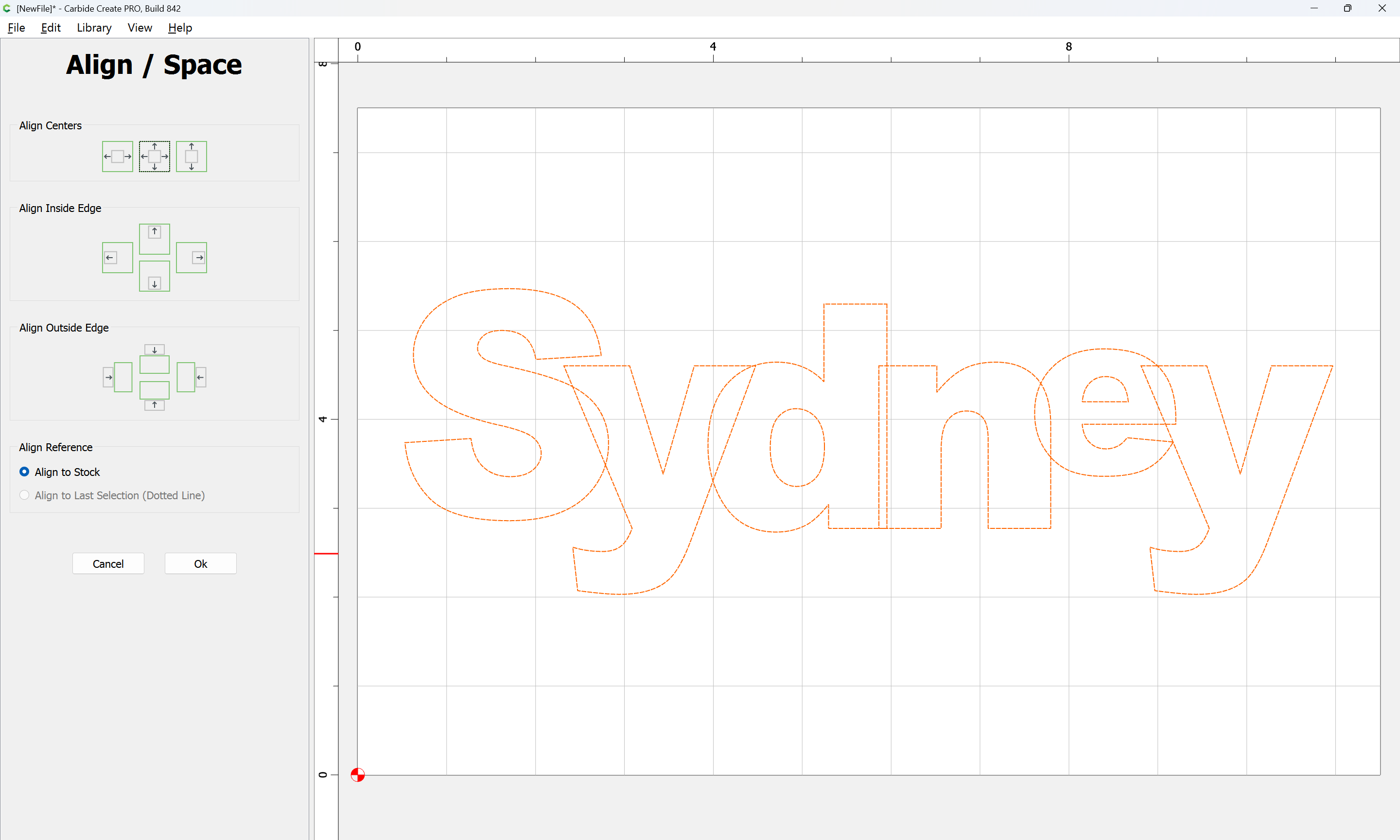
and Align Vectors

to the center of the Stock

Ok

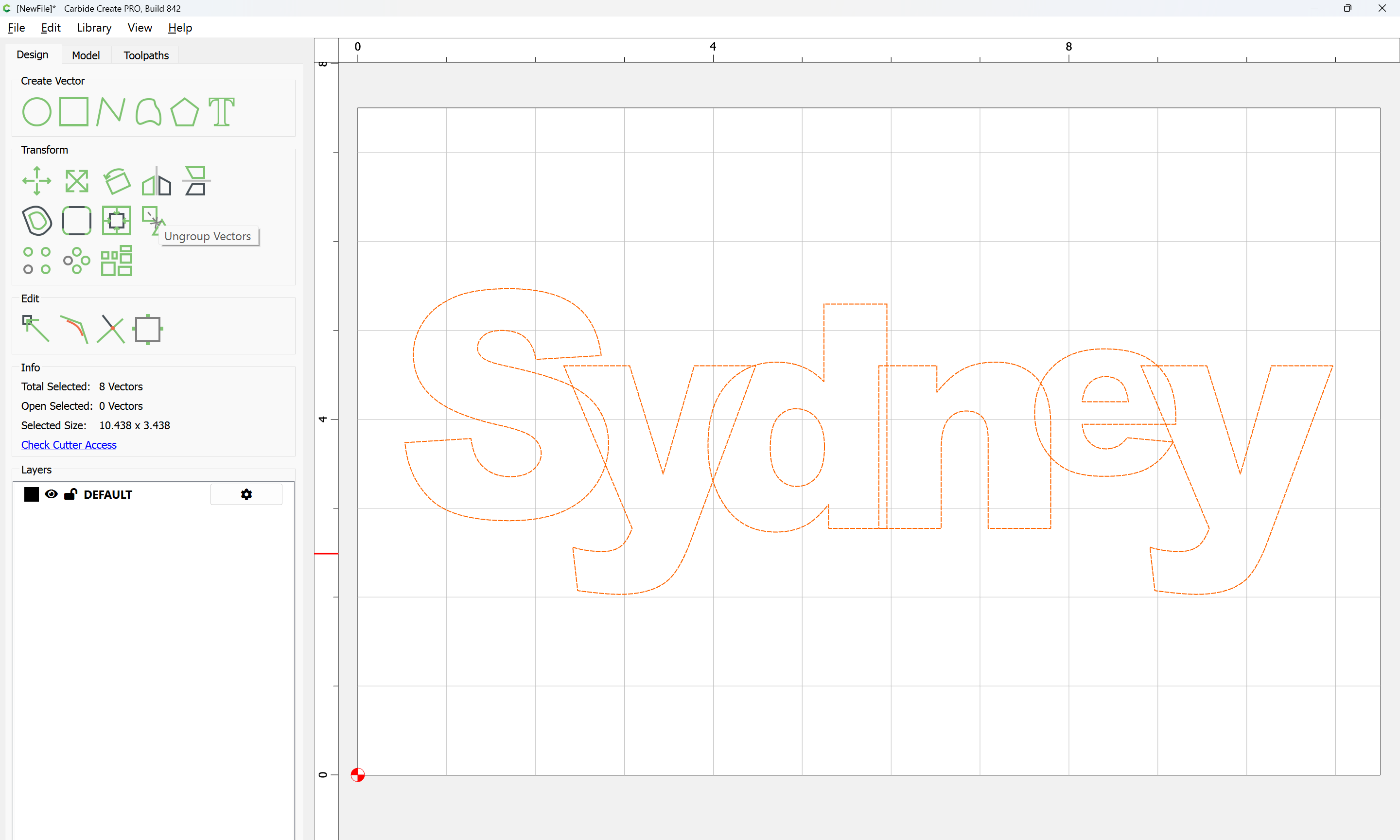
Ungroup Vectors

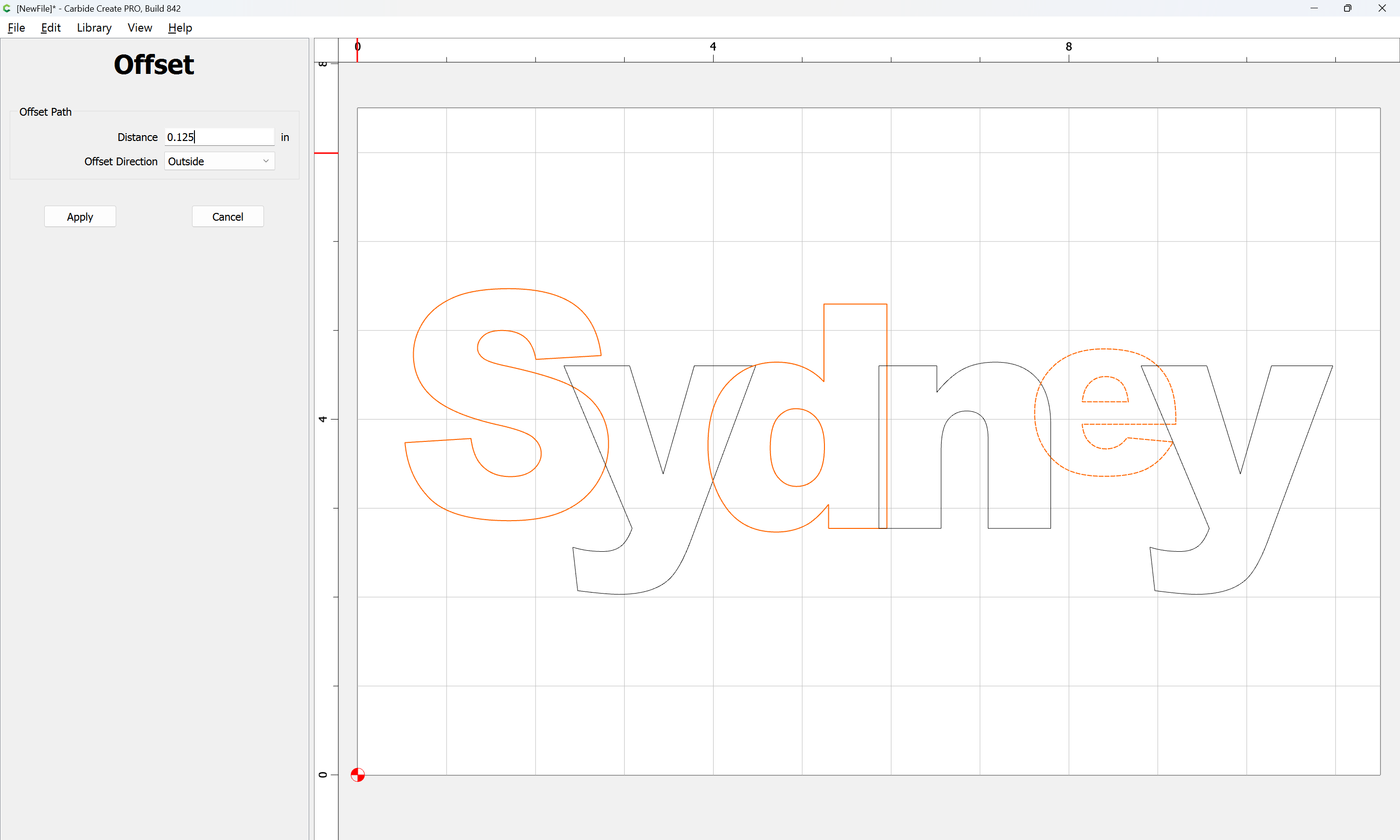
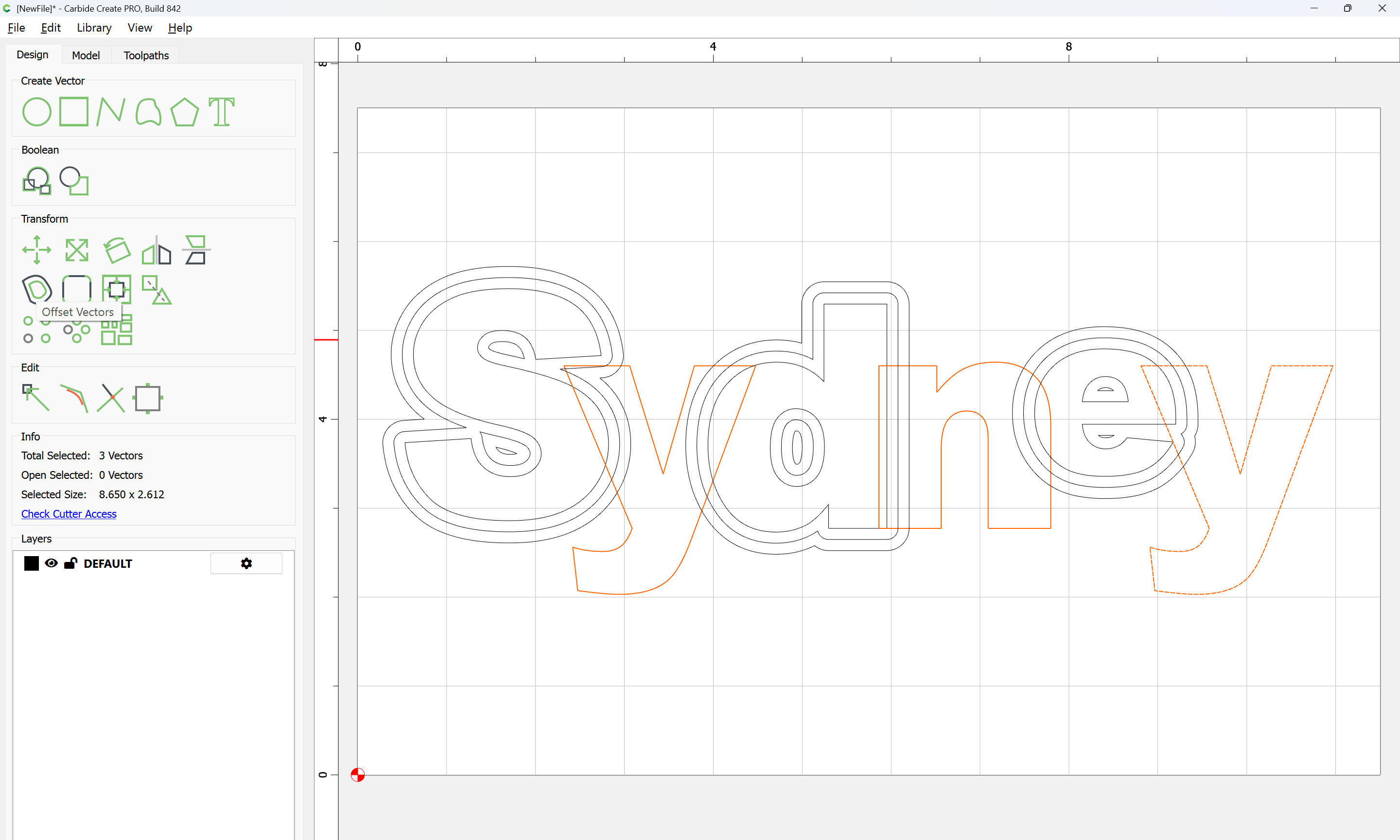
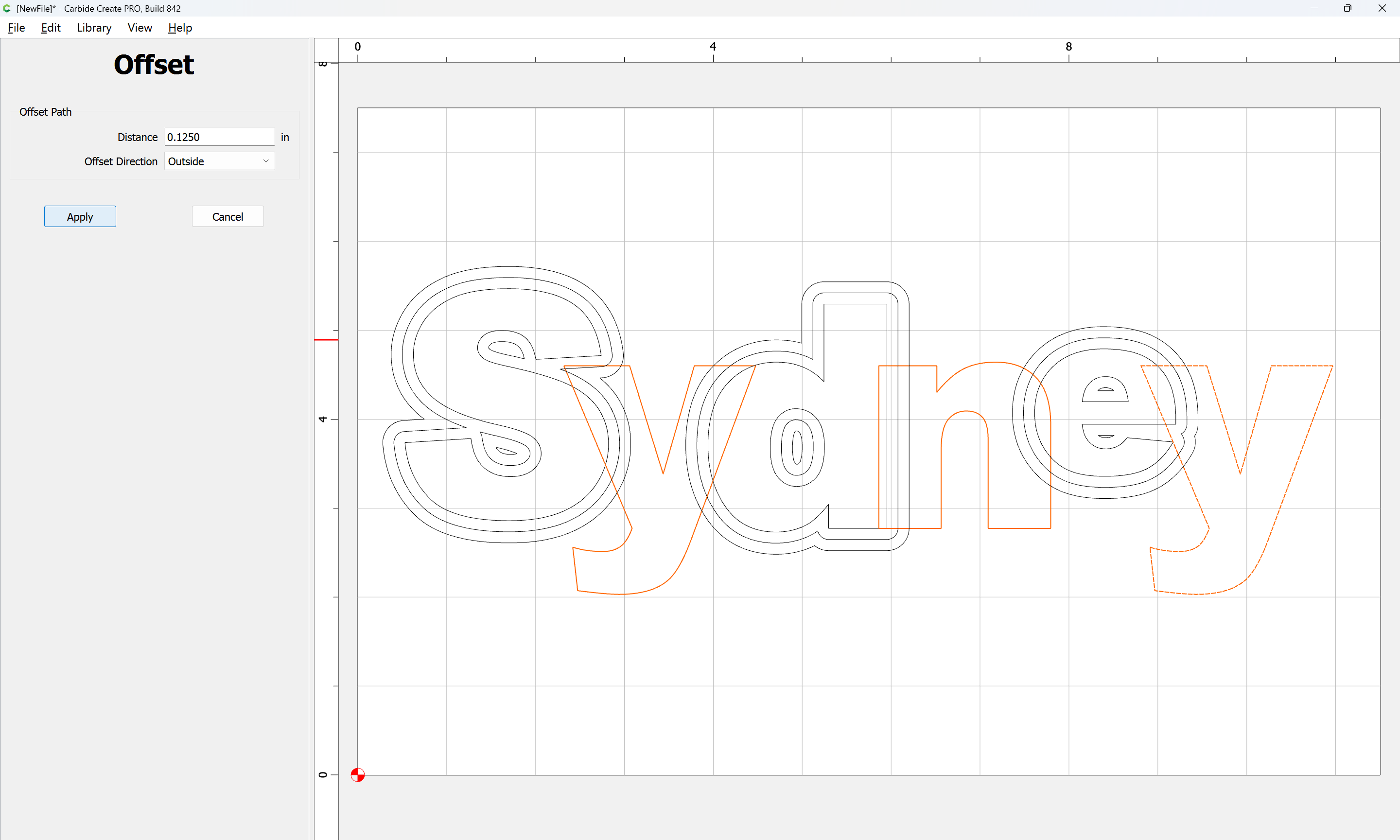
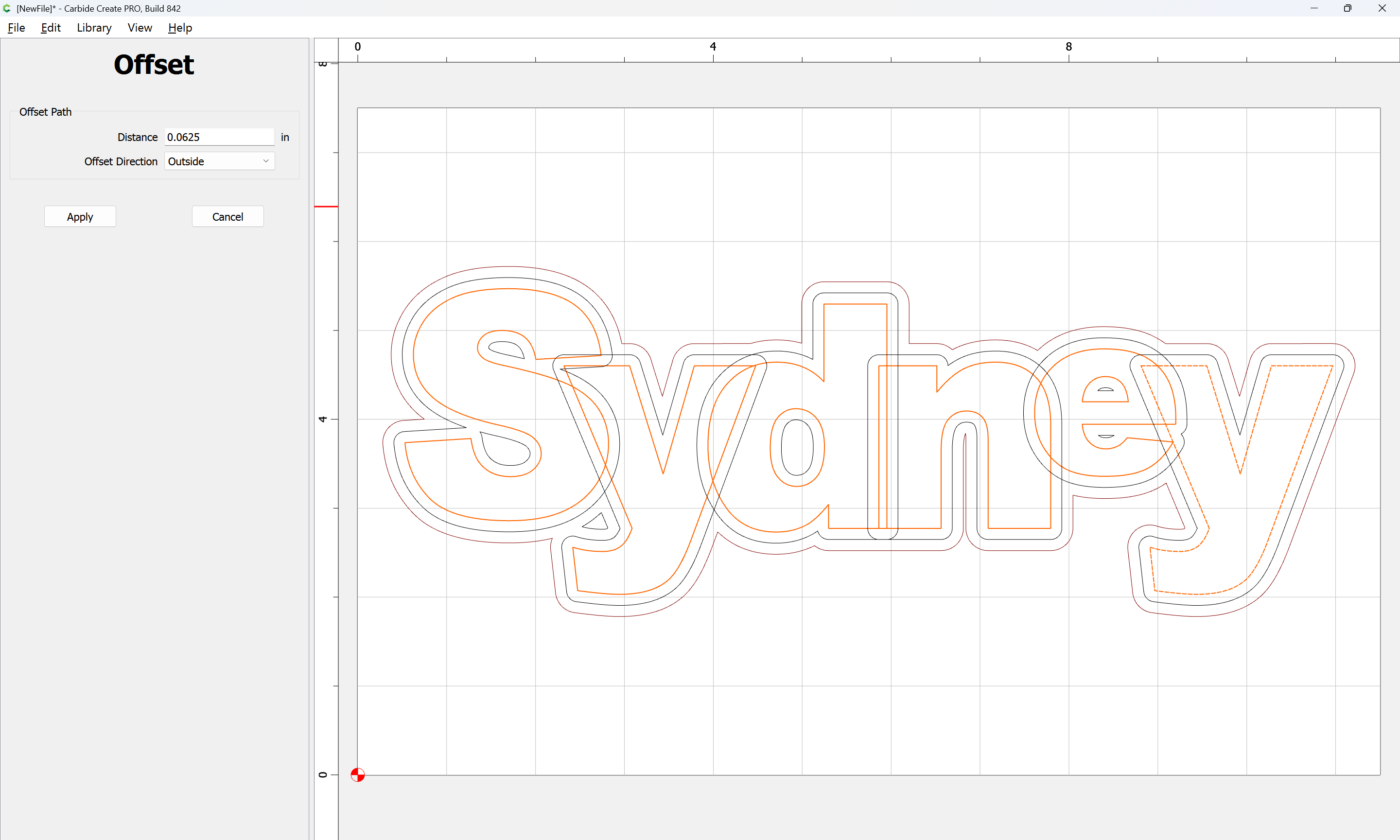
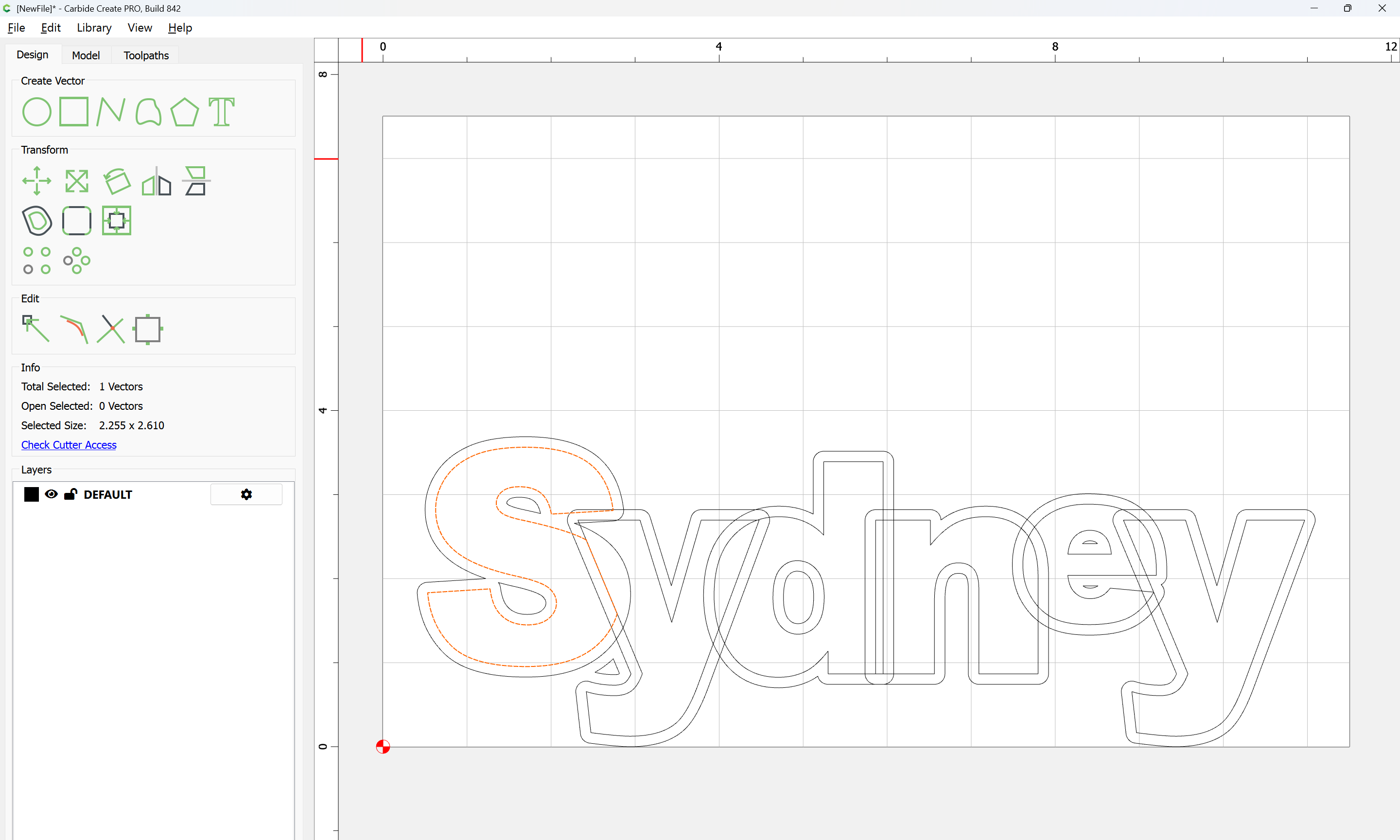
Select every other letter and offset by the two dimensions needed — we will use 0.125" and 0.25":

Apply

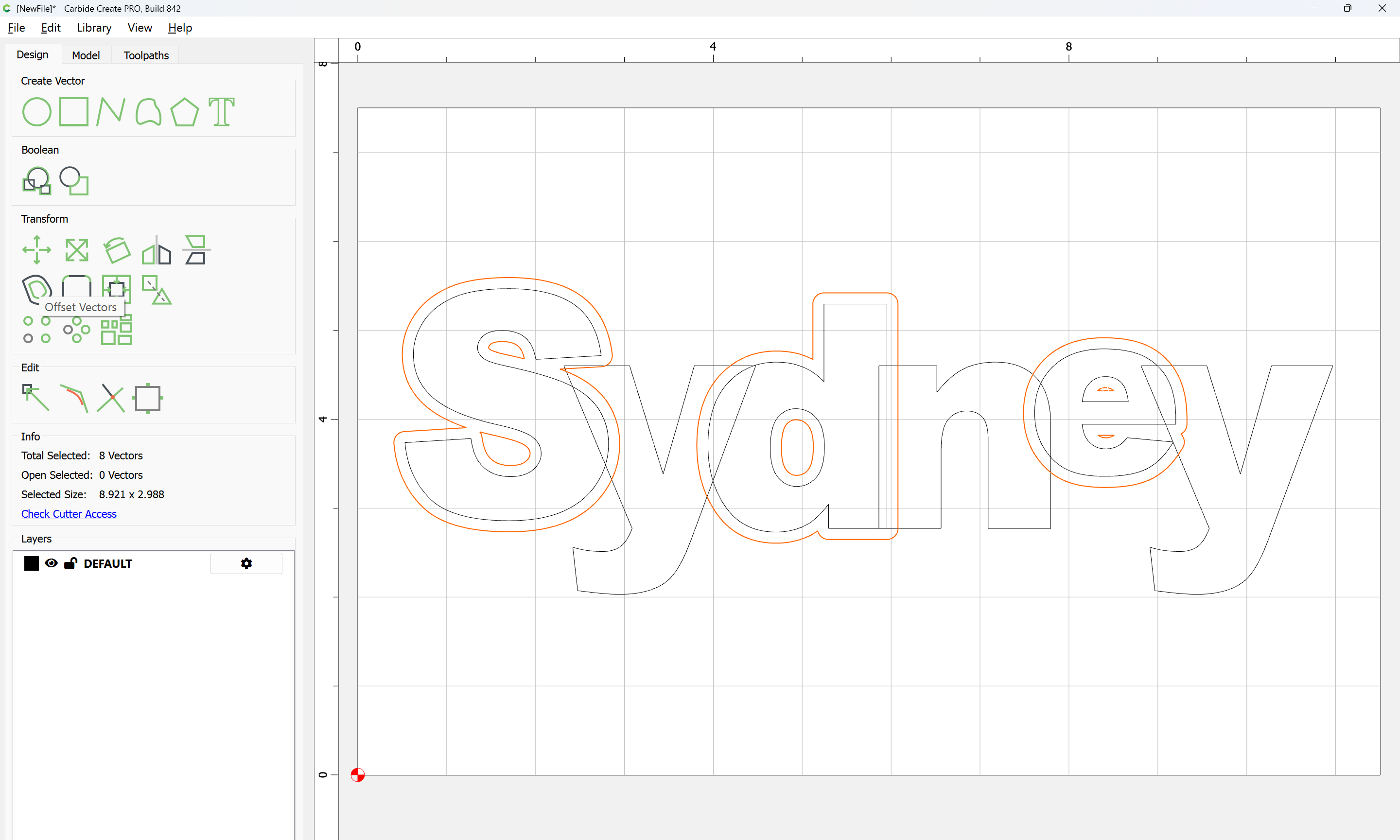
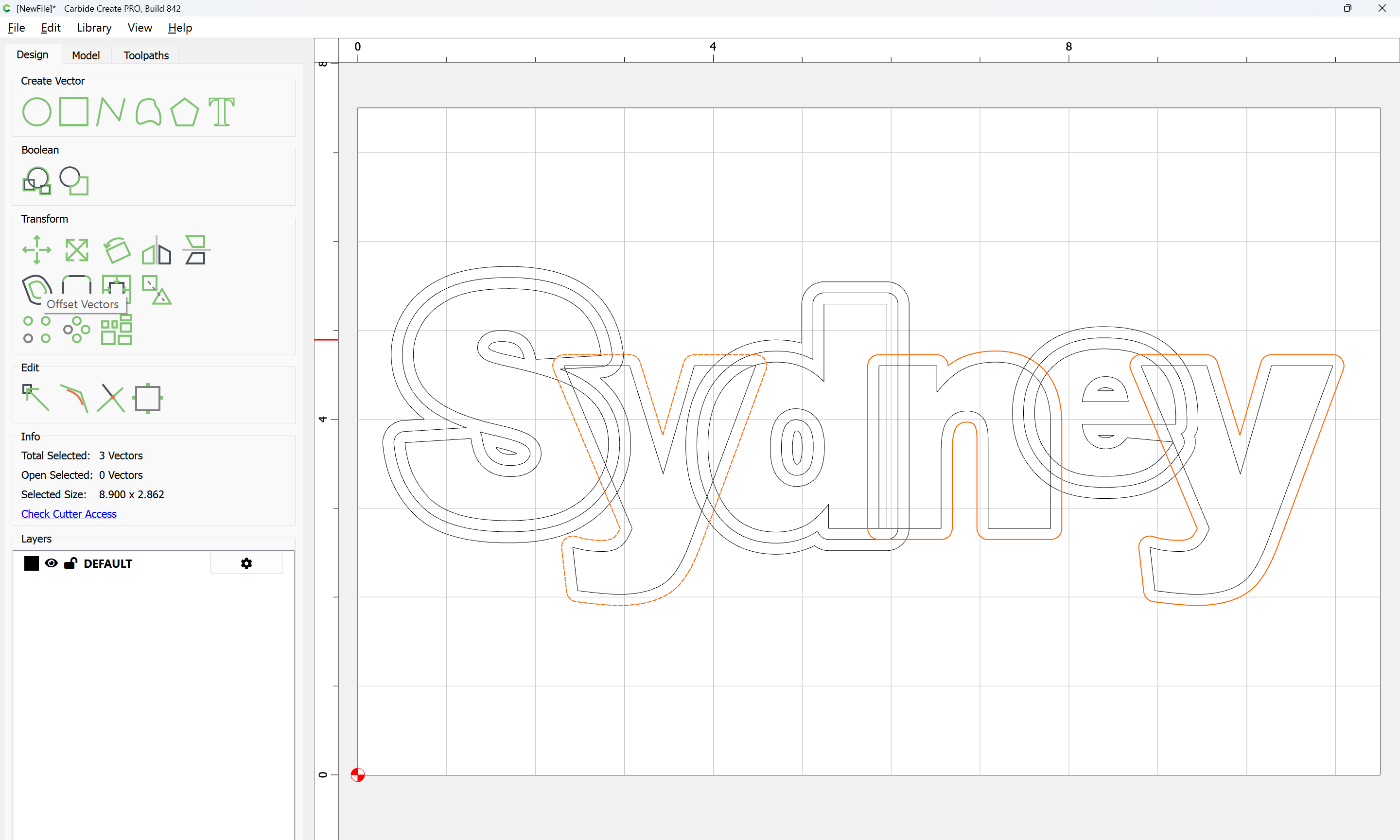
so offsetting by 0.125" a second time:

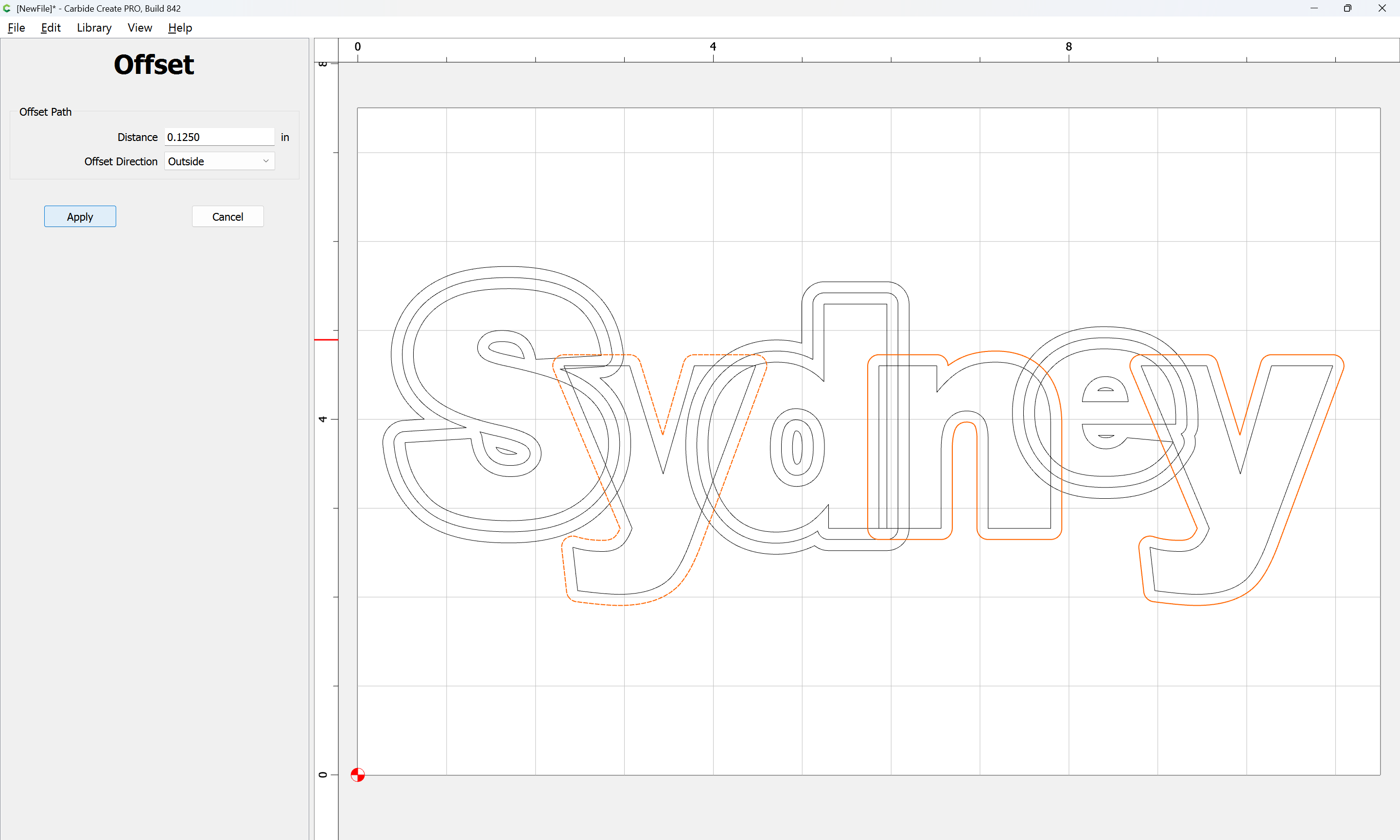
Apply

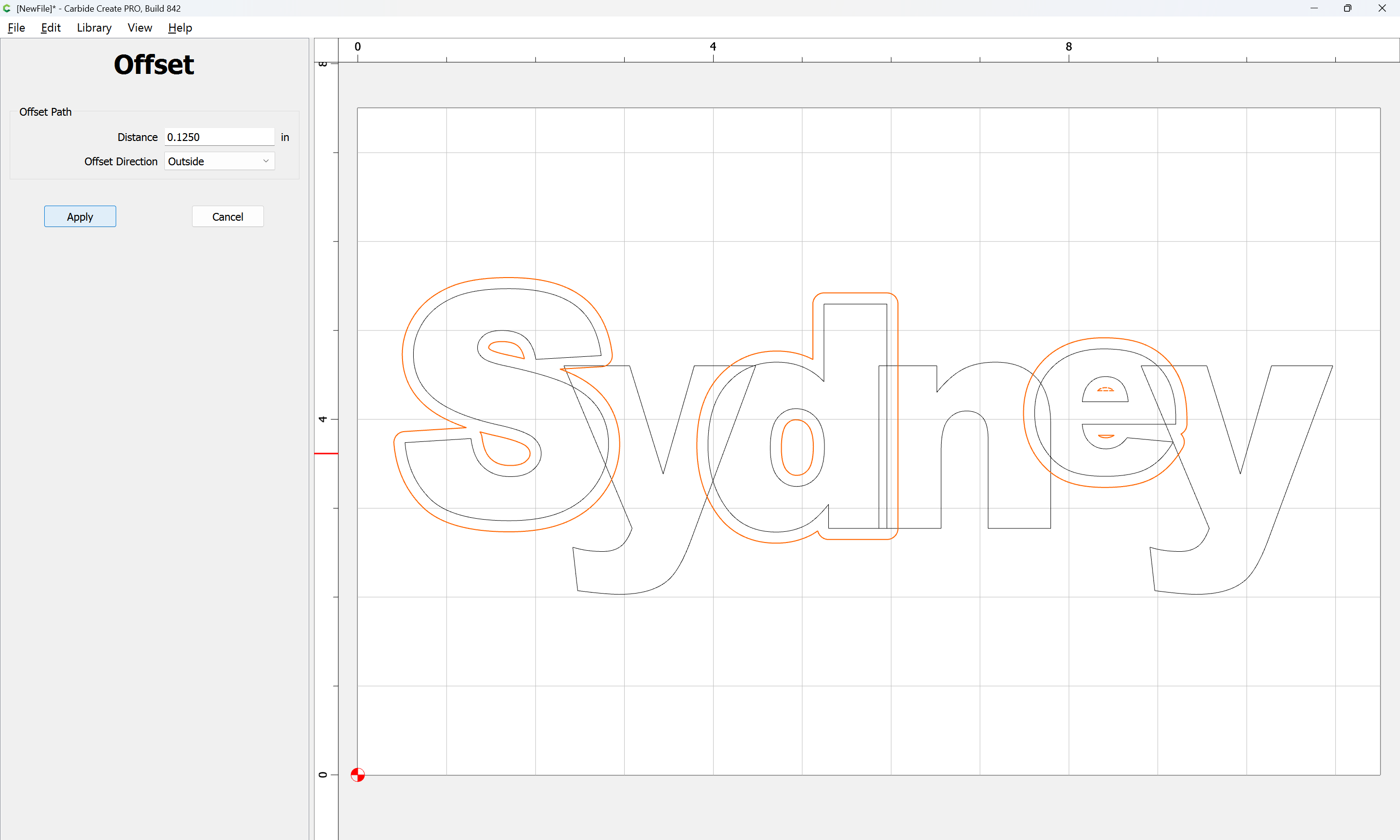
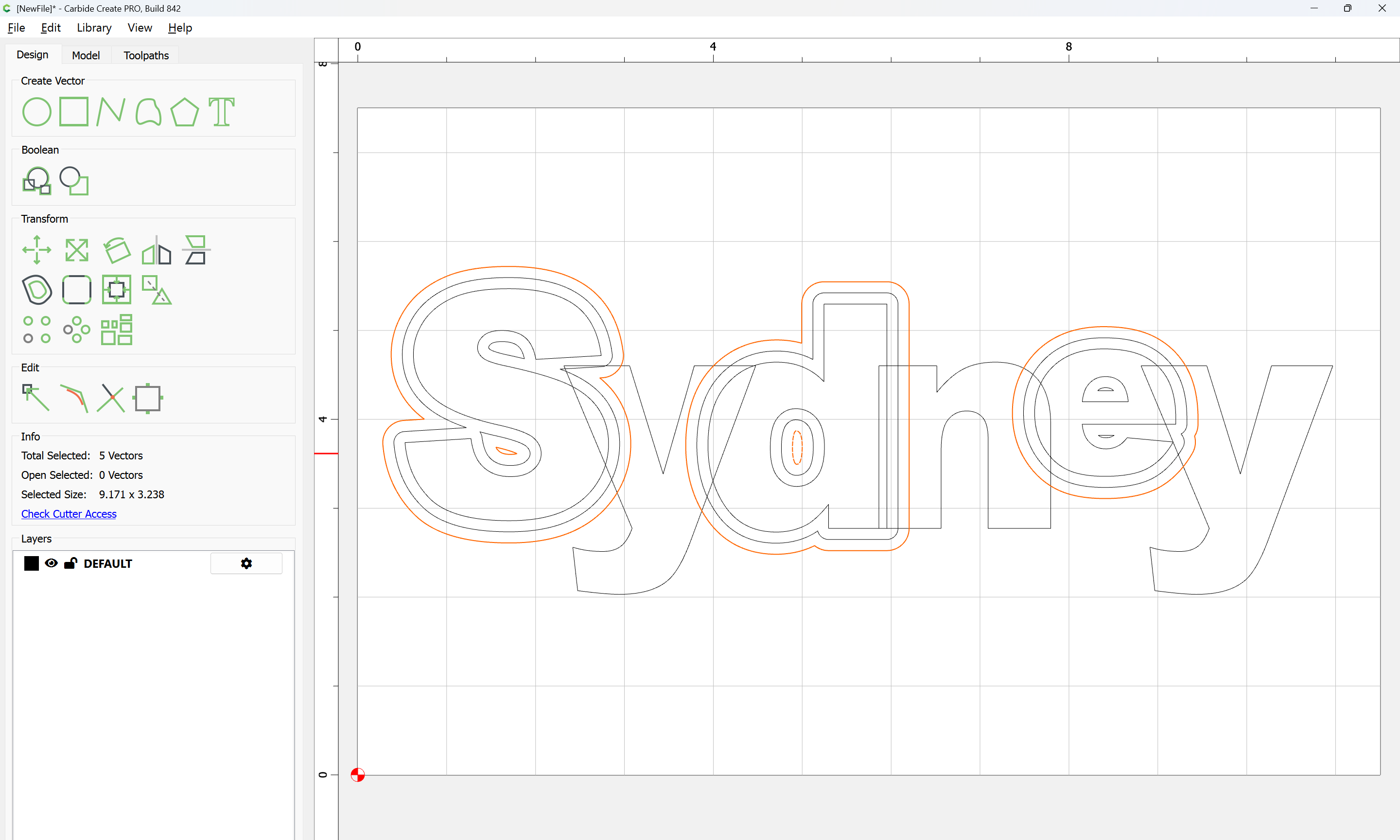
and then repeating for the balance of the letters:

Apply

Apply

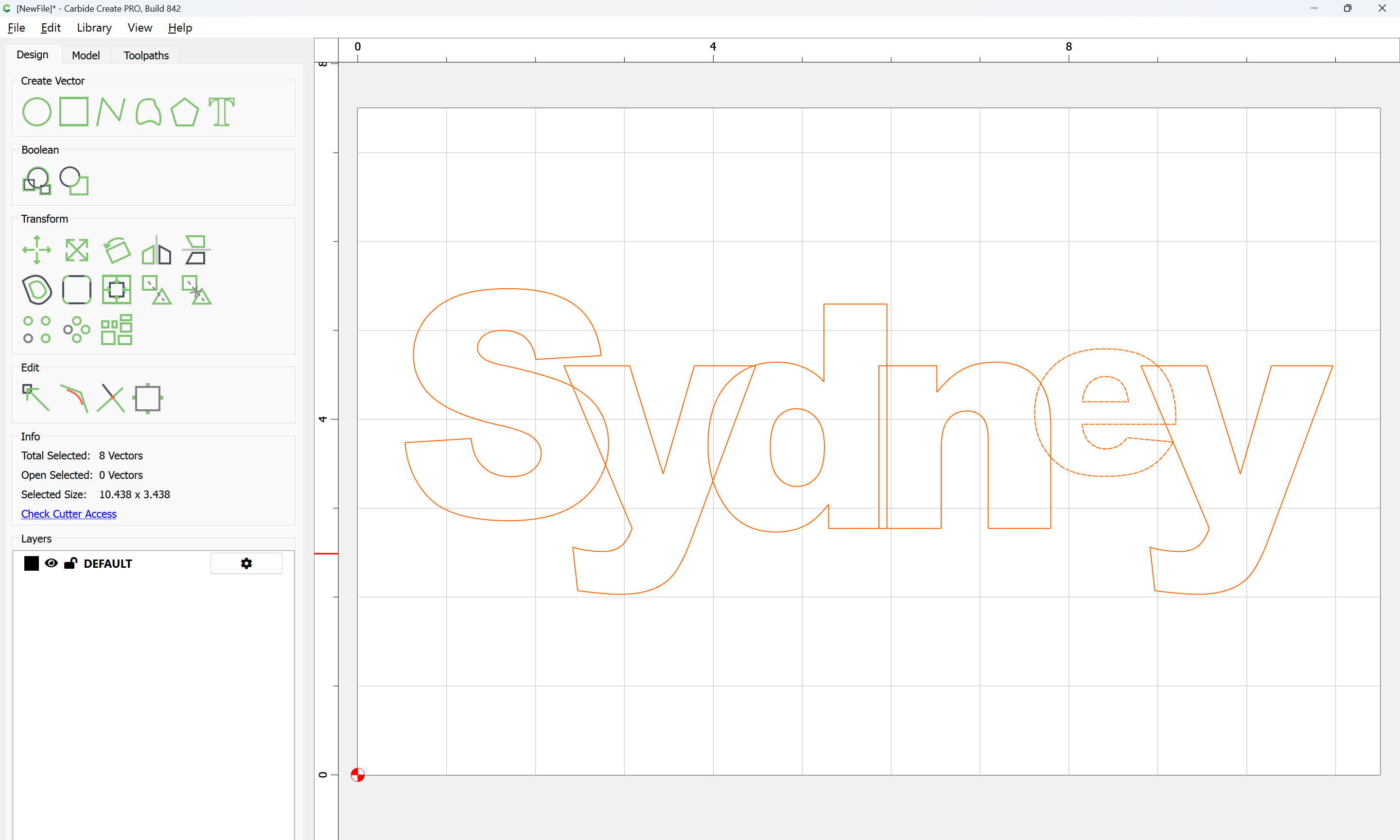
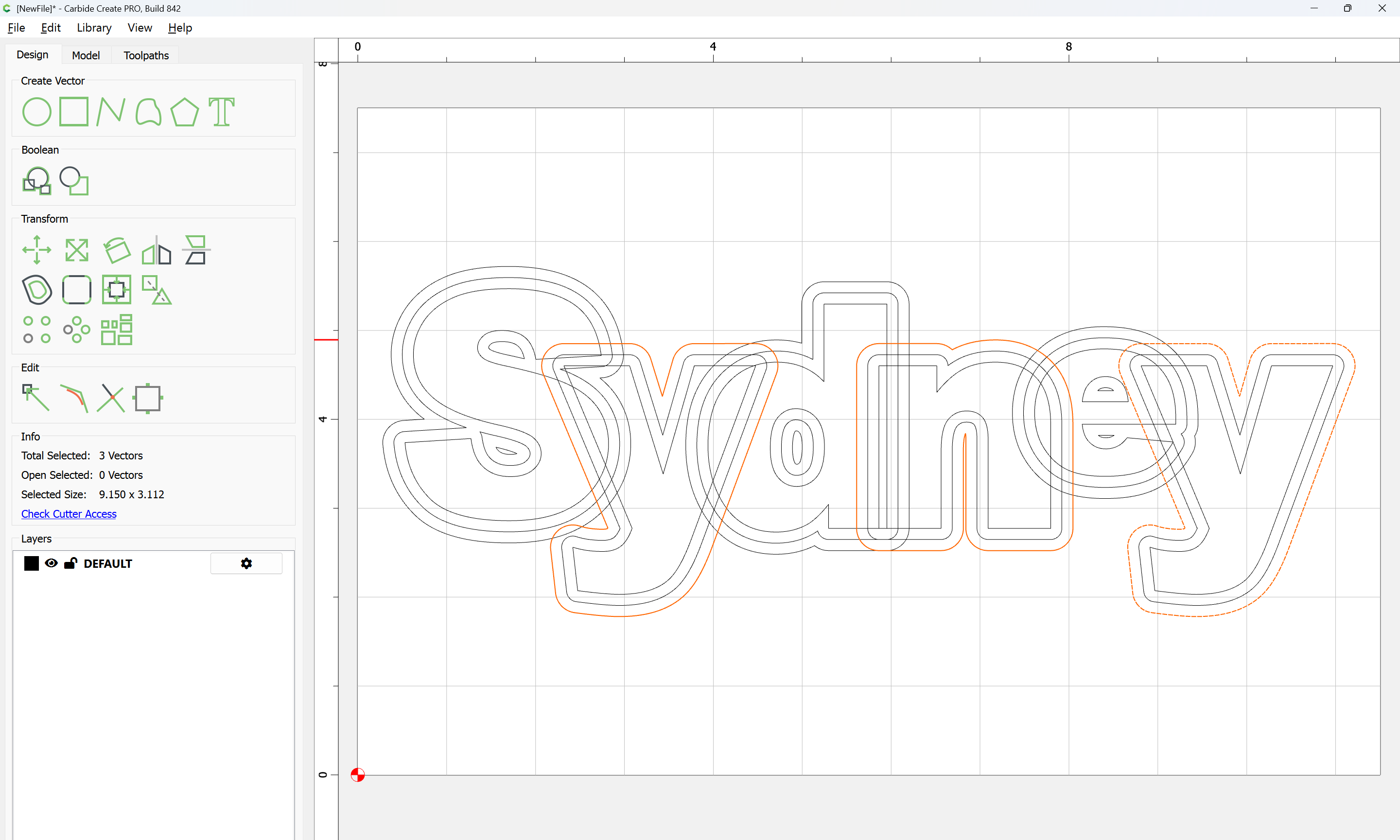
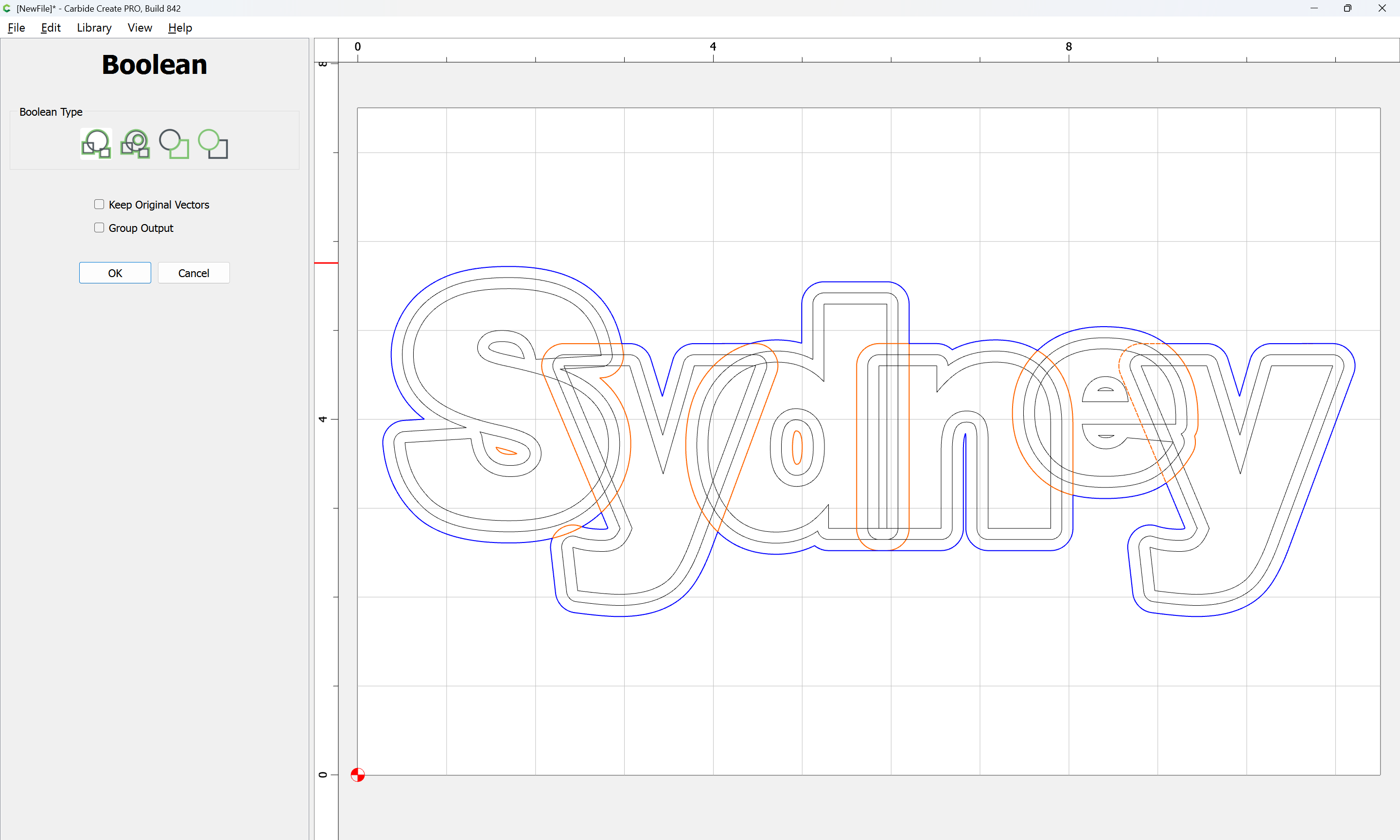
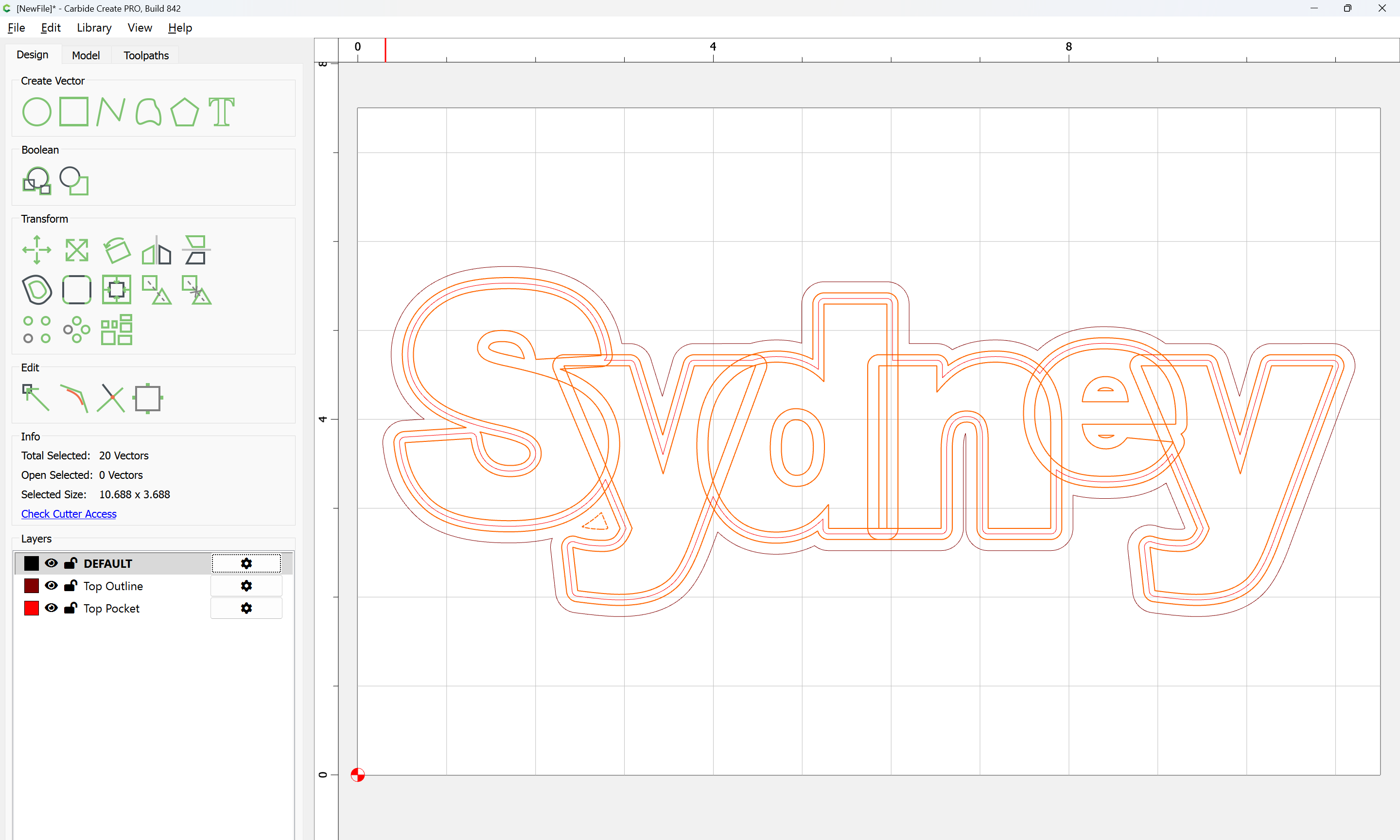
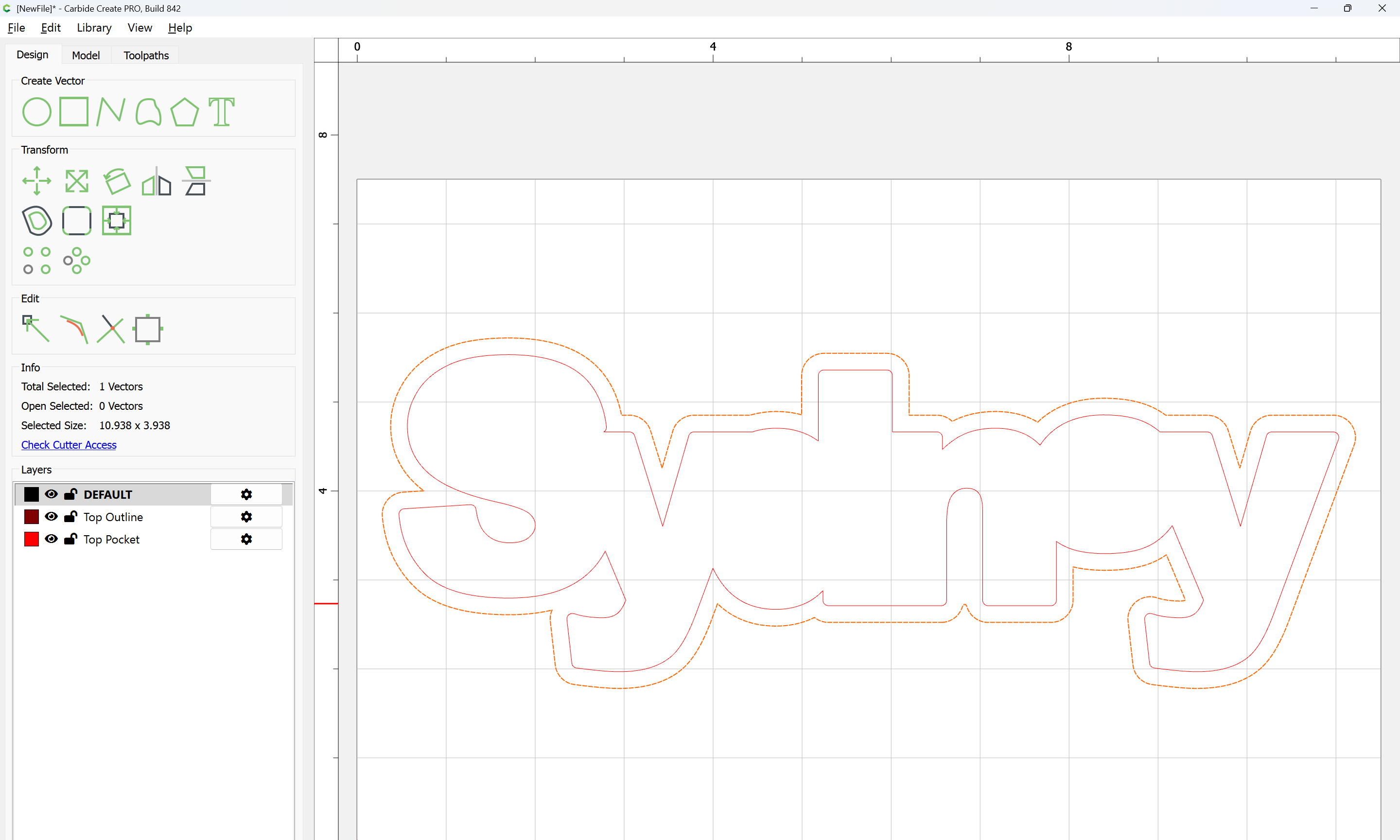
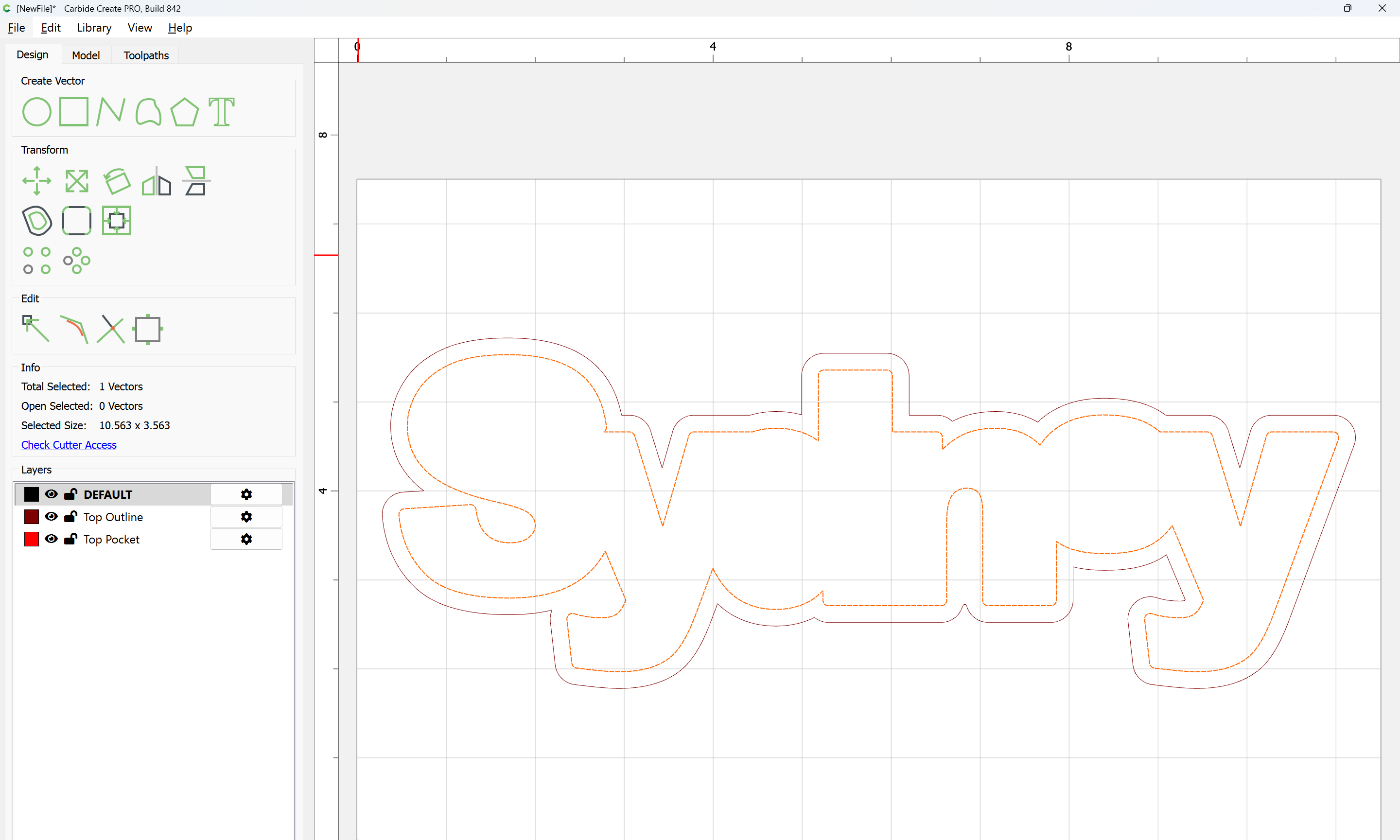
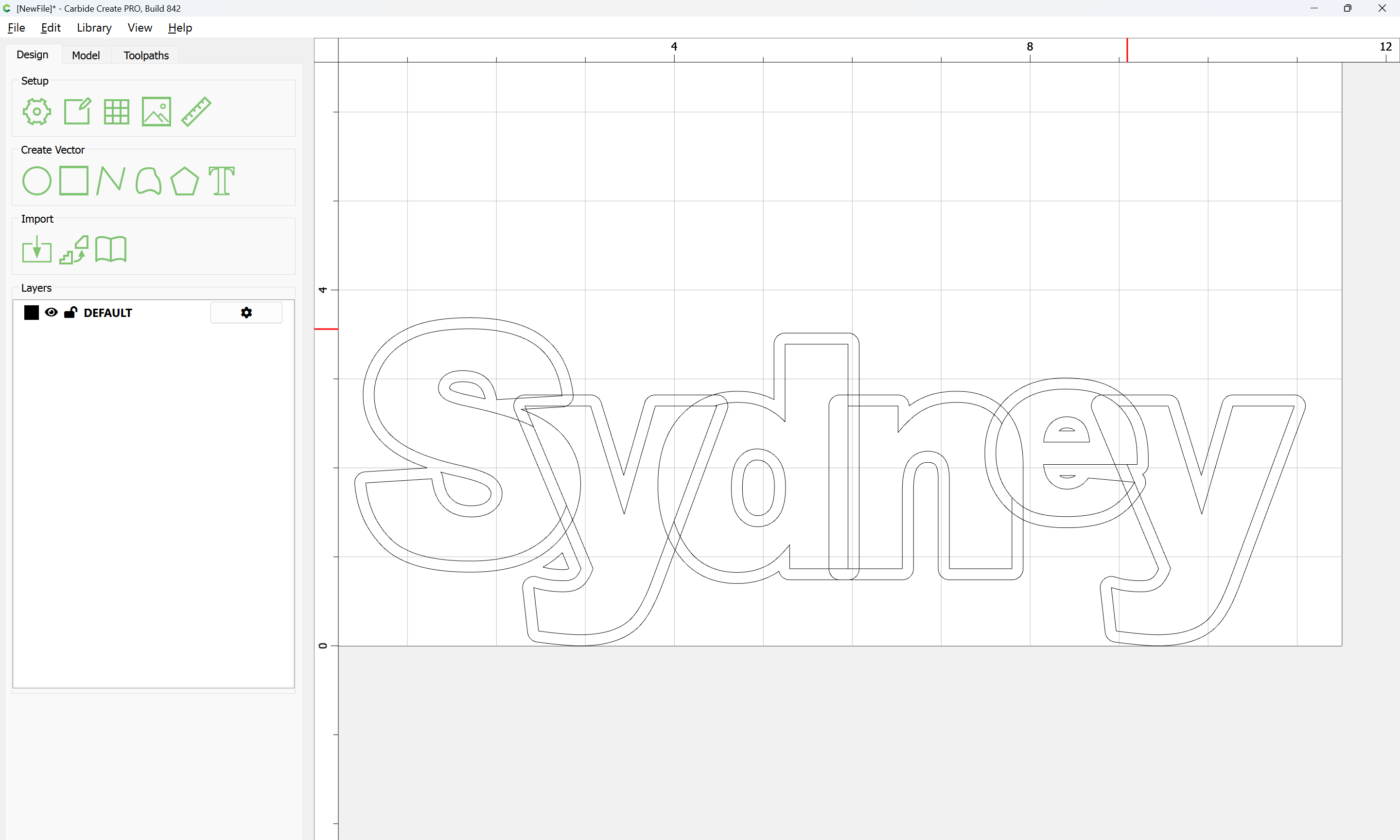
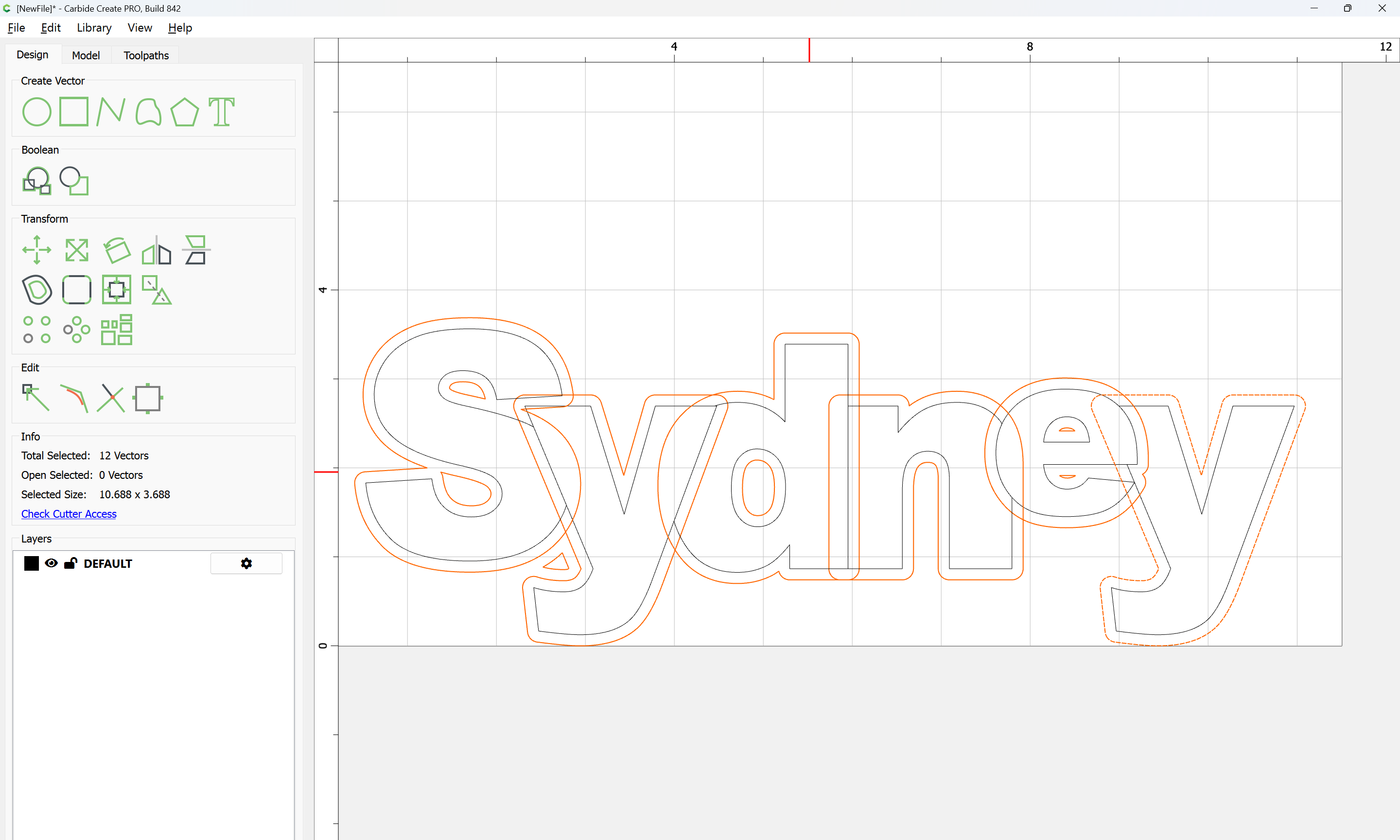
Select the outermost geometry and Boolean Union:

Ok

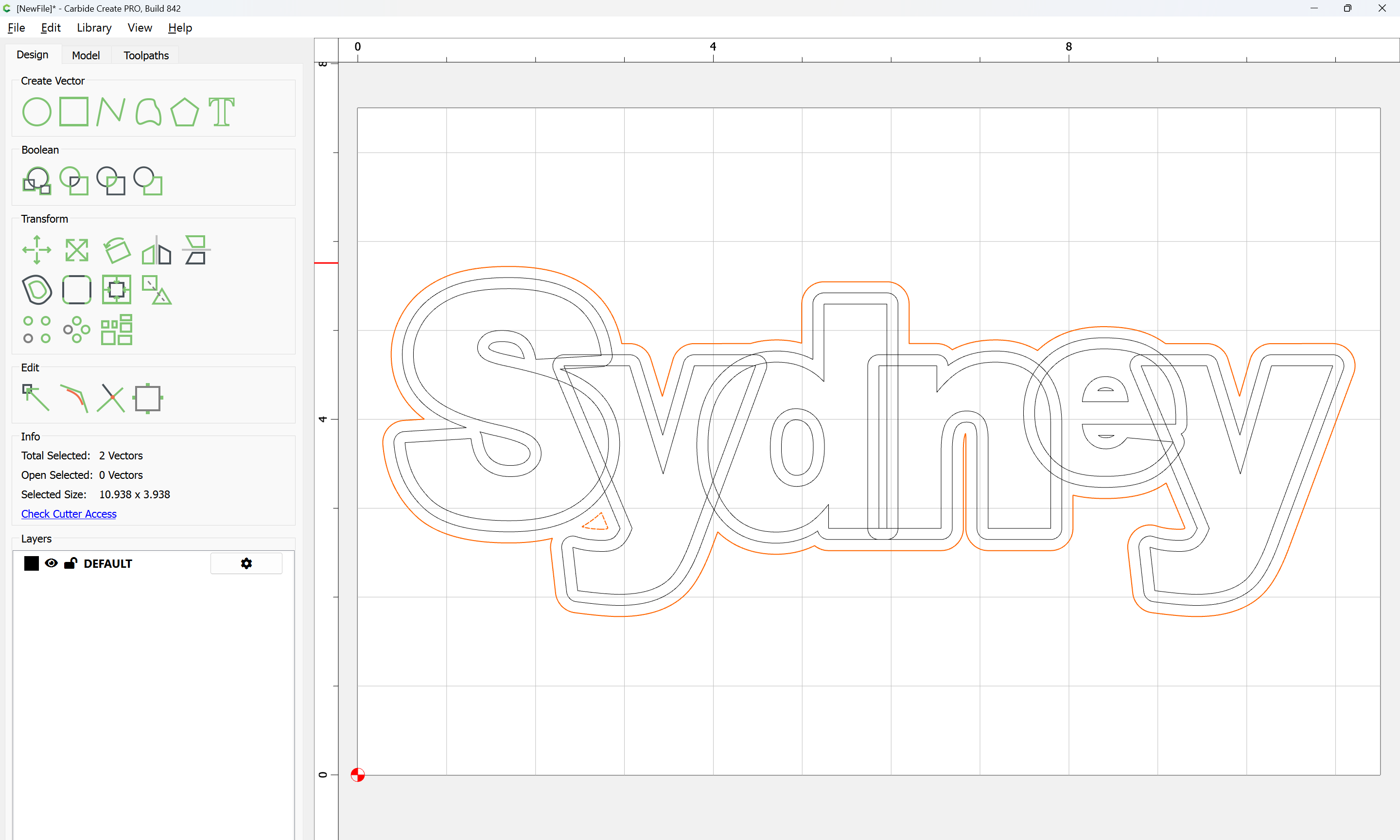
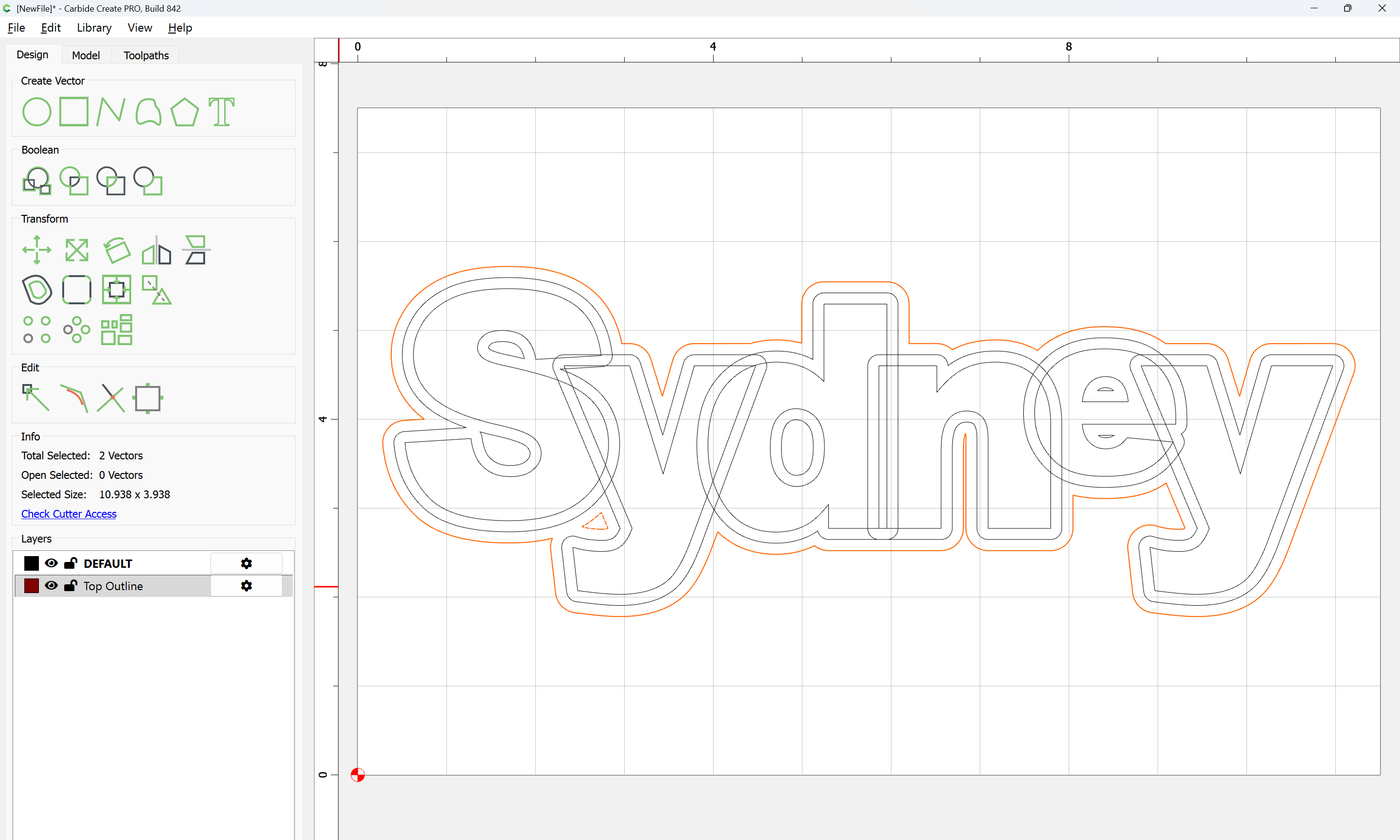
Make a new layer and move the geometry to that:

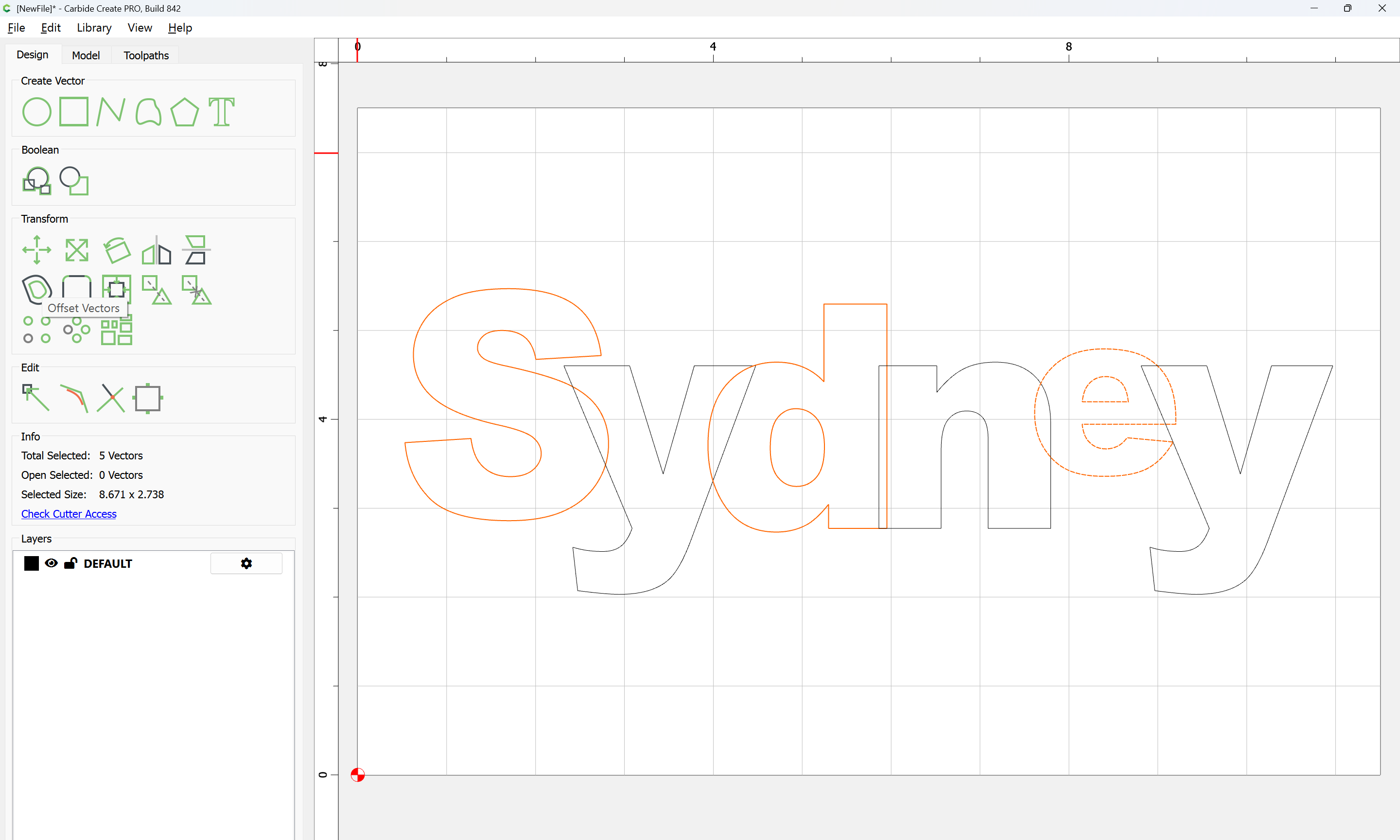
Select the original letters:

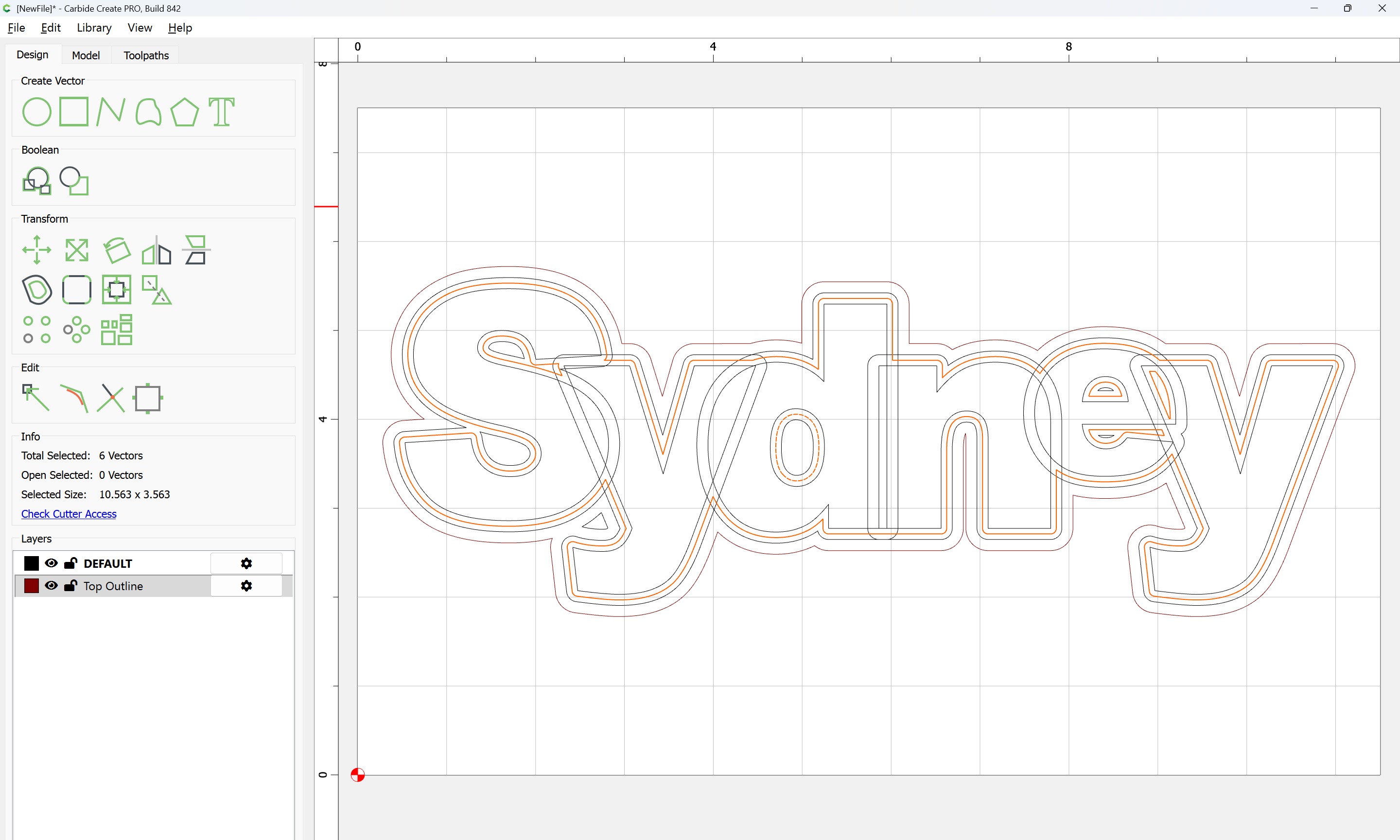
and offset by the desired clearance for the letters:

Apply

Make a second new layer:

and move the selection to it:

shift-click to deselect the surrounding geometry (which we wish to keep):

and delete the extraneous internal elements:

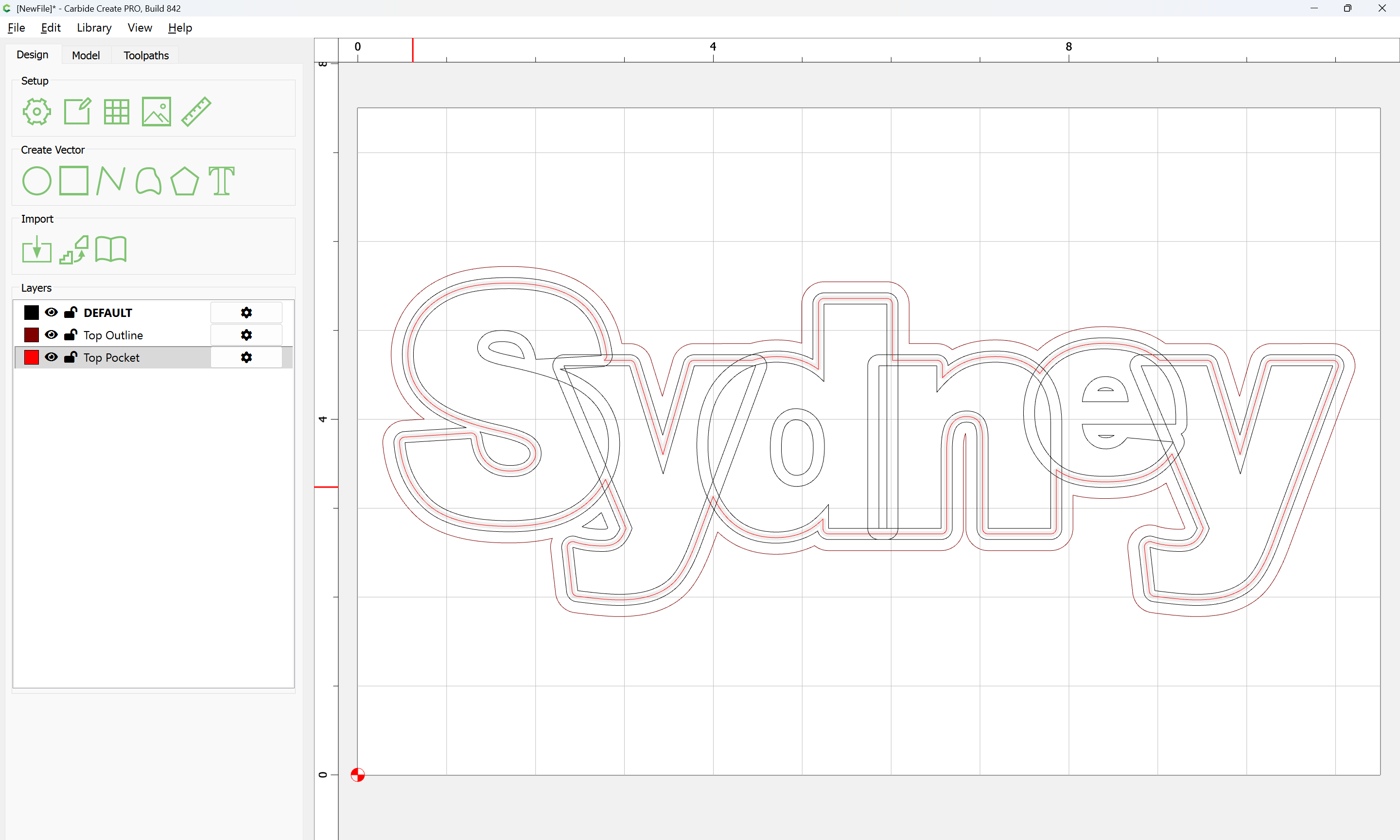
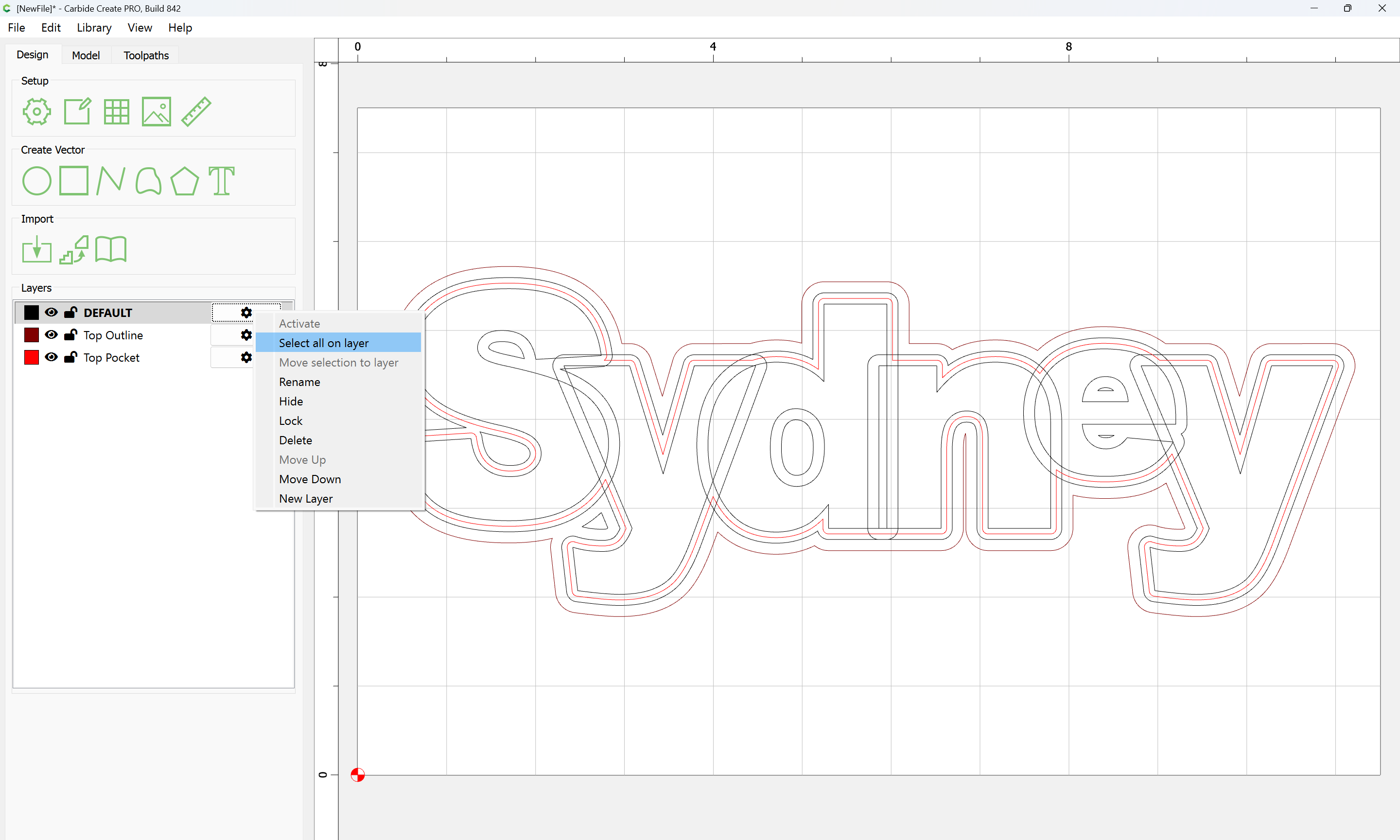
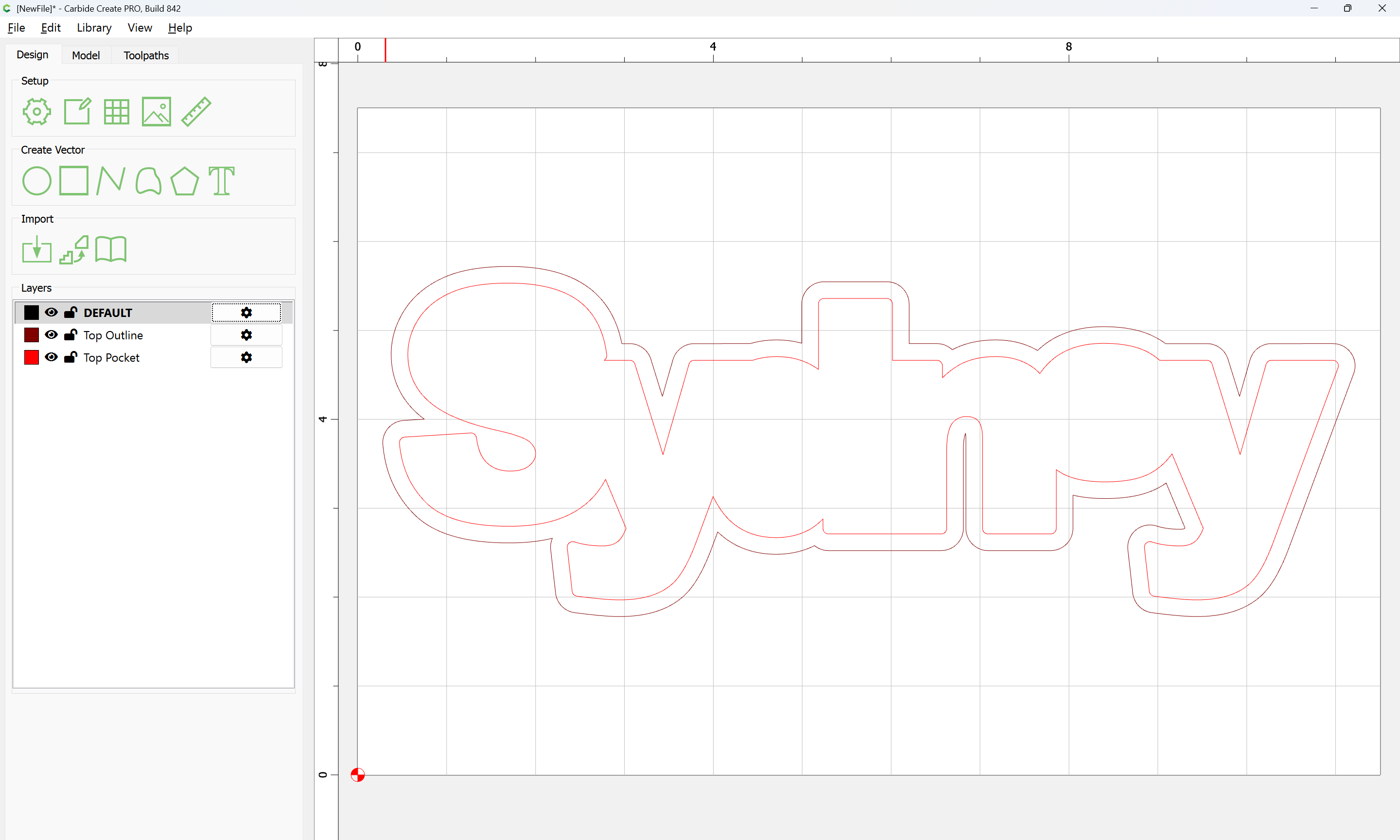
It will be necessary to work in two separate files since the letters will have a different thickness than the top of the stool, so select everything on the DEFAULT layer:

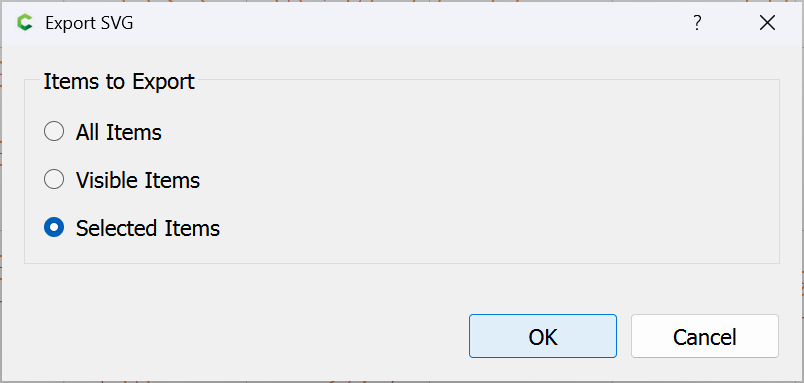
and export it to an SVG:

OK

then delete:

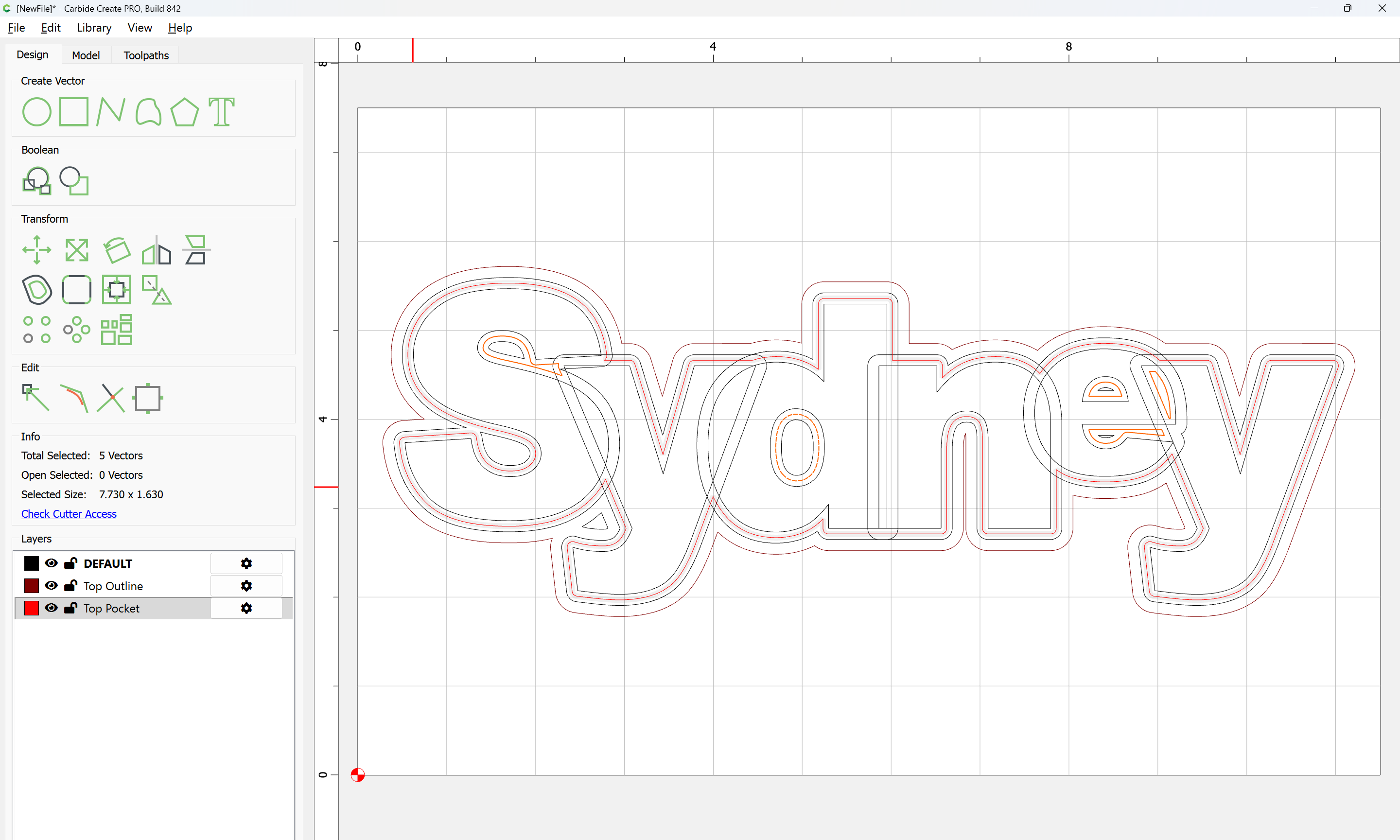
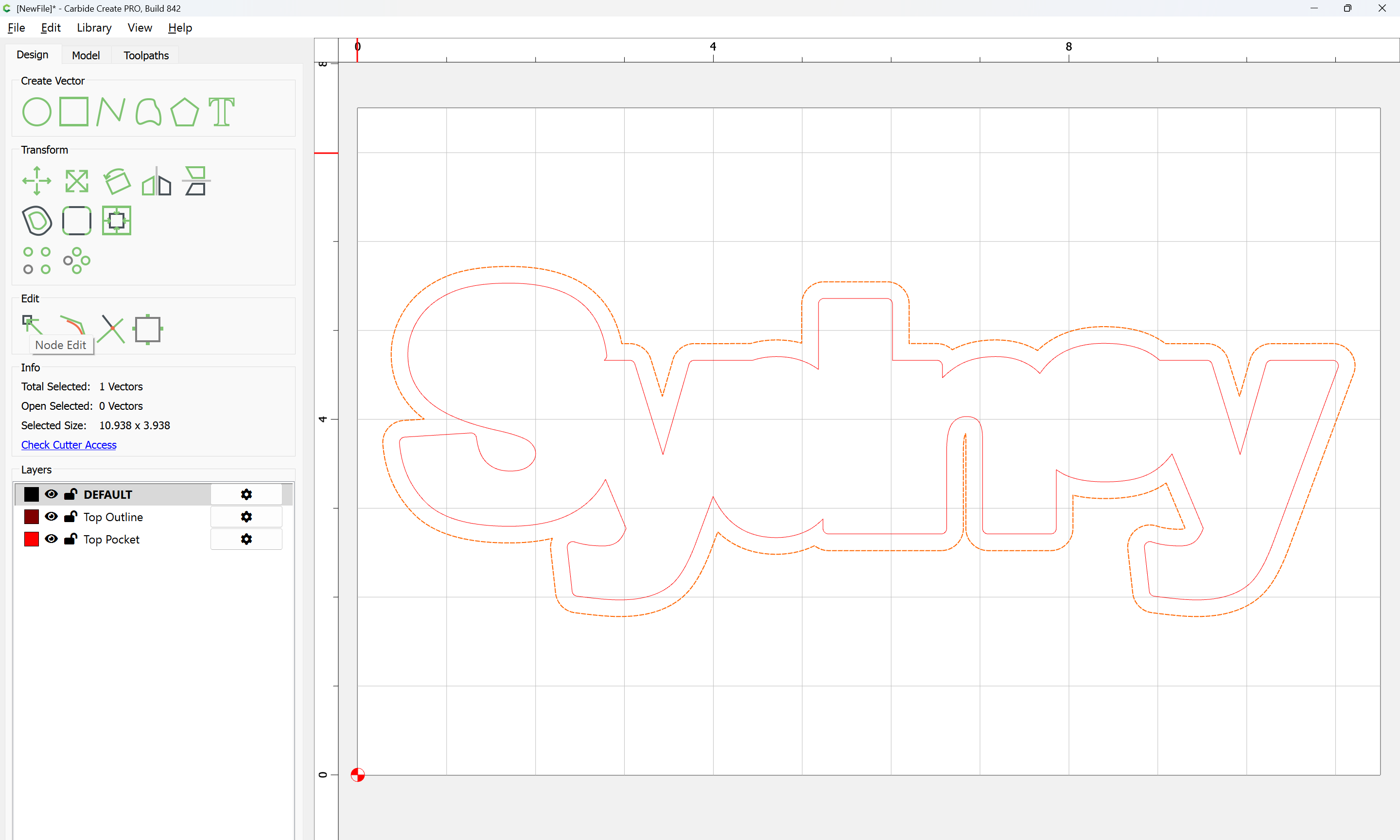
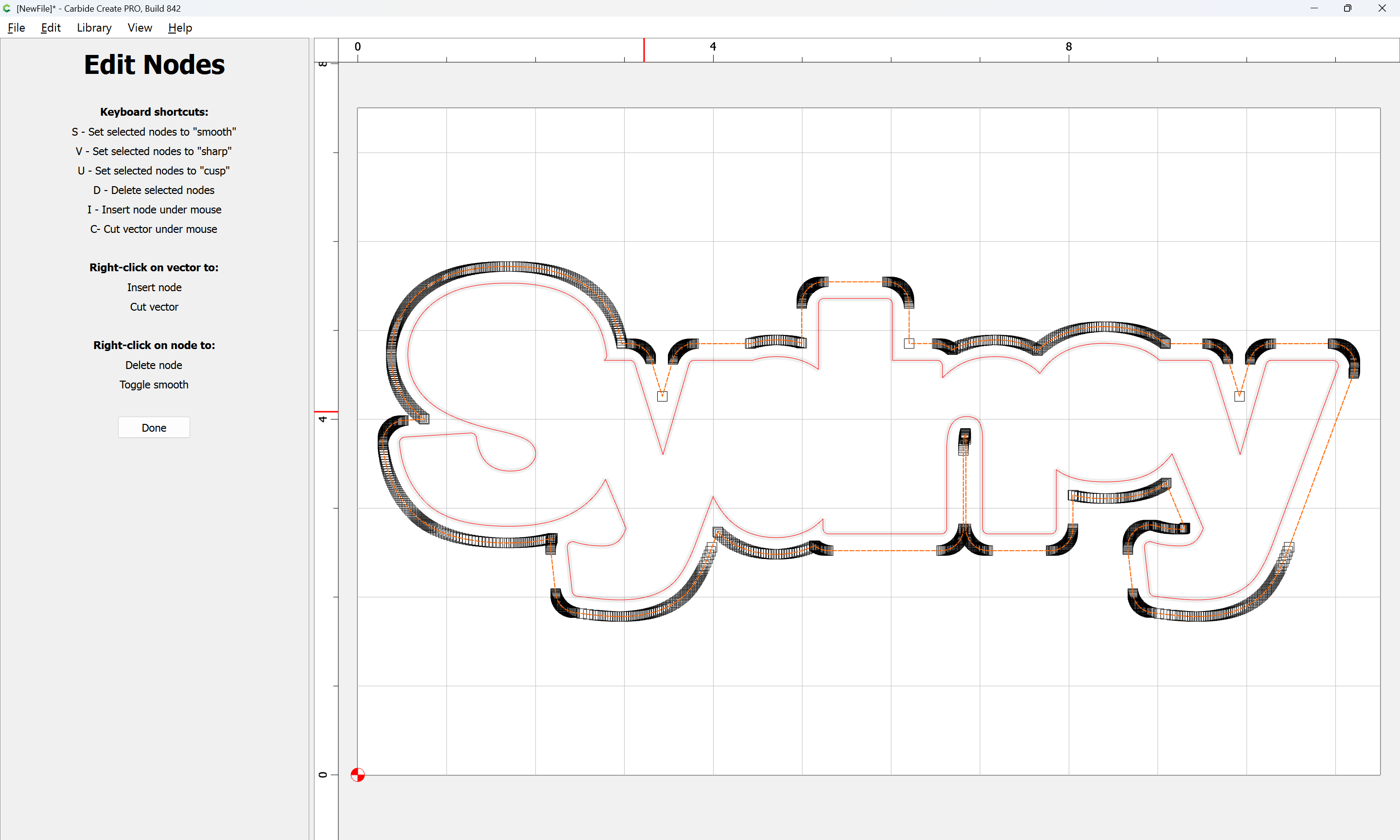
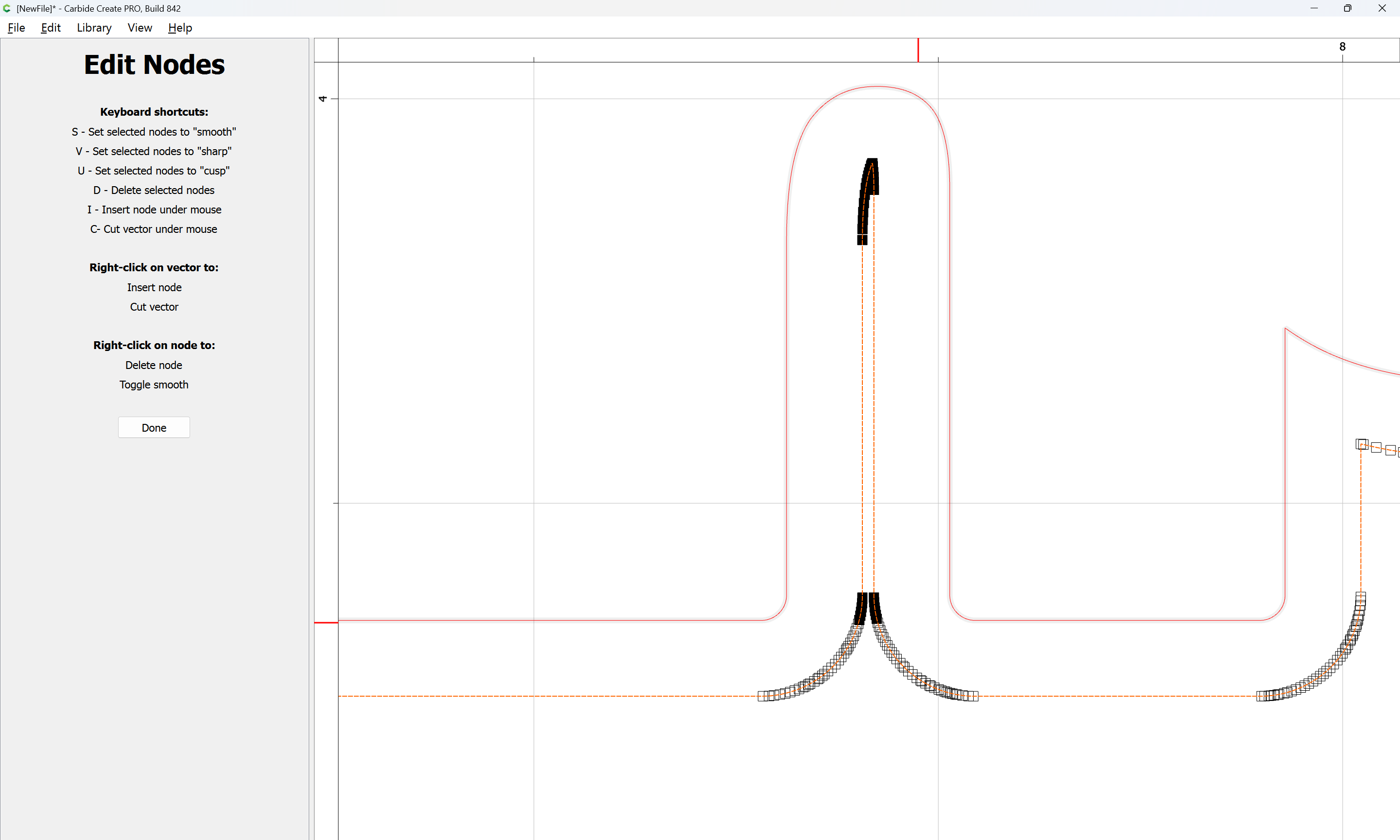
The narrow portion of the n is unlikely to survive long and presents a possibility of splinters so select the geometry:

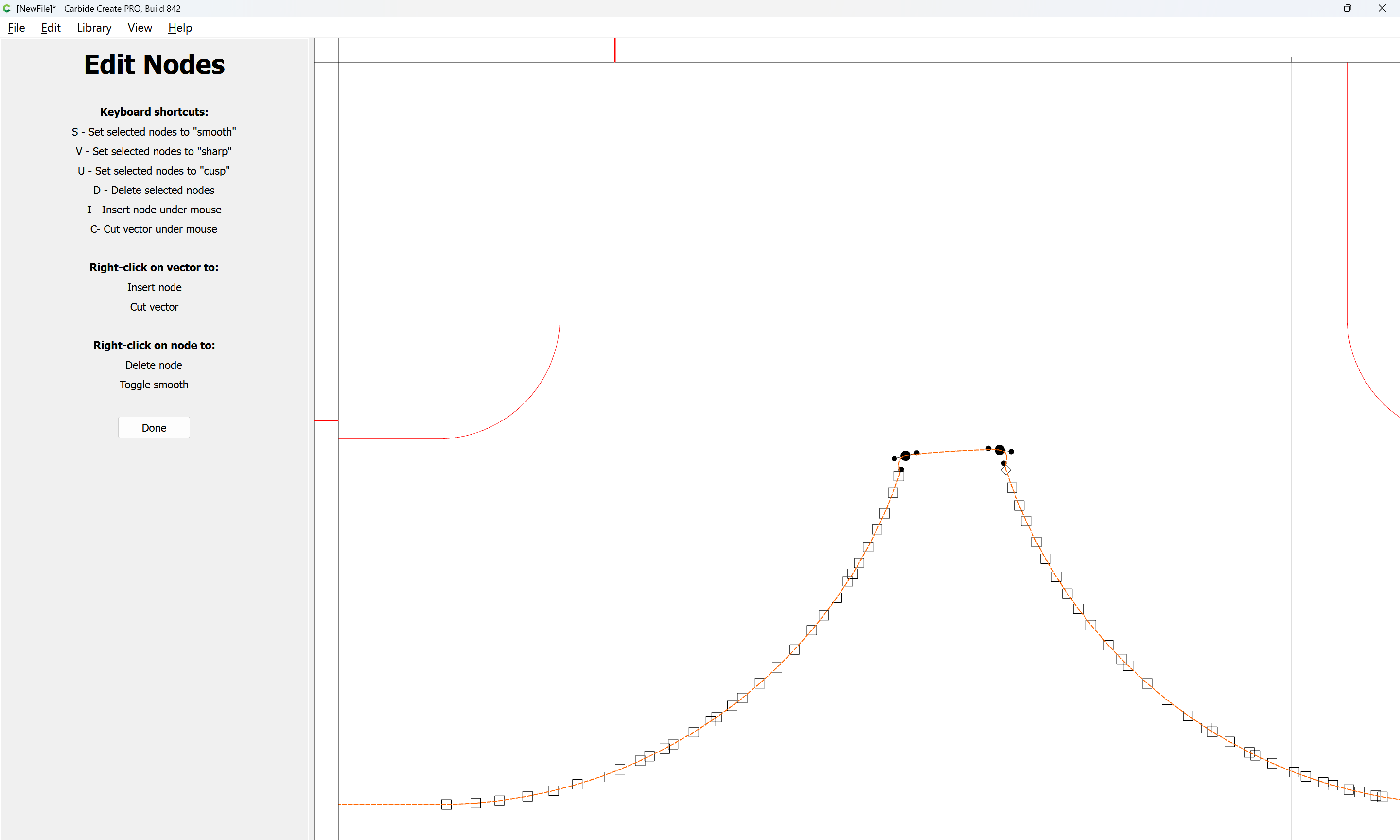
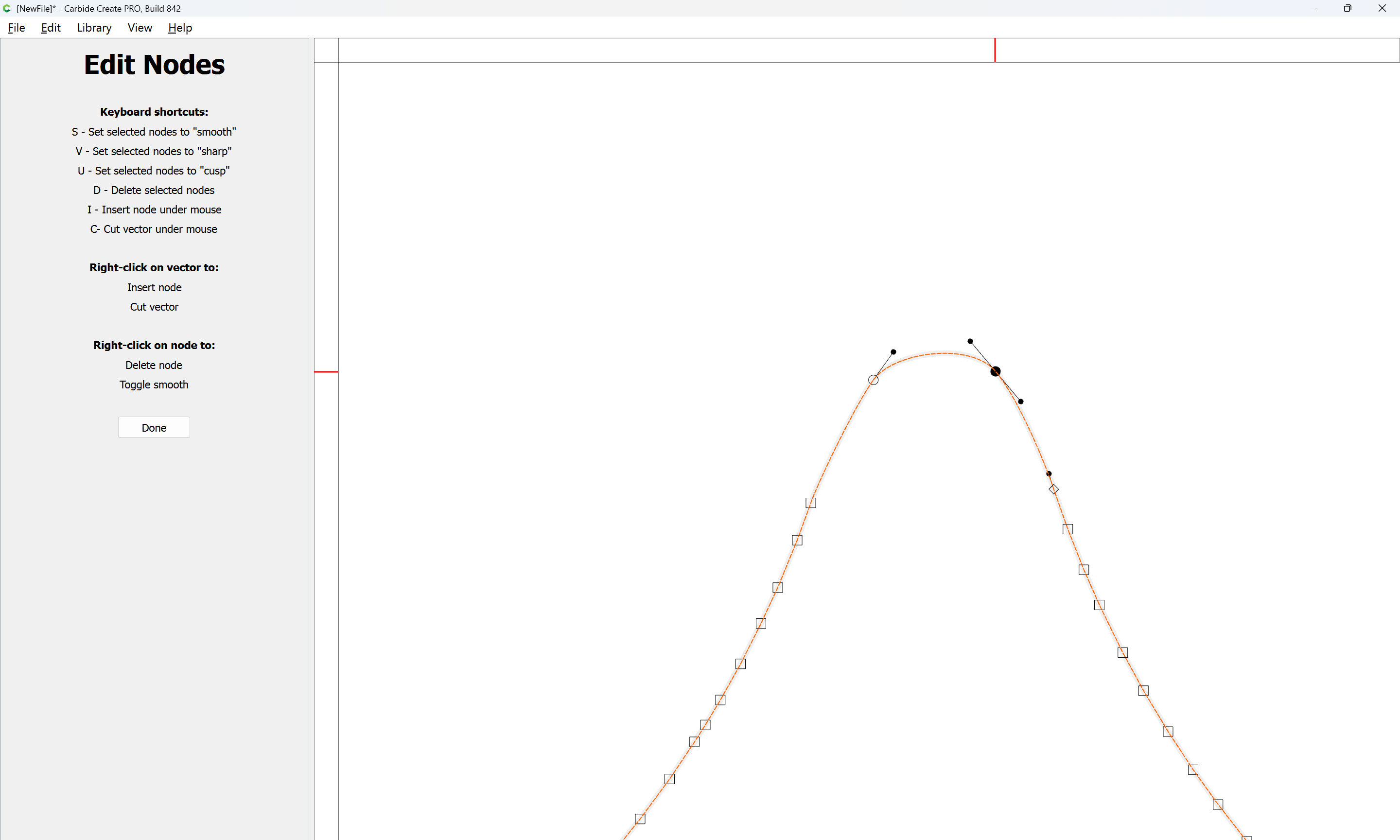
and use Node Editing:

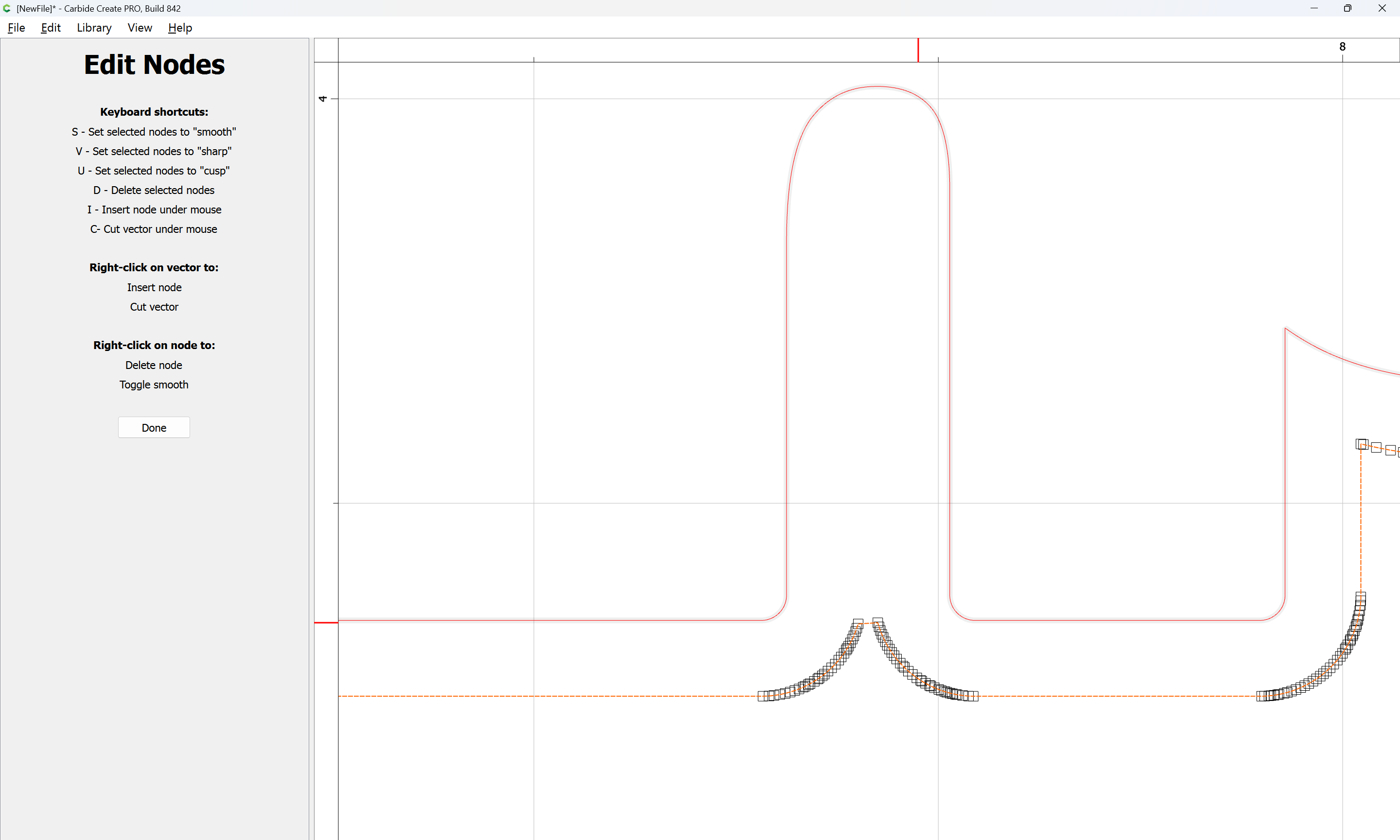
to remove a reasonable portion:

d

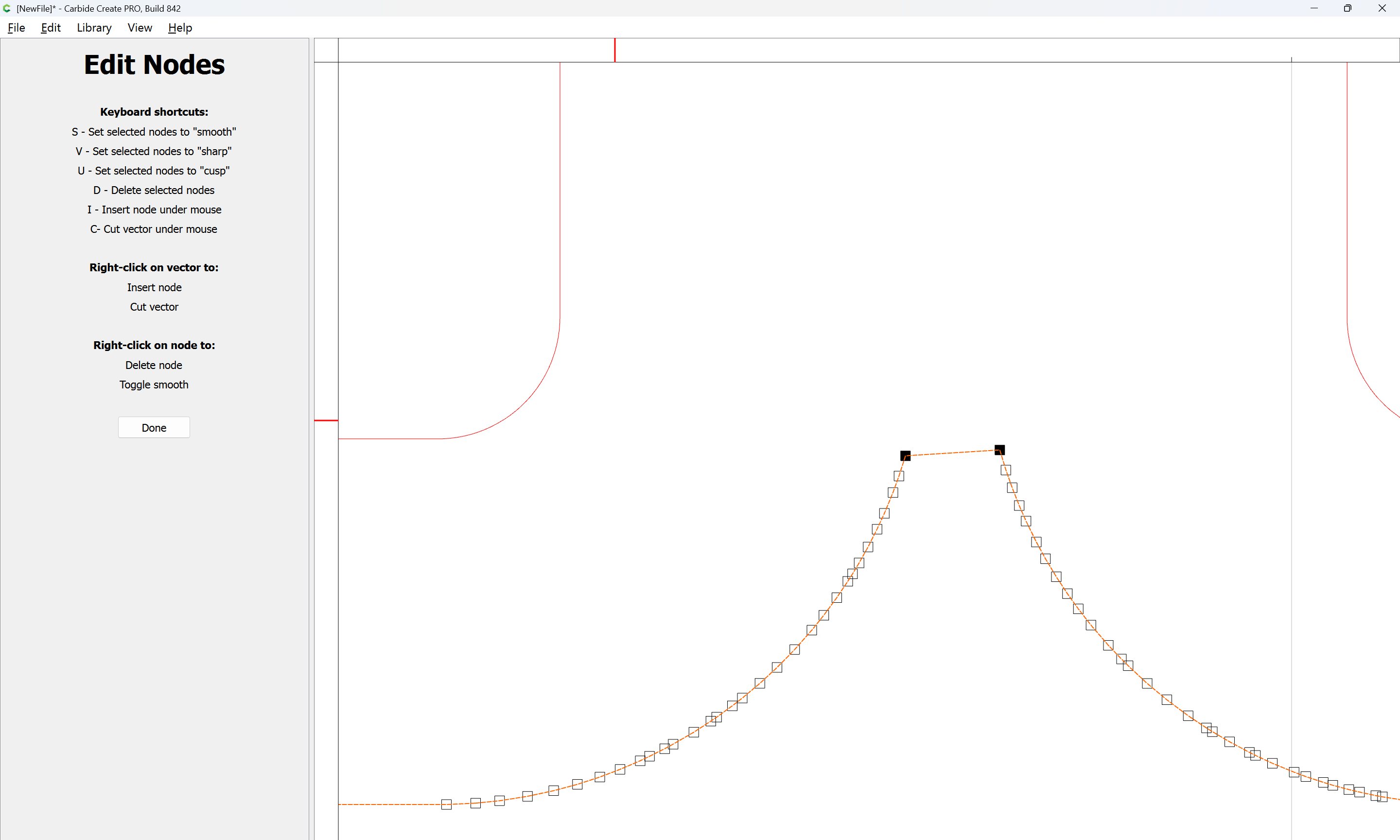
If desired, the two two remaining nodes may be selected:

s (to smooth)

and adjusted as need be

Done

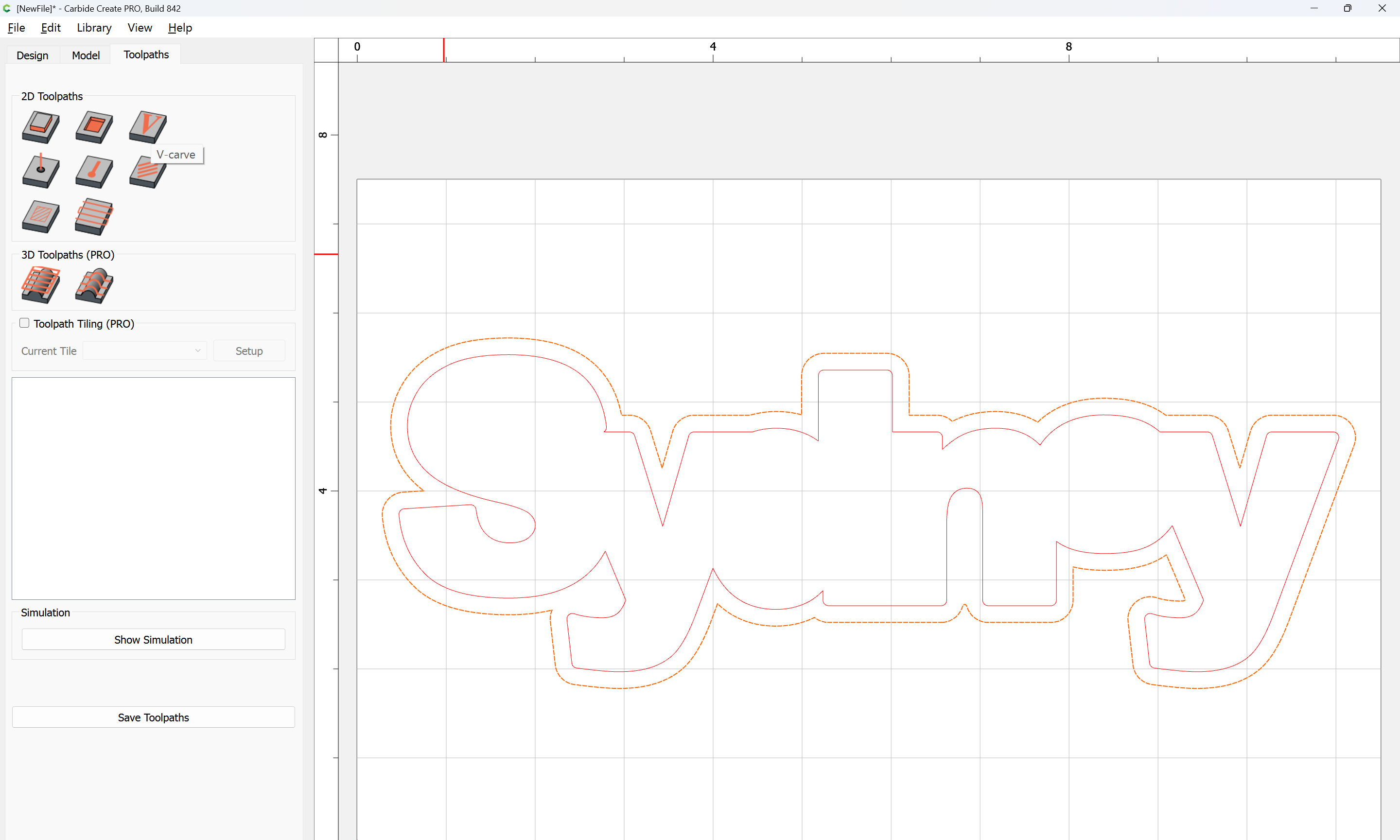
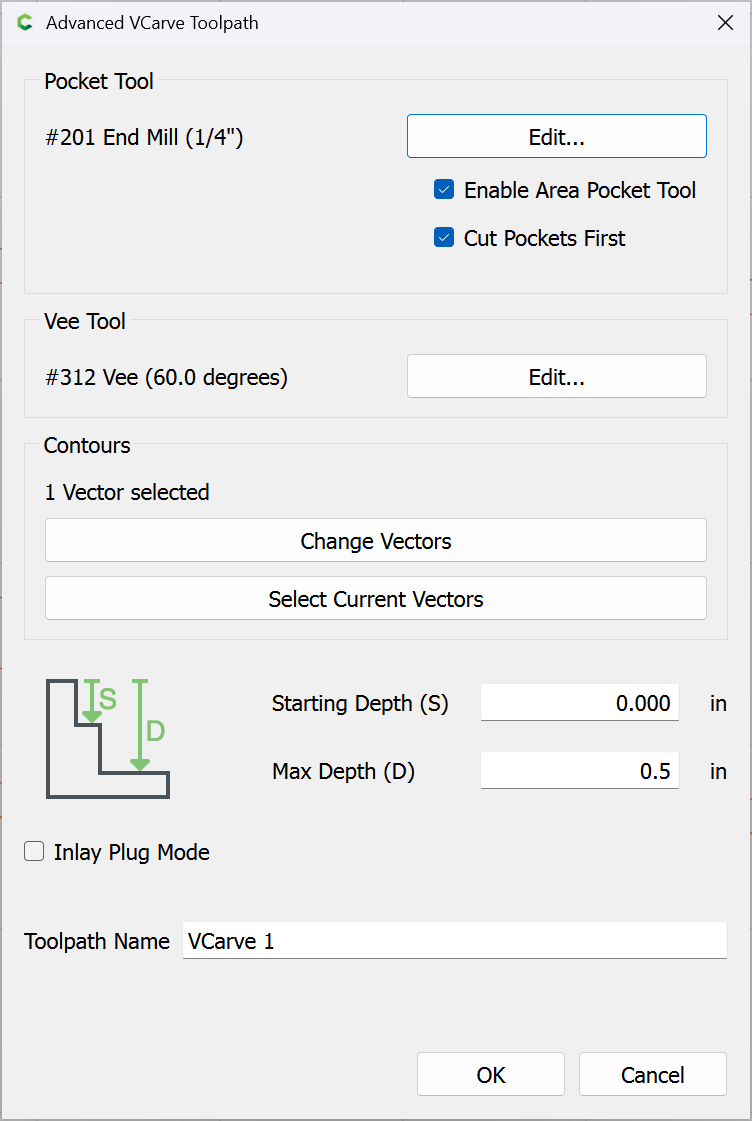
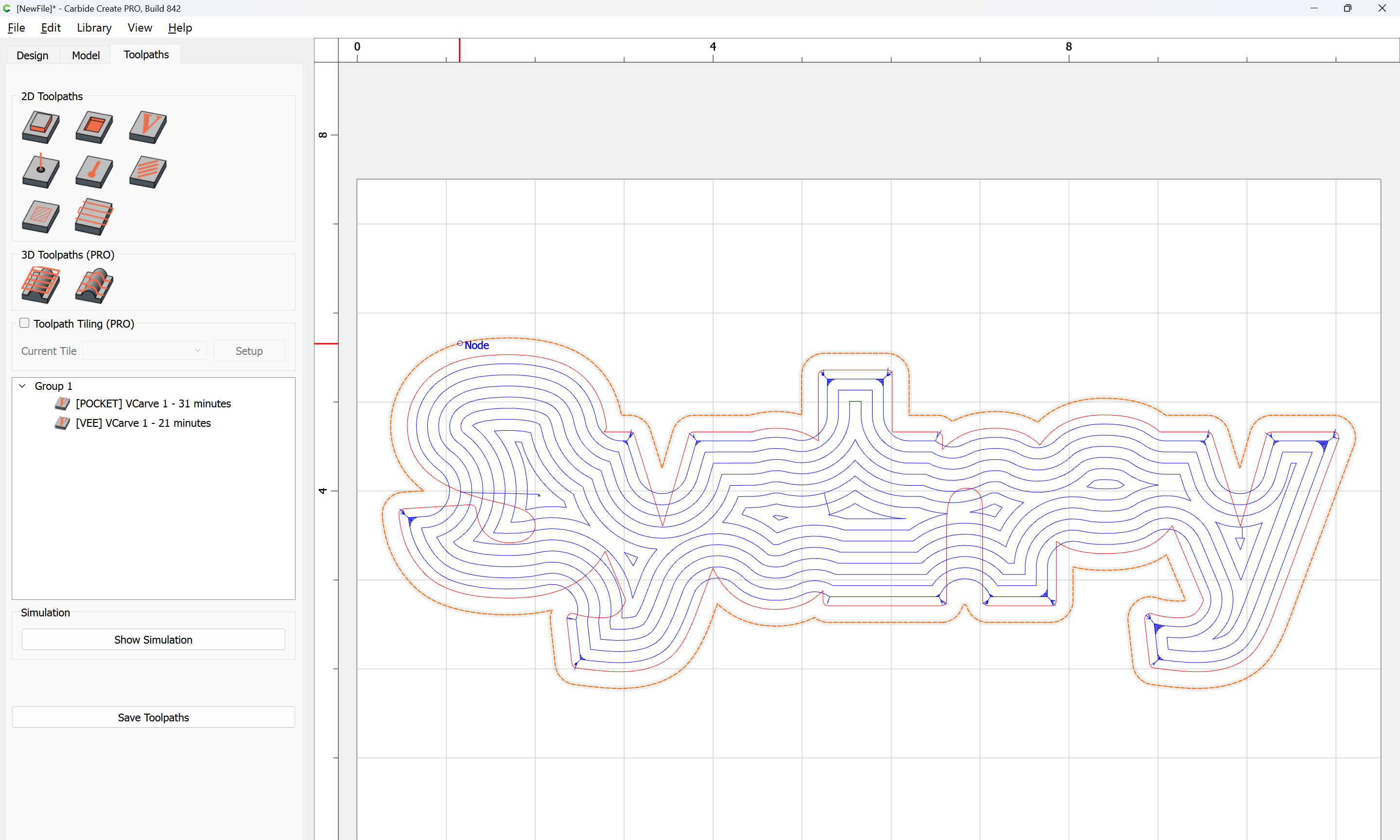
Toolpaths may be assigned for the top to suitable depths:

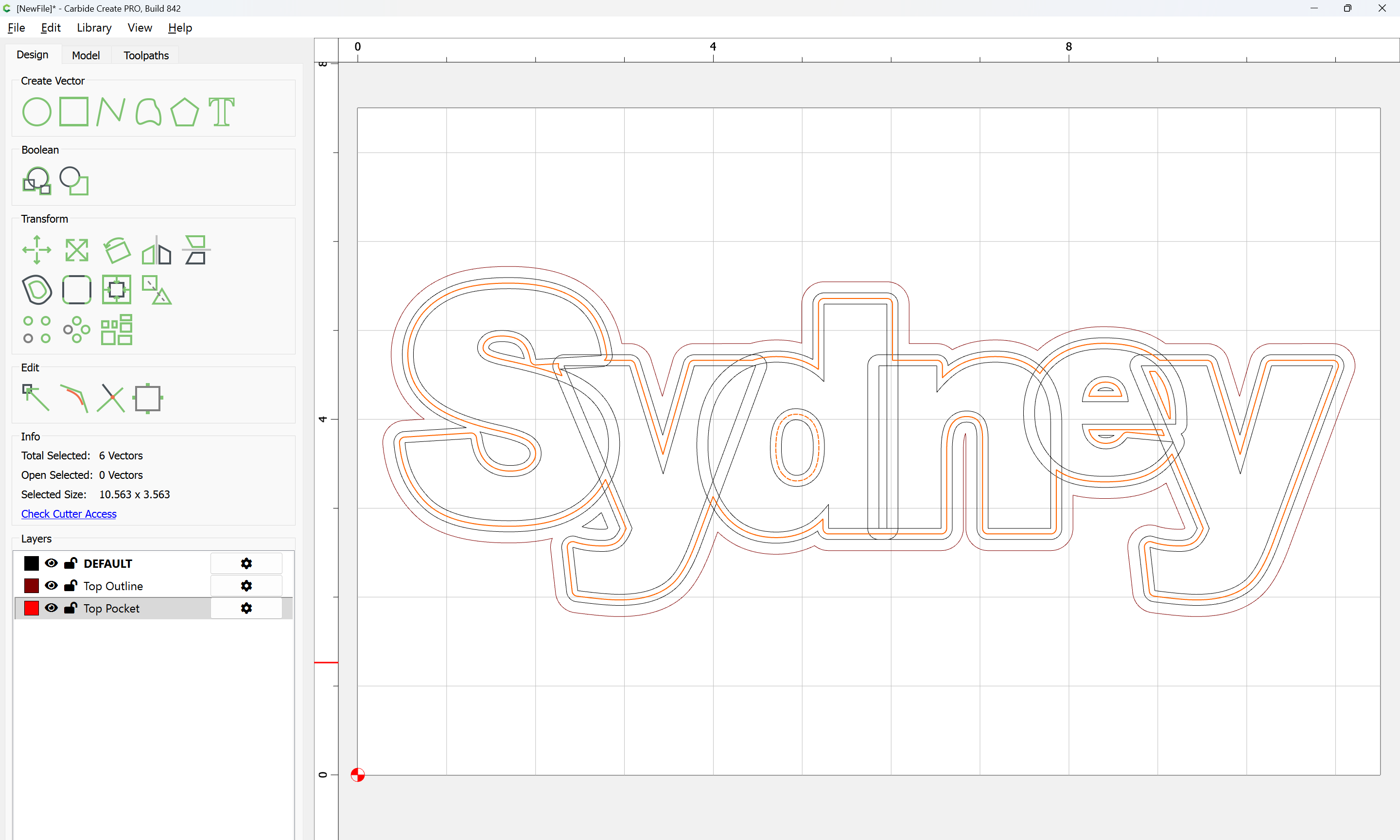
and the inner geometry assigned an Inside Contour with a suitable tool to a suitable depth:

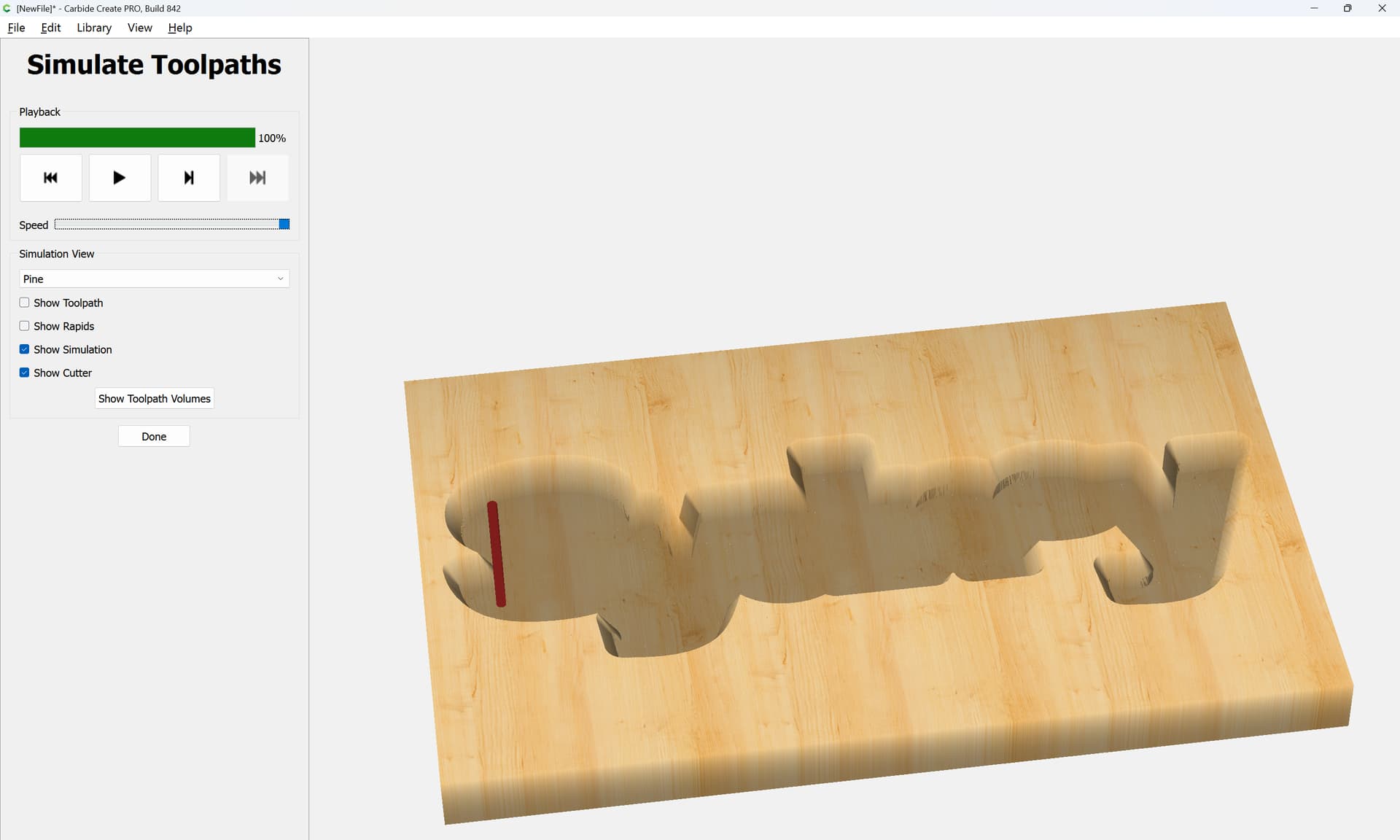
and the toolpaths/tool selection/depths adjusted as necessary until one arrives at something along the lines of:

Wow! Thank you. It will take me a bit to work through this, but I’ll post a result when I get there.

For the letters, open the SVG:

Note that the grouping of letter perimeter with counter will need to be re-done:

For each letter which crosses over other letter(s) select it and copy-paste it in place so as to create a duplicate in register w/ the original:

Then select a duplicate and a crossing letter:

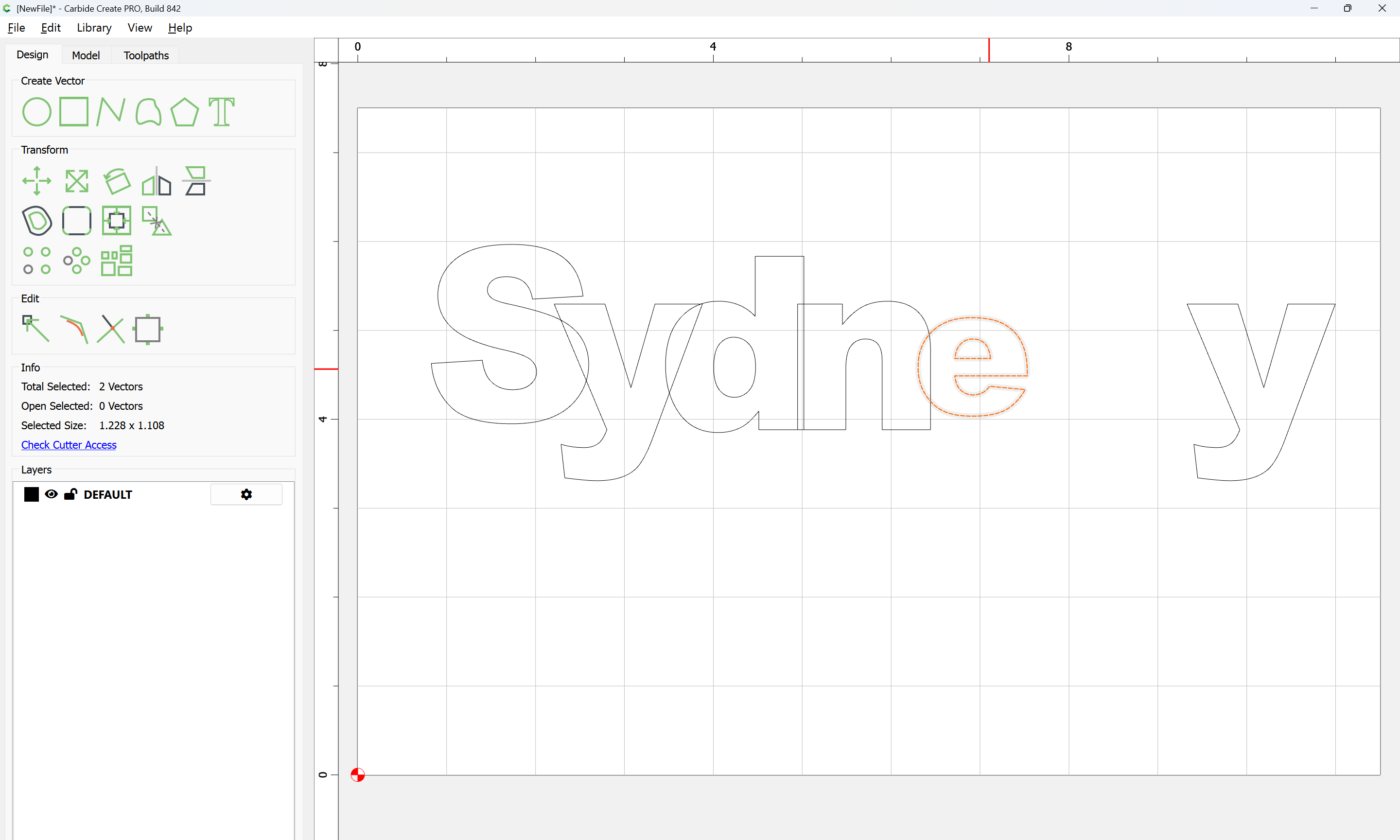
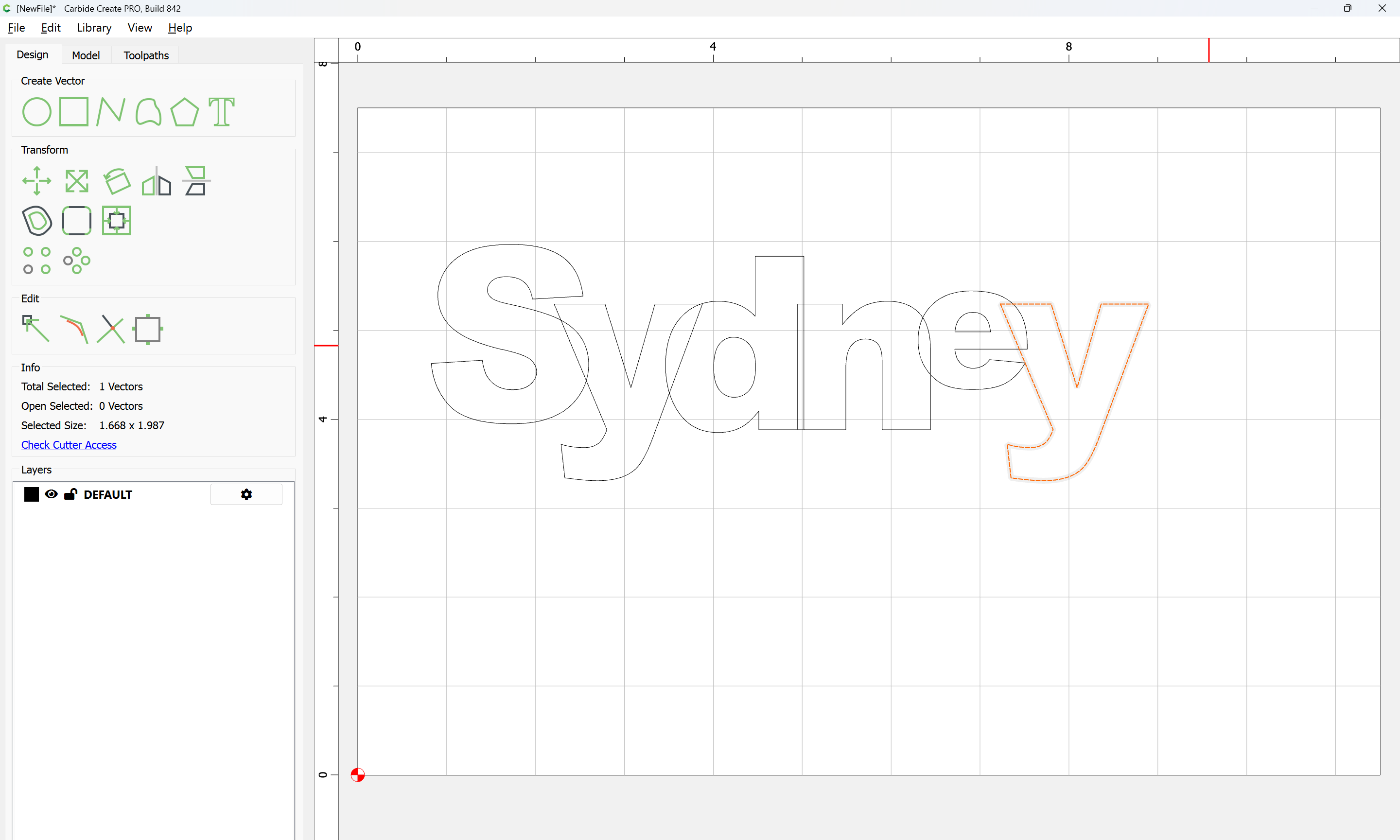
and use Trim Vectors to remove what is not wanted:

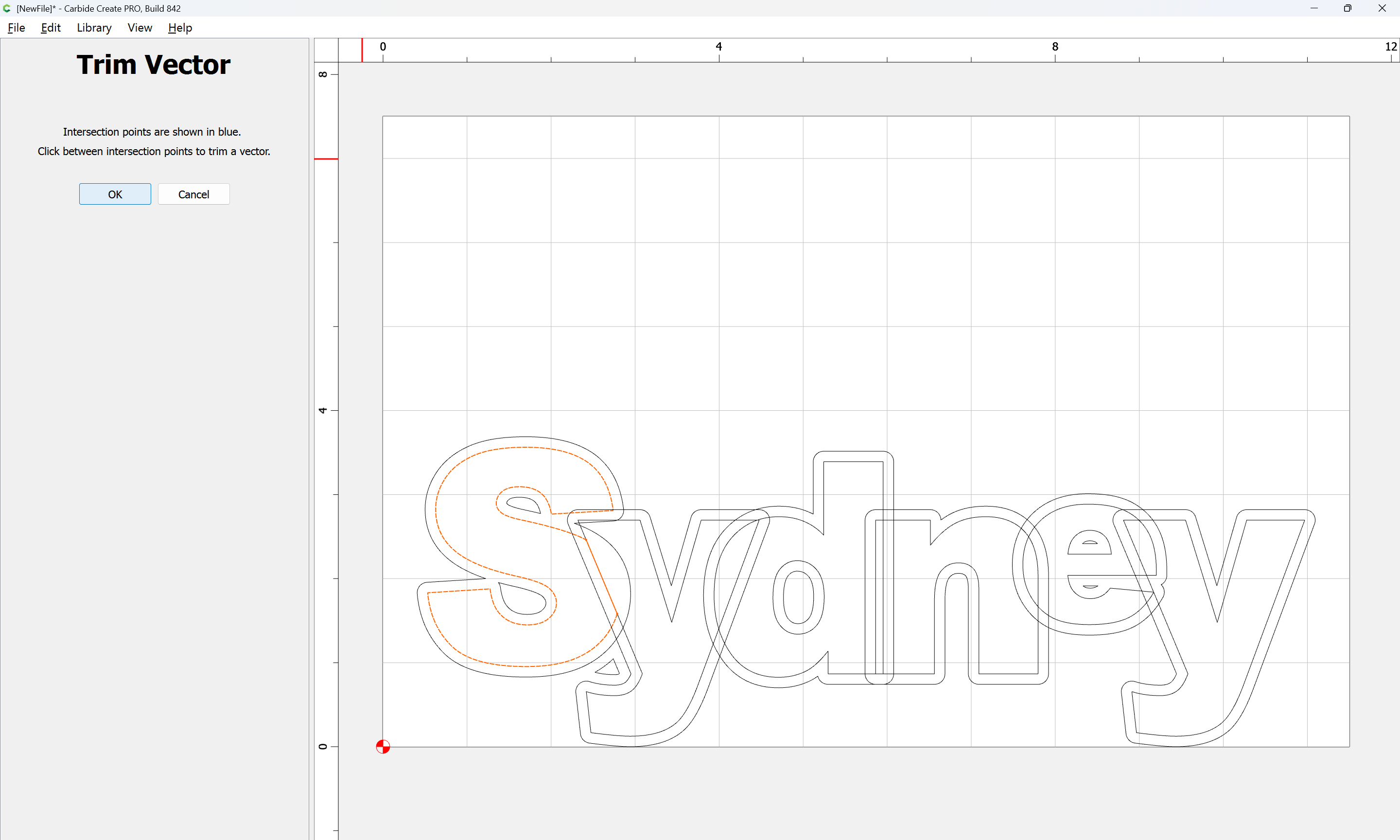
until one arrives at:

OK

OK

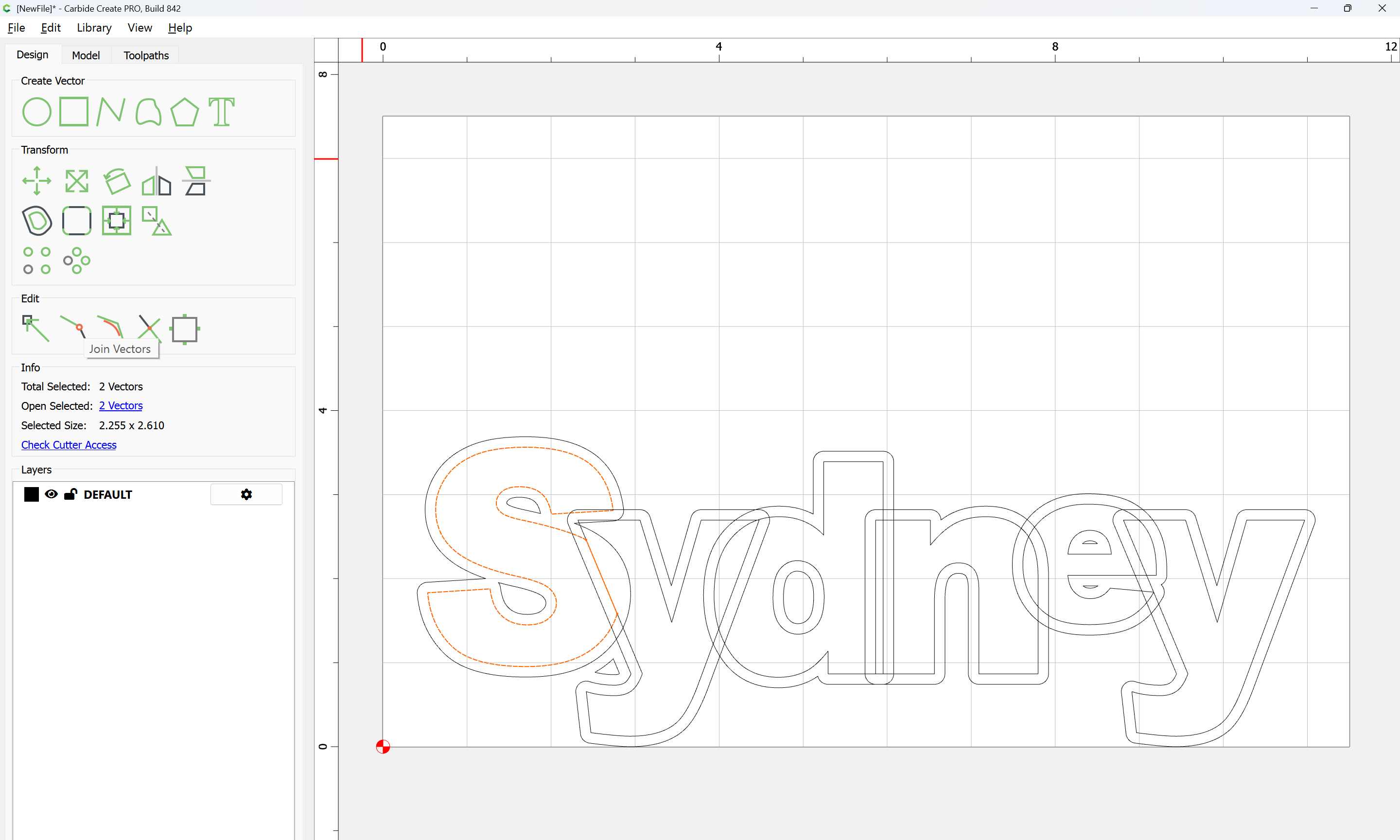
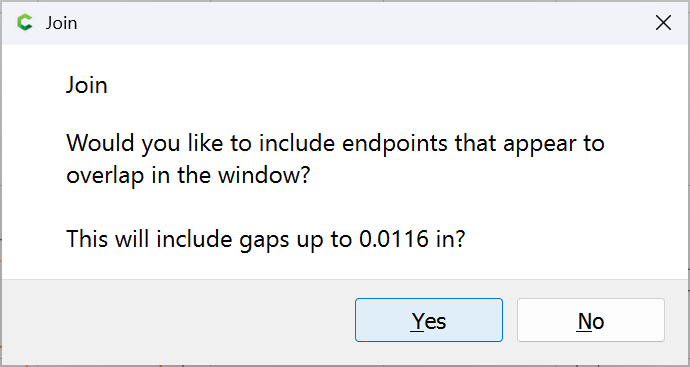
Join Vectors

Yes

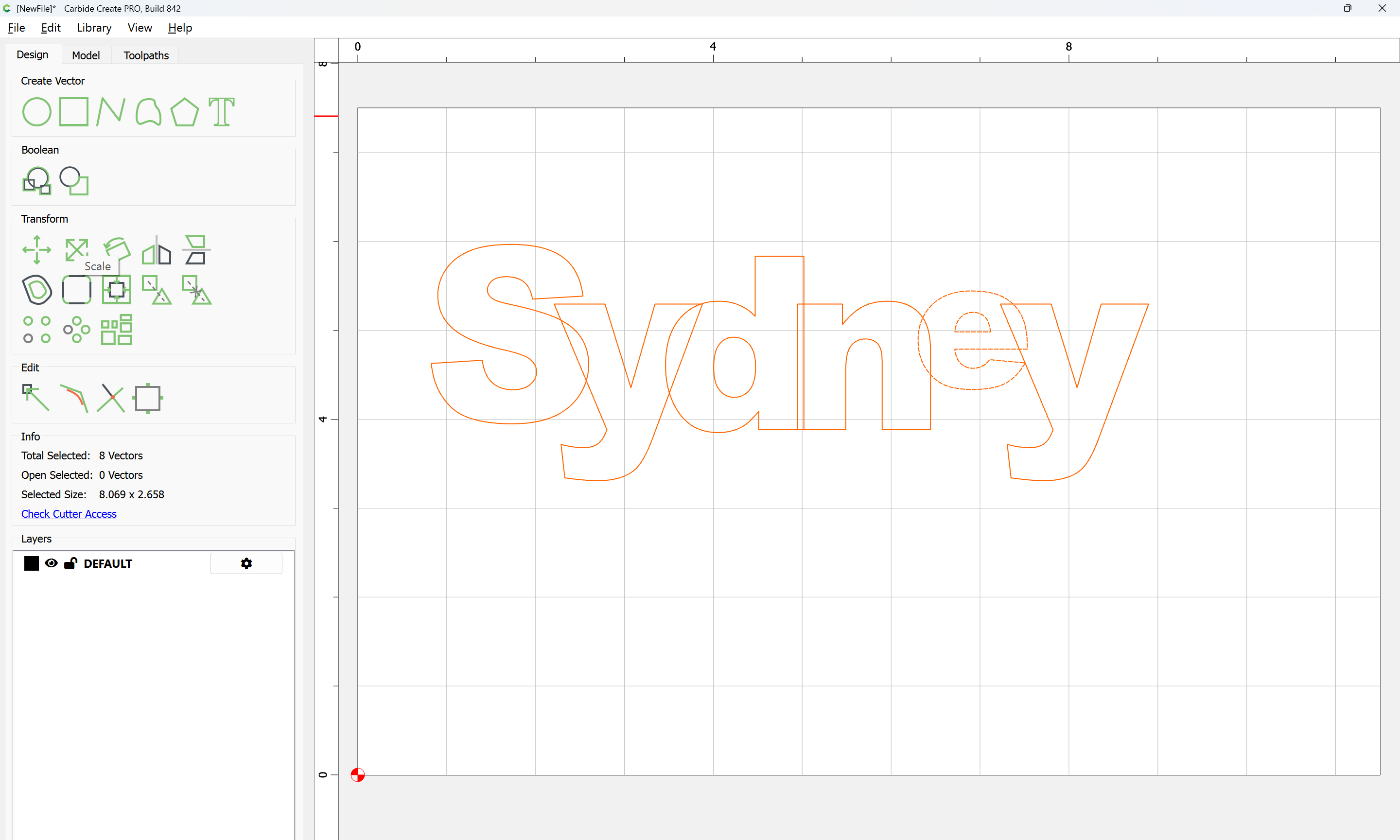
Repeat for each overlapping region until one arrives at:

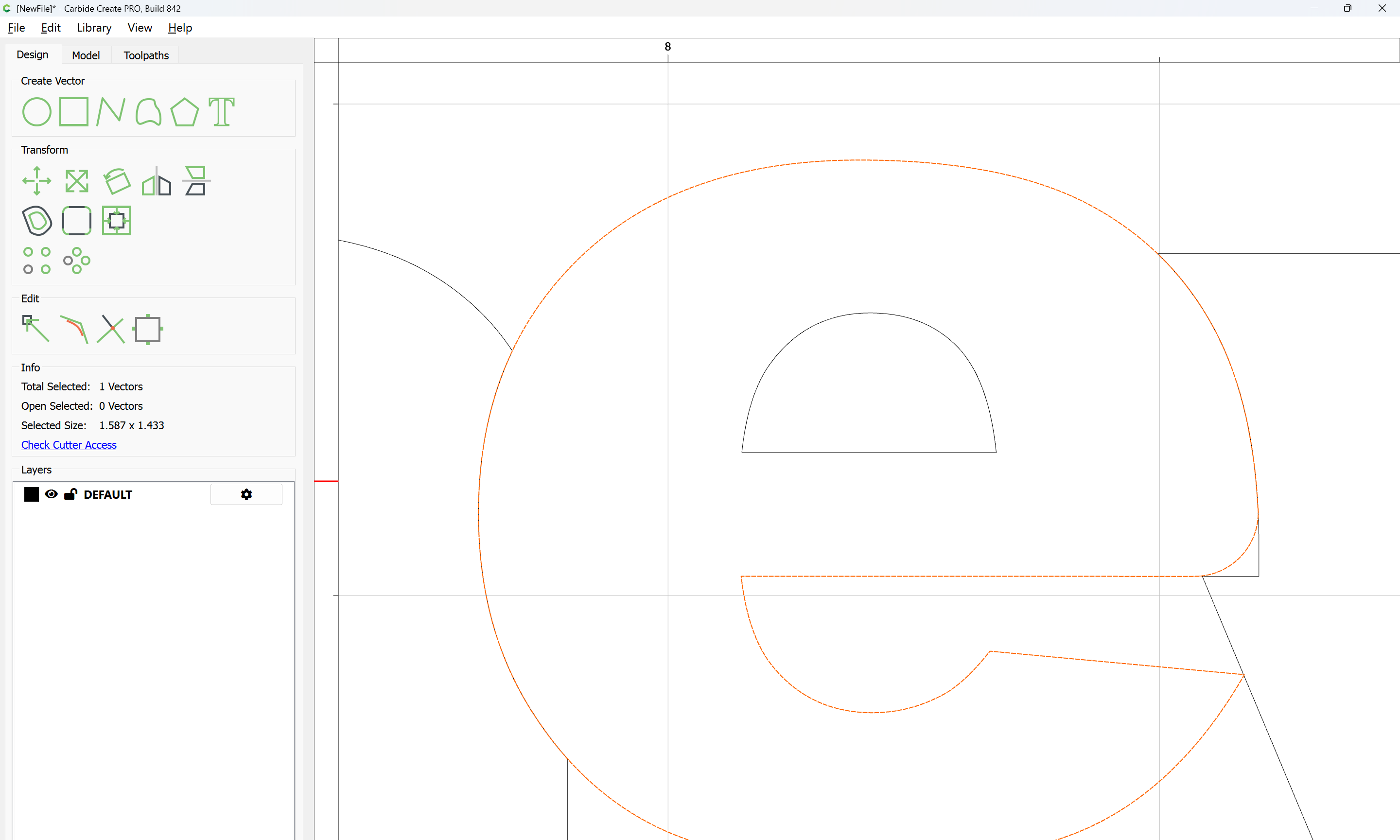
The surrounding/extraneous geometry may now be selected:

and deleted:

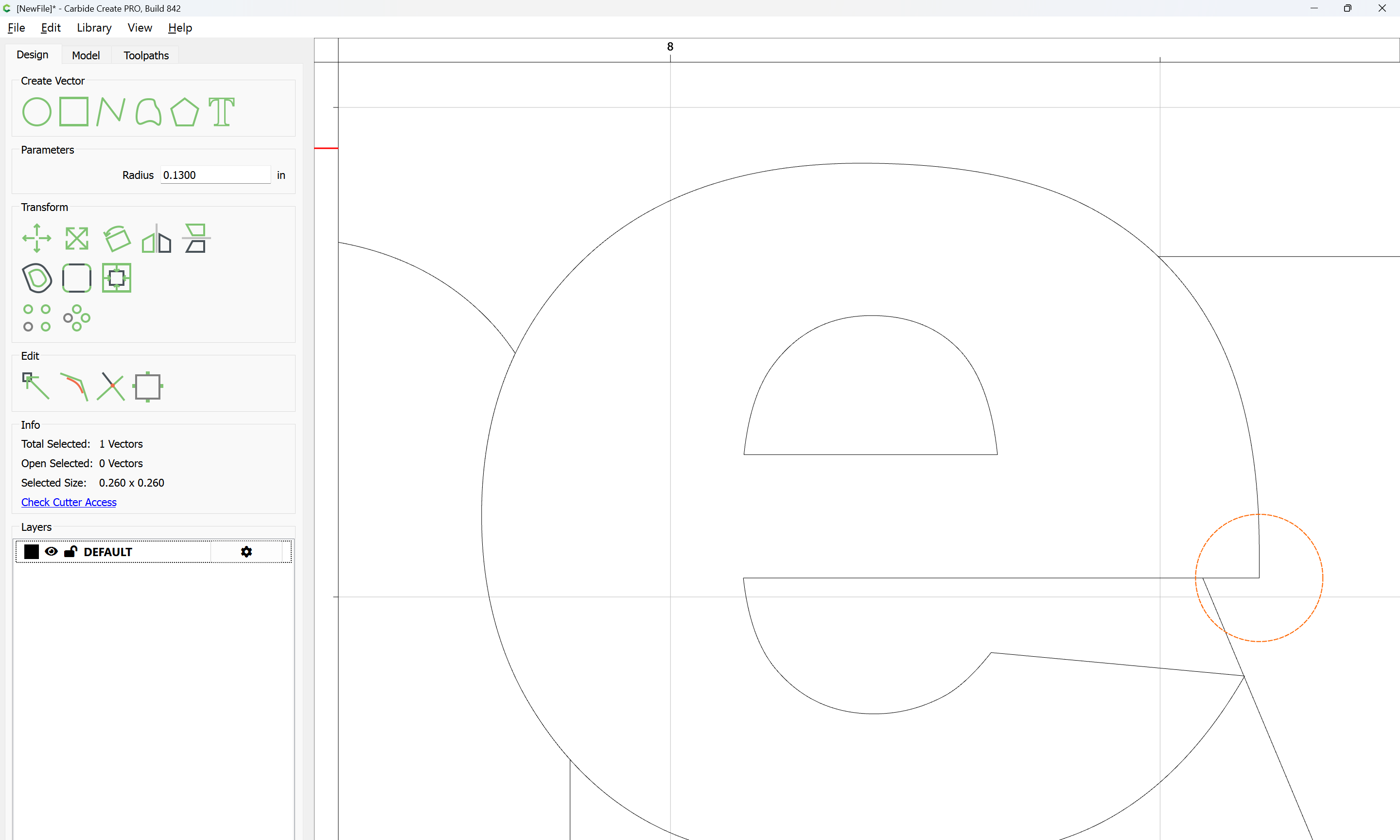
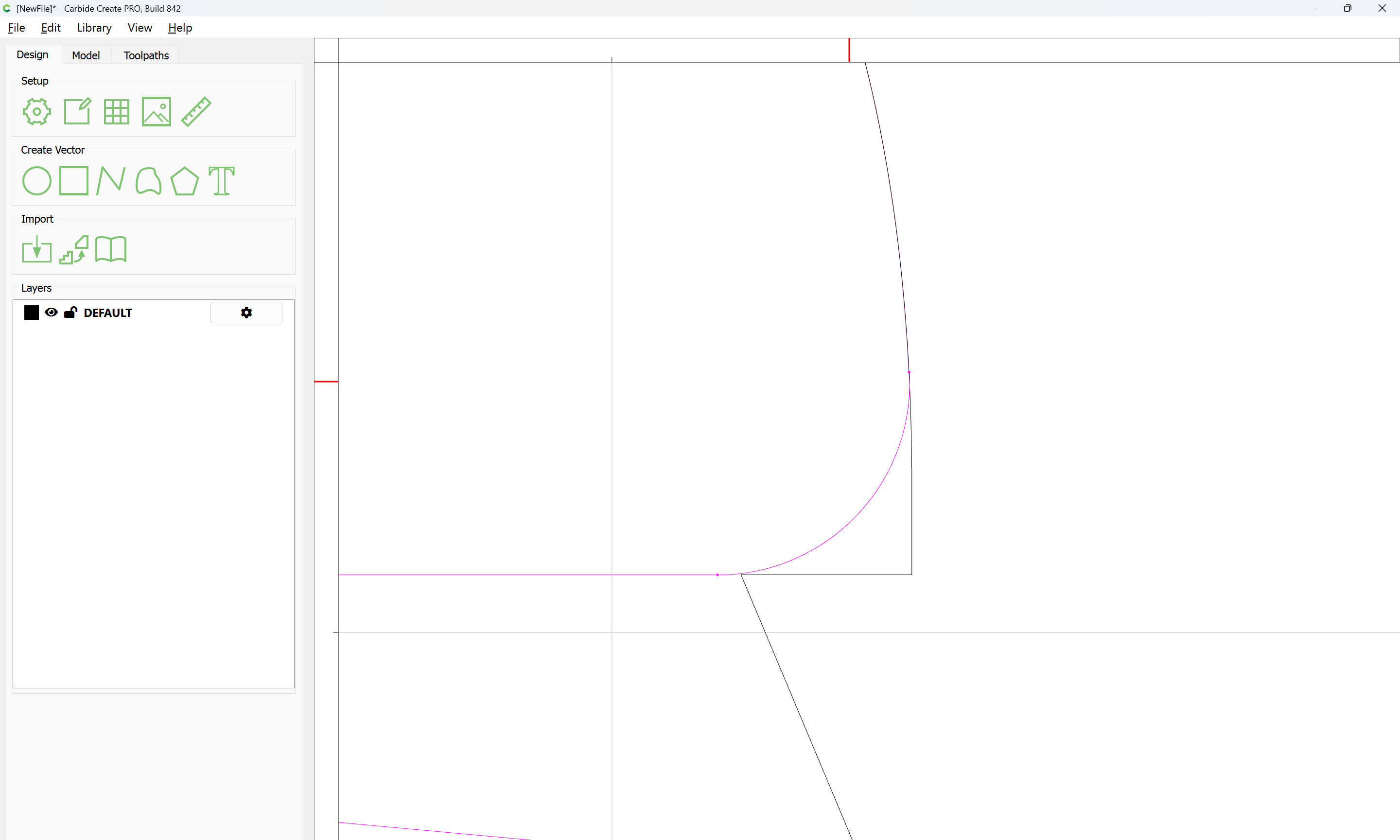
Where necessary, geometry should be rounded:

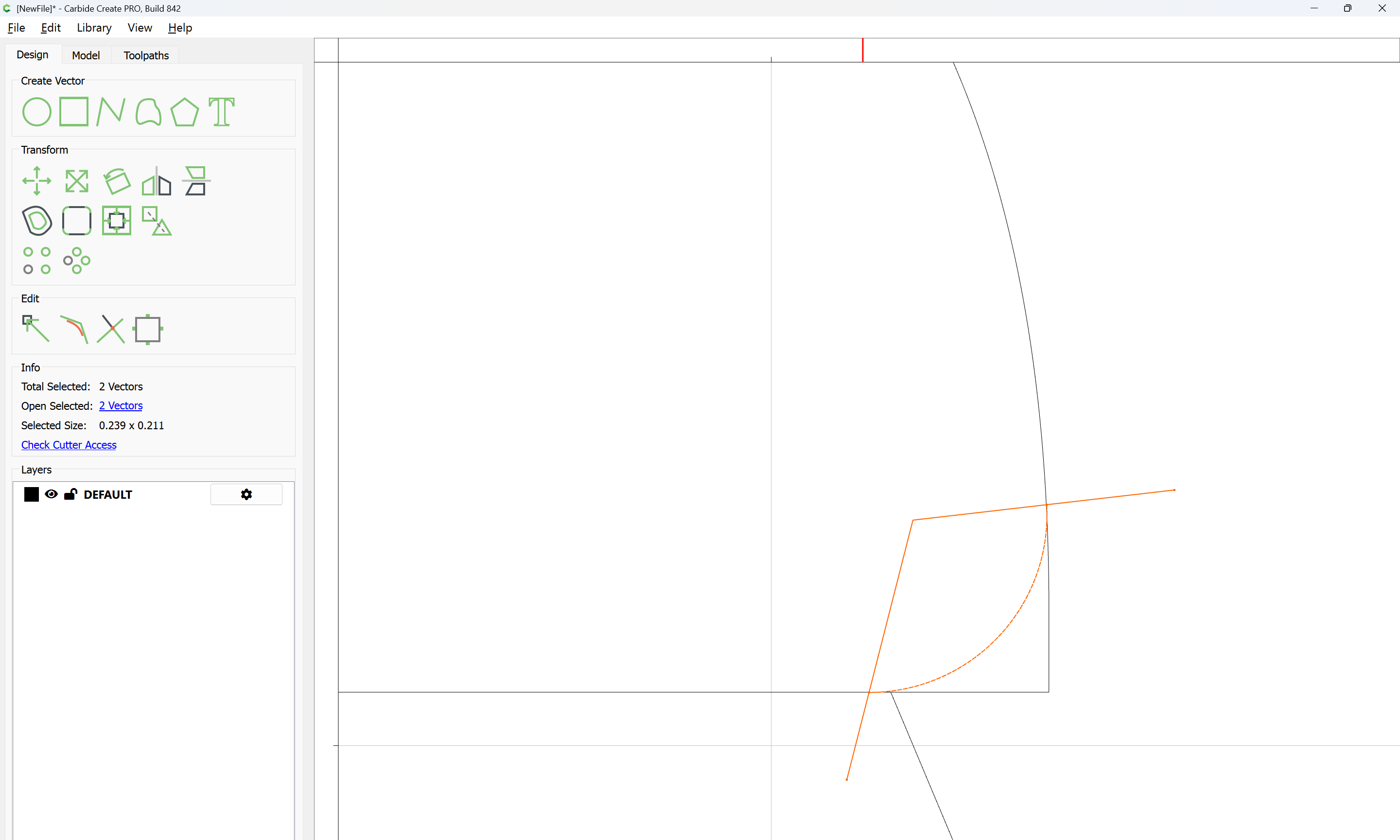
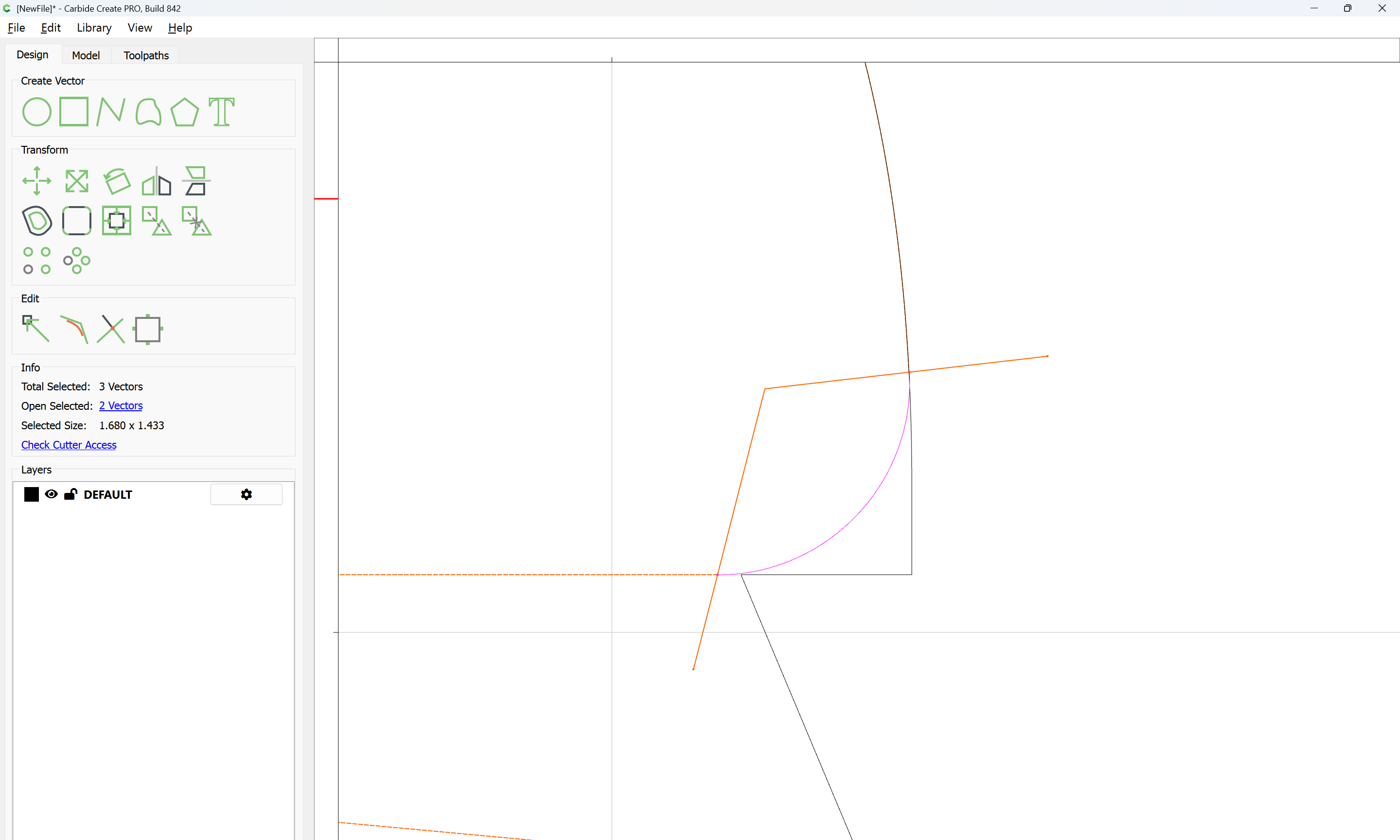
Since letterforms rarely have straight lines which are needed for the automatic techniques to work, the notch where the e fits to the y will need to be rounded manually (arguably, the latter should have been positioned to preclude this necessity).

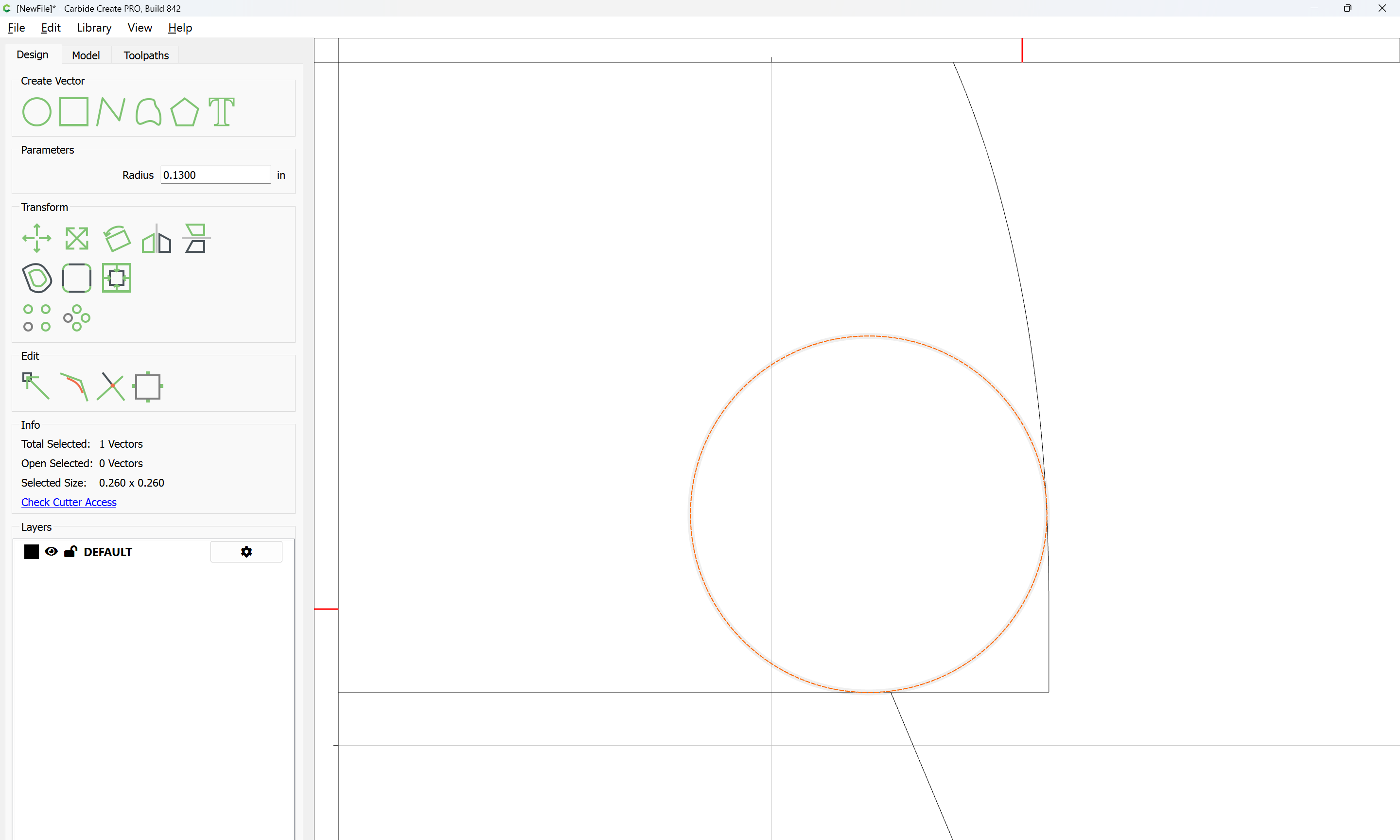
Draw a circle of a suitable size:

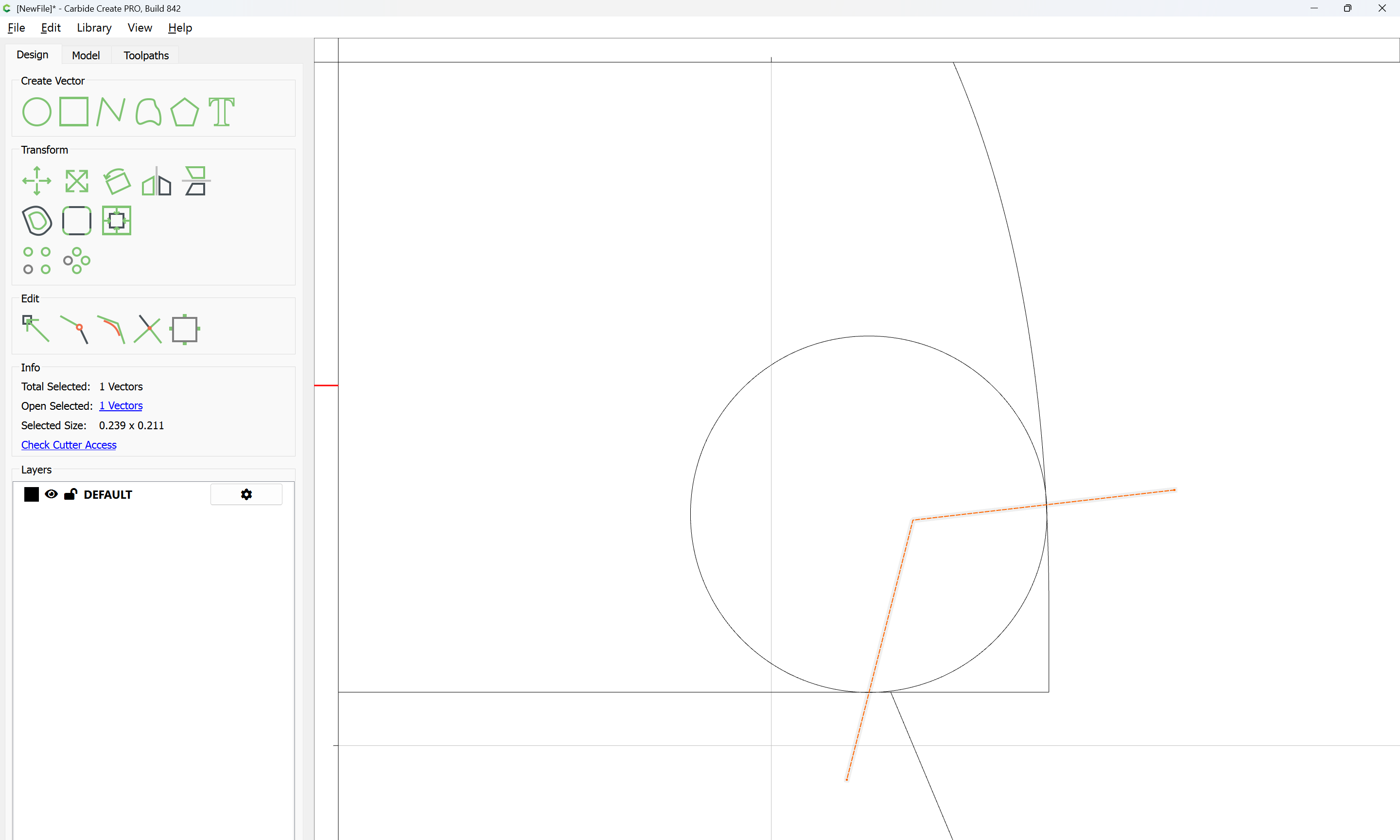
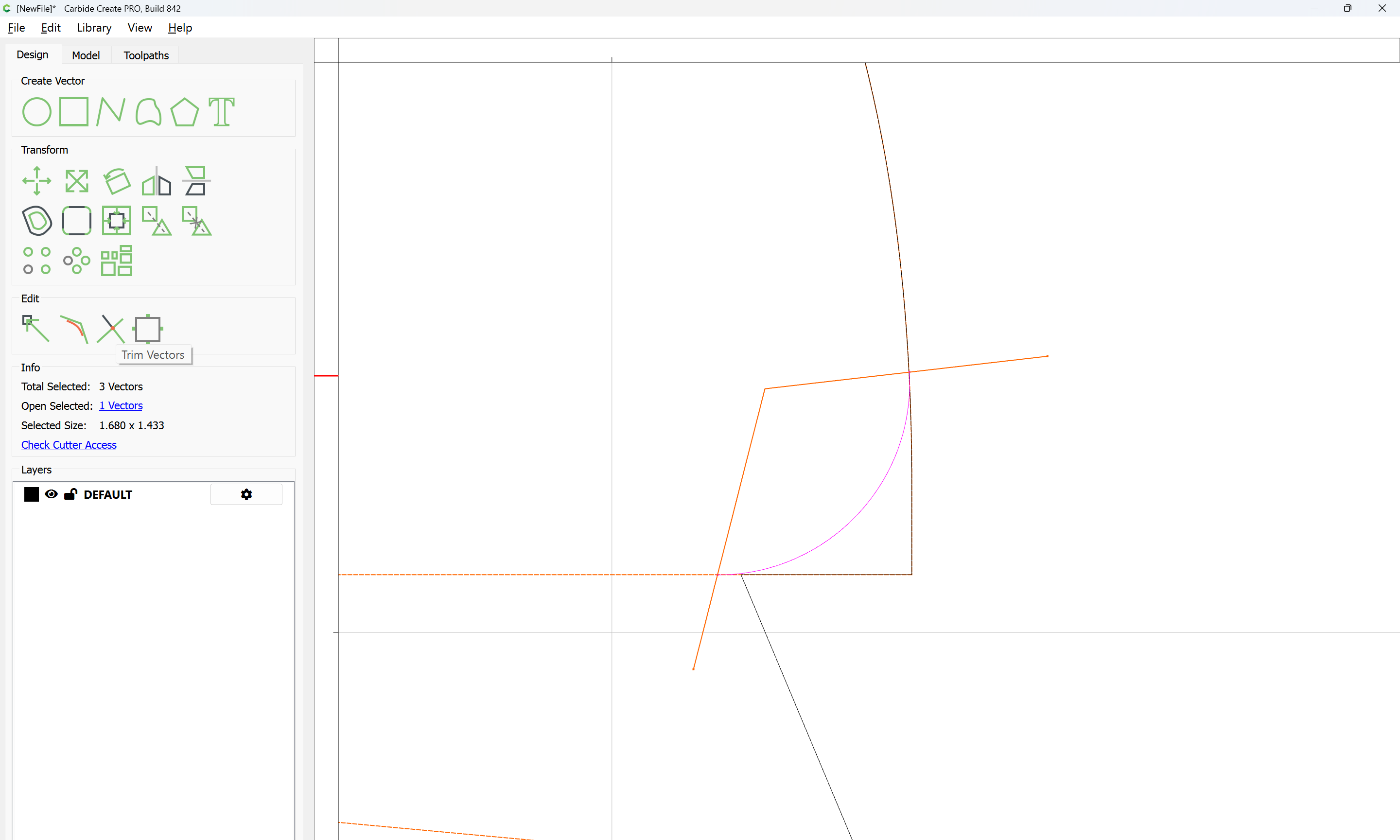
and position it so as to either use as a guide for Node Editing, or an element for Trim Vectors:

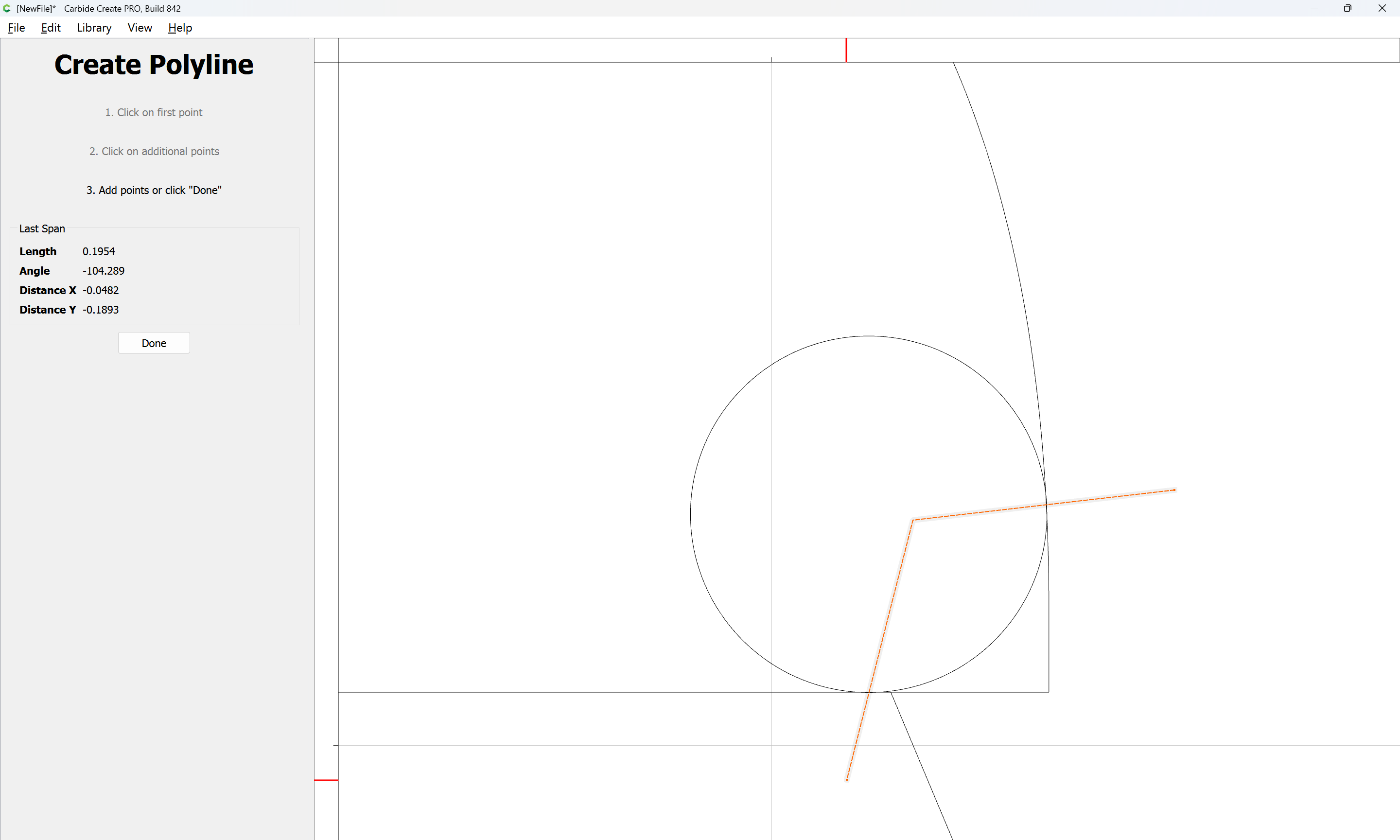
for the latter, draw in geometry to define where things will meet:

Done

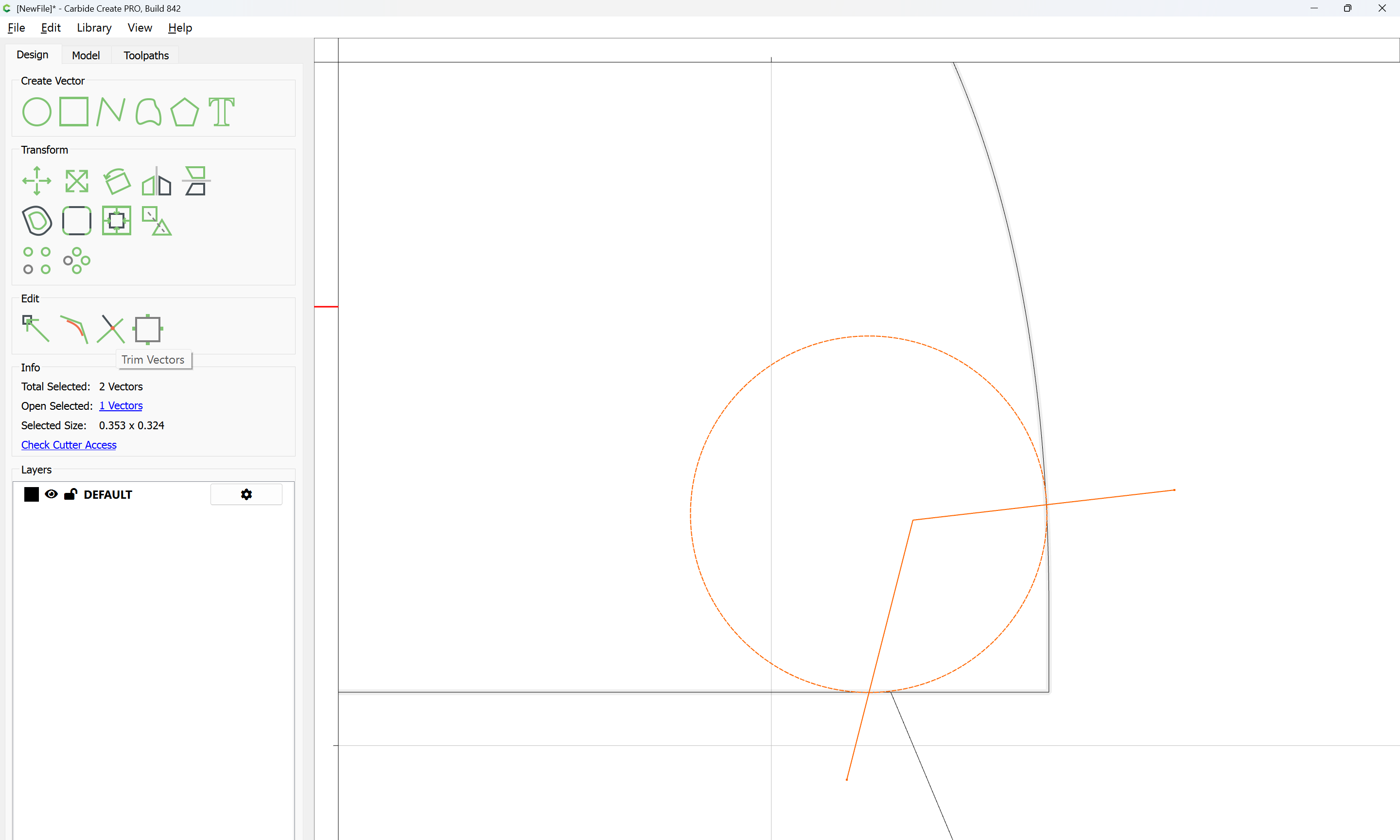
Then add one of the elements to the selection:

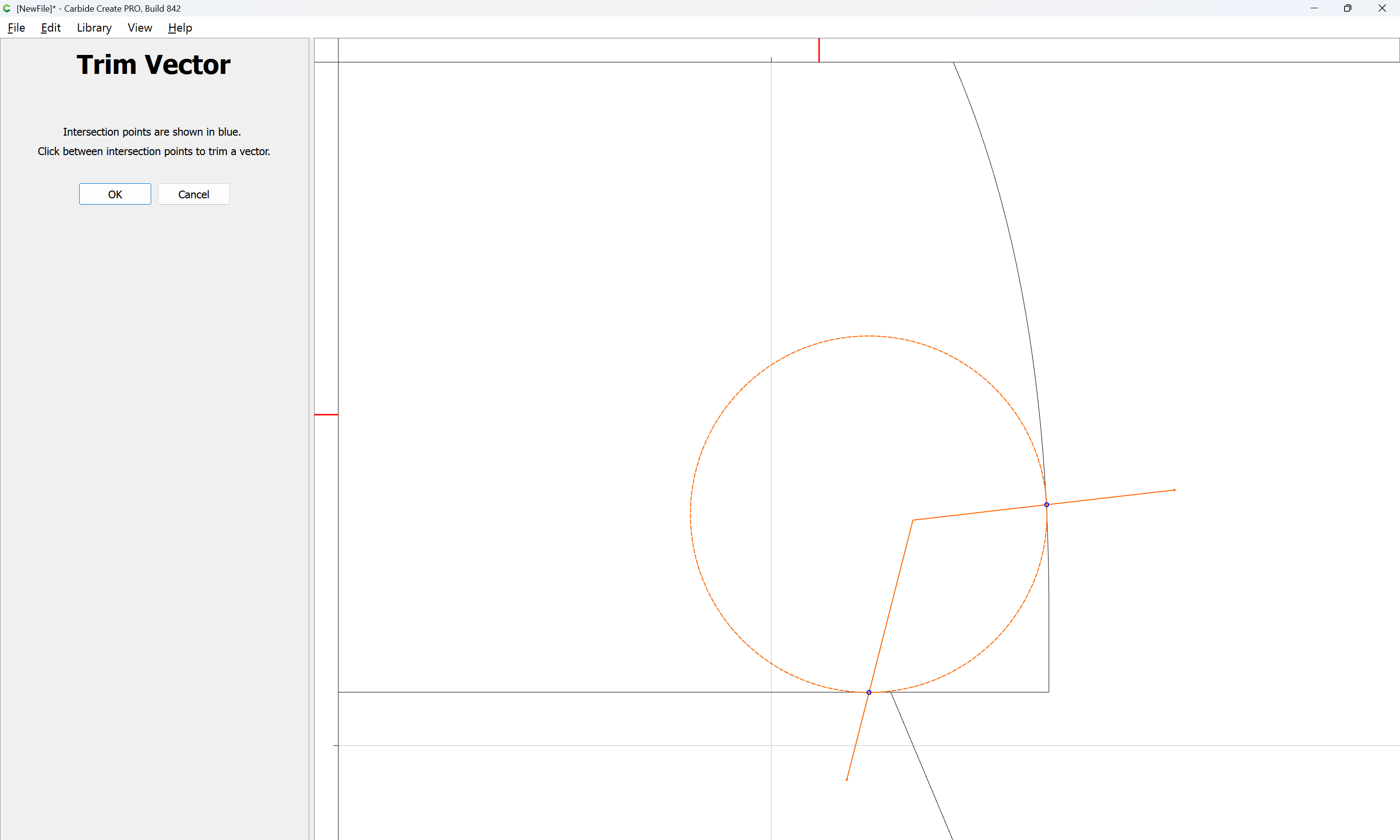
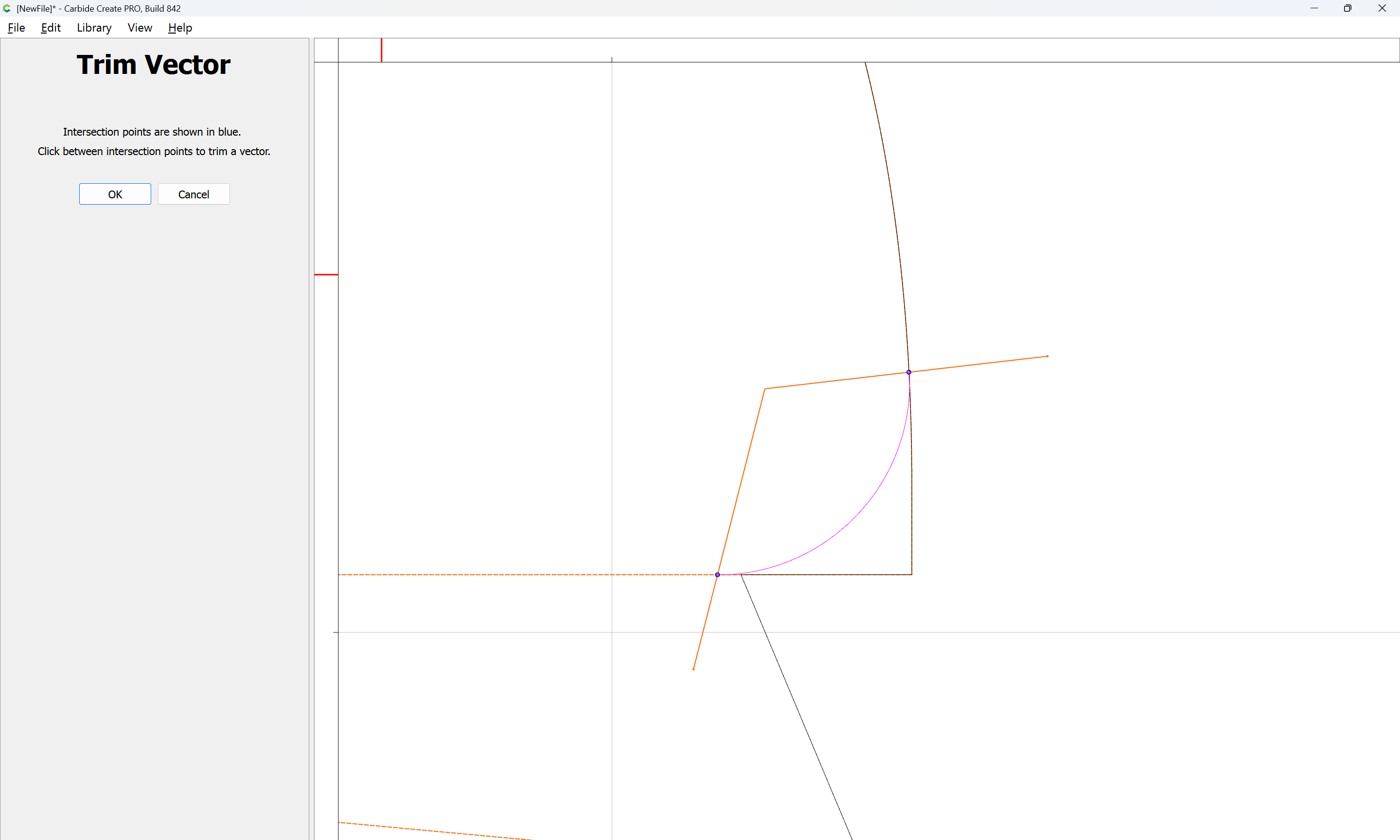
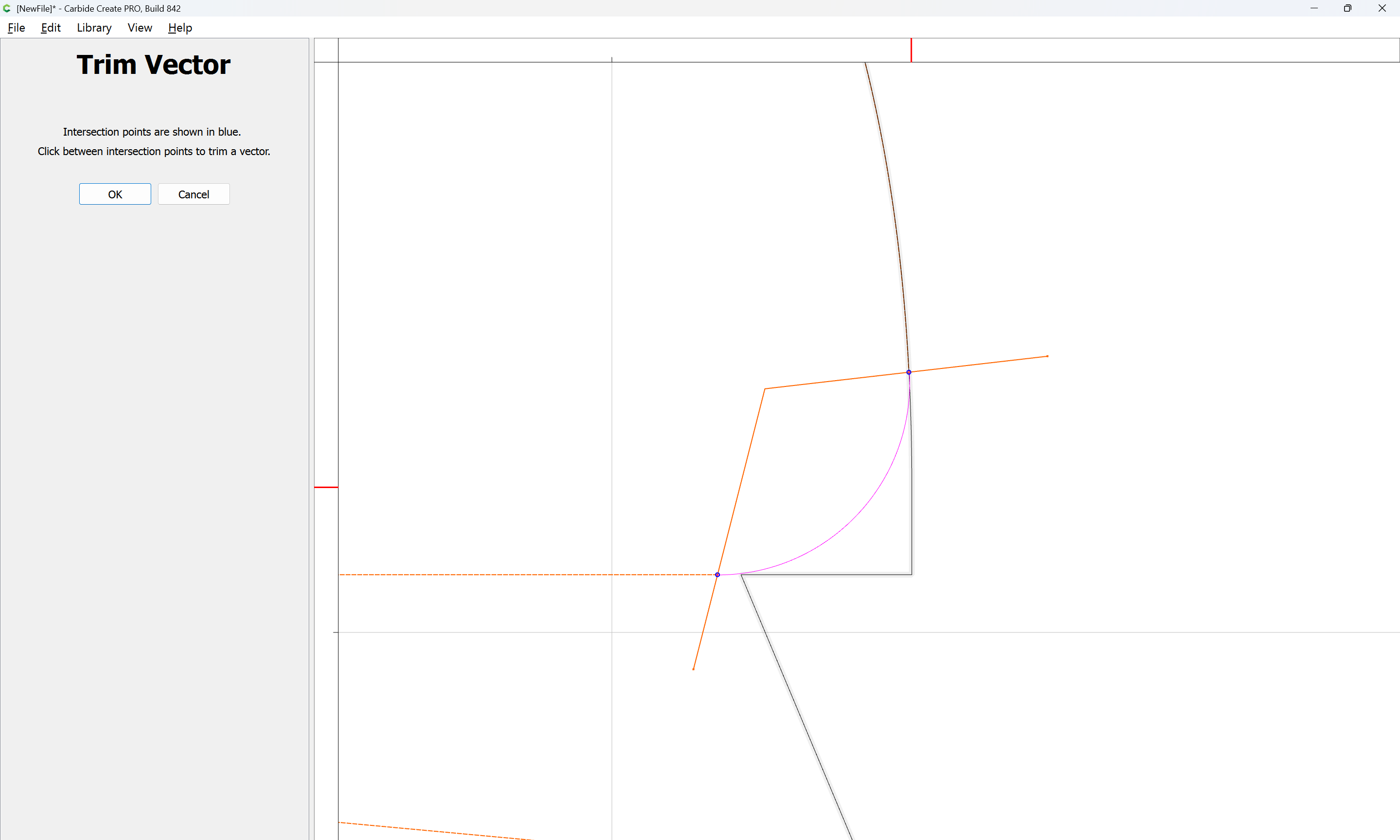
and use Trim Vectors to remove what is not wanted:

OK

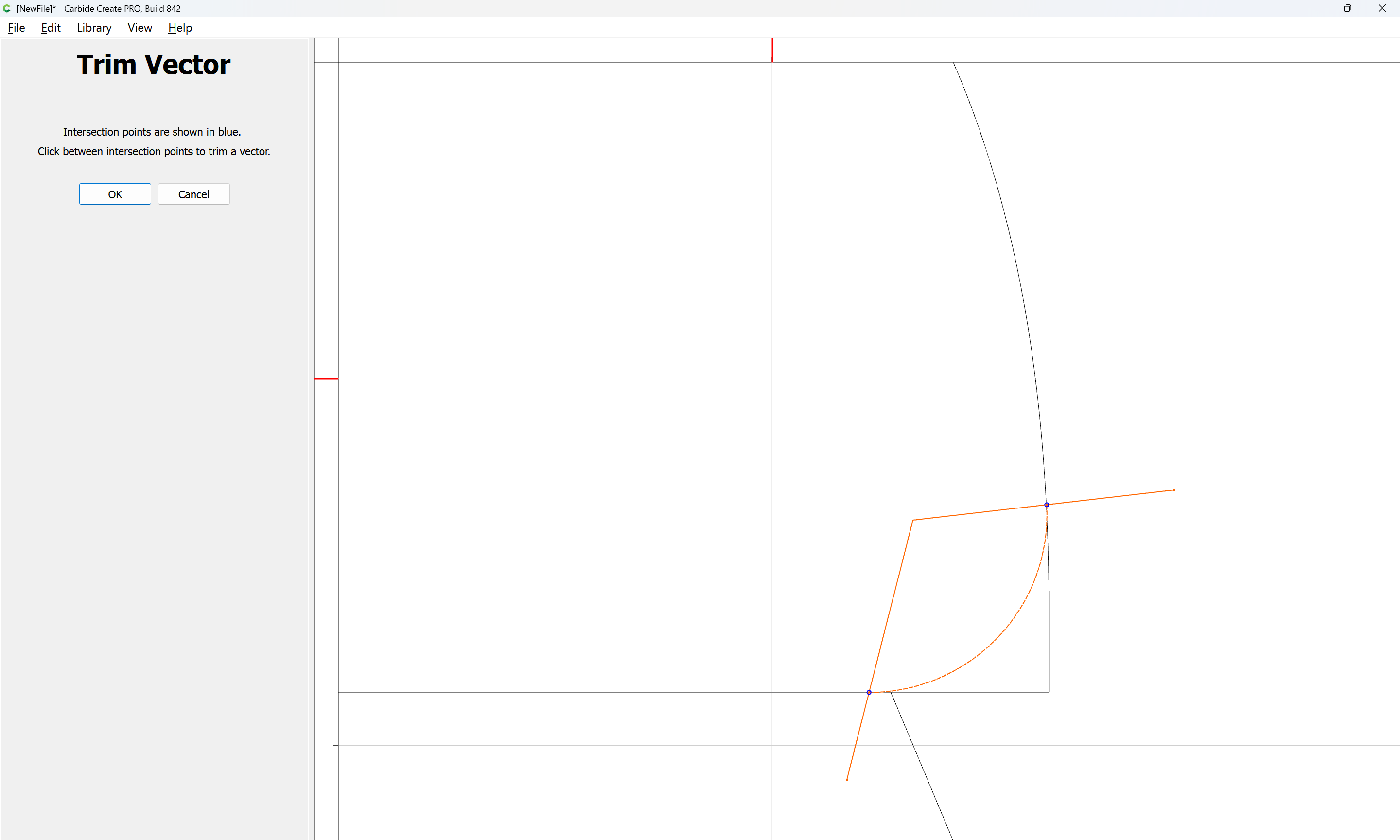
and repeat for the other element:

OK

Delete the added geometry:

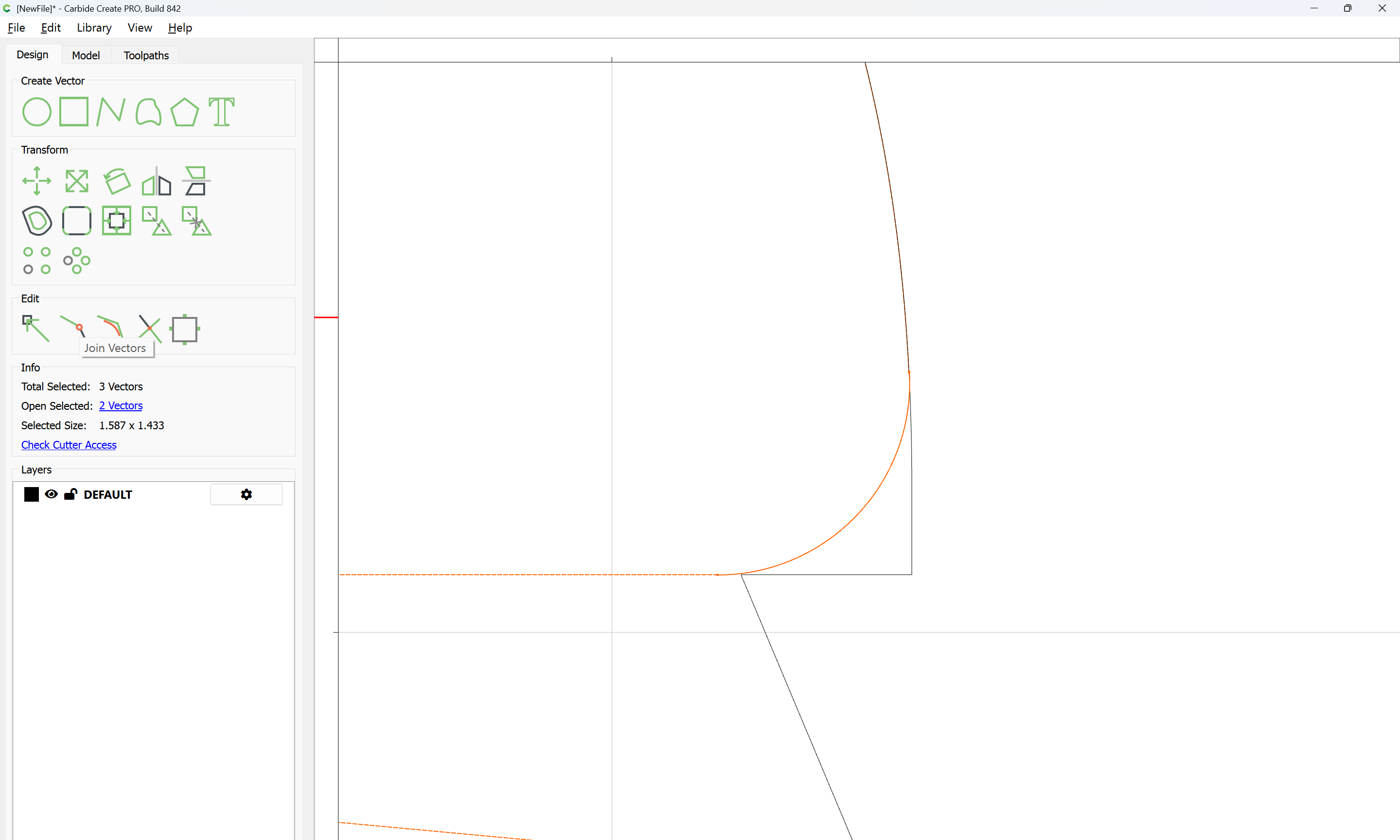
Then select the two open vectors:

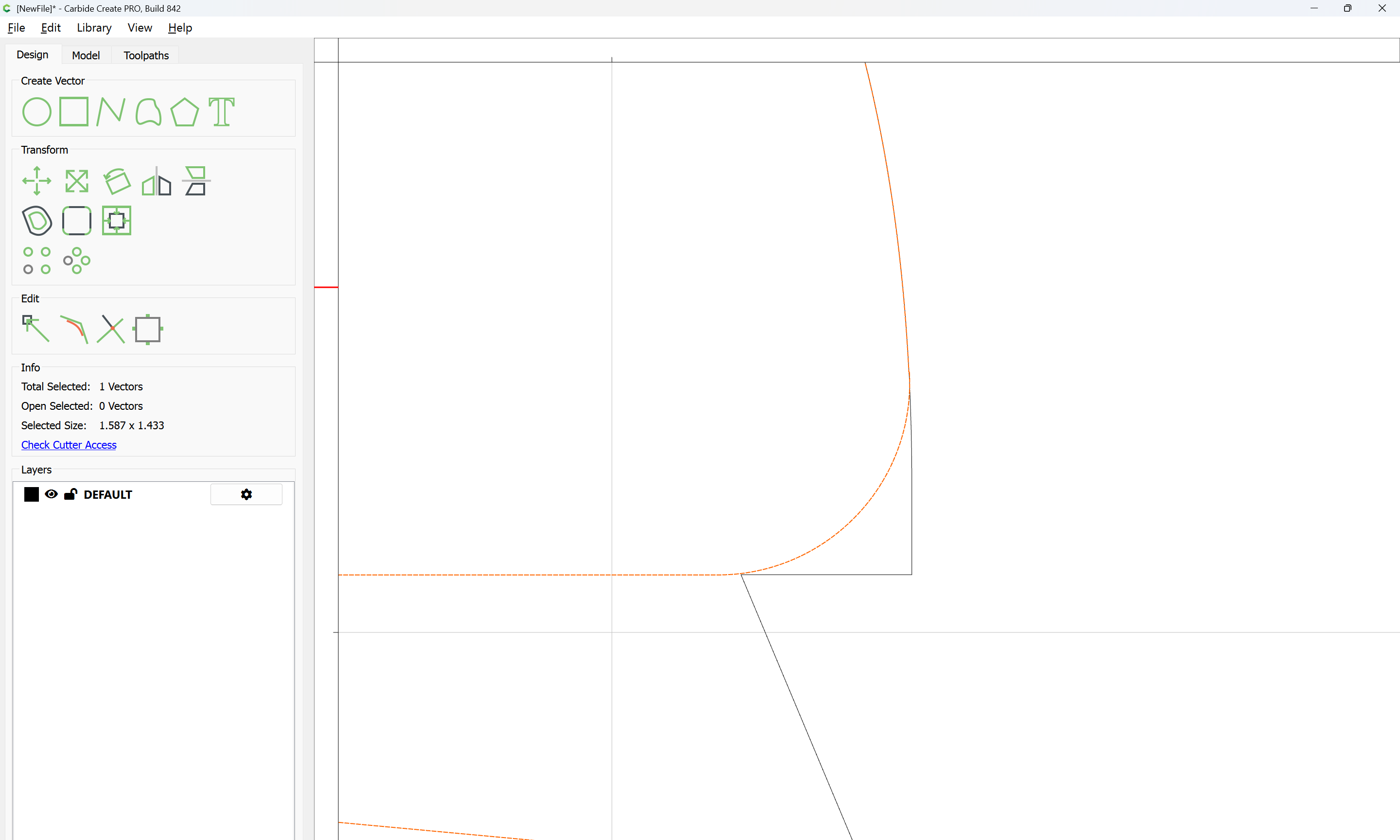
and Join Vectors

The letterforms may now be spaced out and cut out of a suitable thickness of material with suitable toolpaths — this is left as an exercise for the reader — if any difficulties are encountered, upload the file and we will look into it.

Note that a “kiss” fit is used above, the assumption being that tool deflection and a bit of sanding/filing will allow everything to fit — if that doesn’t work out, remake the letters after insetting a bit or other suitable adjustment.
2 Likes