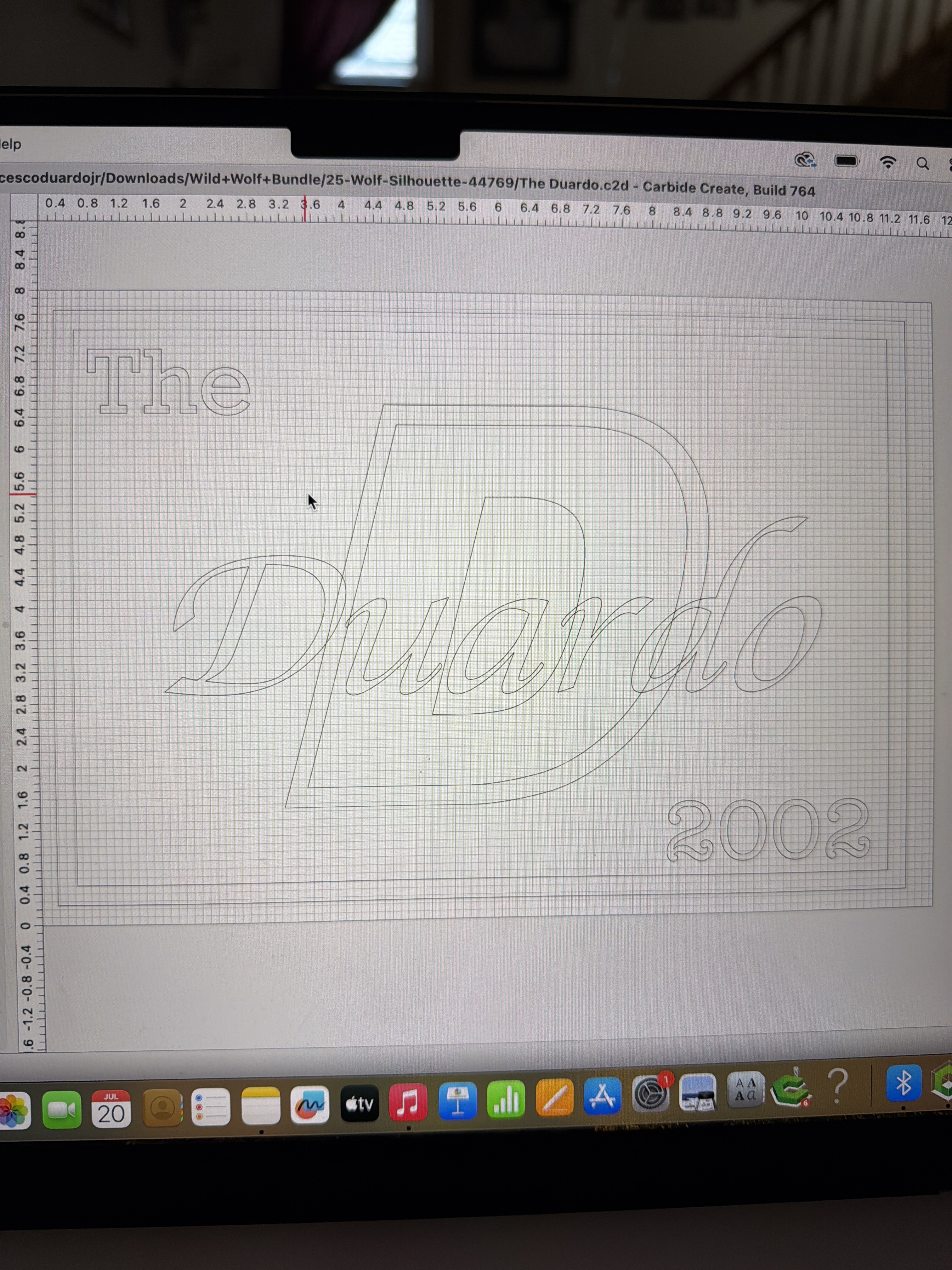
Hi, I am trying to cleanup unnecessary lines within the last name “Duardo” notice there are lines going through my last name from the large letter D I am a beginner with editing any help would be greatly appreciated I hope I explained it well.
See:
and
or try the new Region Builder tool:
If you still have difficulty, upload your file and we’ll walk through this w/ you.
1 Like
Thank you for reaching out, I will try the steps you have provided if I have any further issues I will upload the design and maybe you can possibly walk me through it. I appreciate all the help.
1 Like
The file was sent via a PM, unfortunately, I do not have the specific fonts used:
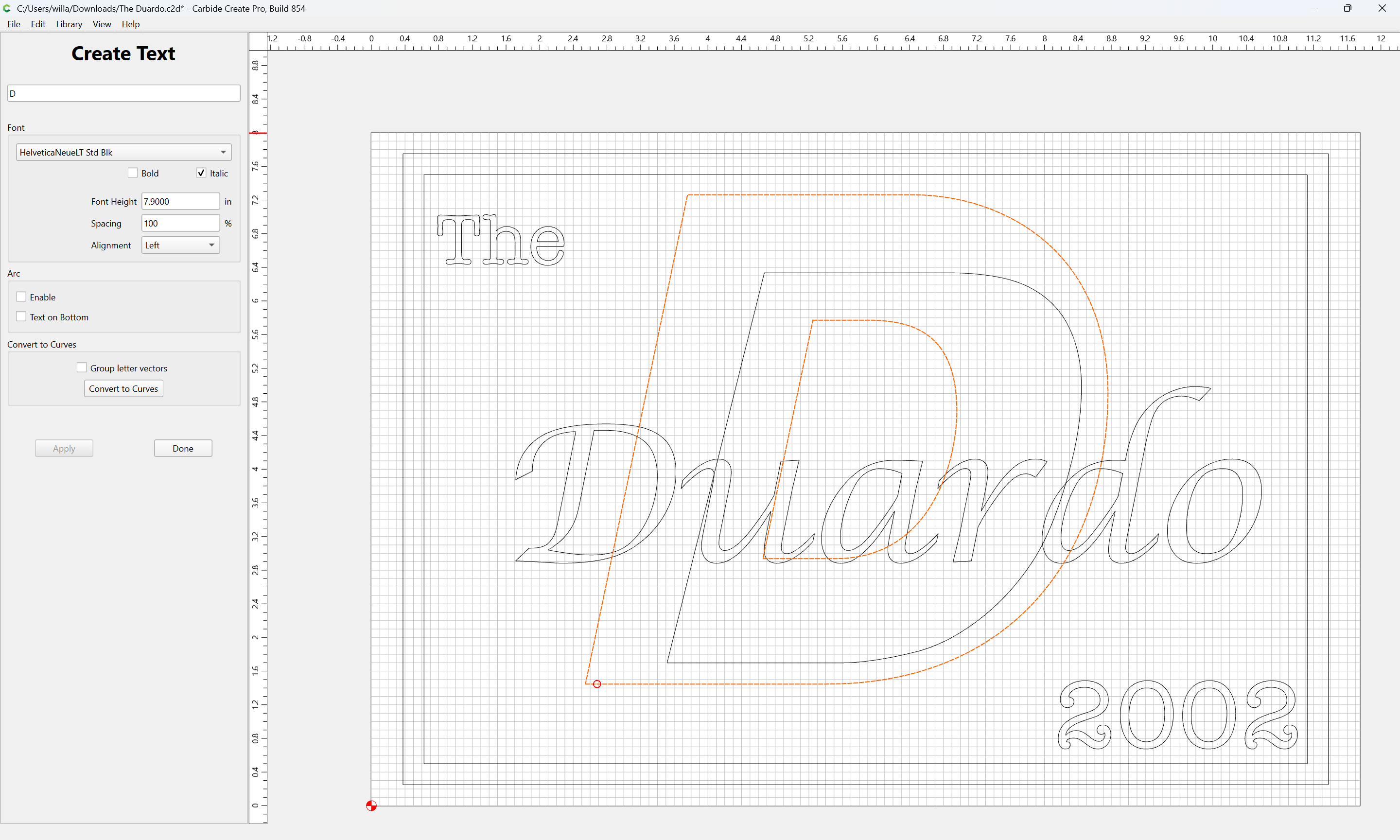
Making reasonable substitutions we arrive at:
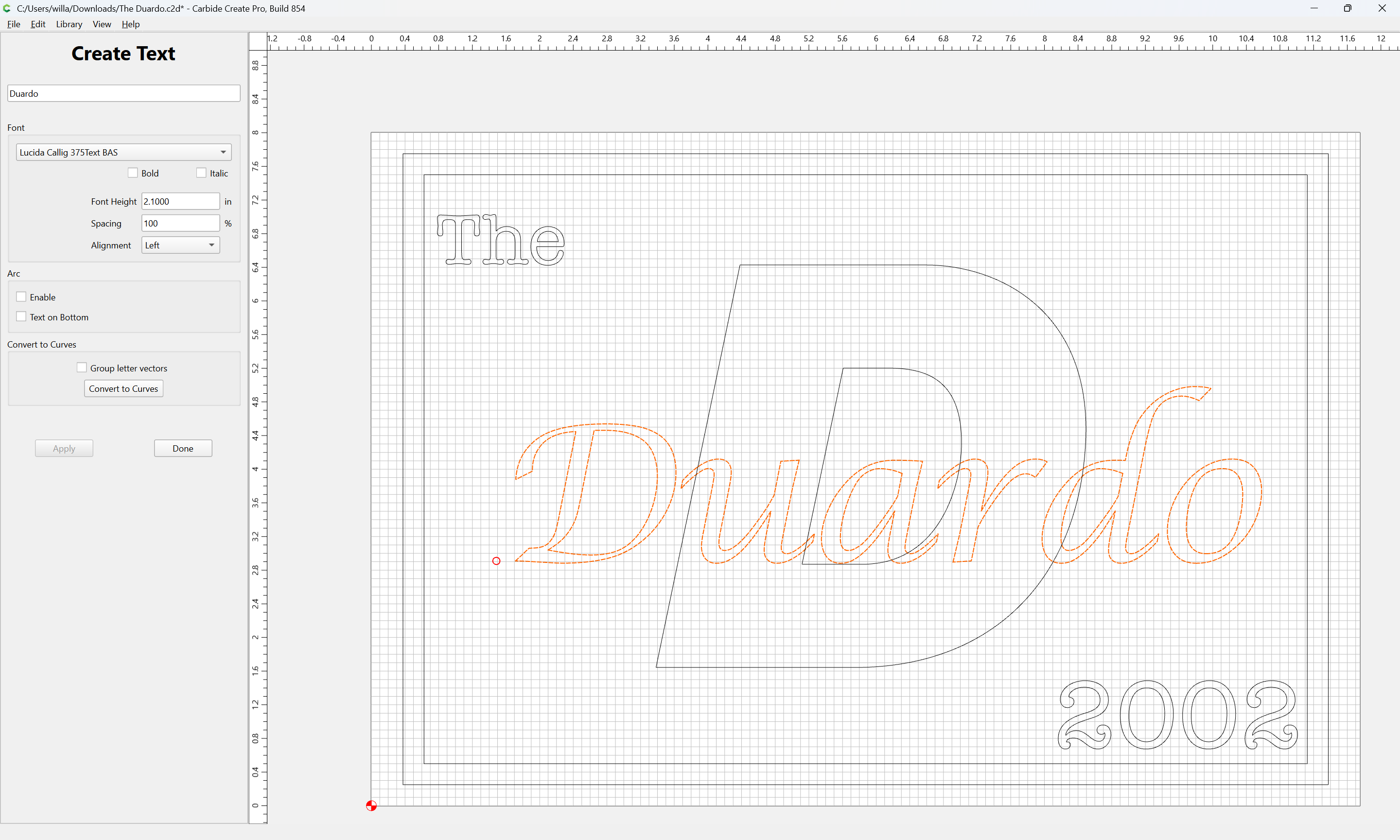
First, we draw up the cut in profile:
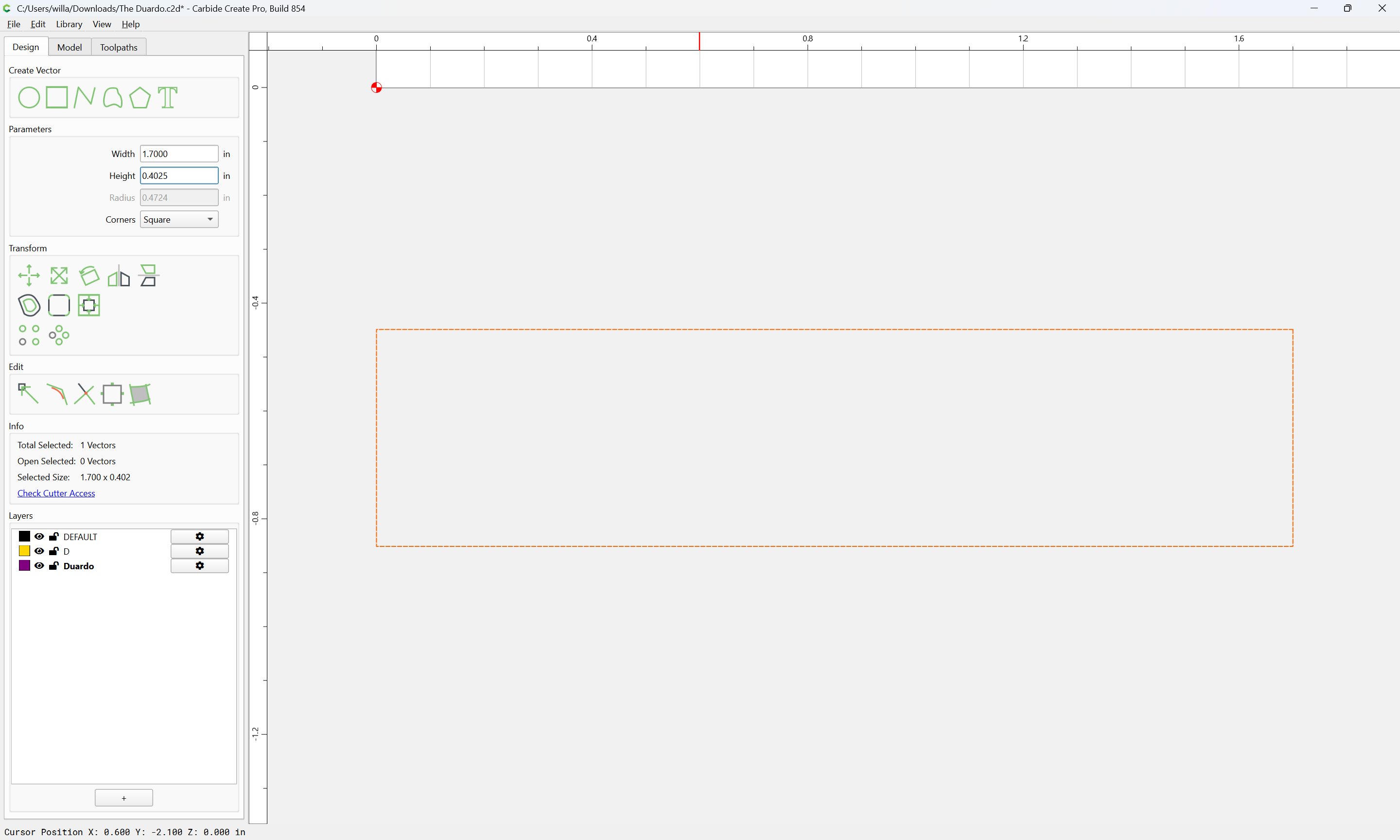
and the tool to be used (a 60 degree V tool was selected)
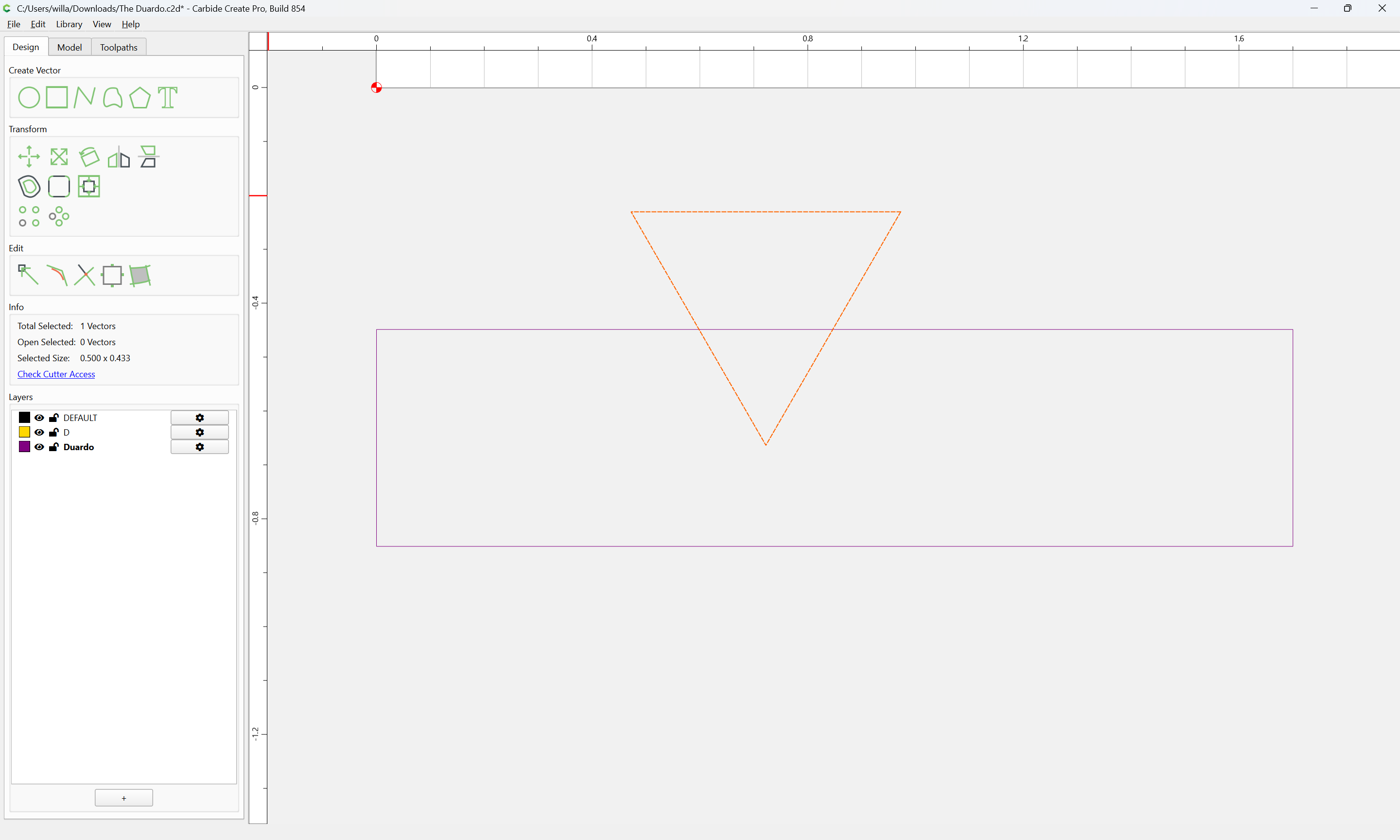
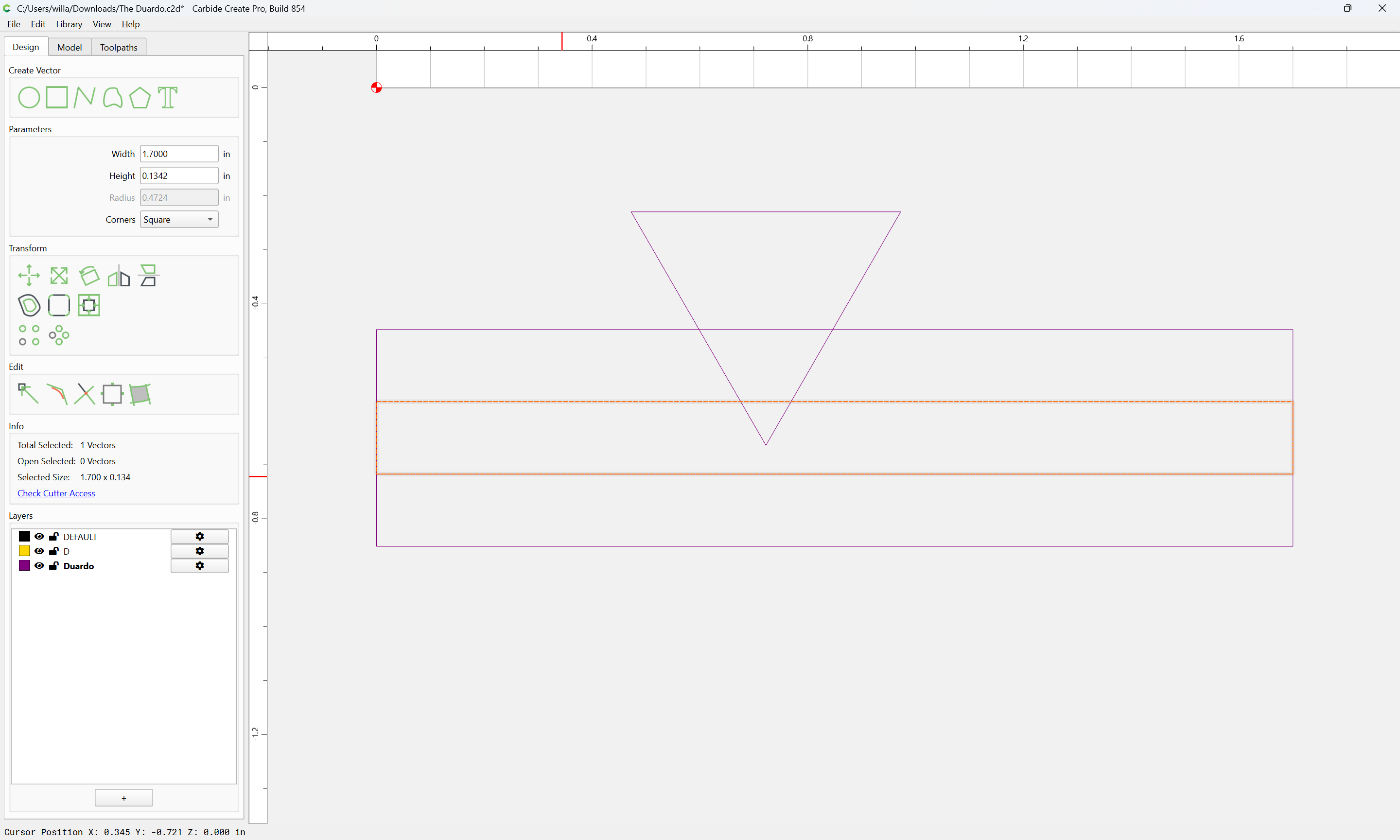
Then, the three layers of the cut:
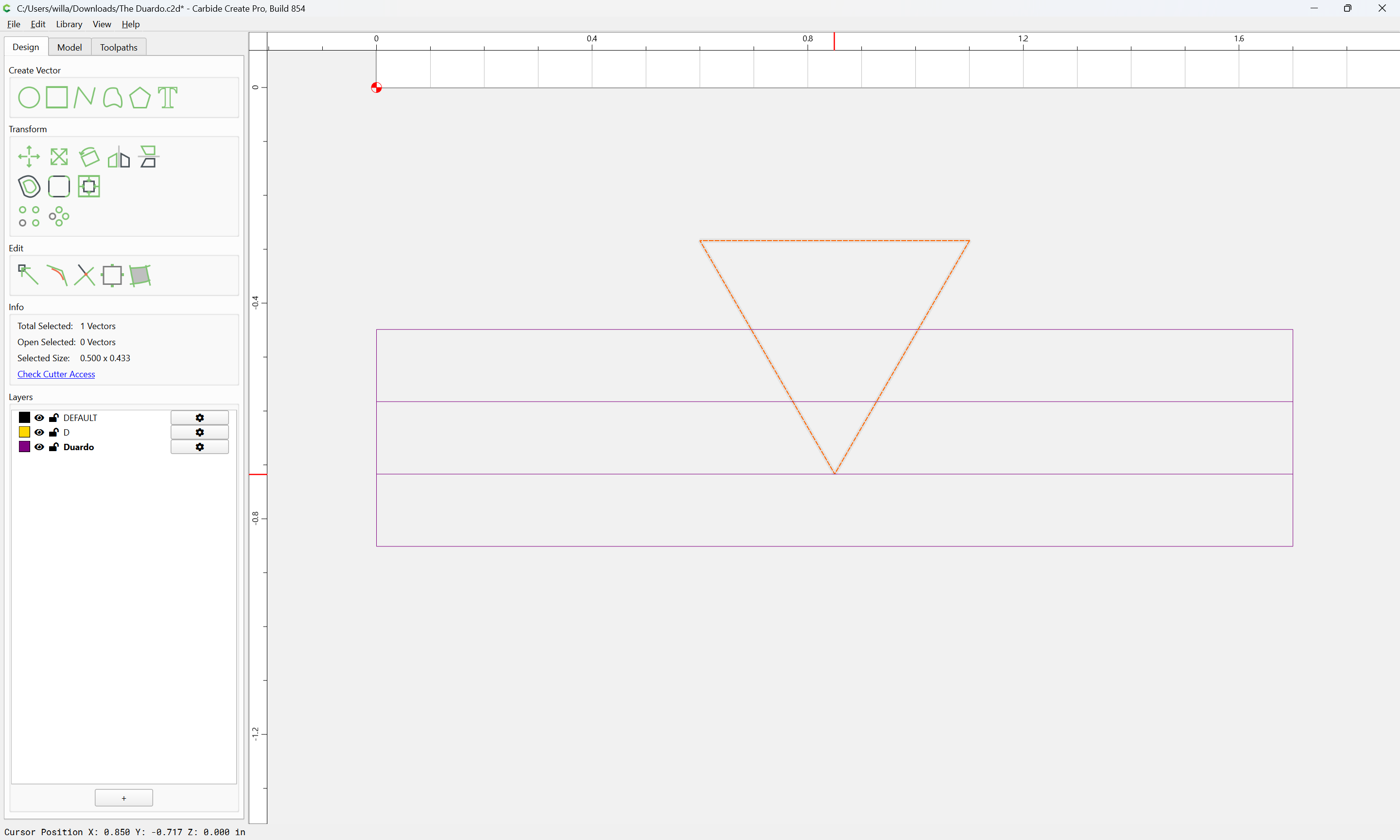
Getting the intersection of the V tool and the middle layer:
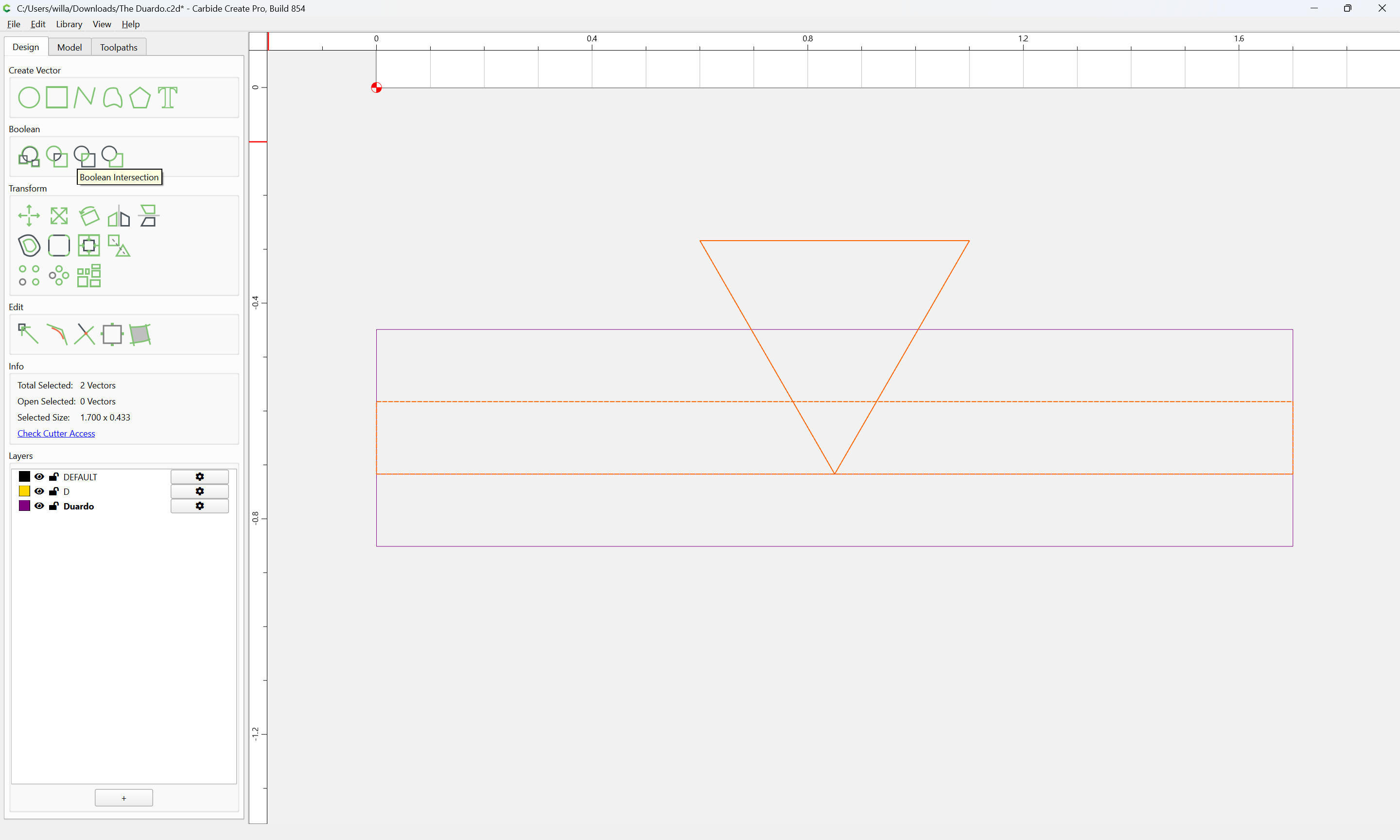
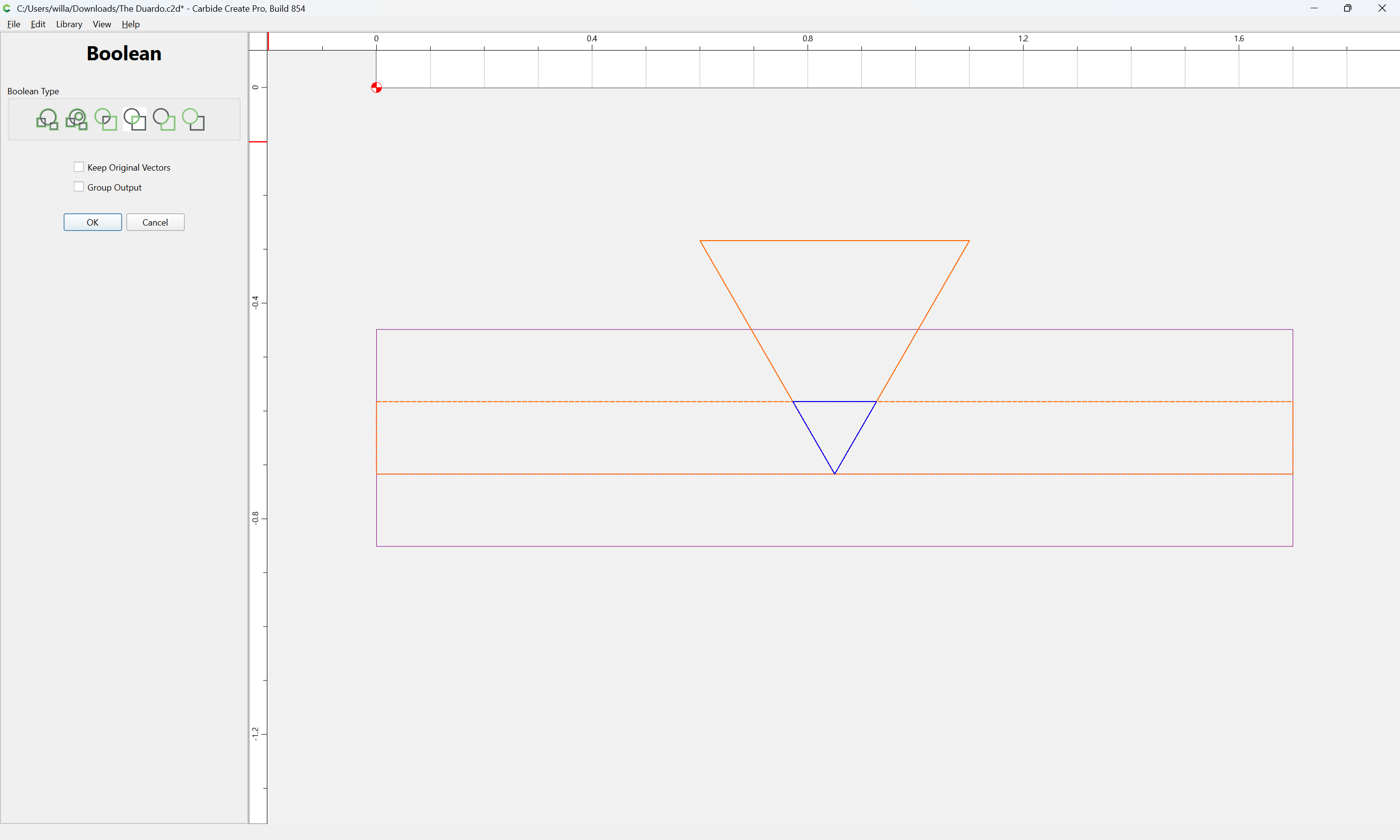
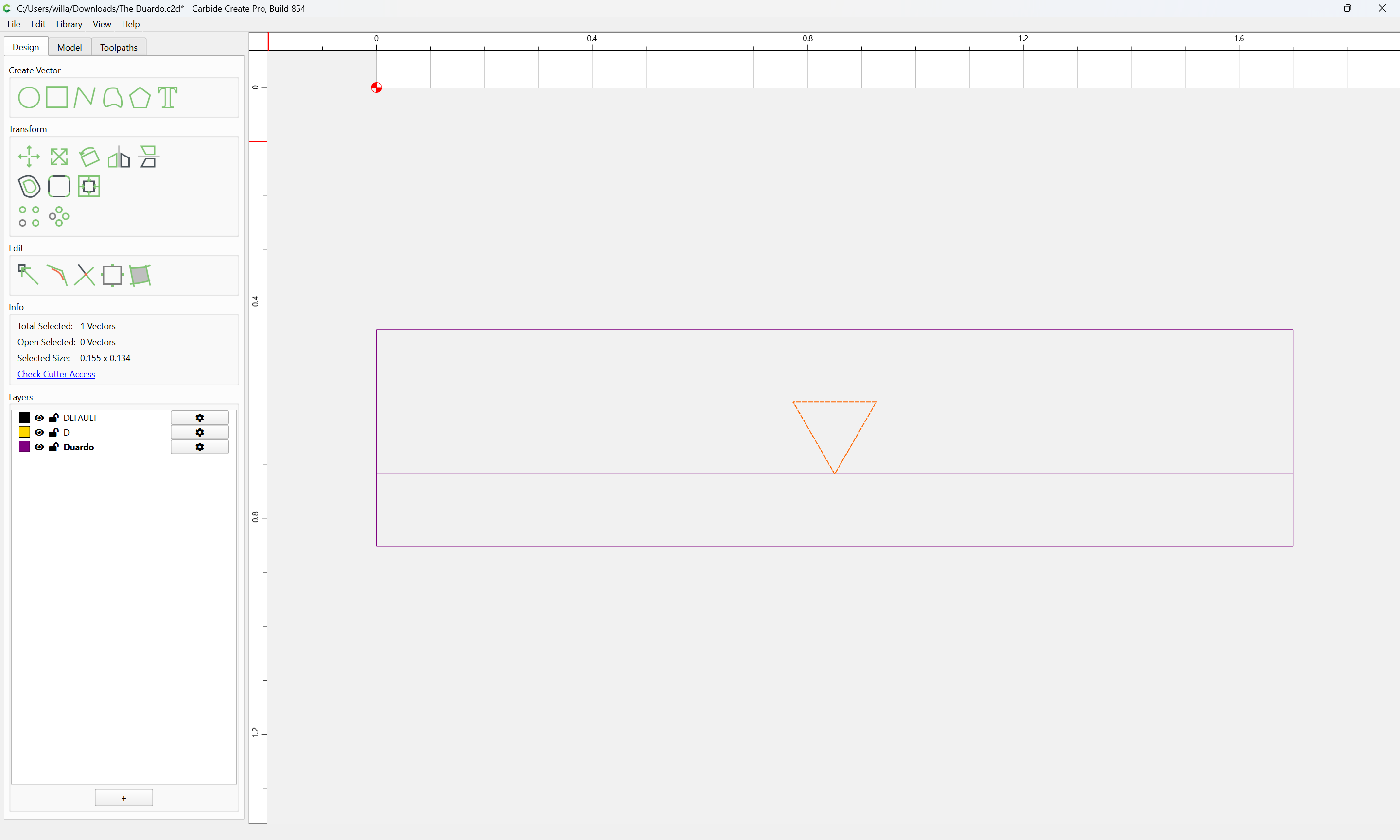
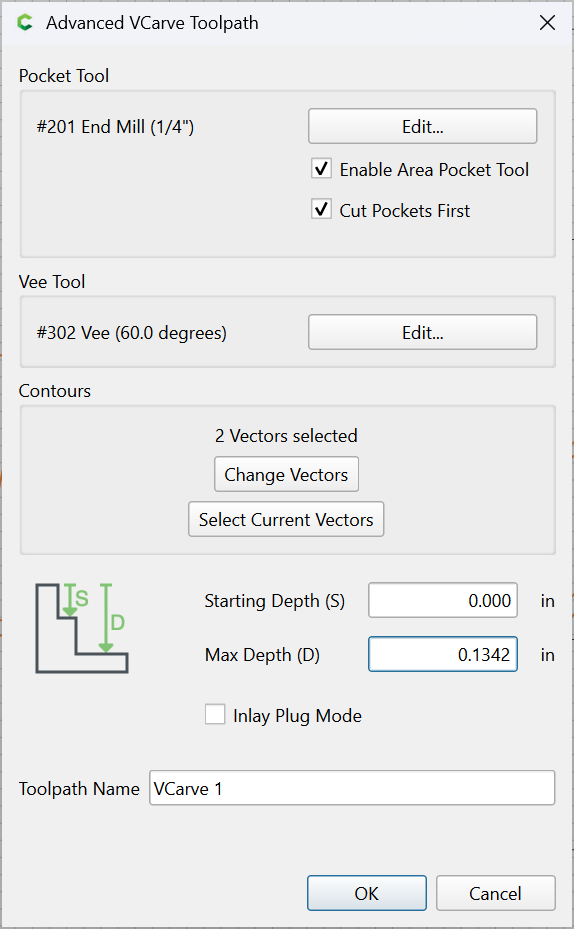
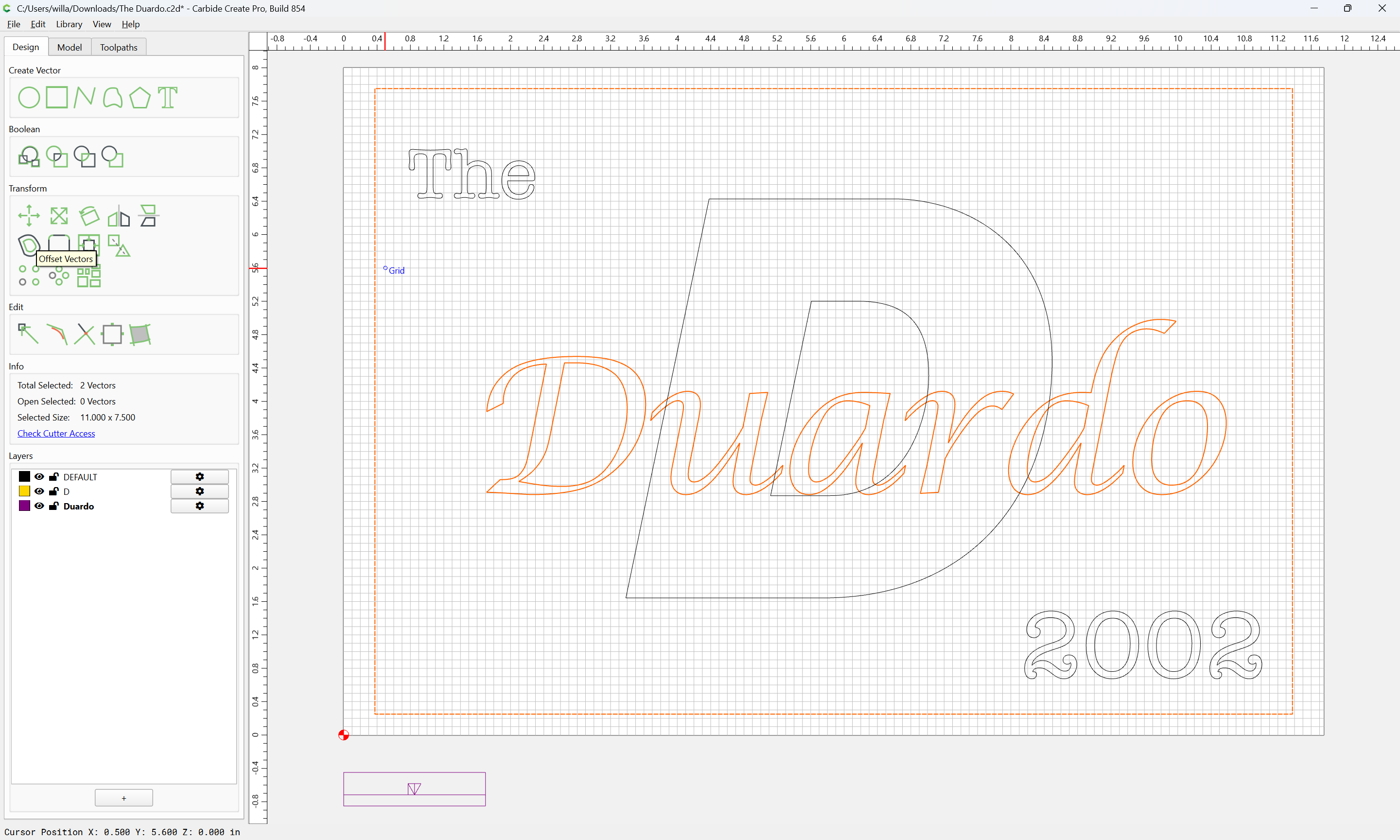
We can see that it will be necessary to offset by 0.0775 and that each layer should be cut to a depth of 0.1342".
Cut the first layer:
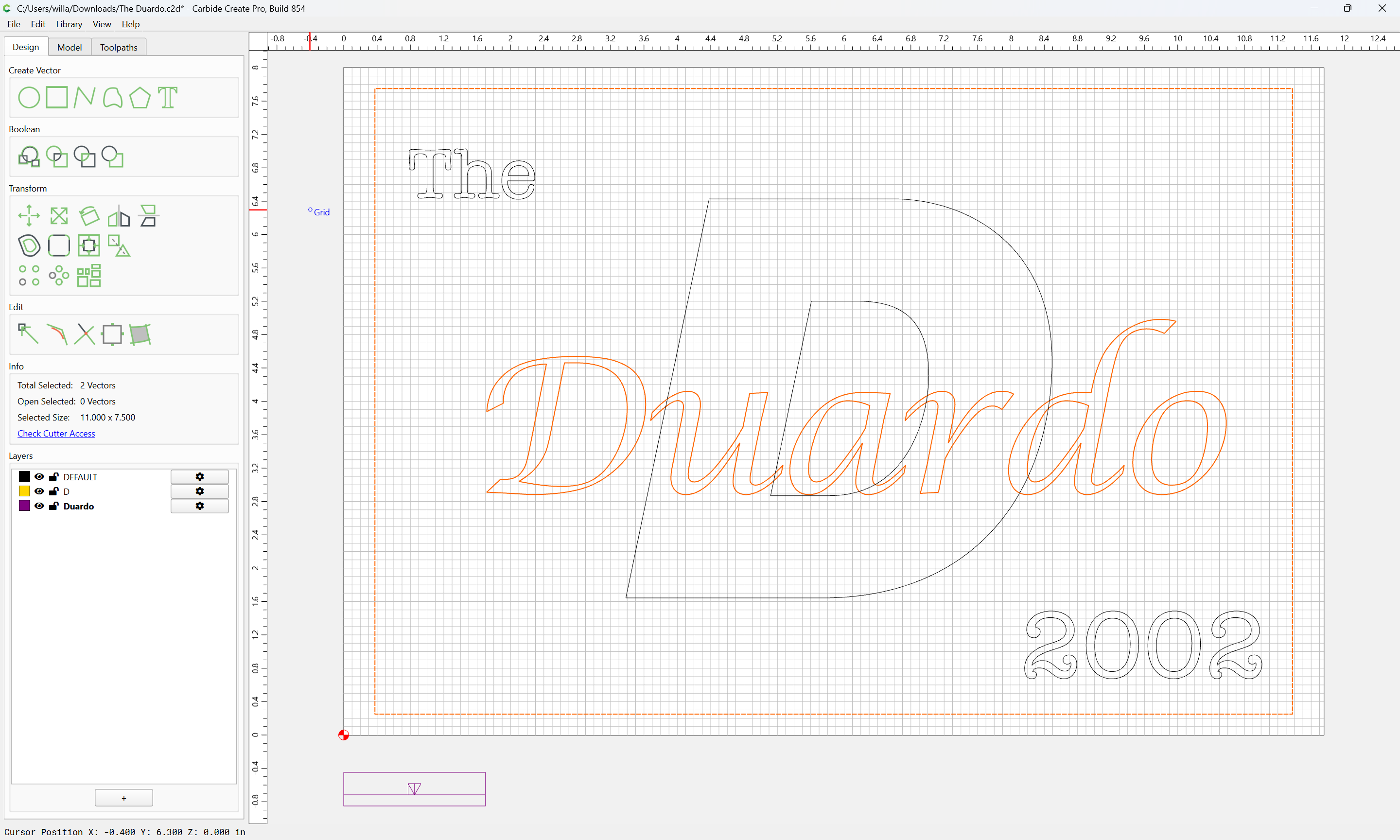
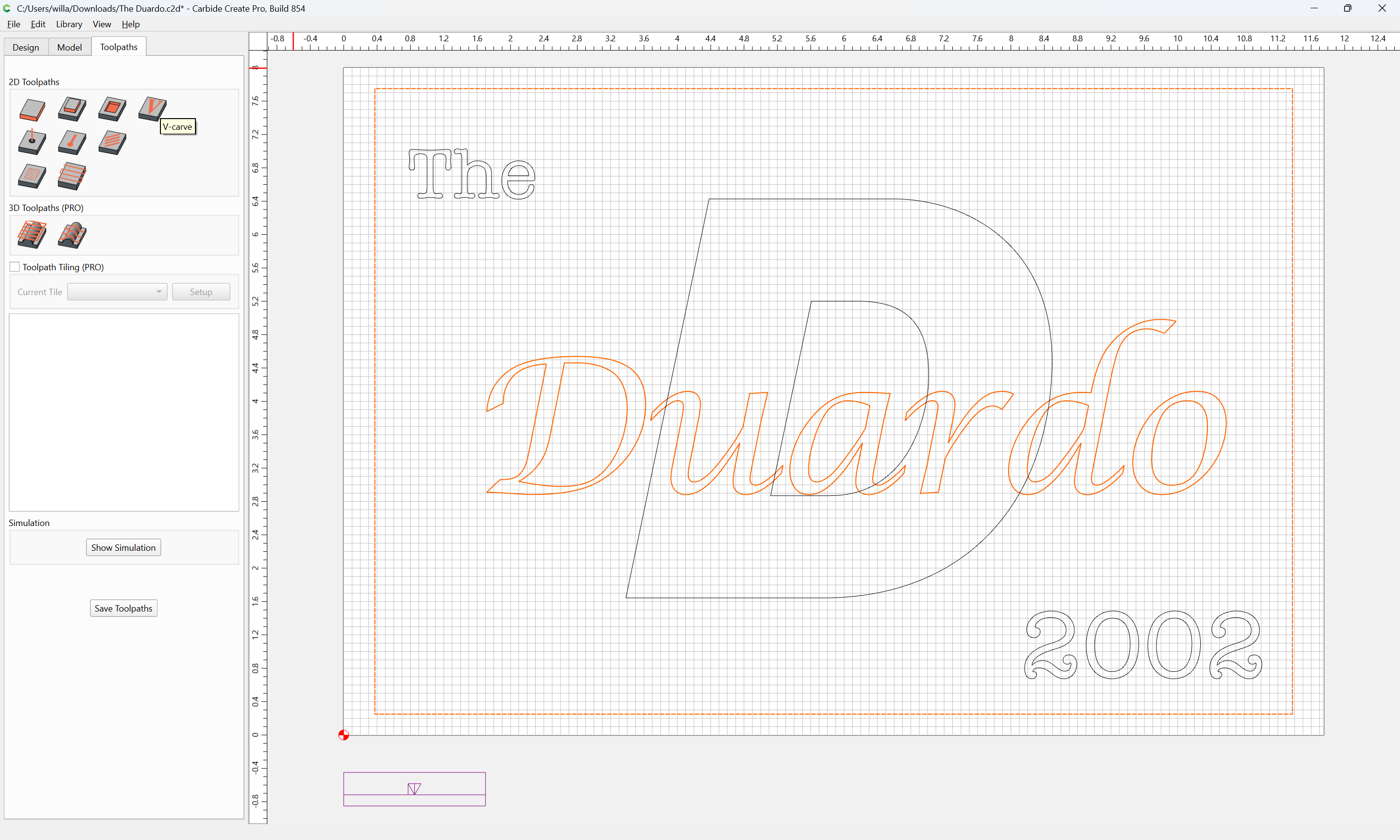
The text and rectangle for the first layer is then offset by the desired dimension:
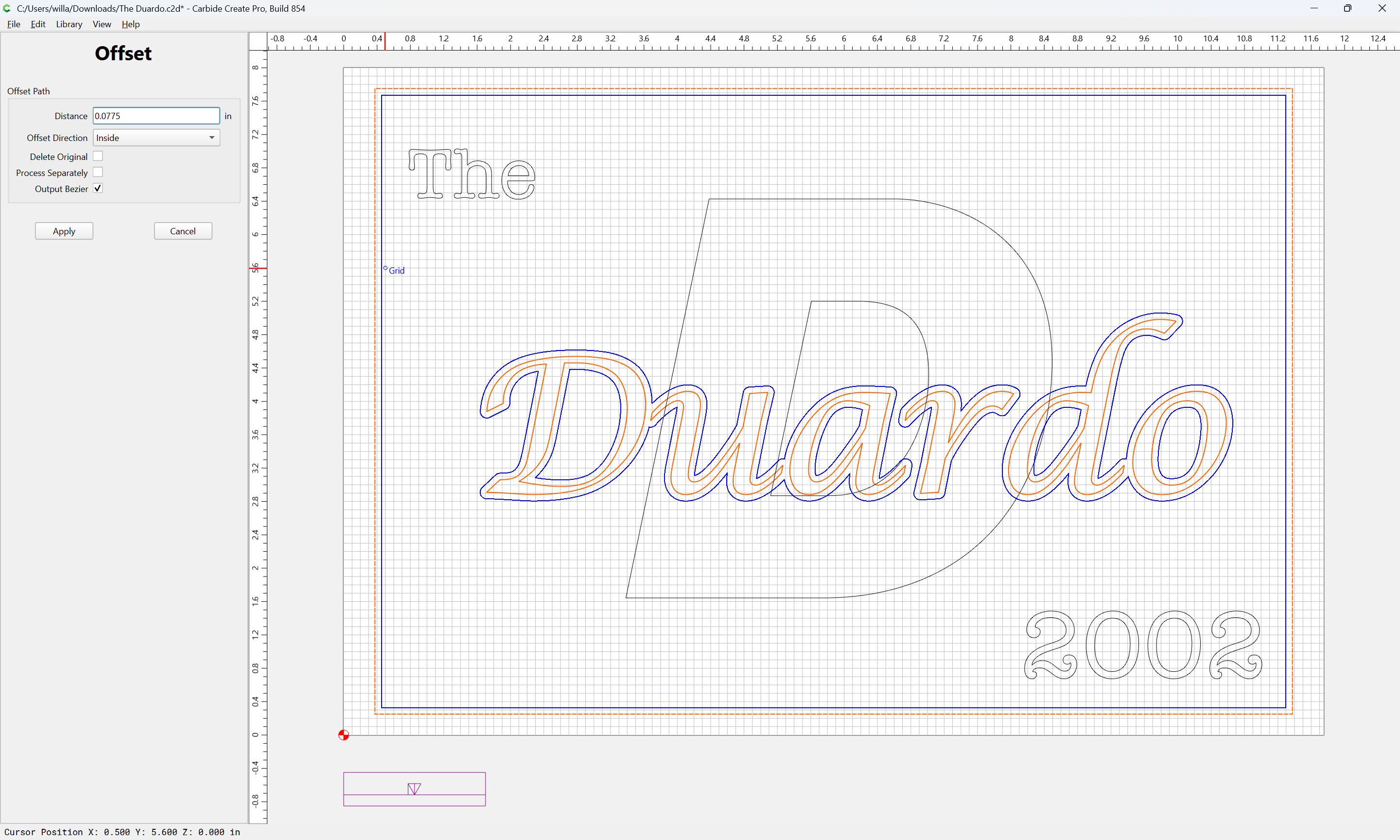
Apply
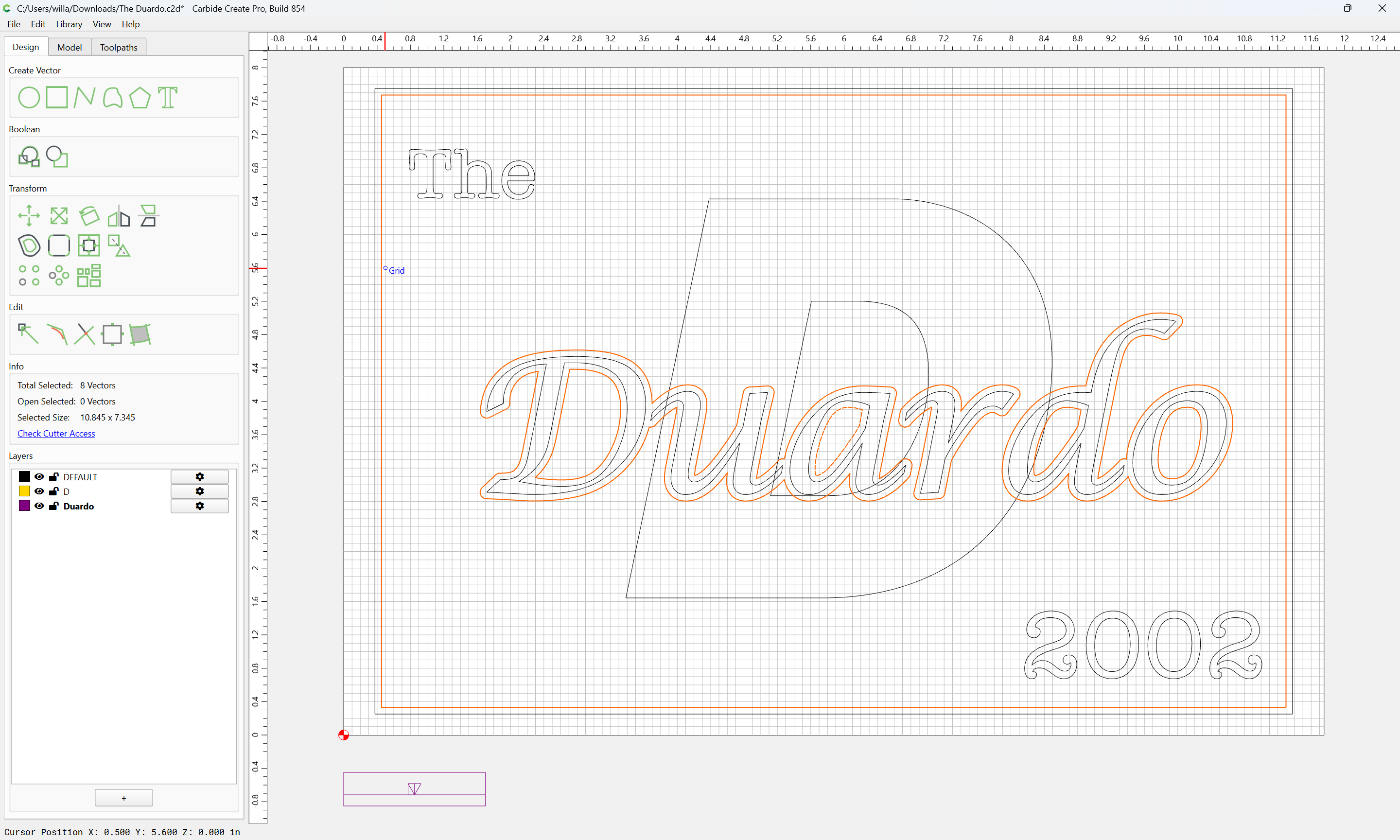
shift-click on the rectangle to remove it from the selection and shift-click on the lower layer to add it:
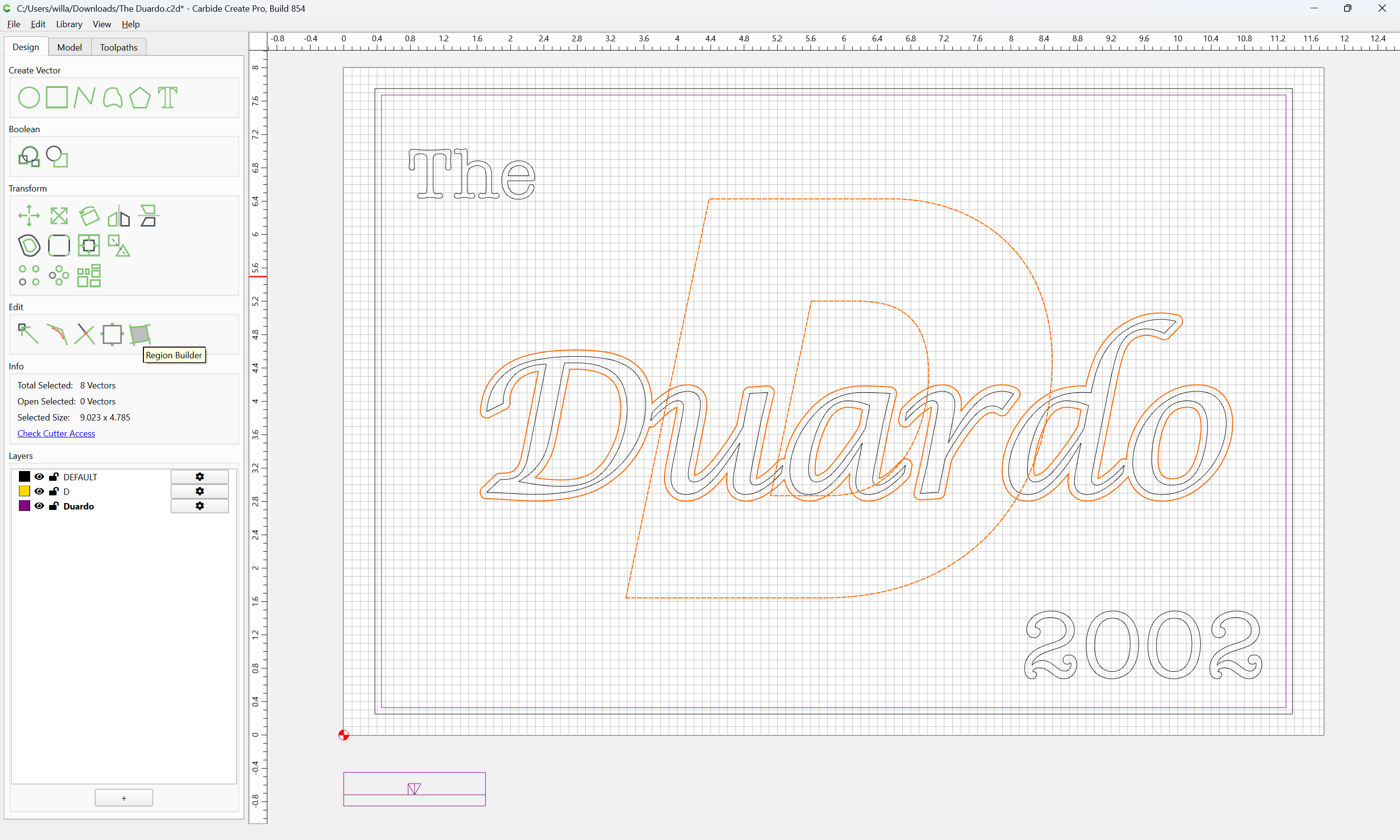
and use Region Builder to define the region for the lower layer:
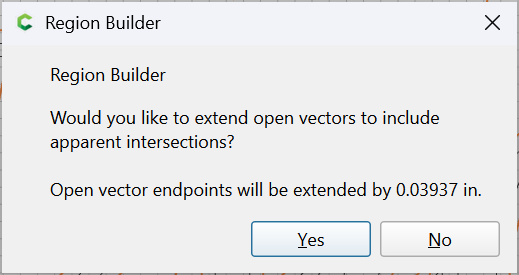
Yes
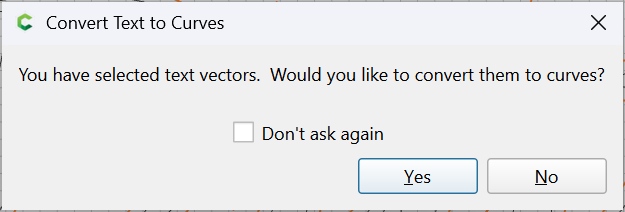
Yes
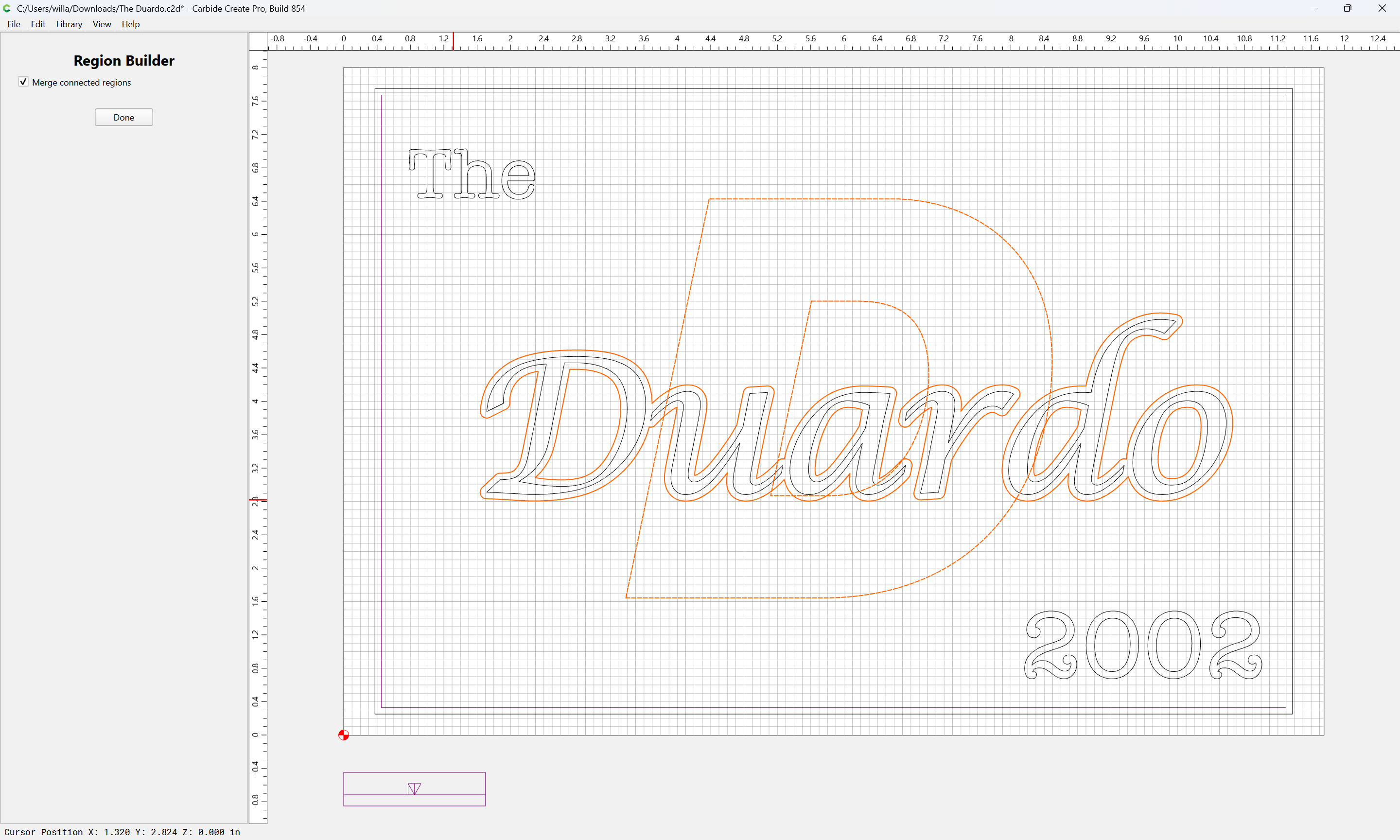
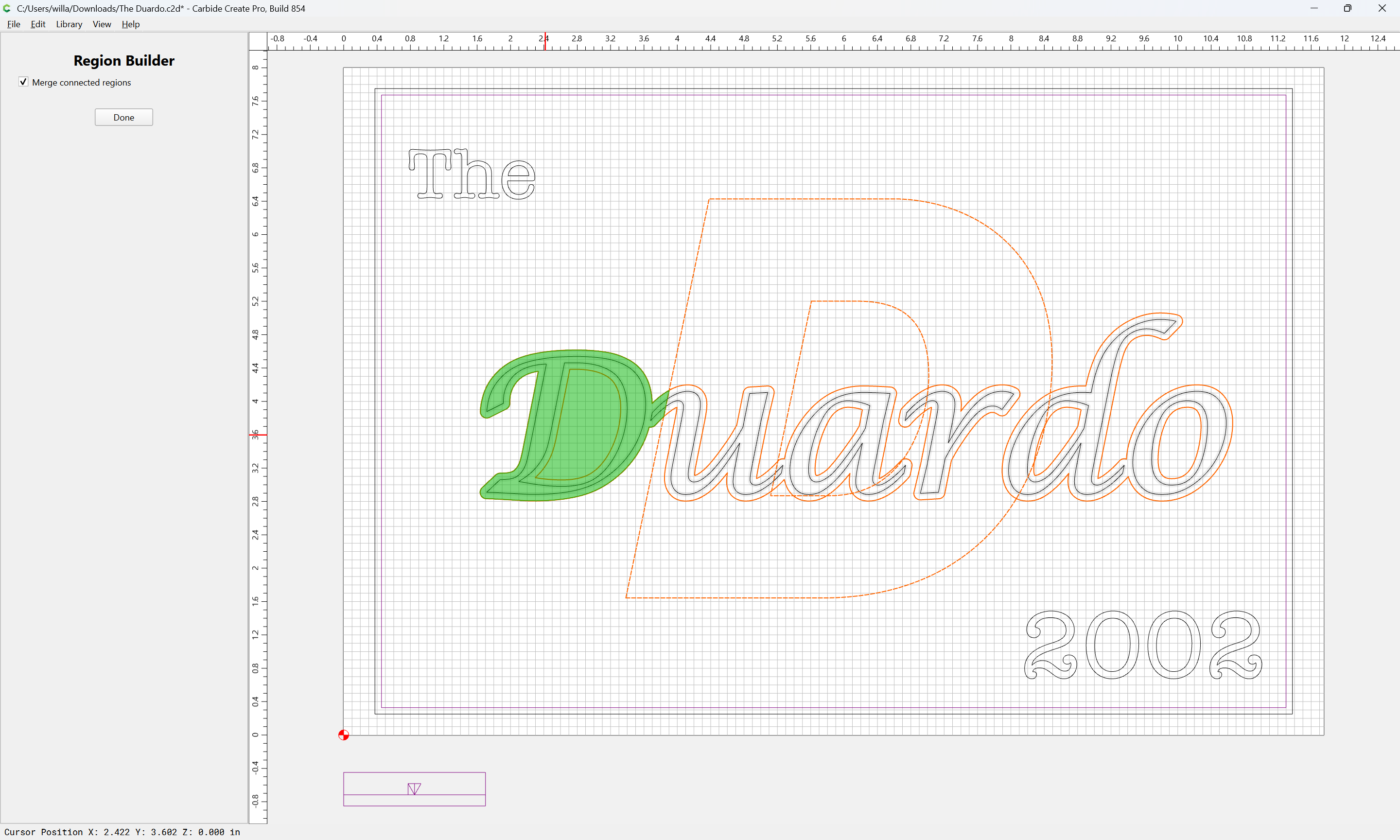
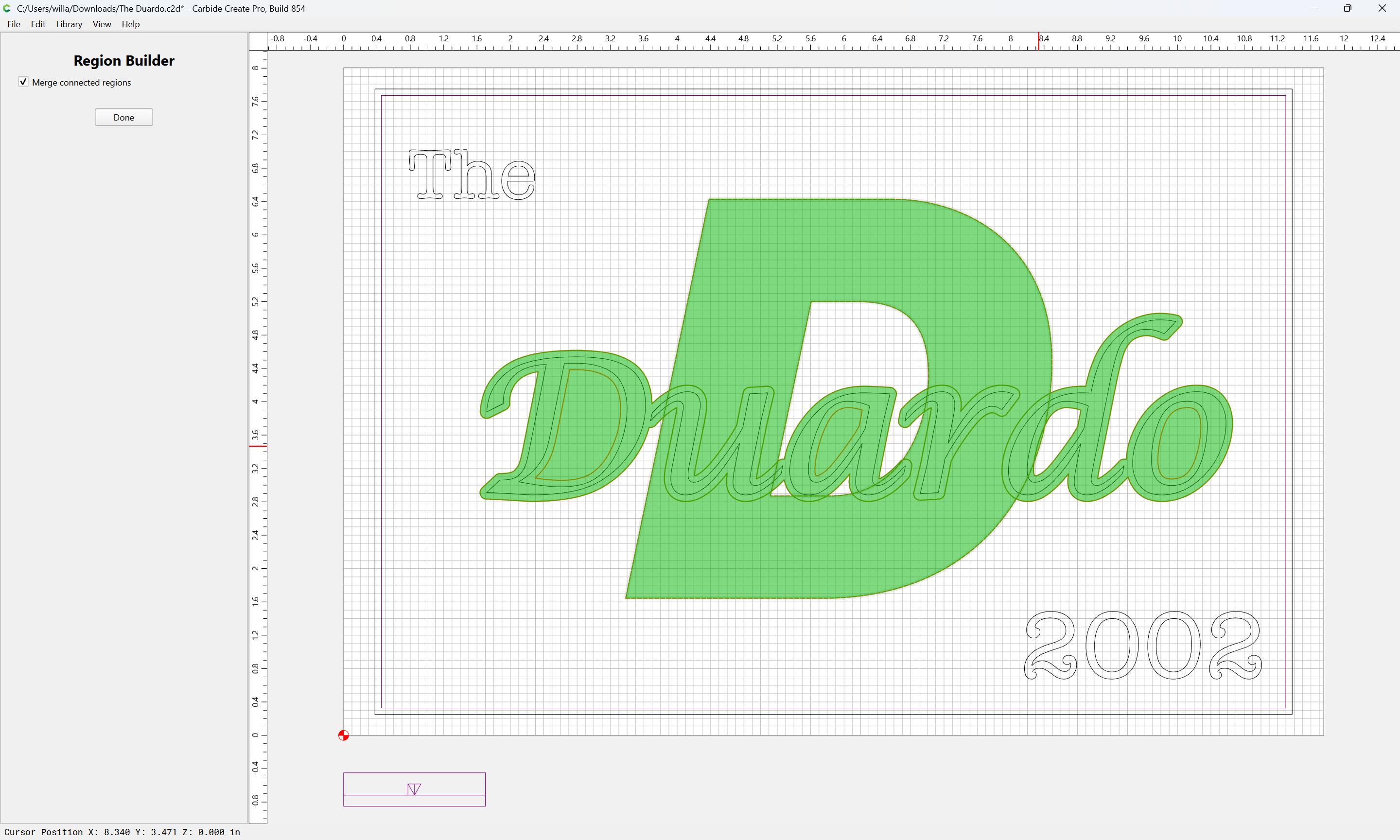
Done
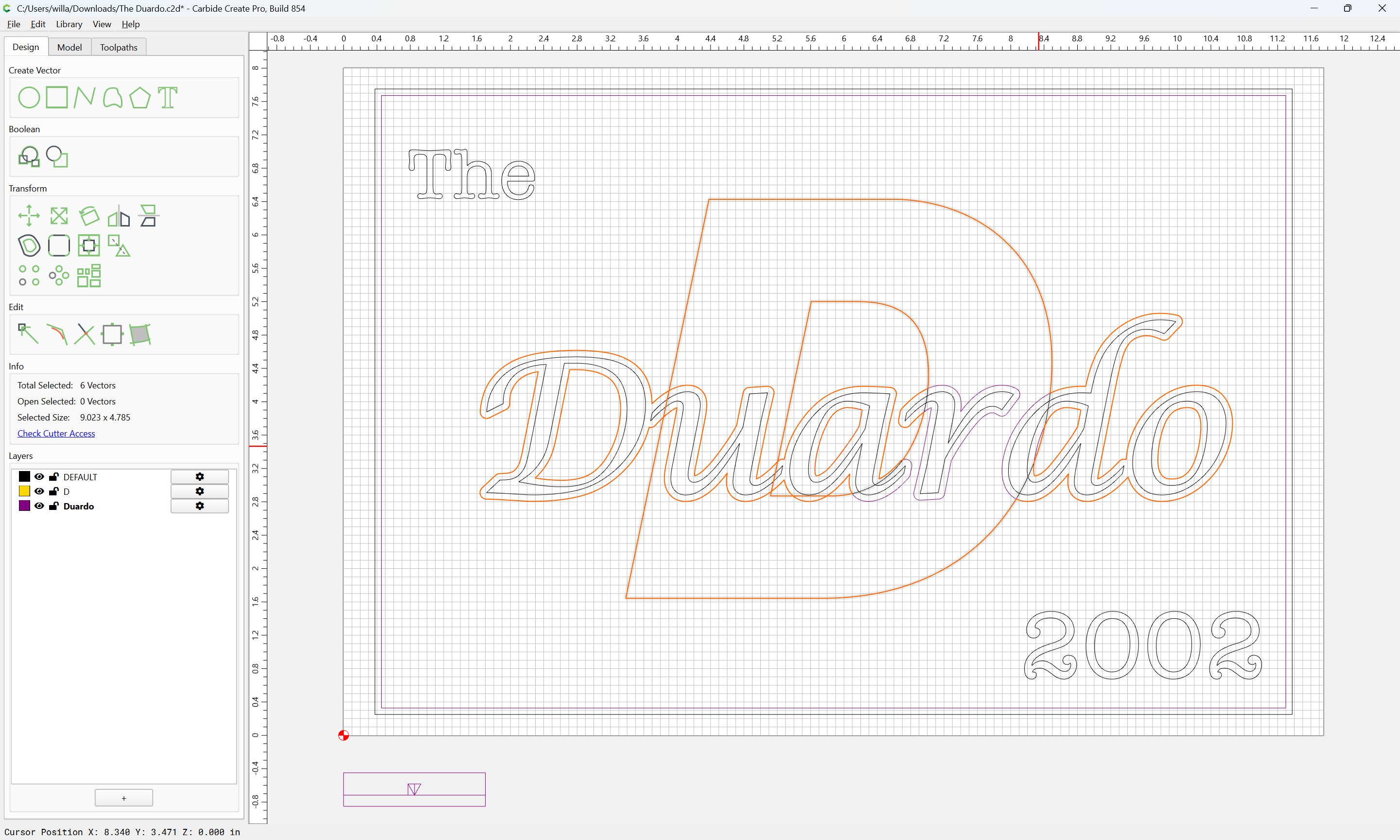
If need be, adjust the built regions:
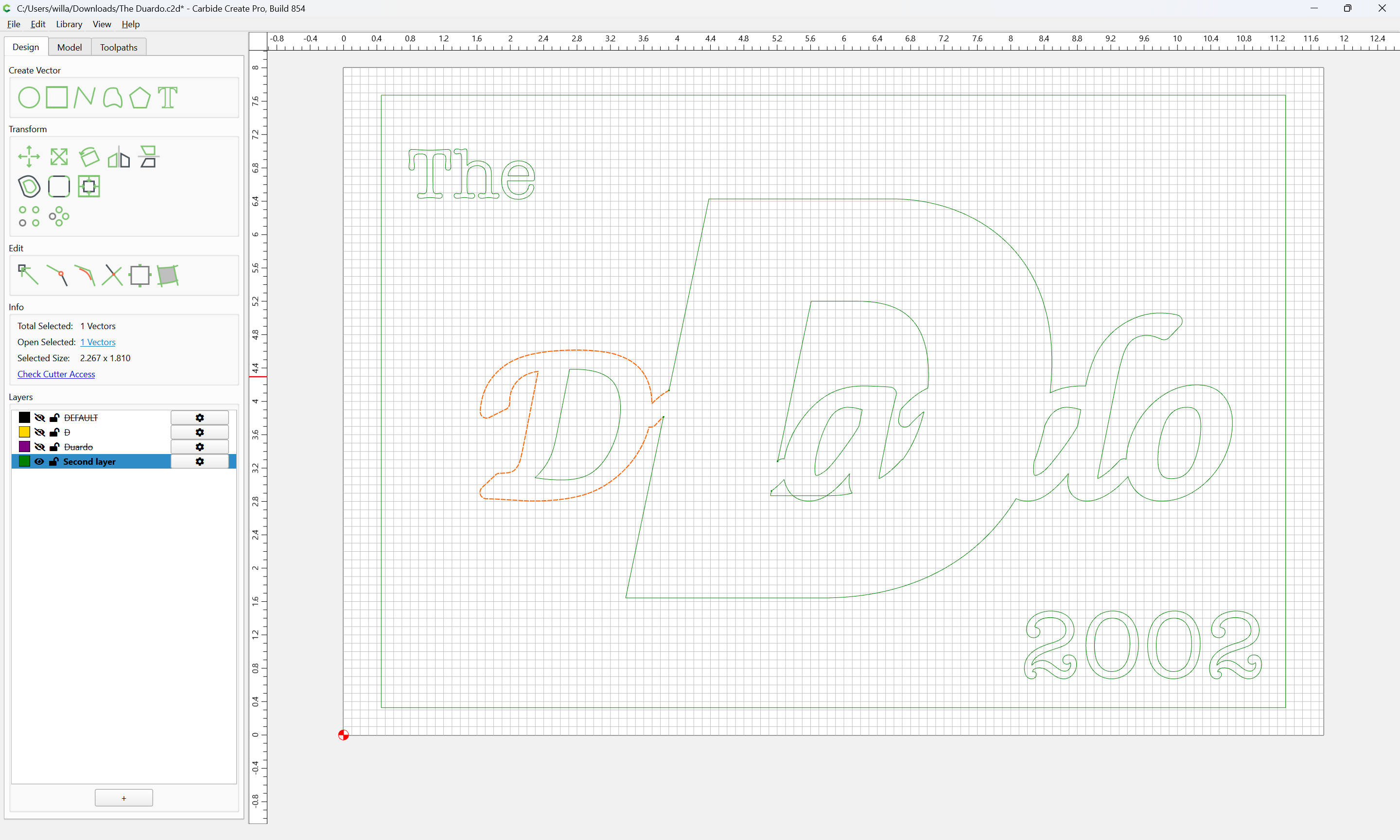
Add the offset rectangle and the secondary text to the selection:
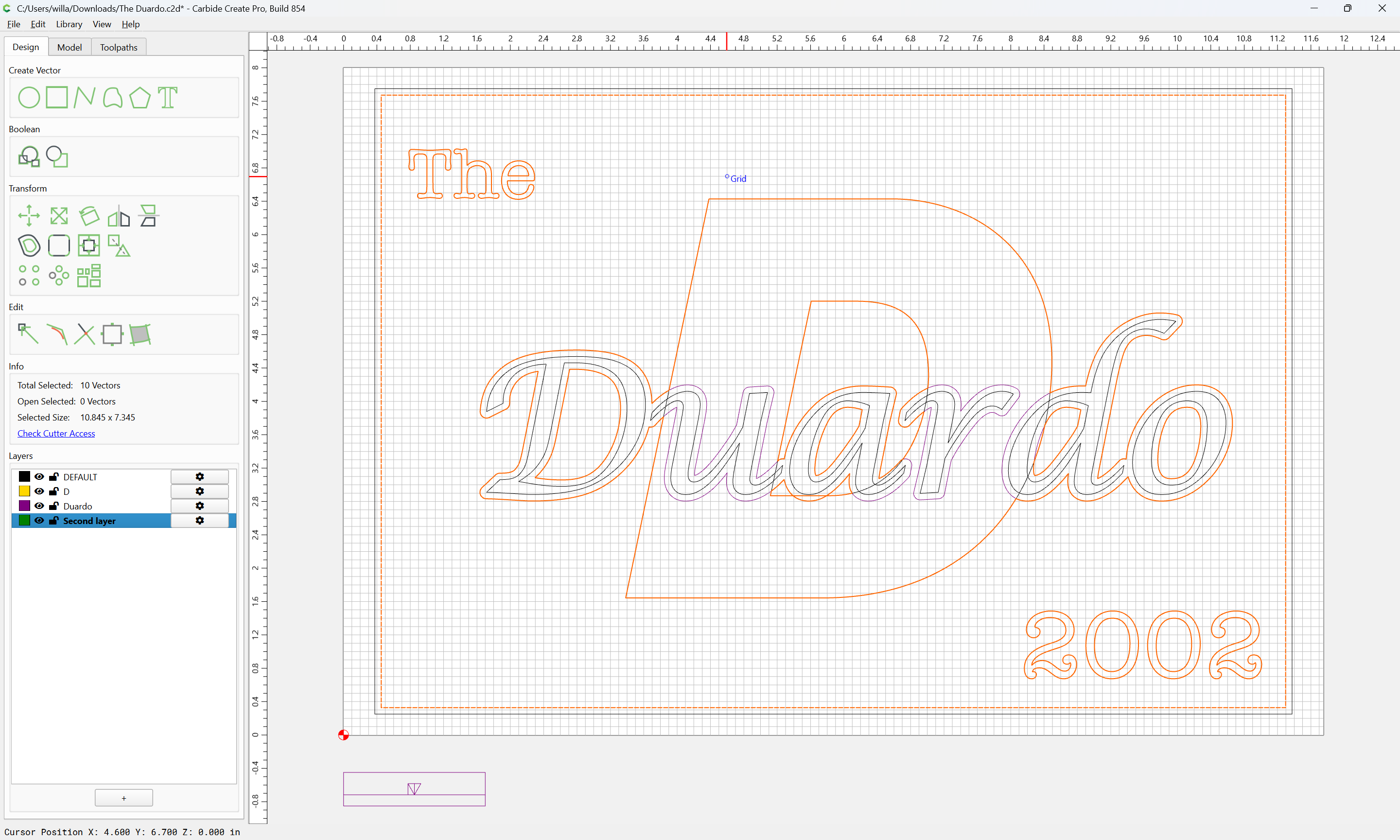
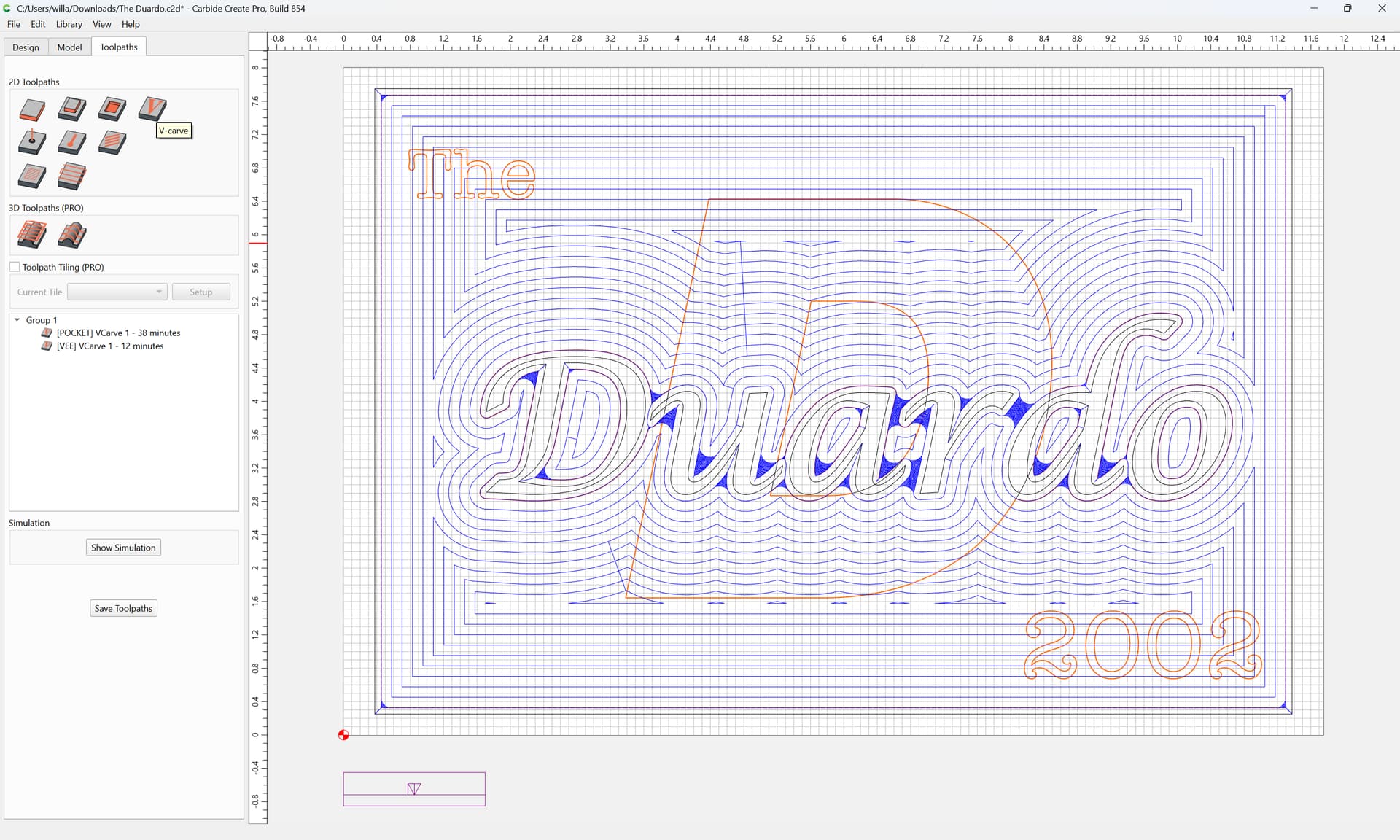
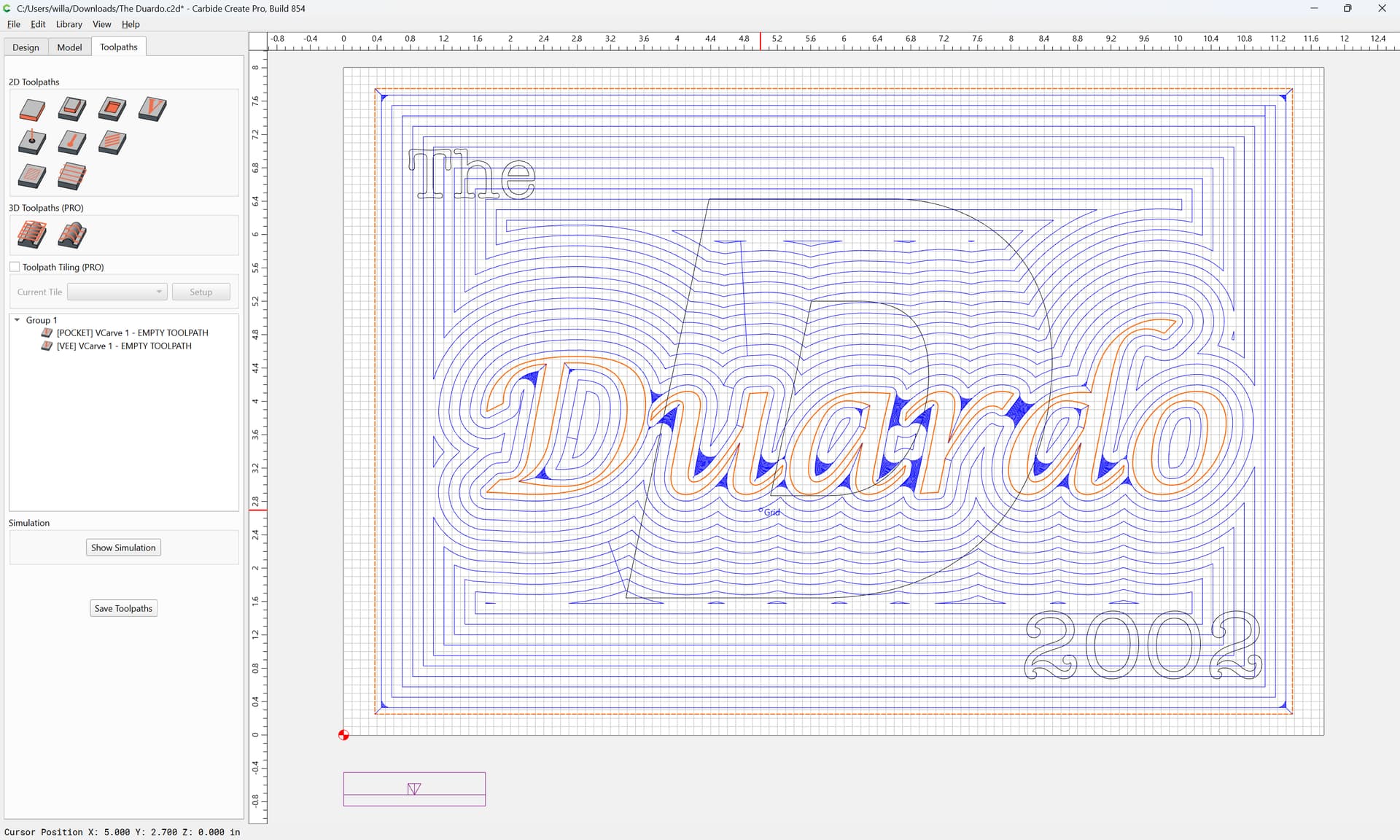
Start a V carve at the bottom of the previous pocket:
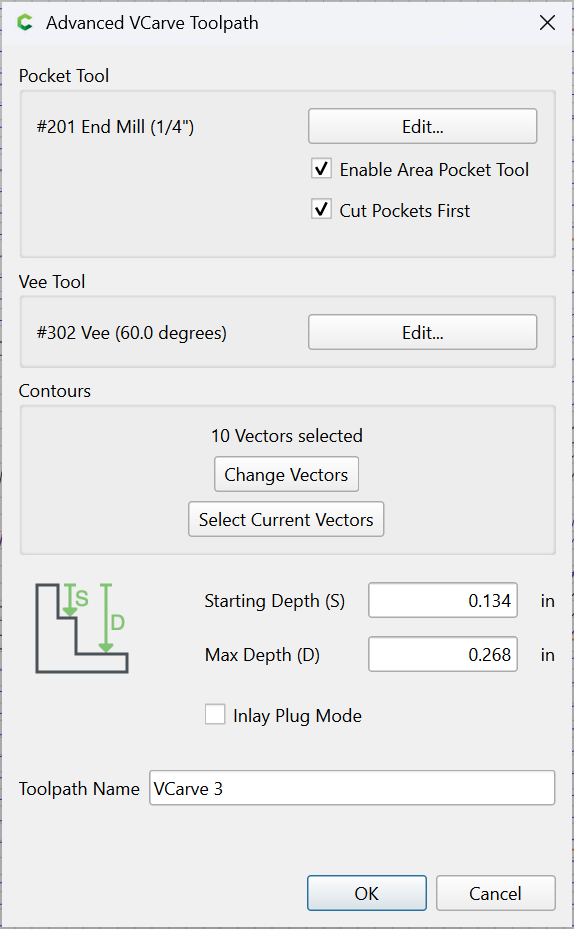
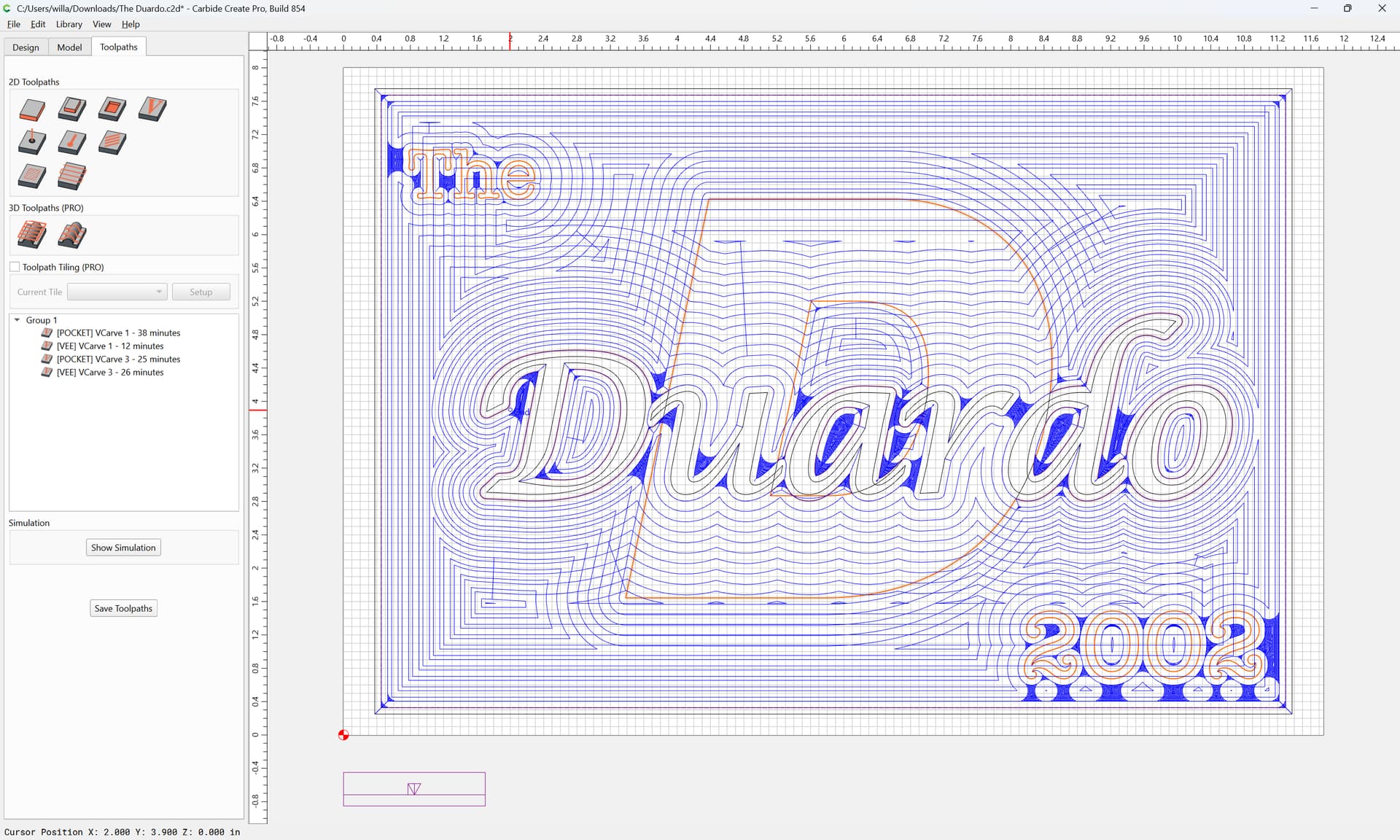
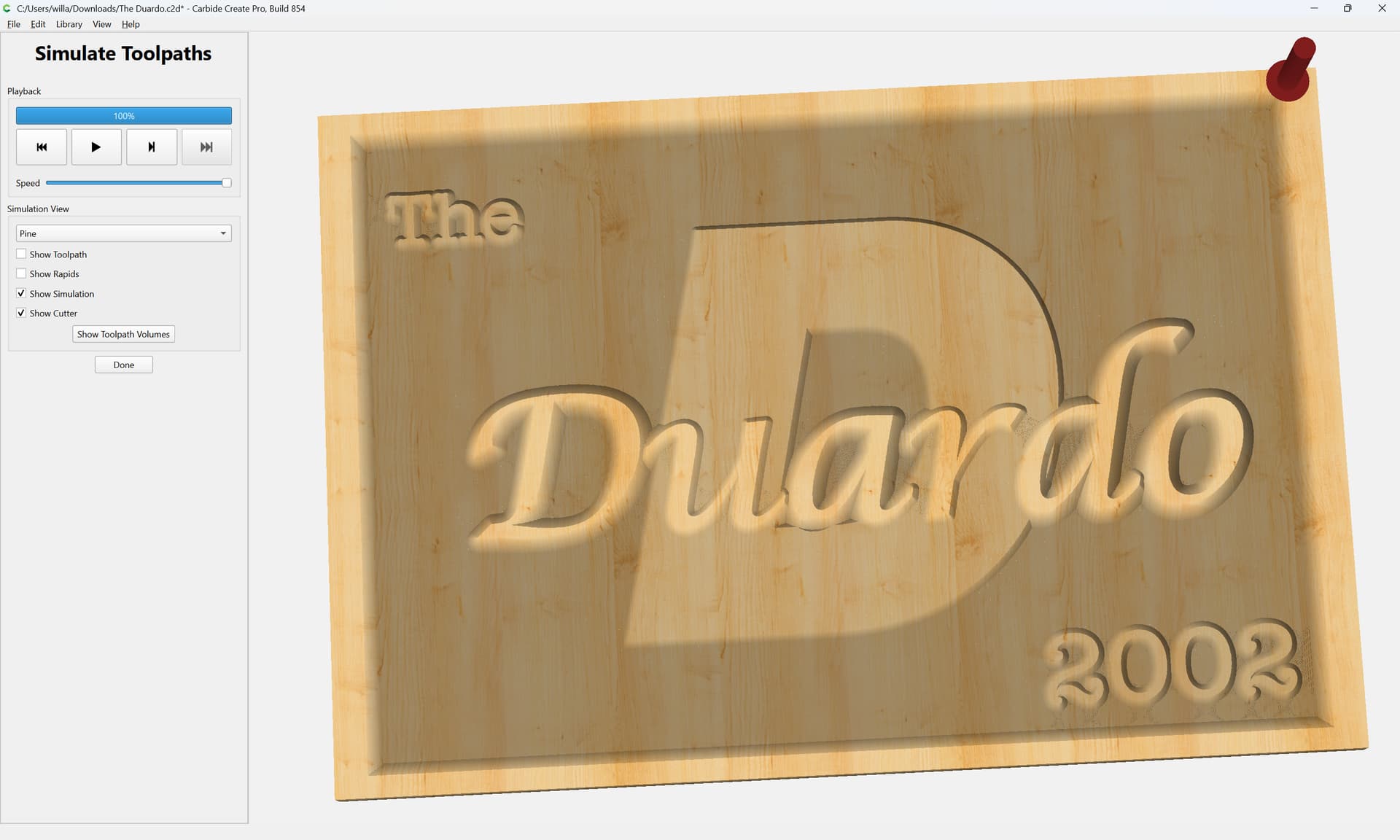
Attached as a v8 file (with the type converted to curves)
The Duardo_curves_v8.c2d (488 KB)
Good Morning William,
Thank you for taking the time to provide me Step-by-Step instructions, the final result looks awesome. The font is just fine as well, i will follow these steps and look forward to seeing the results.
Have a great day.
Best regards,
Frank D
I glossed over a small issue with the results of Region Builder (filed a bug report) — see the above links for using Boolean operations/Trim vectors — if need be, we can walk through that with you.
To do this with Trim Vectors:
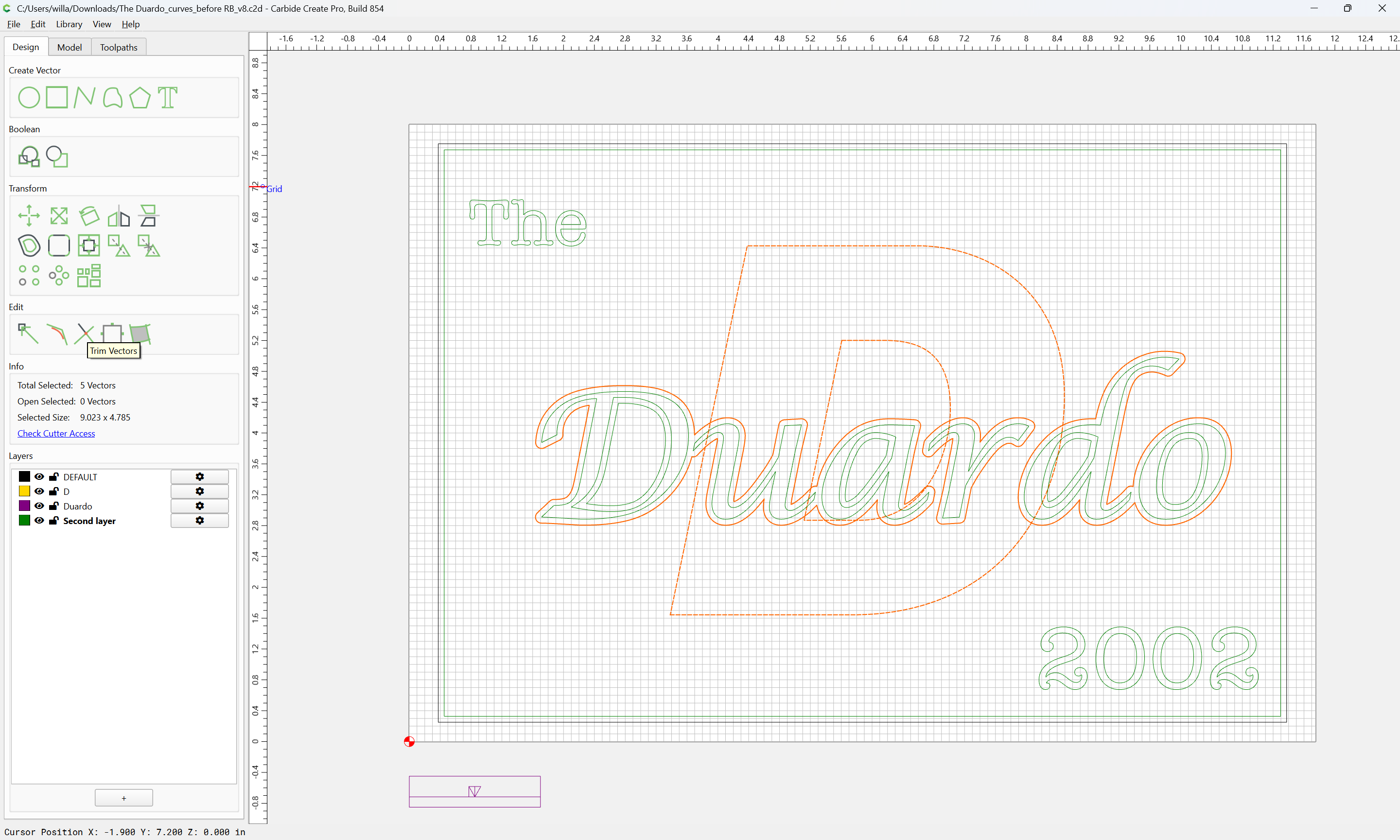
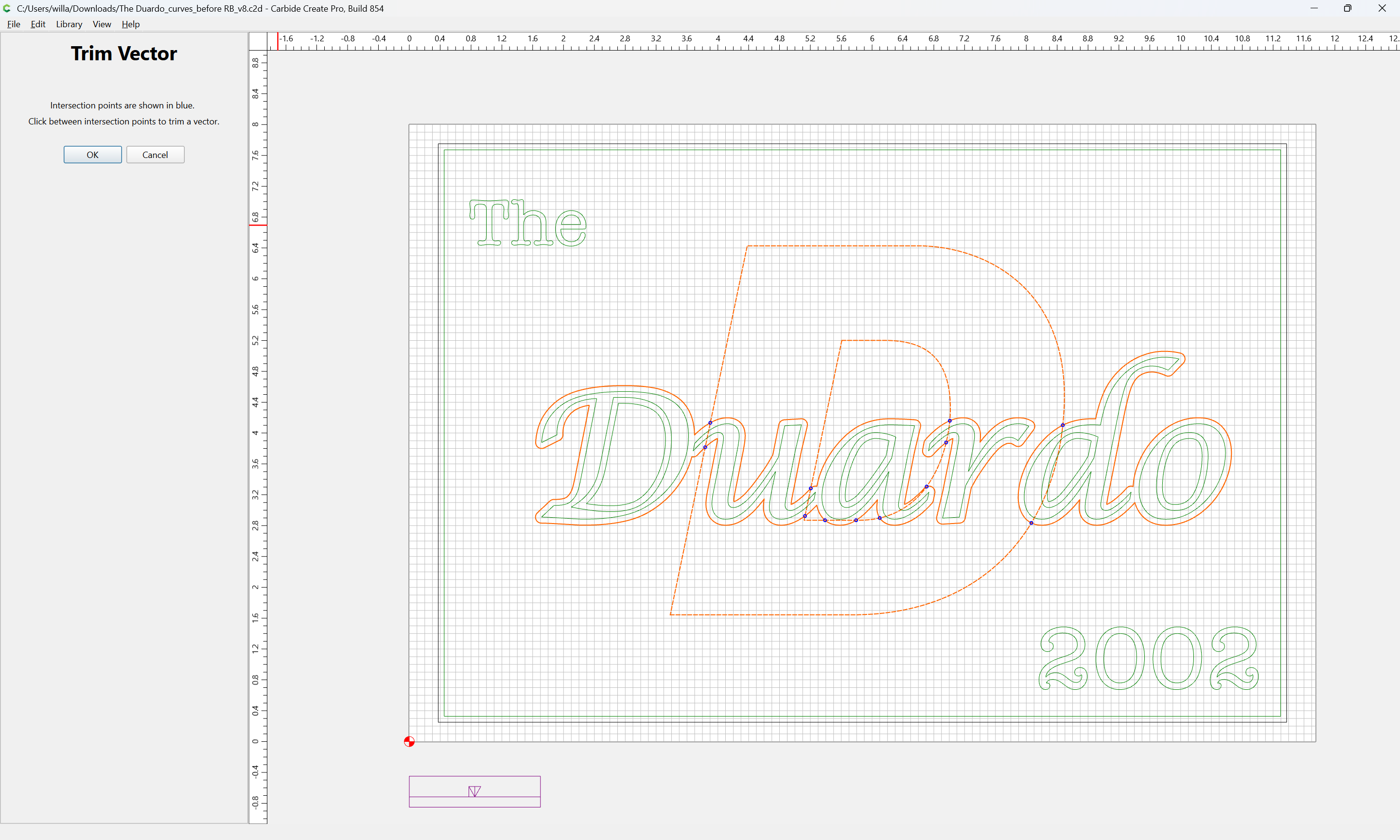
click on the lines which you wish to remove:
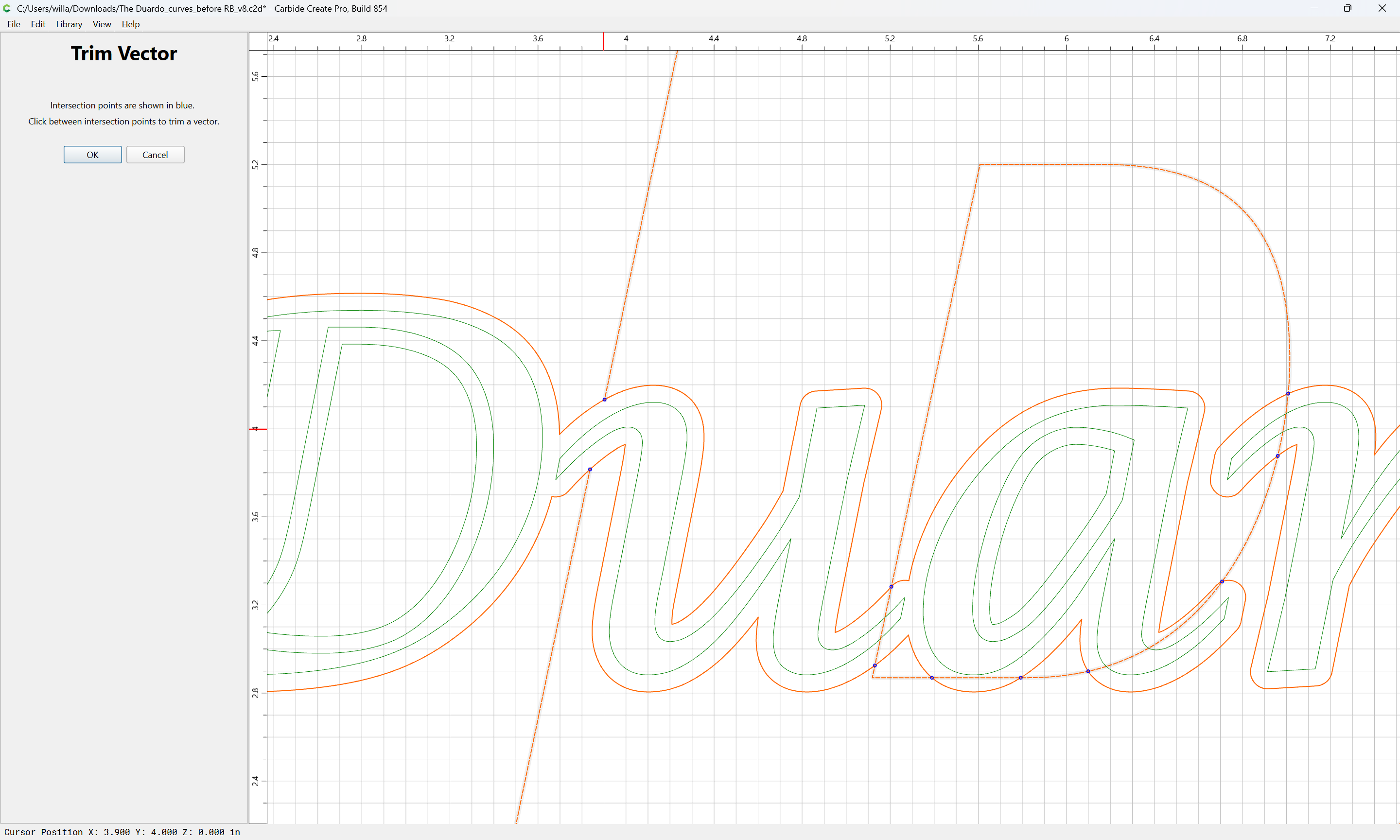
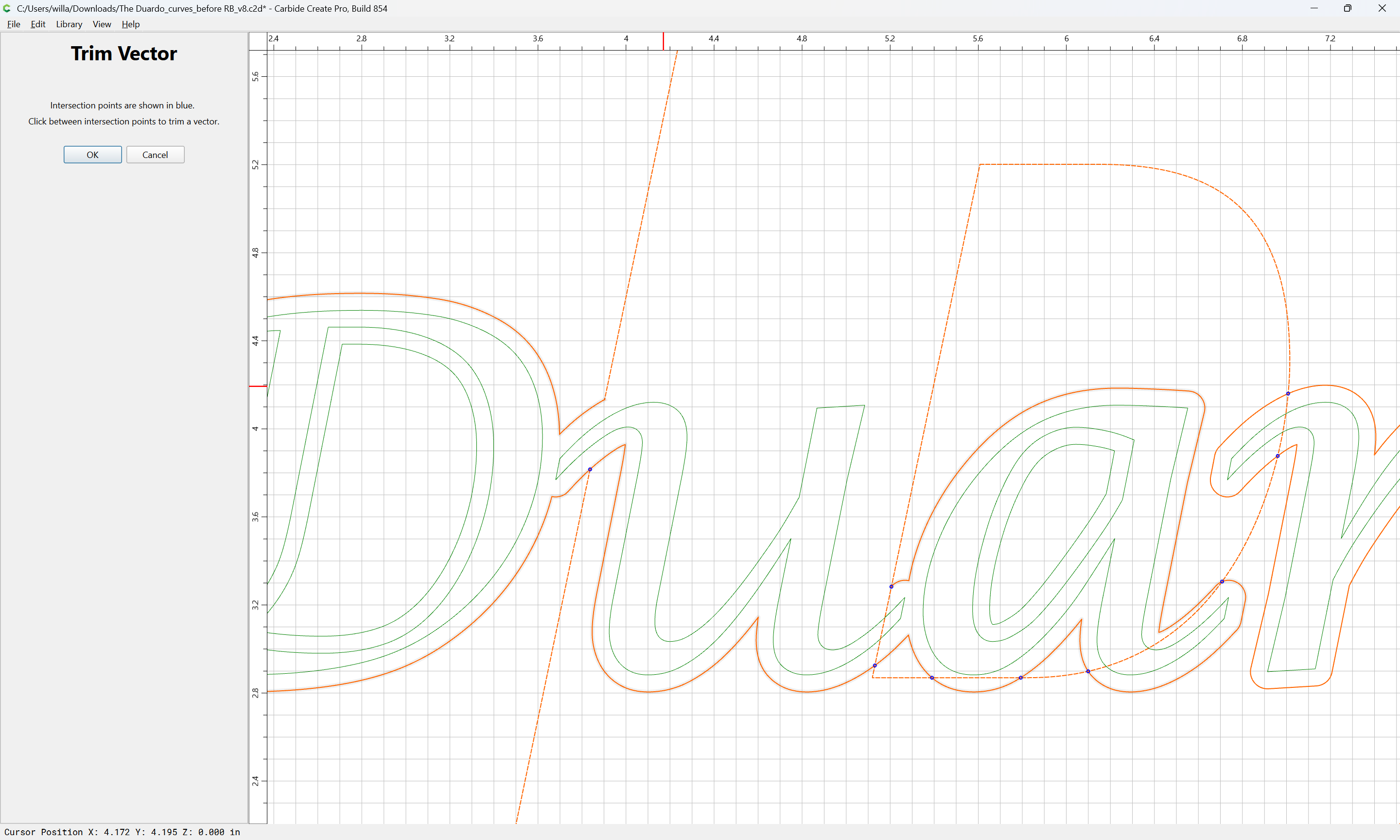
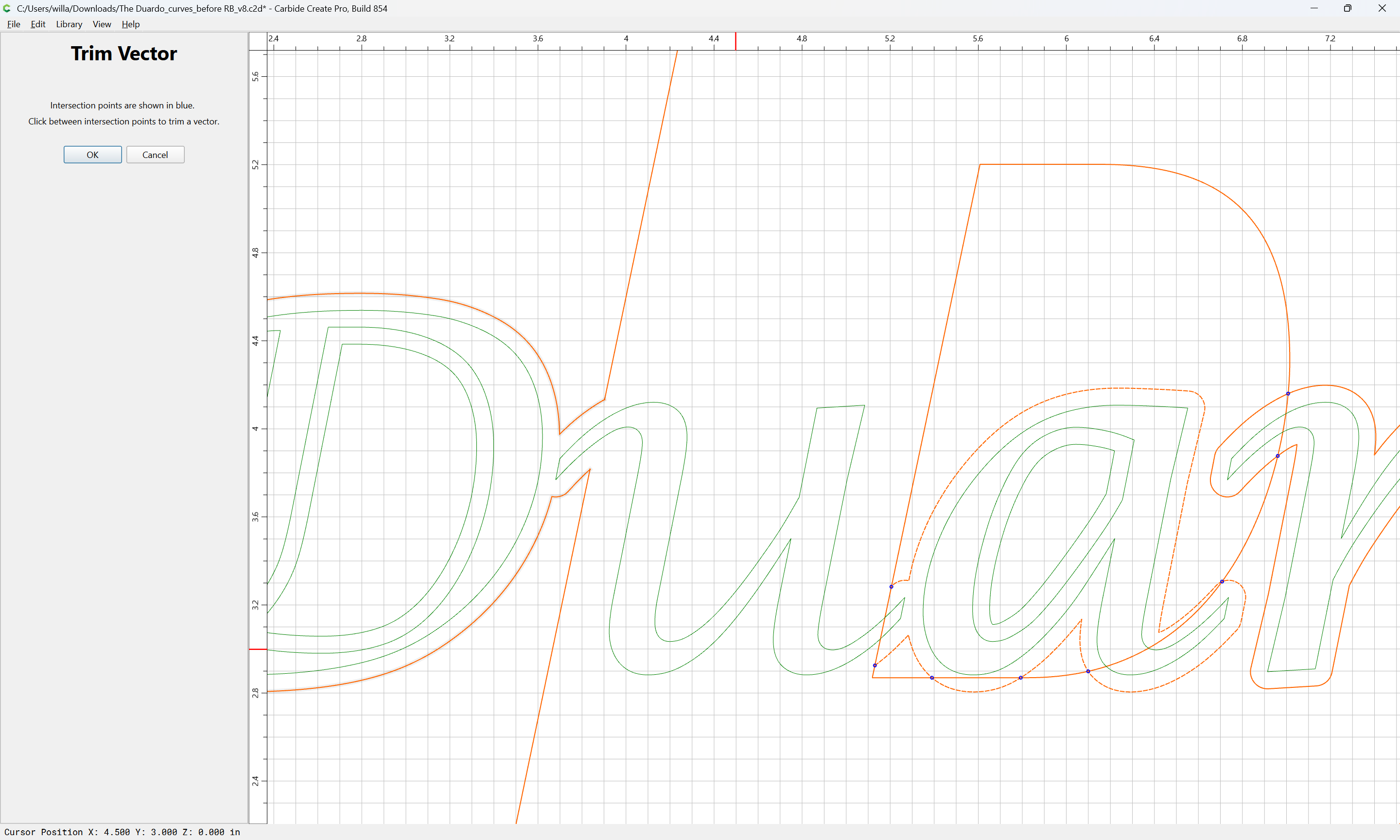
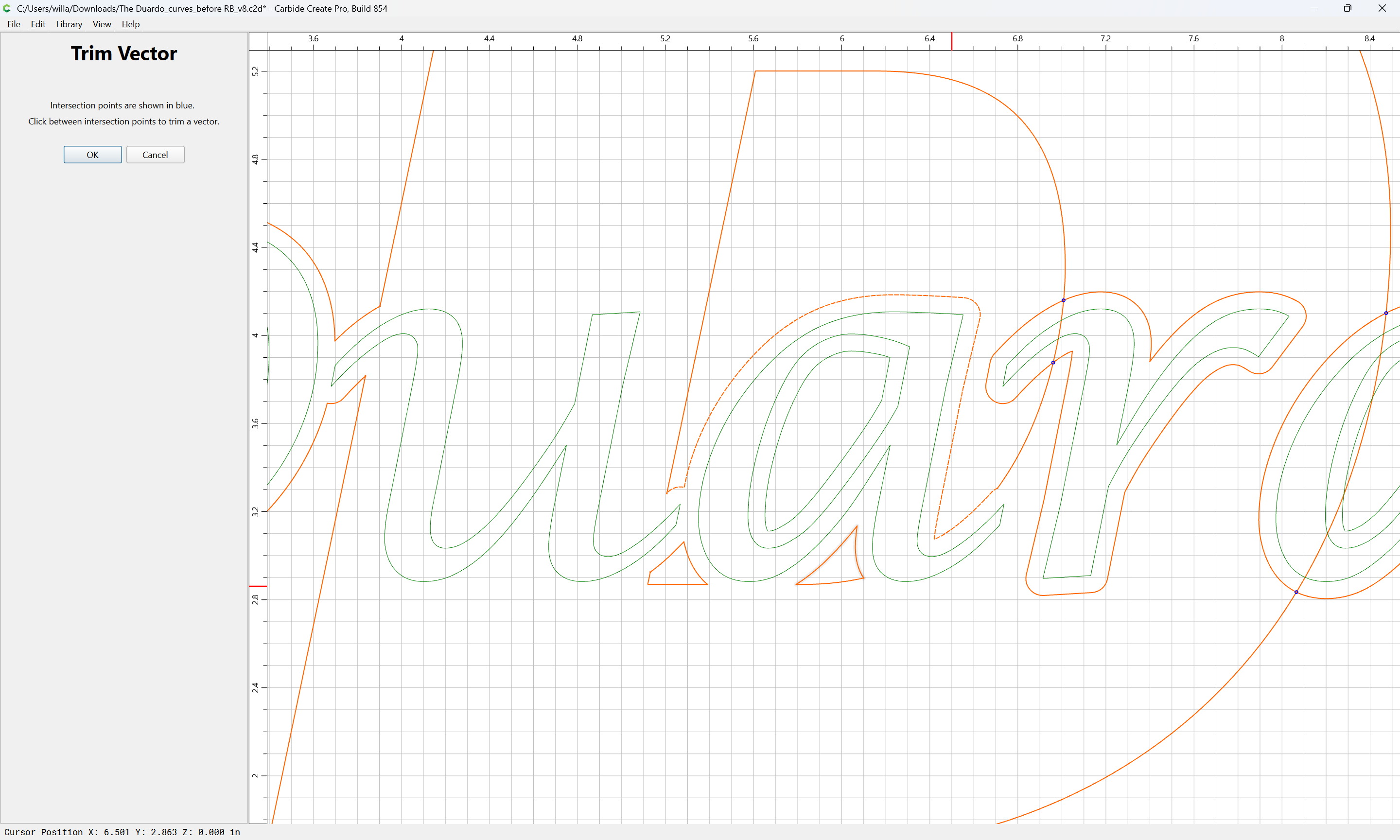
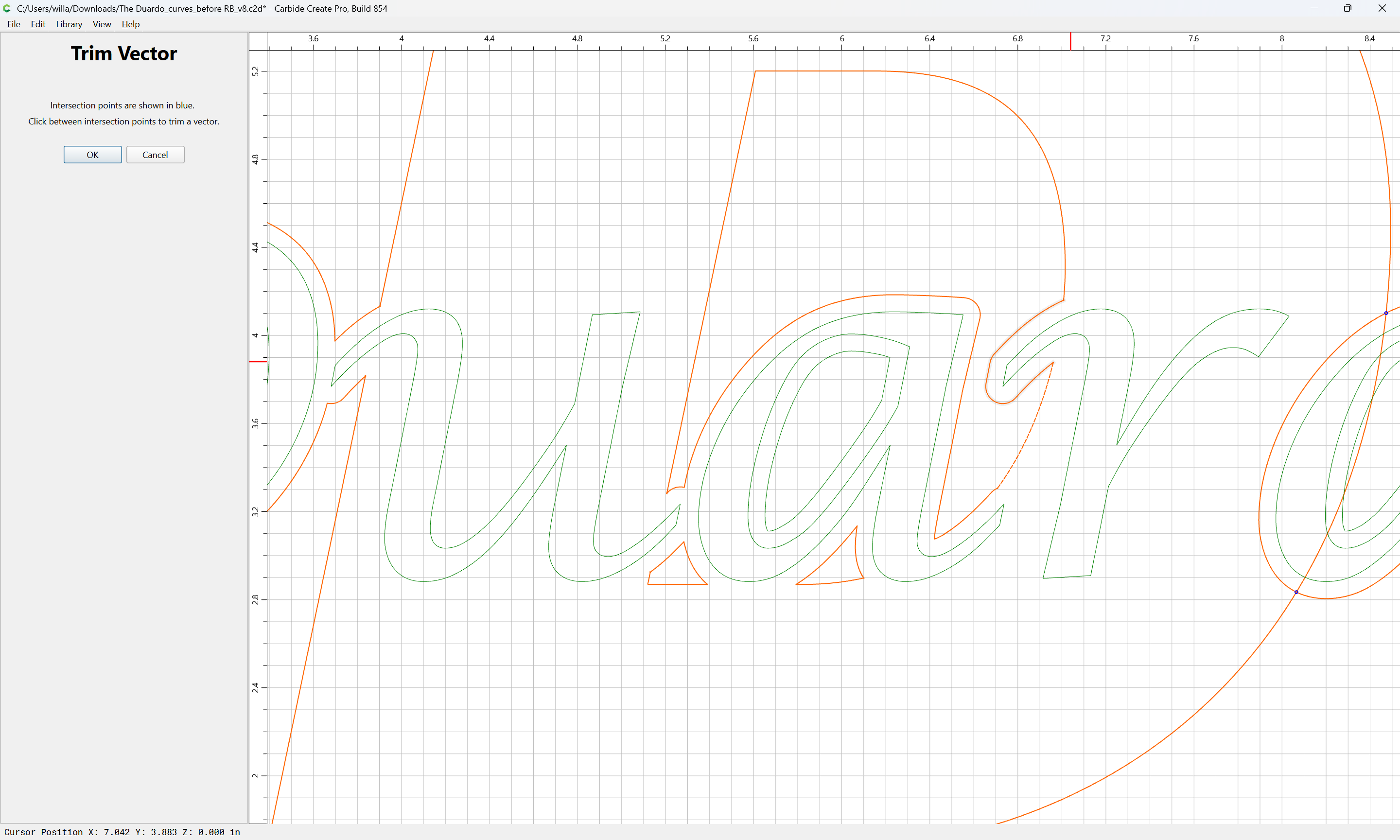
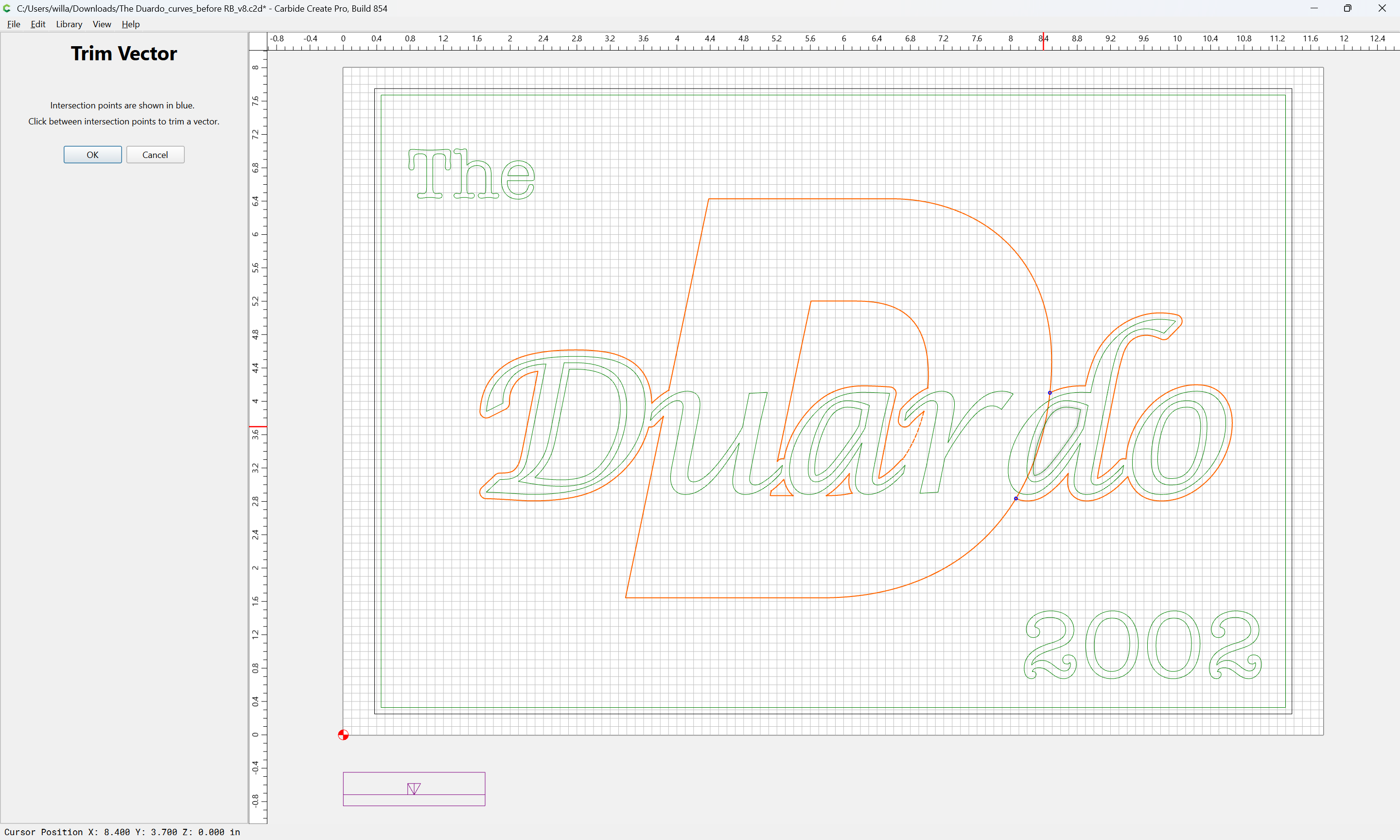
Until one arrives at:
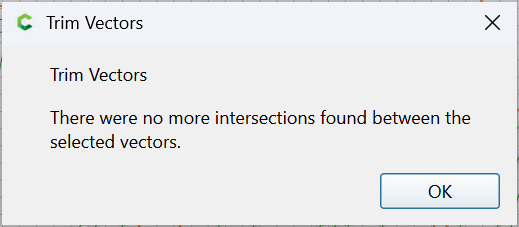
OK
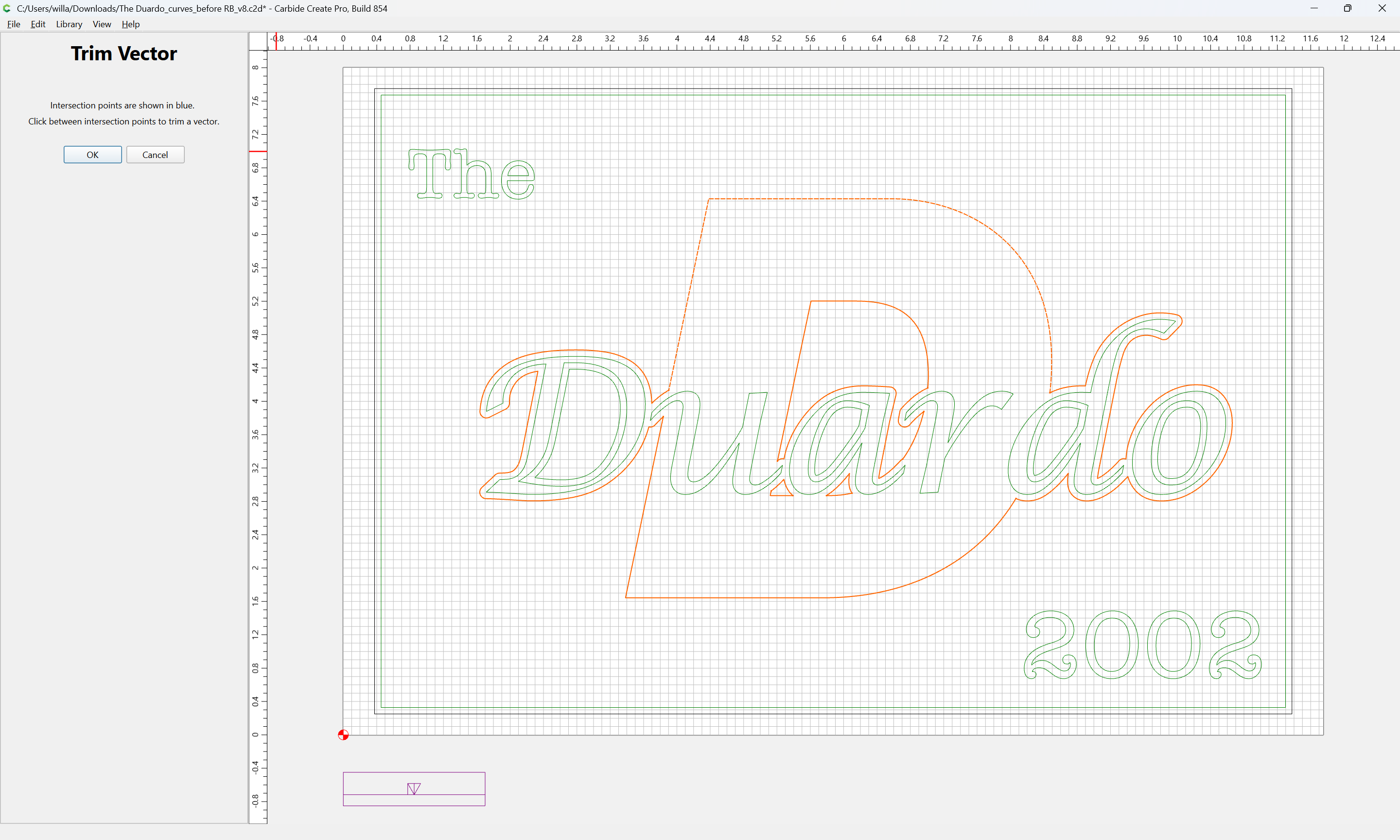
OK
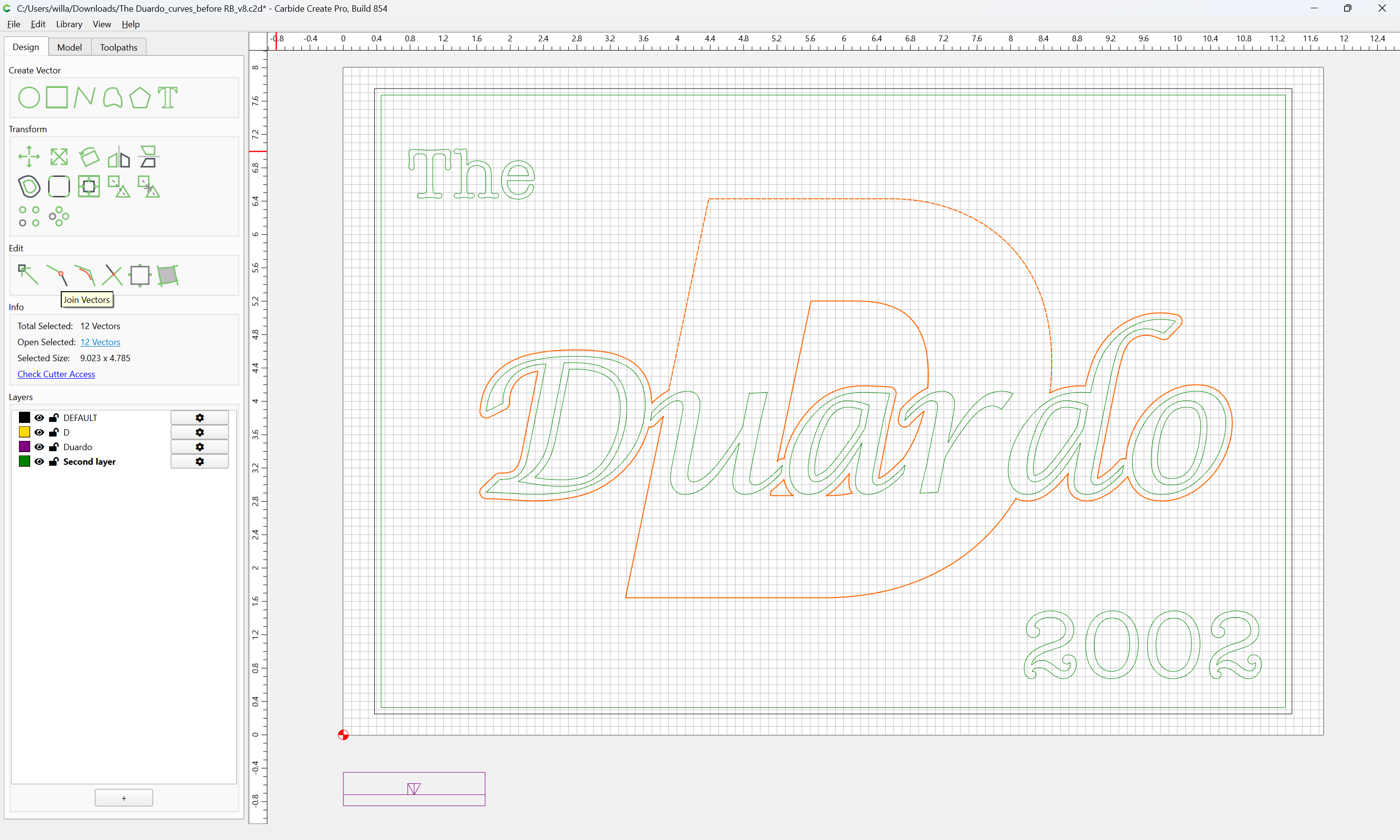
Join Vectors
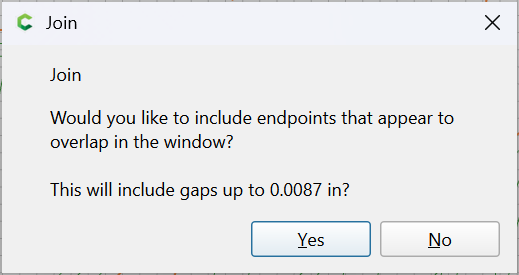
Yes
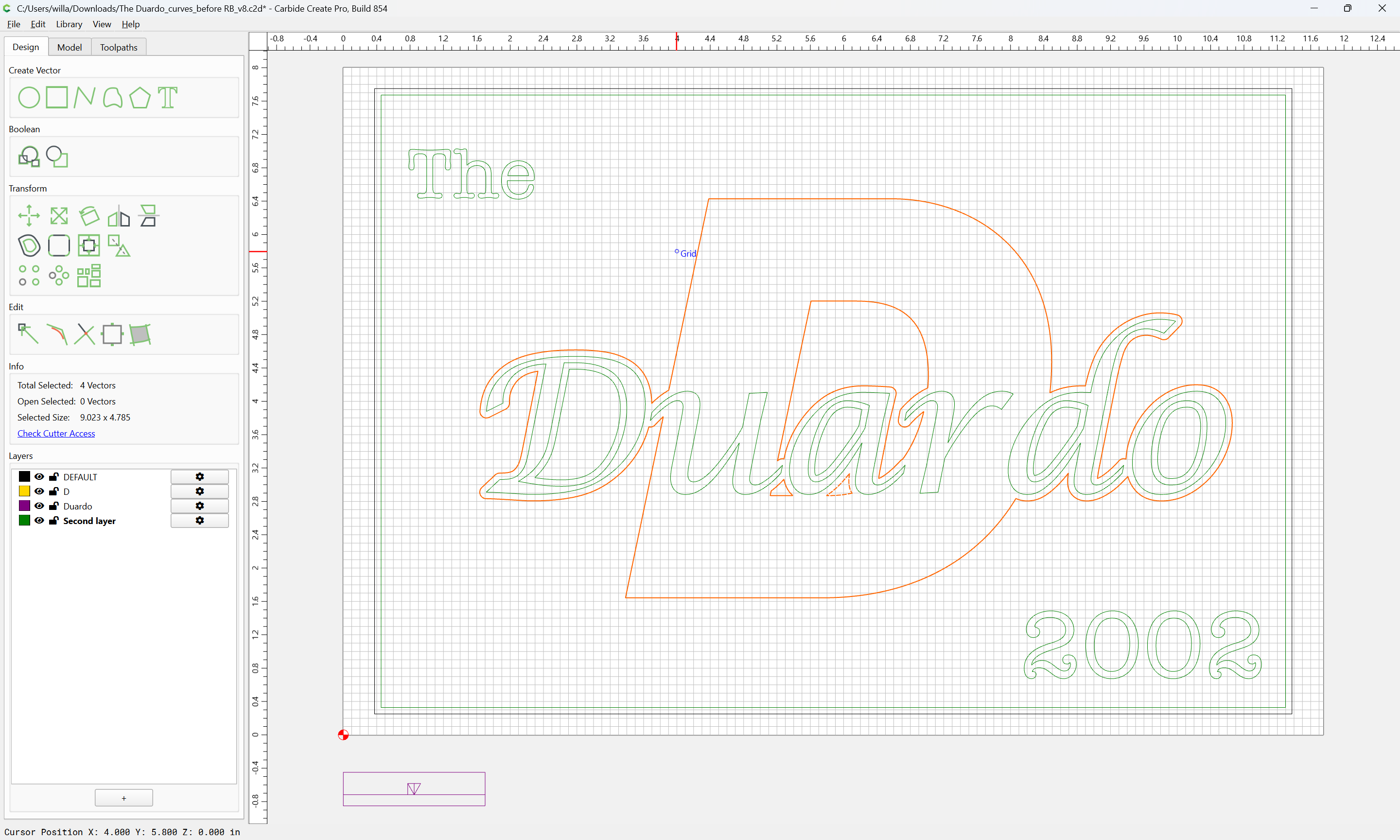
1 Like
That’s great you seem to have lots of experience with CNC and the software. I have to get the latest software version. Would you recommend me getting the latest version first then attempt the project ?
Yes, it is best if folks stay current with the software.
This topic was automatically closed after 30 days. New replies are no longer allowed.