Hi, I have a shapeoko 4xxl and the free carbide create software. Is it possible to cut a sloped slot? Guessing maybe v carv option but still not well versed at using that either.
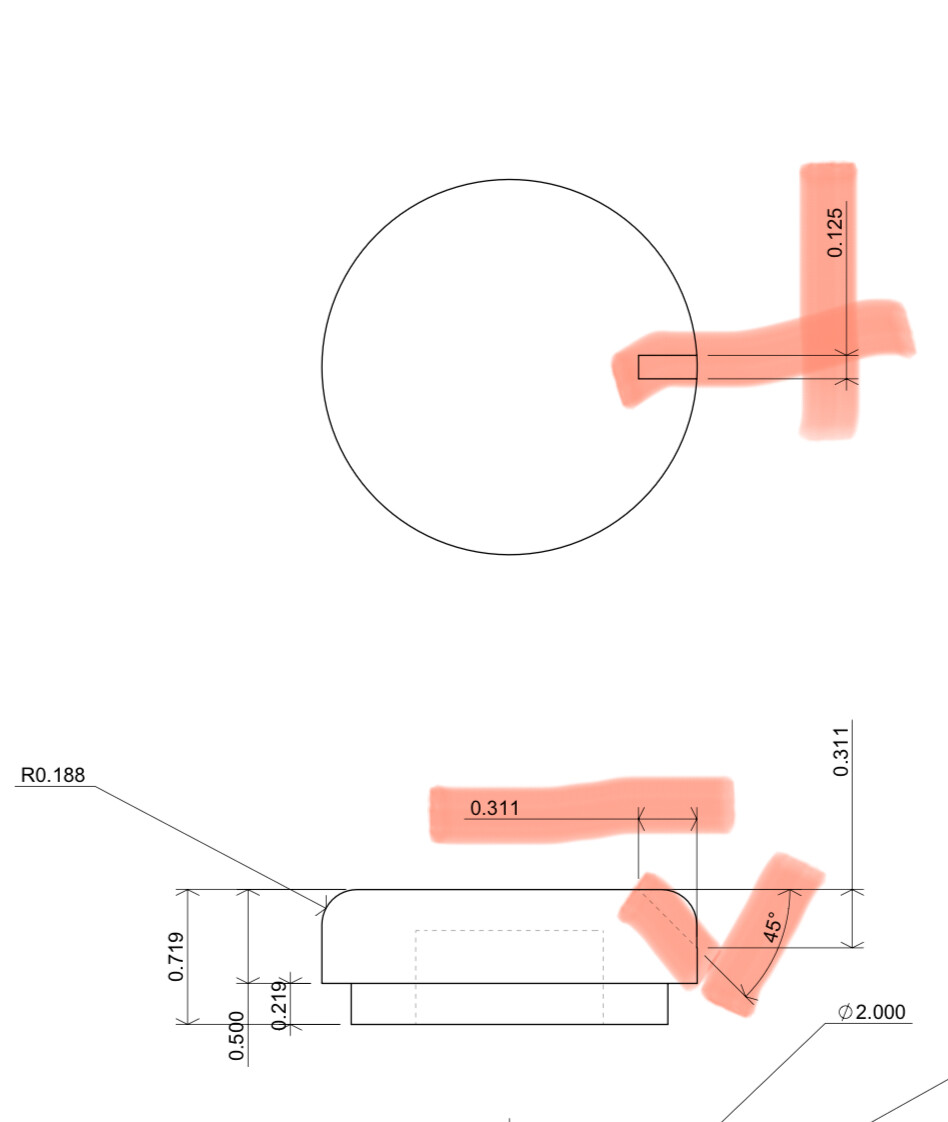
Drawing to help explain.
Hi, I have a shapeoko 4xxl and the free carbide create software. Is it possible to cut a sloped slot? Guessing maybe v carv option but still not well versed at using that either.
Drawing to help explain.
A V carve operation will cut that, but it’s a V carve and requires different geometry at the surface.
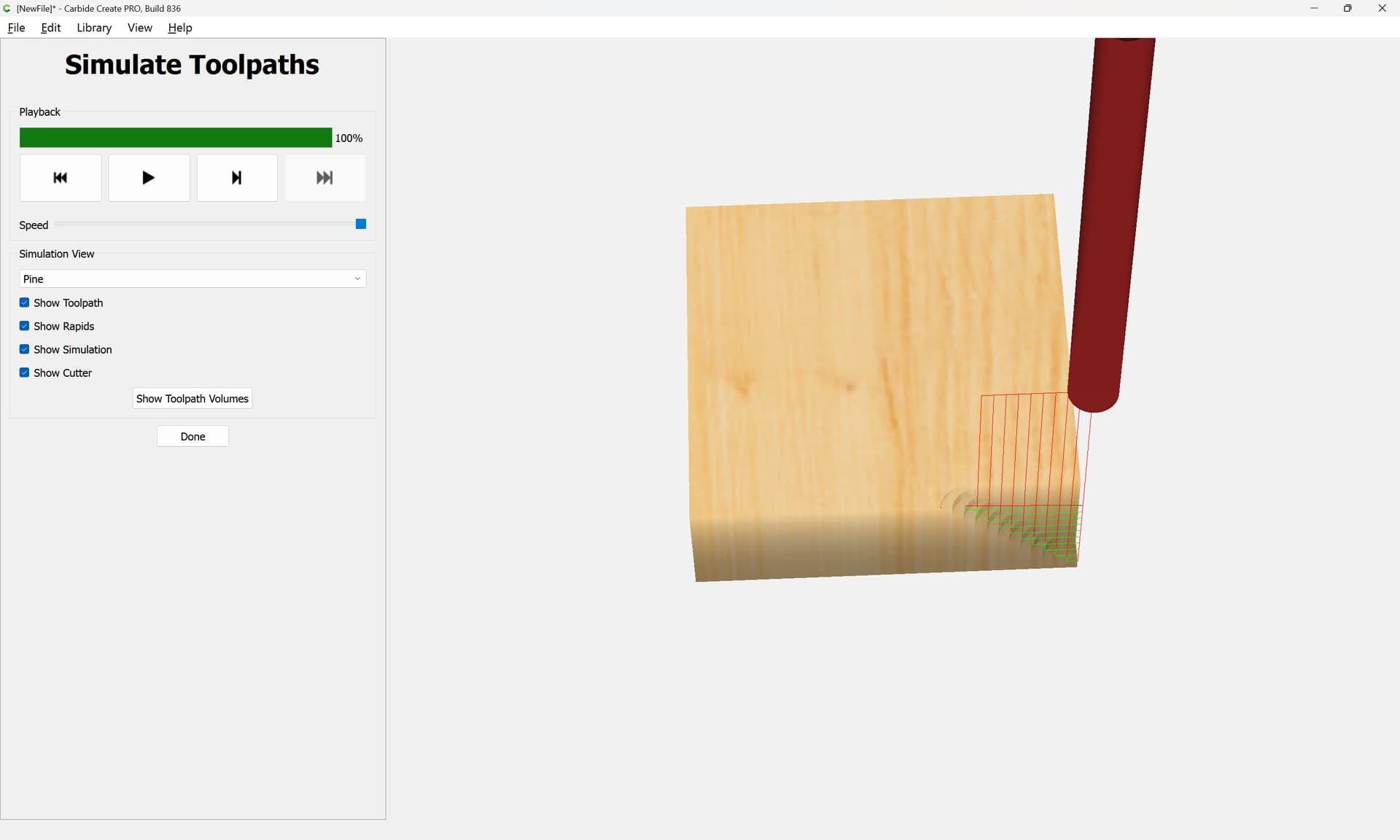
It’s possible to sort of make this as a series of stepped cuts which could then be easily cleaned up w/ a file or a plane float.
If you have Carbide Create Pro then this could be modeled.
Alternately, use a full-fledged 3D CAD program and 3D CAM pair.
Any guidance? I’m totally lost on this.
Only thing I could think of was how you said to make step cuts but I need like a 100 of them and don’t want to have to find a thin enough file for this.
I tried to talk someone through manually programming this by editing G-code at:
I actually use a cut like to that as an example in a project I’ve been working on for a while:
and show doing the stepped thing at:
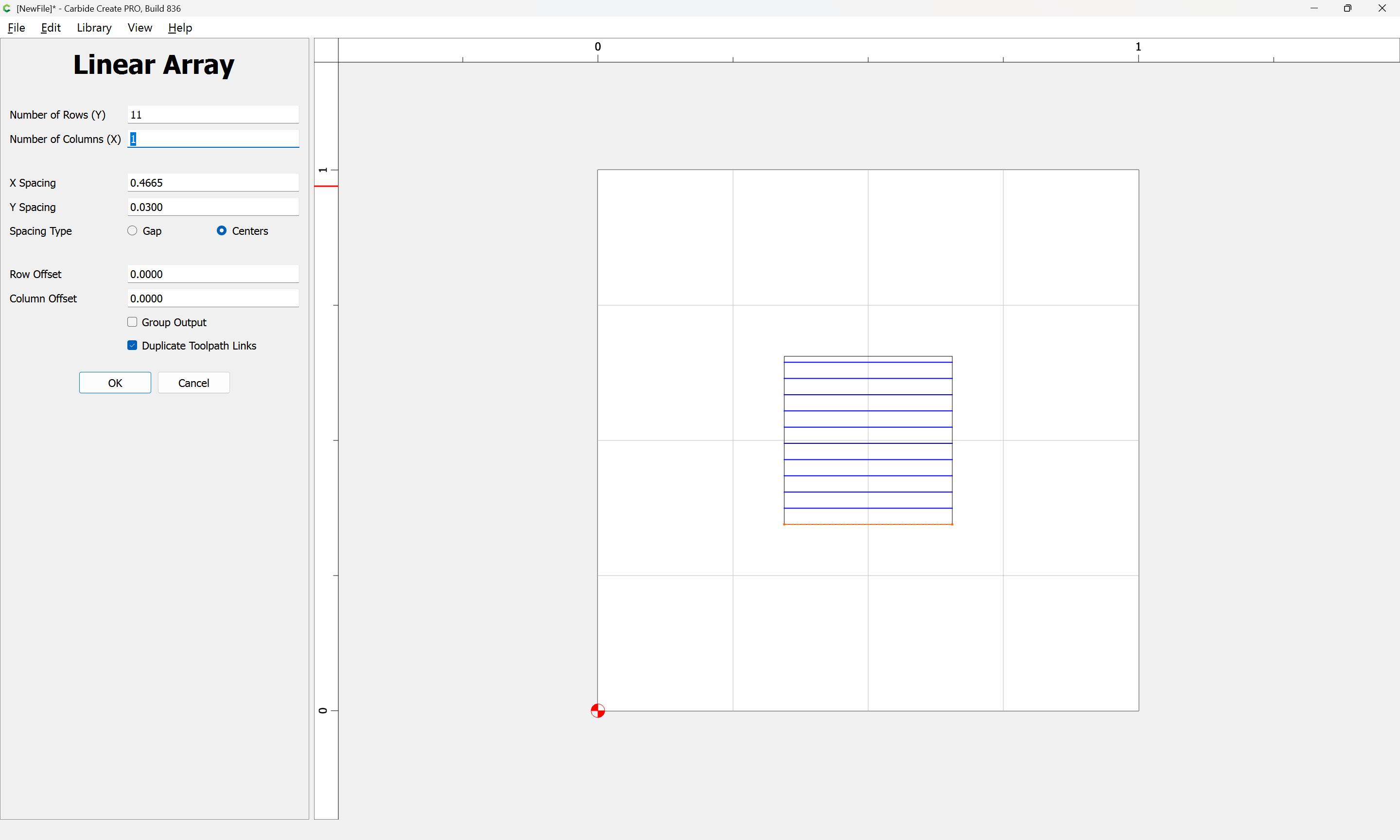
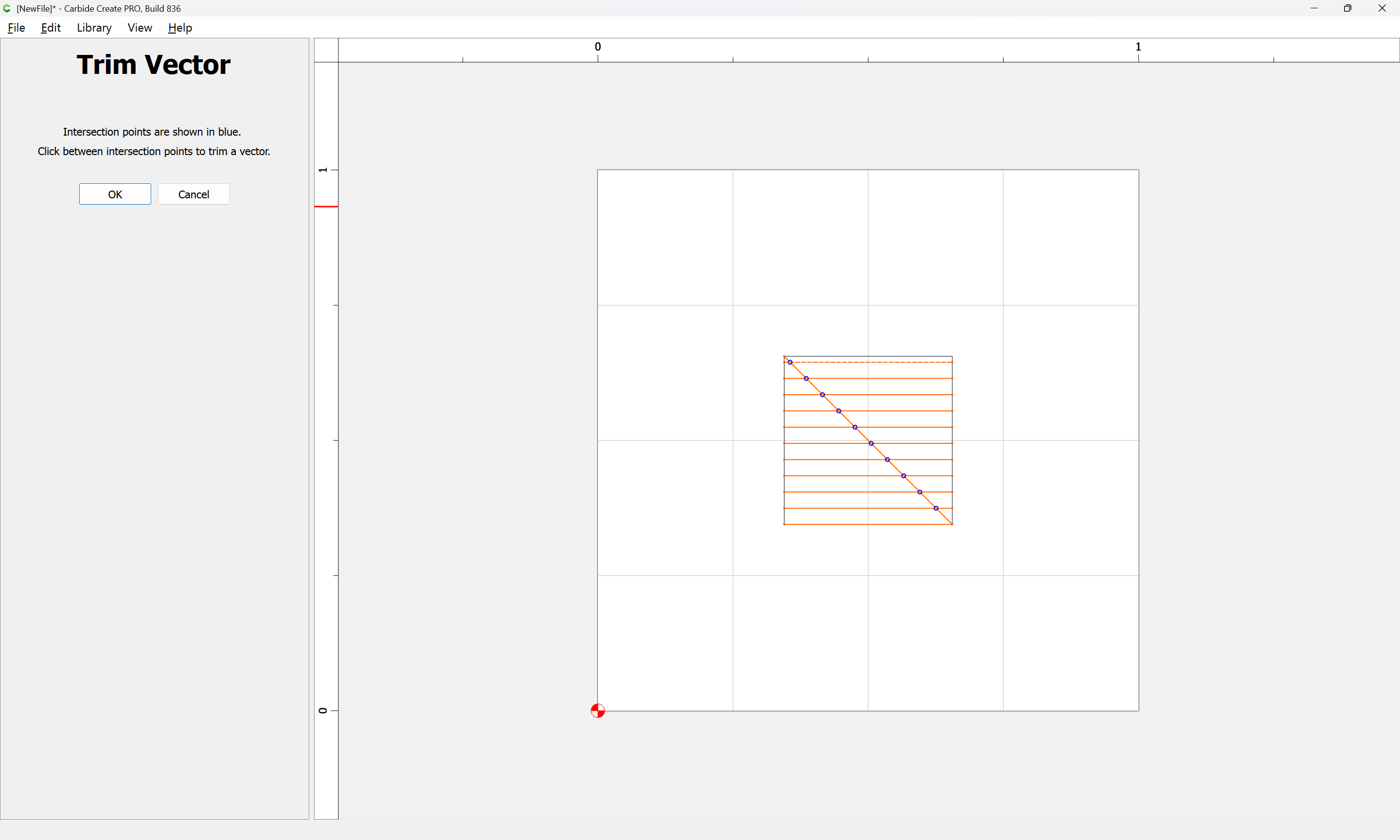
Basically you need a series of lines:
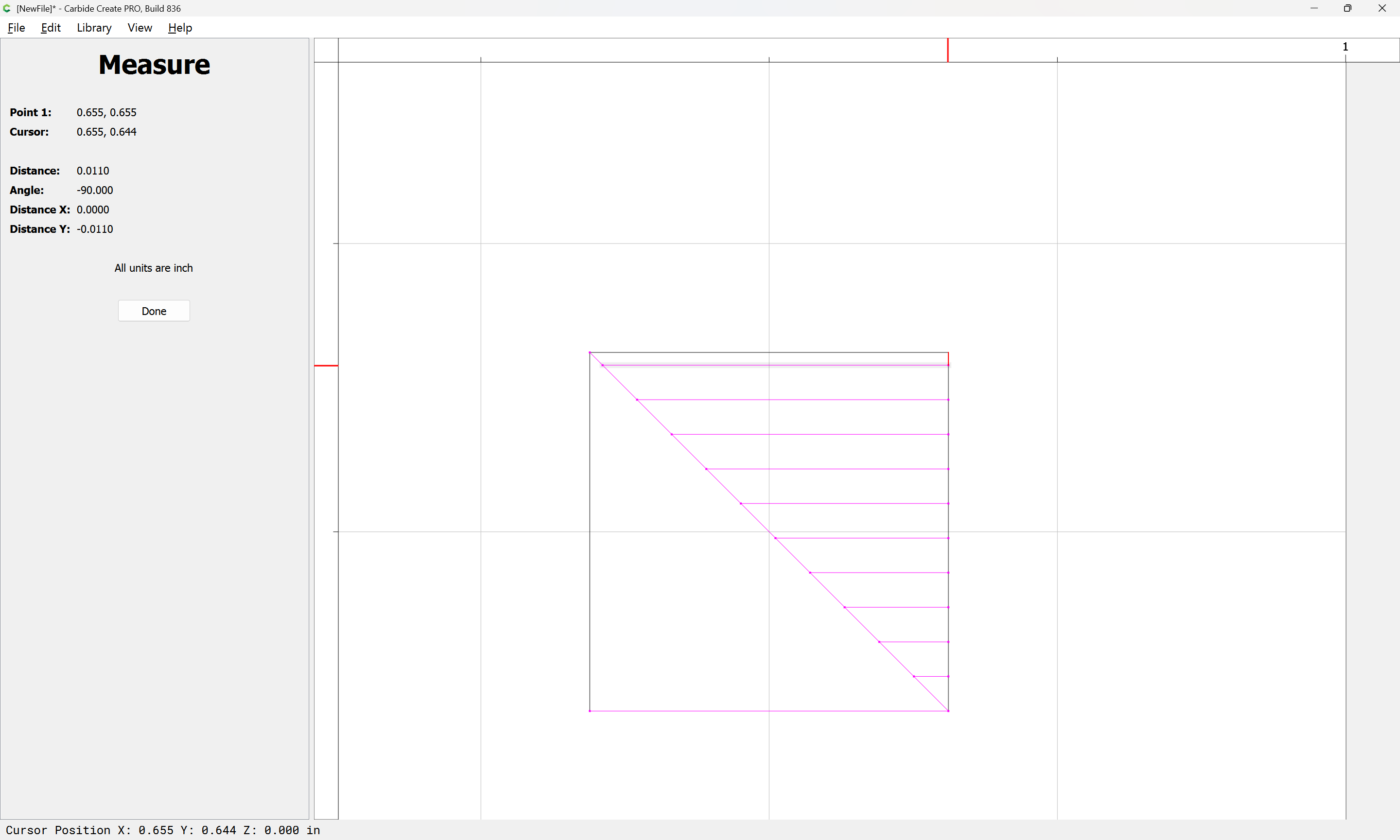
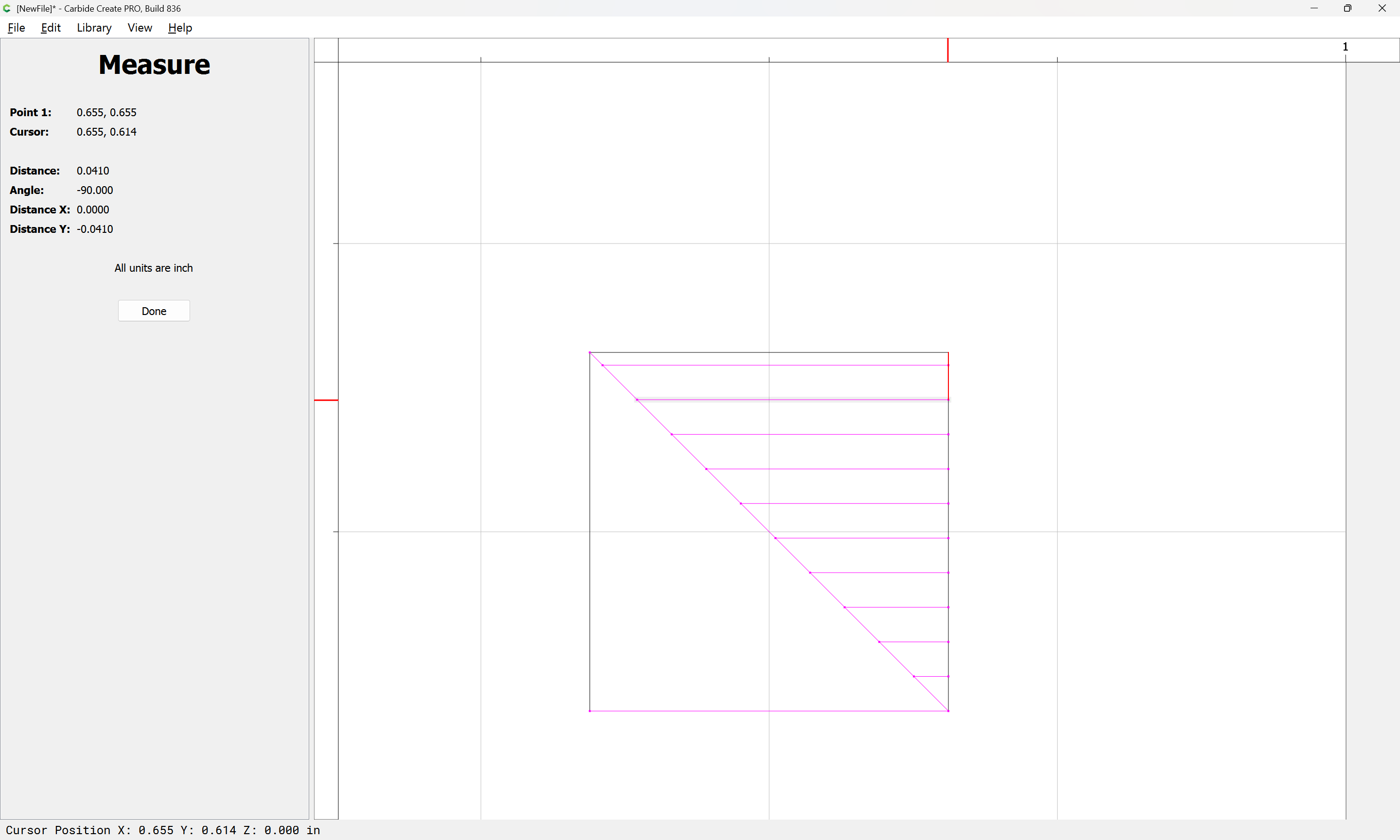
which are set up to match the precision with which you wish to make the cuts, say at the 0.030 inches of the Depth per Pass:
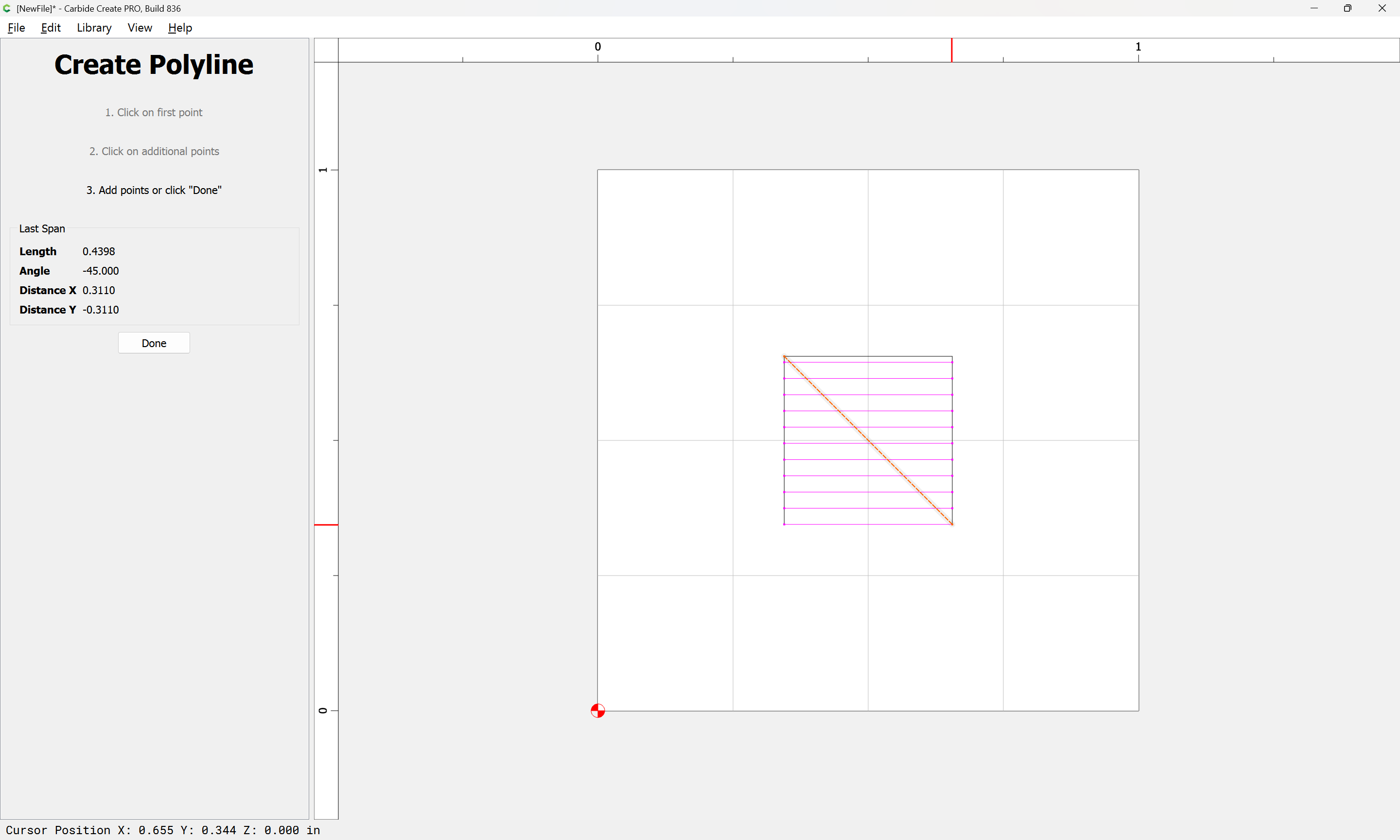
which are cut off at a suitable angle:
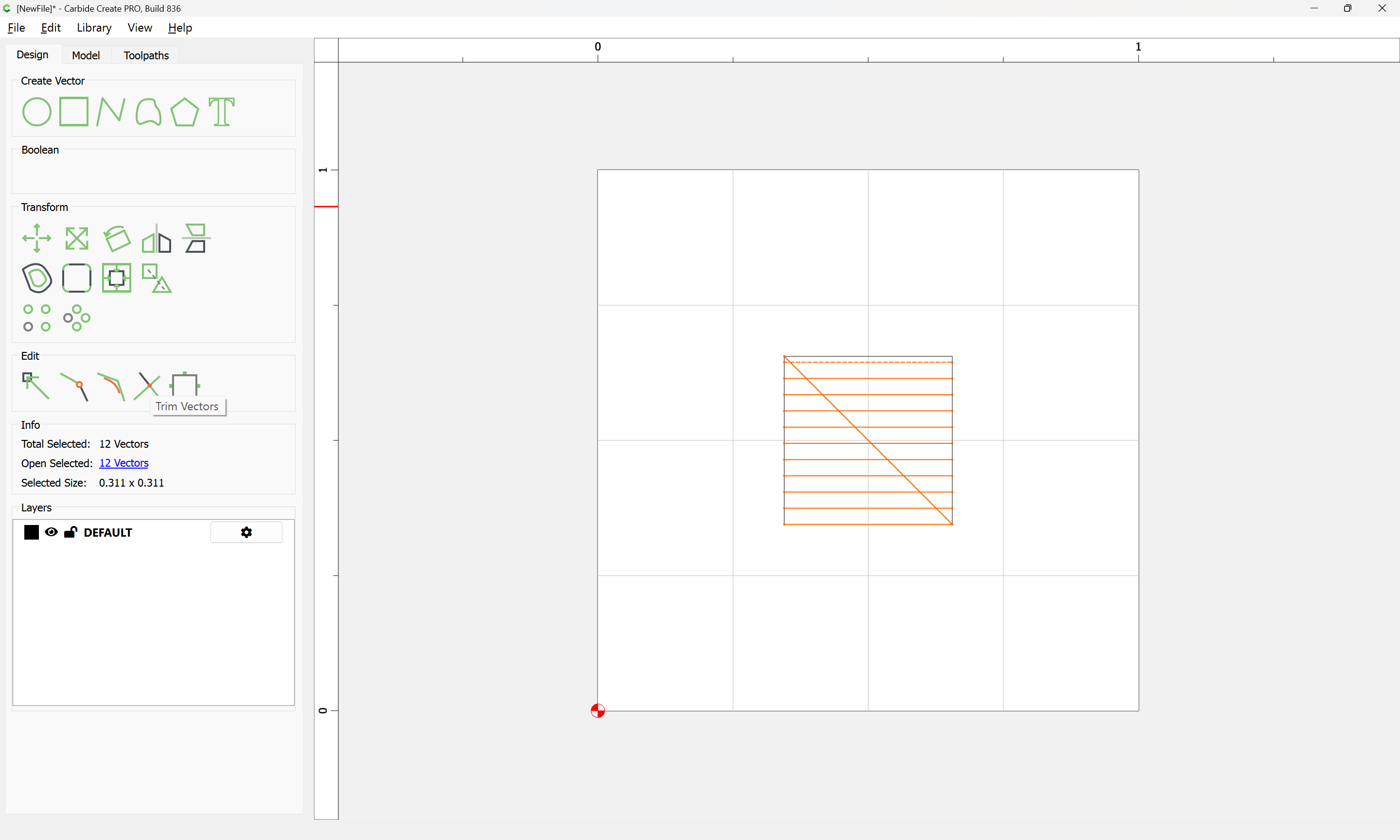
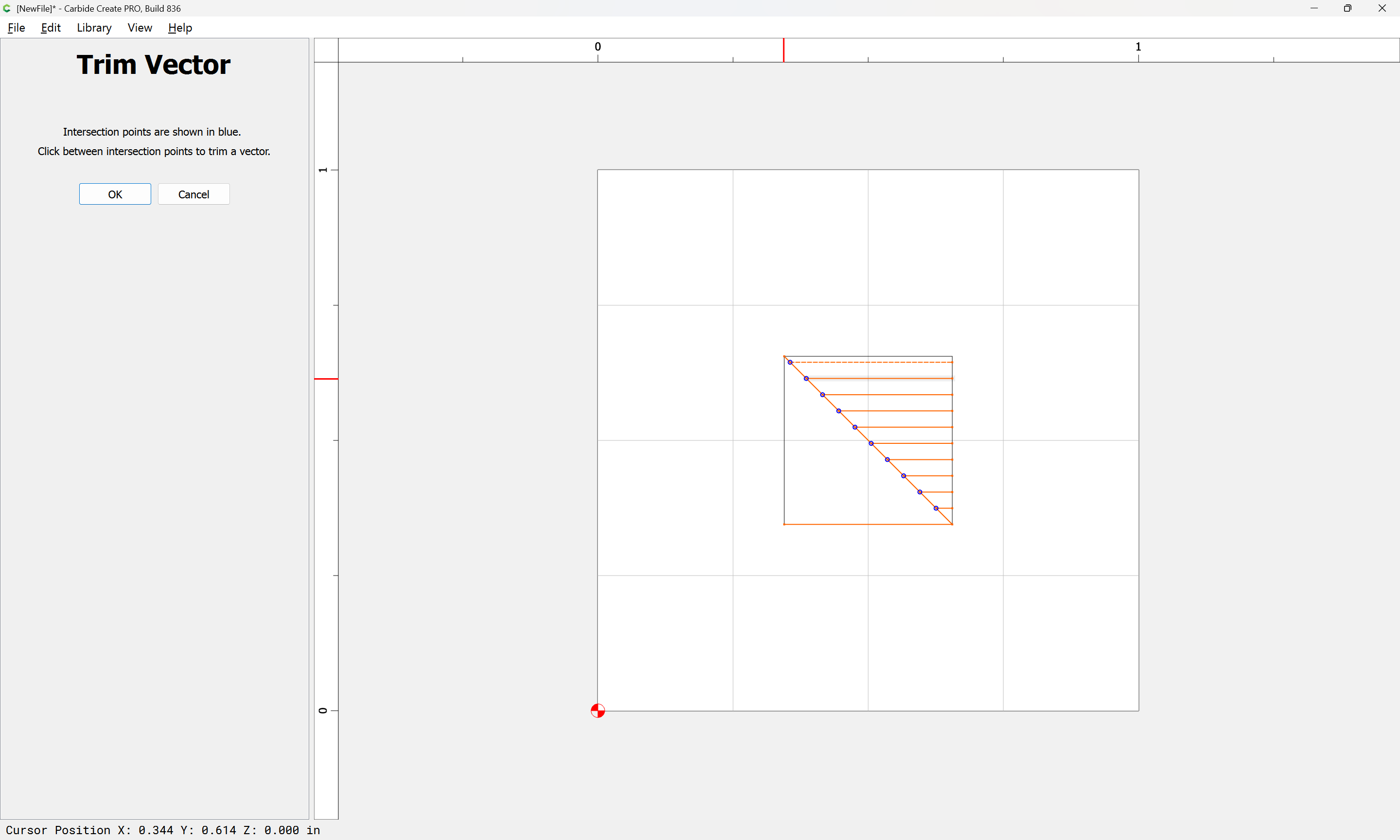
using Trim Vectors:
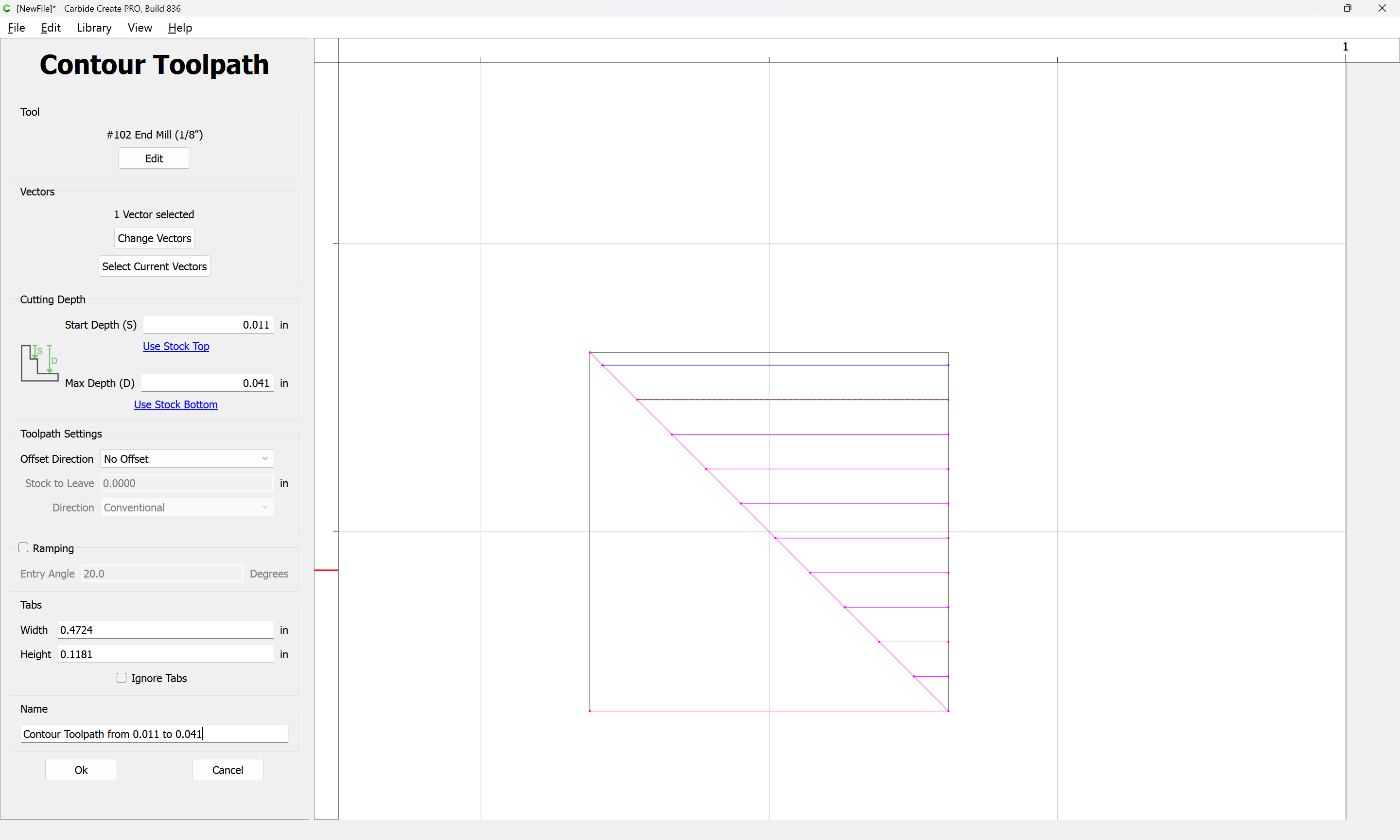
Then, for each line, assign a No Offset Contour toolpath at the desired depth:
repeating until one arrives at:
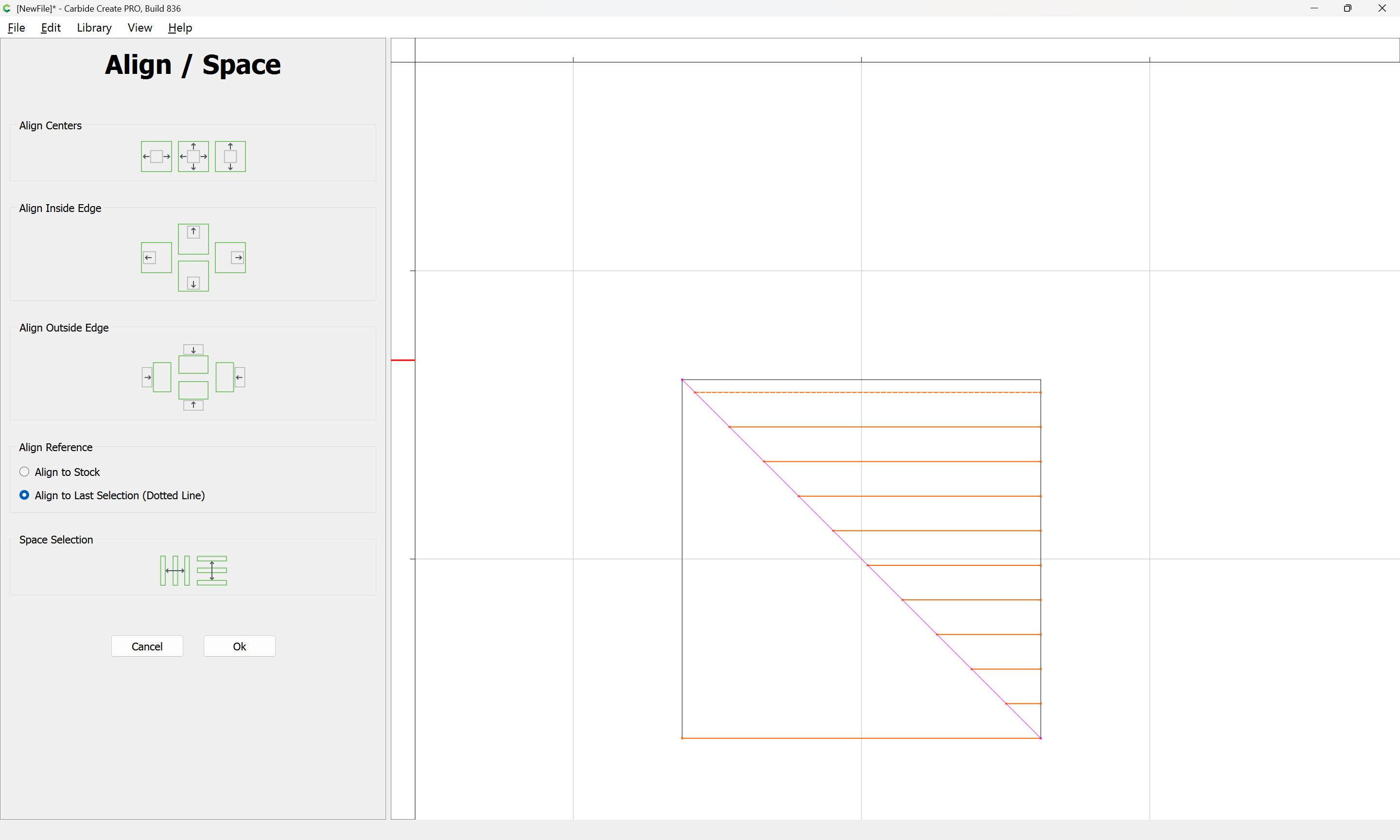
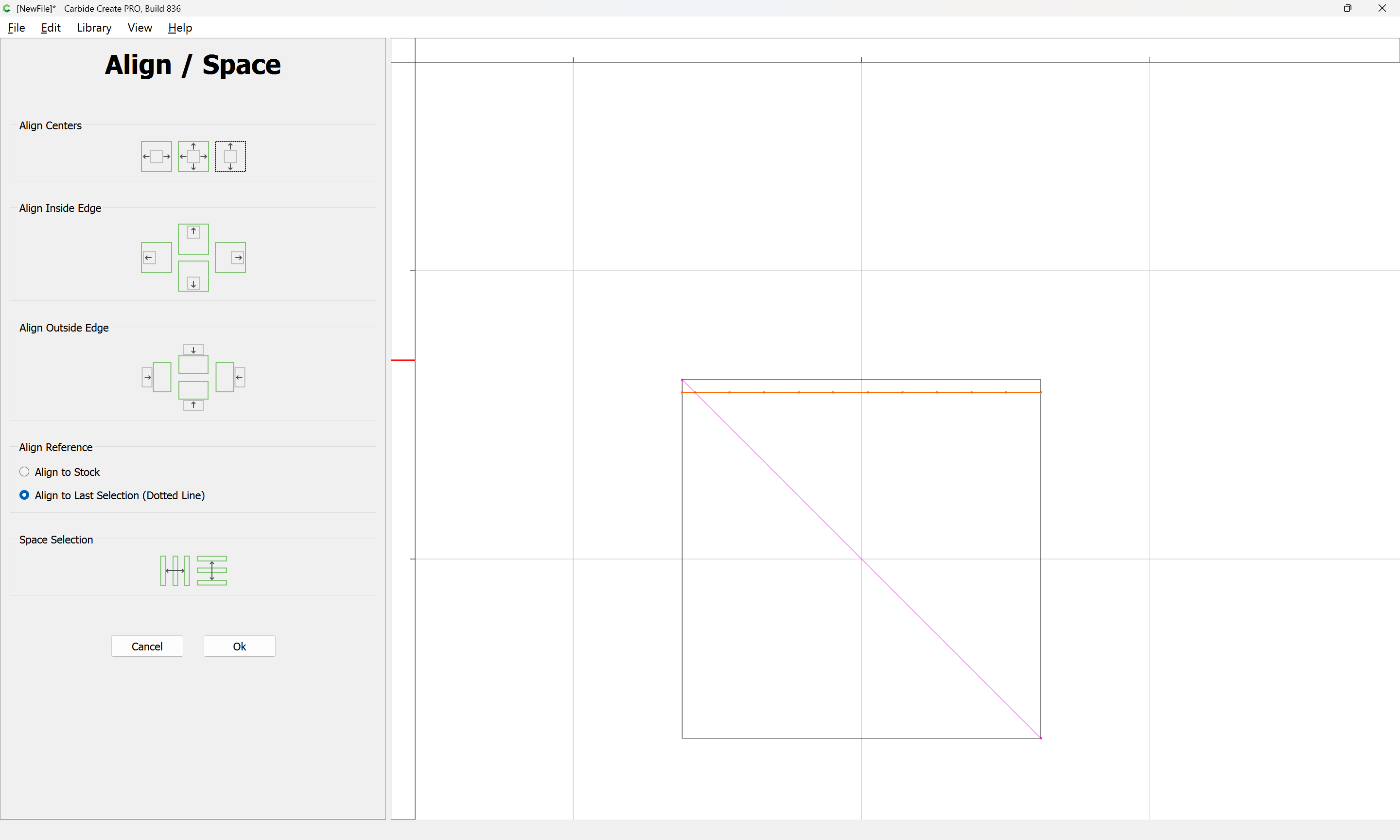
Then align all the lines:
and position where one wants to make the cut:
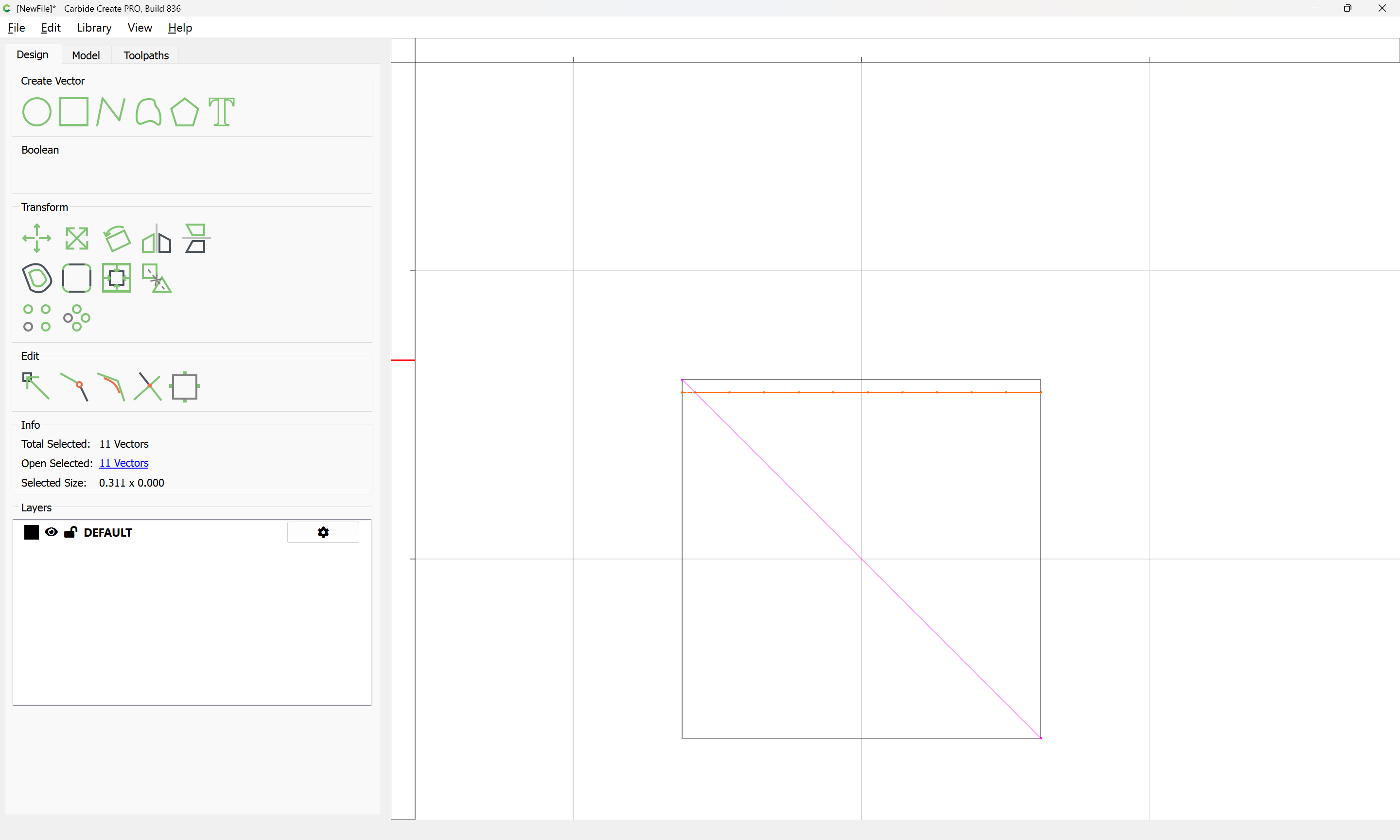
(and group)
Positioning at a corner shows:
Attached as a v8 file:
stepped cut_v8.c2d (60 KB)
Alternately, an arguably better solution would probably be to make a fixture to hold the part at a 45 degree angle for a second operation.
This topic was automatically closed 30 days after the last reply. New replies are no longer allowed.