Hey everyone. I am new to 3d carving. I have Carbide Create Pro 8. I made a relief carvind using depth maps and broght it into Fusion to create the stl. The mesh is all good and appears to be exported in stl binary. It imports into Carbide Create Pro 8 but it stays grayed out and I cant do anything with it. I feel like I am missing something stupid. Please be kind still really new to this.
See:
and:
If you’re still stuck, upload the .stl and .c2d (post them as links to a file sharing site if need be).
1 Like
Ok so I read through the post and I am a little confused about the calculations. I am looking to carve this out of a piece of high density foam as a sign for a musical. It is 3in thick foam. Since there is no option for foam I used softwood. I will attach my stl and c2d file for help.
https://drive.google.com/file/d/1o0dgYaPLYBLblx6ehJCd5njLBx9k0lhC/view?usp=sharing
https://drive.google.com/file/d/1j9Vy5GUIiVPljPIvGuYku3Zt53R_HR7g/view?usp=sharing
1 Like
If you double-click / edit the 3D component, then slick “Scale to Height”, it will show you the current height of the component. Yours is 2.752", so if your stock is 3" that looks pretty good.
It does look like there are a lot of near vertical walls, so if you’re going to carve with ball mills, you may want to consider adding a 1/8" - 1/4" base height so the tool has room to finish the bottoms of the walls… and offsetting the 3D boundary to let the tool move out that far.
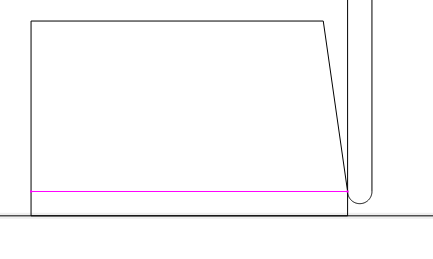
3 Likes
I think I may have figured out what I was doing wrong. I think I had to place a square that is the size of my foam on the design tab. Then I entered the model tab and added my stl. I did add the base for clearance(thank you for the suggestion I didnt even think of that). Then it seems to let me start generating tool paths. Its cranking away now doing calculations, I will update when I see what I get. Thanks again
1 Like
Ok. I got it to work but. How do I get it to just carve out the 3d item and not the entire background as well.
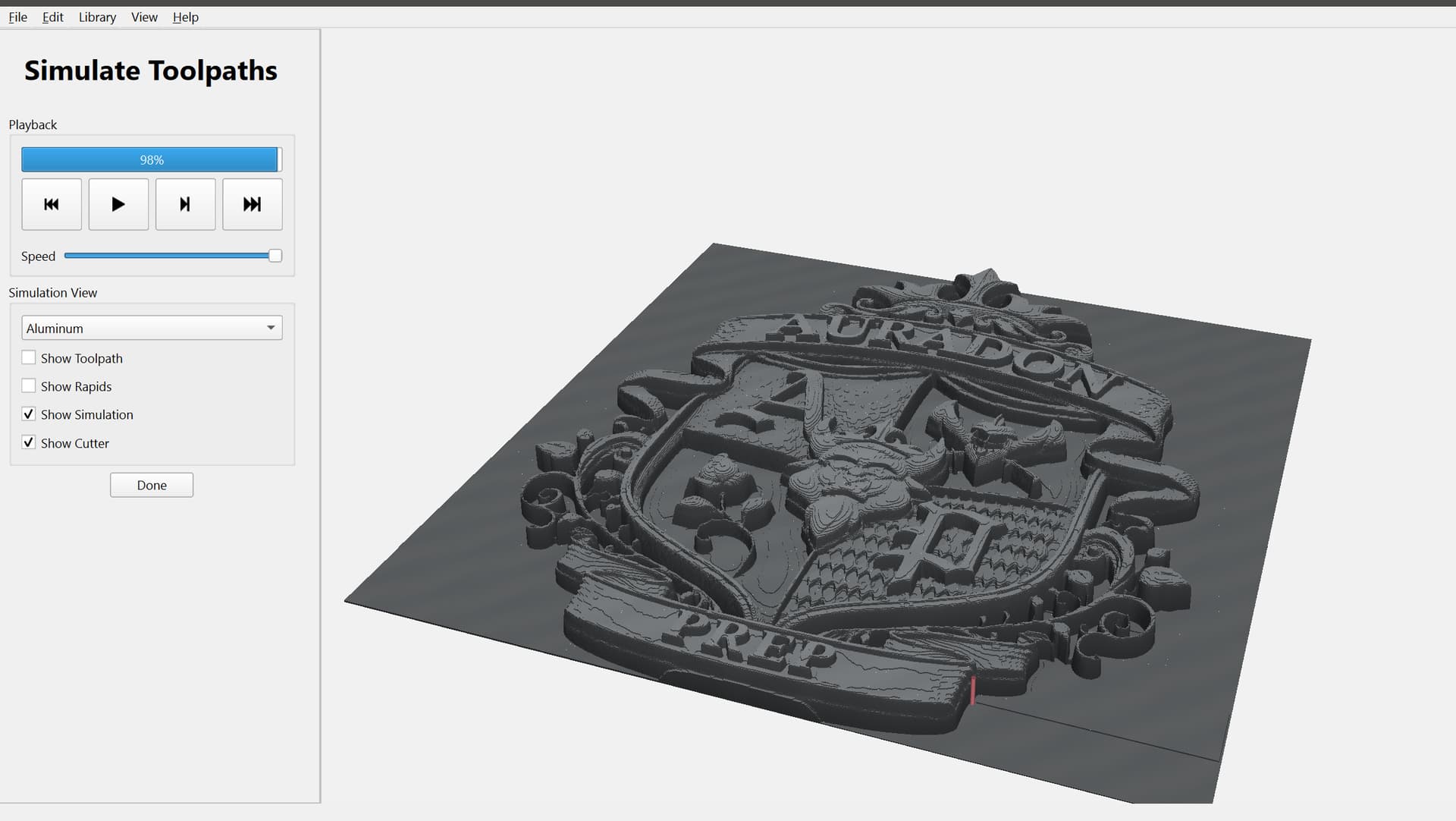
Right-click on the 3D component & Create Outline Vectors. Offset the vector by the radius of your cutter, or just a smidge more, and use that vector as the boundary for your 3D paths. 
4 Likes
THANK YOU EVERYONE!!!. It worked now I just actually have to do the carve. I will try and post when I am done.
1 Like
This topic was automatically closed after 30 days. New replies are no longer allowed.