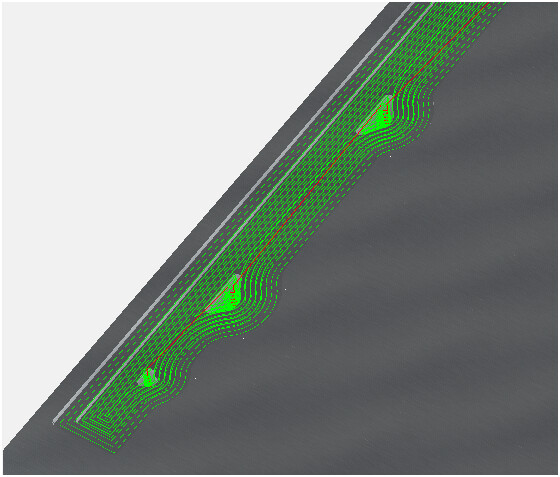
When I set pocketing toolpath of quite deep pocket there are two different ways a path is created. I have only one toolpath and on one side it first clears the small parts, which i think is ok, and then clears the rest, but on the other side of the part it leaves small parts out and then cuts them at the end. I am affraid, those will chipout in the middle of work.
Any ideas hot to avoid those ? Ok, I can make it clear out those before the final pass with a separate pocket drawn inside of existing pocket. Any other ideas ?