Rookie here, have only had 1 project go successful and I am having issues with the CNC router after zeroing.
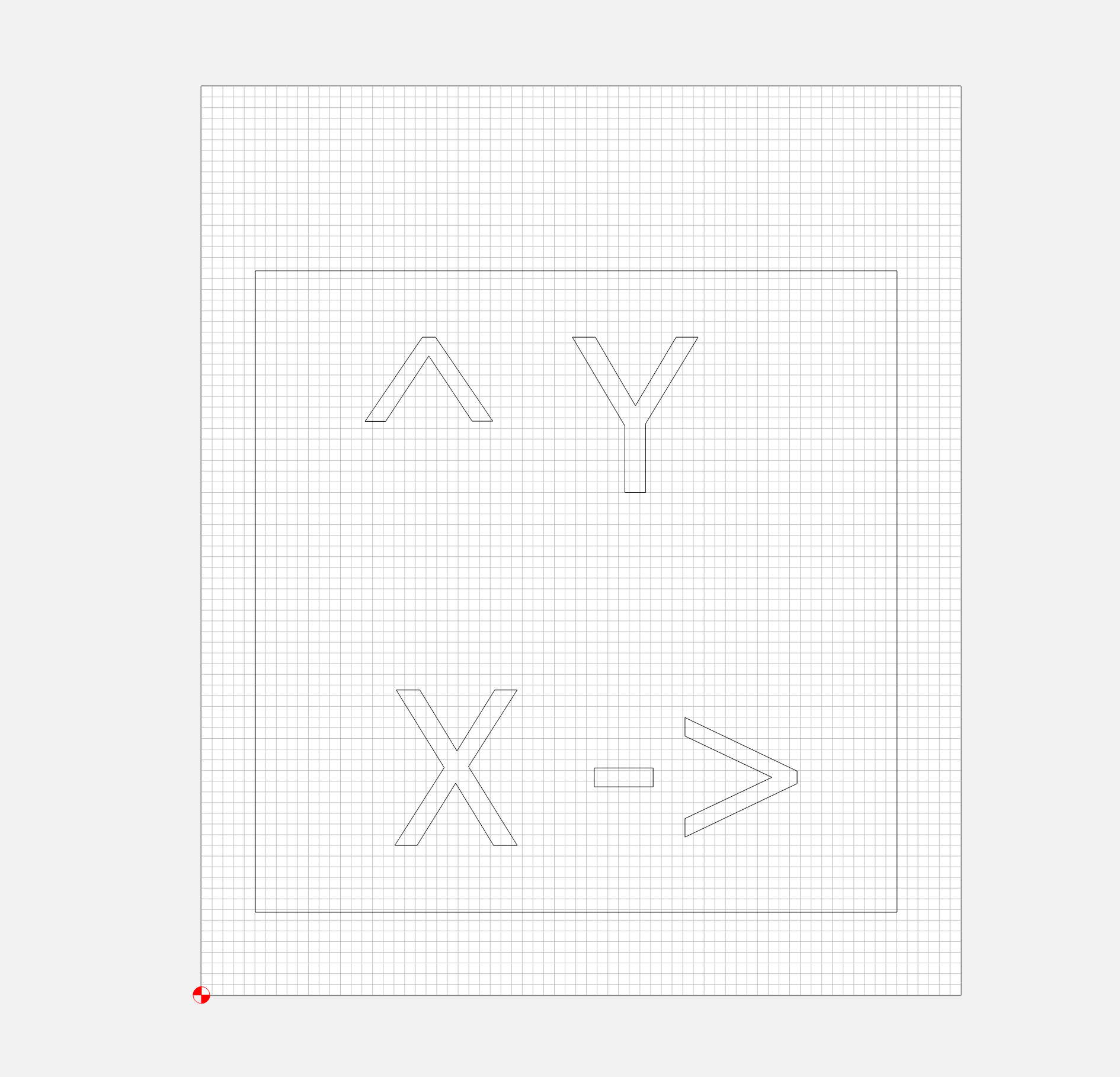
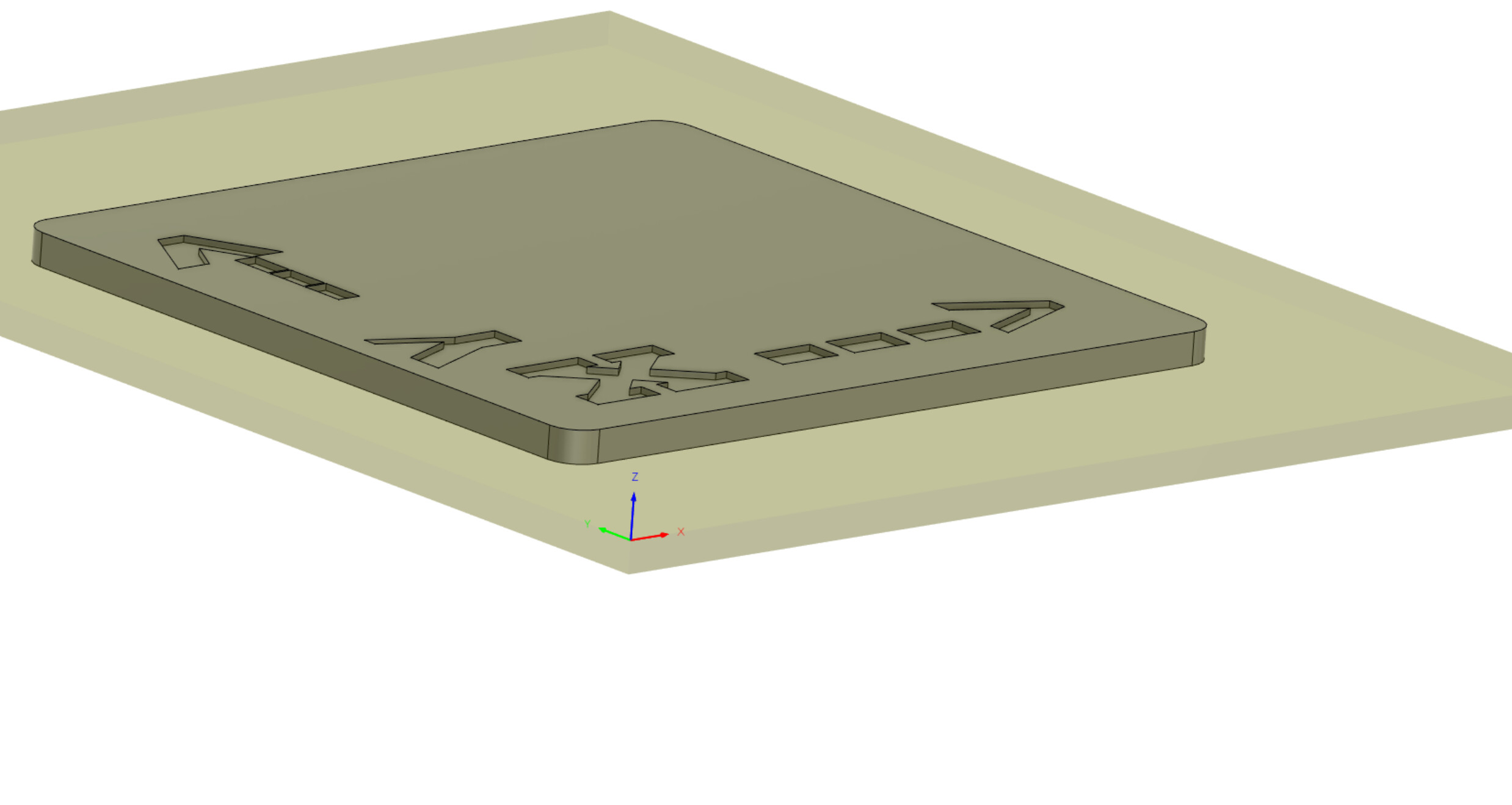
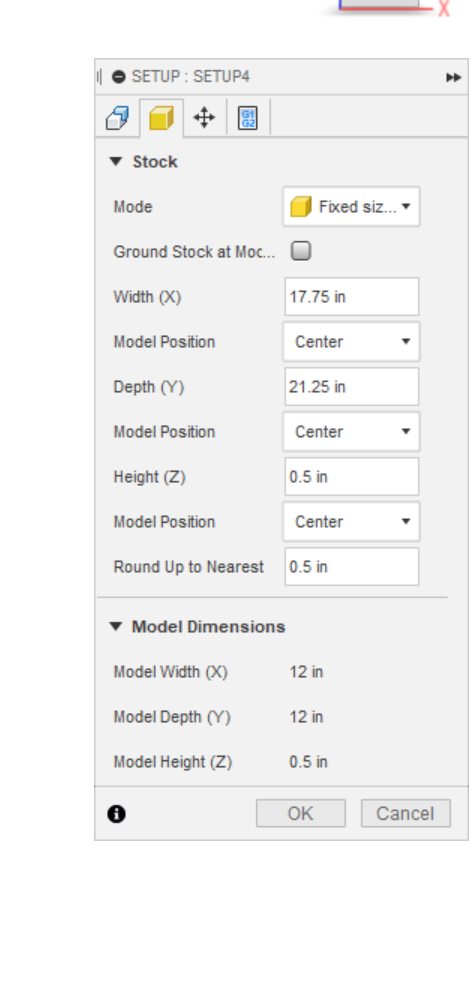
So I created a simple part to practice engraving/make sure I can do it in Fusion 360. I am using a stock piece of roughly 17" x 24" and trying to cutout a 12" x 12" square that is engraved. The code I made should engrave first and then cutout the piece.
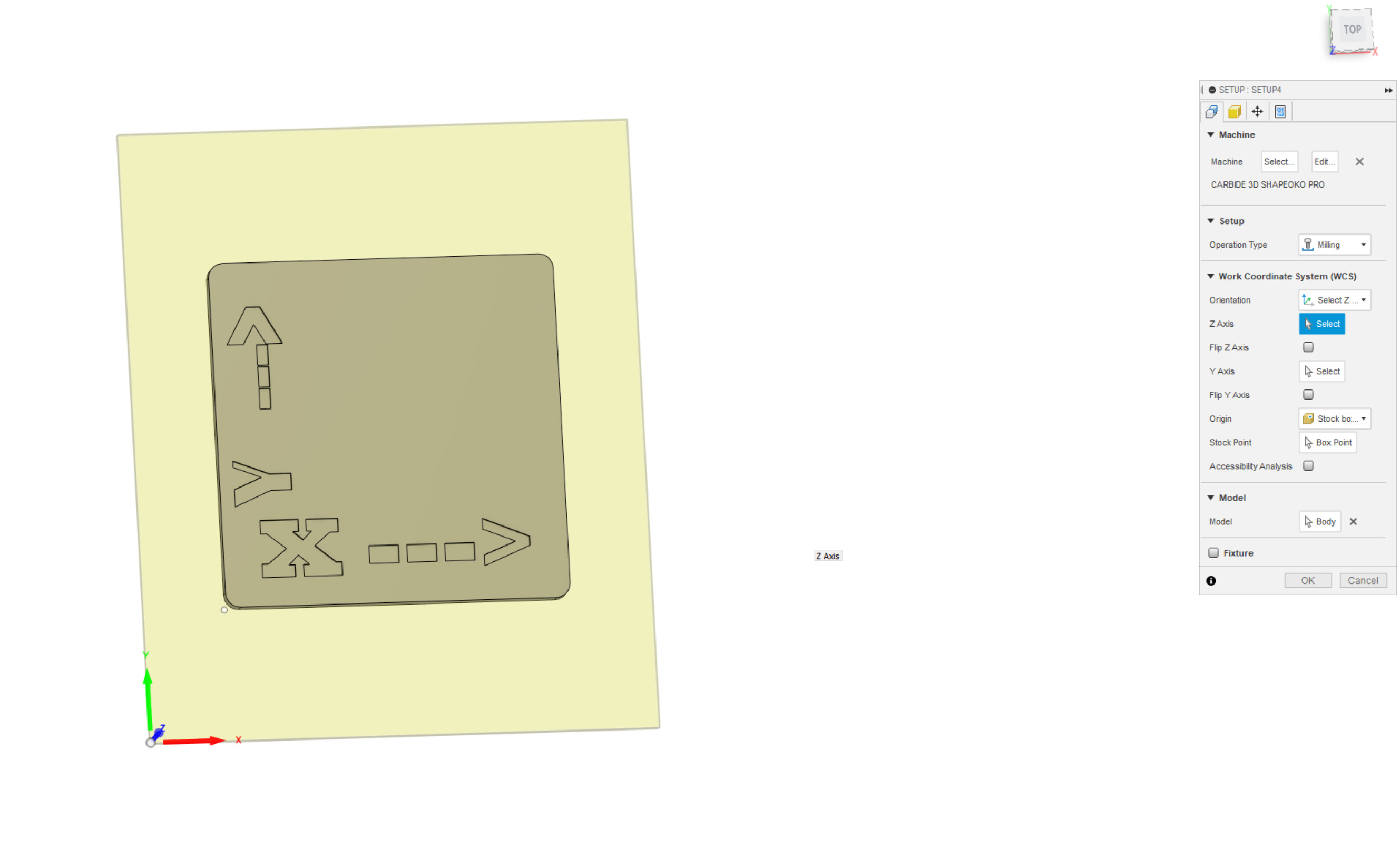
In Fusion, I made the Part Position at the lower left corner, top of the stock piece. The part sits in the direct middle of the stock. After putting in all the information on the tool paths (aka engraving the pieces as well as the cut out of the piece). I save the code using the “NC Program” button.
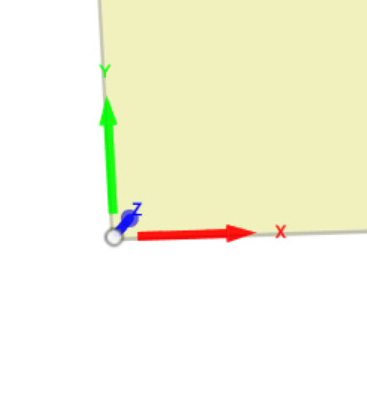
Here is where the problem comes in. I squared the piece of stock in the CNC and used double sided tape to hold down the piece. I am using a BitZero V2 to probe the zero location of the bottom left corner of the stock. I then reset and save the zero location and get ready to run the job.
Once I tell the program to start, it prompts a tool change in which I do. It then goes to the silver cirlce, calibration button at the lower right side and does its normal function. Then it moves back to the “tool change location” and prompts me to turn the spindle on, in which I do (with a BitSetter). After that, the spindle moves to the lower left (away from zero) of the machine and starts running the program. So the X, Y, and Z are all away from the part (say -x from where zero should be, -y, and +z).
Can someone help me figure out why the machine is not taking in account for where I zero the part and where it should be cutting?
I have tried restarting the machine, the software, re-loading the gcode, re-saving the g-code, etc. with no luck.
This happened the for the first project and support told me to re-load the g-code and it worked. That file was created using Fusion. Was hoping the fix would be as simple.
EDIT: But I did add the Bit Setter and BitZero V2 this time around.
I am using the BitZero to probe the XYZ and using those values to set all to 0.
For tool changes, everytime I change the tool it goes to the BitSetter touches it (twice) and then goes to work.
The only tool changes I make are the probe and the tool. Do I need to move the tool to the piece and reset 0? I thought the probe would get those values?
I put the BitZero at the lower left corner with the “raised edges” off the side of the stock piece. Then told it to probe. While its probing I hold the BitZero just to make sure it doesnt move during the process.
So I took the BitZero off after it probed the Corner Setting (XYZ) and then set the Z manually in that position and that seemed to work.
Now I just need to figure out why Fusion’s gcode is not running the correct path, rather not cutting the area of the stock.
Thank you all for the support! I think I figured it out. I had saved an incorrect NC Program and then saved the correct one on the same Model. I deleted the incorrect one and it didn’t work, but that lead me to delete all the tool paths and restart. Once I did that, the machine ran correctly!