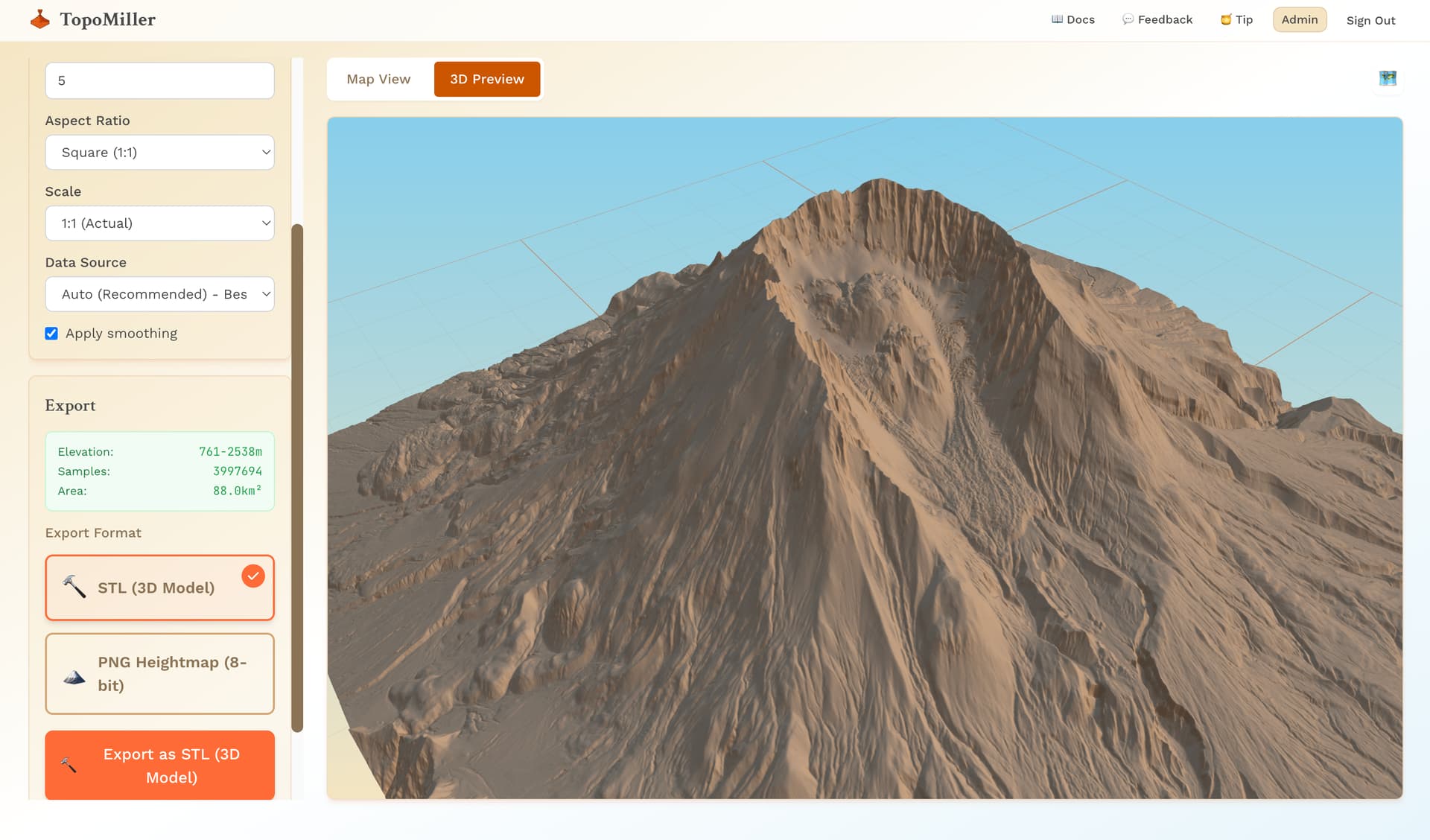
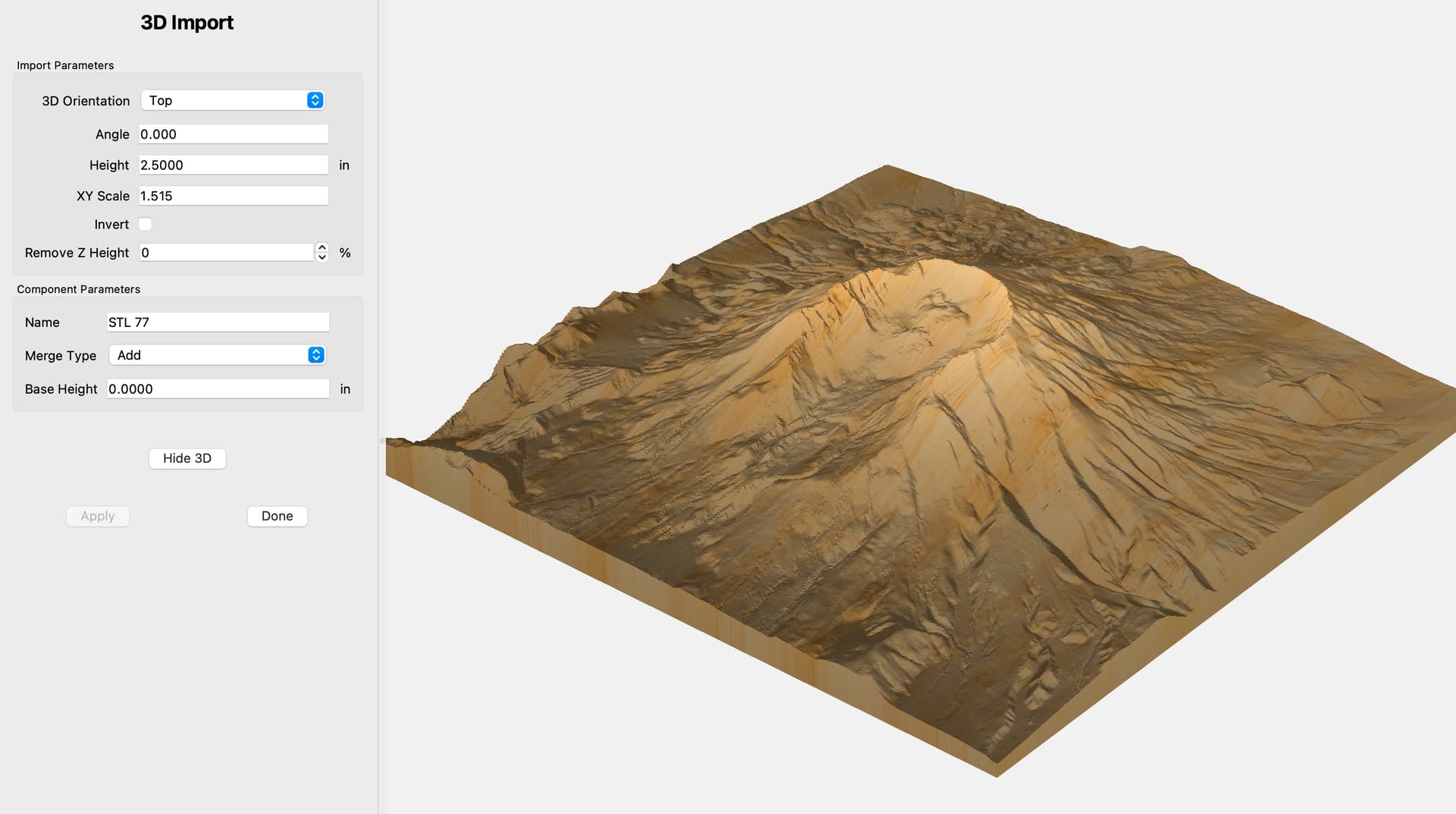
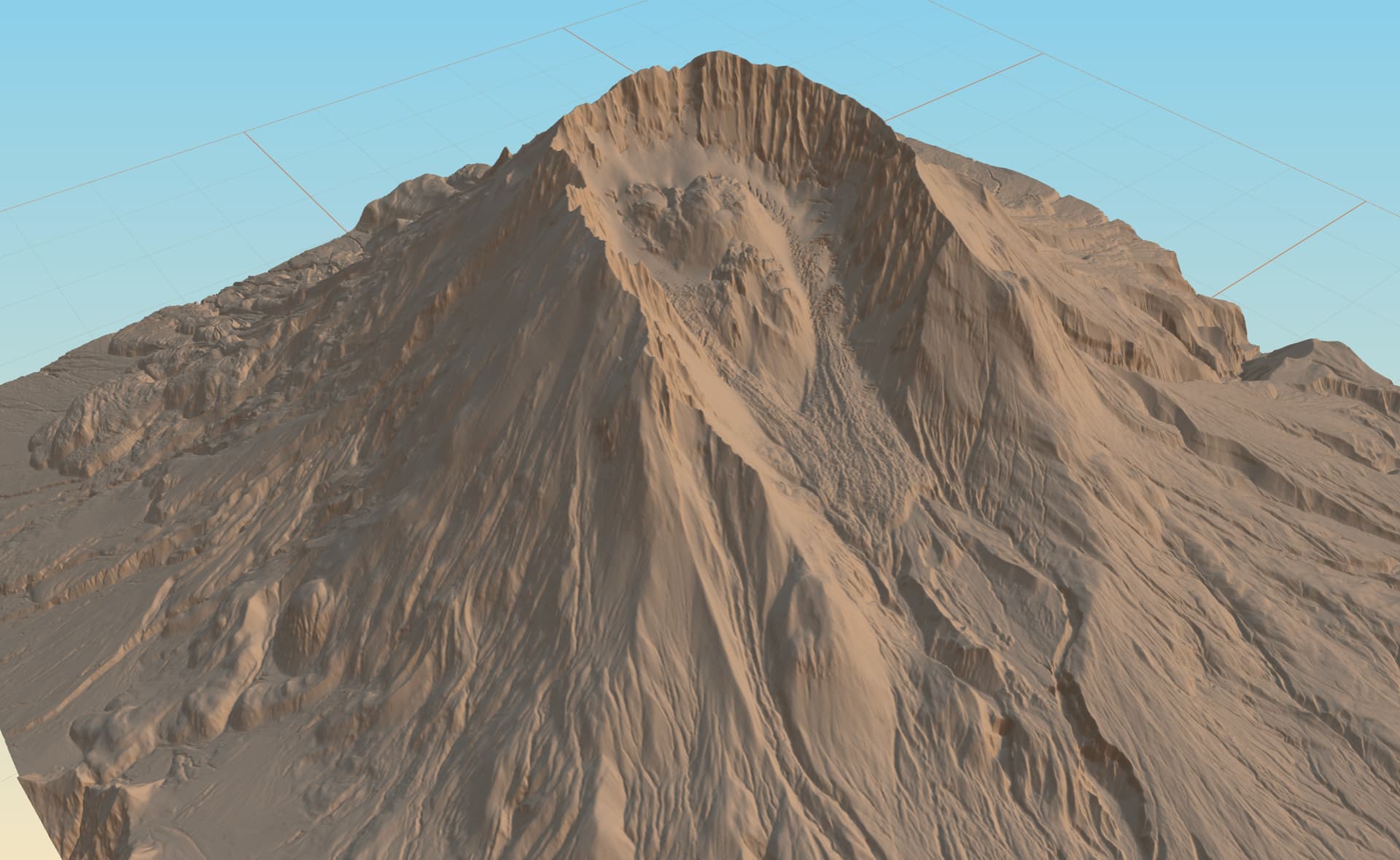
Hey everyone, after getting a lot of questions, I thought I would make a video about the cut. Let me know if you have any questions!

Hey everyone, after getting a lot of questions, I thought I would make a video about the cut. Let me know if you have any questions!
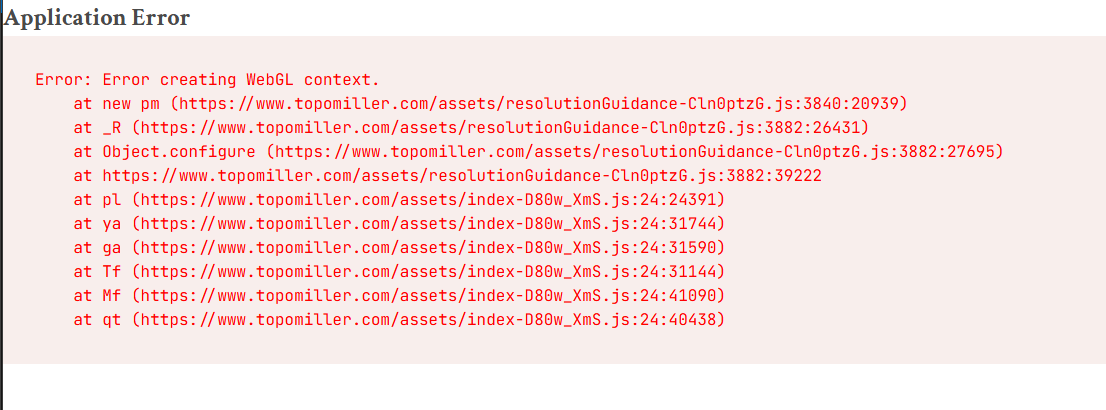
I’m excited to try this out, but when I generate 3D preview button and wait 30-60 seconds like it says, it appears to finish but I then get this error:
I get the same results, multiple locations, map sizes, etc.
@andrewscofield , Wow. That is bad. lol. I am going to investigate this right now.
Can you tell me what browser you are on and what Operating system?
Thanks for your patience!
@andrewscofield, did a bit of research on this:
This is a WebGL graphics error - it means your browser is having trouble creating the 3D preview. This usually happens when the browser’s GPU resources are maxed out. Here are some steps to fix it:
Quick Fixes (try these first):
If that doesn’t work:
Still having issues?
Let me know:
The good news: This won’t affect your actual STL exports - those will still work! The 3D preview is just a convenience feature.
Thanks for your patience! 
Thanks @mlembke1 for the suggestions, and quick response! I am a web developer who works with Three.js a lot so I found it odd that it would be my chrome browser. But sure enough I tried in Edge and it worked right away. I restarted my computer and now all is working… I guess my browsers GPU resources were maxed out, as you thought.
@andrewscofield , Hey! That is great to hear. Glad that fixed it. Also cool to hear that you are a fellow dev. Nice to have testers like that lol. This is very much an MVP. So, appreciate your patience and any feedback you have.
All the best,
Mitch
TopoMiller
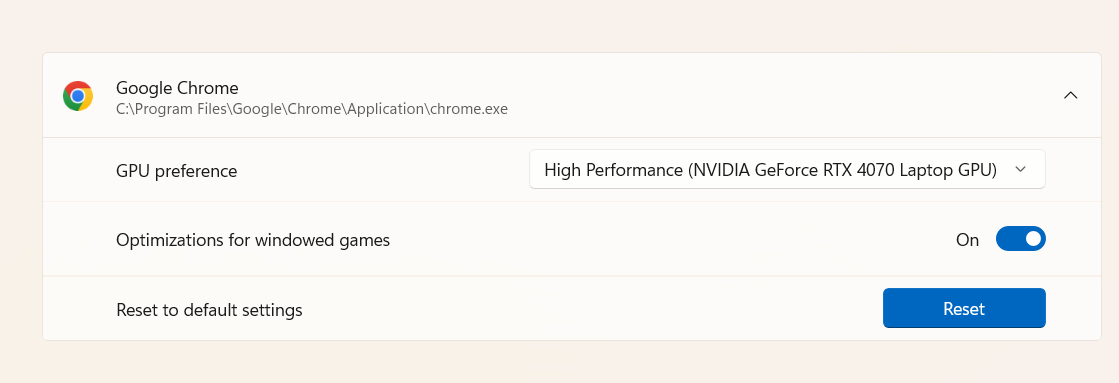
Do you have Chrome assigned to a GPU or let windows decide ?
Ya know, I haven’t looked this setting up in a while. I just did and Chrome was set to let Windows (11) decide. I will have to play around with that setting and see if I still have GPU resource issues going forward
I watched your lead web page video.
You might want to show a Scallop finish pass using a larger ball end mill so the final project looks a lot smoother.
TopoMiller has just released 1m DEM data in addition to our 10m data solution!
This is for areas selections under 10km.
Checkout our new documentation page!
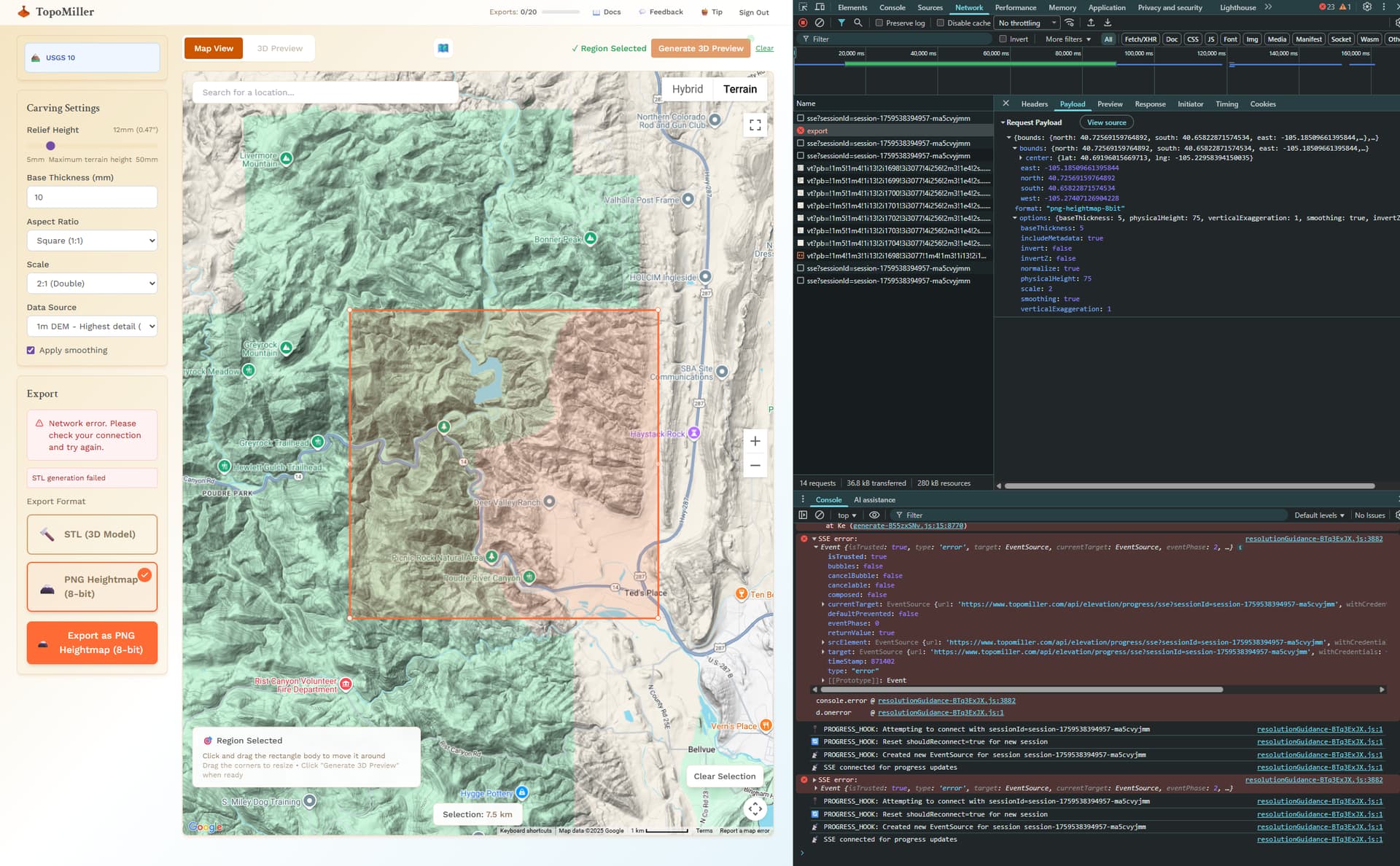
@mlembke1 I’m also getting errors in Chrome. I suspect I’m asking for too much and either the server or client is falling down. Here are some deets if useful. Trying in Edge next…
I got a little further with Edge. It successfully generated a model preview in the browser. However, upon export attempt to either STL or PNG I got failures.
As a side note, I noticed a lot more Server Sent Events activity than I would expect where it is spamming the client with progress updates that are all zero percent. After the export failed and when no additional user input was happening, the client was still receiving constant SSE messages, sometimes with what appeared to be multiple open connections at once (my experience with debugging this type of stuff is pretty rusty).
Anyway, I love the UI. It’s much more intuitive and a higher quality experience than anything else I’ve tried. But I was unable to actually export anything. Let me know if I can help diagnose anything or test v.Next.
-J
@profexorgeek , thank you so much for this feedback and I sincerely apologize for this behavior. Under 10KM with 1M data is a beta feature that I released today and I’m still working out the kinks. Production is always different than development. lol
Anyway, your feedback has been especially helpful and is much more than I would expect from a user. Thank you.
If it wouldn’t be too much to ask, I do see that SSE error in the console in the screenshot you attached. I’m aware of that one and am working on it.
however, if you can tell, in that screenshot, there is another error right above it that you can barely see that has the word “generate” in it.
Could you tell me / show me what that error says?
Again, thank you so much
All the best,
Mitch
TopoMiller
I am having trouble exporting STL files in 1M resolution.
One file worked if I turned off Smoothing, one failed regardless.
My message was STL generation failed.
This could be a GPU settings issue in Chrome. However, that would account for the 3D Preview failing. But, not the STL export failing in Edge, to my knowledge. Looking into the logs now!
@jtclose , thank you for this feedback. I am temporarily removing the smoothing option for now as it seems that this is a recurring problem with the smoothing option on and the pay out from this is little to none.
All the best,
Mitch
TopoMiller
I am retrying the failed area the would not export at all.
And it failed again. This is not a smoothing issue.
This application is very handy, just needs to be ironed out.
I see there is an export count ( for successful exports ). What’s the deal ?
I didn’t see this until I was surfing my phone in bed. I’ll try to repro and capture that error tomorrow if I can.
I did look into those other errors and stepped through some code to see if I could figure out what was up. But I ran out of time.
The TLDR is that an exception is thrown and I suspect it’s bc something is running out of mem or cpu time. The exception doesn’t dump anything useful like a call stack or even the exception type. At one point I got a vertex count and…it was a big number. That’s as far as I got.
@jtclose, I’m investigating the issue and testing repeatedly. Will get back to you on this!
Can you give me the region size that you selected (e.g. 7km), the location (screenshot would be helpful), the browser you are using, etc…
Th more info the better. Thank you for your patience!
All the best,
Mitch
TopoMiller