That would still be using the C3D resources.
Messages are not a problem, but if I send zip files, to me that is different.
I assume the examples were enough info
Such an awesome tool, thanks Mitch for the hard work thus far!
Q: In the new release, I notice that the options for vertical scaling are gone, and when I preview the 3D model, it appears to be quite exaggerated in the vertical. Is there a way to control this?
I see the limit of 20 exports at the top, so I don’t want to test too much and run out of ‘credits’, or whatever your plan is there.
BTW, Thanks so much for adding the 1m DEMs! This makes it really useful for smaller areas, which is most likely what I’d be interested in.
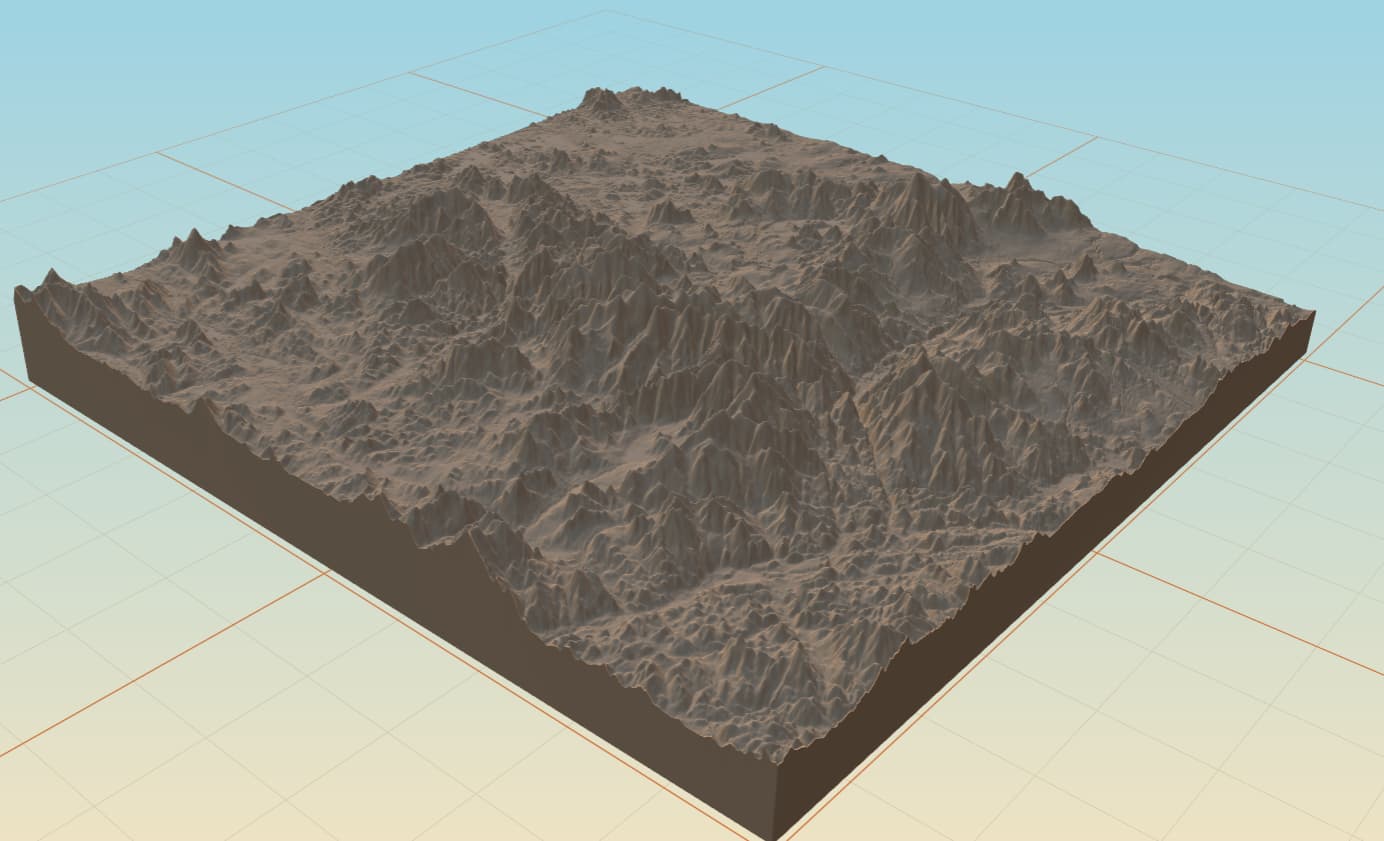
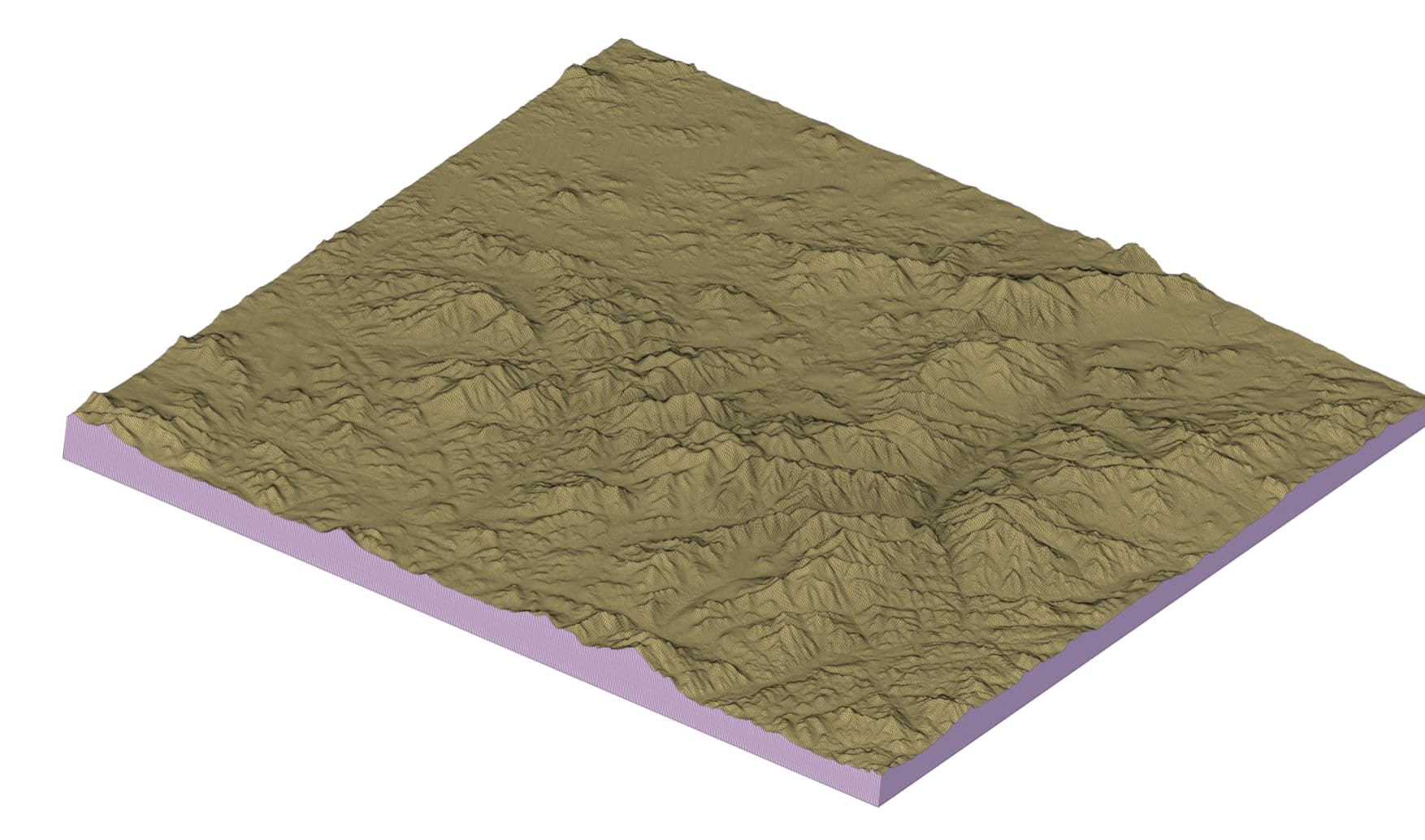
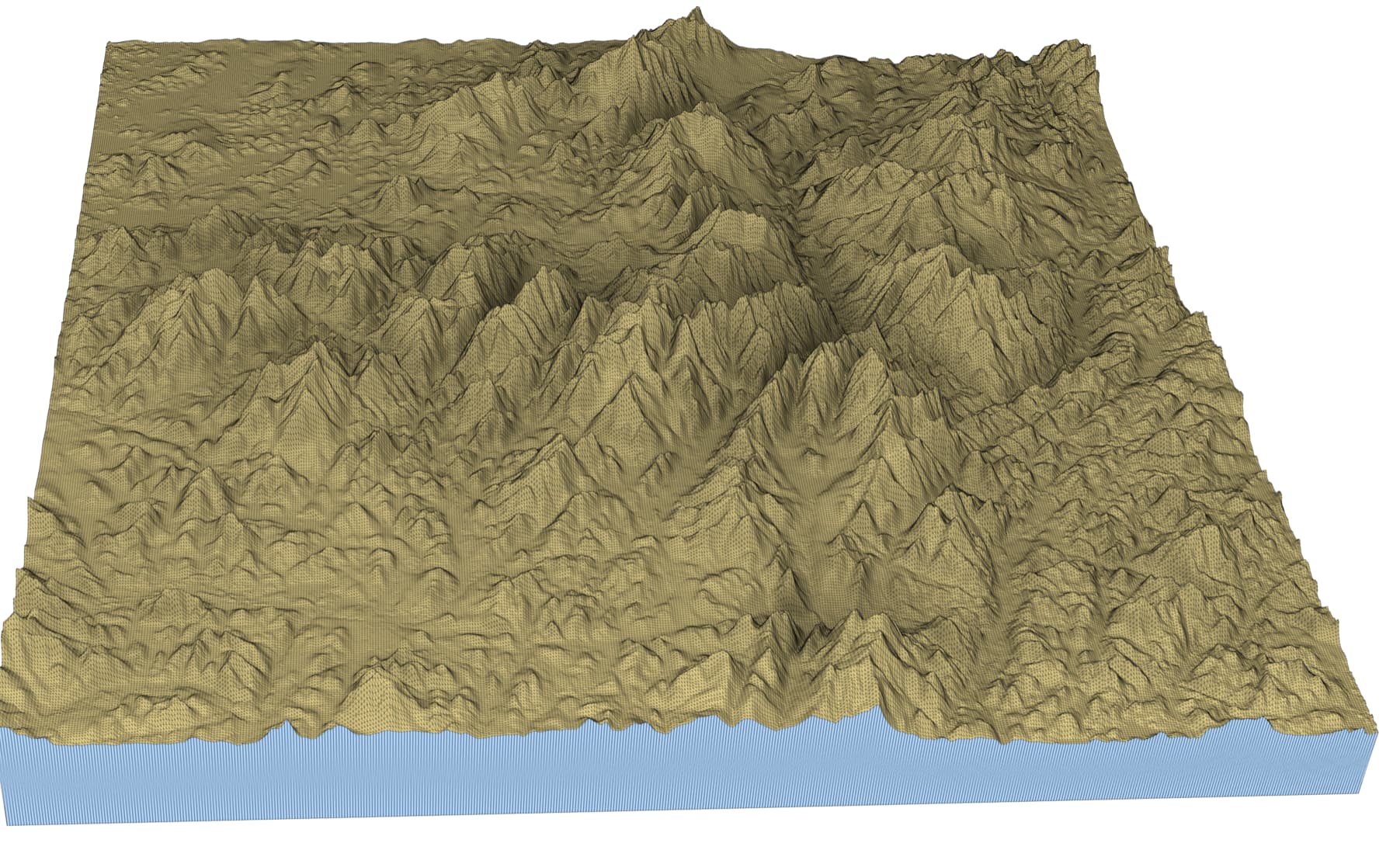
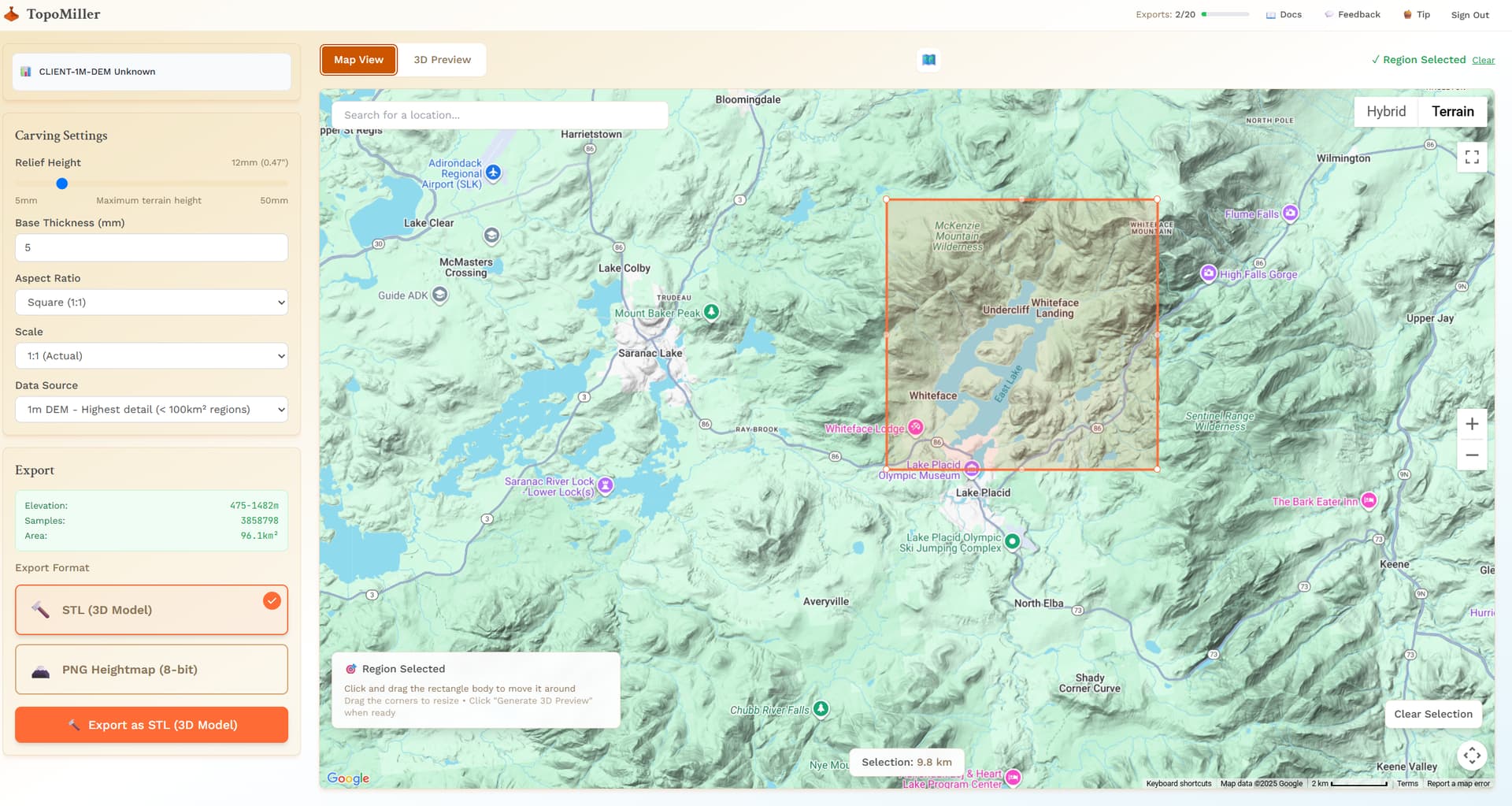
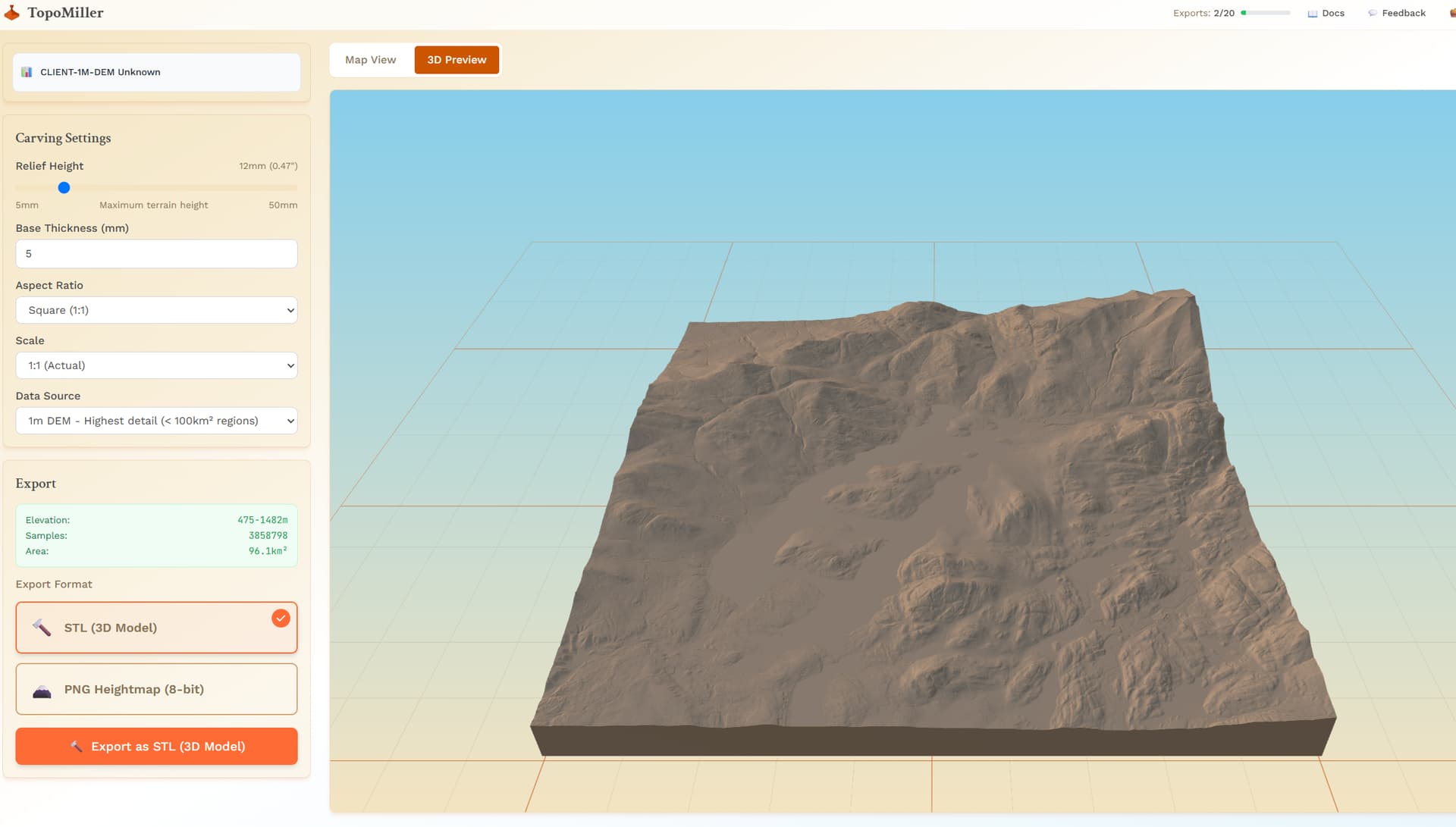
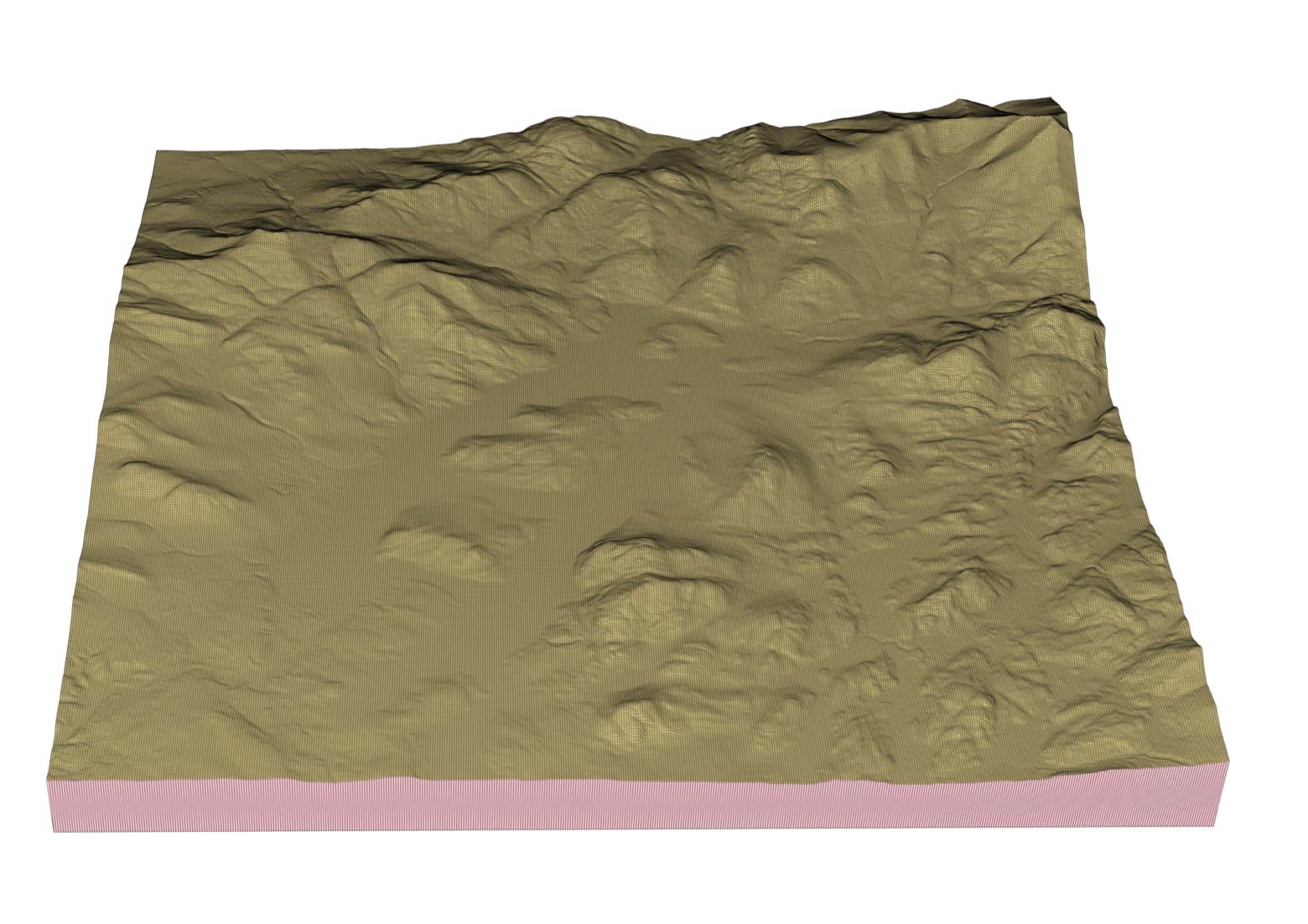
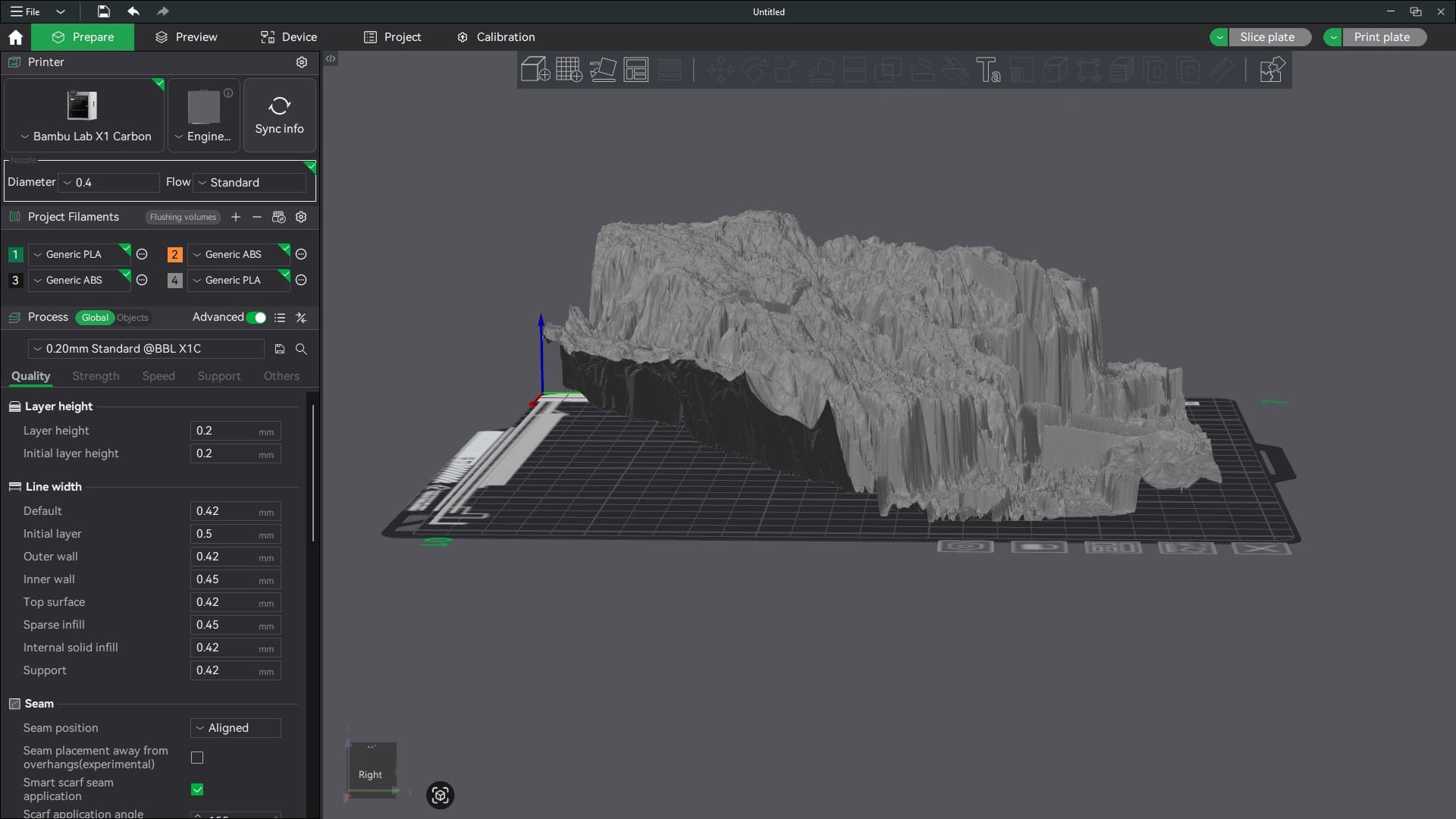
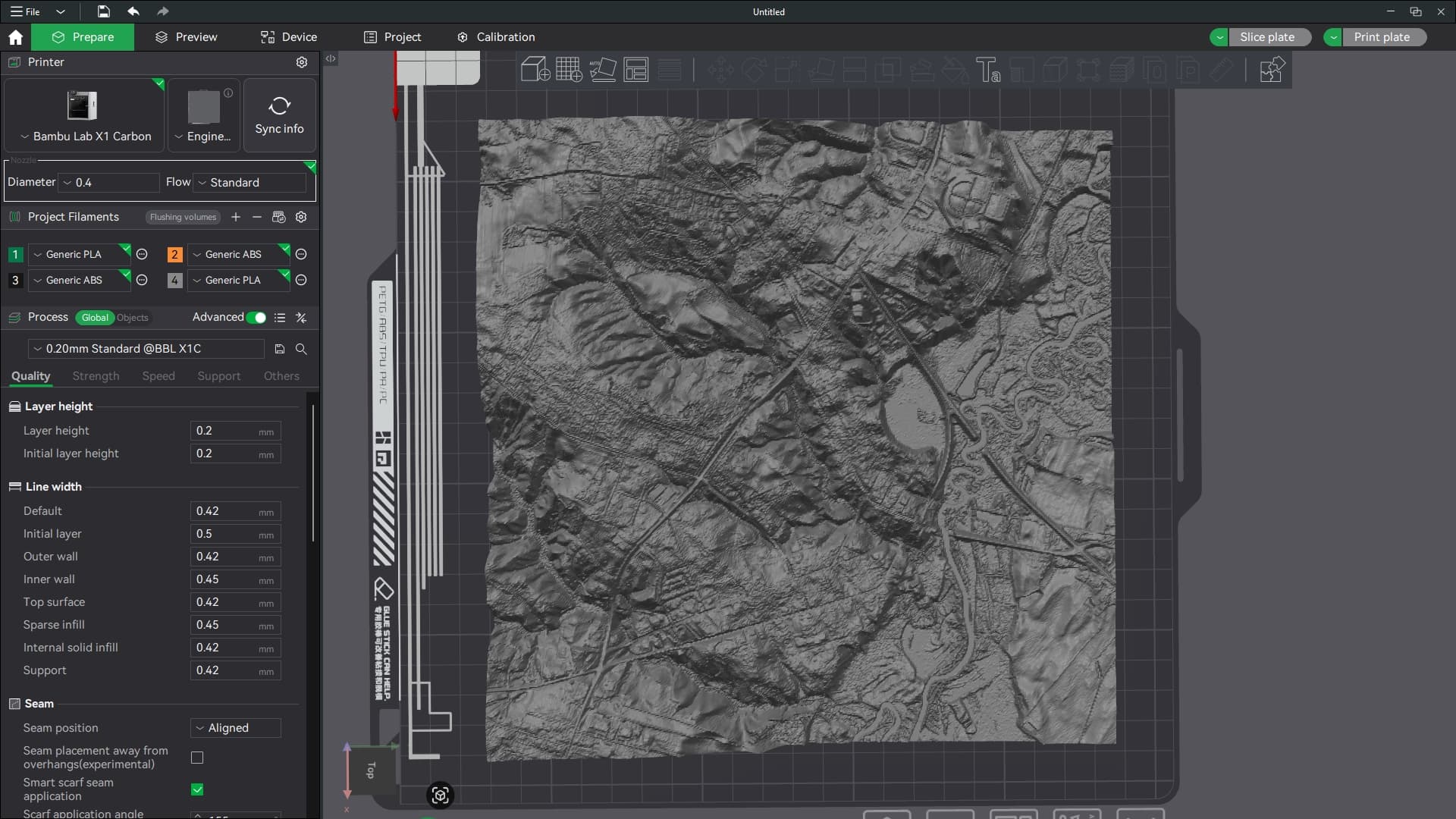
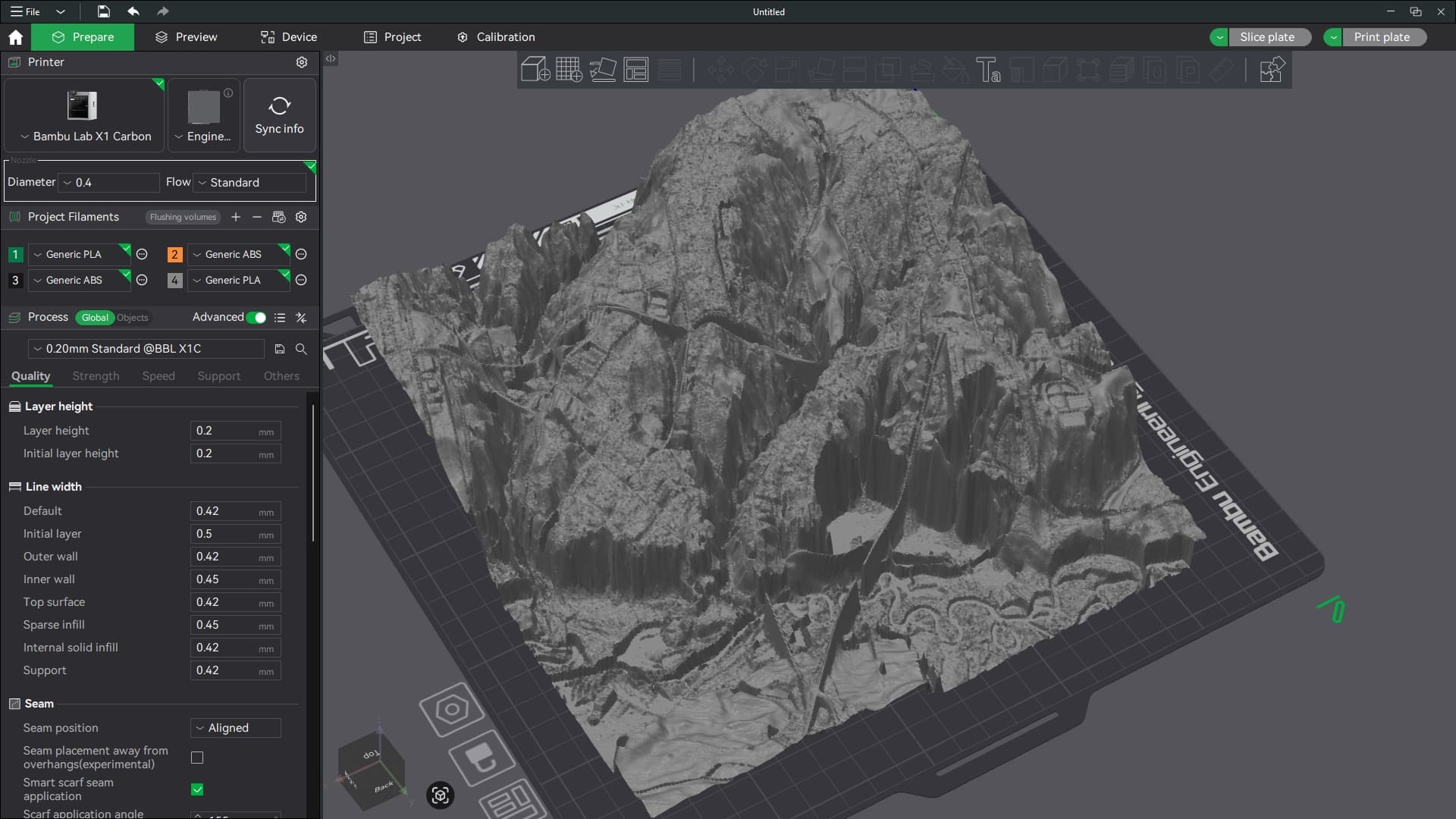
EDIT: Okay, I’ve confirmed that it’s also exporting greatly distorted models. The following are screenshots of an export I did of my hometown, which has maybe 15-20’ of elevation change from one side to the other. The model makes it look like I live in the mountains. lol
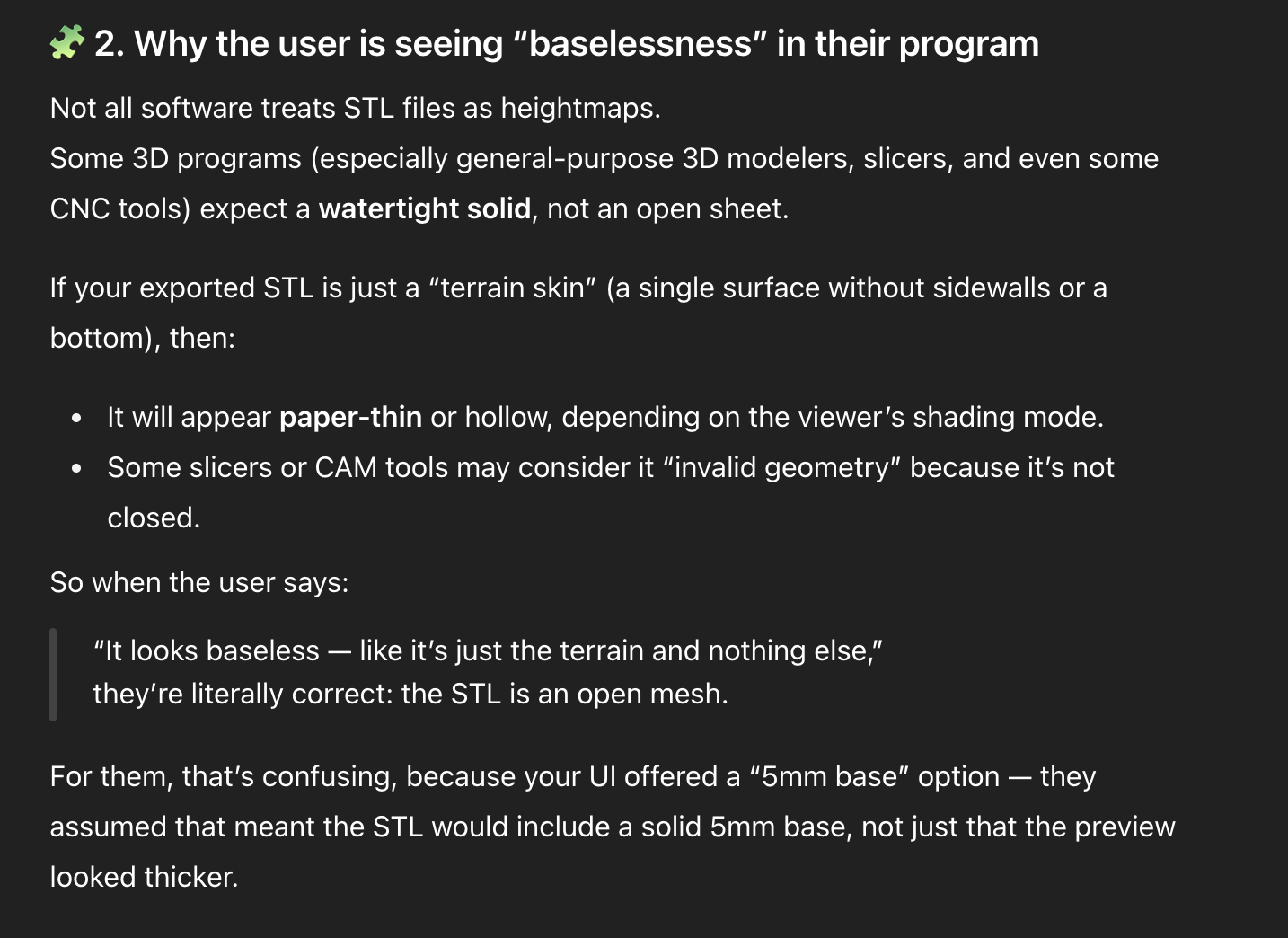
Also, there’s no closed base. I chose the 5mm base when I did the export. Did I do something wrong? The overhead view looks great, though!
Wow. Great feedback, questions, and images. Thank you so much.
“I notice that the options for vertical scaling are gone”
So, there are a couple things that I should point out.
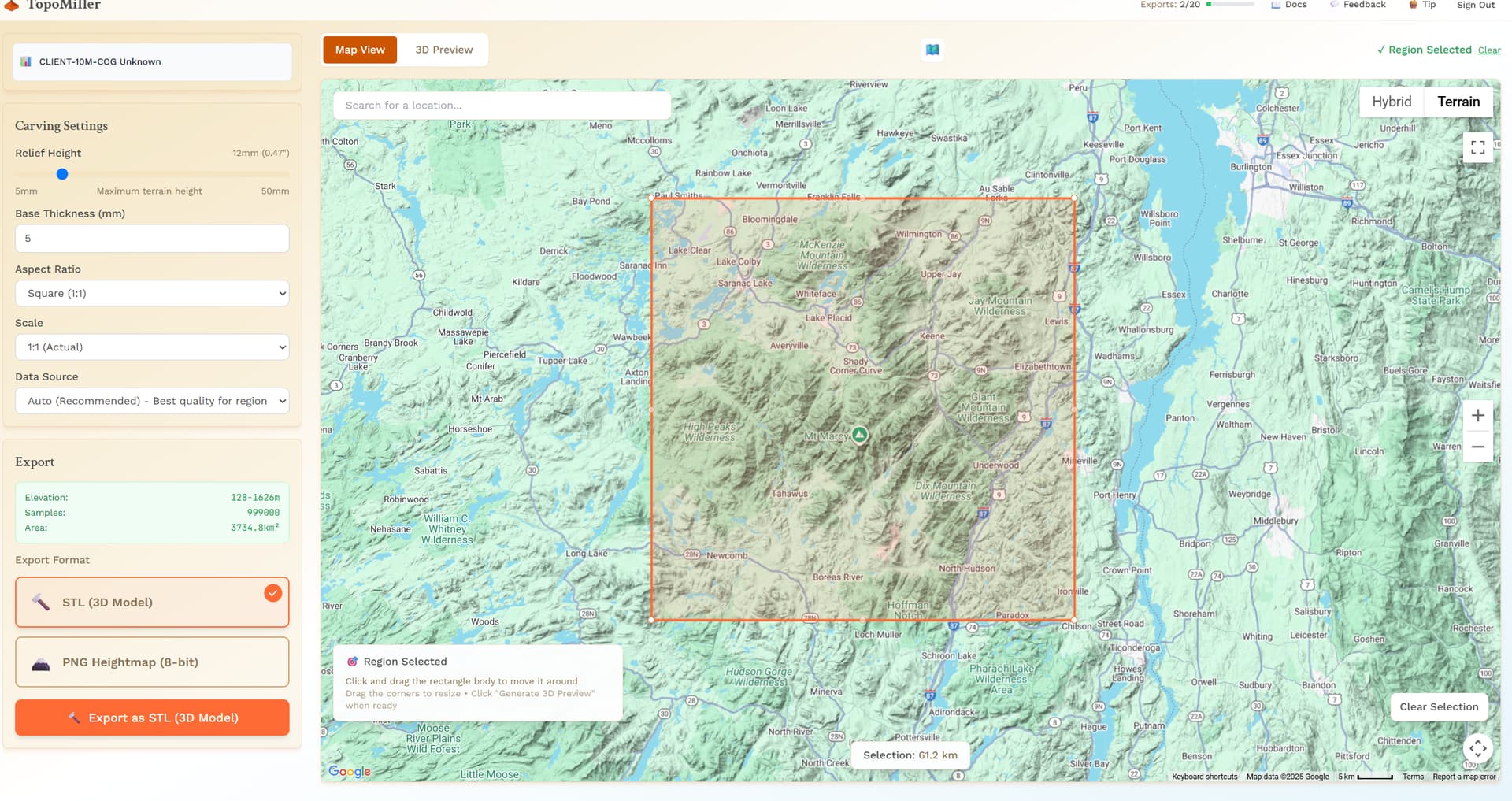
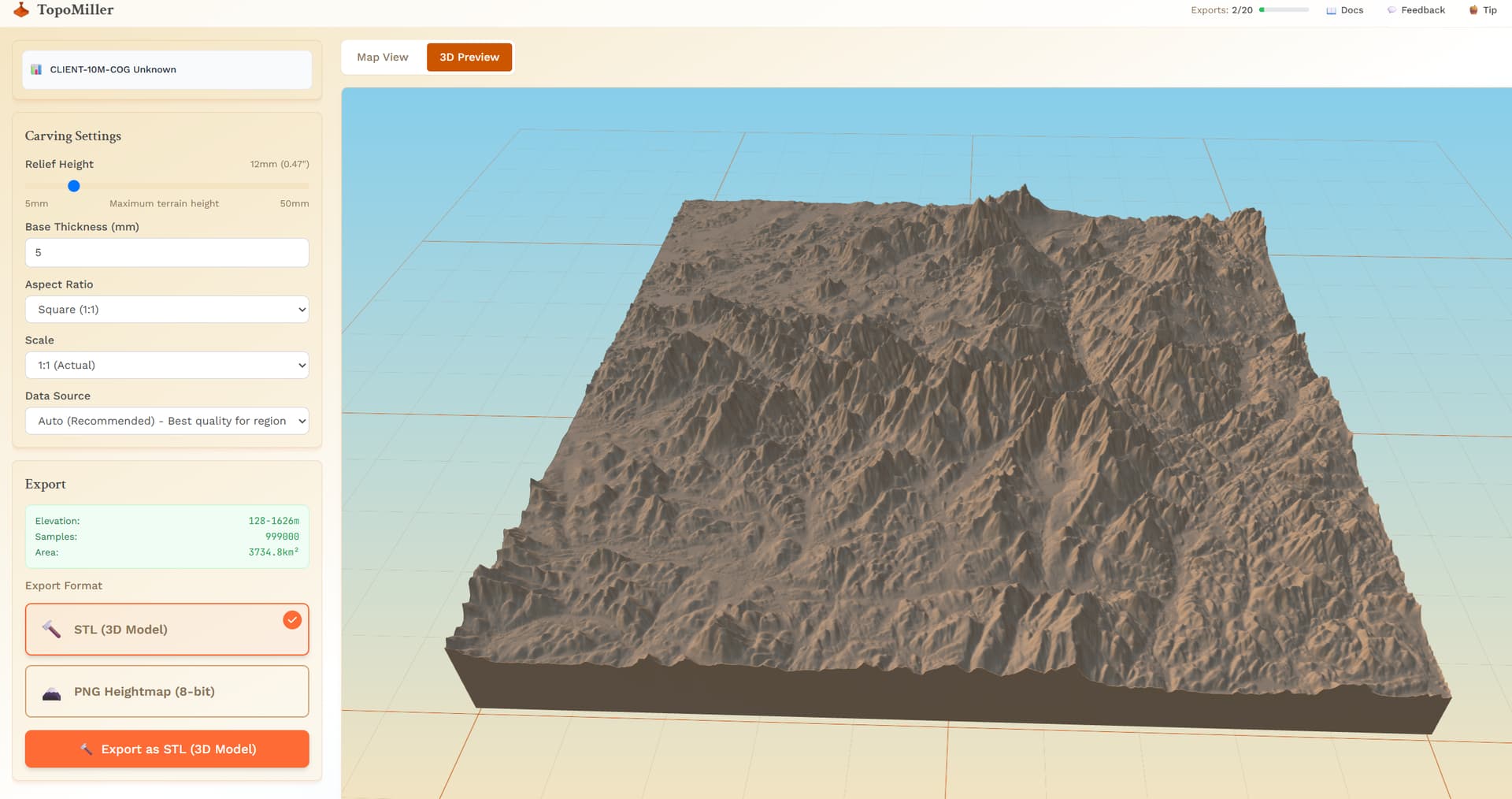
With the 1m data selections (regions under 10km that support 1m data), the amount of vertices is in the tens of millions, even possibly reaching 100 million vertices. So, I had to move the processing of this to the server side. Because of this, the height control setting doesn’t do anything to the 3D Model in TopoMiller because we already fetched that data and cannot manipulate 100 million vertices in a 3D preview without crashing your browser. However, if you were to select about 10km and get the 10m data, using the height setting on the left does change the 3D Preview.
What I found with those two settings (carve height and vertical exaggeration) that existed prior was that they were doing the exact same thing, as far as I could tell. You would increase one, and decreasing the other, and it would just undo what you did. I could be wrong on this. But, that was why I removed it. It seemed like a duplication of settings, two settings that did the same thing. Although, one was the total height of the piece and the other was the vertical exaggeration, I saw no difference. Open to correction here!
“Okay, I’ve confirmed that it’s also exporting greatly distorted models” and “The model makes it look like I live in the mountains.”
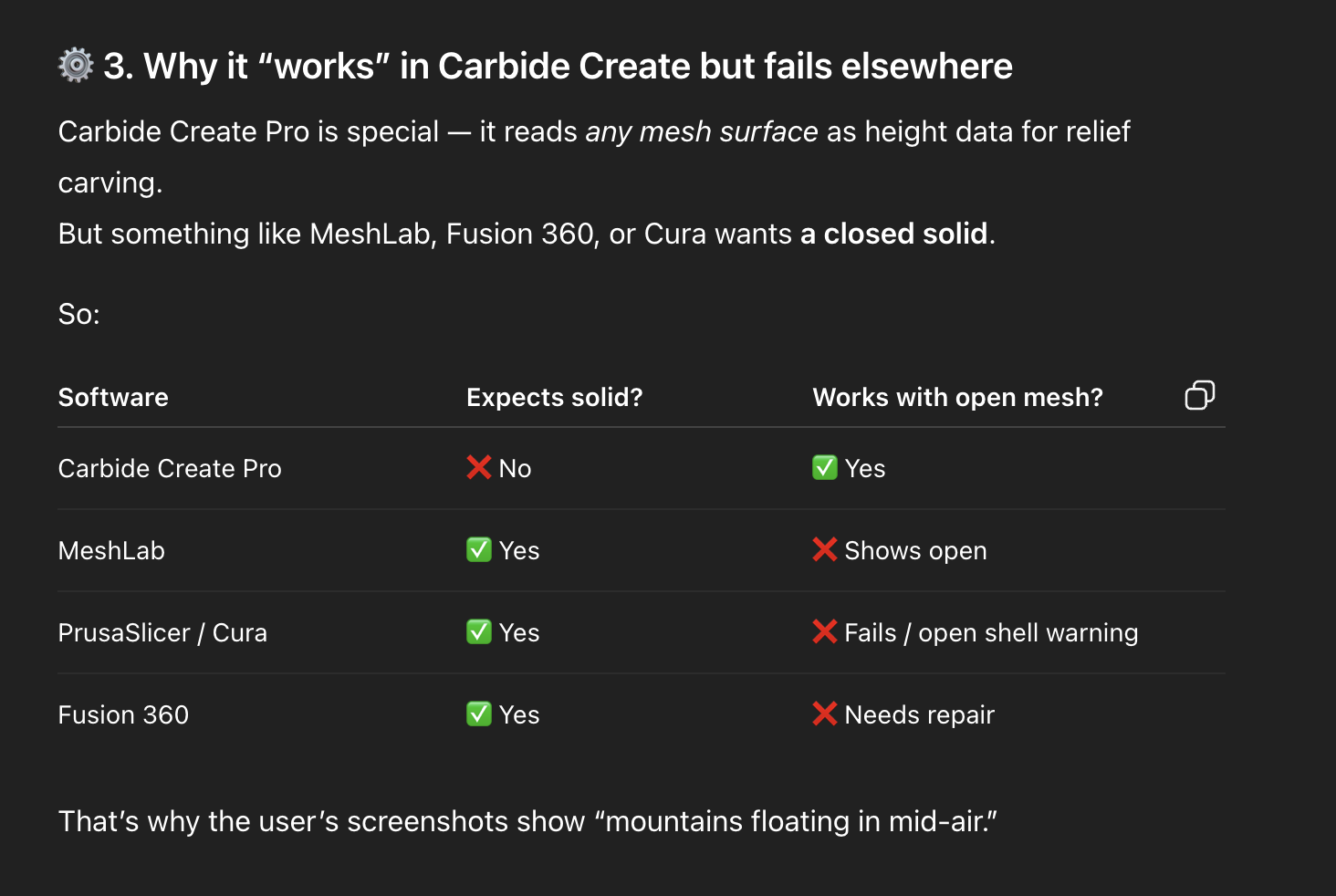
So, you just learned me something… The reason I went with “baselessness” or an “open mesh” for the 3D preview for the 1m data was to attempt to cut down the amount of rendering power needed for these extremely detailed region selections. I was unaware that this actually carried over to some CAD software! I also was not aware that the height settings could be carried over into some CAD software. I have only been testing with Carbide Create. So, in Carbide Create:
Those height settings do literally nothing to my export each time. Or, maybe more accurately (with the golden knowledge you have given me), I thought that the height settings did nothing because Carbide Create probably ignores them and sets a default when you import an STL.
The baselesness is automatically filled in. I had no idea that this wasn’t the case across the board!
Needless to say, i have some work to do. I cannot thank you enough. This is invaluable feedback. I am going to be addressing these problems as soon as possible
Mitch, thank you so much for the quick and thoughtful responses!
It’s a privilege to have some small role in the refining of the really slick tool.
I discovered a couple more things while playing around in Bambu Slicer. BTW, I have no intention of 3D printing this, it just happens to be my default STL handler, and I don’t have CC Pro, so I dropped it in there to see what would happen.
Anyway, I discovered that I can just scale the Z-height to get things back to looking more realistic. It would still be great to have the option to export at “true” elevation (or some multiple thereof), since on occasion you may want to semi-accurately represent the topography of a place. I have a local area in mind that might like to have a custom carved model of their geographic feature, but they would immediately notice (and take issue) if it wasn’t at least reasonably to scale.
Also, thank you for explaining about the thin-sheet exporting and why I’m not seeing a solid model. That makes perfect sense, given the intended use case. I’m sure I’d be able to make it work without too much trouble when carving (I’m using Aspire). I think this was just an anomaly due to being imported into a slicer that was expecting a solid model.
I appreciate you explaining about the sliders also. I was seeing exactly what you describe. One seemed to fight or cancel out the other. I think we’re better off without them.
Please keep up the amazing work on this refining TopoMiller into a tool us carving nerds can really be excited about!
I have noticed this as well, the inconsistency. This is a bug that I am addressing as we speak. There needs to be consistency between what you see in the 3D Preview and what you bring into your CAD software.
I am assuming that if I do not touch the slider after the preview, then the Z height output scaling is 1:1 . It seems that way, but I wanted to confirm
Edit: Just re looking at the two images I noticed the base height is also exaggerated.
To me that means your data is ok, just a scalar along the way.
What you see is what you get functionality; the 3D Preview, the baseheight, and the vertical exaggerating slider will reflect exactly when you export that STL and bring it into Fusion. Please confirm this works for you.
I think you are filling a predetermined volume and the scale is changing based on the selection size. I would rather a fixed distance between each data point and let the extents float as needed.
Looking great Mitch, this seriously makes getting terrain 100x easier than I had to do it before and the 1m resolution is a welcome change! I would say being able to change the orientation of the selection box is high on my list of requests (eg 90 degree changes) but it seems like you’re already addressing that with custom aspect ratio.
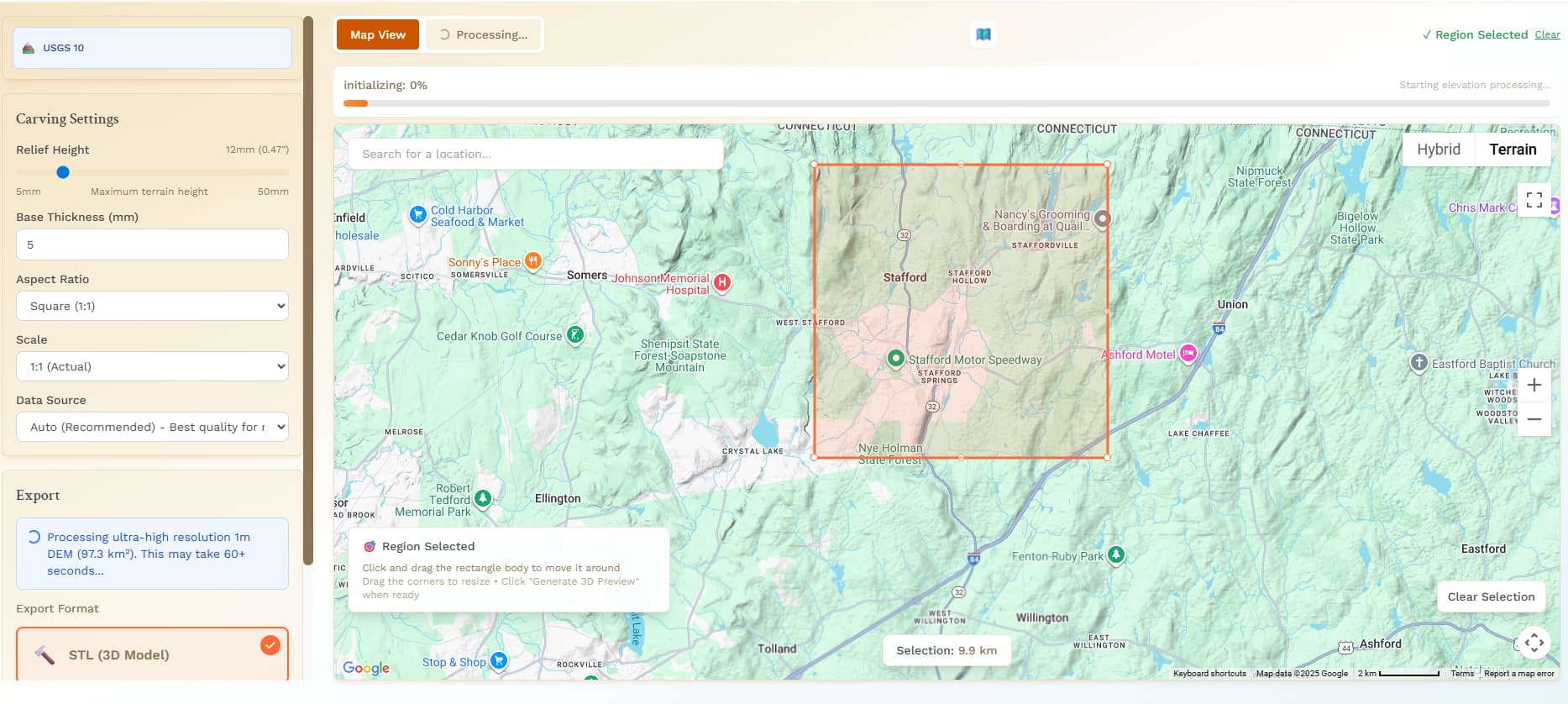
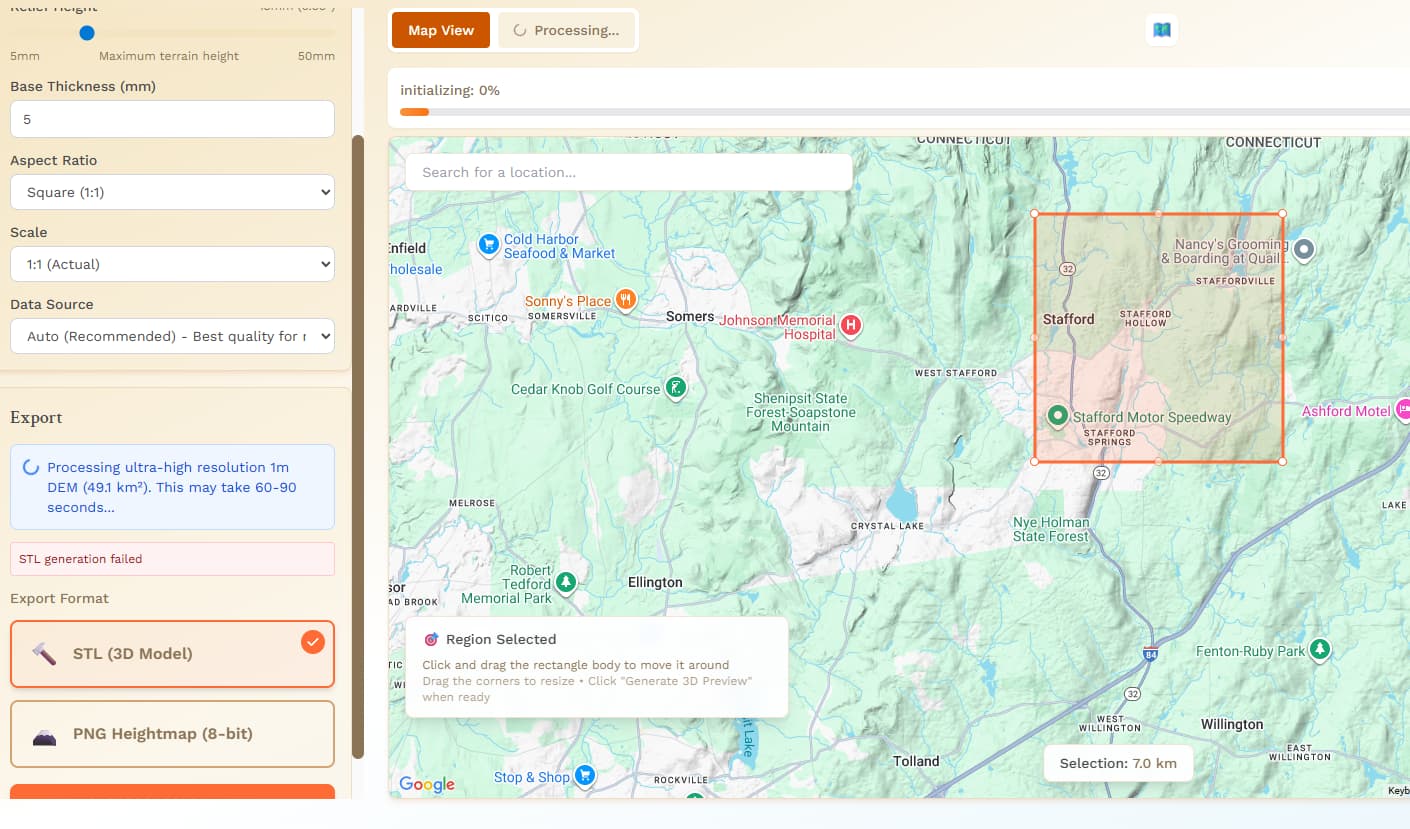



 Region Size Protection
 Improved STL Exports
 3D Preview Enhancements