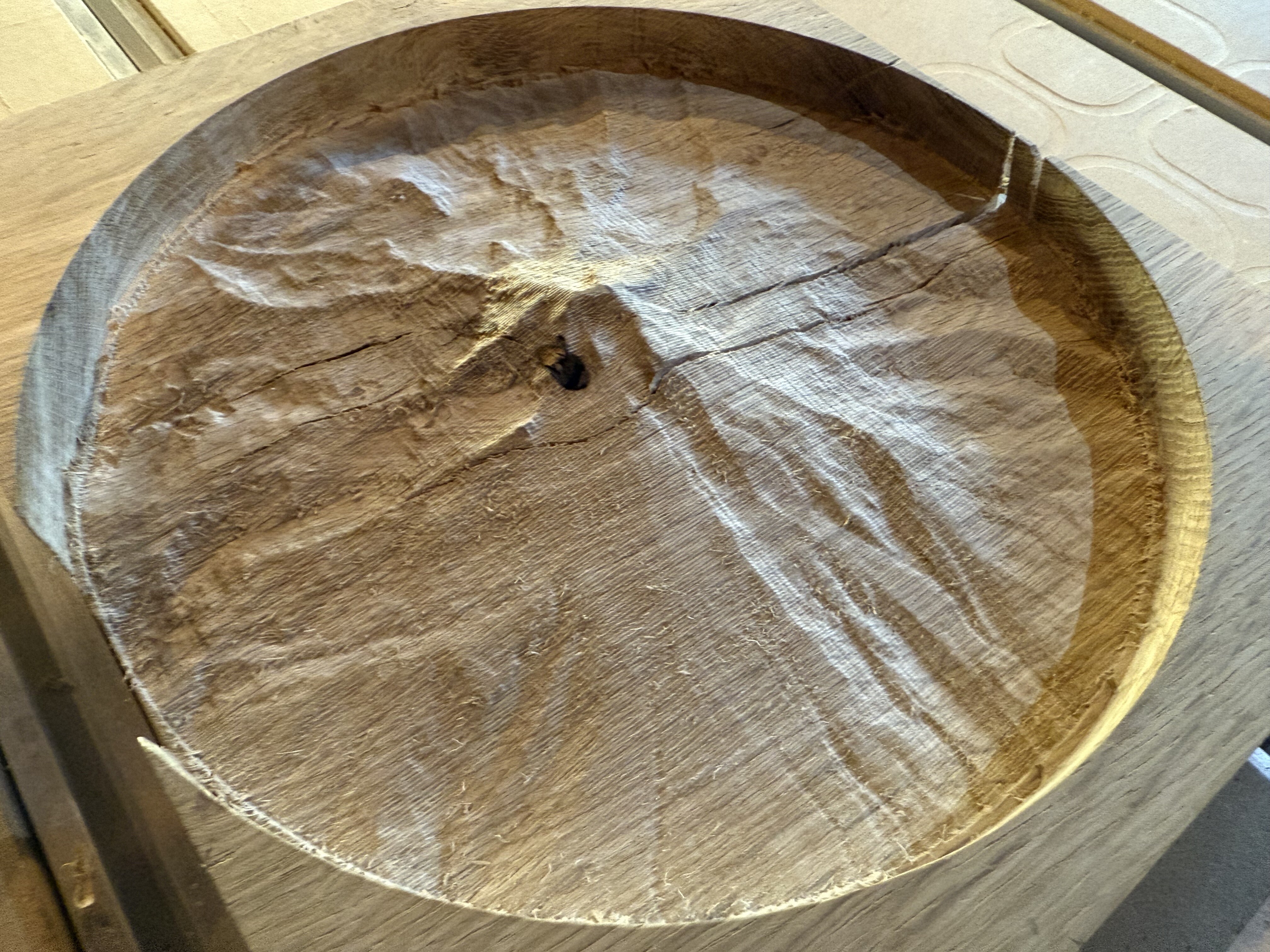
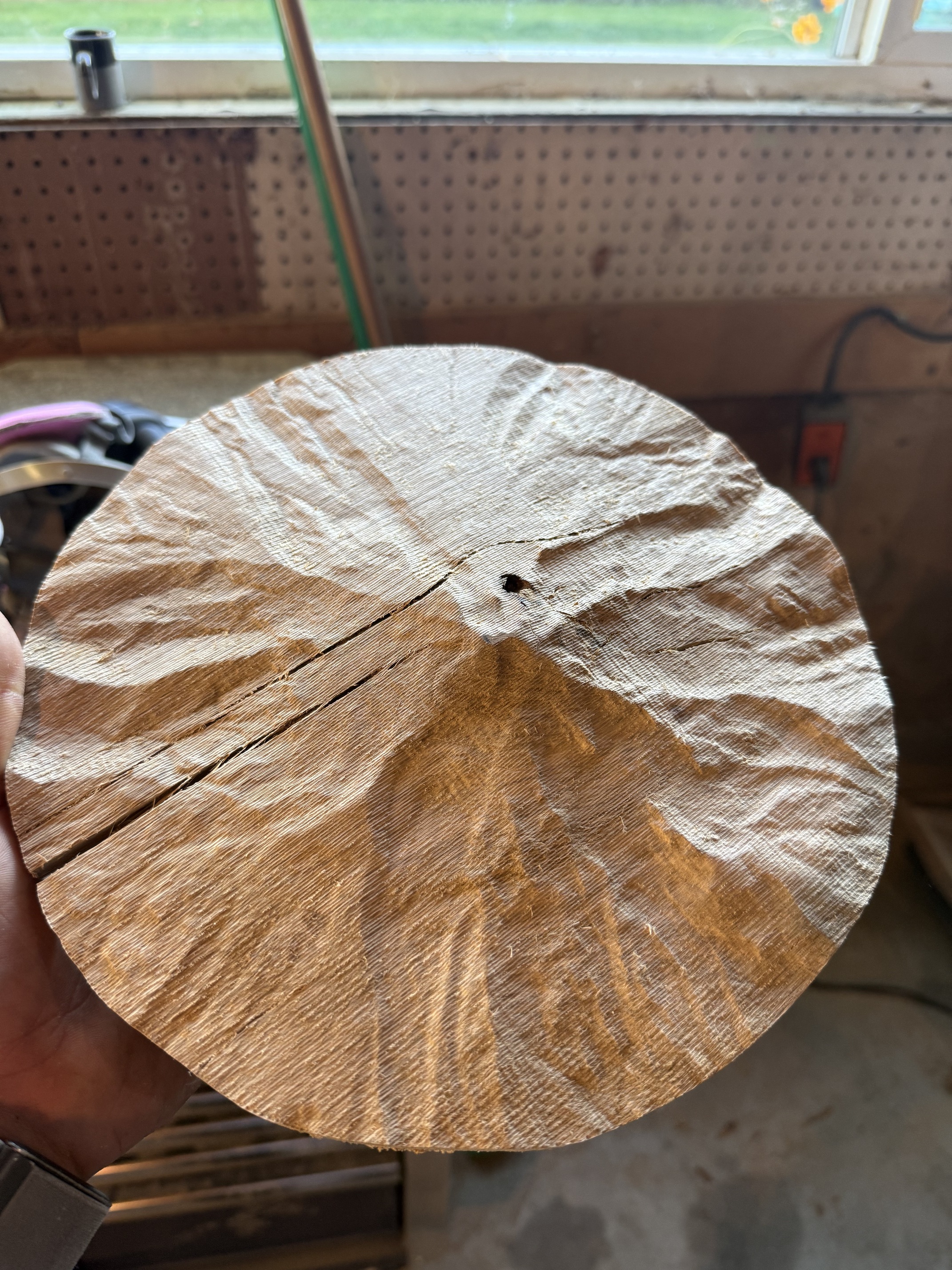
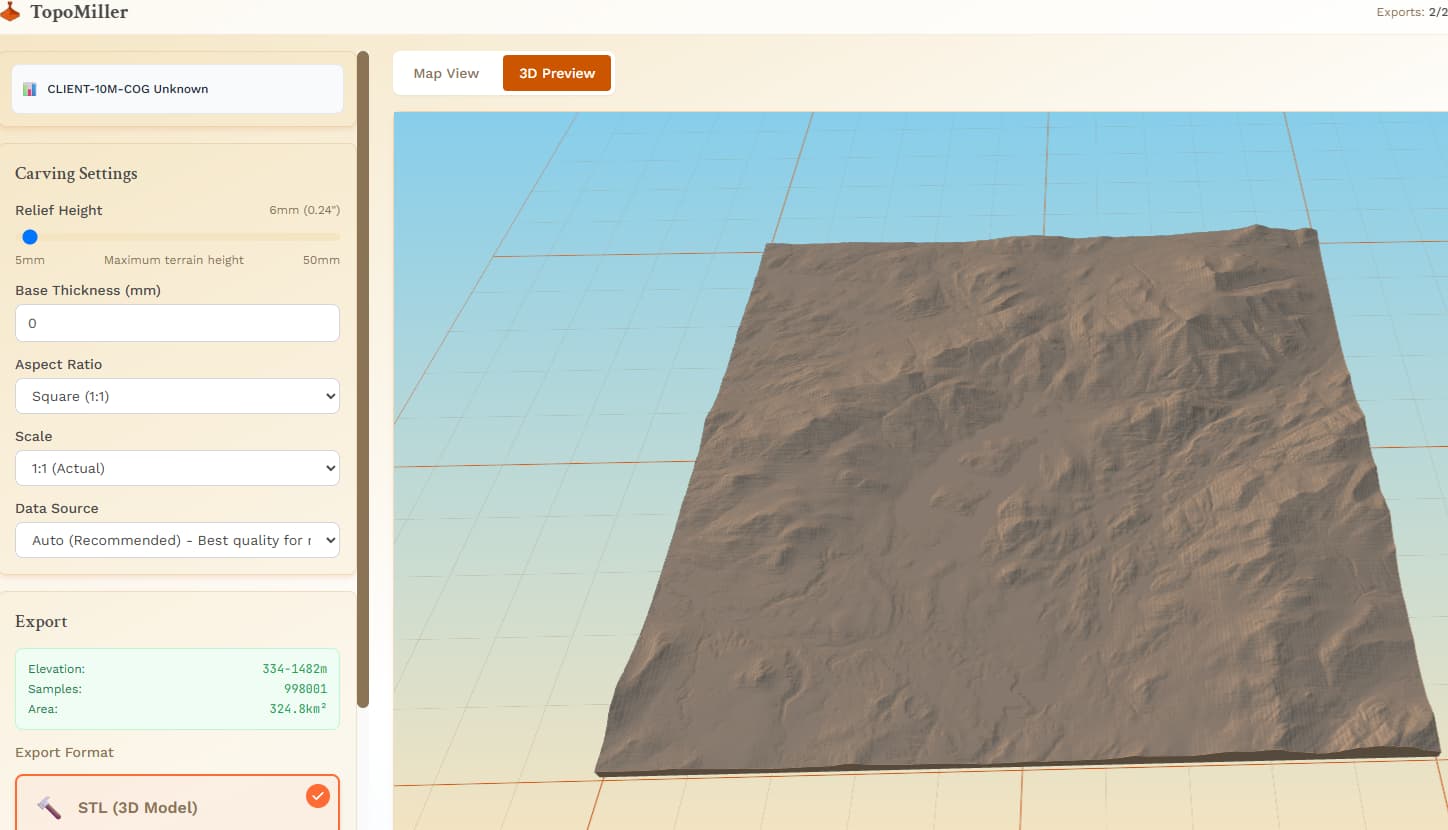
I gave Mt. Hood in Oregon a try today.
Turned out pretty good for a first run in white oak!
This program is rad Mitch!
Thanks so much for making it so available.
Best,
Devan Jenkinson
I gave Mt. Hood in Oregon a try today.
Turned out pretty good for a first run in white oak!
This program is rad Mitch!
Thanks so much for making it so available.
Best,
Devan Jenkinson
The program is freaking awesome with the simple interface and quality of results, except for the gyrations needs to produce accurate Z heights.
So I did some testing last night to find a solution for correct Z height values.
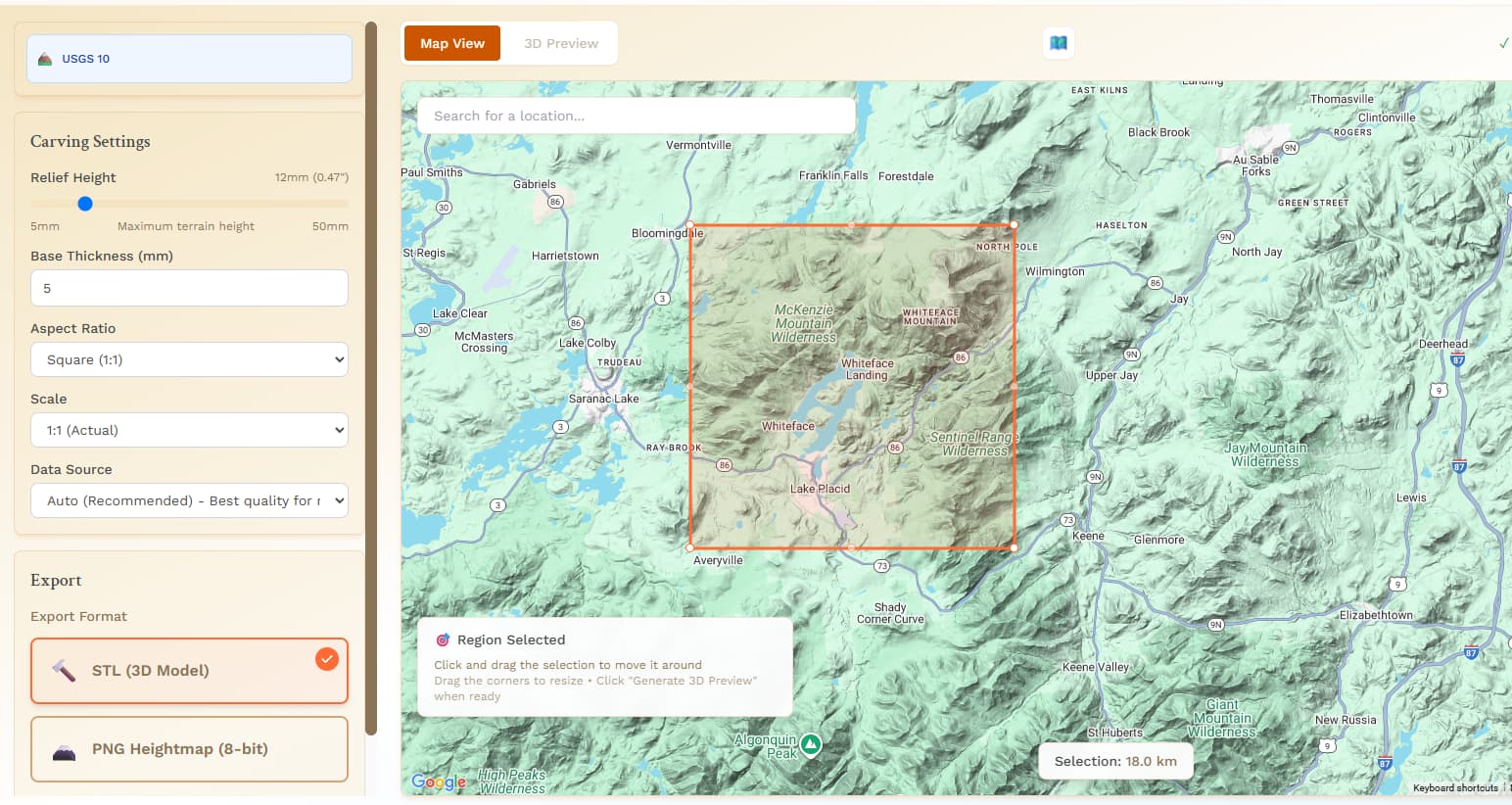
The export files are 100 units x 100 units regardless of the selection size.
As an example I assumed the export units to be mm.
If I selected a 18 km square then you have 18000000 mm of model space to 100 mm of export file space.
100 / 18000000 = 5.5555555555555555555555555555556e-6 ( scale factor ).
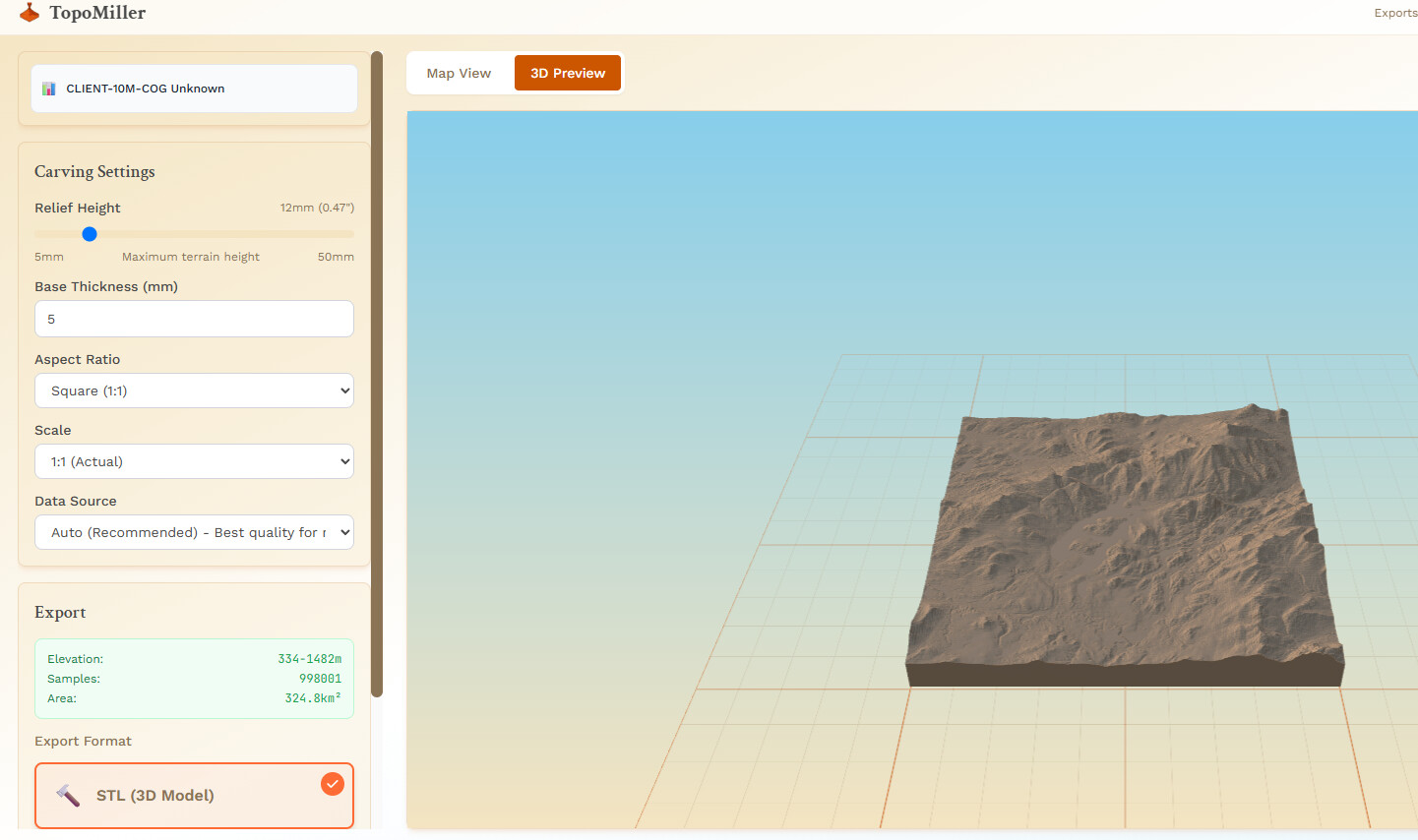
The elevation range is noted after preview generation.
My example was 1148 m of elevation change in the model.
That becomes 6.3777777777777777777777777777778 mm of height on a 100 mm x 100 mm export model. The slider in the Topomiller interface only allows integer values, so I can’t use the exact scale factor.
The minimum limit of 5 mm means selections with lesser elevation ranges ( boring ) can not be exported with accurate Z heights.
Thanks for the time and effort.
Jim
Very nice!!! I’ve never tried with hardwood. Very cool. Glad you are getting some use out of it!
@jtclose , thanks for that encouragement and also your extensive testing. You are one of the users that has been pushing me in a good way to get scaling to become acceptable.
I am working on a feature branch that will change the scaling.
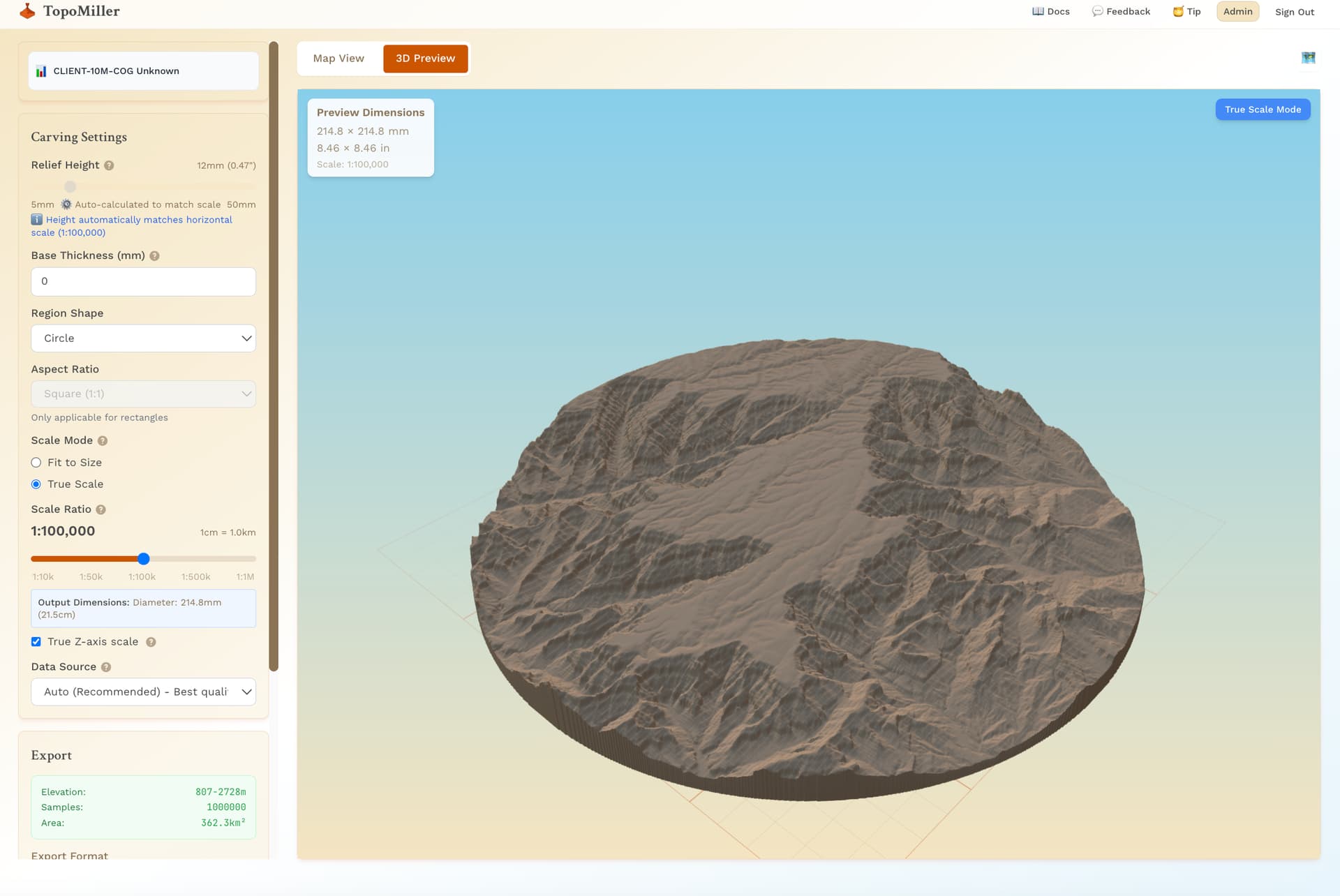
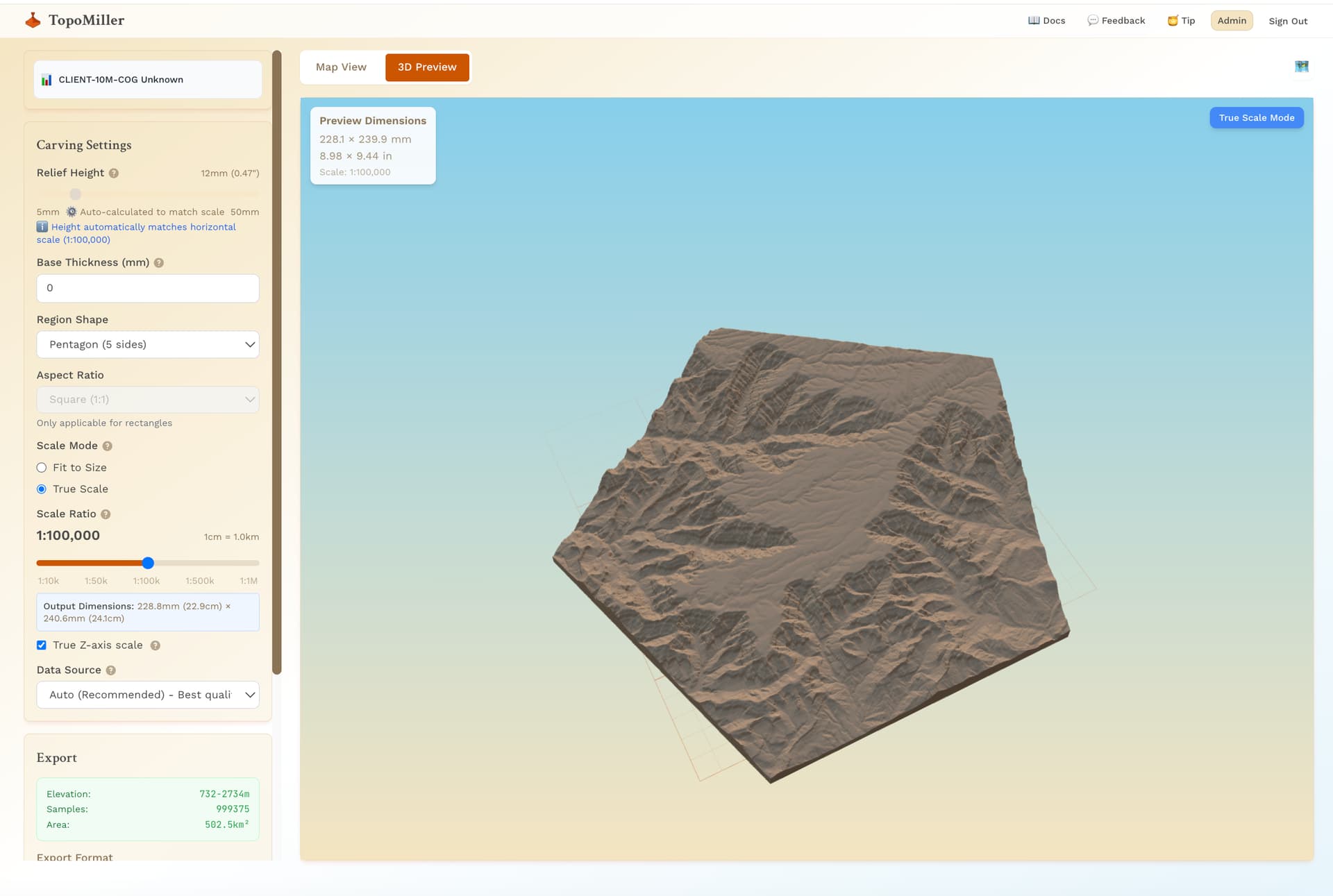
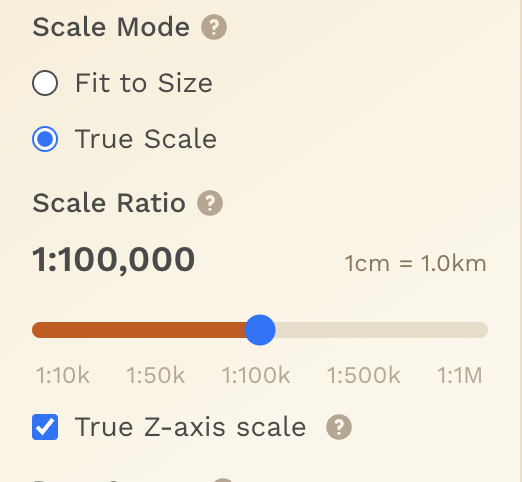
There is an option for a “Fixed scale” and then there is a “True Scale” option. This has to do with true x and y scale, but also true z scale.
I may actually give you special access to this when I am finished with it and have you test it before I release to the public. Is that something you would be interested in?
@Jeffish, not sure if you saw, but we do have support for Canada now!
Sure. This is definitely worth the time and effort.
Awesome, when that time comes I will send you a message. Thank you!
Yes I saw that Mitch. Thanks!! I haven’t had a chance to look at it yet but I will this week.
Keep up the good work!
Well since you haven’t told me to go away yet …
Here are the follow up requests once the true scale is implemented.
1.) Allow for the user to set the selection box size by entering the value, not just a screen selection box. This will make #2 request a lot more useful.
2.) Allow for the user to define an array of selection boxes. Batch process the array of selections.
This would allow for the user to stitch a set of high density scans back together without killing off your servers ( just the user PC will choke after awhile ).
3.) Work with your fearless leader to align the LaserMapMaker output to the Topomiller output.
I have never been able to do this reliably. I get lost in all the coordinate systems.
The goal being the ability to project the 2D maps onto the STL data creating a 3D series of points that can be used as a Contour cut or a Laser burn path. For a Laser burn the CNC device must have the ability to change Z heights to maintain proper focus ( hint hint to C3D ).
Have a great day.
Jim
For those who have been following and helping me test, thank you so much. Hopefully TopoMiller only continues to get better.
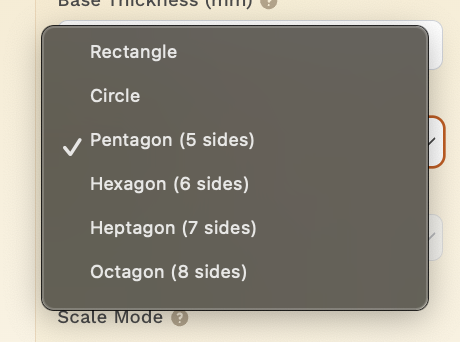
I’m excited to announce a couple of new features that are live:
Hope this is helpful. Enjoy and let me know your feedback!
Special shout out to @jtclose, @Elmojo, @stallent, @profexorgeek for helping me test!
All the best,
Mitch
Wow, nice!
So quick on the updates, great job, Mitch!
So…why do active topics auto-close? Makes no sense…
Is it because it’s been marked as “solved”? Can this flag be cleared?
Otherwise, we’re about to lose access to this thread.
I was wondering the same thing, @Elmojo.
For everyone interested, you can follow updates on our Official FB Page:
Topics closing ensures that discussions start new on a regular basis.
If desired, a thread can be re-opened as needed — I’ve extended this one.
Not a FB user. I hope there is another way to see the updates
I can see that, but active threads should be excluded, just in my opinion.
Perhaps only threads with no activity for xx days can be auto-closed? That would seem to make more sense, since it cleans up threads that have been solved, or those that sort of fizzle out, while not impacting those that are active discussions.
Also, not sure why this thread has been marked ‘solved’ since it’s not a problem with a ‘solution’ in the first place. Is that why the auto-close timer has been activated, or is it for all threads? Just trying to understand the system…
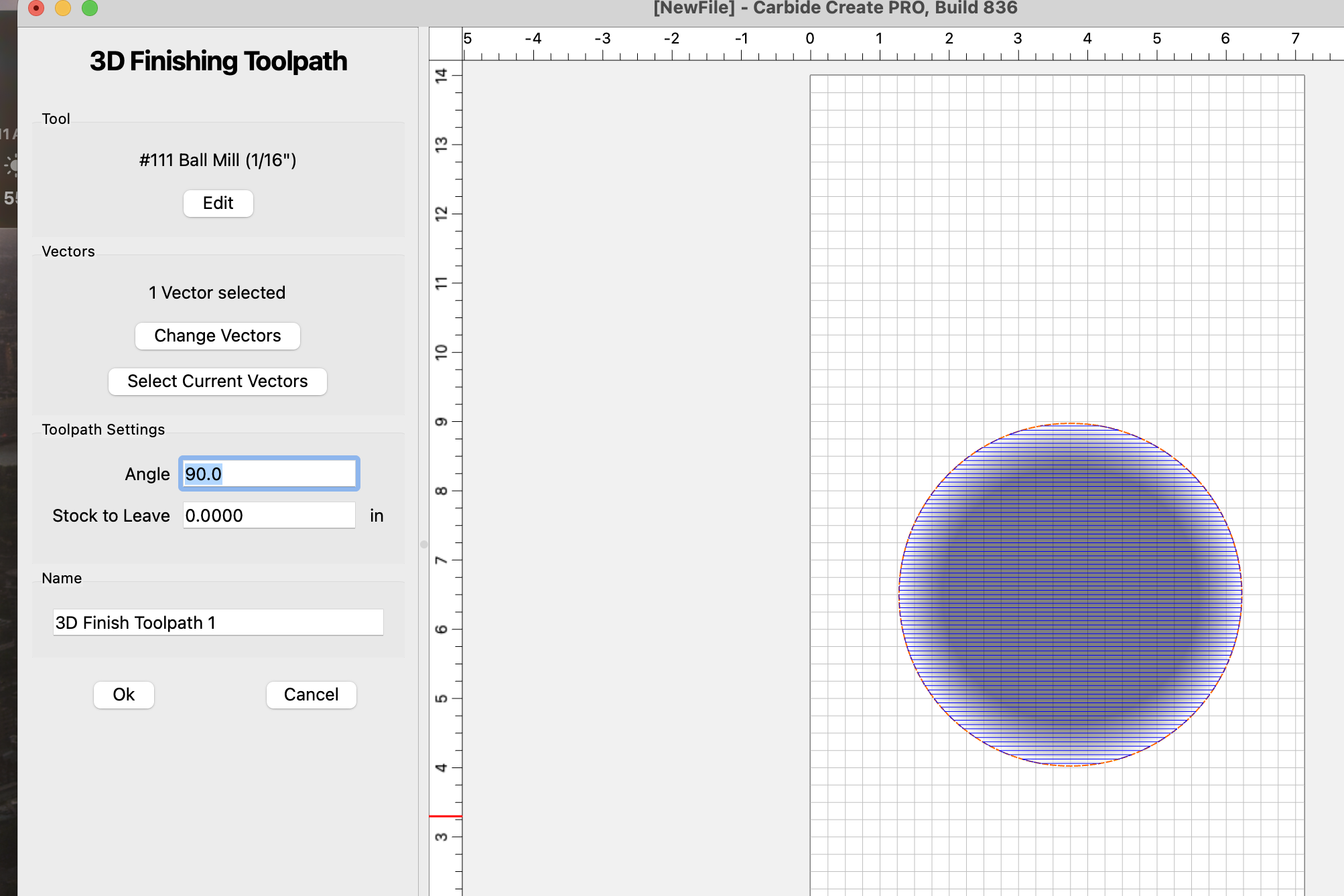
A way to reduce tooling marks in any relief carving is to do 2 finishing passes at about 10% step over and no clearance. The first pass should be across the wood grain and the second parallel to the grain.
Is this possible using Carbide Motion? If so, how do you program the second passes direction in create?
I’m not a Carbide Motion user I’m afraid. But I would have thought it is relatively easy to change the direction of a tool path
Excellent. Ty sir.
I really need to sit down and watch all of the intro training videos rather than just playing with the machine and learning as I go. Hard to stop playing with it, but it’s probably time for a couch day on the computer watching a lot of Kevin Barnett and Winston.