HDU would be a great material to use for this.
Soooo… when will Middle Earth be available 
HDU would be a great material to use for this.
Soooo… when will Middle Earth be available
@SirGariff , don’t tempt me. 
If you do, this would be next level!
Lets just say… I found a really good 16 bit heightmap of Middle Earth in the depths of Reddit.
Lets also say that if I do this, there will be involuntary Shire music playing when you enter Middle Earth mode.
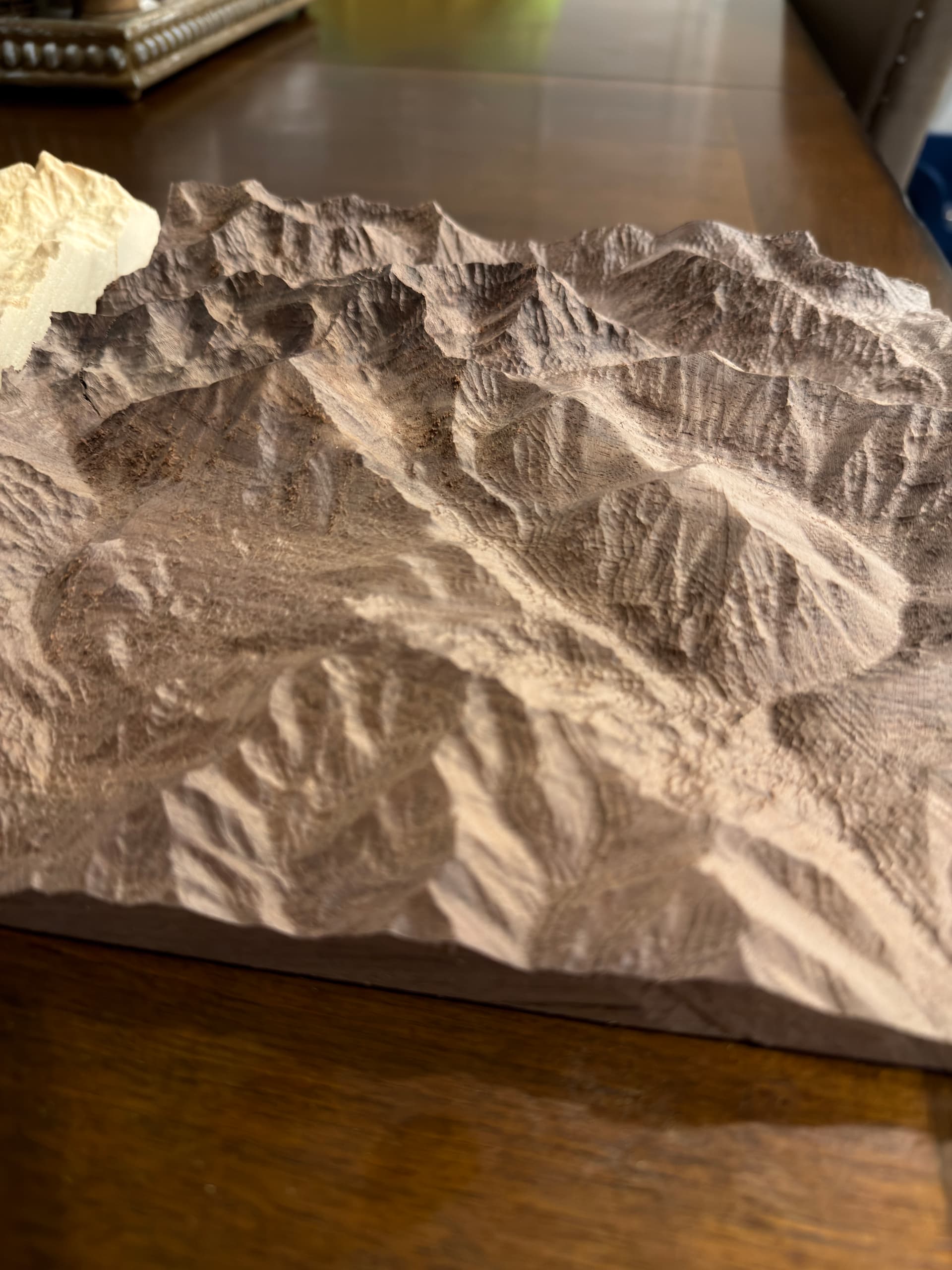
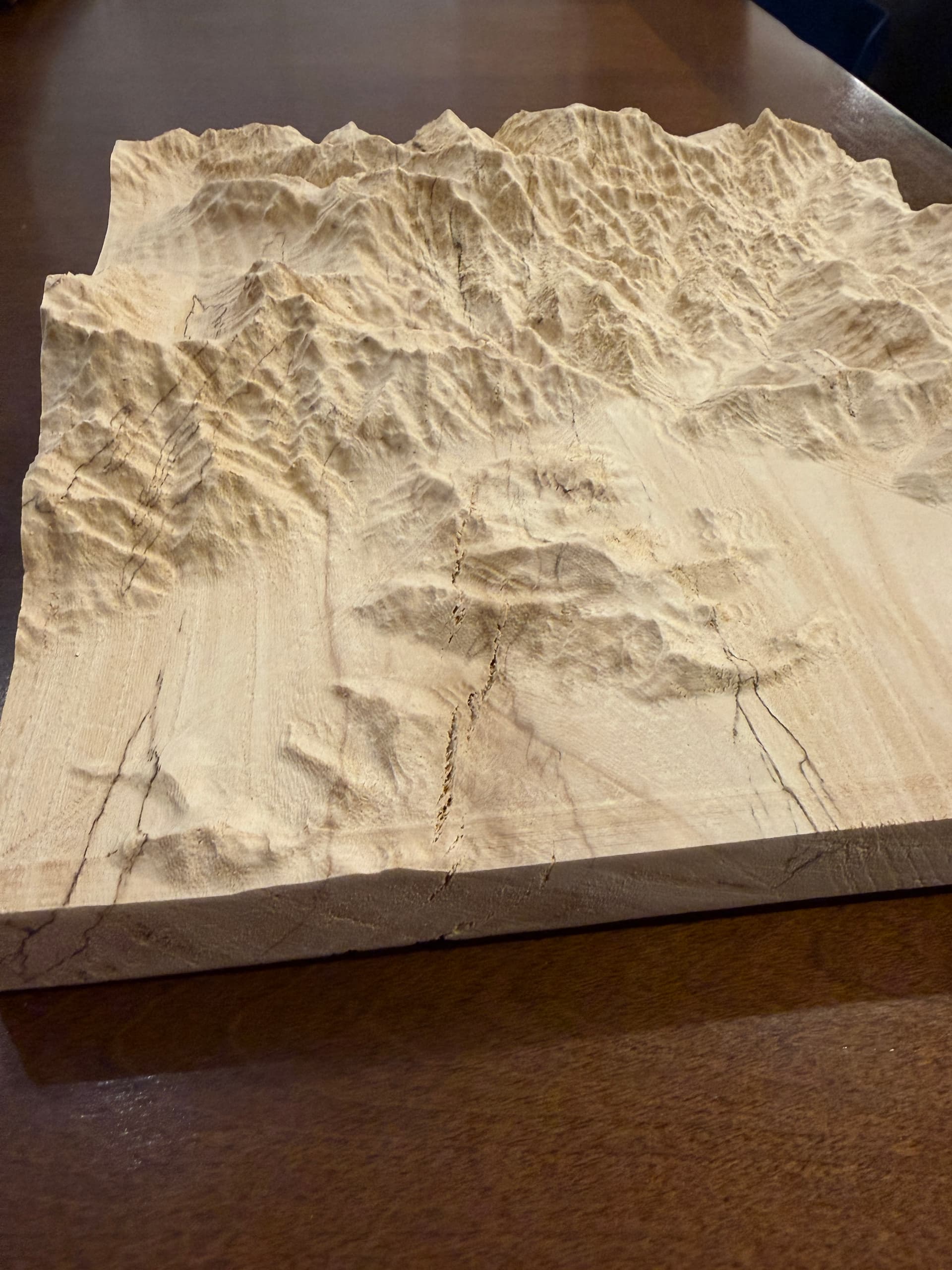
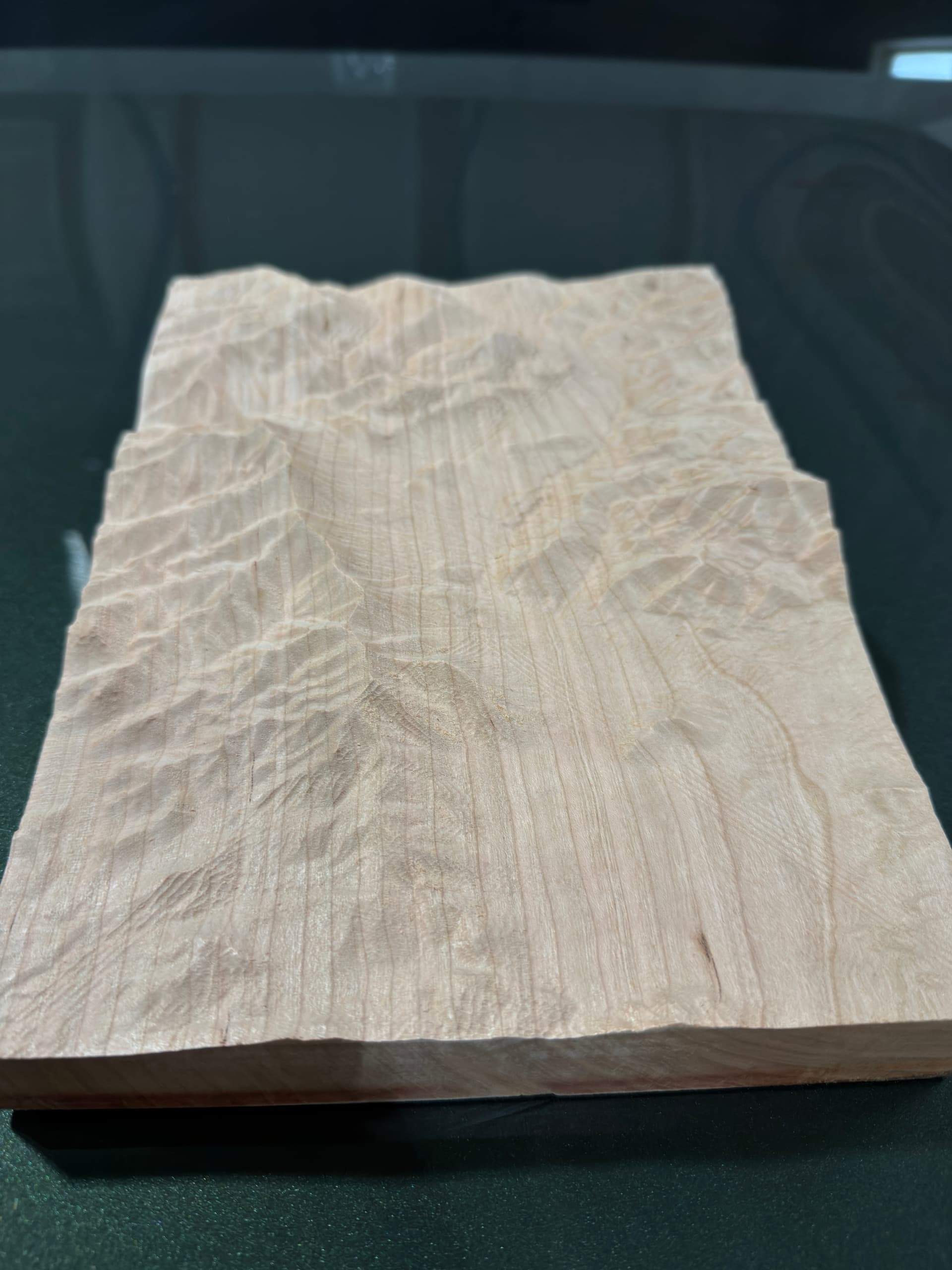
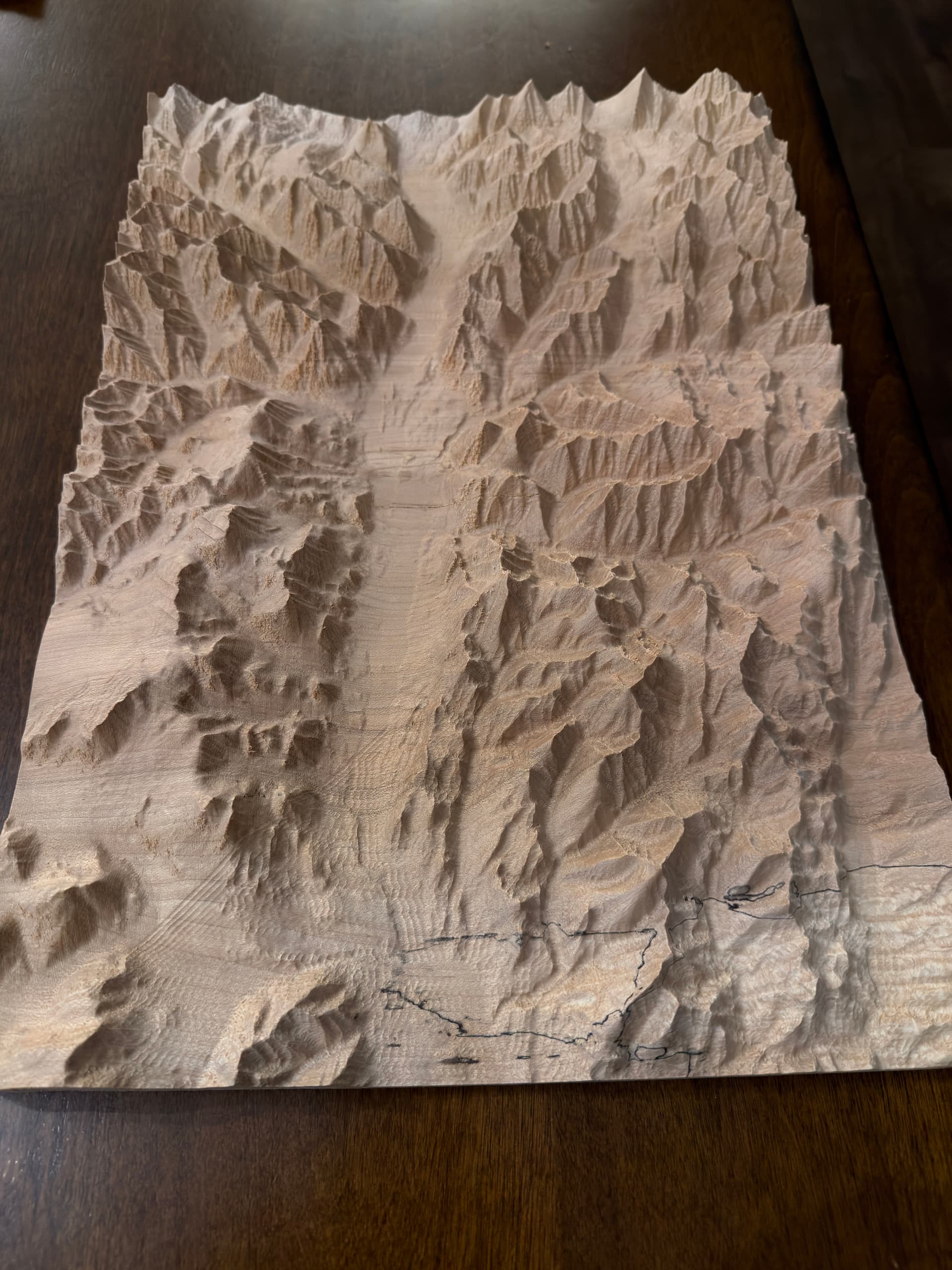
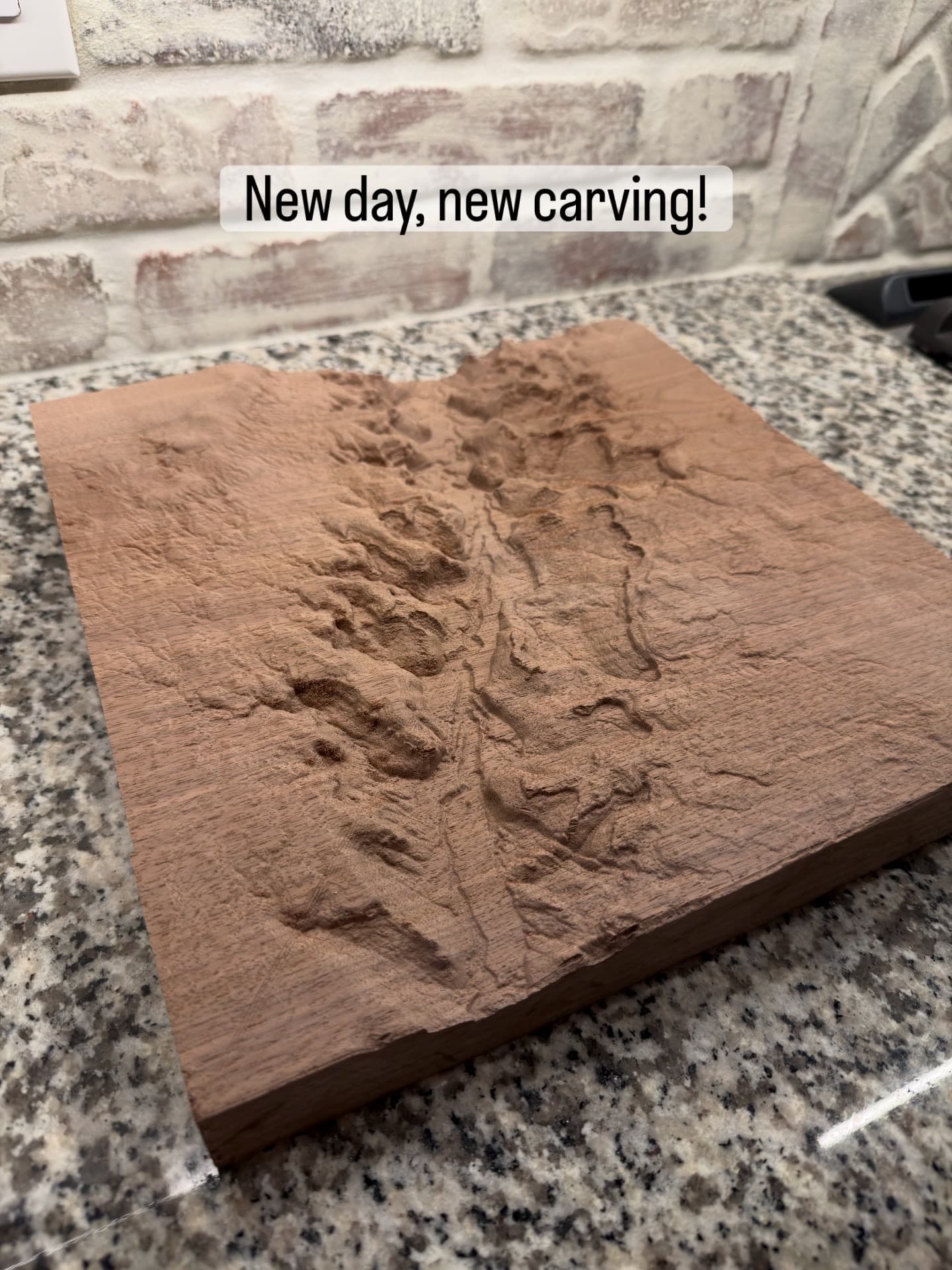
I have done a few as of late from Alaska, to Idaho and Mexico as well :
I am getting some tool marks, so I need to dial that in a bit more to see why that is happening. This is in vCarve Pro.
With regard to the tool marks, I have found that decreasing the stepover on the finishing pass is helpful. Makes the cut longer of course.
I’ve also heard of people doing a second finishing pass at a 90 degree offset, but I’ve never done that.
Nice work !
I found using a decreasing radii of round bits works very well. I start with 3/4 dia, 1/2, 1/4 etc with smallish stepovers.
The 3/4 bit cuts more than %50 of the finish surface. My tests have not needed 1/8 or below.
I am using Fusion with Scallop paths and REST machining. It is surprising how little is needed
for the smaller bits.
3/4 dia - Stepover 0.02
1/2 dia - Stepover 0.01
1/4 dia - Stepover 0.01
Using F360 with meshes that large means you have a LOT of patience. 
It’s not as bad as you may think.
The smaller bits’ get a bit overwhelming for the PC because the REST mesh is HUGE ! I have 32 GB of memory ( and I have been whittling down the bloatware on the PC) and it still heavily uses the swap files.
I also found the smaller bits leave gouges at times, so I just avoid them or set the cusp height fairly large so it doesn’t go there.
For this carve … approx 12" square.
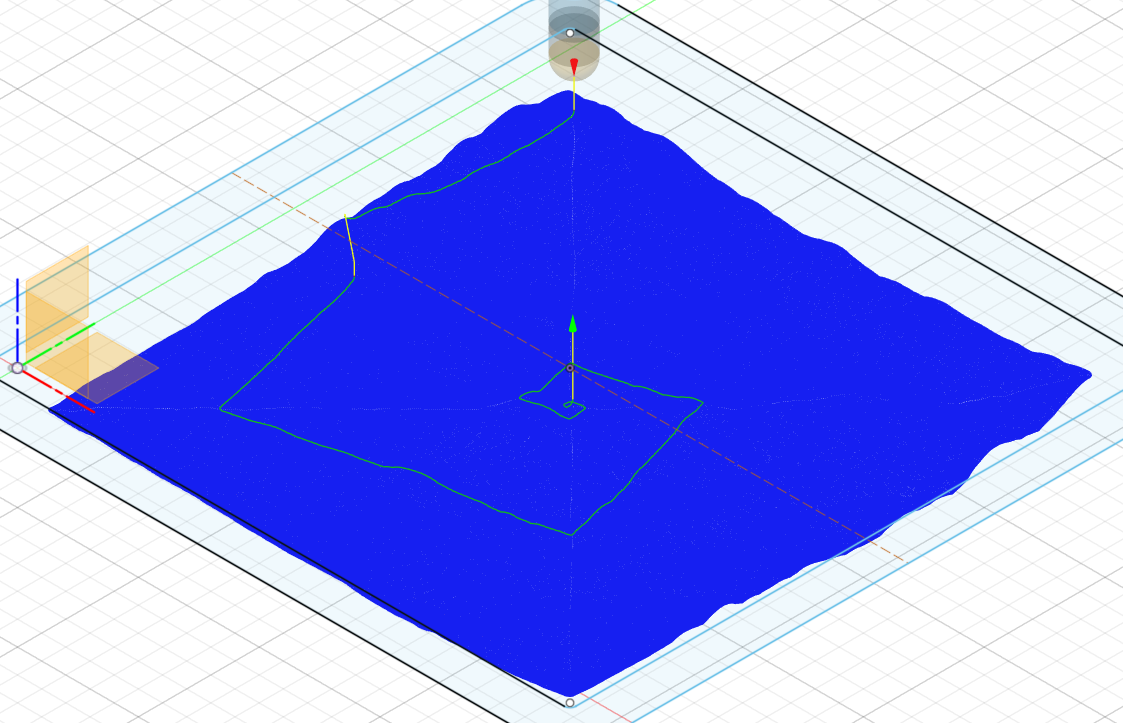
I start with a Pocket path leaving 0.010 stock.
This is the 3/4 path, full coverage
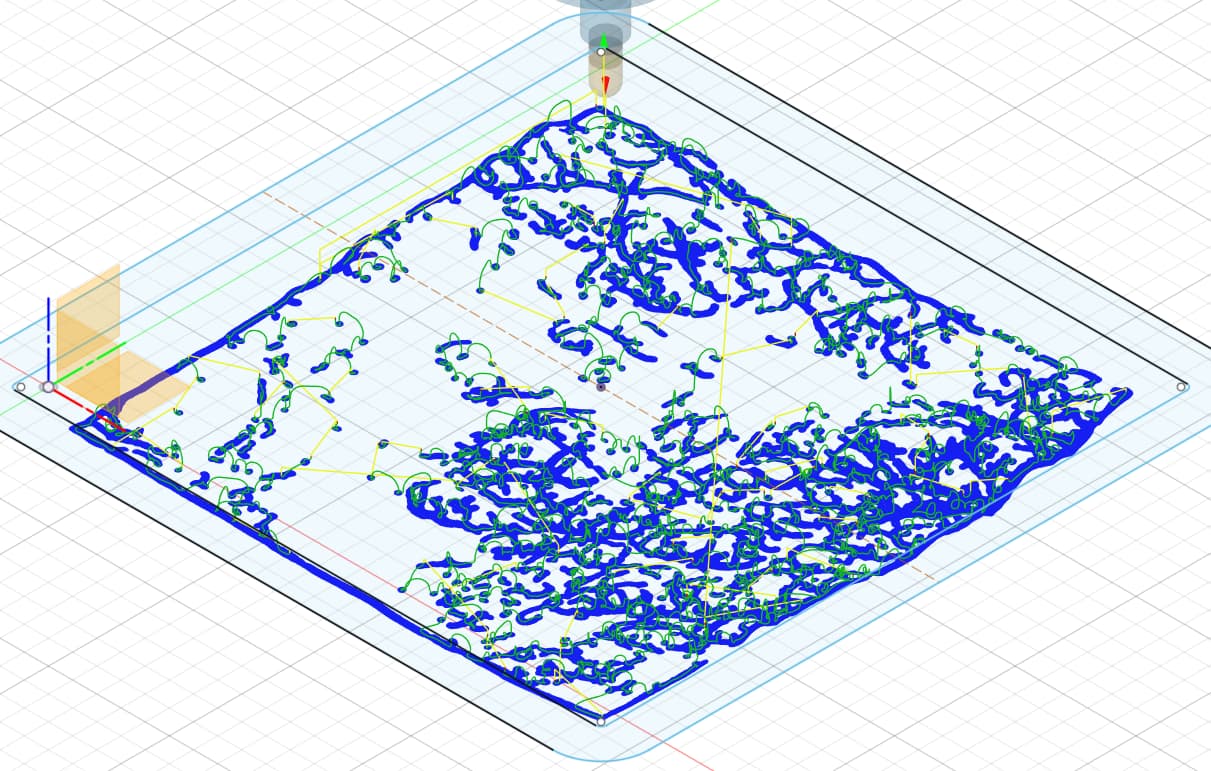
This is the 1/2 path.
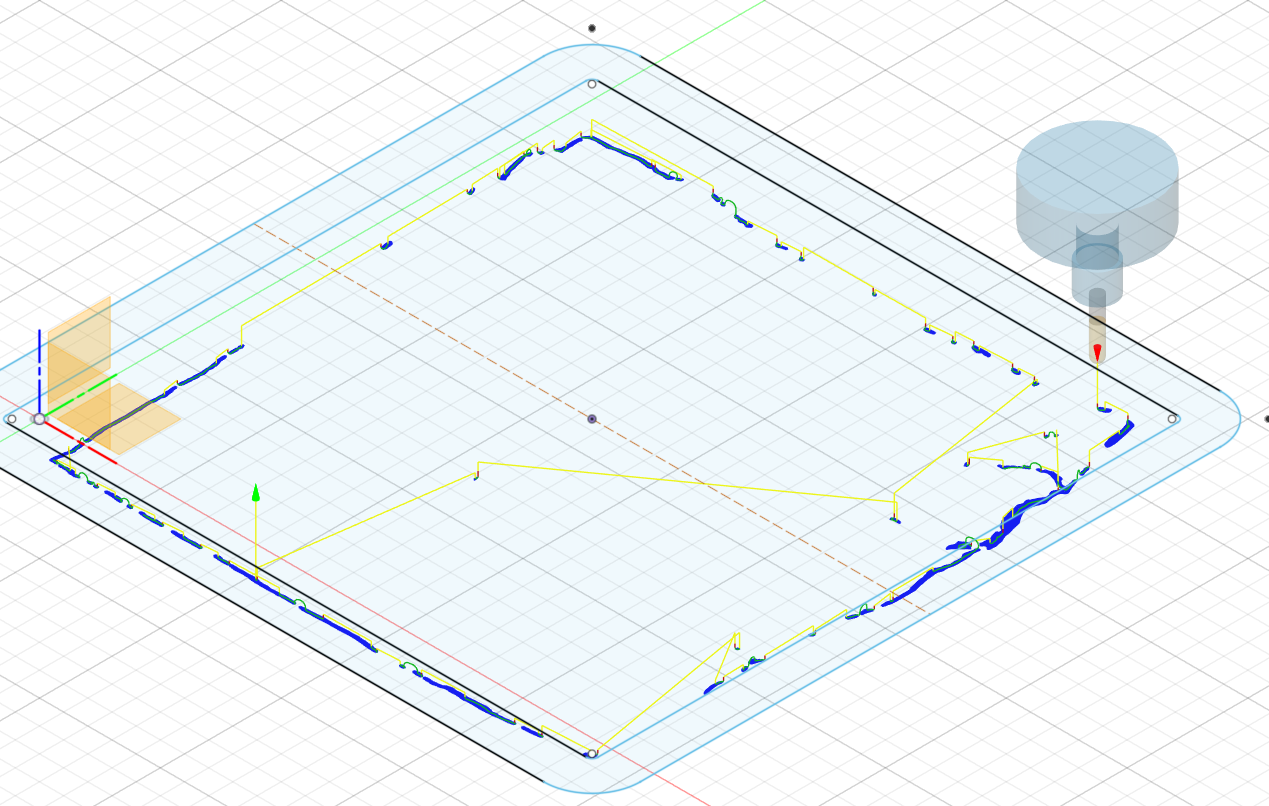
This is the 1/4 path. I had bumped up the cusp height to remove sporadic cuts.
The resulting tool paths are fairly small if your PC survives the calculations.
I’m not a Fusion user but I’m curious as to the total time it took to do your 12x12 piece.
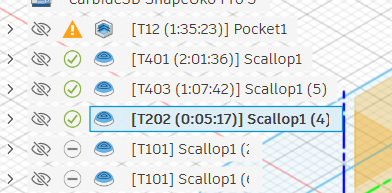
Here are the times per Fusion. All paths were run around 50 ipm.
The Scallop path is fairly contiguous. I added Smoothing 0.001 which makes even longer and cleaner paths.
The actual runtimes are about %125 to %150 longer.
That’s just it. I’ve had 3D carves that it took 30 minutes to calculate on F360… after it too 20 minutes to import the model. The same carve in VCarve or CCPro takes minutes to calculate or bring a model in. F360 is just garbage at dealing with high poly meshes compared to those programs. I love F360 and I use it daily. But never for meshes anymore. I’m too old to wait for it… and I’m not even old.
Just curious. what Path type are you using ?
I’ve tried them all. Like I said, even importing the model makes F360 take a nap for way too long. It’s awesome for parametric, garbage with meshes.
Have you tried using something like meshlab to reduce the size of the file? You’ll lose detail but many monster STL files seem like they’re going for subatomic levels
I try to keep the data as original as possible. I could reduce the polygon count, but I would rather slug it out so long as the PC doesn’t crash.
I have the time to wait, but to me, the time has not been unreasonable. If it takes 15 - 20 minutes to calculate a path, so be it.
I have spent more time trying to save time, not worth the brain space.
Yes. Ive used Netfab for that for years.
I’ve just learned to use Vectric VCarve, and now CC Pro for 3D mesh stuff. Learning CC Pro took less time than waiting for F360 to finish 1 big mesh import and 2 toolpath calculations.
This topic was automatically closed after 183 days. New replies are no longer allowed.