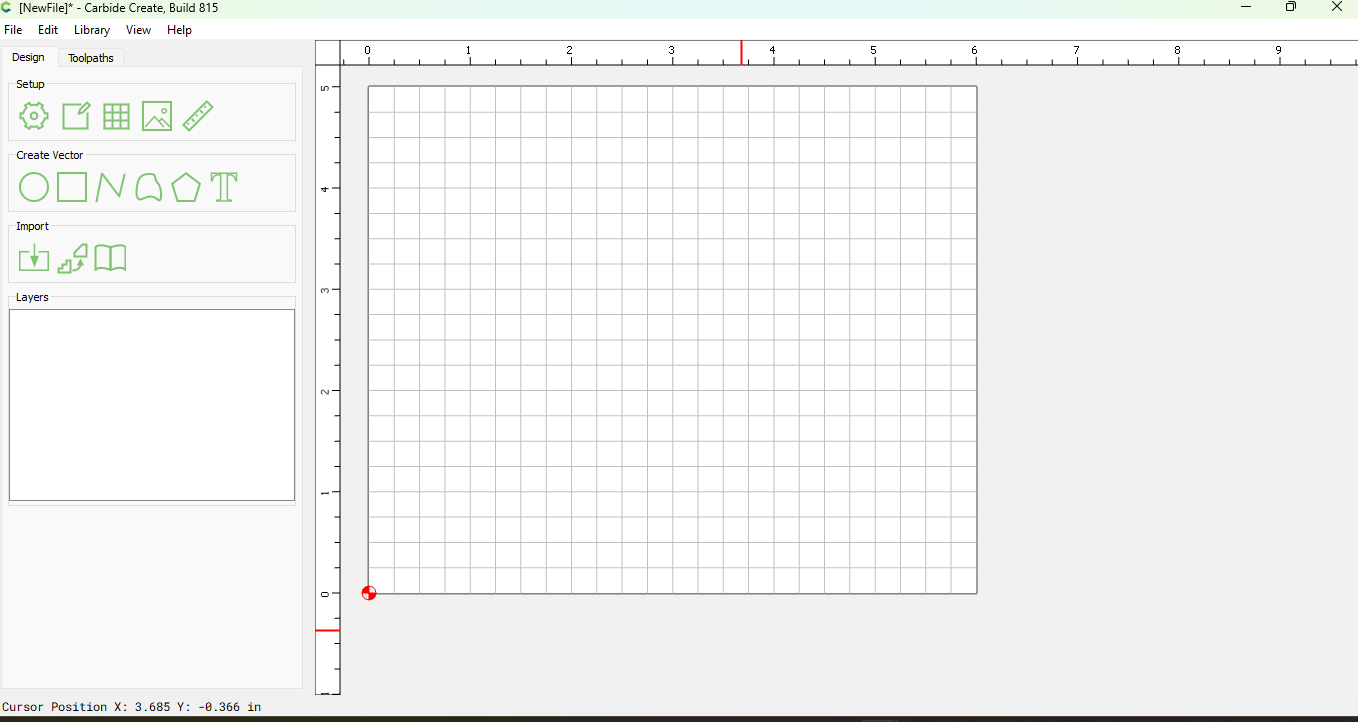
I’m having an issue opening saved files in CC V8.
Last week I busted a stepper motor and had to step away from the machine and computer. Thankfully to the awesome response and quick turnaround from Carbide 3D I wasnt down long.
Today I made the physical hardware repair and I fired up my computer and machine to finish a job. For some reason when I try to open most of the files CC V8 opens it only opens as a new file. I even tried accessing files from my back up with the same result.
Looking at the properties about 80% of my saved .c2d files are now showing under 100kb. The files I save are usually 5.7MB. I’ve been using versions of these files for years without problem.
I deleted all my carbide software and redownloaded it with the same results. Has anyone come across this or have a solution?
Thanks for getting right back to me Will. I understand now why the back up files didn’t open up. I have been using V8 since soon after the release and was using it on a saved V8 file I was in the process of carving.
I took your advice on reverting to V7, the old files loaded right up, but the files I was using on V8 still show up as a new blank project on either version.