If you have Pro, then there is a control for this for Contour toolpaths “Stock to Leave”
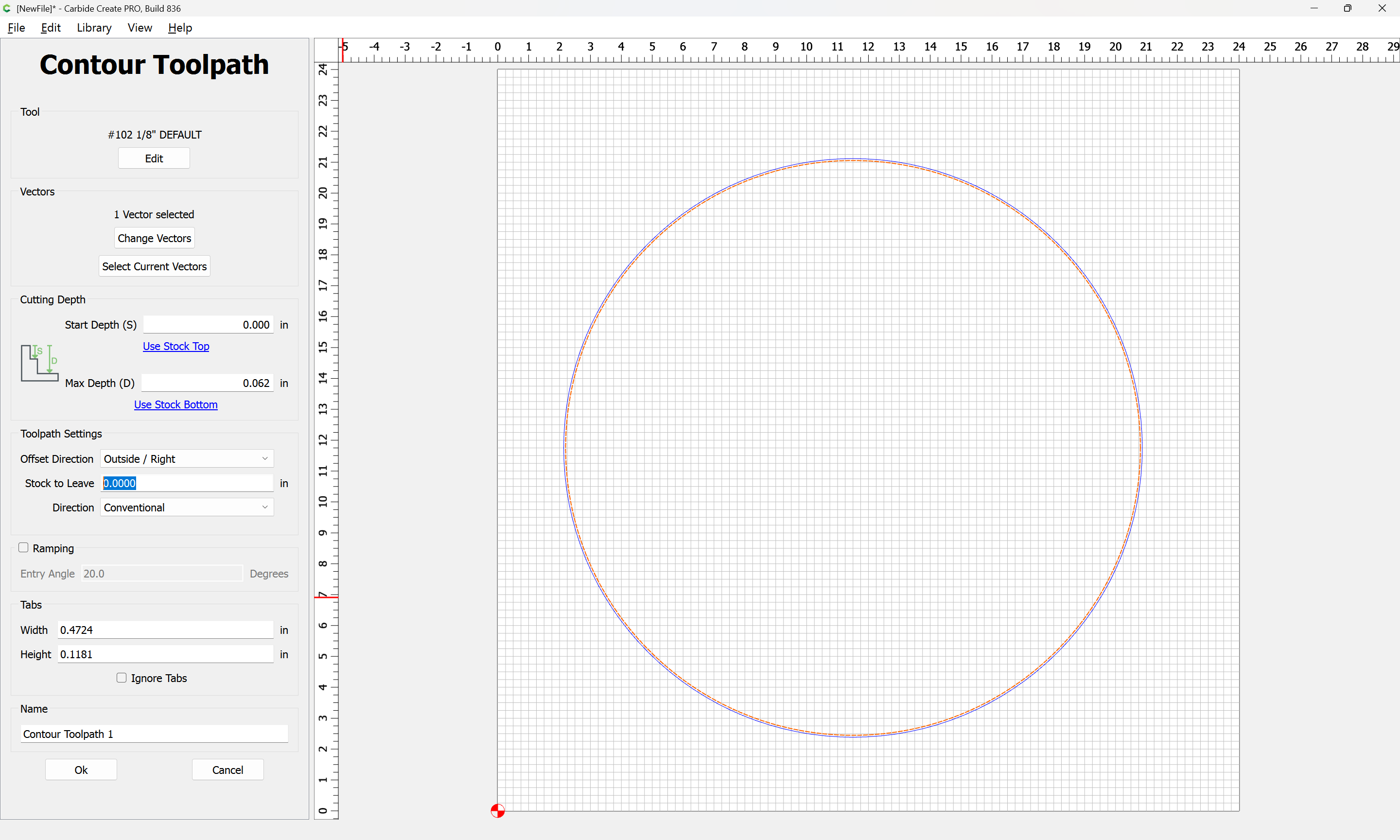
In the absence of that feature, then both will be used:

If we Offset (to the outside) by 0.25":
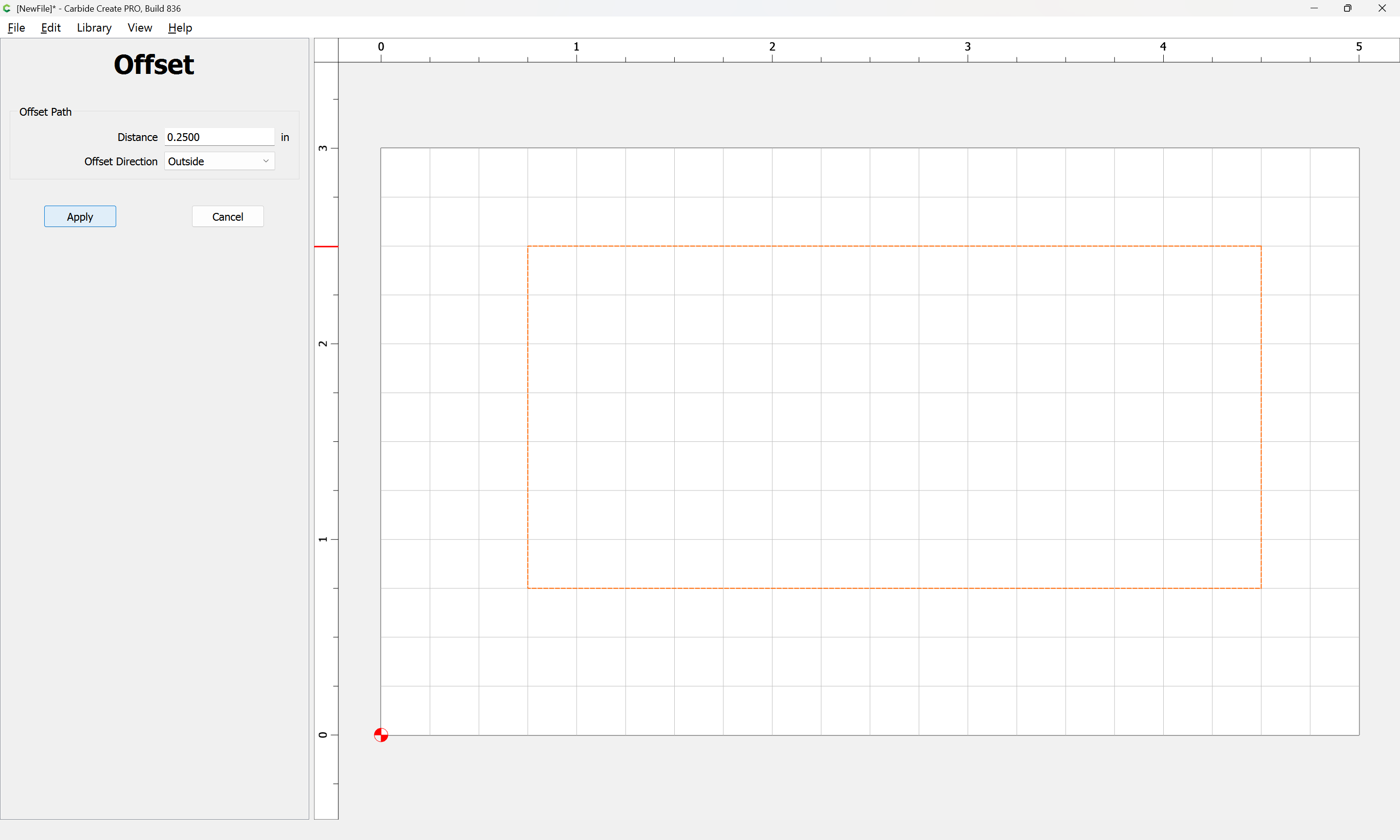
Apply
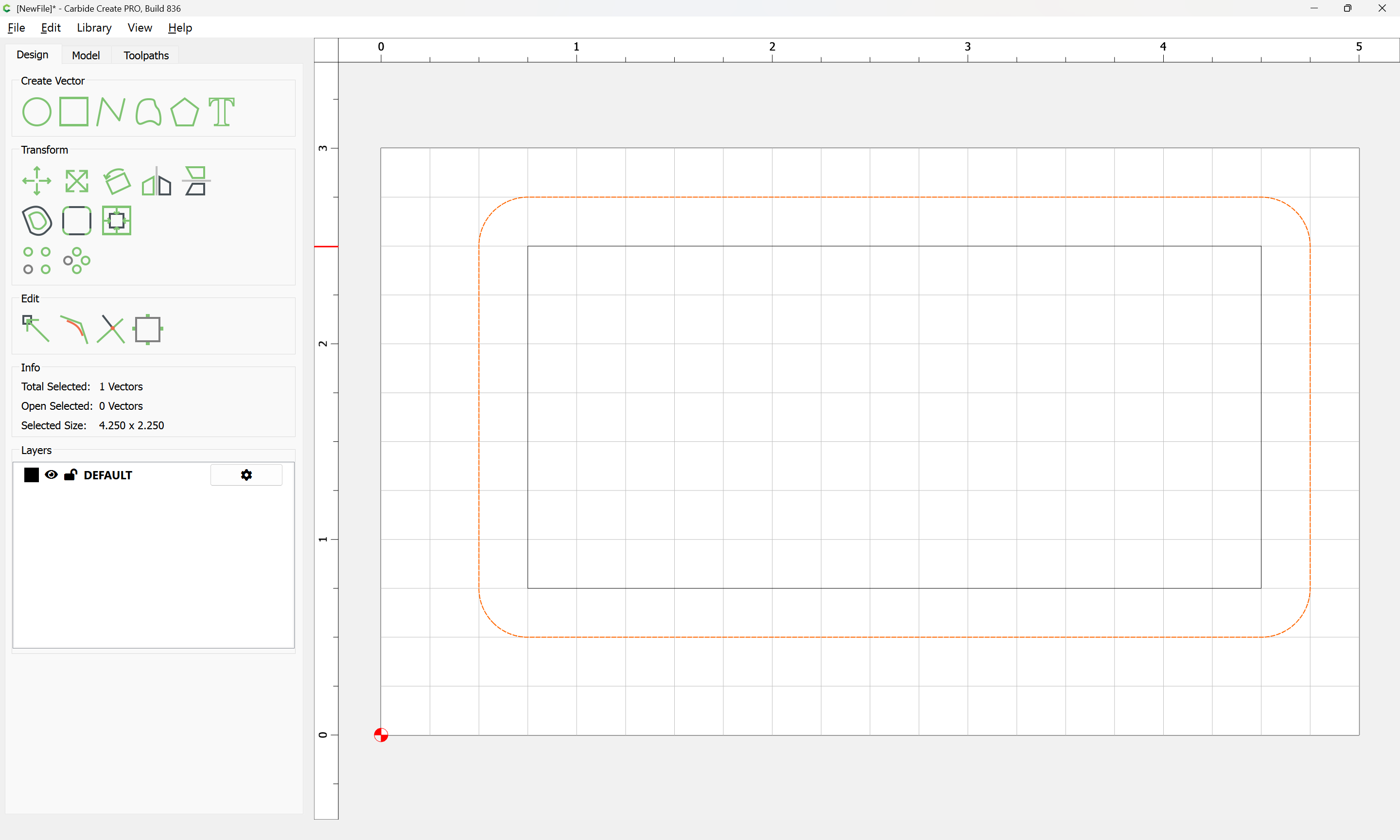
and then apply an Outside Contour toolpath which will be offset by the radius of the tool, so for a 1/4" tool, by 1/8" of an inch:
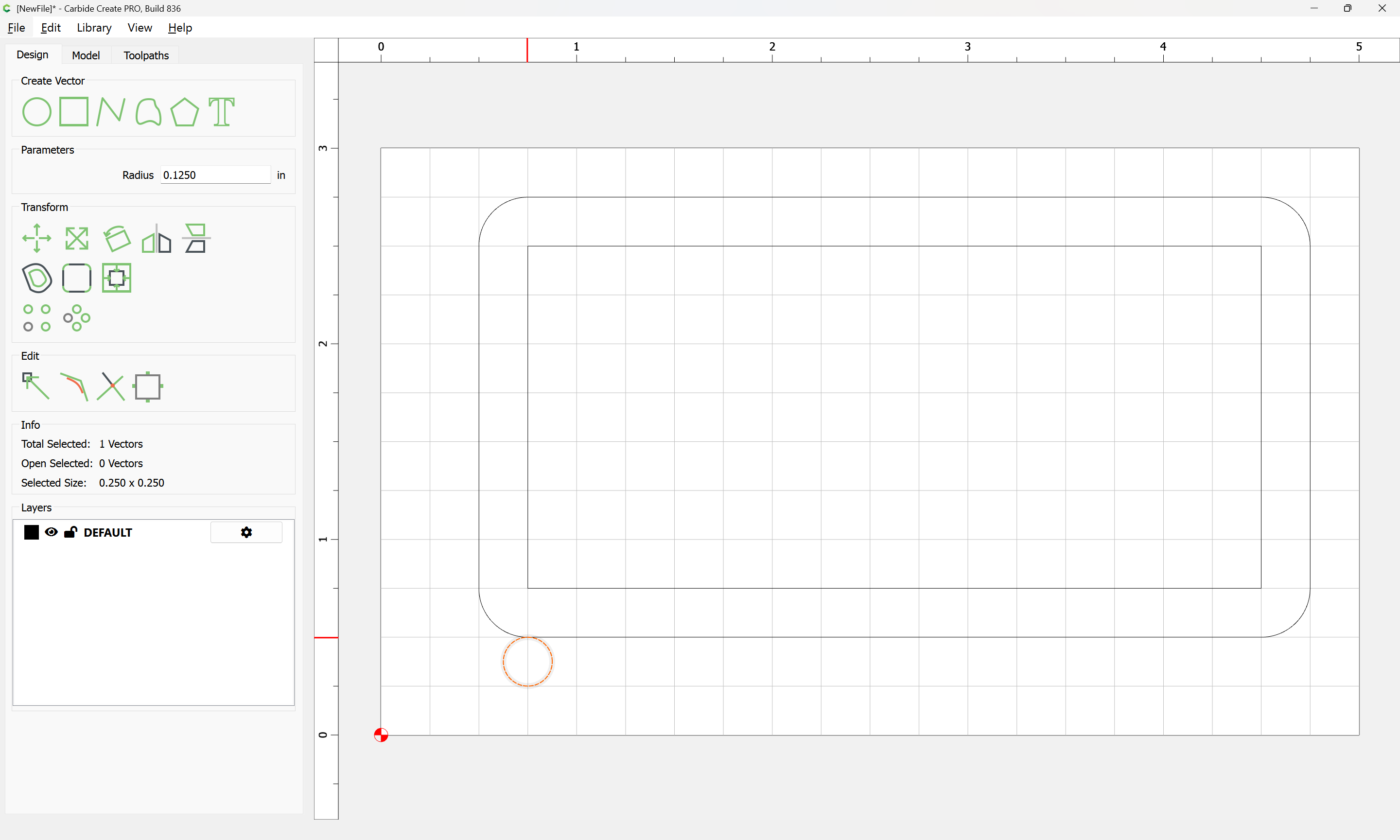
we assign the Outside Contour toolpath in Toolpaths to the Offset geometry:
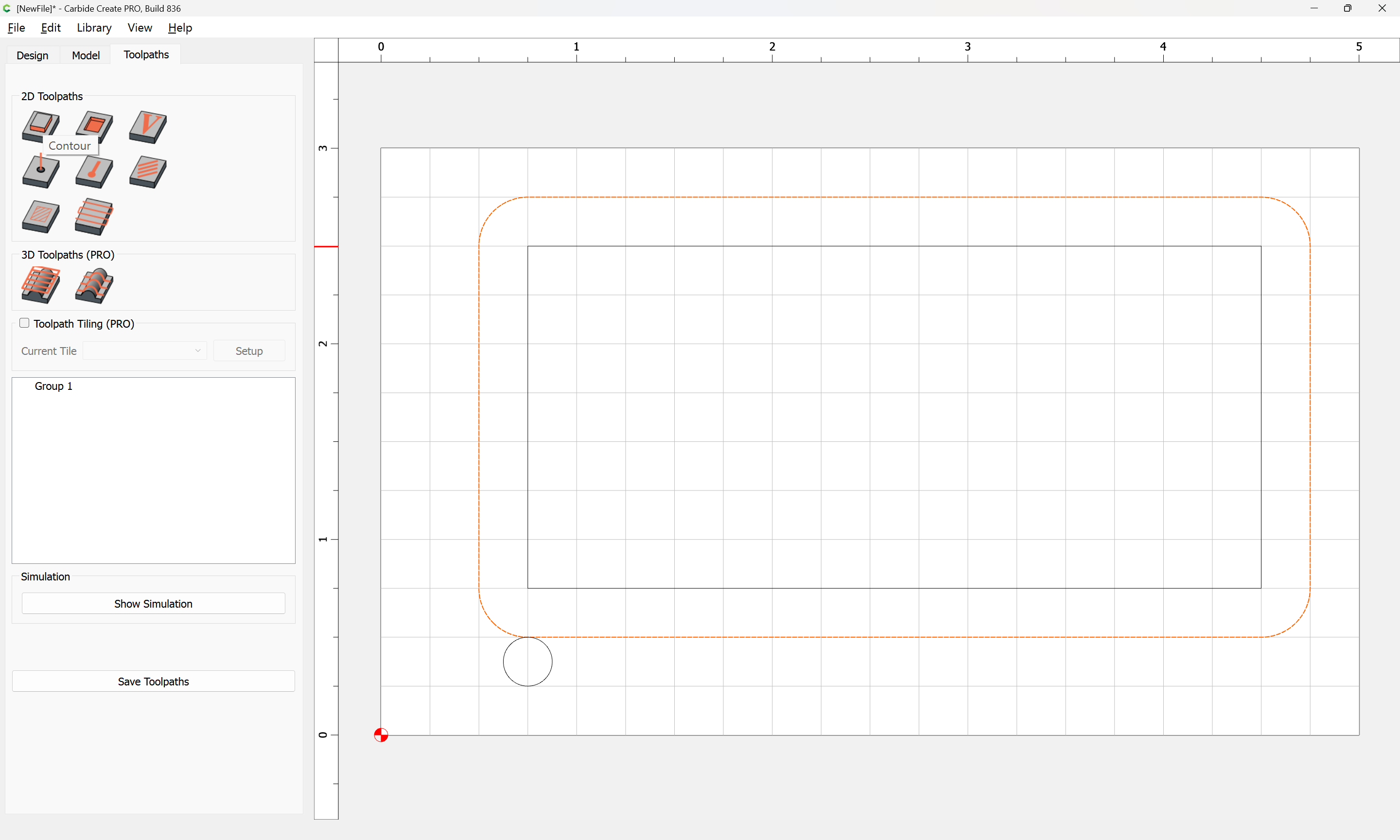
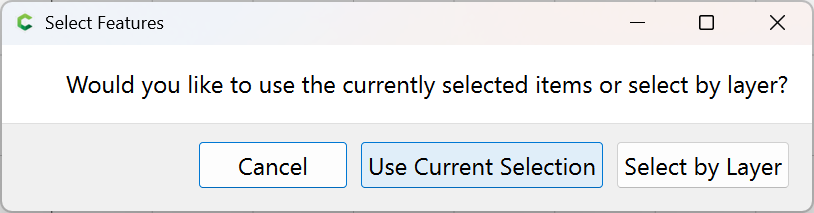
Use Current Selection
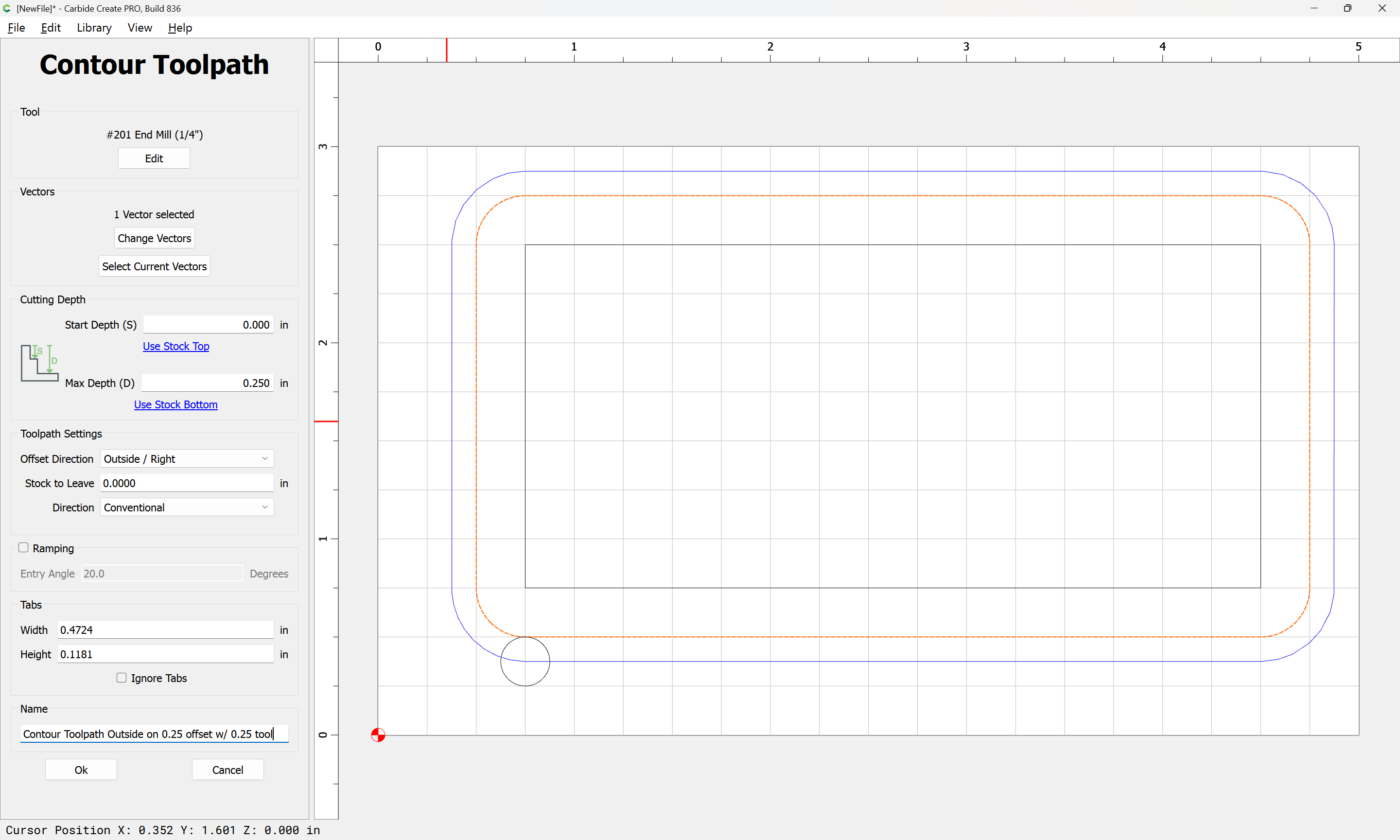
we see that the toolpath travels through the center of our tool proxy and when previewed:
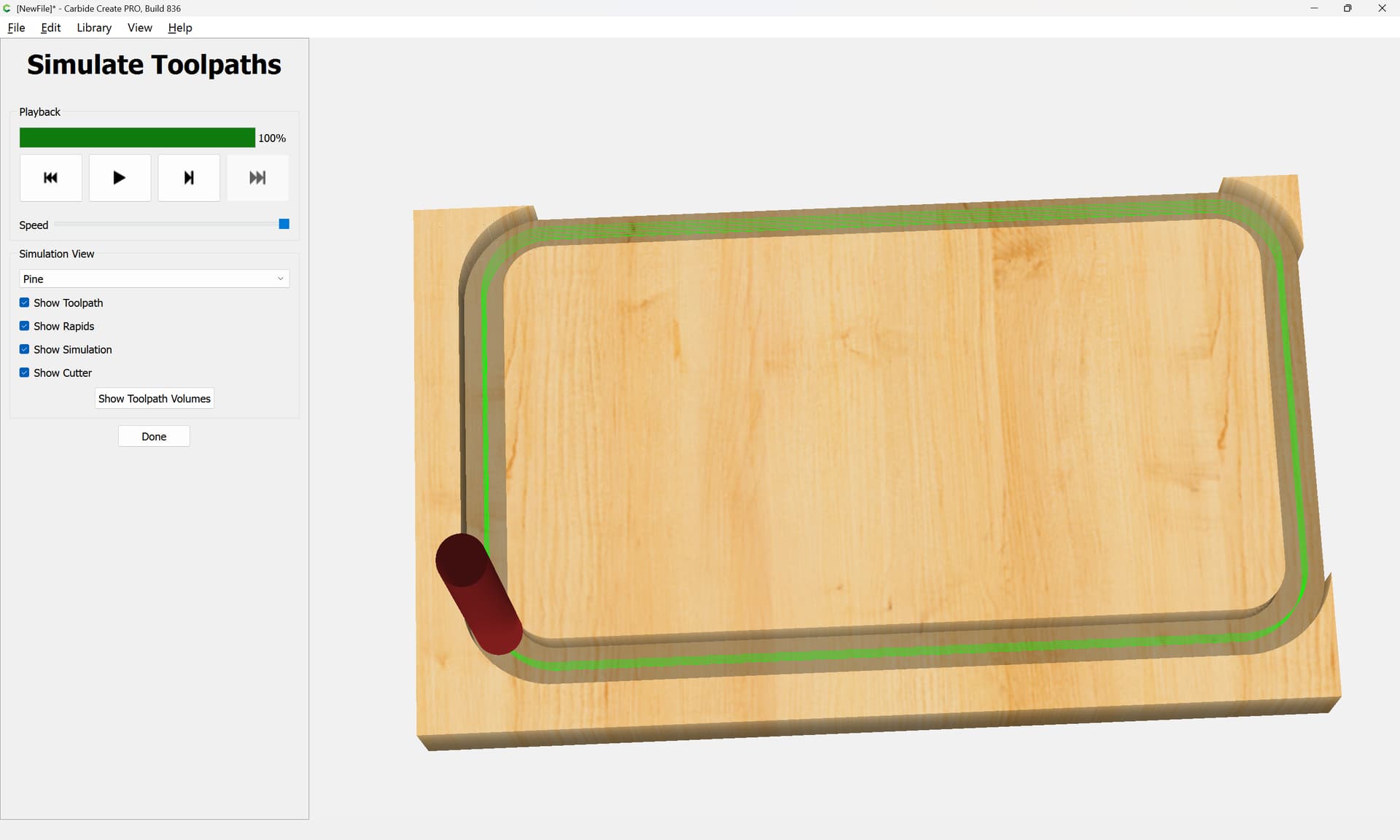
cuts away compleatly at the back and right where only 0.25" of Stock material is left beyond the edge of the offset geometry.
FWIW, I find this potentially confusing enough, that I pretty much only use No Offset Contour unless actually cutting out a part.
If you are using a Roundover tool, please see:
If that’s not it, let us know the specifics of what you are doing (links to the tooling you are using? upload the file you are working on? photos of what you are trying to achieve? a sketch of what you mean?) and we will do our best to assist.
For my part, my usual approach is just to create geometry, assign a toolpath, then check things in the 3D Preview, if need be, adjusting Stock dimensions so as to afford a cutaway, and iterating until things line up as desired.