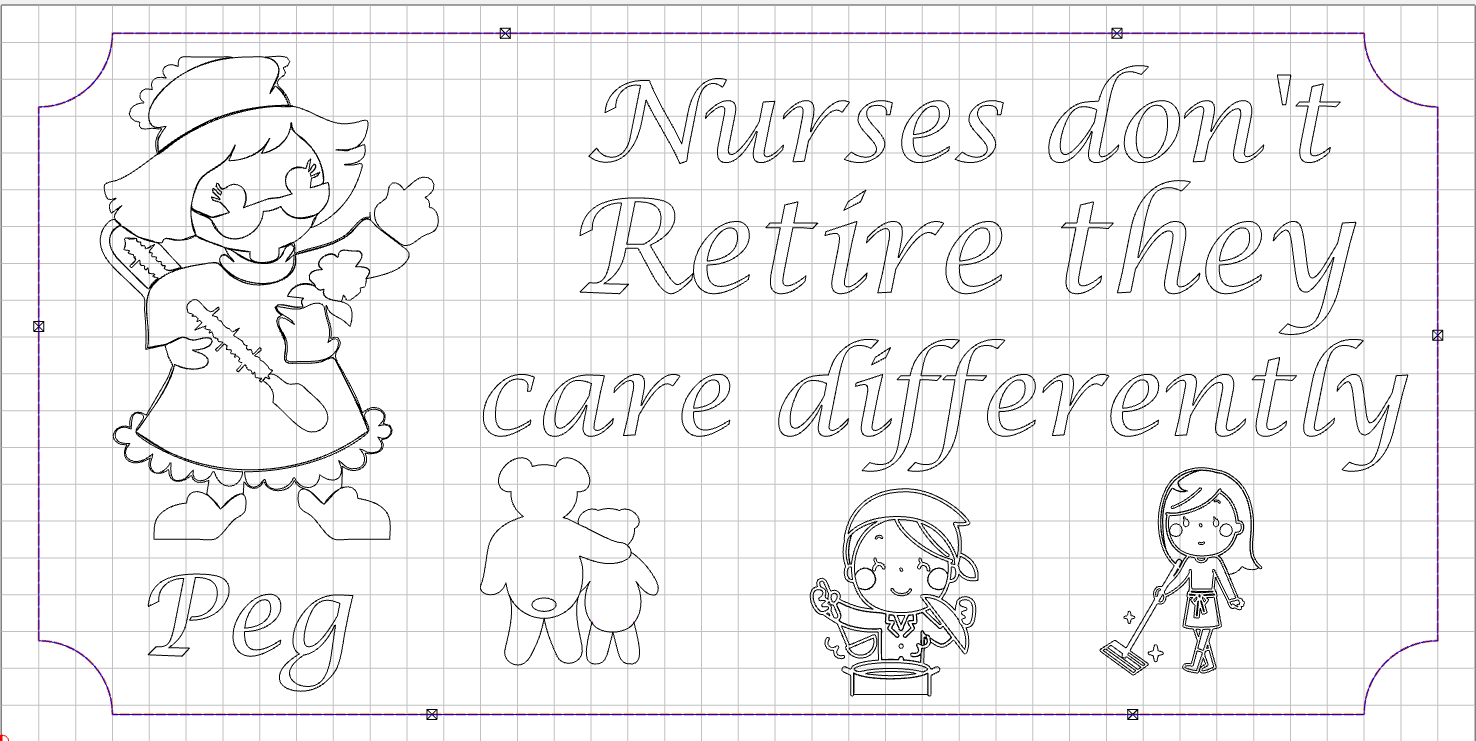
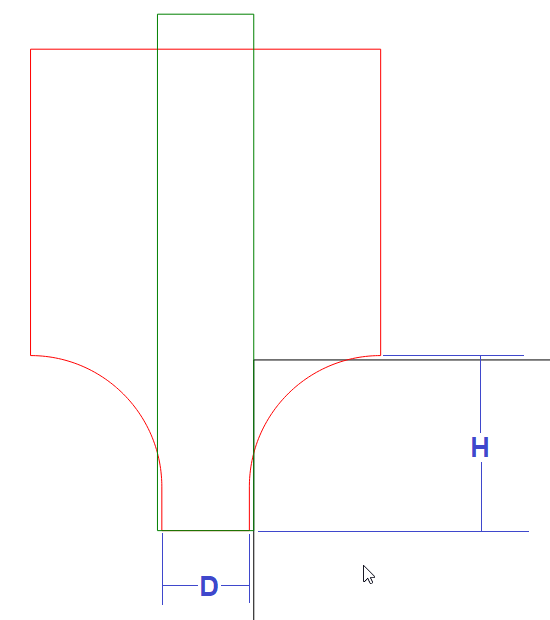
I intend to cut it out using the contour toolpath with a jenny 5309J 1/4 inch end mill, also have tabs in place. I have chosen on offsett. The toolpath seems ok. I now want to use a 1/4 inch roundover bit to take off that sharp cornor. I again used to contour toolpath but changed the tool to the roundover bit. Now research is telling me Carbide Create does not support the geometry of a roundover bit. Anyone tried this?
CC doesn’t support roundover bits, in that the simulation won’t show the roundover.
You can use any existing tool, or create one and set the RPM, IPM, DOC to the values you need.
If you use a 90° V-bit, it will at least show a chamfer in the simulation.
I like to run my roundover about 0.005" away from the corner so the corners don’t leave a line.
Hello. When I got started recently I had the same question. Roundovers are straightforward in a table mount or handheld router but much more complicated on a CNC. I haven’t tried it but there is a tutorial on this forum about using unsupported roundover tooling.
I’ll say that while it wasn’t in Create, I’ve done this in other CAM software with a ball end mill after seeing it demo’d. I’m sure CC could do that like any other 3D contour if the project is fully 3D modeled, but perhaps not from 2D vectors only.
I have used several roundover bits successfully. The key to this was running test cuts and documenting settings for each bit. All you need is an offset as mentioned above. DOC can provide several different profiles just as it would on a router table. If you think about it, you are setting “offset & DOC” on the router table manually yourself. After you run some test cuts you can attain the same results on the cnc. It takes longer to use the cnc to perform a simple roundover for a picture frame for example. However, it would be almost impossible to round over more intricate detailed profiles on the router table due to having to cut the profiles upside down somewhat blindly.
Make some test cuts, document your setting for future use and enjoy the results.
Good point that it is difficult to do an inside roundover to pocket on a router table (not a through rout). I was thinking only of the outside edge like the OP drawing. Off CNC, Roundover bit historically has meant a bottom bearing matched to shaft diameter and aligned to cutter edge which took offset out of the equation, versus beading bits with offset bearings.
Most of the newer bits have the ability to remove the bearings. Some of them will not work in all cases even with the bearing removes due to the shaft design for the bearing mount itself. Just depends on the manufacture.