Sorry you weren’t able to get the printer working correctly.
I have bought used equipment previously and had the same experience. But I learned from it and it allowed me to apply that knowledge forward on the next purchase. Still does not take the sting out of it however.
She lied to me and that pisses a person off to be lied to and told that the machine was never used and sat. Then I buy it to find out it looks like it was actually crashed at one point and that is what messed up the extruder tip.
Yeah that is a very bad sign. It is really hard to mangle the nozzle on a 3D printer. Like it would take a serious bed crash to do that or very bad handling during transport. I would also be worried that the hotend got bent to the side a bit. You need the nozzle perpendicular to the bed. I recommend taking the hotend / extruder completely apart and verify that what they are calling the “throat rod” is straight:
Also check that nothing else in the extruder looks damaged. Like if the stepper motor shaft is bent it could cause issues.
If everything checks out you can try replacing the nozzle in the hotend. If the existing nozzle is that mangled it is very possible the opening it no longer round which would cause all kinds of issues as well. It looks like the MeCreator2 uses a standard M6 threaded nozzle. You can get a set of name brand nozzles from Creality for less than 6 bucks on Amazon:
I look and see what is with this machine on the tip. I see the hot throat of the extruder and the housing for the heating element. I didnt know the tips were replaceable, but it still wouldnt matter to replace a tip if the throat is bent as well and makes the tip not run flush with the bed. I think the bed is even warped out of flat or is damaged from the crash. This table only has 3 leveling screws, one in the back and two in the front. When I leveled the table to the nozzle in the back and then moved to the front, I leveled both sides of rhe front. Then went back to the back and had to level the back again. I realized this would be possible, so I went about leveling the complete table again. Once it was leveled, I checked across the front and it was good. I checked across the back and the table wasnt level still, but it was off from side to side in the back.
There is only one screw back there to adjust the bed. So I kept it level and checked the homing location for clearance. Then I moved to the front of the table to check across the front. It was flat and level on the front right side the same as the homing location. So, I moved the print to this area so I knew it would be the flattest. The print starts out well on the first layer. There are no lines seperate from each other. The print is unified. Then the next couple layers look good. Then all hell breaks loose as the machine works around the design and leaves clusters of filament in areas where there is supposed to be structured grids.
I went ahead and bought a brand new machine with a 256mm cubed printing area. It is supposed to print right out of the box and I got a 0.6mm head as well for larger faster prints. I was told to buy a new machine and I would get the money back for Christmas from my friends. I am greatful to them for this and look forward to this new machine to get here.
This old machine with still be worked on, but not as important anymore, so I will take my time with it seeing what I can do to get it to print better.
Glad to hear you got a new machine. Out of curiosity what did you go with?
As for the MeCreator2, either the bed is warped or the movement axis are warped. Neither would surprise me. That said between having a CNC and a new 3D printer you should be able to get that one back into working order if you so choose.
With regards to the bed, take the bed out of the printer and get a sheet of borosilicate glass. Rest the bed on the glass. If the bed is flat it should lay perfectly flat on the glass. If it does the bed is not the issue and your axis are messed up. If it isnt flat you can try to bend it back into being flat using the glass as a reference. Either way borosilicate glass is a great print surface. I used it all the time till PEI build plates became popular.
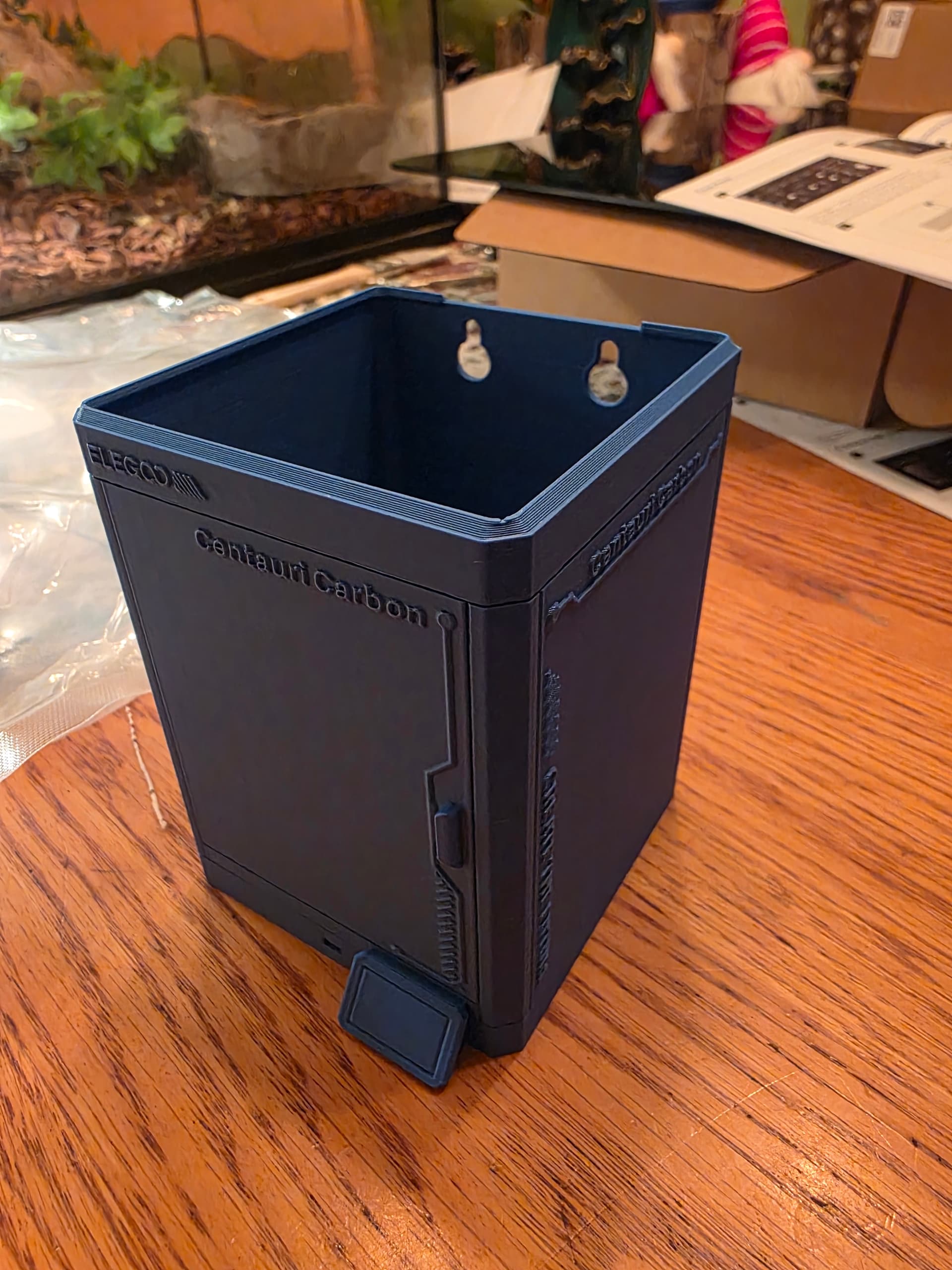
I bought the Elegoo Centauri Carbon. It rocks an enclosed housing. Runs a 256mm cubed printing area. I got the stabilizer feet and a replacement 0.6mm printer head extruder.
Here is a screenshot of the machine and info on it as well.
Supposed to be able to print right out of the box. I will look into repairing the other machine, but will take my time on it. The new machine will get most of my attention at first.
Nice choice! (and a bit less than I paid — apparently, DJI “revenge invested” in Elegoo after a bunch of talent left them to start up Bambu Labs which is why their prices/products are now so specifically competitive w/ that company)
Mine has worked perfectly w/ good quality filament and matching settings.
While I got the feet, I didn’t use them, instead putting the machine on a sandwich made of multiple concrete and rubber pavers with a sheet of foam cut off from a kneeling pad.
I did buy a single roll filament dryer, and am kind of wishing I’d had the room/budget for a multiple roll one just so that I could switch filaments w/o having to shuffle things in-and-out of storage bags, but that’s mostly because I use it for printing PETG (couldn’t resist getting a third printer w/ an “Intelligent Filament (switching) System” which I put an 0.25mm nozzle on and have dedicated to printing PLA in multiple colours. Trying to get into the habit of printing on a regular basis (those drawers won’t fill themselves w/ Gridfinity bins).
Just need to puzzle out what to do w/ my old Ordbot Quantum…
Well, you can get rid of your Orbot Quantum to someone that would enjoy it, just make sure you post it with honest use. Lol. Does all print jobs take a really long time to print, or is the older machines the only ones who take so long to print?
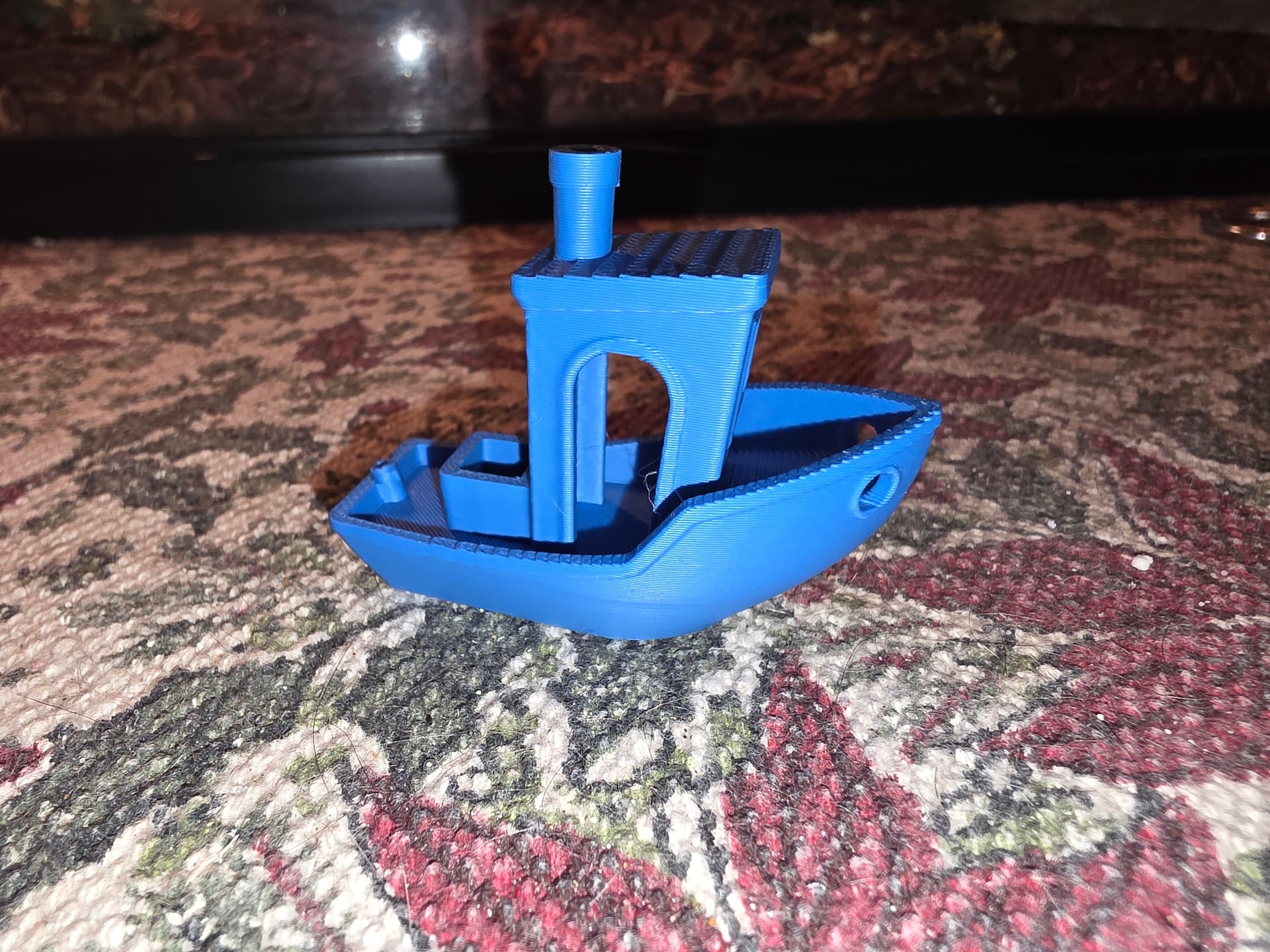
According to the Benchy I was going to test print on the Mecreator2 machine, the estimated time was almost 4 hours, and that was for a boat that was just a little over 1 inch long. If anything really big was printed, then I would be looking at a print time of well over 24 hours, which is a complicated issue when we are told that we need to be able to keep an eye on the machine while it runs. There is no way i could babysit a machine for that long of a time, or longer.
I’ve offered it gratis to a co-worker whose son has evinced an interest in 3D printing — we’ll see.
Yes, the new printers are amazingly fast, the older printers tended to be slow — I’m wondering if there isn’t some filament which needs to be printed slowly which would be suited to some sort of small parts which I might find useful…
Useful or practical are important concepts to deal with. I have a lot to learn about the printers. I hope this new printer is good to go and nothing will stand in my way on printing.
Im happy with the results and how fast it printed. The old machine said it was going to take 4 hours to print this thing. The new machine printed it in 15 minutes. Nice!
My Centauri Carbon has done well with everything except for PETG-GF and off-brand transparent PETG (need to dial in the settings) — PLA in particular printed very nicely, as did Elegoo branded PETG.
I will have to learn all about the different filaments out there. I feel like off-brand filament will be harder to use because of not being sure what other marerial is included with the filament as a filler. I still have a lot to learn on filaments, print types, designing processes, and even changing filaments during prints for a multi-colored print.
The colour change thing seemed sufficiently annoying that I broke down and bought a second printer which incorporates that feature and set it up w/ 4 rolls of PLA.
Yeah, but that printer with the 4 rolls is much more expensive Im sure. I looked into some others with the multi rolls and figured that I would get into that one day when I make enough money to afford one.
The one I got was unenclosed, and smaller working area, so a bit cheaper.
Hopefully Elegoo will come through w/ the “Filament Switching System” for the 1st gen. Centauri Carbon, though I may get a Centauri Carbon 2 once they’re available in the States.
Now thats a fine looking Benchy there! And only 15 minute print!!
I have used Bambu and Voxel. I now use Voxel primarily for PLA/PETG. Very affordable and prints are very consistent. Just make sure to watch your moisture content (no matter what brand), it will impact your prints. Sometimes folks think its the printer and its not.
Got to watch myself not to go down the rabbit hole too fast on these printers. I have seen that a person can buy the filament heaters/dryers, filament remakers, filament end welders, etc,. Then there are all of the different types of filament and all the different colors of filament. Hope that I don’t get the 3D print fever.