Hi gang, i am brand new so go easy!
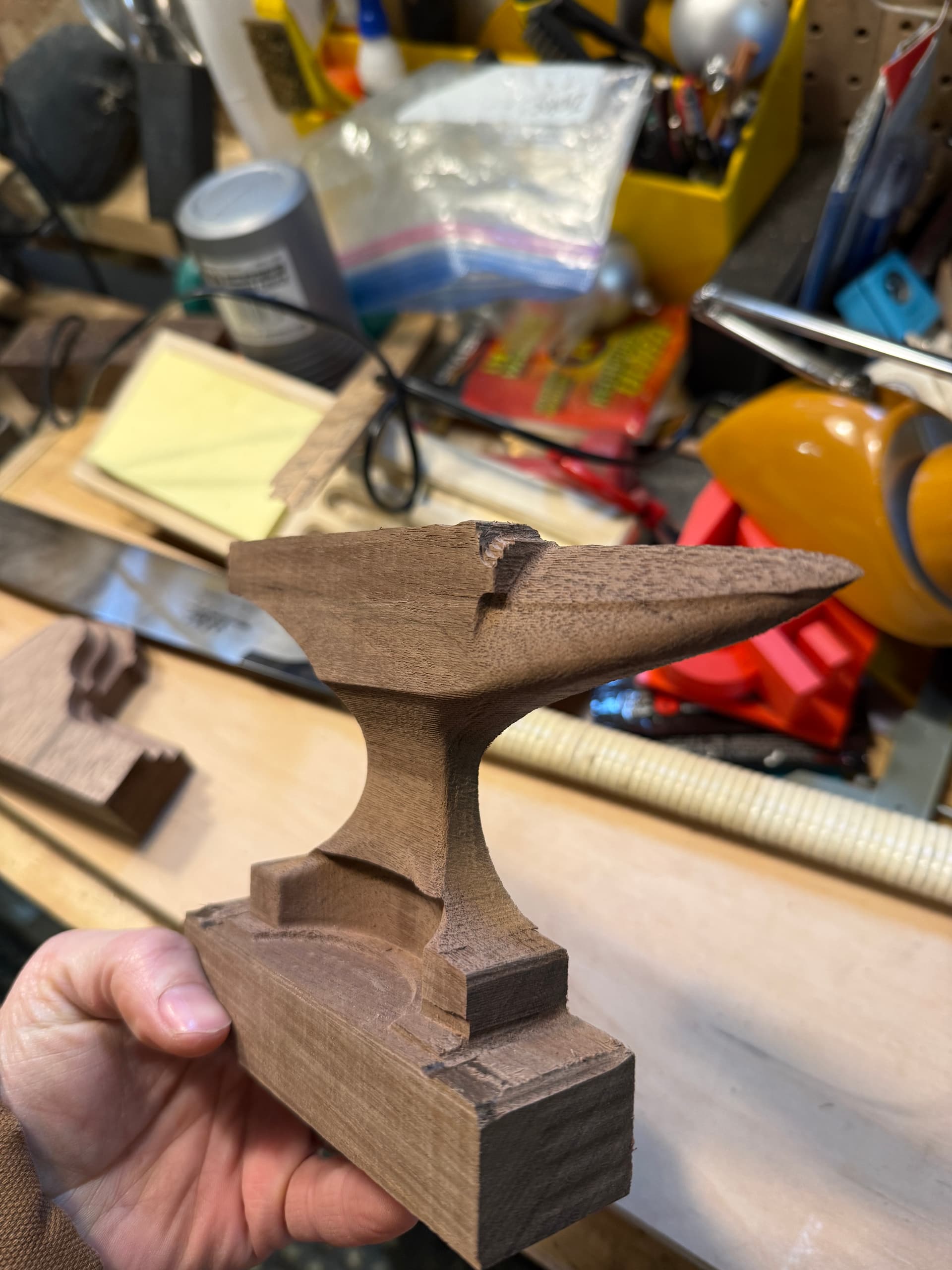
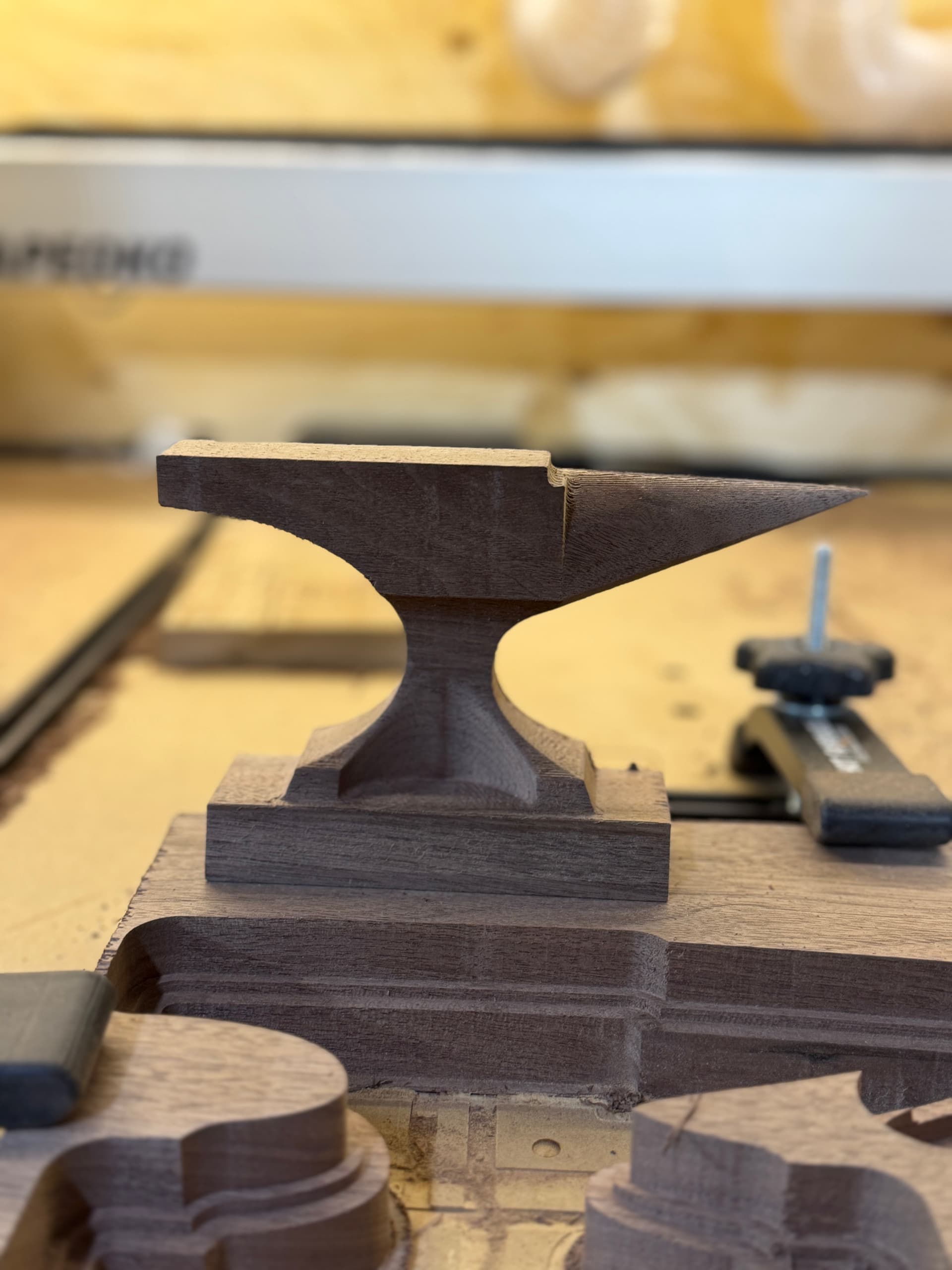
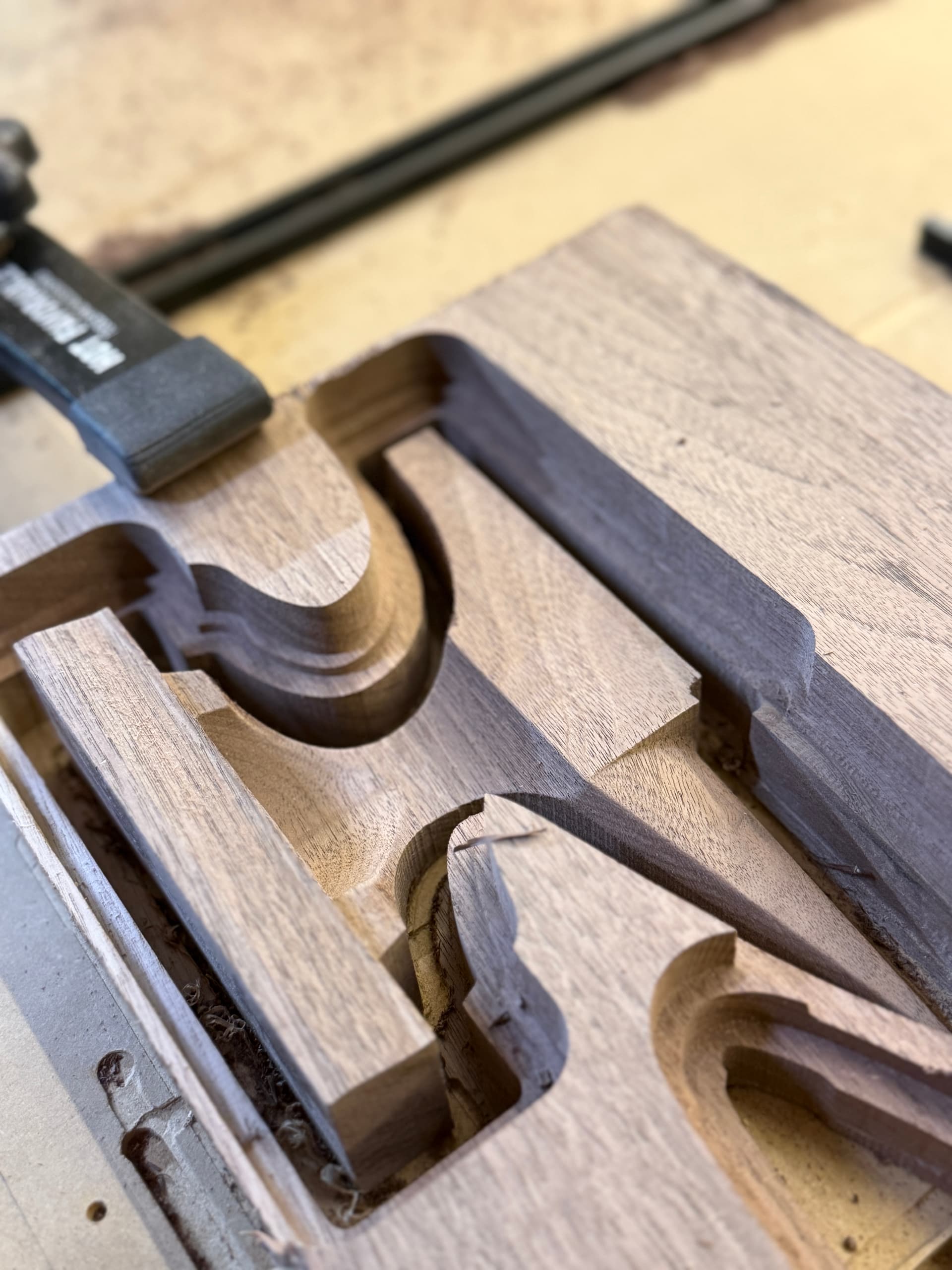
i followed all the courses and i think i setup the file correctly but im just not able to get a clean consistent product out of this. some aspects are great, some are terrible.
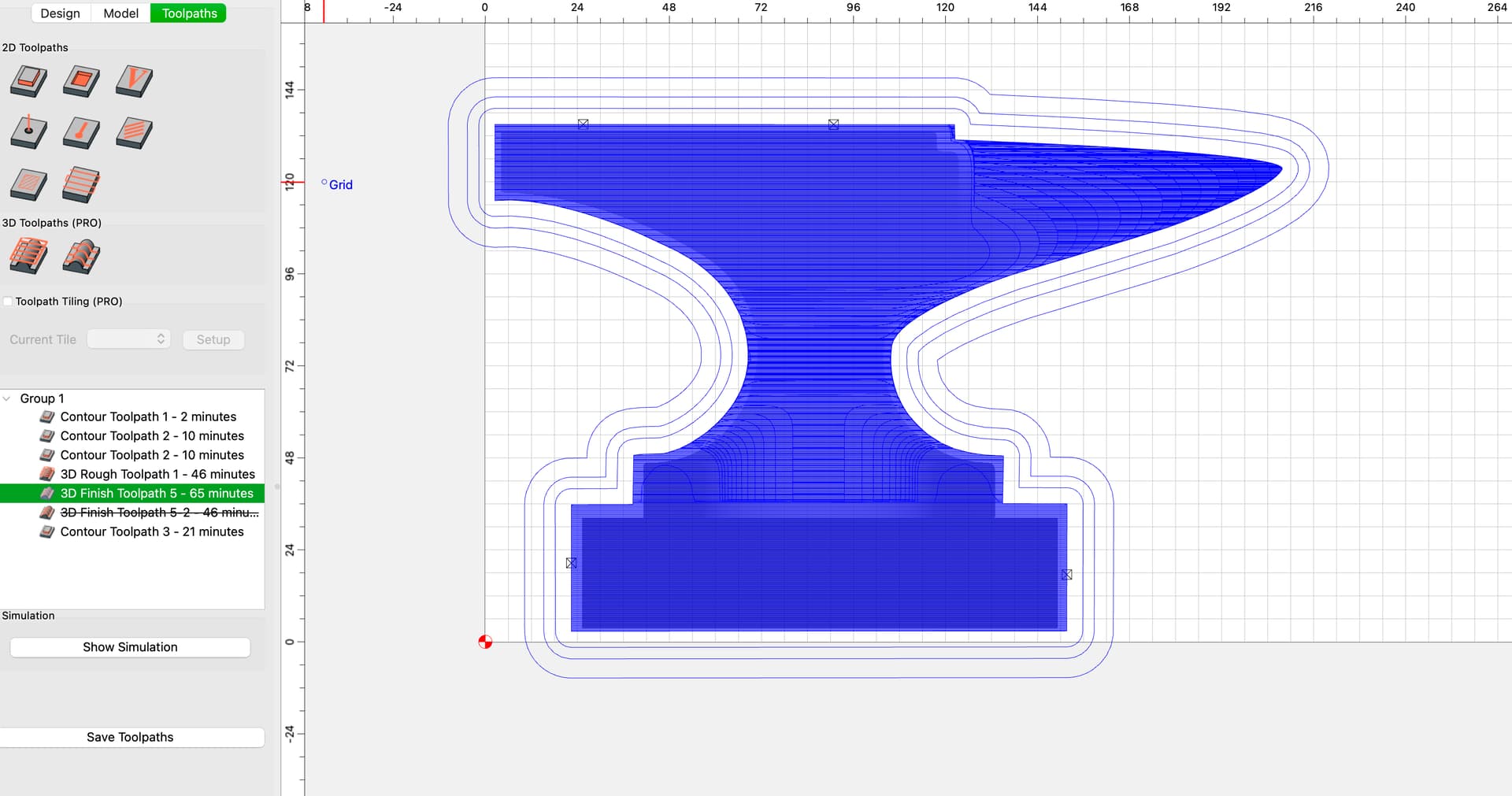
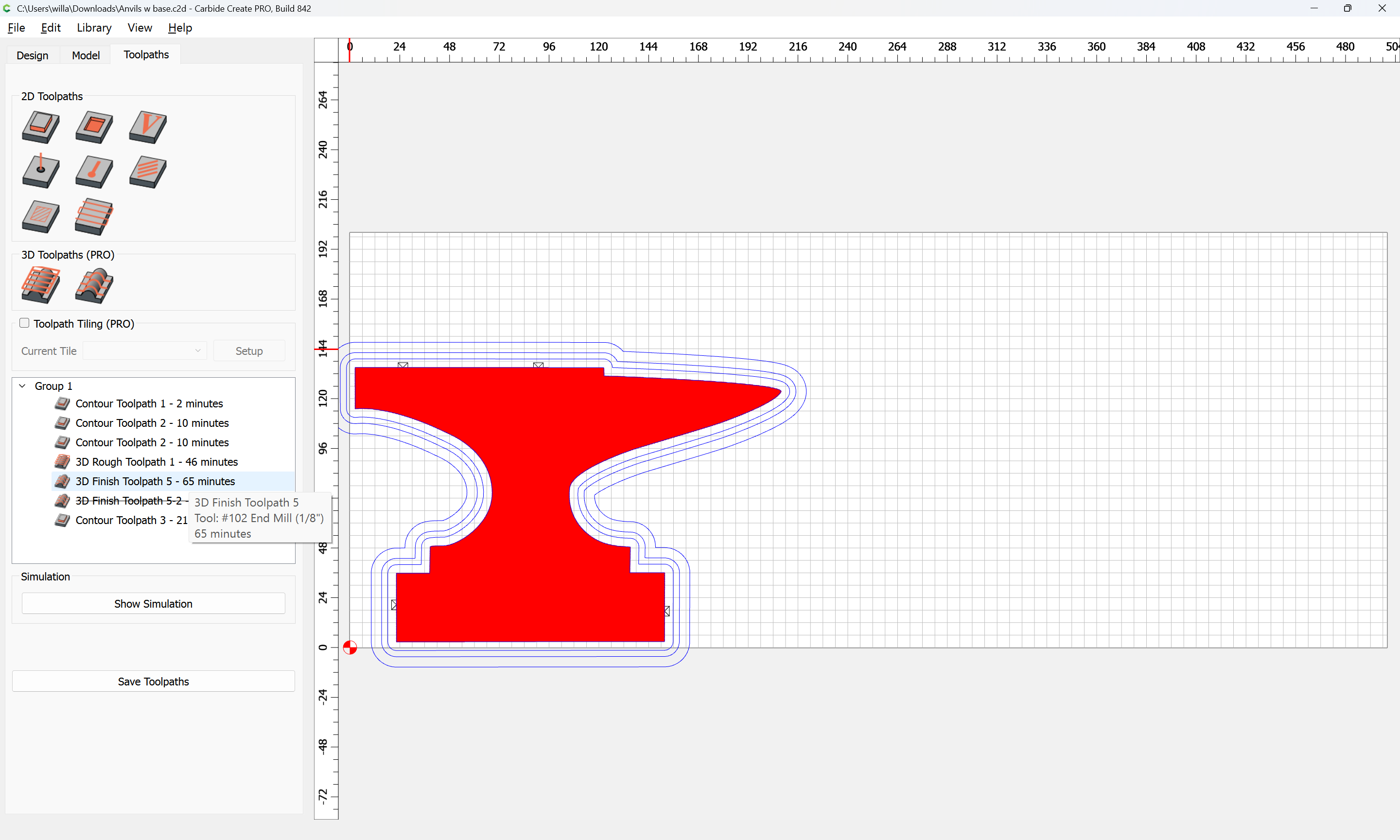
I think I have set my tool paths up correctlt but maybe I am wrong HELP!!!
If you haven’t yet, esp. if this is a new machine, start by verifying that the machine is mechanically sound.
It might be that just adjusting stepover, or using a succession of smaller tools will help:
One concern, looking at your file is that it looks to have some vertical (or nearly vertical) features, so using necked-down tooling may not be an option.
Thanks Will, i just ordered some straight 1/8 bits to try for those verticals, and maybe i dont have to mount my bits out so far.
esp?
I started with 1/4 for roughing and stepped down to 1/8 for finishing, should i take smaller bites?or? I read your linked post, i see now, yes, smaller bites with more tools.
Truthfully I would be happy to get a clean rough done and worry about the finish path next.
Looking at my file, am I doing it correctly?(somewhat)
Thanks Will,
I set those contour carves to get some material out of the way so it doesnt ride on the router. I have got some longer bits and will try and adjust the model to have less straight side walls.
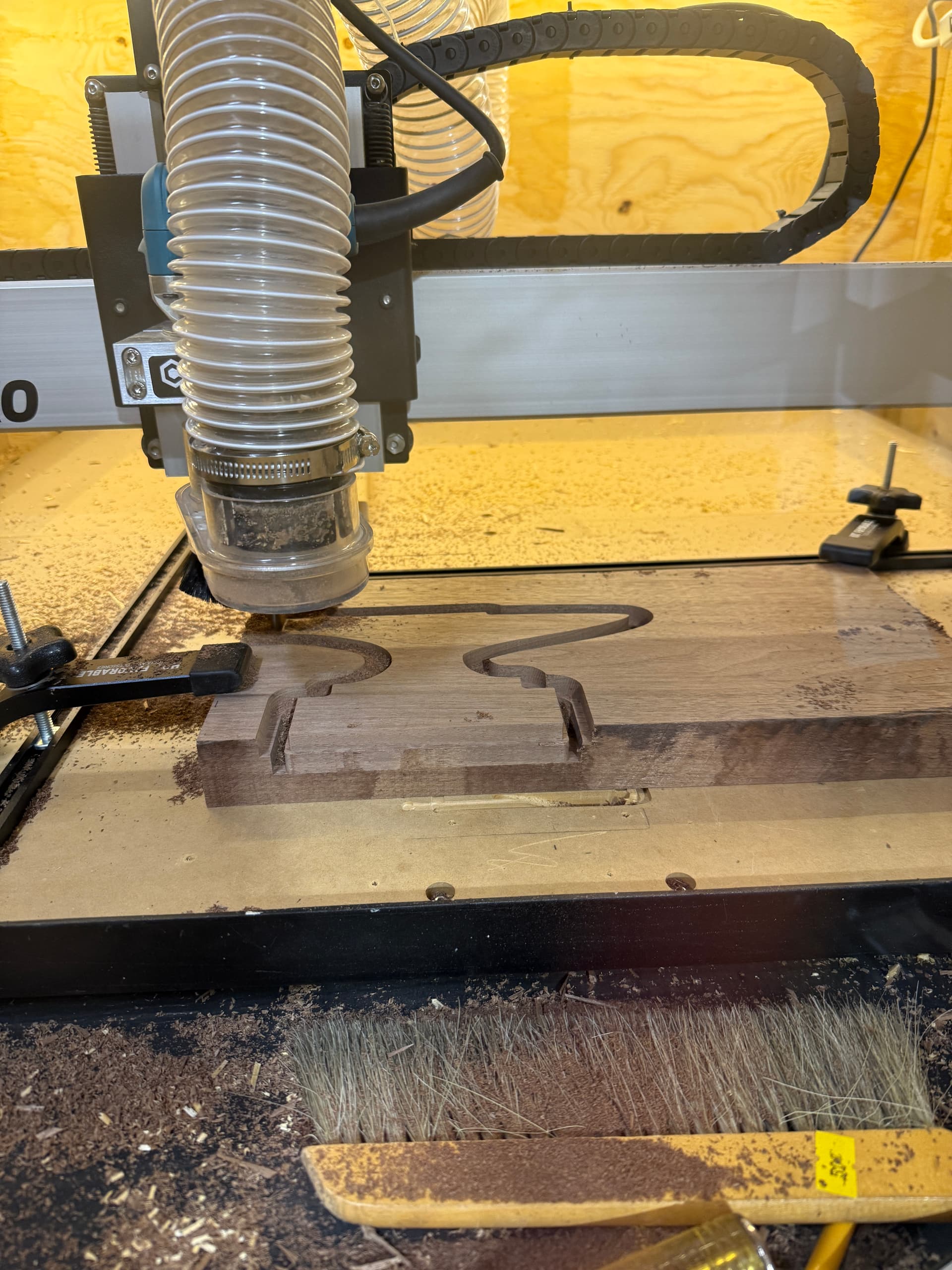
With a rough 3d pass, does anyone know if can i prevent it from cutting all the way through the material and then accomplish that on my final pass, allowing me to hold it in place better?
I assume i can lie to the machine on how thick my stock is and then go back with another contour toolpath at the end but i worry it will crash or be slightly off.
I re-did the paths in order and added a contour at the end to dive dow and cut it out 1mm further. and it came out great! still a few things to work out though.
is there a way to run a bit along that under curved section so it isnt so choppy?
If that is vertical, you will probably be able to trace the perimeter, then inset slightly, then use Node Editing to isolate only that section and then cut it — might want to instead just re-draw that portion and apply an Contour to the appropriate side of the re-drawn Curve.