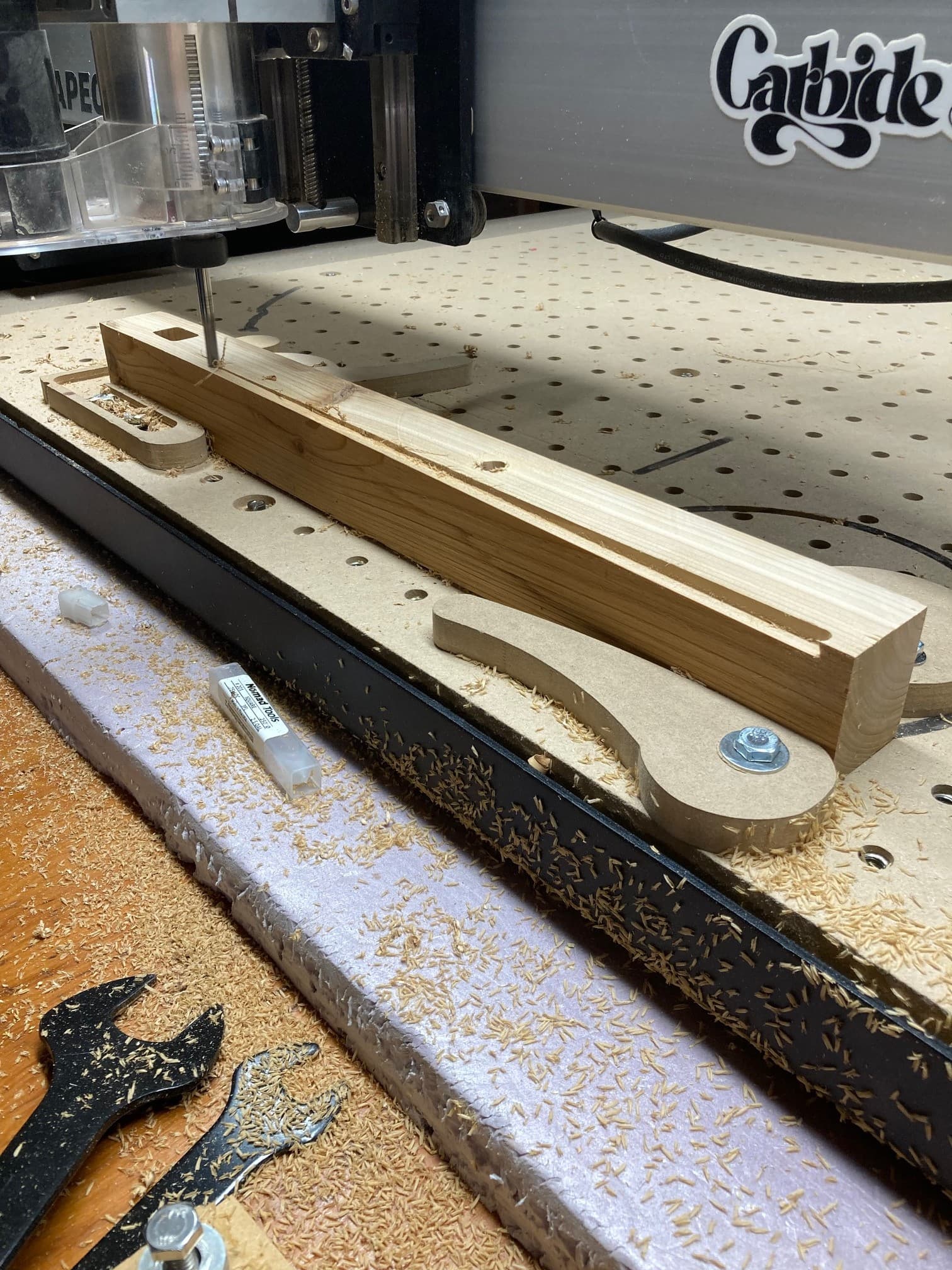
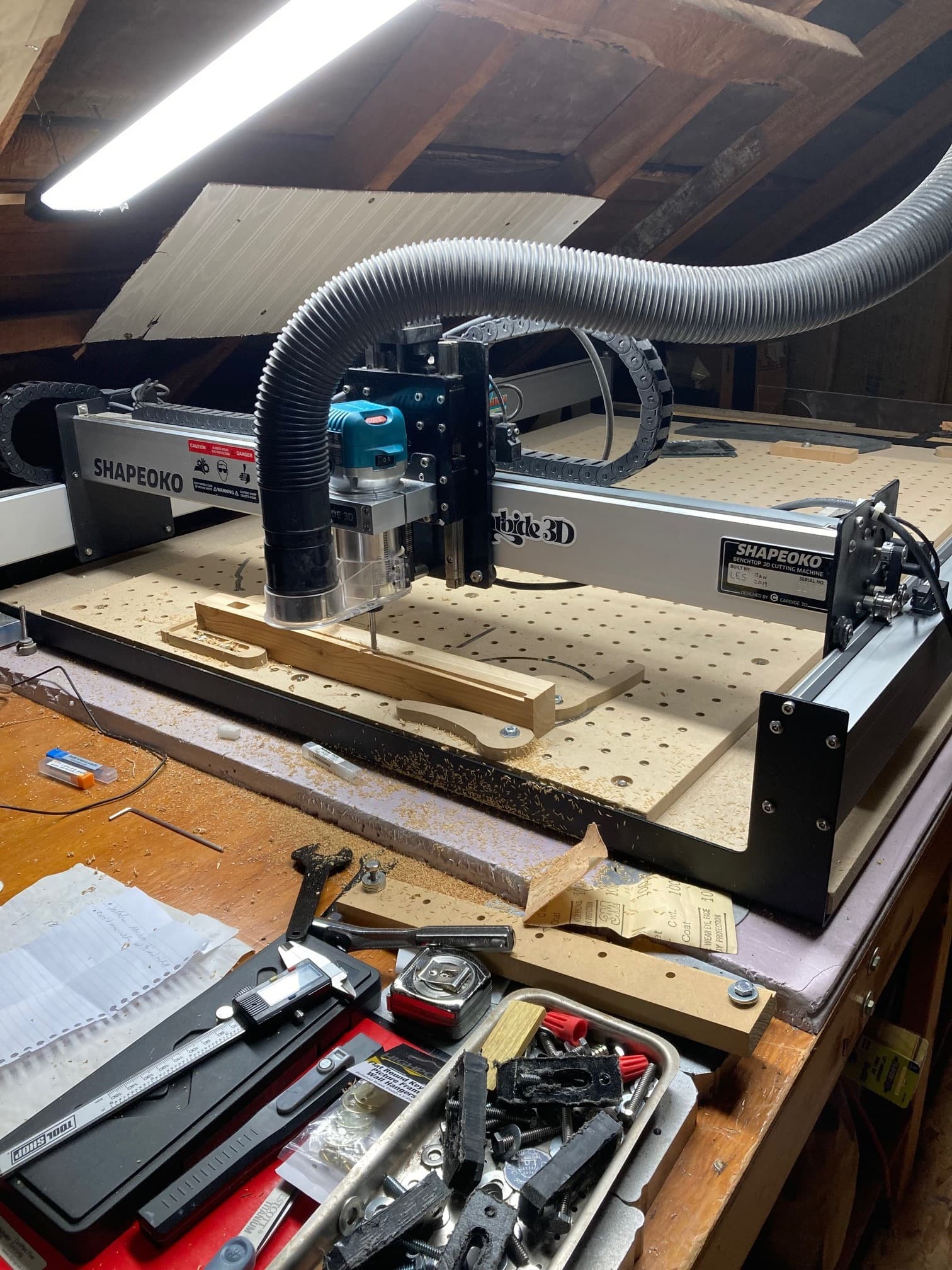
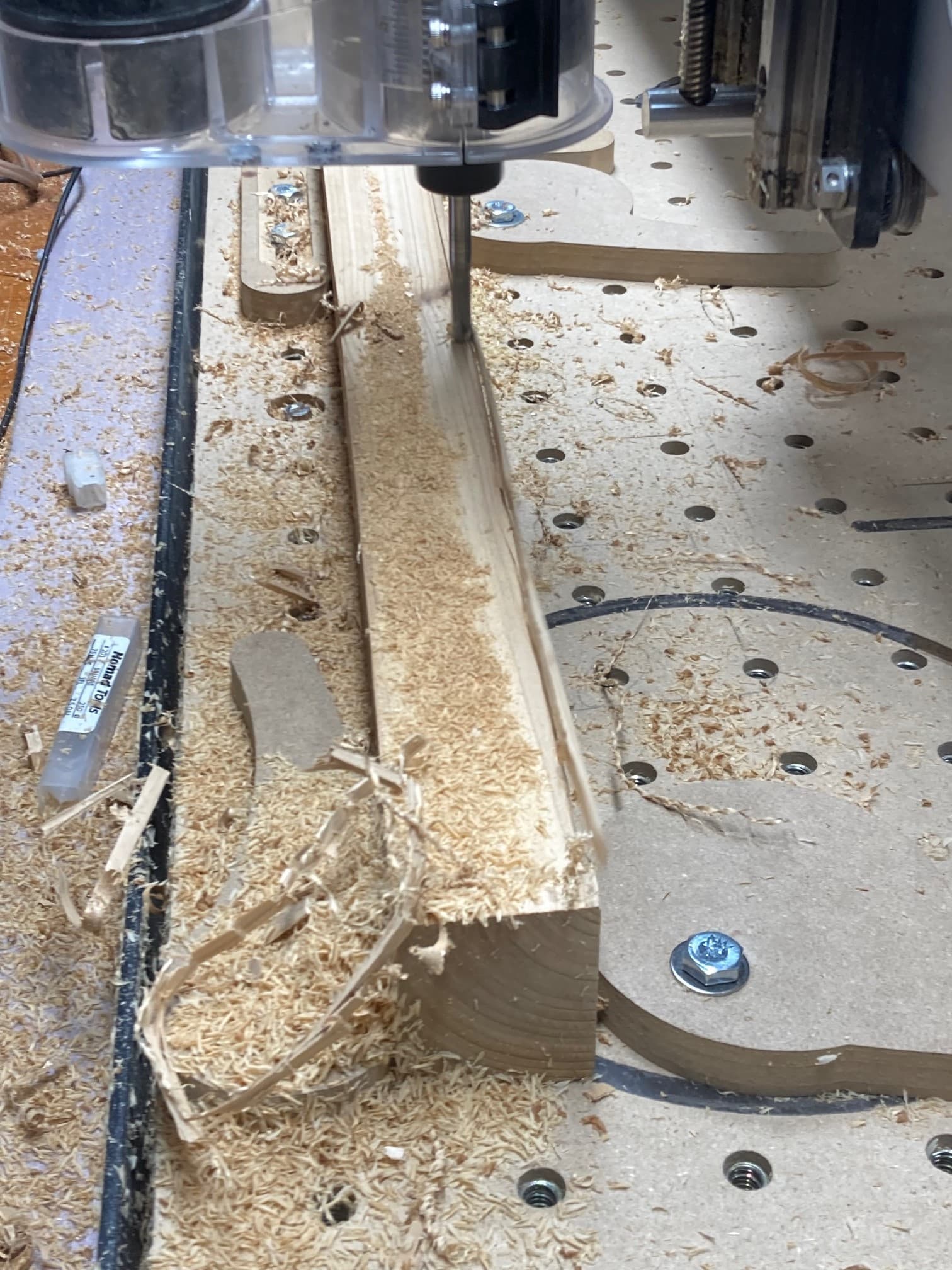
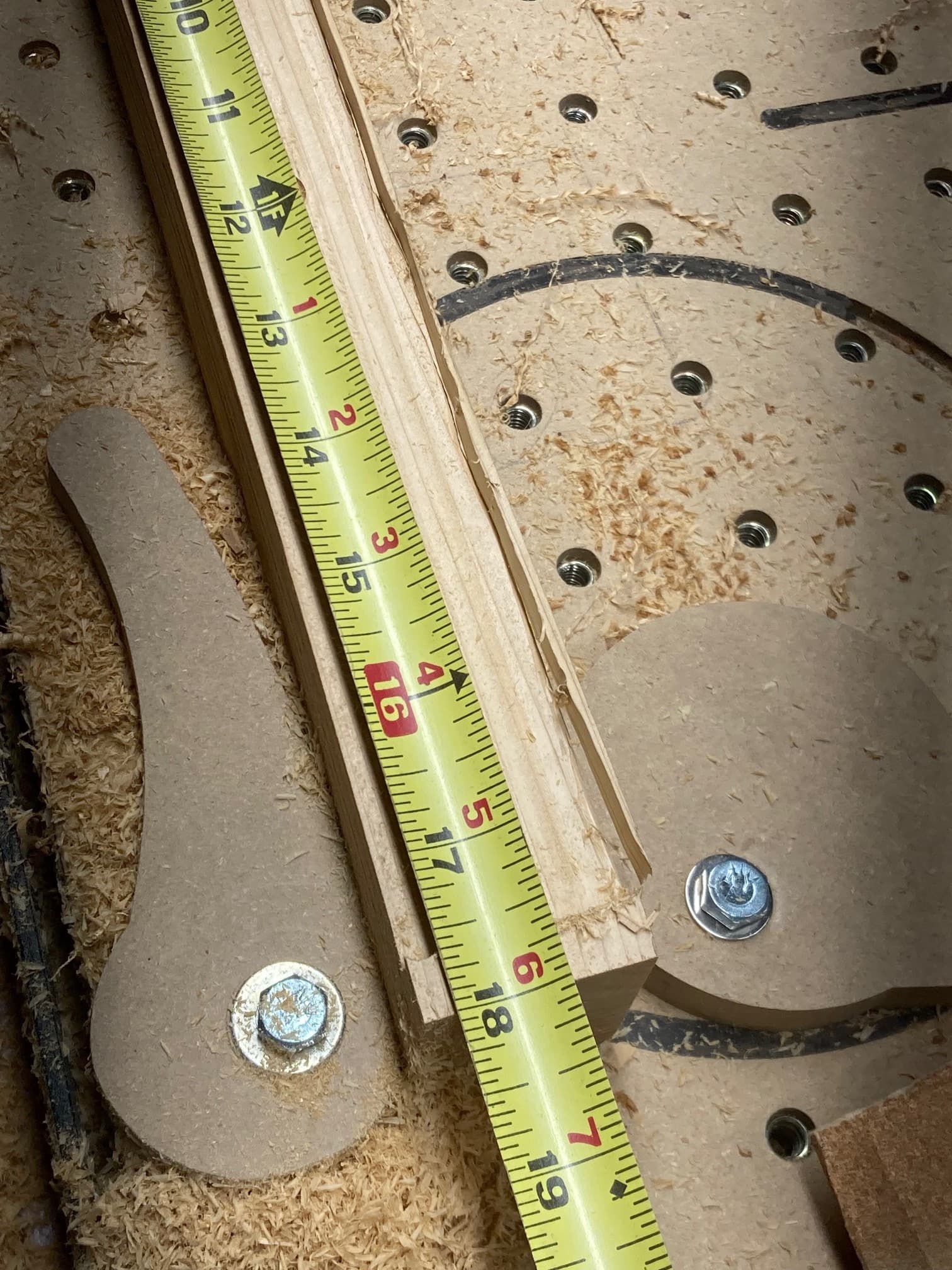
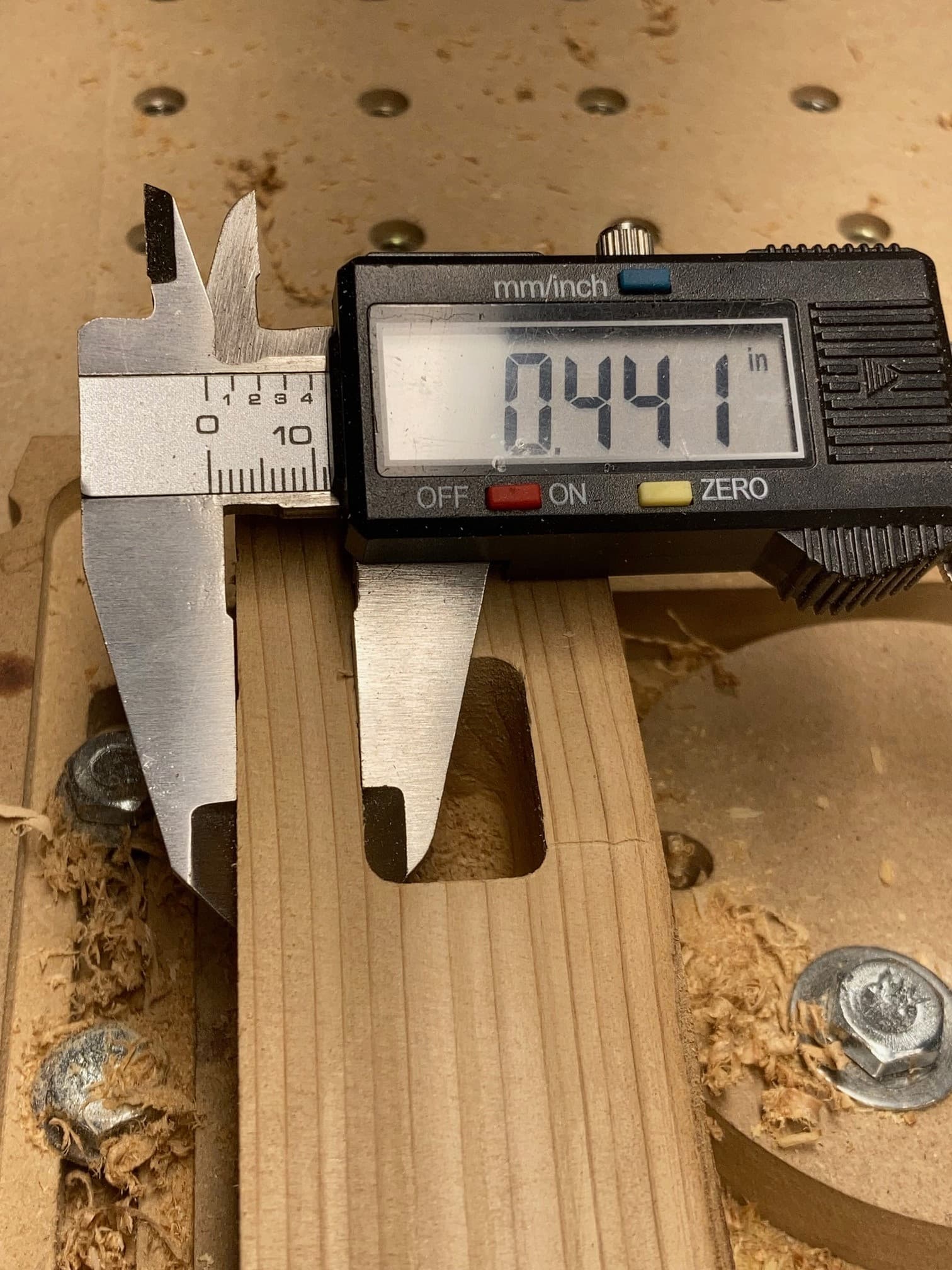
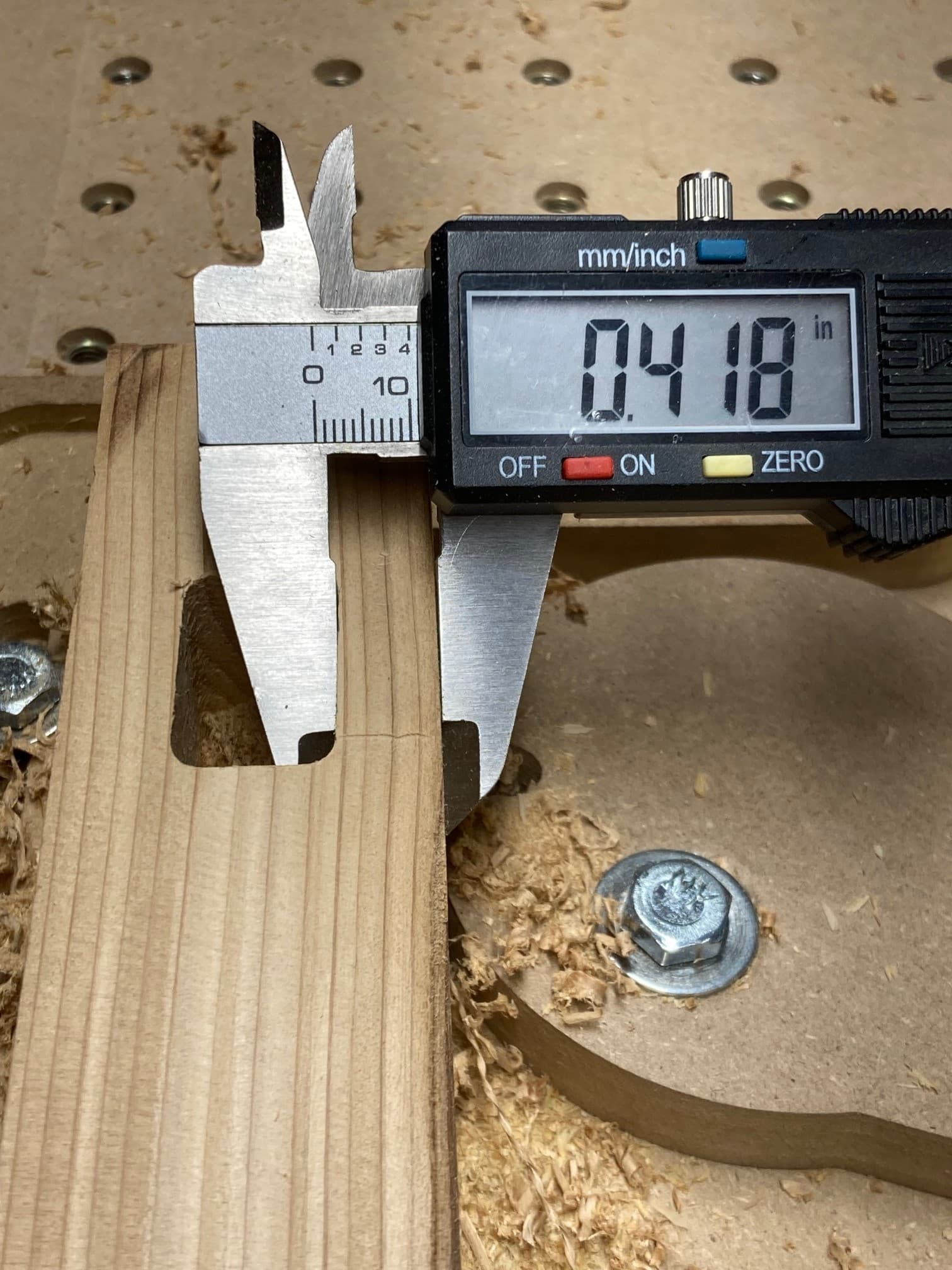
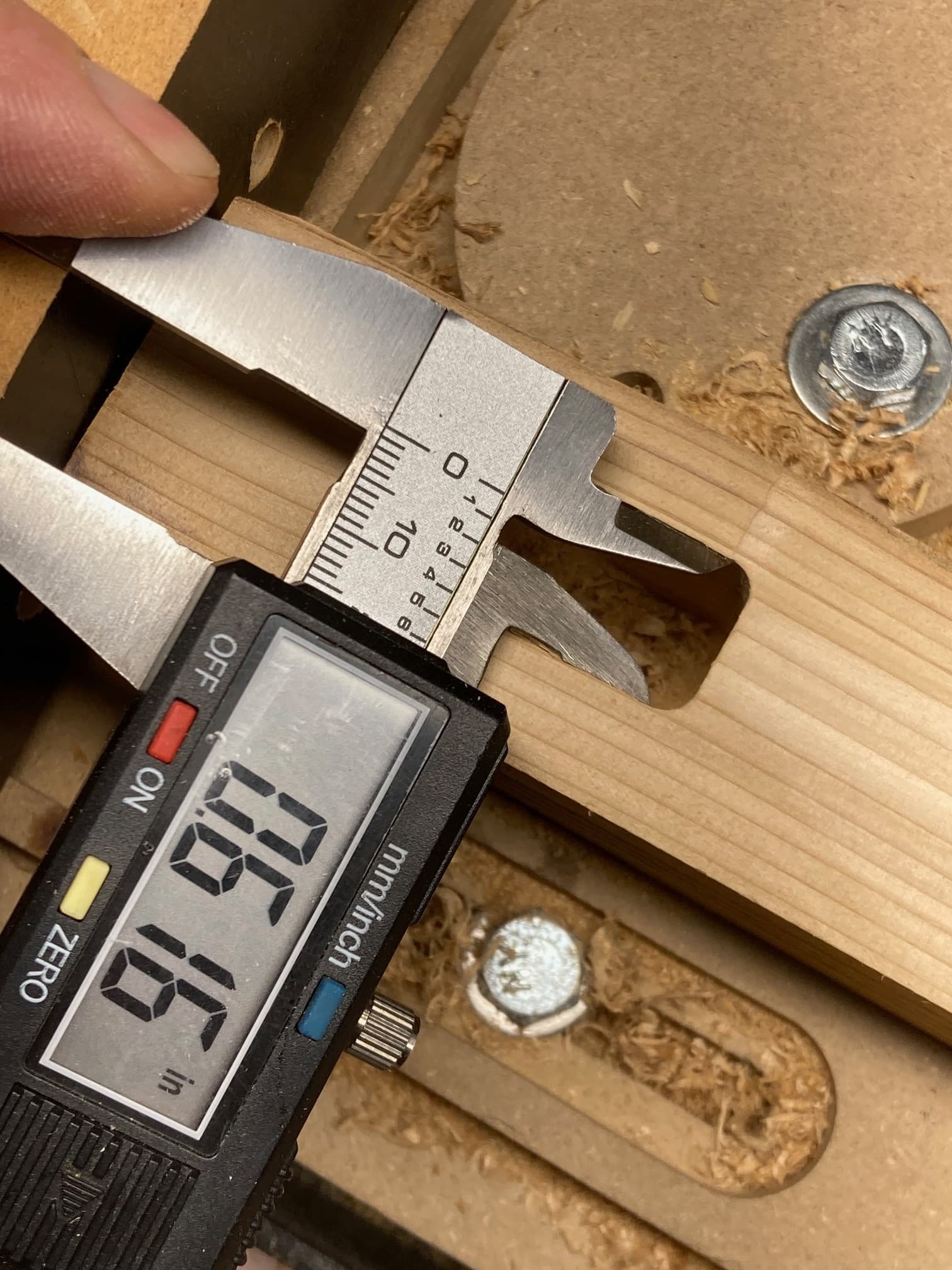
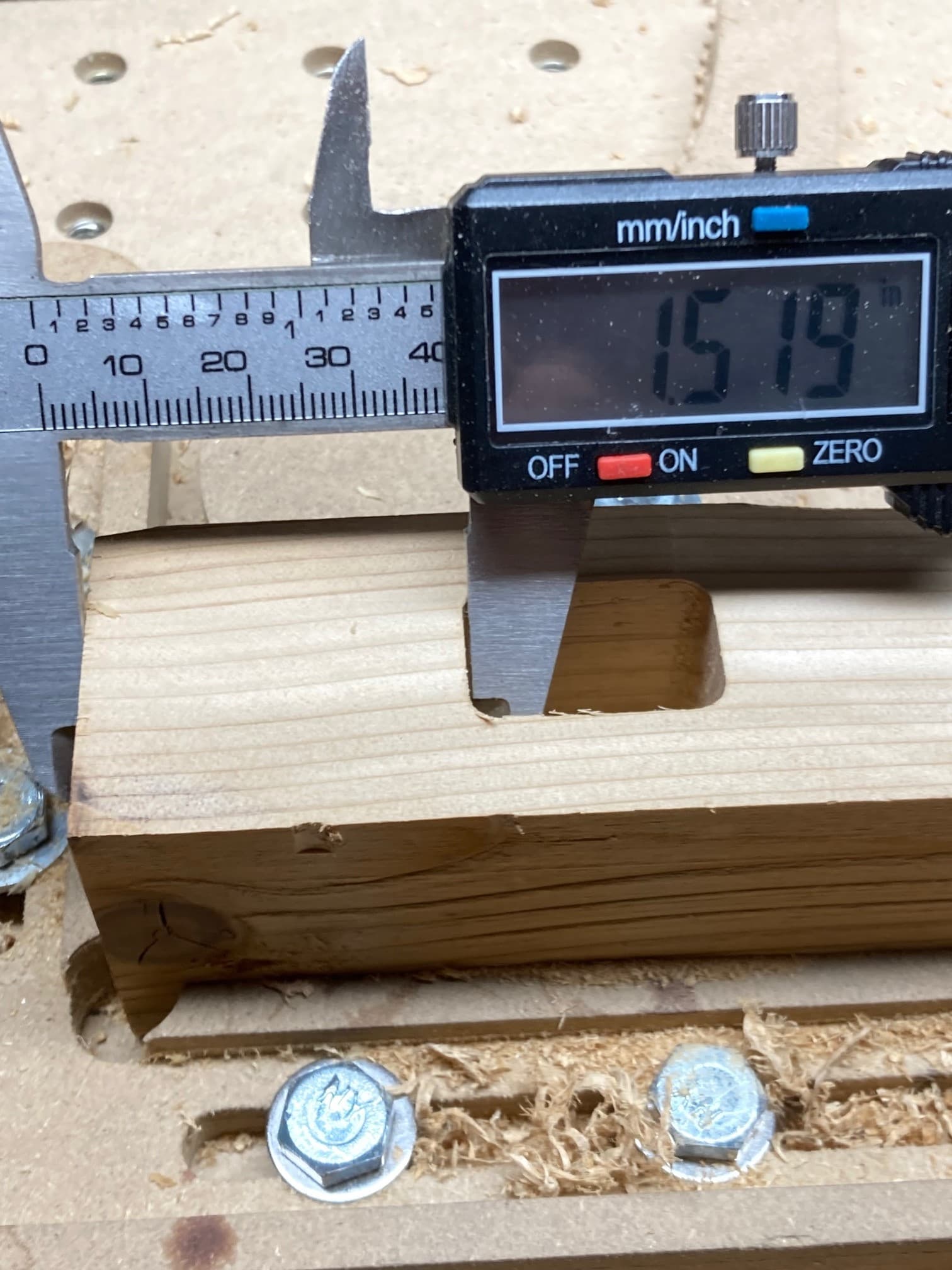
I have completed the cut and here come the photos. A few notes: my 2x4 was a bit undersized at 1.476 inches and this is reflected in the cut. I manually zero’d X, Y, and Z on the lower left corner. My workholding bites but I was in a hurry and I know the leg was not perfectly parallel to the X gantry ( this is also reflected in the skin left on the angled cut). I slowed feedrates way down because I did not trust the crappy cam clamps. I conclude the Gcode is fine and not a source of offsets. This file is now very useful in troubleshooting your machine because we know it is good. Cheers.
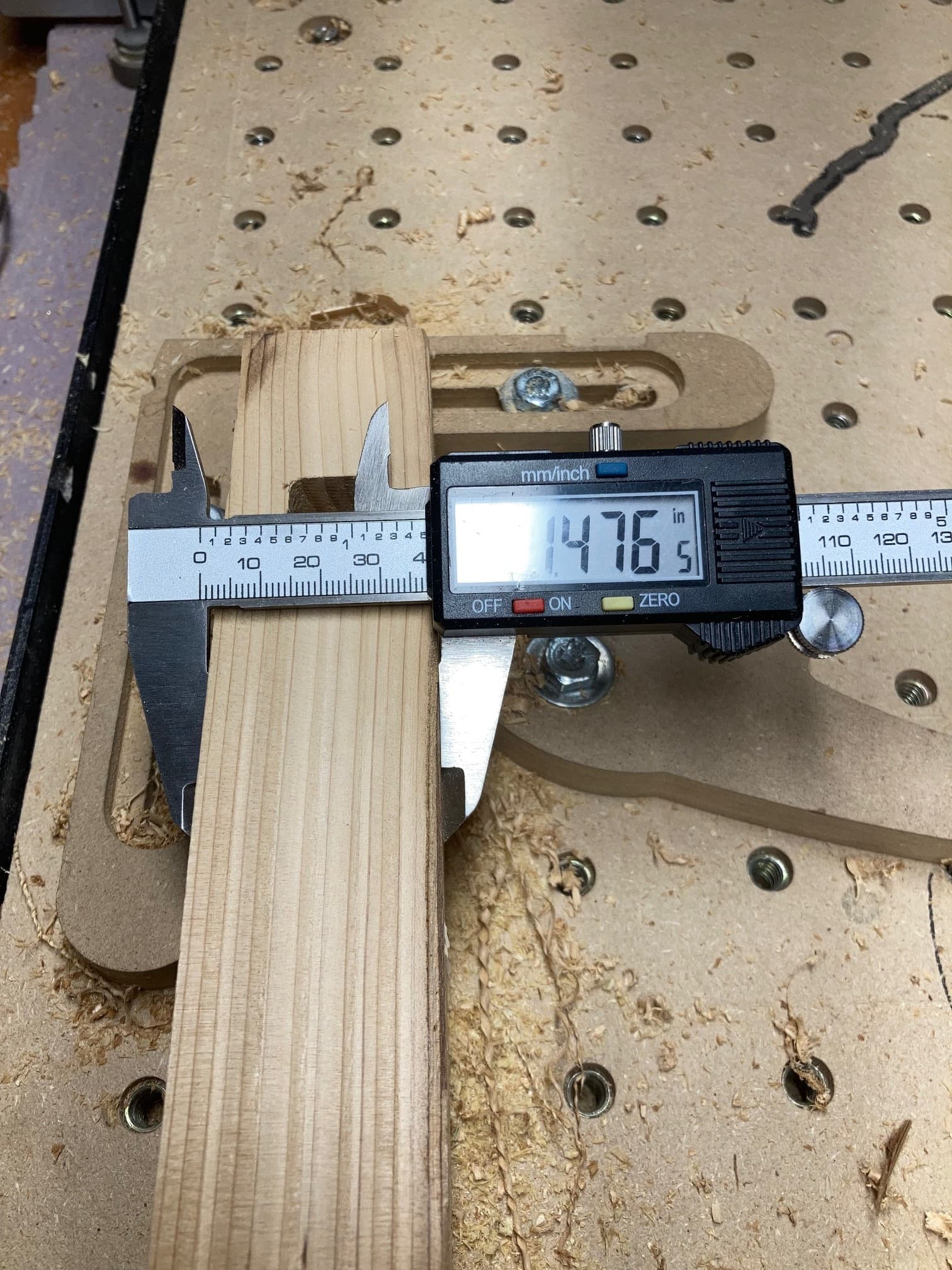
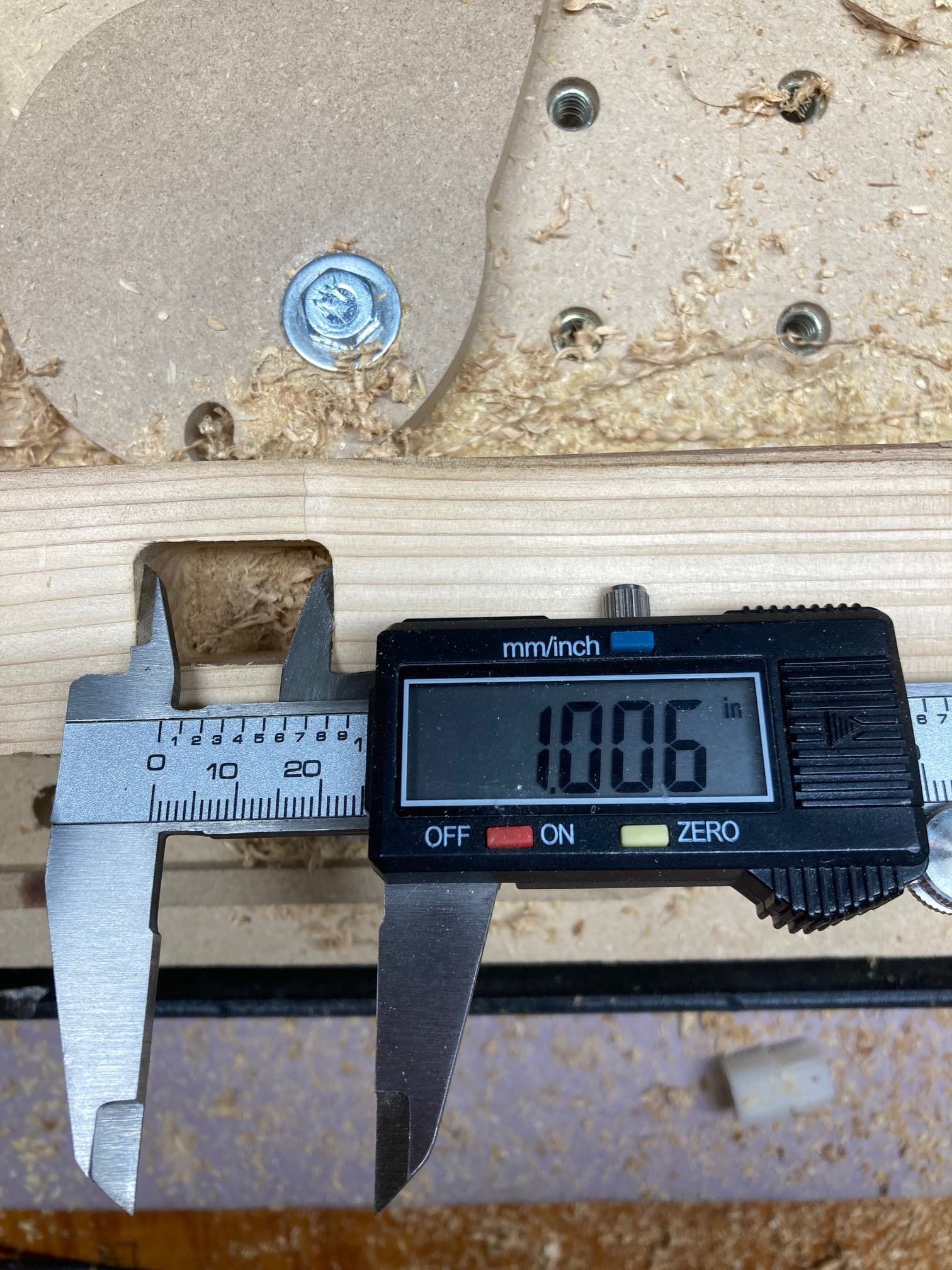
3 Likes
I zero manually in X and Y by lowering the bit so it is lower than the top of the material. Slowly jog up to the edge while turning the bit manually until I feel/hear rubbing as I turn the bit. I then take a reading in X (or Y whichever one I am zeroing). Jog the bit above the top surface. And important: jog toward the material 1/2 the bit diameter. Then zero. This puts the bit centered on the edge when zero is set.
The offset has nothing to do with Test 1 or Test 3. Cheers.
2 Likes
well… something weird with the first file.
I can’t replicate the offset error.
new file, place vectors, center – no issue
new file, place vectors, center, resize via job setup, recenter – no issue
old file, export gcode – no issue
old file that has gcode saved in the .c2d – cuts with everything offset 1/8" Y.
I"m not going to mess with it any further, but at least I know it wasn’t an operator error.
thanks all so much for the help!
2 Likes
This topic was automatically closed 30 days after the last reply. New replies are no longer allowed.