Super crisp paint job. Was that multiple oramask setups? Which was the base color?
2 Likes
Sometimes I design something and going back and redesigning after running the project seems trivial when it is ok with the first regular design and run. I usually see things that are a bit off and could use a redesign adjustment. But then I wonder what is the point if it is only going it be a one time design?
If it is all voluntary work, then I can decide of the amount of time given to a design, but if I’m doing the job for pay, then I want it to be correct for sure, just hard to run something and see part of the design mess up because of not properly designing the project perfect.
But my once and done projects seem to be the most painful in the butt, because I take all the time to design, then run and find errors, then go back and tweak the design some, then run another. Once complete, the finished product is done and good to go. Then that design and program are obsolete. I don’t delete the designs, but I should.
1 Like
Hmm. Maybe charge extra to provide the design file the way photographers do for the digital images.
It would be useless to a buyer but maybe a good marketing scheme 
1 Like
Make sure you post a shot of the finished product.
Thank you. very much for being willing to share your expertise. Much appreciated.
Yes, multiple mask setups. The base color was the yellow. I also wanted to spray paint most of the colors. I, first, used a vinyl cutter mounted to my router to cut out areas like the green and tan but I cut the areas slightly oversized since I knew I would come back later and cut the v-grooves. Painted the colors, masking in between with painter’s tape and heavy paper since I was just trying to keep paint out of areas already painted. After drying, I removed all of the masking, did a final oramask. Cut the white letters, painted them, and masked them off after drying. I then cut and painted the v-groove, along with the black letters.
2 Likes
Very nice looking. I made those same 3 wall hangings before the Advanced Vcarving. They came out pretty well. I painted mine with a rattle can with red primer and then followed up with black rattle can paint. I then used Rub and Buff to color mine. The DC with silver and the Starwars and Marvel with Gold. They came out pretty good. I gave them to my son inlaw which is a fan boy for all the universes.
I know that was a lot of work. My wall hangings were 19", how big are yours?
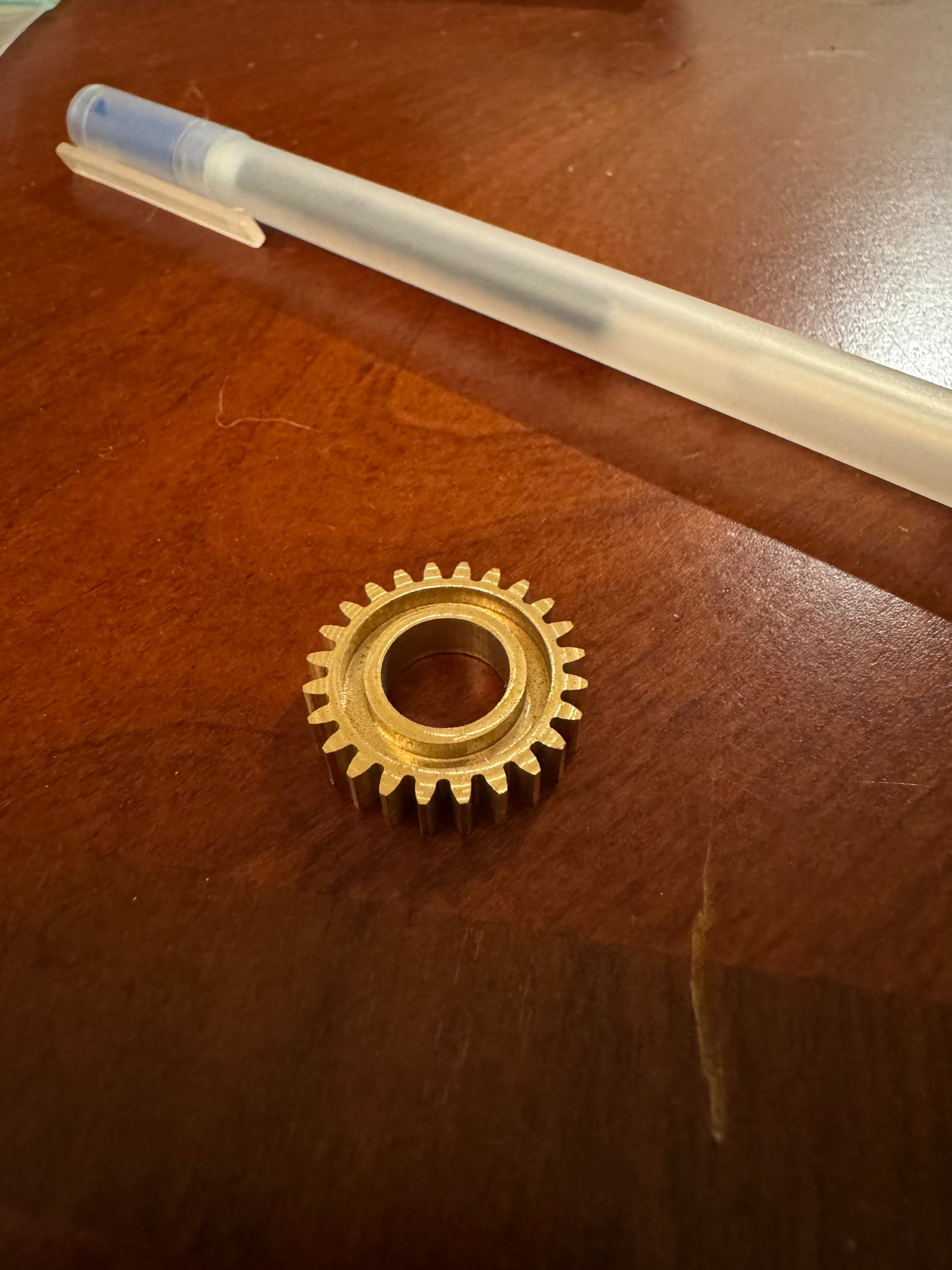
Not today, but cut a 0.8 module gear on 360 brass a couple of months back for an RC servo project I was working on. Mostly cut with the #112Z cutter, but used a specialized 0.025" end mill for the inner corners.
Pen for scale.
22 Likes
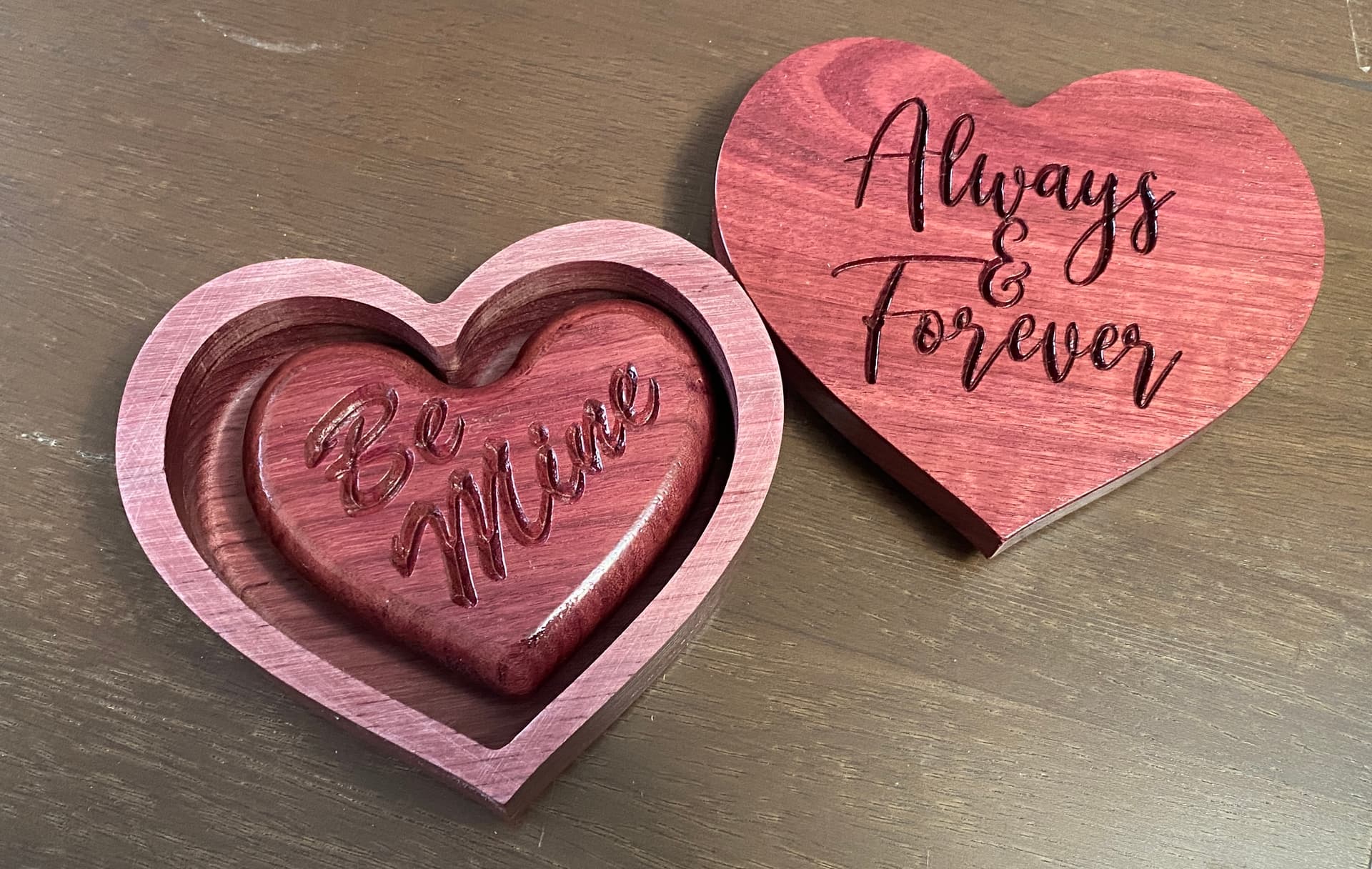
The wife and I were wondering around Rockler a few weeks ago when a piece of purpleheart wood caught my wife’s eye. Excitedly, she looked at me and said that she wanted something made from it. The board was milled to 3/4"x5"x24". I decided on a small jewelry type box. I made the base of the box in two layers that would be glued together. The engraved lid is a snug fit that can be easily lifted off.
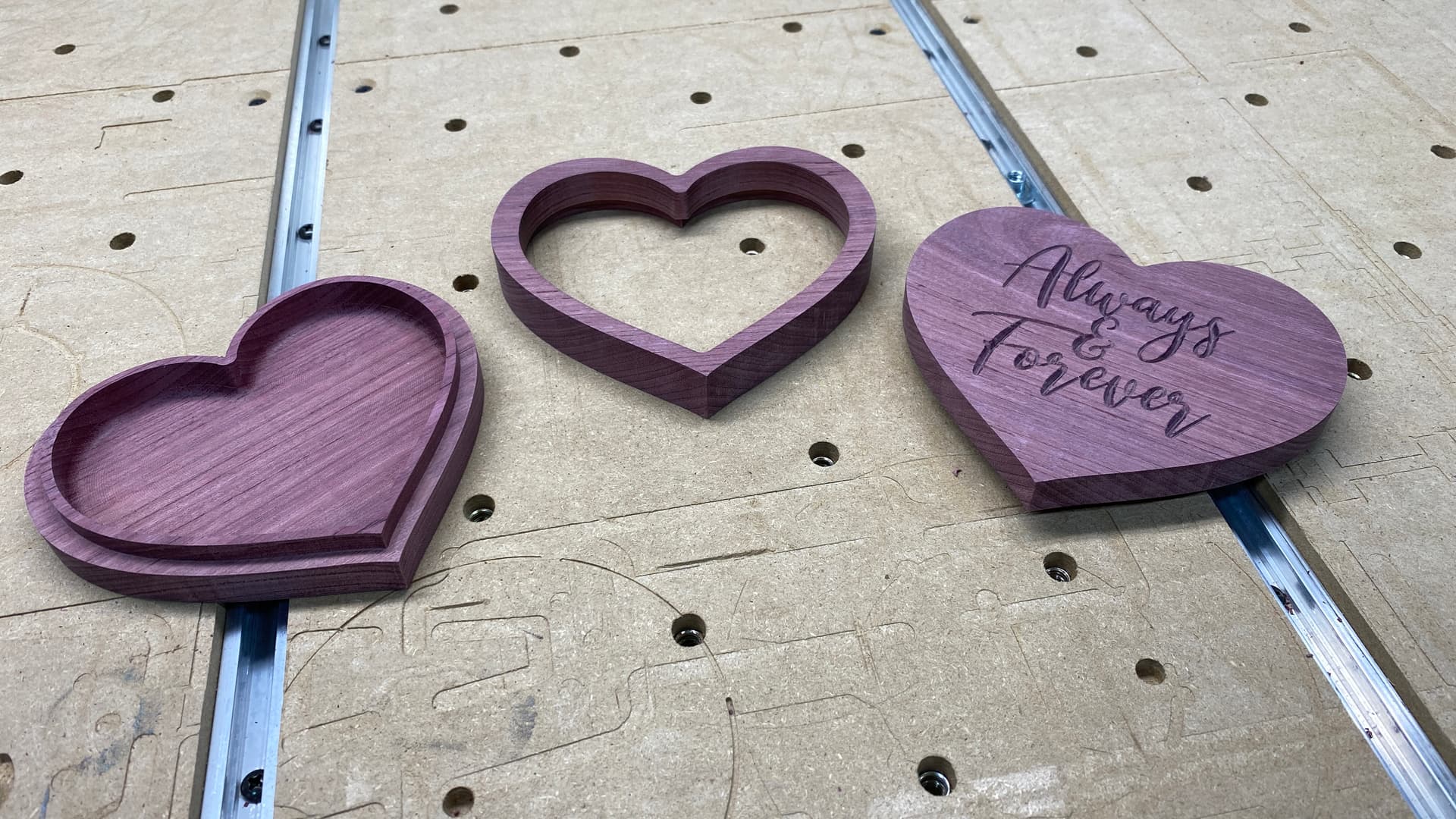
With a little router work, the core of the middle layer made for a nice surprise inside.
19 Likes
Mine were small, ~9”. Would love to see photos of yours if you have some so I can see the coloring.
Thanks!
Here are my 3 universes. All are 19" diameter.


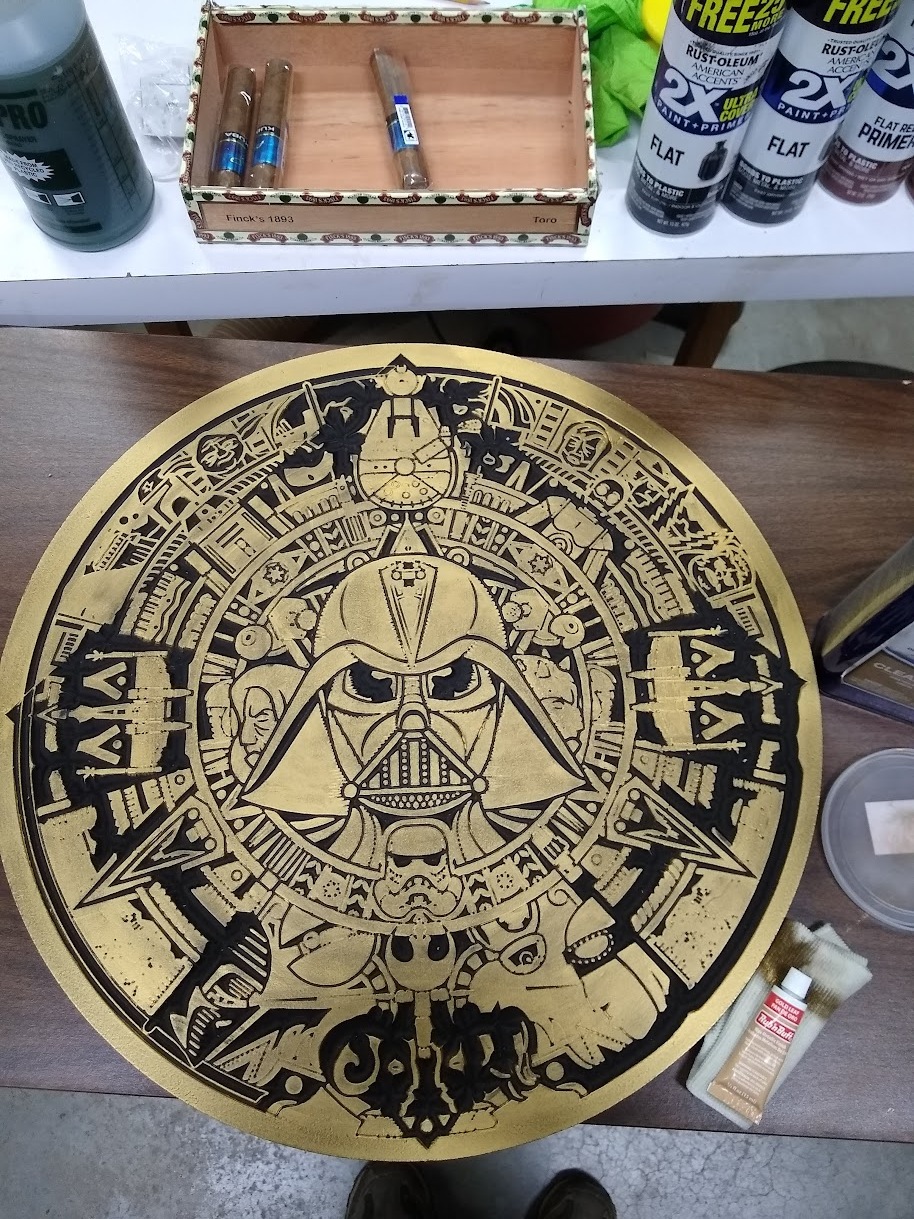
These were done in April 2020 before advanced vcarve was available. They are MDF 3/4". They were a simple vcarve.
13 Likes
Bet it was fun to program, You did a fantastic job.
This is a box for a fundraiser event. The event has an “Area 51” theme, so I took an older box design and updated it.
Inspired by the “Wow! Signal”, used 3D carving on resin, with the underside of the lid containing the infamous “6EQUJ5”.
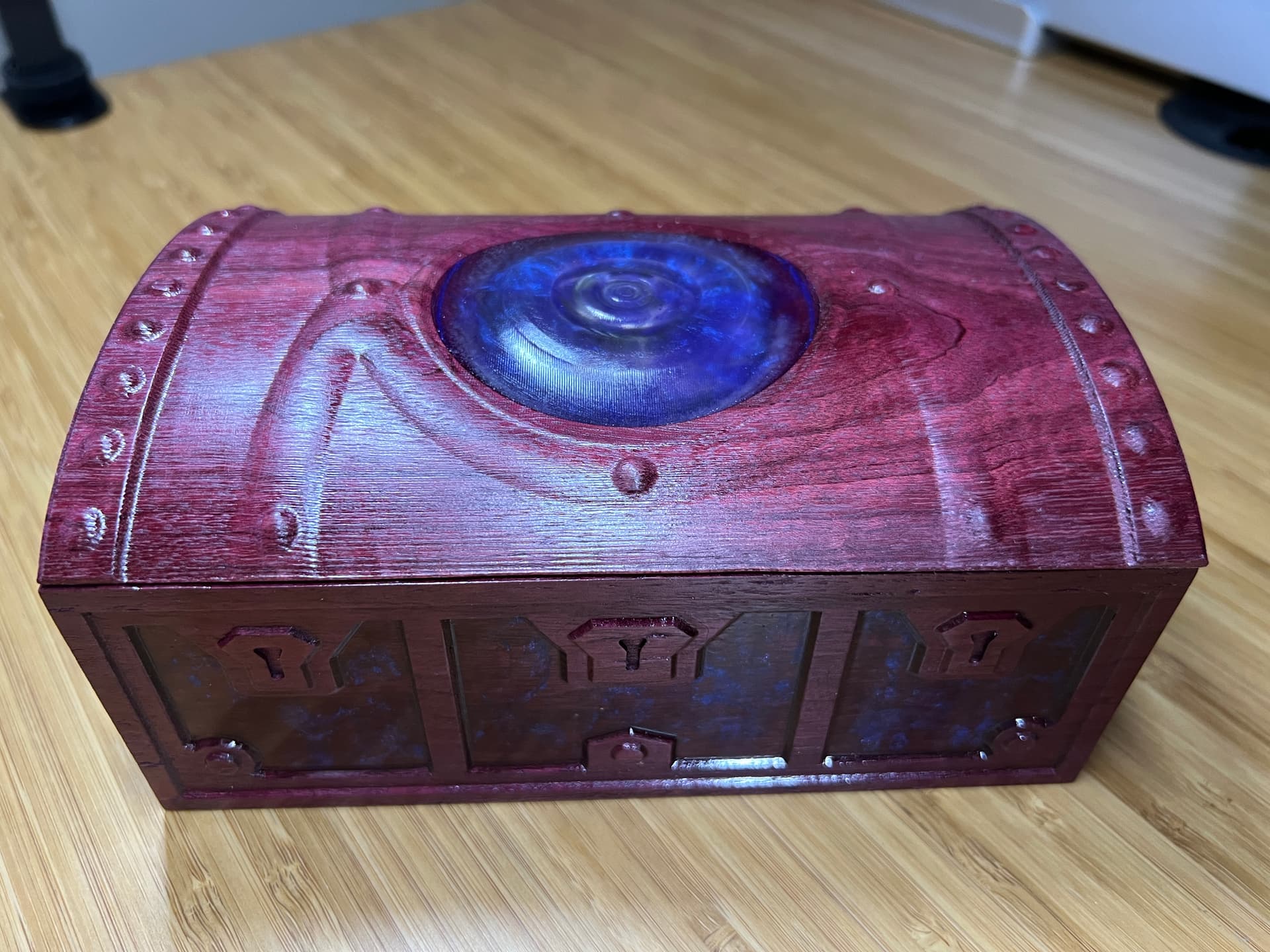

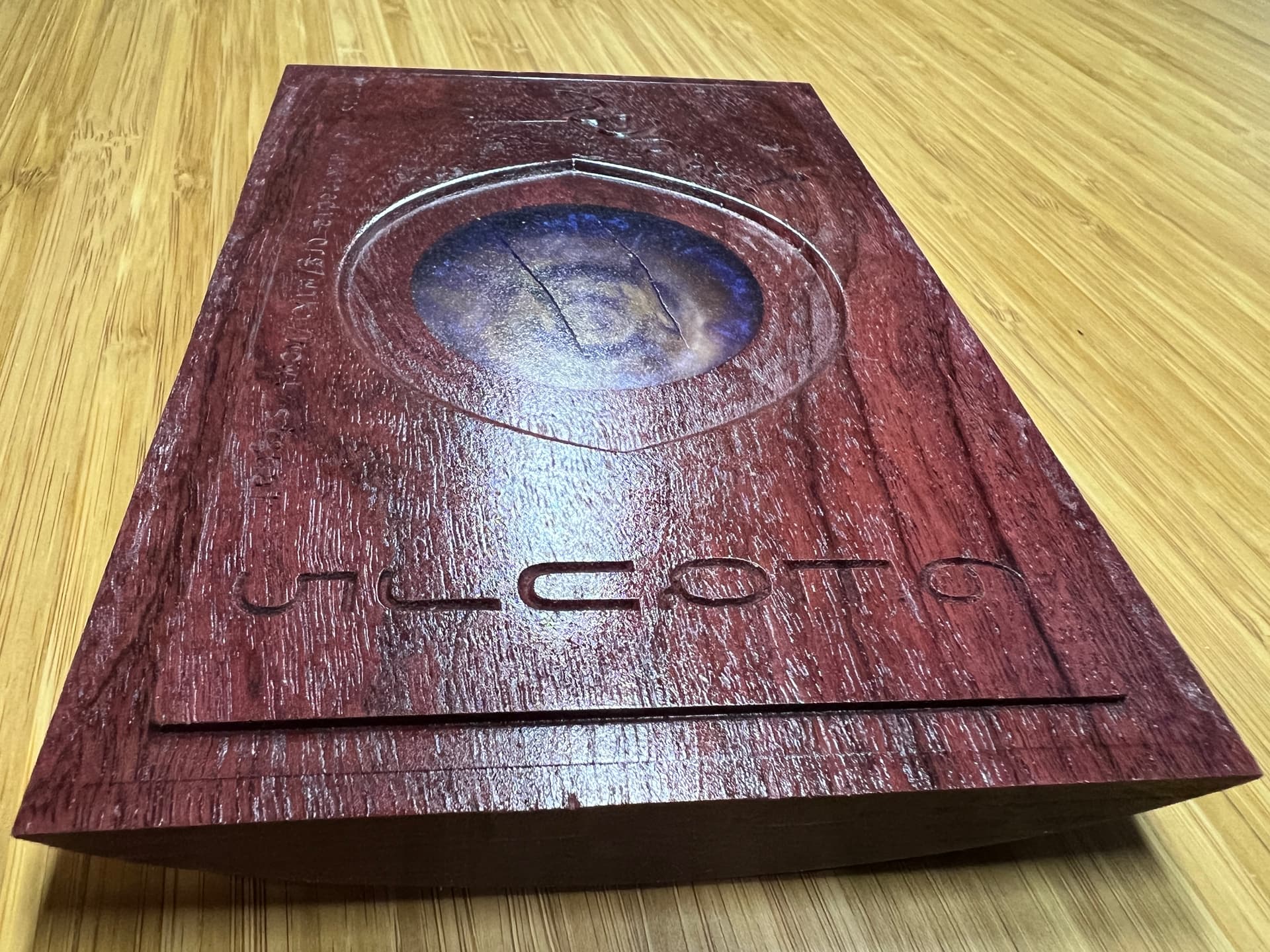
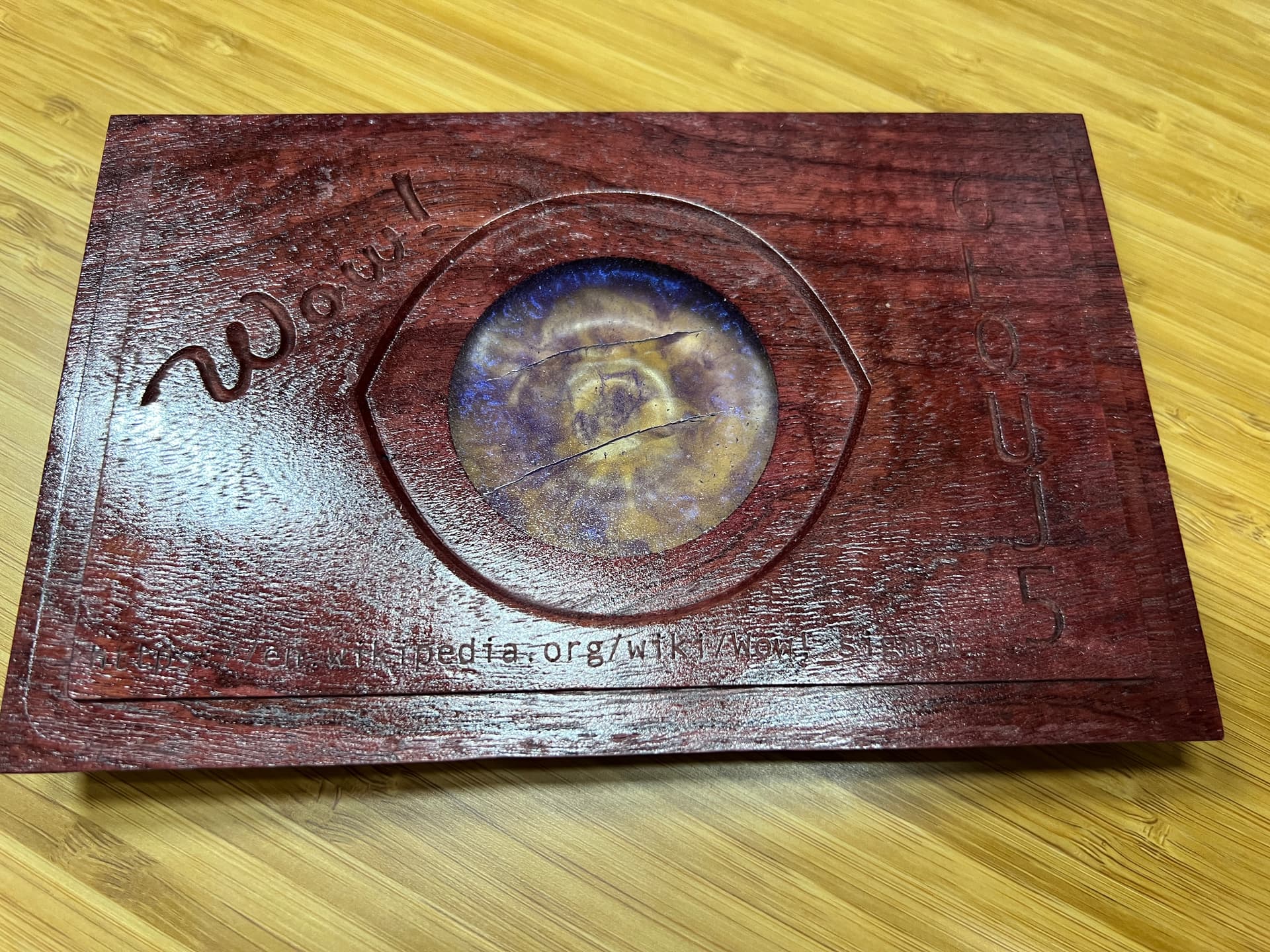
23 Likes
Looks great.
Hard to tel from the photo, did the resin shine up nice after the 3D carve and a topcoat?
I was wondering earlier today if you could do that or if you needed to sand to get it looking nice which would be harder on a 3D carve.
I didn’t have a way to sand the curvy top, so I ran multiple 3D finish passes in alternate angles. The flat bottom I was able to sand. I use spray lacquer to bring back the shine. Overall it’s not crystal clear but it is pretty good, you can see through it.
4 Likes
great idea. I’ll try it on the next one. This was a first try and I like your idea to make it stand out more. Thanks!
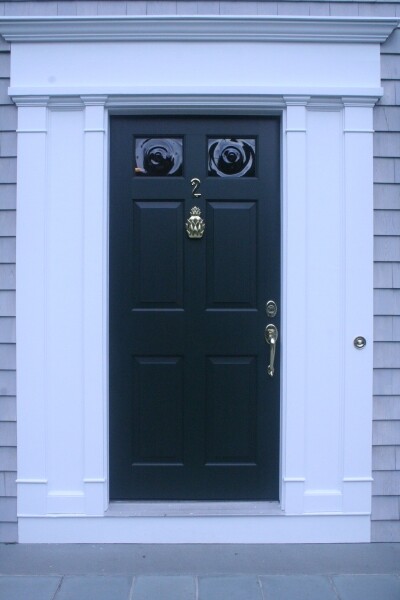
Wow. At first glance I thought the top of the box was one of those colonial glass pieces they used to put in the front door.
2 Likes
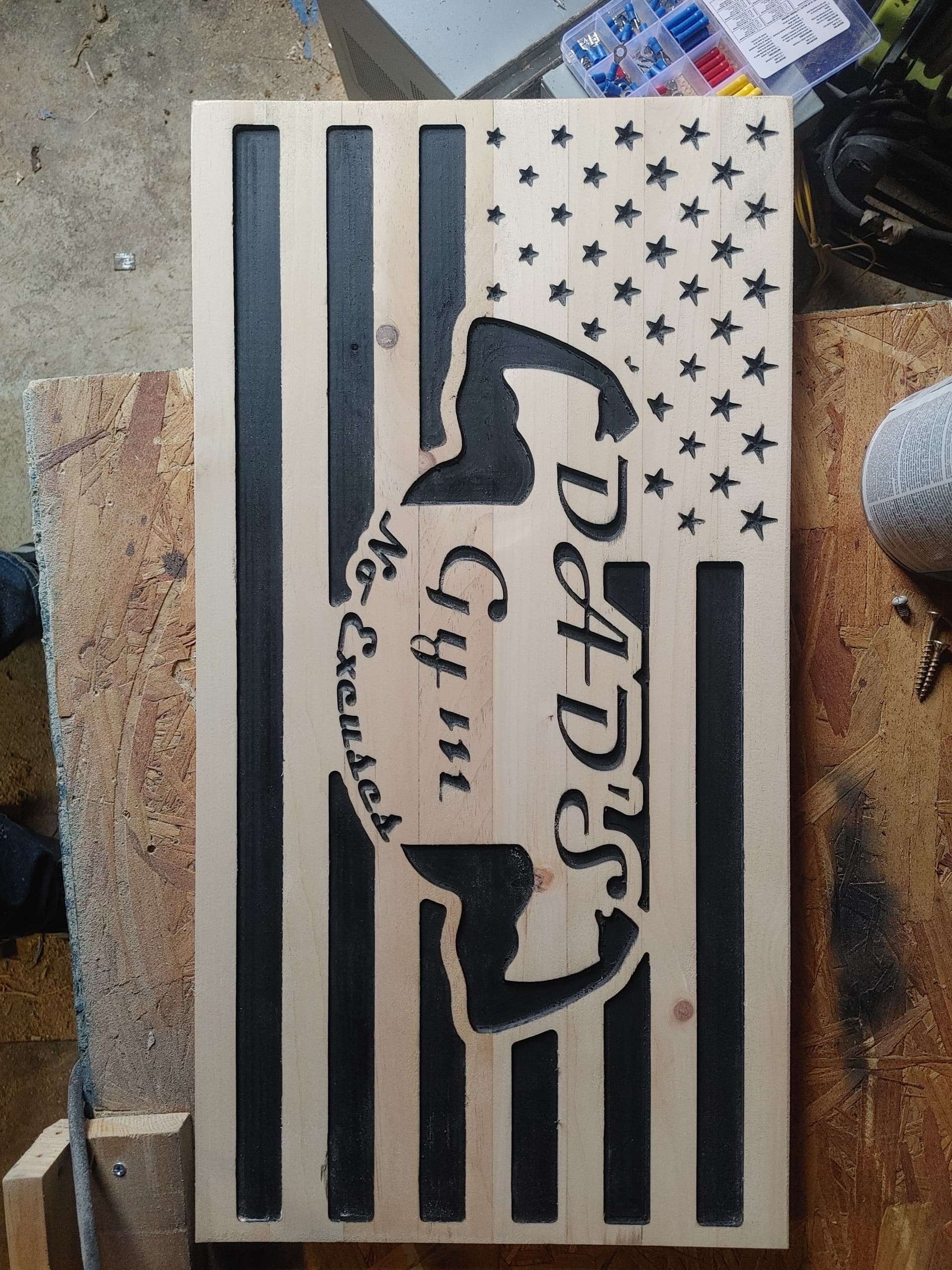
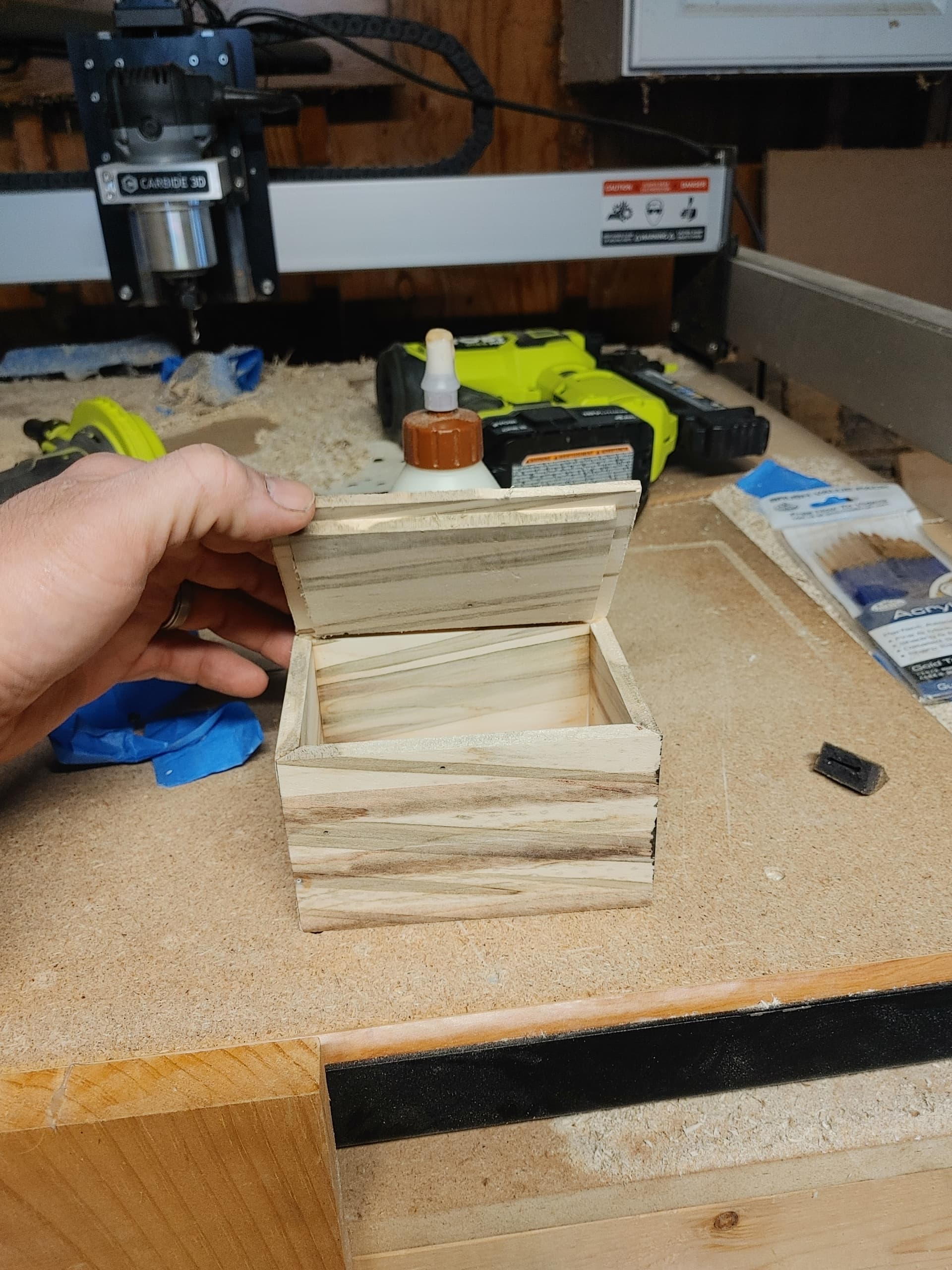
Very nice. Will have to try that paint scheme.
I struck up a relationship with a local sign shop recently and they asked me if I could cut coroplast which is corrugated plastic used in temporary signs. I tried a make shift dragknife using the SharkTooth pen tool and an xacto blade but it didn’t go well so I ordered the SST Dragknife.
First they sent me the wrong size, then I was stupid and had the router set to come on and when the job started it spun up and bent the shaft.
I ordered a replacement shaft and bearings from SST and a new set of collets from C3D as I was worried it may have been damaged as well.
Once the shaft was replaced I did a couple of small tests with a square, a circle and an irregular shape. It stop several tires to get the work holding and the depth of cut correct.
Today I did a couple of larger more realistic tests in a shape the sign shop actually needs. It worked very well and the edges are very clean. Prior to this I tried upcut, downcut and a compression bit. @wmoy had some success in one of his videos using the upcut I believe but I found the edges too rough and fuzzy for my liking.
This is the smaller one. As you can see this opens up possibilities for stencils.
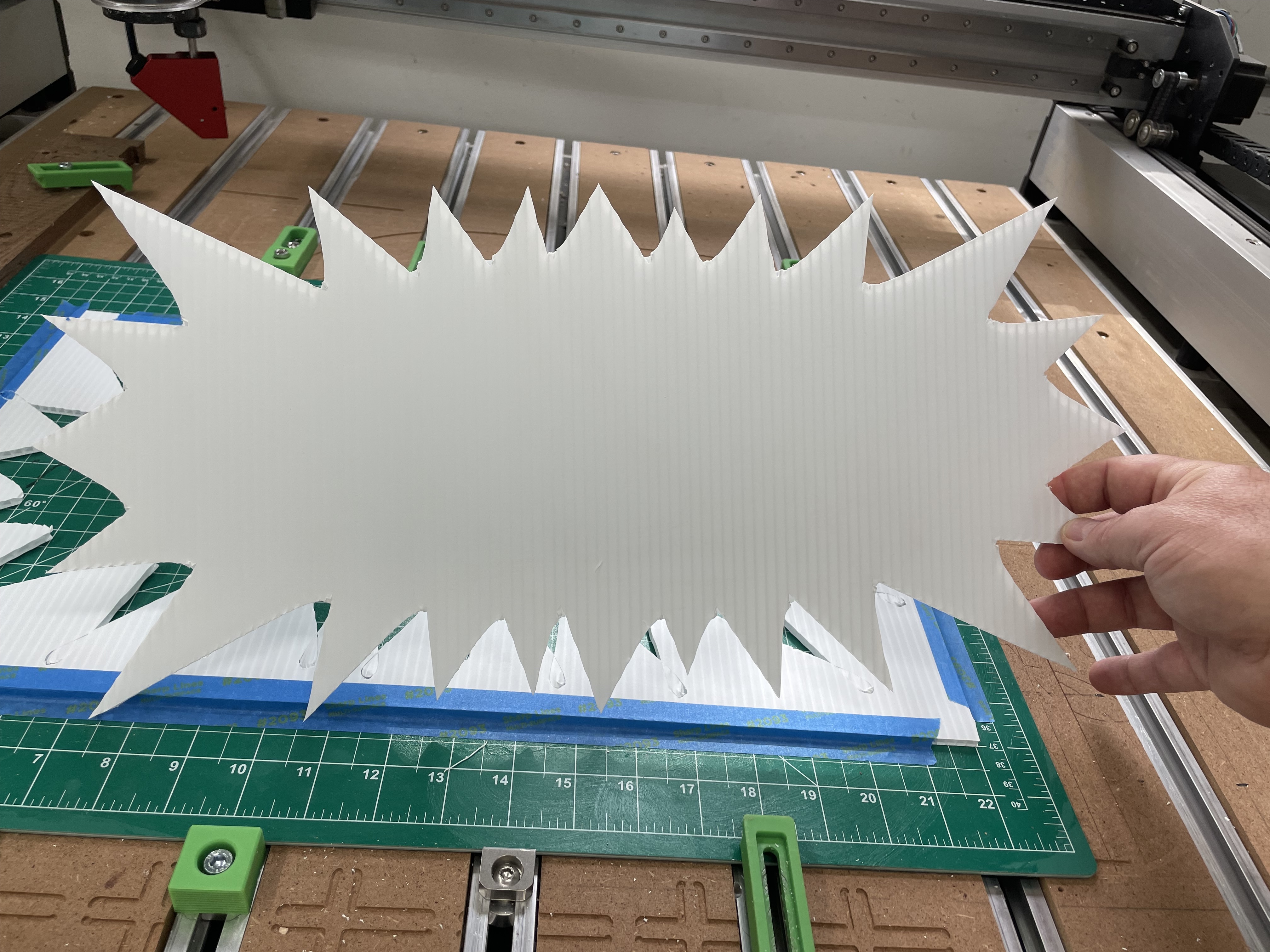
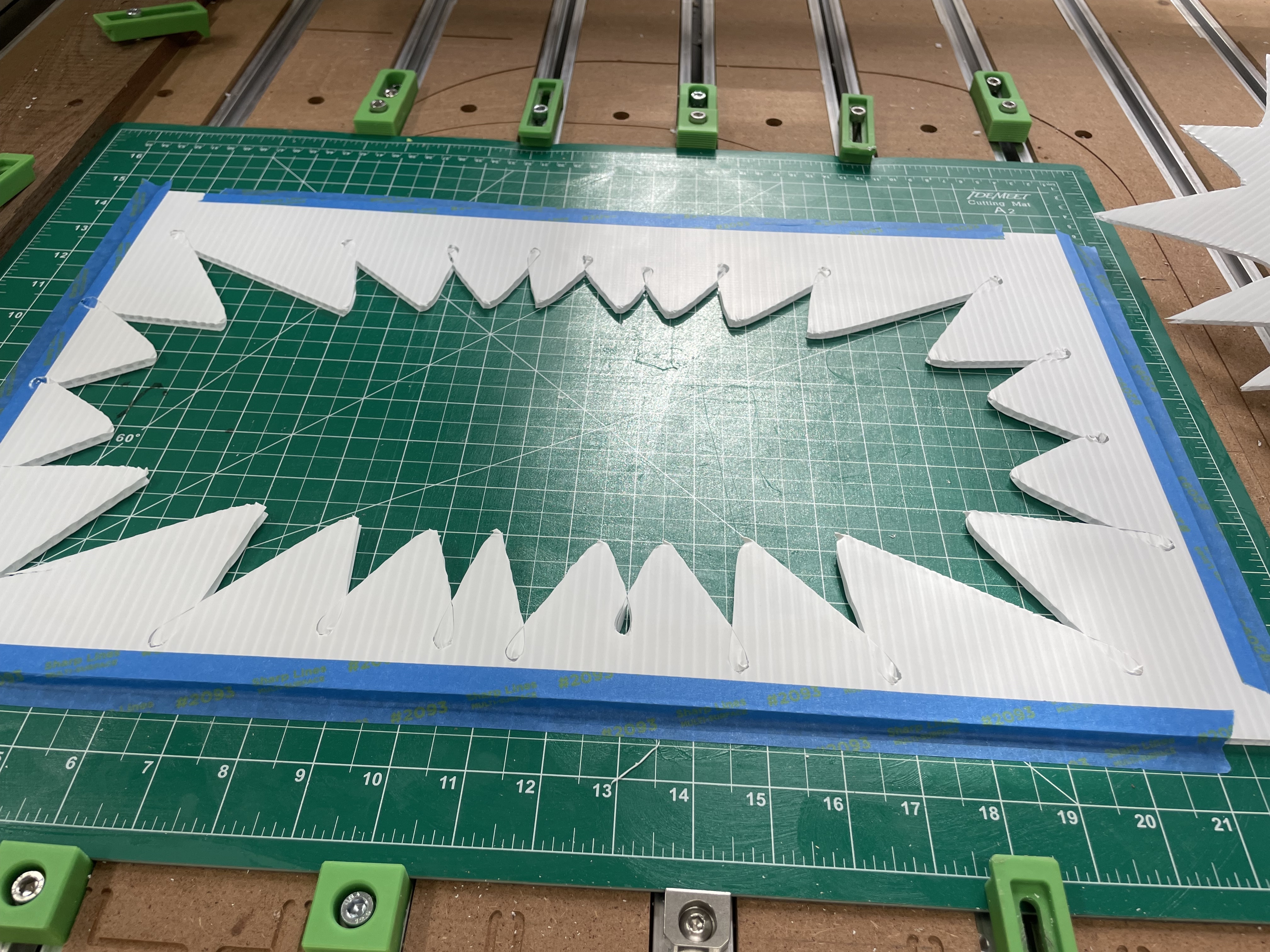
This was the larger one. This was too large for my cutting mat so I just put it on the spoilboard and used a line of double sided woodworking tape around the perimeter to hold it down.
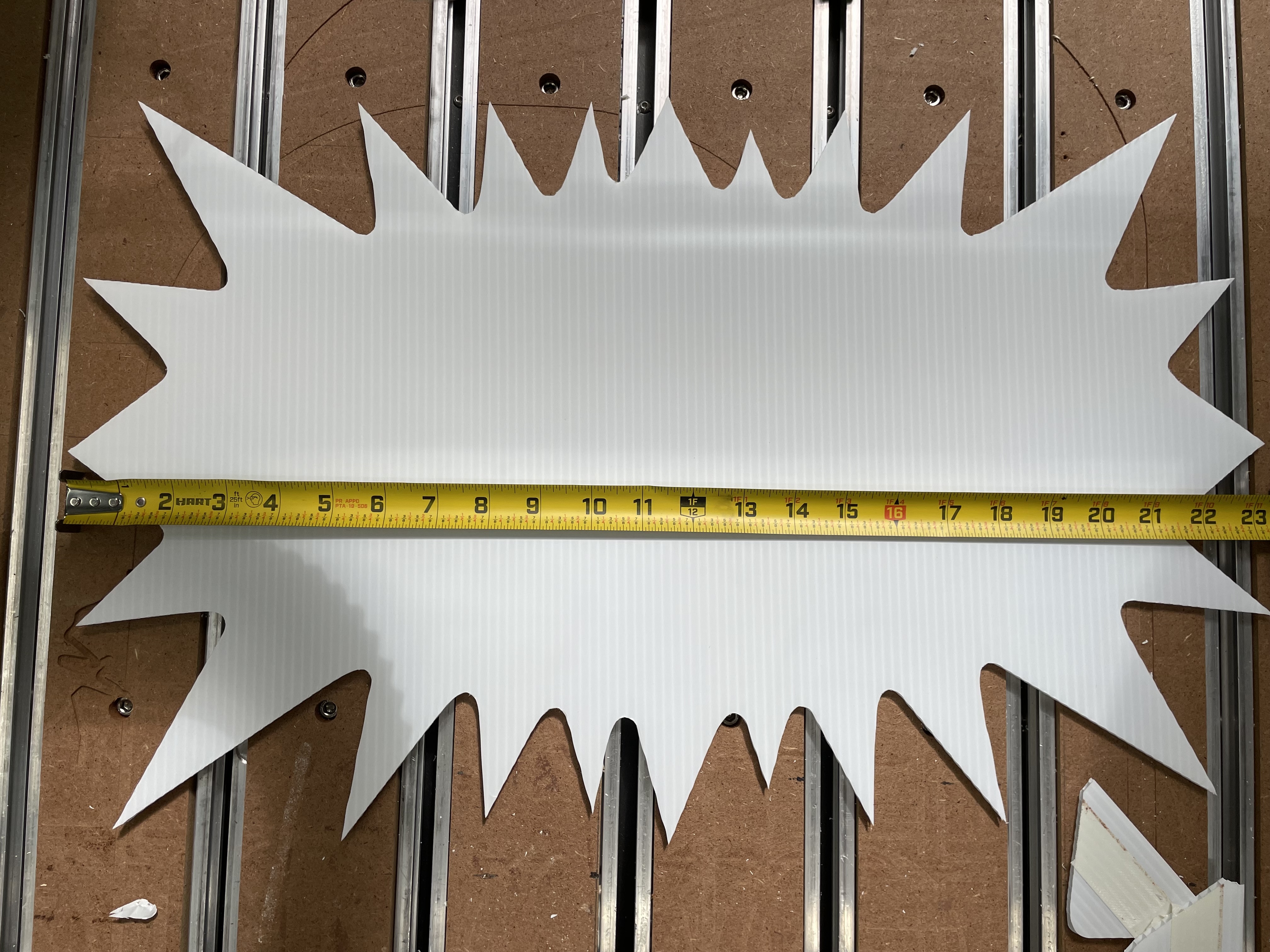
I used Vcarve Desktop which doesn’t have access to the dragknife “gadget” of the Pro version which deals with over cutting tight exterior corners. But I did find a plasma/dragknife option in the fillet menu which really helped.
If you want to see it in action you can check this out:
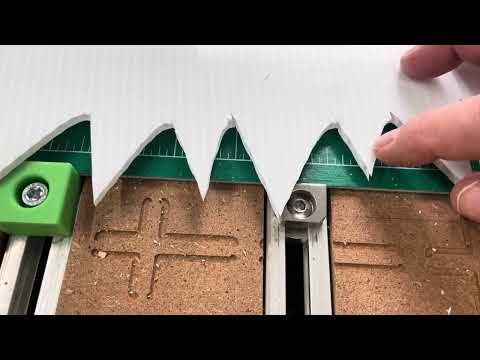
I am a YouTube noob so pardon my less than flashy presentation and poor production values.
12 Likes